Customer Ratings & Reviews


- Model:
- GY2XK
- SKU:
- 6375328
Rating by feature
- Display Quality
Rating 4.9 out of 5 stars
- Ease of Use
Rating 4.8 out of 5 stars
- Features
Rating 4.9 out of 5 stars
Customers are saying
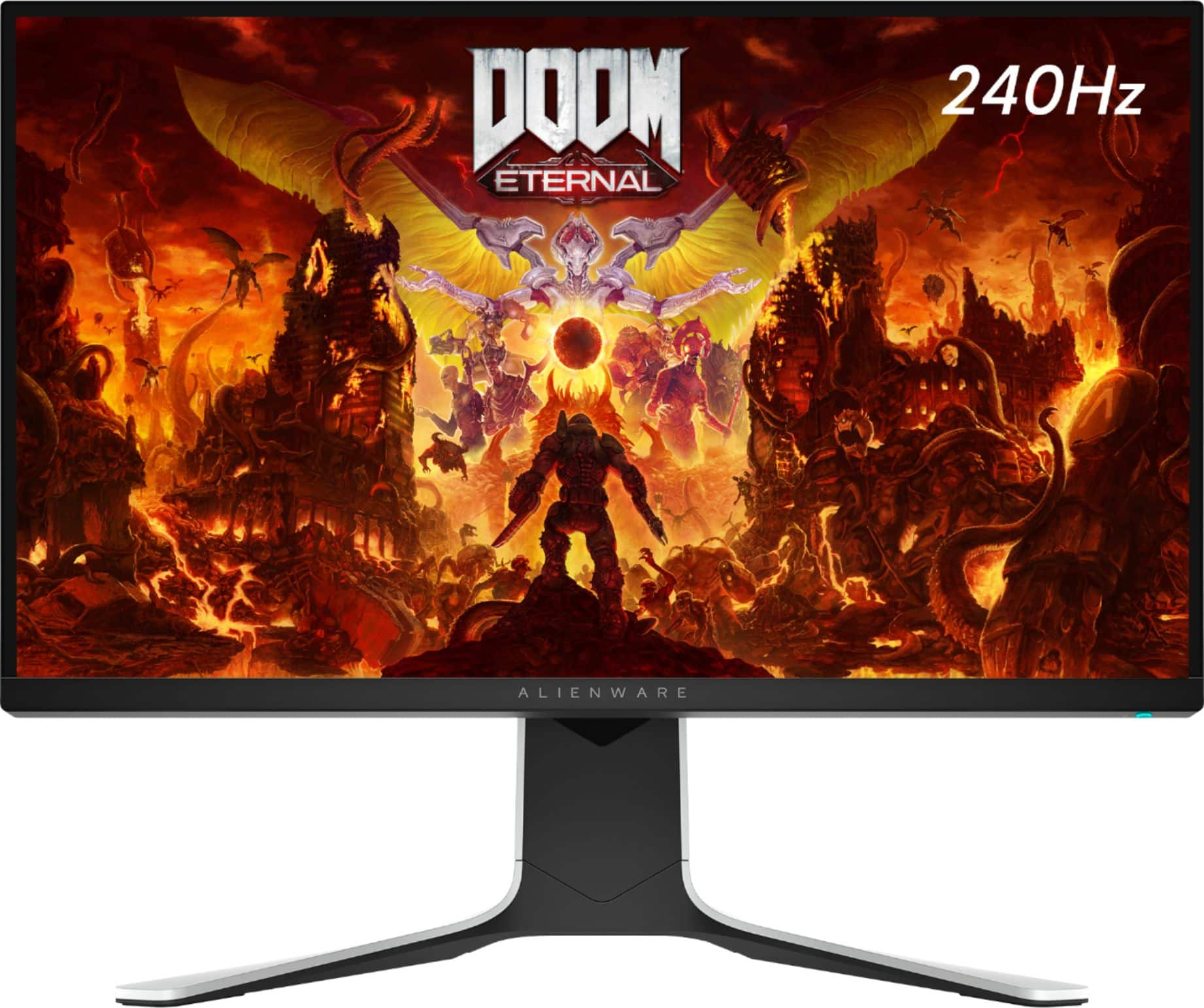
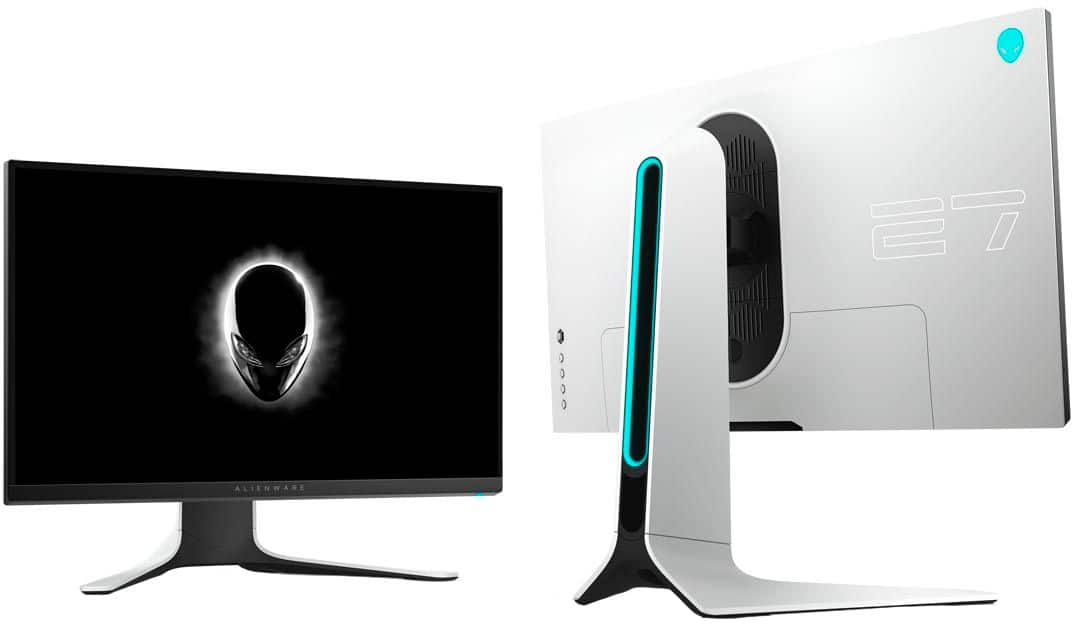
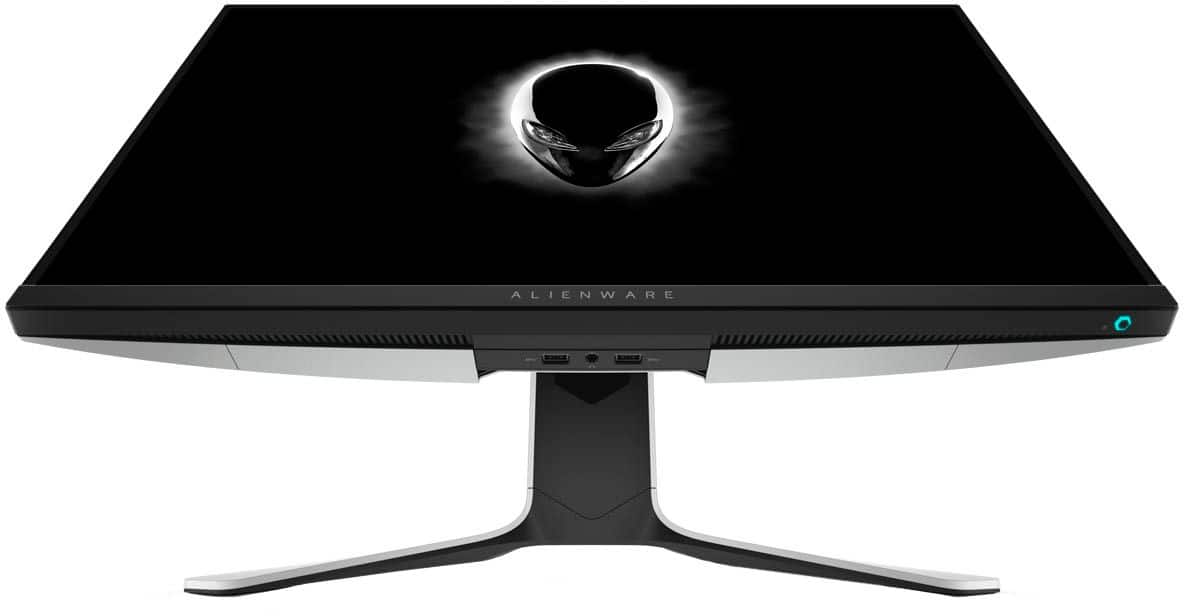
Customers are satisfied with the picture quality, refresh rate, and graphics of the AW2720HF monitor, with many praising its performance in gaming. The ease of setup and value for the price are also frequently cited as positive aspects. While some users wish it included built-in speakers, most find the monitor's weight and lack of curvature to be minor drawbacks.
This summary was generated by AI based on customer reviews.
I'm going to return it because it doesn't have gsy
||Posted . Owned for 1 week when reviewed.This reviewer received promo considerations or sweepstakes entry for writing a review.no gsync , only amd freesync I'm going to return it because it doesn't have gsync .
I would recommend this to a friendBrand response from YourDellTeam
Posted .Hello ELIJOE,
Thank you for sharing your feedback and review. We're sorry to hear that this Alienware monitor has not met all your expectations and apologize for the inconvenience. For future reference, we include the compatibilities of our monitors within the specifications so that you may ensure you're getting the monitor that meets your expectations. Per its specifications, the AW2720HF supports the AMD FreeSync and Nvidia G-Sync. We would like to help right away. Here is a link that lists the supported Dell monitors and provides instructions to enable G-Sync on this Alienware monitor - https://dell.to/3zQZIkk. If you run into issues, please contact Dell Support directly at 1-800-264-9896.
Sincerely,
Wendy C.
https://bit.ly/DellSupportTeam.
Phone number to Dell: 1-800-264-9896.
Opened box "excellent" not so much
||Posted .This reviewer received promo considerations or sweepstakes entry for writing a review.Had to return it because it wA broken. Changed the monitor for another one
No, I would not recommend this to a friendpoor resolution
||Posted .This reviewer received promo considerations or sweepstakes entry for writing a review.native resolution low in order to get a refresh rate of 240
No, I would not recommend this to a friendBrand response from YourDellTeam
Posted .Hi AverageJoe,
Thank you very much for your valuable feedback. We are sorry to hear that you are not too happy with your Dell 27” IPS gaming monitor because its resolution is not.
Your monitor has a built-in diagnostic tool that helps you determine if any screen abnormality you experience is an inherent problem with your monitor, or with your computer and video card.
To run the built-in diagnostics:
1. Ensure that the screen is clean (no dust particles on the surface of the screen).
2. Press and hold Button 4 for about 4 seconds until a pop-menu appears.
3. Use Button 1 or Button 2 to select the diagnostic tool and use Button 3 to confirm. A gray test pattern appears at the beginning of the diagnostic program.
4. Carefully inspect the screen for abnormalities.
5. Press Button 1 again to change the test patterns.
6. Repeat steps 4 and 5 to inspect the display in red, green, blue, black, white, and text screens.
7. Press Button 1 to end the diagnostic program.
If you do not detect any screen abnormalities upon using the built-in diagnostic tool, the monitor is functioning properly. Check the video card and computer.
The full article on built-in diagnostics can be found below:
How to Run a Diagnostic Test on a Dell Monitor: https://dell.to/3CW8ctj
If the issues are still not resolved after applying the troubleshooting tips above, we recommend contacting the Dell Support Team at the information provided below for further guidance.
Best,
Katarina@Dell
Should you need further assistance, you can contact Dell directly with the information below.
Chat or call: https://bit.ly/DellSupportTeam
Phone number to Dell 1-800-624-9896
The worst
||Posted .This reviewer received promo considerations or sweepstakes entry for writing a review.Never buy this used didn’t even bring manual missing parts
No, I would not recommend this to a friend- Pros mentioned:Refresh rate
Great monitor
Posted .This reviewer received promo considerations or sweepstakes entry for writing a review.Great monitor very solid. Not bad, it’s a bit pricey but you do get a lot of hrtz for the price.
I would recommend this to a friend - Pros mentioned:Color
Great main monitor
Posted .This reviewer received promo considerations or sweepstakes entry for writing a review.great, still holds up, great color and FPS is unmatched.
I would recommend this to a friend Love it
Posted .This reviewer received promo considerations or sweepstakes entry for writing a review.I’ve had it for 3 years and it’s still the best purchase that I’ve made
I would recommend this to a friendmust have
Posted .This reviewer received promo considerations or sweepstakes entry for writing a review.great monitor! gaming at 240 hz is a game changer if your rig can handle it!
I would recommend this to a friendAmazing
Posted .This reviewer received promo considerations or sweepstakes entry for writing a review.Great specs and great graphics. All around an amazing product. Alienware never disappoints.
I would recommend this to a friendGreat purchase!!
Posted .This reviewer received promo considerations or sweepstakes entry for writing a review.This monitor is great! Very clear! Extremely happy with my purchase! Thinking about buying a second one!
I would recommend this to a friendAlienware monitor
Posted .This reviewer received promo considerations or sweepstakes entry for writing a review.Had for 3 years now it is a excellent monitor for gaming consistent monitor and looks brand new after 3 years,definitely top class
I would recommend this to a friendGreat for gaming
Posted .This reviewer received promo considerations or sweepstakes entry for writing a review.Great monitor for gaming. Great display and response time.
I would recommend this to a friendGood Monitor
Posted .This reviewer received promo considerations or sweepstakes entry for writing a review.Really good monitor and havent had a problem with since 2021
I would recommend this to a friendBEST
Posted .This reviewer received promo considerations or sweepstakes entry for writing a review.best monitor had it for 3 years still like brand new!!!!
I would recommend this to a friendAmazing monitor with good picture quality!
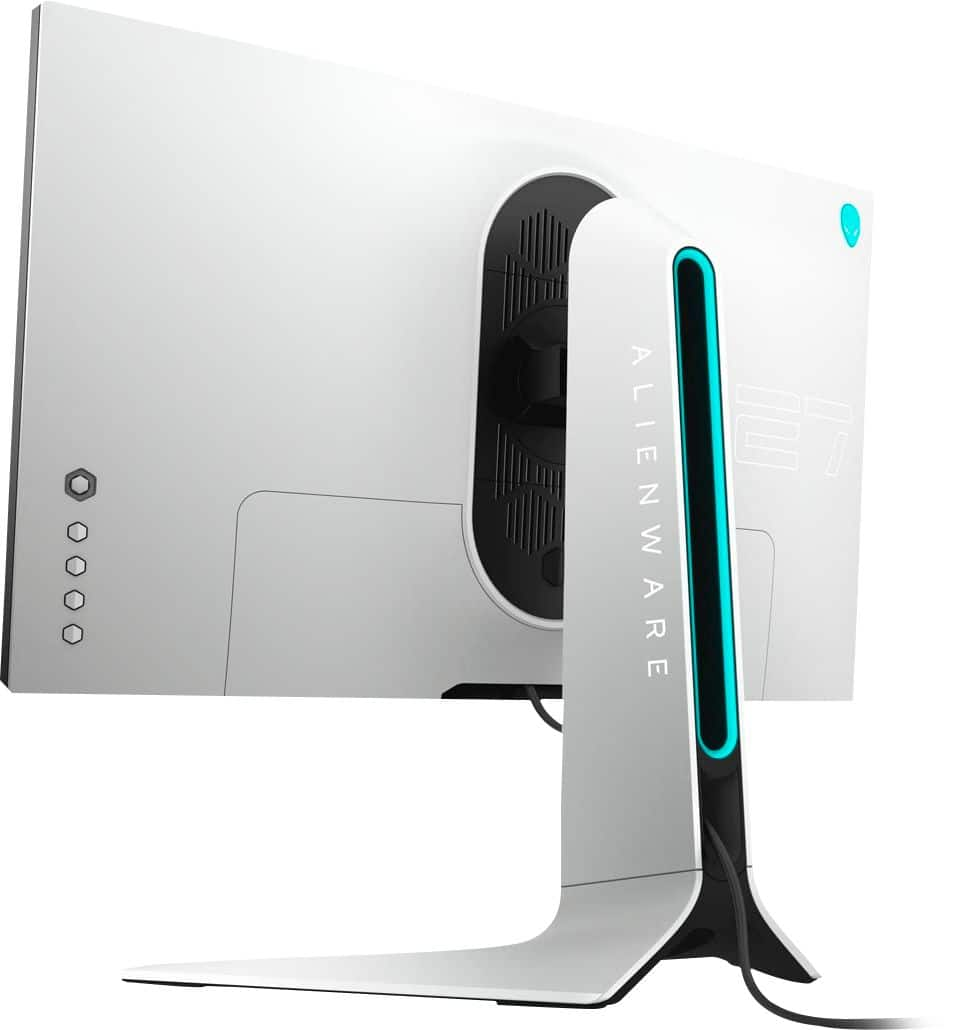
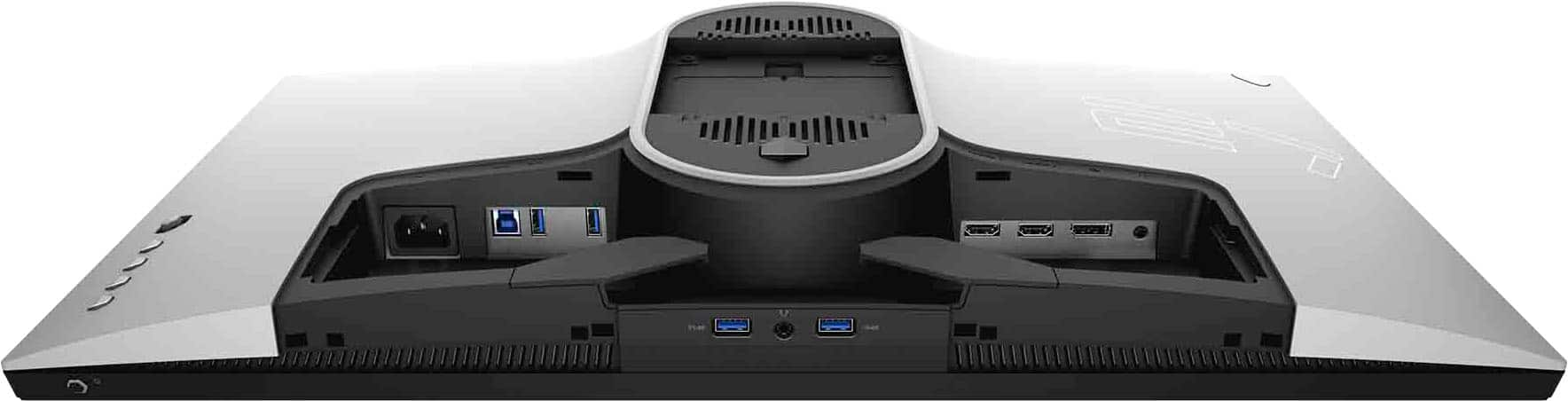
Posted .This reviewer received promo considerations or sweepstakes entry for writing a review.I have 2 of these monitors with my Aurora R10 and it is by far one of the best monitors. Has USB slots under it as well which are very useful for charging head phones.
I would recommend this to a friendThis thing is god tier amazing build quality
Posted .This reviewer received promo considerations or sweepstakes entry for writing a review.Take a little time to adjust the panel how you like in-game but other than that its the second to no monitor rn
I would recommend this to a friendDont buy
Posted .This reviewer received promo considerations or sweepstakes entry for writing a review.The colors are bland and like they were all sucked right out of the screen and you can see the pixels from the screen from a far 
No, I would not recommend this to a friendBrand response from YourDellTeam
Posted .Hey Idontknowwhattoput,
Thank you for taking the time to leave a review of your Alienware 27” Gaming Monitor. We are sorry to hear that you are experiencing an issue with your screen pixel. That is not the type of feedback we like to hear from our customers. Below I have provided a troubleshooting link to help resolve your issue.
Screen Troubleshooting Link: https://dell.to/3WDR0kT
Should you need further assistance; we recommend that you contact Dell directly with the information below.
Chat or call: https://bit.ly/DellSupportTeam
Phone number to Dell: 1-800-624-9896.
Best Regards,
Summer@Dell