Customer Ratings & Reviews
- Model:
- AW2724HF
- SKU:
- 6576610
Rating by feature
- Display Quality
Rating 4.8 out of 5 stars
- Ease of Use
Rating 4.8 out of 5 stars
- Features
Rating 4.7 out of 5 stars
Customers are saying
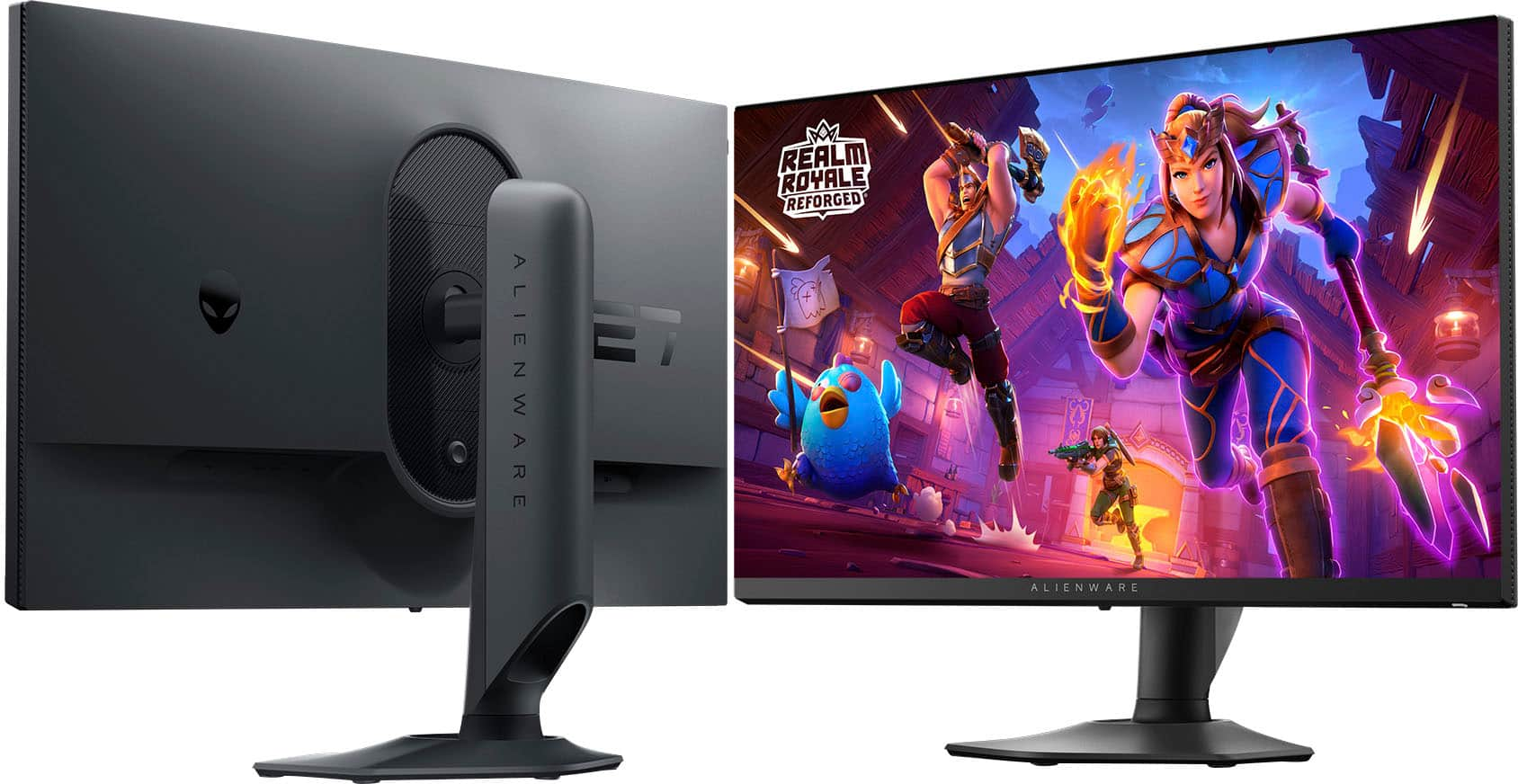
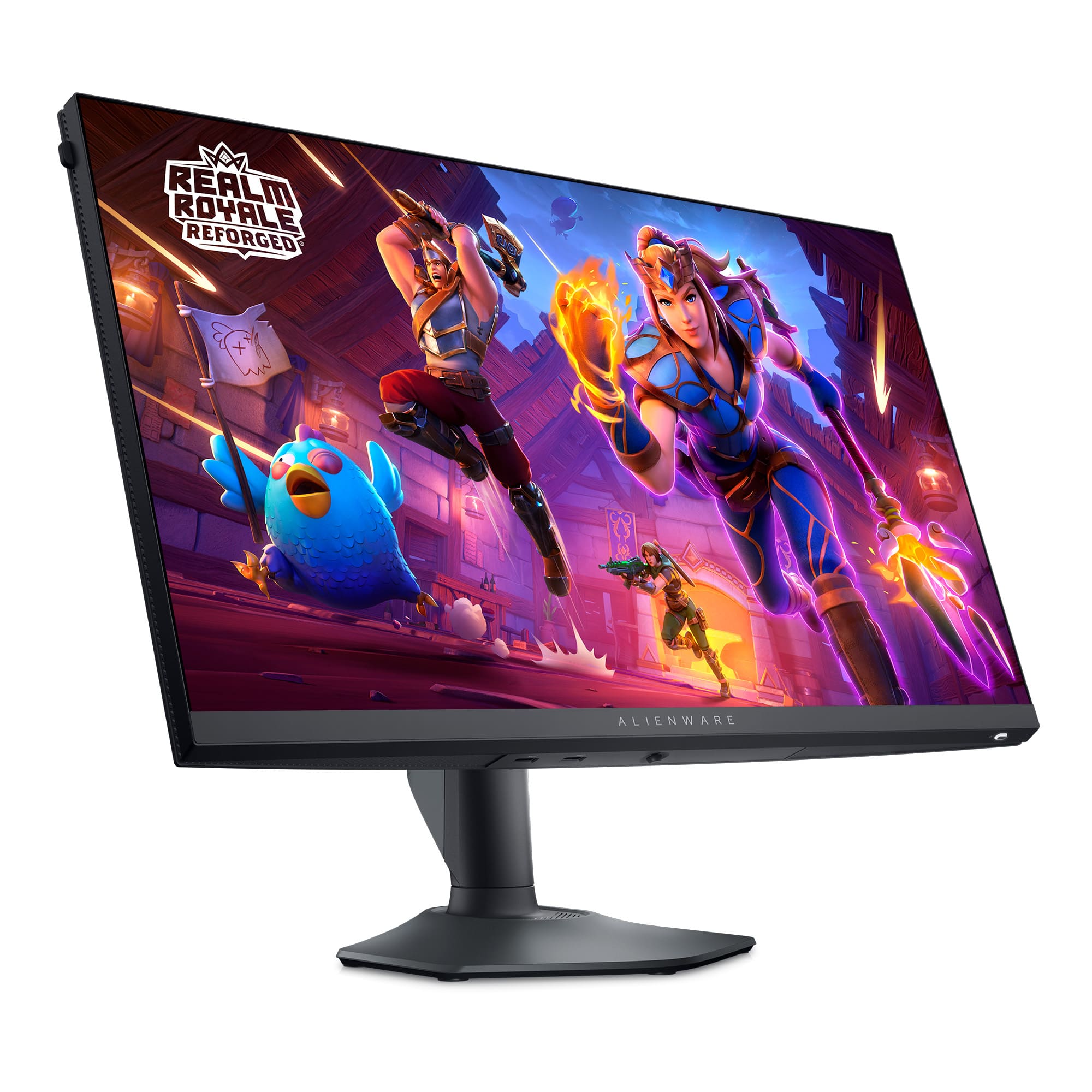
Customers are satisfied with the product's overall performance, praising its excellent refresh rate and incredible color and black levels. They also appreciate the solid display quality, the included DisplayPort cable, and the well-designed stand, noting a lack of ghosting. However, some customers desire a higher resolution and point out the absence of built-in speakers.
This summary was generated by AI based on customer reviews.
Aliens
||Posted . Owned for 3 weeks when reviewed.This reviewer received promo considerations or sweepstakes entry for writing a review.Aliens aliens aliens. The best aliens is this screen. The only alien I want in my house
I would recommend this to a friendBest!
||Posted . Owned for 6 months when reviewed.This reviewer received promo considerations or sweepstakes entry for writing a review.Best monitor I’ve ever owned. 10/10 recommend! Love it!
I would recommend this to a friend- Pros mentioned:Color, Overall performance, Refresh rateCons mentioned:Ghosting

Outstanding game play and video creation
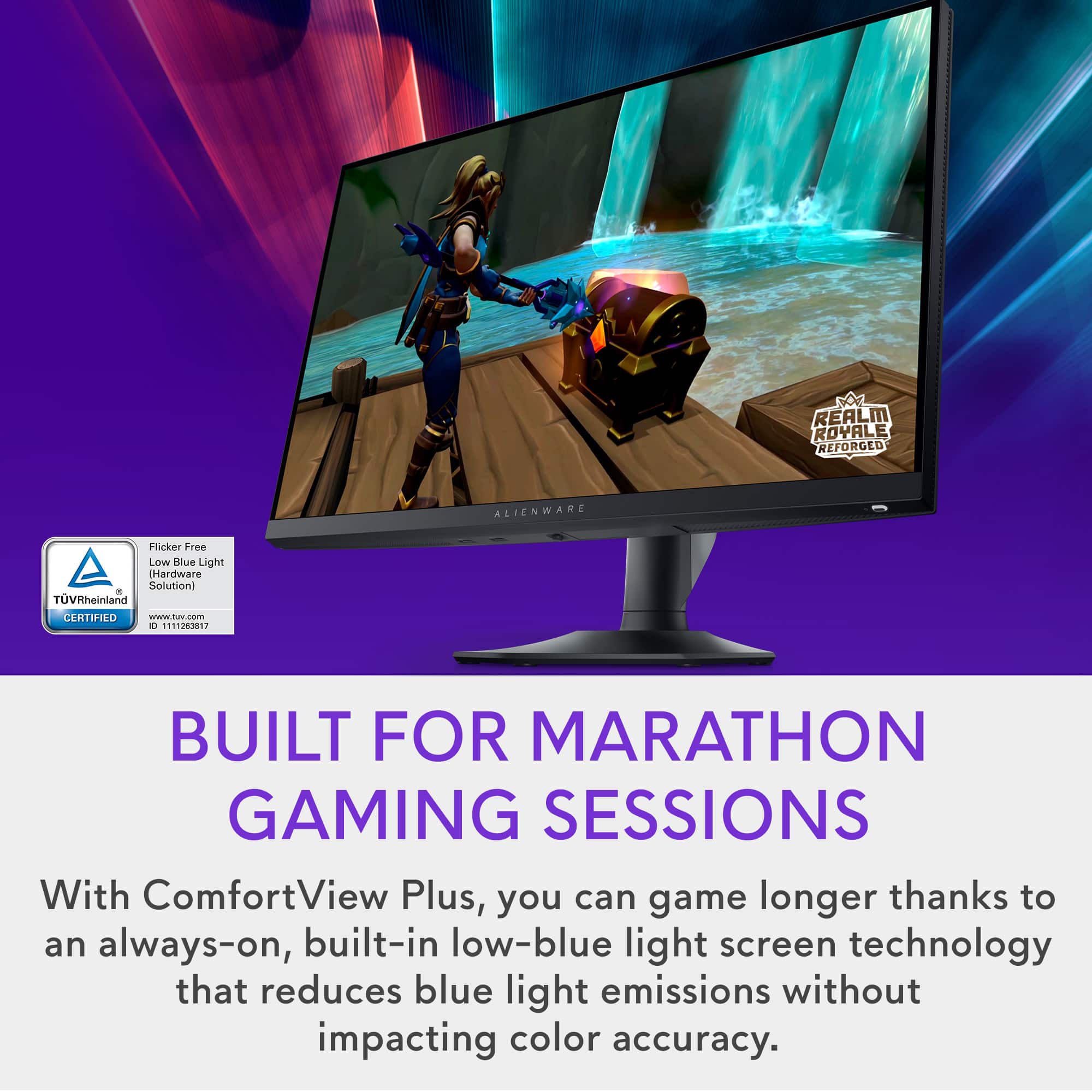
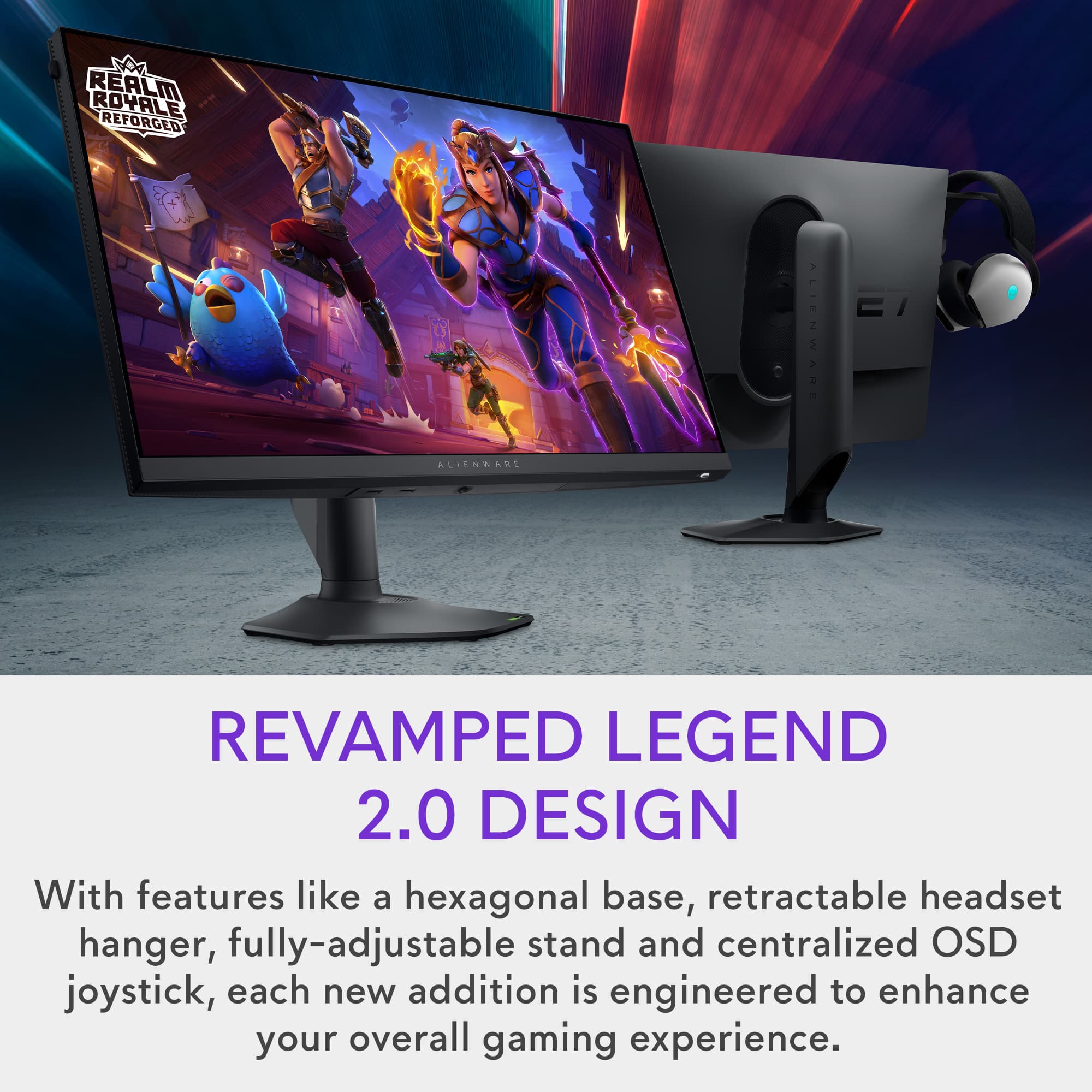
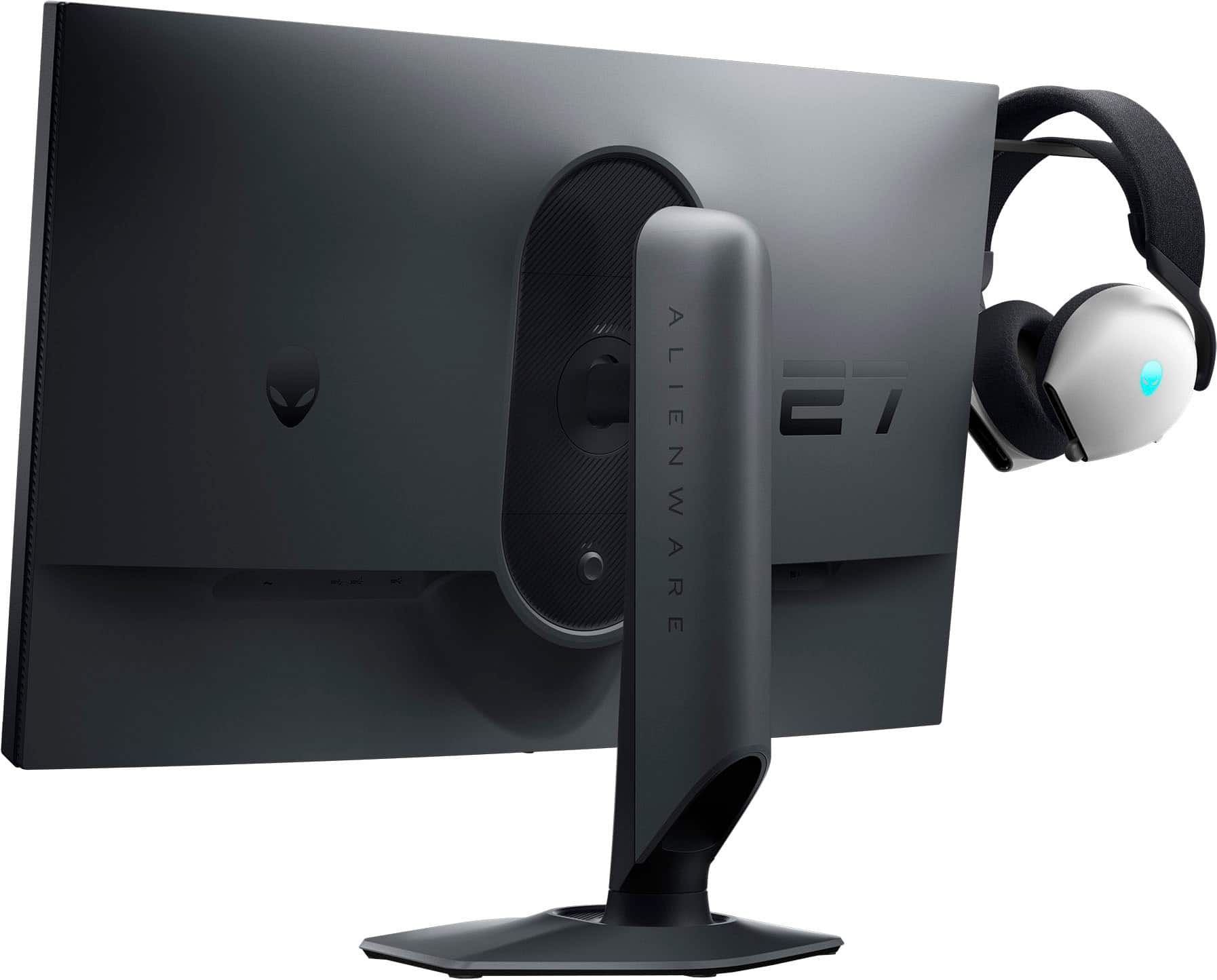
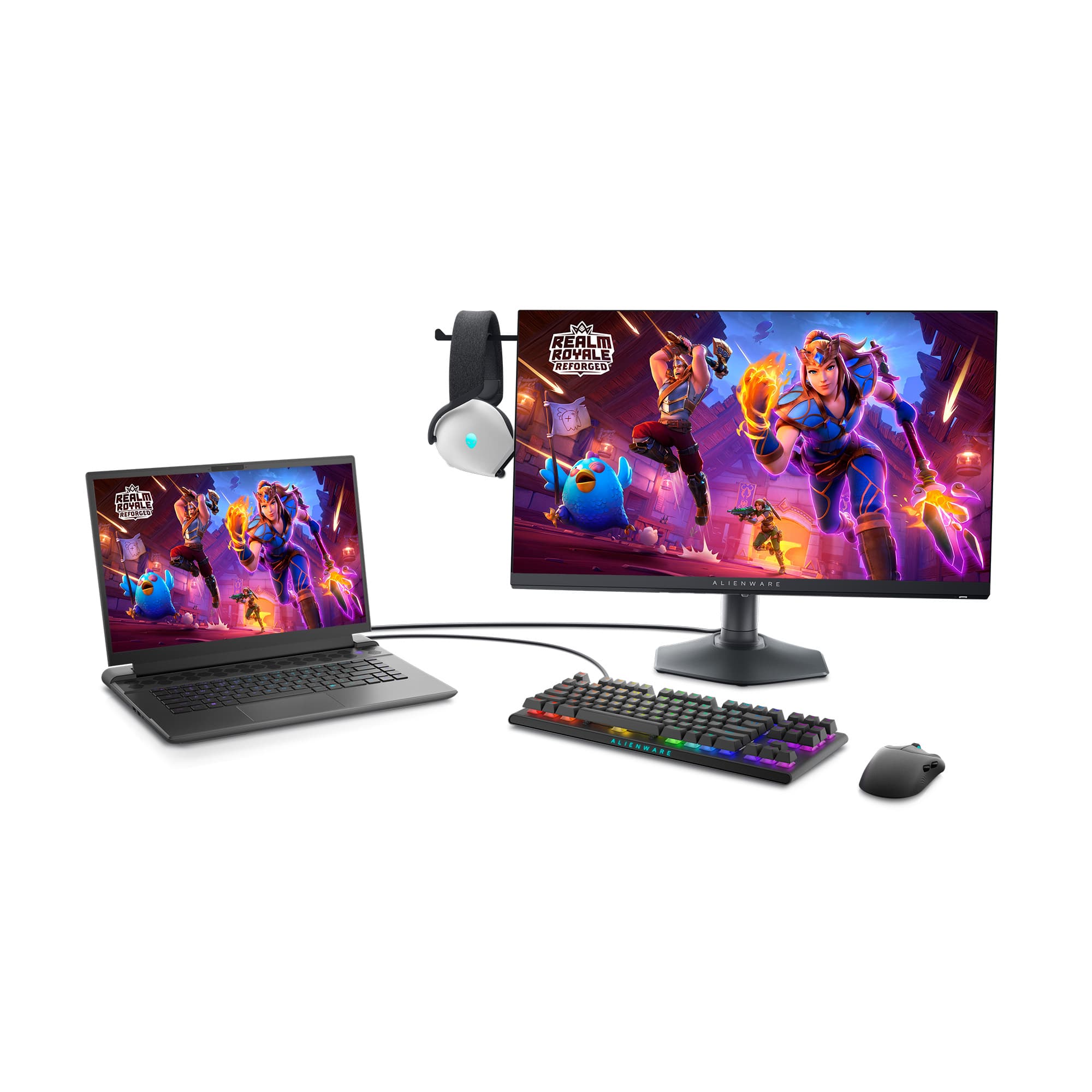
|Posted .This reviewer received promo considerations or sweepstakes entry for writing a review.Getting lost in PC gaming never looked this good. For the price, it offered a range of connectivity options, features and size. I was immediately struck by the colors and picture quality. After using it for hours, I hadn’t realized how much better gaming could be with the higher refresh rate this monitor provides. No blurs, ghosts or stutters affecting the game. The ComfortView plus feature manages Blue light, minimizing eye strain. I found that it wasn’t noticeable in affecting any on screen colors, yet my eyes never felt tired. I next used it creating some videos. It did not disappoint. Flawless in every aspect, I enjoyed the visual upgrade from my previous monitor. When I used it on a gaming system, it draws you into the game. Much better than playing on a TV screen. It has a nice touch with a built-in headset hanger. No more kicking it around when I’m not using it. For the size and features, this monitor exceeded my expectations. It won't break the bank. I’m very happy with it, and sure it’ll be able to meet my future video needs.
I would recommend this to a friend Alienware Gaming Monitor
||Posted . Owned for 3 weeks when reviewed.This reviewer received promo considerations or sweepstakes entry for writing a review.Excellent gaming monitor. It really brings my games to a new clarity.
I would recommend this to a friendFirst piece of Alienware
||Posted . Owned for 1 month when reviewed.This reviewer received promo considerations or sweepstakes entry for writing a review.Easy to set up, screen is easy on the eyes and has several settings for easier operations
I would recommend this to a friendGreat price and quality!
||Posted . Owned for 1 week when reviewed.This reviewer received promo considerations or sweepstakes entry for writing a review.Love this monitor, paired it with my aurora R16. No regrets best machines I’ve ever owned!
I would recommend this to a friendVery good
||Posted . Owned for 1 month when reviewed.This reviewer received promo considerations or sweepstakes entry for writing a review.Very good monitor, quality looks good. Fast response.
I would recommend this to a friendCrispy graphics
||Posted . Owned for 2 weeks when reviewed.This reviewer received promo considerations or sweepstakes entry for writing a review.Love it!!! Graphics are great!!! If you have a Alienware Pc even better
I would recommend this to a friend- Pros mentioned:Refresh rate
Good 1080p monitor
||Posted . Owned for 4 months when reviewed.This reviewer received promo considerations or sweepstakes entry for writing a review.It’s a good. 1080p monitor and it has a high refresh rate.
I would recommend this to a friend Decent monitor
||Posted .This reviewer received promo considerations or sweepstakes entry for writing a review.Build quality kind of mid, expected more from Alienware.
I would recommend this to a friend- Pros mentioned:Color, Refresh rateCons mentioned:Resolution
Superfast FPS monitor, best bang for your bucks!
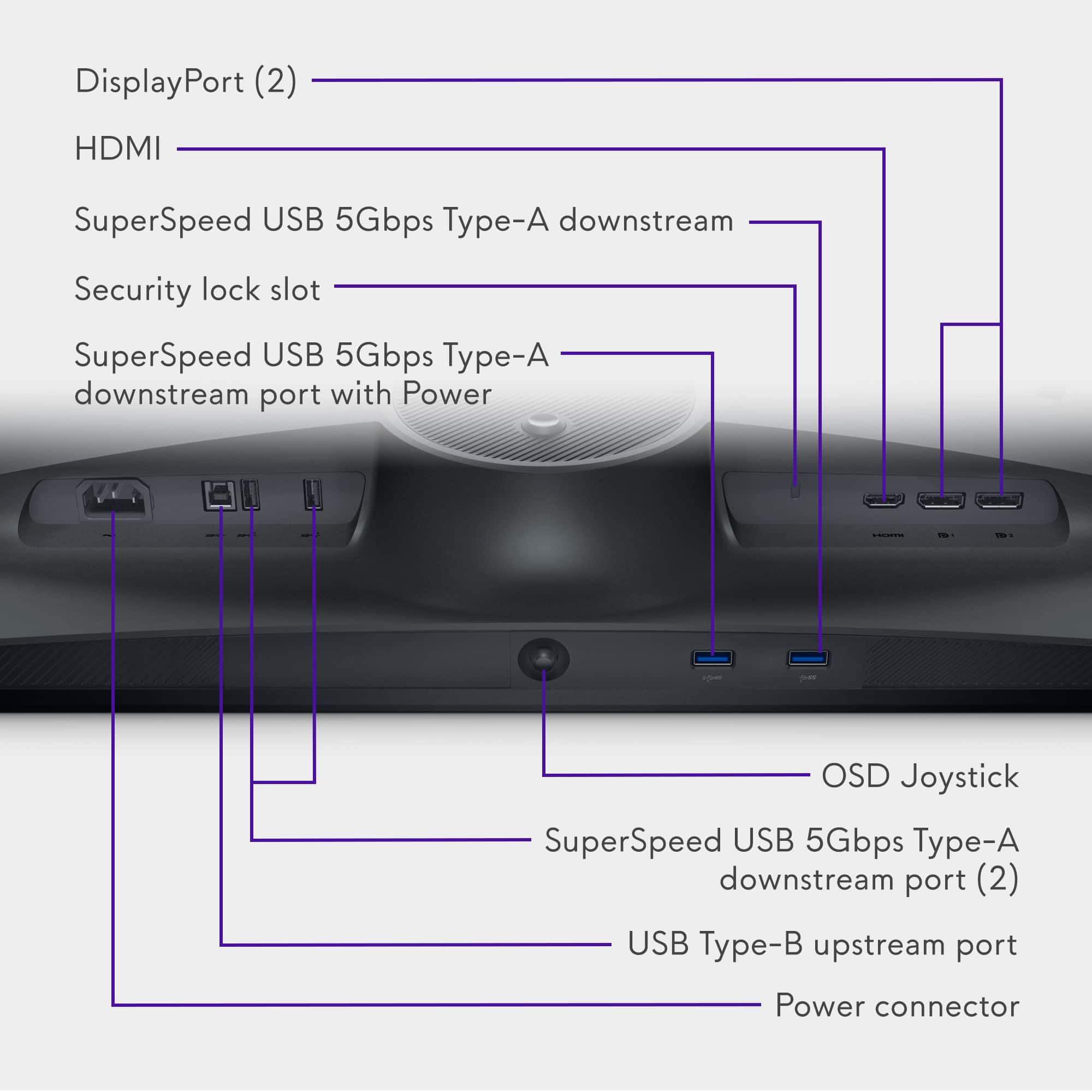
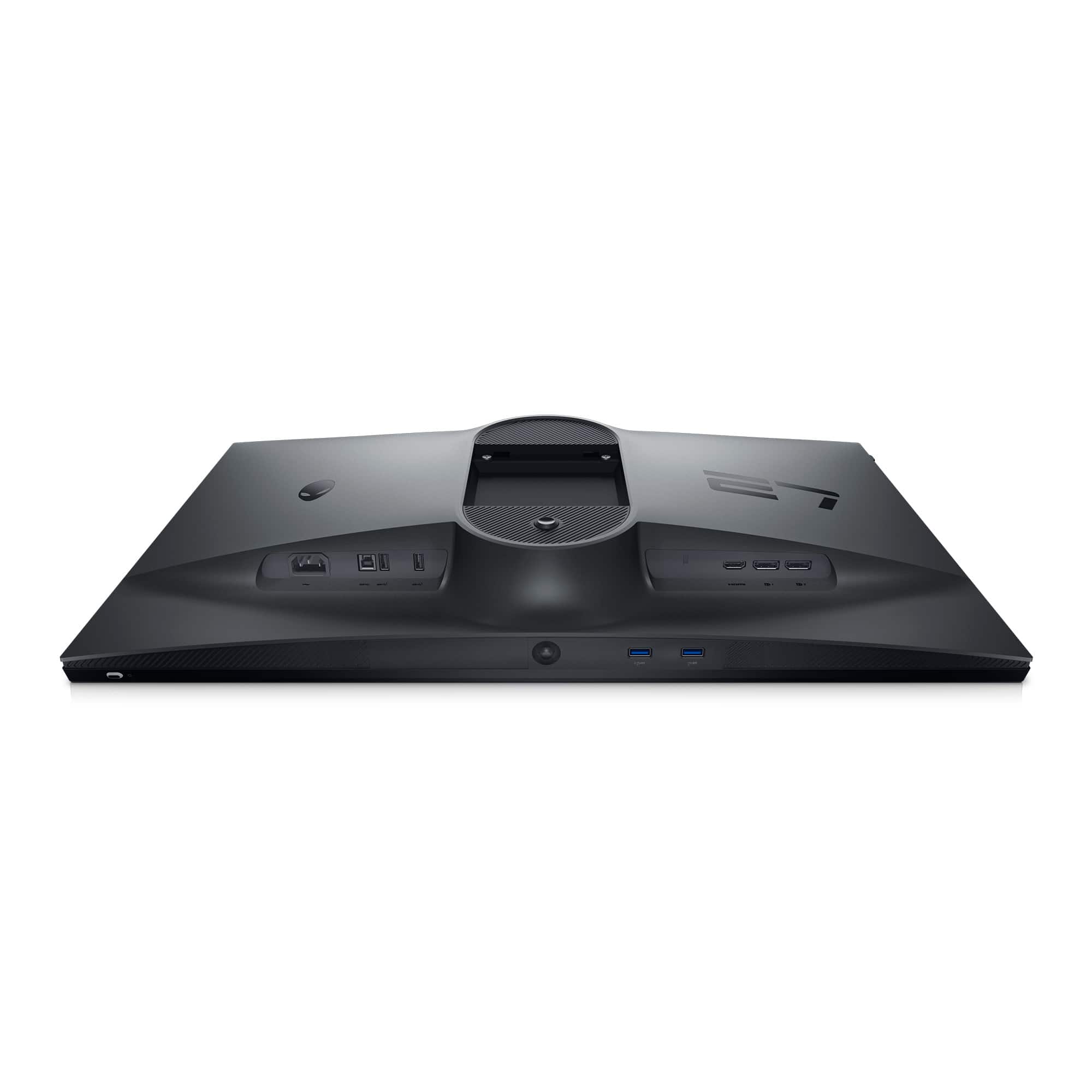
|Posted .This reviewer received promo considerations or sweepstakes entry for writing a review.Going from the stock 4k OLED display on my gaming laptop to a separate, larger display with higher refresh rates of 360hz, I was hoping it would up my game, but was also worried whether the graphics card would be able to handle it. The Nvidia RTX 3070Ti struggles to keep pace at 165hz playing Fortnite, averaging only 144hz. I think the factor that weighs heavily on the processor is the 4k resolution and having to allocate to so many extra pixels that bogs it down. I was curious to see how it handled the Alienware AW2724HF coming in at only 1080p. I have to report my worries were unfounded as the processor allowed me to up the FPS to 360hz thanks to the fact that DIsplay-port adapter cables are included in the box. This is a bargain gaming monitor based on typical Alienware standards. I think the brand carries a robust following and is considered a benchmark for gaming platforms. It has a step down from the slightly higher end model utilizing a fast In Plane Switching color distribution rather than the QHD OLED display at 1440p. I would've liked the higher res version, this one looks so good, I doubt it would've made a difference. The monitor is big, can get super bright, and the stand is very easily adjustable allowing it to fit in my desk at a comfortable distance away. I'm using the included Display-port to USB-C adapter cable since my laptop does not have the appropriate connection. While playing, I notice the same color profiles with only very minor differences where instead of true black, it's a bit softer. The lag time is practically non-existent running on extreme mode with HDR and at 360hz. I don't notice any soft spots or light areas like you sometimes get on bigger screens. The colors are bright, vibrant, the greys are not pixelated or faded. Response times are super quick with an average of 1ms or less. I notice a lot less screen tearing and skipping, making for smoother rendering and unobstructed gameplay. I like all the ports available on the monitor with 4 USB-A, 2 Display-ports, and an HDMI. I could've connected with an HDMI if the adapters didn't come in the box, but the frame rate would max out at 255hz. There's a little tab on the left side of the monitor for a hidden headphone holder, adding some convenience to the mix. If you're looking for a big monitor with superfast refresh rates that won't break the bank and you're ok with 1080p res, then this Alienware unit is the best bang for your buck, hands down.
I would recommend this to a friend - Pros mentioned:Displayport, Refresh rateCons mentioned:Speakers
Great monitor for the right price.
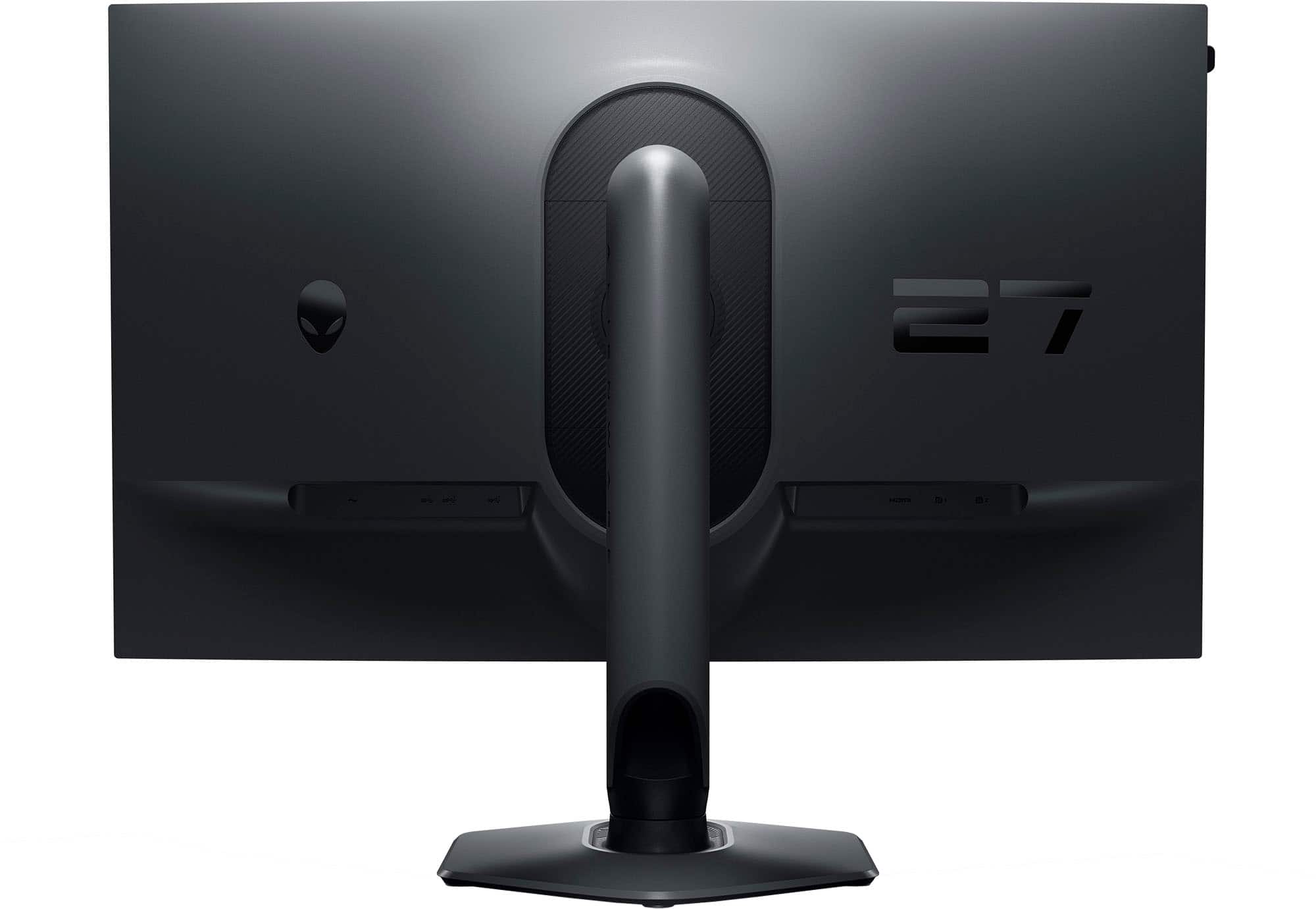
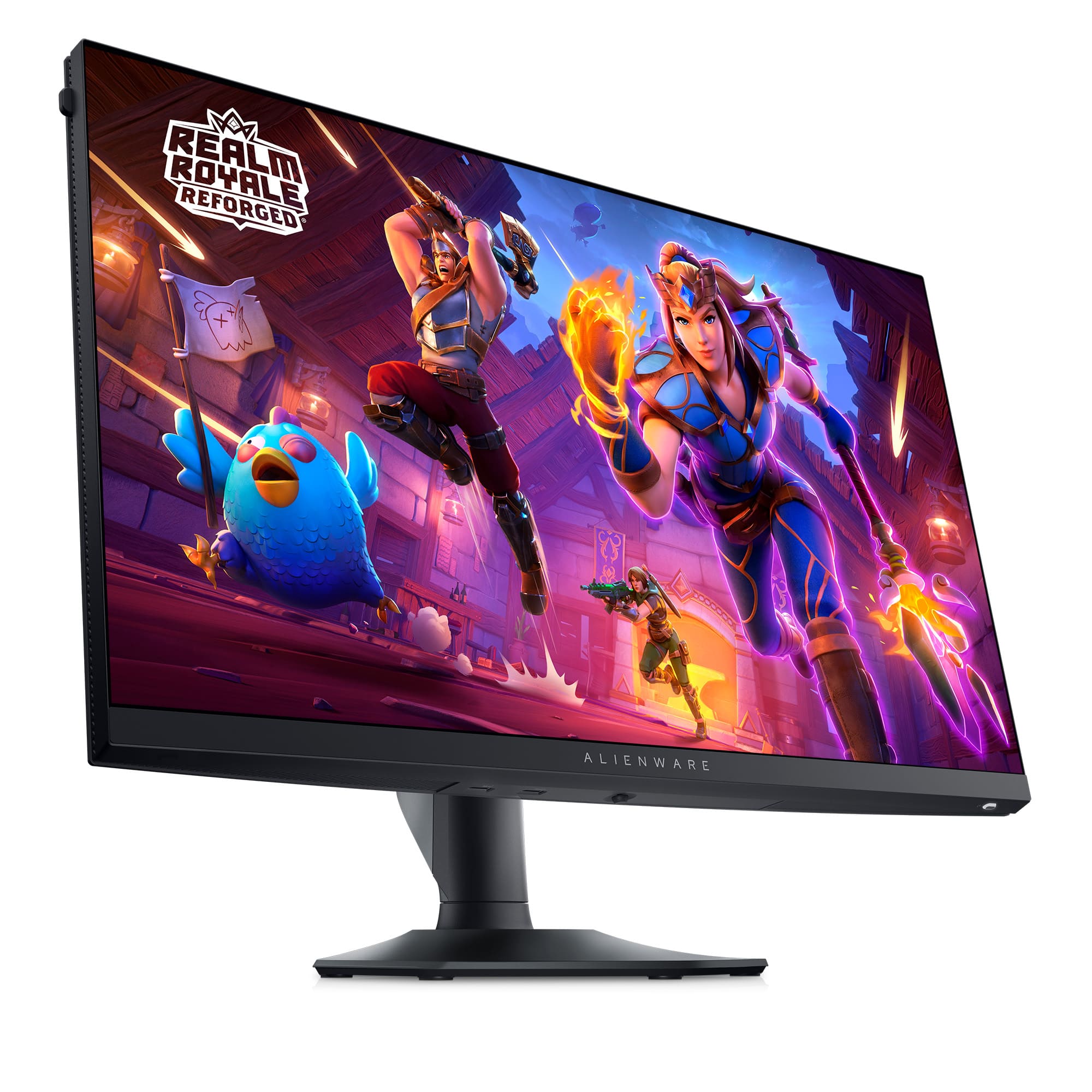
|Posted .This reviewer received promo considerations or sweepstakes entry for writing a review.Alienware - AW2724HF 27" IPS FHD Gaming Monitor - 360Hz - AMD Free-Sync Premium - VESA - HDMI, DisplayPort - Dark side of the Moon The Alienware 27” IPS monitor is crisp and has a great color and backlight. The stand it comes with can tilt back 22 degrees and forward 5 degrees. The stand allows the monitor to lower to 1-3/4” and raise to 6” from the tabletop. It also allows the monito to be rotated either right or left to 90 degrees, you must tilt it back fully for this to happen, but once rotated you can then return it to a normal viewing position. It has 3 inputs for video, 2 display ports and 1 HDMI. It also contains a USB 3 hub with 4 ports. 2 on the back and 2 on the bottom. It is supplied with a USD-A to USB-B cable for the hub use. It also is supplied with 1 display port cable and 1 USB-C to display port cable, as well as the power cord as expected. The monitor has a VESA mount available. Be sure your VESA mounting stand can handle the weight of this monitor. The weight of the monitor itself is 9 pounds. If your VESA mount is close to the stand or mounting point on your desk this will not be an issue. If your VESA stand is going to hold the monitor fully extended this could cause issues. Just make sure your VESA stand is up to the task. The monitor does not have speakers. This is not really an issue, just something you should be aware of. When installed on Windows 10 it is recognized natively to the full frequency of 360 Hz, no additional drivers required. The monitor has 400 nits of brightness. For a desktop monitor this is very good. The menu system is easy to use once you understand it. There are several custom settings you can change to be able to select the one that’s right for what you are doing at the time. It also has many other options you can just pick from. A few of the custom settings are for gaming. You can adjust each one and just select it when necessary. I was able to maintain 165fps with no motion blur or tearing at all. My test GPU is an RTX 3060 Ti on Windows 10 Pro, not tuned or overclocked at all. With a better card I’ll bet you could get a better fps. The monitor supports AMD Free-sync Premium. The cost of this monitor is good for the quality of the monitor. The stand that comes with it is very heavy duty and solid.
I would recommend this to a friend good monitor
||Posted . Owned for 3 weeks when reviewed.This reviewer received promo considerations or sweepstakes entry for writing a review.very high quality material felt really nice and very easy to setup
I would recommend this to a friendMonitor review
||Posted . Owned for 1 week when reviewed.This reviewer received promo considerations or sweepstakes entry for writing a review.Awesome game monitor! Displays great quality graphics
I would recommend this to a friend- Pros mentioned:Color, Refresh rateCons mentioned:Ghosting
Well made, fast, beautiful picture quality!
|Posted .This reviewer received promo considerations or sweepstakes entry for writing a review.The Alienware - AW2724HF 27" IPS FHD Gaming Monitor - 360Hz - AMD Free-Sync Premium - VESA - HDMI, DisplayPort - Dark side of the Moon is a superb gaming monitor. This moitor just exudes quality. It was easy to assemble right out of the box. With the help of the quick start guide I had it put together and on my desktop ready to game in less than 5 minutes. It's listed as only being 400 nits of brightness, but it seems much brighter. The colors are nice and vivid. I didn't notice any back light bleed over or ghosting. I didn't notice any banding either. Everything was crisp and sharp. The .05 millisecond response time grey to grey is unbelievably fast. I was unable to determine any lag at all when using this monitor. The 1080p Full HD resolution is nice for a monitor this size as it keeps the font size large enough it's easy to read, and it's also a friendly resolution for Graphics cards as it's easy to render for most modern cards, with smooth frame rates. the 360hz refresh rate makes sure that the monitor can support those higher frame rates as well. This monitor is easy to recommend, I wish everything I bought was as nice as this!
I would recommend this to a friend Bad quality
||Posted . Owned for 3 weeks when reviewed.This reviewer received promo considerations or sweepstakes entry for writing a review.I thought the difference between fhd and qhd is not that much, but this monitor made me realize that fhd is very bad
No, I would not recommend this to a friendBest Buy Disaster
||Posted .This reviewer received promo considerations or sweepstakes entry for writing a review.Am NOT happy with Best Buy at all. Ordered this weekscago. Because of all there codes and nonsense on their website had to reorder and had to pay FULL price. Ridiculous I will NEVER SHOP at Best Buy AGAIN
No, I would not recommend this to a friend- Pros mentioned:Refresh rateCons mentioned:Ghosting
DELL DOES IT AGAIN, GREAT MONITOR
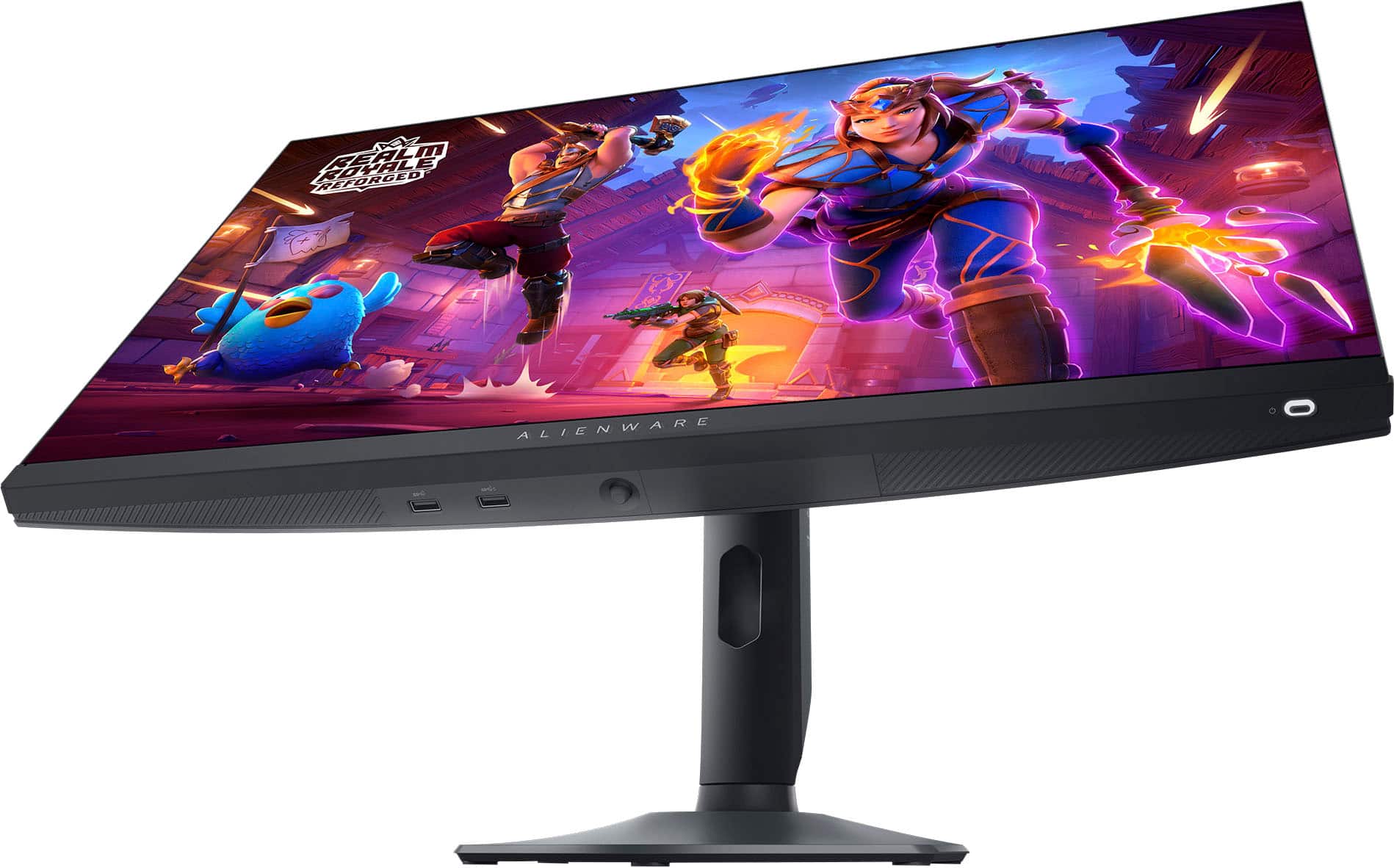
|Posted .This reviewer received promo considerations or sweepstakes entry for writing a review.I'm really happy with this monitor, i am not professional gamer but i do enjoy upgrading my experience with this monitor. BUILD The quality like most of DELL monitors is very good. It has the same sturdy build as do their higher end monitors. There is no FLEX in the screen when handling, it has a solid feel when adjusting angles or height. The stand is amazing, by far the best monitor stand I have ever used. The smooth movement when adjusting the height is great and reduced my neck pain when dealing with other monitors that have limited range of adjustment. The angles are also pretty adjustable but i find i keep it facing forward and don't need to tilt left or right much. The only annoyance is the toggle control button on the underside of the monitor, I wish it were on the top of the monitor but the bezel is probably too thin to accomodate. COLOR/BLACK LEVELS The color is good but not great, i had to use software to adjust the levels but it wasn't hard to do even so the colors don't seem as rich but not sure if that is due to the brightness level of the monitor. The black levels aren't true black but i think that is pretty much expect4ed unless it's an OLED screen at a higher price. The black levels are slightly gray-ish but very acceptable. REFRESH RATE PERFORMANCE Here is where i had the best experience, the refresh rate is really good and you would think it would not make that much of a difference but it does. The ghosting effect is virtually gone, gone are the slight trails and the eye fatigue while focusing on the screen. I am not professional gamer but i do enjoy the upgrade in refresh rate while playing COD. The refresh rate settings are easy to adjust and there is plenty of programs out there that let you see the difference between the refresh rate and the results are pretty eye opening. OVERALL I love the monitor all the features more than meet my expectations and the performance is indicative of a very good gaming monitor.
I would recommend this to a friend - Pros mentioned:Refresh rateCons mentioned:Resolution
Game like a Pro!
|Posted .This reviewer received promo considerations or sweepstakes entry for writing a review.SUMMARY: There are gaming monitors, and then there are GAMING monitors. This is the fastest in class, 27 inches LARGE, 1080p ISP GAMING MONITOR you can get today summer of 24. If you have the need for pro winning speed, this is it at a reasonable cost. The design looks good, its sturdy, its FAST. Caveat, it is a ONE trick thoroughbred horse, if you want 4k resolution for that dirty 4 letter word ‘work’, or amazing color matching and contrast for photo editing, look elsewhere. Likewise, ‘gaming’ is a broad term, this won’t improve playing Civilization, or any turn-based game that is inherently slow, it’s really just speed opium for the twitch-based gamers and gamers (first person shooters). It can improve your FPS game. PROS: - 360 Hz, fast. - Quality construction, no wobble. - 360 Hz, fast. - 27 inches for better immersion. - 360 Hz, fast. - 0.0005 sec (0.5ms) response time, or roughly 200x faster than a blink of your eye. - most cables provided (display port, usb-c, usb-a, but not hdmi) - 360 Hz, fast. - Good variety and number of ports for fast video connection (1 HDMI, 2 1.4 Display Ports, 2 USB-C, and 4 USB-A). AMD Free-Sync supported. - 360 Hz, fast. - Pop out headset arm - 360 Hz, fast. MATTER OF TASTE: - Great looking monitor build. - Low color range, not as vivid as many monitors - Low contrast, 1,000:1 resulting in grayish blacks, flatter look - Not bright (400 nits), but fine for indoors without sunlight on the screen - 1080p. - 27 inches, too big for this resolution? Only a true gamer would say ‘no.’ - No internal speakers - No headphone jack CONS: - For gaming at a reasonable price? None. MORE WORDS: This is THE monitor for anyone that wants to game like a Pro, whether you are one or not, and doesn’t want to spend the really big bucks. Let’s back up, make no doubt, the AW2724HF from Alienware is not for everyone. Formula One racers are stripped down in terms of luxury we take for granted in our cars, but made for one purpose only, speed under controlled conditions. Likewise, the AW2724HF is missing features we mere mortals might take for granted, no web cam, no speakers, no headphone jacks even. The resolution is low by today’s spreadsheet standards (1080p), the color gamut not as wide as photographers would like, and the contrast ratio is one only a mother (or gamer) could love (1000:1). All these specs mean darks are not that dark, colors are not as vivid as some, and pictures not retina sharp on a monitor this large (1080p was the standard for much smaller screens). And do I need to point out, to really use this monitor, you need a really good gaming rig to support it. Otherwise, you are wasting your money on Hz you won’t use. So, I definitely would NOT recommend this if you intend to do almost anything other than gaming, and by gaming I don’t even mean turn based games or strategy games where the action is slow, I mean pulse pounding twitch inducing first person shooters. This is all about them. HOW DID I TEST IT: I ran the AW2724HF off a few lesser machines to test its range (HDMI, Display Port, USB-C), but my primary twitch machine is the 2024 Acer - Predator Helios 18 Gaming Laptop, Intel i9-14900HX, GeForce RTX 4080 and 32GB DDR5. Connection is simple and fast with the provided cables (USB-C and USB-A, dual connection). Configuration was simple but could be tweaked to taste. From unboxing to mowing down the competition in Call of Duty was a matter of minutes. I could see no flaws, everything was fast. No video tearing, no ghosting, no lagging, just what you would expect from the specs. Coming from anything less than 120 Hz will blow you away. Could I see a difference from 120? Yes. 240? Well… I felt faster. I never felt more confident in Fortnite. Everspace 2 flew by (pun intended). I ran with impunity in Halo 2, you get the idea. This monitor is not going to hold you back, it’s going to show you everything fast. But it wasn’t all roses, also as expected from the specs, the visually rich world of Baldur’s Gate 3 was a tad less impressive, speed is nice there but ultimately not the big draw in BG. WHO SHOULD GET THIS? This is so specialized, you know who you are, you just want to know if it works as advertised. It does. Is it a sturdy build? It is. Is it good value? Well given it’s the best in town, yes. Also, if you are allergic to video tears, or ghosting, or lagging in any way, this is your cure. And you already have or are planning to have a pretty kick butt gaming rig to support this beast. Should you hold out and pay 3x as much for 4k OLED at a slower 240 Hz (though that’s no slouch)? Only you know if you have the budget for that. WHO SHOULD NOT GET THIS? The list is long and distinguished, if you do NOT plan to do FPS gaming, but do plan to edit photos, or write journal articles, or create video content, or watch movies, or well almost anything else one gets a monitor for, then this will only do double duty in a really bad pinch. It will be painful. If work is your thing, gaming second, I would consider saving for that expensive 4k OLED at 240 Hz if you have the rig to support it (or this). STARS: This is a no brainer, if you want this amount of speed to improve your FPS game at any cost, its 5 stars. If you want a monitor for excel, look elsewhere, all the stars in the sky won’t help you.
I would recommend this to a friend - Pros mentioned:Display, Refresh rate
Monitor
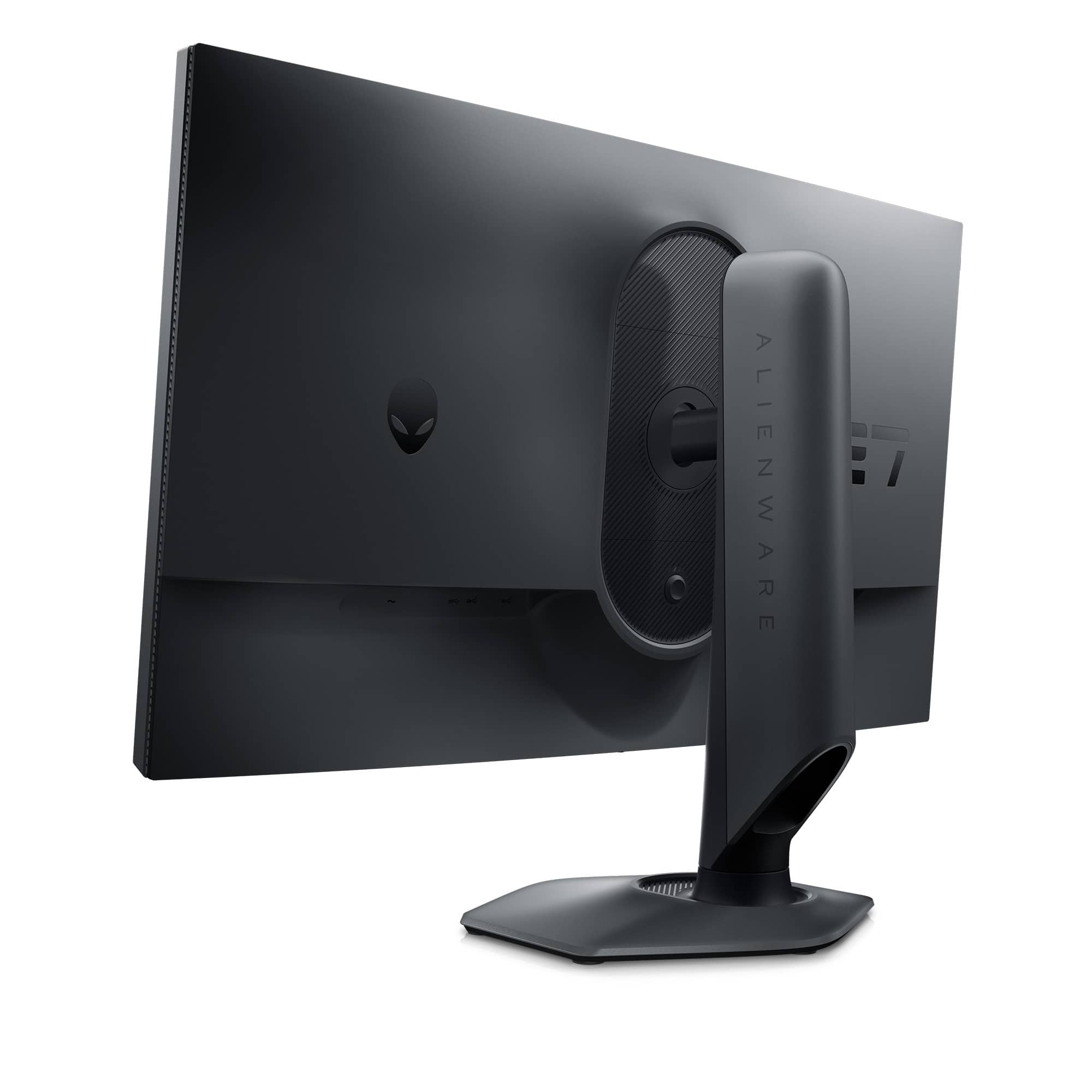
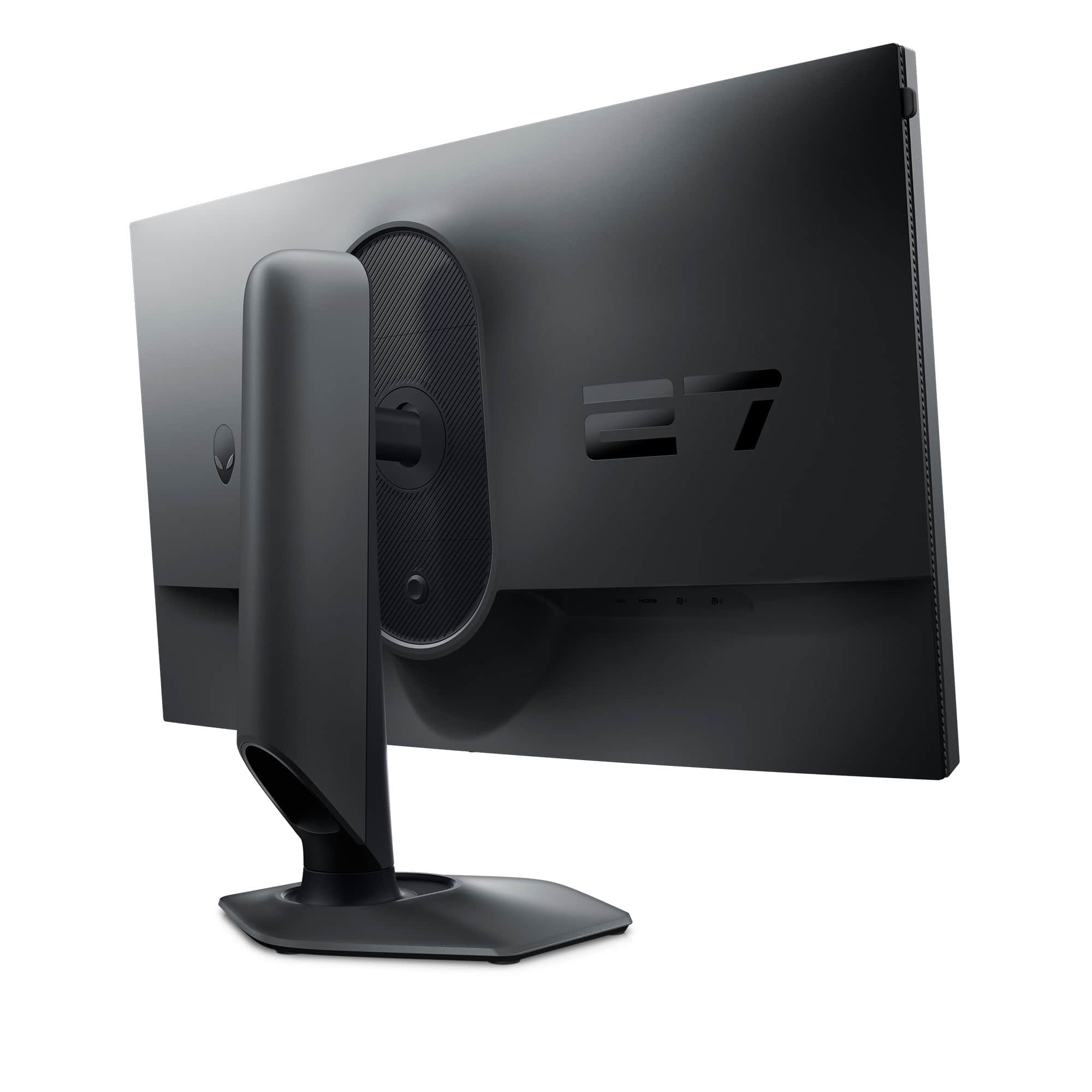
|Posted .This reviewer received promo considerations or sweepstakes entry for writing a review.If first impressions are any indication of the quality of the product, I’d say my first impression makes me think this monitor is going to be wonderful. The box it comes in is huge, obviously, It’s 27 inch monitor, but it just makes me so excited to open it up and see what’s inside. It’s also heavy, heavier than I expected but that becomes clear as we unwrap the contents. The box indicates that you should lay it flat prior to opening it. This will come in handy during the assembly process and was counter to the way I was going to open the box. Once the box is open you first notice that the stand, base, and cables are packed securely in egg crate packaging. I was happy to see that the packing material was fully recyclable either through local recycling options or it can even be used in the garden as a layer under mulch to prevent weeds. That was a nice touch. The amount of plastic is very minimal. There is also a quick setup sheet at the top of the box. It’s in a universal format so there are no words, just about 8 or so pictures to walk you through assembling the monitor. If you’ve ever put together a monitor before I would think it would be similar. I have not so I followed the guide. There are really only three pieces, the arm, the stand, and the monitor itself. You remove the arm, which is solid, it weighs a good 5 pounds at least. You then take out the base and slide the arm into the slot. It’s pretty cool that the screw needed to connect the two does not require a screwdriver. There’s a metal flap attached to the screw that lays flush under the base so you pop it out and use that to tighten the screw. Once those two are connected this is where it was important to lay the box flat as instructed. The top of the arm has a flat panel at the top that you slide into the back of the monitor while it’s in the box. There are tabs that connect secure to the back of the monitor and then you use the arm to slide the monitor out of the box and then place on the surface where it’s going to live. It took all of about 4 minutes to get it assembled. You’ll attach the power cord next and built into the arm is a hollowed out area that you can run your cords through so that they stay out of the way and just make your setup look a lot more neat and tidy. Now you’re ready to rock. The monitor comes with 3 different cable options. However, it does not include and HDMI cable so if you’re going to connect that way you’ll have to supply your own. It was a little bit difficult for me to determine which cable to use to connect my computer and the quick start guide did not provide enough detail for me. There’s an easy fix to this. I just went online to the Dell website and searched for my monitor and found the complete user guide. Dell, like everyone else, does not include the multi page user guide in their packaging. I’m fine with this, save the trees, save the planet. In the user guide you’ll learn that you have a SuperSpeed USB upstream and downstream cable. This is convenient because you can use the downstream cable to charge your USB device. You also have a DisplayPort-DisplayPort cable and a USB-C-DisplayPort cable. So the choice is yours of how you want to connect your laptop/computer. The only thing I will mention about the connections is that it’s kind of hard to determine where the ports are on the back of the monitor. They’re recessed under a lip so my choices were either to lay the monitor down on its face or have someone hold it up high enough so I could find the space I was looking for. Not a big thing but it was a thing. I ended up using an HDMI connection from the laptop to the monitor. Whatever connection you choose the monitor is plug and play so your computer should detect it with no issues. Once you turn on the monitor the setup screen appears. You can choose your options using the joystick at the bottom of the monitor. The joystick is very responsive and easy to use. You can always bring up the menu by pressing the joystick if you decide to change your settings. Using the joystick also lets you customize the monitor for gaming. There are a multitude of settings that correspond to the type of game you’re playing such as RPG mode, Sports mode, MOBA/RTS mode plus you can also customize settings if none of those are to your liking. With so many different options that you change whenever you like, you’re sure to find a display that meets your needs. The joystick is also used for so many other game settings and they’re more than this casual gamer would ever need. There is also an AlienVision mode which you can select through and see a preview of each one. If you have an AlienWare laptop this is the perfect combination! You could really get lost in all the customizable features that are available. Another thing before I forget to mention it is that the monitor rotates from landscape to portrait. That is definitely a high-end feature for me and I love it. Refresh rate is awesome. The gaming experience is wonderful. You can game at a faster rate that someone with a lower refresh rate and it could allow you to see characters on the screen compared to other monitors. At least that’s what my son tells me. Again, I am a casual gamer so the differences for me are not distinguishable. But if those things are important to you then this monitor might be the one for you. Now the colors are awesome on this monitor. The blacks are super black and the other colors are bright and vibrant. And if you have an AlienWare laptop you know how vivid the colors are on the laptop screen so this monitor is a great companion to enhance your game play. You probably don’t spend your whole life gaming and may use your computer/laptop for other purposes. Well this monitor is versatile and works great with those mundane work or school tasks. The 27 inch display allows for a comfortable split or triple screen setup with things feeling cramped. There’s so much that this monitor can do that I would definitely recommend it for anyone in the market for a high quality, responsive monitor
I would recommend this to a friend