Customer Ratings & Reviews
- Model:
- AW2724HF
- SKU:
- 6576610
Rating by feature
- Display Quality
Rating 4.8 out of 5 stars
- Ease of Use
Rating 4.8 out of 5 stars
- Features
Rating 4.7 out of 5 stars
Customers are saying
Customers are satisfied with the product's overall performance, praising its excellent refresh rate and incredible color and black levels. They also appreciate the solid display quality, the included DisplayPort cable, and the well-designed stand, noting a lack of ghosting. However, some customers desire a higher resolution and point out the absence of built-in speakers.
This summary was generated by AI based on customer reviews.
- Pros mentioned:Displayport, Refresh rate

A fast, robust, gaming monitor.
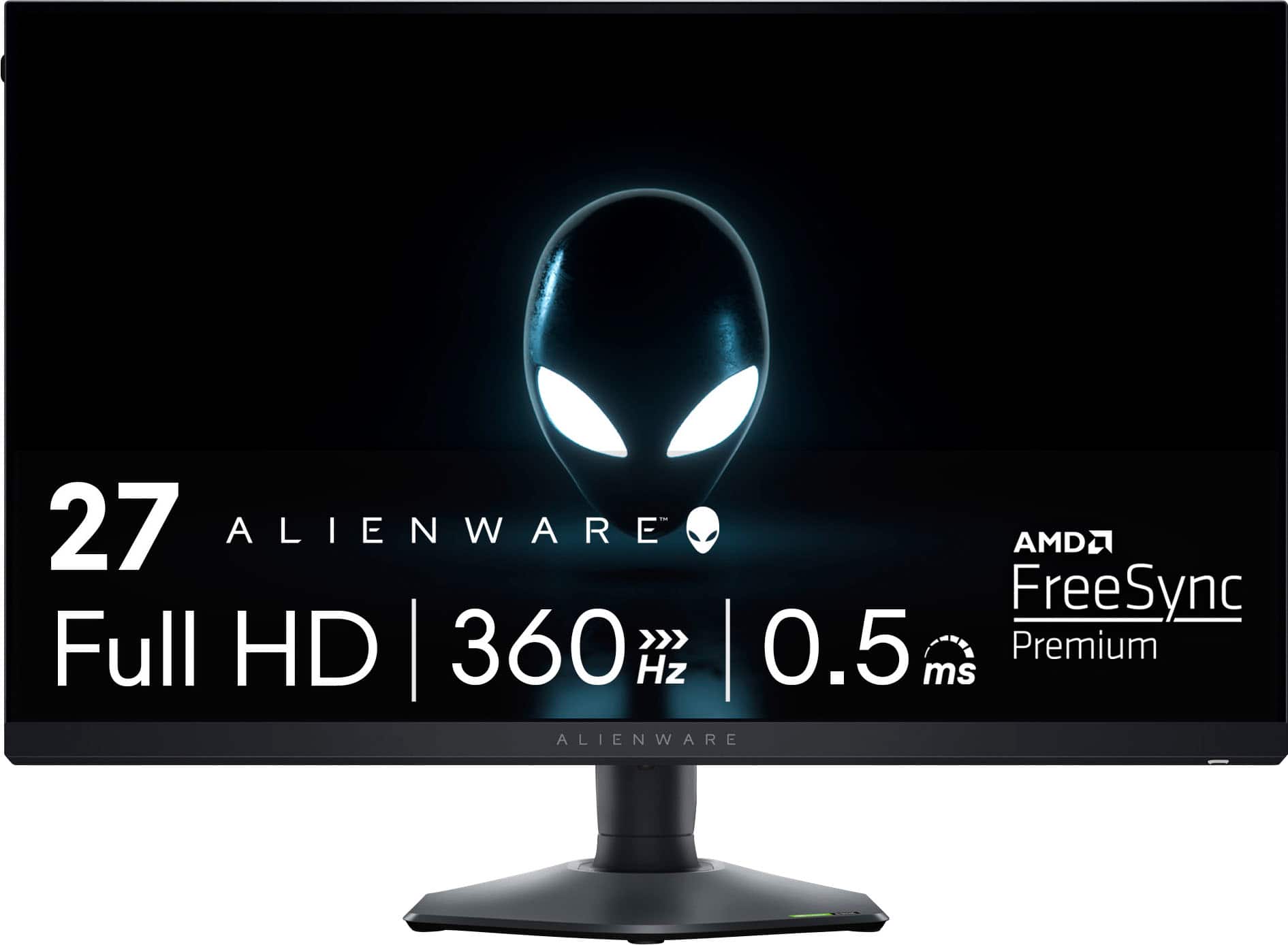
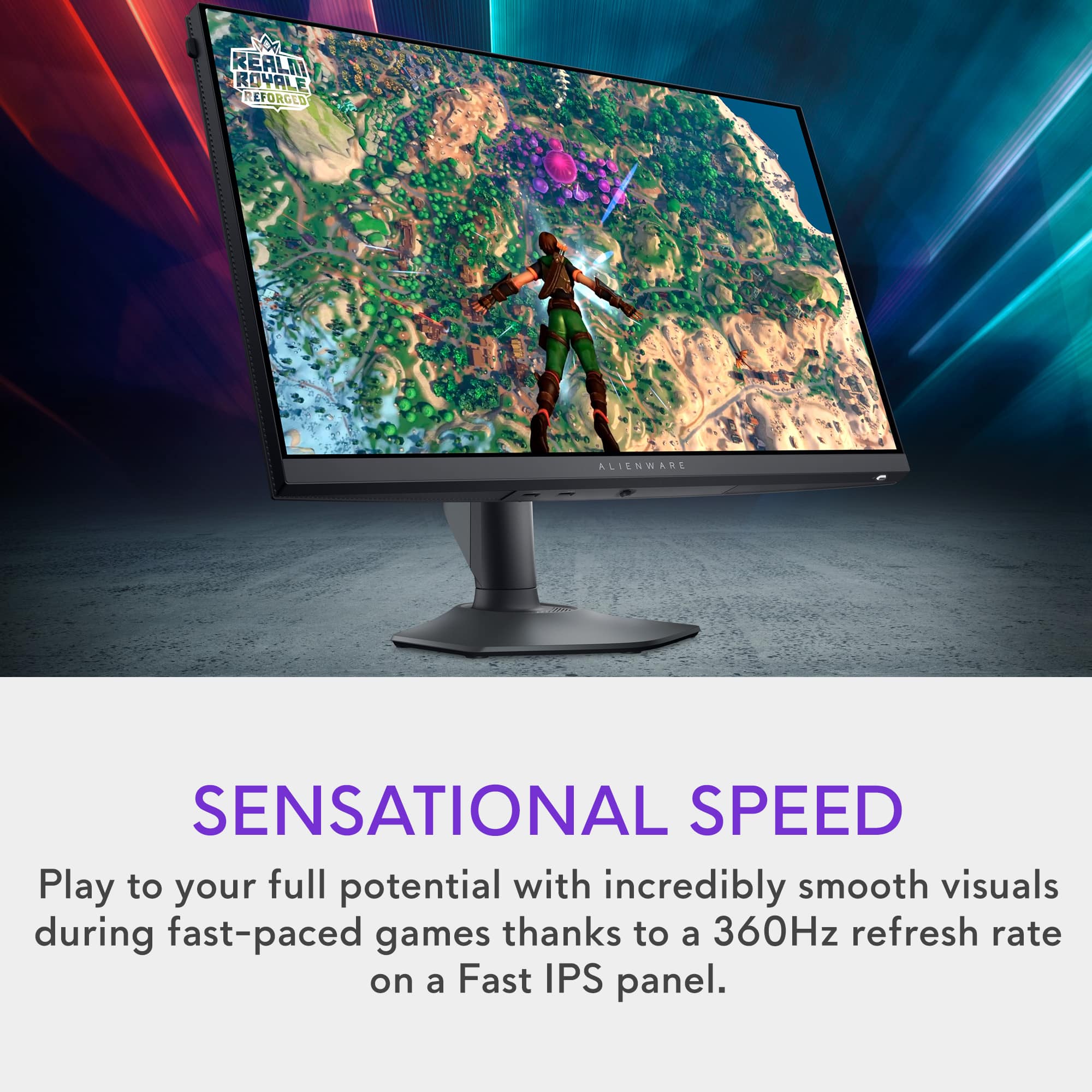
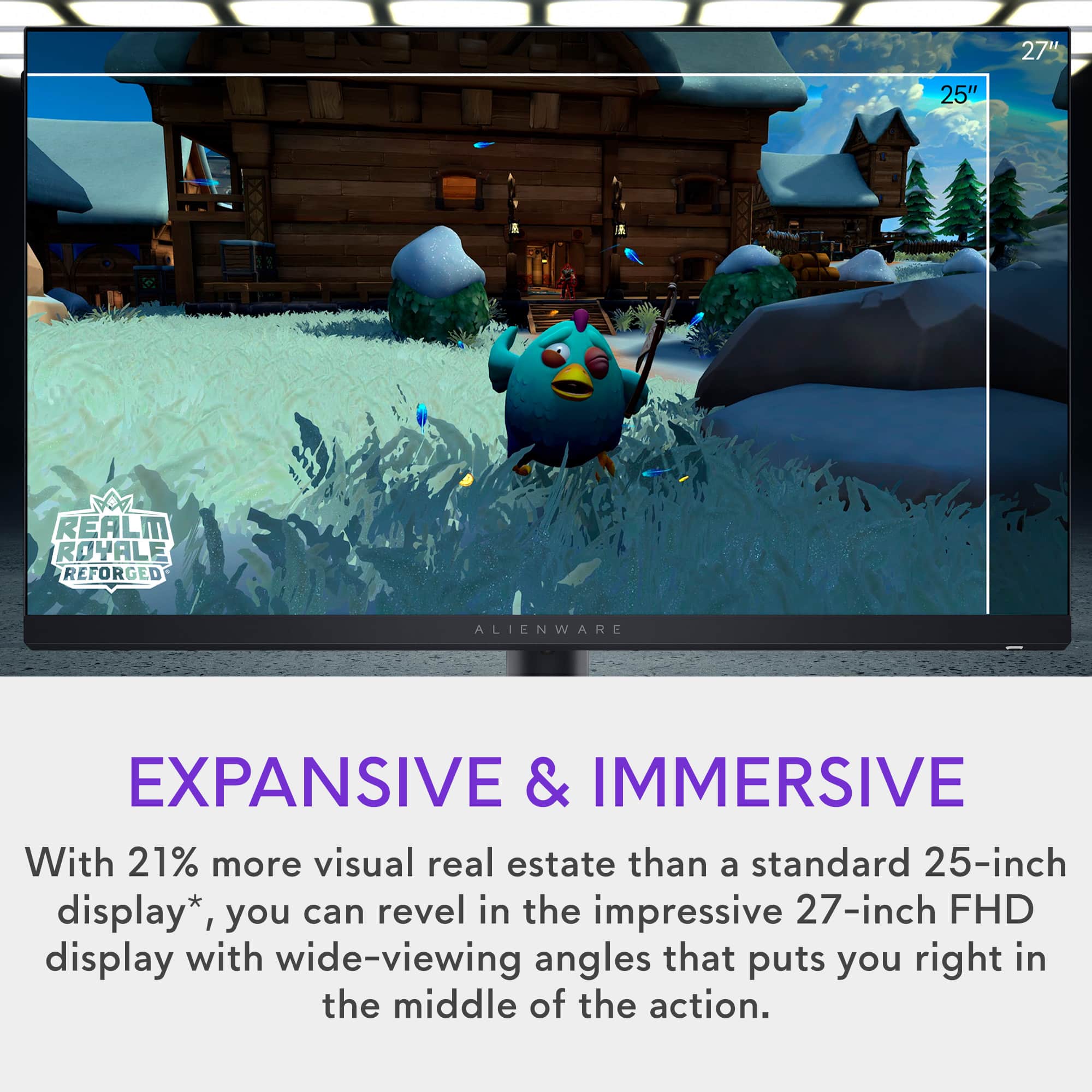
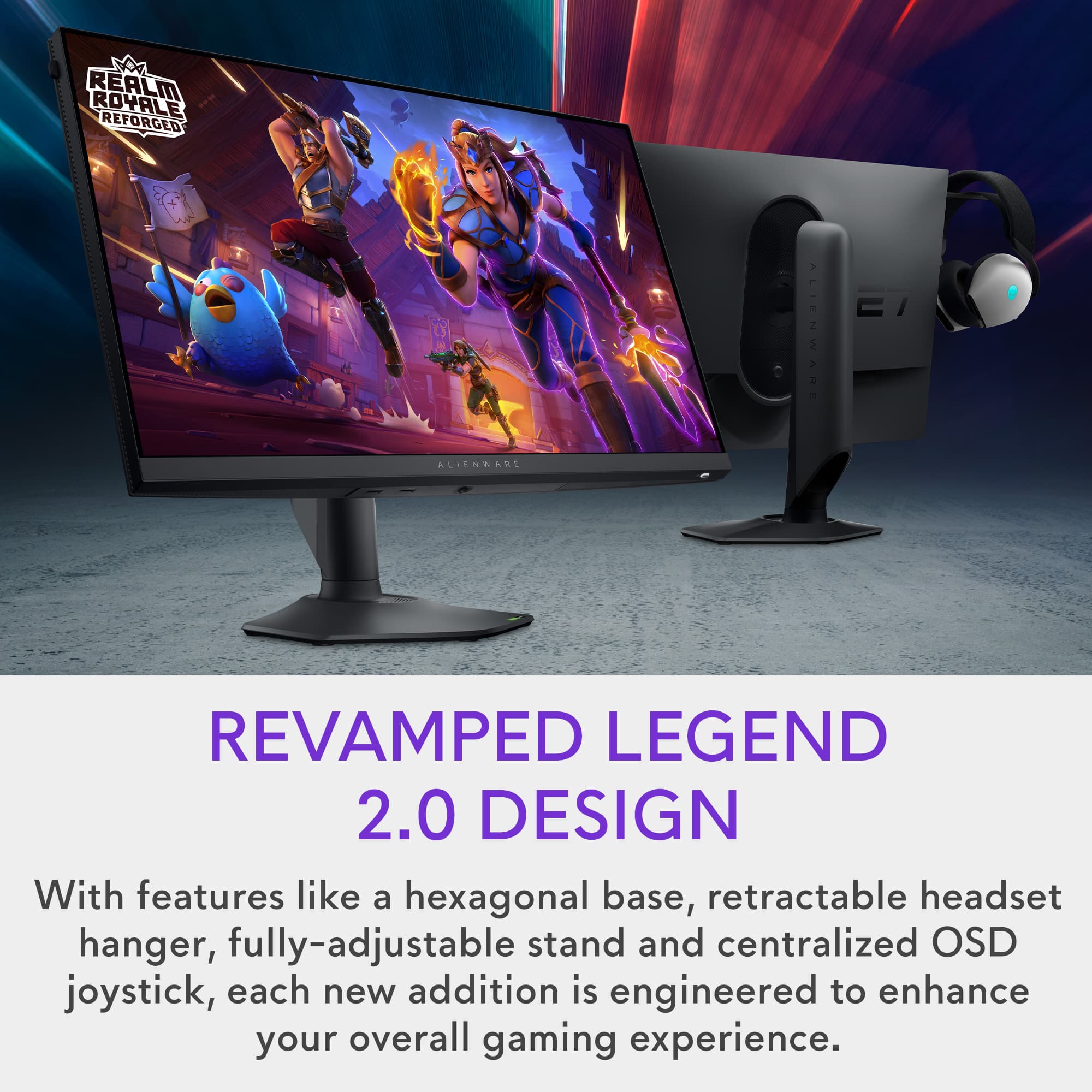
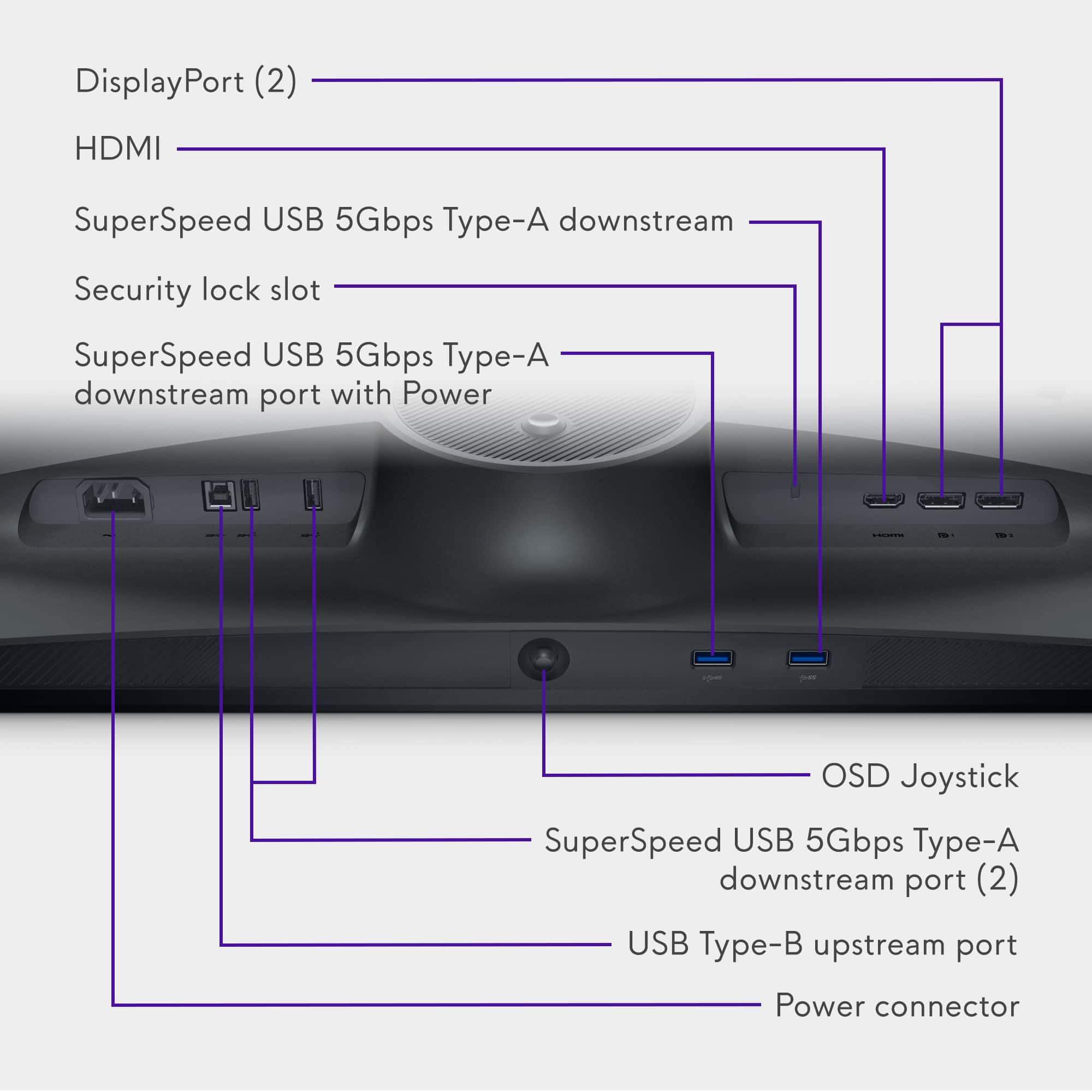
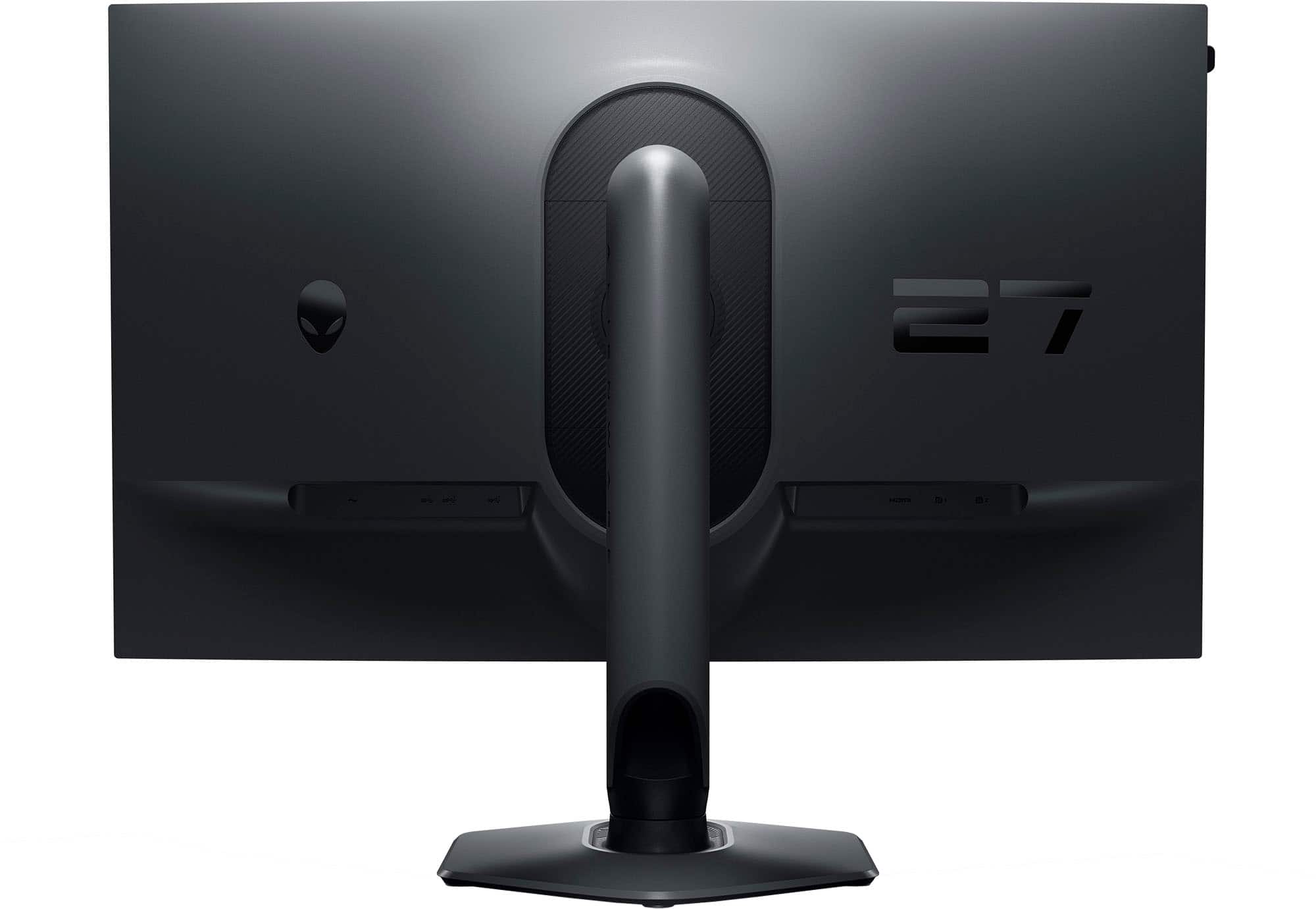
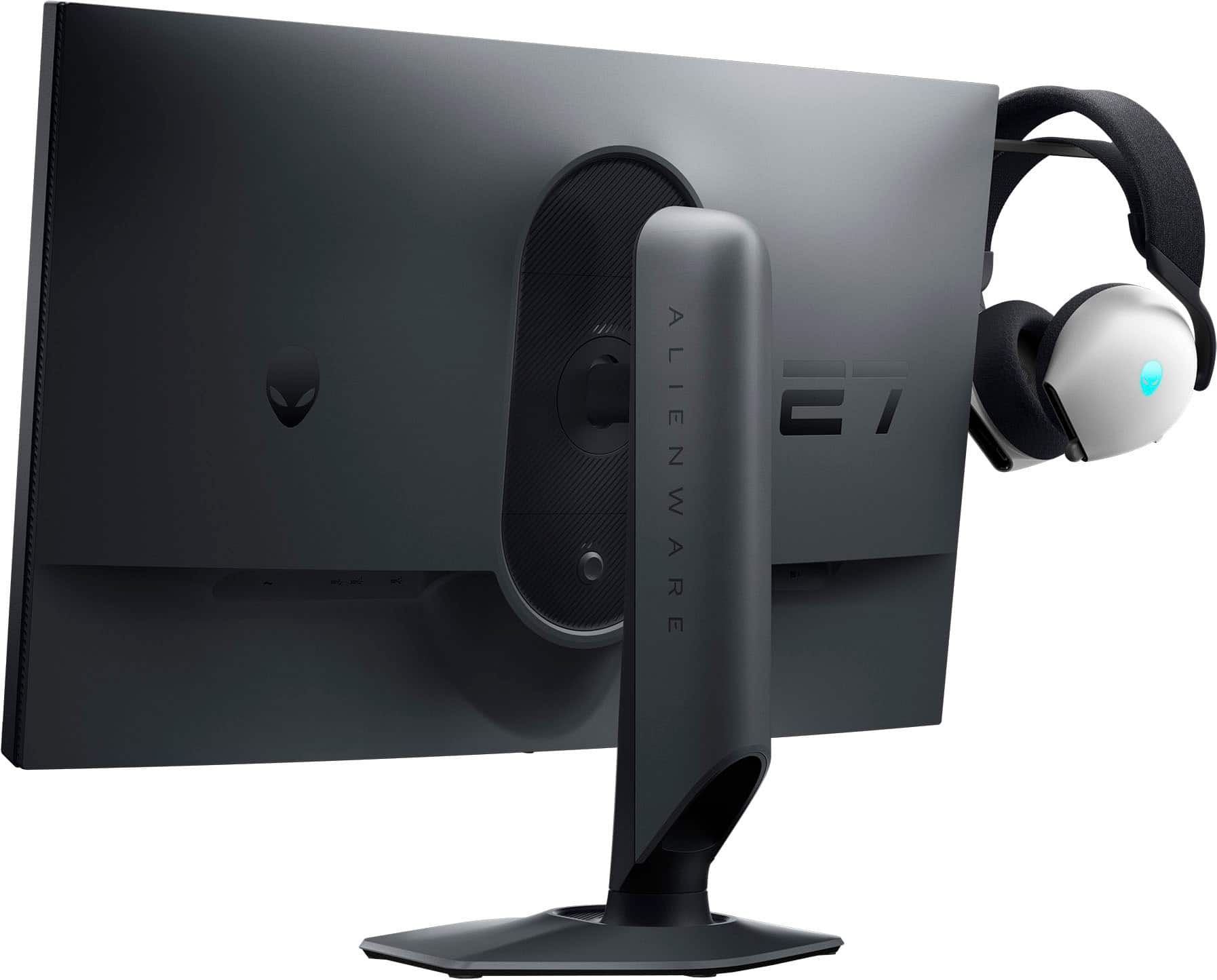
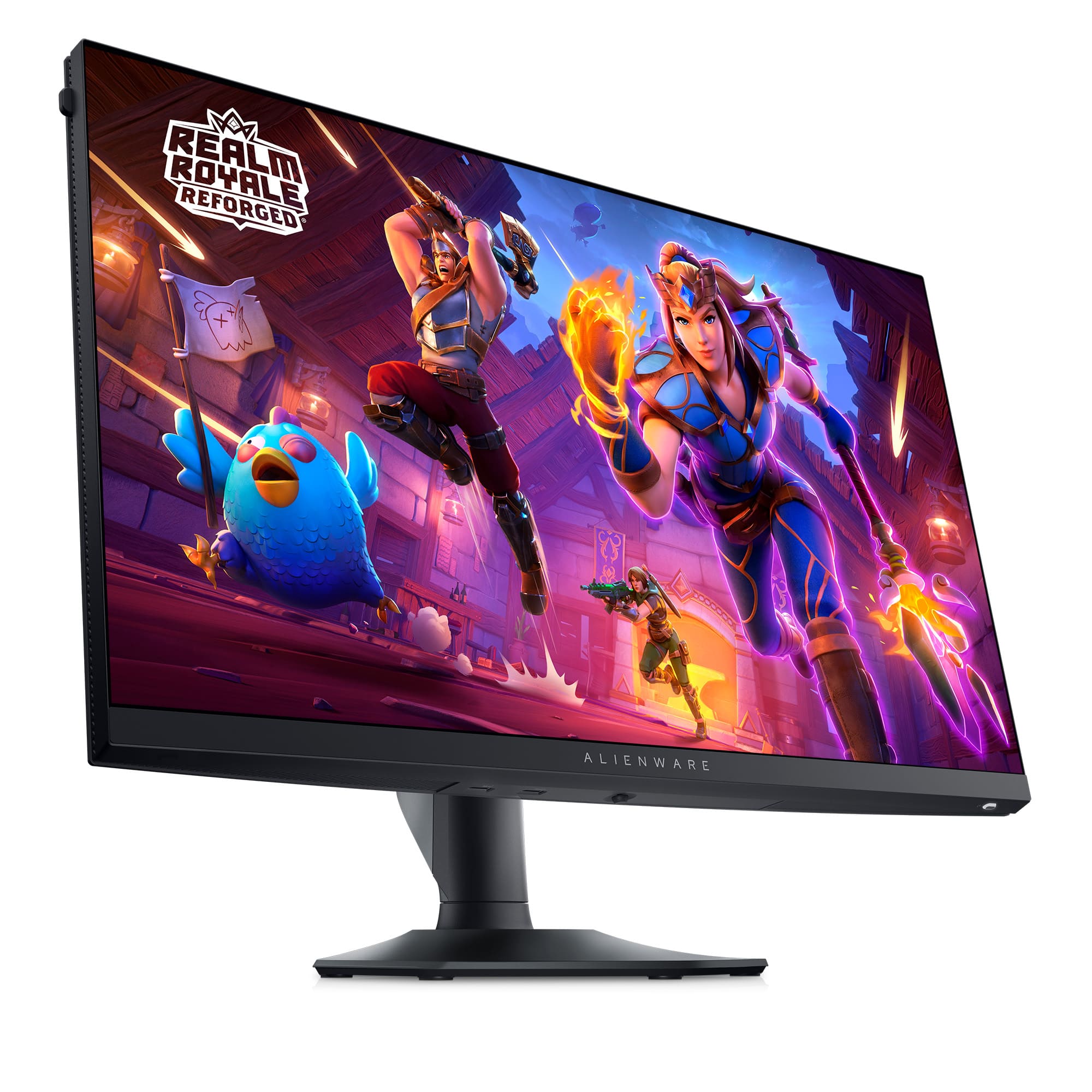
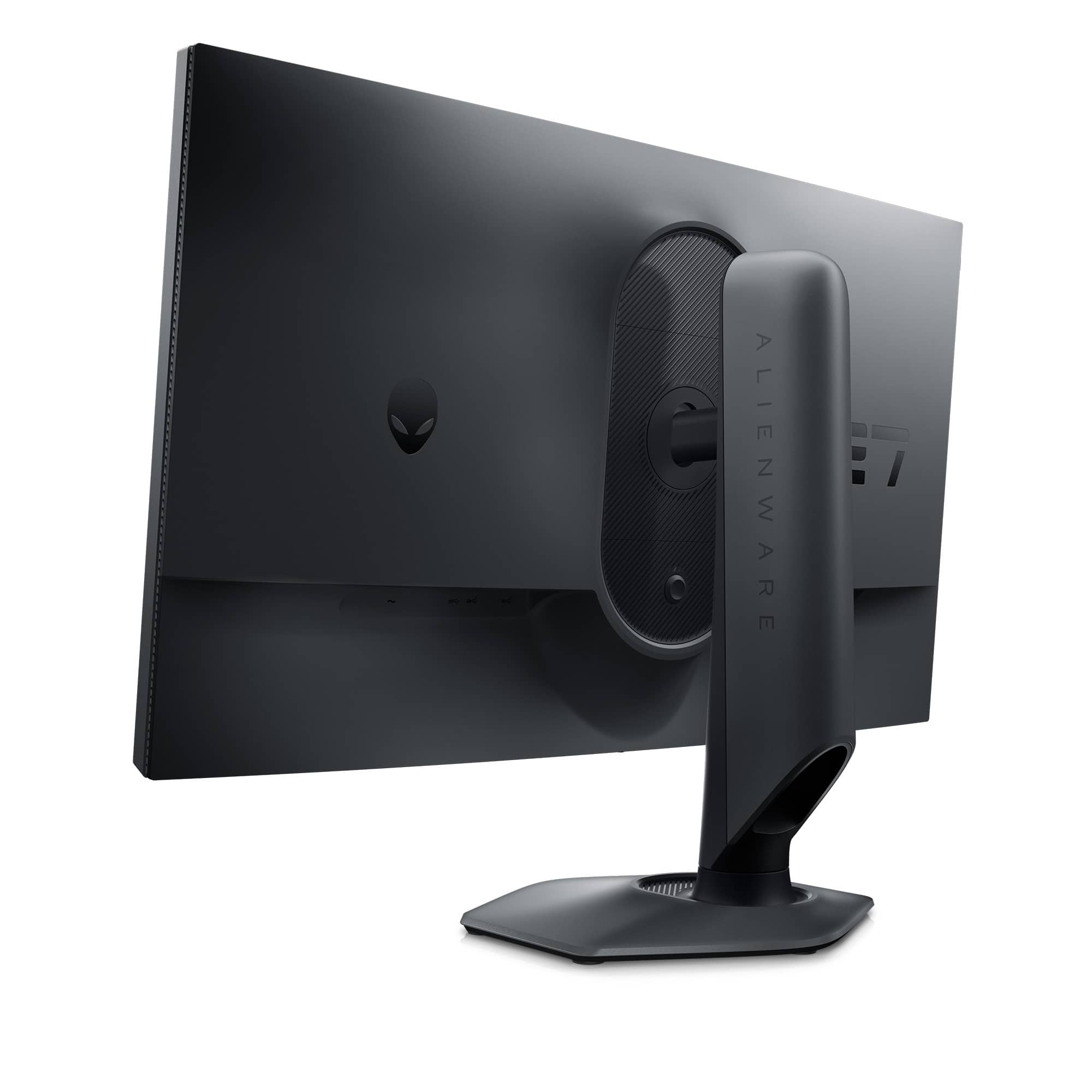
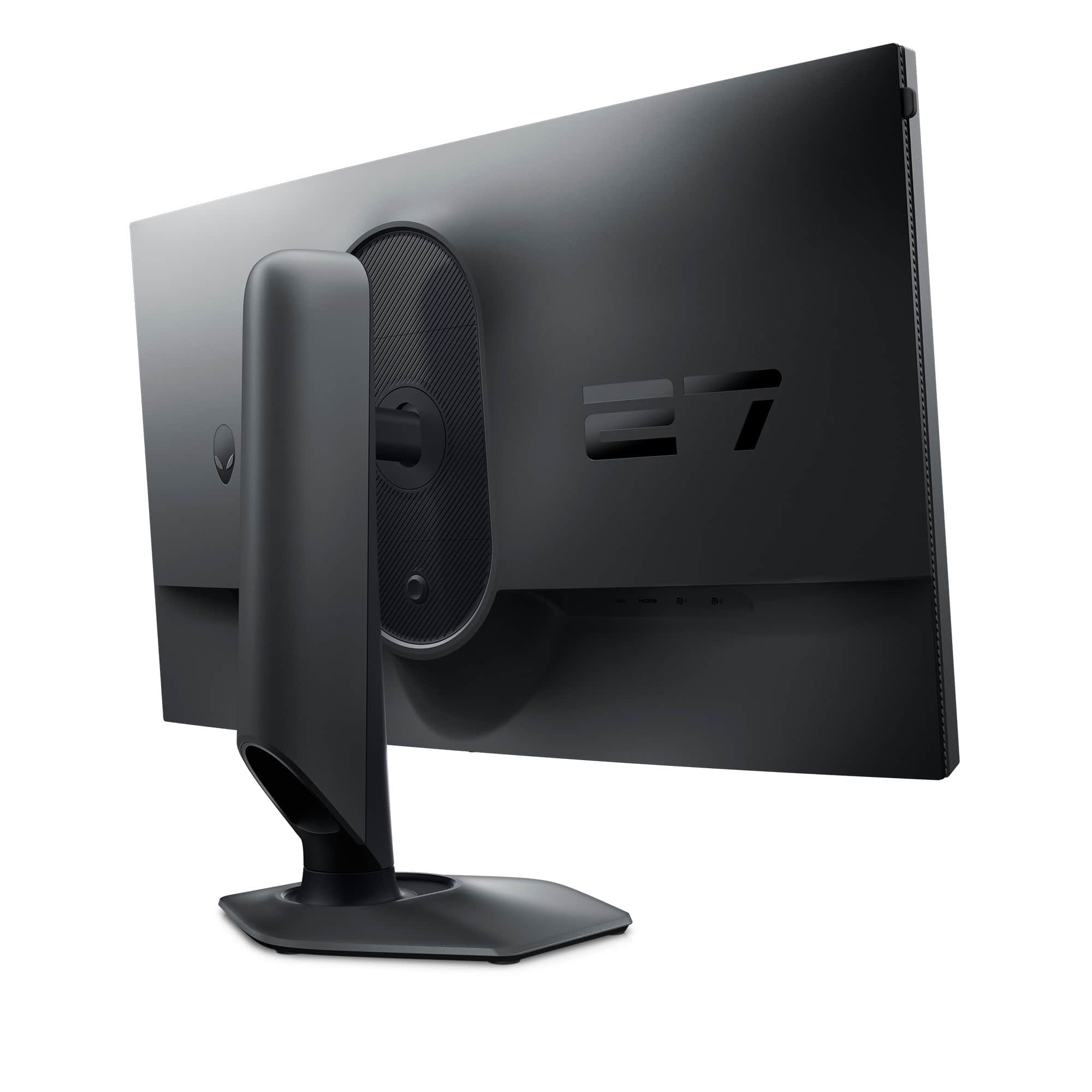
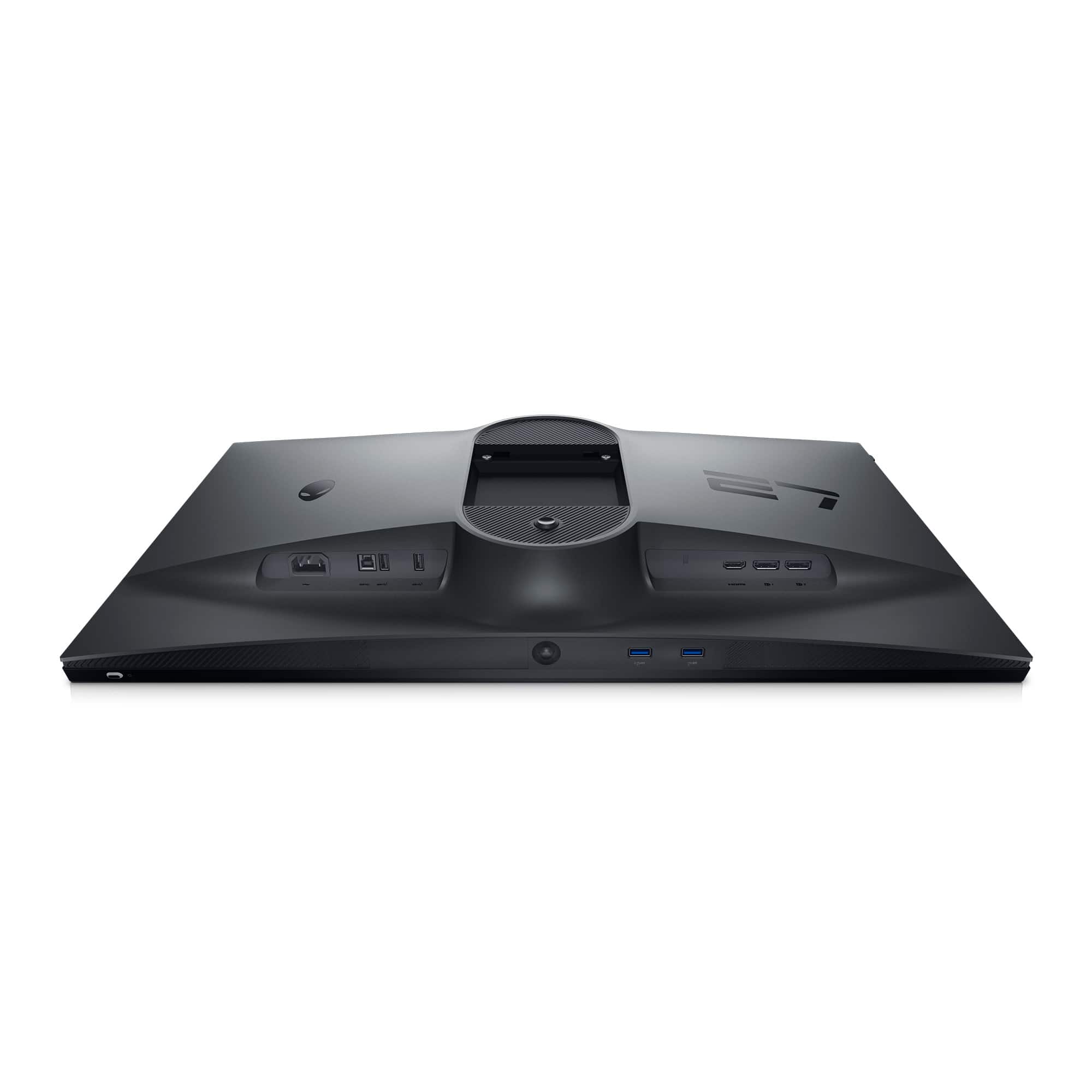
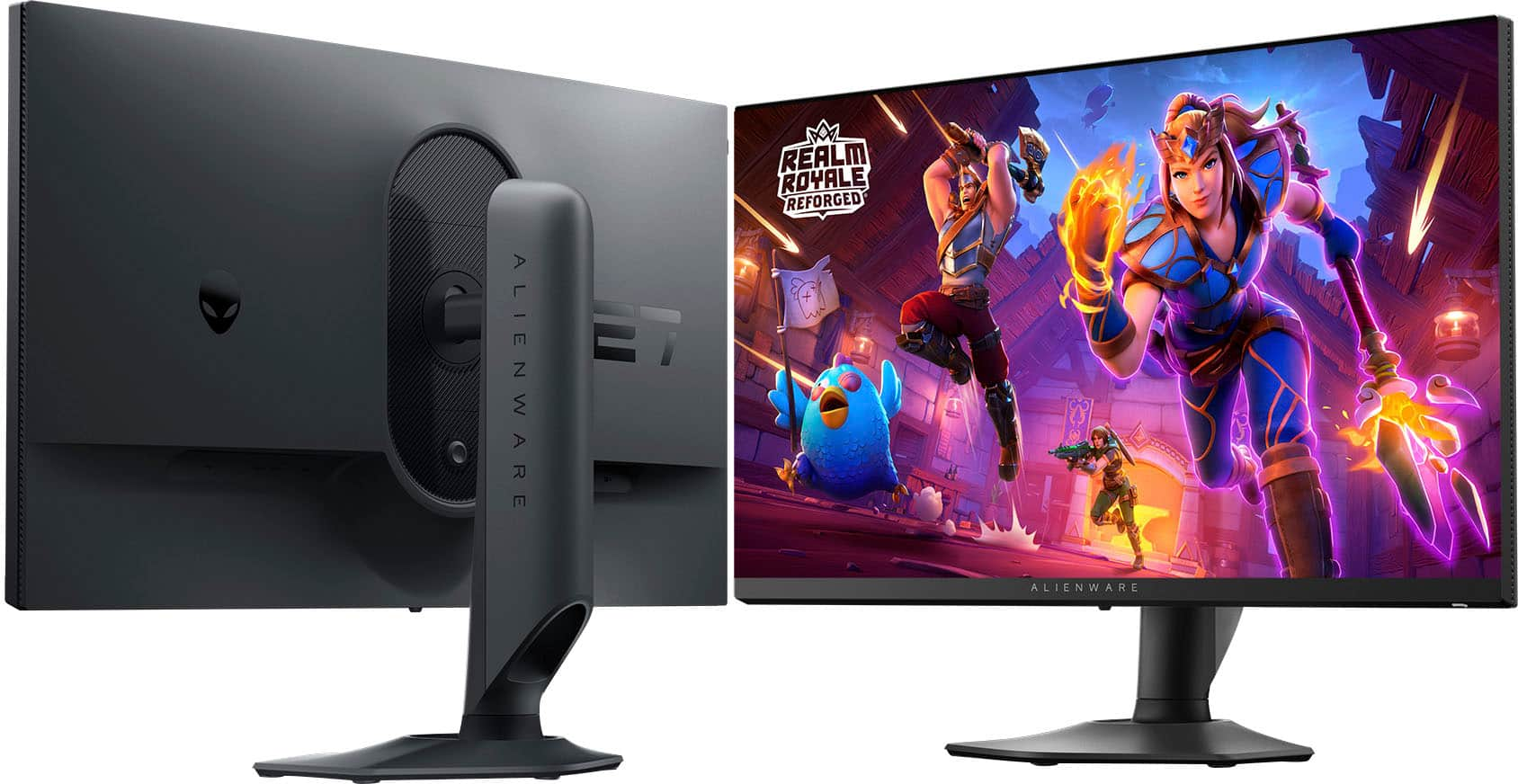
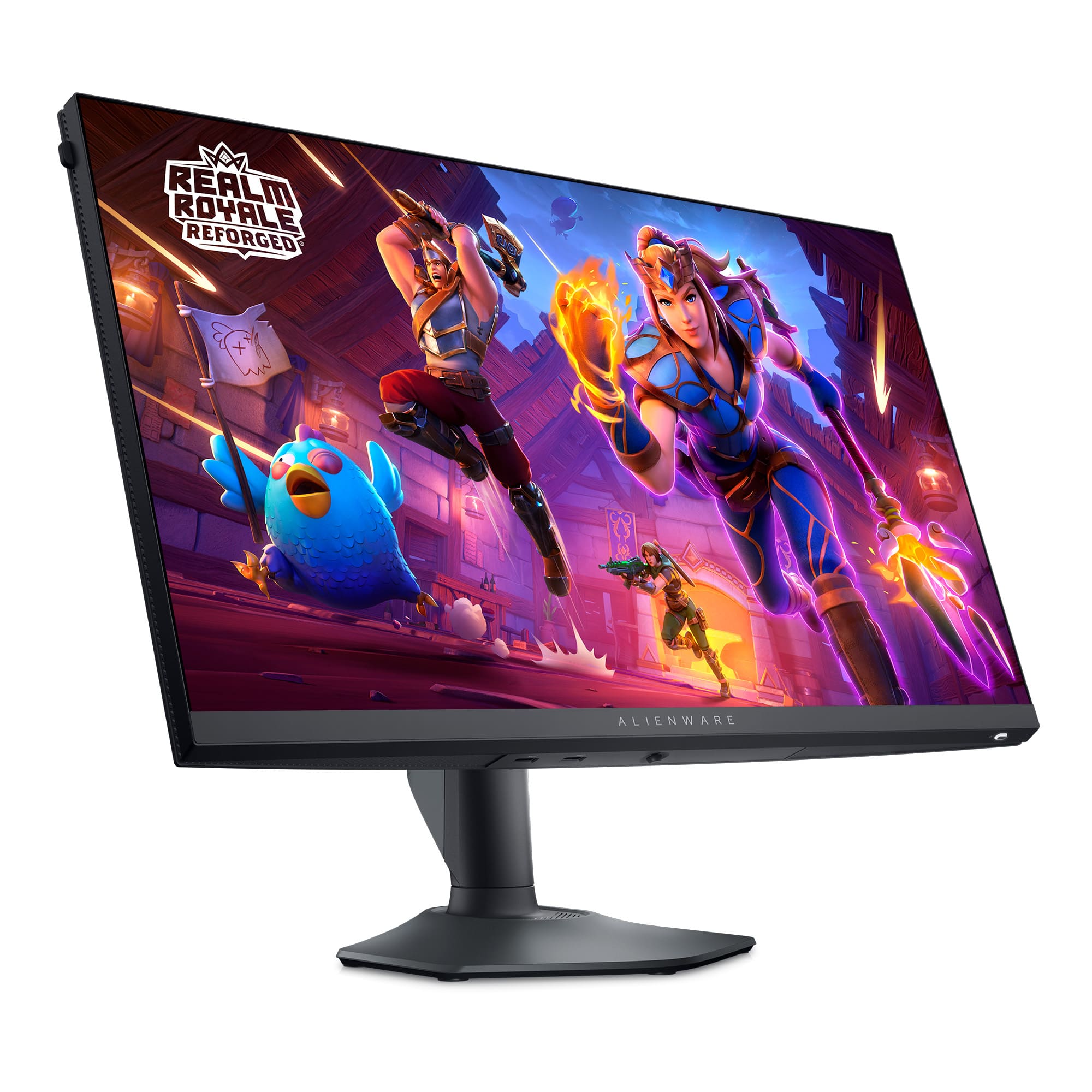
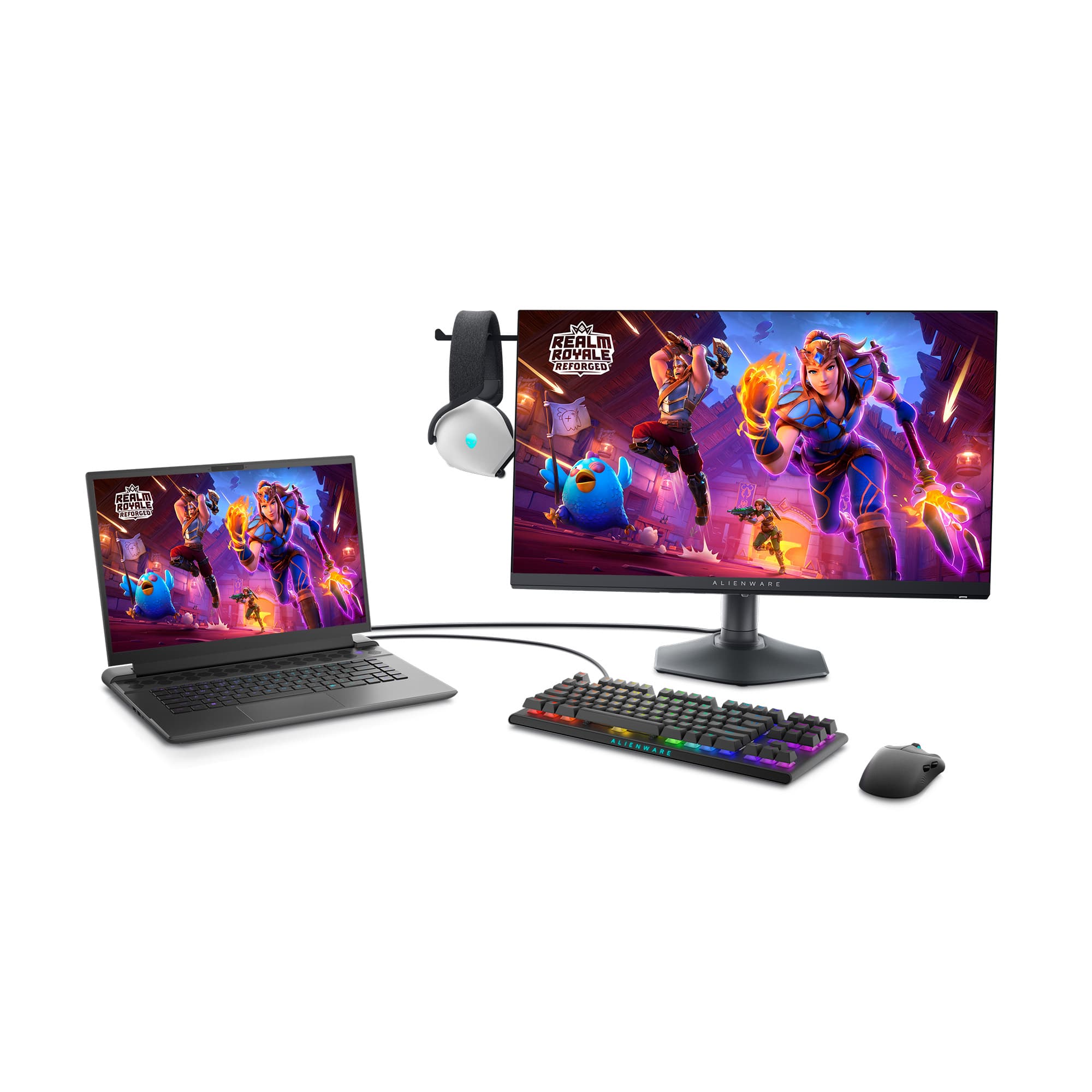
|Posted .This reviewer received promo considerations or sweepstakes entry for writing a review.Alienware, out of this world production, created within the realm of earth’s surly bounds. So, you run out and pick yourself up a sports car and when you go to fire it up the first time and hear the engine roar to life, you think, speed. You run down to your local Best Buy store and pick up this new Alienware monitor, unbox it, hook it up to your favorite fast computer and set the monitor’s refresh rate to not 60 Hz, not 144 Hz, but 360 Hz and you think to yourself, speed! And you would be right, because yes, this monitor is very fast. However, at 27”, it might be a little light on pixels as it remains a full HD monitor (1080p) 1920 x 1080, and not a higher resolution. The AW2724HF Alienware 27-inch gaming monitor is built for competitive gamers seeking top-tier performance with high refresh rates and ultra-low response times. The main feature of this monitor is its 360 Hz refresh rate, which can be reached when using the included display port cable or the display port to USB-C cable, which I found very helpful when connecting to my gaming laptop. (Note that the use of an HDMI cable will limit the refresh rate to 255 Hz.) To fully take advantage of this feature, you will need a pretty decent CPU and GPU, for modern FPS games such as Fortnite, CSGO, Rainbow Six Siege, and Call of Duty. To run at 1080p at 360+ Frames per second, you will need upwards of a 70 class 30 series GPU (RTX 3070, RTX 3080, RTX 3090 or any variations of these), or above a 60 class 40 series GPU (RTX 4060, RTX 4070, RTX 4080, RTX 4090 or any variations of these). Please note that GPUs below these thresholds will also work, however refresh rates vary highly depending on other factors such as the CPU, the drive space, the RAM size and speed, as well as other software on the PC. Also note that for competitive gaming, 144 -240 Hz refresh rates are more than sufficient for most games. The games where you will see the most noticeable difference, are those such as CSGO, Call of Duty, and Fortnite, where every movement and millisecond counts and can provide you with an edge over your opponent. Another plus in the speed department, is its 0.5ms response time. This will give you an even greater advantage in games like CSGO. The monitor’s 1920 x 1080 screen resolution is sufficient for modern games and lets your GPU focus on pumping out more frames per second rather than a higher detailed resolution. The drawback to this is that you will obviously get a lower quality image than that of a 1440p or 4k monitor. The IPS screen provides great viewing angles, and is a great addition, as many fast refresh monitors use TN or VA panels instead, which are not as proficient for viewing angles and color accuracy. I ended up testing this monitor mostly on my 2021 Razer Blade 14” with an RTX 3070 and an AMD Ryzen 9 5900HX and I was able to achieve 300+ FPS on games like CSGO, Rocket League, and Fortnite, which all displayed well on this 360 Hz monitor. Always make sure to go into Windows settings to change the refresh rate to 360 Hz rather than use the 60hz stock setting. Go to: Settings > Advanced Display Settings > Refresh Rate > 360 Hz. One additional thing that I have to mention, is that the build quality of this monitor is very substantial. The stand has convenient cable routing through the back, features horizontal and vertical physical rotation allowing portrait orientation mode, and comes with multiple USB 3.2 ports conveniently located on the bottom of the monitor enabled with the use of a single (included) USB cable plugged into your PC. It also has one HDMI (HDCP 1.4) port and two DisplayPort 1.4 (HDCP 1.4) inputs. There is also support for VESA mounting, although spacers may be required depending on the design of the mount. One additional novel feature is the headphone holder, which consists of a retractable horizontal plastic appendage located at the top left of the monitor sufficient in size to allow resting your over-the-ear cans on it while you take a break. The main goal of this monitor is to provide performance-oriented gamers with a super-fast refresh rate for those who wish to get every advantage possible on the battlefield. Oh yeah, it’s also really good for about everything else too! I definitely like this monitor. It’s maybe not the best choice for super-color-critical creatives, but for game players, it will probably be a hit.
I would recommend this to a friend - Pros mentioned:Overall performance, Refresh rate
Definitely one of the best!
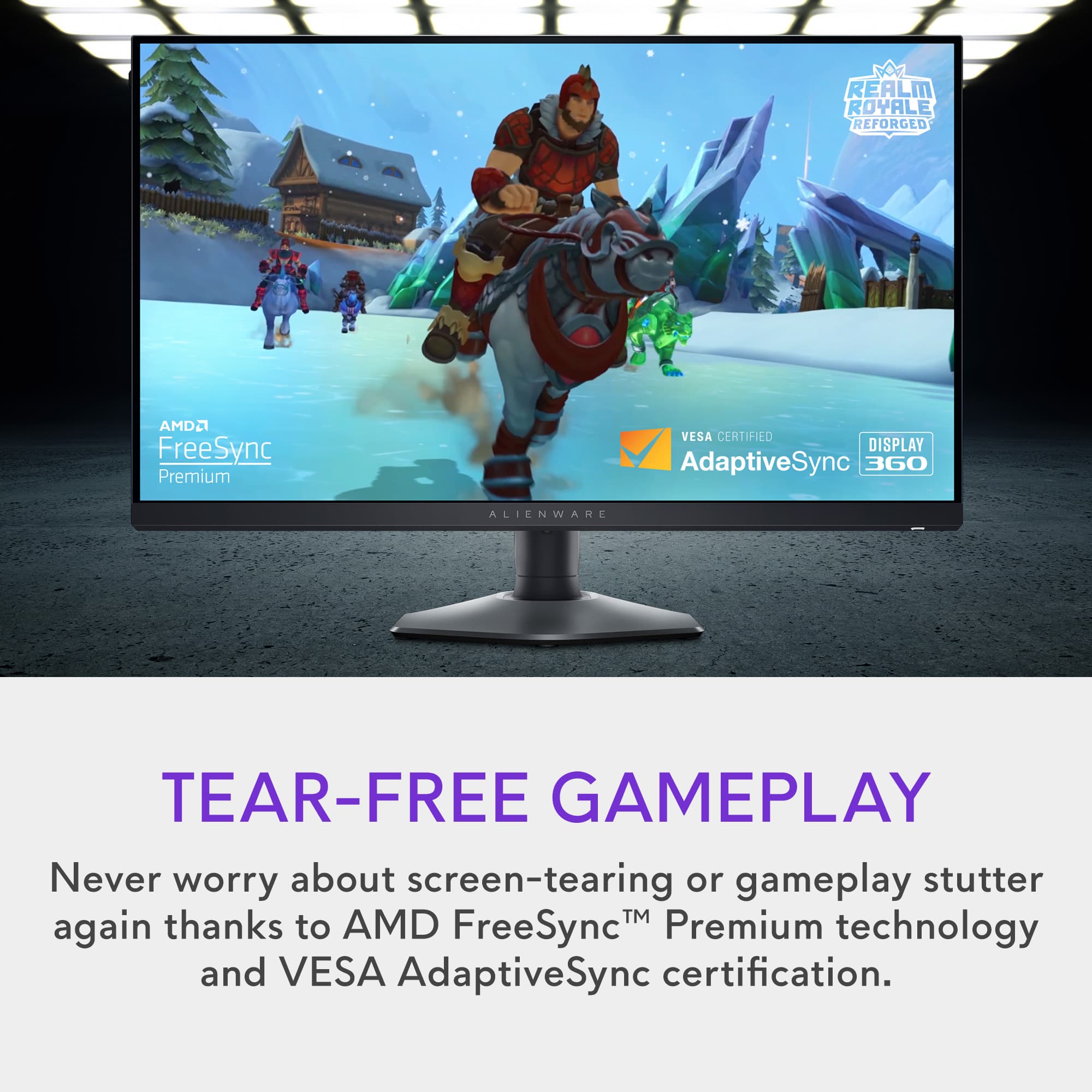
|Posted .This reviewer received promo considerations or sweepstakes entry for writing a review.The Alienware - AW2724HF 27" IPS FHD Gaming Monitor has a 360Hz Display with AMD Free-Sync is a very impressive Gaming Monitor. Seeing that I am used to using a Dell U series 27” 2560x1440 monitor array I was not sure if this monitor would live up to my standards. However, what I did know is that it was a Dell so I had very high hopes and expectations for it. Once I got it set up I messed around with the settings and got things adjusted to my liking. I was very pleased to see that the settings adjusted according to what I was used to on my other Dell monitors and once dialed in the screen is very nice. The Dark Side of The Moon gaming monitor as named by Dell has all of the display connections one could ask for with Two DisplayPort 1.4 connections and an HDMI 2.1 connection. It also has four USB-A 3.2 connections and a USB-B connection for your input to activate the other USB-A ports all aligned along the bottom back of the screen facing downward in typical Dell fashion. This allows you to easily connect accessories on your desk to your computer via your monitor which is nice. This screen is also very robust and has a very sturdy stand that allows a generous amount of vertical movement allowing you to tilt the screen vertically with ease. The adjustments are high quality and work well compared to other brands I have used. There is also a small joystick control in the center bottom of the screen which makes for a very simple way to adjust the screen settings. The Alienware - AW2724HF is a high-performance gaming monitor that shines in games with its 360Hz refresh rate screen. I seriously doubt you will see any artifacts or tearing with this monitor ever. The color gamut is awesome as well and colors are accurate and pop very nicely with no noticeable issues at all no matter what you are using it for. It also has smart HDR which is very nice if your hardware supports it. It is also very bright at 400 candela per square meter which is high compared to other monitors I have used. Playing games with this monitor is just amazing but it also shines for watching movies and videos and has smart HDR settings for both. This is not a cheap monitor but it is definitely worth the price, especially on sale. Everything about it is high quality and it will make you want another one or maybe two to go with it. I have always not only been impressed with Dell's screens but I think they are the best and I have had monitors from just about all of the leading manufacturers to compare them to. So basically what I am saying is. If you are looking for a great monitor for gaming that shines at everything else as well. You can buy this monitor and not have to buy the most expensive graphics card out there and be happy with the results.
I would recommend this to a friend - Pros mentioned:Overall performance, Refresh rate
A Great Gaming Monitor
|Posted .This reviewer received promo considerations or sweepstakes entry for writing a review.The AW2724HF 27" Gaming Monitor by Alienware is a beauty! It is quite easy to assemble out of the box and sets up quickly. The monitor comes with all the cables you could need. With a 360Hz panel and 1920 x 1080p resolution, the Alienware monitor is very responsive with a nice selection of overlays and plenty of ports. The monitor comes with cable holes in the stand to allow you to string cables behind the monitor out of sight. It does have a discrete illuminated on/off switch on the right lower bottom of the monitor which stays on until the monitor is turns off and the monitor can be swiveled to display in the horizontal or vertical possition. Up, down and side-to-side swivels allow adjustment to most any position you find comfortable. It moves much easier than my previous monitor. As for performance, the Alienware AW2724HF is a winner beating out my old HP monitor by a landslide. It is faster to start up and quicker when displaying images, print and internet content. I didn't expect that its speed would be that easy to recognize. A hidden headphone stand pops out of the upper left side of the monitor when in the horisontal position - very handle when you are done using full sized headphones while gaming. The refresh rate of the monitor is adjustable from the 60 Hz default rate to the higher 360 Hz rate using a joystick hidden underneath the montor's frame. An extreme refresh rate can be adjusted to give a 0.5ms response rate using the joystick. My overall impression of the alienware AW 2724HF 27" FHD Gaming Montor is very very positive. It will now be my full time monitor for quite a while!
I would recommend this to a friend Don't buy
||Posted . Owned for 1 month when reviewed.This reviewer received promo considerations or sweepstakes entry for writing a review.I received it and it has a pixel burnt in it. I reach out
No, I would not recommend this to a friend- Pros mentioned:Color
You cannot go wrong with this one
|Posted .This reviewer received promo considerations or sweepstakes entry for writing a review.I have a few monitors on my desk. I have a 14" in portrait mode for my security cameras, I have dual 23" on top of each other and a 32" as my main screen. Adding the Alienware AW2724HF 27" Gaming Monitor really puts the cherry on top of my setup. I find it easily compares to my ASUS - TUF 31.5" LED WQHD FreeSync Gaming Monitor. The color profile, the brightness, the response time all sync up very well. The connection options are nice as well and Alienware / Dell included all of the cables for HDMI, DisplayPort and USB-C. The monitor easily connected to my monitor arm for proper placement. Plus, the included headset arm was a nice feature. I have found that games such as Fortnite, Rogue Squadron and Halo look great on the screen while movies and video calls are crisp and clear.Text is just about perfect for me and scrolling the web is relaxing with the balance between size, brightness and contrast. I will gladly be looking to use more of this one when I go to replace my smaller monitors with the higher quality options.
I would recommend this to a friend - Pros mentioned:Refresh rate
4.5 stars
|Posted .This reviewer received promo considerations or sweepstakes entry for writing a review.There isn't a full instruction manual included. It tells me how to assemble and turn on the monitor, but not that there is a settings control stick/button on the bottom or a headphone rest on the left-hand side. Or even that the USB-A cable that's supposedly required is just so you can use two extra USB 3.0 ports that were also unspecified on the bottom for a mouse and keyboard. Apart from that, the assembly is straight forward and requires no tools. Probably about three minutes in total without the guide. I used the UFO test on the monitor to check the refresh rate. The difference between 360fps and 180fps is subtle but noticable when done side by side since there is little to no noticable blur on the 360fps. As far as gaming performance goes, if the game supports it and you can actually achieve that frame rate, it looks nice. Outside of that it's still buttery smooth. It does have some interesting modes, like putting a large green crosshair in the center of the screen, which beats just sticking a dot in the center yourself if you really need it. It's a pretty good monitor, but it does require special hardware if you want to mount it. That isn't unheard of but it's still a pain. And the instructions provided, while good enough to set it up, they're bare basics and don't give anything beyond the setup. As I mentioned in the beginning, more information would have made set-up much easier and assured the use of all great features.
I would recommend this to a friend - Pros mentioned:Overall performance
Solid pc
Posted .This reviewer received promo considerations or sweepstakes entry for writing a review.Had it for about an year and a half and it has been running really good still
I would recommend this to a friend - Pros mentioned:Refresh rate
I love it
Posted .This reviewer received promo considerations or sweepstakes entry for writing a review.Faaaave. Most def recommended if you are a gamer and is looking for a monitor
I would recommend this to a friend How many resolution is this?
Posted .This reviewer received promo considerations or sweepstakes entry for writing a review.I am not very sure on how many resolution this monitor has can someone tell me so that i can buy it
No, I would not recommend this to a friend