Customer Ratings & Reviews
- Model:
- AW2725D
- SKU:
- 6640502
Rating by feature
- Display Quality
Rating 4.9 out of 5 stars
- Ease of Use
Rating 4.8 out of 5 stars
- Features
Rating 4.7 out of 5 stars
to a friend
Customers are saying
Customers frequently mention the AW2725D monitor's exceptional color quality, describing the image as visually stunning. The monitor's high refresh rate and reliable connectivity are also appreciated by users. Additionally, customers acknowledge the monitor's resolution as a positive attribute.
This summary was generated by AI based on customer reviews.

Amazing display
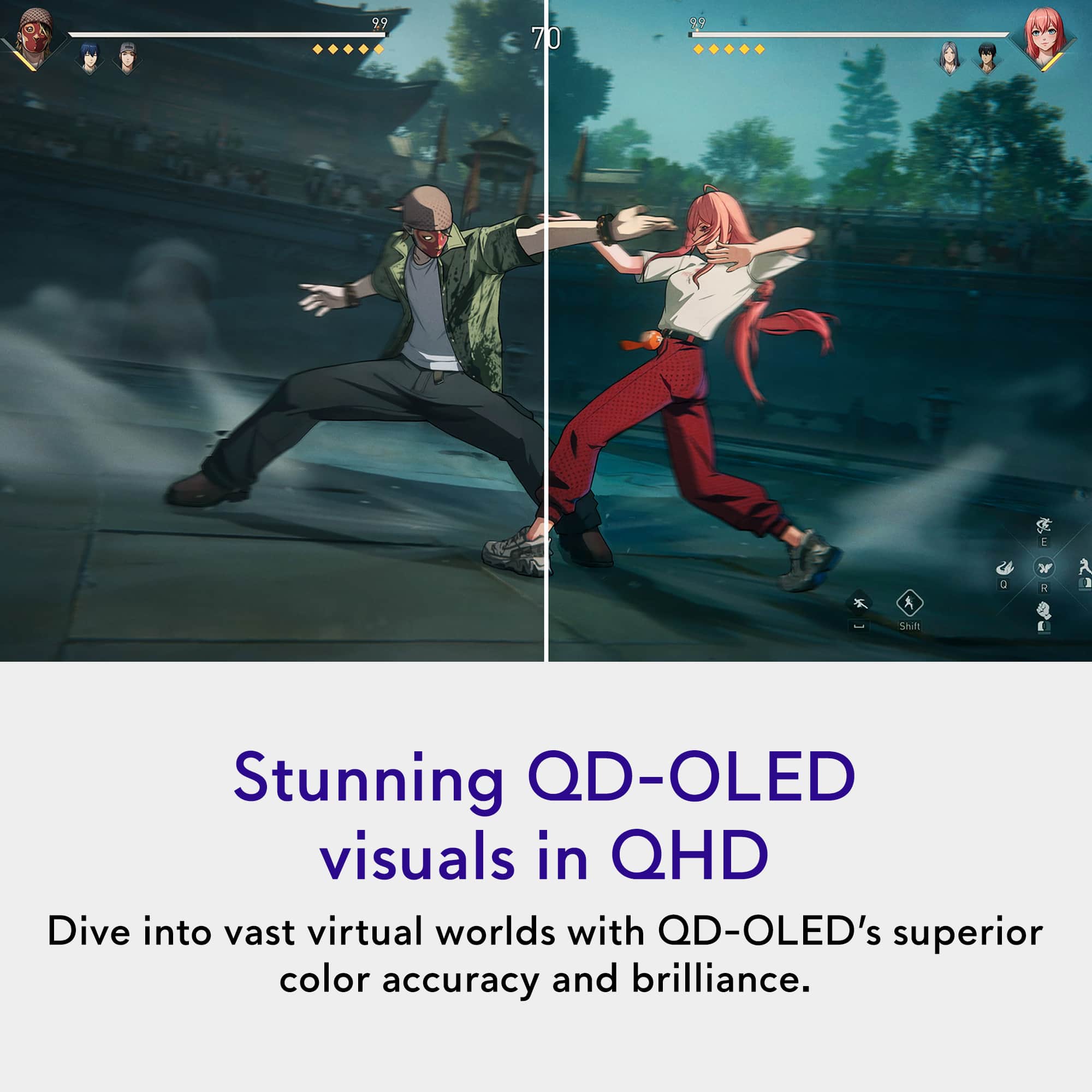
|Posted .This reviewer received promo considerations or sweepstakes entry for writing a review.This is ann amazing display right out of the box. Package very well and easy to unbox and assemble. Virtually no tools needed. Simple plug into the wall and another simple plug into the source and in my case a gaming laptop. Right away from the initial power on and connection, the display demonstrated outstanding Picture quality. The OLED display is very well made, and constructed. The Display using the initial settings were outstanding, and I was hooked right away. We played Is somewhat demanding online game Marvel rivals which showcase beautiful colors on the display. It was an obvious difference in upgrade over the laptop display, which was pretty good As a comparison. The Alienware OLED display demonstrated beautiful colors, sharp contrast and resolution, great shadow detail, and just an overall amazing pop to the image. The speed and refresh rate with which the display handled the content was impressive. There was virtually no lag, and everything was displayed at such an An impressive smoothness. We then played with the various menu settings which was easy to navigate and Able to tweak some of the Image quality. But even out of the box, it was outstanding. The screen size was excellent at a viewing distance of 2 to 3 feet away. Overall very impressive and I highly recommend.
I would recommend this to a friendBrilliant QD OLED picture, fast screen response
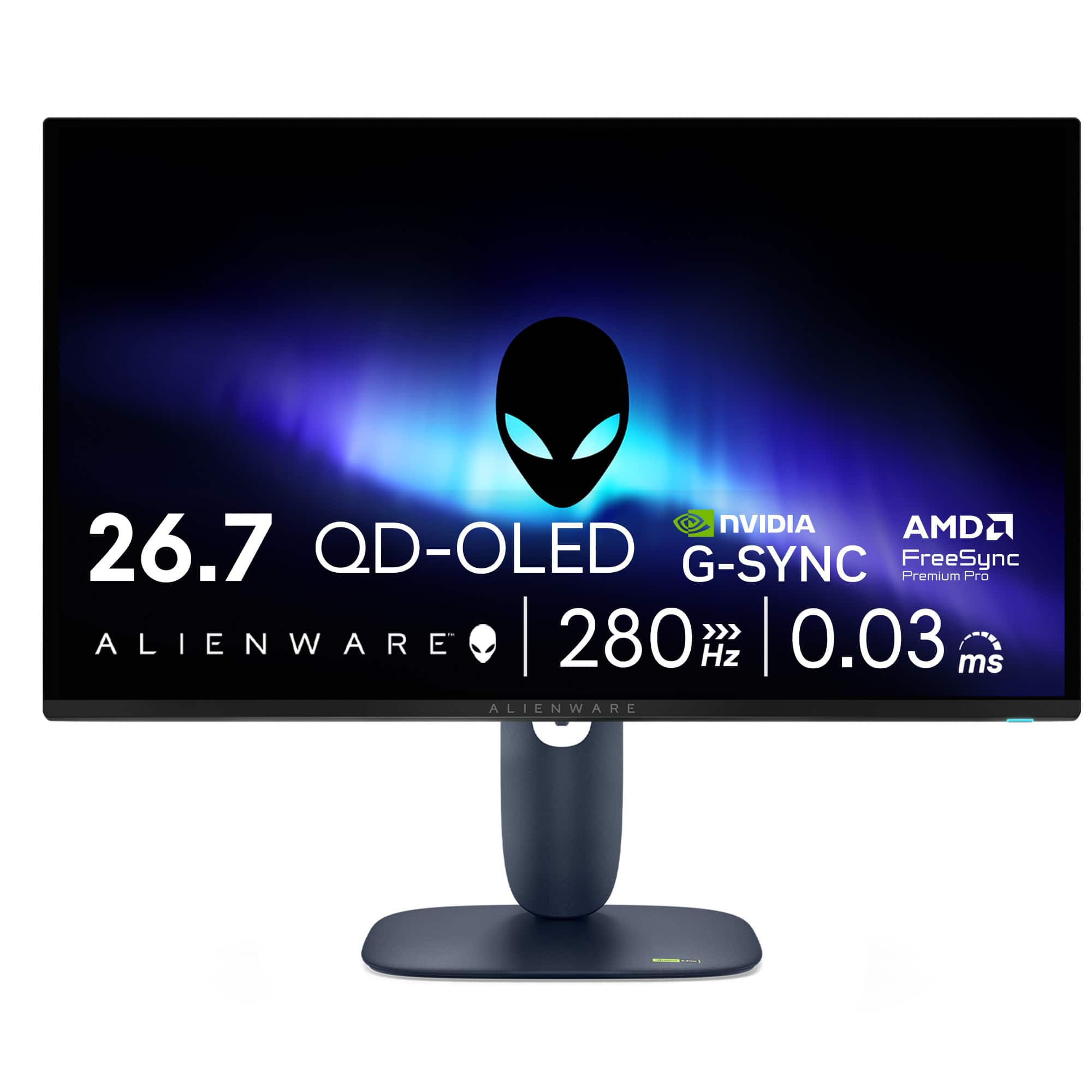
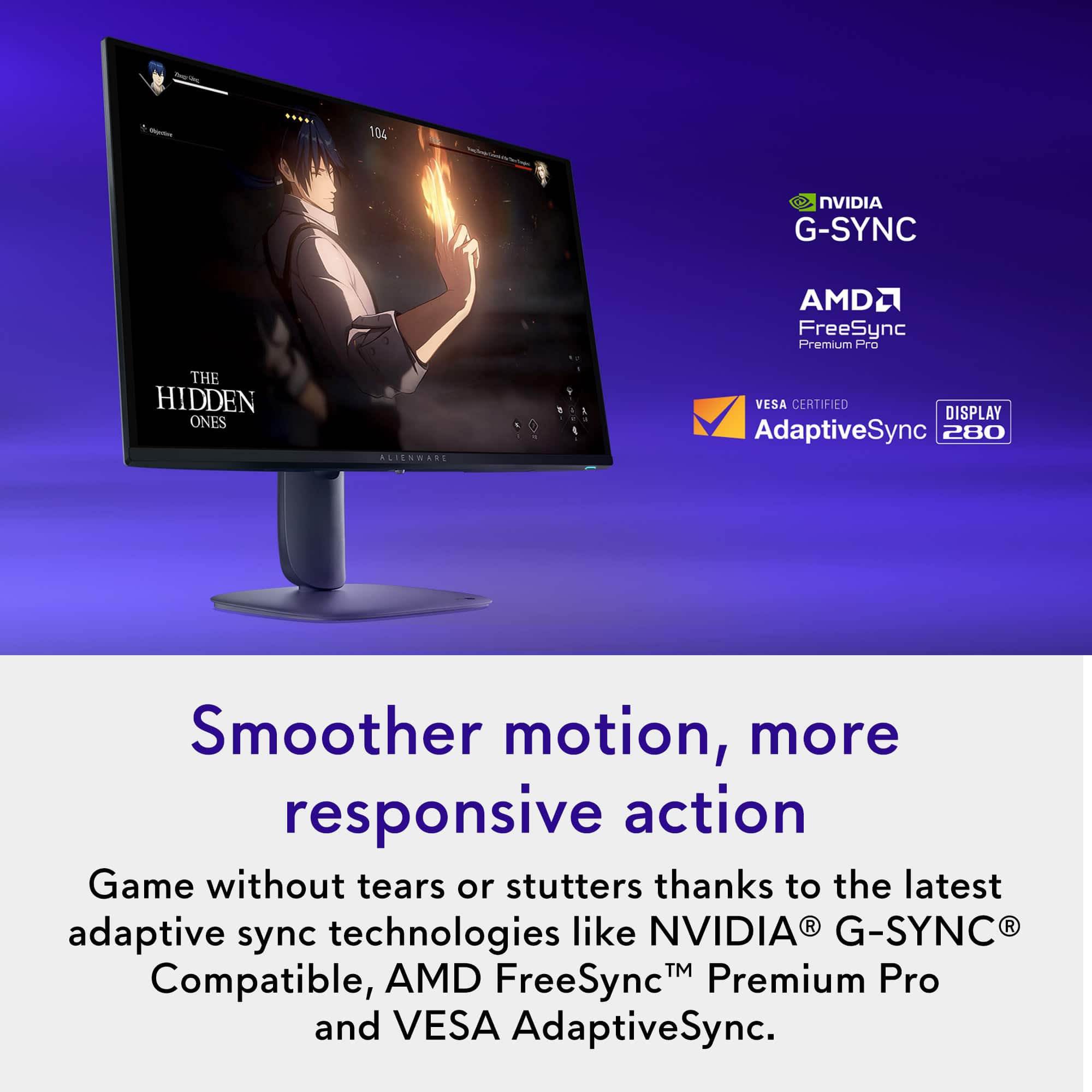
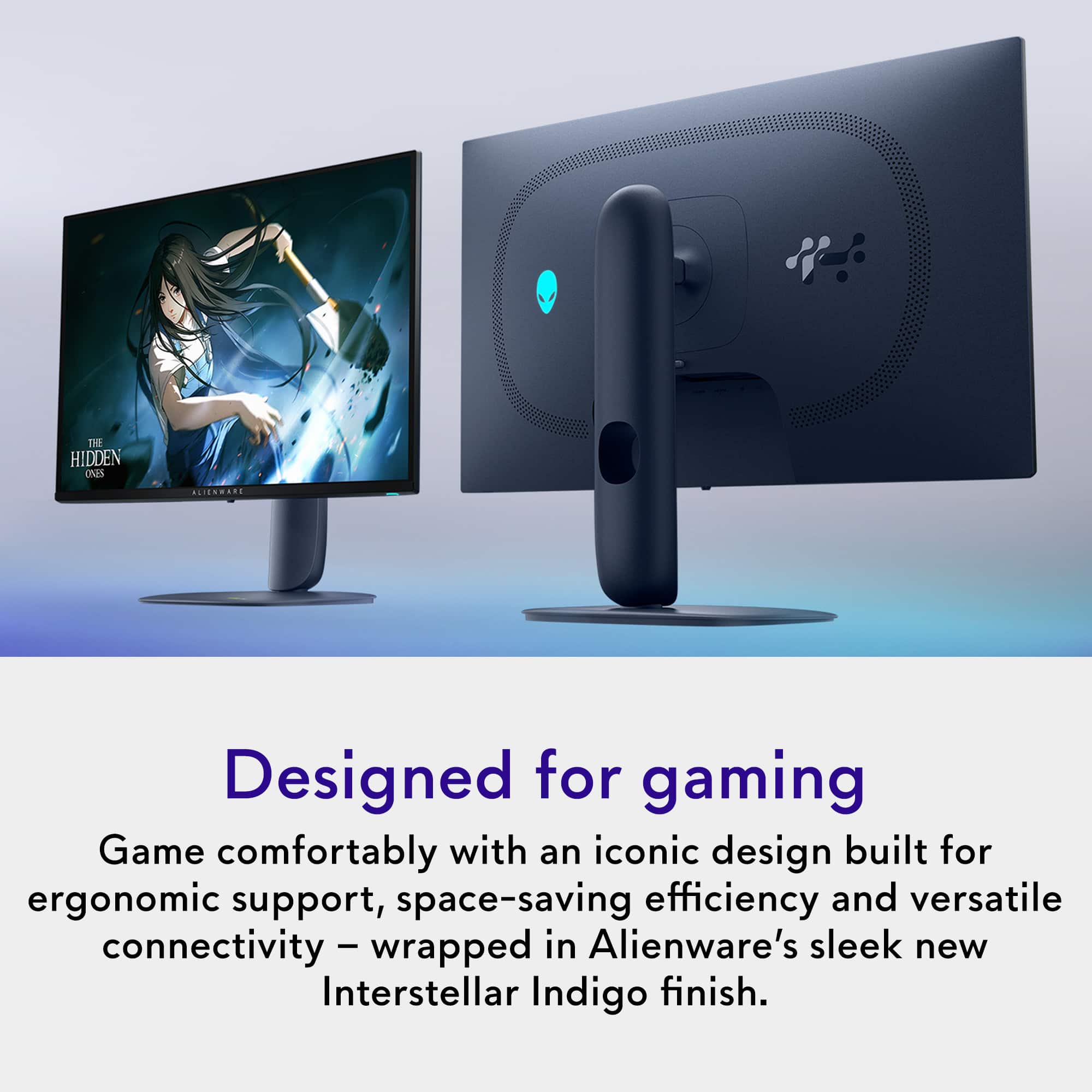
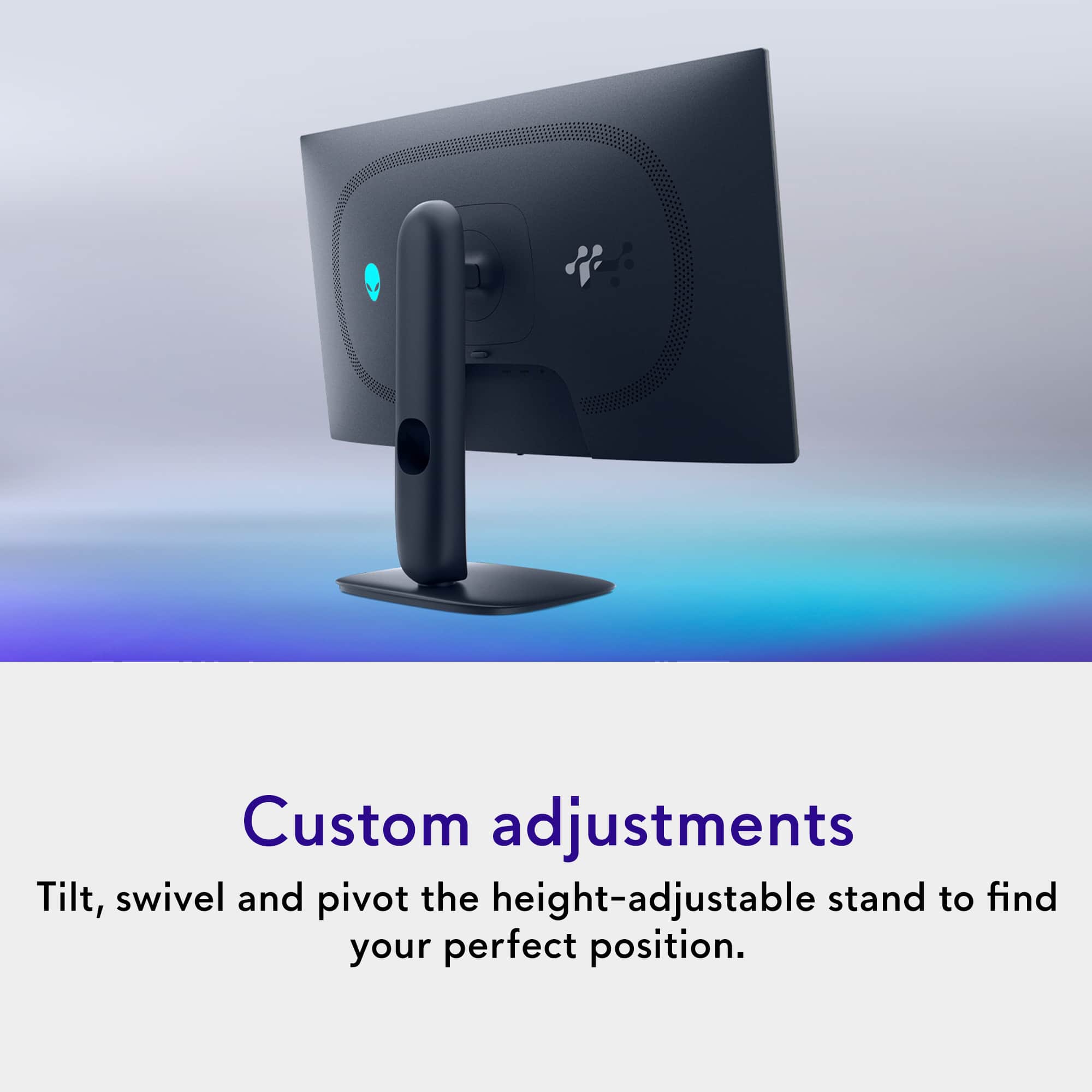
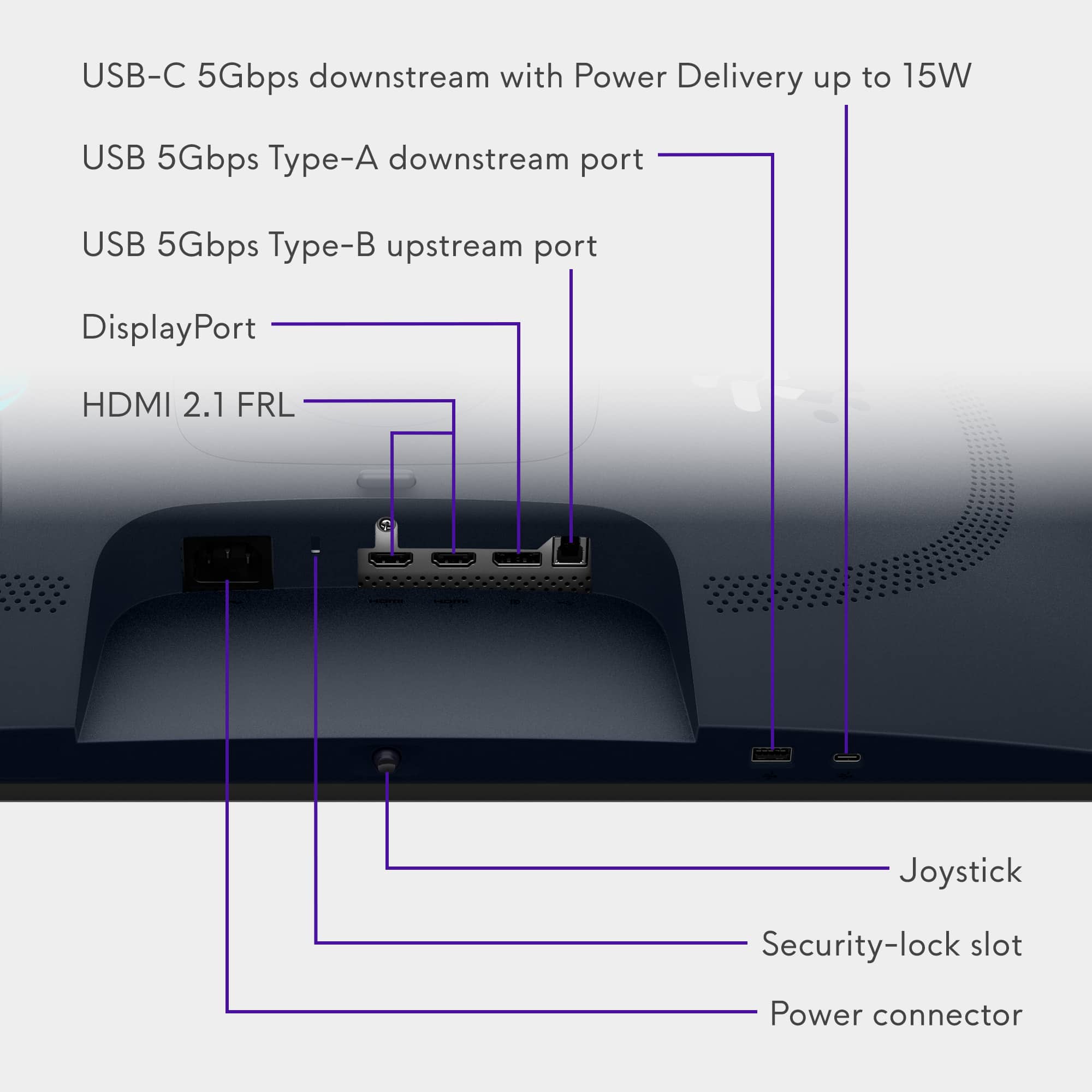
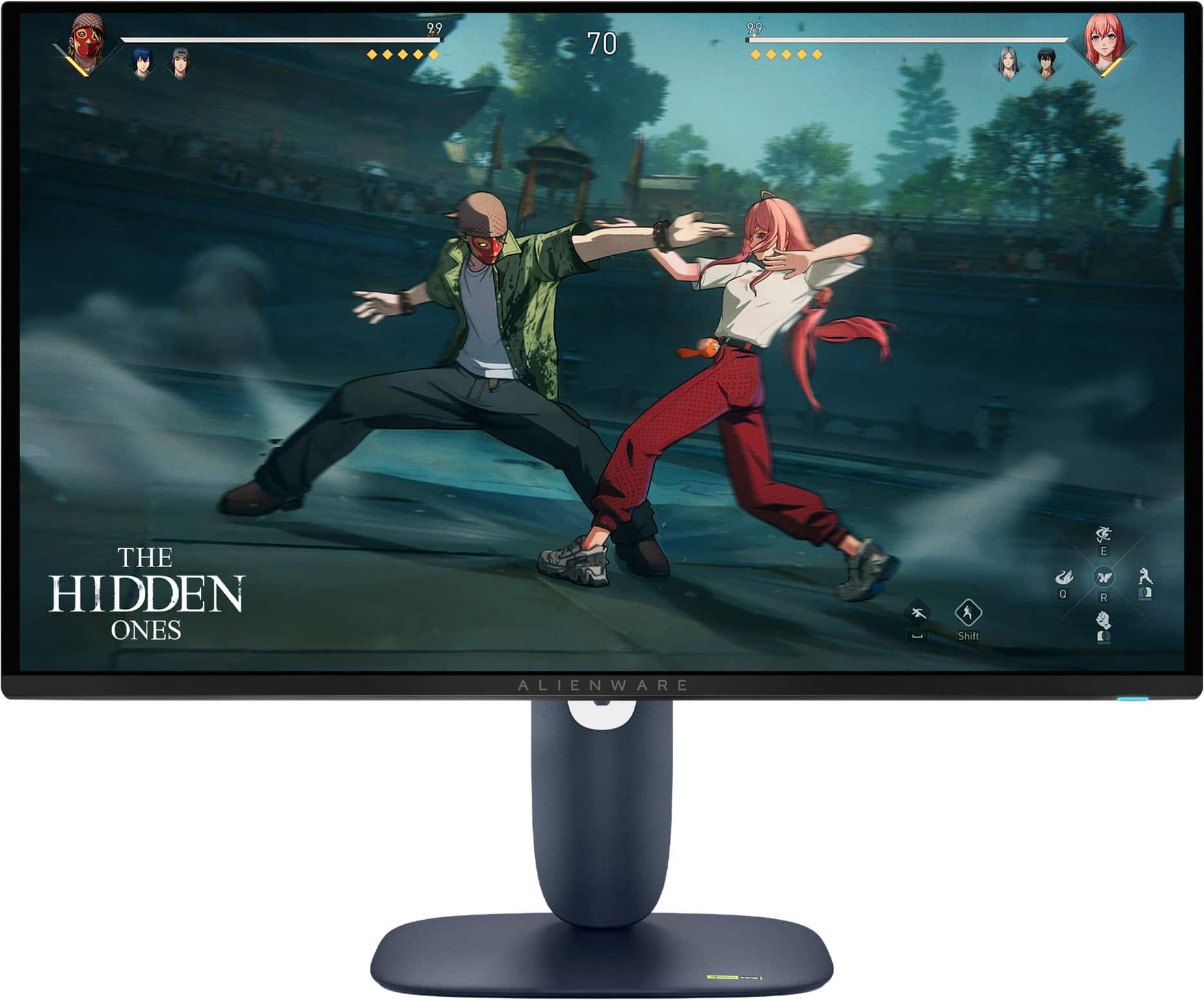
|Posted .This reviewer received promo considerations or sweepstakes entry for writing a review.This was very well packed. The simple assembly consisted of screwing the base to the arm, and snap the arm into the display. There is a button on the display to easily unsnap from the mount. The height, tilt, swivel can all be adjusted. There are a number of ports along the bottom recess, and edge. Two HDMI ports, display port, one each USB 1, 2, and 3 port. Also on bottom edge is the power button and a joystick to get into all the menu options. The specs are very respectable, and are available on line, so I will mention only a few. The screen is a 26.7 inch QD OLED 2560 X 1440 resolution with a 280Hz refresh rate. Resopnse time is a mere .03 milliseconds. Typical brightness is 250 cd/m². AMD FreeSync Premium Pro, Nvidia G-SYNC with HDR. I went on to test out, and first I explored the menu items. I was impressed at the number of items that a user can adjust. There are color, hue, brightness, and contrast levels, dark stabilizer, preset color mode, input, etc. After setting some color settings to achieve a good white balance, I used with a gaming computer on some games and even streaming movies. The picture was excellent. Color was saturated, picture was bright and dynamic, and deep blacks. Games looked great, ran smoothly, and I didn't notice any defects. And even playing a movie immerses you in the picture. The excellent, fast screen makes this monitor a nice choice to be used for any HDMI device – games, videos, streaming. One thing I would like to see is an optical audio output to use with powered speakers or audio system.
I would recommend this to a friendGreat budget friendly OLED gaming monitor
|Posted .This reviewer received promo considerations or sweepstakes entry for writing a review.This is the second Alienware OLED monitor I have gotten over the last few years and again this one exceeded my expectations at this price point. It comes with everything we need to get it connected via either DisplayPort or HDMI and also had a few USB connections underneath as well to offer some quick access for a controller or set of headphones. It is a 100x100 Vesa Mount pattern so I was able to quickly swap it out with my previous monitor and have it on my wall and powered up within just a few minutes. There are multiple different features and modes depending on which game you're playing, from racing the first person shooters to strategy there are multiple different color profiles preset. One cool feature that I have noticed and more and more monitors and TVs lately is what they call alien vision on this one which allows you to set up a fixed position aiming. For FPS games. There's a couple different settings or options which is really cool with one looking like the Predator vision. I haven't connected to an Asus ROG i9 with an Nvidia RTX graphics card and every game looks beautiful running in Max or Ultra settings. Just monitor offers HDR as well as multiple resolutions and refresh rates up to 4K and 144 Hz depending on what your graphics card is capable of producing. It also has multiple different sync modes as well as G-Sync. In addition to having multiple various settings it is also very light so mounting it was very easy due to how lightweight this monitor is. Pros - Great budget friendly OLED 4K gaming monitor - Multiple different video modes and enhanced settings within the Alienware menu - Adaptive Freesynch or G-Synch functionality - Lightweight for easy mounting Cons - Only has a few USB ports, my other monitors have double or triple - Potential for burn in if not properly maintained or managed like any other OLED Overall this monitor offers class leading gaming features and offers excellent price to performance numbers. I have been very happy with this monitor with the games I have played as well as the work I have done on it for my business which is heavily excel based.
I would recommend this to a friendBrilliant picture, very cool styling.
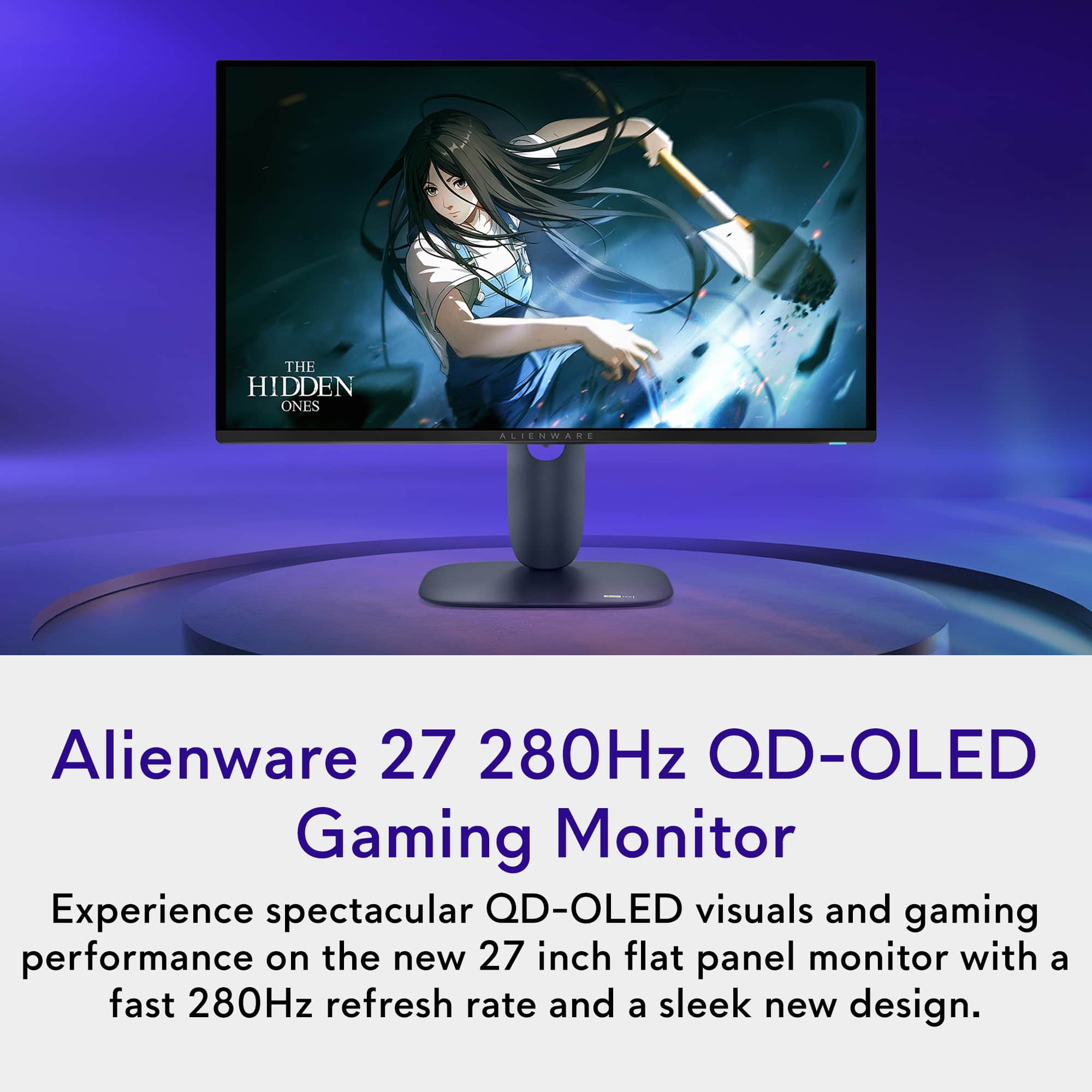
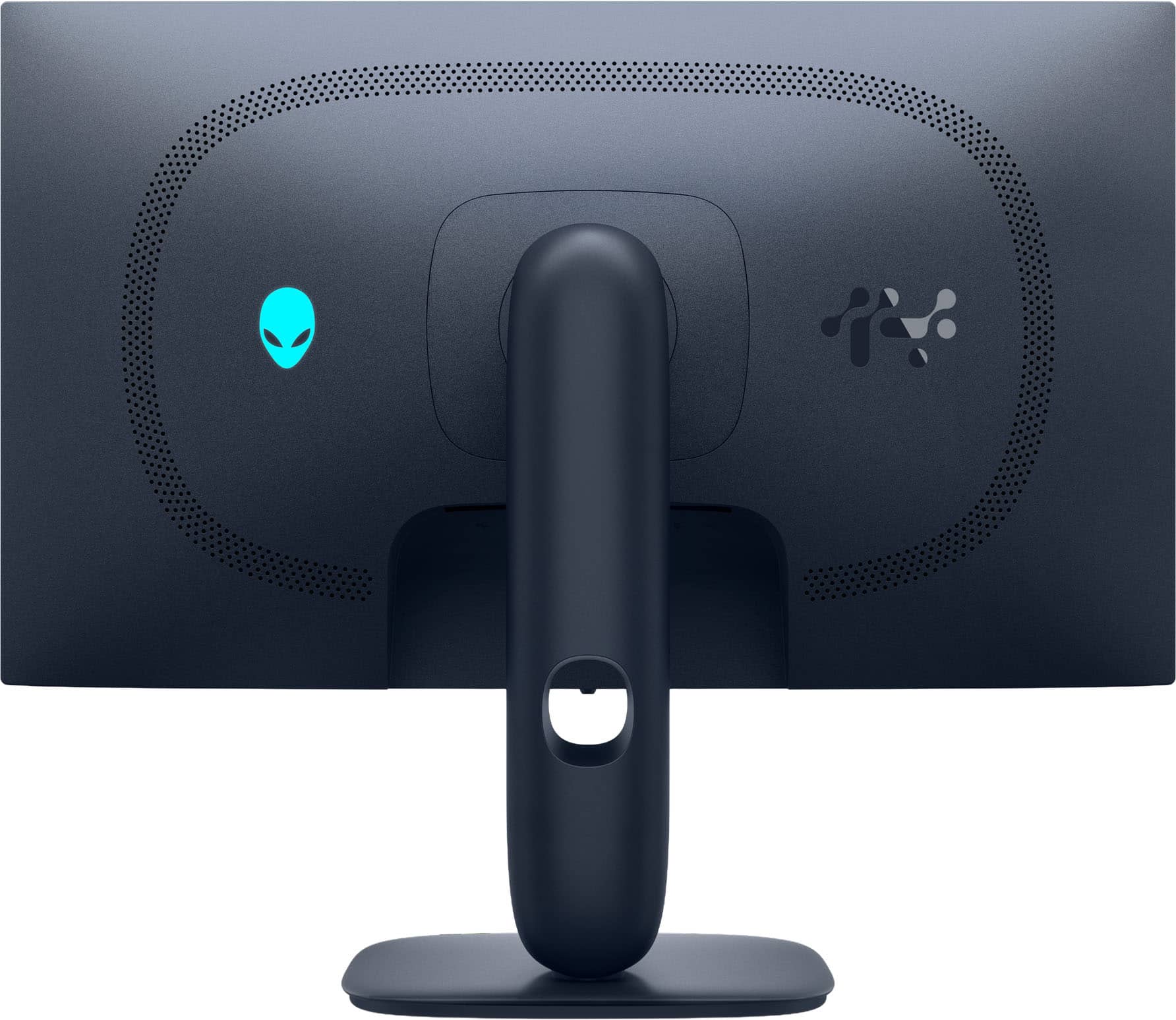
|Posted .This reviewer received promo considerations or sweepstakes entry for writing a review.The Alienware QLED 27" monitor is a must have gaming and multimedia monitor. The images that is produces are breathtaking. You can clearly tell the difference between this OLED display and a traditional LED monitor. The image is crystal clear and the colors are brilliant. The first thing I tested was 4k videos. It was hard to even move past the movies since the picture is so nice. The OLED display brings out the vivid UHD picture in movies, much like my OLED display TV in my living room. This monitor will make for great streaming in your gaming room, office, or bedroom. This display really shines when it comes to gaming. I adjusted the graphic settings on my gaming laptop and launched a few games. The first was Arkham Asylum on Steam, and everything ran so smooth. The game automatically adjusted display settings and the game showed really well. I got lost in the visuals right away. I then ran Robocop and just really enjoyed every minute of the gameplay. Everything looks so sharp and smooth with the OLED display. The monitor came well packed in the shipping box, and included an HDMI cable and DisplayPort cable. To assemble the monitor you simply attach the bast to the stem, then snap the stem to the back of the monitor. The monitor plastic is a slightly textured flat housing, which completely resists fingerprints. I like the monitor casing as it reminds me of an old school video game such as a GameCube. The back of the monitor also features a glowing alien logo. Overall, I really love this monitor. The 27" monitor is the perfect size for a small setup, such as in a dorm or bedroom. The display is very crisp and sharp as it is an OLED display. Everything about this monitor is great and checks all of my boxes for a high end gaming monitor.
I would recommend this to a friendOLED makes all the difference
|Posted .This reviewer received promo considerations or sweepstakes entry for writing a review.I’ve been trucking along with a single 34” widescreen monitor for a while in my home setup. It serves well for gaming and productivity, but I kept finding myself short of screen real estate for work and decided it was time for a second monitor. First thing’s first - if you’re going to buy one of these and have a two screen setup, do yourself a big favor and just go ahead and order two. This OLED screen with such a high refresh rate will make your other monitor, no matter how good you thing it is, look like you got it at a thrift store. When gaming, Ive been astonished at how the refresh rates make such a tremendous difference in the action on screen. I have a pretty solid gaming rig and never thought of my monitor as a potential weak link until now. It’s smooth, blazing fast, and Ive just started turning off my 34” and focusing on the 27” Alienware instead. There’s a couple of thoughtful touches - one bit one being the USB-C port tucked under the front lip that can be used for charging. You can turn off the power draw if you’re not using it, but it’s perfect for my gym earbuds so they stay charged and in line of sight. All in all I highly recommend and encourage you to check this one out in person.
I would recommend this to a friendStunning colors and speed. Huge upgrade!
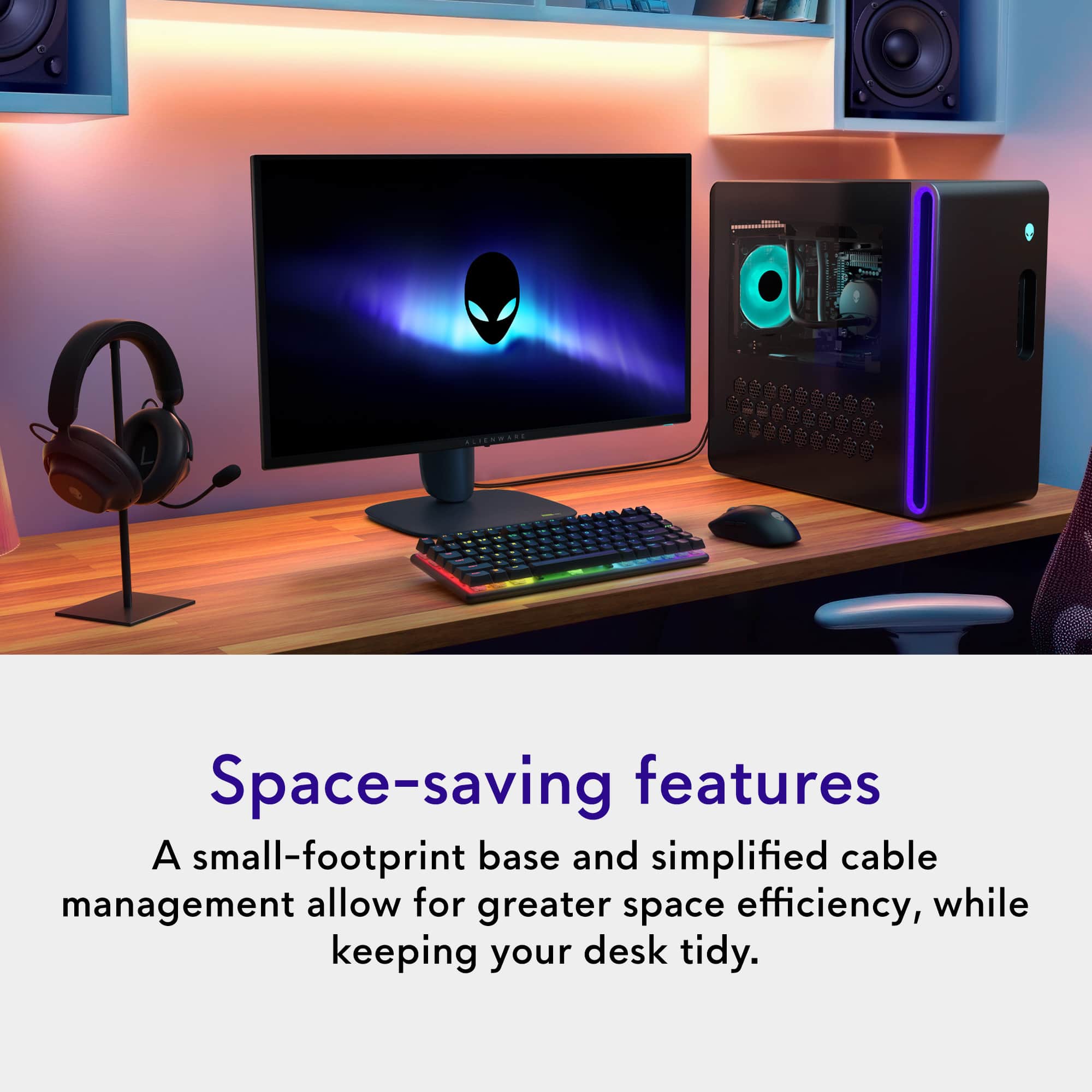
|Posted .This reviewer received promo considerations or sweepstakes entry for writing a review.I was in desperate need of a new monitor. My previous monitor was 4k, but I didn’t like how small everything got at that resolution (not to mention 4k is more taxing on a GPU). I was also stuck in the past with 60hz refresh rate. Didn’t do my games much justice. I splurged on the 2025 Alienware AW2725D OLED monitor, and I may never go back to LCD or IPS monitors again. Before I get into my quick takes, a few things about me: I’m a gamer, but not in any professional capacity. In fact, my bread-and-butter games are fighting games like Mortal Kombat and the Street Fighter series. My current go-to is the latest Marvel vs. Capcom: Infinite game. These are usually not too stressful on my GPU (4060), but at 4k it wasn’t great. I also do a lot of schoolwork on the PC, including word processing and Power Point shows. Now, onward! Pluses: The colors. There’s simply no replacement for the colors of an OLED screen. It truly gave my Street Fighter characters a whole new dimension. All the creases in their clothes and their muscles stood out so much more! HDR enhanced the colors a bit more, but I honestly didn't feel the need to keep using it since the SDR colors were so superior to my previous monitor. If you're an HDR-snob, you'll probably love it here. The 280Hz refresh rate is insane to me. In fact, it’s so foreign that I didn’t (or couldn’t) go over the 120Hz mark. But even at 120Hz, things looked so, so smooth and fluid. Combining that refresh rate with the enhanced color and contrast from OLED is a treat for your eyes (and games). Odd thing to mention, but I really appreciate the design of the monitor. The stand is small, streamlined, and doesn’t take up your entire desk (like many, many gaming monitors do with their deep stands). I also approve of Alienware’s limited use of RBG lighting. There’s an Alienware logo on back and a colored power button on the bottom of the screen. Both are customizable (or defeatable). I also have to give props to the appearance of text on screen. Many reviews of OLED monitors note that text can be hard to see on OLED screens, but I didn’t find much difference between this OLED panel and my previous IPS panel. I did utilize Window’s text customizer troubleshooter, just to be safe, and it’s worked really well. This was my biggest concern pre-order, and I'm glad it was a giant nothing-burger. Things to nitpick about: Lack of speakers seems silly. The cost for a tiny amplifier and two tiny speakers is minimal. I would have gladly ponied up more money for the same monitor with speakers. I don’t need anything fancy, but it’d be nice to keep additional speakers off my desk space. Not to mention the added cost of additional speakers. There’s a bit of heat that gets emitted from the screen. OLED panels are notorious for being a bit power hungry. And that extra power must cause some residual heat coming from the panel. It’s nothing major. Just don’t get too close to the screen and you’ll never notice. Overall, I think this monitor is outstanding. Yes, you can spend more for…whatever reason...but I wouldn’t. The AW2725D has a great picture and all the specs you need for either a top-notch gaming experience or a great allrounder that punches way above its price class. If you’re on the fence of OLED vs non-OLED, I highly recommend you hit up a Best Buy store and take a look in-person. You’ll be blown away.
I would recommend this to a friendFast and Furious, Alien-style
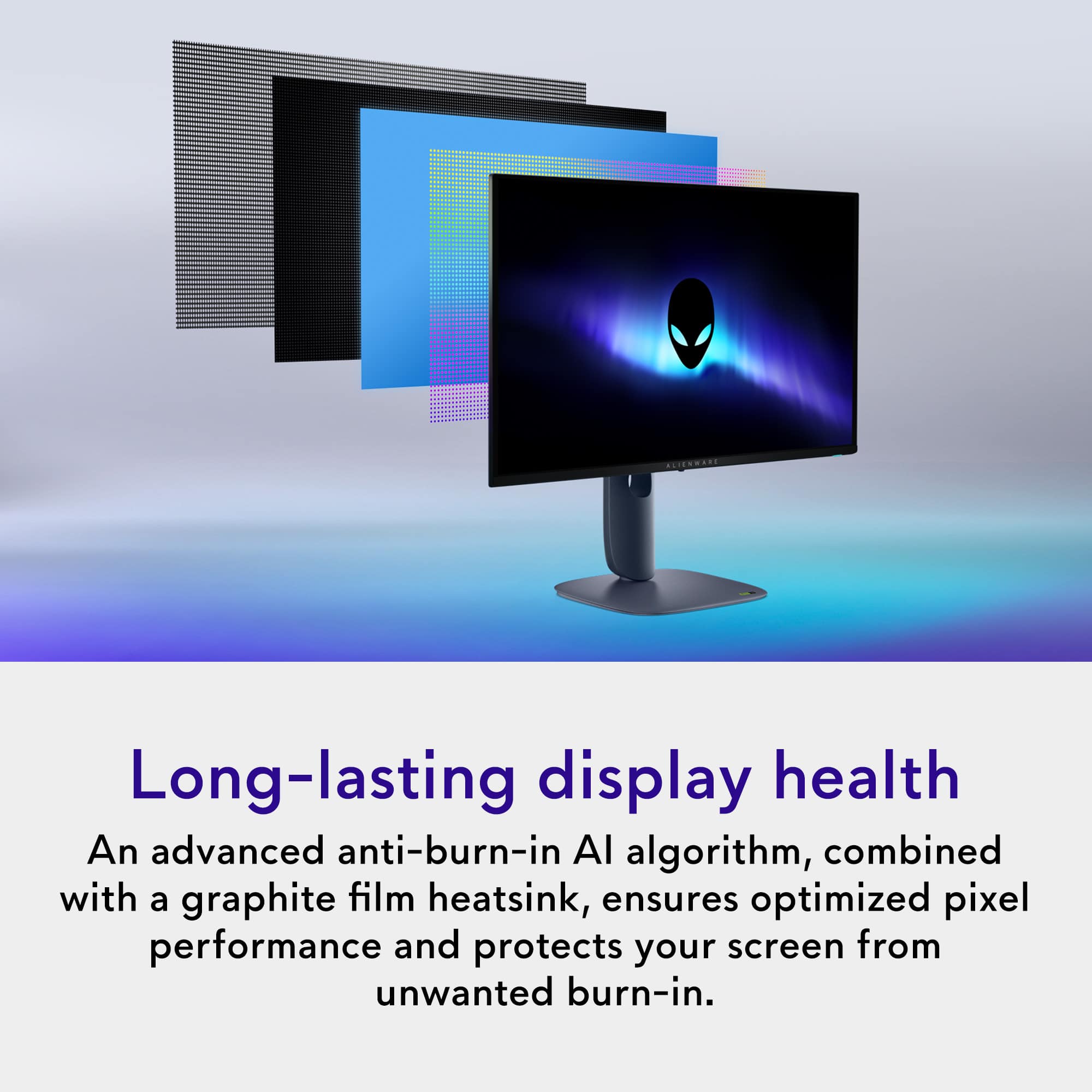
|Posted .This reviewer received promo considerations or sweepstakes entry for writing a review.Somewhere, in a little Alien spaceship repair shop, waits a ship with no control screen. Little do they know that I have it, and I’m not giving it back. On paper, this monitor at QHD 1440 resolution (2560 x 1440 maximum) is faster than any previous monitor that I’ve experienced. Let’s see, pretty high resolution, OLED screen technology, .03-ms response time, FreeSync and G-SYNC compatibility with HDR through either multiple HDMI 2.1 or DisplayPort 1.4 connections makes for a pretty full plate of goodies. One fortunate invitation to comparison, comes from the pre-possession of a gaming monitor from last year’s crop from the same manufacturer. So now, the question might become, is the average user of these types of monitors really capable of appreciating a generational difference in what has been an already speedy display? From the perspective of comparing display types of OLED now and IPS previously, I would expect to see and did see a disparity in contrast favoring the new OLED technology. This new OLED monitor is now claiming that it has found a way through both AI algorithms as well as the integration of a graphite sheet within the screen to enhance protection from the threat of burn-in. On an OLED laptop that I used for some of the testing, one of the downsides is worry about long-term burn-in. Fortunately, that now doesn’t seem to be as much of a concern with this new beauty of a display. The unpacking and assembly went swimmingly well, as do all of the Dell-related monitors that I have ever encountered. Just snap in the mounting plate to the back of the screen and screw on the base with the captive screw mechanism and lift it out of the packing material. One tip is to plug in whichever of the three included cables (HDMI, DisplayPort and USB) you choose to use before lifting it out, because it will be so much easier to see where to plug them in and route the cables through the cable passage-way before trying to place the monitor into its eventual and upright location. Once the monitor is placed, you will come to realize that you have height, tilt, swivel and pivot capabilities to place the monitor at your exact needed location to perhaps align with an existing monitor, etc. It will also be obvious once you’ve unpacked this monitor, that it has considerable heft compared to a number of other similarly-sized (27”) products. I believe that the additional typical cost of the Dell/Alienware products are partially justifiable on the build quality alone. I have older Dell monitors that are wearing like the tanks of technology that they were designed to be. This monitor also has VESA 100 mm x 100 mm mounting bosses for you multi-monitor stand users and wall mount aficionados. On first startup, the monitor asks if you will be using the on-board USB connections for charging or not, as it will be drawing a little more power to always have charging capability available through the USB-C connector at a modest 15 watts. Another reminder about power, is that the power in the rest of your computing rig, especially your graphics engine, is going to have a major impact on your viewing results such as maximum frame rates and use of some other supported features of this monitor. You will need to adjust a few settings on your graphics software to match the native resolution of 2560 x 1440 and choose your refresh rate among a number of other settings. Often game manufacturers will also provide a whole section of settings to optimize your monitor and graphics card to use their game at its most visually stimulating. You may need to download a driver for the monitor if you do not see these resolutions available or if the graphics engine is not robust enough to supply the higher resolution and refresh rates, you may consider undertaking an upgrade in hardware such as an RTX 50 series or equivalent graphics card used with 4X multi-frame generation software. Also, if using cables other than those supplied with the monitor, keep in mind that the type of cable you use could also become a bottleneck. Older generation HDMI ports on your existing PC may also throttle the amount of throughput data, which may limit your refresh rate. To run 1440p at the full 280Hz that this monitor is rated at, use at least an HDMI 2.1 or Display Port 1.4 or higher connection. Other positive features of this and other OLED screens is that they permit excellent viewing angles, with window-like clarity from just about any angle. Ok, limited to 178 degrees, who’s counting? The surface of this screen also has an anti-reflective coating that is a nice compromise between clarity and reflective glare. The monitor is also mindful of, and can enable blue light control and flicker-free technology in promotion of lessening eye strain when used with the factory or default settings. The monitor's 0.03ms response time is incredibly fast, almost to the point where most humans can't detect any lag. This level of response time is for those who are into competitive, fast paced FPS games such as CS:GO, Call of Duty, Fortnite and the like. Fans of other genres can expect an incredibly responsive experience as well. I’ve heard tell that the average gamer could get by just fine with 144Hz and the 280Hz this monitor is capable of should satisfy even pro gamers. Check out the onscreen display control panel via the joystick controller on the front bottom of the monitor for access to a number of settings including ten different color space presets to adjust settings for optimizing for various styles of games, content creation and custom presets. The Alienware Command Center Application can also give you access to a few more features on the monitor, and that is available from the Dell Support website. Reviewing this monitor has gotten me to thinking that the limits of my eyesight are starting to become challenged by the ever-improving quality of display technology. However, as an example of how the never-ending technology evolution compares to very recent past technology, it’s painfully clear how much better it looks when given the opportunity to see newer tech compared side by side to very recent technology. My particular gaming needs are very much eclipsed by this product’s capability and it is indeed a blast, and for everyday computing needs, it’s hard to beat. Your results may vary, but for my use, it’s a winner and a keeper.
I would recommend this to a friendAmazing picture quality and perfect for gaming
||Posted . Owned for 1 week when reviewed.This reviewer received promo considerations or sweepstakes entry for writing a review.This monitor exceeded my expectations. The picture quality is incredible thanks to the OLED panel — colors are vibrant, blacks are truly deep, and everything looks extremely sharp. Gaming on this monitor feels very smooth and responsive, especially with the high refresh rate. It’s a huge upgrade compared to a traditional LCD monitor. Build quality is also excellent and it looks great on the desk. If you want a premium gaming monitor with outstanding image quality, this is definitely worth it
I would recommend this to a friendOverall gem.
||Posted . Owned for less than 1 week when reviewed.This reviewer received promo considerations or sweepstakes entry for writing a review.This monitor rules. Has everything I need for console gaming. 27”, 280hz, true black, hdr, 1440p, hdmi 2.1, and the design and stand is nice and versatile.
I would recommend this to a friendWorth it if FedEx doesn't leave it up for grabs
||Posted . Owned for 3 weeks when reviewed.This reviewer received promo considerations or sweepstakes entry for writing a review.I went through several monitors before finally settling on the Dell Alienware, including some with even higher refresh rates, and still ended up choosing this one. The colors absolutely pop. It looks incredible for music production, and even better when gaming. Deep blacks, super vibrant colors, and everything just feels smoother and more immersive. Shipping on the other hand: FedEx decided to leave the package fully exposed in front of my apartment like it was a donation up for grabs.. I work about five minutes away, and the moment I saw the delivery notification, I rushed home. Within 20 minutes of it being delivered, the monitor was gone. Someone out there is now gaming on a $600 monitor for free.. I would say this was more of a FedEx issue than a Best Buy issue. I called Best Buy support, and to their credit, they handled it in one phone call and shipped me a replacement within a week of the original delivery date. So between multiple returns and one monitor being stolen in broad daylight, I can confidently say the product is amazing, and Best Buy came through when it mattered.
I would recommend this to a friendPerfect for gaming and tasks
||Posted . Owned for 3 months when reviewed.This reviewer received promo considerations or sweepstakes entry for writing a review.Been using the monitor for 4 months, the color is really nice, good refresh rate and a game changer fot the price
I would recommend this to a friendPretty Nice OLED for the price
||Posted .This reviewer received promo considerations or sweepstakes entry for writing a review.This is a fantastic OLED display for the money. This replaced my Dell G2724D for my main screen and I am quite pleased with it. It is bright and the colors are very nice. Onscreen text is a bit blurry, and I can see why others would hate that. I got used to it in a couple of weeks, and if you sit at a decent distance from the screen like you probably should it's a lot less noticeable. What is noticeable is the glossy screen covering. It does reflect a lot but the picture is better for it. AW command center isn't amazing but it's not any worse than the other gaming peripheral softwares. I've used Icue (randomly uninstalls itself), Synapse (huge mess that barely works), G Hub (ok most of the time), and armoury crate (bad). What I DON'T like is that despite there being no reason to do so, Dell slightly redesigned the stand so it doesn't quite work with older dell monitors. I was able to switch stands on some other dell monitors before.
I would recommend this to a friendFantastic Monitor
||Posted . Owned for less than 1 week when reviewed.This reviewer received promo considerations or sweepstakes entry for writing a review.Could not be happier. I was on the fence between this 2k oled or a 4k non-oled and let me tell you I made the right choice. Even though it is 2k the picture quality is amazing compared to my IPS monitor. Everything is so crisp. The only thing that could be better is a 4k oled but then you have the graphics card overhead. I am using a 9070xt and it is perfect. I was worried it would not be bright enough being an oled but is plenty bright is a room with non-dorect sunlight
I would recommend this to a friendFantastic OLED monitor
||Posted . Owned for 1 month when reviewed.This reviewer received promo considerations or sweepstakes entry for writing a review.Great monitor so far. The picture was excellent out of the box and required little adjustments. I’m used to IPS panels, so this was a serious upgrade and do not regret this purchase one bit. The 280Hz is a nice boost to, and I have yet to notice any screen tearing or ghosting due to the OLED panel. Blacks look fantastic, and reflections are hardly noticeable.
I would recommend this to a friend
Great monitor
|Posted . Owned for 3 weeks when reviewed.This reviewer received promo considerations or sweepstakes entry for writing a review.[Employee of bestbuy] Love everything about it ! Great picture and good refresh rate.
I would recommend this to a friendVery happy
||Posted . Owned for 1 month when reviewed.This reviewer received promo considerations or sweepstakes entry for writing a review.The blacks to whites are incredible. I didn’t realize what I was missing by not having HDR and OLED just looks great. The colors pop and my games look great. Running with a 5070 ti. Very happy and now after owning an OLED, I am less worried about Burn in like I originally was. I run Wallpaper engine and hide my task bar and I haven’t even noticed anything faintly. I usually have it on for 8 to 14 hours a day too. Definitely takes some settings tweaking to get it looking right.
I would recommend this to a friendGreat OLED monitor
||Posted .This reviewer received promo considerations or sweepstakes entry for writing a review.Got this as a gift for a friend, and he's loving it! Got another OLED convert in the picture. Response time and color are superb, deep blacks and good contrast OLED is known for, and HDR is relatively decent for what it is! The navy blue color of the monitor might not jive well with all setups, but otherwise this has been a great pick.
I would recommend this to a friendBest Value OLED Monitor
||Posted . Owned for 1 month when reviewed.This reviewer received promo considerations or sweepstakes entry for writing a review.I play Valorant and was looking for an oled monitor for the enhanced motion clarity and 2k resolution. This monitor exceeded all expectations and once you switch to oled you won’t be able to switch back to IPS/VA/TN panels.
I would recommend this to a friendVery good budget OLED monitor w/ 280 refresh rate
||Posted . Owned for 3 weeks when reviewed.This reviewer received promo considerations or sweepstakes entry for writing a review.Very good display for the price. This is a very nice display for those in the market for a 27" Oled screen with good a good refresh rate on a budget. So far I have been pleased and I have experienced zero issues. No dead pixels also.
I would recommend this to a friendMy wife loves it
||Posted . Owned for 1 week when reviewed.This reviewer received promo considerations or sweepstakes entry for writing a review.Got this as a gift for my wife. Everything works as it should & the color looks amazing. The only con I can see would be that there isn’t any built-in speakers. You would have to outsource a pair of speakers.
I would recommend this to a friend