Customer Ratings & Reviews

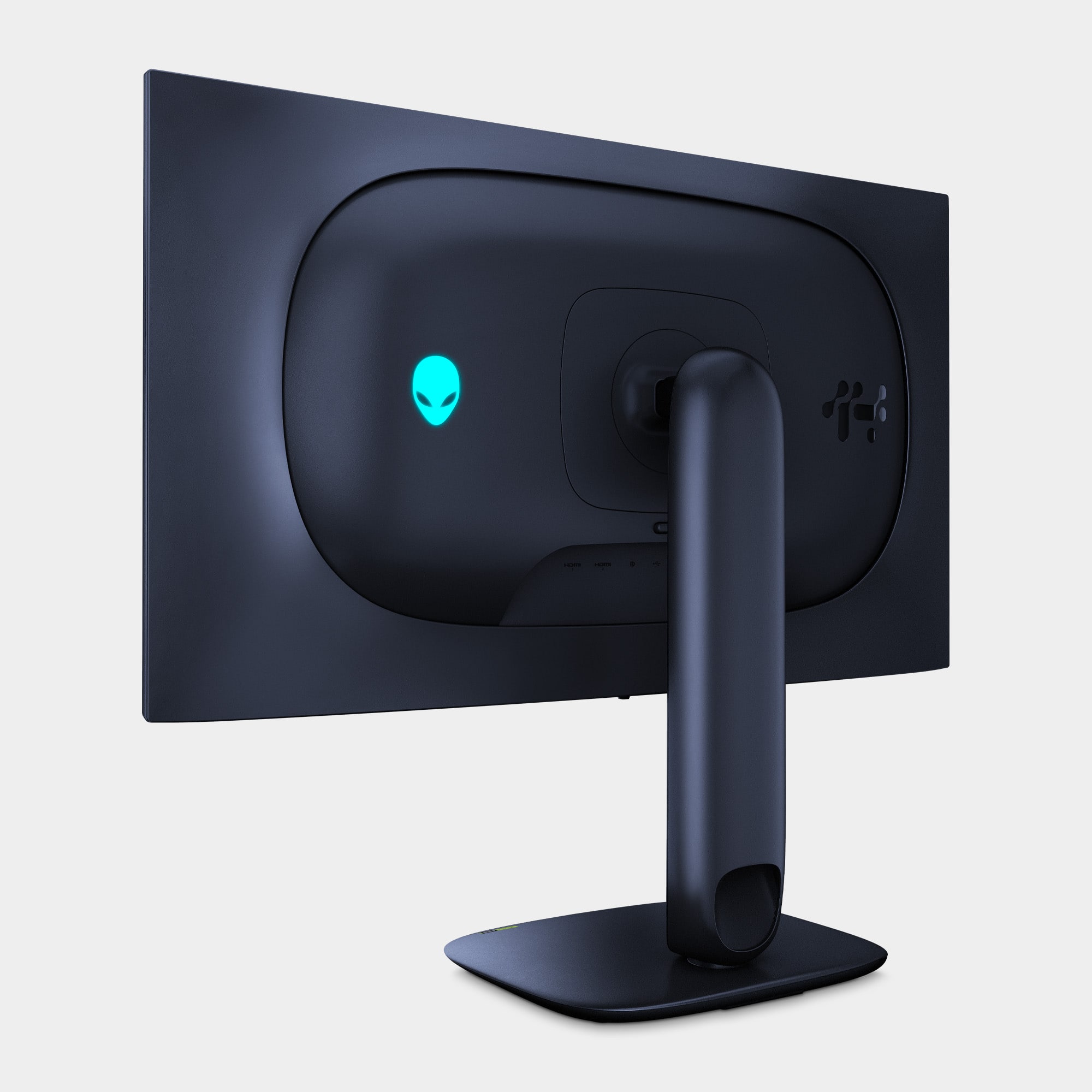
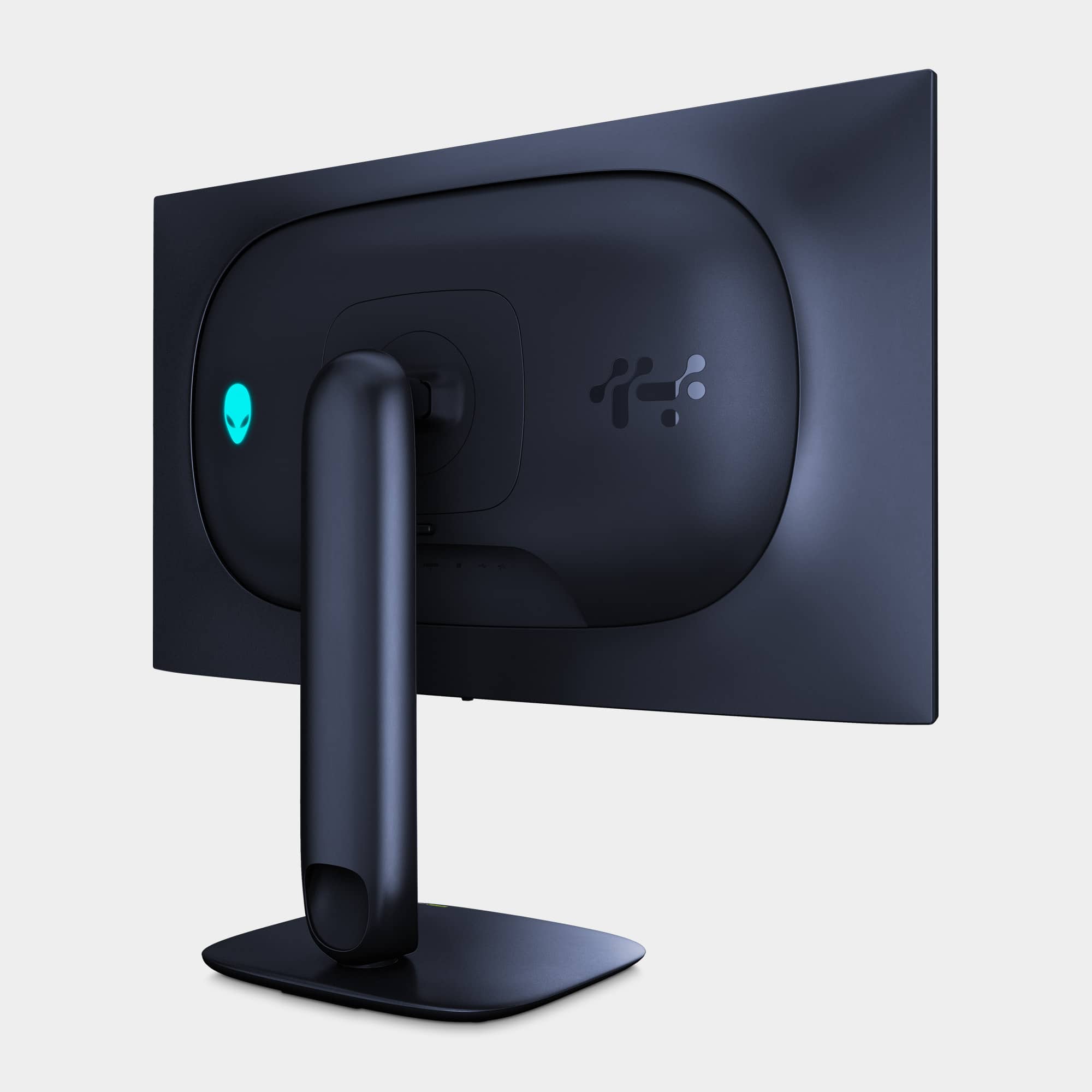
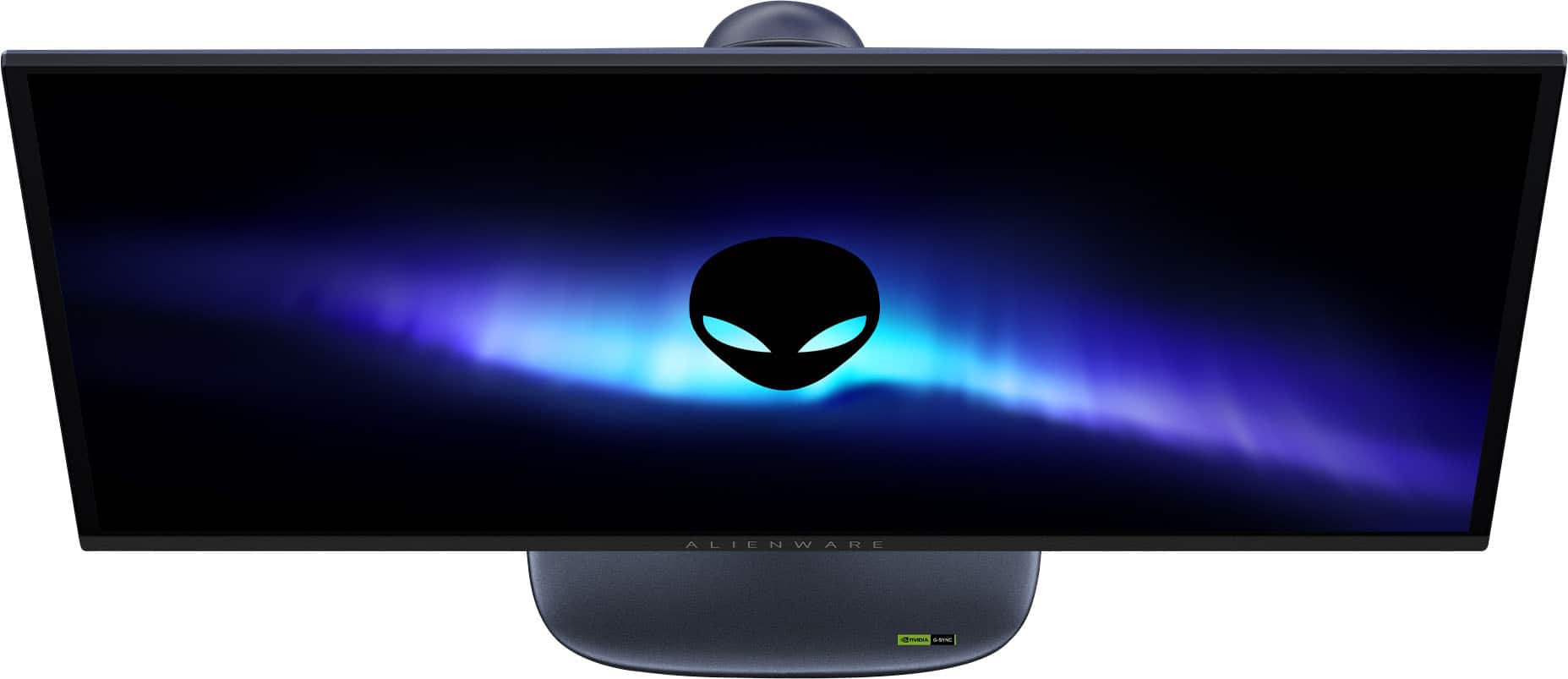
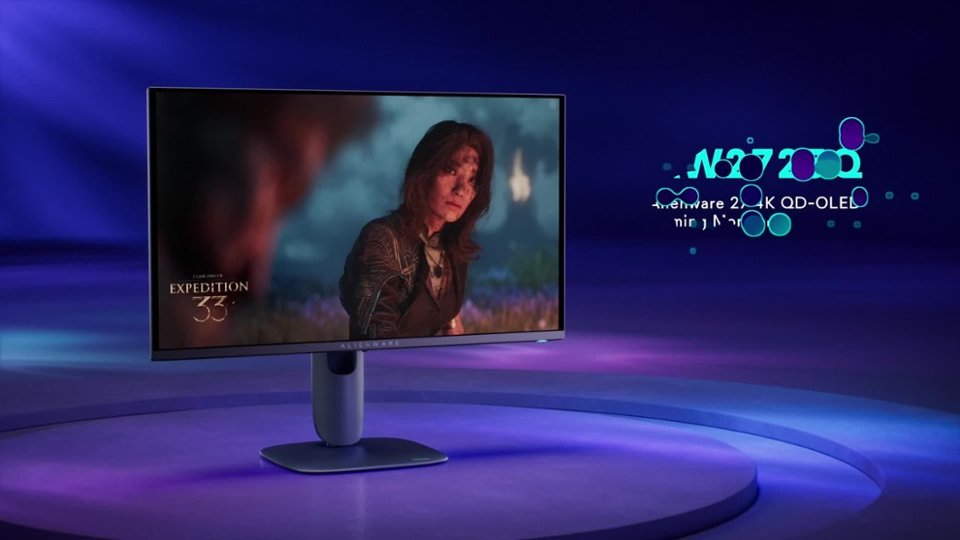
- Model:
- AW2725Q
- |
- SKU:
- 11961310
Customer reviews
Rating 4.8 out of 5 stars with 166 reviews
(166 customer reviews)Rating by feature
- Display Quality4.9
Rating 4.9 out of 5 stars
- Ease of Use4.8
Rating 4.8 out of 5 stars
- Features4.7
Rating 4.7 out of 5 stars
Rated 5 out of 5 stars
Easy to assemble with great picture & text quality
||Posted . Owned for 2 weeks when reviewed.This reviewer received promo considerations or sweepstakes entry for writing a review.Great size and very responsive display. I have the monitor connected via HDMI to my Lenovo laptop with a 4090 Mobile GPU. Fortnite, Counter Strike, and other game play without any lag at full resolution. Be sure to upgrade the firmware which can be found on Dell's product webpage. Overall very satisfied.
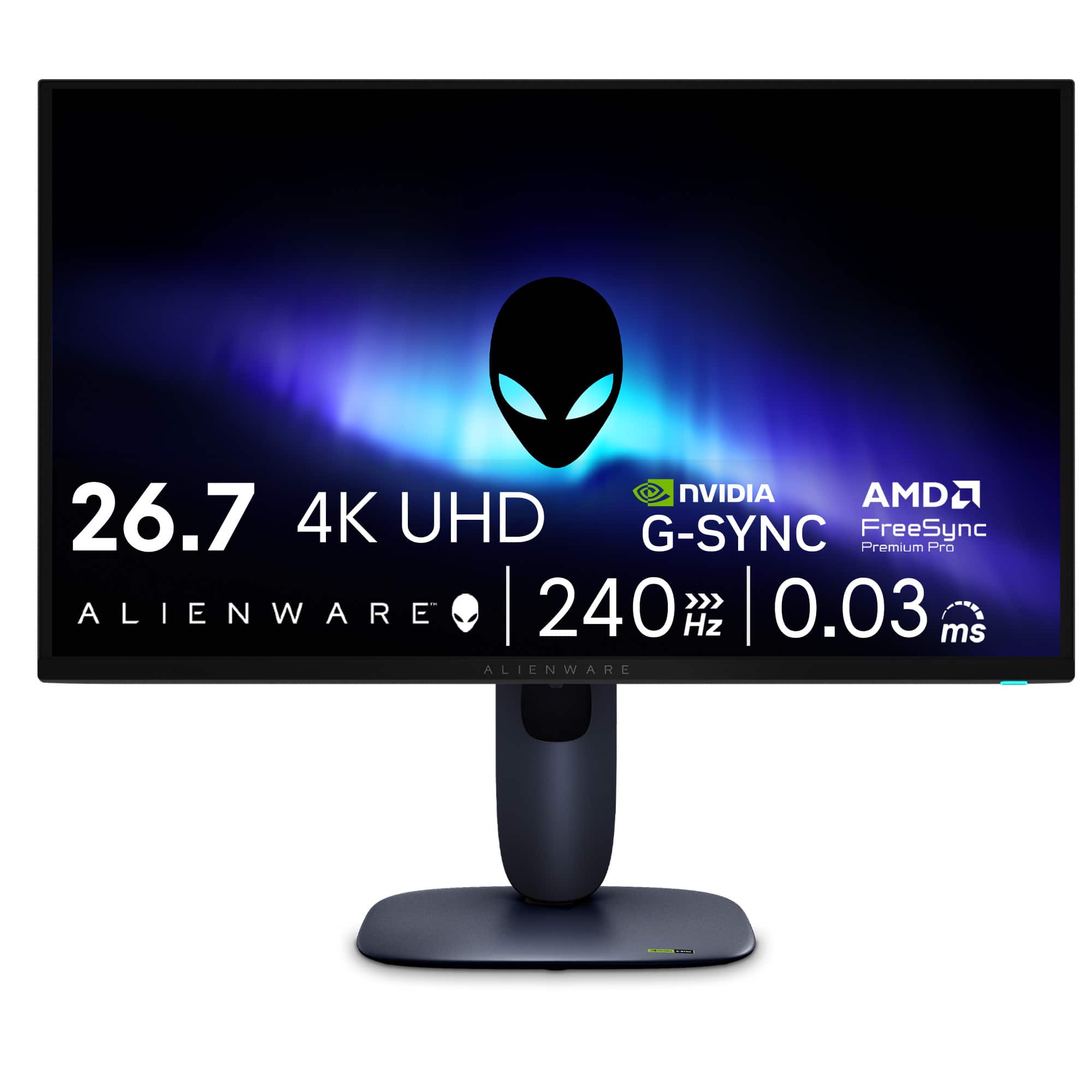
This review is from Alienware - AW2725Q 26.7" QD-OLED 4K UHD 240Hz 0.03-ms FreeSync Premium Pro G-SYNC Gaming Monitor with HDR (HDMI, DisplayPort, USB) - Interstellar Indigo
I would recommend this to a friend- Pros mentioned:Color quality
Rated 5 out of 5 stars
COLORS are unreal
||Posted . Owned for 1 week when reviewed.This reviewer received promo considerations or sweepstakes entry for writing a review.It is a beast I WILL NEVER Look a monitors the same way This monitor makes my pc feel and look better
This review is from Alienware - AW2725Q 26.7" QD-OLED 4K UHD 240Hz 0.03-ms FreeSync Premium Pro G-SYNC Gaming Monitor with HDR (HDMI, DisplayPort, USB) - Interstellar Indigo
I would recommend this to a friend Rated 5 out of 5 stars
Works great
||Posted . Owned for 3 weeks when reviewed.This reviewer received promo considerations or sweepstakes entry for writing a review.Excellent monitor and costumer service. I ordered online and simply picked it up in-store. The monitor looks and performs great.
This review is from Alienware - AW2725Q 26.7" QD-OLED 4K UHD 240Hz 0.03-ms FreeSync Premium Pro G-SYNC Gaming Monitor with HDR (HDMI, DisplayPort, USB) - Interstellar Indigo
I would recommend this to a friend- Pros mentioned:Color quality
Rated 5 out of 5 stars
Great price for a great monitor.
||Posted . Owned for 2 weeks when reviewed.This reviewer received promo considerations or sweepstakes entry for writing a review.The monitor was well worth the money for the quality you get.
This review is from Alienware - AW2725Q 26.7" QD-OLED 4K UHD 240Hz 0.03-ms FreeSync Premium Pro G-SYNC Gaming Monitor with HDR (HDMI, DisplayPort, USB) - Interstellar Indigo
I would recommend this to a friend - Pros mentioned:Color quality
Rated 5 out of 5 stars
Worth it
||Posted .This reviewer received promo considerations or sweepstakes entry for writing a review.My son loves it huge upgrade from what he had. Just a great picture
This review is from Alienware - AW2725Q 26.7" QD-OLED 4K UHD 240Hz 0.03-ms FreeSync Premium Pro G-SYNC Gaming Monitor with HDR (HDMI, DisplayPort, USB) - Interstellar Indigo
I would recommend this to a friend Rated 5 out of 5 stars
VRR compatible w/ PS5 Pro
||Posted . Owned for 1 week when reviewed.This reviewer received promo considerations or sweepstakes entry for writing a review.Great colors, 240Hz, OLED, VRR compatible with PS5 Pro. What more can you ask for.
This review is from Alienware - AW2725Q 26.7" QD-OLED 4K UHD 240Hz 0.03-ms FreeSync Premium Pro G-SYNC Gaming Monitor with HDR (HDMI, DisplayPort, USB) - Interstellar Indigo
I would recommend this to a friendRated 5 out of 5 stars
My first OLED
||Posted . Owned for 2 weeks when reviewed.This reviewer received promo considerations or sweepstakes entry for writing a review.Very nice monitor with a very good refresh rate. I love how my games look with the 4k and the refresh rate is amazing!
This review is from Alienware - AW2725Q 26.7" QD-OLED 4K UHD 240Hz 0.03-ms FreeSync Premium Pro G-SYNC Gaming Monitor with HDR (HDMI, DisplayPort, USB) - Interstellar Indigo
I would recommend this to a friend- Pros mentioned:Refresh rate
Rated 5 out of 5 stars
Excellent Montior
||Posted .This reviewer received promo considerations or sweepstakes entry for writing a review.love it has dolby vision it has 4k 240 hz the best motnior i experience so far
This review is from Alienware - AW2725Q 26.7" QD-OLED 4K UHD 240Hz 0.03-ms FreeSync Premium Pro G-SYNC Gaming Monitor with HDR (HDMI, DisplayPort, USB) - Interstellar Indigo
I would recommend this to a friend - Pros mentioned:Color quality
Rated 5 out of 5 stars
Perfect for video editing
||Posted . Owned for 1 month when reviewed.This reviewer received promo considerations or sweepstakes entry for writing a review.Great monitor! I bought it for color accuracy in video editing and 4K sharpness. It’s perfect
This review is from Alienware - AW2725Q 26.7" QD-OLED 4K UHD 240Hz 0.03-ms FreeSync Premium Pro G-SYNC Gaming Monitor with HDR (HDMI, DisplayPort, USB) - Interstellar Indigo
I would recommend this to a friend - Pros mentioned:Color quality
Rated 4 out of 5 stars
Stunning Monitor
||Posted .This reviewer received promo considerations or sweepstakes entry for writing a review.Great monitor with a beautiful oled picture. Nice customizations from the menu to tweak settings. Decent out of the box color. No display port 2.1 monitor.
This review is from Alienware - AW2725Q 26.7" QD-OLED 4K UHD 240Hz 0.03-ms FreeSync Premium Pro G-SYNC Gaming Monitor with HDR (HDMI, DisplayPort, USB) - Interstellar Indigo
I would recommend this to a friend Rated 5 out of 5 stars
Best 4k QD-Oled monitor bang for your buck
||Posted . Owned for 3 weeks when reviewed.This reviewer received promo considerations or sweepstakes entry for writing a review.A wonderful monitor with an amazing screen. Only downside is no speaker but everything is good and especially when found on sale.
This review is from Alienware - AW2725Q 26.7" QD-OLED 4K UHD 240Hz 0.03-ms FreeSync Premium Pro G-SYNC Gaming Monitor with HDR (HDMI, DisplayPort, USB) - Interstellar Indigo
I would recommend this to a friendRated 5 out of 5 stars
Very clean
||Posted . Owned for 1 month when reviewed.This reviewer received promo considerations or sweepstakes entry for writing a review.Color is great on the outside of the monitor and on the screen. The monitor works smoothly for console gaming with ps5 pro
This review is from Alienware - AW2725Q 26.7" QD-OLED 4K UHD 240Hz 0.03-ms FreeSync Premium Pro G-SYNC Gaming Monitor with HDR (HDMI, DisplayPort, USB) - Interstellar Indigo
I would recommend this to a friendRated 4 out of 5 stars
keep in mind with the flaws
||Posted . Owned for 1 week when reviewed.This reviewer received promo considerations or sweepstakes entry for writing a review.it would be perfect if it had speakers or an AUX output the older models have an issue with the screen (randomly goes black for 2 seconds) can get it replaced by Dell Support though other than that, high quality monitor for sure
This review is from Alienware - AW2725Q 26.7" QD-OLED 4K UHD 240Hz 0.03-ms FreeSync Premium Pro G-SYNC Gaming Monitor with HDR (HDMI, DisplayPort, USB) - Interstellar Indigo
I would recommend this to a friendRated 5 out of 5 stars
Great monitor
||Posted . Owned for 3 weeks when reviewed.This reviewer received promo considerations or sweepstakes entry for writing a review.Great display. I slrewdy own an LG ultrawide oled. If youre curious about different display panel tech.. the QD Oled display doesnt come across as an upgrade from my LG panel tech. Not sure why ive heard otherwise all over the internet for years.
This review is from Alienware - AW2725Q 26.7" QD-OLED 4K UHD 240Hz 0.03-ms FreeSync Premium Pro G-SYNC Gaming Monitor with HDR (HDMI, DisplayPort, USB) - Interstellar Indigo
I would recommend this to a friendRated 5 out of 5 stars
Definitely worth
||Posted . Owned for 1 month when reviewed.This reviewer received promo considerations or sweepstakes entry for writing a review.It is an amazing looking monitor for a great price 4k Oled. It is night and day as far as picture quality between this and my previous gaming monitor.
This review is from Alienware - AW2725Q 26.7" QD-OLED 4K UHD 240Hz 0.03-ms FreeSync Premium Pro G-SYNC Gaming Monitor with HDR (HDMI, DisplayPort, USB) - Interstellar Indigo
I would recommend this to a friendRated 5 out of 5 stars
Worth the money
||Posted . Owned for 1 week when reviewed.This reviewer received promo considerations or sweepstakes entry for writing a review.Great monitor. High quality. My friend ordered a slightly less quality monitor and there is a clear difference.
This review is from Alienware - AW2725Q 26.7" QD-OLED 4K UHD 240Hz 0.03-ms FreeSync Premium Pro G-SYNC Gaming Monitor with HDR (HDMI, DisplayPort, USB) - Interstellar Indigo
I would recommend this to a friend- Pros mentioned:Color quality
Rated 5 out of 5 stars
BEAST
||Posted .This reviewer received promo considerations or sweepstakes entry for writing a review.amazing picture!! you wont regret your buy, highly recommended this bad boy
This review is from Alienware - AW2725Q 26.7" QD-OLED 4K UHD 240Hz 0.03-ms FreeSync Premium Pro G-SYNC Gaming Monitor with HDR (HDMI, DisplayPort, USB) - Interstellar Indigo
I would recommend this to a friend Rated 5 out of 5 stars
Awsome monitor
||Posted . Owned for 1 month when reviewed.This reviewer received promo considerations or sweepstakes entry for writing a review.Probably the best monitor I’m owned so far! The graphical input is amazing!
This review is from Alienware - AW2725Q 26.7" QD-OLED 4K UHD 240Hz 0.03-ms FreeSync Premium Pro G-SYNC Gaming Monitor with HDR (HDMI, DisplayPort, USB) - Interstellar Indigo
I would recommend this to a friendRated 5 out of 5 stars
Best monitor I had ever own!
||Posted . Owned for 2 months when reviewed.This reviewer received promo considerations or sweepstakes entry for writing a review.Colors are amazing and is a night and day coming from IPS.
This review is from Alienware - AW2725Q 26.7" QD-OLED 4K UHD 240Hz 0.03-ms FreeSync Premium Pro G-SYNC Gaming Monitor with HDR (HDMI, DisplayPort, USB) - Interstellar Indigo
I would recommend this to a friendRated 3 out of 5 stars
Top of the line specs at a reasonable price point
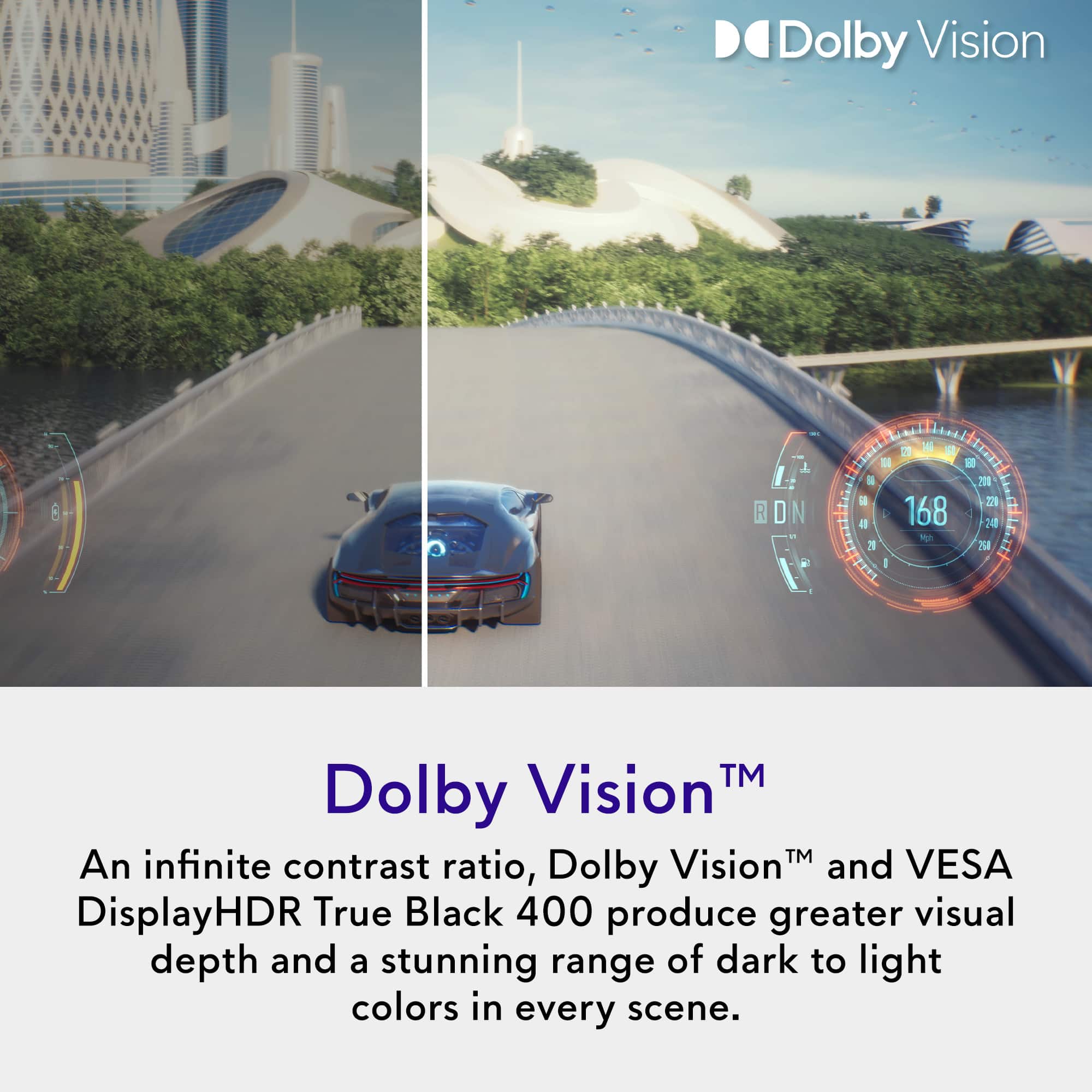
||Posted . Owned for 3 weeks when reviewed.This reviewer received promo considerations or sweepstakes entry for writing a review.This monitor is pretty good for what it provides, the 4k resolution is crisp and the refresh rate is as advertised. Monitor was easy to set up and updating the firmware as well. Only issue I have with this product is the Dolby Vision feature. When I toggle Dolby Vision on/off at 240hz, the monitor goes black and requires a PC reboot to work again. I can only toggle Dolby Vision properly if I lower the refresh rate first. That’s quite inconvenient for someone who wants to swap between watching media and playing smooth games. All in all, this is a good 4k OLED 240hz option for the price point with some noticeable flaws.
This review is from Alienware - AW2725Q 26.7" QD-OLED 4K UHD 240Hz 0.03-ms FreeSync Premium Pro G-SYNC Gaming Monitor with HDR (HDMI, DisplayPort, USB) - Interstellar Indigo
No, I would not recommend this to a friend