Customer Ratings & Reviews
- Model:
- AW3225DM
- SKU:
- 6619487
Rating by feature
- Display Quality
Rating 4.8 out of 5 stars
- Ease of Use
Rating 4.8 out of 5 stars
- Features
Rating 4.7 out of 5 stars
Customers are saying
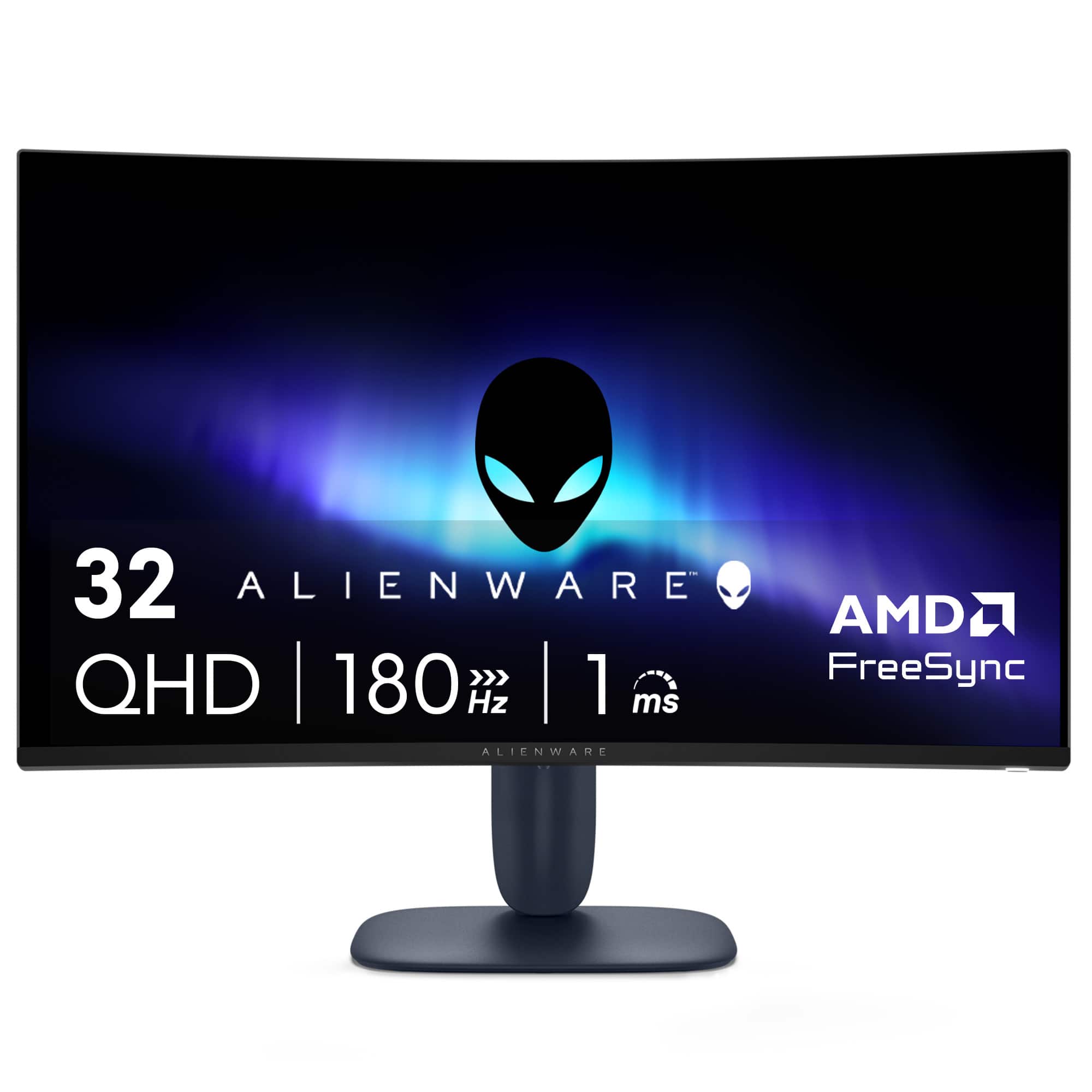
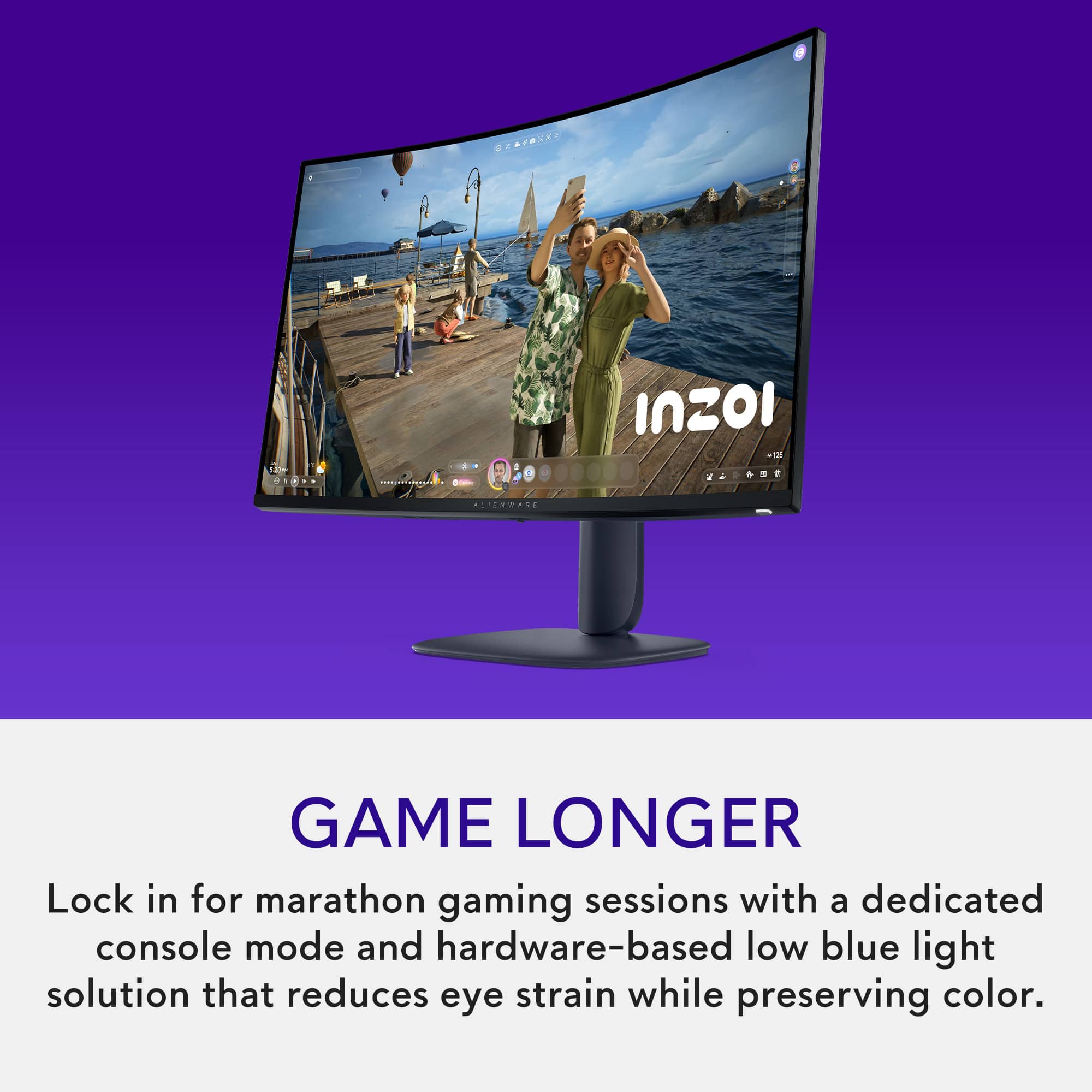
Customers appreciate the AW3225DM monitor's overall performance, picture quality, smooth refresh rate, fantastic resolution, and appealing design. However, some customers feel the monitor should include speakers. Overall, the monitor seems to be well-received for its visual and performance capabilities.
This summary was generated by AI based on customer reviews.
- Pros mentioned:Overall performance, Refresh rate

Beautiful monitor, not perfect
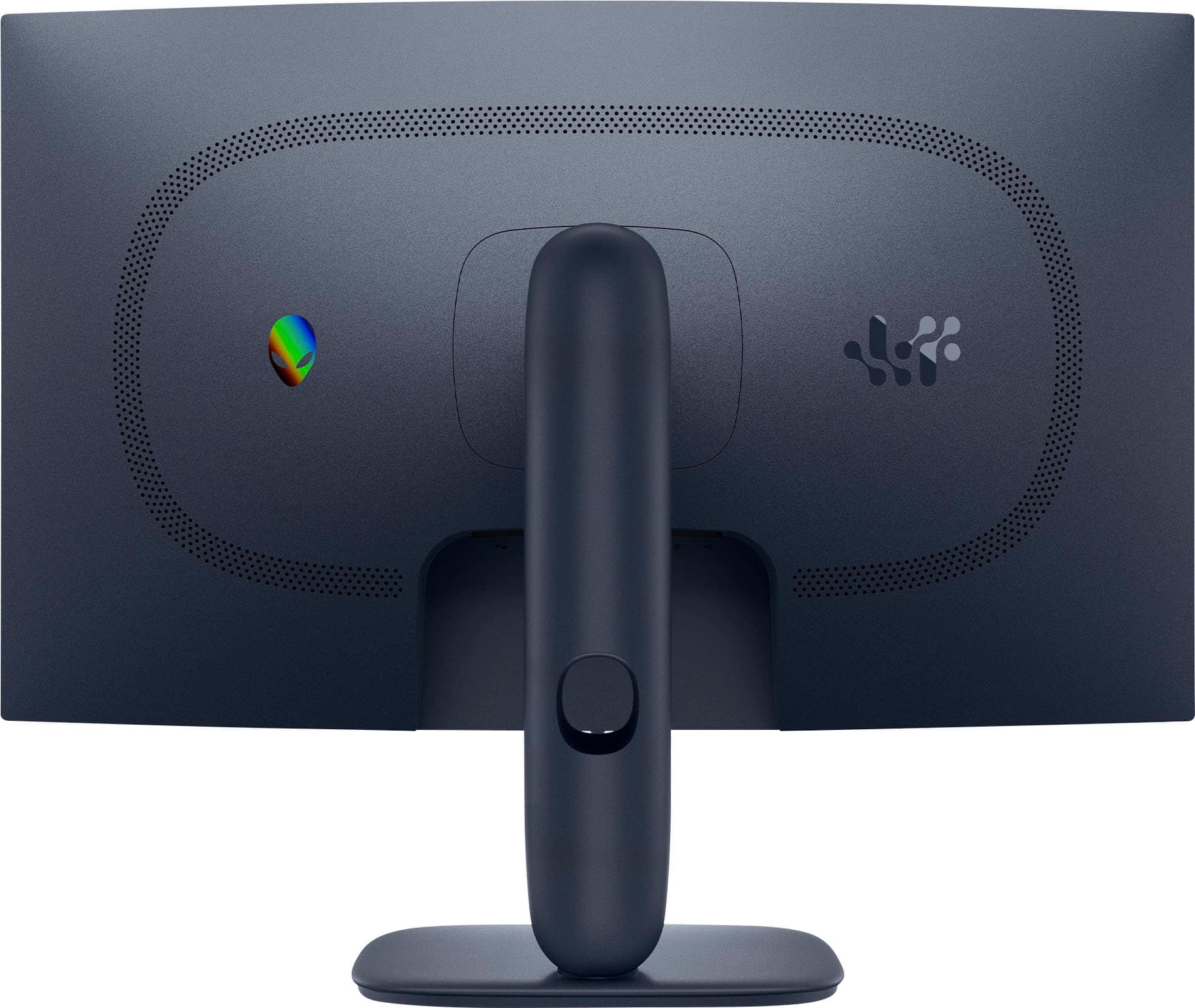
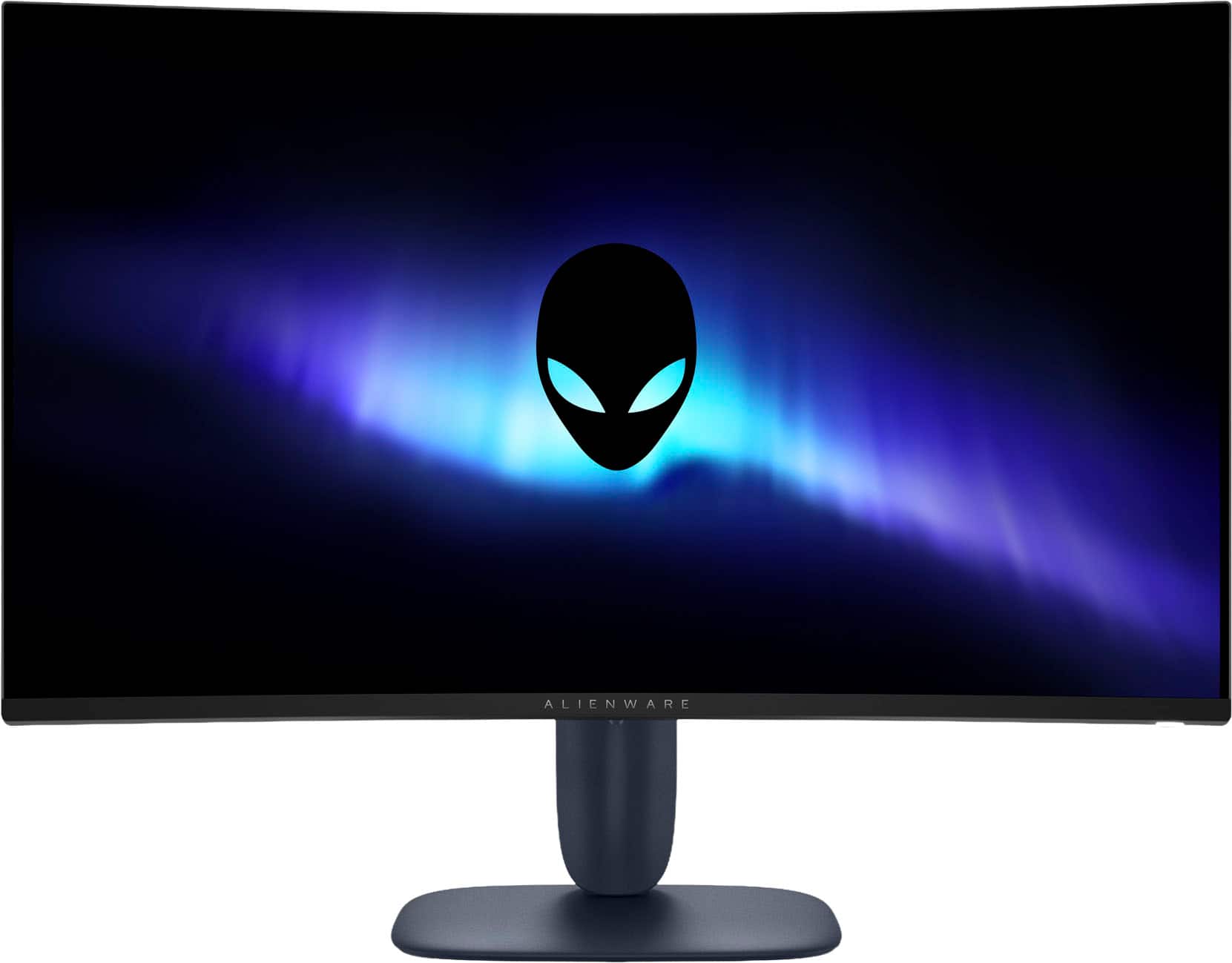
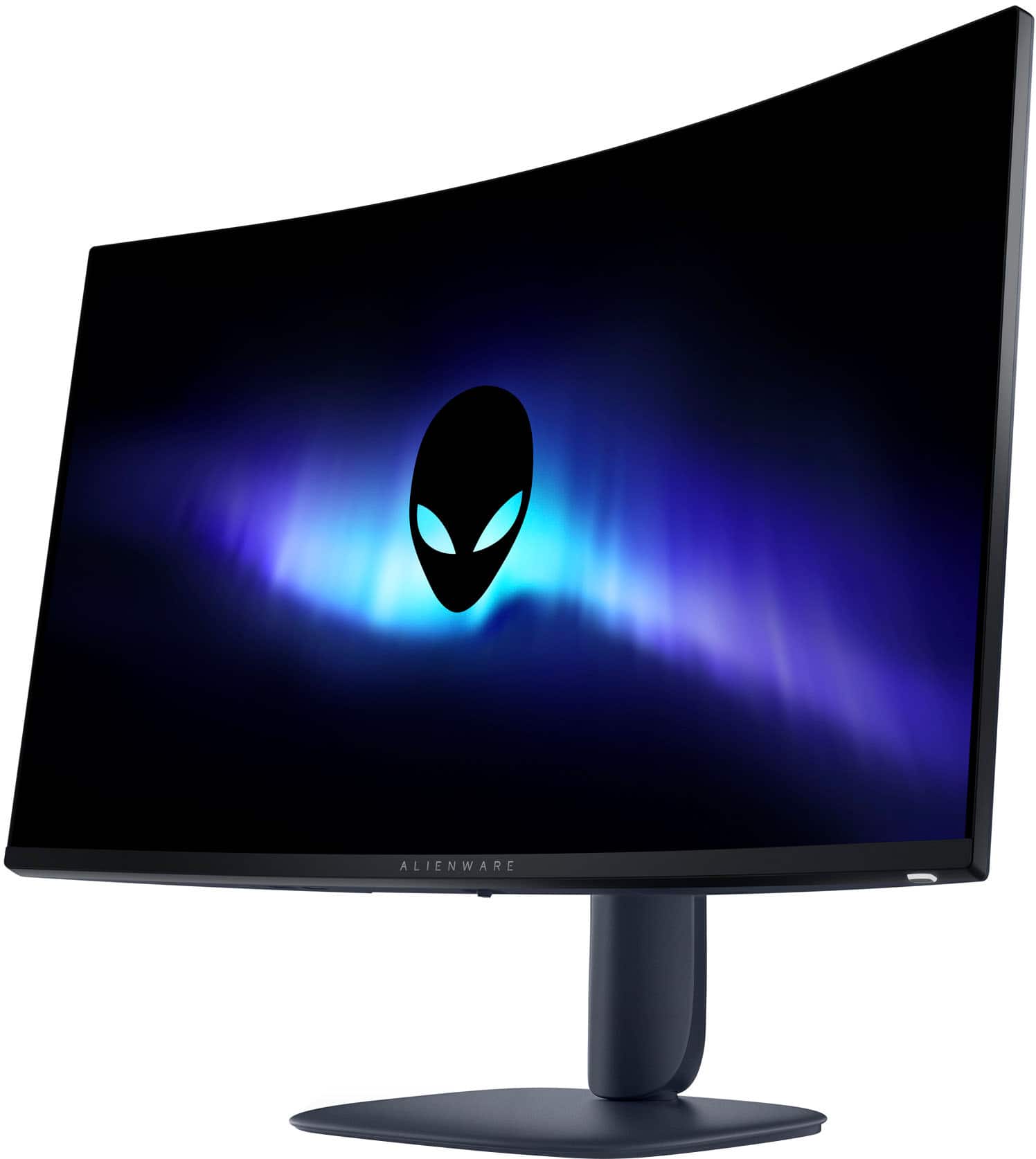
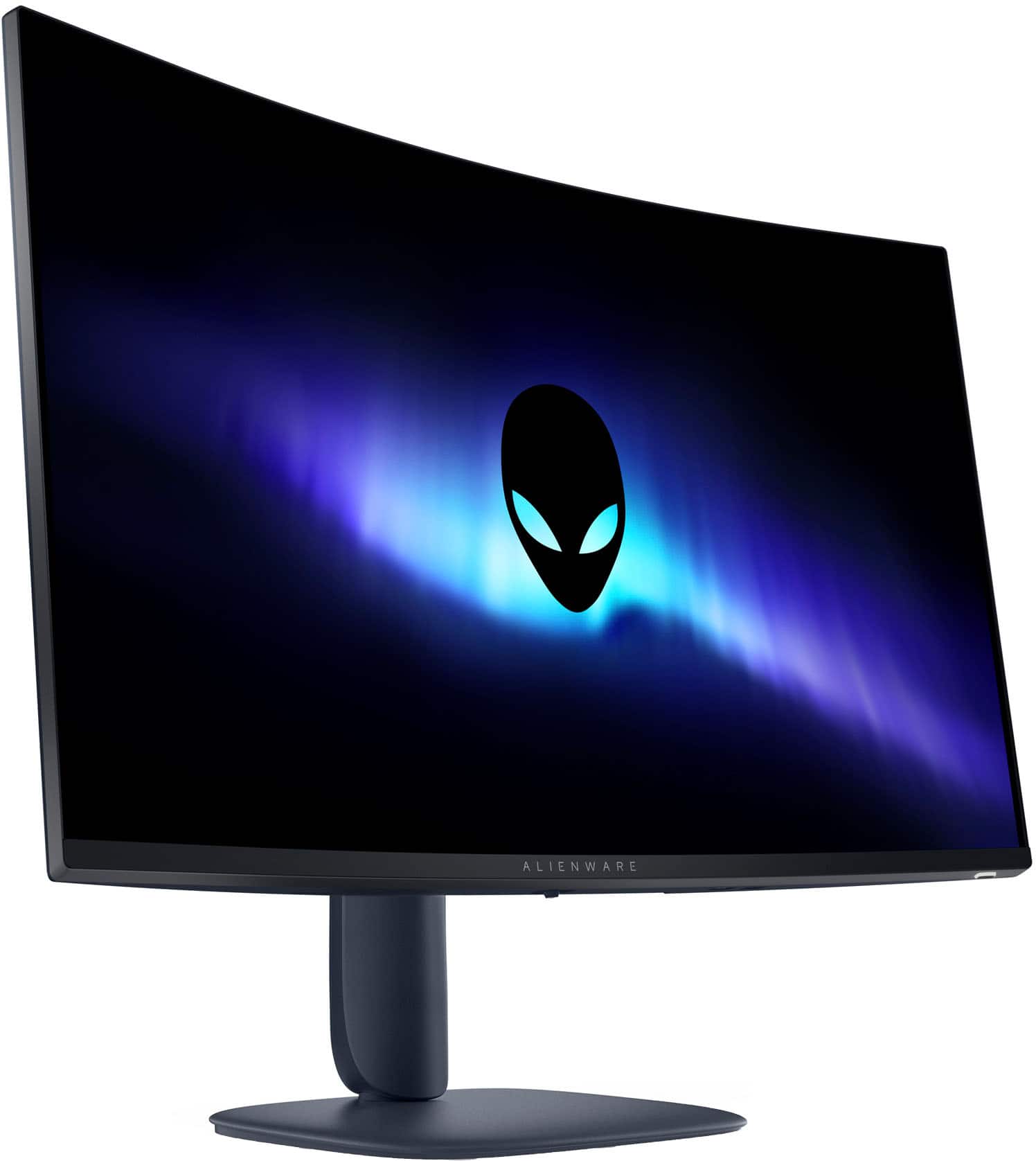
|Posted .This reviewer received promo considerations or sweepstakes entry for writing a review.I’ve been using the Alienware AW3225DM 32 inch curved QHD gaming monitor for a little over a week now. It’s a really cool looking monitor. The size is perfect, the colors are bright and clear, and the design is one of the best I’ve seen. It looks great on my desk and fits in perfectly with the rest of my setup. But even with all of that, I’m kind of on the fence about it because something just feels off with the screen. I got this mainly for gaming, but I also use it during the day for work stuff like emails, documents, and video calls. For games, the monitor is actually really solid. The colors pop, everything feels smooth, and I didn’t notice any lag or screen tearing. I play a lot of fast-moving games like first person shooters and racing games, and this monitor keeps up without a problem. The 180 refresh rate makes it feel super quick and responsive. I also noticed the curved screen makes games feel more immersive. It kind of pulls you in without being too much. So in that way, it definitely delivers. The HDR is decent too. It’s not the most mind-blowing I’ve ever seen, but it adds a little more depth and contrast, especially in darker games. I didn’t have to mess around with the settings too much to get it looking how I wanted. Right out of the box, the colors looked pretty amazing. Now for the part I don’t love. The screen has this weird soft or blurry look sometimes, and I can’t figure out why. It’s most noticeable when I’m reading something, like text in an email or document. The letters don’t look as sharp as they should. I’ve had QHD monitors before and this one just feels slightly off. Not broken or anything, just not as clear as I expected. I thought maybe I had the wrong settings, but I tried switching cables, changing the inputs, adjusting sharpness and everything else I could think of. It helped a little, but the screen still looks a little fuzzy in some areas. It’s not a dealbreaker if you’re just gaming or watching videos. When things are moving fast, you don’t really notice it as much. But when I’m doing regular work during the day, it starts to bug me. I even found myself squinting a bit after a few hours and had to zoom in on text just to read comfortably. That’s the main reason I couldn’t give this monitor five stars. It does a lot of things right, but this one thing makes it hard to use all day. The stand feels strong and the whole monitor is built well. It lets you adjust the height and it also tilts, which I really like because I could angle it just right without having to move anything else around on my desk. You can tell it’s made from good materials and not cheap plastic. It also comes with the cords you need, and it was super easy to set up. No tools needed. It was basically plug it in and go. The menu is simple enough to use if you want to play around with the picture settings, and there are plenty of options.
I would recommend this to a friend - Pros mentioned:Overall performanceCons mentioned:Speakers
Performant, but Not Perfect
|Posted .This reviewer received promo considerations or sweepstakes entry for writing a review.[PROS] Solid Build Quality: Although I eventually mounted my monitor, I had a chance to use it while being attached to the included stand. I was very satisfied with the design and sturdiness of the product as I adjusted the height and titled it at various angles. I didn't feel any uneasiness as a I maneuvered the product on the stand or the mount that it was placed on. Rich Display: Although VA panels catch a lot of flak, this monitor actual looks well in day to day use. However, the HDR modes is where it truly shines. I enjoy playing single player campaigns so I'm often finding myself immersed in open world environments. Games like Forza Horizon 5 and Horizon Zero Dawn (no relation, nerd joke) look vivid to where you can truly appreciate the artistic effort put in by the design team. Also, black levels are portrayed nicely in games with primarily dark environments such as the Resident Evil titles. Streamed Software: Having to download additional software can be off-putting, but the Alienware Command Center seemed very simplistic I was able to adjust most of my monitor settings without needing to use the physical knob on the panel and without the bulkiness that often comes with these applications. The only quirk that I did run into was that the app stated that new firmware was available, but I couldn't download it although my monitor was connected via USB. It turns out that this was a glitch, and that I had the latest firmware available already installed. Smooth Imagery: My monitor is paired with a 4080 Desktop so I'm able to easily hit 180hz in a number of titles. I can attest to being able to maintain high frame rates without hitches to my gameplay experience. [CONS] Finicky HDR? : The main issue I had was toggling the HDR outside of Windows 11. My monitor is paired with an existing Alienware QHD monitor. Prior to using the AW3225DM, I was able to turn on HDR from my display without using the native Windows 11 implementation which produces a washed out image. Adding the new monitor to my setup automatically enables HDR from Windows. Turning it off removes HDR from the Alienware Monitor as well. However, this could be a technical oversight on my part or a bug from Microsoft's end. Lack of Speakers/Audio Jack: The lack of audio functionality from the panel doesn't bother me, but I felt like it was important to highlight. I recommend just using a nice gaming headset which probably produces sound quality than most monitor embedded speakers/audio ports. [CONCLUSION] I'm pretty content and satisfied with using my Alienware monitor. It's very functional for gaming and extends benefits into the area of watching media in general because of its HDR implementation. I did run into minor issues, but I'm sure they can be easily sorted out.
I would recommend this to a friend - Pros mentioned:Overall performance
Same Great Brand at a Budget Price
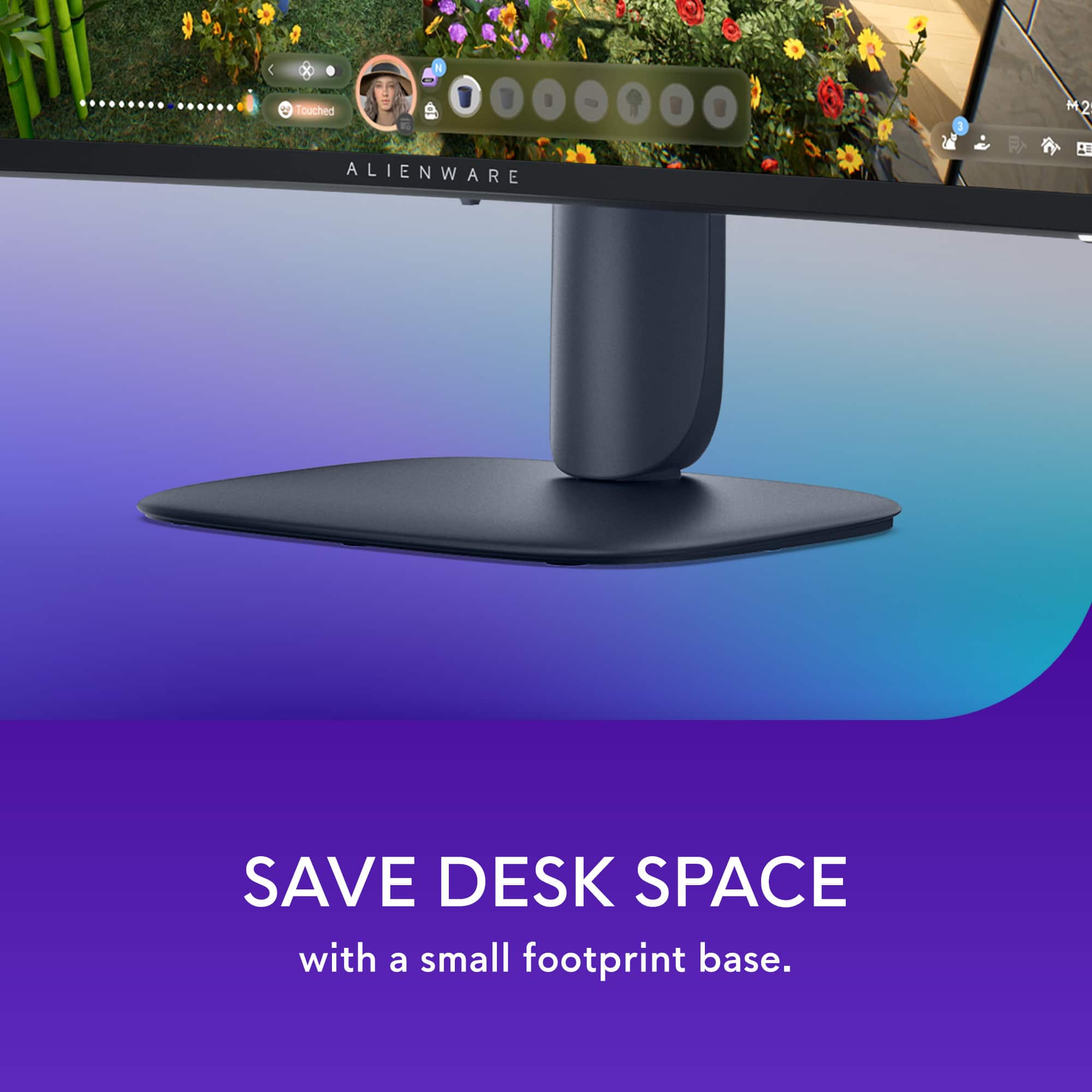
|Posted .This reviewer received promo considerations or sweepstakes entry for writing a review.When it comes to gaming, Alienware continues to place itself at the top of the mountain. This time, they’ve set their sights on the budget market with this monitor. Coming from a higher-end model, the differences are minimal—especially when you consider the drastic drop in price. Right out of the box, you’re greeted with that signature Alienware aesthetic and build quality. Setup is seamless, whether you’re using the included base or mounting it. I was impressed by the base—it's solid with a minimal footprint. Additionally, the stand allows the monitor to be raised, lowered, and tilted to achieve an optimal viewing position. What I appreciate most about Alienware’s recent shift is the more professional aesthetic. It doesn’t scream “gaming monitor,” yet it still delivers a premium look. Beyond its appearance, performance is equally outstanding. One thing to note: be sure to check the settings, as mine did not default to 144Hz on my PC. After adjusting it to my preferences, I was off to the races—this monitor handled everything I threw at it with ease. Coming from an OLED panel, I was extremely impressed by this VA panel. The colors are vibrant and vivid, to the point that I had to turn down the brightness when gaming at night. The dual HDMI inputs are also a great addition, making it easy to switch between my PC and Xbox. Plus, the console mode setting works perfectly with the Xbox. Beyond gaming, this monitor is also fantastic for work. The 32-inch size is ideal—it easily accommodates two windows side by side with plenty of screen real estate. Overall, while this may not be Alienware’s flagship model, you’re still getting excellent build quality and performance. Whether you’re using it primarily for gaming or productivity, it checks a lot of boxes: QHD resolution with rich colors, a refresh rate up to 180Hz (though with HDMI, you’ll likely be at 144Hz), a 32-inch curved display, and a polished design. I highly recommend this monitor for budget-conscious users who still want high-end performance without spending more than they did on their actual PC.
I would recommend this to a friend - Pros mentioned:Refresh rate, Size
Wonderful upgrade to my system
Posted .This reviewer received promo considerations or sweepstakes entry for writing a review.This monitor is awesome, great picture, super fast refresh, adjustable height and viewing angle. And just the right size for my desk. Really happy with this addition!
I would recommend this to a friend - Pros mentioned:Refresh rate
Crisp Visuals and Immersive Views
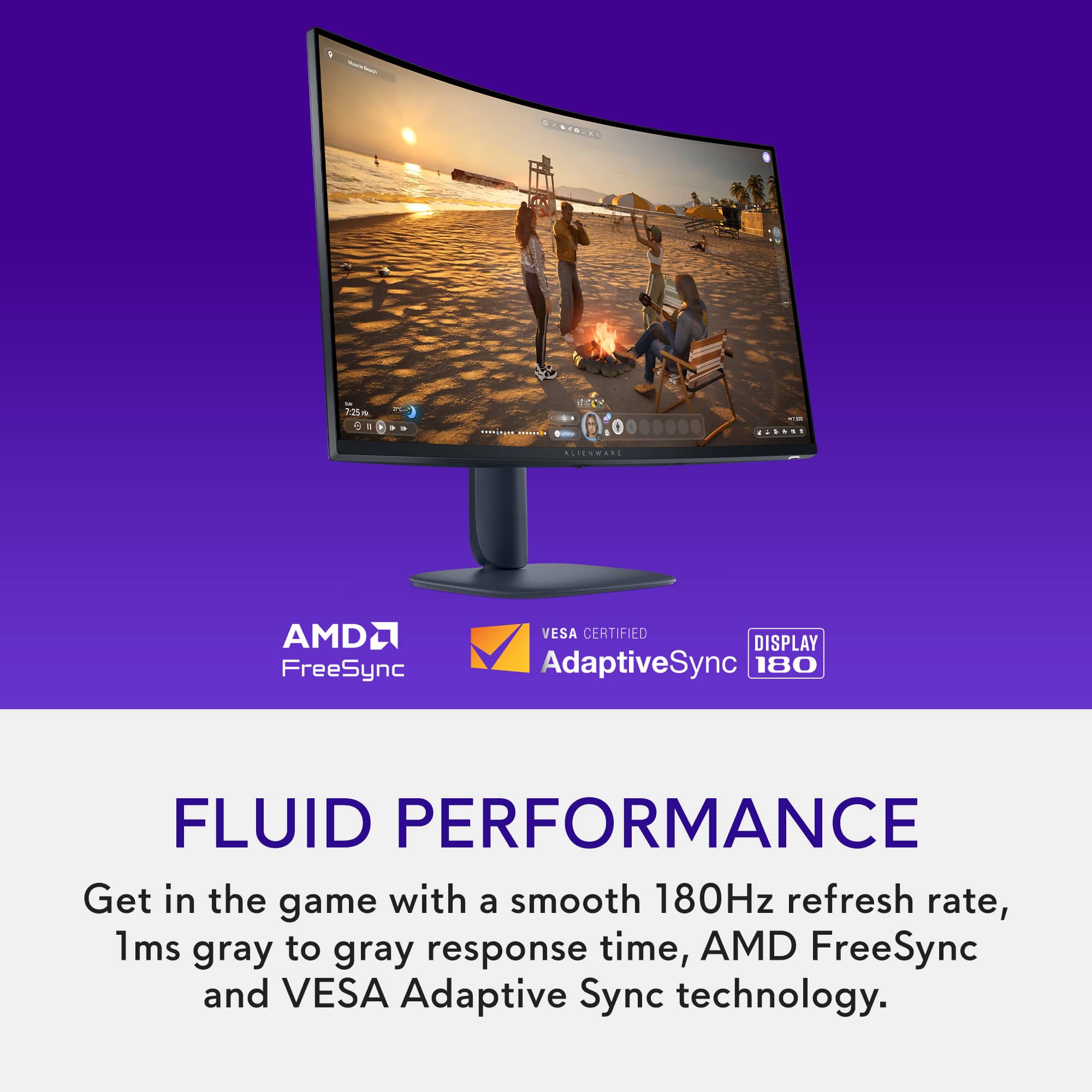
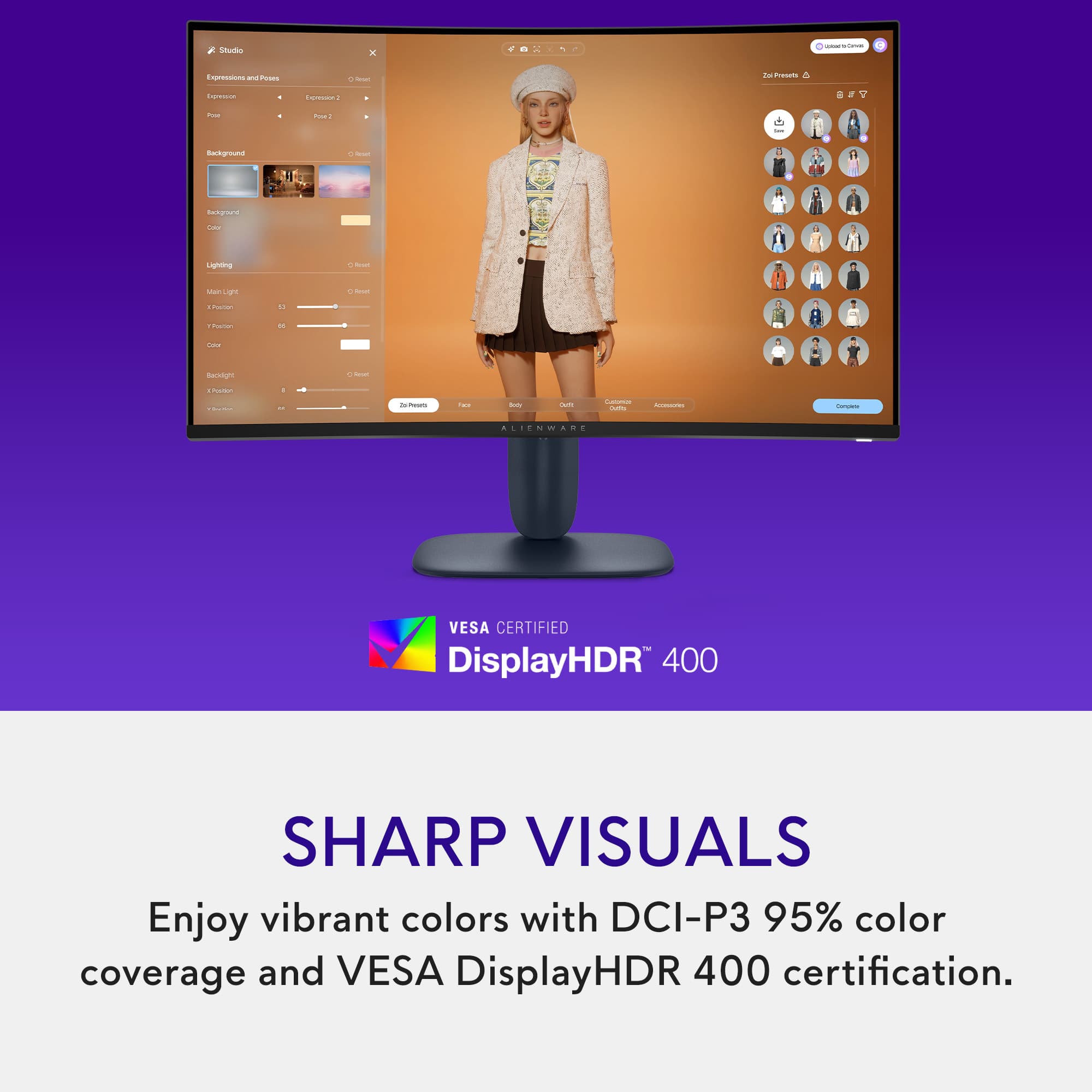
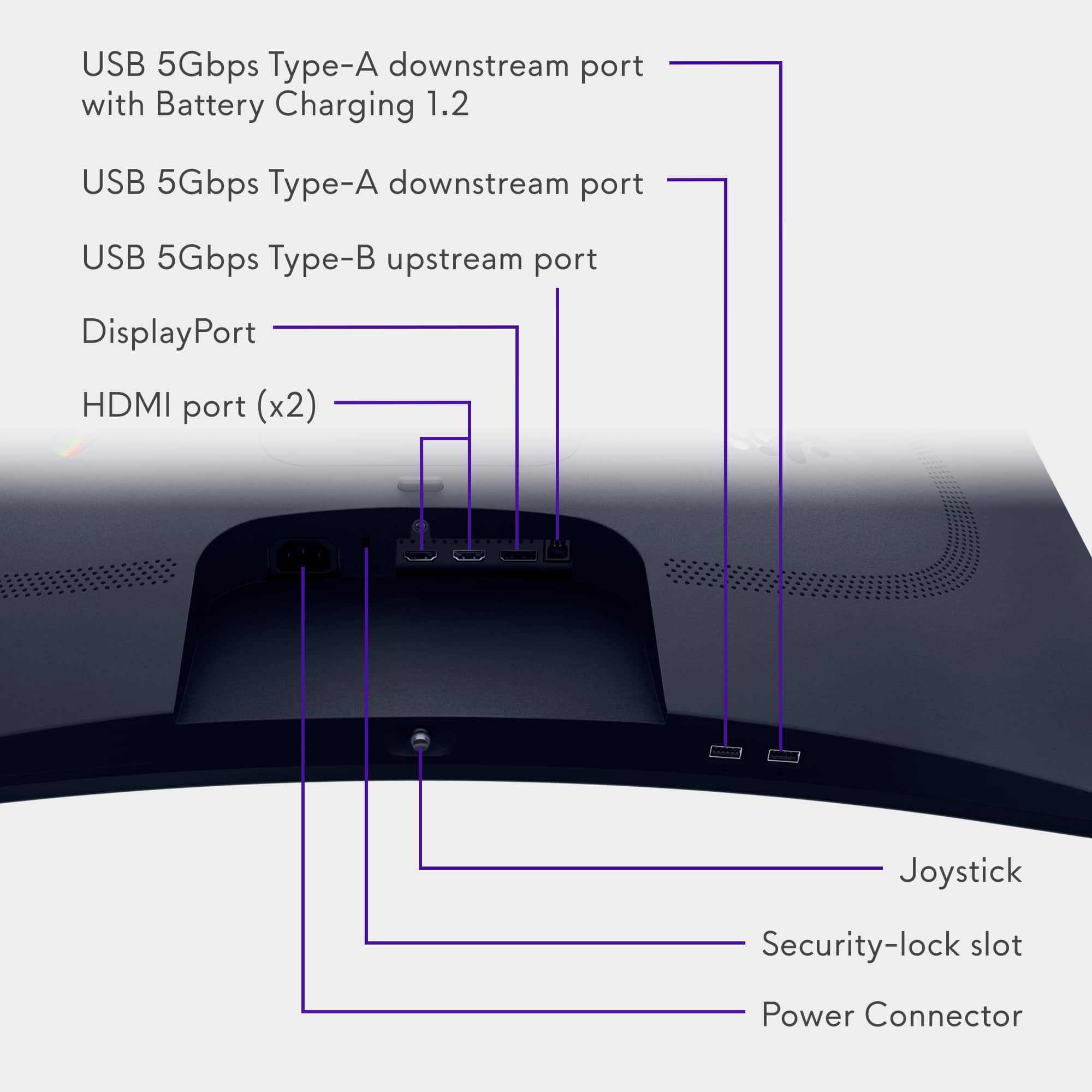
|Posted .This reviewer received promo considerations or sweepstakes entry for writing a review.Most Monitors and HDTVs have a response time of 10ms to 5ms, while most monitors have a response time of 5ms to 1ms. The lower the number the smoother the color transitions are. This monitor is capable of response time between 4ms and 1ms, depending on the setting chosen. The response time is different from “refresh rate” and indicates how quickly a pixel can change color. The refresh rate determines how many times the screen is updated per second. Typically measured in Hertz (Hz). A 144Hz refresh rate means the screen is refreshed 144 times per second. These two characteristics are independent, and the screen’s response time will still change colors at the set interval, regardless of the refresh rates. So, if your monitor has a high refresh rate (like 144Hz or 240Hz) but a sluggish response time (say 10ms), you’ll still see some blurring, trailing or ghosting images. But if the response time is 4ms or quicker than you’re getting each of those refreshed frames much sharper and clearer. Response times control clarity, while refresh rates control smoothness. When both of these features are optimal the picture as well as the action on the screen will look flawless. When it comes to gaming, optimal times for the refresh rate and response times will give you the best advantage on staying ahead of the competition, providing your gaming hardware and internet connection are up to par as well. This monitor is capable of handling refresh rates up to 180Hz with the display port, and 144Hz through the HDMI ports. Display Port cables can handle high bandwidths versus HDMI, so on most devices the Display Port will be favored when searching for the best quality. The monitor does have setting for AMD FreeSync and VESA Adaptive Sync technology. These technologies let your hardware and monitor automatically sync up at optimal times to prevent tearing, stuttering and input lag, so that you don’t have to waist time manually adjusting both devices’ settings. While the monitor is considered plug and play, you should set up one of the Sync options or adjust the monitor and hardware settings to get the most out of your viewing or gaming experience. As with most computer monitors, there are no AUDIO ports on the device. If you are going to use this monitor for a console or device that does not have a separate audio port for external speakers, there are small splitter boxes that can be bought separately and placed in line with the HDMI cable to extract the audio from HDMI cable, provided your connected hardware is transmitting audio and video through the cable. Just make sure that you get a splitter box that carries through the desired resolution/output you want on the monitor from your source device. This monitor is capable of QHD, or Quad High Definition, 2560 x 1440 pixels. Which is also known as 1440p or 2K. Not all inputs and devices are capable of mixing the highest resolutions with the highest refresh rates and color options. So, try to match up the desired display output with the best outcome for your application. On the PS5, I had to drop the resolution down to 1080p, using the HDMI cable, so that I could reach a refresh rate of 144Hz, otherwise my game would have ran at only 60Hz at the higher resolution. Some hardware devices will help you pick the best option, either directly with one of the standardized Sync features, or by actually showing your options in the settings. For example, if the monitor was connected to the PS5, you would navigate through the settings to the “information for the connected HDMI device”. From here you can look at the possible video settings between the PS5 and the connected monitor. Here you can choose which setting you prefer. With this monitor you can either choose the 2K resolution, HDR and 60Hz refresh rate( through the HDMI), or you can drop the resolution to 1080P and get 120Hz refresh rate. If you are playing an online shooter then you would probably want to go for 120Hz for the quickest refresh rates and best possible outcome for your own response times. If you are playing a game like Ghost of Tsushima, then you would probably want to pick the 2K resolution for the most stunning visuals. The monitor is also capable of vibrant colors with DCI-P3 95% color coverage and VESA DisplayHDR 400 certification. Most average monitors will have a DCI-P3 range of 90% to 98%, with 98% and higher usually included in the higher professional grade displays. 95% is actually pretty good, and will work well for most gaming and creative needs. VESA DisplayHDR 400 is considered the entry level for Display Ports, offering at least 400 cd/m2 and 900 million colors. This monitor can produce 400cd/m2 and 1.07 Billion Colors, so it is a bit above the designated standard. After many hours of viewing the intense colors and brightness your eyes can start to suffer. Blue Lights and bright lights can cause eye fatigue and even headaches in some individuals, so you might want to activate the monitors’ blue light solutions to reduce eye strain while preserving as much color as possible for longer viewing sessions. Another feature of this monitor is the ability to do PIP. In the settings you can select one of the many different formats for the PIP windows. Curved monitors typically offer a more immersive view, pulling you deeper into the game or movie, but can also offer a closer or easier view for multitasking multiple windows. A 1500R curve on a monitor refers to the radius of curvature, with 1500R meaning the monitor's curve is shaped like a section of a circle with a 1500 millimeter or 1.5 meter radius. This type of curvature is considered a good balance between immersion and practicality for various uses. The 178 viewing angle lets you get a full view of the screen in various positions, but dead center is always going to be the best. Typically curved monitors suffer from glare issues because of their shape and multiple angled design, however this model comes with an Anti-Glare screen to help reduce that issue. There is a USB-B port on the monitor which serves as the upstream port for communication from your computer to the monitor's USB hub. It is essential for using the monitor's USB-A or USB-C ports to connect devices like flash drives, keyboards, mice, or other peripherals. Without a USB-B connection, the monitor's USB ports will only provide power and wouldn’t allow data transfer back to your PC The monitor stand does let the monitor tilt and change heights. It lets you raise the monitor to a bottom clearance of 6.5inches or lower the monitor to a bottom edge clearance of 2.25 inches. For the price and tier of this monitor it is a pretty good choice. The high resolution visuals look very crisp and the refresh rates offer a competitive edge over some of the alternatives. I played a few different games on the monitor with favorable results. I experienced very little to no input lag while playing Call of Duty, and had a positive KDR in all the matches played, although I did experience some glitching and internet lag in one of the matches, but I was still able to get some kills. Marvel Rivals ran pretty smooth, but as typical, when teamed up with a friend we experienced some connection lag, my accuracy was still pretty decent, but I did feel a little bit cheated on some of my shots. I tried the monitor with my Alienware laptop and PS5. While it did work fine on the PS5, I thought it worked it’s best on the PC.
I would recommend this to a friend - Pros mentioned:Refresh rate
It will change your gaming experience for GOOD!
|Posted .This reviewer received promo considerations or sweepstakes entry for writing a review.In full disclosure, I recently transitioned from a regular office 24inch monitor into the new the Alienware 32 Gaming Monitor, so take everything I say here with a grain of salt. With that out of the way, I just have to say that the Alienware 32 Gaming Monitor is awesome. The size is absolutely immense and immersive. It’s able to convey the feeling of an ultrawide monitor without being too unwieldy for usual setups and being less bulky. This is especially noticeable when you are in gaming mode, and even more when you are playing, because it is crazy how immersed you can feel while using this monitor. Unboxing: when you first open up the box, you are greeted by a support card with a QR code for the support page and instructions on how to put it on, security and regulatory information, and the three possible data wires to use, (being HDMI to HDMI, DisplayPort to DisplayPort, and USB Type A to USB Type B), the power cord, and a sticker. The monitor arrives in three parts that need to be put together to operate the monitor: the screen itself, the stand, and the base. No a difficult process at all that can be done in no time. Before discharging your box, consider that this curve monitors boxes that are wider than normal so it could be a pain to transport everywhere without the original box. See that this 32 inch size also has a nice curve to provide the immersive effect of your screen. However, because it is my first immersive screen, I am very surprised by how the technology adapts the display to the form of your eyes, so the circular screen is barely even noticeable when using it as a regular office monitor. The monitor has two buttons: a power button and a hud navigation button. This Navigation button is very unique as it can push down and move side to side, moving between settings. I never had that before, and the hud itself is very unintuitive, though, and it took me a while to set it up properly, so be careful of that. That’s all well and good, but how does it feel to actually use it? No joke, this feels amazing in the game with. The first thing I did with the monitor was to play a driving game, and I genuinely felt like I was driving a car. On my previous monitor, I did not have that effect. Your eyes are facing the entire visual field, so without moving your head, your eyes are always in the scene. Because of the size (32 inc), even for game menus, you have so much space on my screen to move things and look around. A bigger impact is for action games, with a resolution of 2560 and a 180hz refresh rate, everything is made to facilitate your gaming experience and to make sure you get action and transitions right as they happen. With a great palette of colors, the contrast ratio adds the cherry on the cake. Other items that are missing but not standard in a gaming monitor: no webcam, no touch screen, no sound output. I am sure that this is very standard, so nothing detracts me for loving it. Final comment, I love when a manufacturer trusts in their products and bets on them. This is not standard in the market, BUT NOW FOR GOOD, Alienware is offering a 3-Year Guarantee in parts and labor. Here it’s a no-brainer decision to invest your assets, knowing that they will be working for such period of time. I could not recommend this monitor more, it has genuinely changed my computer gaming experience.
I would recommend this to a friend - Pros mentioned:Overall performance, Refresh rate
Great monitor that upholds Alienware quality
|Posted .This reviewer received promo considerations or sweepstakes entry for writing a review.When looking for a strong monitor to keep up with the latest graphics in computer gaming, not only do you want powerful interface but you want strong performance and a monitor to keep up with the newer graphics coming out in todays games. Alienware has always been a strong contender when it comes to gaming devices, including desktop PCs, laptops and even some of the peripheral devices that go along with it. This particular monitor has the performance and grit to be able to keep up with the graphics and being a 32" curved monitor, keeps up with the latest curved monitors on the market. The 180Hz is enough for all of the latest games and graphics and its plenty fast and stutter free for range of motion interface. It was easy to set up and get up and running right out of the box and Alienware makes it seamless to get started. It was also easy to adjust settings and make changes to brightness and contrast. It blends into my gaming set up nicely and the appeal of it looks good with my current gaming PC. I would recommend this monitor to anyone looking for a seamless model for the latest PC games.
I would recommend this to a friend - Pros mentioned:Overall performance
Big performance without the big price!
|Posted .This reviewer received promo considerations or sweepstakes entry for writing a review.Honestly, I was surprised when I saw the price tag on the Alienware AW3225DM curved monitor. With the Alienware name, you’d usually expect premium pricing—but this time, that’s not the case. At first glance, the AW3225DM is a clean and well-built monitor. It skips the flashy RGB lights found on its higher-end siblings, but I actually prefer its more understated design. It still looks great on any desk setup. As expected at this price point, you’re getting a VA panel rather than IPS or OLED. But that’s not necessarily a bad thing—VA panels are excellent for high refresh rate gaming, and this one delivers deep blacks and rich, vibrant colors. Picture quality is sharp at 2560x1440 (QHD), with 95% DCI-P3 color coverage and VESA DisplayHDR 400 certification. It also supports AMD FreeSync, which made my gaming experience buttery smooth. Even across a mix of fast-paced titles, I didn’t notice any input lag. The monitor also offers three response time settings to fine-tune performance: 4ms GTG (Fast) 2ms GTG (Super Fast) 1ms GTG (Extreme Mode) Now, there are a few trade-offs. The main one is viewing angles—typical for VA panels—but for a monitor meant to be viewed head-on, this won’t matter to most users. As for ports, you’re covered: 2x HDMI (HDCP 1.4 & 2.3), 1x DisplayPort 1.4, 2x USB Type-A, and 1x USB Type-B upstream. Overall, the Alienware AW3225DM punches above its price with solid build quality, vibrant QHD visuals, and smooth gameplay performance. If you’re looking for a curved gaming monitor that balances value and quality—without the typical Alienware price premium—this one is absolutely worth a look.
I would recommend this to a friend - Pros mentioned:Resolution
Outstanding Large Screen Monitor
|Posted .This reviewer received promo considerations or sweepstakes entry for writing a review.I work from home, so I am always looking for bigger and better monitors. While it might not seem important, the curvature of the monitor makes it considerably nicer to view, especially with this size of a monitor. Viewing the edges of the screen is the greatest benefit of the curvature. The monitor itself is nicely crafted and very attractive. The stand that is supplied is very sturdy and useful. I opted to put my display on a display arm to leave more room on my desktop. This display has very nice resolution. Running with a high powered laptop, I have the resolution set to 3840x2160 and I am able to clearly read the small print. The colors are vibrant and the monitor supports HRD for higher end graphics, but I prefer the standard mode for everyday use. I added a 4K KVM switch so that I can share the monitor with my Mac Mini. The Mac Mini also takes advantage of the very high end resolution that this monitor provides. I am able to use the display with the 3840x2160 resolution on the Mac Mini as well. This is an excellent monitor with outstanding resolution.
I would recommend this to a friend - Pros mentioned:Overall performance, Refresh rate
I love it!
Posted .This reviewer received promo considerations or sweepstakes entry for writing a review.Its an awesome monitor, with a great refresh rate and looks very good, the only thing that it needs its speakers
I would recommend this to a friend Great price/quality for a curved display
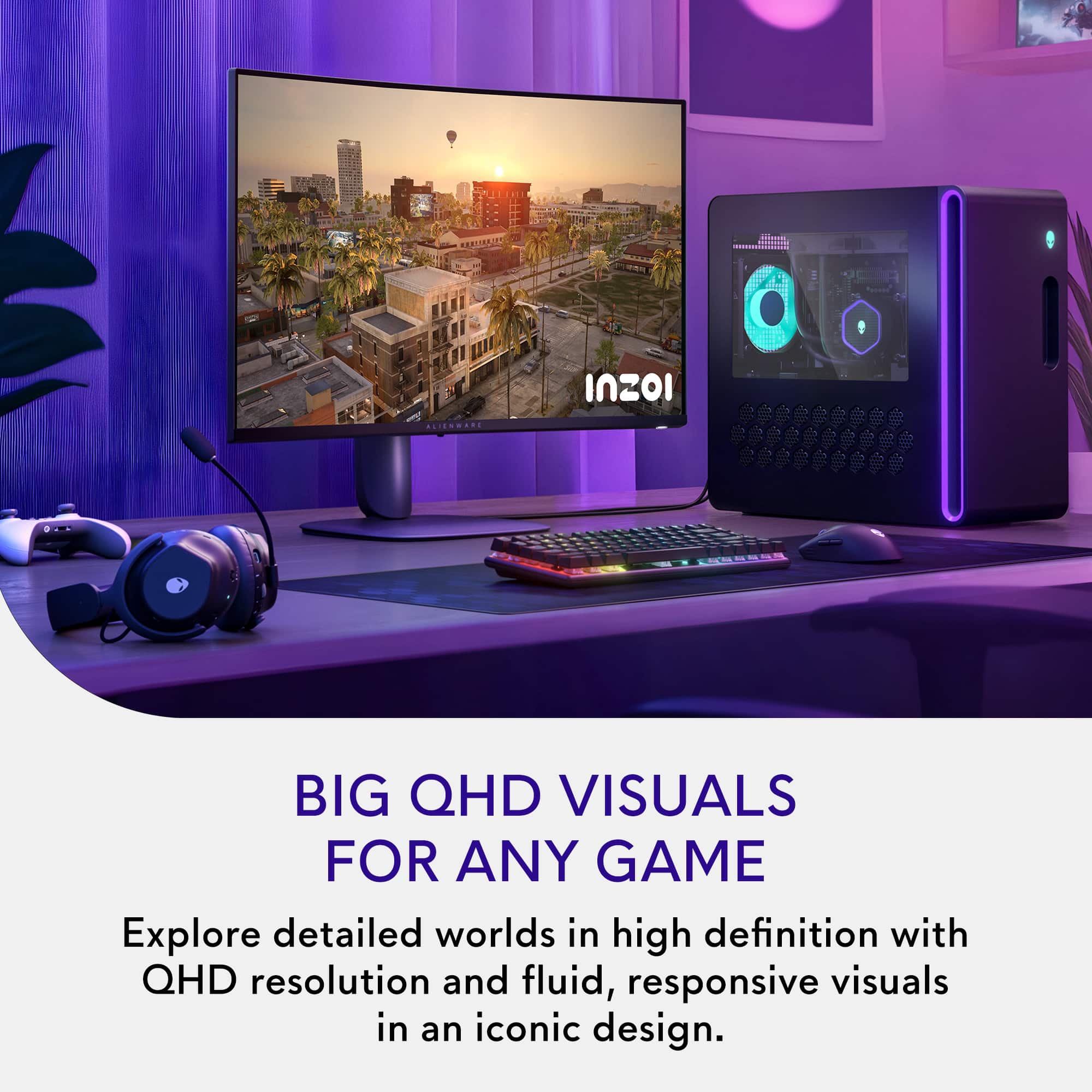
|Posted .This reviewer received promo considerations or sweepstakes entry for writing a review.I've been considering a curved 32" monitor for some time now, but always found myself saying, "maybe next time." Finally, I got my hands on a curved display for my Alienware PC! The Alienware - AW3225DM 32" VA LED Curved QHD 180Hz 1ms FreeSync Gaming Monitor is a great choice if you are considering a curved display. The price is decent and the size if right. The graphic display on the Alienware - AW3225DM 32" VA LED Curved QHD 180Hz 1ms FreeSync Gaming Monitor is beautiful! Don't get me wrong, it's no OLED display, but for the price, it looks great. Another important thing to consider when buying just about any display is how much room it takes on your desk. This was extremely important for me, as I have a standing desk converter, so space it is tight. My current LG gaming display has a very bulky stand that is fighting for space with my second Omen display. The Alienware - AW3225DM 32" VA LED Curved QHD 180Hz 1ms FreeSync Gaming Monitor has a simple single leg stand that is perfect! I would definitely recommend the Alienware - AW3225DM 32" VA LED Curved QHD 180Hz 1ms FreeSync Gaming Monitor to anyone!
I would recommend this to a friendGreat monitor !
Posted .This reviewer received promo considerations or sweepstakes entry for writing a review.I just got this monitor today and the quality and picture is amazing . Plenty of settings to choose and make your monitor the way you want. The one downside is there is no 3.5 AUX outlet so hard to connect speakers
I would recommend this to a friendAmazing Montior High End VA
Posted .This reviewer received promo considerations or sweepstakes entry for writing a review.I had a LG gaming montior ips the brightness was only 321 and it was 32 inch flat screen monitor it's felt low end for a ips montior was it wasn't even curved either. I decided to shop for a upgrade and bought this alienware 32 inch curved gaming VA monitor first the curved screen does give a better viewing experience has 400 brightness which is very good. I also highly recommended get either a display adapter or usb c to display port wired to get your 180 hertz experience. As for monitor clarity it looks sharp enough with great viewing angles. If anything this monitor feels like a high end VA monitor even better than alot of low end ips montiors and middle end ips montiors. I found a open box excellent 227 dollars i highly recommend this montior you wont regret it. I ran the montior for 10 hours so far i been enjoying my experience.
I would recommend this to a friendGreat budget friendly monitor; no speakers though
|Posted .This reviewer received promo considerations or sweepstakes entry for writing a review.This monitor was a very easy setup --- really just clicking everything into place and you're good to go. Not super heavy but also not light --- good solid structure. Also it came with two HDMI cables! That's a score for sure. The curved screen really does make all the difference with it. Plus the fact that its 400 brightness and the display is sharp. Another plus is that the screen height is adjustable and can be moved up and down as well as tilted back and forth. I would probably say my only complaint about it is that there are no speakers, so you will need to provide your own audio output. I already have speakers so I am fine but I would have been a little disappointed the monitor had no sound otherwise. Despite this one flaw, everything else with this monitor is pretty impressive, mainly for the price point. I decided to use this for my video editing and the curved design provides a much better view for my full timeline. It's longevity is the only thing that remains to be seen, but after about a week or so I am very satisfied with this monitor.
I would recommend this to a friend- Pros mentioned:Overall performance
Great buy!
Posted .This reviewer received promo considerations or sweepstakes entry for writing a review.Great size and love the curve! Has a great picture and very sturdy.
I would recommend this to a friend - Pros mentioned:Overall performance
Monitor
Posted .This reviewer received promo considerations or sweepstakes entry for writing a review.Alien Monitor, excellent condition high videos graphics e wllent for a garming
I would recommend this to a friend - Pros mentioned:Overall performance
Alienware monitor
Posted .This reviewer received promo considerations or sweepstakes entry for writing a review.The display looks amazing and I love how fast and responsive it is
I would recommend this to a friend Good monitor for the price
Posted .This reviewer received promo considerations or sweepstakes entry for writing a review.This monitor is because its 1440p with a good price u can’t beat that
I would recommend this to a friend