Customer Ratings & Reviews
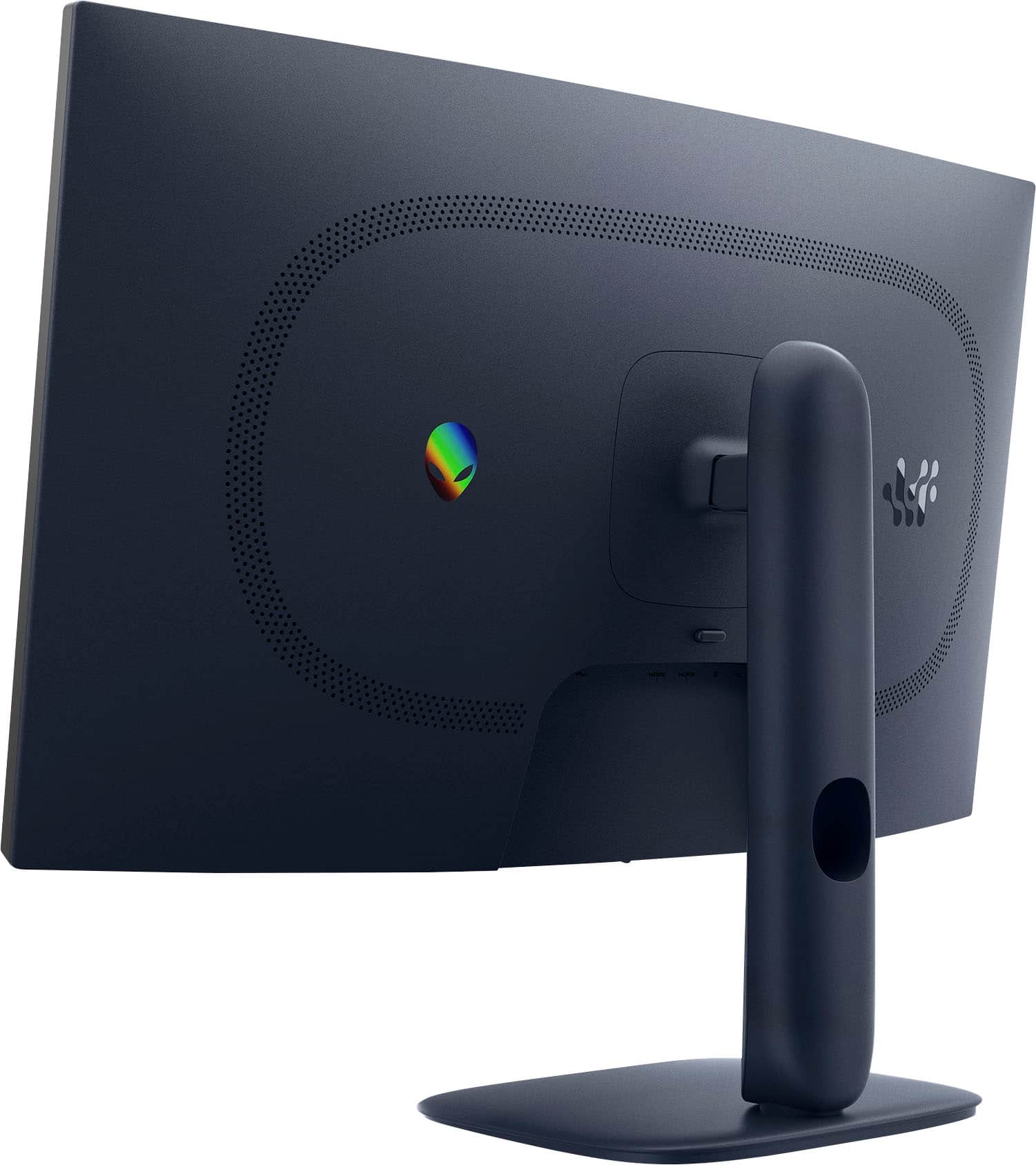
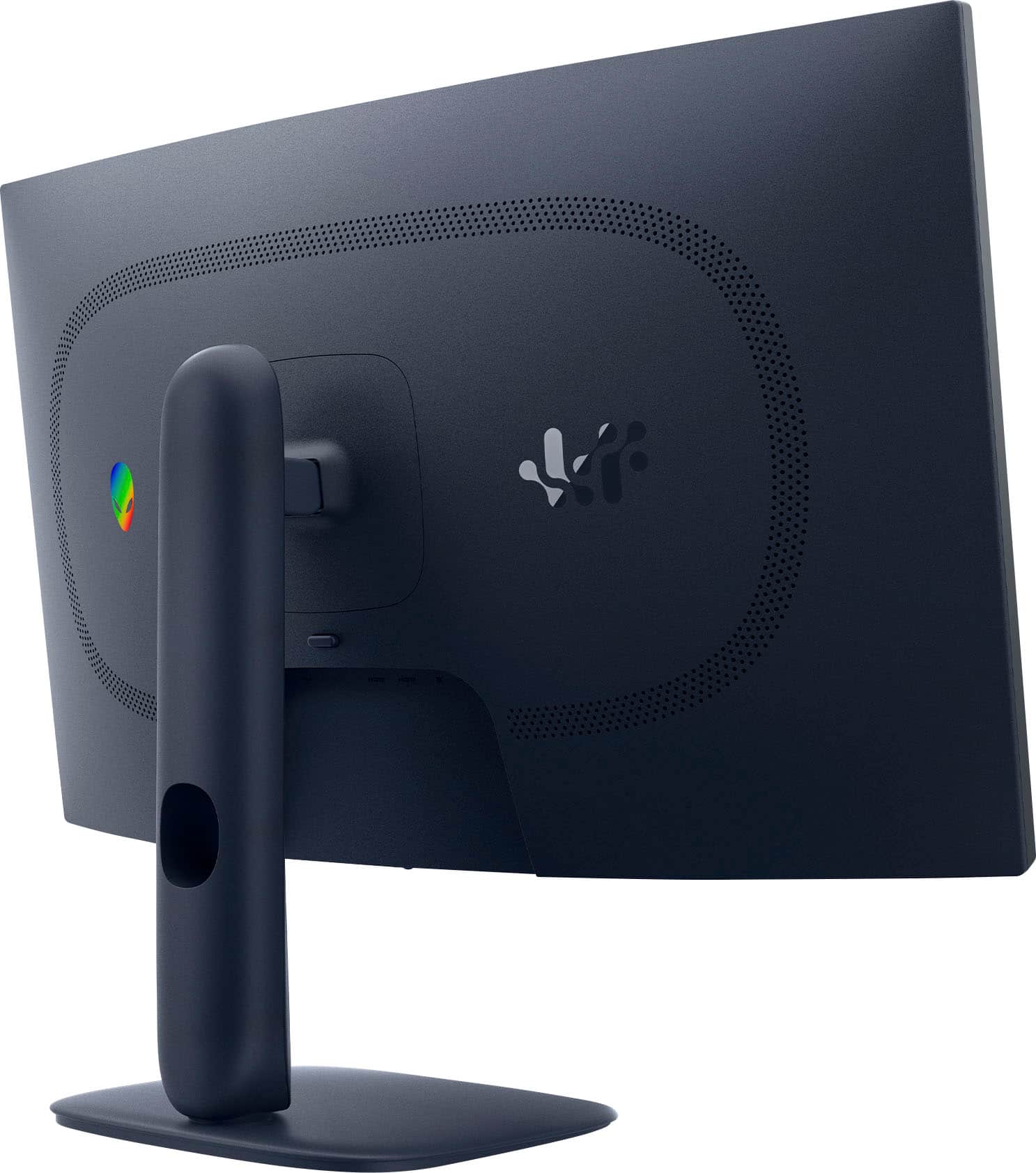
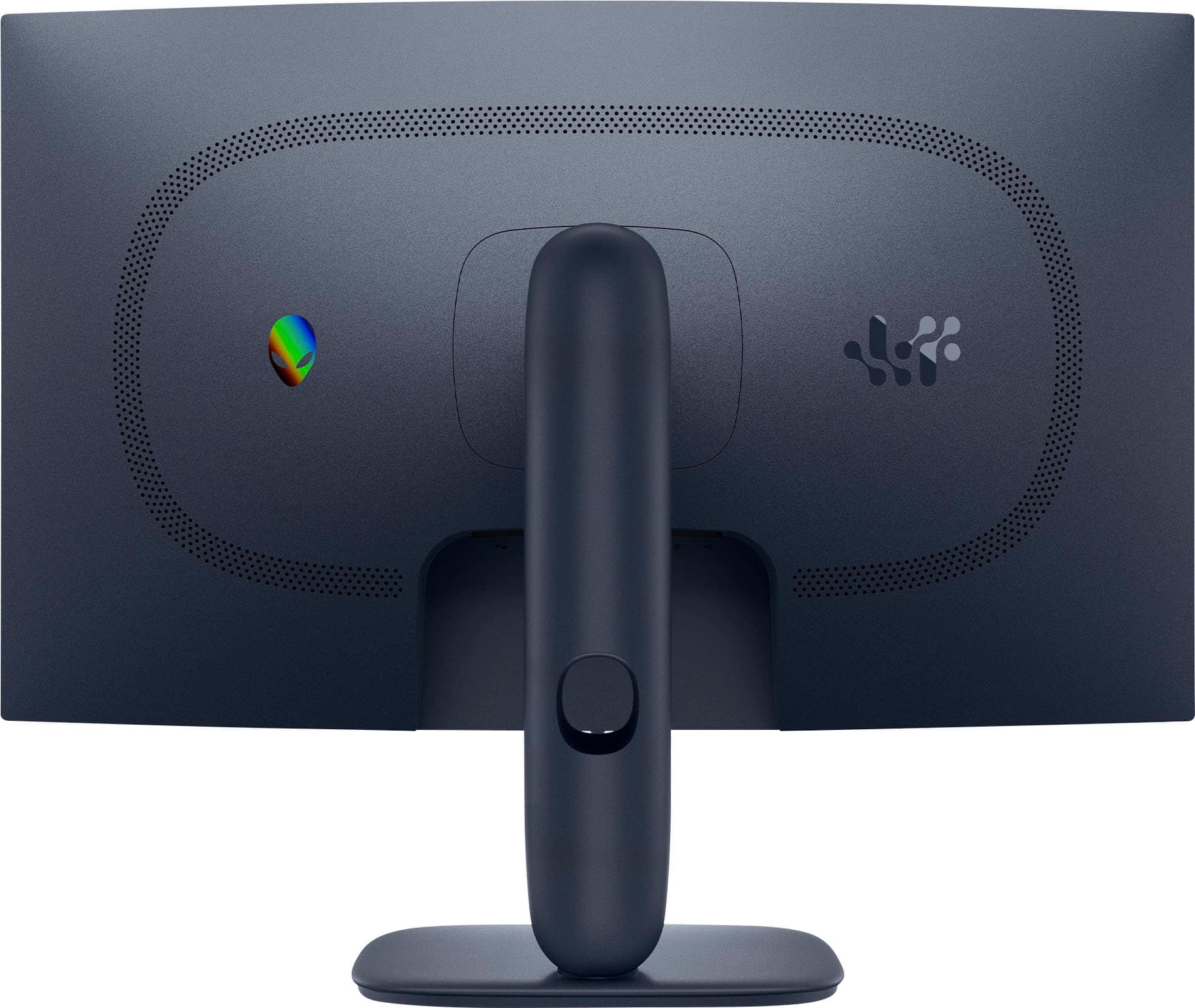
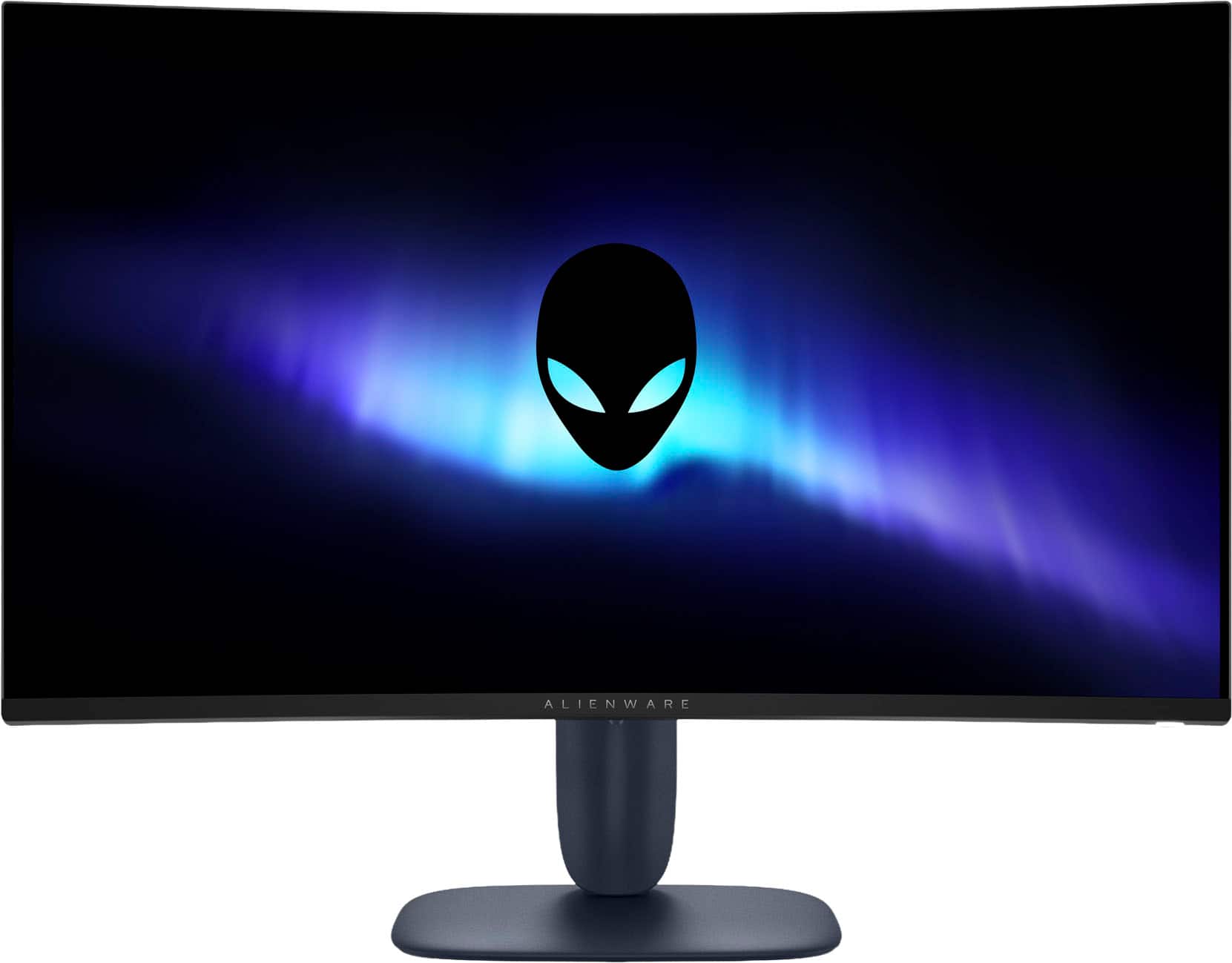
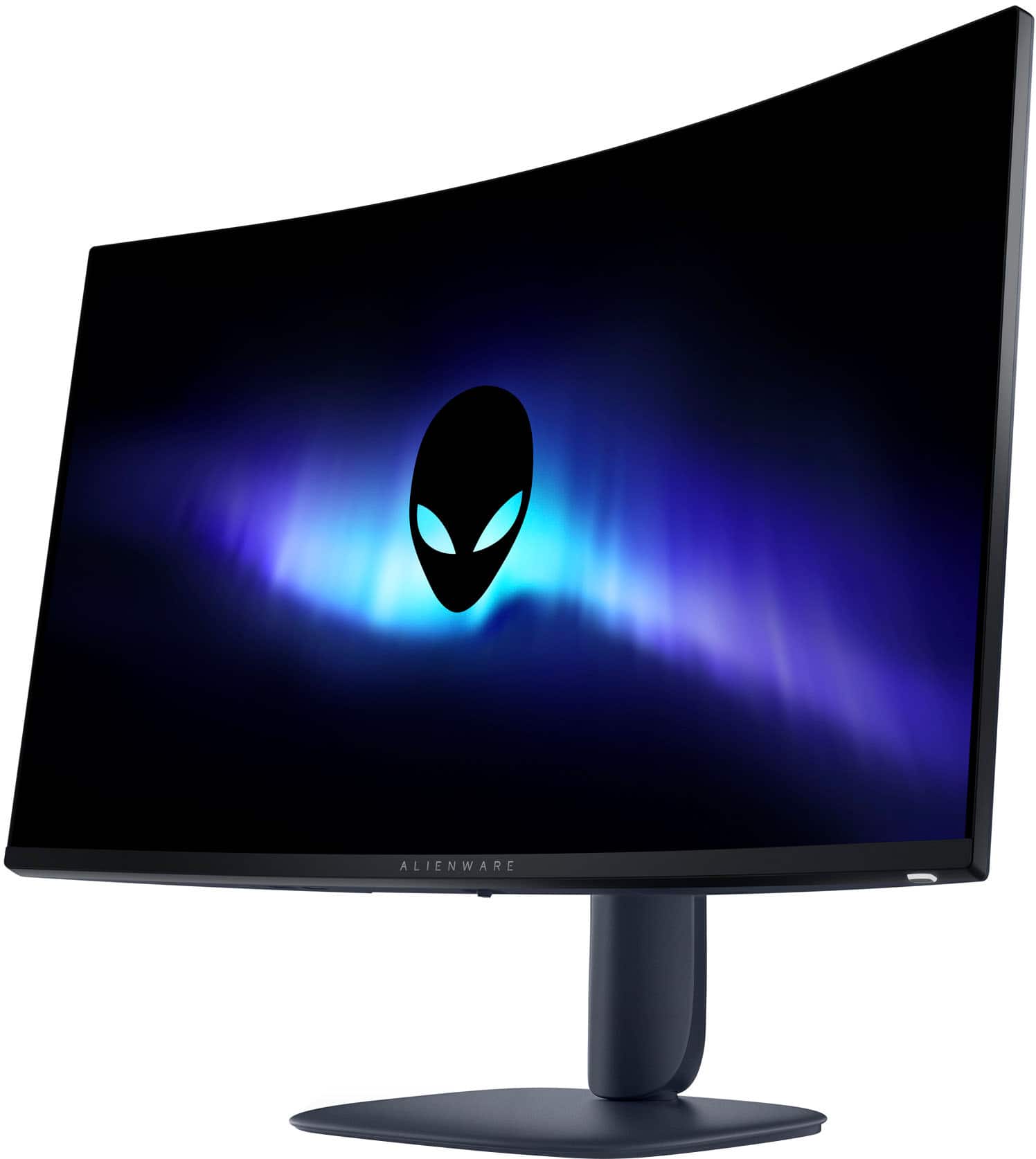
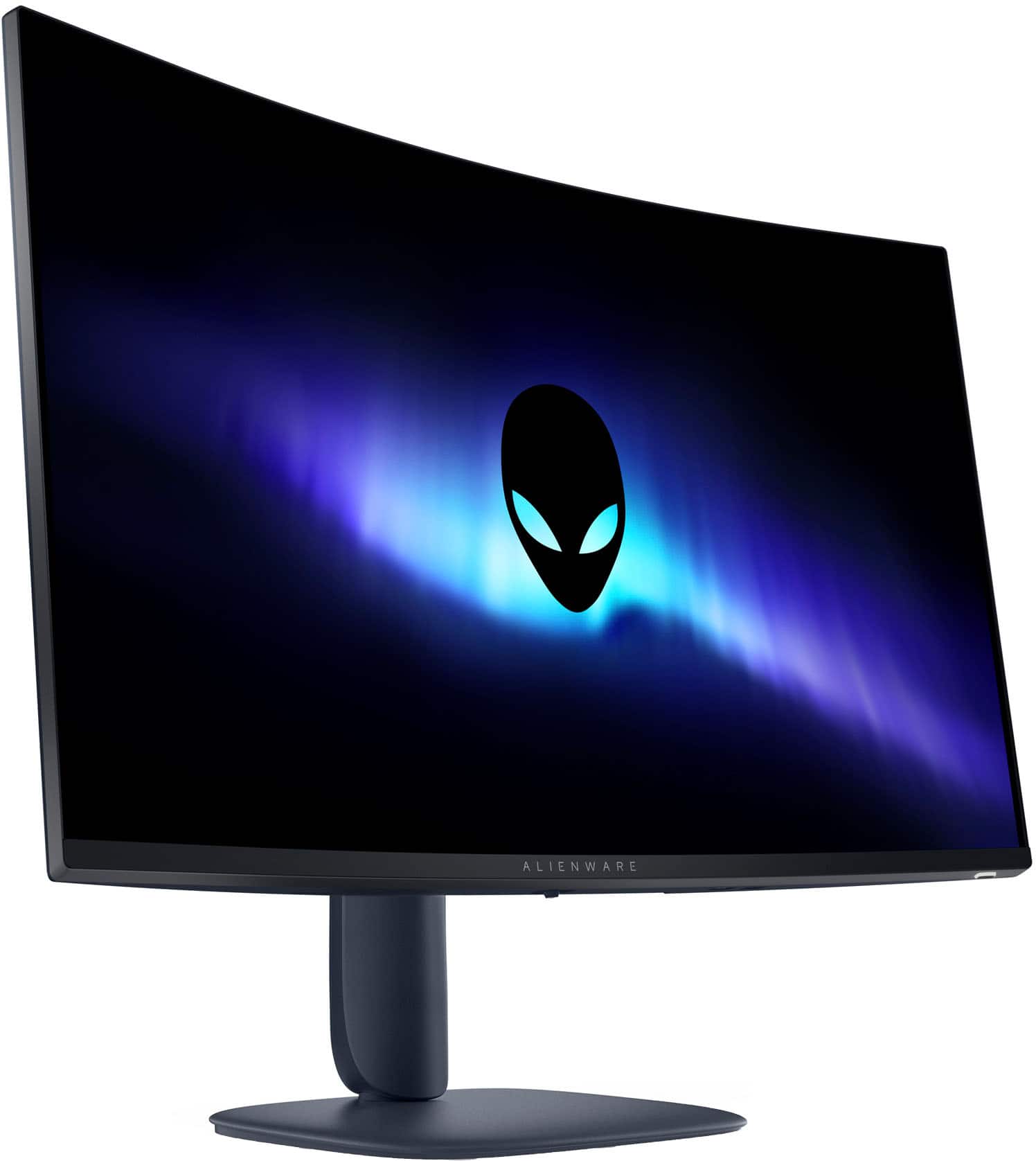
- Model:
- AW3225DM
- SKU:
- 6619487
Rating by feature
- Display Quality
Rating 4.8 out of 5 stars
- Ease of Use
Rating 4.9 out of 5 stars
- Features
Rating 4.7 out of 5 stars
Customers are saying
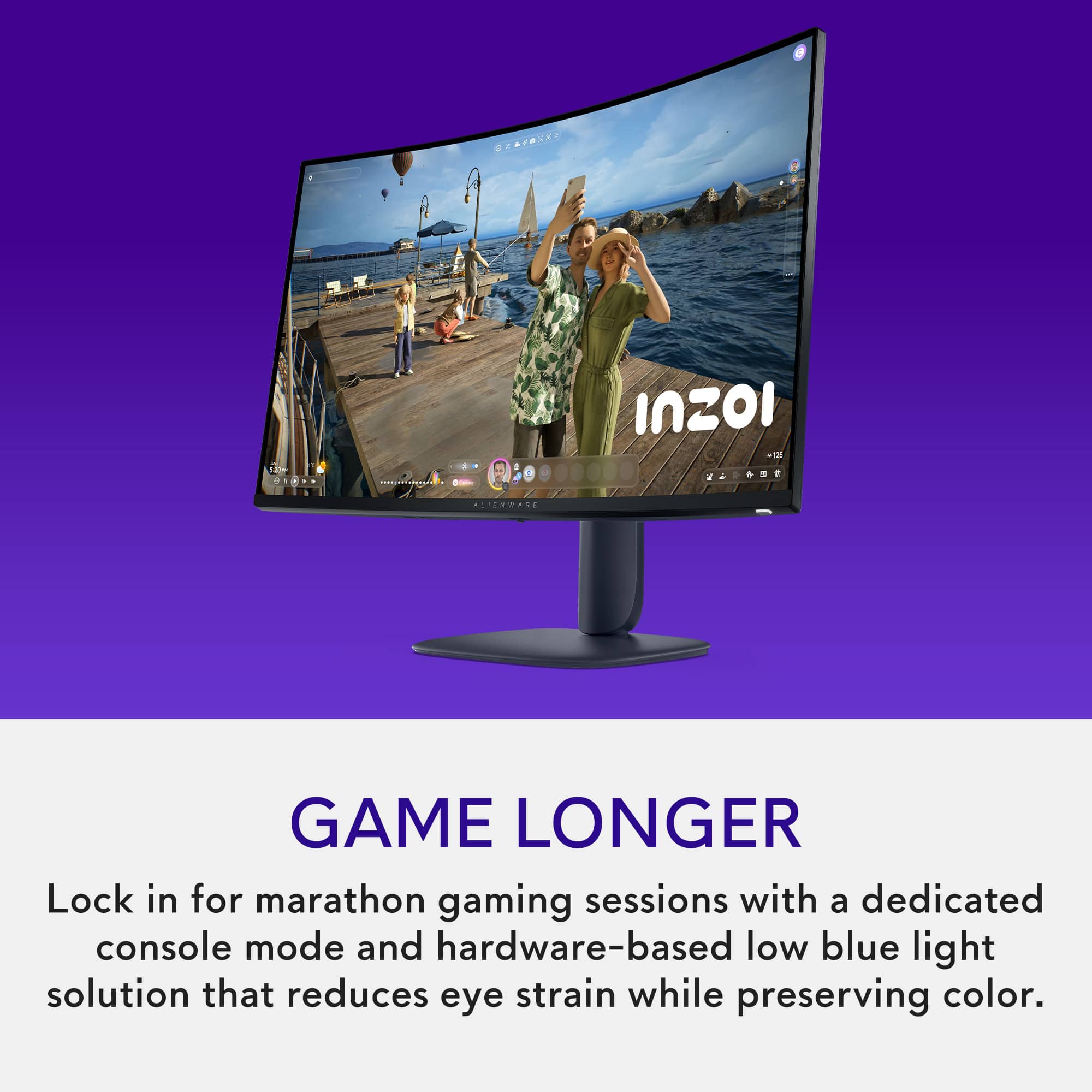
Customers appreciate the AW3225DM monitor's overall performance, picture quality, smooth refresh rate, fantastic resolution, and appealing design. However, some customers feel the monitor should include speakers. Overall, the monitor seems to be well-received for its visual and performance capabilities.
This summary was generated by AI based on customer reviews.
- Pros mentioned:Overall performance, SizeCons mentioned:Speakers

HEAVY hitting hardware
|Posted .This reviewer received promo considerations or sweepstakes entry for writing a review.Alienware has always been a staple in gaming hardware and this monitor is no different. This monitor is massive and for lack of better words...a chonk! This is not my first 32" gaming monitor, but it is by far the heaviest I have owned. Assembly of this monitor is a cake walk. Actually, its easier than a cake walk. You tilt the base into the monitor and it snaps into place. Add the power cord and poof! You are done. The only down side is that you don't get actual cake when you are done. After assembly, the stand has vertical adjustments for the monitor and it can tilt different directions to accommodate your viewing angle. Speaking of viewing angle, this monitor does boast a wide viewing angle, which is great. However to optimize your experience, straight on is definitely the way to go to get that full immersive feeling of the curved screen. Out of the box, the picture quality is very decent, but not perfect. I ended up finding an online resource to adjust color settings and fine tune to my preferences. The picture was too dark for me out of the box. That being said, once tuned, the image is superb. High paced high end gaming is definitely where this monitor shines. When hooked up to a proper gaming PC, you will not be disappointed. When used with a console, I did have a different experience. This gaming monitor also doubled as the monitor for my Nintendo Switch which is primarily used for simple gaming with my kids, however it made this game less clear somehow. Now this was before I fine tuned the image to my linking, however I did find it interesting that the monitor excelled in demanding graphics and struggled with simple gaming. With the new Minecraft graphics package dropping t his month, maybe there will be a difference. Lastly, for any true gamer this should not be an issue, however I wanted to make sure any potential buyer know...this Alienware gaming monitor does not have speakers. Usually speakers are the low point of computer monitors, so leaving them out is not a problem for me. I use by graphics card port for my gaming headset or bluetooth headset for my switch. However if you do not have the appropriate peripheral equipment, understand that this monitor does not come with speakers to even get you by. Overall, this is a great monitor for a serious gamer. It is currently set up in my driving simulator and really provides a clear and immersive experience. I would definitely recommend it to the advanced video game enthusiasts who are willing to take the time to set this monitor up to its true potential.
I would recommend this to a friend - Pros mentioned:Overall performance, Refresh rate, Resolution
Alienware monitor improves my gameplay & more!
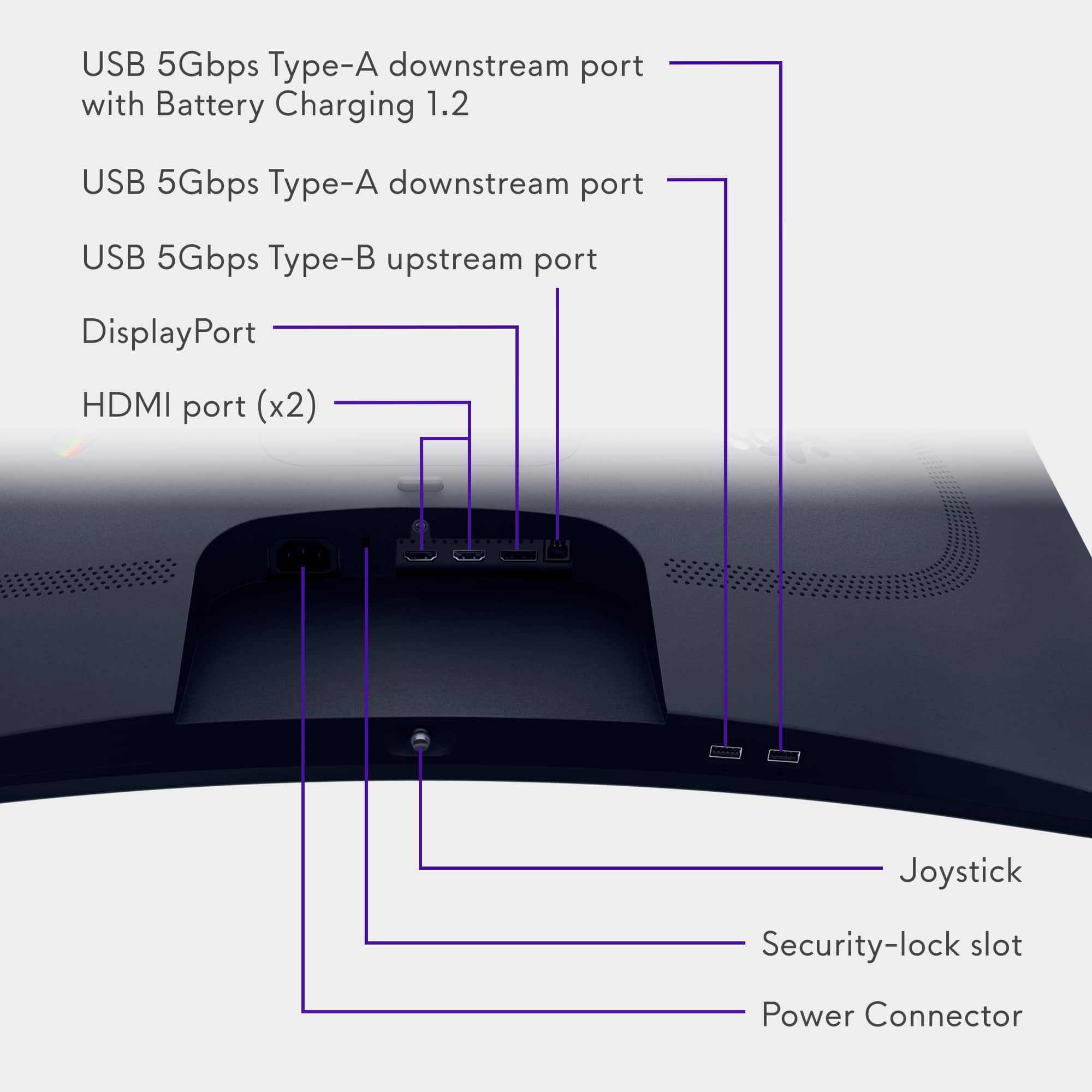
|Posted .This reviewer received promo considerations or sweepstakes entry for writing a review.The Alienware (AW3225DM) 32" VA LED Curved QHD 180Hz 1ms FreeSync Gaming Monitor with HDR is a large, solidly built, heavy-weight (14.5 pounds), magnificent gaming monitor. It is actually 31.5" measured diagonally. It has a maximum resolution of 2560 x 1440 and a good refresh rate at 180Hz. The graphics are stunning on the curved screen with QHD resolution and a 178 degree viewing angle. The FreeSync technology supports AMD FreeSync and is VESA AdaptiveSync Display certified to match the monitor's refresh rate with the frame rate of your computer's graphics card. This should eliminate any stuttering or screen tearing you otherwise might have had. Everything I played was very smooth. There are no speakers on this monitor, which I believe is fairly standard for this type of monitor. There are numerous setting adjustments that can be made to this monitor - via the little "joystick" button located on the bottom of the monitor. I need to up my tech knowledge for most of those settings to mean anything to me. I made some adjustments to brightness and things of that ilk, and with just those adjustments, the monitor looks incredible to me and functions in a way that totally works for me. I do have to say this monitor doesn't come with any information as far as set-up and use. But I was easily able to find the User's Guide online. That definitely helped me to get going. To start set-up, I simply plugged the monitor into power and connected it to my laptop via the included HDMI cable. There are 2 HDMI ports, a display port (cable included) and 2 USB-A ports and a USB-B port. There is no headphone jack which is fine for me since I prefer a wireless headset. Overall, I have had no issues with the Alienware 32" VA LED Curved QHD 180Hz 1ms FreeSync Gaming Monitor with HDR. I love the vibrant graphics and it does everything I would expect a high quality monitor to do. It has the spec's and it performs up to their level. I would absolutely recommend this monitor to anyone in the market for a new monitor - gaming or not!
I would recommend this to a friend - Pros mentioned:Refresh rate, Resolution
A Masterpiece for Gamers and Creators Alike
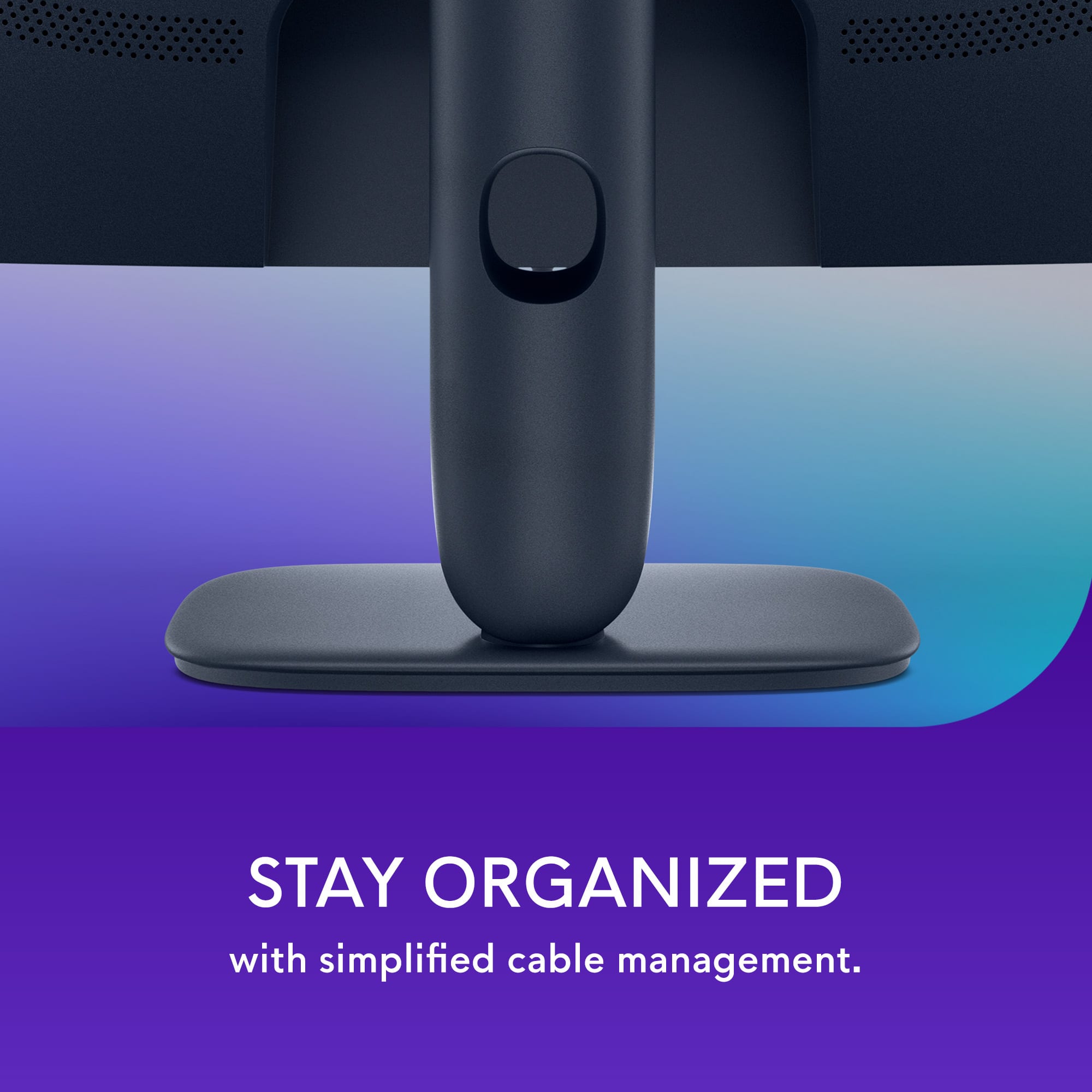
|Posted .This reviewer received promo considerations or sweepstakes entry for writing a review.In the ever-competitive world of gaming monitors, Alienware has carved out a reputation for delivering high-performance displays with futuristic aesthetics. The AW3225DM continues that tradition, offering a 32-inch curved VA panel with QHD resolution, a 180Hz refresh rate, and a 1ms response time. It’s a monitor that doesn’t just look good on your desk—it transforms how you experience games, media, and even productivity. Futuristically Alienware From the moment you unbox the AW3225DM, it’s clear this isn’t your average display. The Interstellar Dark Side of the Moon finish gives it a premium, space-age vibe, while the 1800R curvature wraps around your field of view for a more immersive experience. The bezels are slim, the stand is sturdy, and the overall build quality feels rock-solid. The stand offers height adjustment (up to 110mm) and tilt (-5° to 21°), making it easy to find the perfect viewing angle. It’s also VESA mount compatible, so you can easily integrate it into a multi-monitor setup or mount it on an arm. The integrated cable management system keeps your desk clutter-free, which is always a plus. The AW3225DM features a 2560 x 1440 QHD resolution on a VA panel, delivering sharp visuals and excellent contrast. With a 3000:1 contrast ratio, blacks are deep and whites are bright, making everything from dark cinematic scenes to vibrant game environments pop with clarity. The 93 PPI (pixels per inch) ensures that text and images are crisp without overburdening your GPU like a 4K display might. Whether you’re gaming, editing photos, or watching movies, the visual experience is consistently impressive. Color performance is another strong suit. The monitor covers 95% of the DCI-P3 color gamut, which means colors are rich, accurate, and consistent. Whether you're exploring alien worlds or editing high-resolution images, the hues feel natural and vibrant. The VESA Display HDR 400 certification adds a noticeable boost in dynamic range. While it’s not the highest HDR tier, it still enhances highlights and shadows, making HDR content more engaging and lifelike. Speed is where the AW3225DM truly shines. With a 180Hz refresh rate and 1ms GtG response time (in Extreme mode), it delivers ultra-smooth game-play with minimal motion blur. Fast-paced titles like Call of Duty, Apex Legends, and Forza Horizon feel incredibly responsive and fluid. The monitor supports AMD FreeSync Premium and is VESA AdaptiveSync certified, which means screen tearing and stuttering are virtually eliminated. Whether you’re gaming on a PC or console, the experience is seamless and immersive. Alienware has equipped the AW3225DM with a solid array of ports: 2x HDMI 2.0 1x DisplayPort 1.4 2x USB 3.2 Gen 1 Type-A 1x USB 3.2 Gen 1 Type-B (upstream) This makes it easy to connect your PC, console, and peripherals without constantly swapping cables. The only minor omission is ahone jack, but most users today rely on USB or wireless audio solutions, so it’s not a major drawback. Navigating the monitor’s settings is a breeze thanks to the joystick-style OSD controller on the back. The on-screen display is clean and responsive, offering a range of customization options including: Preset gaming modes Custom color profiles On-screen crosshairs Frame rate counters These features are especially useful for gamers who want to fine-tune their experience for different genres or competitive play. Alienware clearly understands that gamers and creators often spend hours in front of their screens. The AW3225DM includes Comfort View Plus, a low blue light feature that reduces eye strain without compromising color accuracy. The flicker-free backlight also helps minimize fatigue during extended use. The curved design isn’t just for aesthetics—it genuinely enhances immersion and reduces the need for head movement, making it easier to stay focused during long sessions. In gaming, the AW3225DM is a revelation. The combination of high refresh rate, low latency, and vivid colors makes every title feel more engaging. Whether you're exploring the neon-lit streets of Cyberpunk 2077 or racing through the countryside in Gran Turismo, the experience is smooth and cinematic. For content creators, the color accuracy and screen real estate are a huge plus. Video editing timelines are easier to manage, photo editing is more precise, and multitasking is a breeze thanks to the 32-inch canvas. Even for everyday tasks like browsing, streaming, or working in spreadsheets, the monitor feels like a luxury. The curved screen draws your attention to the center, making everything feel more focused and immersive. The AW3225DM has received glowing reviews from users across the board. On Best Buy, it holds a 4.7 out of 5 rating from over 80 reviews. Customers praise its display quality, ease of setup, and value for money. One reviewer noted, “This monitor replaced my dual-screen setup, and I couldn’t be happier. The curve and clarity are perfect for both work and play.” Another user highlighted the build quality and adjustability, saying, “The stand is solid, and the screen moves smoothly. It’s easy to find the perfect angle.” A Stellar Choice for Gamers and Power Users The Alienware AW3225DM is a triumph of design and performance. It delivers a premium gaming and productivity experience at a price that’s hard to beat. With its stunning visuals, smooth performance, and thoughtful features, it’s a monitor that feels tailor-made for today’s multi-faceted users. Whether you’re a competitive gamer, a creative professional, or someone who just appreciates a beautiful display, the AW3225DM is a fantastic choice. It’s not just a monitor—it’s a gateway to richer, more immersive digital experiences.
I would recommend this to a friend will never buy there again
||Posted . Owned for 2 weeks when reviewed.This reviewer received promo considerations or sweepstakes entry for writing a review.Guy made me spend and extra 80 bucks to price match in future which makes no sense
No, I would not recommend this to a friendGet if you like Grey screen... Move on and get IPS
||Posted .This reviewer received promo considerations or sweepstakes entry for writing a review.Picture quality is absolutely garbage... 27" on display shows very good clarity due to IPS panel and this VA panel is just absolutely washed out .. Yeah its bright and curved but gosh this has the worst black/white ... and look very hazy
No, I would not recommend this to a friendStuck pixels
||Posted . Owned for less than 1 week when reviewed.This reviewer received promo considerations or sweepstakes entry for writing a review.Second alienware monitor with stuck pixels. One from dell and this one from best buy. Very disappointed in the quality control of these big brand companies.
No, I would not recommend this to a friendPowered on...no picture.
||Posted . Owned for 3 weeks when reviewed.This reviewer received promo considerations or sweepstakes entry for writing a review.Opened it up, set up with DP cable. The OSD came on, and then nothing. Tried changing cables, was getting nothing, even the OSD screen wouldn't come up. Plugged old monitor in and added this as secondary, windows detected it, but no picture. Returnee for refund.
No, I would not recommend this to a friend- Cons mentioned:Speakers
Be Careful
||Posted . Owned for 3 weeks when reviewed.This reviewer received promo considerations or sweepstakes entry for writing a review.No speakers! for that price, it should include them
No, I would not recommend this to a friend A definite pass!
||Posted . Owned for less than 1 week when reviewed.This reviewer received promo considerations or sweepstakes entry for writing a review.I was excited when I purchased this monitor but it didn't live up to the Alienware name. The backlighting is horrendous! I tried working with the monitor for several days before taking it back to Best Buy.
No, I would not recommend this to a friend- Pros mentioned:Overall performance, Refresh rate
Alienware Delivers a Delightful Curved Monitor
|Posted .This reviewer received promo considerations or sweepstakes entry for writing a review.The Alienware 32" VA LED Curved QHD monitor is a solid, affordable gaming monitor falling into the category of higher-end mid-tier pricing. Out of the box, set up was easy. There is an adjustable stand that allows for both height and tilt. This allows for comfortable seating with a monitor to match. I personally think that low 30 inches for curved monitors looks the best, being able to visualize the whole monitor easily within the field of vision but still allowing for easy dual tab browsing/usage. The 32" curved does not disappoint in this aspect Being Alienware, with FreeSync technology, the monitor is quite impressive visually for the price point. Trying FFXIV and BG3, there was crisp display with solid refresh rate, no issues with display from my perspective. The LED screen provides a strong, bright display which can be adjusted if too bright for room needs - which I turned down some given I typically game later at night in the dark. Colors are rich and immersive. This monitor boasts QHD, which I perceive as very sound display quality - I know everything boasts 4k these days, but this QHD does the job well. There are 2 HDMI inputs and 1 Display port, which can allow for multiple devices; however, I tend to find where device having multiple outputs is more important. 180Hz refresh rate with 1ms response time are great stats overall, ideal for gaming. Although the games I typically play do not need this quality, I would expect solid performance with shooters and other more fast pace games. Overall, this is a well performing monitor with solid specs to allow for every day use gaming.
I would recommend this to a friend Why is this even sold?
||Posted . Owned for 3 weeks when reviewed.This reviewer received promo considerations or sweepstakes entry for writing a review.This perhaps is the worst monitor I've ever used. Yes, curved was super cool, but the quality/colors etc was God awful.
No, I would not recommend this to a friend- Pros mentioned:Overall performance, Refresh rate
Beautiful monitor, not perfect
|Posted .This reviewer received promo considerations or sweepstakes entry for writing a review.I’ve been using the Alienware AW3225DM 32 inch curved QHD gaming monitor for a little over a week now. It’s a really cool looking monitor. The size is perfect, the colors are bright and clear, and the design is one of the best I’ve seen. It looks great on my desk and fits in perfectly with the rest of my setup. But even with all of that, I’m kind of on the fence about it because something just feels off with the screen. I got this mainly for gaming, but I also use it during the day for work stuff like emails, documents, and video calls. For games, the monitor is actually really solid. The colors pop, everything feels smooth, and I didn’t notice any lag or screen tearing. I play a lot of fast-moving games like first person shooters and racing games, and this monitor keeps up without a problem. The 180 refresh rate makes it feel super quick and responsive. I also noticed the curved screen makes games feel more immersive. It kind of pulls you in without being too much. So in that way, it definitely delivers. The HDR is decent too. It’s not the most mind-blowing I’ve ever seen, but it adds a little more depth and contrast, especially in darker games. I didn’t have to mess around with the settings too much to get it looking how I wanted. Right out of the box, the colors looked pretty amazing. Now for the part I don’t love. The screen has this weird soft or blurry look sometimes, and I can’t figure out why. It’s most noticeable when I’m reading something, like text in an email or document. The letters don’t look as sharp as they should. I’ve had QHD monitors before and this one just feels slightly off. Not broken or anything, just not as clear as I expected. I thought maybe I had the wrong settings, but I tried switching cables, changing the inputs, adjusting sharpness and everything else I could think of. It helped a little, but the screen still looks a little fuzzy in some areas. It’s not a dealbreaker if you’re just gaming or watching videos. When things are moving fast, you don’t really notice it as much. But when I’m doing regular work during the day, it starts to bug me. I even found myself squinting a bit after a few hours and had to zoom in on text just to read comfortably. That’s the main reason I couldn’t give this monitor five stars. It does a lot of things right, but this one thing makes it hard to use all day. The stand feels strong and the whole monitor is built well. It lets you adjust the height and it also tilts, which I really like because I could angle it just right without having to move anything else around on my desk. You can tell it’s made from good materials and not cheap plastic. It also comes with the cords you need, and it was super easy to set up. No tools needed. It was basically plug it in and go. The menu is simple enough to use if you want to play around with the picture settings, and there are plenty of options.
I would recommend this to a friend - Pros mentioned:Overall performanceCons mentioned:Speakers
Performant, but Not Perfect
|Posted .This reviewer received promo considerations or sweepstakes entry for writing a review.[PROS] Solid Build Quality: Although I eventually mounted my monitor, I had a chance to use it while being attached to the included stand. I was very satisfied with the design and sturdiness of the product as I adjusted the height and titled it at various angles. I didn't feel any uneasiness as a I maneuvered the product on the stand or the mount that it was placed on. Rich Display: Although VA panels catch a lot of flak, this monitor actual looks well in day to day use. However, the HDR modes is where it truly shines. I enjoy playing single player campaigns so I'm often finding myself immersed in open world environments. Games like Forza Horizon 5 and Horizon Zero Dawn (no relation, nerd joke) look vivid to where you can truly appreciate the artistic effort put in by the design team. Also, black levels are portrayed nicely in games with primarily dark environments such as the Resident Evil titles. Streamed Software: Having to download additional software can be off-putting, but the Alienware Command Center seemed very simplistic I was able to adjust most of my monitor settings without needing to use the physical knob on the panel and without the bulkiness that often comes with these applications. The only quirk that I did run into was that the app stated that new firmware was available, but I couldn't download it although my monitor was connected via USB. It turns out that this was a glitch, and that I had the latest firmware available already installed. Smooth Imagery: My monitor is paired with a 4080 Desktop so I'm able to easily hit 180hz in a number of titles. I can attest to being able to maintain high frame rates without hitches to my gameplay experience. [CONS] Finicky HDR? : The main issue I had was toggling the HDR outside of Windows 11. My monitor is paired with an existing Alienware QHD monitor. Prior to using the AW3225DM, I was able to turn on HDR from my display without using the native Windows 11 implementation which produces a washed out image. Adding the new monitor to my setup automatically enables HDR from Windows. Turning it off removes HDR from the Alienware Monitor as well. However, this could be a technical oversight on my part or a bug from Microsoft's end. Lack of Speakers/Audio Jack: The lack of audio functionality from the panel doesn't bother me, but I felt like it was important to highlight. I recommend just using a nice gaming headset which probably produces sound quality than most monitor embedded speakers/audio ports. [CONCLUSION] I'm pretty content and satisfied with using my Alienware monitor. It's very functional for gaming and extends benefits into the area of watching media in general because of its HDR implementation. I did run into minor issues, but I'm sure they can be easily sorted out.
I would recommend this to a friend - Pros mentioned:Overall performance
Same Great Brand at a Budget Price
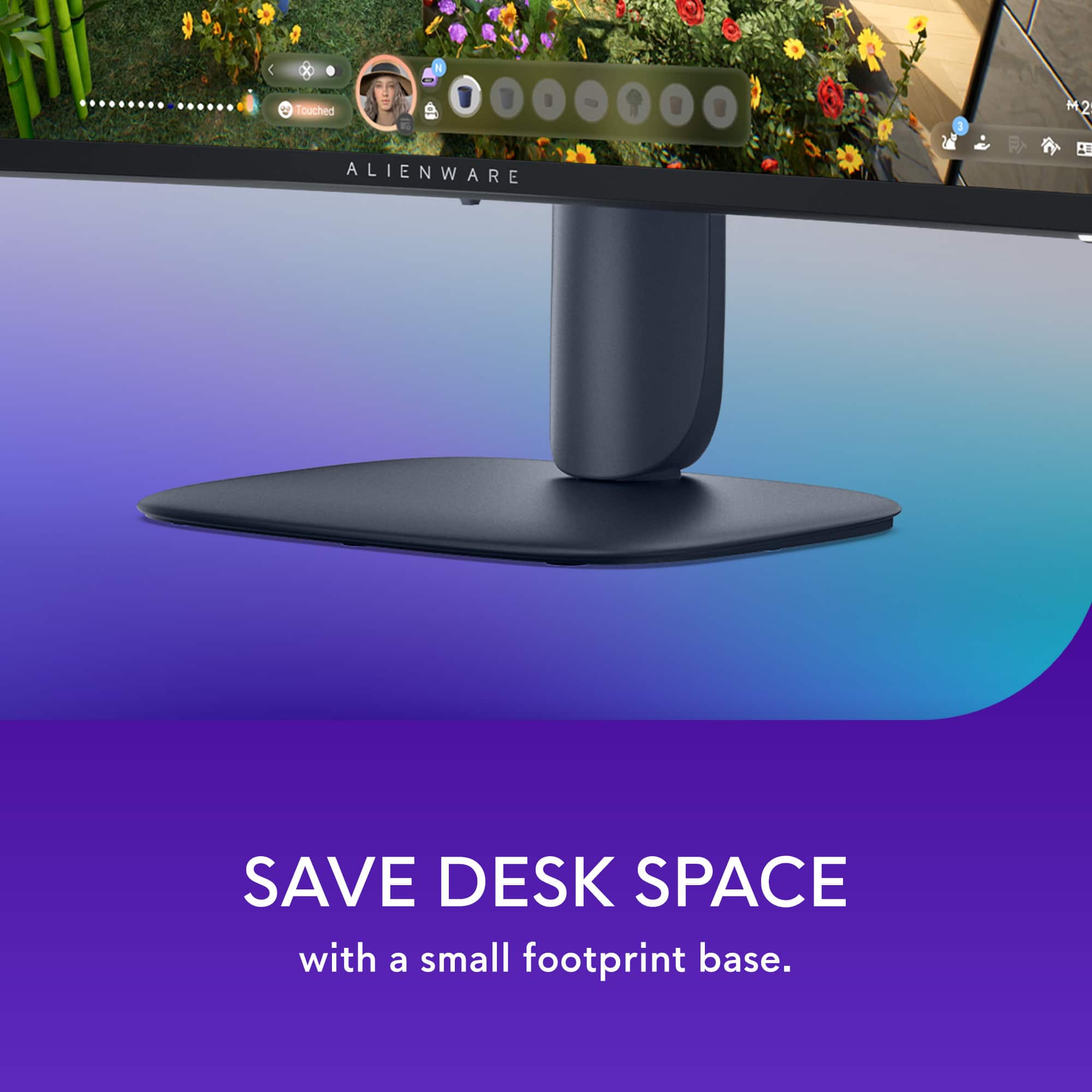
|Posted .This reviewer received promo considerations or sweepstakes entry for writing a review.When it comes to gaming, Alienware continues to place itself at the top of the mountain. This time, they’ve set their sights on the budget market with this monitor. Coming from a higher-end model, the differences are minimal—especially when you consider the drastic drop in price. Right out of the box, you’re greeted with that signature Alienware aesthetic and build quality. Setup is seamless, whether you’re using the included base or mounting it. I was impressed by the base—it's solid with a minimal footprint. Additionally, the stand allows the monitor to be raised, lowered, and tilted to achieve an optimal viewing position. What I appreciate most about Alienware’s recent shift is the more professional aesthetic. It doesn’t scream “gaming monitor,” yet it still delivers a premium look. Beyond its appearance, performance is equally outstanding. One thing to note: be sure to check the settings, as mine did not default to 144Hz on my PC. After adjusting it to my preferences, I was off to the races—this monitor handled everything I threw at it with ease. Coming from an OLED panel, I was extremely impressed by this VA panel. The colors are vibrant and vivid, to the point that I had to turn down the brightness when gaming at night. The dual HDMI inputs are also a great addition, making it easy to switch between my PC and Xbox. Plus, the console mode setting works perfectly with the Xbox. Beyond gaming, this monitor is also fantastic for work. The 32-inch size is ideal—it easily accommodates two windows side by side with plenty of screen real estate. Overall, while this may not be Alienware’s flagship model, you’re still getting excellent build quality and performance. Whether you’re using it primarily for gaming or productivity, it checks a lot of boxes: QHD resolution with rich colors, a refresh rate up to 180Hz (though with HDMI, you’ll likely be at 144Hz), a 32-inch curved display, and a polished design. I highly recommend this monitor for budget-conscious users who still want high-end performance without spending more than they did on their actual PC.
I would recommend this to a friend Bad monitor
||Posted . Owned for 1 week when reviewed.This reviewer received promo considerations or sweepstakes entry for writing a review.Horrible monitor, flickered all the time when i jumped on a game
No, I would not recommend this to a friend- Pros mentioned:Refresh rate
Crisp Visuals and Immersive Views
|Posted .This reviewer received promo considerations or sweepstakes entry for writing a review.Most Monitors and HDTVs have a response time of 10ms to 5ms, while most monitors have a response time of 5ms to 1ms. The lower the number the smoother the color transitions are. This monitor is capable of response time between 4ms and 1ms, depending on the setting chosen. The response time is different from “refresh rate” and indicates how quickly a pixel can change color. The refresh rate determines how many times the screen is updated per second. Typically measured in Hertz (Hz). A 144Hz refresh rate means the screen is refreshed 144 times per second. These two characteristics are independent, and the screen’s response time will still change colors at the set interval, regardless of the refresh rates. So, if your monitor has a high refresh rate (like 144Hz or 240Hz) but a sluggish response time (say 10ms), you’ll still see some blurring, trailing or ghosting images. But if the response time is 4ms or quicker than you’re getting each of those refreshed frames much sharper and clearer. Response times control clarity, while refresh rates control smoothness. When both of these features are optimal the picture as well as the action on the screen will look flawless. When it comes to gaming, optimal times for the refresh rate and response times will give you the best advantage on staying ahead of the competition, providing your gaming hardware and internet connection are up to par as well. This monitor is capable of handling refresh rates up to 180Hz with the display port, and 144Hz through the HDMI ports. Display Port cables can handle high bandwidths versus HDMI, so on most devices the Display Port will be favored when searching for the best quality. The monitor does have setting for AMD FreeSync and VESA Adaptive Sync technology. These technologies let your hardware and monitor automatically sync up at optimal times to prevent tearing, stuttering and input lag, so that you don’t have to waist time manually adjusting both devices’ settings. While the monitor is considered plug and play, you should set up one of the Sync options or adjust the monitor and hardware settings to get the most out of your viewing or gaming experience. As with most computer monitors, there are no AUDIO ports on the device. If you are going to use this monitor for a console or device that does not have a separate audio port for external speakers, there are small splitter boxes that can be bought separately and placed in line with the HDMI cable to extract the audio from HDMI cable, provided your connected hardware is transmitting audio and video through the cable. Just make sure that you get a splitter box that carries through the desired resolution/output you want on the monitor from your source device. This monitor is capable of QHD, or Quad High Definition, 2560 x 1440 pixels. Which is also known as 1440p or 2K. Not all inputs and devices are capable of mixing the highest resolutions with the highest refresh rates and color options. So, try to match up the desired display output with the best outcome for your application. On the PS5, I had to drop the resolution down to 1080p, using the HDMI cable, so that I could reach a refresh rate of 144Hz, otherwise my game would have ran at only 60Hz at the higher resolution. Some hardware devices will help you pick the best option, either directly with one of the standardized Sync features, or by actually showing your options in the settings. For example, if the monitor was connected to the PS5, you would navigate through the settings to the “information for the connected HDMI device”. From here you can look at the possible video settings between the PS5 and the connected monitor. Here you can choose which setting you prefer. With this monitor you can either choose the 2K resolution, HDR and 60Hz refresh rate( through the HDMI), or you can drop the resolution to 1080P and get 120Hz refresh rate. If you are playing an online shooter then you would probably want to go for 120Hz for the quickest refresh rates and best possible outcome for your own response times. If you are playing a game like Ghost of Tsushima, then you would probably want to pick the 2K resolution for the most stunning visuals. The monitor is also capable of vibrant colors with DCI-P3 95% color coverage and VESA DisplayHDR 400 certification. Most average monitors will have a DCI-P3 range of 90% to 98%, with 98% and higher usually included in the higher professional grade displays. 95% is actually pretty good, and will work well for most gaming and creative needs. VESA DisplayHDR 400 is considered the entry level for Display Ports, offering at least 400 cd/m2 and 900 million colors. This monitor can produce 400cd/m2 and 1.07 Billion Colors, so it is a bit above the designated standard. After many hours of viewing the intense colors and brightness your eyes can start to suffer. Blue Lights and bright lights can cause eye fatigue and even headaches in some individuals, so you might want to activate the monitors’ blue light solutions to reduce eye strain while preserving as much color as possible for longer viewing sessions. Another feature of this monitor is the ability to do PIP. In the settings you can select one of the many different formats for the PIP windows. Curved monitors typically offer a more immersive view, pulling you deeper into the game or movie, but can also offer a closer or easier view for multitasking multiple windows. A 1500R curve on a monitor refers to the radius of curvature, with 1500R meaning the monitor's curve is shaped like a section of a circle with a 1500 millimeter or 1.5 meter radius. This type of curvature is considered a good balance between immersion and practicality for various uses. The 178 viewing angle lets you get a full view of the screen in various positions, but dead center is always going to be the best. Typically curved monitors suffer from glare issues because of their shape and multiple angled design, however this model comes with an Anti-Glare screen to help reduce that issue. There is a USB-B port on the monitor which serves as the upstream port for communication from your computer to the monitor's USB hub. It is essential for using the monitor's USB-A or USB-C ports to connect devices like flash drives, keyboards, mice, or other peripherals. Without a USB-B connection, the monitor's USB ports will only provide power and wouldn’t allow data transfer back to your PC The monitor stand does let the monitor tilt and change heights. It lets you raise the monitor to a bottom clearance of 6.5inches or lower the monitor to a bottom edge clearance of 2.25 inches. For the price and tier of this monitor it is a pretty good choice. The high resolution visuals look very crisp and the refresh rates offer a competitive edge over some of the alternatives. I played a few different games on the monitor with favorable results. I experienced very little to no input lag while playing Call of Duty, and had a positive KDR in all the matches played, although I did experience some glitching and internet lag in one of the matches, but I was still able to get some kills. Marvel Rivals ran pretty smooth, but as typical, when teamed up with a friend we experienced some connection lag, my accuracy was still pretty decent, but I did feel a little bit cheated on some of my shots. I tried the monitor with my Alienware laptop and PS5. While it did work fine on the PS5, I thought it worked it’s best on the PC.
I would recommend this to a friend - Pros mentioned:Refresh rate
It will change your gaming experience for GOOD!
|Posted .This reviewer received promo considerations or sweepstakes entry for writing a review.In full disclosure, I recently transitioned from a regular office 24inch monitor into the new the Alienware 32 Gaming Monitor, so take everything I say here with a grain of salt. With that out of the way, I just have to say that the Alienware 32 Gaming Monitor is awesome. The size is absolutely immense and immersive. It’s able to convey the feeling of an ultrawide monitor without being too unwieldy for usual setups and being less bulky. This is especially noticeable when you are in gaming mode, and even more when you are playing, because it is crazy how immersed you can feel while using this monitor. Unboxing: when you first open up the box, you are greeted by a support card with a QR code for the support page and instructions on how to put it on, security and regulatory information, and the three possible data wires to use, (being HDMI to HDMI, DisplayPort to DisplayPort, and USB Type A to USB Type B), the power cord, and a sticker. The monitor arrives in three parts that need to be put together to operate the monitor: the screen itself, the stand, and the base. No a difficult process at all that can be done in no time. Before discharging your box, consider that this curve monitors boxes that are wider than normal so it could be a pain to transport everywhere without the original box. See that this 32 inch size also has a nice curve to provide the immersive effect of your screen. However, because it is my first immersive screen, I am very surprised by how the technology adapts the display to the form of your eyes, so the circular screen is barely even noticeable when using it as a regular office monitor. The monitor has two buttons: a power button and a hud navigation button. This Navigation button is very unique as it can push down and move side to side, moving between settings. I never had that before, and the hud itself is very unintuitive, though, and it took me a while to set it up properly, so be careful of that. That’s all well and good, but how does it feel to actually use it? No joke, this feels amazing in the game with. The first thing I did with the monitor was to play a driving game, and I genuinely felt like I was driving a car. On my previous monitor, I did not have that effect. Your eyes are facing the entire visual field, so without moving your head, your eyes are always in the scene. Because of the size (32 inc), even for game menus, you have so much space on my screen to move things and look around. A bigger impact is for action games, with a resolution of 2560 and a 180hz refresh rate, everything is made to facilitate your gaming experience and to make sure you get action and transitions right as they happen. With a great palette of colors, the contrast ratio adds the cherry on the cake. Other items that are missing but not standard in a gaming monitor: no webcam, no touch screen, no sound output. I am sure that this is very standard, so nothing detracts me for loving it. Final comment, I love when a manufacturer trusts in their products and bets on them. This is not standard in the market, BUT NOW FOR GOOD, Alienware is offering a 3-Year Guarantee in parts and labor. Here it’s a no-brainer decision to invest your assets, knowing that they will be working for such period of time. I could not recommend this monitor more, it has genuinely changed my computer gaming experience.
I would recommend this to a friend - Pros mentioned:Refresh rate, Size
Wonderful upgrade to my system
Posted .This reviewer received promo considerations or sweepstakes entry for writing a review.This monitor is awesome, great picture, super fast refresh, adjustable height and viewing angle. And just the right size for my desk. Really happy with this addition!
I would recommend this to a friend - Pros mentioned:Overall performance, Refresh rate
Great monitor that upholds Alienware quality
|Posted .This reviewer received promo considerations or sweepstakes entry for writing a review.When looking for a strong monitor to keep up with the latest graphics in computer gaming, not only do you want powerful interface but you want strong performance and a monitor to keep up with the newer graphics coming out in todays games. Alienware has always been a strong contender when it comes to gaming devices, including desktop PCs, laptops and even some of the peripheral devices that go along with it. This particular monitor has the performance and grit to be able to keep up with the graphics and being a 32" curved monitor, keeps up with the latest curved monitors on the market. The 180Hz is enough for all of the latest games and graphics and its plenty fast and stutter free for range of motion interface. It was easy to set up and get up and running right out of the box and Alienware makes it seamless to get started. It was also easy to adjust settings and make changes to brightness and contrast. It blends into my gaming set up nicely and the appeal of it looks good with my current gaming PC. I would recommend this monitor to anyone looking for a seamless model for the latest PC games.
I would recommend this to a friend - Pros mentioned:Overall performance
Big performance without the big price!
|Posted .This reviewer received promo considerations or sweepstakes entry for writing a review.Honestly, I was surprised when I saw the price tag on the Alienware AW3225DM curved monitor. With the Alienware name, you’d usually expect premium pricing—but this time, that’s not the case. At first glance, the AW3225DM is a clean and well-built monitor. It skips the flashy RGB lights found on its higher-end siblings, but I actually prefer its more understated design. It still looks great on any desk setup. As expected at this price point, you’re getting a VA panel rather than IPS or OLED. But that’s not necessarily a bad thing—VA panels are excellent for high refresh rate gaming, and this one delivers deep blacks and rich, vibrant colors. Picture quality is sharp at 2560x1440 (QHD), with 95% DCI-P3 color coverage and VESA DisplayHDR 400 certification. It also supports AMD FreeSync, which made my gaming experience buttery smooth. Even across a mix of fast-paced titles, I didn’t notice any input lag. The monitor also offers three response time settings to fine-tune performance: 4ms GTG (Fast) 2ms GTG (Super Fast) 1ms GTG (Extreme Mode) Now, there are a few trade-offs. The main one is viewing angles—typical for VA panels—but for a monitor meant to be viewed head-on, this won’t matter to most users. As for ports, you’re covered: 2x HDMI (HDCP 1.4 & 2.3), 1x DisplayPort 1.4, 2x USB Type-A, and 1x USB Type-B upstream. Overall, the Alienware AW3225DM punches above its price with solid build quality, vibrant QHD visuals, and smooth gameplay performance. If you’re looking for a curved gaming monitor that balances value and quality—without the typical Alienware price premium—this one is absolutely worth a look.
I would recommend this to a friend