Customer Ratings & Reviews



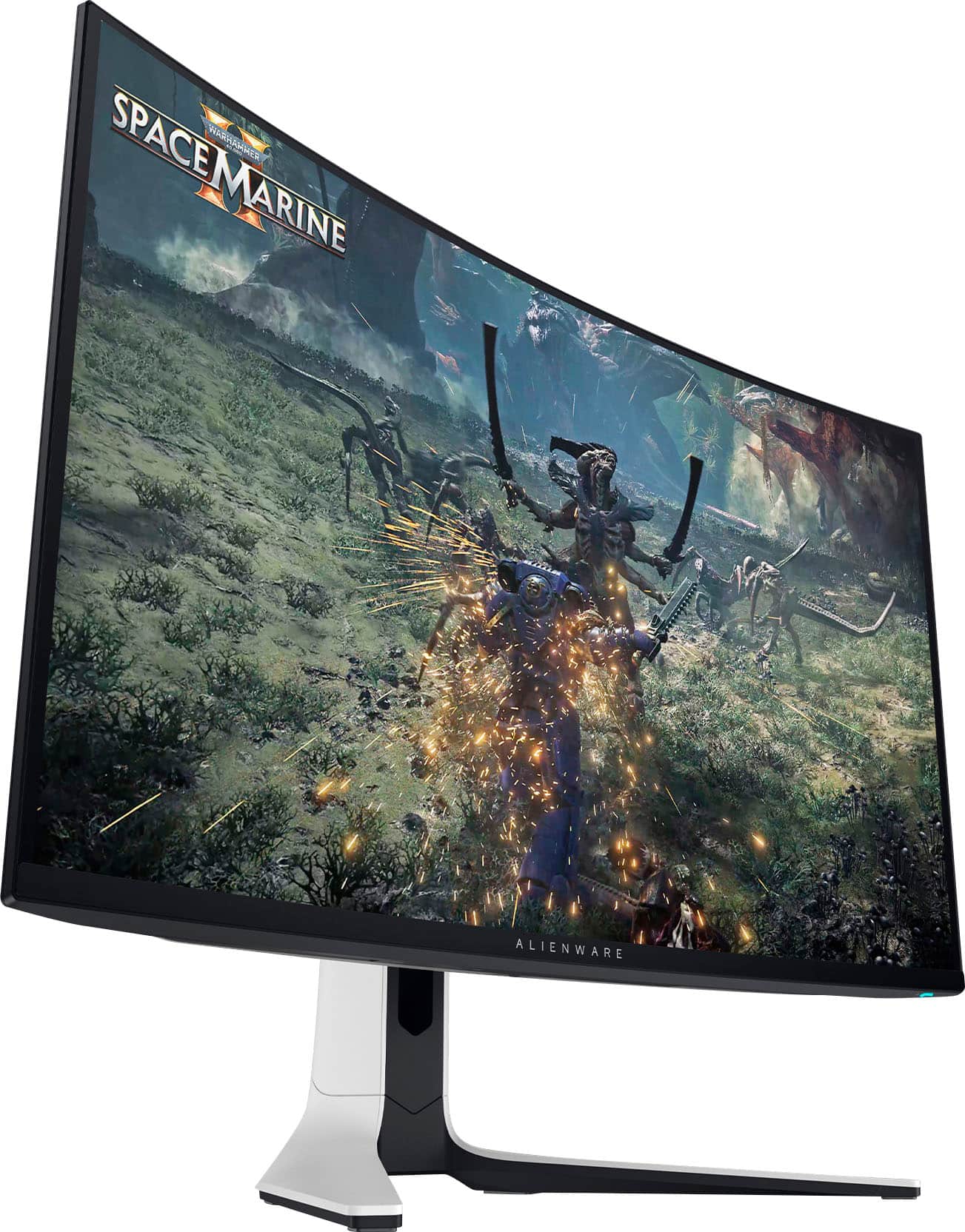
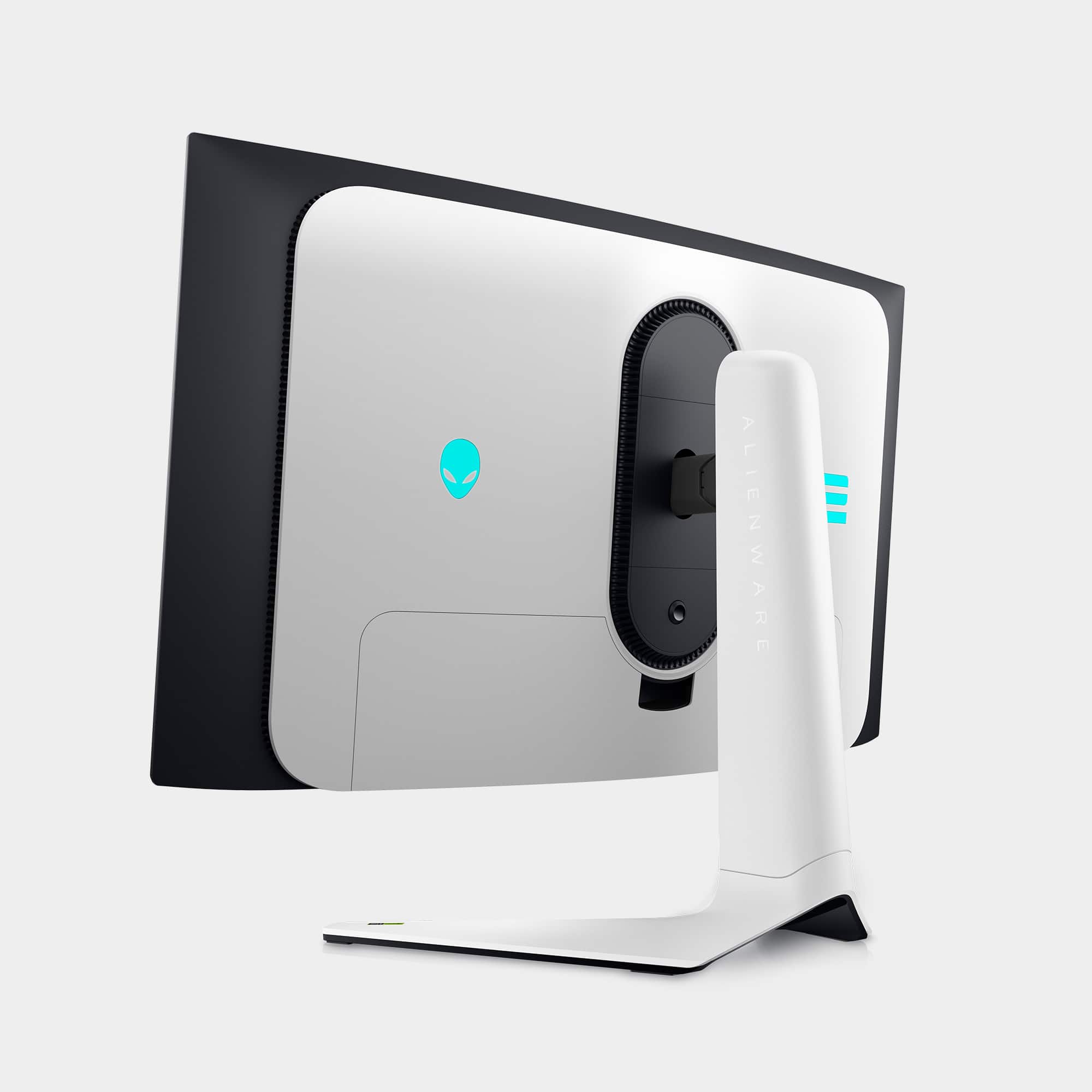
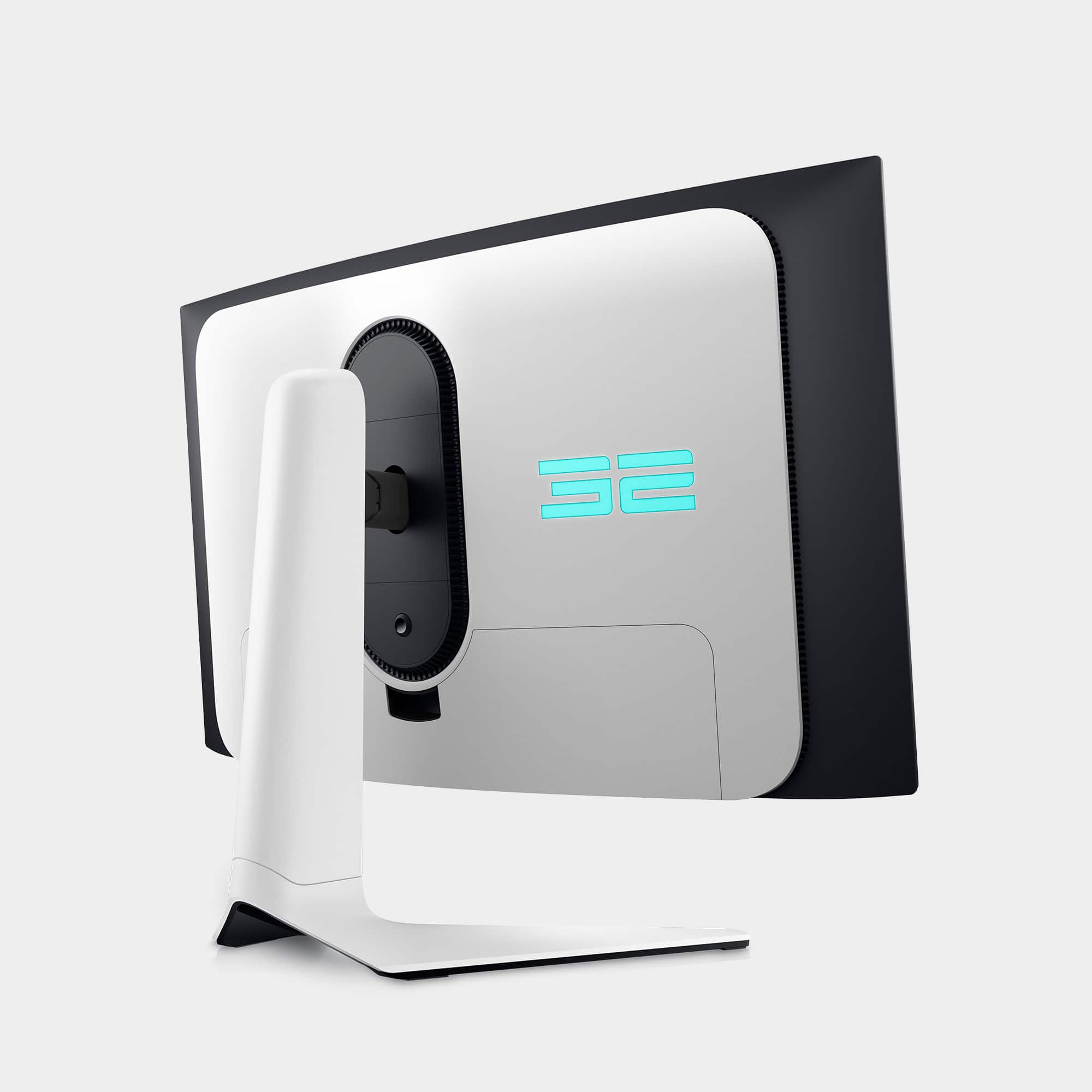
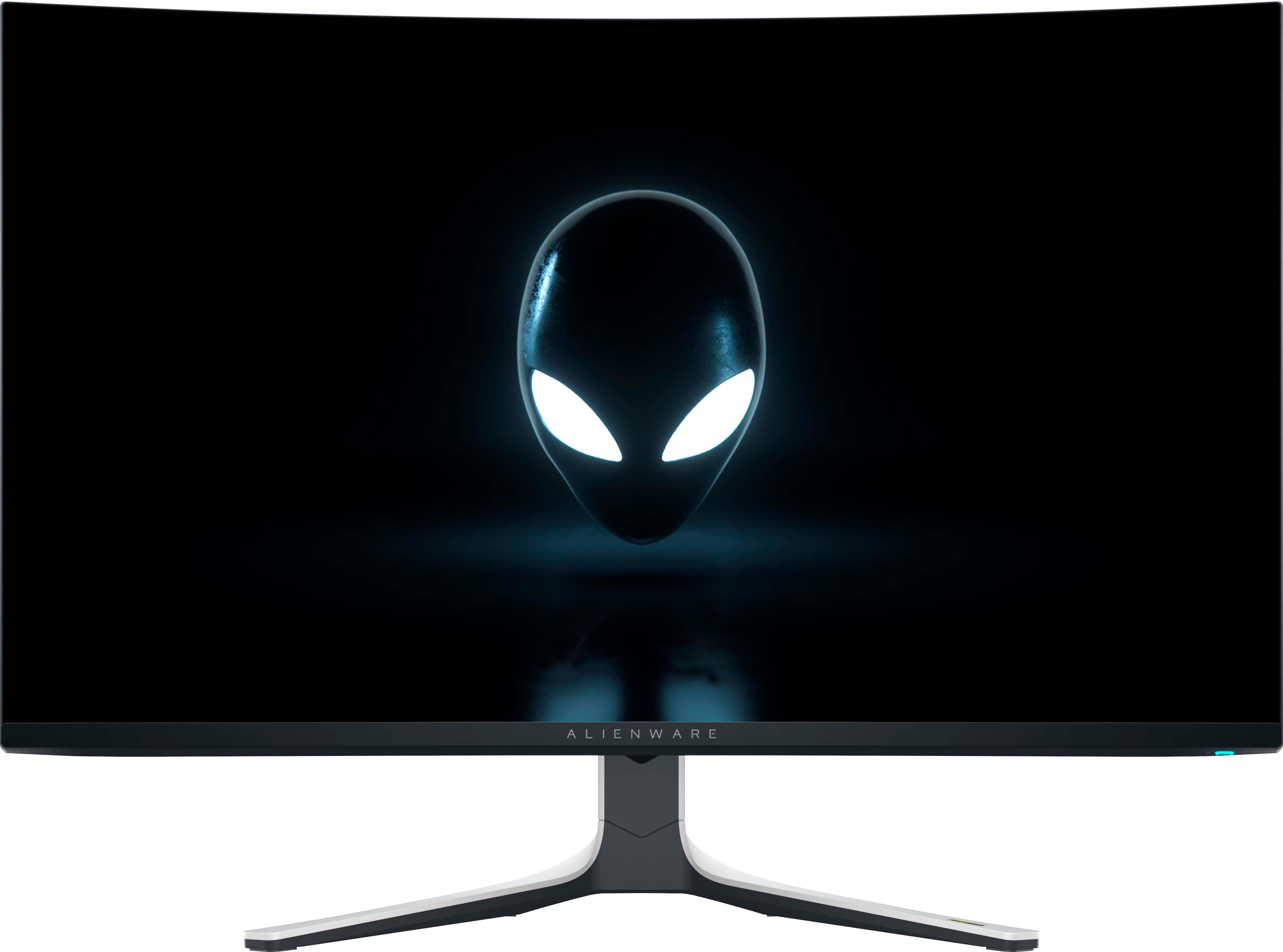
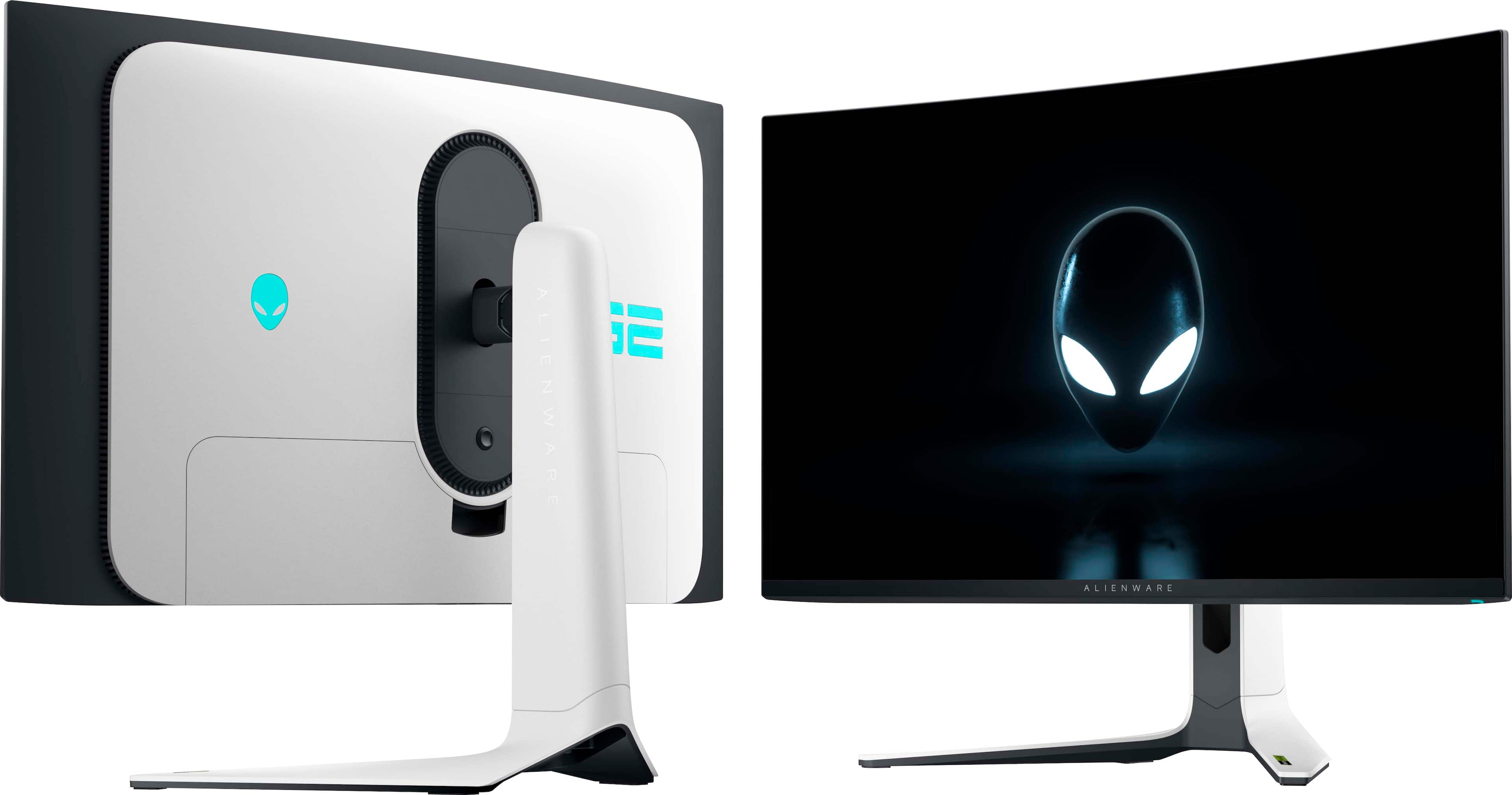
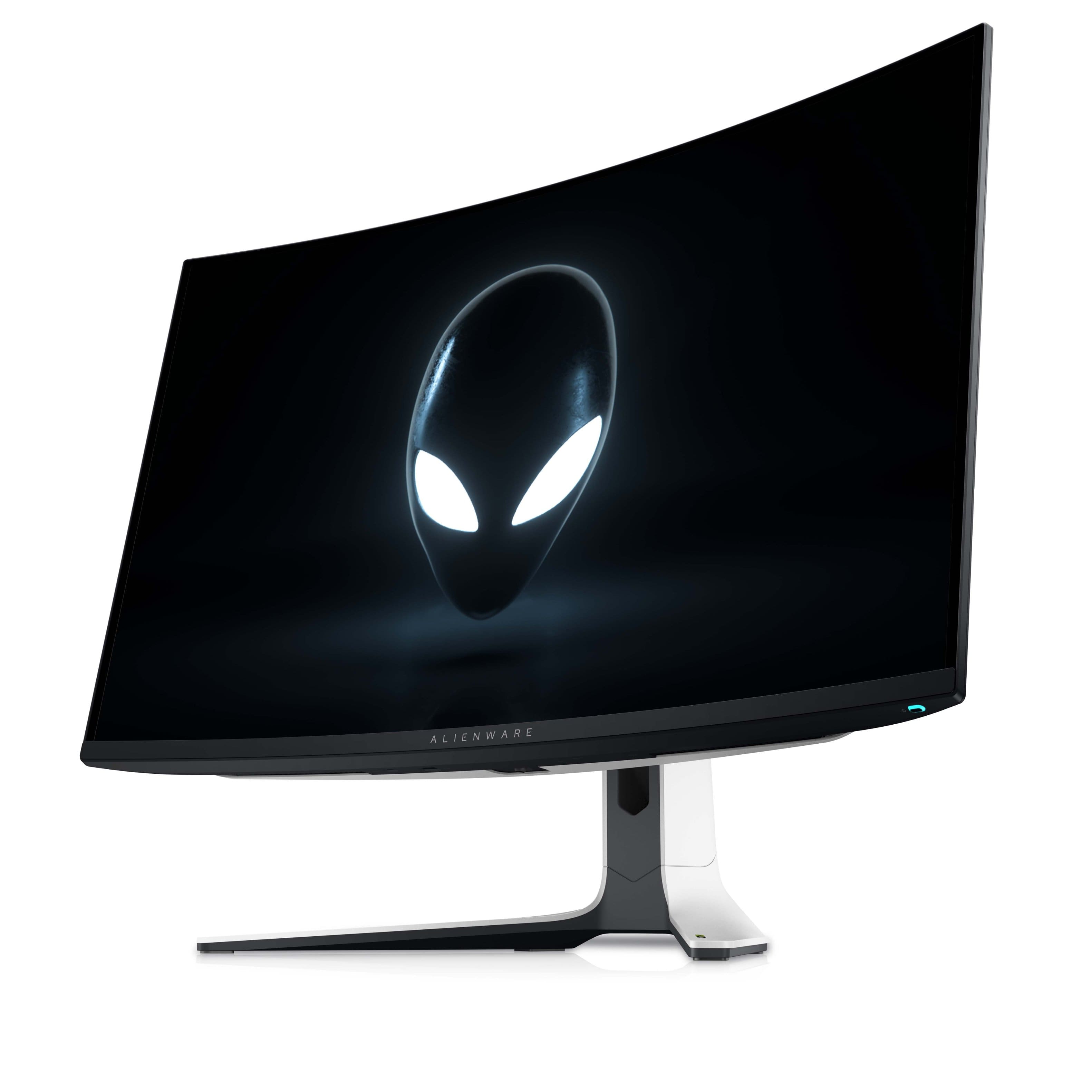
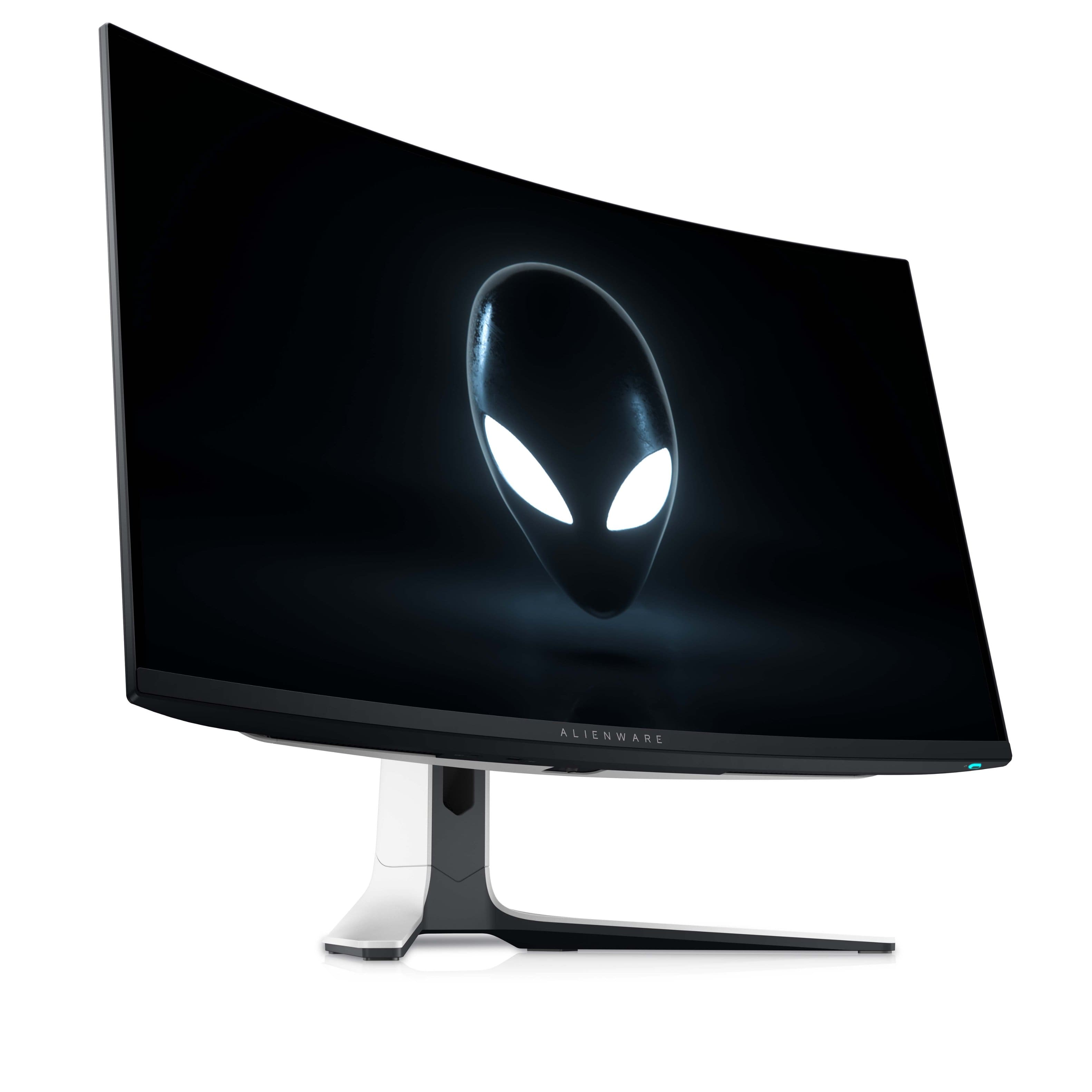
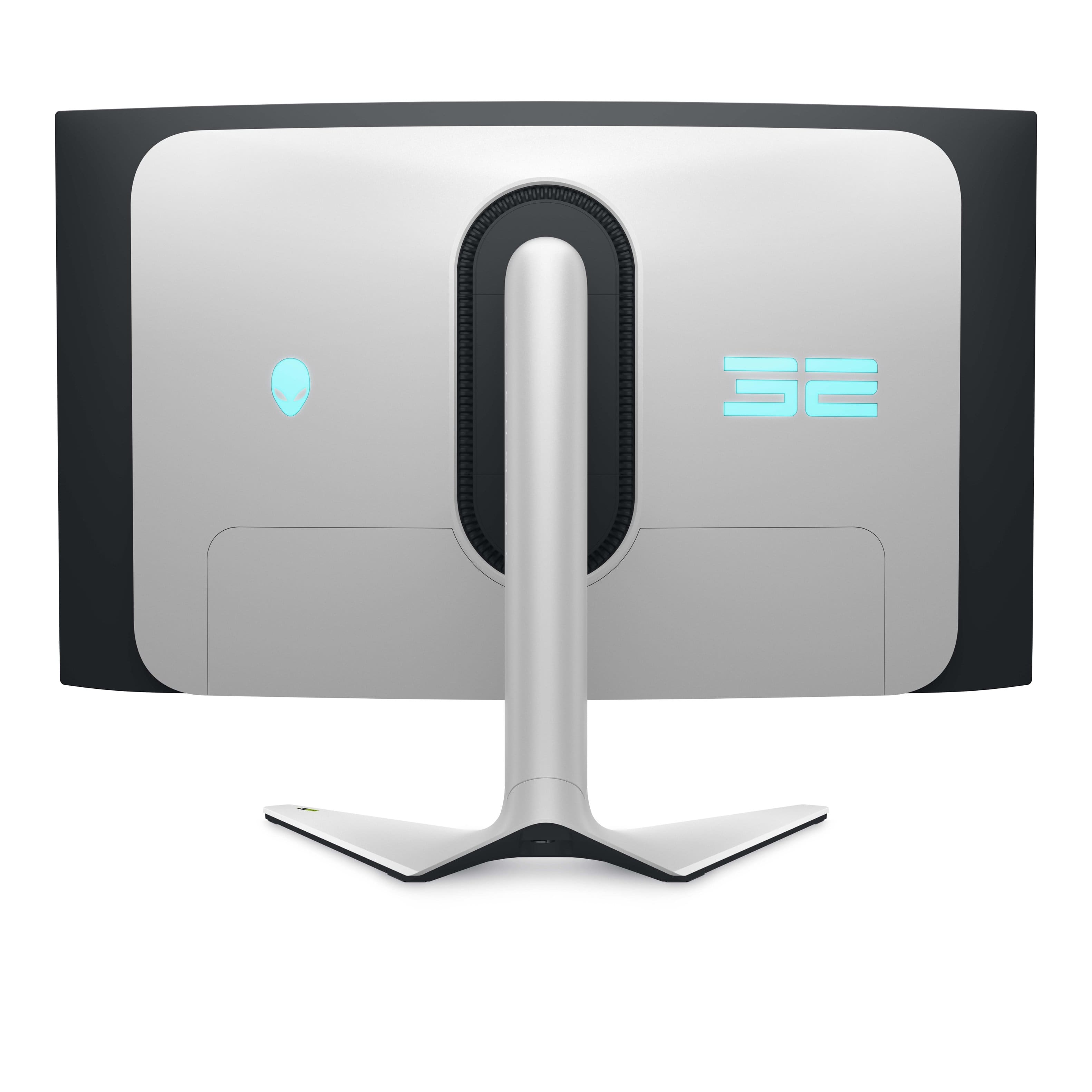
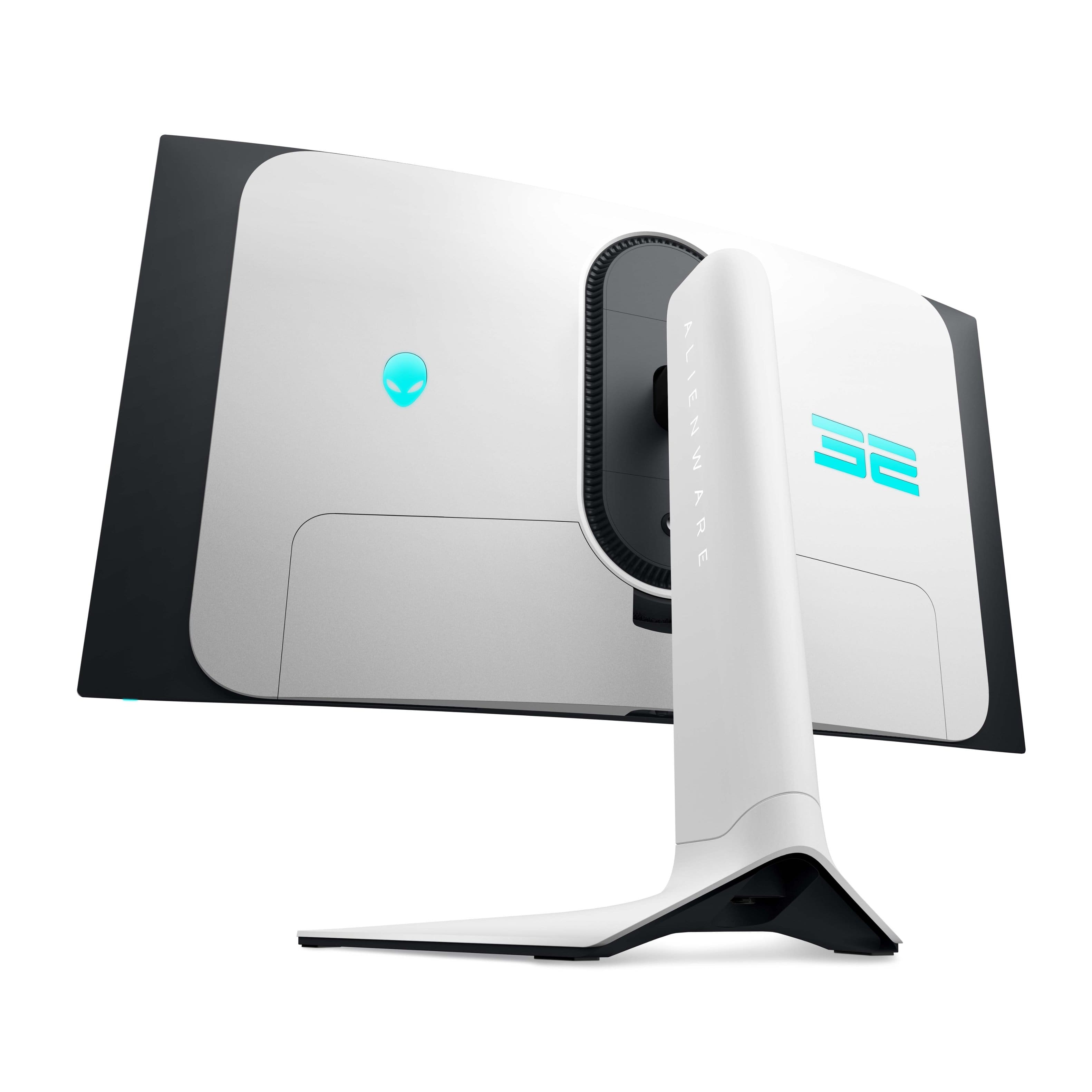
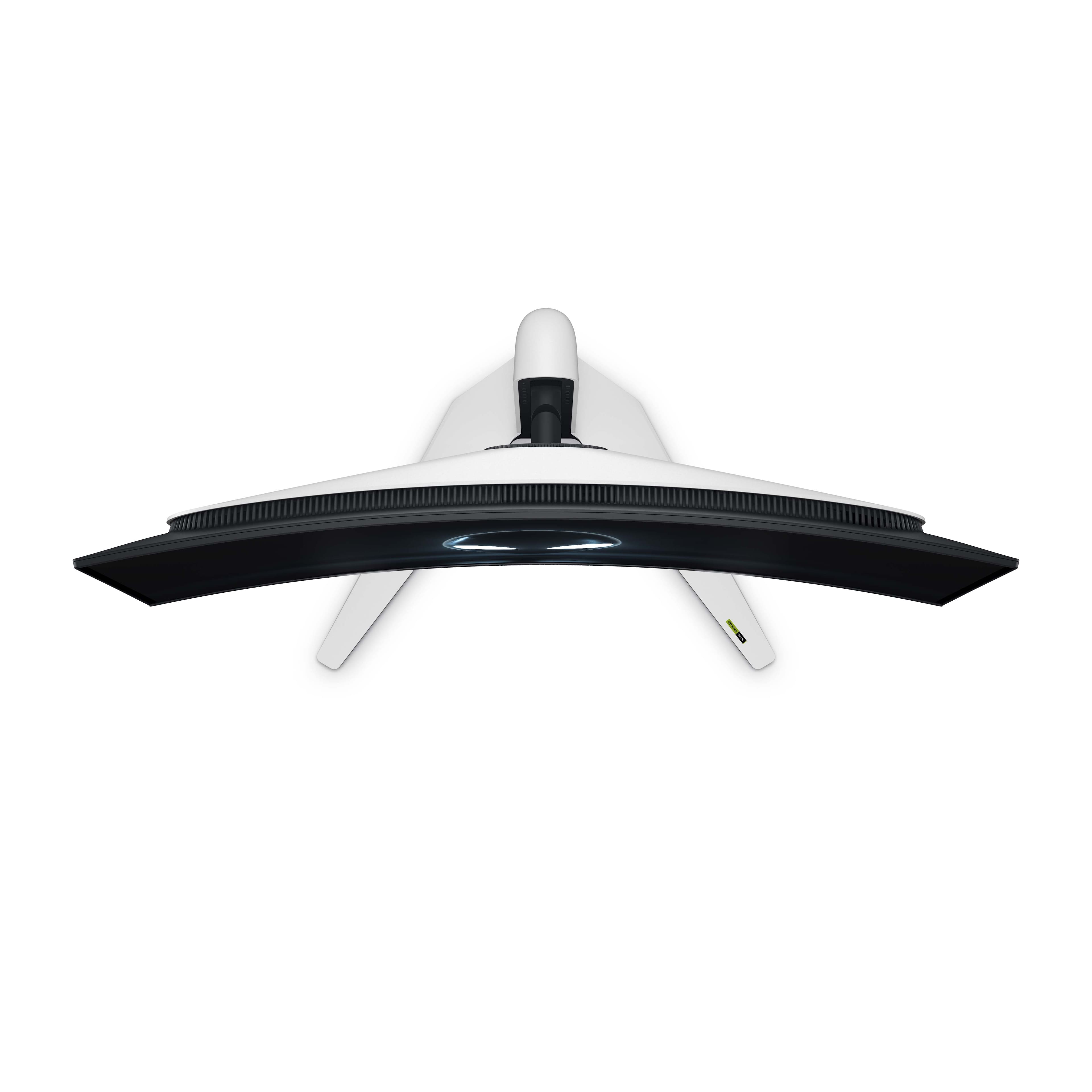
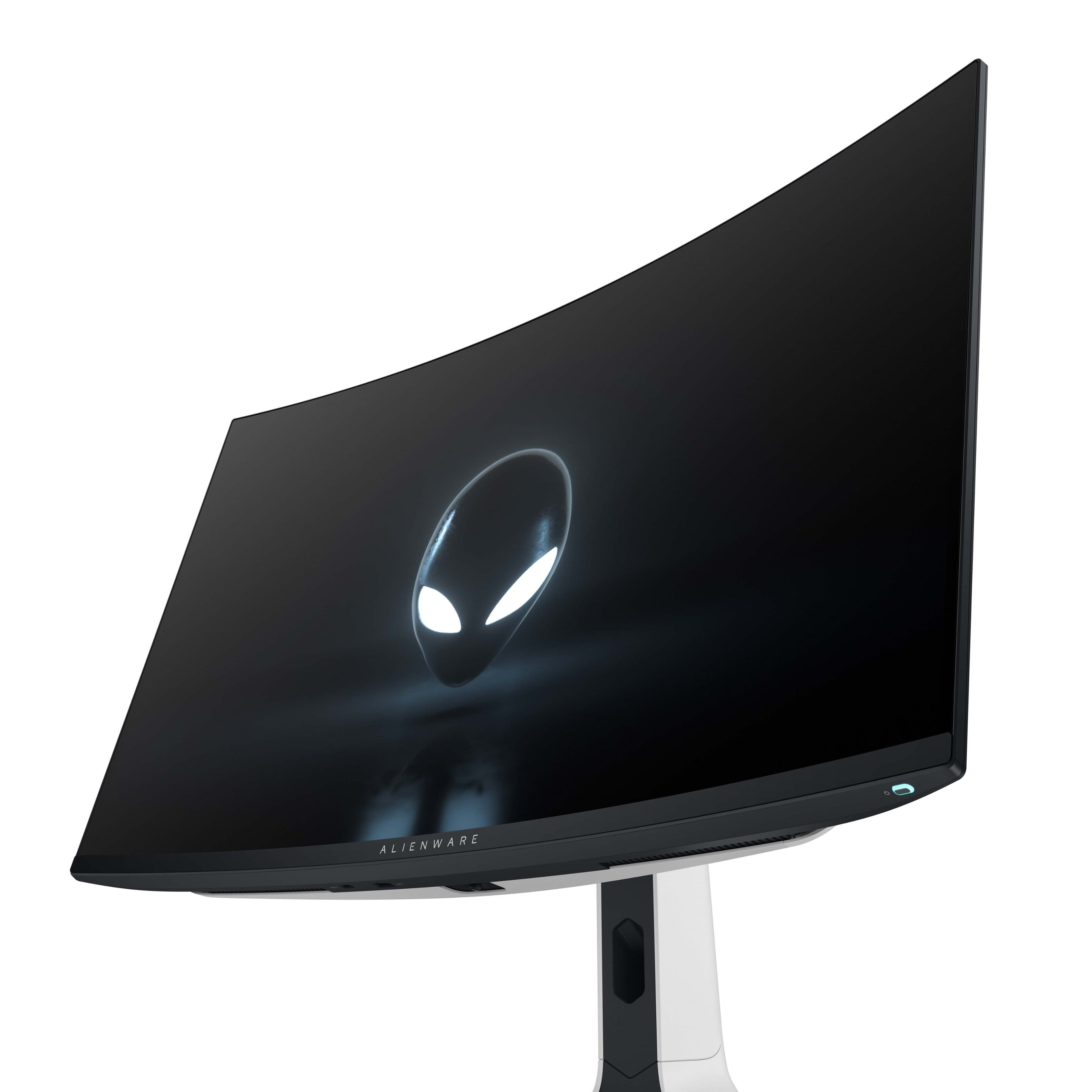
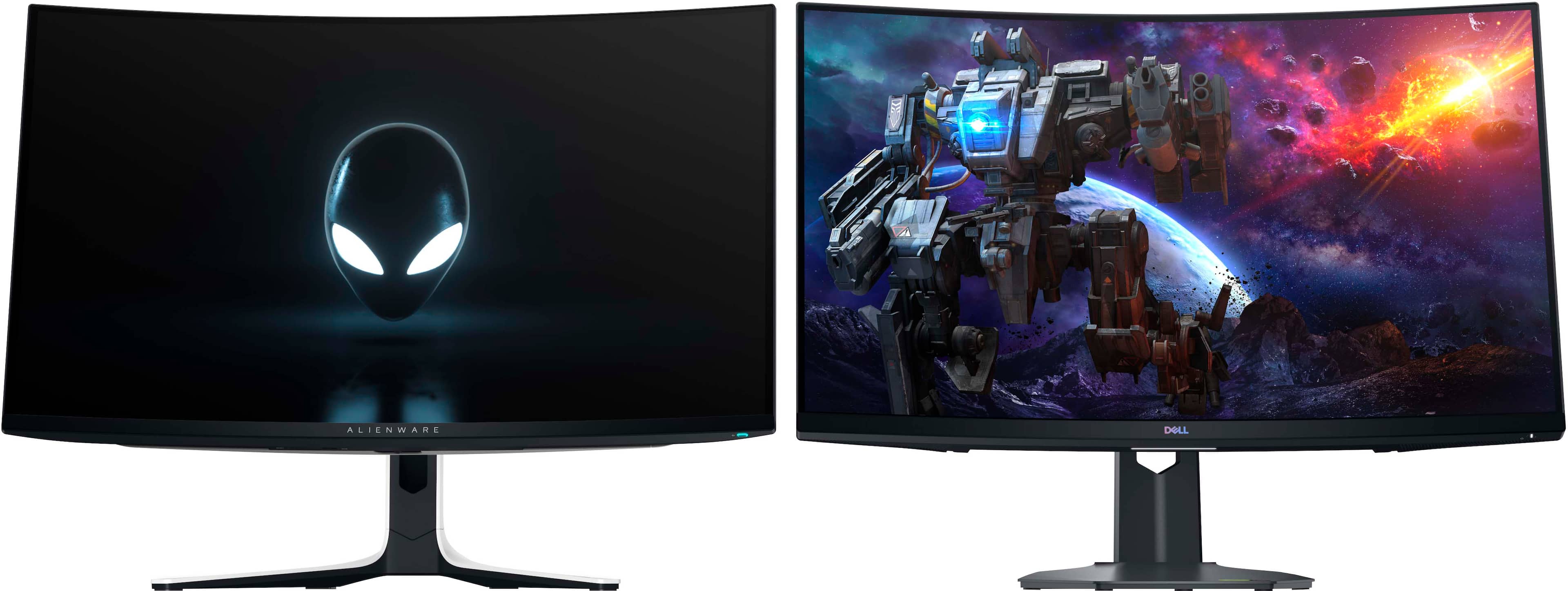

- Model:
- AW3225QF
- |
- SKU:
- 6576612
Customer reviews
Rating 4.7 out of 5 stars with 786 reviews
(786 customer reviews)Rating by feature
- Display Quality4.9
Rating 4.9 out of 5 stars
- Ease of Use4.7
Rating 4.7 out of 5 stars
- Features4.7
Rating 4.7 out of 5 stars
Customers are saying
Customers are satisfied with the AW3225QF monitor's picture quality, smooth refresh rates, and vibrant colors. The OLED quality and HDR performance also receive positive feedback. Some customers feel that built-in audio should be included, while others express concerns about the price. A few customers have noted the lack of an aux port.
This summary was generated by AI based on customer reviews.
Rated 5 out of 5 stars
Alienware AW3225QF
||Posted . Owned for 1 month when reviewed.This reviewer received promo considerations or sweepstakes entry for writing a review.ABSOLUTELY LOVE THIS MONITOR! I have been missing out on 4k Gaming. Get yourself one!
I would recommend this to a friendRated 4 out of 5 stars
Alienware oled monitor
||Posted . Owned for 2 weeks when reviewed.This reviewer received promo considerations or sweepstakes entry for writing a review.Good monitor but I still prefer my Samsung g8 miniled monitor the HDR on this monitor is just so disappointing smh i am thinking of returning it.
No, I would not recommend this to a friendRated 5 out of 5 stars
The best monitor!!
||Posted . Owned for 3 weeks when reviewed.This reviewer received promo considerations or sweepstakes entry for writing a review.Excellent monitor! Absolutely the best monitor I’ve bet owned. Crisp graphics and colors!
I would recommend this to a friendRated 5 out of 5 stars
Fantastic
||Posted . Owned for 1 month when reviewed.This reviewer received promo considerations or sweepstakes entry for writing a review.Best monitor I've ever seen. The new technology in it is great
I would recommend this to a friendRated 5 out of 5 stars
Nice size
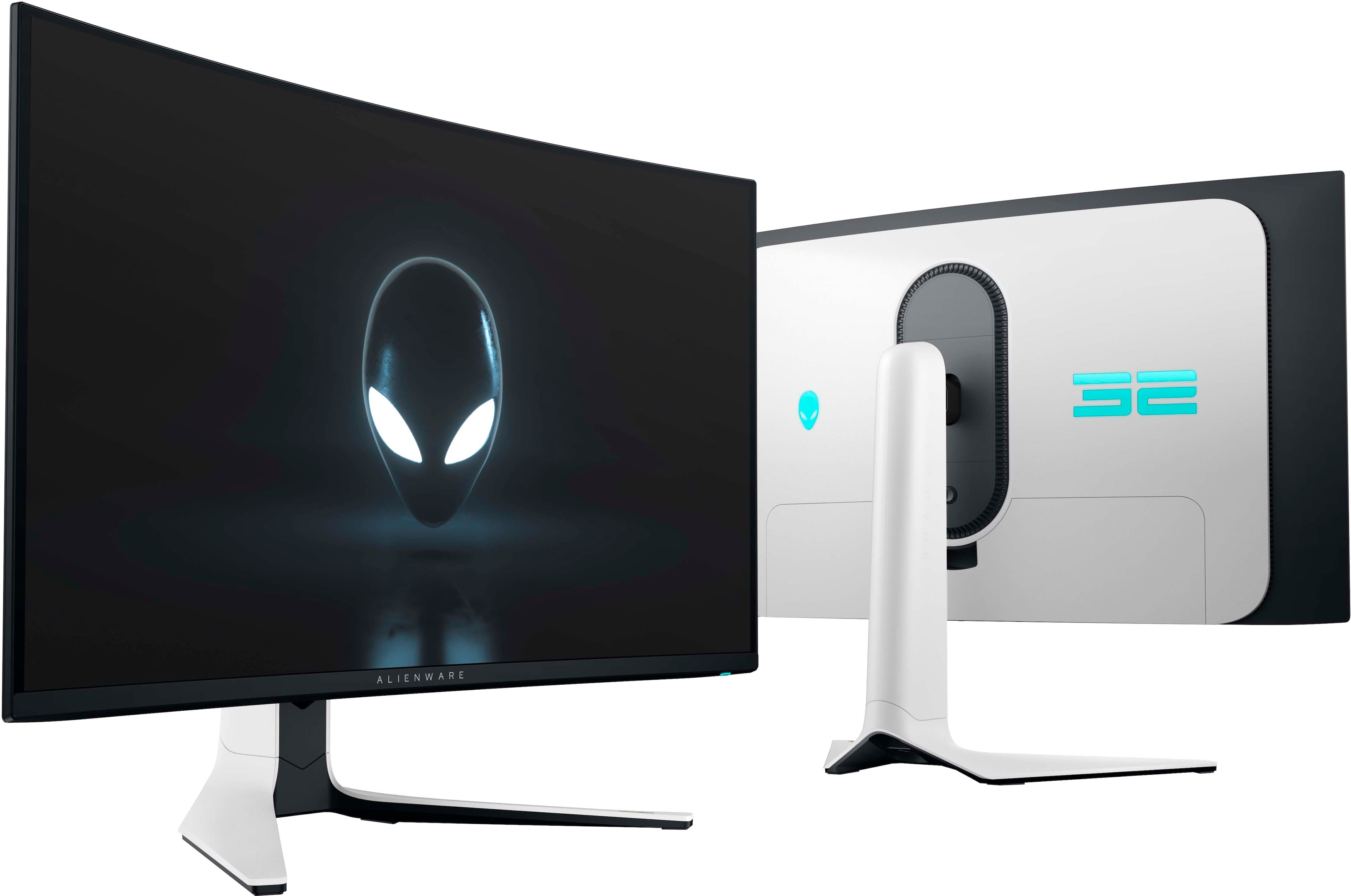
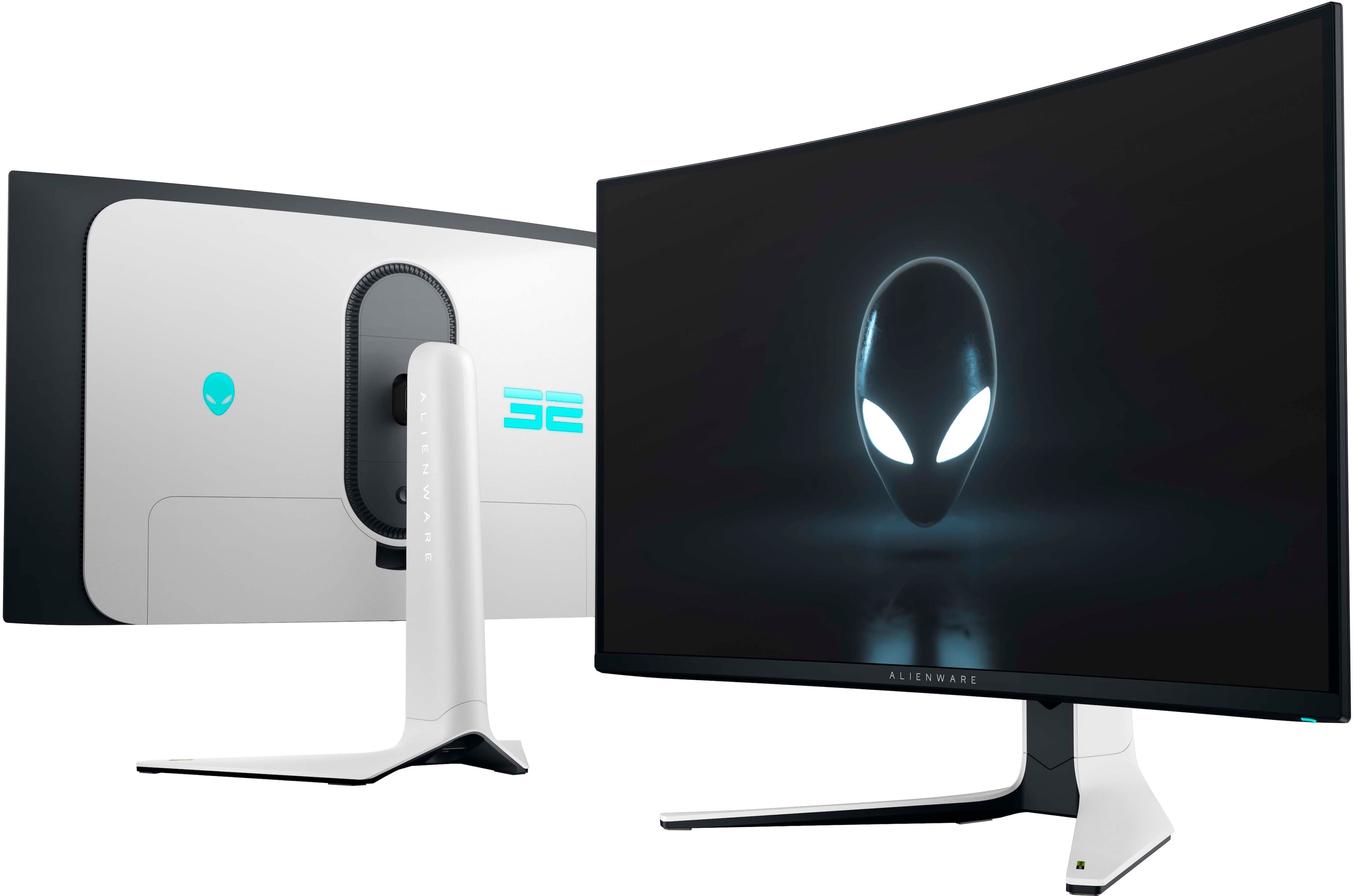
||Posted . Owned for 2 weeks when reviewed.This reviewer received promo considerations or sweepstakes entry for writing a review.I am enjoying it so far it has cool features such cable management
I would recommend this to a friendRated 5 out of 5 stars
Great
||Posted . Owned for 1 week when reviewed.This reviewer received promo considerations or sweepstakes entry for writing a review.Monitor is great. Picture is a little dark out of the box but doesn't take much adjusting to get it where it needs to be.
I would recommend this to a friendRated 4 out of 5 stars
Very impressive
||Posted . Owned for 1 month when reviewed.This reviewer received promo considerations or sweepstakes entry for writing a review.I love the monitor,the true blacks are amazing. very sad about the hdr flicker, also got the monitor on sale so that was a big plus.
I would recommend this to a friend- Cons mentioned:Price
Rated 1 out of 5 stars
Holiday pricing
||Posted . Owned for 6 months when reviewed.This reviewer received promo considerations or sweepstakes entry for writing a review.Has anyone noticed that a lot of Best Buy's product prices, are now seriously being marked up? This was around $750 when I bought mine, now for the holidays it's over $1100. Someone told me this happens around Black Friday but wow.
No, I would not recommend this to a friend Rated 5 out of 5 stars
Clarify and frame amount
||Posted . Owned for 1 month when reviewed.This reviewer received promo considerations or sweepstakes entry for writing a review.The 4K screen is amazing. I loved the clarity and the frames
I would recommend this to a friendRated 5 out of 5 stars
Great picture
||Posted . Owned for 1 week when reviewed.This reviewer received promo considerations or sweepstakes entry for writing a review.Unfortunately this monitor seems to have a bug where it starts at 120 but, power cycling brings it to 240.
I would recommend this to a friendRated 5 out of 5 stars
Amazing
||Posted . Owned for 3 months when reviewed.This reviewer received promo considerations or sweepstakes entry for writing a review.Best monitor on the market, $1000 or less is a must buy
I would recommend this to a friendRated 5 out of 5 stars
Best monitor in the industry right now
||Posted .This reviewer received promo considerations or sweepstakes entry for writing a review.I just got the monitor and while I haven’t had the chance to unbox it, it looks really good from the reviews
I would recommend this to a friendRated 5 out of 5 stars
Unbelievably great
||Posted . Owned for 3 weeks when reviewed.This reviewer received promo considerations or sweepstakes entry for writing a review.This monitor is pretty much perfect. If you have the money it’s a must buy if you want to game on 4k on your 4090.
I would recommend this to a friendRated 5 out of 5 stars
Looks beautiful
||Posted . Owned for 1 week when reviewed.This reviewer received promo considerations or sweepstakes entry for writing a review.Work great and gets the job done, Descent price as well
I would recommend this to a friend- Cons mentioned:Audio
Rated 3 out of 5 stars
No audio at all!
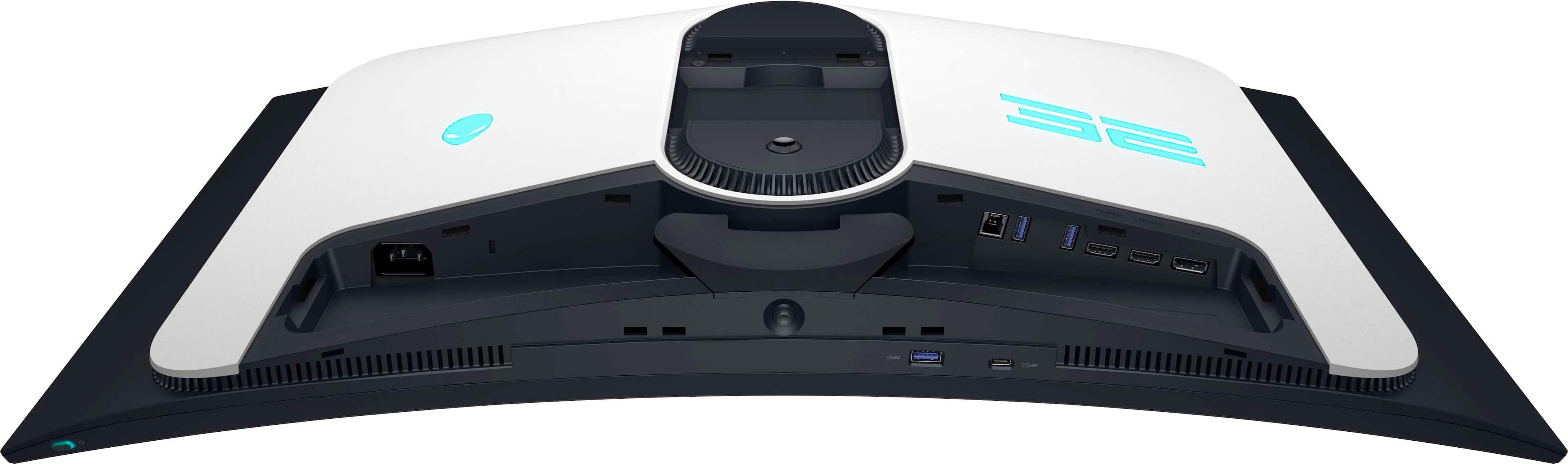
||Posted . Owned for 3 weeks when reviewed.This reviewer received promo considerations or sweepstakes entry for writing a review.the only fact that doesnt have audio aux if annying since forced you buying extra harware!
No, I would not recommend this to a friend Rated 5 out of 5 stars
bruh
||Posted . Owned for 2 weeks when reviewed.This reviewer received promo considerations or sweepstakes entry for writing a review.pretty good yuppppppppppppppppppppppppppppppppppppp
I would recommend this to a friendRated 5 out of 5 stars
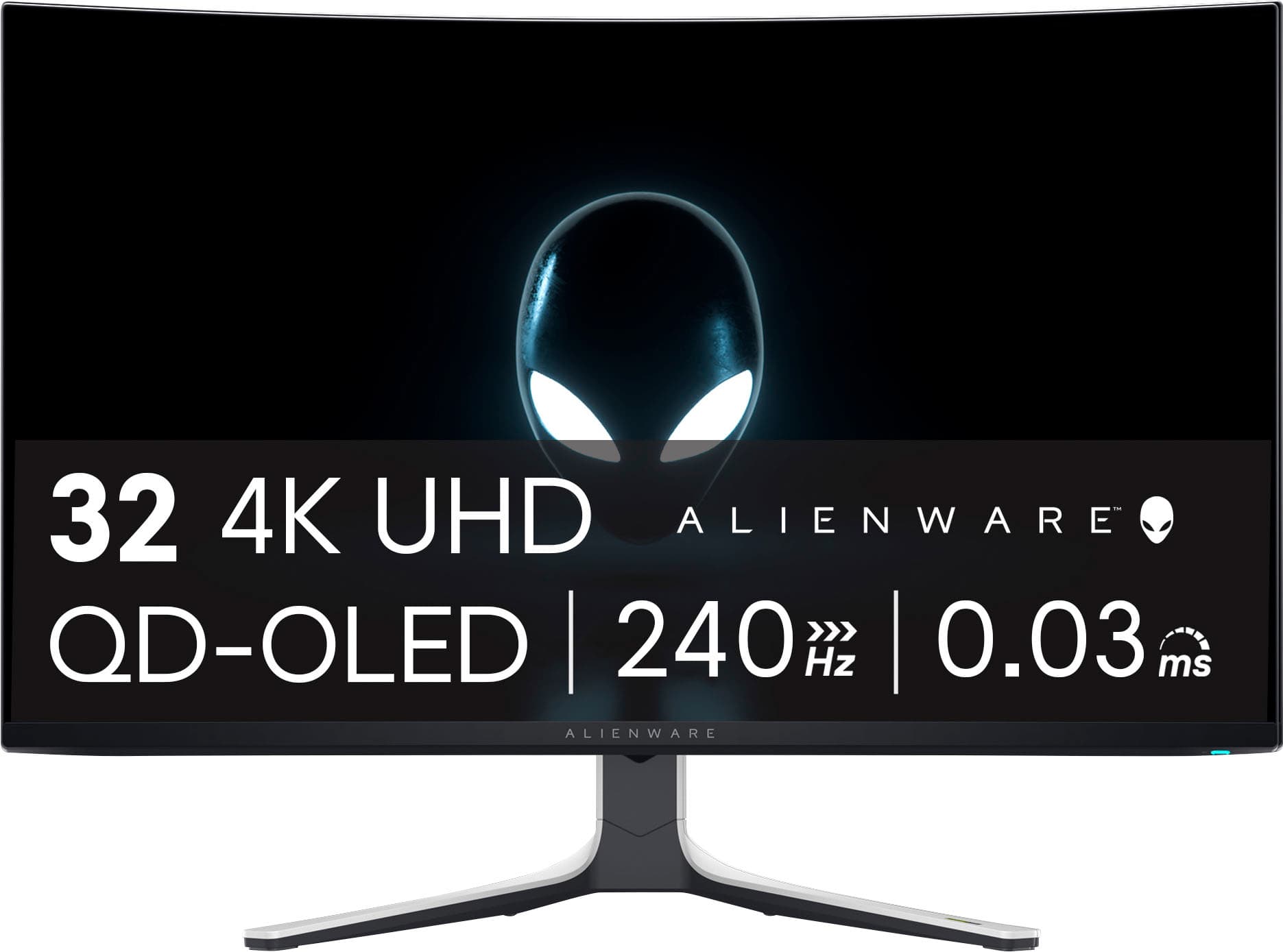
Alienware - AW3225QF 31.6" QD-OLED Curved 4K UHD
||Posted . Owned for 3 weeks when reviewed.This reviewer received promo considerations or sweepstakes entry for writing a review.Best monitor I have owned. Great for gaming and office work.
I would recommend this to a friendRated 5 out of 5 stars
Great monitor
||Posted . Owned for 1 month when reviewed.This reviewer received promo considerations or sweepstakes entry for writing a review.Its great, I especially like the e-arc outputting sound to my sound bar.
I would recommend this to a friendRated 5 out of 5 stars
Info
||Posted . Owned for 1 month when reviewed.This reviewer received promo considerations or sweepstakes entry for writing a review.So i play console howccpuld i connect speakers for sound to the monitor?
I would recommend this to a friendRated 5 out of 5 stars
Great buy
||Posted . Owned for 1 week when reviewed.This reviewer received promo considerations or sweepstakes entry for writing a review.Monitor is very sharp and clear. It is a little overboard for a console, but totally worth it.
I would recommend this to a friend