Skip to contentGo to Product SearchGo to Footer
Main Content

Customer Ratings & Reviews
Your price for this item is $1,199.99

Customer reviews

Rating 4.7 out of 5 stars with 752 reviews

Rating Filter

Rating by feature

  • Display Quality

    Rating 4.9 out of 5 stars

  • Ease of Use

    Rating 4.7 out of 5 stars

  • Features

    Rating 4.7 out of 5 stars

Pros mentioned filter

Cons mentioned filter

94%would recommend to a friend

Customers are saying

Customers frequently mention the beautiful picture quality and silky smooth refresh rate of the AW3225QF monitor. The OLED quality and vibrant colors are also highly praised, along with the very good HDR. Some customers feel that the monitor should have built-in audio and express concern about the price, while others have noted the lack of an aux port.

This summary was generated by AI based on customer reviews.

The vast majority of our reviews come from verified purchases. Reviews from customers may include My Best Buy members, employees, and Tech Insider Network members (as tagged). Select reviewers may receive discounted products, promotional considerations or entries into drawings for honest, helpful reviews.
Page 37 Showing 721-740 of 752 reviews
  • Pros mentioned:
    Picture quality

    Rated 1 out of 5 stars

    Zero stars if I could.

    |
    |
    Posted . Owned for 2 weeks when reviewed.
    This reviewer received promo considerations or sweepstakes entry for writing a review.

    Incredible picture and smooth movement, but it died 6 days after the return window closed, won't turn on after trying all the quick fixes, so there's a grand down the toilet.

    No, I would not recommend this to a friend
    • Brand response from YourDellTeam
      Posted .

      Dear KyleB,

      We value your feedback and want to thank you for taking the time to leave a review of your Alienware AW3225QF Quantum Dot OLED Curved Gaming Monitor. We sincerely apologize for the issues you have encountered with your monitor. This is not the type of feedback we like to hear from our customers, or the type of product Dell intends to deliver. Feedback like yours helps us improve our current and future products.
      We would love the opportunity to help you but will need a little more information. Please take a moment to call or chat to speak with a Dell representative at your earliest convenience using the information provided below so that we can help you resolve the issue to your satisfaction.

      Chat or call: https://bit.ly/DellSupportTeam
      Phone number to Dell, 1-800-624-9896
      We look forward to making this right for you!

      Best,
      Minhaj@Dell Dell

  • Rated 1 out of 5 stars

    Noticed quality issues at 240Hz Refresh rate.

    |
    |
    Posted . Owned for 1 month when reviewed.
    This reviewer received promo considerations or sweepstakes entry for writing a review.

    This monitor blanks out randomly when I connected it using the display port cable (with a Dell USB-C adapter) to my Lenovo Thinkpad and later my M4 MacBook Pro. I also tried using an HDMI cable which also had similar issues. The screen flickers. The Dell Technical support could not fix the issue and they are going to replace it with a refurbished monitor. I am truly disappointed with this monitor.

    No, I would not recommend this to a friend
  • Pros mentioned:
    Hdr, Picture quality, Refresh rate
    Tech Insider Network Member

    Rated 5 out of 5 stars

    Another Alienware Monitor Home Run

    |
    Tech Insider Network Member
    Posted .
    This reviewer received promo considerations or sweepstakes entry for writing a review.

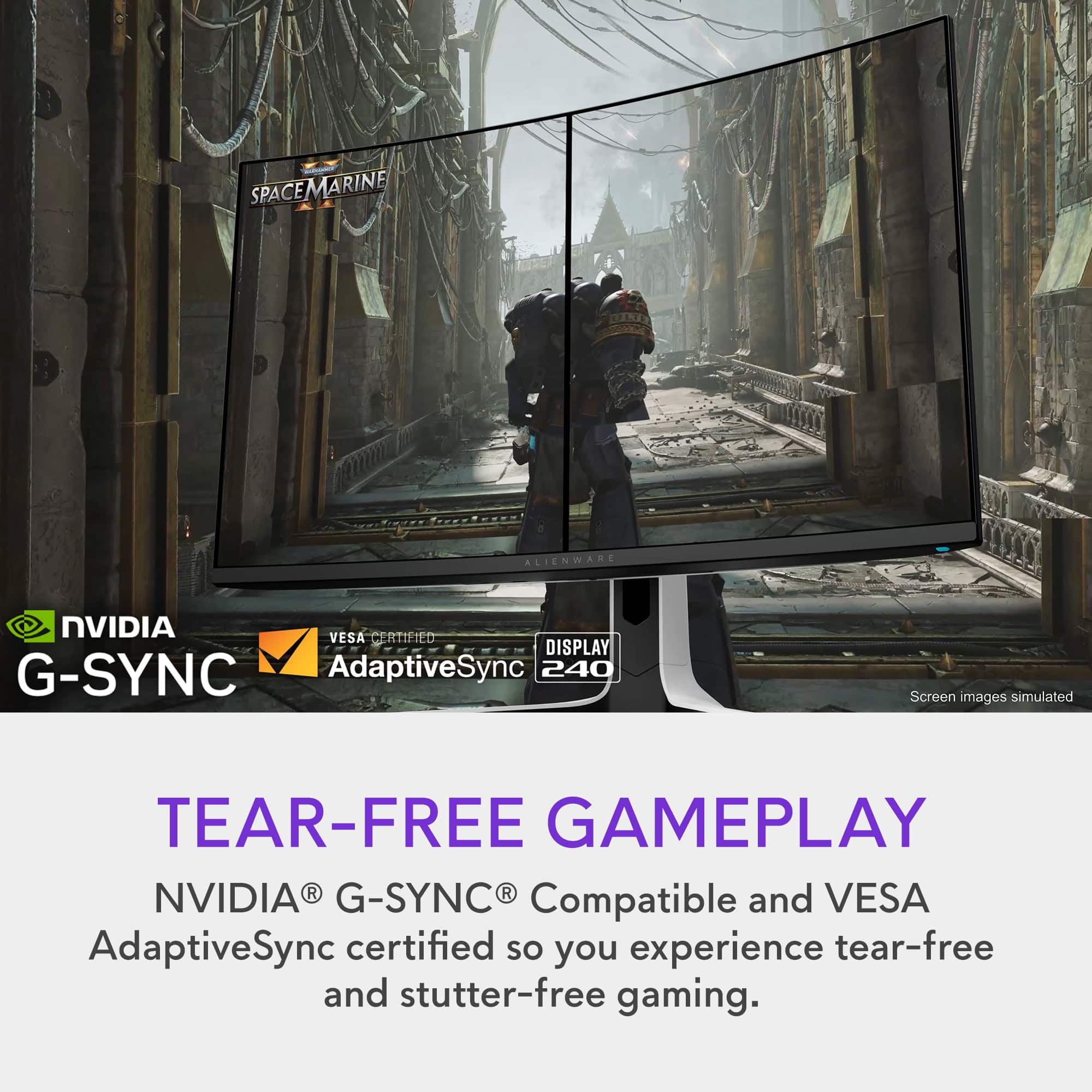
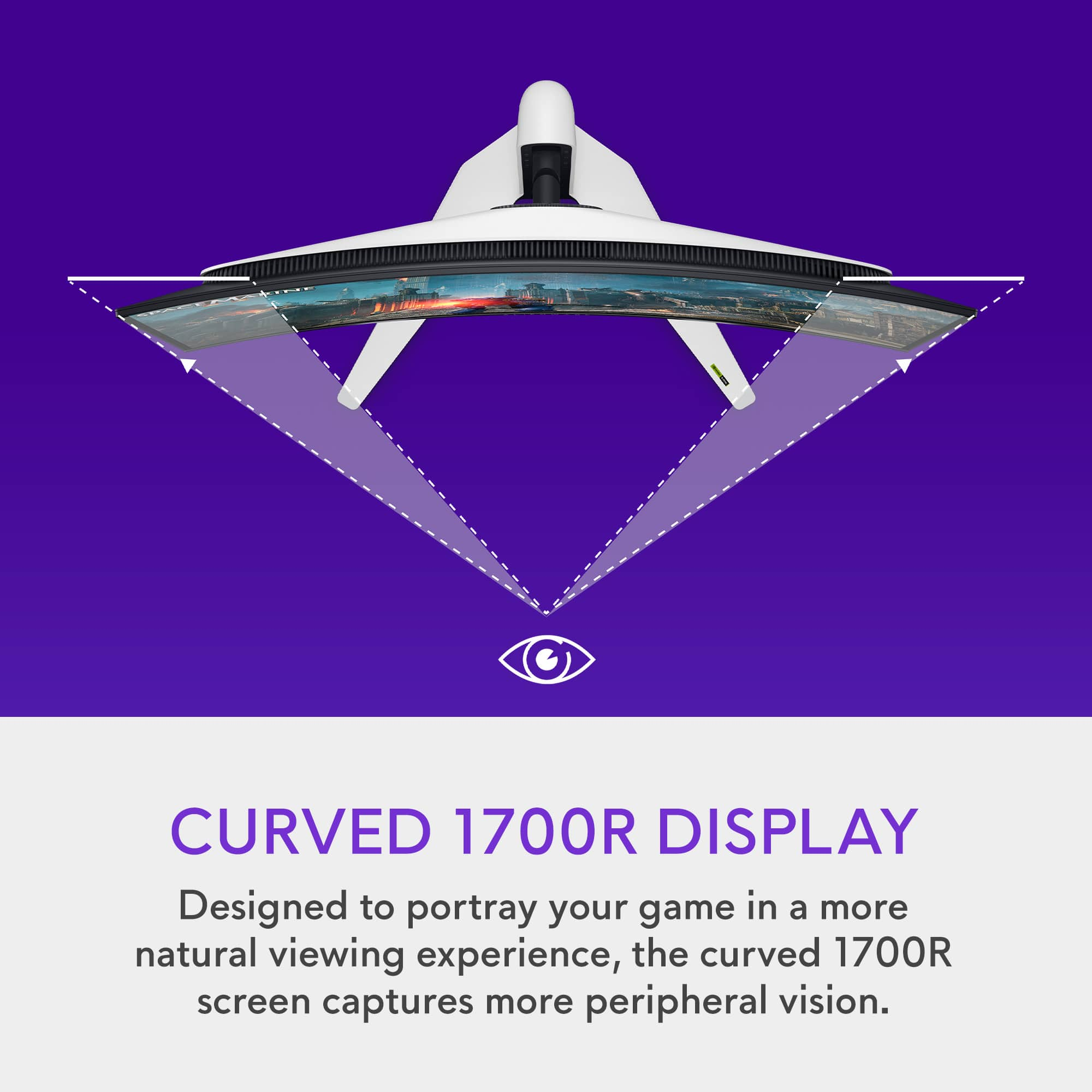
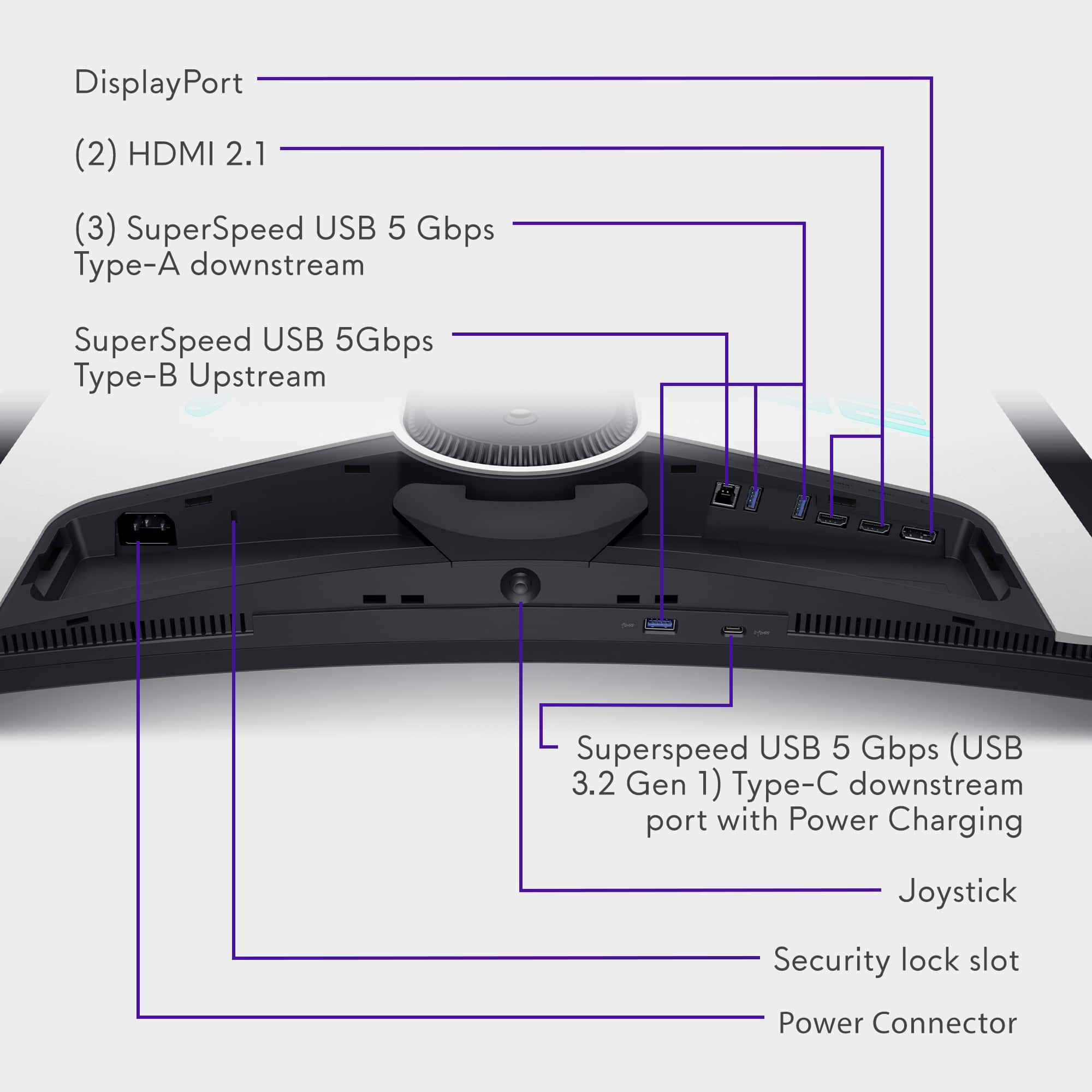
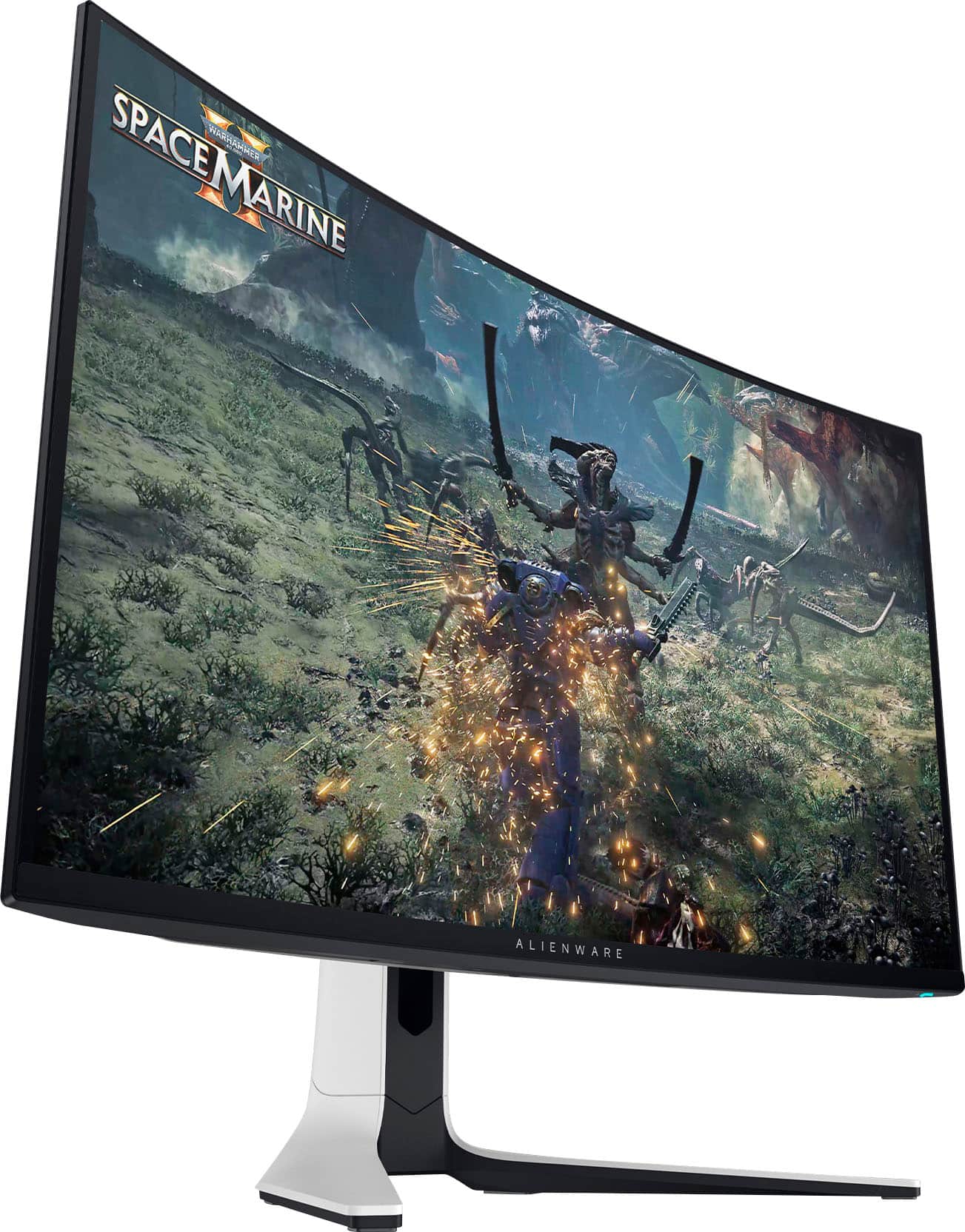
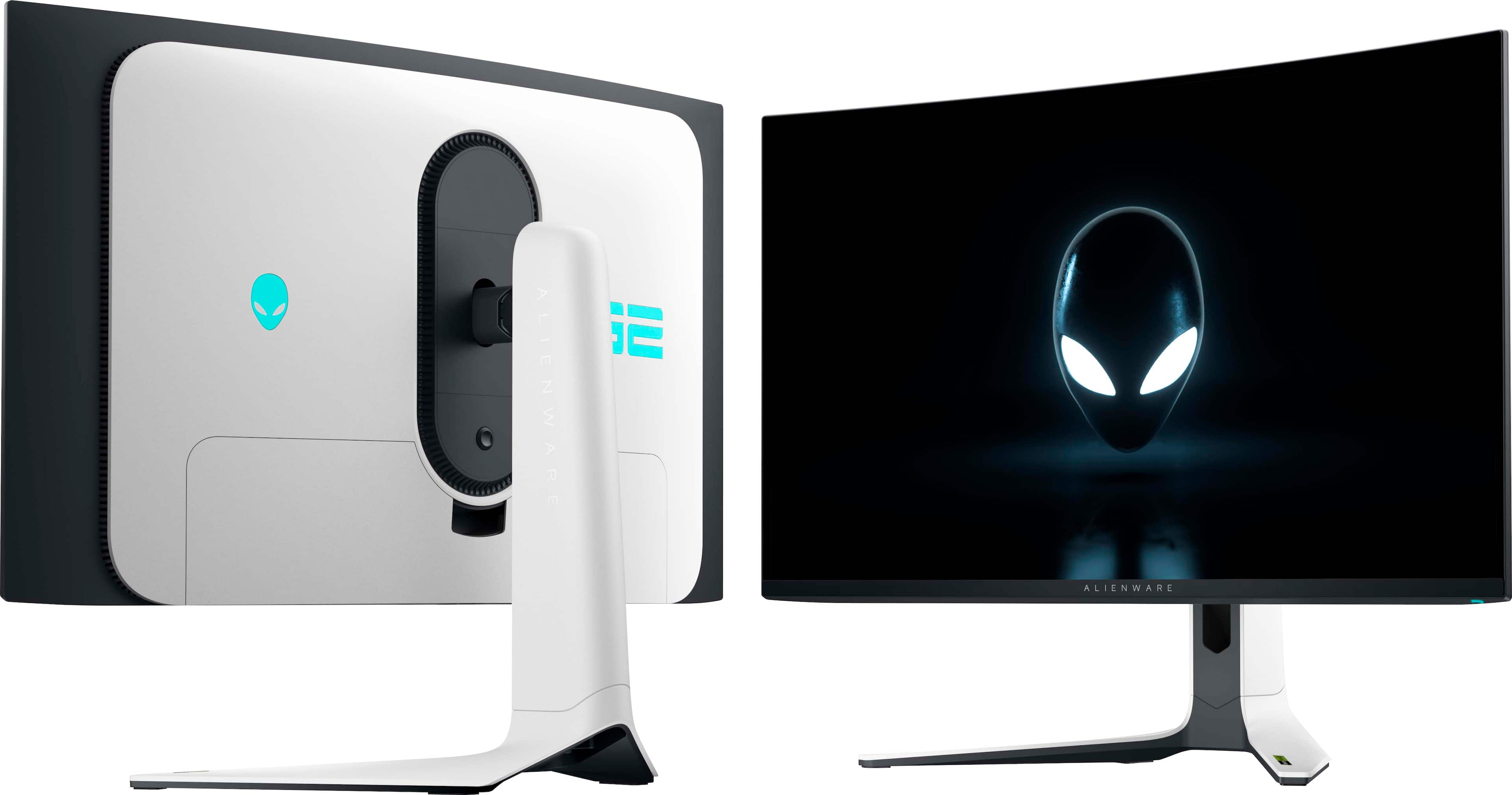
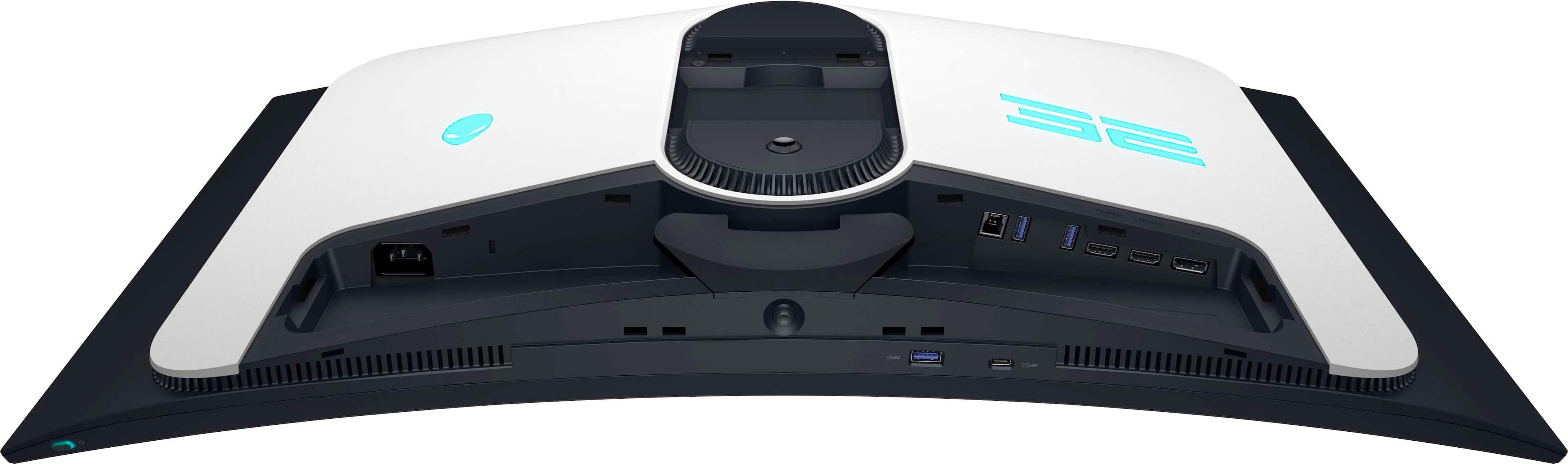
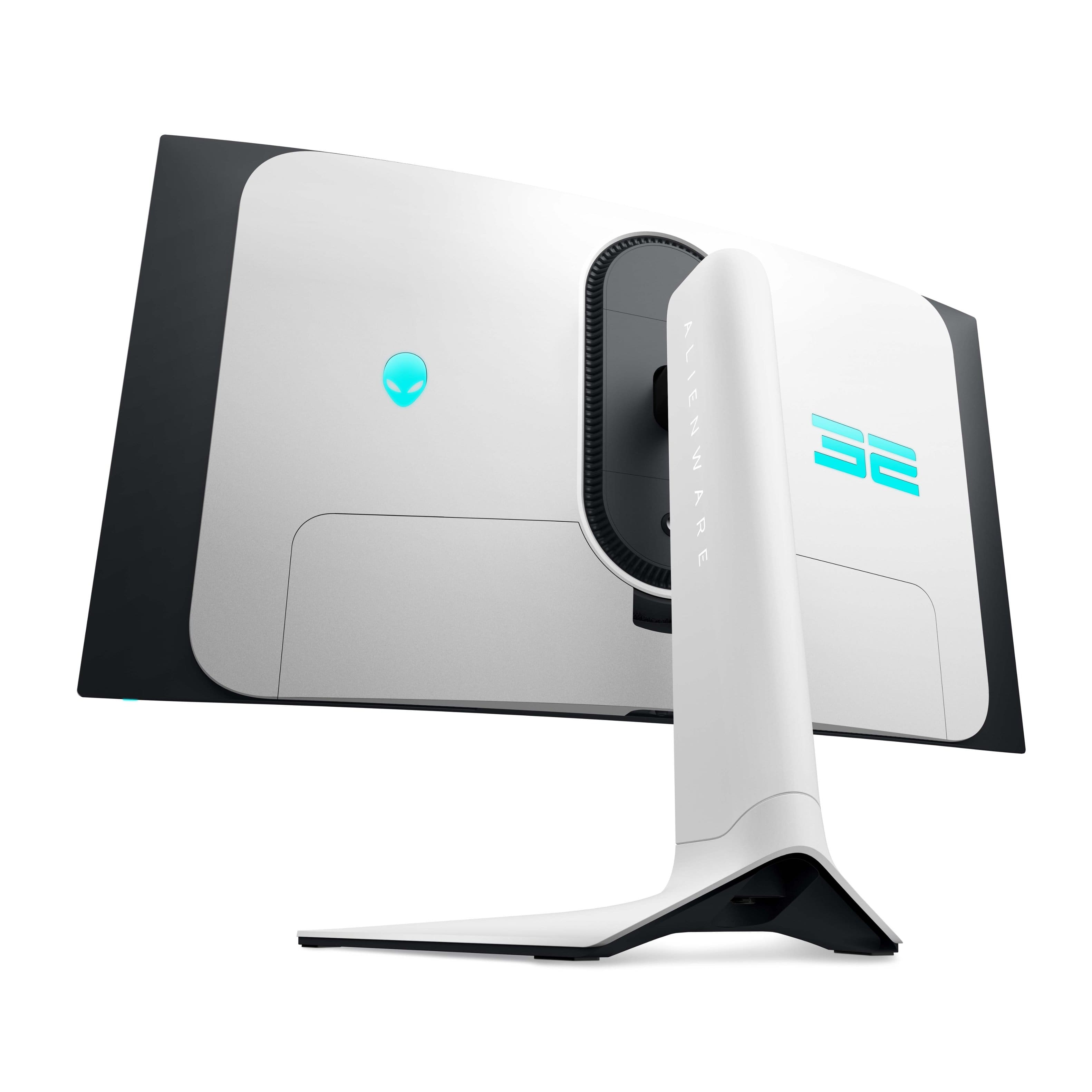
    I’ve been playing on ultra-wide monitors for so long it’s refreshing to get back to gaming on a 16:9 aspect ratio monitor. The vertical real estate on this 31.6” screen makes up for the loss of horizontal real estate. I played an old favorite game “Days Gone” because of the amazing landscape graphics not to mention the massive hordes you encounter. I initially set the game for 240Hz that the monitor supports but the RTX-4060Ti couldn’t push without some lag so I kept the ultra graphics settings but throttled back the refresh to 120Hz and it was flawless. I plan on swapping out the graphics card down the road for something with a bit more horsepower but for now 120Hz is good enough with G-Sync enabled. At that setting and the 0.03ms response time I experienced no tearing or artifacts. Smooth as silk!!! With HDR with Dolby Vision on top of the 4K Quantum Dot OLED monitor and the images almost pop out of the screen. The distant mountains, trees and other landscape in Days Gone are crystal clear making playing the game this time around even more enjoyable. Setup was a breeze. The stand snaps into the back of the monitor with a solid click. Cable management comes up through the bottom of the stand and into the I/O section that has a concealing snap on cover to make the cabling disappear from desktop view. There is a generous amount of I/O. Superspeed USB 5 Gbps incoming from the computer with 3 Superspeed USB 5 Type A ports and 1 Superspeed USB 5 Type C port with power charging capability. There are 2 HDMI incoming (one with eARC) and 1 DisplayPort incoming. On monitor controls are by a bottom central located joystick. Instructions on how to download the monitor driver and Alienware Command Center and Dell Display Manager software for total control of your new monitor. I love the look of this monitor. Very clean and the snow white shell is pleasing, probably one of the best looking monitors I’ve seen in a long time. The customizable rear lighting adds to the aesthetics making it a great addition to any gaming battlestation. The curved screen gives you a more immersive gaming experience Hopefully soon I’ll be able to upgrade my graphics card to at least a RTX-4080 so I can take advantage of the full 240Hz refresh rate.

    I would recommend this to a friend
  • Rated 2 out of 5 stars

    Doesn’t turn on after two months

    |
    |
    Posted . Owned for 1 month when reviewed.
    This reviewer received promo considerations or sweepstakes entry for writing a review.

    It was fairly nice looking initially, stopped working in less than two months.

    No, I would not recommend this to a friend
  • Rated 1 out of 5 stars

    Completley waste of money

    |
    |
    Posted . Owned for 1 week when reviewed.
    This reviewer received promo considerations or sweepstakes entry for writing a review.

    Bought last week. It doesnt turn on. It stays only 5 seconds turned on, then the power goes off. Have to wait like 5 minutes to try again. The manufacturer doesnt even answer me for the warranty. I lost 1k in this. I would never buy dell/alienware again

    No, I would not recommend this to a friend
    • Brand response from YourDellTeam
      Posted .

      Hello Simbazarel,

      We would like to thank you for taking the time to leave us your review. We regret to learn that you are not best pleased with the Alienware AW3225QF Quantum Dot OLED Curved Gaming Monitor and the accompanying support services. This is certainly not the experience we like to hear from our valued customers. We strive to ensure that all our customers have a positive experience with both our products and the support they receive. Your feedback is valuable to us and will be used to improve our offerings and service.

      To help you with the issue that you are experiencing, I have provided below the link which has troubleshooting steps with the full article that can resolve the issue :
       https://bit.ly/3TsIbf1

      We really hope that you would give Dell an opportunity so that we can help you resolve the issue to your satisfaction. If you are still experiencing any issues or have any concerns or questions, please do not hesitate to get in touch with another Dell representative using the information provided below.

      Chat or call: https://bit.ly/DellSupportTeam
      Phone number to Dell: 1-800-624-9896

      Best,
      Minhaj@Dell Dell

  • Pros mentioned:
    Color, Picture quality, Refresh rate
    Tech Insider Network Member

    Rated 5 out of 5 stars

    Excellent Monitor

    |
    Tech Insider Network Member
    Posted .
    This reviewer received promo considerations or sweepstakes entry for writing a review.

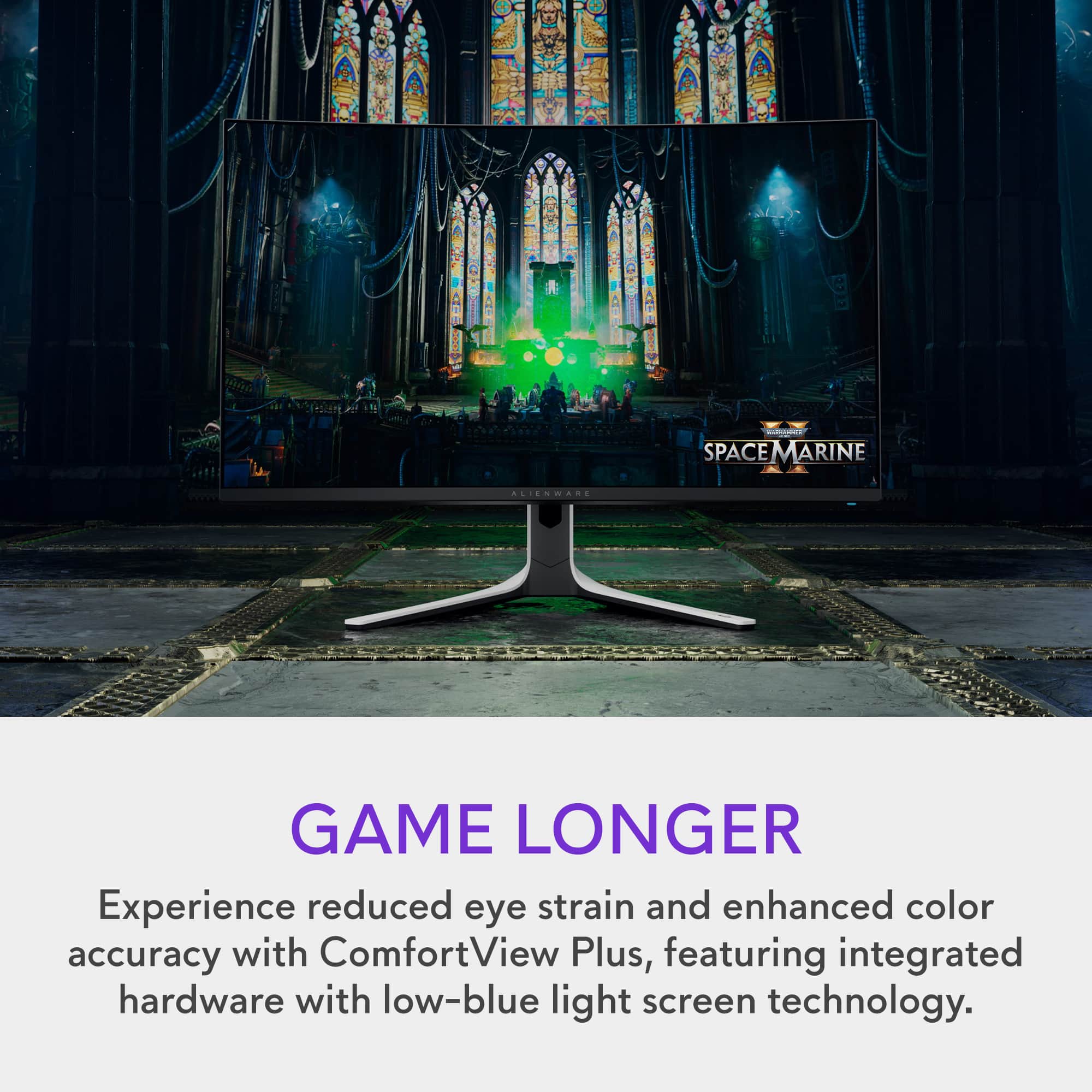
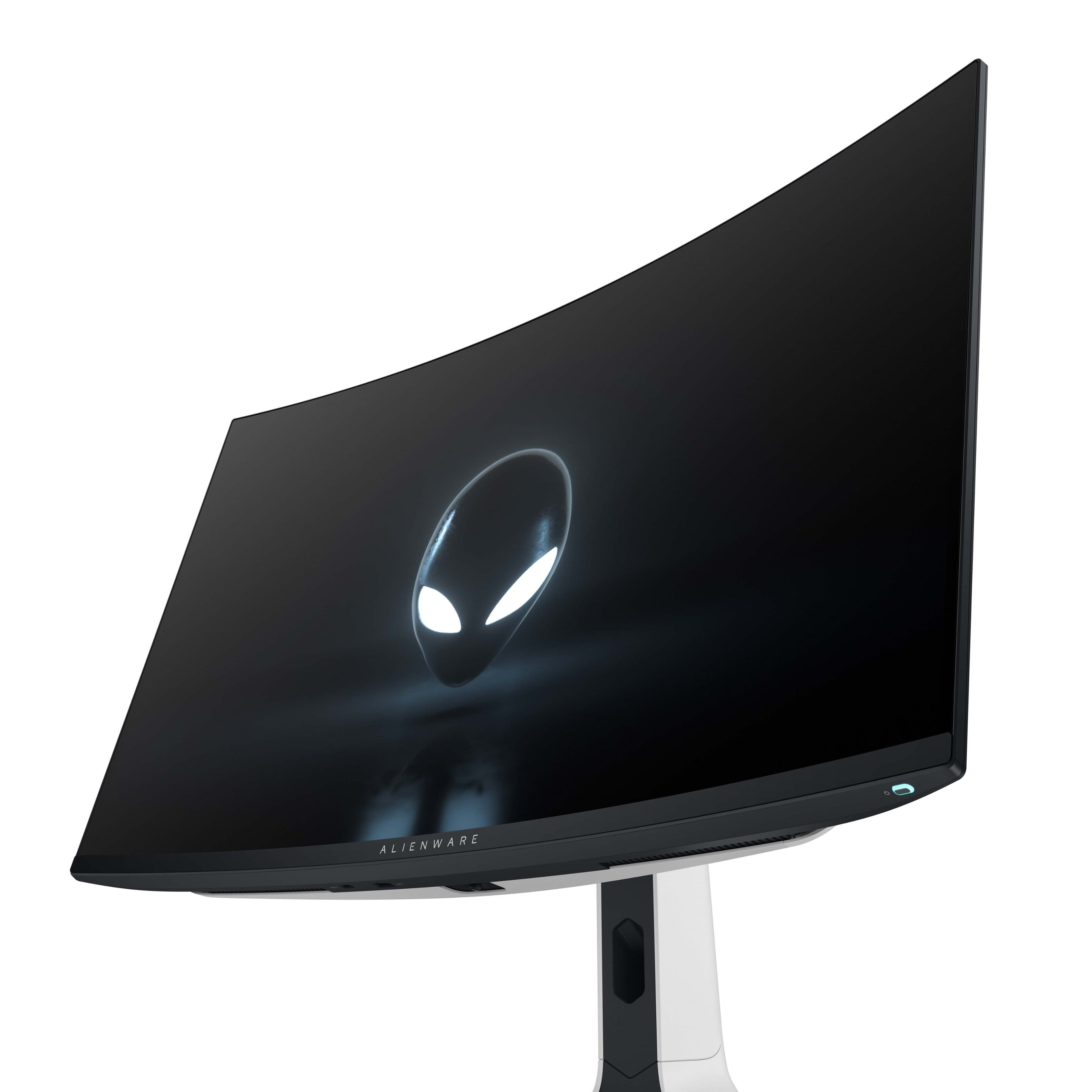
    My gaming laptop has an excellent lcd panel but the curved oled panel is superior. The panel is bright and the colors and black / grays are uniform and clear. The on screen display is intuitive and full of features and tweaks. The only preset missing that some would find useful is a dicom calibration setting for review of medical images (I realize this is rare in the market and I have never seen a high refresh gaming monitor with a dicom setting). The stand is well designed and there are back of screen lights which decrease eye strain. I tested several games and include first person shooters, several old titles and tomb raider. There was no perceivable tearing and refresh rates were good. I use several high end monitors for work and also have an older build in panel oled and there is no comparison. The colors and overall quality of the images and text are great on oled screens. The gentle curve really grows on you and give the size the curve is helpful. The monitor is also excellent for media and is quite similar to my oled large screens. If you like good image quality consider stretching your monitor budget.

    I would recommend this to a friend
  • Rated 1 out of 5 stars

    Not for me

    |
    |
    Posted . Owned for 1 month when reviewed.
    This reviewer received promo considerations or sweepstakes entry for writing a review.

    No better than the tv i own i could not get use to playing on a mo itor

    No, I would not recommend this to a friend
  • Rated 1 out of 5 stars

    Good for 6 weeks

    |
    |
    Posted . Owned for 2 months when reviewed.
    This reviewer received promo considerations or sweepstakes entry for writing a review.

    Monitor looks very nice, worked consistently for 6 weeks. Then, intermittent pixel distortions on half the screen leading to complete failure at 8 weeks. I recommend avoiding this Alienware monitor.

    No, I would not recommend this to a friend
  • Pros mentioned:
    Hdr, Picture quality, Refresh rate
    Tech Insider Network Member

    Rated 4 out of 5 stars

    High End Gaming Monitor with Corresponding Price

    |
    Tech Insider Network Member
    Posted .
    This reviewer received promo considerations or sweepstakes entry for writing a review.

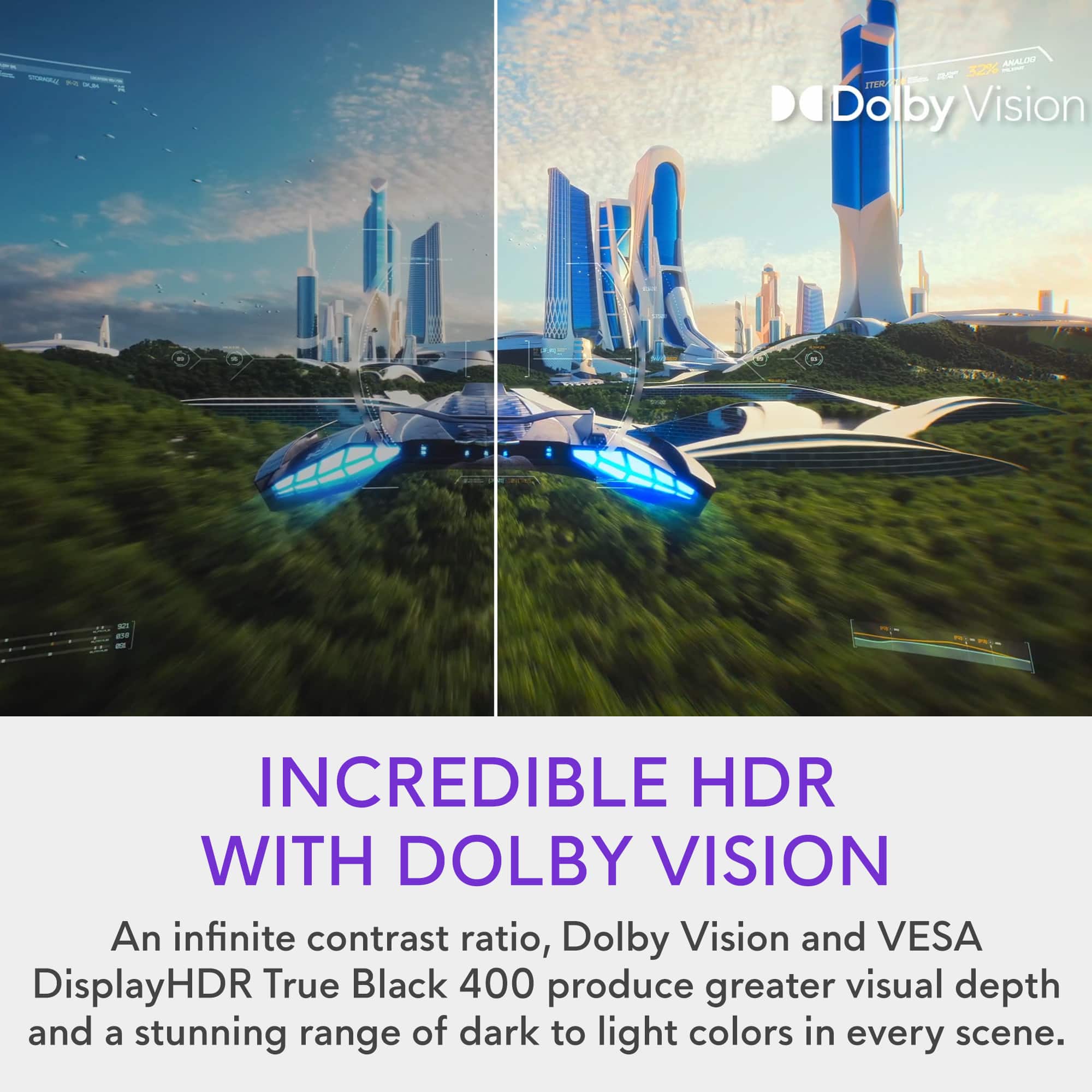
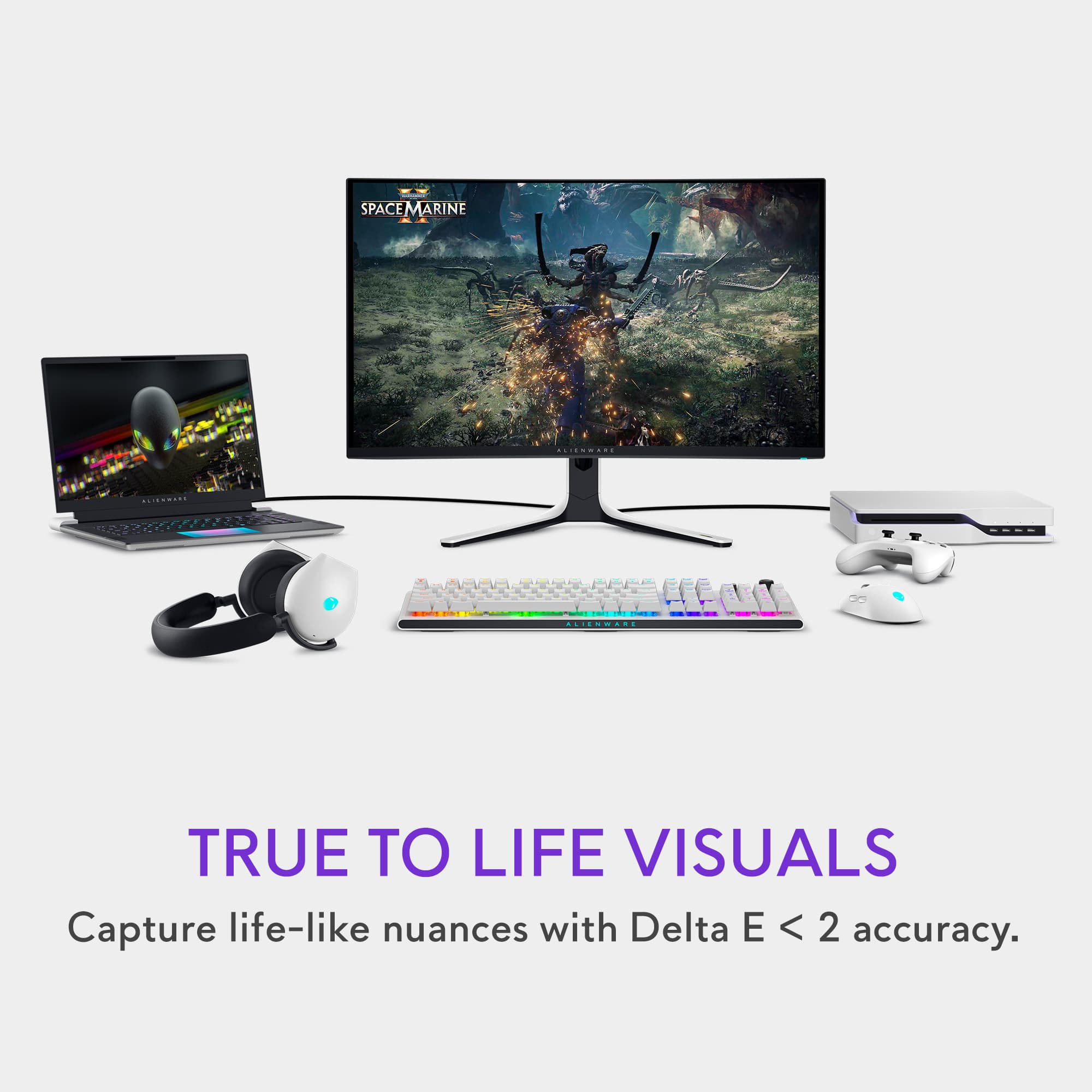
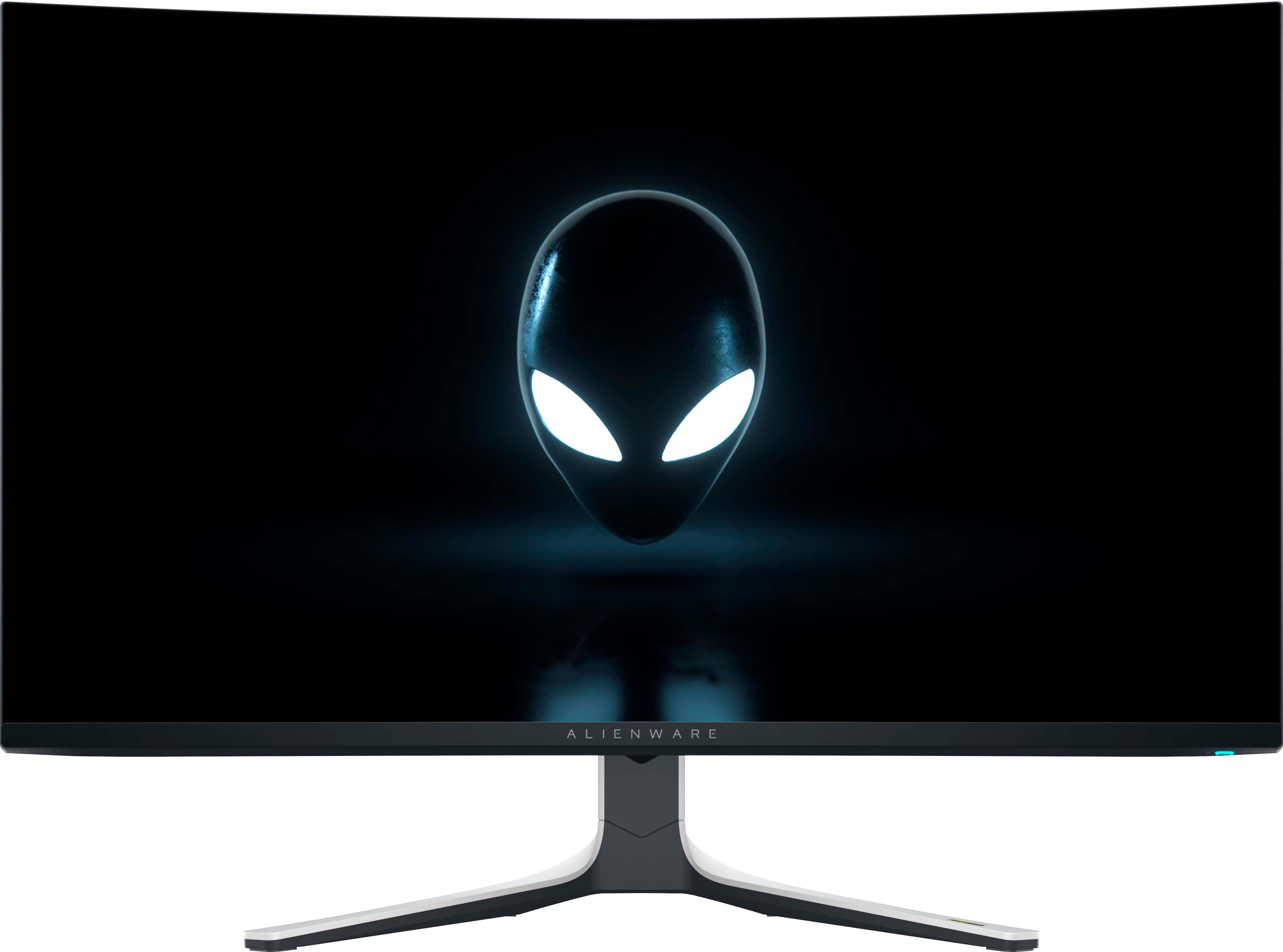
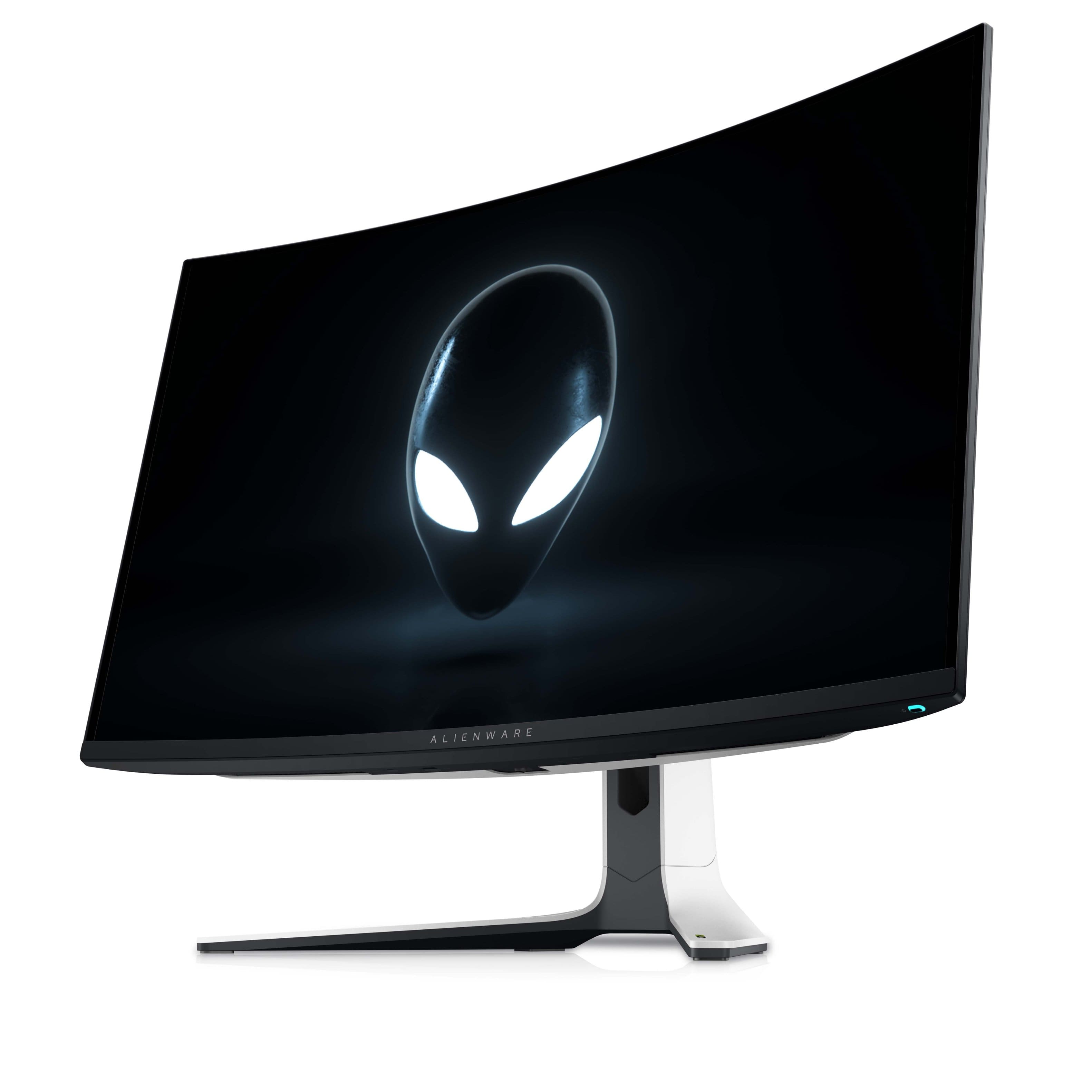
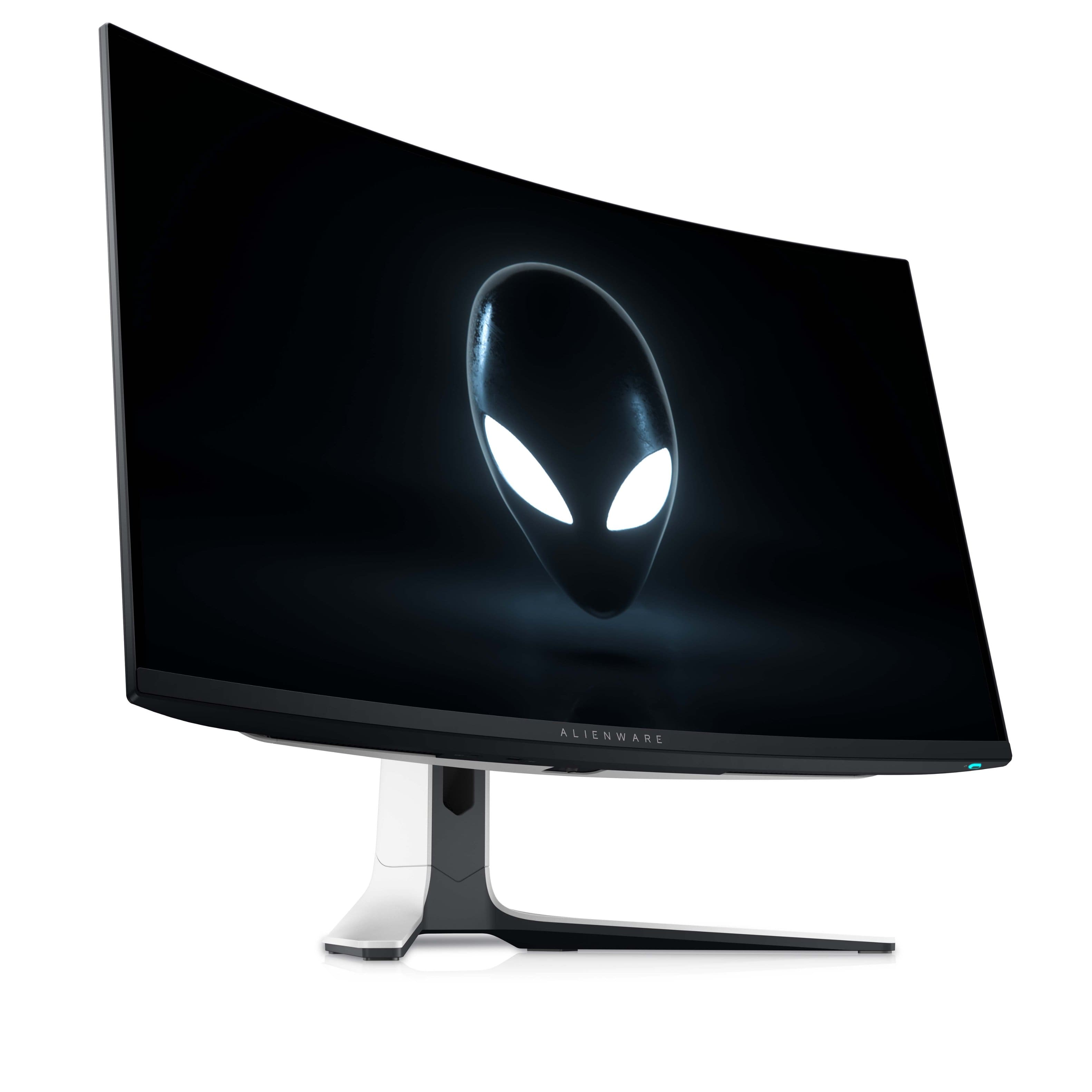
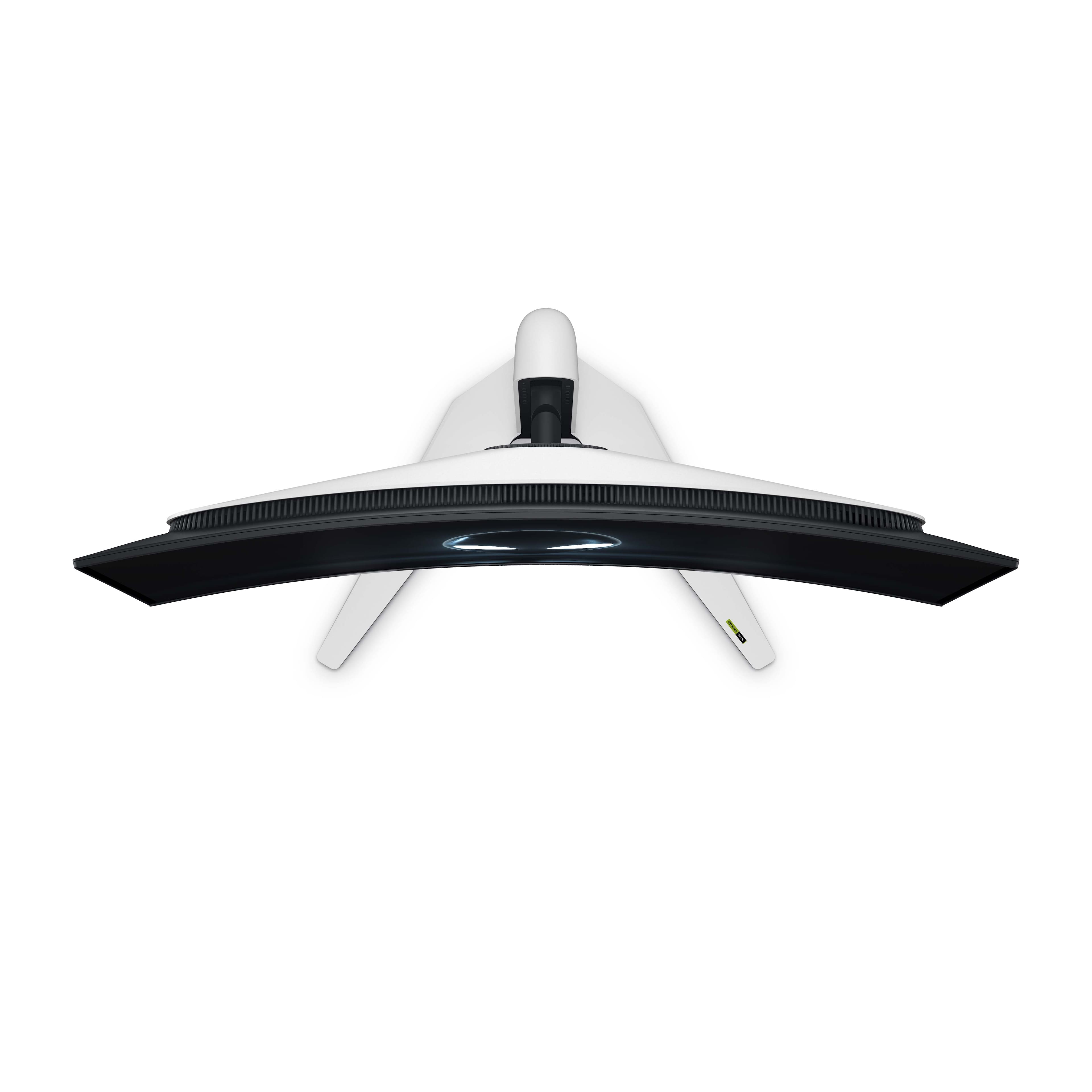
    The Alienware - AW3225QF 31.6" Quantum Dot OLED Curved Gaming Monitor is a high end monitor perfect for browsing the internet, gaming, productivity applications, and watching movies/videos. Movie/Video Watching The 4k OLED screen with Dolby Vision is excellent for watching movies and videos. It has excellent brightness and contrast. I own a recent Samsung OLED tv. The HDR on the Alienware is stunning and the HDR on the Alienware is stunning and the colors are more vivid than on my Samsung tv. Internet and Productivity Applications With its crisp 4k screen and high brightness and contrast ratio, the monitor can easily display two applications side by side for greater productivity. Games The 4k screen with NVIDIA G-Sync, a 240Hz refresh rate and a .03 ms minimum response time is perfect for all modern games including first person shooters. Details are crisp and there is no tearing or input lag. General Design The VESA compatible, 31.6” curved screen is very thin and sits on a stand that is easy to assemble and takes up minimal desktop room. There are two HDMI 2.1 ports, one DisplayPort 1.4, and five USB ports, including a usb-c port. The screen is tiltable and can swivel. The monitor also has a 3 year warranty for both parts and labor. The monitor does not have internal speakers. Conclusion I recommend the Alienware for someone looking for a high end, large monitor that is outstanding in games and produces stunning visuals.

    I would recommend this to a friend
  • Pros mentioned:
    Color, Refresh rate
    Tech Insider Network Member

    Rated 5 out of 5 stars

    What does $1200 get you?

    |
    Tech Insider Network Member
    Posted .
    This reviewer received promo considerations or sweepstakes entry for writing a review.

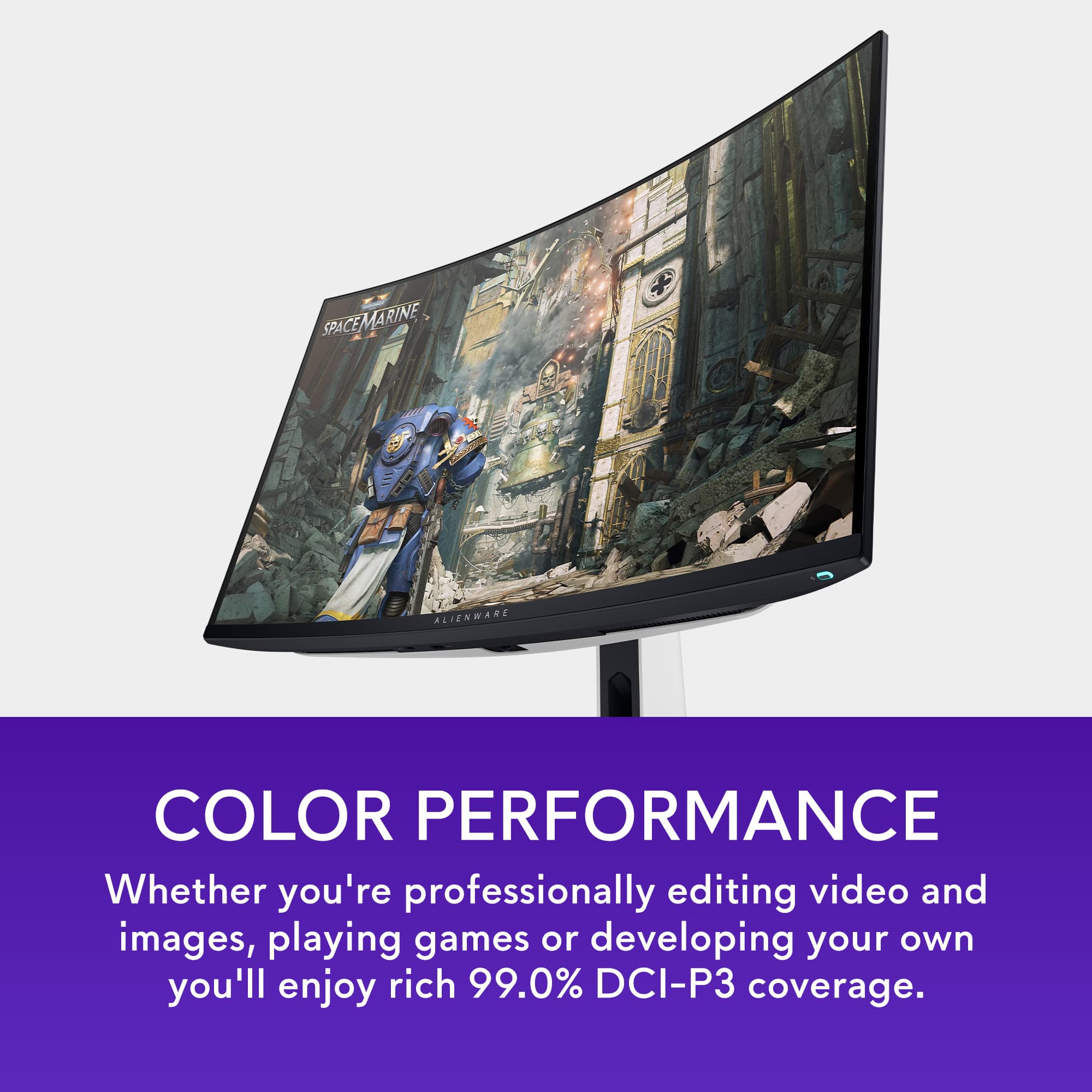
    If you're here, you probably already know why the price tag, no matter how jaw dropping, makes sense (in 2024). If not, let's just say there's a lot going on with this $1200 monitor. I've always been a fan of Dell's monitor stands, even on the lowest-end devices. This stand is height, swivel and tilt adjustable. I found it strange that out of the box the stand doesn't stay upright on it's own, but once the monitor is attached, it is very stable and doesn't wobble. I don't love the angle that the legs of the stand come out, as it tends to take up a little more depth on my desk than I want it to... but I have a suitably deep desk so I can make it work. You might consider a monitor arm for this one. The stand also has simple but effective cable management, routing cables easily down the center of the stand. I think if the onboard ports were heavily used, you'd eventually run out of room, but it's totally sufficient for 4-5 connections to the back of the monitor. And speaking of connections: like other dell monitors, this one comes with plenty of I/O. Most exciting is the upstream and downstream USB ports that expand connectivity of your primary connected device; this includes three USB-A and one USB-C downstream ports. There are also two HDMI ports (one supporting E-ARC) and one Display Port, and there are built-in PBP and PIP modes that can be utilized for connecting multiple devices. But you're not buying stands and ports: you're buying performance. This monitor is an absolute joy to use. I've debated with friends and family in the past about the benefits of higher-refresh rates, but they always say the same thing: "I just don't see a difference." Despite the fact that 120Hz is becoming more common on many cell phones and tablets, using a 240Hz monitor is SO MUCH BETTER. I'm not entirely convinced that it's something we absolutely need, but more competitive folks than I might find themselves in advantageous situations because of the buttery smooth and ultra fast image refresh in this monitor. And those images that are being refreshed ultra fast are gorgeous. OLED has always been awesome with silky blacks and high contrast, but it often falls short in the brightness department. This is not the case for the new QD OLED monitors, and this monitor delivers a maximum of 1000 lumens. Practically, this means you don't have to be a basement dweller to have a great OLED experience (although you will still benefit from using this monitor in controlled lighting conditions). And when you're done gaming, this monitor makes a phenomenal media consumption display thanks to extremely accurate color reproduction (which would also make it great for photo and video editing). Because this is an Alienware device, you can optionally download the Alienware Command Center software which gives you additional control over some of the monitor's features, but these are also available in the monitor's built-in settings. AWCC does a great job providing a GUI for making adjustments to the onboard lighting, allowing customization of the light on the power button and the two back-facing lighted elements on the rear of the monitor. It's an excellent monitor, and you're going to love it-- if you can get over the price. Quantum Dot OLED is extremely expensive because it is so new, and while a lot of competing manufacturers are releasing QD OLED displays, it's going to be a couple of years before the price of these start to enter into the realm of "reasonable." So, yes, it's great, but unless you're an extreme gamer, display connoisseur, or you just like to have the latest and greatest, I think this is probably an impractical purchase for most people. If it's in your budget, though, I don't think you'll be disappointed.

    I would recommend this to a friend
  • Rated 1 out of 5 stars

    Do not buy if you care about mirror reflections

    |
    |
    Posted . Owned for 2 months when reviewed.
    This reviewer received promo considerations or sweepstakes entry for writing a review.

    The screen is TOTALLY reflective, like a mirror, although advertised as anti-reflective. I had to return it.

    No, I would not recommend this to a friend
  • Rated 1 out of 5 stars

    Screen ruined by packaging

    |
    |
    Posted . Owned for 1 week when reviewed.
    This reviewer received promo considerations or sweepstakes entry for writing a review.

    Been through 3 of these, None of them come with a peel, screen is already destroyed from the bubble wrap and the packaging foam. Don't waste your time

    No, I would not recommend this to a friend
    • Brand response from YourDellTeam
      Posted .

      Dear djc5166,

      We want to thank you for taking the time to leave a review of your Alienware AW3225QF 31.6 Quantum Dot OLED Curved Gaming Monitor. We are sorry to hear that the screen of your device was damaged upon arrival. That is not the type of feedback we like to hear from our customers, or the type of product Dell intends to deliver.
      We have noted the details of your statement and your feedback will be shared with our quality team for consideration in future improvements. We always strive to get better and reviews like yours are helping develop products and services our customers love.

      If you continue to experience an issue and need further assistance, we recommend using the toll-free number or chat link below to reach a member of our Dell Support Team.

      Chat or call: https://bit.ly/DellSupportTeam
      Phone number to Dell: 1-800-624-9896

      Best,
      Minhaj@Dell Dell

  • Pros mentioned:
    Oled quality, Picture quality
    Tech Insider Network Member

    Rated 5 out of 5 stars

    It Just Keeps Getting Better

    |
    Tech Insider Network Member
    Posted .
    This reviewer received promo considerations or sweepstakes entry for writing a review.

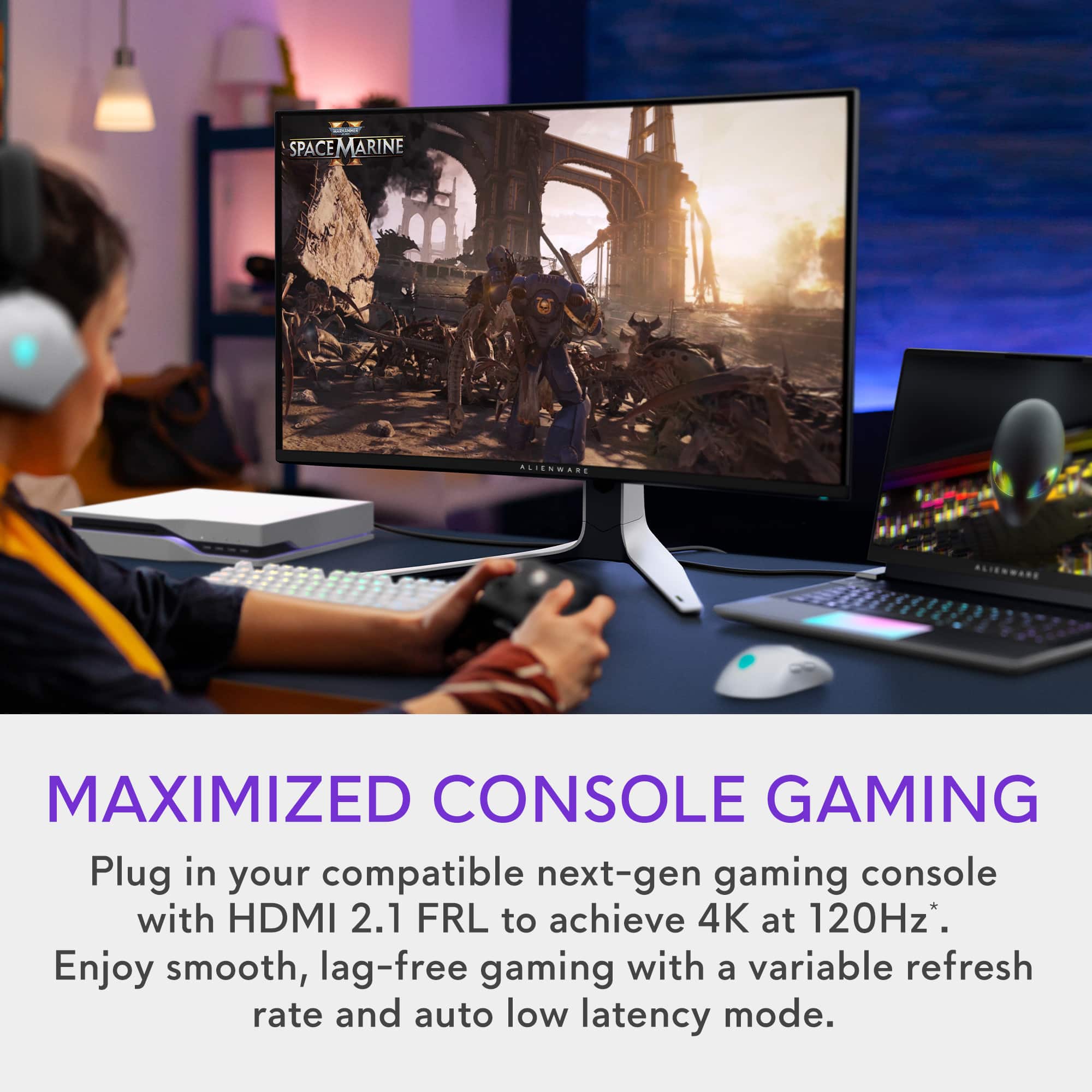
    Excited is an understatement for what I felt unwrapping this magnificent QD-OLED Alienware monitor. The set up was straight forward and I opted to use the stand which took away quite a bit of desk space for me but comfortably fit my keyboard, mouse and pad, and PS5. I connected my Alienware laptop and PS5 with room for one more device as it features 2 HDMI and 1 Display port on the back left of the device if you are looking at the screen. Once I had my settings dialed in on the screen, I booted up Shadow of the Tomb Raider and was truly impressed by the vivid and lifelike colors. Parts of the game can be very dark and the deep blacks this display portrays enhanced my gaming experience to where I could visually appreciate the scene and art that went behind creating the virtual world. I have been having a blast gaming with this monitor in part by how low the response time is compared to my older monitors. There is virtually no frustrating lag or blur that affects my experience negatively. The first time I played on it, I went on a 2 hour session without realizing I had gone over my self managed time limit. I had to get on an FPS so I hopped on Warzone and had a 'woah' moment. The curve on the monitor really immerses you in the game. I felt like my peripherals were super powered with how wide the screen was and feels like it wraps you in it compared to a traditional flat panel. Overall, this monitor is fantastic and provides a beautiful display and gaming experience. I truly enjoyed my time gaming. Happy gaming everyone!

    I would recommend this to a friend
  • Pros mentioned:
    Hdr, Picture quality
    Tech Insider Network Member

    Rated 5 out of 5 stars

    Absolutely Stunning Visuals - Runs HOT

    |
    Tech Insider Network Member
    Posted .
    This reviewer received promo considerations or sweepstakes entry for writing a review.

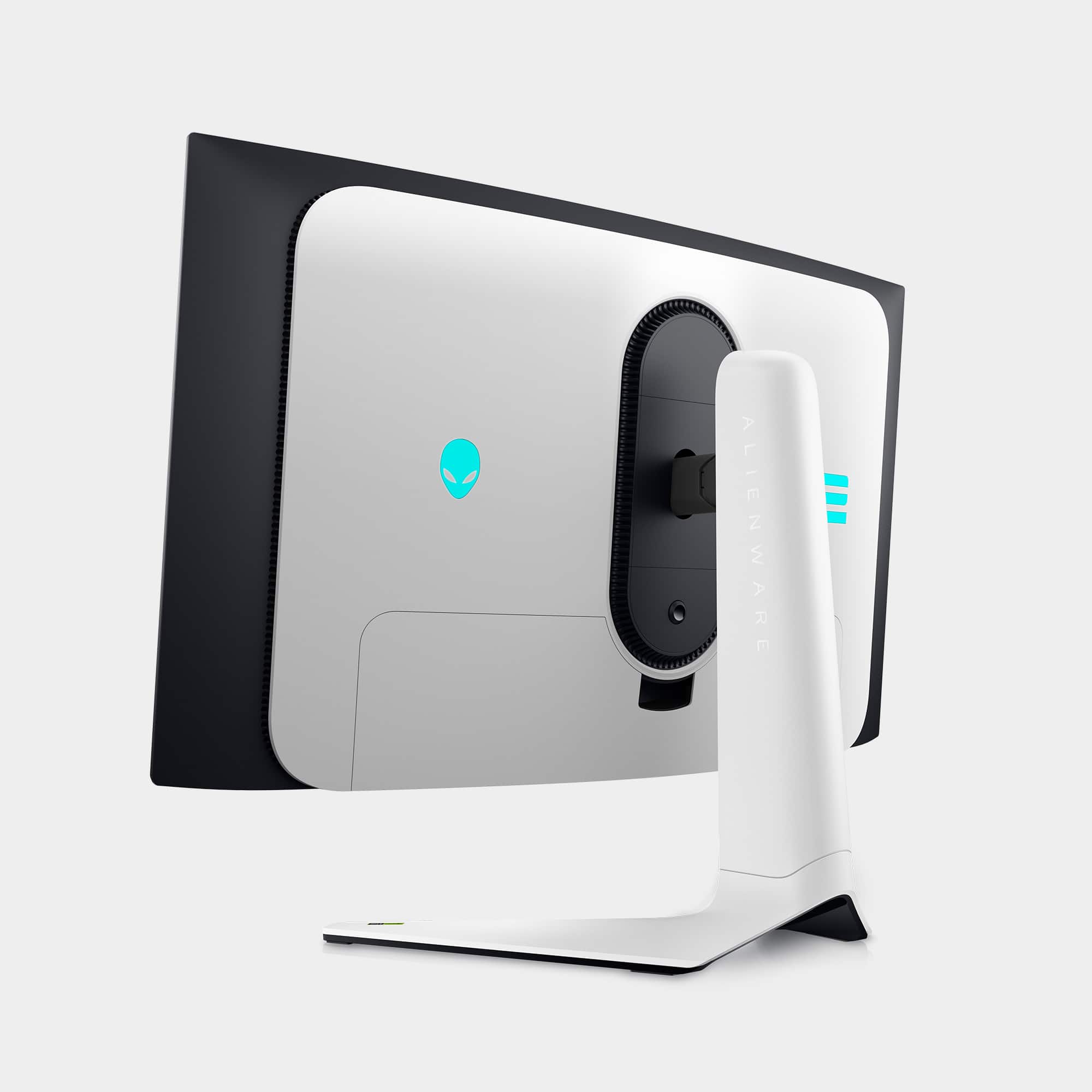
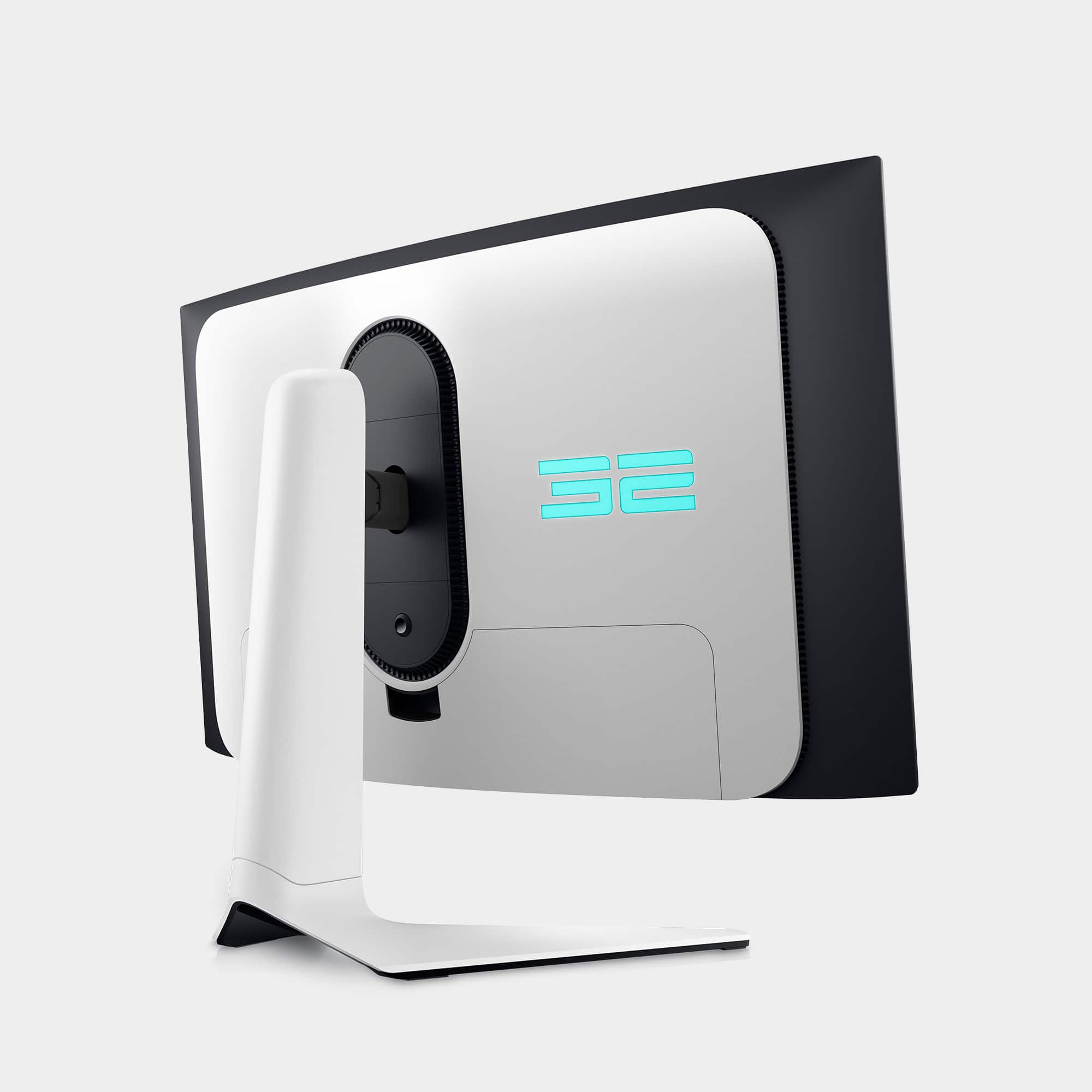
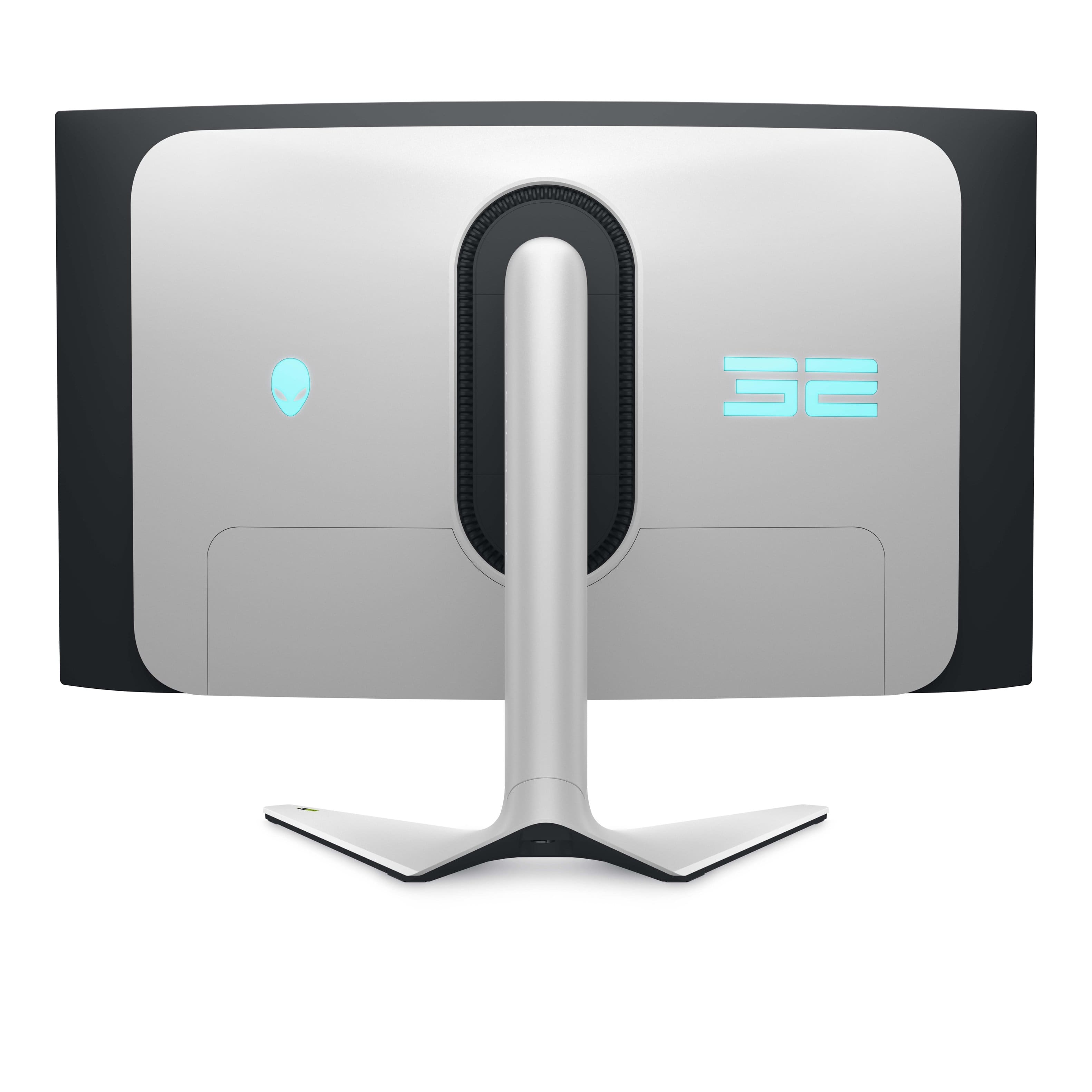
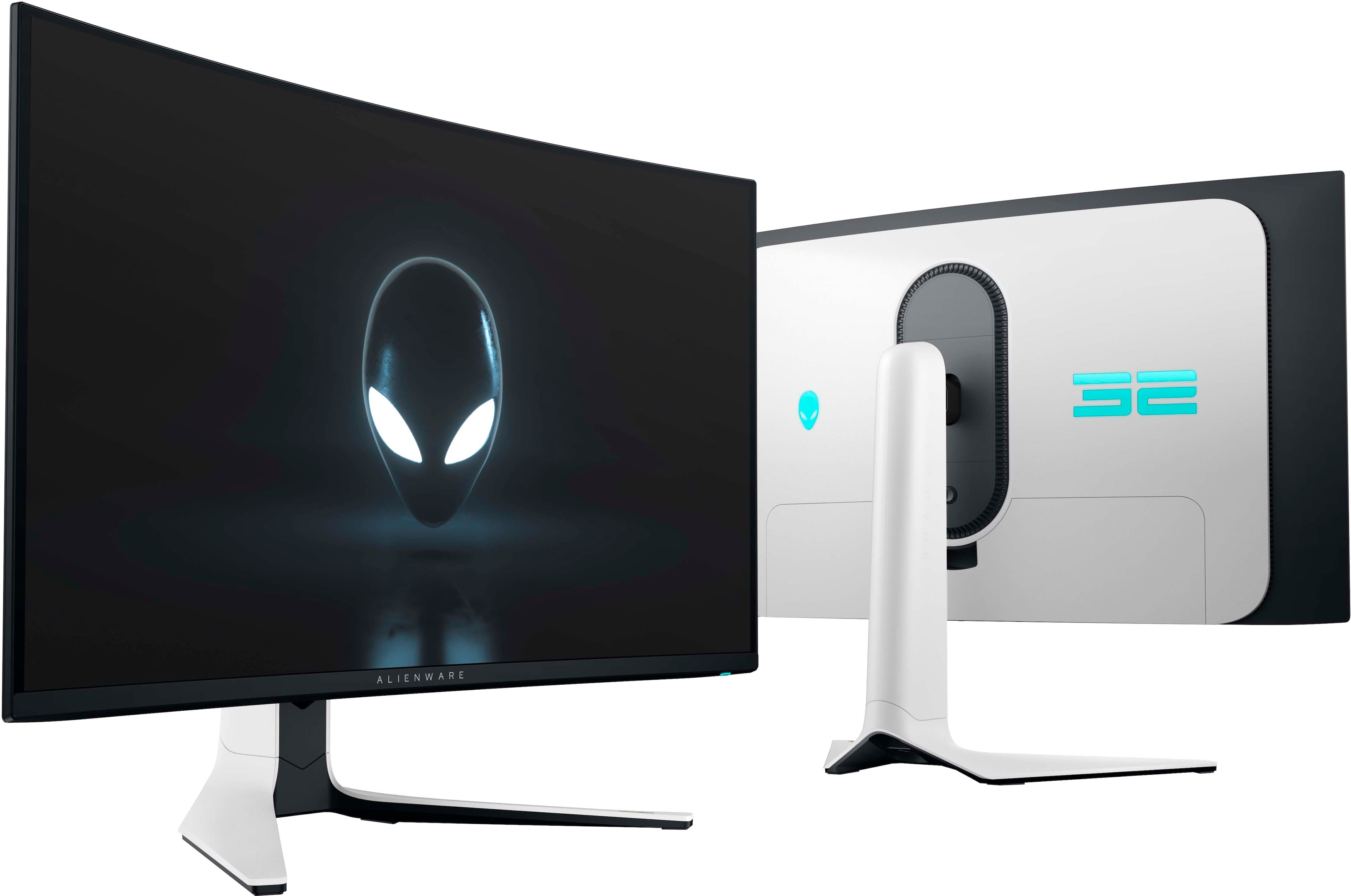
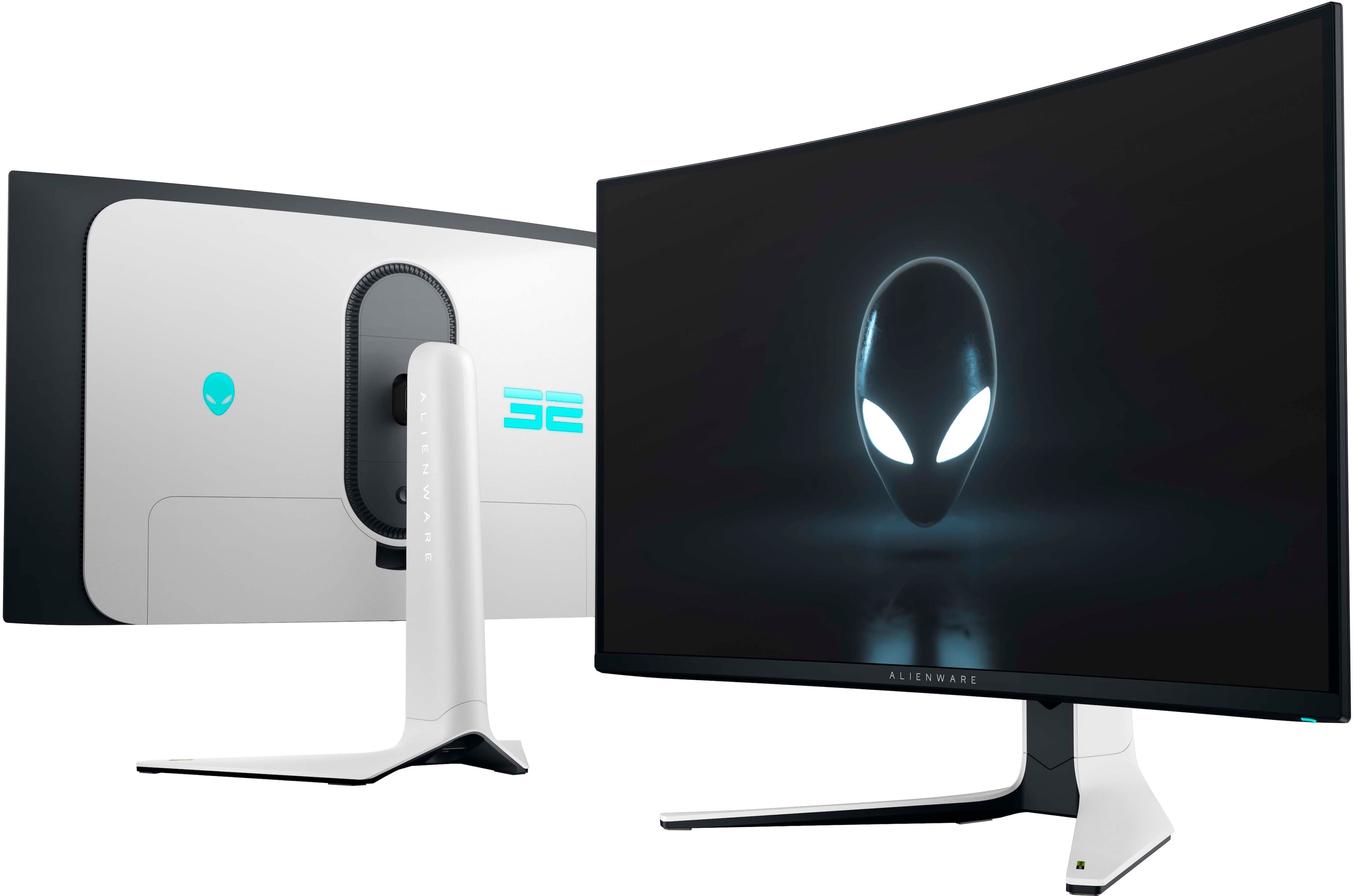
    I can’t believe there is finally a panel that has it all. Quantum Dot OLED 4K 240hz is the absolute top of the line for a gaming monitor right now. My gaming experience has been elevated to the top tier and my 6900XT graphics cards performs beautifully on this glorious panel. For a 32” curved screen, it takes up a ton of real estate on your desk so plan accordingly. It makes a two monitor set up challenging, especially if your second monitor is also a larger size. The back of the monitor is a stunning matte white with Alienware rbg logo and very sleek curves, but you won’t see it much if your desk backs up to a wall. Nonetheless I appreciate the details even if I won’t experience it all the time. Screen controls are easily accessible through a tight five button panel under the front middle of the monitor. I played with the settings until I found one I liked the best, slightly tweaking the sharpness and contrast levels. After about two hours, I felt a little warmer than usual for an evening session. Holding my hands up to the monitor, I was shocked at the amount of heat coming off the display. This makes sense of course with the blended Quantum and OLED panel, but I’m wondering how much power this thing is using to give me such stunning visuals. I tested my second monitor which had also been on the whole time and it was significantly less warm. Overall I’m super happy with it and so excited to try new games at 4K resolution.

    I would recommend this to a friend
  • Pros mentioned:
    Oled quality
    Tech Insider Network Member

    Rated 5 out of 5 stars

    Great display but is it the one

    |
    Tech Insider Network Member
    Posted .
    This reviewer received promo considerations or sweepstakes entry for writing a review.

    It was my love and fascination with computer graphics that led to my love of computer gaming. And along with that journey many computer monitors have come and gone. I have had great IPS and VA monitors. But ever since my first OLED TV I have always wanted to have OLED on the desktop. That finally became possible around two years ago but I still waited. With the Windows HDR implementation and image burn-in I still had big concerns. Now we're on third generation OLED panels and most vendors have a warranty for burn-in. And thankfully Windows HDR is in a much better state. That is in part to the efforts and competition between the display manufacturer’s to sell new tech. And gaming has always had a role in moving tech to the desktop. You don’t have to do much research to know this Alienware AW3225QF Quantum Dot OLED is an outstanding gaming monitor. And in fact it's a great monitor in pretty much any way you want to judge it. The text is clear and sharp. It switches correctly for SDR and HDR content. You get outstanding blacks and colors that improve both gaming visuals and performance. And for those doing color accurate work here it is doing double duty. But there are always trade offs. Thankfully companies like Dell have stepped up and provide image bur-in protection. I have used Dell monitors for years and they have always been quality products. We also have these couple of years of OLED monitors in use on the desktop and I don’t see much complaints. I switched out a 42” mini-LED TV I had been using on my desktop for the AW3225QF. I am mounted on a swivel stand which gives me space below the monitor that the stock stand would have needed. For daily desktop work I stay in SDR since I don’t need the higher HDR brightness. And in HDR gaming I have been using the HDR1000 mode mostly for now. Alan Wake 2 is the kind of game OLED is perfect for and the dark scenes with the HDR highlights are just outstanding. It is truly next gen. My only question is the Alienware - AW3225QF, the right OLED monitor. That is a harder question to answer. Just a few months after its release there are more options in the OLED space. And some more affordable. If you put the two OLED display techs, Quantum Dot OLED from Samsung and WOLED from LG next to each other you might not be able to tell them apart. The QD-OLED tech is best known for its color brightness and the WOLED tech for its overall brightness. Either is a quantum leap from IPS and VA display panels. And since the image quality is very close, price becomes more of a factor. Dell does have Dolby Vision HDR support so if you have Microsoft Game Pass that may be a factor for you. Also it was easy for me to update the monitor firmware which is a plus and highly recommended. Another issue is online resources for help with using the display HDR, SDR and menu options are easy to find. Is that and knowing Dell is easy to connect to a deciding factor, I think it is. Monitors typically last many years and are to me along with the keyboard and mouse critical interface devices. I will switch out computers and components all the time but those critical interface parts tend to stay. That to me is why I think this Dell monitor should be on your short list. Finally other options in this space are the choice between curved or flat screens. Coming from a 42” flat screen to this curved display was a non issue for me. I am in a well lit room and the glossy screen coating isn’t causing me any reflection issues and helps with the deep blacks. Your results will of course depend on your own desk and room lighting. Along with making sure you update your monitor firmware I highly recommend looking at some of the current videos regarding setting up and calibrating the SDR and HDR modes in Windows for this monitor. With some very simple settings it works very well. And oh my Alan Wake in true HDR is absolutely frightening.

    I would recommend this to a friend
  • Pros mentioned:
    Picture quality

    Rated 5 out of 5 stars

    One of the best

    Posted .
    This reviewer received promo considerations or sweepstakes entry for writing a review.

    I didnt think i would care for a curved monitor but this one is subtle and i think i like it more this way than a flat monitor. This monitor is a beast and one of the best you can. It looks great and refreshs quickly. The only knock i dont like is it seems like Dell has quickly stopped supporting it as the last firmware update was April 2024 about 2-3 months after it launched. Theres a few bugs people have experienced and its a shame they havent patched it one last time

    I would recommend this to a friend
  • Rated 5 out of 5 stars

    Great

    Posted .
    This reviewer received promo considerations or sweepstakes entry for writing a review.

    Great monitor got it on sale for super cheap. Weird firmware issue where it notifies me of an update but there isn't actually one to install tho

    I would recommend this to a friend
  • Pros mentioned:
    Picture quality
    Cons mentioned:
    Price

    Rated 5 out of 5 stars

    Excellent Monitor

    Posted .
    This reviewer received promo considerations or sweepstakes entry for writing a review.

    The image quality is great. It's expensive, but a nice upgrade over my 1440p monitor.

    I would recommend this to a friend
  • Pros mentioned:
    Oled quality
    Tech Insider Network Member

    Rated 3 out of 5 stars

    Great For Consoles

    |
    Tech Insider Network Member
    Posted .
    This reviewer received promo considerations or sweepstakes entry for writing a review.

    BLUF: Great for consoles. Latest graphics card needed for max performance. Has a big border where the pixels don't reach the edge. Pros: – Clear smooth graphics – Black blacks with HDR – Responsive – Great size – First 4K QD-OLED – Customize lighting – Great cord management Cons: – Causes screen blackouts at max settings on PCs – 4K 240Hz only with high end graphics cards – Pixels don't go to the edge I was really excited to try out this 4K OLED monitor. This is pretty much just a small TV at this point. I plugged in my Xbox Series X and played Froza Horizon 5 on it and it was beautiful. Great depth and buttery smooth. Moving it over to my gaming PC was a little bit different story. I have an older Alienware Aurora R8 that has an NVIDIA RTX 2070 and I could not get it to do 240Hz at 4K. I had to drop it down to 1080p to get 240Hz. I moved it back to 4K and played Destiny 2, Diablo 3, and EVE Online. They played fine but with Destiny 2 it started having artifacts with fast movement and during intense battles it would flash black while the graphics card was trying to keep up. To clear this up I had to lower the graphics and drop HDR losing that nice picture. Diablo 3 ended up even having this after long game play. For completeness I stepped up to my Alienware Aurora R16 with an NVIDIA RTX 4060 Ti. With the higher end graphics card I was finally able to get the monitor to 4K 240Hz and it was really awesome. Playing those three games again I was able to not have any artifacts and experience ultimate smoothness. However, Destiny 2 would totally crash during intense battles. With both PCs they had the latest graphics card drivers and I even updated the firmware on the monitor. I loaded up some 4K content to watch and it looked amazing with no issues there. I wanted to really love this monitor but I just can't tell where the issues lie. Either the monitor still has some glitches or it's just so far ahead of it's time that only the highest end graphics cards can keep up. Based on that I can't comfortably recommend it unless someone has a top notch graphics card or is just going to use it with a console. If you can't use it at it's max then what's the point in paying for that level.

    No, I would not recommend this to a friend
    • Brand response from YourDellTeam
      Posted .

      Hello Acidxfrost,

      We appreciate you taking the time to leave us your review. We sincerely apologize for the crashing issues that you are experiencing with your Alienware Curved Gaming Monitor. It's important for us to hear about inconsistencies in our products for consideration of future development. Below I have provided troubleshooting instructions with the full article that can help resolve this issue.

      Here are the steps to help resolve your crashing issue:
      1. At the desktop, click the Search the web and Windows box and type ""problem reports"".
      2. Select View all problem reports viewing a list of errors that have occurred on your computer and possible solutions for them, such as updating drivers, flashing your system BIOS, or checking for updates to the software.
      3. Under the Source column, look for Windows and under Summary, look for Shut down unexpectedly.
      4. Right-click the line item and select Check for a solution.

      We'd also suggest checking to make sure that your software and drivers are up to date on Dell's Product Page here: https://dell.to/3khR75H

      You can read the full article on solving PC crashing issues here: http://dell.to/2u98Cct

      If you still experience any issues after you have finished troubleshooting your device using the steps above, please reach out to us at: https://bit.ly/DellSupportTeam.

      Chat or call: https://bit.ly/DellSupportTeam
      Phone number to Dell: 1-800-624-9896

      Best,
      Summer@Dell Dell

  • Rated 5 out of 5 stars

    Monitor

    Posted .
    This reviewer received promo considerations or sweepstakes entry for writing a review.

    Great product. It is amazing for my games and definitely one I recommend to people who are looking for a good high quality and high performance monitor

    I would recommend this to a friend