Customer Ratings & Reviews
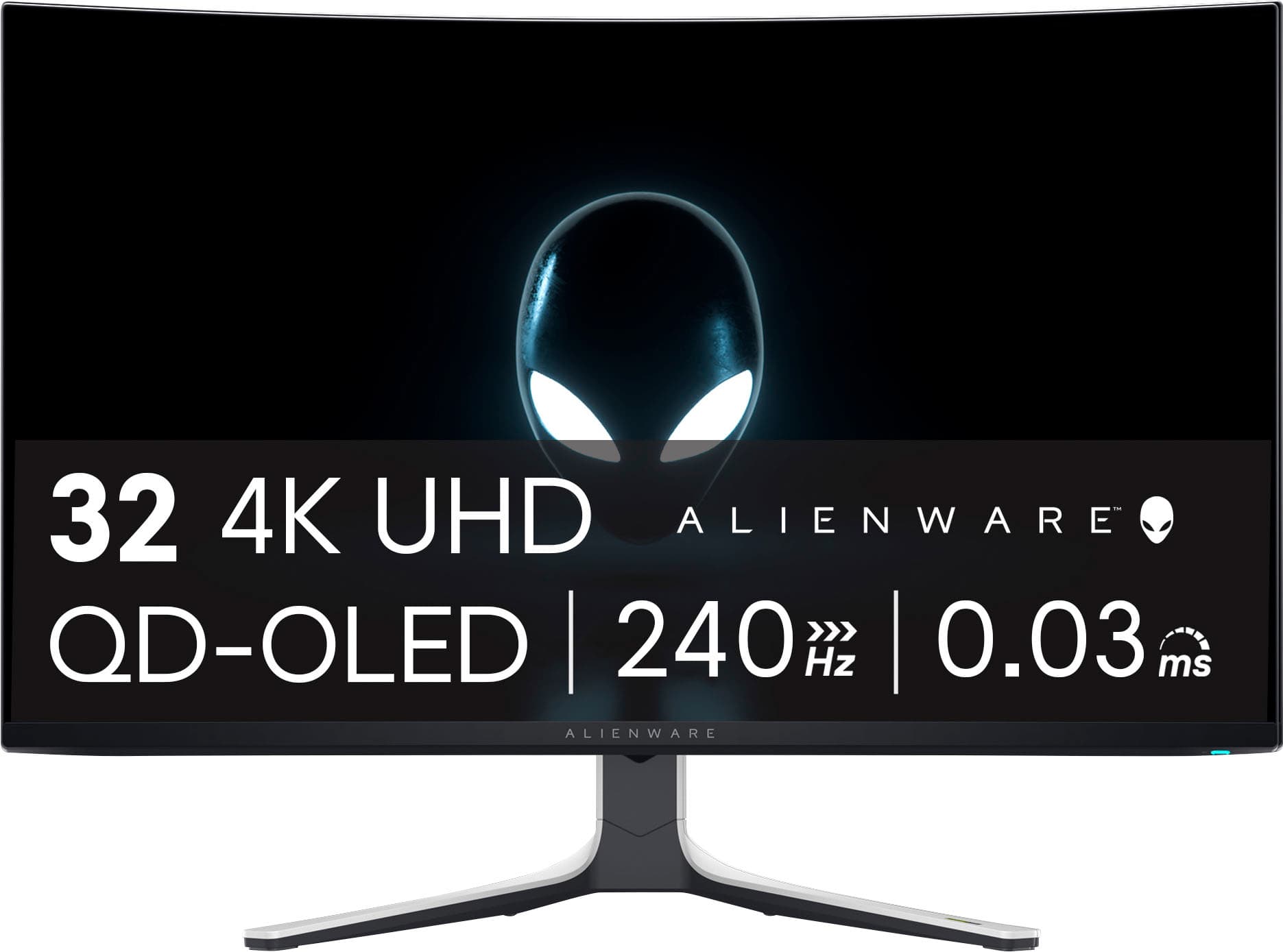
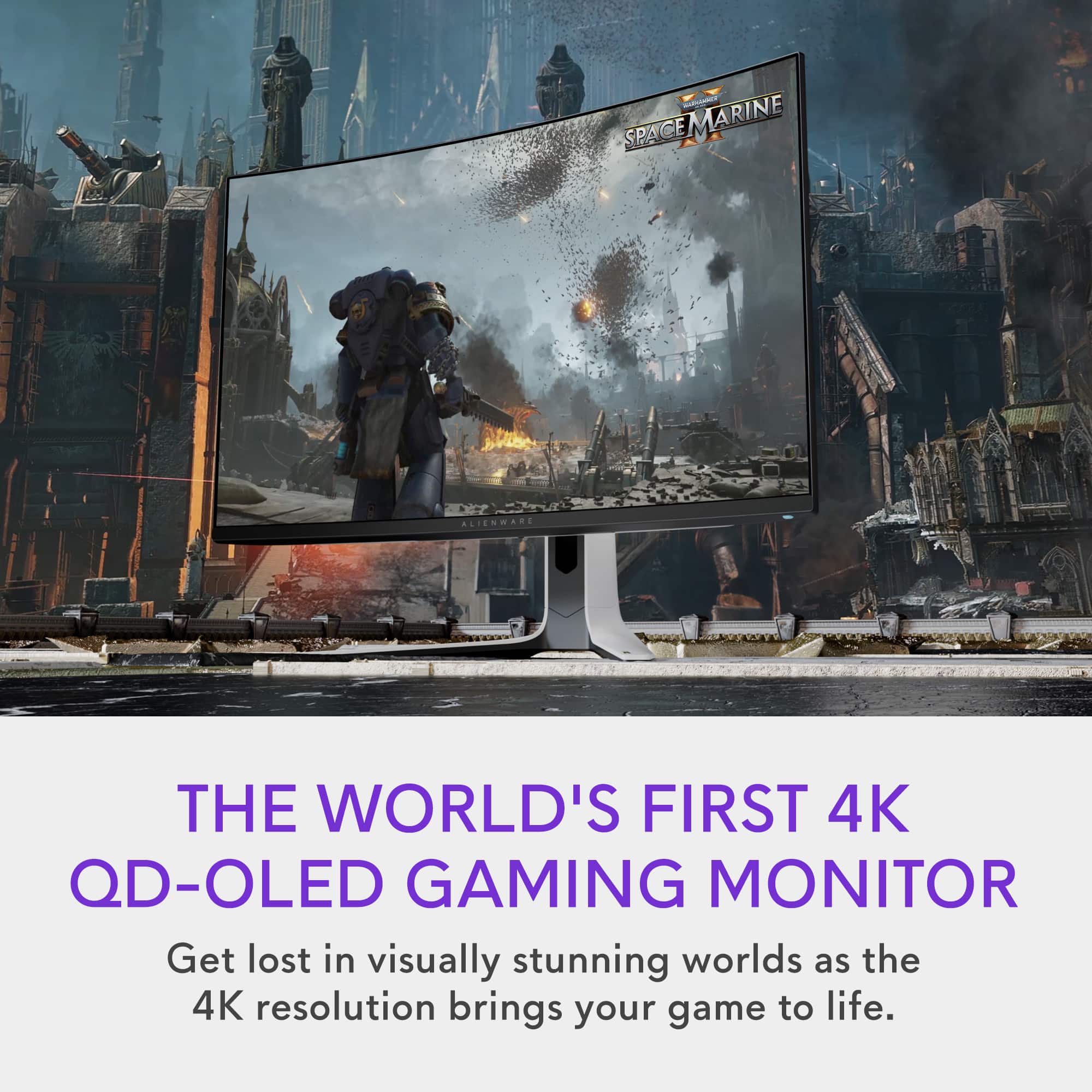
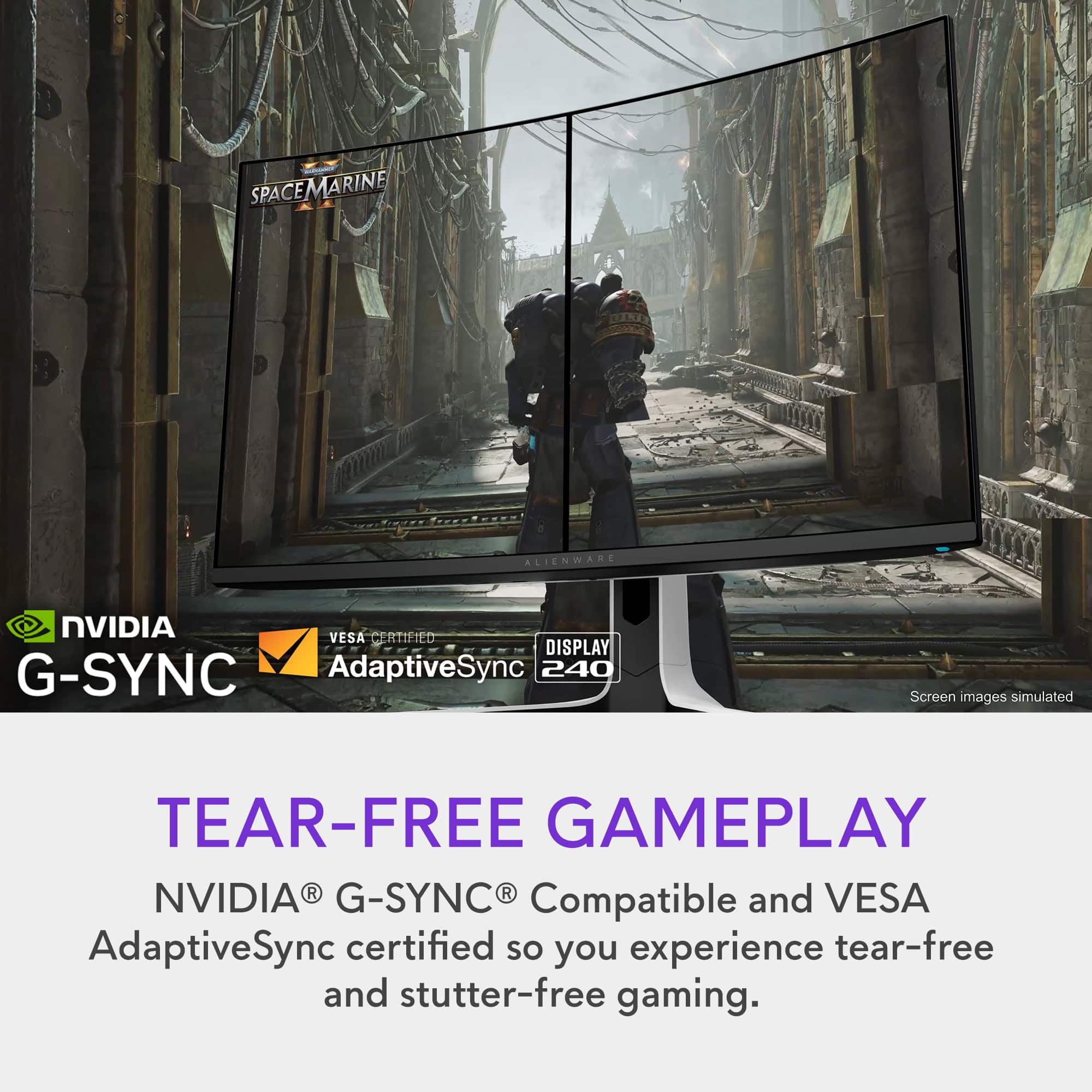
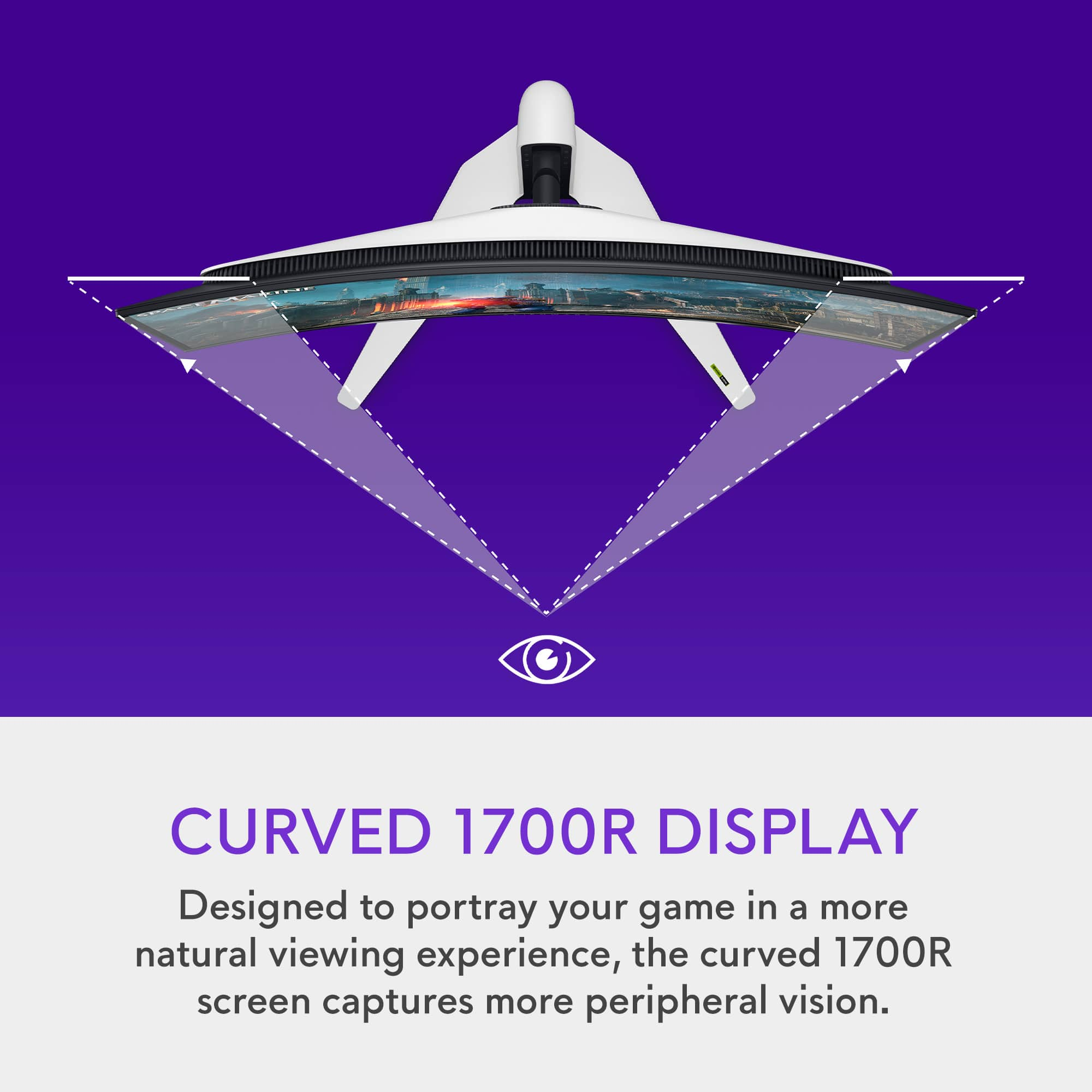

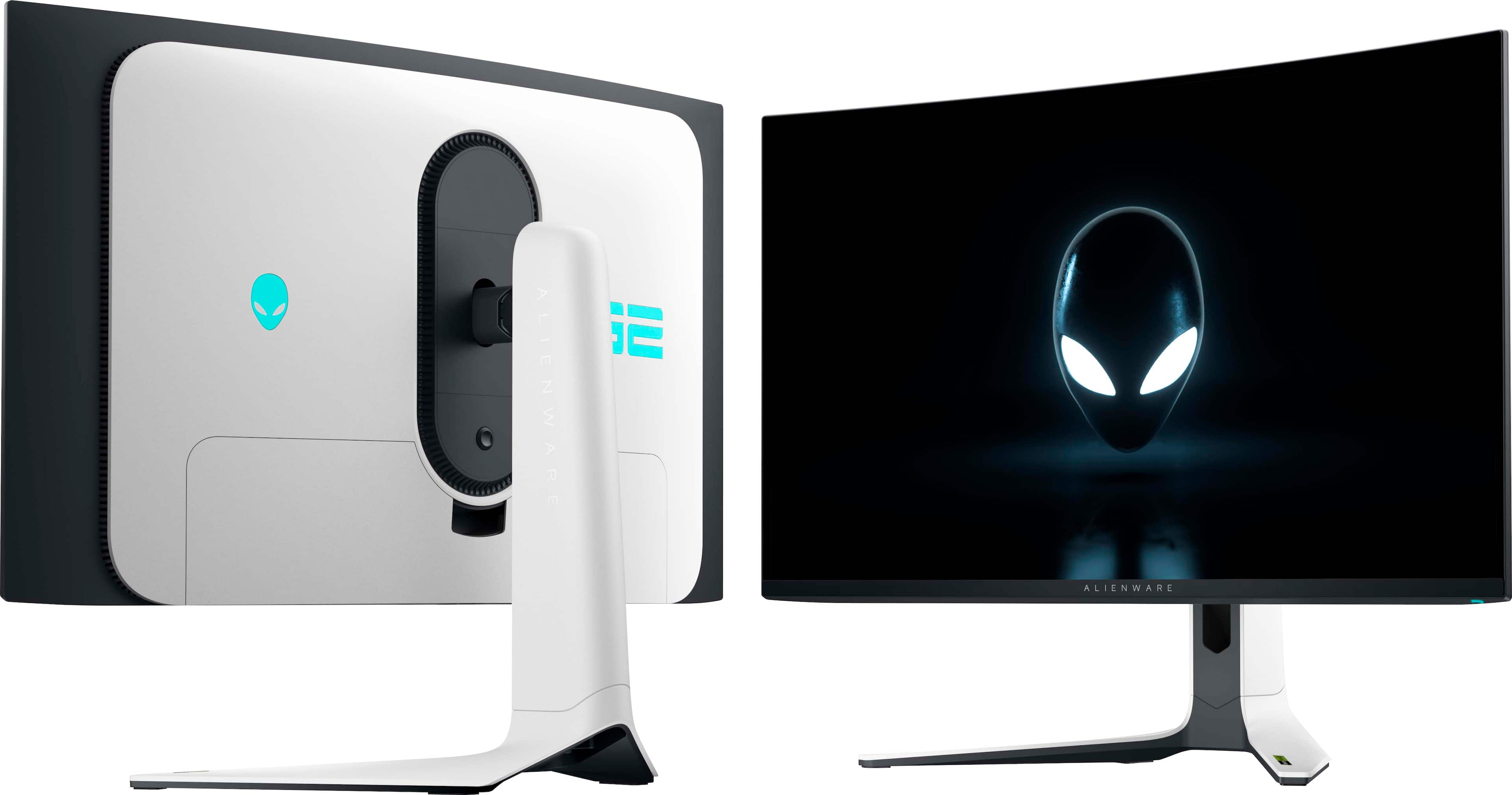
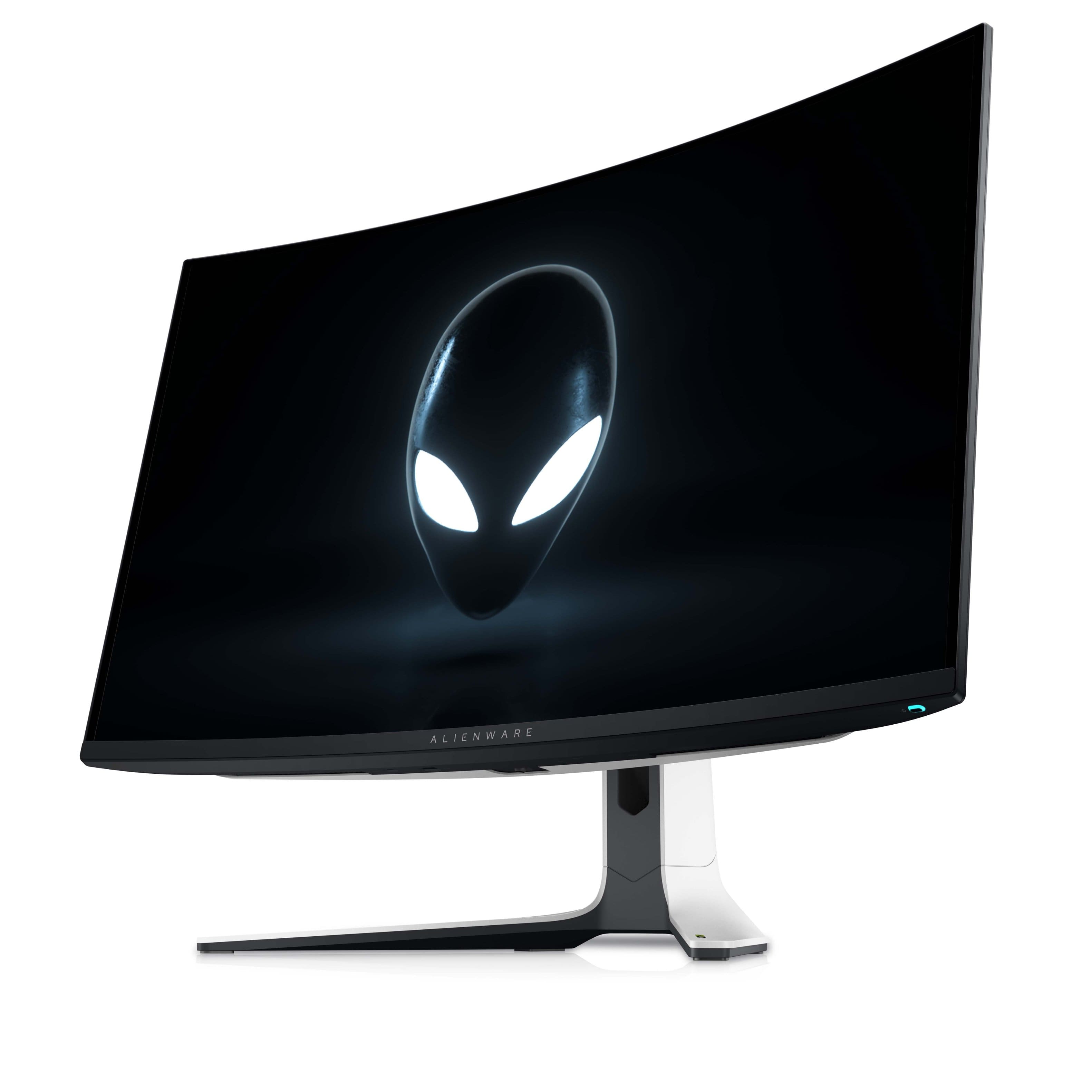
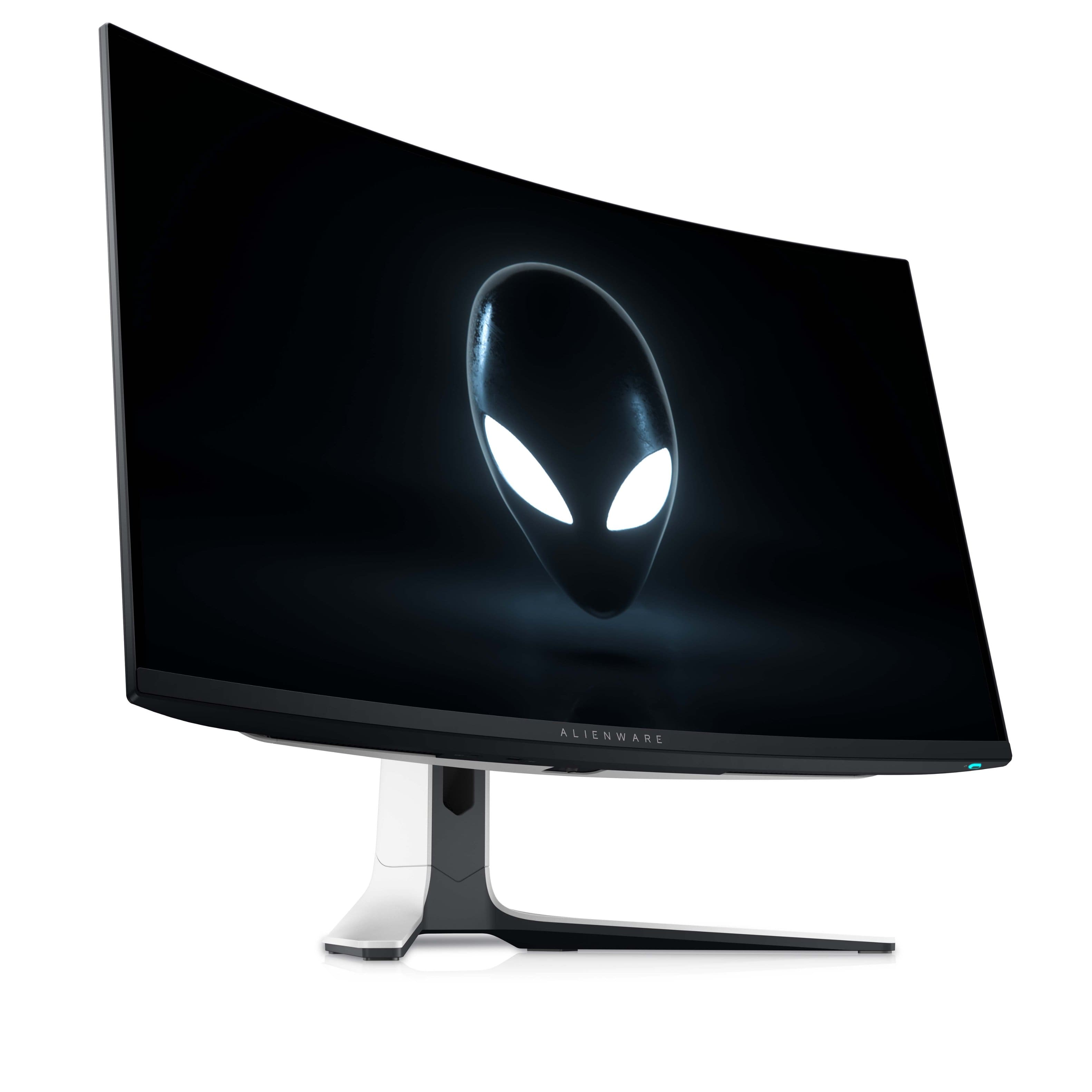
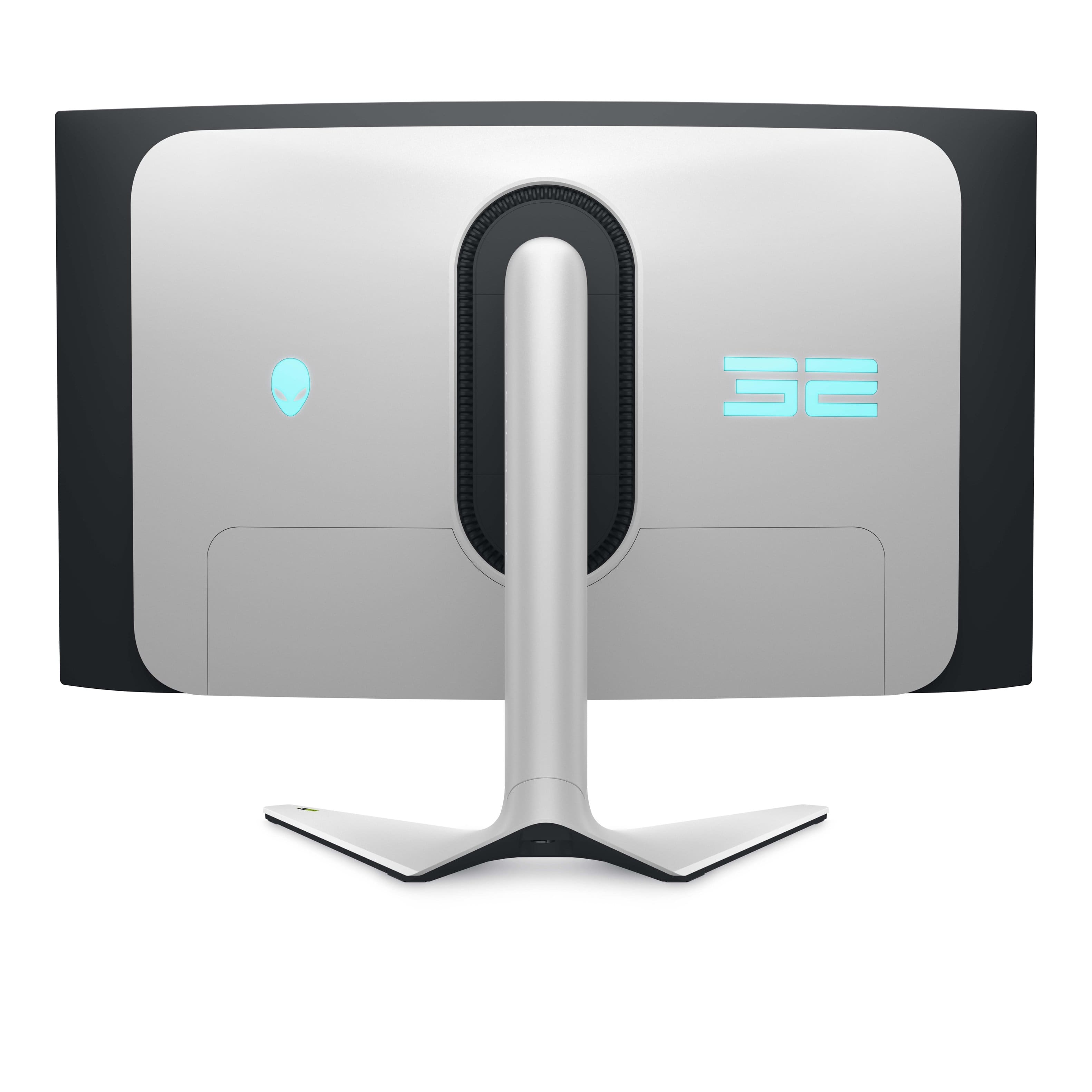
- Model:
- AW3225QF
- SKU:
- 6576612
Rating by feature
- Display Quality
Rating 4.9 out of 5 stars
- Ease of Use
Rating 4.7 out of 5 stars
- Features
Rating 4.7 out of 5 stars
Customers are saying
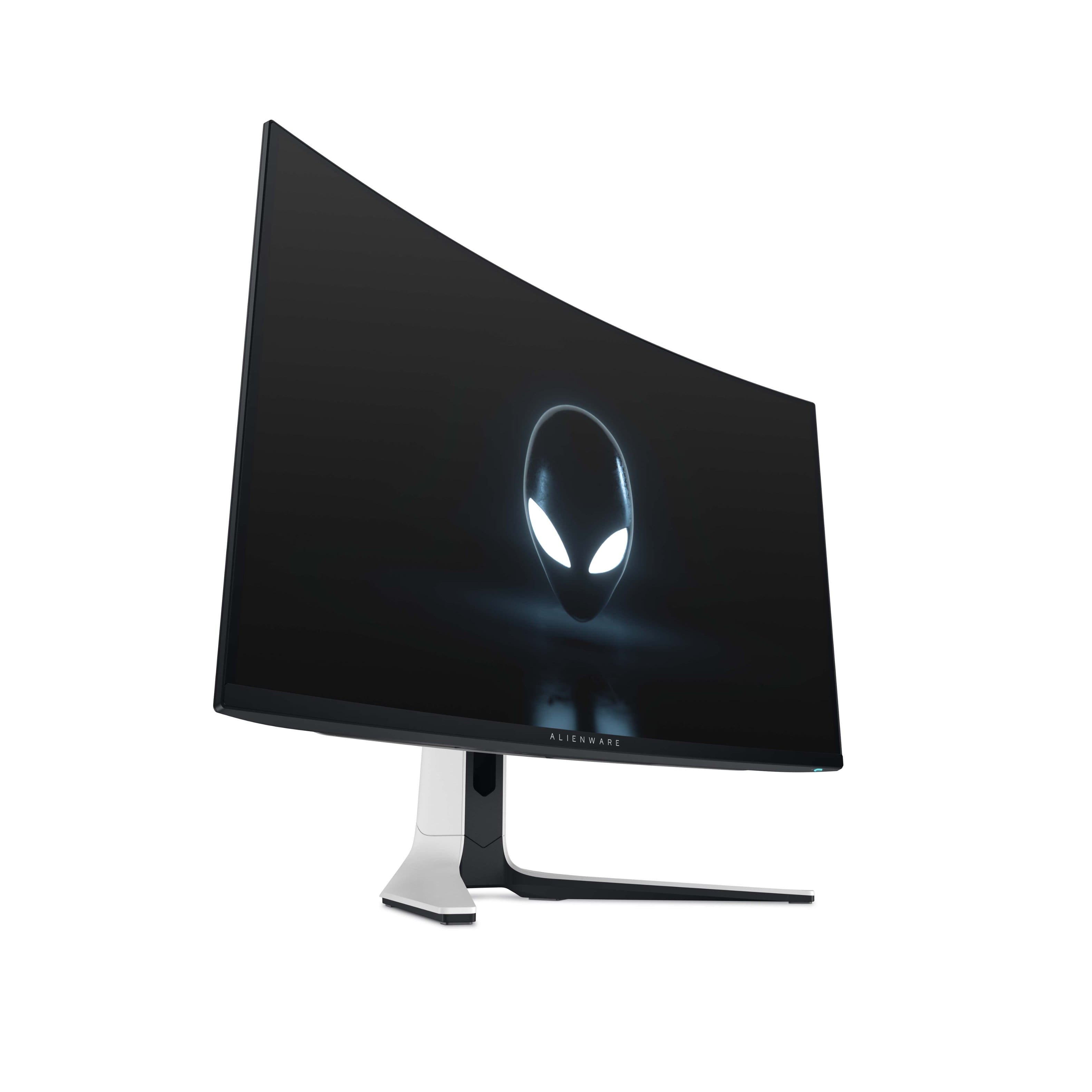
Customers are satisfied with the AW3225QF monitor's picture quality, smooth refresh rates, and vibrant colors. The OLED quality and HDR performance also receive positive feedback. Some customers feel that built-in audio should be included, while others express concerns about the price. A few customers have noted the lack of an aux port.
This summary was generated by AI based on customer reviews.
Ableton Live & Blender 3D
||Posted .This reviewer received promo considerations or sweepstakes entry for writing a review.great screen ! hertz & i make music on ableton with it. You have to do a pixel refresh every 4 hours that lasts 6 minutes
I would recommend this to a friend- Pros mentioned:Color, Oled quality, Picture quality

Gorgeous, lush, & performant OLED gaming monitor
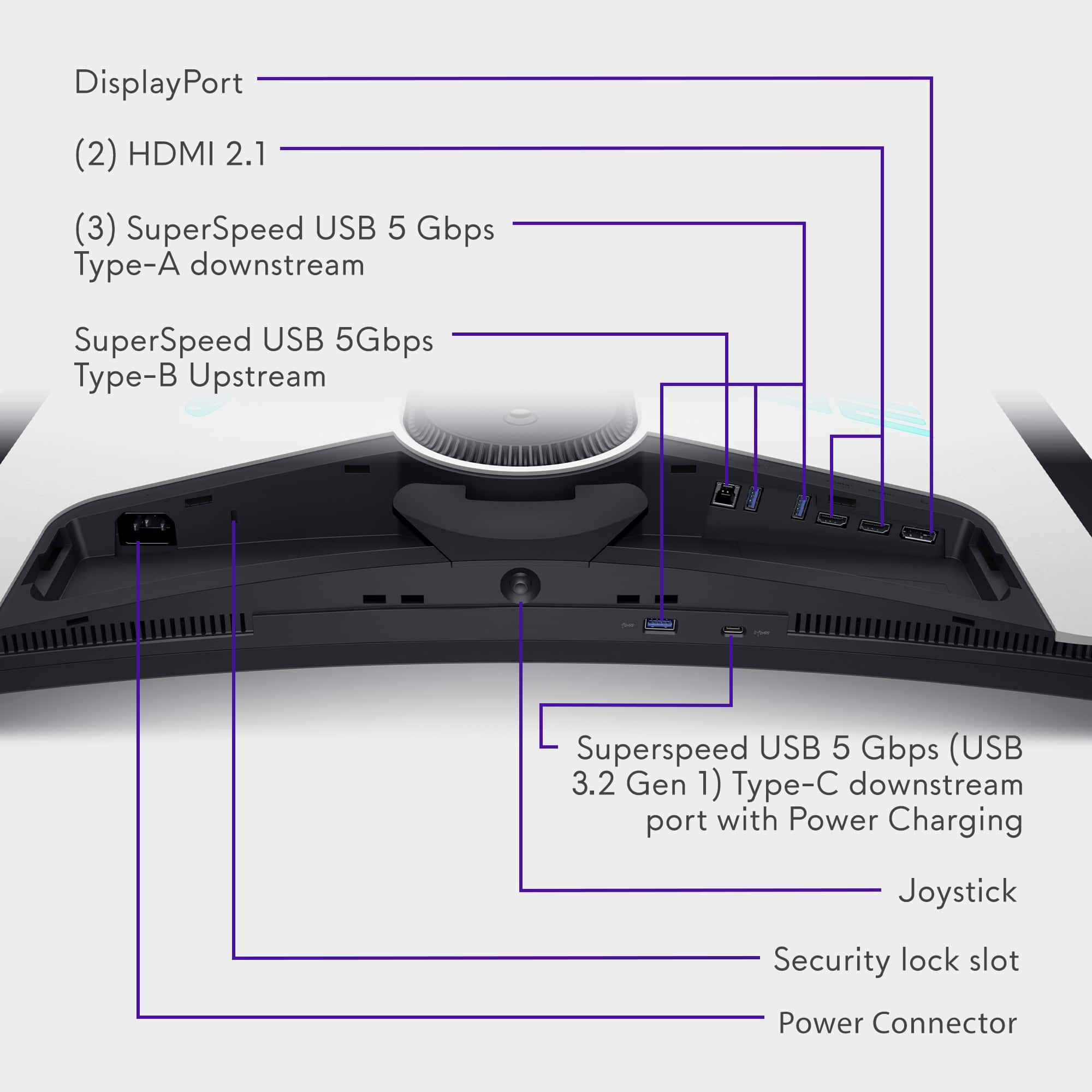
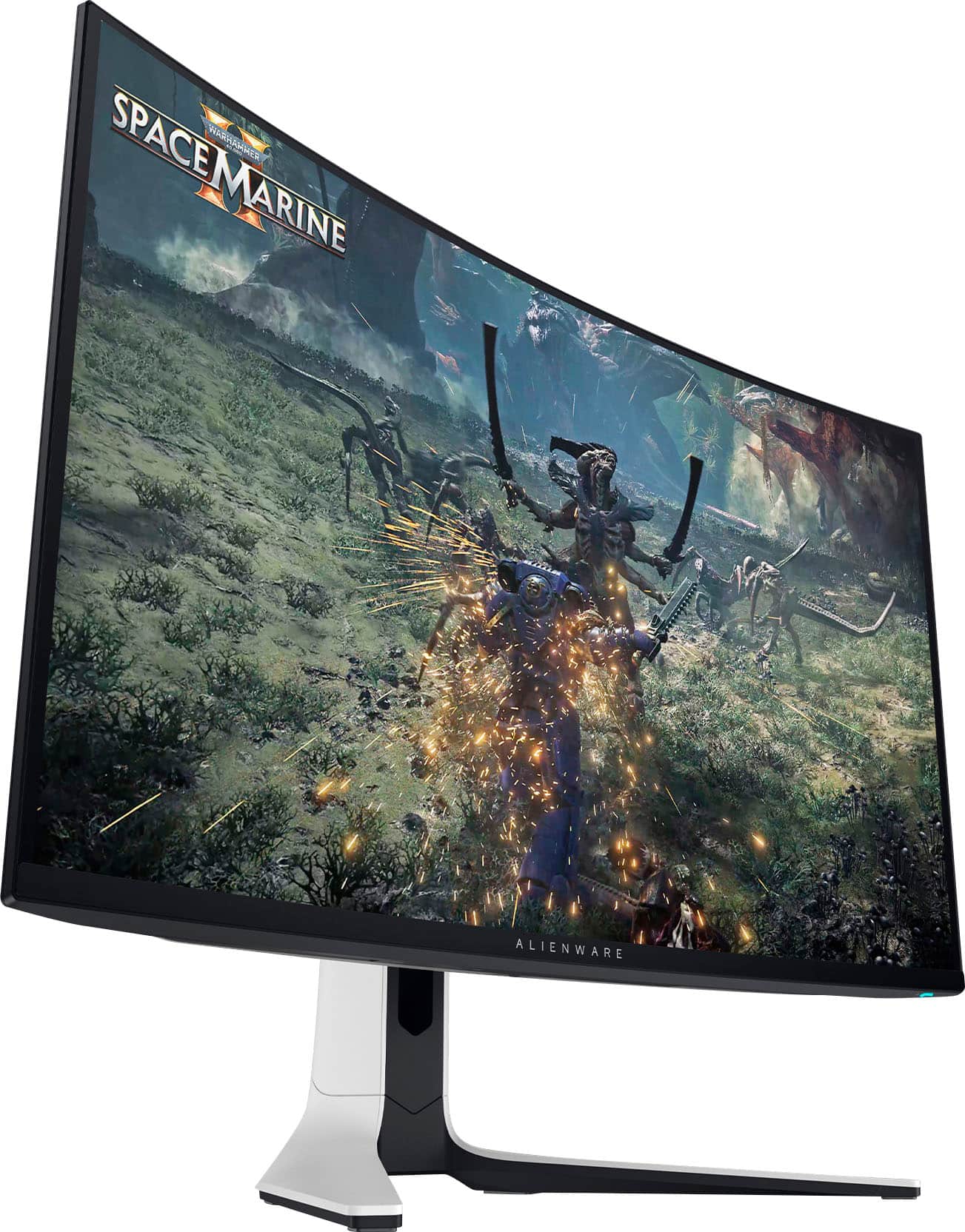
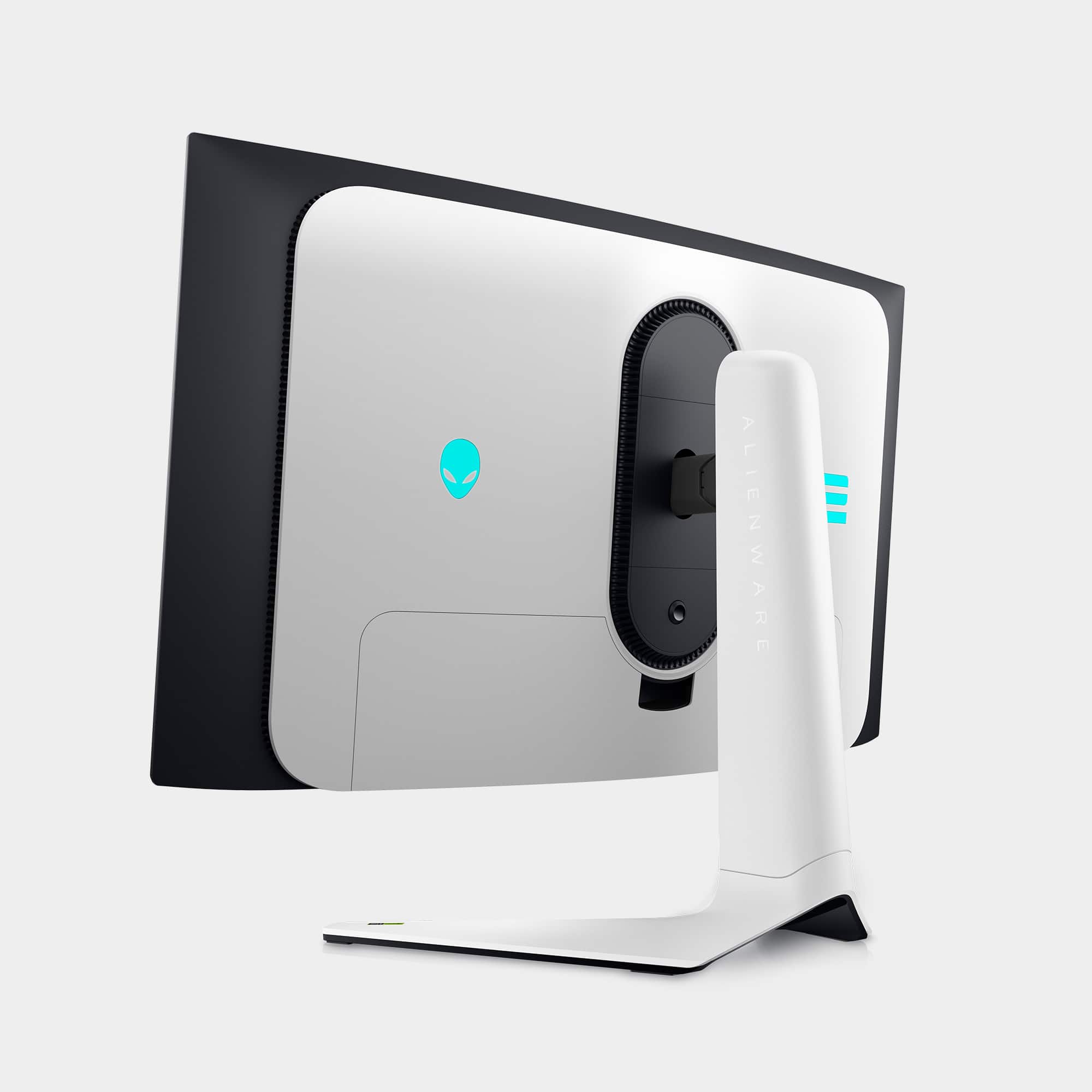
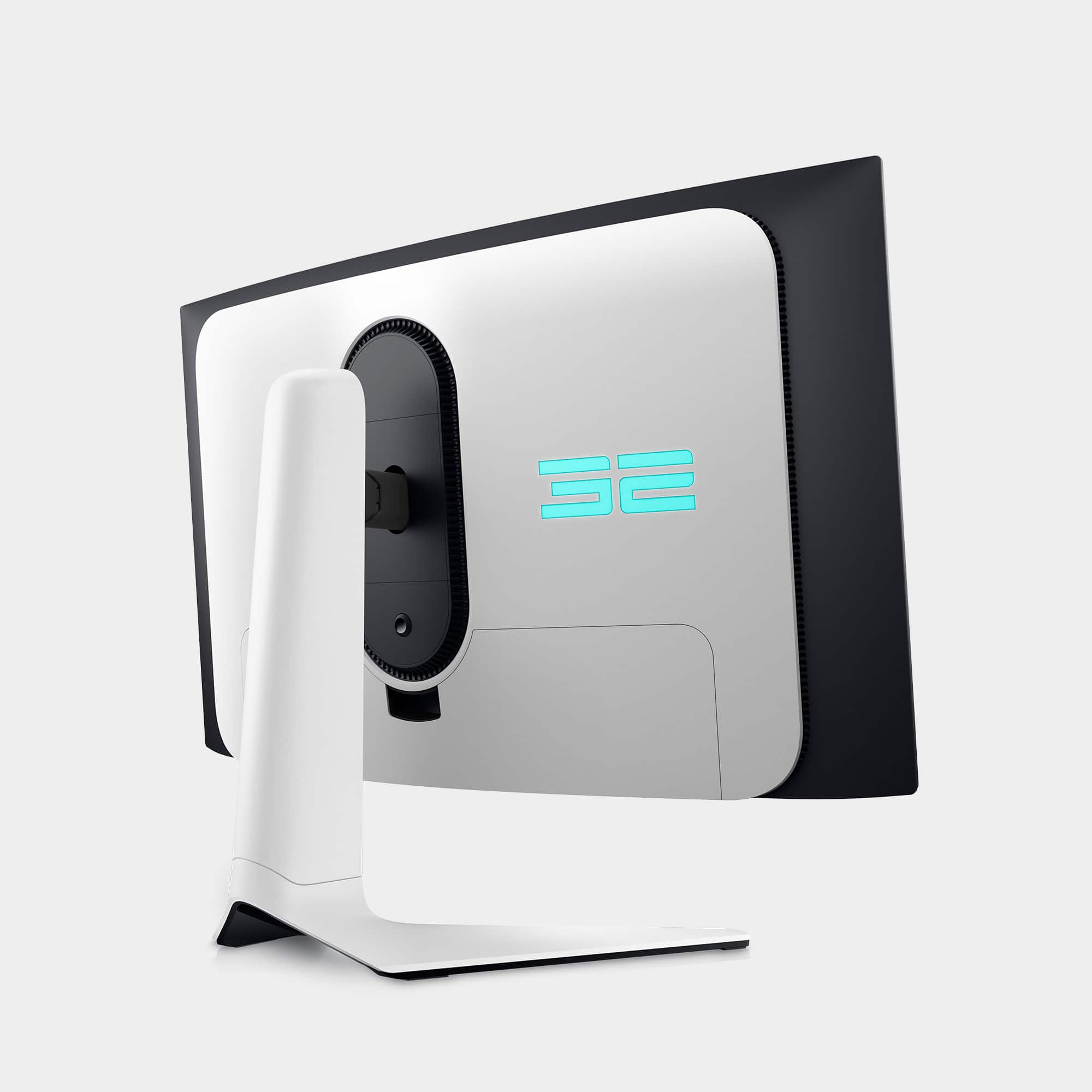
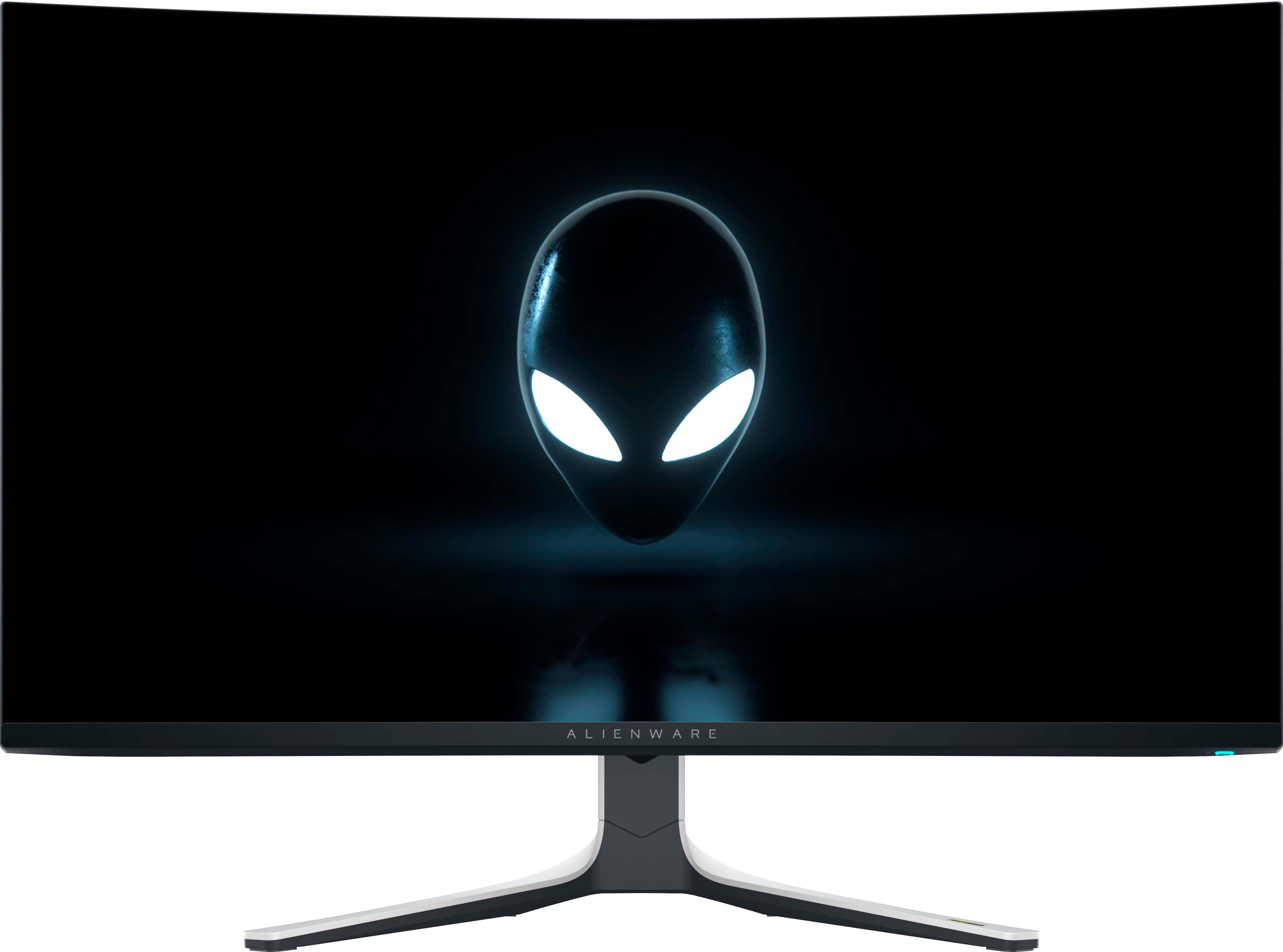
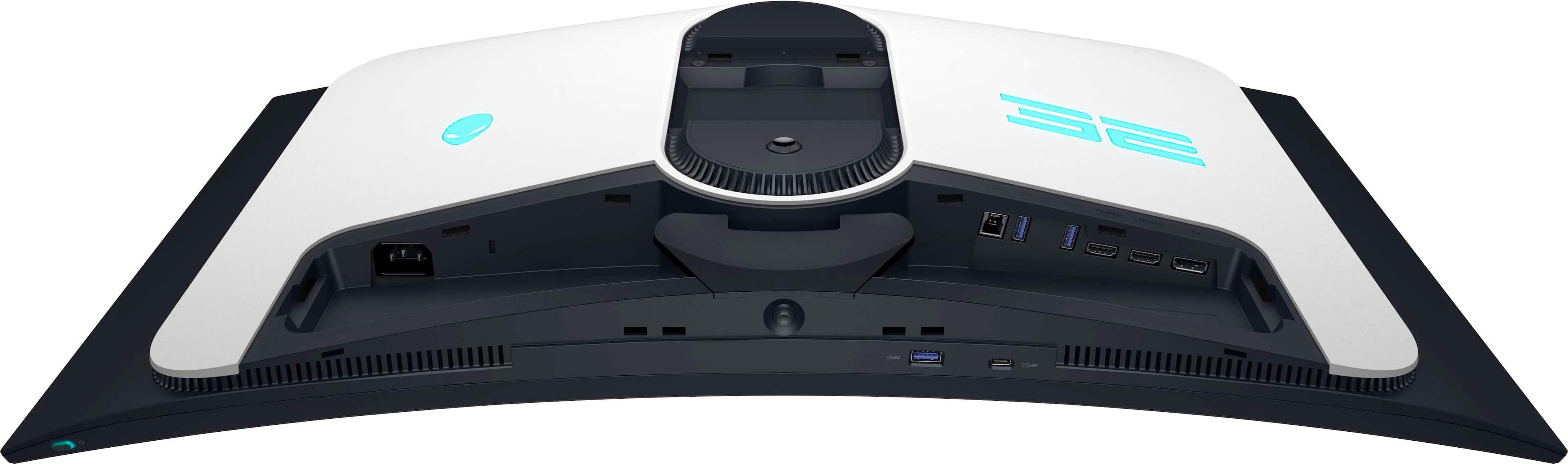
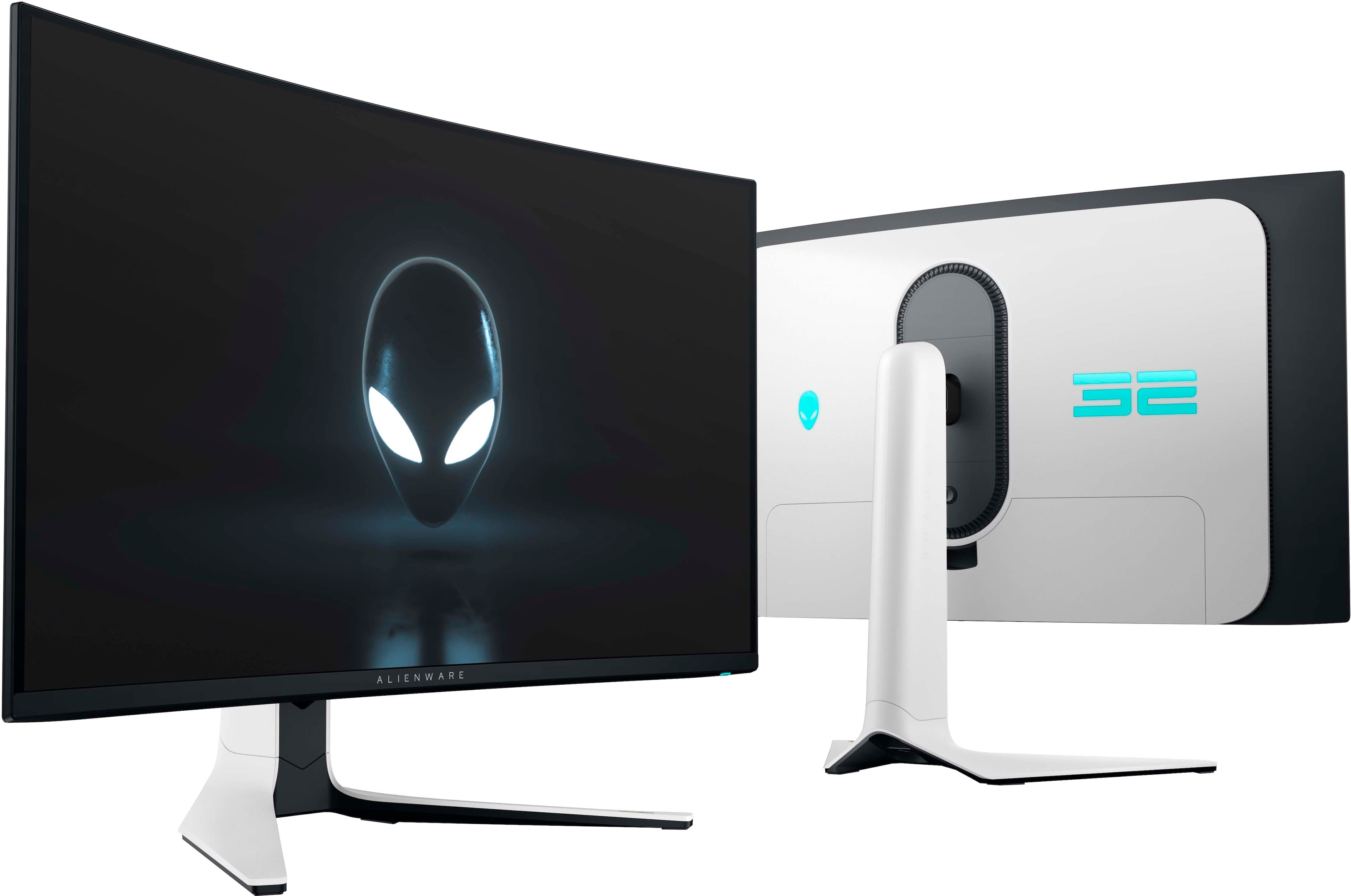
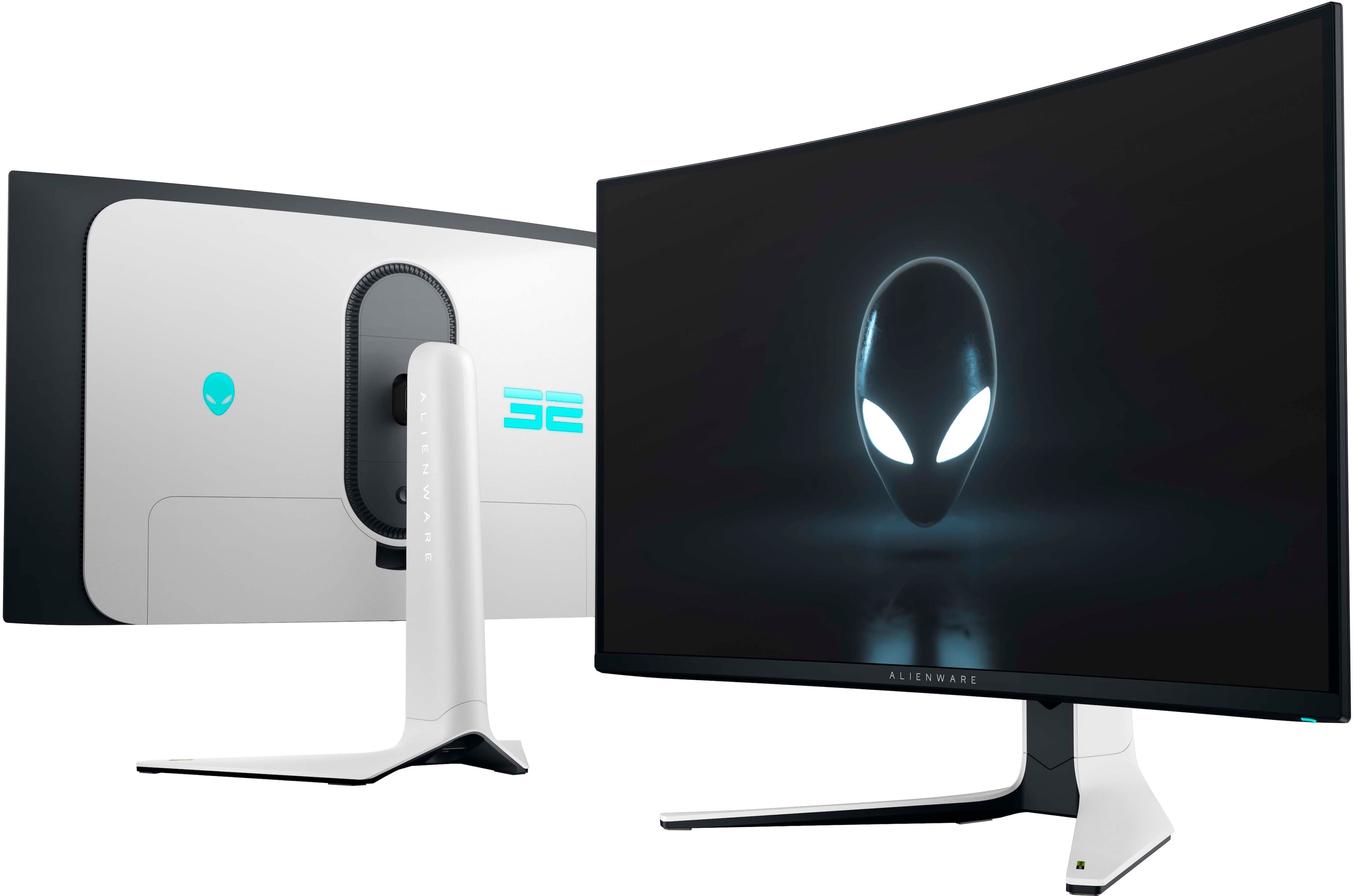
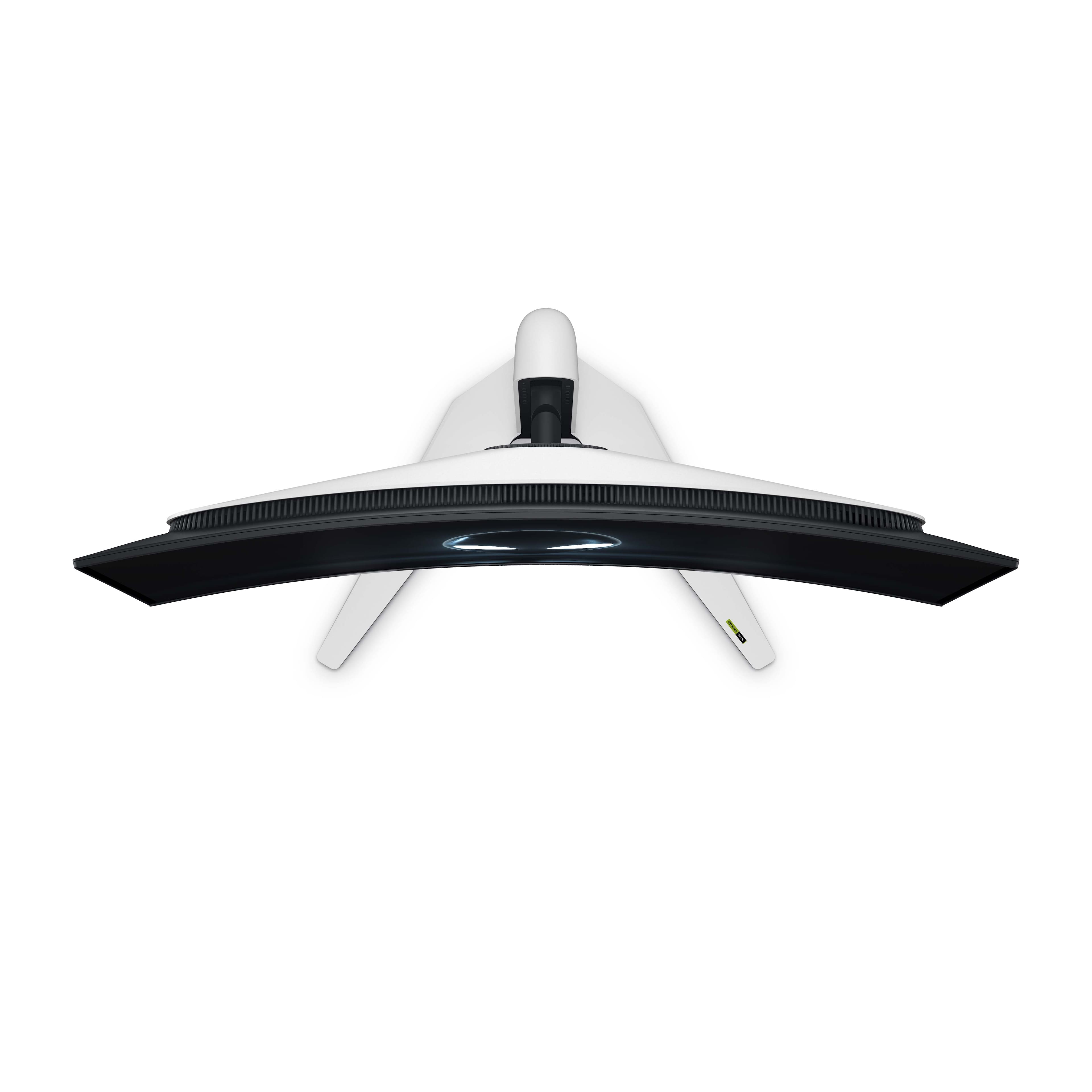
|Posted .This reviewer received promo considerations or sweepstakes entry for writing a review.** Summary ** The 32” Alienware AW3225QF is hands down the best gaming monitor I’ve ever experienced. My previous main display was a 27” Sony 4K HDR with a 144Hz refresh rate, and this Alienware blows it away in every category – size, design, picture quality, brightness, backlighting evenness, and of course, that 240Hz refresh rate. I was able to quickly adjust to the larger 32” size, and I found it perfect for everything I do with a computer – gaming, browsing the Internet, reading articles, streaming music videos and TV shows, photo and video editing, and word doc and spreadsheet work. In other words, it’s wonderful and a fantastic product. _____ *Pros: -Cool-looking curved design with subdued LED lighting on the back. -Easy to use joystick for OSD navigation. -Excellent calibration out-of-the-box. -Ultra clear, crisp, and bright display. -240Hz refresh rate. -Both the DisplayPort and HDMI ports support 4K at 240Hz. -The eARC HDMI port supports Dolby Atmos sound. -Tool-free assembly. -3-year OLED burn-in warranty. _____ *Neutral: -No built-in speakers or audio-out jack. -Max SDR brightness of 240 nits. _____ *Cons: -None *** Design, Build Quality, & Utility *** The moment I laid my eyes on the gigantic box, which is almost as big as my 100lb Goldador’s dog bed, I knew there was a very special monitor inside. The Calibration Factory Report worksheet inside built up my hype and expectations for quality as I removed the monitor pieces one by one and began the assembly. The installation didn’t require a single tool, and the parts slid and snapped together perfectly. Everything I needed to start using it was in the box – the power cable, DisplayPort cable, HDMI cable, and even a USB-B cable. All the pieces felt solid, durable, and high quality, and the assembled product looked fantastic with its black and white design that gave it a striking and classy look. There is some LED backlighting on the backside of the panel, but it’s nothing over the top or garish, which was to my liking. In a pitch-black room, it’s enough to provide some lighting so you don’t bump into things accidentally. The height, tilt, and swivel can be adjusted, and in everyday usage, the monitor stand was very stable and wobble-free on my desk. There are plenty of ports provided (1x DisplayPort, 2x HDMI, 1x USB-C, 3x USB-A, 1x USB-B), and thanks to the hole cutout on the monitor stand, all the cables can be neatly routed and organized. What’s cool about the AW3225QF is that the DisplayPort and both HDMI ports all support the max 4K resolution with 240Hz refresh rate – some other monitors only support the full spec on the DisplayPort and not on the HDMI. The USB-C port is nice to have, but it, unfortunately, does not support video-in. You can use it, though, to charge a smartphone. Thankfully, there were no dead pixels or backlighting issues with my unit – the calibration was right-on out of the box, and everything looked perfect and peachy no matter what type of content I threw at it. The standout feature of the Alienware AW3225QF is its 240Hz, 4K OLED display, and it is truly lush, sharp, and bright, all of which should make you feel very happy and content for all the coin you had to drop on this high-tech monitor. The OLED makes the contrast and the blacks amazing, with the dark areas appearing perfectly dark, which aids in the perception of depth and realism when watching movies or playing games. With a pixel density of 137 pixels per inch, everything looks sharp and very crispy, and it will benefit not just gamers but also people who will use this monitor for other common scenarios, such as photo and video editing, document and spreadsheet creation, streaming video content, and just browsing and reading stuff online. The AW3225QF does everything well, it’s quite a looker, and it’s a prime example of a well-crafted machine with excellent build materials and quality components that back up all of the marketing claims. *** Gaming Performance *** The Alienware AW3225QF was an absolute joy to play games on. Thanks to my 9-year-old daughter, I’m perpetually behind and catching up on my gaming backlog, but all the games I found time to play – Baldur’s Gate 3, Resident Evil 4 Remake, Horizon Forbidden West, Fallout 4, Fallout 76, and Left 4 Dead 2 - all looked gorgeous and fantastic. The game characters and environments pop and stand out more, thanks to the lush OLED display as well as phenomenal color calibration from Alienware. Even when things get very hectic with hundreds of enemies coming at you (like in Left 4 Dead 2), the AW3225QF handled motion clarity very well, retaining texture detail and allowing easy identification of objects and enemies despite fast-scrolling with abrupt camera movements. Also helping with the smoothness is support for Nvidia G-Sync, VESA AdaptiveSync 240 certification, as well as AMD FreeSync. Coming from a 27” monitor, the 32” widescreen noticeably felt like an upgrade, feeling like a small television, with added immersion thanks to the curve. The 1700R curvature is subtle and not too extreme, which is just fine with me. *** Is it worth the coin? *** Absolutely. If you’ve always wanted a high refresh rate, 4K display for years but passed on it due to high prices (>$2,000), then the AW3225QF at $1,200 makes it affordable for the masses. The industrial design and color scheme look cool, the build materials and quality are excellent, and that OLED display is truly a stunner, offering deep blacks, lush colors, and a high refresh rate that can handle fast motion very well. It comes with a 3-year OLED burn-in warranty, which is very reassuring. It’s a complete Win. 5 Stars.
I would recommend this to a friend Excellent Curved Screen 32" Monitor
||Posted . Owned for 2 weeks when reviewed.This reviewer received promo considerations or sweepstakes entry for writing a review.The Alienware AW3225QF is brilliantly sharp and has an excellent color gamut. I replaced two aging Dell 19" monitors with this unit and have been extremely happy with the experience.
I would recommend this to a friendMonitor review
||Posted .This reviewer received promo considerations or sweepstakes entry for writing a review.Just pulled it out of the box and noticed a mark on the screen, works great still no dead pixels but not excited about that considering I paid $1000 for The monitor
I would recommend this to a friend- Pros mentioned:Picture quality
Bes Buy Stinks
||Posted . Owned for less than 1 week when reviewed.This reviewer received promo considerations or sweepstakes entry for writing a review.I purchased this $1300 monitor from Best Buy as an open box - excellent item and even paid for expedited shipping. It arrived a day later than it would have had I used standard shipping. The box was in terrible shape (and a bit of foreshadowing, there was a decent sized dent on the bottom of the box which indicated substantial force was applied onto the monitor screen itself. More on that soon!). Next, it was missing the back plate cover, which covers all visible cables. Also, it was missing the display port cable, and the power cable also… Sorry for saying “cable” so many times. Cable. There was food or some kind of gunky debris all over the screen, and the internals were covered in an inordinate amount of dust and hair. So, I cleaned it up and used my own cables to power up the device and connect it to my PC. I figured that for a couple hundred dollars off this was sort of to be expected, but at this point I was already starting to feel like I’d gotten a pretty crummy deal. Now, onto the monitor itself - It honestly worked really well, and the display was beautiful. I have owned Dell products, and absolutely loved them. Specifically, their high-end monitors. However, after two days I noticed a tremendously obvious and discolored line running vertically from the top of the monitor to the bottom (image attached). Placing my Sherlock Holmes cap on, I put the monitor back in the box the way that it was shipped. Big surprise, the vertically-discolored line running top-to-bottom of the screen measured up perfectly to the exterior dent on the box. Anyways, I tried running tests through the monitor itself, and even unplugged the display port cable to make sure it wasn’t my PC. It wasn’t. I worked on it for a couple hours, to no avail. So, I created a return with Best Buy, no big deal. I then decided to buy one brand new, but Best Buy would not price match with Dell ($200.00 less) as they are not a verified competitor? Which, admittedly, I could have researched beforehand but the fact alone is quite absurd. And Best Buy would not let me purchase a plus membership moments after I placed the order for the new monitor. The customer service agent claimed that I could be purchasing the membership in order to take advantage of Best Buy, and that the membership would have to be bought alongside any purchases in order to be honored. The new monitor (which I had bought minutes prior…) is literally being packaged for shipment AT A BEST BUY WAREHOUSE. I do not have it in my possession. That was a bit of a head scratcher, as well. I have bought and returned at least a dozen high dollar items from Best Buy and can safely say that their quality control is atrocious. Additionally, their customer service team basically just looks at information that we the customers are fully capable of viewing ourselves. So I just went to Dell.com and bought one brand new for $200 less and with a 3-yr warranty. Think I might be done buying from Best Buy :(
No, I would not recommend this to a friend Best Monitor!
||Posted . Owned for 1 month when reviewed.This reviewer received promo considerations or sweepstakes entry for writing a review.This is the best monitor in the market for its price range. The oled displays all the black values perfectly and is good for watching 4k movies.
I would recommend this to a friendAlienware
||Posted . Owned for less than 1 week when reviewed.This reviewer received promo considerations or sweepstakes entry for writing a review.Exelente monitor gaming una resolución increíble la mejor compra q aran
I would recommend this to a friendBest choice for 4K monitor
||Posted . Owned for 3 weeks when reviewed.This reviewer received promo considerations or sweepstakes entry for writing a review.Incredible monitor! This is my first time using an OLED 4k monitor, which is definitely one of the best choices available. Highly recommend it!
I would recommend this to a friendEpic
||Posted . Owned for 1 month when reviewed.This reviewer received promo considerations or sweepstakes entry for writing a review.The best monitor I ever owned! Hands down, oled is a game changer
I would recommend this to a friendLove this monitor
||Posted . Owned for 3 weeks when reviewed.This reviewer received promo considerations or sweepstakes entry for writing a review.Slightly used but great condition 4k monitor for an amazing price
I would recommend this to a friendAlienware QD Oled
||Posted . Owned for 1 week when reviewed.This reviewer received promo considerations or sweepstakes entry for writing a review.I love it and very beautiful everything is perfect PC gaming and Console ! It’s highly recommended!
I would recommend this to a friendBest bang for buck
||Posted . Owned for 1 week when reviewed.This reviewer received promo considerations or sweepstakes entry for writing a review.The oled 4k is amazing wish I would of bought sooner
I would recommend this to a friend- Pros mentioned:Color, Hdr, Picture quality
240Hz QD OLED Gaming Beast from Alienware
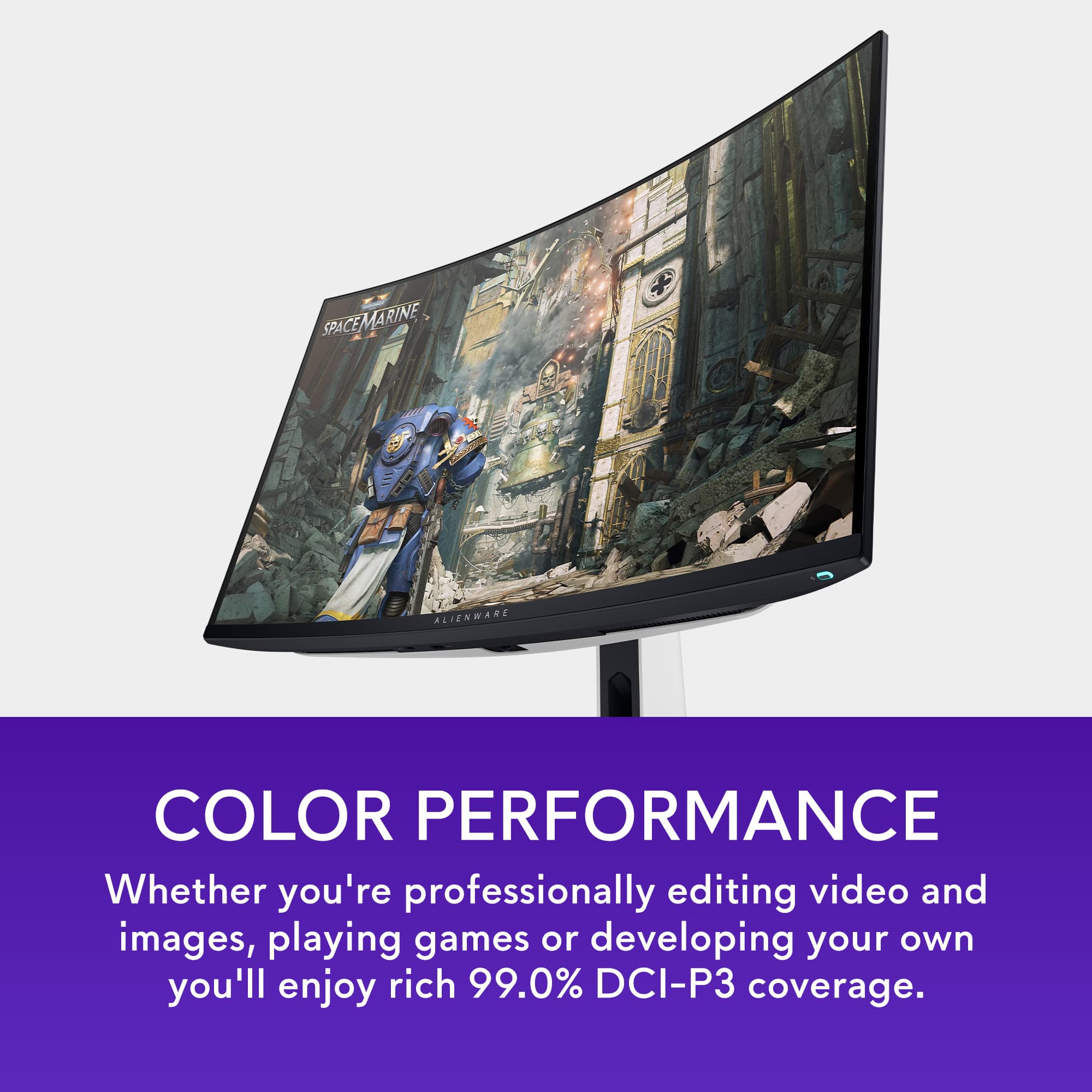
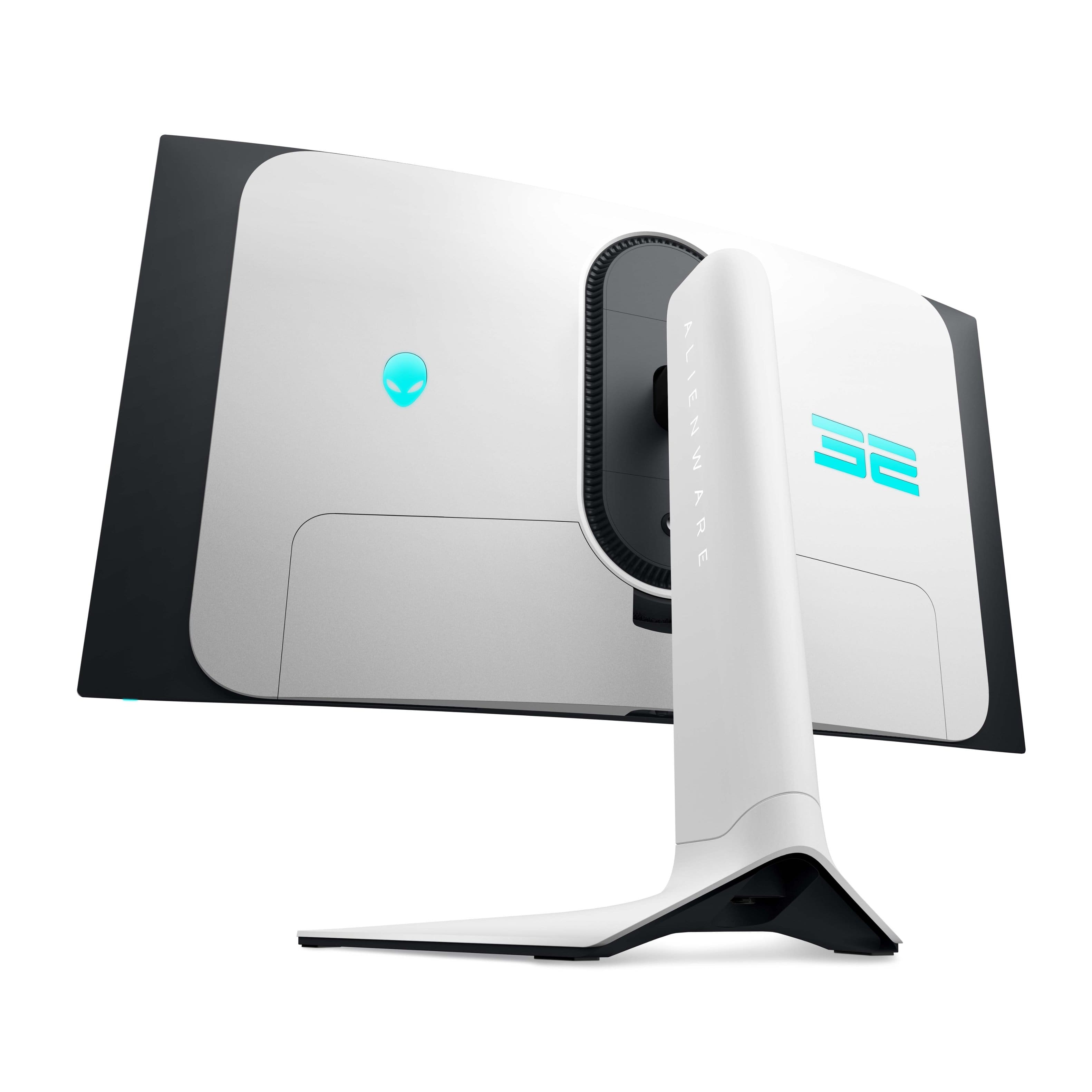
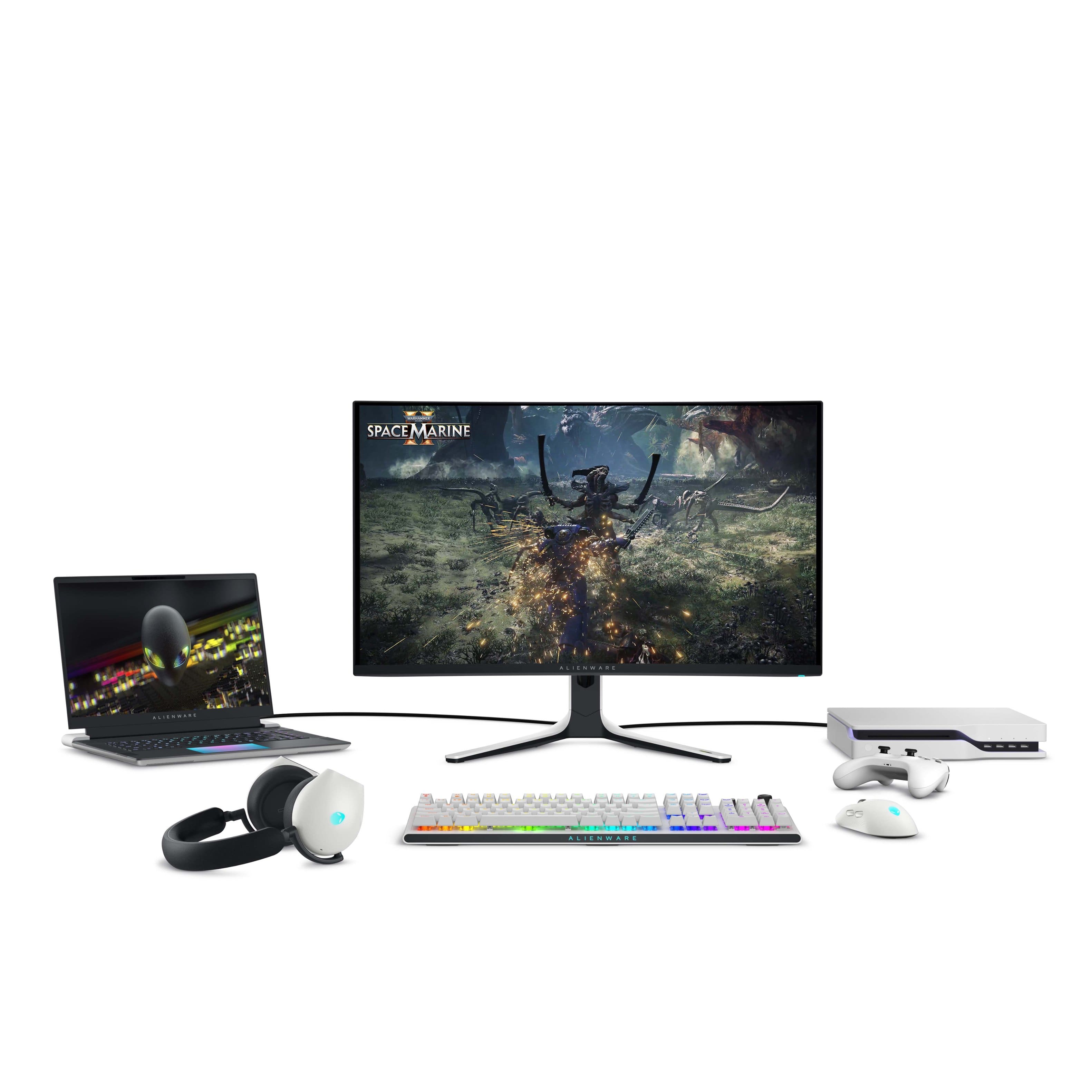
|Posted .This reviewer received promo considerations or sweepstakes entry for writing a review.The Alienware AW3225QF 32 inch QD OLED gaming monitor is a 240hz beast! The monitor comes well packed in a large box to protect the OLED screen. The screen itself has an adherent scratch protector with a bubble wrap cushion taped on top of that to protect the screen that rests in a curved form fitting support to ensure you get a pristine screen. Dell packs all the goodies to get you connected an High speed HDMI cable, a display port cable and a USB B to USB A ver 3.2 to connect to the built in USB hub. The power supply is built in the monitor so just a power cord. Cable management is great, there is a space for all cables with the ports at the top and a supplied cover hides all those making the back of the monitor look great. The cables exit and can be fed through the stand to exit the rear of the base completing the excellent cable management. As for ports they are 1 display port with 1.4 , 2 HDMI 2.1, (HDCP 1.4 & 2.3), 3 USB A gen 3.2 (2 on the rear and one front lower bezel) and 1 USB C gen 3.2 front lower bezel). HDMI1 is eARC and can be connected to a soundbar and pass through Dolby Atmos. The additional USB A port and the USB C Port are on the bottom of the lower bezel to the left of the Joystick. The led accents at the back of the monitor include The Alienware logo and 32 as well as the power button (The colors and even turning them off can be controlled with the Alienware Command center App) The included monitor stand is stable and very adjustable to get just the right position. The 100 x 100 Vesa mount is built in but recessed, you may have to use spacer depending on your monitor arm mounting plate size. The white back and stand against the black bezel give this monitor a very clean and cool look. The 1700R curved panel is a shallow curve that gives you great peripheral visibility with no distortion. The on off button is at the right and the display controls are in the center of the bottom bezel. The display control consists of a joystick, this takes a bit to get used to but easy after you figure it out and is actually a great way to control the myriad of functions with minimal buttons. So how does it look? In a word, absolutely amazing! The blacks are ink dark due to the OLED, i.e. it is able to turn off individual pixels so black is absolutely black. Colors are Vibrant and deep. At 240 hz your games look like a movie, no halos, no blur, no tearing, no ghosting. Like all OLED gaming monitors you can have some flicker with VRR in dark areas but with the latest firmware and the 240 hz capability this is minimized. You have to have a graphics card that can keep up the refresh rate in the resolution you desire if it adjusts a lot that's where you can get flicker. You have several modes to choose from in the Dell Display manager or the monitor control menu. The higher pixel density of 140 DPI makes text much clearer than older gen OLED panels in fact I would say it is now not an issue compared to my other LED or LCD monitors and is ok for everyday use. Pixel and panel refresh routines are available to help prevent burn in. This panel has an active cooling fan but I did not hear it at any time during operation. If you need truest color you can select creator mode to put the monitor in SRGB and choose 2.2gamma this also bypasses the logo detection that dims the panel in game play allowing about 240 nits of brightness vs about 210 nits in the other modes. Viewing angles are great with really no drop in any normal angle you may experience in normal use. Dolby vision: The monitor supports Dolby vision however if you are using windows to game you might want to switch it off because windows tries to push some HDR10 games to the monitor in Dolby vision resulting in incorrect color mapping and dark display. This is a windows issue. If you have a game that is true Dolby vision enabled you can switch the mode back on. The auto switching works perfectly fine with consoles, streaming devices and blu ray players. For HDR content I found the HDR 1000 mode to give the best results, colors are accurate and brightness is excellent during gameplay and streaming. There is also an HDR Movie mode in the Dell display manager that you can use. I turned the Smart HDR off in the Gaming section, I think this will keep the Dolby from coming on incorrectly until Microsoft fixes the way Windows handles HDR. This monitor has DSC (display stream compression) on all the time without any way to turn it off. There is a possible work around when you activate 'Legacy Device' in console mode in the OSD, the DSC is disabled, allowing you to use the DSR, create a custom resolution or anything else that the DSC won't let you do. Then, when you deactivate console mode (in Legacy device), the customs resolutions will still be present. This seems to only work when using HDMI. There is some talk on the Alienware form that the DSC disable is coming in a future firmware update just like they added the Dolby Vision disable in the latest firmware. Dell includes a 3 year warranty covering panel burn in which is a welcome addition since OLEDs are prone to this. I recommend you visit the Support page for the monitor on the Dell website and download the latest firmware, The Dell Display Manager, the Alienware command center and the monitor drivers for your operating system to give you the best experience and control the monitor completely. I really love this monitor. The subtle curve and the OLED colors and performance are outstanding. After the latest firmware update the VRR flicker is not really noticeable. This is my go to for gaming for 2024!
I would recommend this to a friend Eye candy
||Posted . Owned for 1 week when reviewed.This reviewer received promo considerations or sweepstakes entry for writing a review.Amazing monitor. Running this with a 4080 super and it looks stunning.
I would recommend this to a friendDell will not warranty for manufacturer defect.
||Posted .This reviewer received promo considerations or sweepstakes entry for writing a review.Monitor came with what looks like bubbles on display. There were only a few to start but the problem has gotten significantly worse. Dell support refuses to replace the monitor under the 3 year OLED warranty. Stay away from Dell/Alienware monitors. They will not stand behind the warranty.
No, I would not recommend this to a friend- Pros mentioned:Hdr, Picture quality, Refresh rate
Big, Bold and Beautiful!
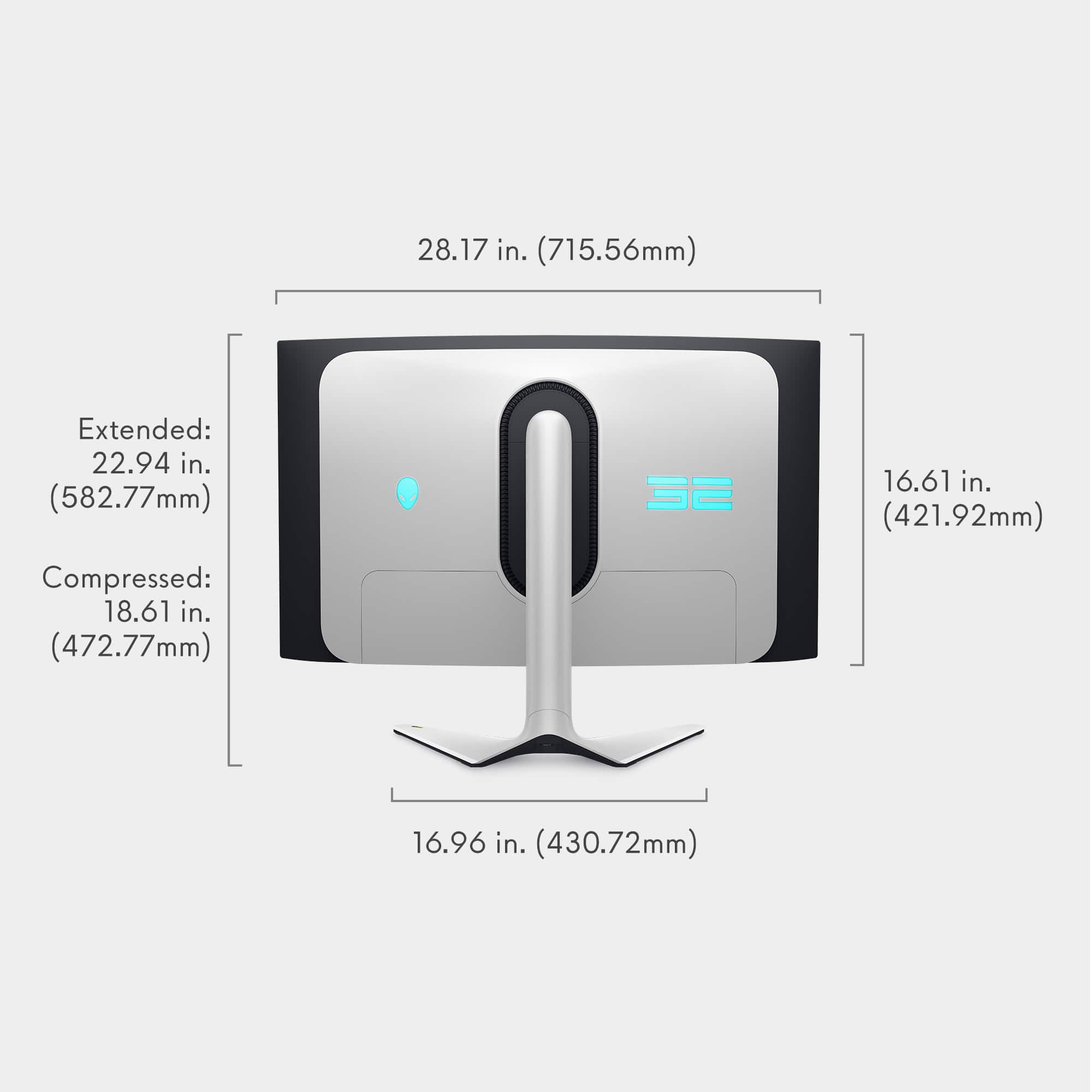
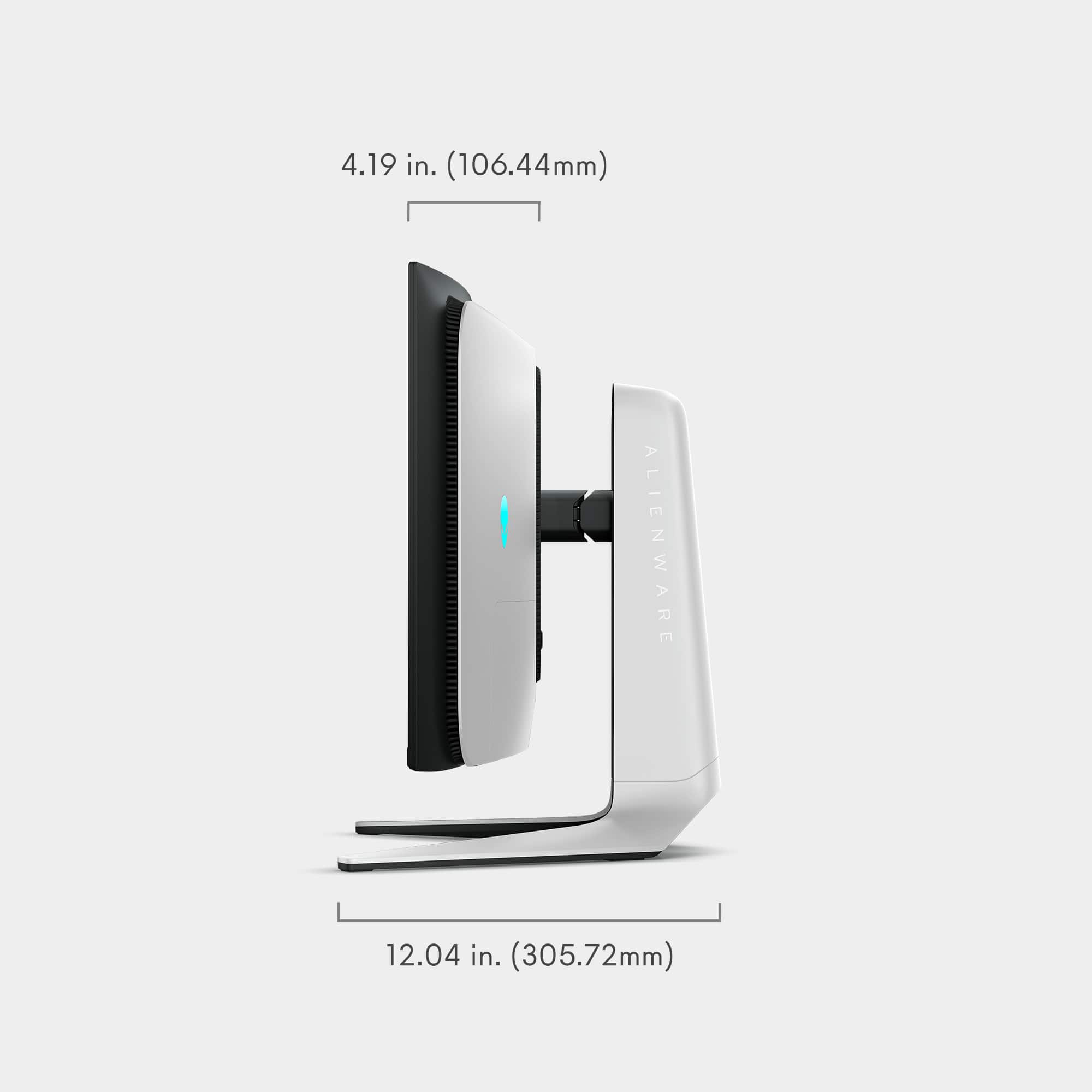
|Posted .This reviewer received promo considerations or sweepstakes entry for writing a review.The Alienware - AW3225QF 31.6" Quantum Dot OLED Curved Gaming Monitor - 240Hz - NVIDIA G-Sync - VESA - HDMI, USB-C - Lunar Light is Big, Bold and Beautiful! This is the first monitor of this size that I've tried out and the first OLED monitor. Upgrading from a Dell Gaming S2716DGR 27.0" QHD Wide 1440p Screen LED-Lit Monitor with G-SYNC monitor, so this is quite a bit more screen real estate. I have an Alienware Aurora desktop and this matches it perfectly! The monitor arrived very well packaged and in perfect condition. Setup was easy and only took about 10 minutes to get it swapped out with my old monitor. I run a 3 monitor setup so this is the new centerpiece. The curve is subtle and works well in my setup. You will need some decent desk space for this monitor! The stand is solid and allows for good up and down, swivel and angle adjustment. The stand has a cable management slot which is nice and a cover that pops off to hide the ports and cables if you're concerned with how the back of the monitor looks on your desk. It comes with power cable, USB in cable and HDMI cable and Display Port cable. Easy to read instructions for monitor setup are provided. The monitor has plenty of ports for multiple inputs. 1 Display Port and 2 HDMI 2.1 ports so very convenient to have your PC and gaming console connected at the same time and swap between inputs. It also has several USB ports for connecting devices and one USB-C port. The display itself is beautiful! Ultra crisp 3840 x 2160 resolution with vibrant colors and blazing fast refresh rates 240Hz and .03ms response times. With the GSync enabled gaming on this is a treat to behold. Gaming in 4K does take a substantial amount of gfx power if you want to have all the bells and whistles enabled (3XXX series and beyond would be ideal). My 2080 series handles it fairly well but I do have to turn down the Ultra settings in some games to a more reasonable level for FPS preservation. Action filled sequences are ultra smooth with 0 screen tearing issues. The 32 inch size is really a sweet spot for the 4K video... big enough but not so big you're straining your neck to move around the view. Watching movies or video on the monitor is just as lovely! Just a side-note the monitor doesn't have internal speakers which most likely isn't an issue for most. It is a glossy finish with anti-glare coating so there will be some reflection in bright rooms but the monitor brightness and vibrancy overcomes this in most situations where it's not noticeable. I've been waiting for a good reason to upgrade my 2080 gfx card and this monitor is that reason so I can enjoy it without restraint :) Hands down the most beautiful display I've ever owned! The many Dell monitors I've owned over the years have been issue free and have lasted me many years, so I expect the same with this monitor. It does come with a 3 yr warranty as well!
I would recommend this to a friend Do Not Buy Open Box
||Posted . Owned for less than 1 week when reviewed.This reviewer received promo considerations or sweepstakes entry for writing a review.“Open box excelent” means they will just toss the panel in with loose cables and mount so it bangs up the monitor and makes it trash. Then they wont honor the sales price for you to exchange in store asking me to spend another $400. Very disapointed in best buy, how this even left your store and shipped this way is just plane ignorance.
No, I would not recommend this to a friend- Pros mentioned:Color, Oled quality, Picture quality
Boss level display that satisfies all my criteria
|Posted .This reviewer received promo considerations or sweepstakes entry for writing a review.Let me preface this review with it appears Dell has fixed the "arriving with scratches" issue due to bubble wrap making contact with the display by applying a proper screen protector to the screen and then attaching bubble wrap to the screen protector. As a result, my unit arrived properly protected with no scratches. I've included a picture showing the new packaging over the display. On to the review.... I've been gaming for decades and as technology as marched forward, I was there to jump on "the next big thing," in display technology. I had one of the famed Sony CRTs for years. I moved to an Apple 30" Cinema display on launch and then jumped ship to an HP 30" display when I wanted a 10-bit screen. As soon as BenQ introduced a 32" 4k 10-bit display that supported G-sync I was there and finally my last display was a Samsung G7 43" Gsync 4k 144hz mLED display. Each had its pros and cons but there was always something lacking that didn't make it the full "gaming" display I sought. The Sony display lacked the real estate, vibrancy and reproduction of an LED. The Apple display had an 8-bit panel, 60hz and painful response times. The HP was fixed at 60hz, still bad response time and didn't support Gsync. All the previous mention panels lacked any local dimming. The Samsung was the closest but regressed back to an 8-bit panel but at least the Samsung had dimming zones but 43" was a bit too large. My holy grail of displays was a 4k 30" to 35" display with a 144hz+ panel, low response time, 10-bit color and as high as possible dimming available and real HDR. Enter the Alienware AW3225 QF. For the first time ever, all my gaming display criteria has been met. Arriving in a large box, the display itself is actually not that heavy even with the stand and setting it up is assisted by the box itself. It adjusts nicely vertically and horizontally. You get an HDMI, DP and USB cord along with a few decent flair pack ins and a cleaning cloth. Setting up the monitor took less than 15 minutes to swap out my now old Samsung 43" display. The panel itself is perfect. No scratches, marks or issues. No dead pixels and properly lit from top to bottom. On paper, it checks ALL the boxes I could want in a proper gaming display and after having spent several hours using and gaming on it, it delivers. The colors are crisp and accurate with the 10-bit panel. The response time is silky smooth. OLED means per pixel dimming gives amazing blacks 31.6" is the ~32" sweet spot 10-bit color gamut is absolutely gorgeous HDR is great for shows/movies and some games The knock on older OLED panels was they were not bright enough but the Alienware is plenty bright. I had to adjust the brightness down a bit it was so bright out of the box. I play a lot of Fallout 76 and WoW and the colors are just so vibrant and the explosions bright and beautiful along with fast, smooth response times. I rewatched the first episode of the Fallout Prime series in HDR and it was amazing compared to not only my 43" display but my 65" Sony display too. The colors are really that good. So perfect, right? Well, almost. HDR adjustments must be made with HDR set to OFF which is not a deal breaker but a bit cumbersome. I actually find normal mode to work better for the majority of use cases versus HDR on but luckily I can toggle it real quick from the display properties in Windows 11. I'm not a big fan of curved displays but at least on a 32" the curve is not super obtuse but I would prefer it to not be curved at all. My Samsung display used a remote for control of settings while the Dell uses a thumbpad on the bottom center of the display. Even with the few negatives, I am hard pressed to find what else I could possibly want in a gaming display. I've effectively reached end game for now and will happily use the Alienware A3225 QF for years to come.
I would recommend this to a friend - Pros mentioned:Hdr, Picture quality
Excellent 4K Gaming and a Desktop Right Size
|Posted .This reviewer received promo considerations or sweepstakes entry for writing a review.The Alienware AW3225QF QD-OLED 4K gaming monitor is impressive. 16:9 aspect ratio, almost instantaneous pixel response, perfect blacks, and 240hz over HDMI 2.1 makes for an amazing and versatile gaming experience. Gaming visuals are excellent in both SDR and HRD. Console gaming with my Xbox Series X is full 4K at 120hz with Dolby Vision and VRR active. Text quality is clean and crisp without any color fringing. There are two HDMI Inputs, a single Display Port, a high-speed USB B input, 2 USB A ports on the back, one USB B and USB C port on the bottom bezel. The AW3225QF mounts easily to my monitor arm which frees up space and optimizes my ergonomics. The onscreen controls are easy to access and navigate using the built-in joystick. Overall, this monitor is big, bright, beautiful, and provides a premium gaming experience. Screen protection packing: First, I want to address screen protection packing. I have read that the bubble wrap used to protect the screen during shipping leaves scratches on the screen. I think Dell updated the packing material. My monitor arrived with zero screen damage. The screen protection system on my monitor is a multi-layer assembly consisting of a sheet of bubble wrap on the outer layer, two-sided tape in the middle, and smooth plastic on the inside layer. The smooth plastic layer is affixed to the screen with a low tack adhesive to prevent it from shifting or rubbing against the screen. Added stability is provided by tape securing the screen protector to the monitor bezel. I uploaded a photo for your review. Maybe early shipments had issues. My monitor came with the most substantial screen protection I have ever seen with a monitor. Kudos to the Dell and Alienware team. PC Gaming: Gaming is awesome on this monitor. I played MW Online, Diablo 4, and Forza Horizon 5. Diablo 4 and Forza are visual feasts that look amazing on the AW3225QF. Older games like MW Online was butter smooth at 240hz screen refresh. I tried all games with both SDR and HDR. Honestly, I did not notice much of a difference. This may be because switching from SDR to HDR is not a simple A/B switch which comparing the two impossible for me. I am happy either way. On thing I did not like was fighting with the monitor over HDR on and using the monitor presets built into the OSD. If HDR is on then the presets are unavailable. This means that I have multiple use cases for the monitor I am forced to either chose HDR for all content or use SDR presets for gaming, General Desktop usage, or Creative Mode for example. HDR does have multiple presets but they are not as easy to access from the OSD as the SDR modes. My preferred functionality would be each preset was HDR capable thus allowing me to essentially program all my use cases into a single list of presets. Xbox Gaming: I connected my Xbox Series X and configured the system, through Xbox Settings to use 4K, 120hz refresh, HDR Gaming, and Dolby Vision. I did not go through the trouble of switching between SDR and HDR on my Xbox simply because the process was clumsy and cumbersome. Again, without a simple A/B function it is impossible for me to tell which is superior. The Xbox Series X was built specifically for 4K gaming so all but one of my gaming experiences was flawless. Star Wars Battlefront II had some strange white out ghost phenomenon. For example, while looking down a hallway, what looks like a white fog would develop at the end of the hall, travel towards me, pass through me, and then travel behind me, vanish, and then start again in a perfectly timed cycle. The only difference I can think of between the AW3225QF and my LG 4K OLED was that the AW3225QF had VRR turned on. Otherwise, this issue does not exist for me. I cannot confirm this was the issue. But it was an issue, and a difference between my PC and Xbox configuration, so I am sharing it with you here. Otherwise, my gaming experience was flawless. Size and Quick compare: The pictures do not provide a reference to how big this monitor is. In the photos, I show my Alienware M18 gaming laptop driving the AW3225QF over HDMI. The M18 is a monster with its 18-inch screen. The AW3225QF dwarfs the M18. The screen is squarish with a 16:9 aspect ratio. There is a slight curve to the screen. It took minutes for my eyes to adjust. Now I don’t even notice. I purchased the 34” Alienware Ultrawide 1440p AW3423DWF back in March 2023. For those of you who may also own this monitor and are considering moving to the AW3225QF for 4K then I have posted some side by side and in-use photos. Both are excellent monitors. Upgrading from 1440p to 4K did have me worried. Like my AW3423DWF, AW3225QF will be used for both gaming and work. My under powered work laptop drives the AW3225QF at full resolution at 60hz. My Alienware M18 and Gaming Desktop’s 4070 had no issues keeping my games above 60FPS. In most cases, FPS remained above 90 FPS at a full 240hz refresh. Mounting: The AW3225QF includes mounting holes with screws. They are located where the included stand attaches to the monitor. This is a 100 x 100mm VESA Mount interface. I included photos of the mounting interface as well as the monitor on my desktop’s monitor arm. Super easy to mount. Everyday Usage: I also use this monitor for Work from Home and general computer usage. For either SDR or HDR usages I set brightness and contrast to 30%. I also reduce blue light where I can be either use Windows Night mode or the Warm monitor preset. Windows and MS Office apps are set to Dark Mode to reduce overall monitor brightness and light intensity. Finally, I set the taskbar to auto hide to help avoid monitor burn in. After an eight-hour day, when I turn off my computer and the monitor input turns off, the AW3225QF will go into a short pixel refresh cycle. My office gets direct sunlight in the mornings. The AW3225QF does a good job of combatting reflections. Typically, I close the curtains and that solves all my reflection issues. Late afternoon light or overhead lights can cause some reflections, but it is very muted. And if they are not then I just tilt the monitor slight along its Y-axis and the reflections vanish. The anti-reflective coating is excellent. The viewing angles of this monitor are also excellent. So, tilting the monitor left or right slightly is not a big deal by any measure. Additional Comments: First, connect the supplied high speed USB A to USB B cable that Dell supplies to your computer. This will allow windows to detect the monitor and load the most up to date drivers and monitor firmware. Second, if you experience any poor monitor performance, low refresh, or other monitor issue then make sure you are using the cables provided by Alienware before decaling this is an issue with the monitor. I had an issue out of the box where monitor refresh would not go above 60hz. It turned out to be an issue with a cable Adapter I was using to convert my Display Port cable to mini-Display Port for use with my M18 Laptop. Switching to the supplied HDMI cable resolved the issue and performed as well as the Display Port that I wanted to use. It is not a total 1 to 1 replacement but close enough when HDMI is 2.1 at 240hz. Final thoughts: Overall, I think this is both a wonderful gaming monitor and work monitor. Honestly, who swaps monitors between the two activities? These things have just gotten too big to play that game. I love the flexibility the AW3225QF affords me, the image quality, the near instantaneous pixel response, and the high refresh. Colors are vibrant, text is crisp, blacks are excellent, and, to my untrained eye, brightness is uniform across the screen. VESA mounting is a huge must for my setup and the AW3225QF looks beautiful mounted over my desk. See the included photos. I would like to see SDR and HDR features programmable to each monitor preset. Configuring SDR, HDR, and balancing the monitor presets is a real pain and forces me into SDR modes unless there is a real special reason to turn HDR on. Besides, I do not feel that my gaming experience, with the games I play the most, is impacted one way or the other. If you are in the market for a 32” class 4K QD-OLED then I think you will find a lot to like in the AW3225QF.
I would recommend this to a friend - Pros mentioned:Hdr, Picture quality, Refresh rate
The Monitor of my dreams.
||Posted . Owned for less than 1 week when reviewed.This reviewer received promo considerations or sweepstakes entry for writing a review.Second Gen QD-OLED panel is a massive step up from first Gen in terms of image clarity and response times. Going from .3ms to .03ms is a massive difference same with going from 165Hz to 240Hz. This panel is the panel of my dreams, glossy, curved, 32" helps with overall visibility in games and helps with running 4 windowed apps in a grid so everything is large enough to easily read and work with. I would personally not get 27" versions in 4k as 1440p is more ideal for 27". Everything would be a little to compressed on a 27" panel, ive had a 27" 4k panel before and it was not ideal at all in my opinion. 32" feels like a sweat spot for 4k monitors to me. The HDR works great with the TrueBlack HDR preset setting, though I did have to disable auto HDR in windows and create a custom color profile to fix the excessively raised black levels windows was applying. Windows has a HDR profile creation app in the store now that I would highly recommend. Though I had to disable the auto HDR to even get the app to finalize creating the profile and apply it otherwise it just hung up on the last step of the app which was annoying for a short bit until i figured out what the issue was. I do a lot of FPS gaming (mainly escape from Tarkov) and this panel with the HDR settings in either the preset FPS or MOBA/RTS mode has helped me more easily see in dark areas clearly without needing any form of flash light in game. Really gives a bit advantage over other players. Im sure this would apply to other games with similar environmental lighting and dark/bright areas. Though i would recommend lowering in game brightness in Tarkov to negative 25 in PostFX settings to fix the blown out bright areas you get if you dont apply a negative brightness setting. With my 5700x3d and 4080super I get between 100-144fps (I cap Tarkov to 144fps) on every map (even streers) on 4K resolition, Ultra texture, high everything else basically without DLSS. Long story 4k gaming with proper hardware is amazingly smooth and enjoyable over 1440p.
I would recommend this to a friend