Customer Ratings & Reviews
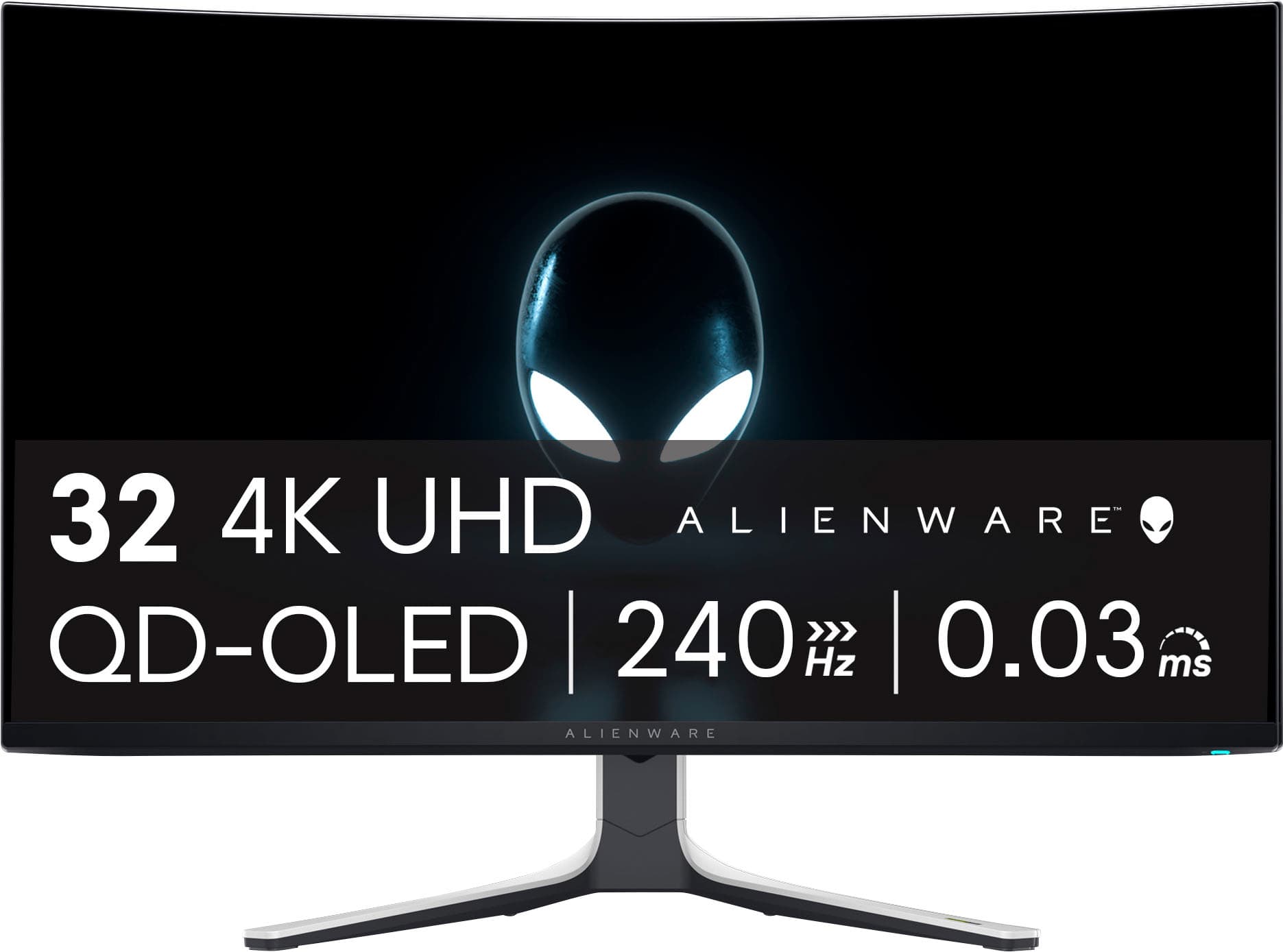
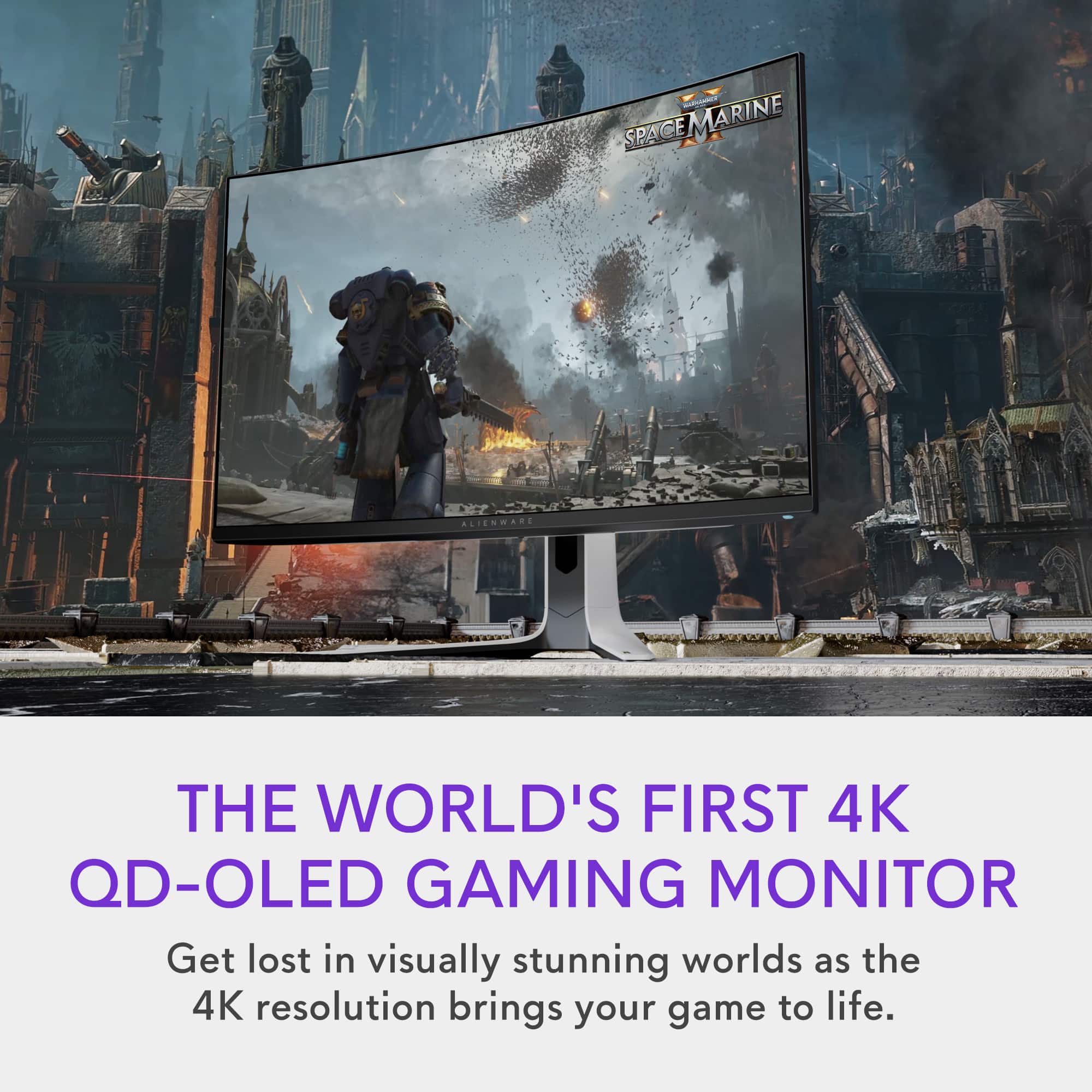
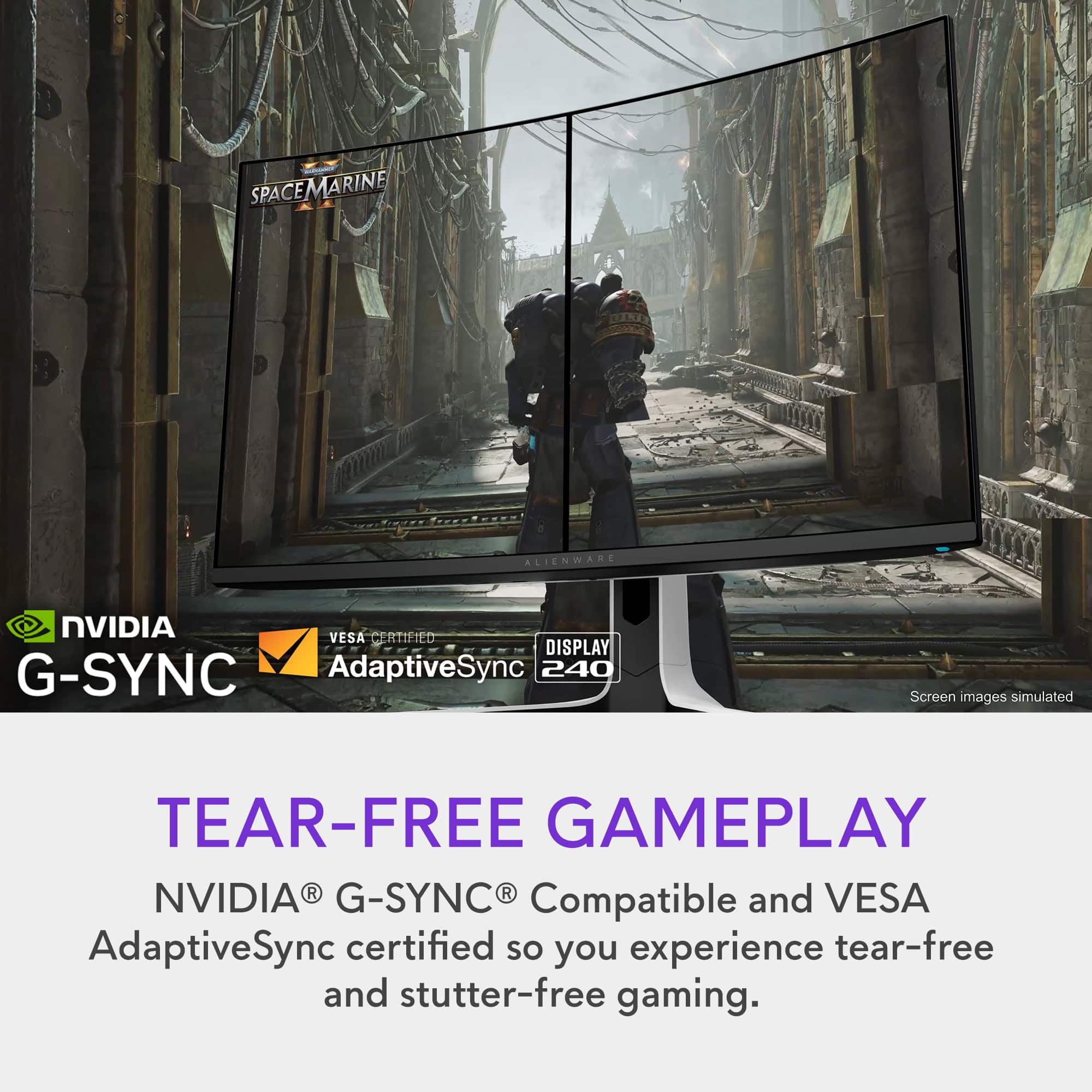
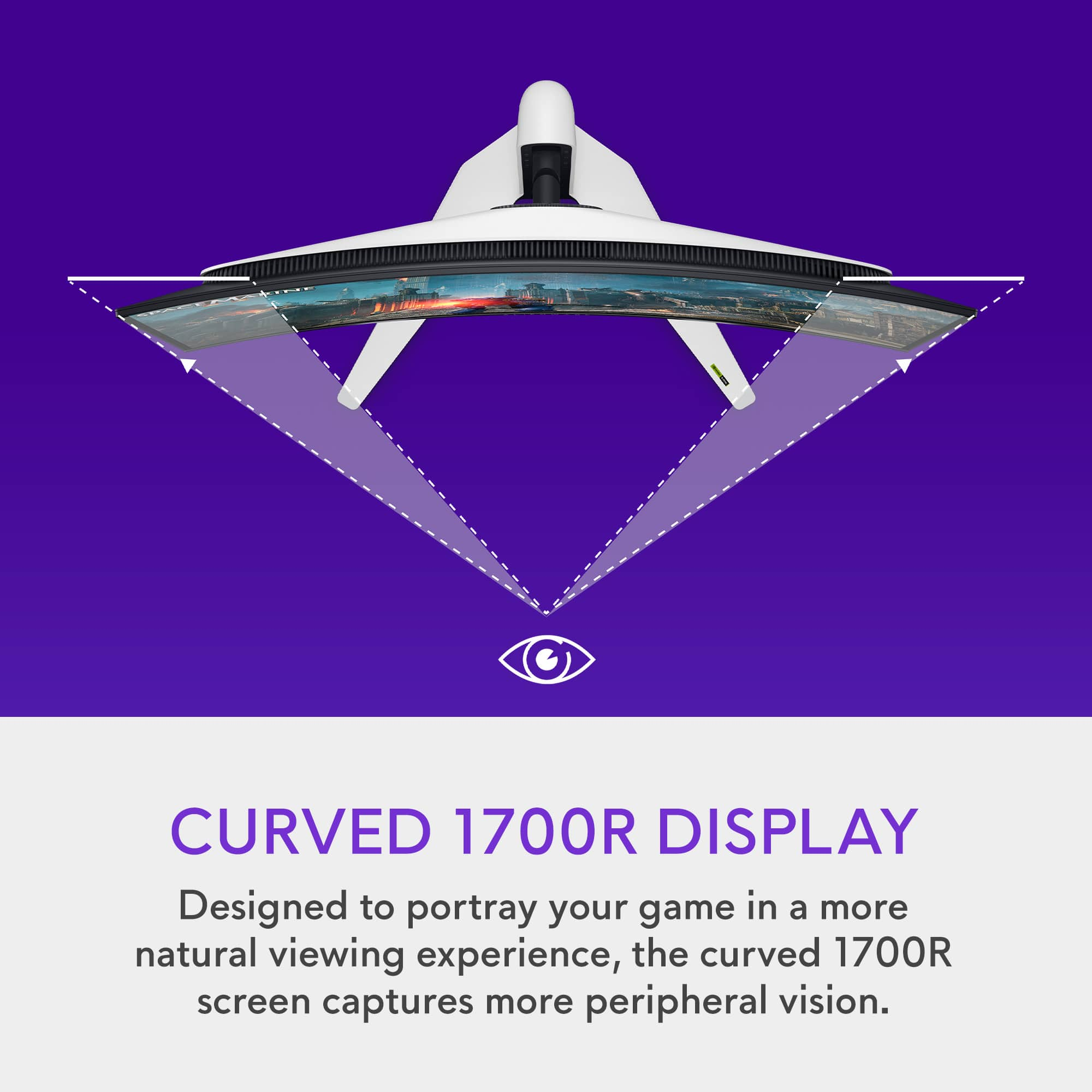
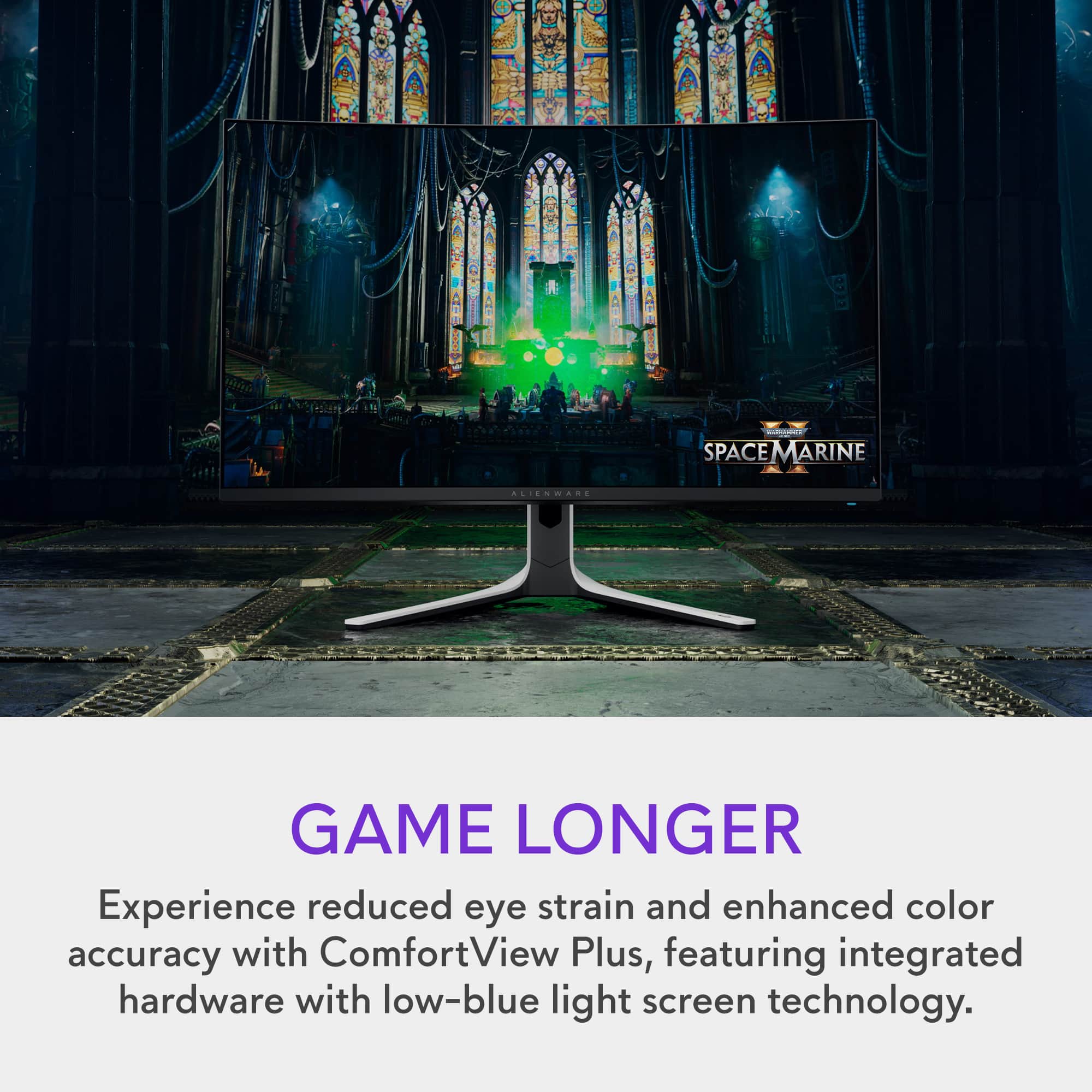
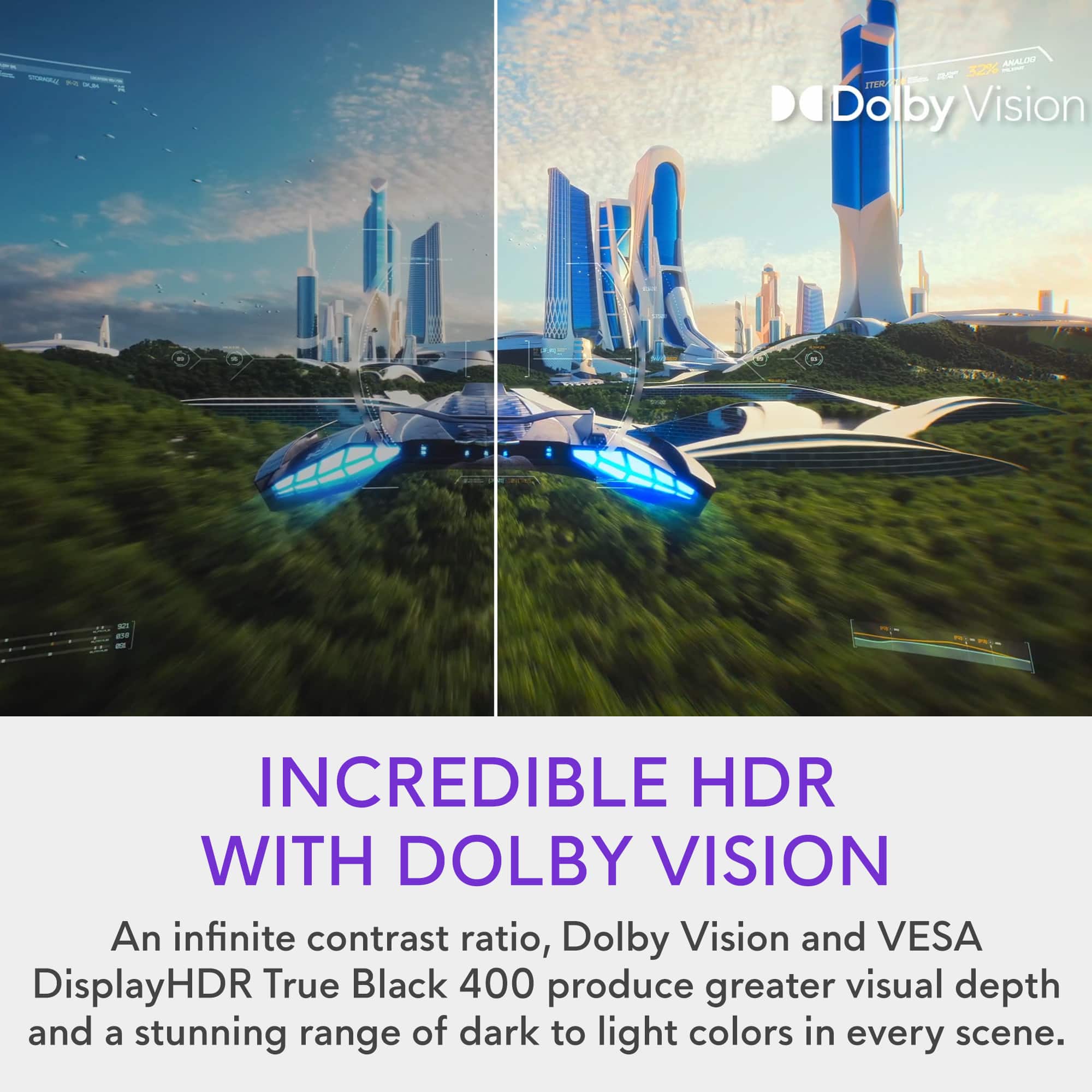
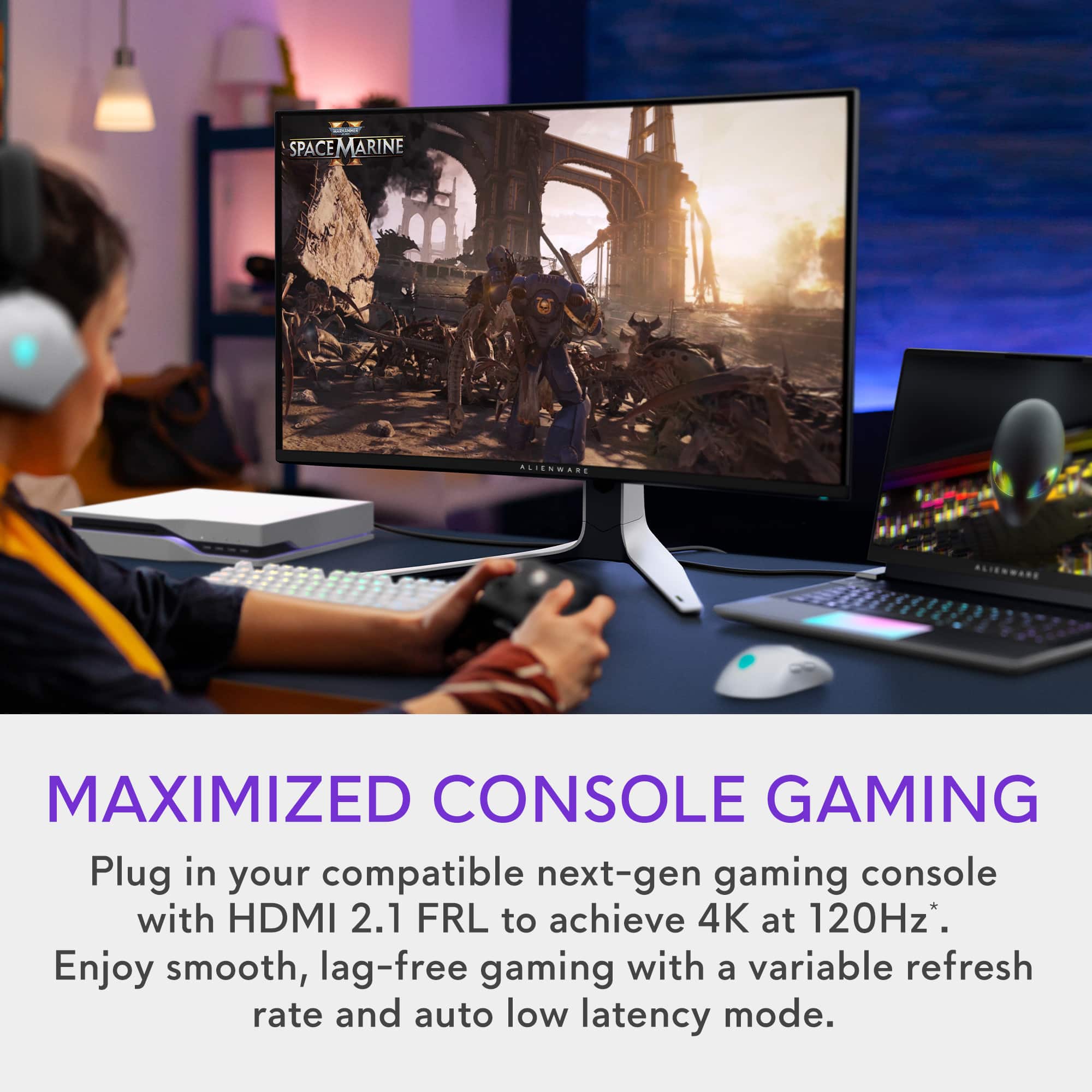

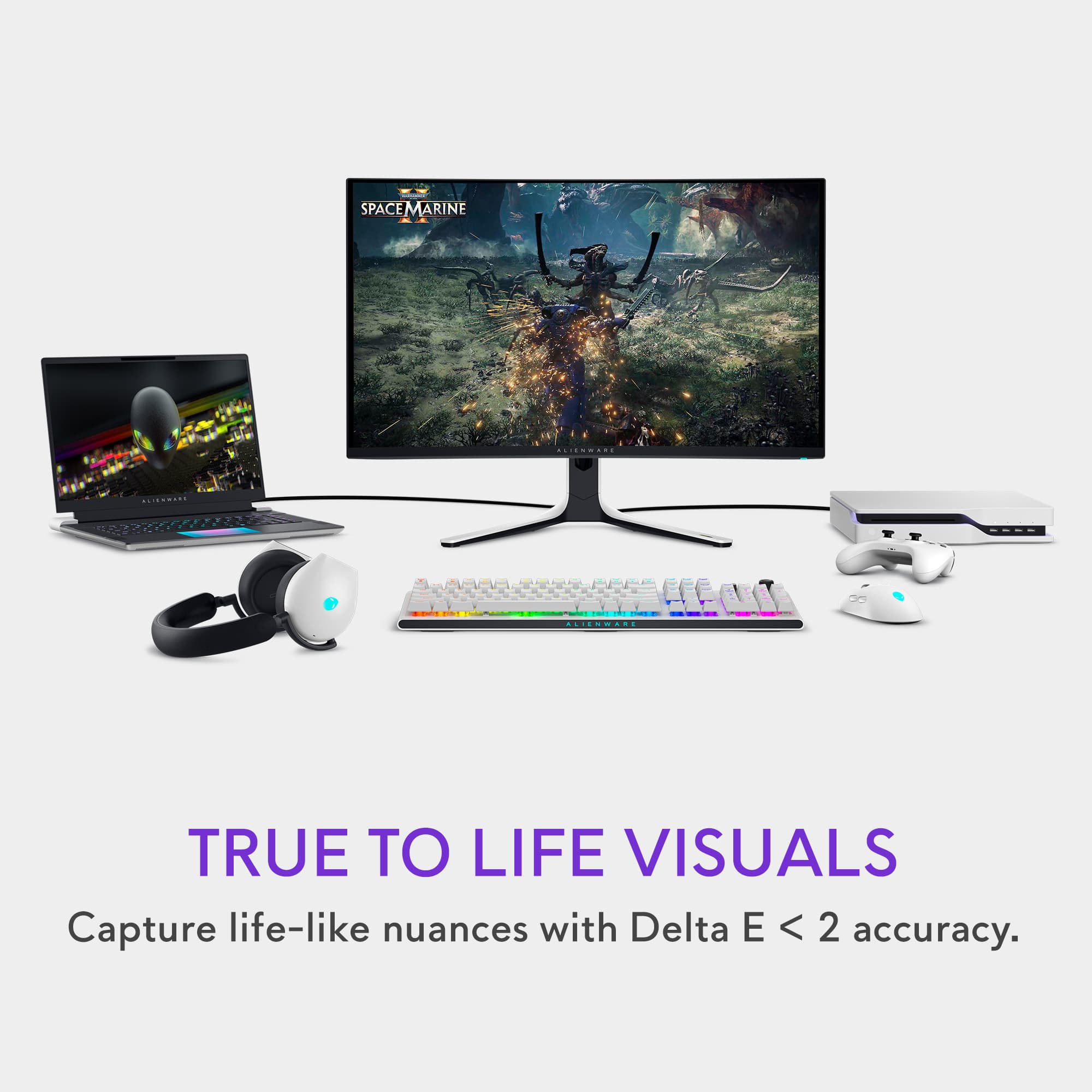
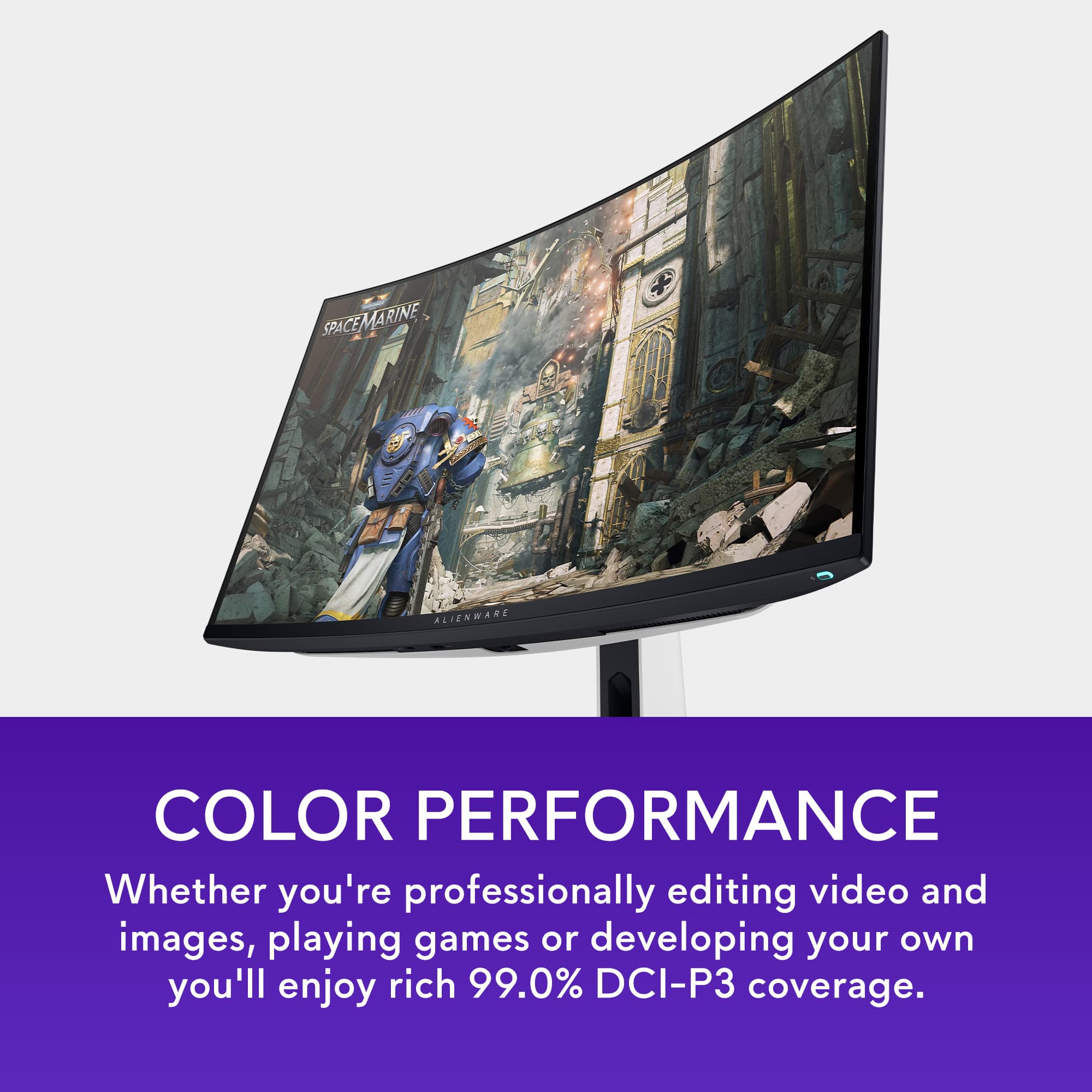
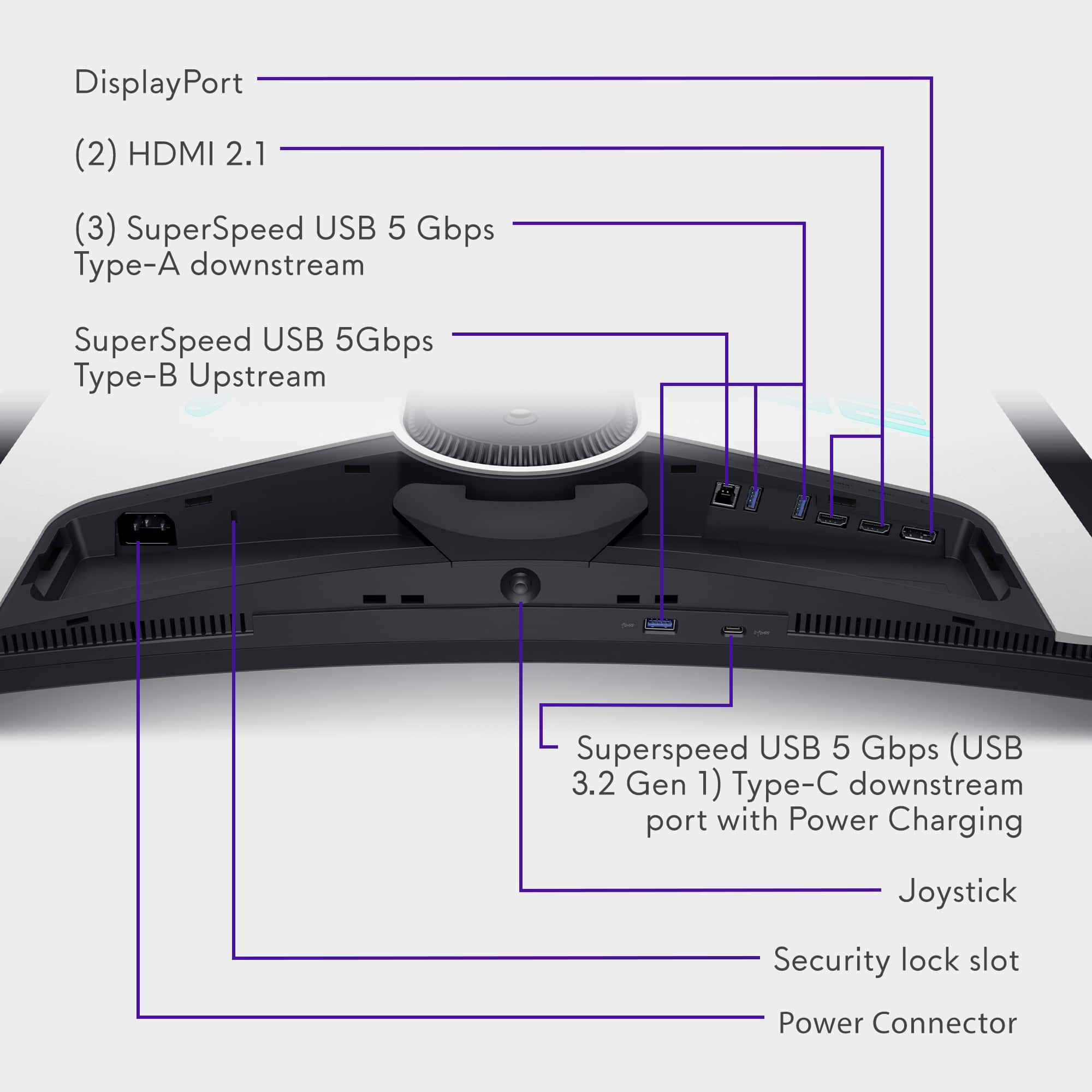
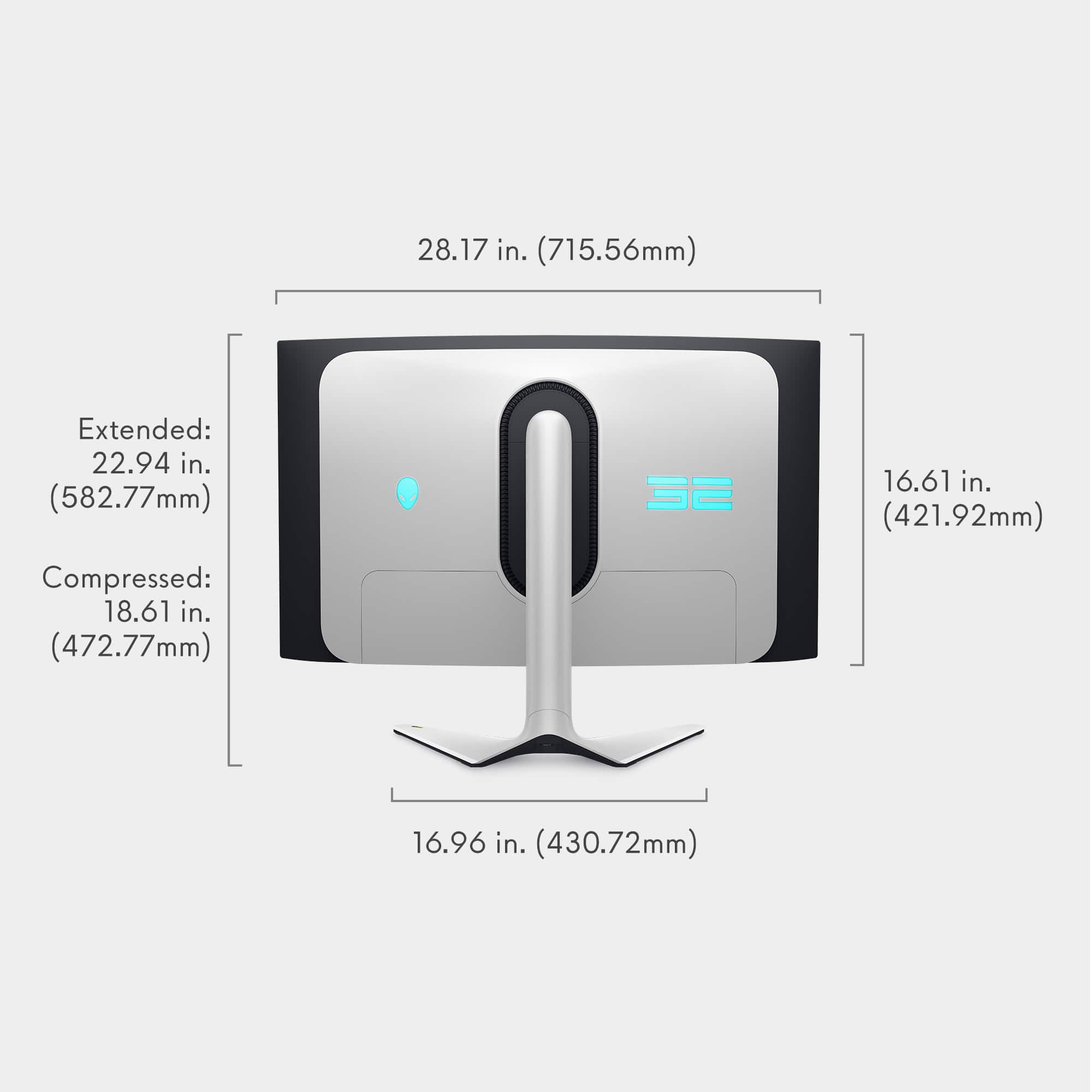
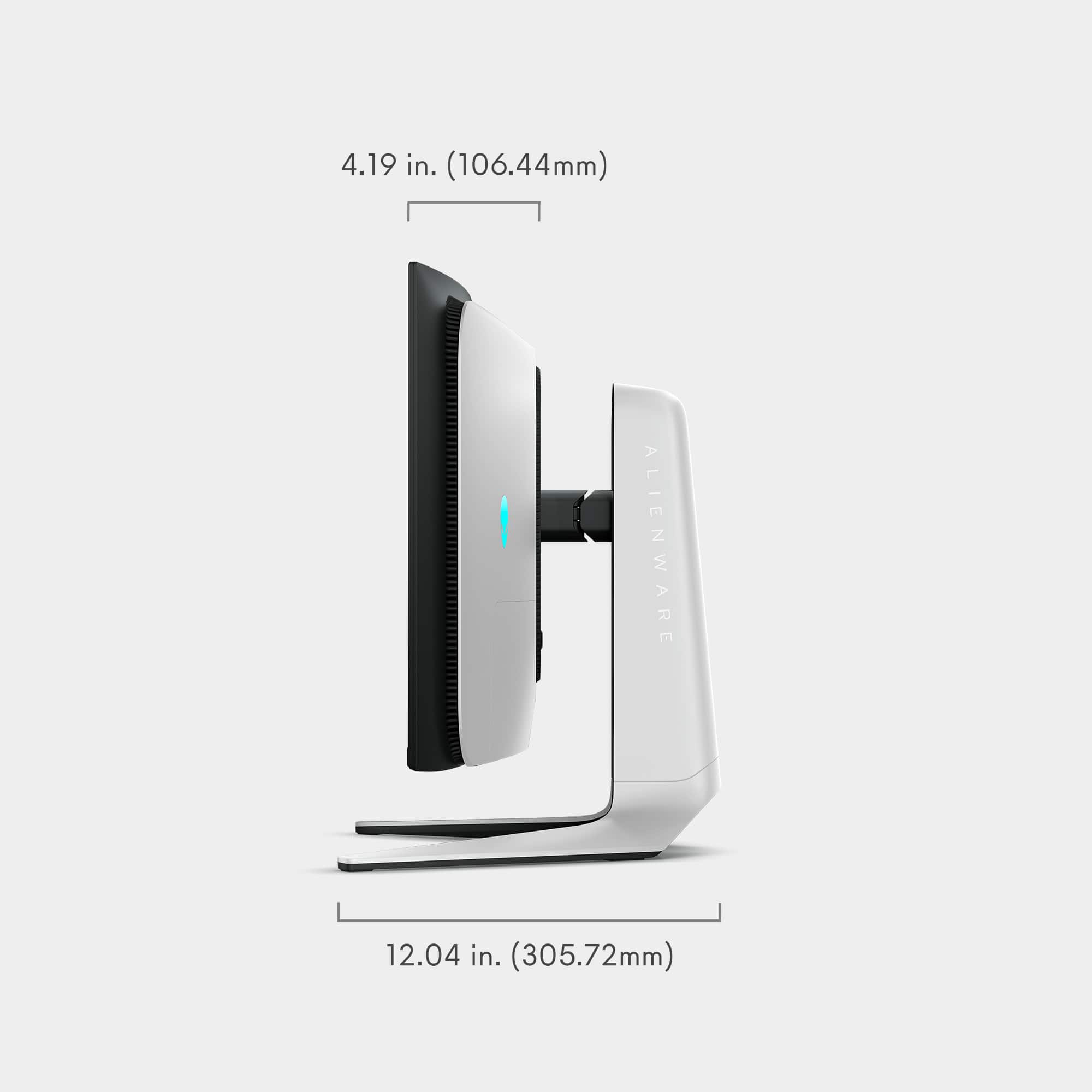
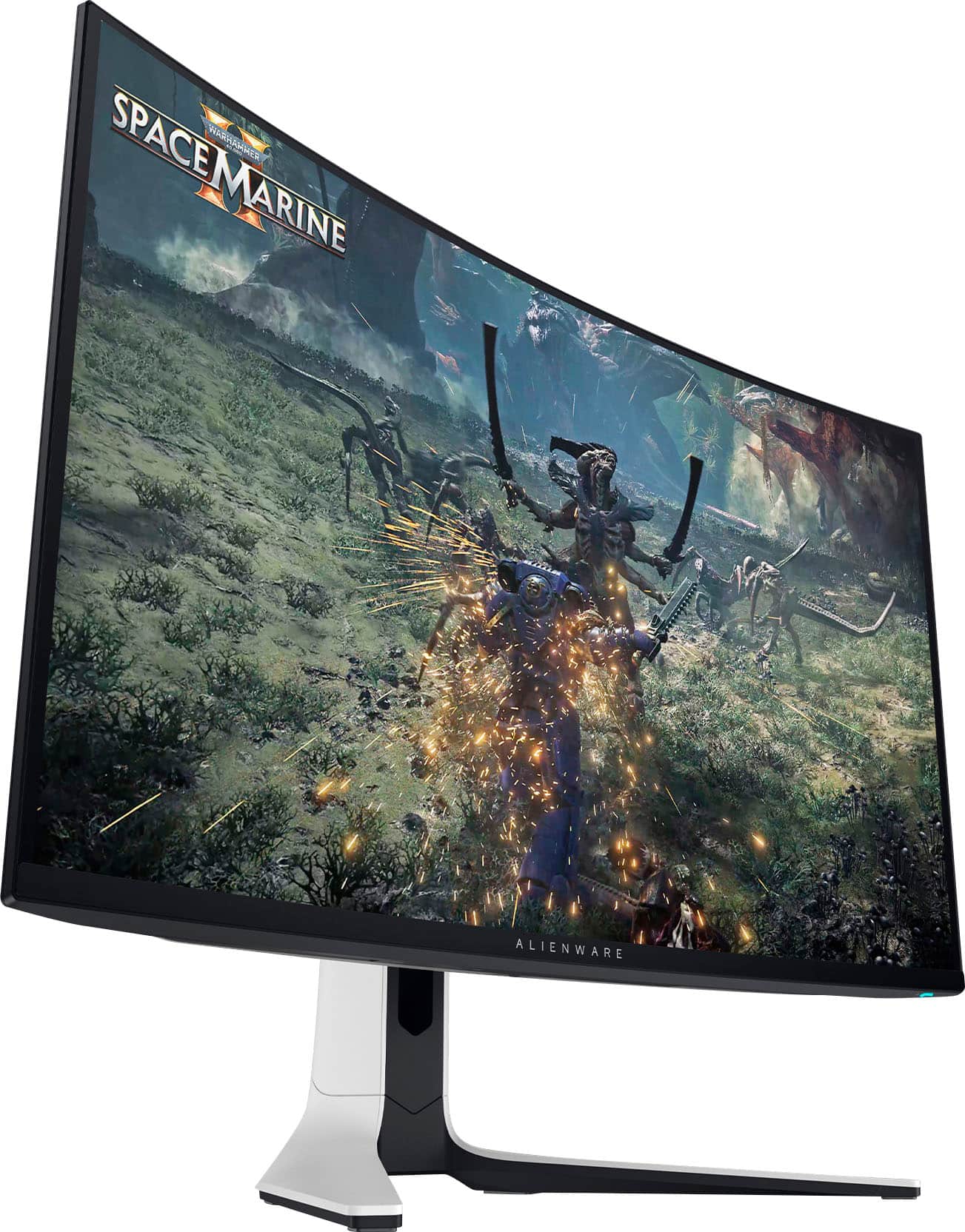
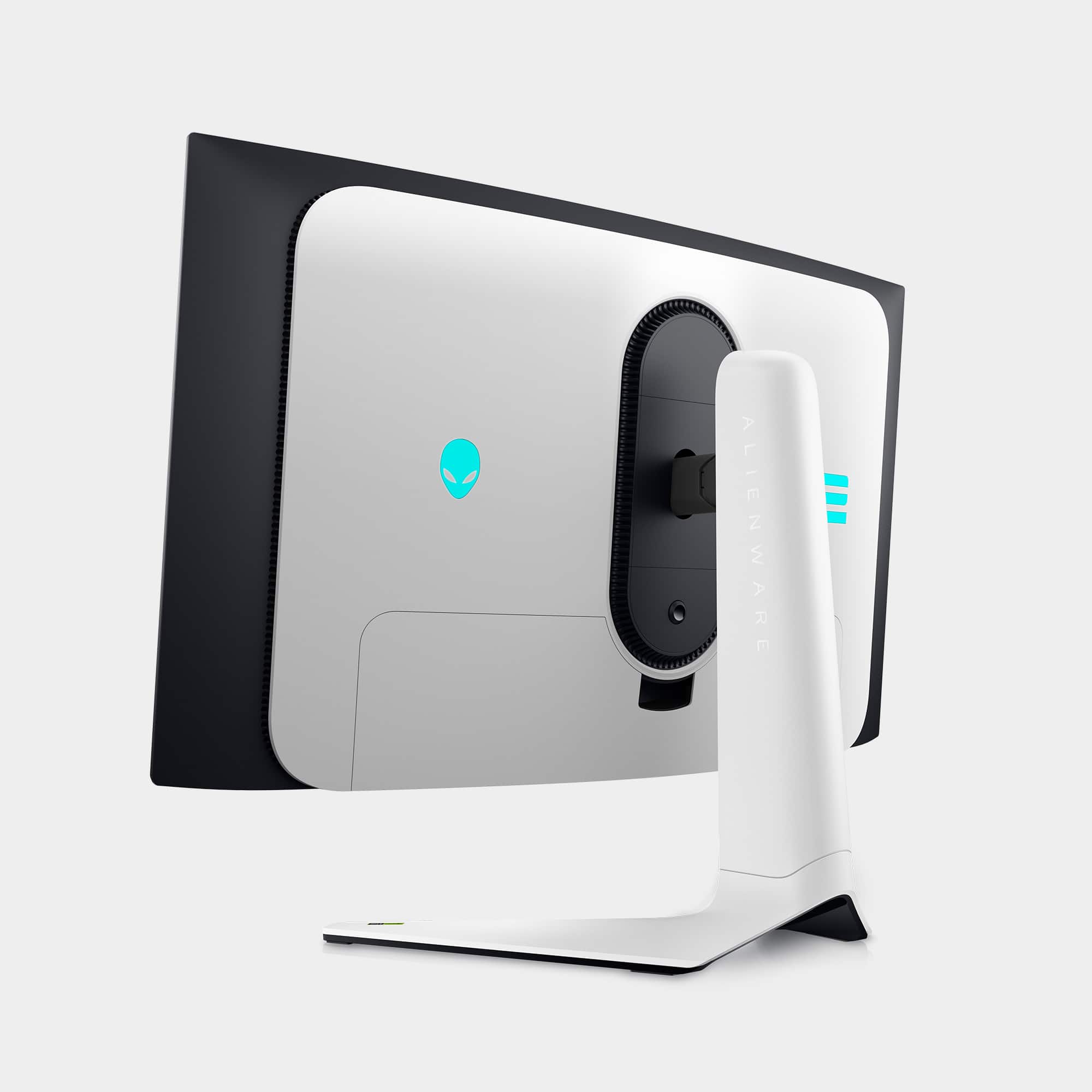
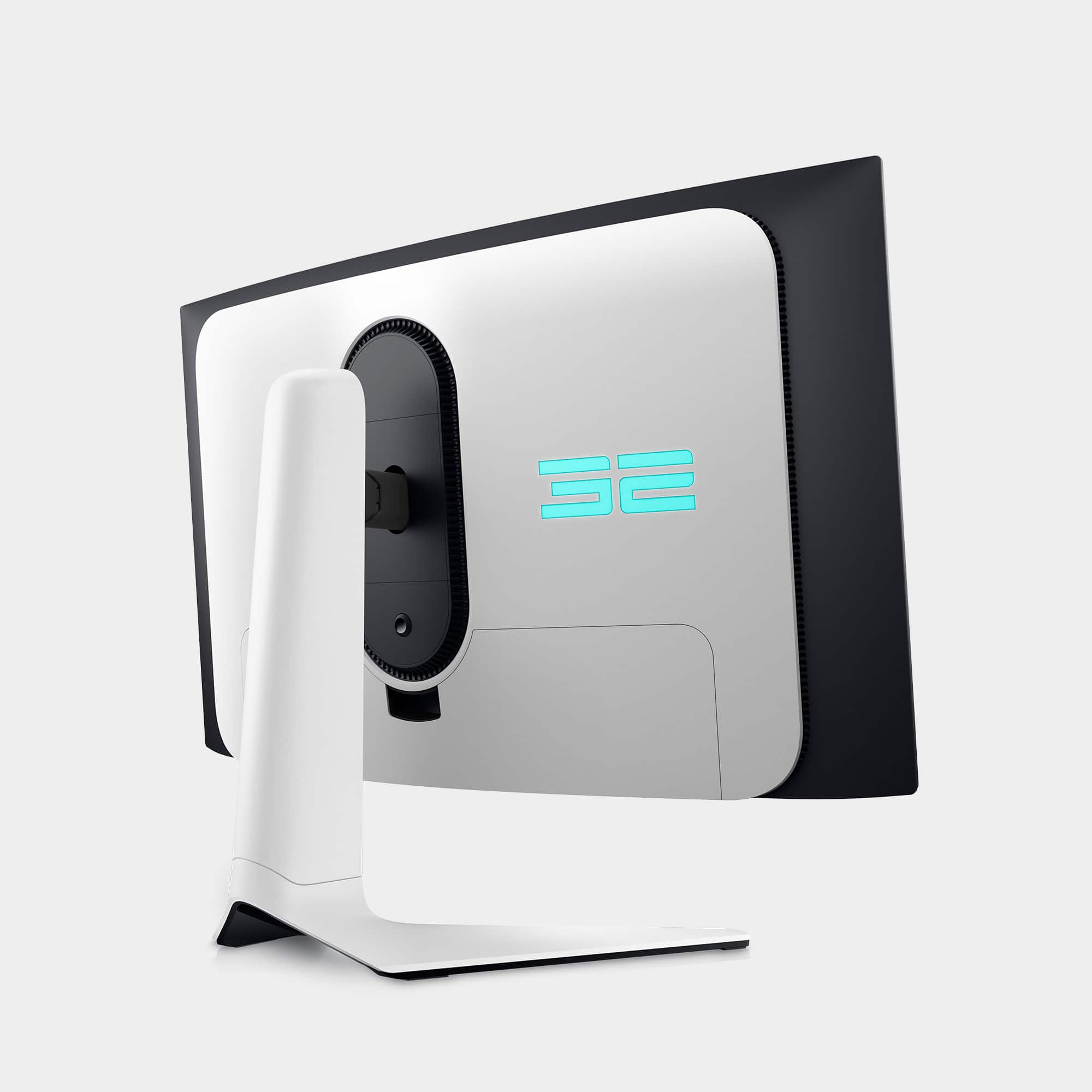
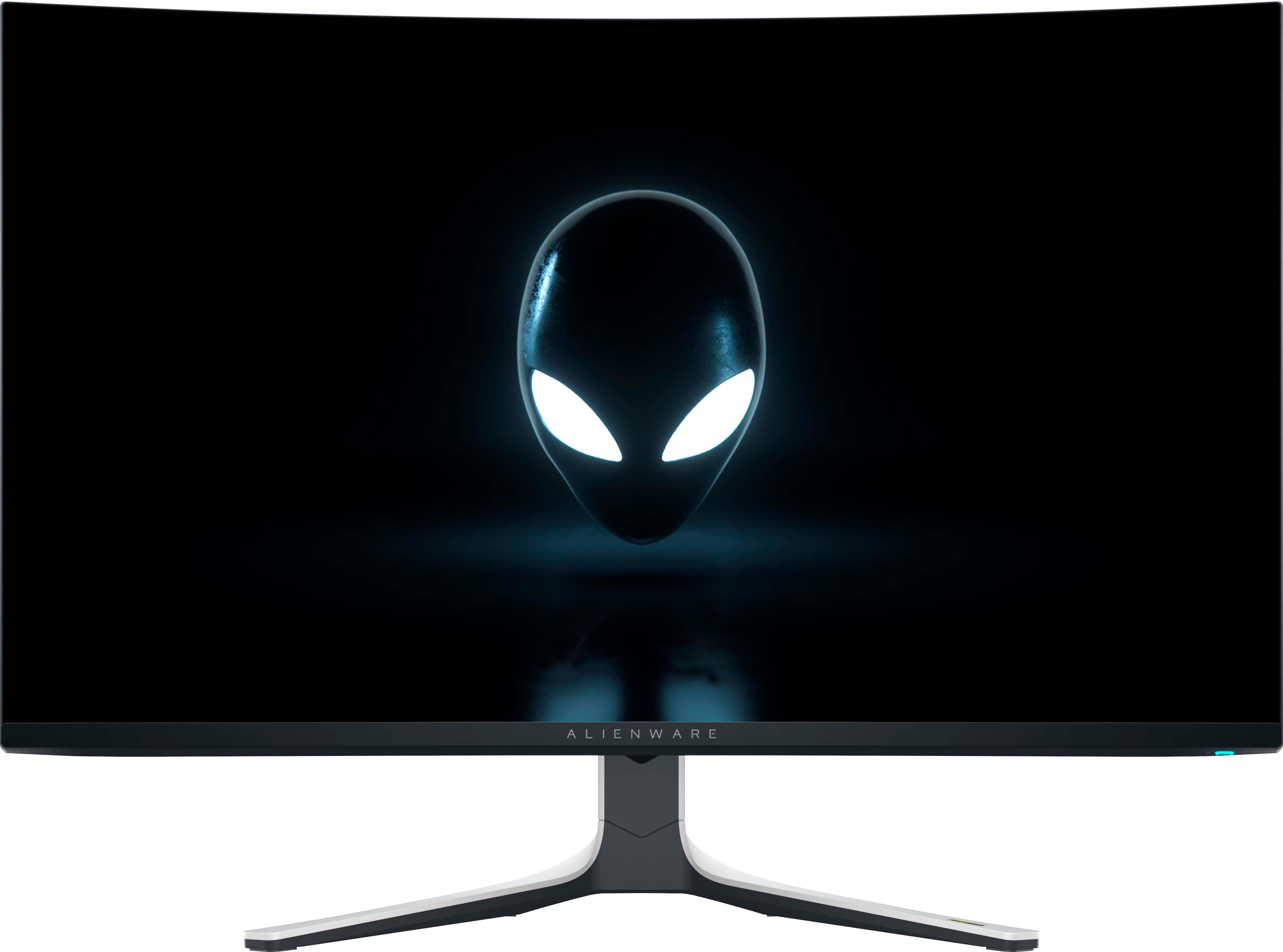
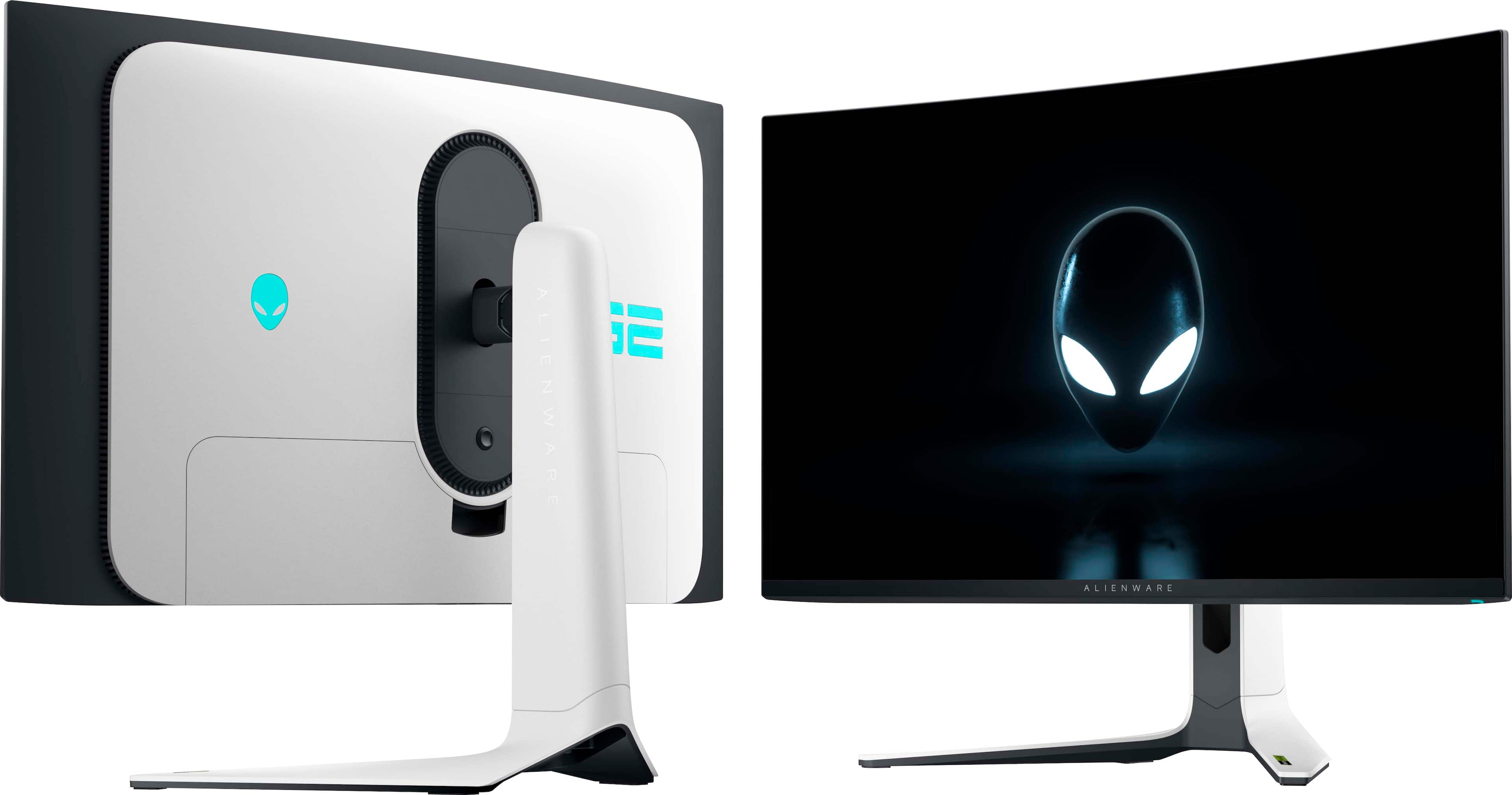
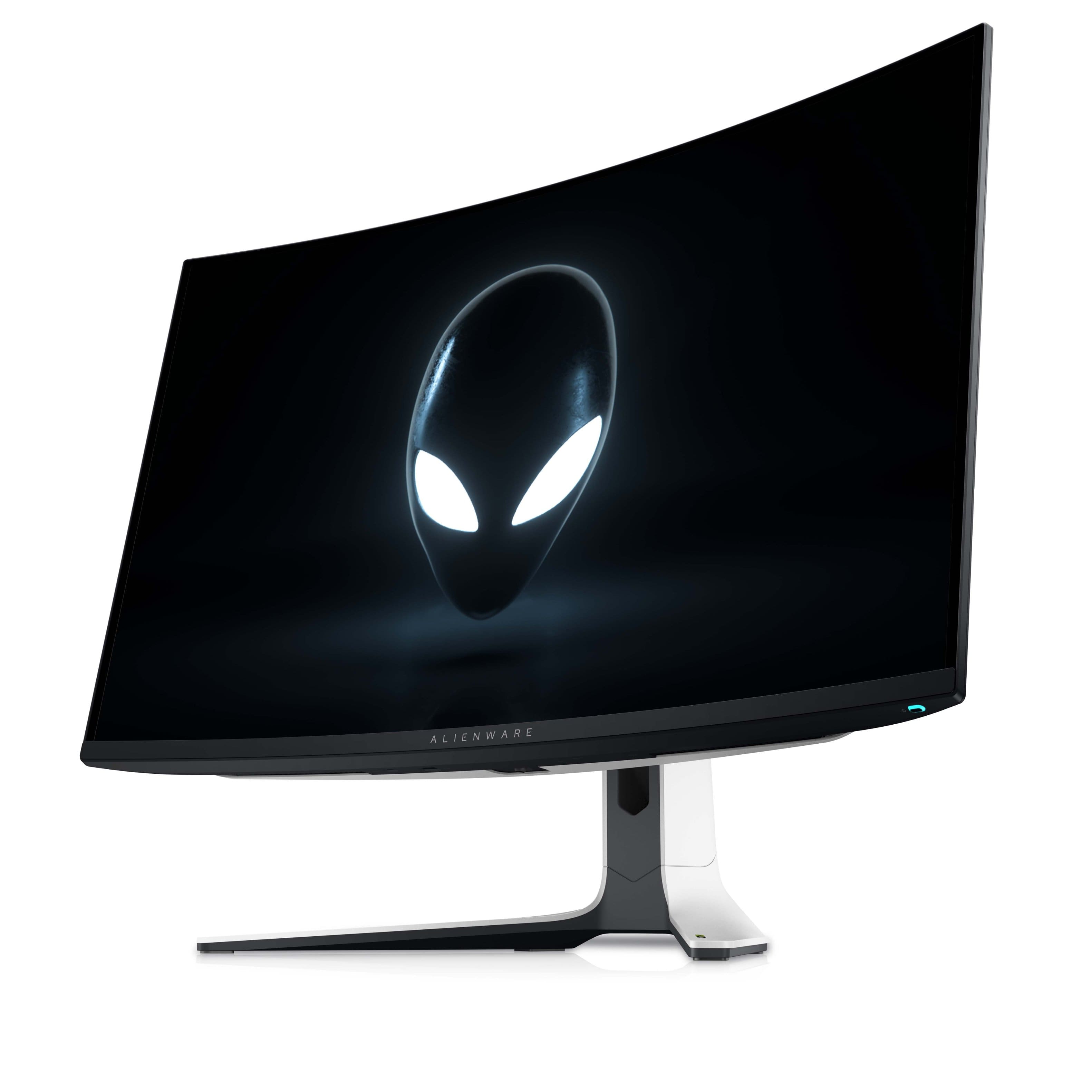
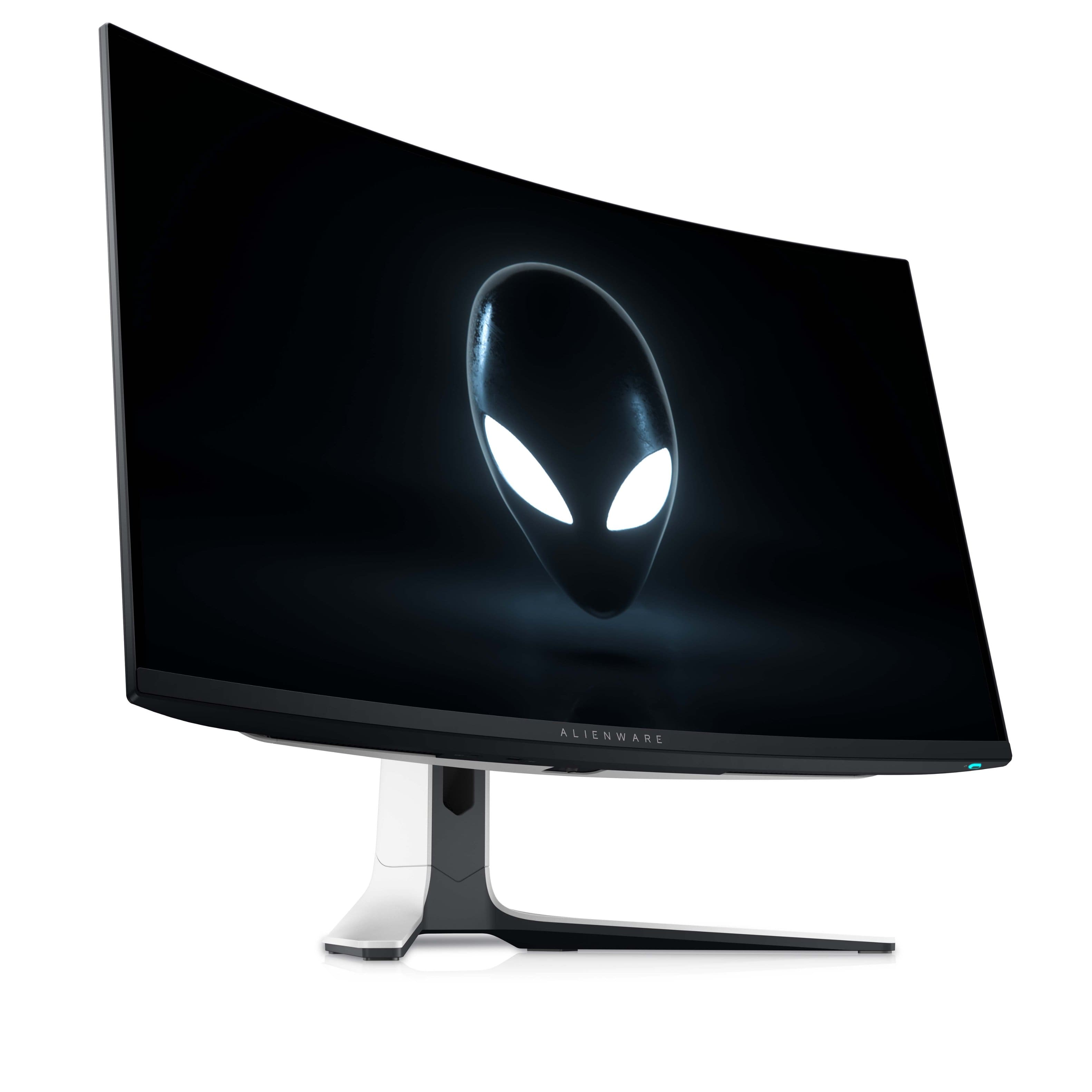
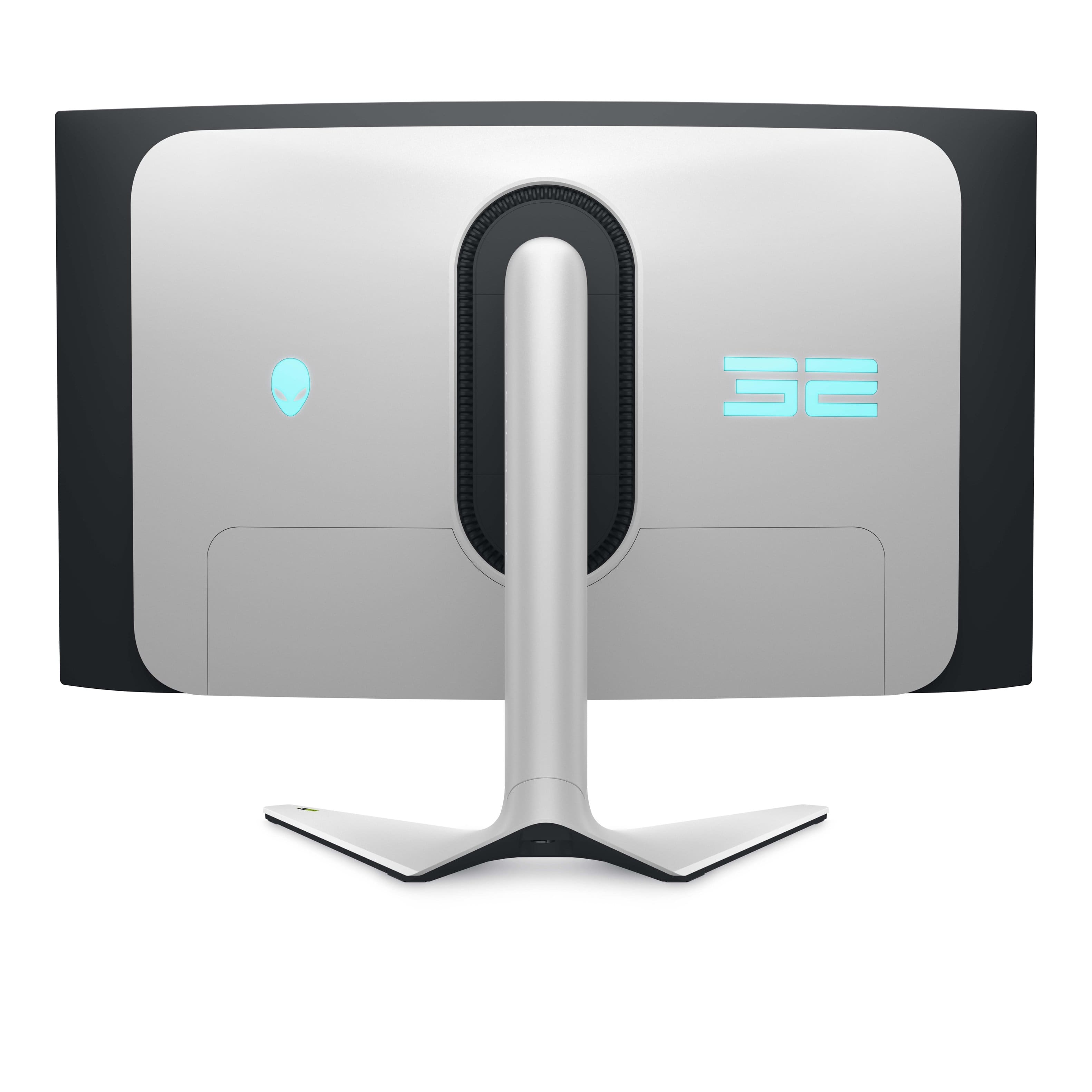
- Model:
- AW3225QF
- SKU:
- 6576612
Rating by feature
- Display Quality
Rating 4.9 out of 5 stars
- Ease of Use
Rating 4.7 out of 5 stars
- Features
Rating 4.7 out of 5 stars
Customers are saying
Customers are satisfied with the AW3225QF monitor's picture quality, smooth refresh rates, and vibrant colors. The OLED quality and HDR performance also receive positive feedback. Some customers feel that built-in audio should be included, while others express concerns about the price. A few customers have noted the lack of an aux port.
This summary was generated by AI based on customer reviews.
- Pros mentioned:Oled quality, Picture quality, Refresh rate
Happy customer
Posted .This reviewer received promo considerations or sweepstakes entry for writing a review.I was a little hesitant to buy an OLED monitor because I heard that they were more susceptible to burning, but that is a problem of the past. I love this thing. It’s got a 240 Hz refresh rate Dolby Vision it’s curved. It’s 32 inch. It’s very nice monitor. It looks very good. The HDR 1000 is a must have if you ever get a monitor and it has HDR make sure it’s HDR 1000 because all the others suck but I am very happy with this monitor. It looks very very good.
I would recommend this to a friend - Pros mentioned:Picture qualityCons mentioned:Audio

Perfect size,great PQ,great design,but no aux out
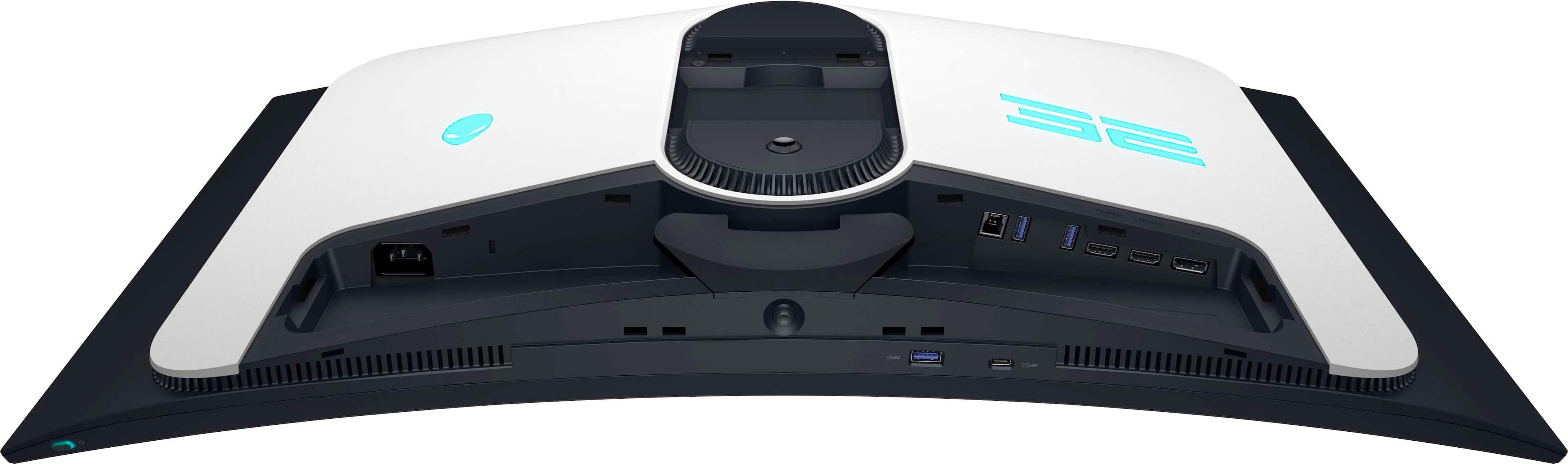
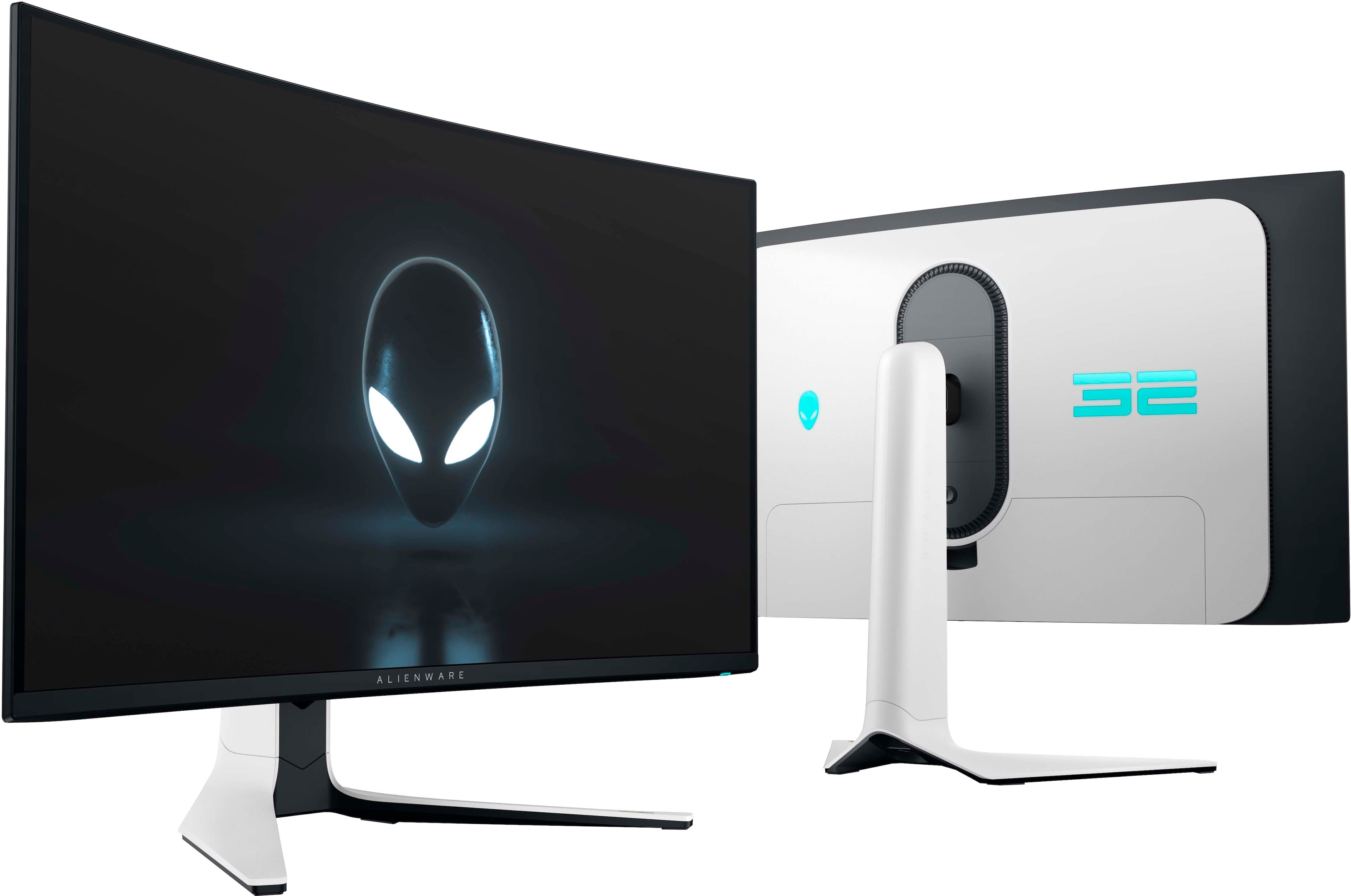
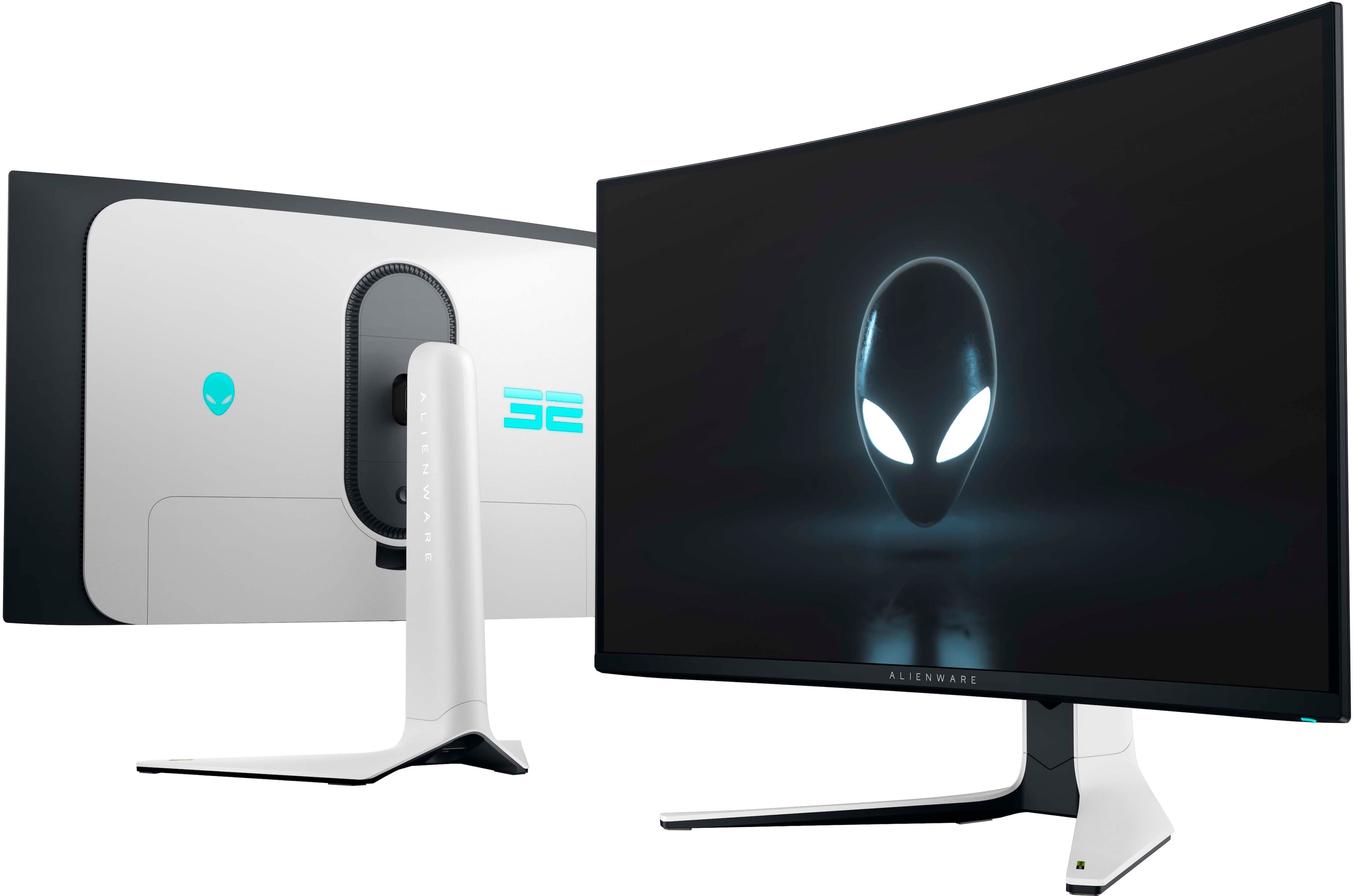
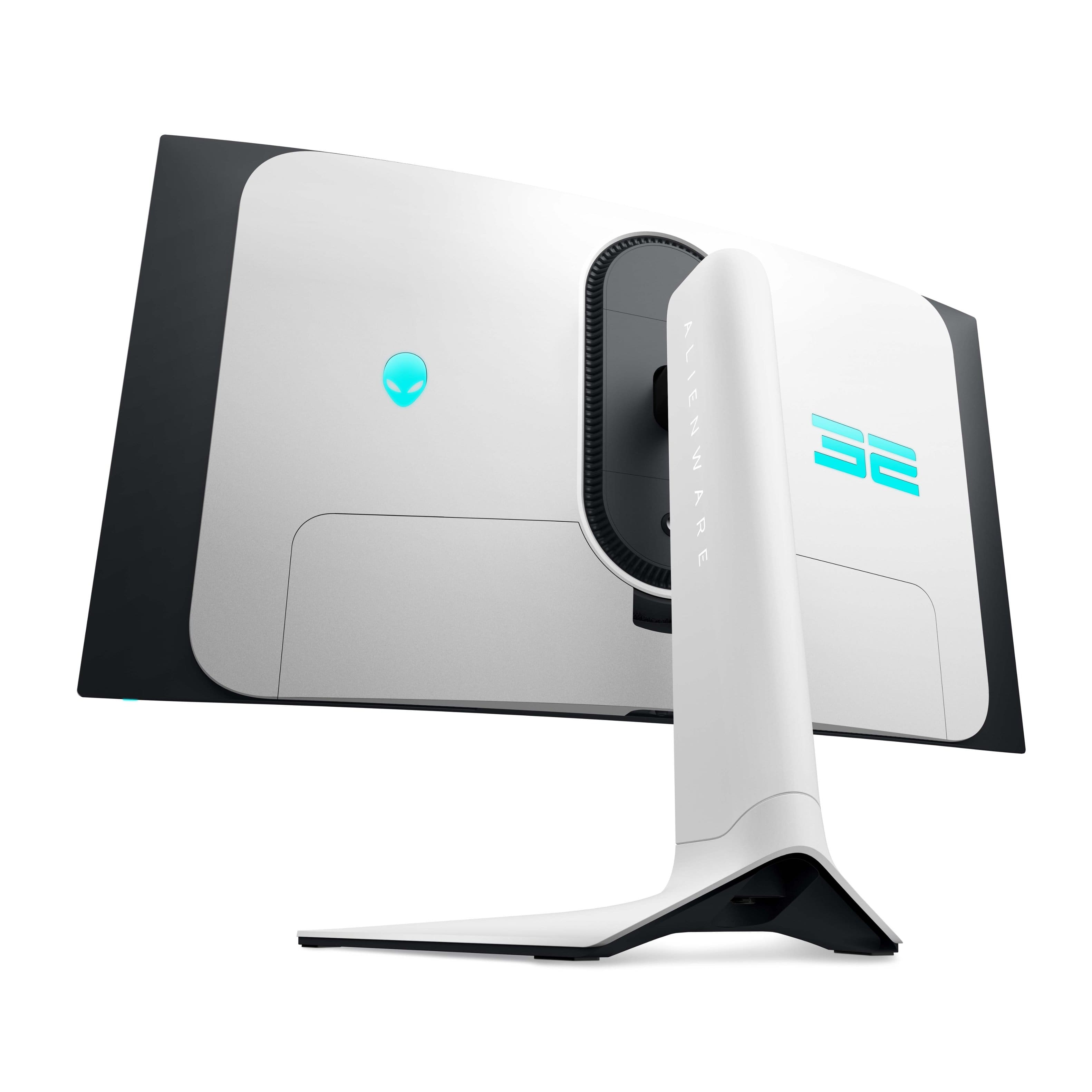
|Posted .This reviewer received promo considerations or sweepstakes entry for writing a review.If you have a decent budget and really want the best gaming monitor for a fair price, then this one is what you should aim for. I know it’s not as cheap as say a VA panel or an ips but you don’t get the beautiful picture quality of an oled, a QD oled is unmatched In every way. This Alienware monitor will blow you away. Super vivid colors, solid brightness with HDR400(this monitor also has DOLBY VISION) and the fastest response time of 0.3ms response time(typical for oled) grey to grey. I’m not over exaggerating when I say the PQ is beautiful! I love this monitor so much that I went for only using this for my PC exclusively to now bringing my ps5 downstairs to my gaming set up. I went from using my 65 inch mini led to a 32 inch oled that should say a lot. The ppi is higher and this monitor looks shaper due to the pixels being denser in the smaller size. Not always bad to go small. If you play FPS like warzone or overwatch even valorant then you want a gaming monitor with the fastest response time. I have been getting more kills with this monitor since I can aim and move faster. It really is noticeable. Now this is a 4K monitor so you will need a beefy graphics card, I have a 3080 which is still powerful enough but I have to use DLSS to get higher frame rates. I won’t ever hit 240hz at 4k like this Monitor offers but it’s better to have the specs when you upgrade later as I will do eventually. Some people don’t like curved monitors, personally I do but if that’s something you are worried about, don’t, because the curve on this monitor is very subtle and you probably won’t notice tbh. I care about aesthetics so that when family or friends come over I can say “check this out” and they are like man that’s nice lol. So the design is super nice. White back with the Alienware symbol and number 32 lit up with RGB lighting that is customizable through the on monitor menu or via the Alienware app on your PC. The RGB lighting is actually bright which I prefer, some other monitors have lighting on the back but you can hardly see it. This monitor will light up your wall nicely. They also thought to include a removable back plate to hide the wires which is a nice touch. You have 1 DisplayPort(for PC), 2 hdmi (one for a game console and 1 for a compatible EARC/ARC device) 2 USB SS, 1 port to connect directly to your PC to run your devices through the monitor which is a great added feature, and a usb type C at the bottom of the monitor bezel. You have plenty adjustability on the monitor to suit your liking as well. Menu has a lot of options, all the standard stuff and newer things like console mode and alien vision. So again truly I love this monitor and I will use this exclusively for both pc and console. My wife and kids love it to. Friends have said how the picture is so sharp and vibrant. I wouldn’t change this monitor for anything. Perfect imo. But there are a few things that I need to mention that I don’t like or I don’t get why they did these things. 1st and maybe most importantly, Dell didn’t include a 3.5mm aux port to hook up standard computer speakers.they opted instead for an HDMI EARC which works out for me as I have a smaller form factor Bose soundbar with EARC but majority of people won’t be able to take advantage of this feature. The ps5 doesn’t allow for Bluetooth audio streaming so you are stuck using headphones. Who wants to use headphones 100% of the time I don’t. Disappointing to be honest. 2. If you plan on using this with you PS5(I’m not sure about XBOX) and you have auto switch (inputs) set to on, after you press the home button on the ps5 controller the monitor will go black and attempt to switch input. I figured out how to avoid this annoying issue, make sure you turn off HDMI CEC setting in the menu. This will fix it. It took me a while to figure it out. Only happens with my ps5 not the PC. Hope this helps you. 3. Very minor issue but Dell placed one of the USB and the USB type C on the bottom of the monitor close to the menu button. Most people won’t read the whole manual like I do so some folks might not even see them there. Again minor but it might be an issue. But those are not enough to take off a star because when you buy a gaming monitor it’s for the picture quality, the refresh rate and the response time. And this has everything you could ask for. I recommend this 1000% percent. This really is the absolute best monitor out!
I would recommend this to a friend - Pros mentioned:Picture quality, Refresh rate
The AW3225QF; Truly Out of this Gaming World!
|Posted .This reviewer received promo considerations or sweepstakes entry for writing a review.Alienware AW3225QF was made for gamers, period. Enjoy 4k games with almost near instantaneous response time thanks to the 0.03ms response time. There’s also no sacrifices made here for motion clarity as refresh rate is up to 240Hz. What do these 2 things mean? Crisp motion and low input lag gives you an optimal responsive feel in your games. In addition to that, Alienware has done an amazing job with their infinite contrast ratio which really gives you as close to perfect blacks as there is, yet bright enough to make things pop (where they need to pop) and colors look amazingly vivid. Alienware AW3225QF, the first 32 inch 4k QD-OLED curved gaming monitor and I gotta say I am here for it all! Alienware has done an amazing job with the AW3225QF. Everything from the build quality to make it look premium down to the actual internal specs and features really makes this a sure choice for gamers. Yes the price point may be a bit steep for some but you are really getting something amazing here (you are getting what you pay for). For those of you wondering about ports you have two HDMI 2.1 ports, two USB-A 3.2 ports, a USB-B upstream port, DisplayPort, along with additional USB-A and USB-C connectors which can be all found under the monitor. I had the luxury of being able to throw various games on this beauty and the beast (by all means in a VERY good way) and the Alienware AW3225QF did not disappoint. Yes, as some have mentioned and I am sure you have read other reviews; there have been some issues with software. But to be completely honest that shouldn’t persuade you to skip on this monitor. Dell is doing an amazing job with releasing firmware updates (the most recent one I downloaded and installed was M2b104 which just released March 18 2024. They are working on the “kinks” and have been quite on top of it. On a side note, Dell has already made the improvements with proper packaging. There were a lot of reviews stating they received their AW3225QF scratched due to the bubblewrap having direct contact with the screen. Dell has remedied this issue by putting a protector in between the bubblewrap and the screen (great work Dell!). So all in all, are there some issues to be worked out? Yes. Does it cause so much of an issue at this time to skip on this monitor? Absolutely and positively not. The Alienware AW3225QF is a supreme gaming monitor in every way which includes instantaneous response time, 240Hz refresh rate, amazing deep blacks while boasting true OLED HDR brightness and rich vivid colors. I highly encourage you to give the Alienware AW3225QF a go.
I would recommend this to a friend - Pros mentioned:Color, Refresh rate
A Beast of a Display
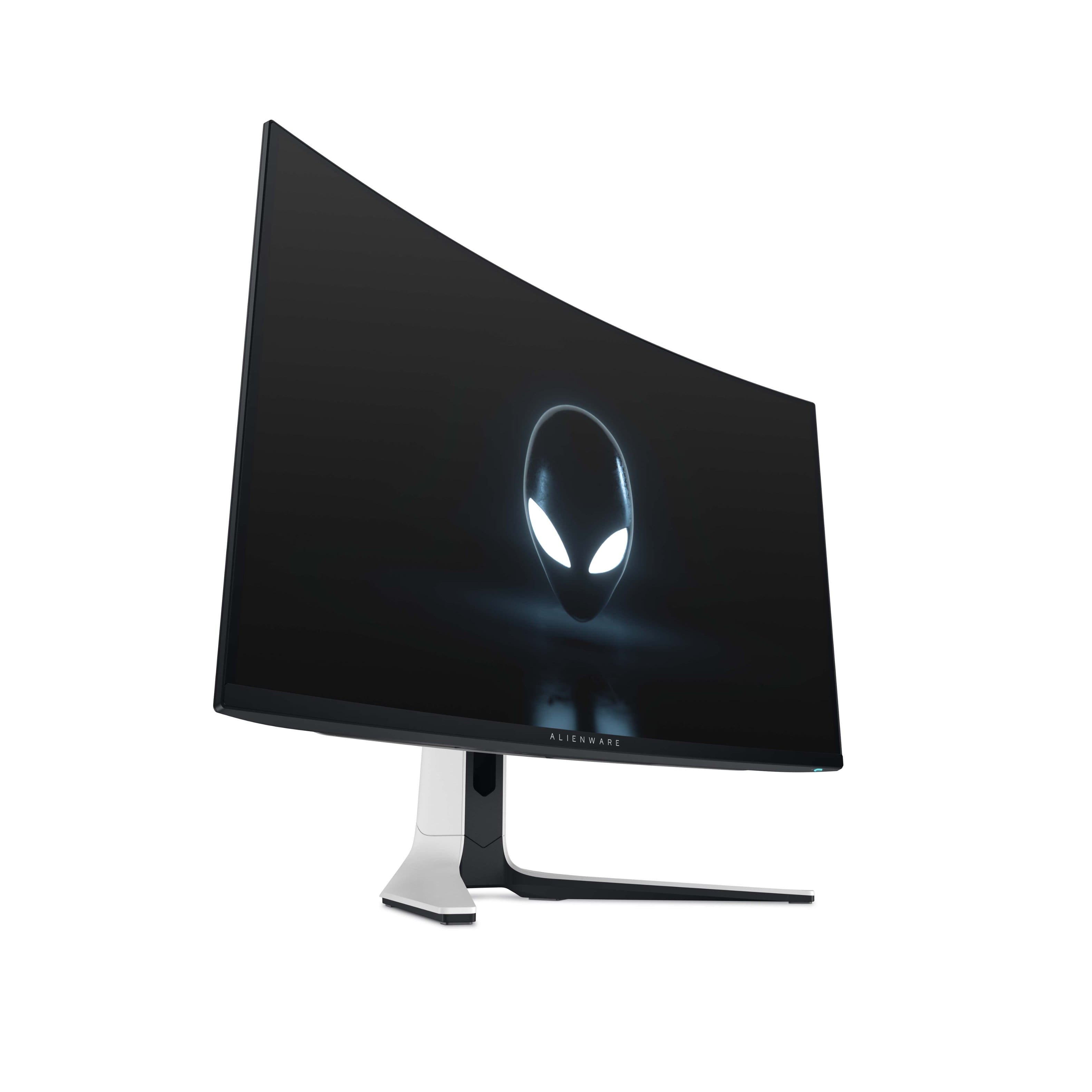
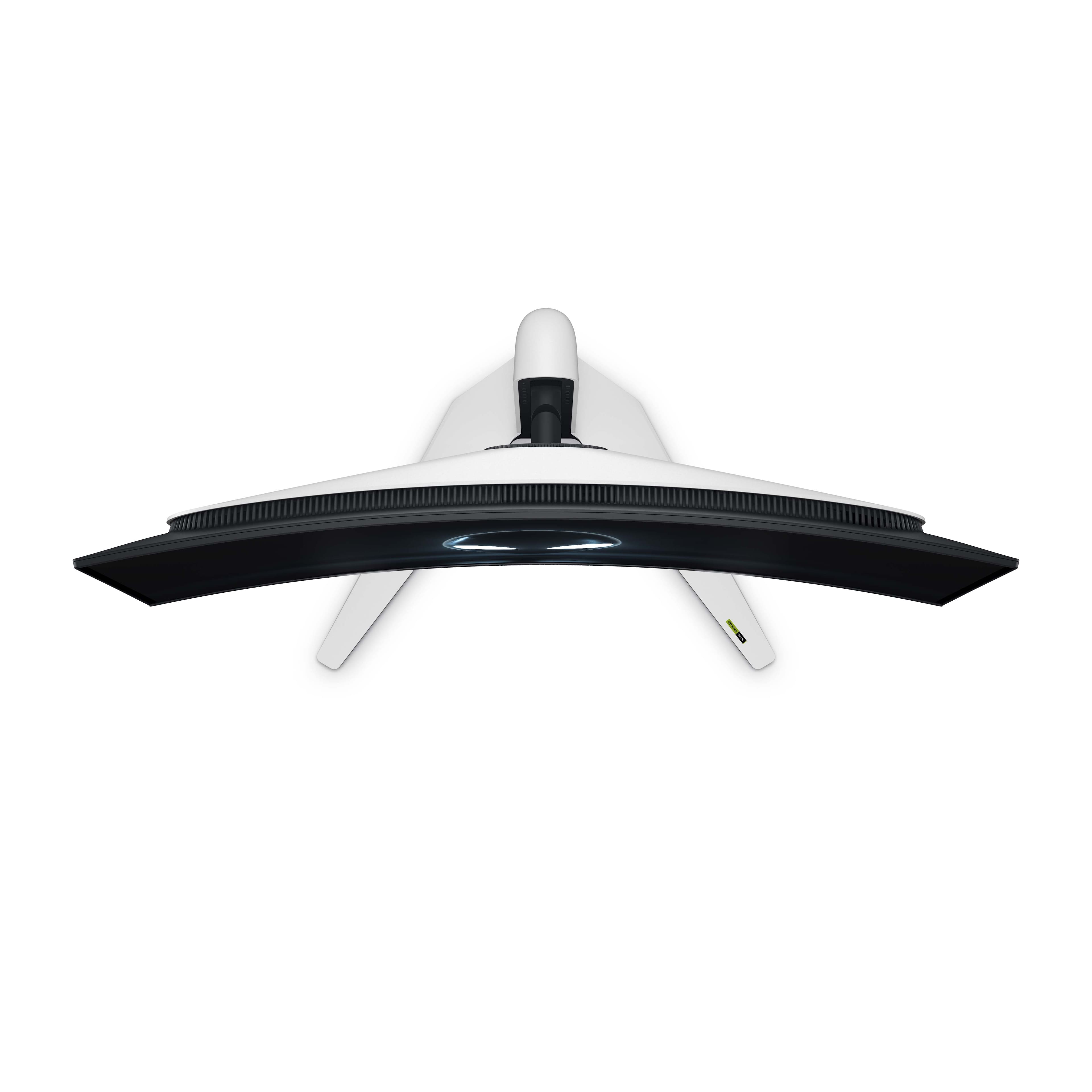
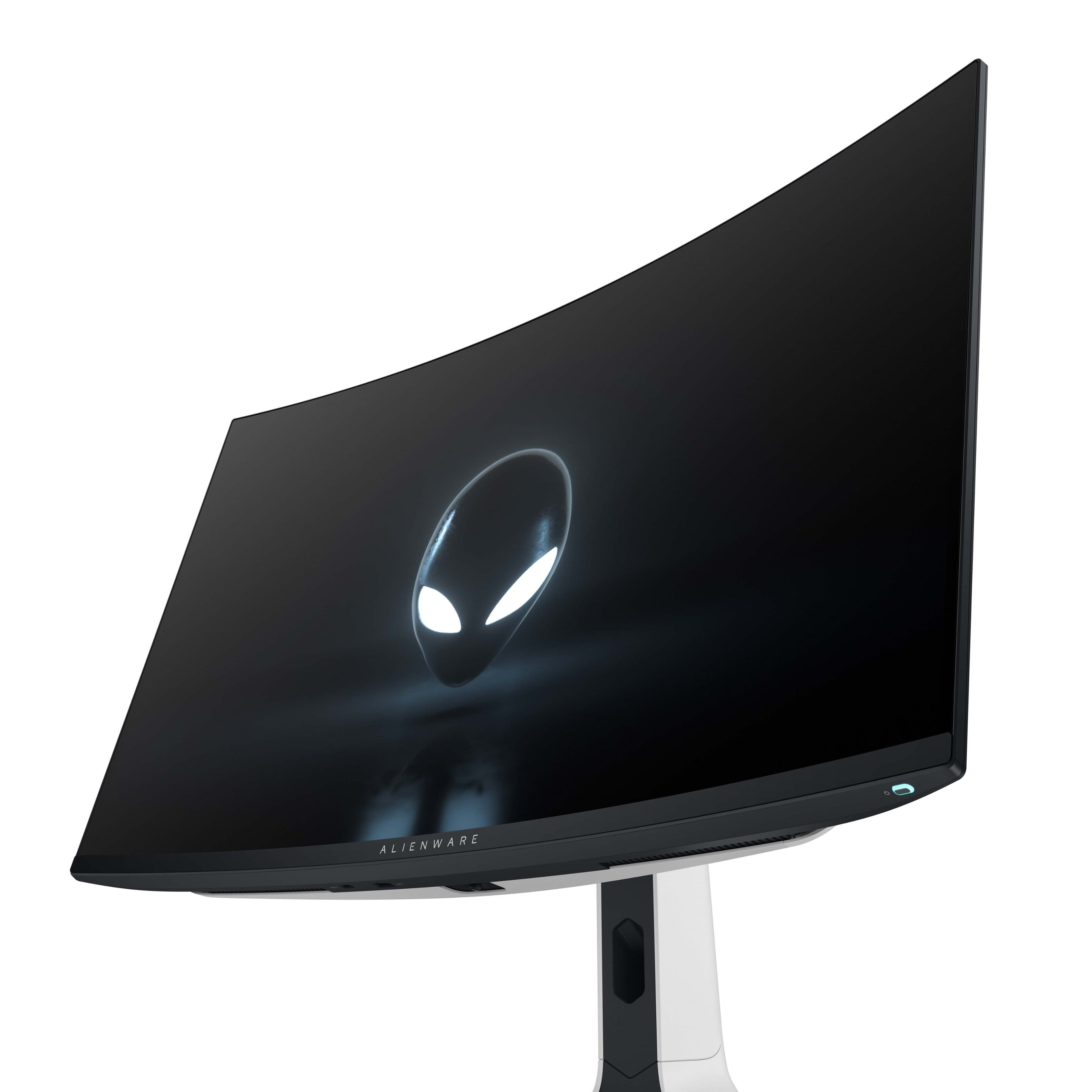
|Posted .This reviewer received promo considerations or sweepstakes entry for writing a review.The Alienware AW3225QF monitor is a thing to behold. Assembly was easy, but make sure to follow the instructions and put together and attach the stand first as it makes it easy to remove the monitor from the packaging. The stand does have cable management and a portion of the back of the monitor slides off to access the ports. There is 1 DisplayPort (1.4), 2 HDMI 2.1 ports (with one being eARC capable), 3 USB-A 3.2 ports, and 1 USB-B 3.2 port for upstream. There is also 1 USB-C port that supports charging but cannot be used as a Power Delivery port. This means you cannot use the monitor as a hub or docking station for a laptop if you have a need for that feature. The box contained an HDMI Ultra High-Speed cable, DisplayPort 1.4 cable, USB-B 3.2 cable, and a power cable. Out of the box it looks great on the desk. I like the size and the fact that it has a 16x9 aspect ratio. Coming from a 27” monitor is a noticeable difference in size. I wasn’t sure how I would like the curved screen, but it pleasantly surprised me. The curve is mild and is rated at 1700R so it’s there, but it’s subtle. The lighting on the back isn’t overpowering so you won’t really notice it reflecting off surfaces behind the monitor. The internals are vented and there is a fan inside, but I believe it only turns on when the monitor reaches a certain temperature because I’ve never noticed it running even with my ear up to the vents. The monitor is VESA compatible so you can hook it up to a monitor arm or wall mount, but the stand has height, swivel, and tilt adjustments. There is a firmware update available and to get the most out of the monitor you should update it. You will just need the Service Tag # to download the update file from Dell. Once I got up and running, I found that I had to disable HDR in Windows 11 to access the different color profiles. While I was doing that, I also updated the refresh rate to 240 Hz since Windows defaulted to a much lower rate. To access the settings for the monitor you will need to use the nipple on the bottom edge. The menu was easy to navigate, and I quickly adjusted the monitor’s settings to my liking. The screen has a glossy finish, not matte, and it has an anti-reflective coating, but because it‘s a QD-OLED panel it doesn’t have a polarizer filter. This is most noticeable in a room that is moderately or well lit. This gives the black screen a slight gray hue that affects the overall contrast ratio. Because of this you may want to ensure you have a way to control the amount of light in your room either with shades, blinds, or curtains. This really isn’t noticeable when viewing most content, but when you get to a dark scene where a good portion of the background is black, you will notice the screen has a gray hue to it rather than displaying complete black. The positive about not having this filter is that your screen will get brighter. The lack of the filter really didn’t affect my experience with the monitor, but you should be aware that it does exist. Because this is an OLED screen, I decided I wanted to prolong its life as much as possible to I installed a program that runs live wallpapers and adjusts the opacity of the desktop icons. This should help prevent burn-in since OLED’s are known for that issue. One positive on this front is the warranty. It’s a 3-year warranty and it does cover burn-in so it’s a huge plus that they are willing to stand behind the product for that long. As for the screen itself during use, this thing provides a beautiful image. Thanks to the display having 140 pixels per inch, the text is easily readable, and you can’t see the individual pixels at a seated viewing distance at a desk. There is more than enough real-estate to use multiple programs or windows at the same time and I had no issues using word or reading articles on the web. The contrast the monitor provides really makes the screen pop. I’ve played World of Warships, Fallout 76, and Gears of War 5 and the visuals were stunning and smooth, however you will need a beefy graphics card to fully utilize 4k on Ultra graphics settings. I have an RTX 3050 and had to lower the in-game settings slightly to get a good framerate. The display is compatible with Nvidia’s G-Sync, but not with AMD’s Free-Sync. I had no issues with screen tearing, input lag, or stutter since I have a compatible graphics card. There are only 2 things I wish this monitor had. A DisplayPort 2.0 or better and a USB-C port with PD 2.0 capability or better. Even without those two things this is still an excellent monitor that will provide years of exceptional viewing experiences for me. The construction is top notch, and the display provides a beautiful picture. You can’t really go wrong with this monitor.
I would recommend this to a friend - Pros mentioned:Color, Picture quality, Refresh rate
Durable, beautiful workhorse
||Posted .This reviewer received promo considerations or sweepstakes entry for writing a review.Going two plus years strong. Color is great, input lag, latency, refresh rate, all great. At first I was very careful about static elements because if dreaded burn in, but these days I’ll have two monitors on at the same time , one with a game and the other with discord. The one with discord will sometimes sit with the exact same elements on screen because I’m not talking to a friend and/or watching his screen. It can sometimes sit for a few hours without me changing or moving anything to change the pixels so to speak. With all that said, I have no burn in, nothing resembling burn in, and I’m not worried about it. The slight curve is very nice. I have another 32” monitor that isn’t curved and sitting a couple feet from it , I notice it’s pretty large and the curve really does help my pov if only a little, it still seems noticeable. I could go either way, but I do enjoy the curve. Ease of use could be a little better, I don’t know of any brand that has a perfect osd yet. Features also leave me a bit wanting. There’s only one crosshair and it is a bit conspicuous. Not in the sense that you shouldn’t notice it at, but that it’s large and stands out, whereas a small-ish dot would suffice. Or at least, options for different sizes and colors would have been appreciated. It’s a small gripe though and it can be remedied by “gitting gud” I’m told. Overall, I am more than happy and satisfied with the purchase. Again, I’ve had it over two years and it’s running just as well as it did the first day I unboxed it and hooked it up. You should feel confident in this monitors ability to give you accurate and bright colors, sustain them, and that burn in won’t affect you.
I would recommend this to a friend - Pros mentioned:Color, Oled quality
I am so impressed!
|Posted .This reviewer received promo considerations or sweepstakes entry for writing a review.TLDR - The best monitor I've ever owned, the picture is amazing, I LOVE it! Works really well with my consoles, but I love it more on PC! Highly recommended from a gamers perspective! ---- Unboxing this thing was a treat, super easy to set up and I LOVE the cable management routing through the stand. I thought that was a nice touch. Love the design, especially the curve. I know it’s hit-or-miss for some people, but for me, it really makes the games I play feel more immersive. I’m not sharing my screen with anyone, and for me it is a good perk. The screen is glossy but, in my environment, I don't get many reflections so it's a non-issue for me. The first thing I did was do a firmware update. The out of box firmware was M2B102 and I updated it to M2B104! In hindsight I should have perhaps tested things before and after to see if I noticed any difference, but as just a gamer that’s not doing much creative work so I wouldn't have been able to say much there anyway. To be honest I wouldn’t have noticed much of a difference anyway, but still. The only bummer with the firmeware update process was the firmware updater stated it’d take 10 mins to update, but for me not sure why, it took longer. My monitor update took almost 15 minutes. I almost thought it froze! I started to panic a little bit! My main use for this monitor is for my gaming PC. I have a PS5 and Xbox Series X and tested them both and they work incredibly well too. So, if you’re looking to buy this for your console, you WILL NOT be disappointed with the image quality and compatibility on them. Both support 120 Hz, VRR, and ALLM. For me though I fully intend to use this for my gaming PC. Font appears super clear to me without any noticeable fringing. I didn’t have to run the ClearType utility! It looked perfectly fine to me out of the box. HDR performance was great for shows and games. The blacks are legit darks were legit perfectly dark and the brights were very bright! What I found interesting though is I like the HDR image without Dolby Vison. There are three Dolby Vison profiles; Bright, Dark, and Game. Bright and Game seem identical to me and really crank up the brightness of the overall image. I had a tough time seeing a difference. Dark on the other hand I liked more than the other two. It wasn't as bright but it also seemed more vibrant. However turning off Dolby Vision all together seemed to provide an even better image with more vibrant colors to my eye. So, I’ll likely leave it off. Response times during gaming, I felt at home! It was quick, and responsive! No complaints there! I'm really glad to see a 3 year warranty for burn in is included! This is great because sometimes Steam's store page or your game controller can sometimes prevent the screen from sleeping! Luckily there's a very convenient power button on the right hand side that can quickly turn off the screen when you're done with it. I don't anticipate me having burn in issues. I played a long session of Starfield and when I quit it asked me to do a pixel refresh, I didn't even turn this on. Seems like it already has some OLED maintenance built in. Overall, this is THE BEST monitor I’ve ever used! It looks better than my TV, and honestly, I’m so happy with this and would recommend it to anyone; PC gamer, Console gamer, or someone just wanting good picture for media consumption! I love it! Do yourself a favor and get it!
I would recommend this to a friend - Pros mentioned:Color, Refresh rate
Awesome monitor!
|Posted .This reviewer received promo considerations or sweepstakes entry for writing a review.To start this review, I’ll say this… this monitor is a winner. The box that the monitor arrived in was quite large. The box itself wasn’t heavy so that was a relief. Once you set the box down and open it, you’ll be pleasantly surprised to learn that everything is packed quite nicely. You’ll notice immediately that there’s a calibration document right on top. This shows that the color calibration was done before it was packed. Out of the box you get the monitor, a base, a neck, a HDMI/Display port/USB 3.2 upstream cable, a quick set up sheet, a small cleaning cloth, and a box containing a small sticker and documentation. Assembly is super easy. You take the neck and assemble the base and secure it via the screw on the underside of the base. From there you take the neck and press it on the back of the monitor. The easy part is due to the fact that the monitor is face down. Once everything is installed, you set it up where you want, plug in the connection cable type to the computer, and off you go. I’ve only tried the HDMI cable. I did this because there was a sticker saying that it was ultra certified cable. The monitor has a curve, but you can barely notice it. Personally I don’t think it adds to the immersion. The monitor has a glossy finish which honestly; if you’re in a dark room, you’ll hardly to never experience any glare. A few ambient lights won’t hurt, but it’s best to have any lights next to or behind the monitor. The base is sturdy and there’s barely any wiggle. The monitor has vertical movement, tilt, and pan. Now, let’s get into the good stuff. The monitor is a QD-OLED, 4K monster. What this means in simple terms is that you’ll get a stunning viewing experience. You’ll have to change the refresh rate in the Windows setting to get it to the optimal 240. You have the freedom to change options from the little joystick nub under the center of the monitor. Once you press the nub, you’re shown what preset mode is present, HDR, panel health, and dark stabilizer. One of the best features is the pixel refresh. This hopefully will help prevent burn in. Dell offers a 3 year burn in warranty so there’s a little peace of mind there. Once you’ve chosen a preset setting or played around with everything to your liking, it’s time to experience an optimal viewing experience. Like with most OLED screens, you’ll see the colors pop and the blacks be actual black and not a dark murky gray. I decided to try the monitor out with a fast paced first person shooter, and it was a thing of beauty. The curved screen didn’t really add or distract to the experience. The 240hz refresh rate kept the action going without any ghosting. The one thing I did notice is that the default brightness is at 75. The screen was darker than my OLED laptop, so I raised it to 85, despite the warning that doing so would raise the power consumption. Once I did that, the experiencer was better. I left the contrast at 75. I’ll have to do some digging to see what the best settings would/should be. I watched a few movies, and saw significant difference from the laptop that it was plugged into. The laptop’s colors were washed out. You don’t see anything like that on this monitor. I haven’t been this impressed with a monitor in a very long time. During my use, I didn’t feel any significant heat coming from it or any type of noise. There are RGB lights on the back of the monitor, an Alienware logo, and a “32” and you’d never notice them unless you’re monitor wasn’t facing a wall. It’s a nice subtle touch, but I don’t think I would ever see it. Monitor has a nice build quality to it. I’m not a big fan of plastic in such a high priced item, but it’s sturdy, so not so bad. The little nub/joystick work well. I think adding some good speakers would have been nice, but that would have raised the price even further. I use headphones when I game, so no big loss there. All in all, this monitor is a sight to behold. I want to make this my primary monitor but I’m so scared of burn in that I only use this to game, and I use my other IPS monitor for productivity. I would definitely recommend this monitor as long as the price doesn’t scare you away.
I would recommend this to a friend - Pros mentioned:Color, Oled quality, Picture quality
Best monitor I have owned
||Posted .This reviewer received promo considerations or sweepstakes entry for writing a review.I come from a 1080p TN panel, so obviously I am pretty biased. But I can confidently say this is still one of the best monitors out there period. 4k at this size is extremely crispy, it is OLED so blacks are great and colors pop. And the HDR is honestly really great too when the media uses it well. It can get very bright. The panel is rated for 1000 nits but keep in mind this depends on the area, so small sections of the panel can get 1000 nits in HDR but if the area of max brightness gets bigger, that area will get dimmer because it cannot do 1000 nits on the entire display. But this is a normal technological limitation will all displays. My one issue with the panel is setting up HDR is a bit of a pain. When you have HDR off, you get the panel’s regular picture quality which is amazing and very colorful and vibrant. To see HDR content, you have to flip to the menu and enable Smart HDR. The issue with this is when you enable HDR, your regular SDR content will become a bit dull with washed out colors. The HDR content can get very colorful, depending on what you’re viewing and if they have done the colors right. But you pretty much have to enable HDR when you boot into a game or watch a movie, and disable it when you stop and go back to desktop which is clunky because you have to operate the joystick. I can see this being a problem when you’re watching youtube or something. There was some point where I was able to have the HDR setting enabled and it turned HDR on when I had HDR content and off when I didn’t, but something happened one day and smart HDR just gets stuck on HDR on. Otherwise, still a very great monitor. And for a monitor of this caliber, you can get it relatively cheap. I spent around $900 on mine and got it $800 refurbished at like-new quality. Other brand similar models can run you $1200+ so if you find this on sale it is a steal.
I would recommend this to a friend - Pros mentioned:Picture quality, Refresh rate
Best 4K QD-OLED of 2024
|Posted .This reviewer received promo considerations or sweepstakes entry for writing a review.The Alienware – AW3225QF 31.6-inch Quantum Dot (QD) OLED monitor is a phenomenal gaming monitor featuring a beautiful 4K QD-OLED display with lifelike colors, fast refresh rate, and ultrafast response time. Pros: • Packaging – The monitor packaging is designed with one purpose - to keep the monitor from being damaged or scratched during shipping and it definitely succeeds. Everything is packed nicely inside the box with fitted cardboard and foam pads. There is a quick start assembly slip with directions on how to connect the stand riser to the base and then how to subsequently connect it to the monitor. The monitor itself has a film over the screen to prevent scratches and a second thin sheet of bubble wrap attached to the front. • Included accessories – The monitor comes with a HDMI 2.1 FRL cable, DisplayPort to DisplayPort 1.4 cable, USB 3.2 Gen 1 upstream cable, and a microfiber cloth. • Display – This is the biggest selling point of the monitor. The display is gorgeous. It has rich vivid colors and deep blacks all while maintaining up to 1000nits peak luminance. It has an anti-reflective coating and large viewing angle (178 degrees with both horizontal and vertical viewing angles). The monitor I received had no dead pixels and passed all the factory checks for accurate, precise, and consistent onscreen colors. There is a sheet included with the monitor that shows the various tests that were done and the results. I really wanted to upgrade from my Alienware 34 curved 2K QD-OLED (2560x1440) to a 4K QD-OLED (3840x2160) to take full advantage of my 4090 graphics card but was waiting for the perfect monitor. This is that monitor. Playing Cyberpunk on a QD-OLED at 4K resolution with max settings is really something to see. The monitor is adjustable with the included stand for height, tilt, and swivel. The stand is sturdy and I have no concerns about the monitor falling over. • NVIDIA G-SYNC and VESA AdaptiveSync – I like that this is compatible with both benefiting NVIDIA and AMD users as it allows for tear and stutter free visuals. • Warranty – The monitor includes a 3-year advanced exchange service to cover OLED burn-in. As someone who already owns the Alienware 34 Curved 2K QD-OLED, I have not had any issues with burn-in as there is prompted monitor maintenance. I don’t expect to have any issues with this monitor as well but nonetheless I am glad they have a solid warranty. Overall, I absolutely love this monitor. The 4K QD-OLED display, fast refresh rate, ultrafast response time, and competitive price makes this a top buy in 2024.
I would recommend this to a friend - Pros mentioned:ColorCons mentioned:Ghosting
As close to perfect as OLED can currently Be!
Posted .This reviewer received promo considerations or sweepstakes entry for writing a review.Monitor is the closest thing to a Perfect OLED Monitor available. I bought this monintor from the alienware website, Motion clarity is 10/10, Dolby vision is 10/10, color fringing is almost gone due to how small pixels are. Fans are quiet on the monitor. Colors are beautiful and vibrant. Fast paced scenes and motion remain beautiful with no ghosting or trailing pixels. This monitor is perfect! the curve is very slight so its almost basically not there. I used the monitor for a month before i wrote this review. If you're interested in a more Profesionally outlined review, the monitor has been reviewed by the RTINGS website with high scores
I would recommend this to a friend - Pros mentioned:Hdr, Refresh rate
Good Gaming Monitor And Incredible Image Quality
|Posted .This reviewer received promo considerations or sweepstakes entry for writing a review.The Dell Alienware 31.6" Quantum Dot OLED curved gaming monitor is well designed and looks good. There are plenty of input connections supported. There is a display port, 2 HDMI input connections, USB connections. Switching between them is easy and fast using the the directional button underneath the monitor. There are also several modes including various gaming modes that you can customize. It supports HDR, Dolby Vision, and GSync. Gaming with this monitor works great when paired with the NVidia GTX 4060 that I'm using with the monitor. It also worked well with my MacBook Pro. There is a built-in USB hub which is helpful. The monitor also has LED lighting which can be turned on/off for each zone. Two of them are on the back of the monitor, so if the back of your monitor is facing a wall, you can get some of the light to reflect off of it, but only the power button LED light can be seen from the front of the monitor. The fast refresh rate of this monitor is a tremendous help when playing first person shooters or any other game where a high refresh rate is necessary. The monitor stand allows you to move the monitor up or down and it also allows you to pivot the monitor to the left or right. There is also a short cable routing slot in the stand. The monitor's curved panel makes for a better gaming experience that standard flat panels. If you are using standard desktop apps, the monitor is easy on the eyes for long periods of time. I'm very happy with the monitor and it's many features. I think Alienware has done a good job with it and I'm looking forward to seeing what they can do in their monitors in the future. If you are looking for a 32" monitor for gaming, then consider this QD OLED monitor. I think most people will be happy with it.
I would recommend this to a friend - Pros mentioned:Hdr
Mind Blowing QD-OLED Goodness
|Posted .This reviewer received promo considerations or sweepstakes entry for writing a review.The Alienware - AW3225QF is definitely a spectacular display to look at and presents some real POP. I won’t spend a whole lot of time discussing setting it up because it was rather quick & straight forward. The main panel chassis is relatively light and easy to handle and Dell provides good graphical instructions as to how to assemble the display, right in & on the packaging. The stand is cool and easy to connect. Port locations are good and all the necessary cables are provided to get you hooked up. A color function keyed Power button off to the right and a centered joystick/control nib for all the heavy lifting. When I first connected the Alienware - AW3225QF and went into the onboard control menus, the panel status indicator was a yellow dot and doing a pixel refresh didn’t remedy the condition. So, I updated the available firmware via the USB cable (which took a few hours to complete) and did a panel refresh. That solved the issue and the status indicator went thumbs-up green. Will be keeping an eye on this! The onboard menu system is well laid out but I would have preferred the entire thing to be scaled much larger. Doesn’t make much sense to me why the Dell engineers standardized the size to something so small in layout for such a big screen and expensive item. Once connected to my Legion gaming laptop, everything played nice and Dolby Vision kicked in as I check my Nvidia drivers & controls along with the Windows 11 HDR settings. One thing I noticed about this display is its ability to provide some real POP even when Windows HDR mode was turned off. Many gaming monitors tend to do either/or well, not both. That sets the Alienware - AW3225QF apart. For comparison reference, I have 12+ months of experience gaming & creating on a ROG 32-inch VA-based 170 Hz gaming monitor that performs remarkably well and produces inky blacks in normal, ambient lighting conditions – but nothing like what an OLED display can do uniformly, corner to corner – in any lighting environment. This AW3225QF did demonstrate some slight motion blur during various games and that leads me to be a touch skeptical about the truly 240 Hz performance level this thing is spec’d out to do. I’ve not noticed much in the way of motion blur on various other high performing monitors of the last several years, so this came as a bit of a shock. I did fiddle around with some of the Game mode enhancement settings but without much improvement. To be clear, the motion blur isn’t horrible - - just noticeable because of the size of the format. Being a 4K monitor, I expected that pixel pitch + 240 Hz would pretty much squash any potential for motion blur – but I was mistaken. Apart from that, I have experienced some strange scaling aberrations when navigating around Windows and various apps. In one instance the entire Windows 11 task bar was flickering & rendering in a strange, overlapped triplicate manner. It may have been somehow related to utilizing the HDMI port and not a Display Port connection, which I am not set up to do at the present time. So, for any new owners of this Alienware - AW3225QF, pay close attention to how your system interacts with this display. Check it at 120 and 240 Hz and keep a watchful eye on scaling, rendering consistency and signs of subtle flickering. If you noticed anything odd, make sure you’ve updated to the latest firmware and check using an alternate GPU port (if you’re able to do so). Like most Dell peripherals, this one triggered an installation of the Alienware Command Center which is sort of annoying. But this application gives you some basic control functions from your Windows operating system. It is laggy and I did have a couple of instances where it crashed... but that’s typical Dell software. In summary, I am impressed with the Quantum Dot OLED performance, be it the striking color rendition or the sheer, mind blowing Pop of its ability to highlight brightness where needed. Compared to a VA based panel, the difference is pretty striking in terms of pop & dynamic range. The motion blur has me a little bit concerned but there is a vast array of things to try & tweak to get it sharpened up… so fingers crossed. Regarding the potential for burn-in, I guess only time will tell. Having owned several generations of OLED televisions, we’ve been lucky to have never experienced any kind of burn-in or panel degradation, even beyond the 10,000-hour level. But this is Quantum Dot OLED – so there’s that bit of unchartered territory. Apart from some subtle motion blur to varying degrees – game dependent – overall the image presented on the Alienware - AW3225QF is well balanced, bright when you want it to be and the color reproduction is spectacular. Does this level of display justify the massive price difference versus a high-performance VA-based gaming monitor in the same size format and lower refresh rate? I tend to think not. But if cost is no object, give this beast I try! Pros That Alienware styling Wide dynamic range Comprehensive onboard settings Plays nice with a rig capable of Dolby Vision supervision and HDR capable Mind blowing color rendition and Pop Cons Quirky and laggy AWCC (control center) software that automatically installs Varying levels of subtle but detectable motion blur I can recommend that those with Nvidia 30xx or 40xx generation, high-end GPUs should give this gaming monitor a try!
I would recommend this to a friend - Pros mentioned:Oled quality
Top of the line OLED Gaming Monitor
|Posted .This reviewer received promo considerations or sweepstakes entry for writing a review.Over the years I've tried various monitors from various vendors, and I always come back to Dell branded devices for their consistent panel quality, ease of use and general all-round 'does what its supposed to'. The technology of course changes are as quick as always, and whether you're looking at IPS or LED, OLED, 4K or 1440p, it all really depends on your use case. To set the scene I'm an avid gamer - I spend a few hours every day playing online across a mix of action, shooter and simulation genres - but I also have a day job where I work from home. As a result I've never felt the need to but a dedicated gaming monitor - but about a year ago I purchased 'another vendor' 32 inch 4K monitor, and although the resolution is great, and works nicely with all my hardware there is a law of diminishing returns when you have a big monitor up close. Whether it's for office work or gaming, screen real estate is no longer the issue, but looking at such a large panel is. Sounds like a first-world problem I know , but if you're going to invest in a high quality screen you should be able to leverage it, right? So I started looking into curved monitors of the same size to see if they would work for my gaming and regular work stuff - and it was just as Dell announced their Alienware AW3225QF as part of their Alienware line. As I already mentioned, I'm a fan of Dell monitors overall, and the specs of the Alienware builds on that foundation with some extra gaming features as the icing on the cake. First things first - this monitor looks amazing. Its a glossy panel (keep those kids fingers away) which might mean you have to think a little about placement, but the result is the OLED panel gives the best black-panel response I've seen. Even without using any of the built in black stabilizer features, the blacks are rich and contrast is amazing. The monitor has 2 x HDM2.1 inputs and a separate display port - for the testing I plugged a PS5 running a handful of games at 120PFS/120Hz via HDMI, .and my MacBook Pro via the DisplayPort - both images look fantastic (although the MacBook doesn't really excel at its capped at 60Hz) which is of course the primary test of any monitor. What I wasn't prepare for was how well the slight curve of this monitor helps being so close to a large screen - don't get me wrong, its not a wrap-around IMAX type experience, but its just subtle enough during FPS games that things that might normally be out of your line of sight are suddenly in your peripheral vision. Working on large documents or images is equally as satisfying and I feel like I'm getting much more use out of this large screen real estate. So what else does this monitor add - aside the OLED panel (I said it looks amazing already) , there are a number of gamer+ plus features that come with stepping into the Alienware line. There are gaming console optimized modes, the usual image presets for different game times, but also a nifty 'Alien vision' , which augments the display overlay (you can either add a crosshairs, negative image , or night-vision type section in the center of the screen) giving you that extra edge in whatever game style you are used to. Also has a nifty frame rate monitor, so you can assess exactly how well your hardware is performing. Overall , I think this was the monitor I wanted all along, but I never really knew until I tried it. Trust me on the curve and the glossy panel - I always preferred flat and Matt finishes, but having seen this thing in action across all the use-cases I have this is my new #1. Some minor comments (not worth deducting a star, but important for people to know); -The Alienware software (including the packages to manage the settings upgrade the firmware are Windows10/11). This means if you are primarily a Mac user, the you are going to be restricted to what you can through the on-monitor menu , without further customizations - Connecting certain devices, seems to always default to RGB (which doesn't work for some of the new Mac devices). You can go into the monitor and change the picture source manually, but if you see a pink-hue screen change it from RGB and you should be good. I should add this might be an artifact of the version of the firmware I am currently running (see above comment) , so hopefully this might get fixed with a firmware update - There are no speakers on this monitor - I actually prefer this approach as I run an external sound / DAC to audio, but I'm calling it out in case you are expecting speakers! - No USB-C upstream - the monitor supports DisplayPort with a native interface, but not for USB-C / DP1.4 as the only upstream USB port is a 5GB/s USB-B. This isn't a big deal for me as I prefer to run native inputs for DP and HDMI directly , but seems like an odd omission for modern monitors. There IS a downstream USB-C port for charging your devices, but just be ready to run native interfaces into the back of the monitor.
I would recommend this to a friend - Pros mentioned:Color, Hdr, Refresh rate
Excellent
||Posted . Owned for 2 weeks when reviewed.This reviewer received promo considerations or sweepstakes entry for writing a review.My LG CX 48in that I was using as a PC monitor died recently and I got this as a replacement. I wasn't sure if I was going to like moving back down to a smaller size or the curve on this (it's my first curved monitor) but it's been awesome so far. 32in is perfect for a desk of almost any size in my opinion and this is a lot more versatile/easy to use as a PC monitor than a big 48in TV was (which required its own stand to get it far enough away). The curve is a nonfactor in games, movies, and web browsing (I wouldn't call the curve a pro or a con...it's there and it's not a big deal but if you do straight line critical work all day it might be an issue for you...as someone who has never used a curve before I think it's subtle enough and I kind of like it since it's something different). The refresh rate increase from 120hz to 240hz is immediately noticeable on the desktop and in games where you can take advantage of it, but for slower story focused single player games where I crank up the graphics it's not a huge deal compared to the bigger TV I was using which felt just as good. QD-OLED colors are awesome, especially as someone that loves super saturated colors. My previous WOLED was no slouch though, but this is slightly more vibrant in SDR and HDR (doesn't seem quite as bright as the TV in HDR though, but not an issue as someone that plays in a dark room as this gets plenty bright enough). Last thing to mention is that everything is very sharp at 32in for 4k, and the text is completely readable for me at 100% scaling in windows, although 125% is a bit easier on the eyes. I do still miss the size of the 48in TV a bit. Everything seems so compressed at 32in and shrunk down (especially enemies in games) but I am getting used to the 32in more and more as each day passes. I can tell I will be adjusted eventually and won't look back because I slightly prefer the faster refresh over the larger size.
I would recommend this to a friend - Pros mentioned:Hdr, Picture qualityCons mentioned:Audio
4.5/5
||Posted . Owned for 1 week when reviewed.This reviewer received promo considerations or sweepstakes entry for writing a review.Amazing picture quality with really easy to use hdr settings. I have 5 different monitors and used a 42 inch c2 oled before this purchase and I was still unhappy with my pc gaming experience compared to my samsung q7 in picture quality in hdr. I had high hopes for the G8 oled sammy that was 3440×1440 and not playing in 4k made the screen ratio feel weird. Then i got this monitor and I stopped using my LG OLED tv and I am never looking back. My only complaints are the following. 1) it struggles to wake up from sleep and have to restart my computer or unplug the monitor (this is common for both the Samsung odyssey g8 oled and the chg32 vga quantum dot first gen sammy i had so not a huge deal) 2) there is no audio out what so ever on the monitor so my chrome cast has to be run via Bluetooth.... thats half a star. Other than thats its spectacular and this is from a a tech nerd that loves tvs and monitors. The only thing i've ever seen and has a better picture than this is the samsung quantum dot oled tvs with 1000 nit-1500 nit peak brightness like the S95c and the s95d and they are 3000 bucks. So absolute win picking this like there no compromise other than if you want to use it as a small tv you'll need a blue tooth sound bar.
I would recommend this to a friend - Pros mentioned:Color, Oled quality, Picture quality
Curved 4k
||Posted .This reviewer received promo considerations or sweepstakes entry for writing a review.First 4k monitor purchase, this panel has been nothing short of amazing. Extremely clear and very vibrant. My only complaint would be that after about 4 hours of usage in 1 sitting its recommended to do a pixel refresh which can be a bit annoying but if that's what you have to deal with to experience 4k its well worth it.
I would recommend this to a friend - Pros mentioned:Refresh rate
Powerhouse Monitor!!
|Posted .This reviewer received promo considerations or sweepstakes entry for writing a review.I have been PC gaming since the early 90’s. I remember having the 15-inch CRT monitor that took up every inch of my desktop space and weighed a ton and thought that was the best it was going to get. If only 10-year-old me could see me now 30 years later with the Alienware AW3225QF. A 32-Inch 4K QD-OLED curved powerhouse of a monitor that is one of the best I’ve ever used and is worth your attention. Initial setup of the Alienware was straight forward and easy. Putting together the hardware pieces took less than a minute. The item came in good packaging for such a big monitor, and everything was in pristine condition upon arrival. The monitor comes with a power cable that does not have a brick which is nice! Also it includes a HDMI 2.1 FRL Cable and a DisplayPort to DisplayPort cable along with a USB upstream cable. It’s nice to see companies making sure that out the box you will have everything you need. Some other monitors I’ve had in the past all those cables weren’t included. After installation I downloaded a firmware update and updated drivers and then also went into my Display settings/Advanced Display settings and enabled 240HZ. Windows 11 defaulted to 60hz for some reason. I knew this because while playing some initial games the monitor can display stats on the top left saying what HZ the monitor is running in. After I fixed the windows setting it was showing 240hz. The monitor itself is a beauty. I love the white and black finish. It’s worth noting the base of the monitor itself does occupy a decent amount of space on your desk. The 32-inch QD-OLED with resolution capable of 4K 3840x2160, is a lot of playground for a computer screen and I enjoy making the text scale 100-150% depending on how well you can see. The monitor is crisp and bright even at 75 percent brightness. Blacks are rich and true and not washed out but there’s plenty of settings you can change within the monitor itself to get it exactly how you want it. Presets for certain games and Shortcut keys impressed me the most about the Menu system. Alienware seems to do an excellent job of recognizing what a gamer truly wants and needs for their setup and how they want to tweak it. They also did well with their inputs underneath the back of the monitor. 3 USB ports, 2 HDMI 2.1 with a DisplayPort make for plenty of options for your gaming setup. The only option they really left out was it does not have built in speakers, but this was not a big deal to me. Once this monitor is dialed in with the right settings, every game has displayed flawlessly. My 4090 pairs so well with the 240HZ refresh rate that I am in gamer heaven for the foreseeable future. The Alienware can also double as an Xbox/PS console monitor as well, which makes it even more versatile. Some curved monitors you feel like the curves are not natural because there is too much bend, but with the AW3225QF it has the perfect shape that is very pleasing to the eye. Frankly, it is a joy to use. Overall, I am incredibly happy with the Alienware AW3225QF. It is one of the best gaming monitors I’ve owned, and I would recommend it to anyone in the market for one currently.
I would recommend this to a friend - Pros mentioned:Hdr, Picture qualityCons mentioned:Audio
Extraordinarily expensive, somehow worth the price
||Posted . Owned for 2 months when reviewed.This reviewer received promo considerations or sweepstakes entry for writing a review.Incredible monitor. I thought I'd need to do a side by side between this and my old monitor to tell the difference, but the moment I turned it on I realized this was something different altogether. I love gaming on it, I really love watching movies on it, I even love the 8 hours a day of wfh productivity I do on it. The difference between hdr and sdr is an object being white vs an object actually looking like a light source. Stunning display. I know it has a fan, but I have extremely sensitive hearing and I can never hear even the faintest whisper from right beside the vents. Even the curve I thought I wouldn't love actually turns out to be pretty nice for movies and games and not at all a bother for productivity. If anything, it's nice on a monitor this size to have a very slight curve like this. I think my only annoyance is that it doesn't have a built in audio output/speakers. I also wouldn't mind having a kvm built in, but both are things that I can solve with a $30 purchase on Amazon.
I would recommend this to a friend - Pros mentioned:Oled quality, Picture quality
Get it
||Posted . Owned for 3 weeks when reviewed.This reviewer received promo considerations or sweepstakes entry for writing a review.I got this one at a steal, 670 for openbox on black friday. Came rated in good condition. Had original box, all mountings (i didn't use them i have a dual monitors holder), instructions. All seemed there, just had obviously been opened and probably used. The picture on this thing is perfection. I haven't seen any clearer picture before. Honestly, i think many should upgrade their monitor to oled rather than buy new gpu. The interface is pretty good, i still haven't downloaded the alienware monitor software. I think that will provide finer tuning adjustments than are available through on board monitor menu. If you want really the biggest jump in graphics you're gonna actually notice, get a oled 4k. I play on a 4070tiSuper cyberpower i got from bestbuy last black Friday. Arc raiders looks so good on this. Spiderman, battlefield 6, starwars, i play at max settings its pretty awesomeness. Dream set up for me
I would recommend this to a friend - Pros mentioned:Refresh rate
An amazing experience with a few glaring concerns
|Posted .This reviewer received promo considerations or sweepstakes entry for writing a review.Lets just dive right into it. PROS: -31.6" @ 4K is an amazing resolution to PPI jump from Legacy 24.5" 1080P and 27" 1440P Monitors. You will be completely shocked moving to this display from previous IPS/TN/VA LCD hardware. It's honestly that much of a game changer once everything is setup properly. Defaults at 150% resolution scaling which sorta emulates a 1440p window. Mouse movement feels natural. QD-OLED technology is extremely fast and capable of inky blacks when paired with it's glossy coated screen. The default brightness (75%) seems to be around 200 nits. which is a perfect balance for those who like saturation.. but not overly dim screens. -Low input latency rivaling some of the fastest displays on the market, 4K render latency aside. This monitor is actually competitively viable due to OLED's ability to almost instantly shift colors without the need of an overdrive setting. Pair this with 240hz refresh capability and you have a great monitor that's competing with 360hz LCD's for motion clarity. I do have a last gen 360hz IPS model and I actually prefer to game on this, even though render latency is a bit higher due to the 4K resolution. This response time differences are clearly noticeable in first person shooters. Best way to explain it? It's like playing with backlight strobing without having it enabled. Also better than CRT's because the picture quality actually looks.. well amazing. -Great industrial design/stand. I've had Dell/AW monitors that were both amazing and sub par relative to alternative brands, but this one is fairly stable. 4/5 on my rating scale? -Offers both DP and HDMI2.1 over DSC. Comes with both high speed cables. -3 year advanced exchanged warranty that covers OLED burn in. Dell/Alienware as a company is leading the charge trying to insert this technology to the mainstream while forcing other brands to follow. Seems to be working and I can really respect that. CONS: -The monitor has various bugs and I've been through 3 different firmware versions already. One of them was just released a couple days ago mid testing period of this product. Monitor shipped with FW Ver. MB102. I upgraded to MB104 after unboxing and now I'm on the newest MB105. Some of the bugs include pixel alignment issues from left to right of screen. IE: randomly has a right side bias where it will show a little extra space for pixels on left side. Sometimes fixes it self, but It's confusing and annoys me. I've seen it perfectly aligned multiple times. This was tested with all modes. SDR 8 bit, HDR 10 bit, Dolby Vision 10 bit. All same bias issue. Mainly tested with DP1.4. - There has been a "freeze" bug when loading certain apps or games. I believe this is due to display stream compression or "DSC" for short. Description of bug? Just random freeze that can happen in game, but It will generally fix itself. One time required me turning off and on the monitor. I really hope it doesn't happen on latest firmware which is MB105.. Hasn't yet. Most of these experiences are with the DP1.4 cable. Haven't tested the HDMI 2.1 port as long, but it could be a potential "fix" as HDMI 2.1 allows for more bandwidth pre DSC. -The QD-OLED screen coating seems to easily smudge and I really don't understand how to clean it. It's different than any other TV or monitor I've used in the past and I've purchased/used quite a bit over the years. Manual claims to use a microfiber cloth (There is one included) but it will seem to leave fingerprints and other anomalies on the screen. Even when spraying the cloth with distilled water as the manual instructs. This wont show up in a dark room, but it's a clear problem if you are in a semi-lit room and show a black screen such a task manager. Hard to get it back to "unbox" status and that's a bit disappointing. There also seems to be micro scratches from trying to use the included cloth, but it could just be the screen itself. It's hard to tell given the anomalies when trying to wipe it clean. None of this bothers me using the monitor in a dark room.. but it's concerning. I believe its due to the 3rd Gen Samsung QD-OLED panel and not DELL/AW themselves. I do hope any long term issues with the QD-OLED screen are covered by warranty. They (DELL) are usually good about this from my experiences. OTHER: The curve can be a bit weird coming from a normal flat monitor, but you will eventually get used to it. DELL/AW are the only manufacturer making a curved version of this screen. Would I prefer a flatter version? Maybe... but I like it either way. Dolby Vision looks horrible for SDR content. It's a great thing to have, but you should really default the monitor to "non-HDR" via windows setting to really have this display shine on desktop. Colors just POP! Even at lower brightness levels such as 140nits. I enjoy the default brightness setting quite a bit and haven't changed it. For content that can enable HDR, it's clearly great. Dolby Vision via movies on Netflix are amazing!! If I could recommend anything to DELL/AW? Make a dedicated button to switch HDR to SDR in next version. It's a bit annoying having to change settings by going into OSD menu+ windows. OVERALL: I'm preaching to the quire if I had to comment on anything else.. It's OLED and fast. Almost "endgame" if not for those glaring concerns that I listed above. In fact, I'm rating this as 4 stars because I think the panel is THAT good in every other situation. If firmware updates can fix those other issues, then the only real concern would be Samsung fixing the QD-OLED coating, but the warranty service from DELL/AW should cover any real problems. Giving it a solid 4/5. Once you go OLED, it's hard to go back. Even the BEST glossy IPS screens on the market look subpar. No need to mess with an overdrive setting either. Zero ghosting.
I would recommend this to a friend