Customer Ratings & Reviews
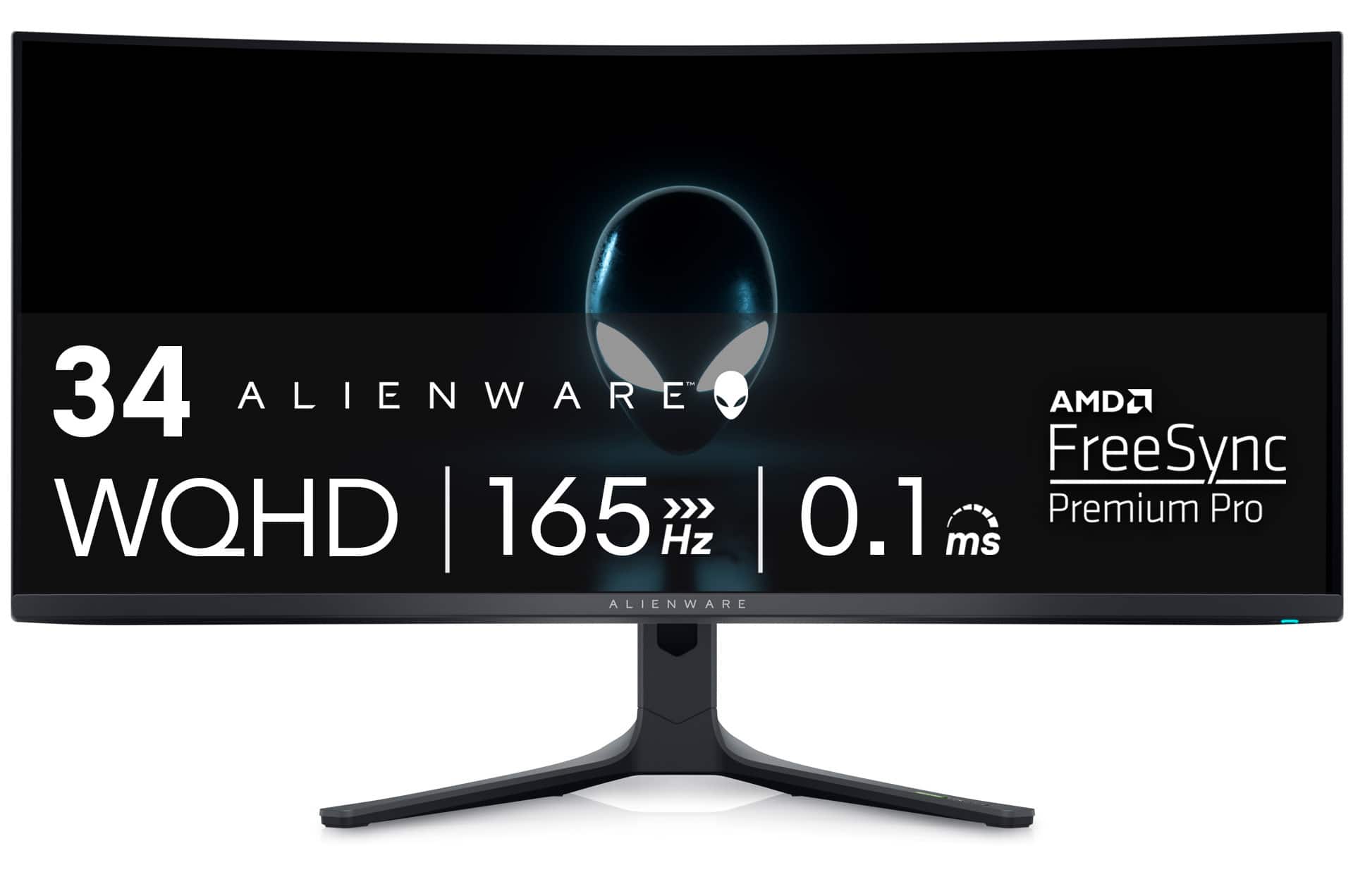
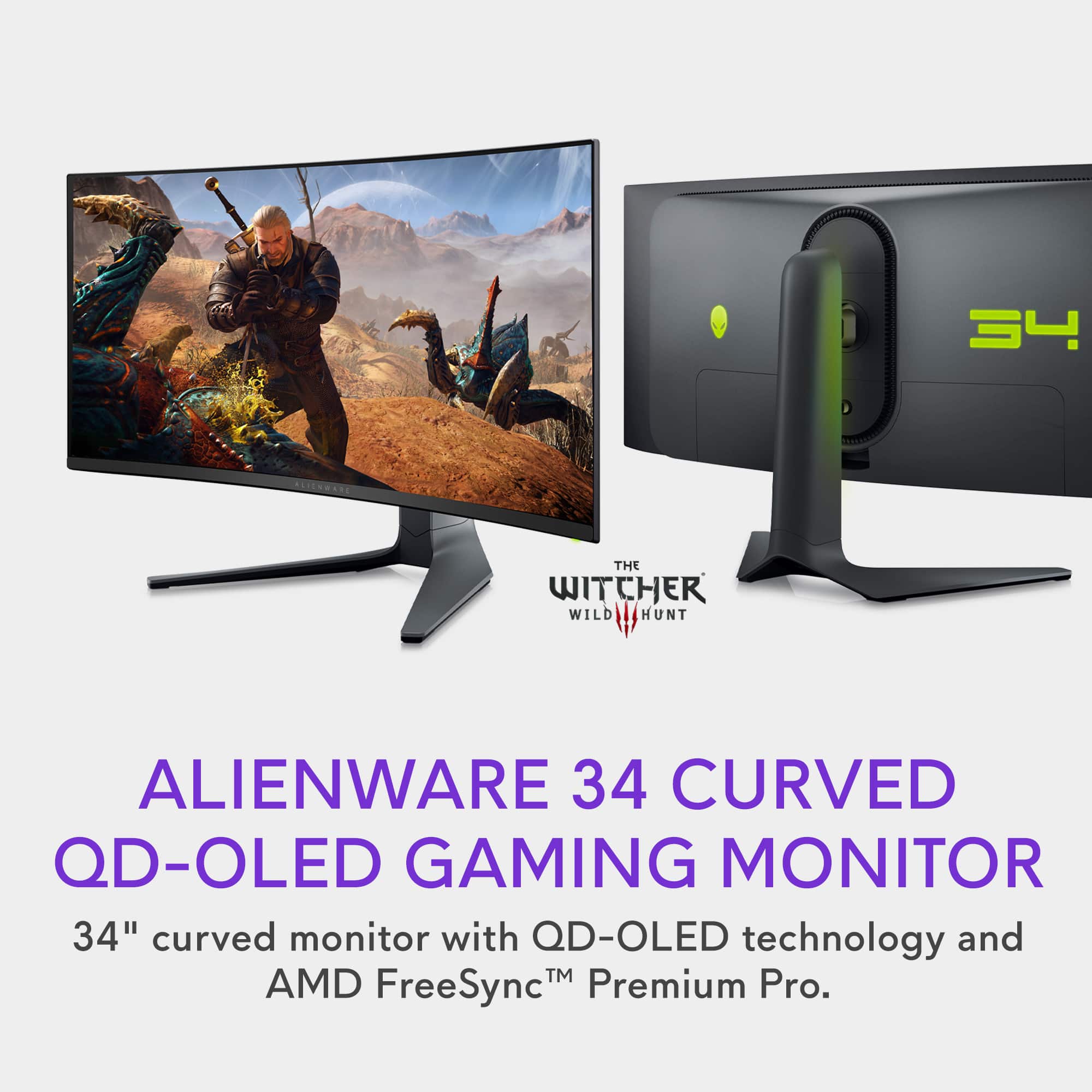
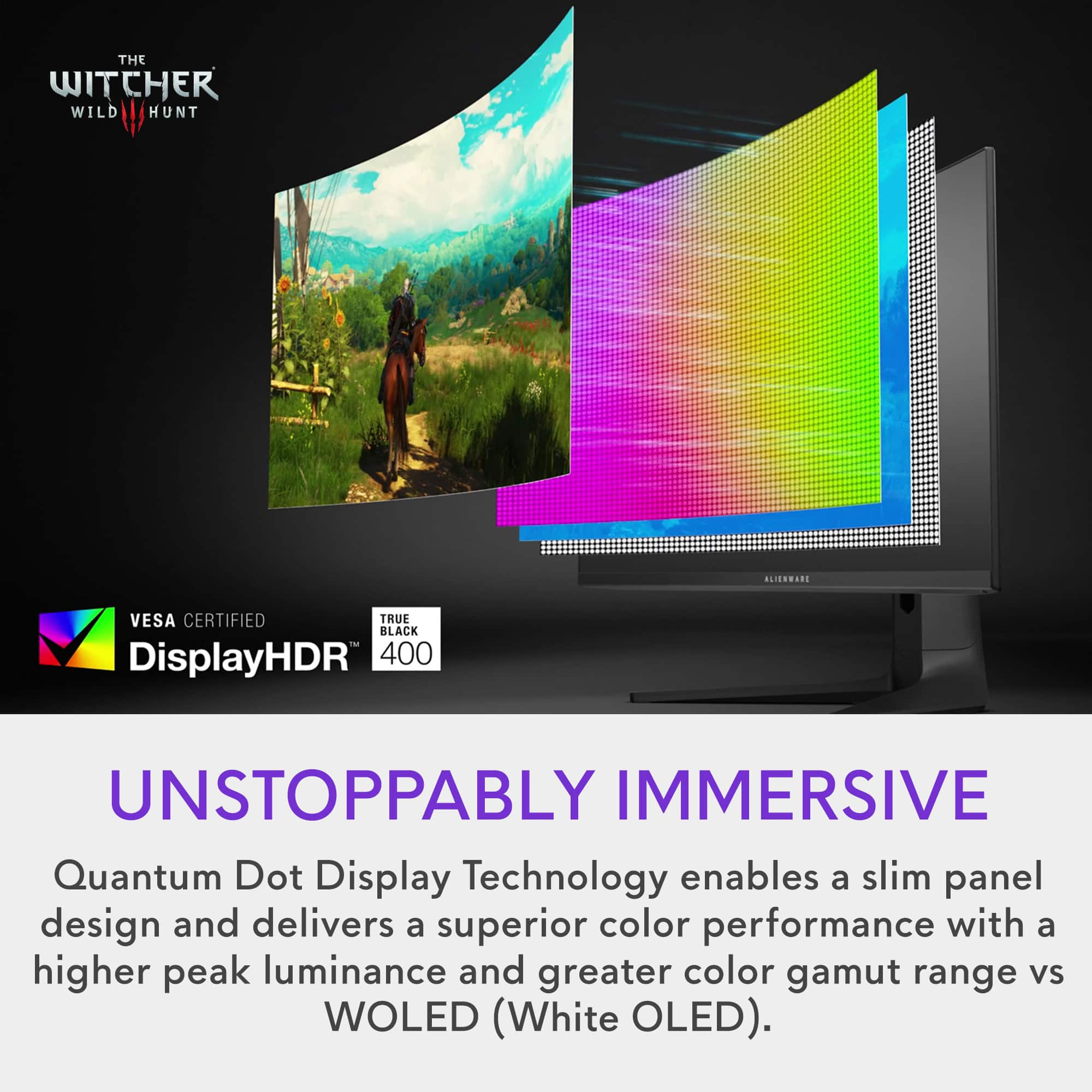
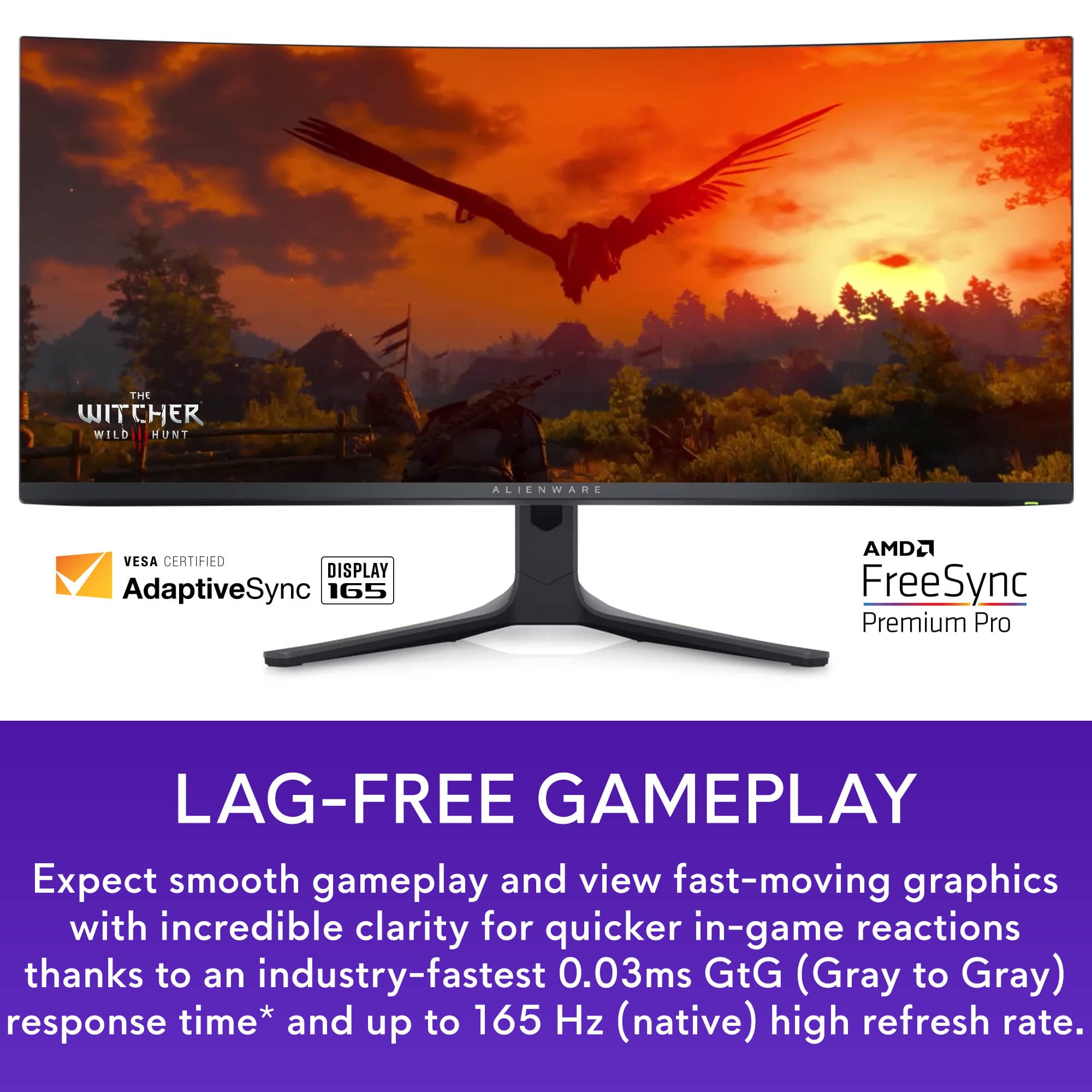

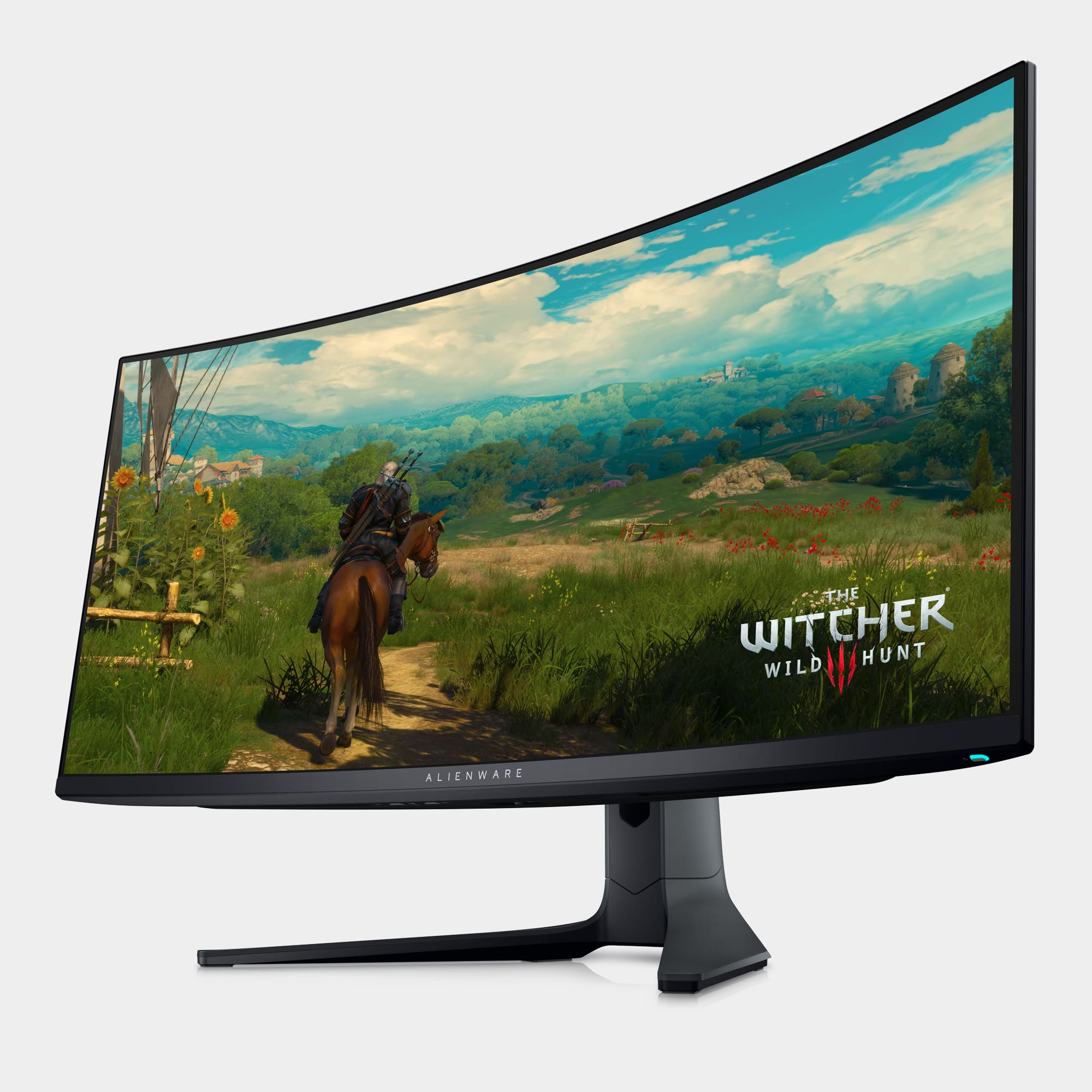

- Model:
- AW3423DWF
- |
- SKU:
- 6536990
Customer reviews
Rating 4.8 out of 5 stars with 1517 reviews
(1,517 customer reviews)Rating by feature
- Display Quality4.9
Rating 4.9 out of 5 stars
- Ease of Use4.8
Rating 4.8 out of 5 stars
- Features4.8
Rating 4.8 out of 5 stars
Customers are saying
Customers often highlight the AW3423DWF's exceptional picture quality, vibrant colors, and impressive OLED technology, resulting in stunning visuals and deep blacks. Many appreciate the high refresh rate and HDR capabilities, enhancing gaming and media experiences. While some mention the high price point and lack of built-in speakers, concerns about burn-in appear minimal based on user feedback. The overall consensus points towards a superior display experience despite a few minor drawbacks.
This summary was generated by AI based on customer reviews.
Rated 5 out of 5 stars
Once you go OLED, it’s hard to go back
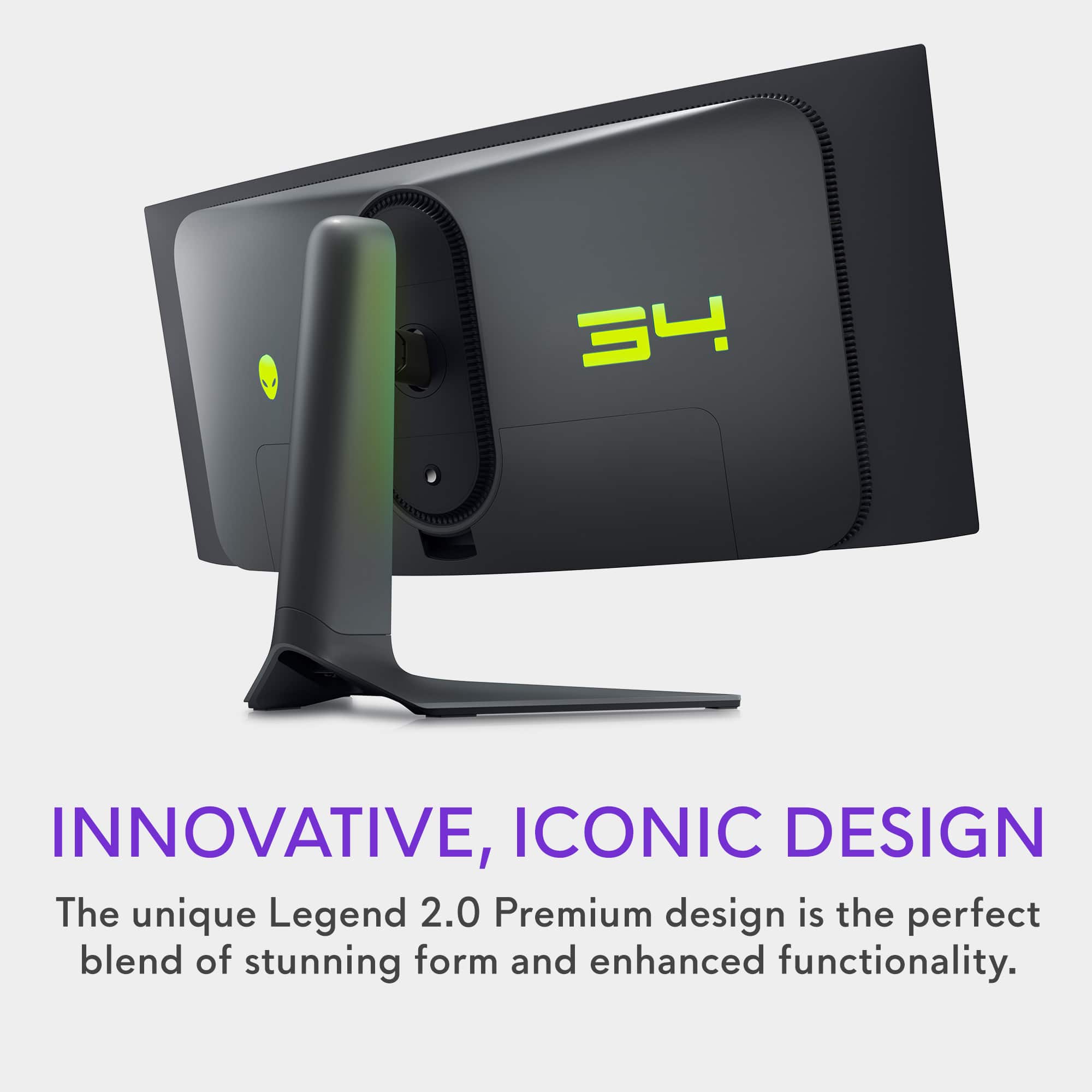
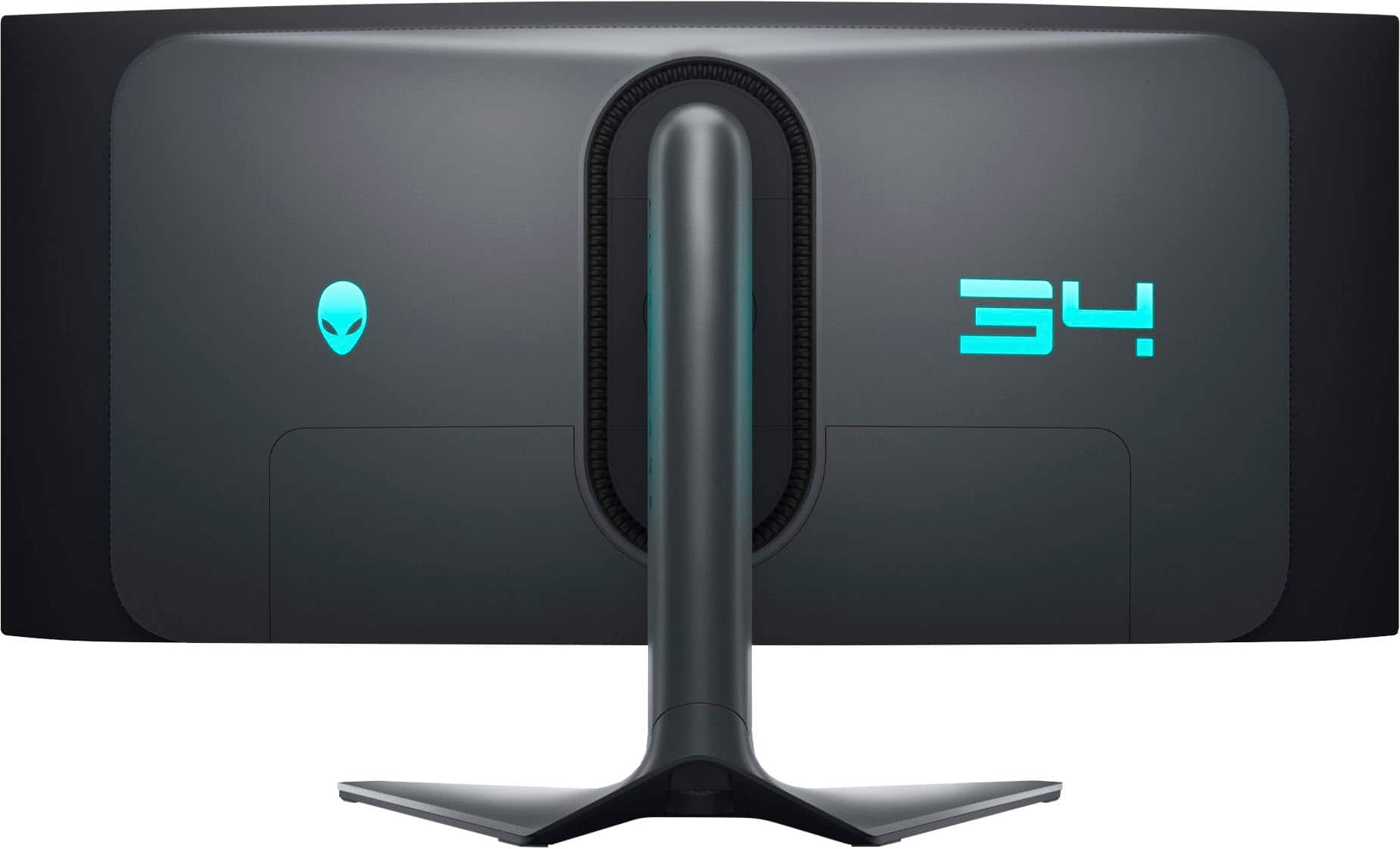
||Posted . Owned for 2 months when reviewed.This reviewer received promo considerations or sweepstakes entry for writing a review.I’ve had this monitor for about 3 months now, my first order had an issue with the display ports and my return period at Best Buy has already lapsed, but I’m very impressed with Dell’s customer service! I reached out to Dell first if they can help me address the issue online, but they later said that it’s still under warranty and I’m eligible for a next-day product replacement instead. I was able to get my replacement monitor the next day at no cost! Overall, the monitor display is great, I’ve been using it for a while now to code, watch movies, play games. It’s really hard for me to go back to any monitor that isn’t as beautiful and sharp as this one. It’s a little bit bulky on the desk and the stand takes up some space but I’m really happy with the display that I don’t mind those things at all. Plus the back side of the monitor looks sleek and futuristic. I’m not a fan of the joystick control though but the display setting is easy to navigate to. It’s an expensive monitor and I know there are far better monitors in this price range, but I’ve been wanting an OLED monitor and so far this one checks out for me.
I would recommend this to a friendRated 5 out of 5 stars
Amazing Monitor
||Posted . Owned for 7 months when reviewed.This reviewer received promo considerations or sweepstakes entry for writing a review.This is absolutely the best monitor. It’s beautiful run so smooth and I love the curve and accessibility on it. It has all my games looking and feeling amazing. Rdrd2, cyberpunk, black myth bust to name a few are amazing
I would recommend this to a friendRated 5 out of 5 stars
Unreal amazonf
||Posted . Owned for less than 1 week when reviewed.This reviewer received promo considerations or sweepstakes entry for writing a review.This monitor is must buy if you have the extra coin. It bring gaming to another level. First time usinf widescreen and its a game changer. I was amazed at thr color and the high definition of the graphics. Holy. It is worth the price if your looking into a premium monitor. Oled is really amazing
I would recommend this to a friendRated 5 out of 5 stars
Beutiful OLED Monitor
||Posted . Owned for less than 1 week when reviewed.This reviewer received promo considerations or sweepstakes entry for writing a review.I am replacing a Gigabyte 34" Ultra 144hz. This monitor is a great upgrade. I thought about 4k, I have an EVGA 3080 FTW that could handle it, but the true blacks of OLED made my decision for me. I am playing Cyberpunk 2077 and BG3, and they both look great running on HDR Peak 1000 mode, you can set this in the monitor's menu under Display>Smart HDR, make sure to set this.
I would recommend this to a friendRated 5 out of 5 stars
OMG This Monitor Rocks.
||Posted . Owned for less than 1 week when reviewed.This reviewer received promo considerations or sweepstakes entry for writing a review.This monitor fits beautifully on my office desk and it has the best picture I've ever seen on a 34". It's OLED and the the dots technology are great. This is replacin a 49(i think)" samsung odyssey which i will keepas a backup. My wife was sold when she saw on the desk. She always thought the Samsung was too big. I had hiped for a38" but only available were not OLED. PERFECT!
I would recommend this to a friendRated 5 out of 5 stars
An upgrade in every way!
||Posted . Owned for 1 week when reviewed.This reviewer received promo considerations or sweepstakes entry for writing a review.I’ve had an LG 34GP83 as my old monitor. It was a fine monitor at the time however i’ve noticed it was not as fast when it comes to response time. This new Alienware is amazing! Picture quality is better, response time is amazing, and the native max refresh rate is higher. 100% recommend if you have an older monitor and want to upgrade to something modern.
I would recommend this to a friendRated 5 out of 5 stars
Alienware - AW3423DWF - Just WOW and thensome
||Posted . Owned for 3 weeks when reviewed.This reviewer received promo considerations or sweepstakes entry for writing a review.Alienware - AW3423DWF - Just WOW, the monitor is amazing. The deep blacks, the HDR, the response time and to top it off, the ULTRA Wide is awesome. Just note, you should have a secondary monitor for your app icons, task bar, etc. I keep my QD-OLED black (blank screen) unless I am gaming on it.
I would recommend this to a friendRated 4 out of 5 stars
Monitor keeps interrupting what I am doing.
Posted .This reviewer received promo considerations or sweepstakes entry for writing a review.Nice monitor if you know how to set the colors, etc. correctly. It goes into this calibration mode multiple times while using it and stops you from being able to use the PC if that "window" is directly over your log in or something else. When you turn the power off it wants to do the same calibration or adjustment as the OLED must be constantly changing or it is wearing out or burning in as short amounts of time go by. When you go to push the power off button on the bottom left it has about 3 different color LEDs just for that button. I do not see an option to have it shutdown when it's done with the calibration. So I push the power on the monitor and sometimes it shuts down after the C and sometimes not. I guess I should read the manual :)
No, I would not recommend this to a friendRated 4 out of 5 stars
Nothing beats that OLED contrast/colors.
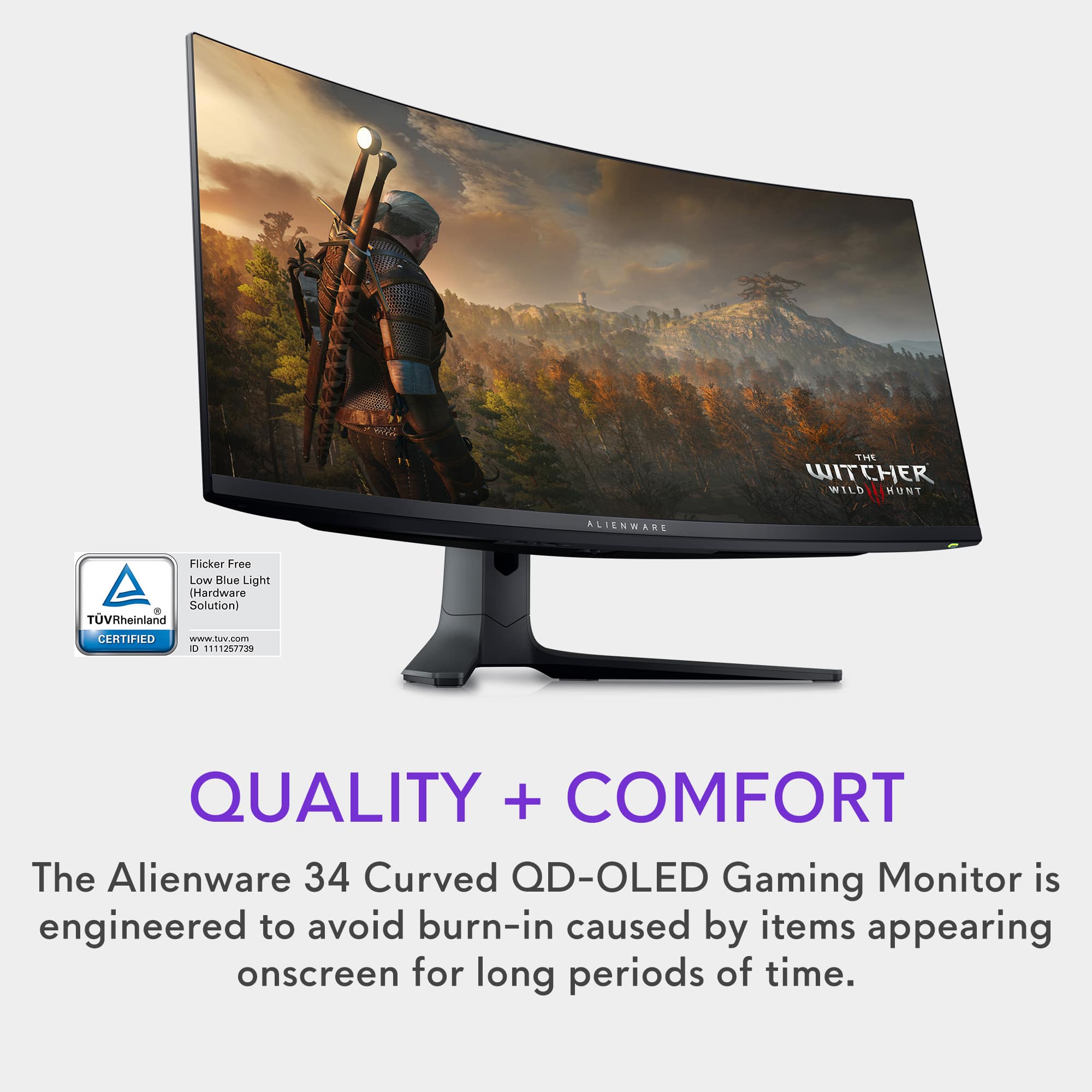
||Posted . Owned for 2 weeks when reviewed.This reviewer received promo considerations or sweepstakes entry for writing a review.Bought this monitor a few months ago from Dell directly but it arrived damaged, so I had to return it. Gave it a second chance and this thing looks amazing. The subpixel layout text issues so many people complain about is a nonissue to me, can't even notice it. I do use it for productivity, work from home 8 to 10 hours a day - CLI interfaces, text editors, outlook, databases, etc. and play 2 or 3 hours at night. It's always a pleasure to look at, never had any gaming or business monitor with such an amazing picture quality. I take a few breaks during the day, so I don't even notice the pixel maintenance routine, as it's done automatically when the monitor goes into standby mode after 4 or 5 hours of continuous use. Burn in is always something to keep in mind, I've always used dark mode all over, hidden my taskbar by default and all that actually helps prevent it. The maintenance routine should be enough though, according to Dell. On this monitor, there is a 3 year burn in warranty - you may also get an additional year with certain credit cards. Always get a warranty on OLED monitors, particularly these first gen ones with Samsung panels. I've seen some reviews claiming that the warranty only applies to monitors purchased directly from Dell, but that's not accurate - already checked with Dell's customer service. You do get your 3-year warranty, which includes burn-in protection, with advance replacement.
I would recommend this to a friend- Pros mentioned:Color, Picture quality
Rated 5 out of 5 stars
first ultra wide
||Posted . Owned for 3 weeks when reviewed.This reviewer received promo considerations or sweepstakes entry for writing a review.Excellet color, took a few days to get used to the new ratio and curve but cannot go back now
I would recommend this to a friend Rated 5 out of 5 stars
Absolutely blown away. Best monitor I've owned.
||Posted . Owned for 1 year when reviewed.This reviewer received promo considerations or sweepstakes entry for writing a review.I’ve been using the Alienware AW3423DWF 34″ QD‑OLED for several months now, and it’s hands-down the best monitor I’ve ever owned. The picture quality is nothing short of breathtaking—those deep blacks and vibrant colors are next level thanks to the QD‑OLED panel and infinite contrast. Whether I’m gaming, editing photos, or bingeing shows, the visuals are razor-sharp. Gaming on this monitor is a dream. The 165 Hz refresh rate and near-instantaneous 0.1 ms response time result in buttery-smooth motion and zero trailing. Input lag is virtually nonexistent—every headshot feels crisp, every turn feels fluid. Feature-wise, I appreciate the FreeSync Premium Pro support and Console Mode (for PS5/Xbox) that let me enjoy console games in all their glory—still with that ultrawide immersion. I swapped out my dual‑monitor setup, and the 34″ curved screen has been perfect for multitasking, office work, and creative projects. The build quality is excellent, with an adjustable stand and thoughtful cable management. It even comes with a strong 3‑year premium panel exchange warranty, including protection against OLED burn‑in. No product is flawless, though. If you work under bright lights, blacks can shift a bit, and OLED pixel‑shifting occasionally triggers a small flicker during static use—it’s easy to ignore during gaming, but worth noting for heavy office work. And yes, unlike some monitors, it doesn’t have built-in speakers—you’ll want a sound system or headset. Bottom line: If you’re looking for an ultrawide that performs like a dream and looks stunning in all scenarios, this is it. The AW3423DWF delivers spectacular visuals, lightning-fast performance, and sleek design. Highly recommend for gamers, content creators, and anyone who wants quality front and center.
I would recommend this to a friend- Pros mentioned:Oled
Rated 5 out of 5 stars
The Perfect display
||Posted . Owned for 6 months when reviewed.This reviewer received promo considerations or sweepstakes entry for writing a review.This display will change your life, it does not have the same amount of pixels as a 4k display but the display is so beautiful. The OELD colors really pop, it also get decently bright compared to OLED standards. The UW is super immersive to play video games in, especially if you play Total War type of games. I will say that I have used this monitor as my daily driver for both work and gaming and I am happy to report that the OLED does not have the slightest bit of burn in. I have used the Monitor for over 7 months before writing this review. Would highly recommend.
I would recommend this to a friend Rated 5 out of 5 stars
I recommend this monitor for work AND play
||Posted . Owned for 1 month when reviewed.This reviewer received promo considerations or sweepstakes entry for writing a review.It's a whole new world with this massive monitor. Now that I have been using it for more than a month I have trouble working on my work monitor. In comparison other monitors feel very outdated. I am going to spring to buy another one for my workplace. I have several businesses where I have to get screengrabs for daily reporting and it is great to have all the real estate as opposed to shrinking my documents to get them to fit full size in a screen grab. It's also my go to system now for all graphic design. I use it for web development and advertising development in addition to my accounting work. It's pricey but as with most things you get what you pay for. I use it on my MacBook Pro and my current screensaver is a shot of San Francisco and the Golden Gate Bridge. It is so cool when the screen saver comes on the tiny cars begin to drive across the bridge and the ocean water underneath undulates as in real time. It turns my monitor into artwork when I am not working. If you compare this to other OLED monitors it is actually a good price point.
I would recommend this to a friendRated 4 out of 5 stars
Great monitor
||Posted . Owned for 3 weeks when reviewed.This reviewer received promo considerations or sweepstakes entry for writing a review.This monitor has an amazing amount of options onboard, 165 hz refresh and a decent price for OLED. The only gripe I have is it wanting to do a pixel refresh every 4 hours or so. Other monitor options have pixel shift or other ways to prevent burn in, with the ability to stay on longer without needing a refresh as often.
I would recommend this to a friend- Pros mentioned:Picture quality
Rated 5 out of 5 stars
Game changer
||Posted .This reviewer received promo considerations or sweepstakes entry for writing a review.The Alienware AW3423DWF is an absolute game-changer. The QD-OLED panel delivers stunning contrast and vibrant colors, making everything from gaming to creative work look phenomenal. Its 165Hz refresh rate and ultra-low 0.1ms response time ensure buttery-smooth performance with virtually no motion blur. The ultrawide curve enhances immersion, and FreeSync Premium Pro keeps gameplay tear-free. At $699, it’s a premium investment—but for what you get, it’s worth every dollar.
I would recommend this to a friend Rated 5 out of 5 stars
OLED is too good
||Posted . Owned for 1 week when reviewed.This reviewer received promo considerations or sweepstakes entry for writing a review.Coming from a 1080p tn panel, this OLED monitor is crazy nice. First experience with 1440p, OLED and ultrawide and I'm astounded by the difference in quality. If you're looking to emget this monitor though I'd suggest having a pretty beefy graphics card because this monitor is definitely demanding. Running a 6950 XT and it's been good so far
I would recommend this to a friend- Pros mentioned:Color, Picture quality
Rated 5 out of 5 stars
LOVE IT
||Posted . Owned for 1 year when reviewed.This reviewer received promo considerations or sweepstakes entry for writing a review.Had this monitor for a many months now and zero issues. Beautiful picture quality, nice software features, great color contrast and build quality.
I would recommend this to a friend Rated 4 out of 5 stars
4K or OLED, I pick 4K.
||Posted .This reviewer received promo considerations or sweepstakes entry for writing a review.I settled on 4K monitors after trying many high refresh rate options a while back. The main reason had to do with motion clarity. There are many features that must work together to bring good motion clarity, some of the options I tried before were limited by the panel tech and could only do so much. OLED has many benefits that would lead one to believe the experience would be exceptional, but that's not always the case. After reading many reviews online and referencing TFTCentral/RTINGS, I decided to try again. Positives: Exceptional colors Exceptional blacks Negatives: Alienware bloatware auto installed for some reason(absolutely hate this) Motion clarity still not quite there Resolution downgrade immediately noticeable at desktop The motion clarity is improved from my two IPS LG monitors(34WK95U/27BK85U), but it's still not comparable to my iPhone 13 Pro. Reading text during slow scrolling is not as clear on the DWF. For whatever reason, trying multiple settings and browsers on W10 Pro could not solve the issue. I started up a couple games and made sure to hit the max panel rate, better but still not quite there. Now I find myself still taking a motion clarity hit on top of the lower screen resolution. I'm back to where I started, if I can't get clear motion either way, I rather trade it off for 4K. While some of the issues might stem from a Windows problem, there is not a way for me to fix that, so the experience is whatever I get. I find it much easier to find and use 4K content, be it movies, games, or productivity, vs trying to work with the DWF. Once the pop up came up mentioning it had to run a pixel refresh, the coffin was shut. What HDR setting should be used and issues it can cause, let's start filling the grave. There are still too many compromises for me to be happy, but I can see why the monitor has many good reviews. If you are coming from a 1080p screen or are already at 1440p, there are only benefits to be had. For me, this isn't good enough to give up 4K. MSI seems to be coming out with a 32" 4K 240Hz QD-OLED monitor next year(2024). It'll still be a PPI hit(163 to 139), but it might be enough to keep me happy. Until then, I'll stick to my two 4K monitors.
I would recommend this to a friendRated 5 out of 5 stars
Worth every penny!
||Posted . Owned for 1 month when reviewed.This reviewer received promo considerations or sweepstakes entry for writing a review.This monitor is AMAZING. The idea of a curved screen never seemed ideal for me. Really thought it would mess with my eyes, but it’s perfect! Worth every penny!
I would recommend this to a friendRated 5 out of 5 stars
Flabbergasted by the value
||Posted . Owned for less than 1 week when reviewed.This reviewer received promo considerations or sweepstakes entry for writing a review.I got this monitor for $799 on a sale and i am very happy with it. I dont know what i was expecting as ive never had an oled monitor, just phones. Im honestly very happy with the monitor all around. The ultrawide resolution mixed with oled is simply so beautiful. I would say the onlh thing that is sad is no hdmi2.1
I would recommend this to a friend