Customer Ratings & Reviews
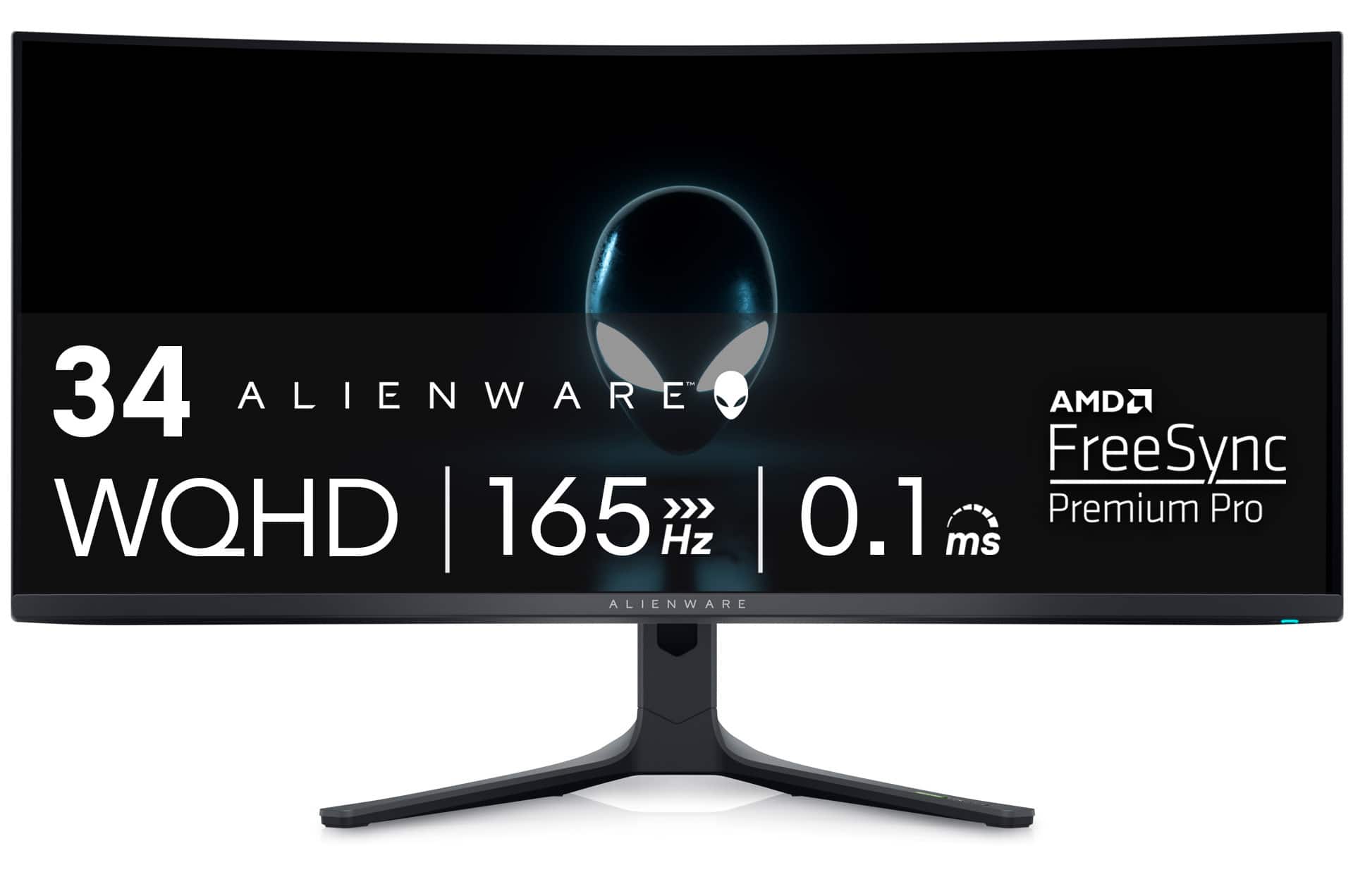
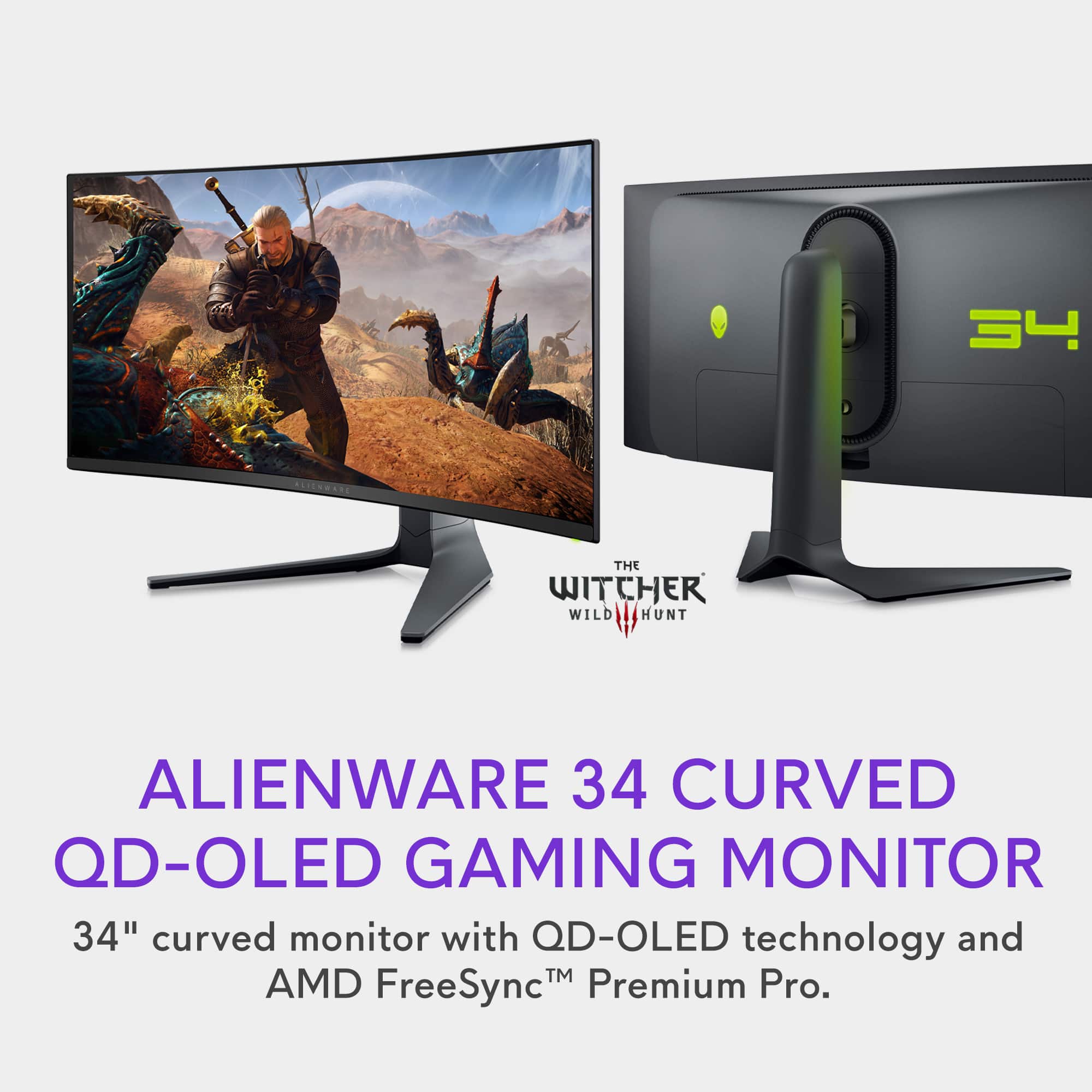
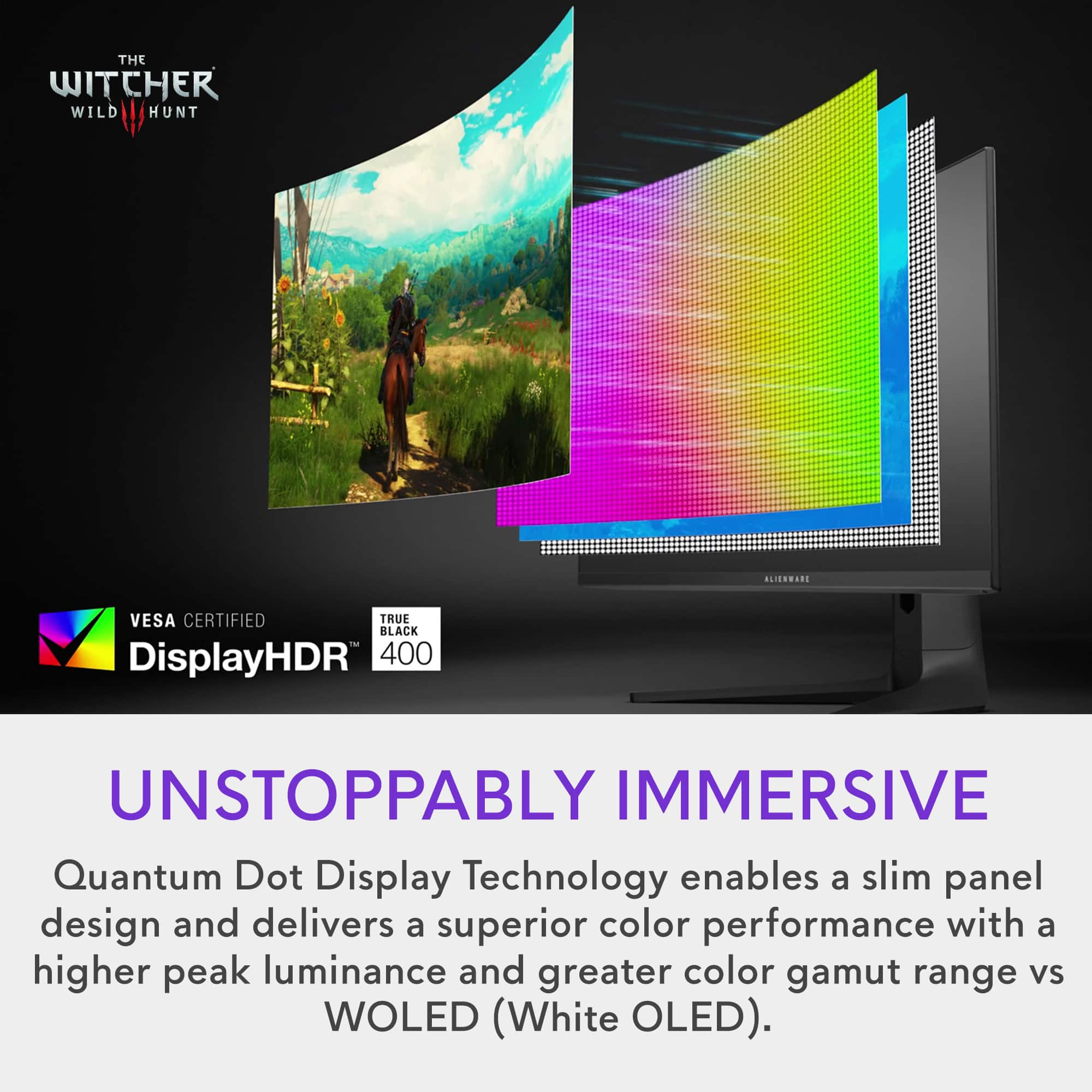
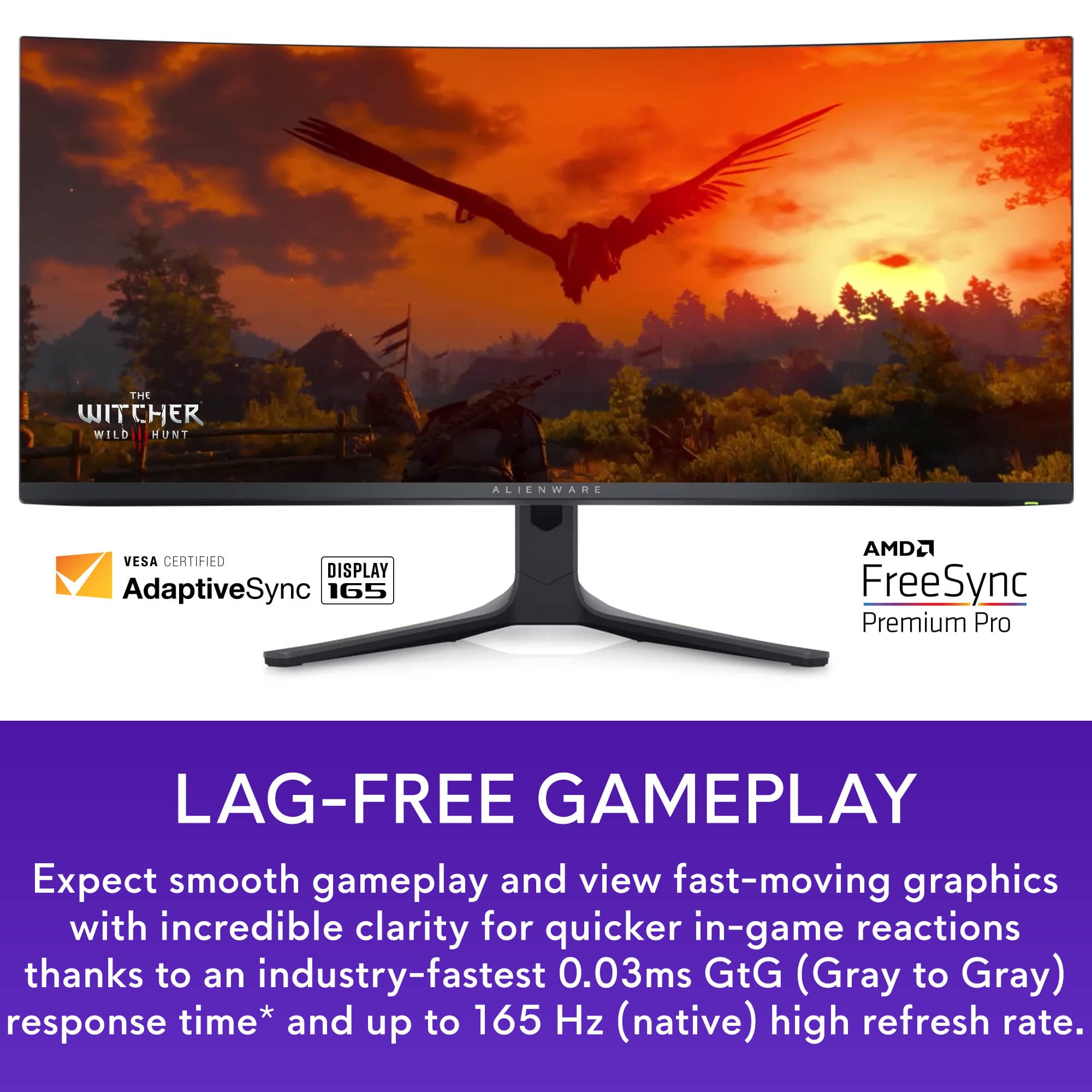

- Model:
- AW3423DWF
- SKU:
- 6536990
Rating by feature
- Display Quality
Rating 4.9 out of 5 stars
- Ease of Use
Rating 4.8 out of 5 stars
- Features
Rating 4.8 out of 5 stars
Customers are saying
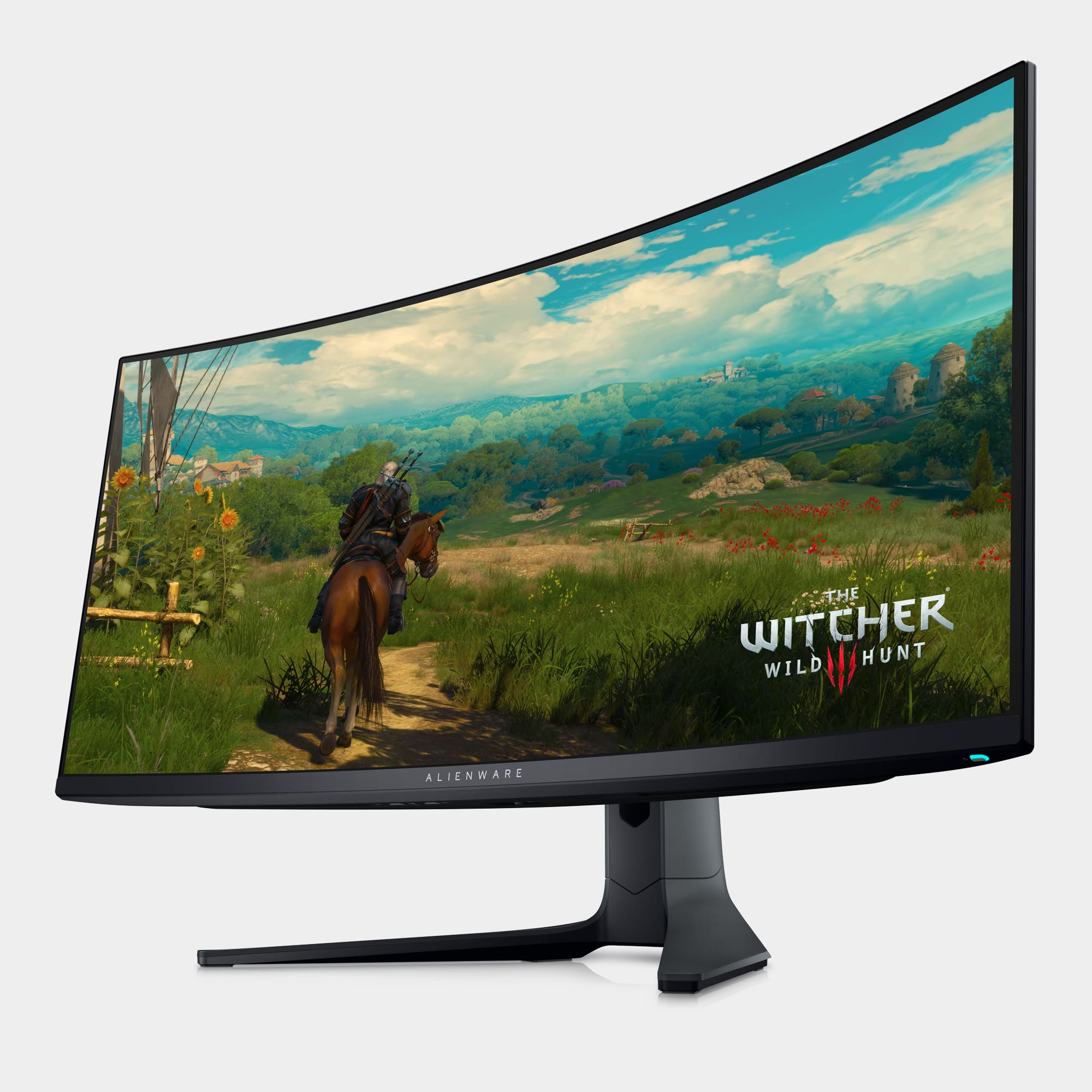
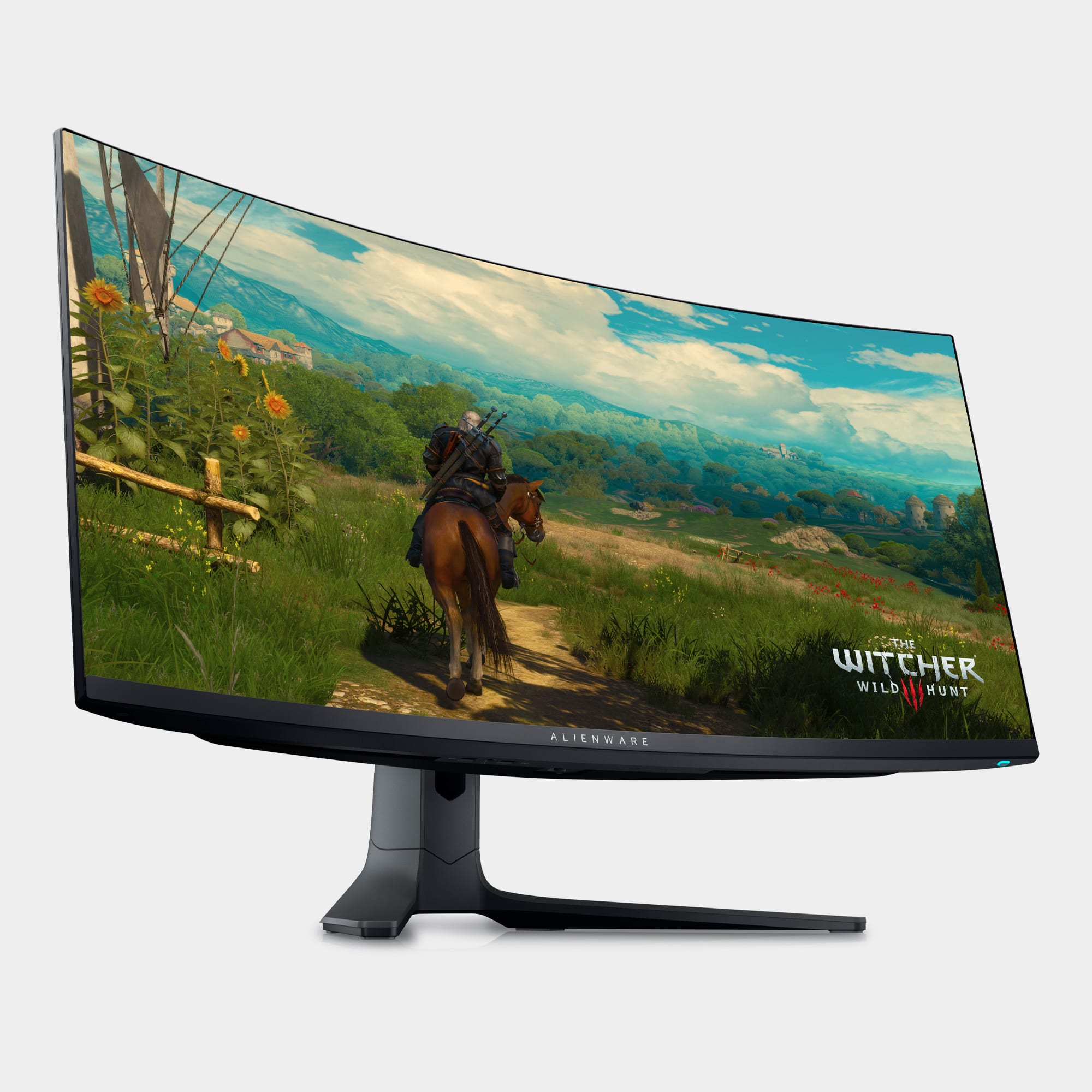
Customers often highlight the AW3423DWF's exceptional picture quality, vibrant colors, and impressive OLED technology, resulting in stunning visuals and deep blacks. Many appreciate the high refresh rate and HDR capabilities, enhancing gaming and media experiences. While some mention the high price point and lack of built-in speakers, concerns about burn-in appear minimal based on user feedback. The overall consensus points towards a superior display experience despite a few minor drawbacks.
This summary was generated by AI based on customer reviews.
Not impressed with the display
||Posted . Owned for 1 month when reviewed.This reviewer received promo considerations or sweepstakes entry for writing a review.I did not like how the display is horizontally distorted because of the screen width and I returned the monitor!
No, I would not recommend this to a friendBrand response from YourDellTeam
Posted .Hello There RichardB,
We want to thank you for taking the time to leave a review of your Alienware 34” OLED Curved Ultrawide Gaming Monitor. We are sorry to hear that you were not completely satisfied with the display of your device and made the decision to return it. That is not the type of feedback we like to hear from our customers, or the type of product Dell intends to deliver. We have noted the details of your statement and will use them to improve current and future products.
If you continue to experience issues, please reach out to Dell Support directly by using the information provided below.
Chat or call: https://bit.ly/DellSupportTeam
Phone number to Dell: 1-800-624-9896
Best,
Summer@Dell
Coil Whine and Quality Control
||Posted . Owned for 1 month when reviewed.This reviewer received promo considerations or sweepstakes entry for writing a review.Absolutely awesome monitor. Terrible Quality Control. After owning this monitor for 3 years, it developed an awful coil wine. Luckily I was able to replace the monitor, but after three more attempts, each new monitor had the same or worse coil whine. Alienware really let me down. Went to the LG 5K2K and haven't looked back. Much better monitor.
No, I would not recommend this to a friendAlright might be too much for the money
||Posted . Owned for 1 week when reviewed.This reviewer received promo considerations or sweepstakes entry for writing a review.The monitor is great. Wish the panel was a 240hz refresh rate. Just doesnt seem like something you should spend $1000 on.
No, I would not recommend this to a friendBrand response from YourDellTeam
Posted .Hi TMugTTV,
We appreciate you taking the time to leave us your review. We are sorry to hear that you are not 100% satisfied with your Alienware 34” curved gaming monitor because of its low refresh rate.
We will share your review with our quality team, so improvements can be made in the future.
If you come across any questions or have concerns about this product, please don’t hesitate to contact the Dell Support Team at the information provided below.
Chat or call: https://bit.ly/DellSupportTeam
Phone number to Dell: 1-800-624-9896
Best,
Katarina@Dell
Great monitor but only if you're used to the curve
||Posted . Owned for 1 month when reviewed.This reviewer received promo considerations or sweepstakes entry for writing a review.Good quality screen but for some reading reading text with oled made me dizzy, maybe it was the curve, not sure
I would recommend this to a friendBrand response from YourDellTeam
Posted .Hey There Semenator,
We appreciate you taking the time to leave us a review of your Alienware 34” gaming monitor. We are sorry to hear that you are having trouble reading the text on your screen. That is not the type of feedback we like to hear from our customers, or the type of product Dell intends to deliver. We have noted the details of your statement and will use them to improve current and future products.
If you continue to experience issues, please reach out to Dell Support directly by using the information provided below.
Chat or call: https://bit.ly/DellSupportTeam
Phone number to Dell: 1-800-624-9896
Best,
Summer@Dell
99 Hz max refresh rate
||Posted . Owned for 1 week when reviewed.This reviewer received promo considerations or sweepstakes entry for writing a review.Beautiful monitor but no matter what I did (and I tried everything) the refresh rate was capped at 99 Hz. That was an obvious deal breaker for me. After returning it, I had no problem reaching 200+ Hz on my old monitor, which confirmed the Alienware was the issue since I was using the same cable and everything.
No, I would not recommend this to a friendBrand response from YourDellTeam
Posted .Hello Valued Customer,
Thank you for taking the time to leave us your review. We are sorry you have decided to return your Alienware - AW3423DWF 34 Quantum Dot OLED Curved Ultrawide Gaming Monitor. We can assure you that Dell takes pride in manufacturing quality products. This is certainly not the experience we like to hear from our valued customers. We value your feedback and are always looking for ways to improve our products and services.
We will share your review with our quality team, so improvements can be made in the future.
Even if this particular product was not the right fit for you due to the issues you experienced, we hope that you will consider Dell in the future when you make your next purchase.
If you have any concerns or questions, Please do not hesitate to get in touch with Dell using the information provided below.
Chat or call: https://bit.ly/DellSupportTeam
Phone number to Dell: 1-800-624-9896
Best,
Minhaj@Dell
Quailty issues .
||Posted . Owned for 1 week when reviewed.This reviewer received promo considerations or sweepstakes entry for writing a review.So this montior is amazing . But i cant see past the quality issues on this montior . I have repalced this montior twice through dell and both replacement had the same defect on the screen . The way dell packs these montiors causes them to get bubble mark smears all over the screen that will not come off . Once you see those bubble marks you cant unsee them . I ened up giving up and just returning it and going with the next best samsung g8 neo . If your okay with paying 1,000$ for a montior with screen damage and defects this montior is amazing .Its not just a couple of marks on the display its hundreds if not thosands of little smear marks all over .
No, I would not recommend this to a friendBrand response from YourDellTeam
Posted .Dear Hunt,
Thank you for taking the time to leave a review of your Alienware 34” gaming monitor. We are sorry to hear that you are not completely satisfied with the quality of your monitor. That is not the type of feedback we like to hear from our customers, or the type of product Dell intends to deliver. We have noted the details of your statement and will use them to improve current and future products.
If you continue to experience issues, please reach out to Dell Support directly by using the information provided below.
Chat or call: https://bit.ly/DellSupportTeam
Phone number to Dell: 1-800-624-9896
Best,
Summer@Dell
Okay but you could get a G5
||Posted . Owned for 1 month when reviewed.This reviewer received promo considerations or sweepstakes entry for writing a review.I would go buy a G5 on ebay for $300 but I needed this
No, I would not recommend this to a friendnice sturdy monitor
||Posted . Owned for 3 weeks when reviewed.This reviewer received promo considerations or sweepstakes entry for writing a review.It's a good add on for anyone looking for a beautiful monitor for entertainment.
I would recommend this to a friendBrand response from YourDellTeam
Posted .Dear lucktonic999,
Thank you for taking the time to leave a review of your Alienware 34” ultrawide gaming monitor. We are happy to hear that you are satisfied and enjoying your device. That is the type of product Dell intends to deliver and the type of feedback we like to hear from our customers.
If you need further assistance, we recommend using the toll-free number or chat link below at your convenience to reach a member of our Dell Support Team.
Chat or call: https://bit.ly/DellSupportTeam
Phone number to Dell: 1-800-624-9896
Best,
Summer@Dell

This monitor is absolutely the best money can buy
|Posted .This reviewer received promo considerations or sweepstakes entry for writing a review.I have been envious of OLED owners, despite owning a perfectly good Acer Predator 27" IPS 165Hz gaming monitor. When I saw an opportunity to get this Alienware monitor I jumped at it. I do own another Alienware monitor, the 38" Alienware LCD screen, and it's a fantastic monitor. I once considered it the best product in my house. Until this one arrived that is. The unboxing is very nicely done and gives you a real opportunity to get most of the work done while the monitor itself is still sitting in the egg shell and protected. One should reference the sheet that accompanies the monitor with pictures and explanations. There are not many steps to setting this monitor up. One tip I can tell everyone is that go ahead and connect ALL cables you might want to use right now. In fact, I recommend that you setup ALL the cables that the monitor can take, and leave the ones that you don't need right now in a nice little tie-up or cable catch, for in the future when/if you connect up something such as a Playstation 5 to this monitor. Why? Well because attempting to connect up a cable to this thing when it's sitting on your desk is nigh impossible, at least for me. It takes me forever and a lot of cursing trying to plug in anything to a monitor like this. I learned this the hard way with my 38" Alienware. Once you are setup then it's time to enjoy. You will want to learn how to go into the menus and edit the settings. This monitor has a lot to tweak and update and you should seriously consider reading the manual quite thoroughly. You may want to do like I did and just use it and then go back and figure stuff out, but either way I would be remiss if I did not say that to get the full use of this monitor you do need to read a bit and understand what is what. I will also give you a tip that perplexed me, and that is, once you pull up the menu you press up (or towards the back of the monitor) to get to the full menu. Playing games in this is a dream and movies as well, especially ones that take full advantage of the HDR features. I read a lot about it and it seems that most gamers believe the full 1000 feature of the HDR is what one should use, but some recommend the 400 option, which gives you more brightness in certain areas. Now that I think about it I can't really recall if I have that backwards or not but I did use both and ultimately went with the HDR Peak 1000 option. There are also game specific type settings as well to use if you desire. There's also a lot of options to do picture by picture, or picture in picture, and all types of %'s either way so you can effectively use this monitor to replace 2 monitors and it is very simple and easy to use, unlike some software that I have seen. It really is something I was wanting when I bought my 38" but was forced to forego due to the 38" monitor simply not having these features. This adds incredible value to this monitor.. The refresh rate, the HDR, the panel itself, how you can move it up and down and swivel, everything here is fantastic. The only real downside to this panel is the Alienware Command Center software, which if you've used Alienware products before, you know that the software can be kind of a cranky baby. Other than that this monitor is a beast! PC Gamer crowned it the best gaming monitor that one can buy right now (take that 49" ultrawides!) and I concur, it just doesn't get any better than this for us gamers.
I would recommend this to a friendGoing to be hard to go non-OLED
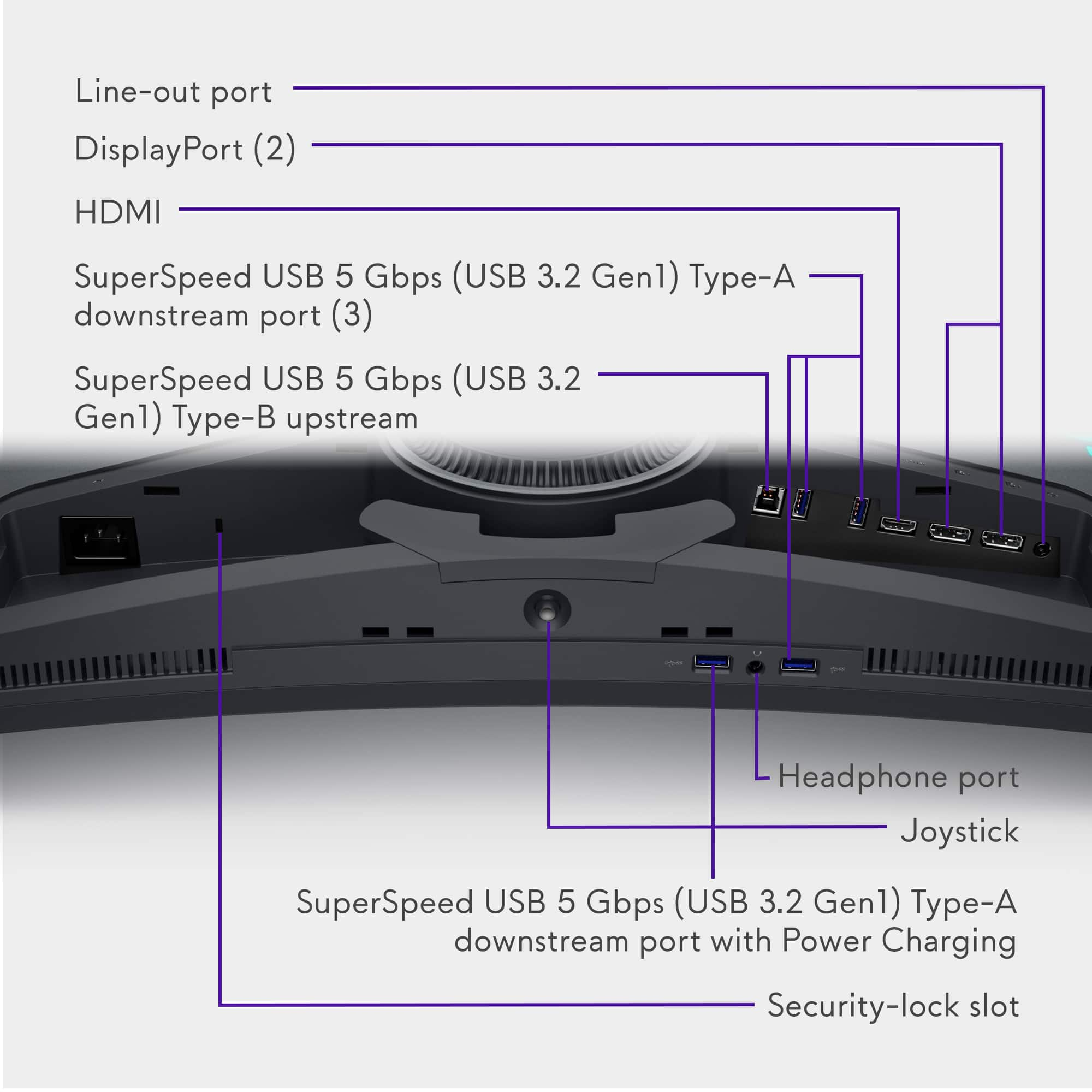
|Posted .This reviewer received promo considerations or sweepstakes entry for writing a review.This is my first OLED monitor and I have to say, the biggest take away is how hard it's going to be to go back to non-OLED screens. I have 2 other pretty nice monitors and 2 fairly nice, large TVs. None of them are OLED and now I'm sad about that. Setup is a breeze. It's a monitor. Connect your display devices and you're pretty much ready to go. Windows didn't install it right away but when I did a Windows Update, a driver was found for the monitor. There's also the Dell Display Manager software that's kind of nice for controlling most of the things you can control through the monitor menu with a mouse and keyboard instead. I've never really been sold on curved monitors. They just never seemed very necessary. I still don't think they are necessary after this one but I kind of get it now. Maybe I wouldn't care as much on a standard 16:9 screen but on this 21:9 screen, I like the subtle curve to it. Overall, the monitor looks pretty sleek. I could probably do without the ALIENWARE on the bottom bezel but it's not too obnoxious looking so I don't mind it much. I didn't use the stand since I had a wall mount ready for it so I can't speak to the quality or ease of use there but it definitely felt heavy and like it would have no problems holding the monitor sturdy. Picture quality is top notch compared to the rest of my monitors which aren't bad or cheap monitors at all. Colors seem rich but accurate. Blacks are as blacks are on OLED monitors. Pure black. It's so nice. The HDR felt good and didn't feel too dark to me. I accidentally turned on HDR Peak 1000 mode and everything was incredibly washed out and looked terrible but setting it to one of the other more reasonable settings was much nicer. Not sure when/where I would use the HDR Peak 1000 mode if it always looks like that. I played a couple of games like Doom Eternal and it looked gorgeous. Also watched some HDR shows on Netflix that also looked really good. The full 21:9 ratio in Doom Eternal really looks a lot better than I anticipated a game looking stretched across the full screen. I'm going to start being disappointed in games that don't fully support ultrawide mode because I really don't think I'm going to want to go back to 16:9 unless I need to. The amount of inputs is also really nice. You can connect two display ports and an HDMI. You can also Picture-in-Picture or Picture-by-Picture to get a more standard 1440p resolution (actually, 2554x1440 instead of 2560x1440, which seems weird) while also displaying your HDMI device on the other 25% of the screen. I'm not sure I have anything else say about this. The only gripe I can come up with might just not be something that ultrawide monitors do. I would love the ability to split the monitor just like Picture-by-Picture mode but have both monitors show up in Windows as separate displays. That's literally the only thing I can come up with that I'm not a huge fan of. Maybe this is something that can't be done with a single display port cable. Would be nice, though. Otherwise I'm loving this monitor. If you have the funds, look into this guy. It's not cheap but it is nice. It looks great. OLED is amazing. The HDR didn't feel dark or washed out. The interface works well enough with the option to control most of it via software. A lot of input options so you can connect your consoles and PC's to the same monitor. I like it.
I would recommend this to a friendReturned due to damage from packaging
||Posted . Owned for less than 1 week when reviewed.This reviewer received promo considerations or sweepstakes entry for writing a review.The display technology is excellent but the packaging is damaging the screen. I opened the box to discover that the foam/bubble wrap layer that makes direct contact with the screen had left marks behind. These marks do not come off. I exchanged it for a new one, same problem. Did it once more, same problem again, and gave up. Returned for full refund. Note to Dell: It's always on the left side of the monitor It's a known manufacturing/shipping issue that ruins an otherwise good product: https://www.reddit.com/r/ultrawidemasterrace/comments/13wvimn/should_i_return_screen_defect_aw3423dwf/
No, I would not recommend this to a friendBrand response from YourDellTeam
Posted .Hi DG84,
We value your feedback and want to thank you for taking the time to leave a review of your Alienware 34” ultrawide gaming monitor. We are sorry to hear that you were not completely satisfied with the packaging of your device and made the decision to return it. That is not the type of feedback we like to hear from our customers, or the type of product Dell intends to deliver. We have noted the details of your statement and will use them to improve current and future products.
If you continue to experience issues, please reach out to Dell Support directly by using the toll-free number or chat link provided below.
Chat or call: https://bit.ly/DellSupportTeam
Phone number to Dell: 1-800-624-9896
Best,
Summer@Dell
Bad QC.
||Posted . Owned for less than 1 week when reviewed.This reviewer received promo considerations or sweepstakes entry for writing a review.Unfortunately this monitor had smudges from the screen protector that comes with the packaging. It's almost as oils or something from the screen protector head gone into the screen and deteriorated along the top and along the bottom of where it was taped at. No matter what I did with screen solution spray or microfiber cloth, nothing was coming off. Unfortunately it seems like others have the same issue.
No, I would not recommend this to a friendBrand response from YourDellTeam
Posted .Hi There Joe13,
We appreciate you taking the time to leave us a review of your Alienware 34” gaming monitor. We are sorry to hear that there were smudges on your screen protector. That is not the type of feedback we like to hear from our customers, or the type of product Dell intends to deliver. We have noted the details of your statement and will use them to improve current and future products.
If you continue to experience issues, please reach out to Dell Support directly by using the information provided below.
Chat or call: https://bit.ly/DellSupportTeam
Phone number to Dell: 1-800-624-9896
Best,
Summer@Dell
Alienware 34 inch curved oled.
||Posted . Owned for 3 weeks when reviewed.This reviewer received promo considerations or sweepstakes entry for writing a review.Amazing screen but it gathers so much dirt and dust and you can never clean it without making it worse. I’ve tried everything to get the screen clean but even just touching it gently with a microfiber cloth leaves think lines across the screen
No, I would not recommend this to a friendBrand response from YourDellTeam
Posted .Dear AmoryL,
Thank you for taking the time to leave a review of your Alienware 34” ultrawide gaming monitor. We are sorry to hear that you are experiencing an issue with cleaning your monitor. That is not the type of feedback we like to hear from our customers, or the type of product Dell intends to deliver. We have noted the details of your statement and will use them to improve current and future products.
If you need further assistance, we recommend using the toll-free number or chat link below at your convenience to reach a member of our Dell Support Team.
Chat or call: https://bit.ly/DellSupportTeam
Phone number to Dell: 1-800-624-9896
Best,
Summer@Dell
Should've been a great experience, mine had damage
||Posted . Owned for 1 month when reviewed.This reviewer received promo considerations or sweepstakes entry for writing a review.Welp, I was excited to get an oled monitor and sure enough the one I got was damaged. They don't put a plastic peel film on the screen and they sit it right on the foam inside the box. Mine had the faom rub against the screen so much that it caused a bunch of micro scratches and these weird looking bubbles on the screen. Almost like it was making the coating on the screen bubble off of it. Shame because it looked like it would be a great monitor.
No, I would not recommend this to a friendblurry fonts on Windows
||Posted . Owned for 3 weeks when reviewed.This reviewer received promo considerations or sweepstakes entry for writing a review.as purely gaming monitor is ok but all fonts in Windows are blurry due not LCD matrix which is not supported by Windows 11. This is not what you could expect from $1k monitor. There is no solution for this problem :(
No, I would not recommend this to a friendBrand response from YourDellTeam
Posted .Hi AndreyM,
Thank you for taking the time to leave us your review. We set high standards for ourselves, and we’re sorry to hear about your dissatisfaction regarding the specs of your Alienware Ultrawide Gaming Monitor. Dell has a compromise to ensure that all our customers are listened to and have the best experience possible with their products. I will forward your statement's details to improve our current and future products and services.
To learn about all the configurations of your monitors, please find your Alienware AW3423DWF Monitor User’s Guide here: https://bit.ly/4aBAt8Y
If there is something else we can do to enhance your overall experience, don't hesitate to get in touch with Dell Support directly using the information provided below.
If you continue to experience issues, please reach out to Dell Support directly by using the information provided below.
Chat or call: https://bit.ly/DellSupportTeam
Phone number to Dell: 1-800-624-9896
Best,
Jay@Dell
- Pros mentioned:Color, Oled, Picture quality
Impressive monitor
Posted .This reviewer received promo considerations or sweepstakes entry for writing a review.It's what you'd expect in an OLED monitor. The colors are vibrant and the blacks are true. This is my first OLED monitor and I couldn't be more happy with it. A great monitor for media consumption.
I would recommend this to a friend Ridiculous choice of delivery company
||Posted .This reviewer received promo considerations or sweepstakes entry for writing a review.Not delivered. I took the day off and stayed next to my phone and the driver just flagged as undeliverable. Called immediately and couldn’t get them back. Also NOT refunded within 10 business days.
I would recommend this to a friendNO warranty from Dell!
||Posted . Owned for 1 week when reviewed.This reviewer received promo considerations or sweepstakes entry for writing a review.Forced to return to Best Buy because Dell will not honor the burn in warranty unless bought directly from Dell.
No, I would not recommend this to a friendGreat at first, but later the boot messes up.
||Posted . Owned for 4 months when reviewed.This reviewer received promo considerations or sweepstakes entry for writing a review.For the first few months, this was great. Now it does not work at all. The boot keeps messing up, so now it just flickers over and over again, with the menu going wacko on the screen. What sucks is i did not get the geek squad, so i sm out a monitor....yay....
No, I would not recommend this to a friendOn screen menu problem kills monitor
||Posted . Owned for 1 year when reviewed.This reviewer received promo considerations or sweepstakes entry for writing a review.Great screen. Unfortunately mine has an issue where the on screen menu keeps turning on and off repeatedly. Updated firmware and still doing it. Some days are fine, some it wont stop. With no way of knowing if you would get one that has this issue I cant recommend this monitor
No, I would not recommend this to a friendBrand response from YourDellTeam
Posted .Hello KyleG,
We value your feedback and want to thank you for taking the time to leave a review of your Alienware AW3423DWF Quantum Dot OLED Curved Ultrawide Gaming Monitor. We sincerely apologize for the issues you have encountered with your monitor. This is not the type of feedback we like to hear from our customers. Feedback like yours helps us improve our current and future products and services.
We would love the opportunity to help you. Please take a moment to call or chat to speak with a Dell representative at your earliest convenience using the information provided below so that we can help you resolve the issue to your satisfaction.
Chat or call: https://bit.ly/DellSupportTeam
Phone number to Dell 1-800-624-9896
We look forward to making this right for you!
Best,
Minhaj@Dell