Customer Ratings & Reviews
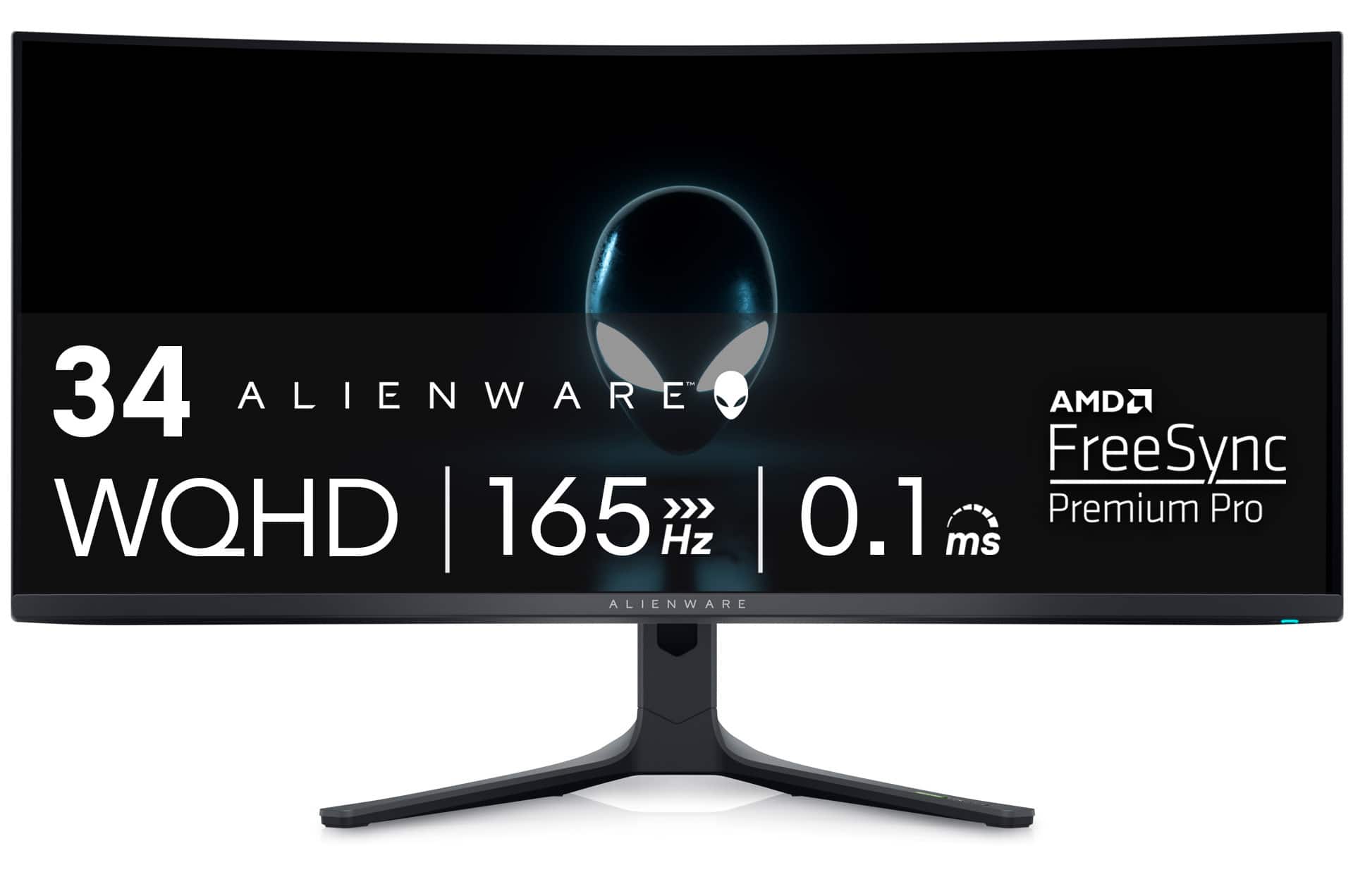
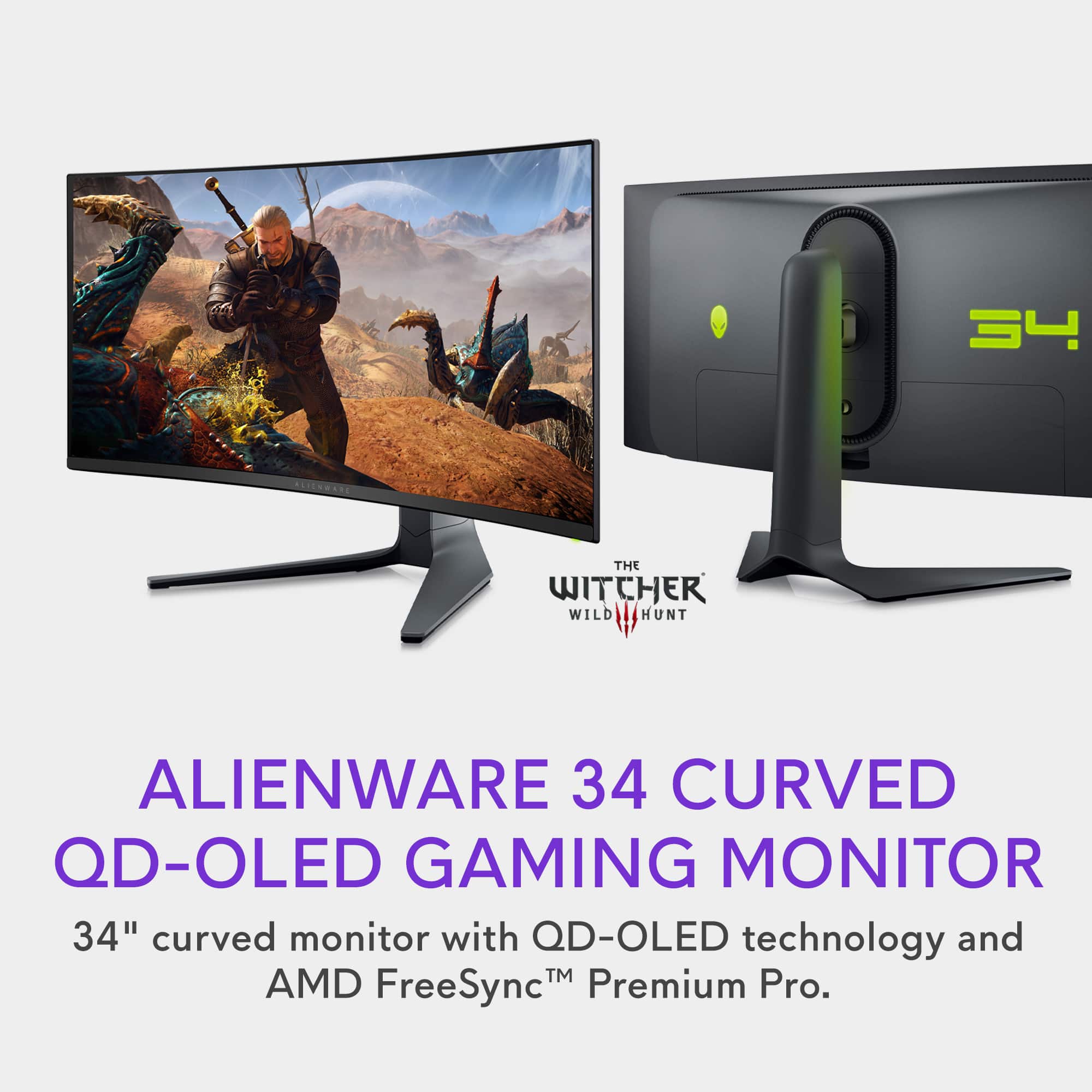
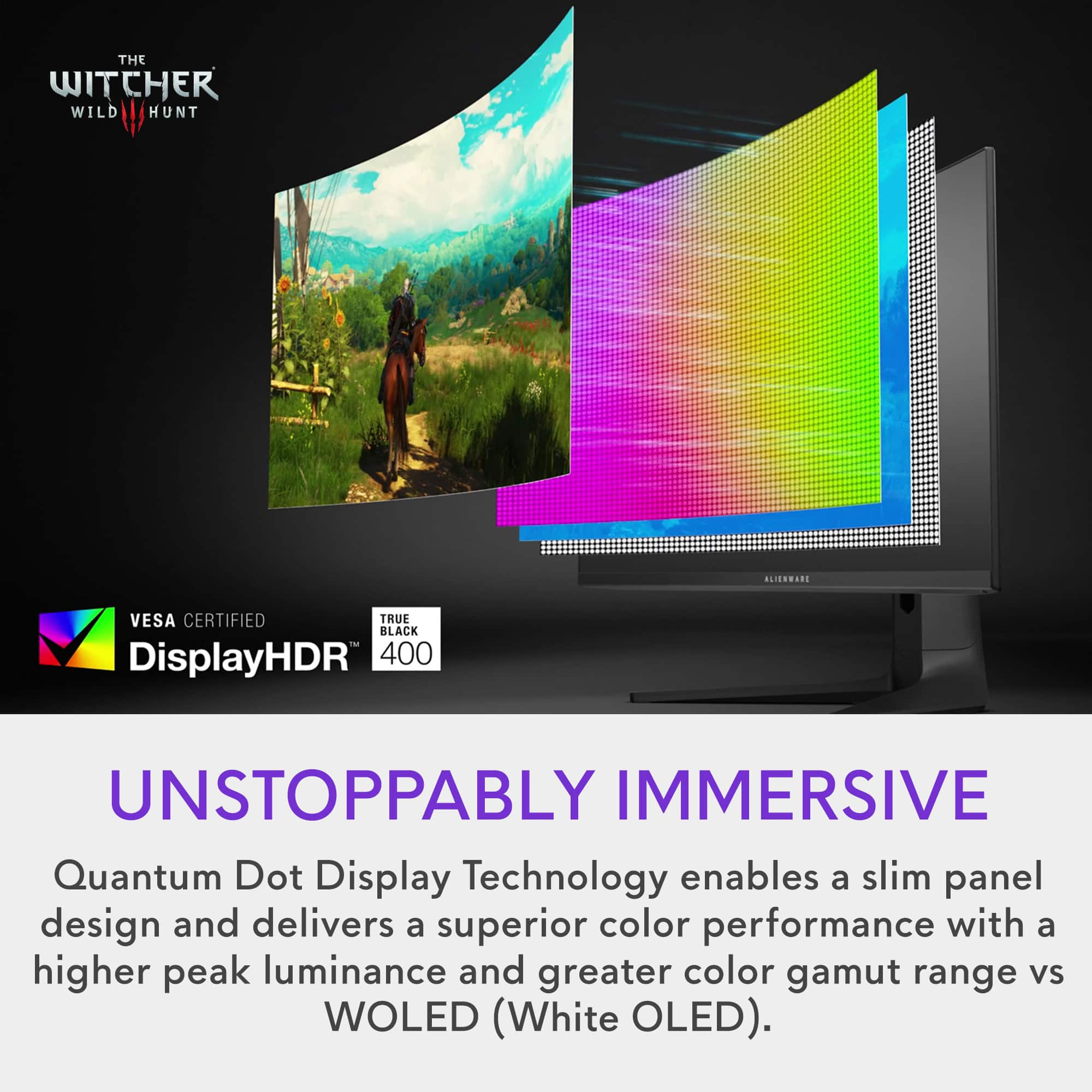
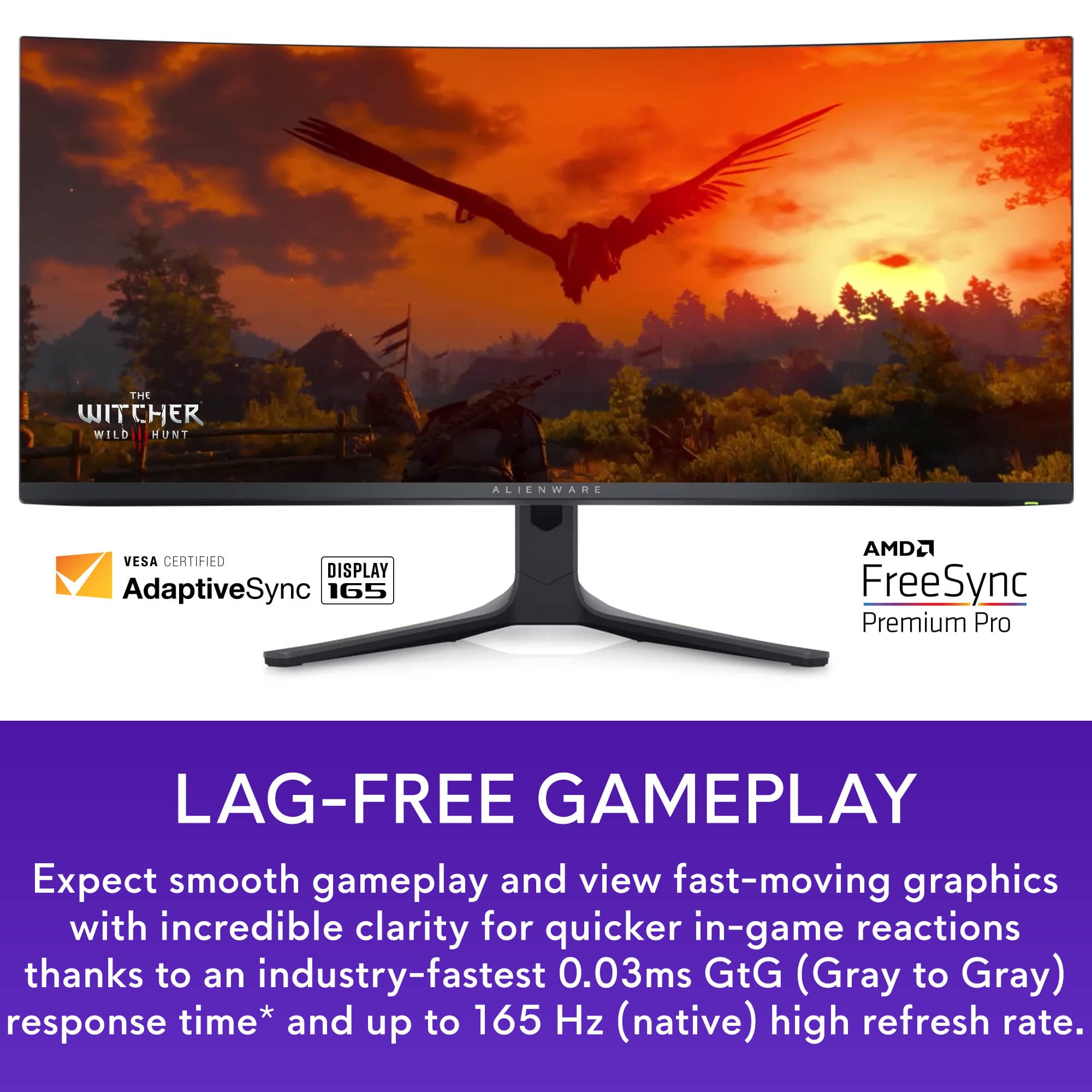
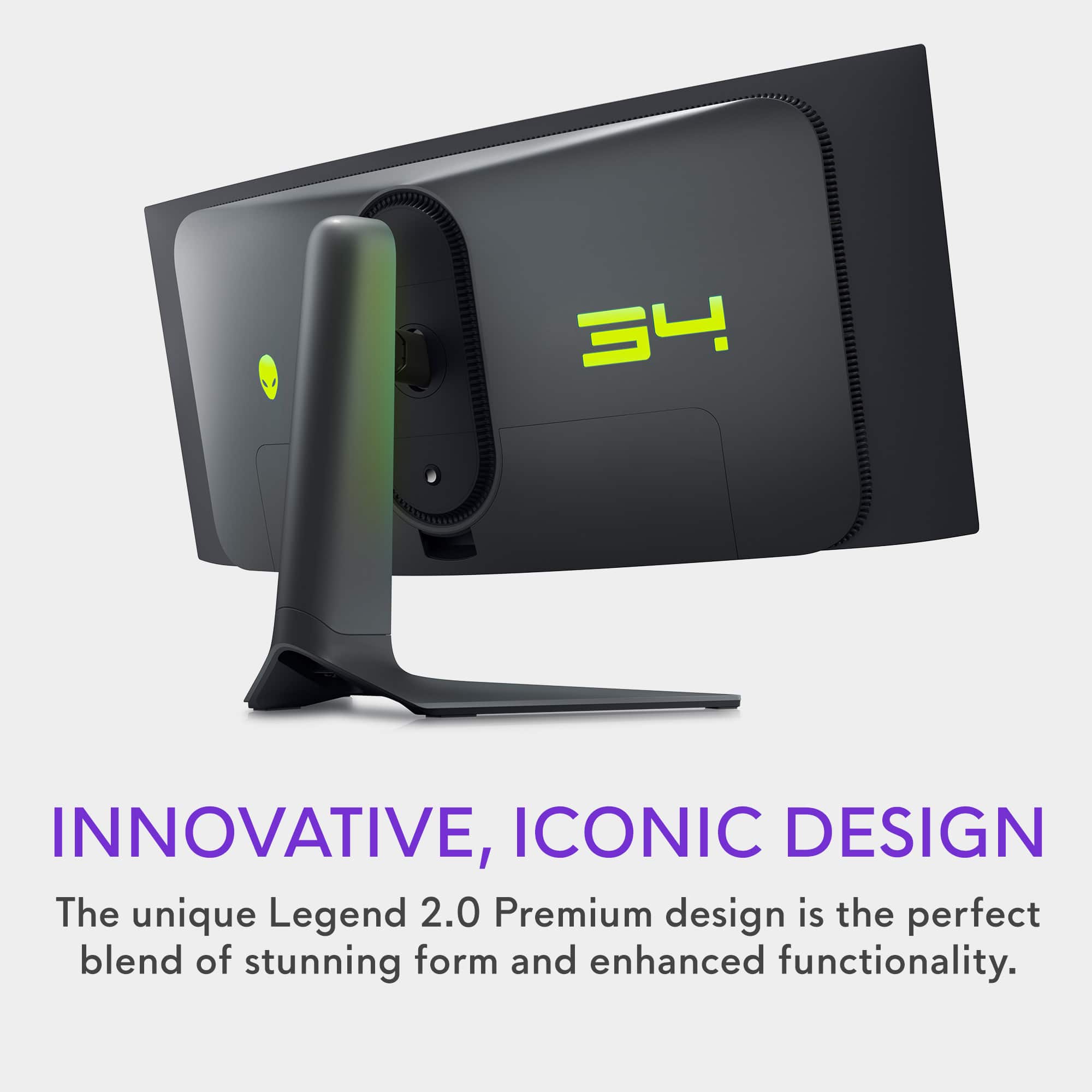

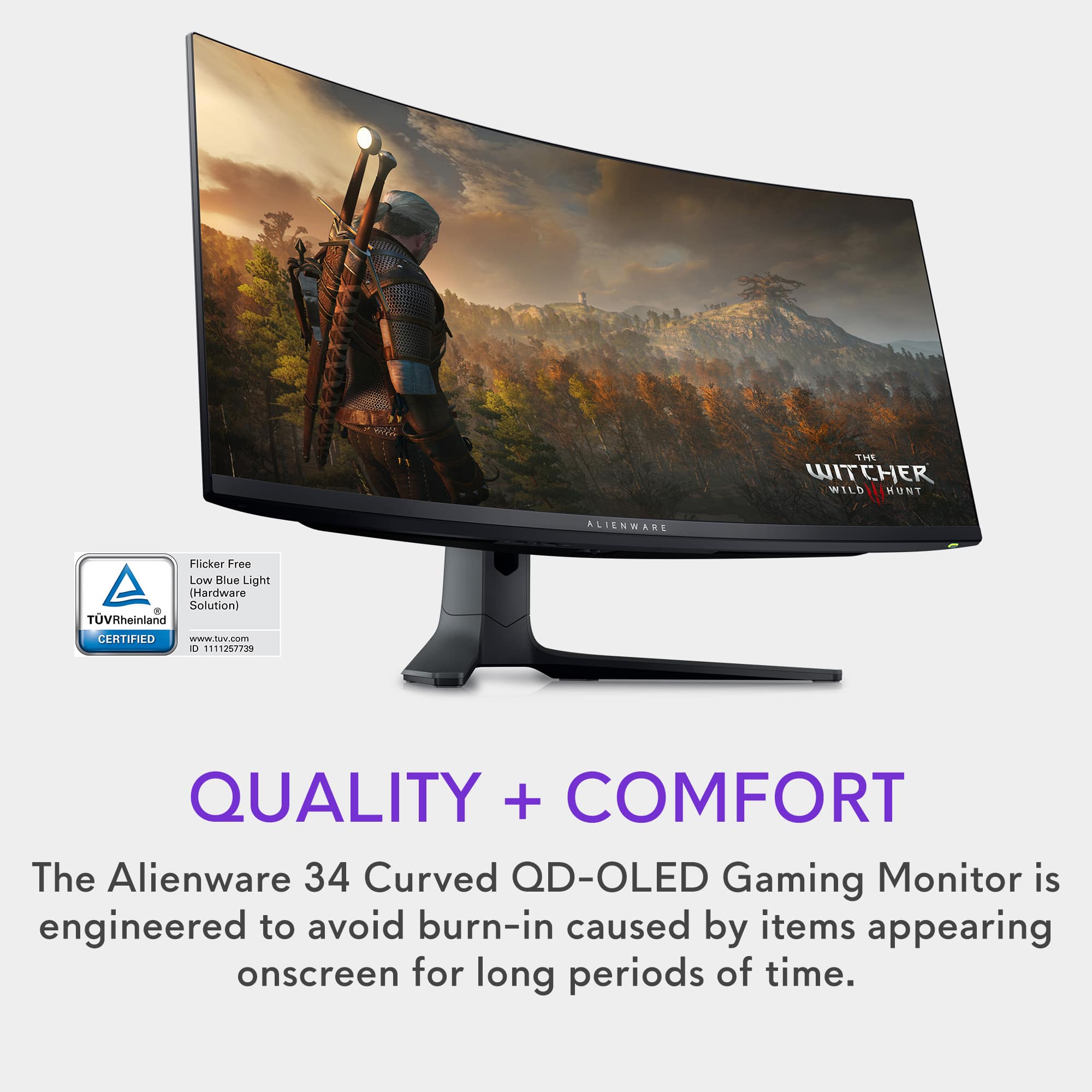
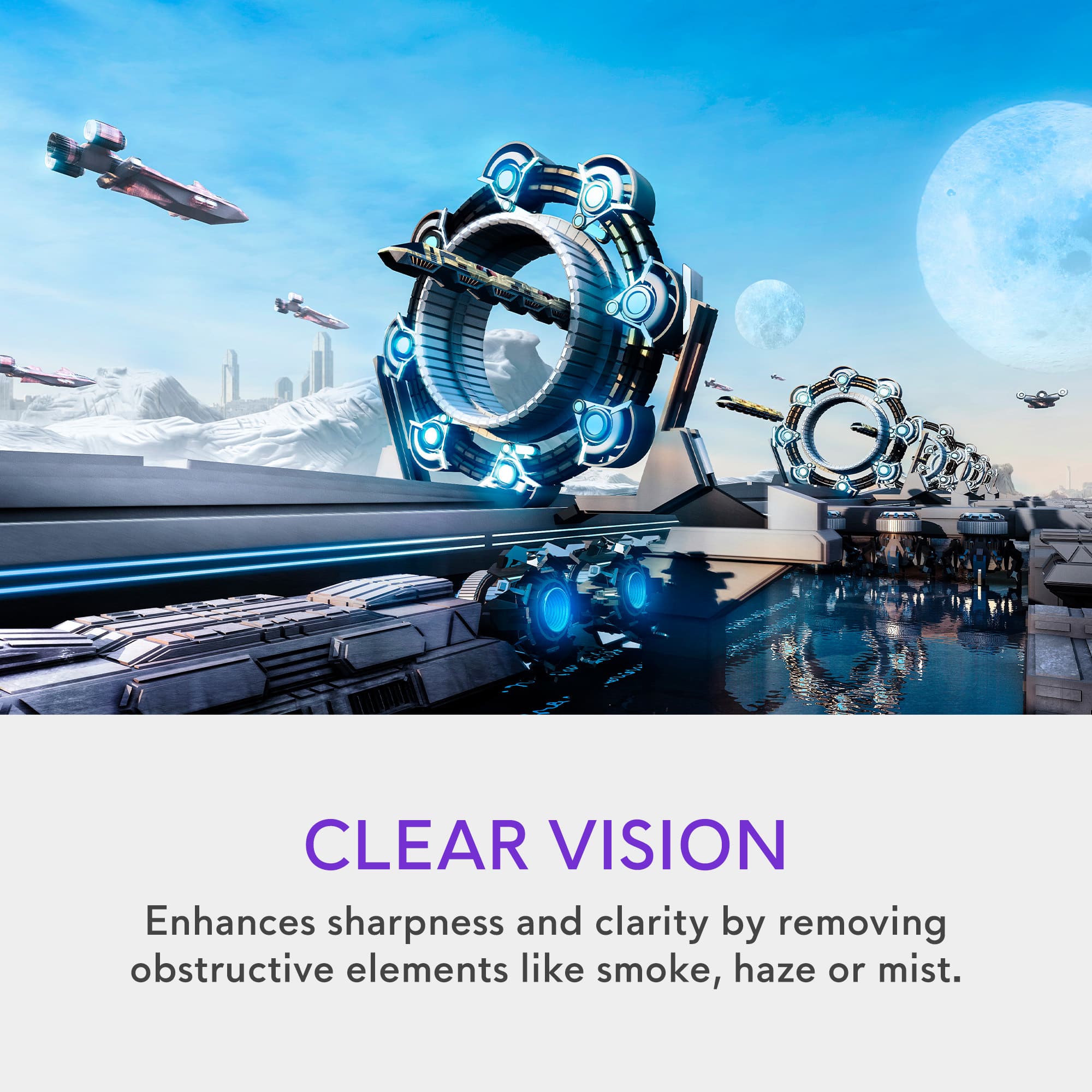
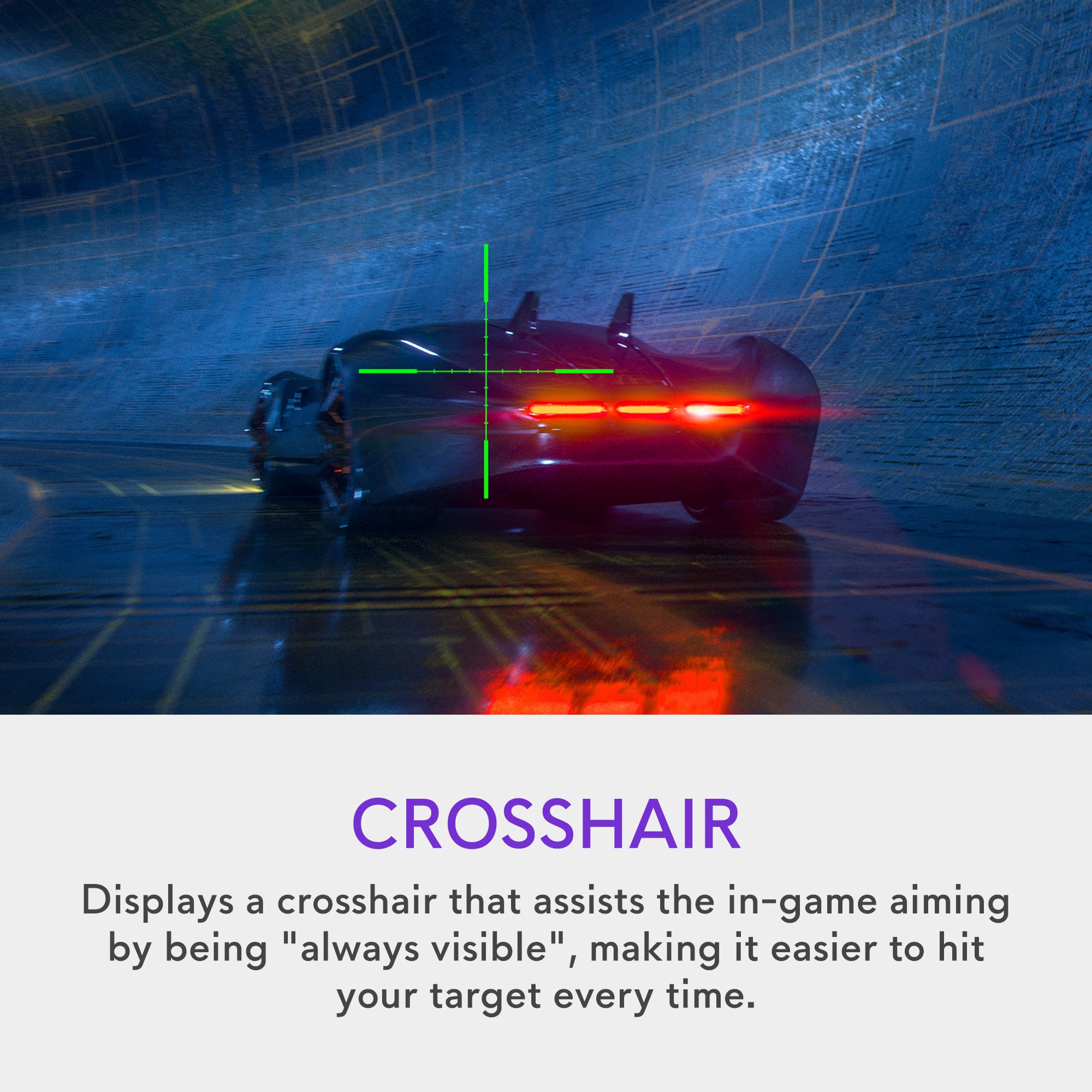
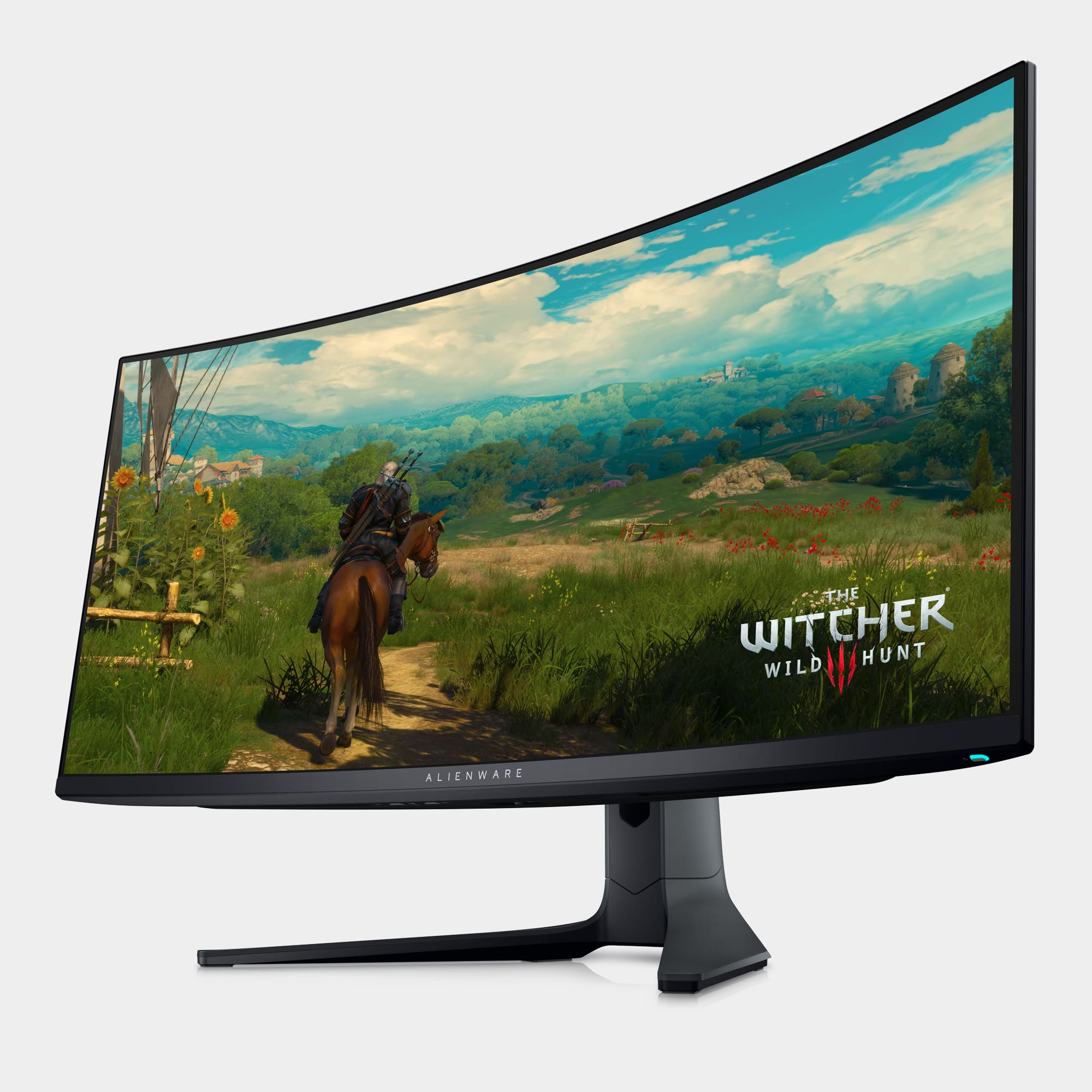
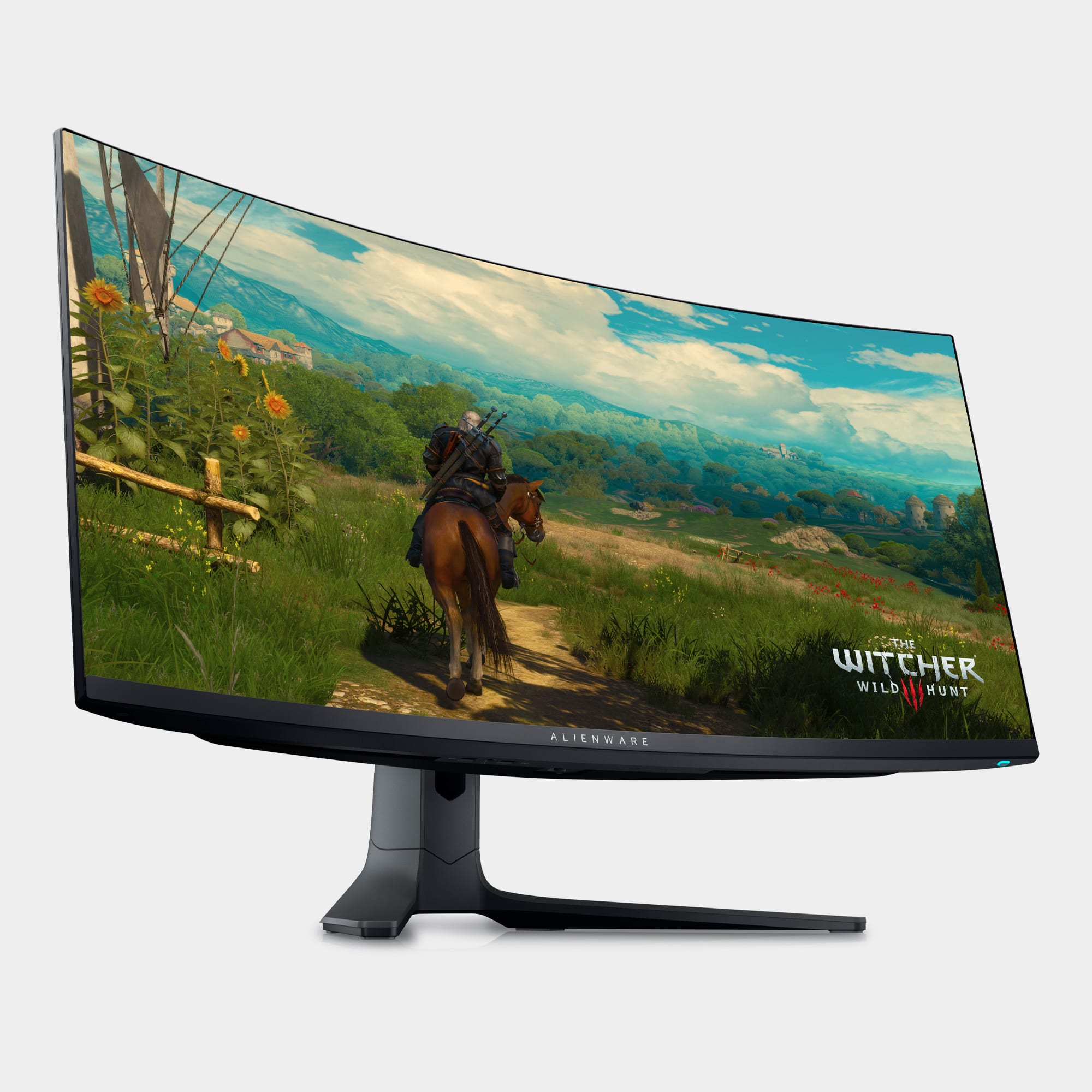
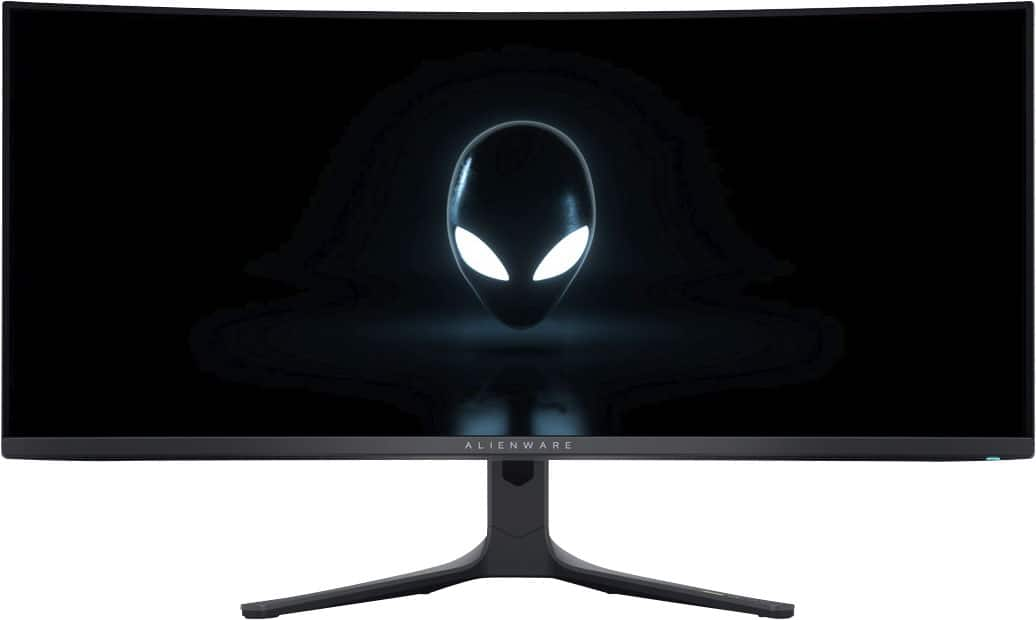
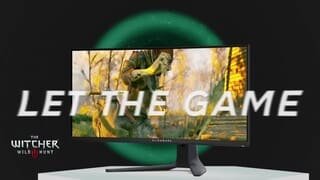
- Model:
- AW3423DWF
- SKU:
- 6536990
Rating by feature
- Display Quality
Rating 4.9 out of 5 stars
- Ease of Use
Rating 4.8 out of 5 stars
- Features
Rating 4.8 out of 5 stars
Customers are saying
Customers often highlight the AW3423DWF's exceptional picture quality, vibrant colors, and impressive OLED technology, resulting in stunning visuals and deep blacks. Many appreciate the high refresh rate and HDR capabilities, enhancing gaming and media experiences. While some mention the high price point and lack of built-in speakers, concerns about burn-in appear minimal based on user feedback. The overall consensus points towards a superior display experience despite a few minor drawbacks.
This summary was generated by AI based on customer reviews.
Great monitor!
Posted .This reviewer received promo considerations or sweepstakes entry for writing a review.Beautiful monitor. It was bigger than I expected but quickly fell in love with he image quality. The curved is not noticeable at all and the ultra wide provides multiple options.
I would recommend this to a friendAWESOME!
Posted .This reviewer received promo considerations or sweepstakes entry for writing a review.It is expensive and has some complicated buttons BUT it looks and functions GREAT!
I would recommend this to a friend- Pros mentioned:Color
Awesome monitor
Posted .This reviewer received promo considerations or sweepstakes entry for writing a review.Overall great monitor with great picture with great color
I would recommend this to a friend Great monitor
Posted .This reviewer received promo considerations or sweepstakes entry for writing a review.This has been a great monitor for gaming! The picture is beautiful From RPGs to FPS games!
I would recommend this to a friendExpensive, but worth the cost!
Posted .This reviewer received promo considerations or sweepstakes entry for writing a review.This monitor is absolutely fantastic, especially when displaying HDR content. This is hands down the best looking and most immersive gaming monitor I have ever viewed.
I would recommend this to a friendamazing
Posted .This reviewer received promo considerations or sweepstakes entry for writing a review.Looks amazing. looking at the item in store doesn't do it justice. once its in your room and you load something up. you won't regret this buy.
I would recommend this to a friendGood purchase
Posted .This reviewer received promo considerations or sweepstakes entry for writing a review.My husband got this as a birthday gift. He loves it! Works very well with our gaming PC
I would recommend this to a friendAwesome Monitor
Posted .This reviewer received promo considerations or sweepstakes entry for writing a review.Great picture. Very easy to set up and use right out of the box.
I would recommend this to a friendReview
Posted .This reviewer received promo considerations or sweepstakes entry for writing a review.amazing screen, works great even with sun in the back
I would recommend this to a friendAmazing
Posted .This reviewer received promo considerations or sweepstakes entry for writing a review.Amazing monitor, the updated firmware fixed all of the issues with the hdr peak 1k.
I would recommend this to a friendIf you love gaming, must buy!
Posted .This reviewer received promo considerations or sweepstakes entry for writing a review.Amazing clarity and stunning colors, definitely a must for any gamer!
I would recommend this to a friendthe best
Posted .This reviewer received promo considerations or sweepstakes entry for writing a review.hdr gaming? buy this, and nothing else. seriously.
I would recommend this to a friendNOT suitable for Office Use
Posted .This reviewer received promo considerations or sweepstakes entry for writing a review.Unfortunately I returned this. Why? QD-OLED looks fantastic but to avoid screen burn-in you 1) can't fill your desktop with icons 2) need to auto-hide taskbar 3) should not use brightly colored wallpaper 4) it takes a 10 minute "pixel refresh" break every 4 hours which turns off screen (it'll wait for monitor to be in standby, but say you answer your phone and it goes into standby, then you need to look something up for the customer but you have to wait 10 minutes for the refresh to finish). It is a gorgeous screen and gamers will love it, but its not a general use monitor and it is BIG! It's stand is very stable, but that's because it is a huge stand. My desk is 24" deep and with monitor slid to back edge the center of screen was in middle of desk leaving only a foot in front for my keyboard and other items.
No, I would not recommend this to a friendBrand response from YourDellTeam
Posted .Hello There Valued Customer,
Thank you for taking the time to leave a review of your Alienware 34” gaming monitor. We are sorry that you were not completely satisfied with your device and made the decision to return it. That is not the type of feedback we like to hear from our customers, or the type of product Dell intends to deliver. We have noted the details of your statement and will escalate them to our quality team for improvements on current and future products.
We recommend that you contact Dell directly with the information below if you need further assistance.
Chat or call: https://bit.ly/DellSupportTeam
Phone number to Dell: 1-800-624-9896
Best,
Summer@Dell
Great, but 1 frustrating issue.
Posted .This reviewer received promo considerations or sweepstakes entry for writing a review.Monitor is great! Unfortunately I had to return two monitors within 20 days because of air bubbles forming in the display. The first time it was all over the display. The second time was only a few bubbles, but enough to make me nervous. Would give 4 stars, but with the issue I had I am giving 3. It really disappointed me, bc I thought it was awesome otherwise.
No, I would not recommend this to a friendBrand response from YourDellTeam
Posted .Hi TylerT,
We value your feedback and want to thank you for taking the time to leave a review of your Alienware 34” curved gaming monitor. We are sorry to hear that you were experiencing an issue with bubbles in your screen and made the decision to return it. That is not the type of feedback we like to hear from our customers, or the type of product Dell intends to deliver. We have noted the details of your statement and will use them to improve current and future products.
If you continue to experience touchpad issues, please reach out to Dell Support directly by using the information provided below.
Chat or call: https://bit.ly/DellSupportTeam
Phone number to Dell: 1-800-624-9896
Best,
Summer@Dell
Dell / Alienware Packaging Woes
Posted .This reviewer received promo considerations or sweepstakes entry for writing a review.Unfortunately, I encountered the all-too-common quality control issues that seem to plague Alienware products. I purchased a new monitor with the latest firmware, and initially, it seemed great—until I turned on my room lights. That’s when I noticed what looked like glue or residue across the screen, almost as if someone had smeared Elmer’s glue on it. It turns out Alienware used a flimsy screen protector that was poorly applied, resulting in visible marks and damage. Additionally, the packaging was subpar. The box lacked the styrofoam insert that’s standard in other unboxings I’ve seen, which normally helps protect the screen during transit. As a result, the monitor was loose inside the box, likely causing pressure damage to the screen. There are hundreds of comments and posts about this issue online that span the years sincd this monitor was released. What a shame. I ended up returning it and went with the Samsung G60SD instead, which has been a much better experience so far. I’d recommend others either look into alternative monitors or be extremely cautious when unboxing and inspecting this one.
No, I would not recommend this to a friendDead pixels 4 days in.
Posted .This reviewer received promo considerations or sweepstakes entry for writing a review.A line of dead pixels appeared 4 days into having it. would say this monitor is end game otherwise. pixel density is not as bad as some say.
I would recommend this to a friendBrand response from YourDellTeam
Posted .Dear Valued Customer,
We appreciate you taking the time to leave a review of your Alienware 34” gaming monitor. We are sorry to hear that you are experiencing an issue with screen pixelation. That is not the type of feedback we like to hear from our customers, or the type of product Dell intends to deliver. We have noted the details of your statement and will use them to improve current and future products.
If you continue to experience issues, please reach out to Dell Support directly by using the information provided below.
Chat or call: https://bit.ly/DellSupportTeam
Phone number to Dell: 1-800-624-9896
Best,
Summer@Dell
Great for gaming/movies, poor for text clarity
Posted .This reviewer received promo considerations or sweepstakes entry for writing a review.It's great for movies and gaming, but the text clarity was too poor for my liking.
No, I would not recommend this to a friendBrand response from YourDellTeam
Posted .Hello user334914,
Thank you for taking the time to leave us your review. We sincerely apologize for the trouble you have encountered with your Alienware - AW3423DWF 34 Quantum Dot OLED Curved Ultrawide Gaming Monitor. This is certainly not the type of feedback we like to hear from our valued customers, or the type of product Dell intends to deliver.
Your feedback will be shared with our quality team for consideration in future enhancements in products and services.
Below, I have provided the troubleshooting links to help resolve issues you are experiencing.
How to Resolve Monitor Display Issues: https://bit.ly/3TsIbf1
How to Change the Video Settings or Improve Text : https://url.dell.com/07b2a9
If you are still experiencing issues, with a little more information from you, we would like to help you resolve issues you may be facing to your satisfaction. Please do not hesitate to get in touch with a Dell representative using the information provided below.
Chat or call: https://bit.ly/DellSupportTeam
Phone number to Dell: 1-800-624-9896
Best,
Minhaj@Dell