Customer Ratings & Reviews





- Model:
- AW610M-D
- SKU:
- 6408626
Rating by feature
- Value
Rating 4.5 out of 5 stars
- Quality
Rating 4.7 out of 5 stars
- Ease of Use
Rating 4.7 out of 5 stars
Customers are saying
Customers are positive about the AW610M-D gaming mouse's long battery life, vibrant RGB lighting, comfortable design, and wireless functionality. Many appreciate its high-quality build and customizable DPI settings, while some find the weight and size to be ideal. However, customers are negative about the stiff scroll wheel and some software issues. A few users reported problems with the scroll wheel's functionality and responsiveness.
This summary was generated by AI based on customer reviews.
Bad
||Posted .This reviewer received promo considerations or sweepstakes entry for writing a review.Love this item. Super awesome , great purchase on my part.
I would recommend this to a friendGood gaming mouse. Short battery life
||Posted . Owned for 1 month when reviewed.This reviewer received promo considerations or sweepstakes entry for writing a review.Pretty solid mouse. However the battery life is very short.
I would recommend this to a friendnot bad
||Posted . Owned for 3 weeks when reviewed.This reviewer received promo considerations or sweepstakes entry for writing a review.I like it a lot, but clicking could be more responsive
I would recommend this to a friend- Cons mentioned:Scroll wheel
manager
||Posted . Owned for 4 months when reviewed.This reviewer received promo considerations or sweepstakes entry for writing a review.After a couple of months, the scroll wheel no longer works. Purchased several for work force and most of the Alienware Optical Gaming MICE have failed. If you are looking for a mouse to last more than six months, don't buy this mouse.
No, I would not recommend this to a friendBrand response from YourDellTeam
Posted .Hello,
Thank you for your feedback and review. We apologize for the issues you have come across with the scroll wheel of your mouse not functioning. Your feedback is incredibly valuable. Below are steps that can be used to diagnose the direct issue with your mouse input.
1. Run diagnostics on your mouse, and you have the option to run online or built-in diagnostics (you will need a known good mouse that is attached to start the diagnostics).
-Online diagnostics.
2. Browse to the Online Mouse Diagnostics page.
-The test will start automatically.
3. You may be prompted to install or update the SupportAssist program, if so, follow the prompts.
4. Make sure to perform the test on the mouse that is having the issue.
If you still come across issues with your mouse, you can use this link for further steps and details: https://dell.to/3APBAA5.
Best regards,
Wendy C.
For further assistance, you can contact Dell directly with the information below Chat or Call:
https://bit.ly/DellSupportTeam.
Phone number to Dell: 1-800-264-9896.
Very No good Very No good Very No good Very No goo
||Posted . Owned for 2 months when reviewed.This reviewer received promo considerations or sweepstakes entry for writing a review.Very No good Very No good Very No good Very No good Very No good Very No good
No, I would not recommend this to a friendBrand response from YourDellTeam
Posted .Hi JWJW,
We're sorry to hear about the difficulty that you had with Dell. This is certainly not the experience we like to hear from our customers. Please take a moment to call or chat with a Dell Support Representative at your earliest convenience so that they can help you with your concerns: https://bit.ly/DellSupportTeam.
Chat or call: https://bit.ly/DellSupportTeam
Phone number to Dell: 1-800-624-9896
Best,
Jay@Dell
Cool and fast, not too reliable
||Posted . Owned for 1 month when reviewed.This reviewer received promo considerations or sweepstakes entry for writing a review.Its cool and fast. Though I was really hoping for something a bit more reliable for work.
No, I would not recommend this to a friendBrand response from YourDellTeam
Posted .Dear Sean,
We appreciate your valued feedback. We are sorry to hear you are not completely happy with your Alienware Gaming Mouse. Below I have provided a couple of possible solutions to help resolve the reliability issue, along with a link to the full article, which has more information if needed.
Possible Solutions
*Connect the USB extension cable to another USB port. A notification appears indicating that drivers are being installed. If so, wait for a notification to appear indicating that the drivers are installed before you use the mouse.
*Restart the computer.
Usage and Troubleshooting Guide: https://dell.to/3AoDYwR
If you still experience this issue after you have finished troubleshooting your device, please reach out to our support team here: https://bit.ly/DellSupportTeam.
If you require further assistance, you can contact Dell directly with the information below.
Chat or call: https://bit.ly/DellSupportTeam
Phone number to Dell 1-800-624-9896
Best,
Ashley@Dell
Get something else
||Posted . Owned for 1 month when reviewed.This reviewer received promo considerations or sweepstakes entry for writing a review.Battery is not good-dies daily and it states up to 350hours of use-that’s not the case
No, I would not recommend this to a friendBrand response from YourDellTeam
Posted .Dear DaveM,
Thank you for taking the time to leave a review of your Alienware wired/wireless mouse. We are sorry to hear that you are experiencing an issue with the battery not lasting on your device. That is not the type of feedback we like to hear from our customers. We have noted the details of your statement and will use them to improve current and future products. If you need further assistance we recommend using the toll-free number or chat link below to reach a member of our support team.
Should you need further assistance; we recommend that you contact Dell directly with the information below.
Chat or call: https://bit.ly/DellSupportTeam
Phone number to Dell: 1-800-624-9896.
Regards,
Summer@Dell
- Pros mentioned:Battery life, Design

A nice gaming mouse
|Posted .This reviewer received promo considerations or sweepstakes entry for writing a review.The AW610M matches the design scheme of my Alienware R9 Aurora Lunar Light. This mouse can be used on any other computer with a USB port, but its features make more sense as an accessory for the R9 Aurora. It has a 16,000 DPI optical sensor that feels extremely precise in FPS games, and precise movement in general. It has a comfortable feel in my hand and I could game all day with this mouse. I haven’t had to charge it again since it’s first charge. I’m not anywhere near 350 hours, stated on the box, but I use it enough to find the battery just last essentially, for days. It has customizable color selection and lighting effects, through the Alienware Command Center.
I would recommend this to a friend I loved this mouse, until...
||Posted . Owned for 1 month when reviewed.This reviewer received promo considerations or sweepstakes entry for writing a review.I bought this mouse purely based on its futuristic look and colors. it was super smooth and comfortable, it was my favorite mouse up until I connected to my mac... sadly mac doesn't support Alienware software for me to be able to customize the buttons, so if ur an avid PC user i would for sure recommend! Mac users... until next time haha
I would recommend this to a friendBrand response from YourDellTeam
Posted .Hi SavageEagle001,
Thank you for taking the time to leave us your review. We are happy to hear you are enjoying your Alienware Wired/Wireless Optical Gaming Mouse. We apologize for the issues you have had with the Alienware Command Center software. We will share your comments with our quality team so improvements can be made now and in the future.
If you require further assistance, you can contact Dell directly with the information below.
Chat or call: https://bit.ly/DellSupportTeam
Phone number to Dell 1-800-624-9896
Best,
Ashley@Dell
Lightweight. Fun Design. Great Performance.
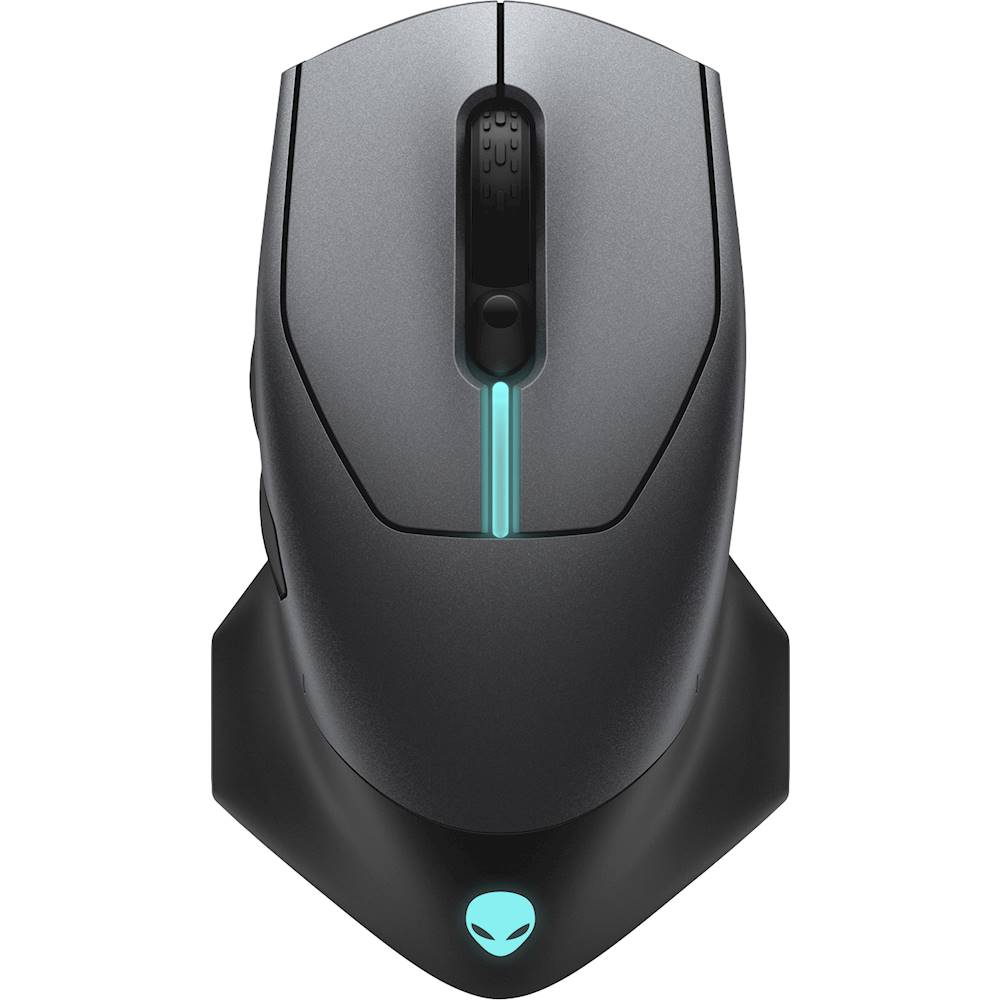
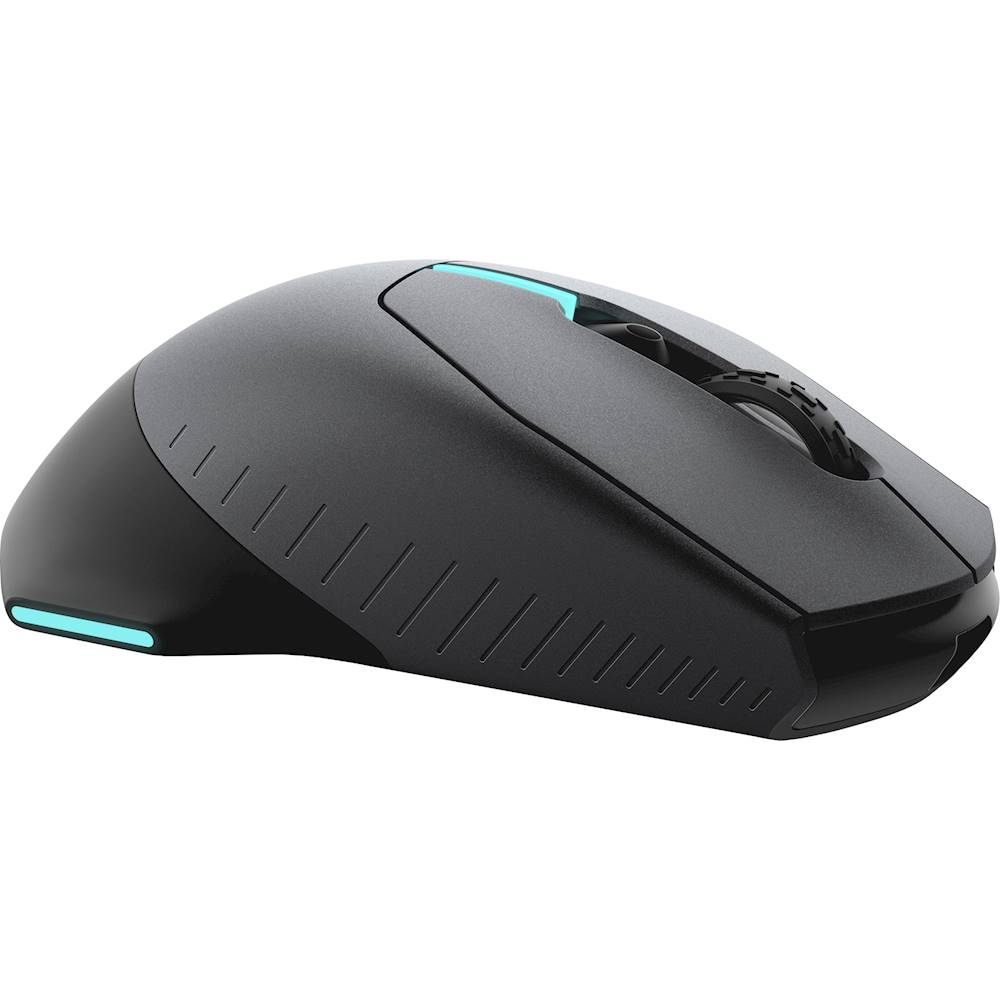
|Posted .This reviewer received promo considerations or sweepstakes entry for writing a review.Overall, the Alienware 610M is a delightful mouse that I’ve enjoyed using. PROS: LIGHTWEIGHT – This mouse is surprisingly light. It also glides around my mousepad with ease compared to my everyday driver (Logitech MX Master 2S). The MX 2S it a bit heavy and seems to not glide as easily. Given that the 610M is a gaming mouse, its ability to glide is super important and it does so very well. ADJUSTABLE DPI – The mouse comes with adjustable DPI between 800 and 16,000. You can change this on-the-fly by sliding the button just below the scroll wheel up or down. There are various color indicators to identify the resolution, so you will need to reference the Dell website for details as there is little documentation in the box to help. RGB Lights – The lighting effects on this mouse are cool. While I have never really looked much for a wireless gaming mouse with lights, I was surprised to find out this wireless one had this feature. The lights can be toggled on or off and as a solid color or rotate through a variety of colors and speed (all controlled via the Alienware Command Center app. There are four light areas by the way: a light bar on top, a light bar on both sides of the mouse, and an Alienware logo on the back. WIRED OR WIRELESS – You can use this mouse either wired with an included micro-USB to USB-A cable or wireless with a USB-A micro dongle (which can conveniently be stored under the mouse when not in use). CONS: DONGLE – If you want to use this wirelessly, you must use the included dongle which is USB-A. So beware for those with computers that either have no USB-A ports or have very limited ports that you can spare for the dongle. I wish this used Bluetooth. WIRED CABLE – While this mouse uses micro-USB to either charge or use as a wired mouse, you need to use the special cable that is included to be able to insert it into the mouse. While the cable is braided and nice, it would be cool if I had to option to use any micro-USB cable I had laying around. NO DOCUMENTATION – There is no documentation included in the box, just the mouse cable and adapters. With that said, as soon as you plug in the mouse to your computer, it’ll work in seconds. You will need to go to the Dell website to download the Alienware Command Center app and for an overall overview. A bit annoying, but whatever. OVERALL: The Alienware 610M mouse is a great device for gaming novices out there, much like me. The device is nicely built, feels nice in my palm, and the customizable options via the software make this a great device. The on-the-fly DPI changing is super simple and convenient, which is a plus. For everyday use for productivity and browsing the Web, it of course works well.
I would recommend this to a friendfeels good on the hand
||Posted .This reviewer received promo considerations or sweepstakes entry for writing a review.the clicks are nice though my right click is squeakin just a lil bit but besides that it feels good
No, I would not recommend this to a friendBrand response from YourDellTeam
Posted .Hello Picklingtooter,
Thank you for your review. We appreciate your kind words and are happy to know you're enjoying your product. The contents of your review will be used to help improve now and future Dell products. If you come across any questions, issues, or concerns, please contact Dell at your earliest convenience at 1-800-264-9896.
Best regards,
Wendy C.
Uncomfortable Gaming Mouse
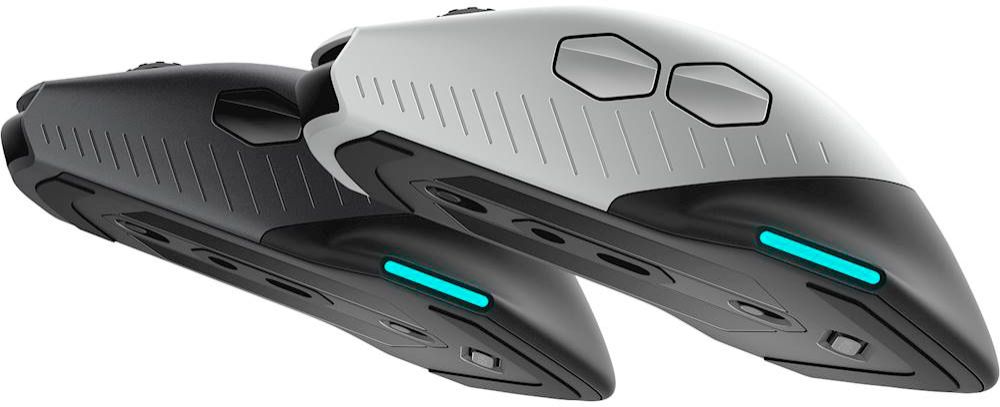
||Posted . Owned for 2 weeks when reviewed.This reviewer received promo considerations or sweepstakes entry for writing a review.I recently bought an Alienware laptop and thought that it might be nice to have some Alienware accessories to go with it. But I can tell you that the mouse was not a nice accessory to go with it. I was very excited to use the mouse. Having a wired/wireless mouse seemed great. That part of the mouse works fine and the battery life of the mouse is excellent but for me it was the comfortability of the mouse that was a red flag. The wings that are at the bottom of the mouse seem like a good idea to kind of rest your hands on them. But I felt that every time I moved the mouse it would drag because of my wrist sitting on that wing oddly. It also made holding the mouse more uncomfortable than just holding a normal mouse. I also have slightly bigger hands than an average person but I do not think that it would be any different for another user. For the $90 to buy this mouse I think that you would be better off buying another mouse that will be more comfortable.
No, I would not recommend this to a friendBrand response from YourDellTeam
Posted .Hello Jake,
We are sorry to hear that your AW610M is not quite meeting expectations. We understand how important ergonomics are for your accessories. Your feedback is sincerely appreciated and will surely be taken into consideration when designing future products. If you have any other questions, feel free to visit the support page for your product.
Best Regards,
Anthony P.
1-800-624-9896
Comfortable but recharge often.
||Posted . Owned for 10 months when reviewed.This reviewer received promo considerations or sweepstakes entry for writing a review.Comfortable to use but battery runs out quickly. Have to recharge with wire often.
No, I would not recommend this to a friendBrand response from YourDellTeam
Posted .Hello sp90,
Thanks for your feedback on your new Alienware mouse. If you have any questions about your mouse you can always check our Product Support Page here: https://dell.to/2XxO2D2.
Best,
Bryan@Dell
If you require further assistance, you can contact Dell directly with the information below
Chat or Call:
https://bit.ly/DellSupportTeam
Phone number to Dell: 1-800-624-9896
Battery Life?
||Posted . Owned for 5 months when reviewed.This reviewer received promo considerations or sweepstakes entry for writing a review.Not getting the battery life as I was told I would get, customizable, decent mouse.
I would recommend this to a friendBrand response from YourDellTeam
Posted .Hello Tbow79,
Thank you for your feedback and review. We apologize for the intermittent performance you have with your mouse. Below are steps that can be used to diagnose the direct issue with your mouse input.
1. Run diagnostics on your mouse, and you have the option to run online or built-in diagnostics (you will need a known good mouse that is attached to start the diagnostics).
-Online diagnostics.
2. Browse to the Online Mouse Diagnostics page.
-The test will start automatically.
3. You may be prompted to install or update the SupportAssist program, if so, follow the prompts.
4. Make sure to perform the test on the mouse that is having the issue.
This link can be used to begin the diagnostic test: http://dell.to/3faPBha.
We hope this help!
Best Regards,
Wendy C.
No dpi program
||Posted . Owned for 4 months when reviewed.This reviewer received promo considerations or sweepstakes entry for writing a review.I like this mouse only down fall is there is no program to change dpi
I would recommend this to a friendBrand response from YourDellTeam
Posted .Franko,
We're glad that your mouse is working well for you so far. If you have any questions about your mouse you can check our Product Support Page here: https://dell.to/2sbCEzK.
Best,
Bryan
1-800-624-9896
Looks nice.
||Posted .This reviewer received promo considerations or sweepstakes entry for writing a review.Side lights do not work. Other than that it seems to be ok. Works well.
I would recommend this to a friendBrand response from YourDellTeam
Posted .Walt,
We're sorry to hear that you're not completely satisfied with your new mouse. If you need help with some of the functions you can check out our Product Manual here: https://dell.to/2sbCEzK.
Best,
Bryan
1-800-624-9896
- Pros mentioned:Wireless
Pretty good mouse with a few quirks
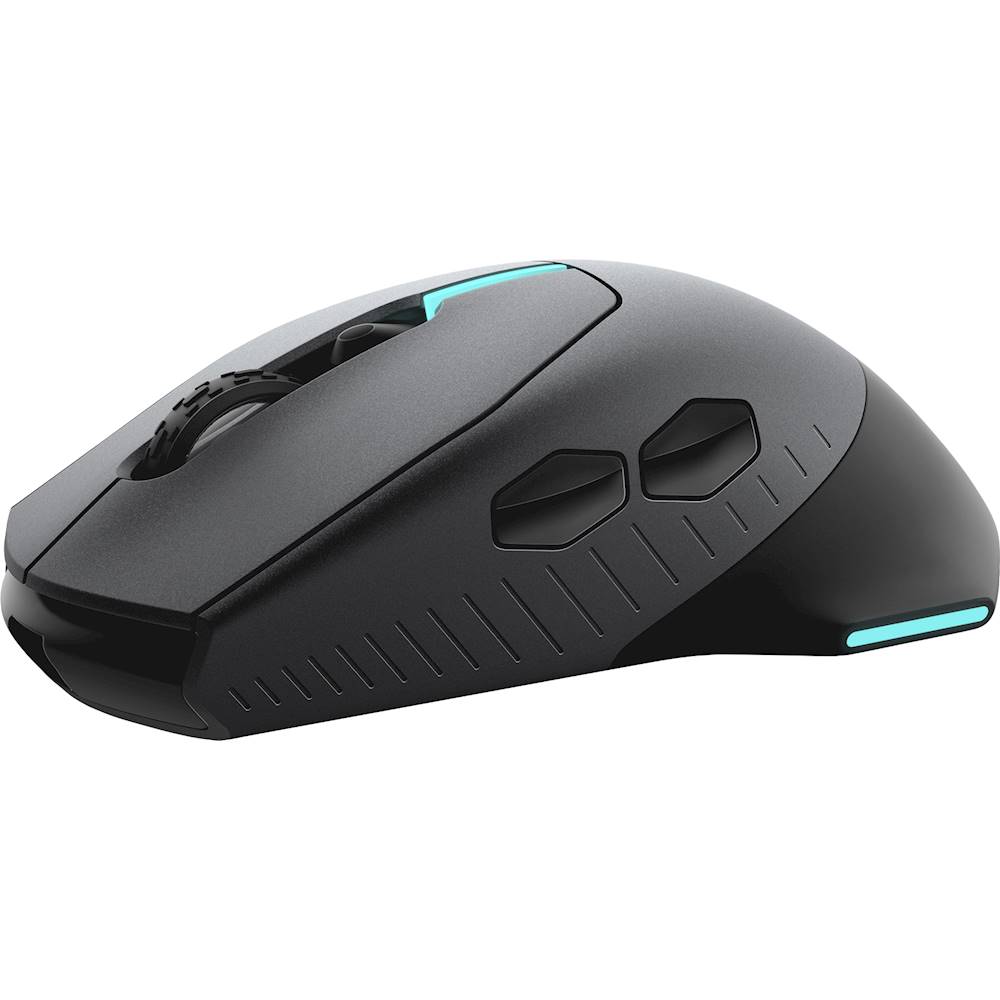
|Posted .This reviewer received promo considerations or sweepstakes entry for writing a review.Had a couple of minor issues getting started but now it seems to be working well: * Wireless mouse control was jerking freezing cursor until I updated firmware via Alienware Control Center (CC). * After initial charge I checked the charge in CC and it showed 97%. I was using wireless and about 20 minutes after checking the charge level the mouse went dead and CC reported the battery as drained. After charging again it has been holding a charge for several days now and is currently at 70% Pros: * Wireless and wired modes * Long braided cable * Nice weight and feel * Charges while using in wired mode * RGB lighting from CC FX themes * Adjustable DPI levels for DPI mouse slider from FX Cons: * I think the USB Micro B connector type for the mouse was a bad choice. Since the female connection is recessed in both the mouse and the extension cable adapter every time I plug into either one I have to tilt the connector towards the light to see which side is up. Granted the plug is shaped in such a way that it's not possible to insert it all of the way incorrectly the shape is not intuitive enough to prevent putting it in the wrong way and then have to remove and flip over. * The side back button is a bit too far rearward. In order to click I have to move my thumb back at an awkward angle. * If you have a color theme active from CC FX the battery indicator light on the top is useless as you cannot see the battery indicator color
I would recommend this to a friend 50/50
||Posted . Owned for 1 week when reviewed.This reviewer received promo considerations or sweepstakes entry for writing a review.Good mouse, the reason because of the two starts is because I had issues with the mouse connection to my laptop, had to return it and exchange it, hope it doesnt keep this problem on the new one
No, I would not recommend this to a friendBrand response from YourDellTeam
Posted .Hello,
Thank you for your input and review. We apologize for the issues you have come across with your initial gaming mouse. We are happy to know you're able to exchange it. This should make things better for you and ensure the quality Dell always intends to deliver. If you come across any other questions, issues, or concerns, please visit the Support Page of your gaming mouse.
Best,
Wendy C.
https://bit.ly/DellSupportTeam.
Phone number to Dell: 1-800-264-9896.
- Pros mentioned:Rgb lighting
Nice Mouse, Horrible Retailer
||Posted . Owned for 1 week when reviewed.This reviewer received promo considerations or sweepstakes entry for writing a review.Works well even if the Alienware x17 has Win10 instead of the advertised Win11 Bestbuy bait and switched with and do not car to fix it.
I would recommend this to a friend - Pros mentioned:Battery life, Design
My favorite Alienware accessory
|Posted .This reviewer received promo considerations or sweepstakes entry for writing a review.Customer review of free product. Of all the Alienware accessories, I am most impressed with the mouse. Serious thought went into the design. You can customize a lot of settings to further enhance your gaming experience. It is ergonomic and my left-handed son gave it a try too and said it works very well for a left-handed person. The color customization is a great feature of Alienware. One of my favorite things. Amazing battery life - the battery is still going very strong after the initial charge. DPI resolution changes are very simple and can be done “on the fly.” Very responsive and light. It also works very well for non-gaming. You may have to switch back a few settings and then it is perfect. The software seems fine to me. Everything is very intuitive.
I would recommend this to a friend