Customer Ratings & Reviews
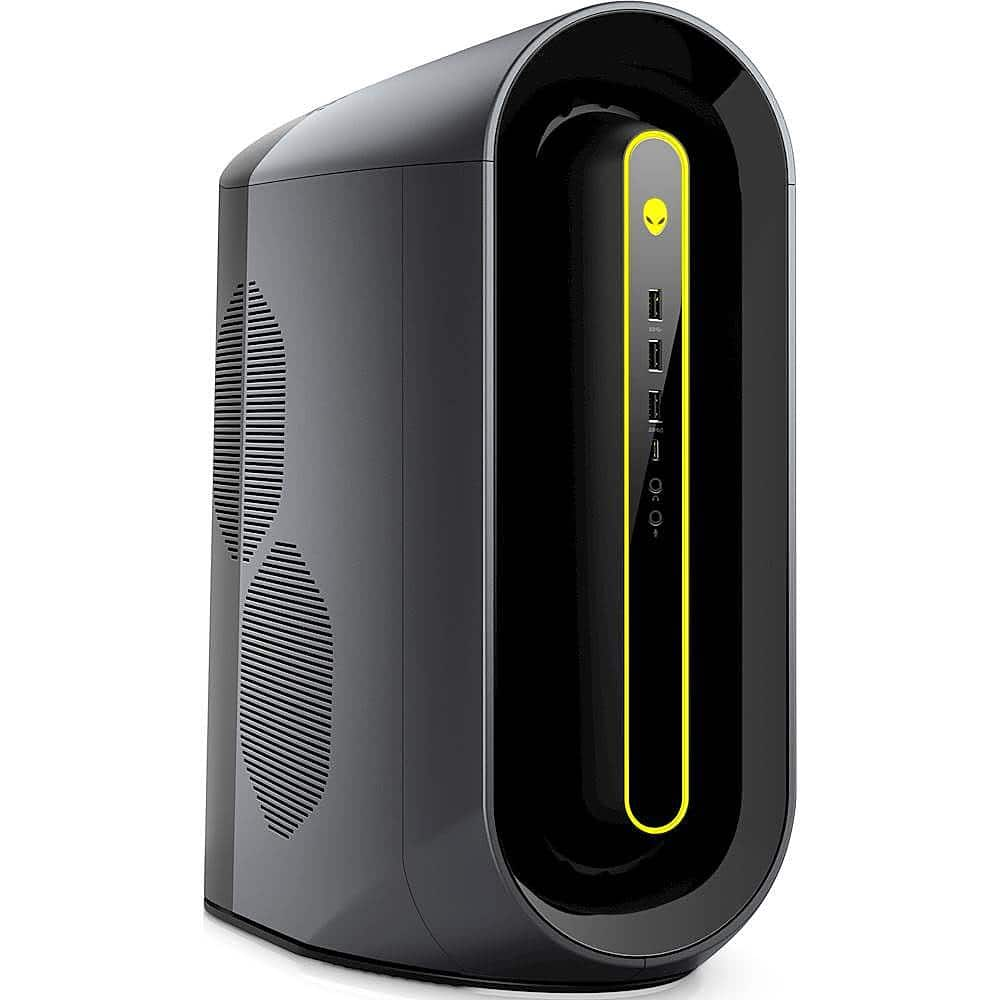
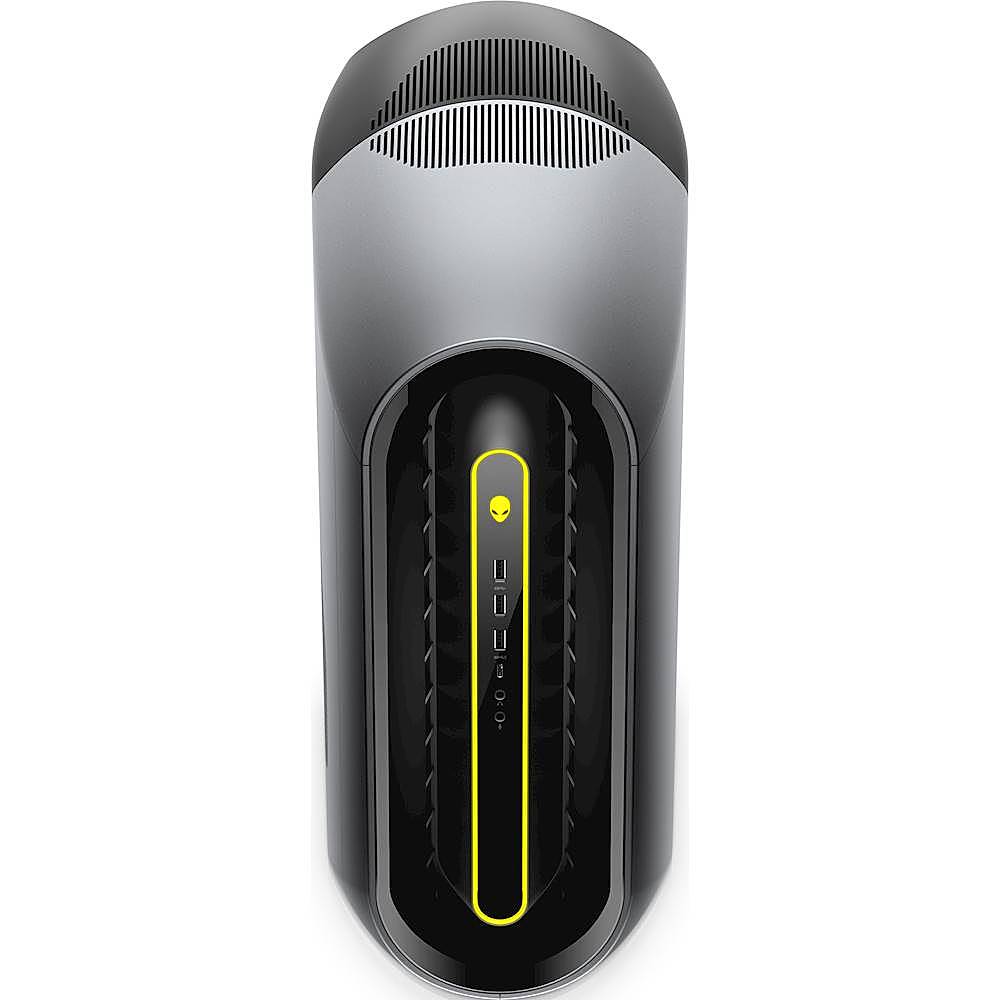
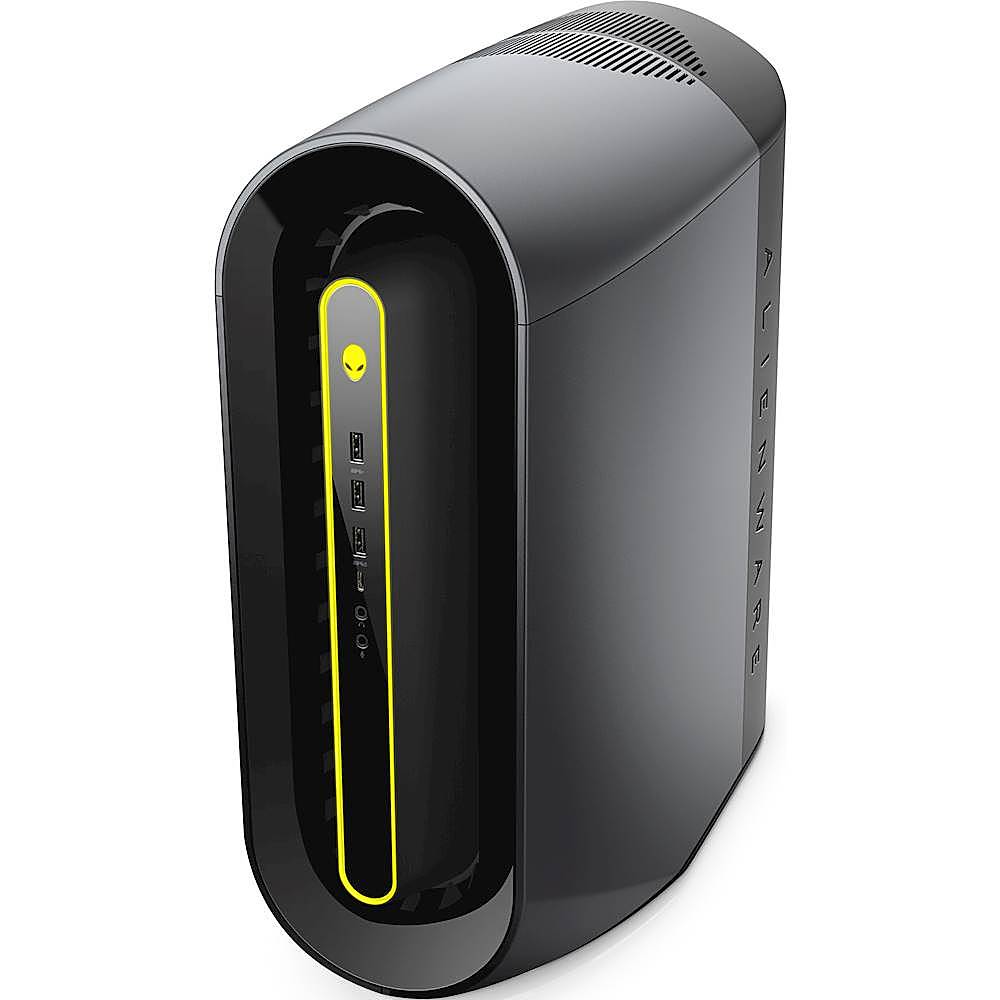
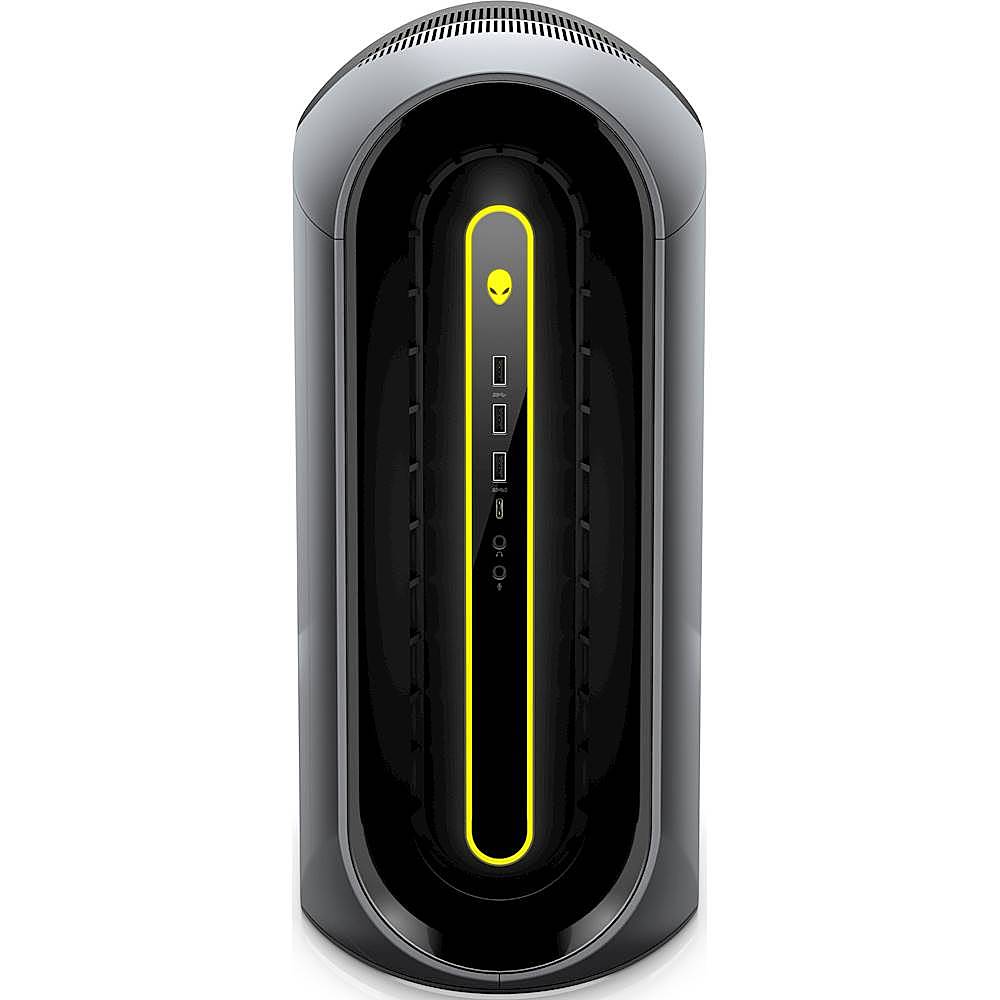

- Model:
- AWAUR10-A886BLK-PUS
- SKU:
- 6398141
Rating by feature
- Value
Rating 3.7 out of 5 stars
- Quality
Rating 3.8 out of 5 stars
- Ease of Use
Rating 3.9 out of 5 stars
Customers are saying
Customers regard the Gaming Desktop - AMD Ryzen 7-Series - 3700X as a high-performance machine, particularly praising its speed and ability to run demanding games smoothly. The attractive price point is also frequently noted. However, a significant drawback mentioned by customers is the system's considerable noise level during operation. Some users found the fan noise to be quite disruptive.
This summary was generated by AI based on customer reviews.
Not future proof
||Posted . Owned for less than 1 week when reviewed.This reviewer received promo considerations or sweepstakes entry for writing a review.Ive gotta say this is a decent tower and with the 3700x and 5700xt its a great combo the psu i believe its only 550watts the fans and system heat up and get loud quite a bit also the case design seems terrible but also you can get these same specs from another company for like 300$ less.
No, I would not recommend this to a friend- Cons mentioned:Noise
Average
||Posted . Owned for more than 2 years when reviewed.This reviewer received promo considerations or sweepstakes entry for writing a review.Lots of noice but other than that it runs good. Could be better.
I would recommend this to a friend - Pros mentioned:Performance, Price
Excellent tower
||Posted . Owned for 1 month when reviewed.This reviewer received promo considerations or sweepstakes entry for writing a review.I am very happy with this system. It's very fast and looks pretty cool too. Great price for the processing power. I actually bought this as a CAD workstation and business use desktop that I needed high performance for. It had all the performance hardware stats I needed at a much better price than purpose built workstations. I haven't had any issues at all with it and I am very happy with its performance.
I would recommend this to a friend Great Choice for Photographers
||Posted . Owned for 3 weeks when reviewed.This reviewer received promo considerations or sweepstakes entry for writing a review.Although this is marketed as a "gaming" computer, my main reason for upgrading was that I am a photographer, and my old computer was no longer up to the demands of the updated versions of the most popular programs used for photography. The processor and graphics card of this computer handle the latest version of Photoshop and the related software that I use with power to spare. I would highly recommend this computer to anyone who uses Photoshop and similar programs that need a lot of video processing power. It's not just for gamers.
I would recommend this to a friend- Pros mentioned:Performance, Price
10/10
||Posted . Owned for 1 month when reviewed.This reviewer received promo considerations or sweepstakes entry for writing a review.Amazing buy for a great price runs amazing will be able to play anything you want just buy another ssd and your memory is set
I would recommend this to a friend - Pros mentioned:Performance
Gaming at the next level
||Posted . Owned for 3 weeks when reviewed.This reviewer received promo considerations or sweepstakes entry for writing a review.Like many other people - you are juggling between building your own PC or buying a pre-build. I got tired of looking around as the decision came to a ~200 dollar difference. And yes, this runs CyberPunk like a charm. It does not do the Max settings, but idk about you, I can't tell the difference because my monitors can't run it.
I would recommend this to a friend - Pros mentioned:GraphicsCons mentioned:Noise
I’m lovin it so far
||Posted .This reviewer received promo considerations or sweepstakes entry for writing a review.It runs every game as expected, good graphics and high frames. It can get loud at times but I personally don’t really care about it cause I usually have my headphones on when gaming
I would recommend this to a friend - Cons mentioned:Noise
Sounds like a SpaceX launch, but still way too hot
||Posted . Owned for 1 week when reviewed.This reviewer received promo considerations or sweepstakes entry for writing a review.This thing is insanely loud. I got home and thought someone was vacuuming, but realized it was just my computer. I would compare it to the sound of blowing up an air mattress, and I dare say I've done that quieter than this thing is. Very small air cooler on the cpu, and it runs at 80⁰ C (way too high). Can't believe this could leave the factory performing like this, someone needed more foresight. The components are ok, good GPU and CPU combo. RAM is only 3000mHz, would like to see at least 3200, preferably 3600. Probably wouldn't buy another Alienware, but due to the GPU market right now, this was the route I took. Haven't decided if I'm going to return it, or get a new motherboard, power supply, cooler, and case. I didn't realize that Alienware (Dell) was so proprietary, you can barely swap anything out without it throwing error codes. The case is HUGE, but the actual housing is tiny. There is like 2 inches extra on each side. It's super cramped on the inside, but there is a ton of extra plastic buffer on the outside. It could be probably 6 inches shorter and 4 inches thinner on the sides with how everything is packed in there.
No, I would not recommend this to a friendBrand response from YourDellTeam
Posted .Glids,
We're sorry to hear about the system noise that your new desktop is making. We would recommend checking to see if a BIOS update is available for your computer:
1. Browse to the Dell Drivers & downloads page.
2. Identify your Dell computer
• Click Download and Install SupportAssist to automatically identify your Dell computer.
• Or, enter the Service Tag, Express Service Code, or model number of your Dell computer and click Search.
• Or, click Browse all products and select your Dell computer from the list.
3. Select the Operating System.
4. Under Category, select BIOS.
5. Locate the latest System BIOS.
6. Click Download and save the file to your computer.
7. Open File Explorer and browse to the location where the downloaded file is saved.
8. Double-click the BIOS setup file and follow the on-screen instructions to complete the installation process. You can read the full article here: http://dell.to/36VVhsn.
With regards to your overheating issue with your Alienware Aurora Ryzen Edition R10. I have provided tips that should help resolve this issue. I have also provided the full Overheating article link. The Alienware Aurora Ryzen Edition R10 follows its CPU performance guidelines, which can lead CPU temperatures to reach 100°C for top performance. We fully warrant the product under these conditions. If you see CPU temperatures rising beyond 100°C within the Alienware Command Center, please contact Alienware Support directly and they will provide further support.
• Make sure the system is in a well- ventilated area
• Use laptops on flat surfaces to improve airflow. Hard table- tops are recommended and avoid using
any type of cloth or any other soft material under the laptop
• For desktop systems make sure there is enough clearance around the system to allow the air to flow. If
the system is in an enclosure try to move it to a more ventilated area for testing
• Check that the air vents are clean and that there is nothing obstructing them. See General
Maintenance for Maintaining Your Dell Computer for instructions on how to clean your system: https://dell.to/3oenBfH
• Update your system BIOS to the latest available in Dell Support Site
• You can reset your BIOS settings to undo any changes that could be causing the system to overheat.
See How to restore the BIOS (System Setup) defaults on a Dell Product
• Disable NVIDIA G SYNC and run a stress test using SupportAssist. Click here to run the video stress
test when you are ready: https://dell.to/3nmRfiZ
• Navigate to the Thermal Controls in the Alienware Command Center, which is found under the Fusion tab. There you can adjust thermal control of system fans and change the status of active venting. This link is for the Alienware Command Center Quick Guide, where you can find a video to explain how to use the Manual Mode for the Thermal Controls: https://dell.to/3nZtYDm.
• Here is a link to troubleshoot your Alienware Overheating: https://dell.to/3nmRfiZ
Best,
Bryan
1-800-624-9896
- Pros mentioned:Performance
Great set up.
||Posted . Owned for 1 month when reviewed.This reviewer received promo considerations or sweepstakes entry for writing a review.Great for gaming. Easy set up. Odd it didn’t come with any booklet and just a pamphlet for instructions. Set up was fairly quick. Use more for gaming.
I would recommend this to a friend - Pros mentioned:Performance
Quality Desktop
||Posted . Owned for 1 month when reviewed.This reviewer received promo considerations or sweepstakes entry for writing a review.Very fast, capable, and a joy to use. It's a joy to finally get a high-end machine with no restrictions, worth every penny of its cost.
I would recommend this to a friend Decent specs for price. But loud fans.
||Posted . Owned for 3 months when reviewed.This reviewer received promo considerations or sweepstakes entry for writing a review.This pc is not bad at all. The specs are pretty good for the price but because it's an "alienware" that's another $200 for no reason. If you can get this on sale its not a bad deal. But however 1 thing to think about before you buy this pc is that the fans are extremely loud (when doing a heavy process) idk why I've done a ton of research and can't figure out the problem. I have a blue yeti microphone and I've had to mess around with my audio settings so much so that people can't hear the fans from the pc. To sum it up, the loud fans are the only downside to the pc.
No, I would not recommend this to a friendAlienware review
||Posted . Owned for 3 weeks when reviewed.This reviewer received promo considerations or sweepstakes entry for writing a review.Bought as a gift as first time gaming pc. Easy setup. Comes with a standard mouse and keyboard which will be upgraded later. Other than that its a great pc.
I would recommend this to a friendYou are playing for the Name
||Posted .This reviewer received promo considerations or sweepstakes entry for writing a review.It is a cool looking case, but it comes at a higher price than other prebuilt computers. Very small cpu cooler for a ryzen 7. Came with a reference 5700xt graphics card but maintains good temperatures. I would only recommend buying when its on sale.
No, I would not recommend this to a friendBrand response from YourDellTeam
Posted .Hello Jason,
Thank you for your review. We really do appreciate your feedback and will use it to help improve our current and future products. If you come across any further questions, issues or concerns, please use the information below to contact Dell Support at your earliest convenience.
Best regards,
Wendy C.
For further assistance, you can contact Dell directly with the information below Chat or Call:
https://bit.ly/DellSupportTeam.
Phone number to Dell: 1-800-264-9896.
Did not work out of box
||Posted . Owned for 1 week when reviewed.This reviewer received promo considerations or sweepstakes entry for writing a review.The brand new computer did not work out of the box. It started up went to blue screen and then proceeded to power on but nothing actually worked, the screen, mouse, and keyboard were all lifeless. I have never bought something from best buy that just did not work before and am severely disappointed. When you buy a 1500+ dollar computer and it doesnt even work from the get go its just a betrayal. There are other bad reviews on this and one would be inclined not to believe them because of how many people go around leaving bad reviews on products simply because they are pre-built or amd and not nvidia or because its dell. On this product those reviews are quite accurate, its a piece of garbage. I have literally NEVER had a computer fail right out of the box, ever. There is also a lot of supporting evidence that these computers are worth avoiding online as many purchasers have had issues with constant blue screens and the device not working properly. I greatly implore you heed this warning not to purchase this product. You will more than likely regret the decision and if you order it the pain will be all the more worse as you will wait over a week in anticipation and excitement just to be infuriated when your brand new PC doesnt even work.
No, I would not recommend this to a friendBrand response from YourDellTeam
Posted .Hello Alex,
Thank you for sharing your experience. We provided steps below that can assist with your BSOD and startup issues if needed in the future.
1. At the desktop, click the Search the web and Windows box and type ""problem reports"".
2. Select View all problem reports to view a list of errors that have occurred on your computer and possible solutions for them, such as updating drivers, flashing your system BIOS, or checking for updates to the software.
3. Under the Source column, look for Windows and under Summary, look for Shut down unexpectedly.
4. Right-click the line item and select Check for a solution.
We'd also suggest checking to make sure that your software and drivers are up to date on Dell's Product Page - http://dell.to/3hmUpRy.
Best regards,
Wendy C.
- Pros mentioned:Graphics
Alienware
||Posted . Owned for 3 weeks when reviewed.This reviewer received promo considerations or sweepstakes entry for writing a review.Actually my first gaming purchase in a an PC, love the graphic and the lights. Very happy with this buy.
I would recommend this to a friend - Cons mentioned:Noise
Fan is loud
||Posted .This reviewer received promo considerations or sweepstakes entry for writing a review.It’s a good Desktop but the only problem I have with it is the fan sounds like a whole jet Engine and it’s very annoying.
No, I would not recommend this to a friendBrand response from YourDellTeam
Posted .Hello Chrisbrown,
We are happy to hear that you are enjoying your Aurora by most accounts. As far as system noise goes, we suggest updating your system using the 'Alienware Update' application that came pre-installed. It will update the temperature tables of your system and optimize your fan speed.
Best Regards,
Anthony P.
1-800-624-9896
- Pros mentioned:Price
Pretty good
||Posted . Owned for 9 months when reviewed.This reviewer received promo considerations or sweepstakes entry for writing a review.Would give 4 star because some parts are meh but considering the price during this scalping era gave it a 5.
I would recommend this to a friend new tower
||Posted . Owned for 1 month when reviewed.This reviewer received promo considerations or sweepstakes entry for writing a review.Great, fast and works well, love the alien... :) ..
I would recommend this to a friendGreat system.
||Posted . Owned for 3 weeks when reviewed.This reviewer received promo considerations or sweepstakes entry for writing a review.The gaming system is working flawlessly. Set-up was easy.
I would recommend this to a friend- Pros mentioned:Performance
Gaming computer
||Posted . Owned for 3 months when reviewed.This reviewer received promo considerations or sweepstakes entry for writing a review.Great gaming computer. Fast and quiet, looks nice. Bought as a gift, son loves it.
I would recommend this to a friend