Customer Ratings & Reviews
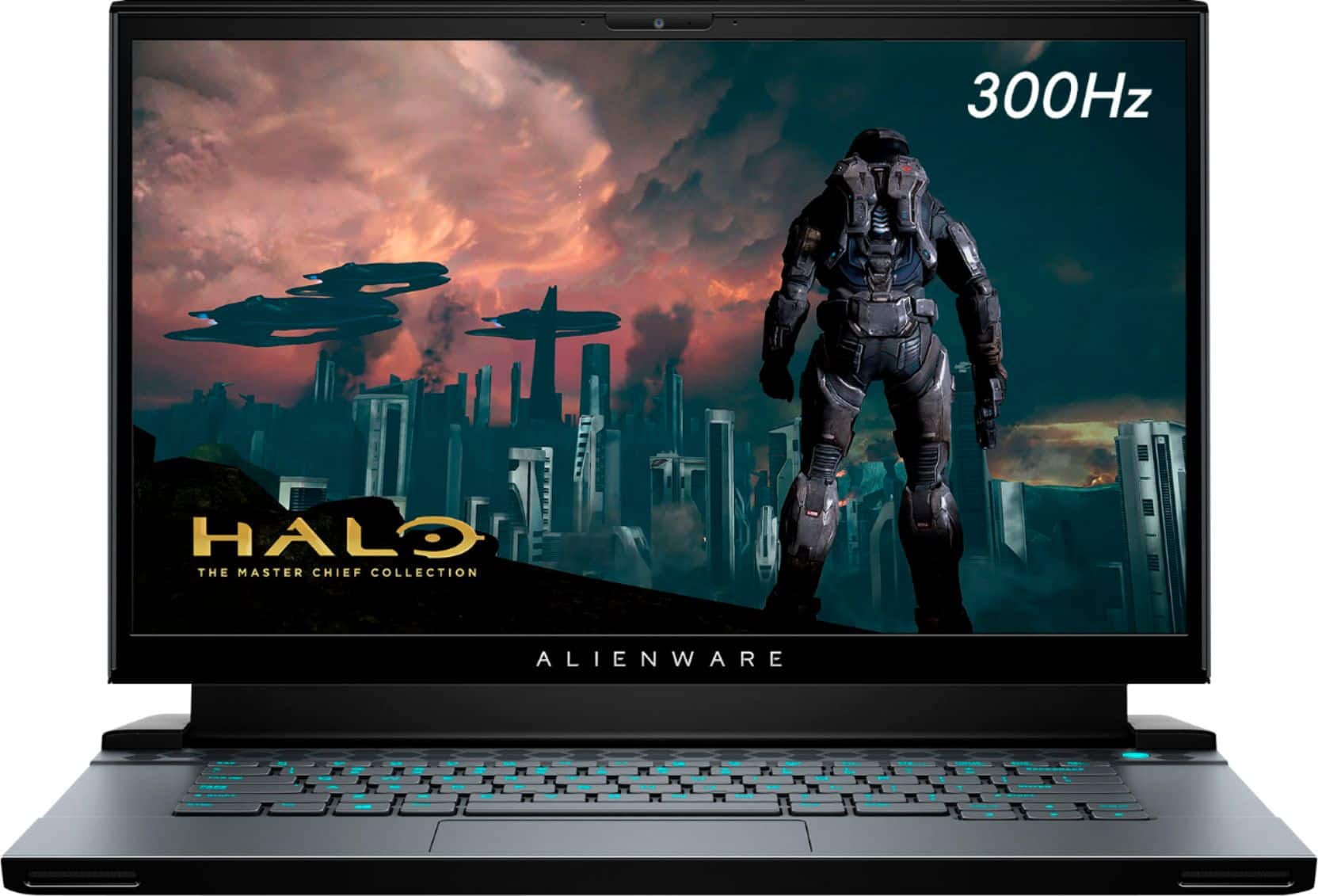

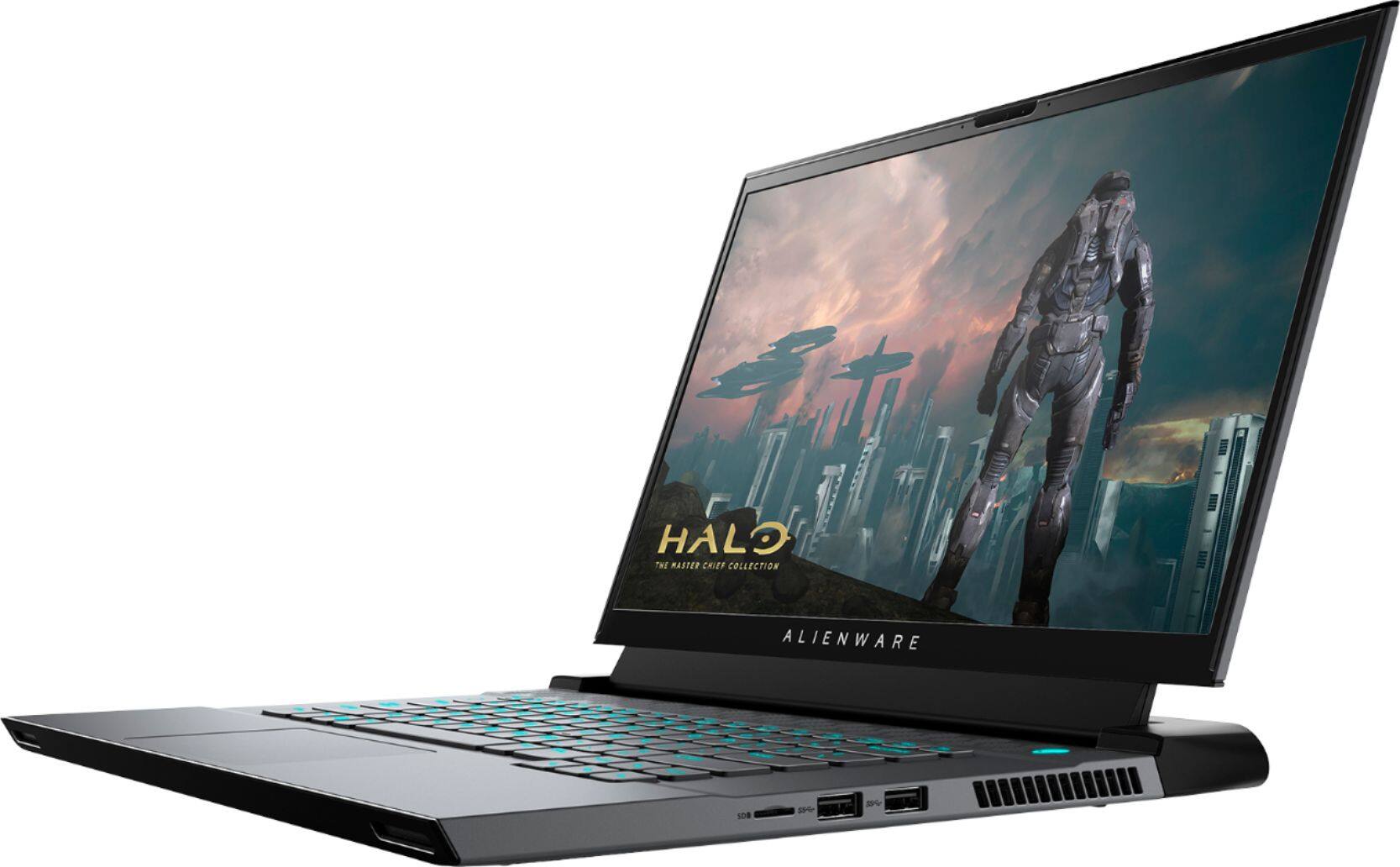
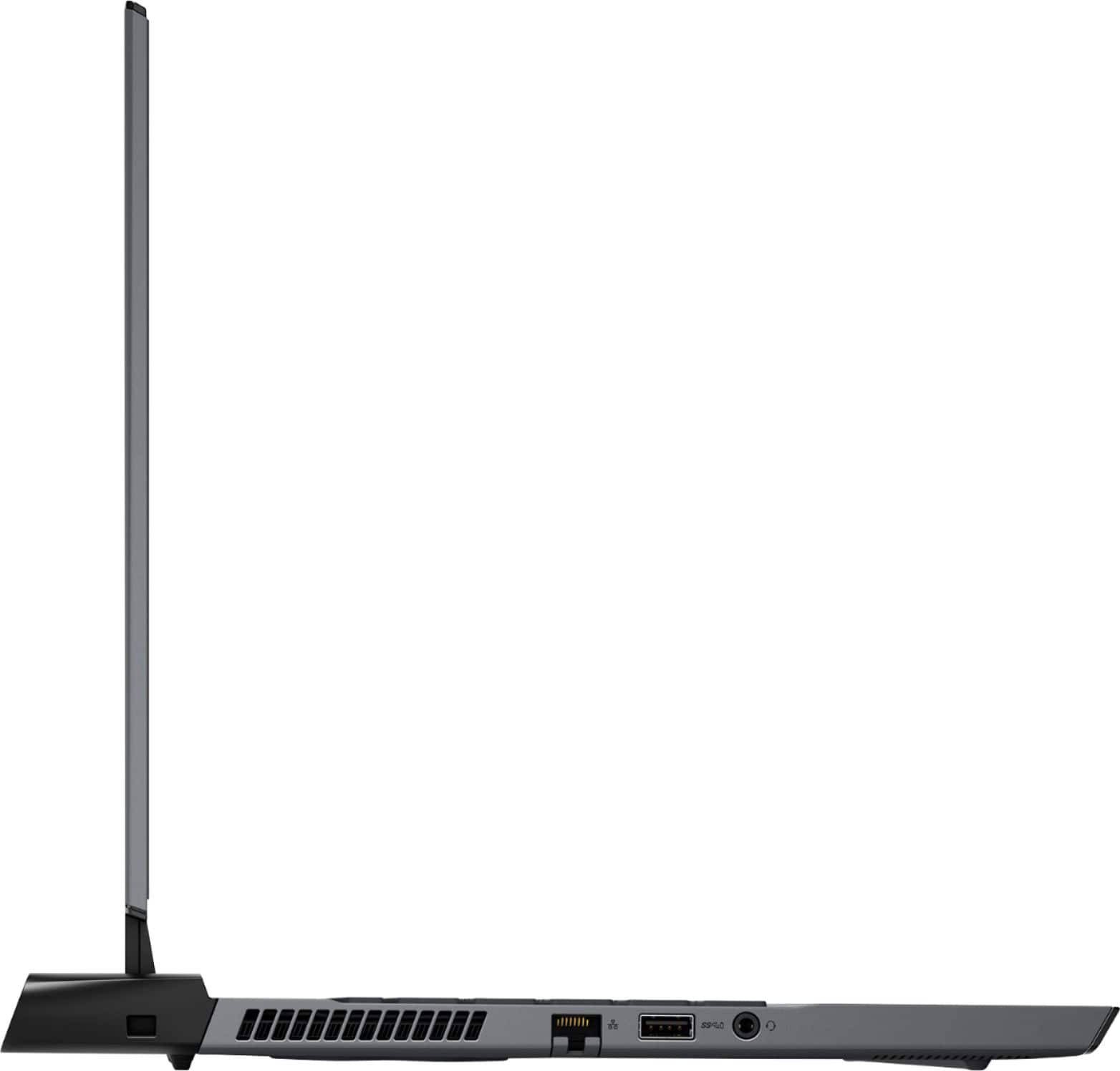
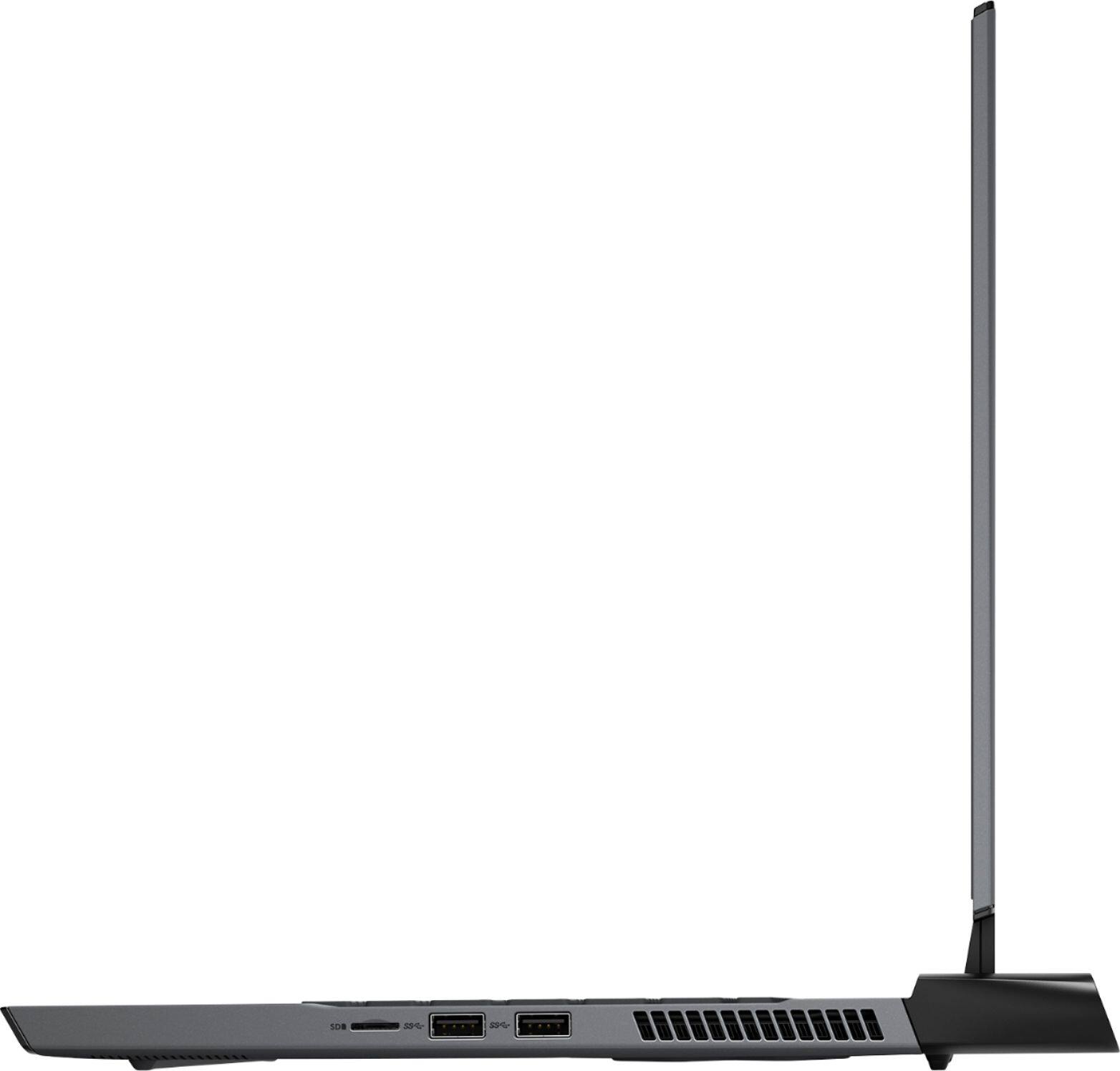
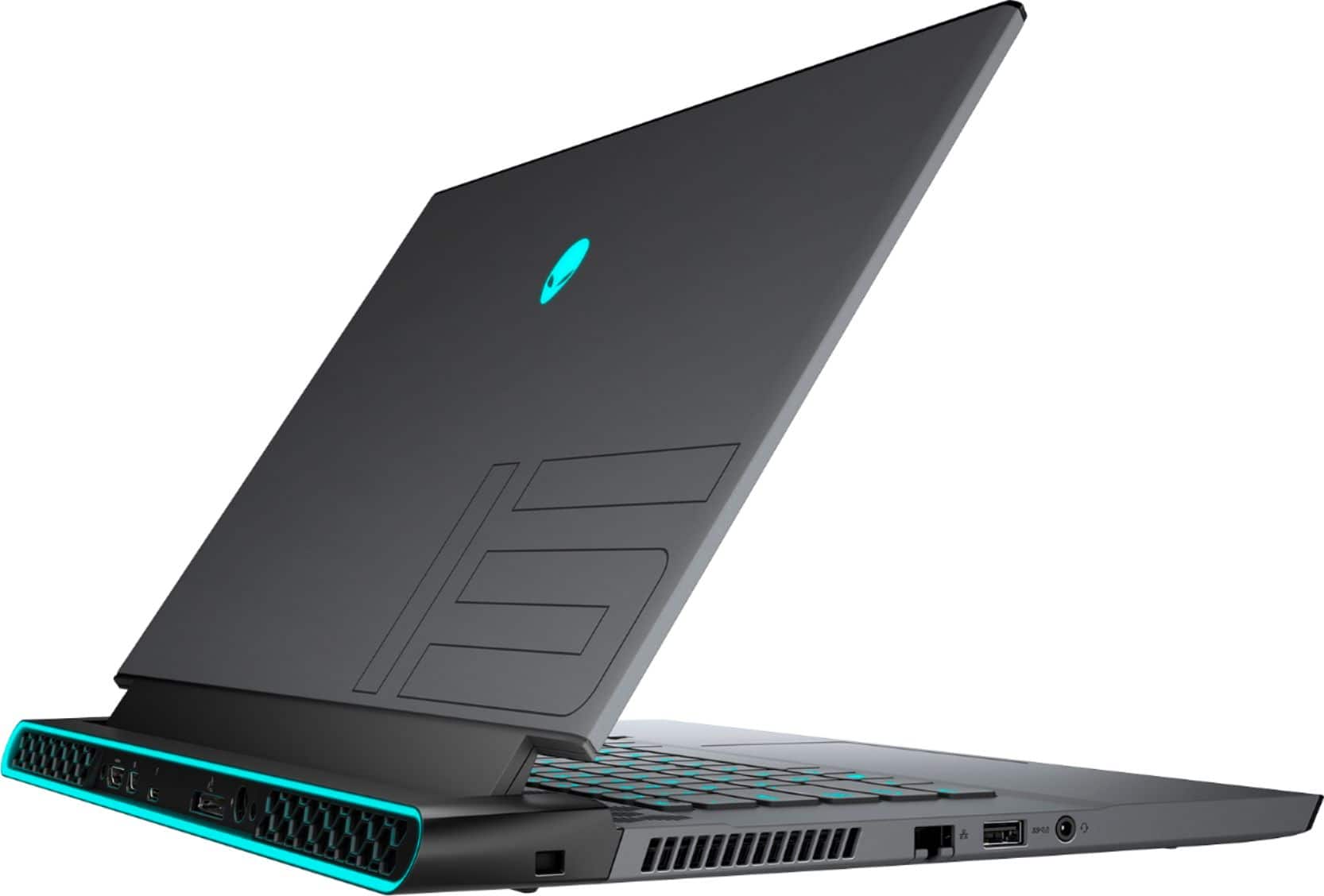
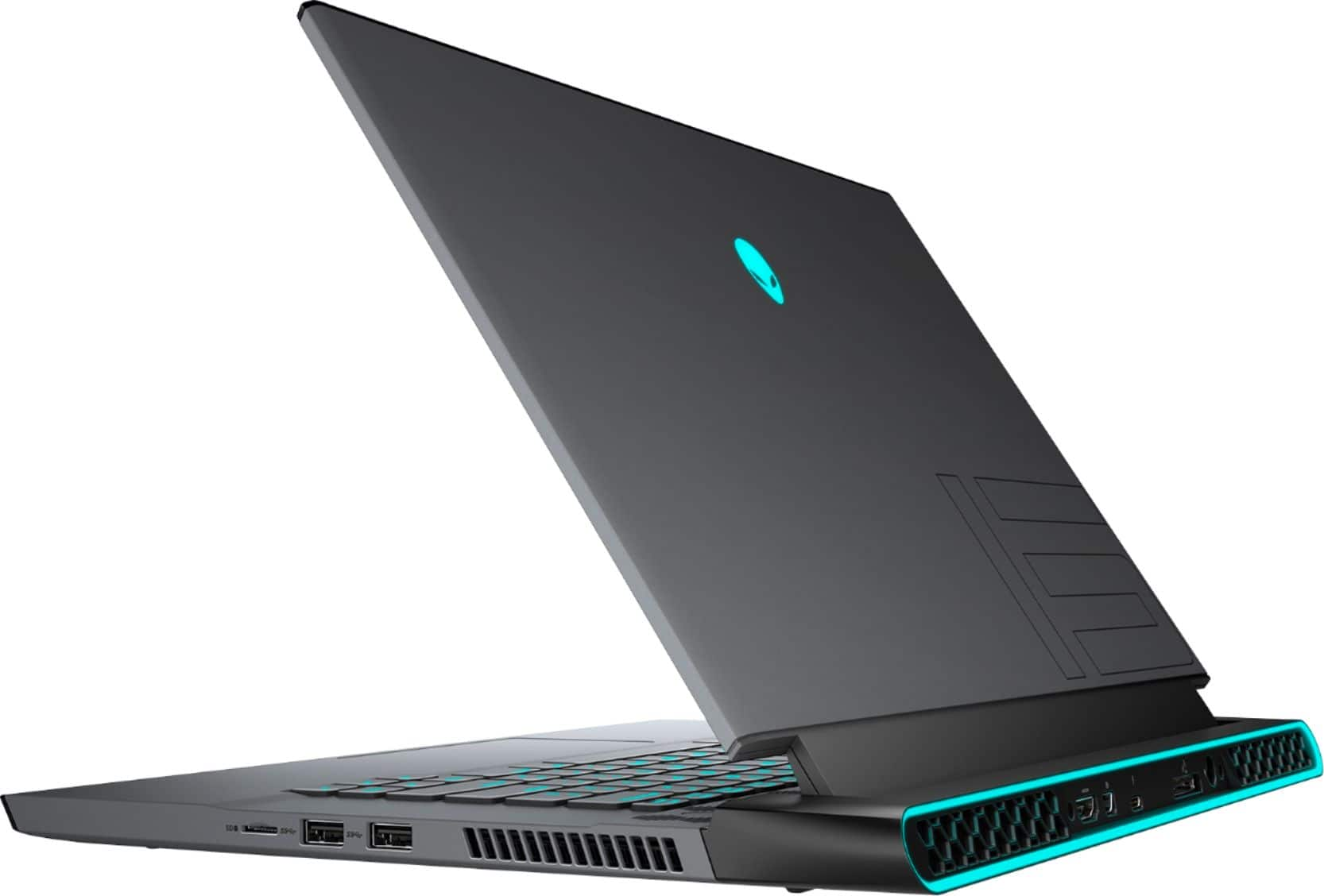
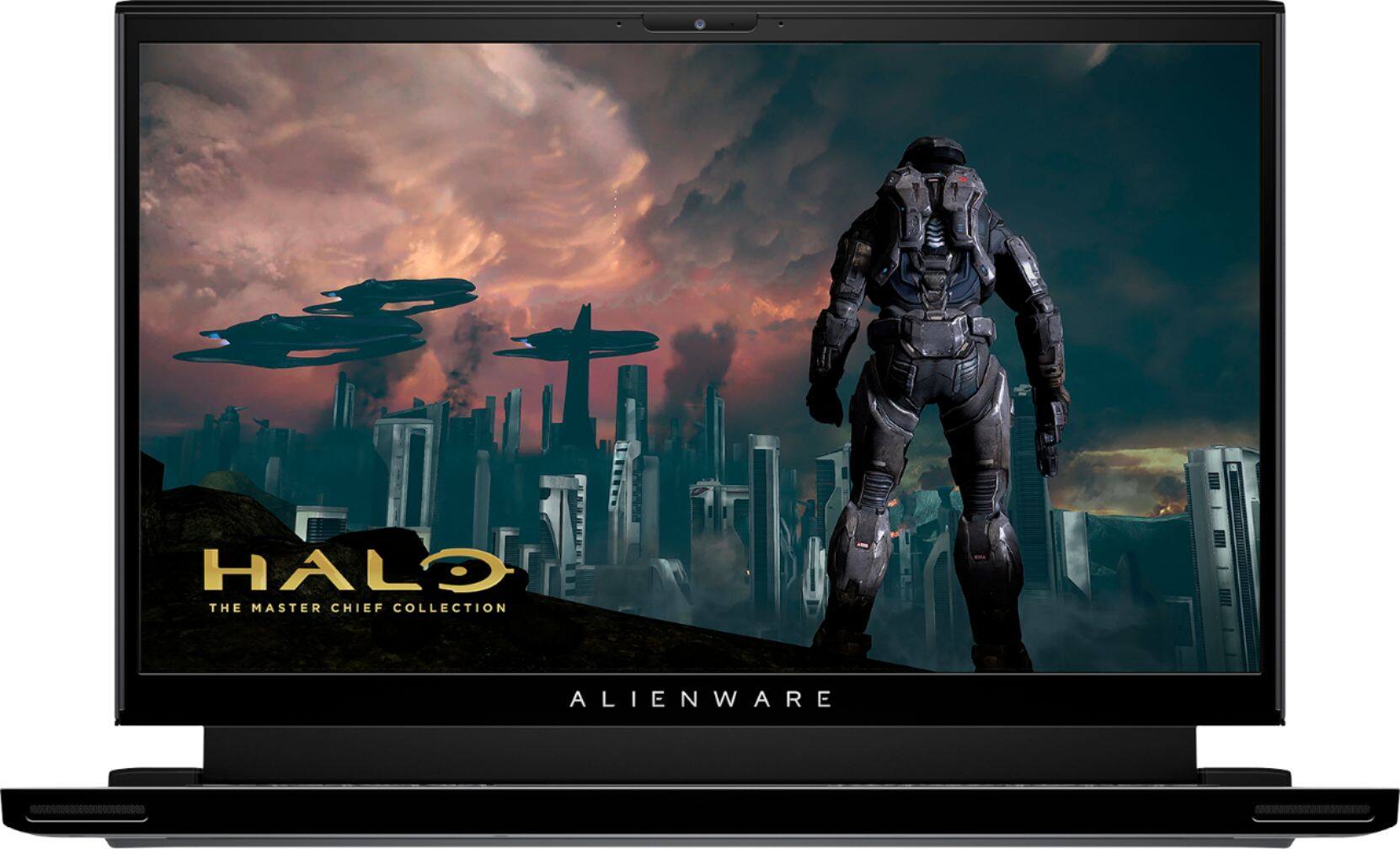
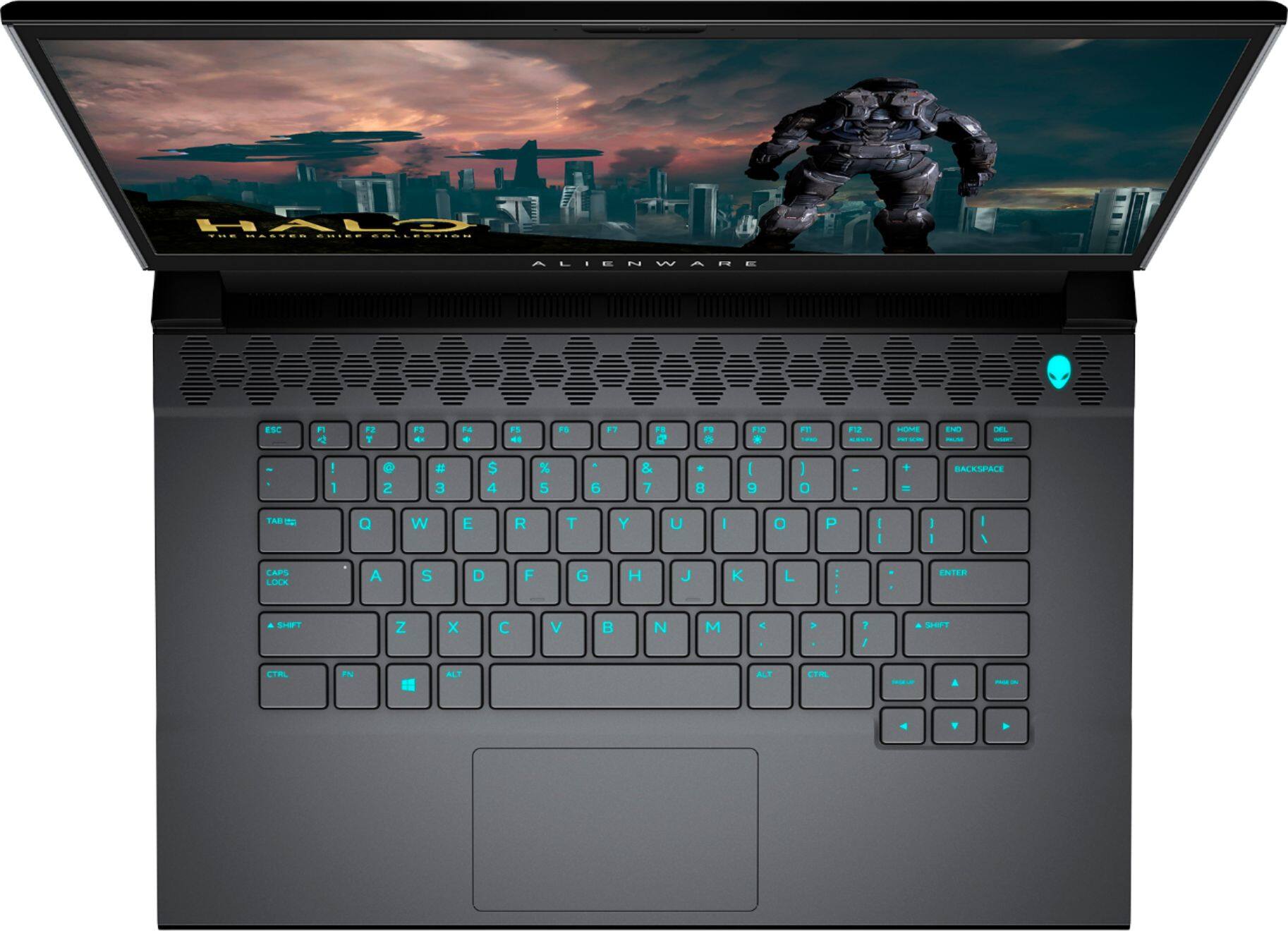




- Model:
- AWM15-7593BLK-PUS
- SKU:
- 6409409
Rating by feature
- Battery Life
Rating 3.2 out of 5 stars
- Speed
Rating 4.7 out of 5 stars
- Display
Rating 4.7 out of 5 stars
Customers are saying
Customers express satisfaction with the m15 R3's performance, graphics capabilities, build quality, refresh rate, and screen quality. However, negative feedback frequently centers on the battery life, heat generation, and the inability to upgrade the RAM. The loud fan noise during operation is also a recurring concern for some users. While some users note high temperatures, others find the overall gaming experience positive despite this.
This summary was generated by AI based on customer reviews.
- Pros mentioned:Performance
Best Ever
||Posted . Owned for 1 month when reviewed.This reviewer received promo considerations or sweepstakes entry for writing a review.Best laptop I've ever had. It has looks and performance.
I would recommend this to a friend - Pros mentioned:Performance
Gaming
||Posted . Owned for 1 month when reviewed.This reviewer received promo considerations or sweepstakes entry for writing a review.Great customer service. Very fast computer for gaming.
I would recommend this to a friend - Pros mentioned:Performance
Powerhouse
||Posted . Owned for 1 month when reviewed.This reviewer received promo considerations or sweepstakes entry for writing a review.Powerful laptop that I can use for work or gaming.
I would recommend this to a friend A good gaming laptop.
||Posted . Owned for 1 week when reviewed.This reviewer received promo considerations or sweepstakes entry for writing a review.A solid laptop for gaming. Recommend using headphones for audio and if you play more than one or tow game regularly, an external hard drive will be a must. Good display, but using an external monitor as the primary display.
I would recommend this to a friendAlienware M15
||Posted . Owned for 3 weeks when reviewed.This reviewer received promo considerations or sweepstakes entry for writing a review.I got to say I’m really happy with this purchase I am on the move a lot and I can’t take a desktop with me everywhere. I actually originally bought a MSI laptop first but it kept having issues, with this laptop I have had no issues! Definitely happy with the value/$ I am getting even with a name brand laptop
I would recommend this to a friend- Pros mentioned:Performance
Good gaming laptop
||Posted . Owned for less than 1 week when reviewed.This reviewer received promo considerations or sweepstakes entry for writing a review.Really good love it plays Fortnite at 360 FPS....
I would recommend this to a friend - Cons mentioned:Battery life
Not for a true gamer
||Posted . Owned for 1 month when reviewed.This reviewer received promo considerations or sweepstakes entry for writing a review.Disappointing for what it is and what it cost. Seriously considered returning it on the battery alone. Just surfing the internet, no game, no video, 30min max.
No, I would not recommend this to a friendBrand response from YourDellTeam
Posted .Hello JohnnyG,
We are sorry to hear that the battery life of your Alienware is not quite meeting expectations. Here are some quick tips on how to potentially improve battery life.
1. On the notification area of the taskbar, right-click the Battery icon.
2. On the options list, click Power Options.
3. Select a power plan on the battery meter, such as Power Saver or Balanced. Windows 10 has a built in 'Battery Saver' mode that can be activated to extend your system's battery life. The Battery Saver mode will monitor and limit background activity and other features such as push notifications. You do have the option to enable or disable this mode within settings or within advanced Battery Saver settings, you can customize the mode to best suit your needs.
a) Click on the Action Center icon in the taskbar and select the tile for Battery Saver.
b) If running Cortana then type Battery Saver into the search box and select from the results.
Within the Battery Saver settings page, you will be able to turn on and off the feature and customize the feature to best meet your needs.
c) Turn Battery Saver On or Off.
d) Additional settings available via the Battery use and Battery saver settings links.
e) Battery use shows further info on apps and their power usage.
f) Battery Saver Settings screen allows you to customize further Battery Saver feature.
We hope this helps!
Best Regards,
Wendy C.
Alienware
||Posted . Owned for 1 week when reviewed.This reviewer received promo considerations or sweepstakes entry for writing a review.Great gaming computer, but the command center has been giving me problems. Had to factory reset my computer to fix it. Hopefully that’s the last time. Other than that this computer runs everything I need and more
I would recommend this to a friend- Cons mentioned:Ram
not a bad little laptop but not worth the 2k price
||Posted .This reviewer received promo considerations or sweepstakes entry for writing a review.this is a very well built high end laptop but for $2000 ii cant recommend it will soddered ram and only a 512gb ssd this isnt worth its asking price
No, I would not recommend this to a friendBrand response from YourDellTeam
Posted .Gutterlady,
Thanks for your review and we're glad that you're enjoying your laptop's build quality and performance so far. If you have any technical questions about your laptop you can check our Product Support Page here: https://dell.to/33GVeQx.
Best,
Bryan
1-800-624-9896
4 stars!
||Posted .This reviewer received promo considerations or sweepstakes entry for writing a review.it gets really hot and battery life is horrible (about 1 hour-ish?) and gigantic power adapter... other than that, performance = great!
I would recommend this to a friendGood for anything
||Posted .This reviewer received promo considerations or sweepstakes entry for writing a review.This laptop is super fast, the only down side is it does get hot fast gaming but by a cooling pad and boom! Best Buy if your wanting a decent laptop gaming set up.
I would recommend this to a friendGamer is happy
||Posted . Owned for 3 weeks when reviewed.This reviewer received promo considerations or sweepstakes entry for writing a review.Great computer but it was weird and inconveniencing that my son (who bought the computer) couldnt sign for it because he isnt 21 years old. He is 18 but that was not sufficient. Other than that the product and the speed of delivery is on point.
I would recommend this to a friend- Cons mentioned:Battery life, Heat
It’s was alright
||Posted . Owned for less than 1 week when reviewed.This reviewer received promo considerations or sweepstakes entry for writing a review.Battery life sucked and it got hot but told that’s just normal for gaming laptops
No, I would not recommend this to a friendBrand response from YourDellTeam
Posted .Pste,
Thanks for your review. We're sorry to hear about the battery life on your computer. We'd recommend these tips to help with your computer's battery:
Change the Power Plan:
1. On the notification area of the taskbar, right-click the Battery icon.
2. On the options list, click Power Options.
3. Select a power plan on the battery meter, such as Power Saver or Balanced. Windows 10 has a built in 'Battery Saver' mode that can be activated to extend your system's battery life. The Battery Saver mode will monitor and limit background activity and other features such as push notifications. You do have the option to enable or disable this mode within settings or within advanced Battery Saver settings, you can customize the mode to best suit your needs.
a) Click on the Action Center icon in the taskbar and select the tile for Battery Saver.
b) If running Cortana then type Battery Saver into the search box and select from the results.
Within the Battery Saver settings page, you will be able to turn on and off the feature and customize the feature to best meet your needs.
c) Turn Battery Saver On or Off.
d) Additional settings available via the Battery use and Battery saver settings links.
e) Battery use shows further info on apps and their power usage.
f) Battery Saver Settings screen allows you to customize further Battery Saver feature.
You can read the full article here - http://dell.to/2vfXWf4.
If you'd like to see if your computer can perform at a cooler temperature, you can try these tips:
1. Update your computer BIOS to the latest version available
• Browse to the Dell Drivers & Downloads page:
• Ensure you have selected the correct Operating System
• Under Category, choose BIOS
• Locate the latest System BIOS
• Click Download and save the file to your PC
• Open File Explorer and browse to the location where you saved the downloaded file
• Double-click the BIOS setup file and follow the on-screen instructions to complete the installation process
2. Open Alienware Command Center
3. Click Thermal at the Active Default Theme and set it to Performance
4. Restart the computer
5. Once the computer boots into Windows open SupportAssist
6. Go to the Troubleshooting tab and click on I want to check a specific piece of hardware
7. Click CPU under CPU Devices
8. Select CPU Stress Test and click Run Test
9. Open the Alienware Command Center and go to the Fusion tab
• The CPU peak temperature should be less than or equal to (≤) 100 ℃
• When under high stress, the computer's average temperature can be expected to be less than (≤) 100 ℃.
Best,
Bryan
1-800-624-9896
Do not trust open box
||Posted . Owned for 2 months when reviewed.This reviewer received promo considerations or sweepstakes entry for writing a review.Great laptop but the open box unit I purchse had an issue with WIFI from day one, and till today I am waiting for main board to be exchanged
No, I would not recommend this to a friend- Cons mentioned:Ram
Pricy
||Posted . Owned for 1 month when reviewed.This reviewer received promo considerations or sweepstakes entry for writing a review.Great specs but to low of a memory. Biught this on sale for $1700 and even the ram and ssd just turned me away.
I would recommend this to a friendBrand response from YourDellTeam
Posted .King,
Thanks for your review and we're sorry to hear that your computer's storage is not as large as you'd like it to be. We'd recommend saving documents to a cloud storage option like Microsoft's One Drive to save space.
If you have any technical questions about your computer you can check our Product Support Page here: https://dell.to/33GVeQx.
Best,
Bryan
1-800-624-9896
Xmas gift
||Posted . Owned for 1 month when reviewed.This reviewer received promo considerations or sweepstakes entry for writing a review.Bought it for my husband for Xmas 2020. I think he likes it. He’s on it 24/7 playing league. However I think the battery drains too fast
I would recommend this to a friendDon’t put in dishwasher
||Posted . Owned for 3 months when reviewed.This reviewer received promo considerations or sweepstakes entry for writing a review.It’s okay, I returned it because it had a spec of dirt on the screen and it blocked a tiny letter, my eyes can’t be put through that sort of eye strain especially for the price, I’d have to constantly look around that spec of dirt to see what was behind it. So like any other rational human being I dun threw it in the dish washer to clean it, n’it just simply stopped turning on. 3 out of 5 stars becauze it was alright I guess
No, I would not recommend this to a friendBest purchase by far
||Posted . Owned for less than 1 week when reviewed.This reviewer received promo considerations or sweepstakes entry for writing a review.I bought it and wasnt expecting to perform like it does in more than happy and the attendant that helped me was more the willing to help. Im completely satisfied with the service and the quality product
I would recommend this to a friendIt was good experience i like shopping on bestbuy
||Posted . Owned for 1 week when reviewed.This reviewer received promo considerations or sweepstakes entry for writing a review.I bought laptop boxe opened It was good experience i like shopping on bestbuy. My laptop was in new condition looks like brand new
I would recommend this to a friend- Cons mentioned:Fan noise
M15
||Posted . Owned for 3 weeks when reviewed.This reviewer received promo considerations or sweepstakes entry for writing a review.Overall a nice laptop. The fan is overly noisy. Which is kind of a disappointment
I would recommend this to a friendBrand response from YourDellTeam
Posted .David,
Thanks for your review and we're sorry to hear about the fan noise on your computer. We'd recommend updating the BIOS on your computer to help with the fan noise:
An out-of-date BIOS can cause loud fan noises by having an outdated temperature table for the system. Refer to update BIOS and follow the instructions to update the BIOS on your computer. You can also follow up with our Technical Support Team here - 1-800-624-9896.
You can read the full article here - http://dell.to/2ENlXfz.
Best,
Bryan
1-800-624-9896