Customer Ratings & Reviews





- Model:
- AWM15-7593BLK-PUS
- SKU:
- 6409409
Rating by feature
- Battery Life
Rating 3.2 out of 5 stars
- Speed
Rating 4.7 out of 5 stars
- Display
Rating 4.7 out of 5 stars
Customers are saying
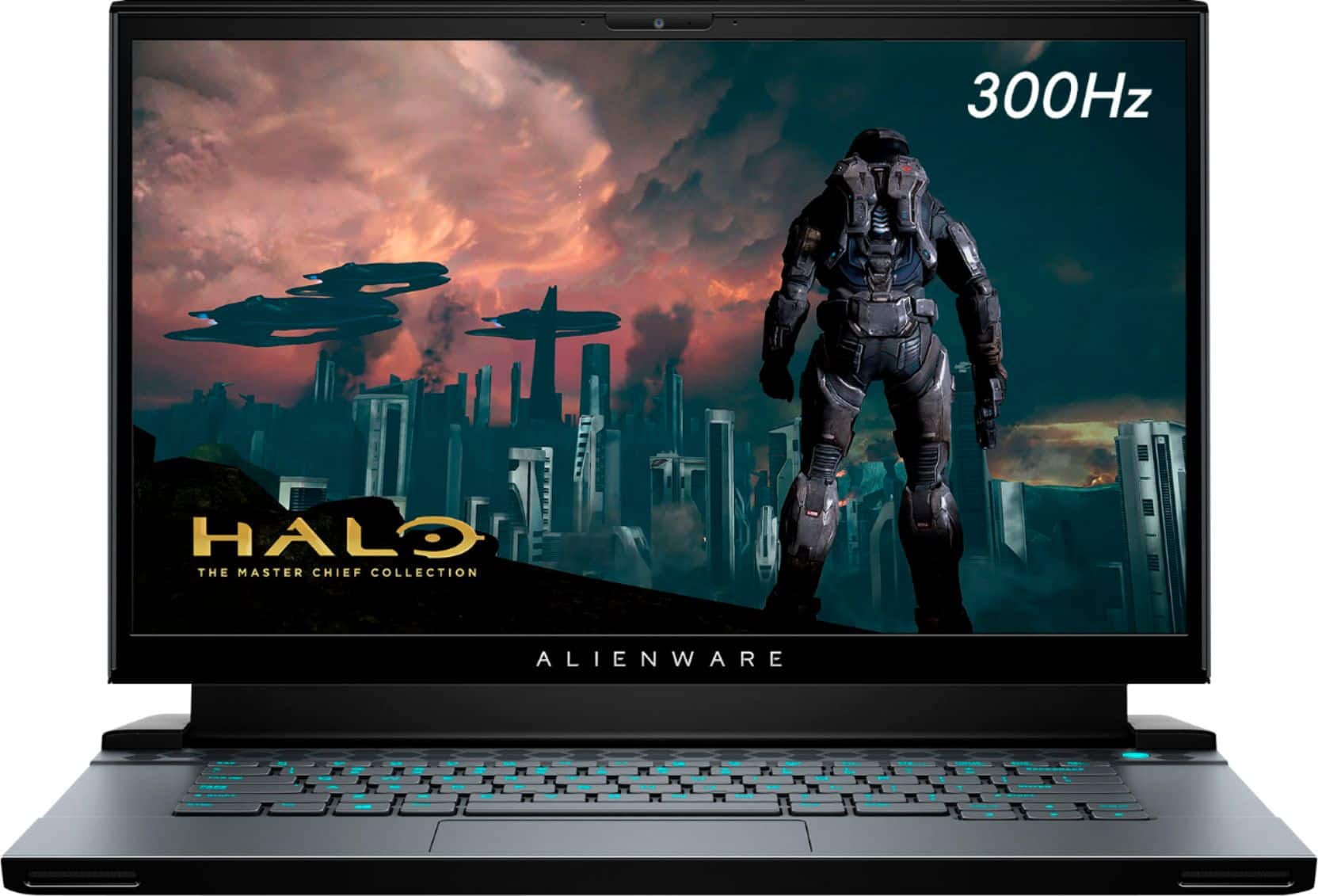
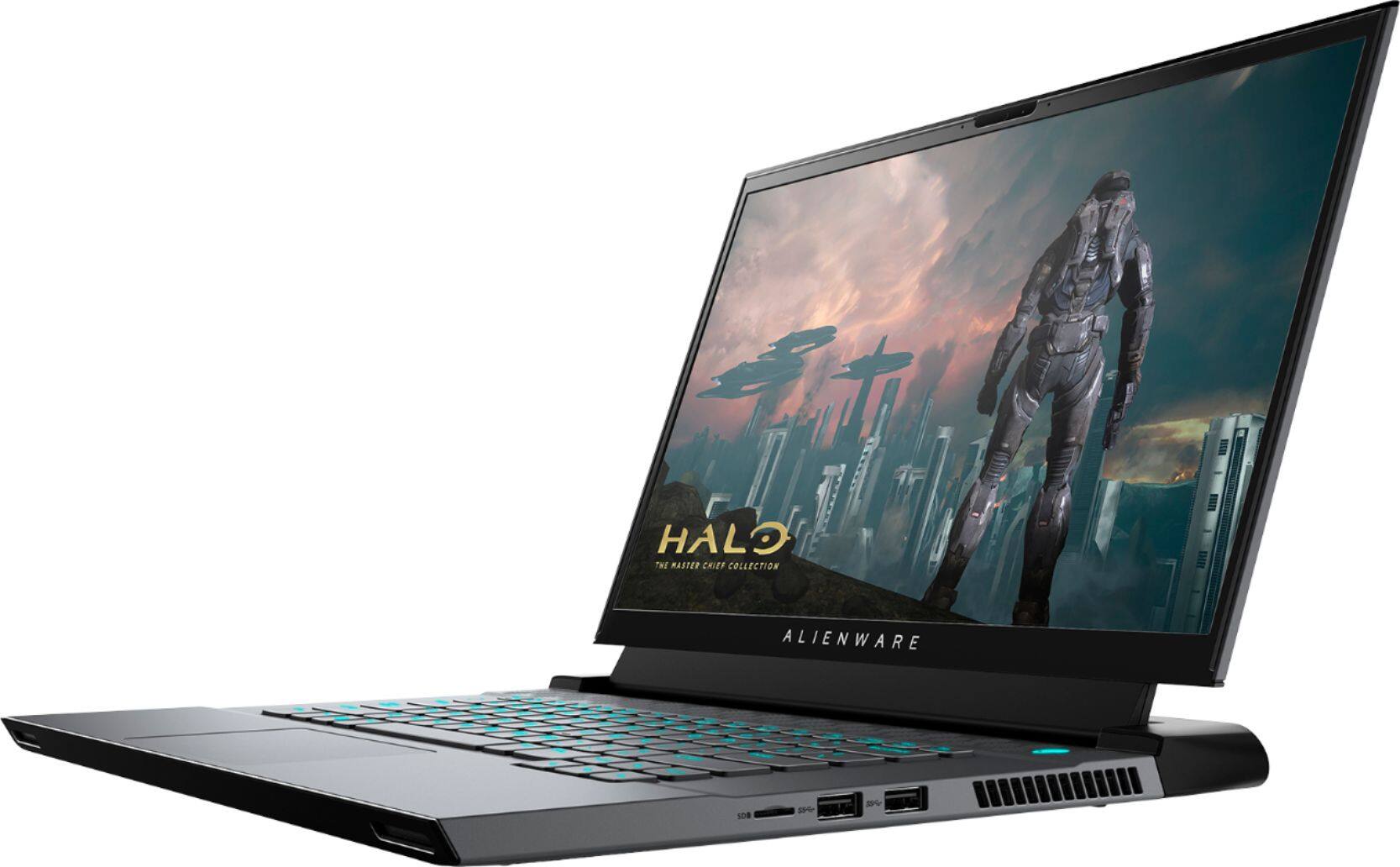
Customers express satisfaction with the m15 R3's performance, graphics capabilities, build quality, refresh rate, and screen quality. However, negative feedback frequently centers on the battery life, heat generation, and the inability to upgrade the RAM. The loud fan noise during operation is also a recurring concern for some users. While some users note high temperatures, others find the overall gaming experience positive despite this.
This summary was generated by AI based on customer reviews.
Laptop is excellent
||Posted . Owned for less than 1 week when reviewed.This reviewer received promo considerations or sweepstakes entry for writing a review.Bought the m15 R3 laptop, great features and am happy with my purchase
I would recommend this to a friendcostumer
||Posted .This reviewer received promo considerations or sweepstakes entry for writing a review.easy to order easy to pick up next dayme busidnes delivery
I would recommend this to a friendYESSS
||Posted . Owned for 2 months when reviewed.This reviewer received promo considerations or sweepstakes entry for writing a review.Great laptop just no arm space!!!! but overall great quality !!!
I would recommend this to a friendIt is a good production.
||Posted . Owned for 2 weeks when reviewed.This reviewer received promo considerations or sweepstakes entry for writing a review.It is a good production. I will recommend to my friends.
I would recommend this to a friend- Cons mentioned:Battery life
Great graphics. Horrible battery life
||Posted . Owned for less than 1 week when reviewed.This reviewer received promo considerations or sweepstakes entry for writing a review.Great for everyday use but battery dies super fast only about an hour and half battery life though. All games were able to run at high settings but
No, I would not recommend this to a friendBrand response from YourDellTeam
Posted .Gamechangers23,
Thanks for your review and we're glad to see that your new gaming laptop is meeting so many of your needs. If you'd like to try to extend the life of your computer's battery we'd suggest these tips:
Change the Power Plan:
1. On the notification area of the taskbar, right-click the Battery icon.
2. On the options list, click Power Options.
3. Select a power plan on the battery meter, such as Power Saver or Balanced. Windows 10 has a built in 'Battery Saver' mode that can be activated to extend your system's battery life. The Battery Saver mode will monitor and limit background activity and other features such as push notifications. You do have the option to enable or disable this mode within settings or within advanced Battery Saver settings, you can customize the mode to best suit your needs.
a) Click on the Action Center icon in the taskbar and select the tile for Battery Saver.
b) If running Cortana then type Battery Saver into the search box and select from the results.
Within the Battery Saver settings page, you will be able to turn on and off the feature and customize the feature to best meet your needs.
c) Turn Battery Saver On or Off.
d) Additional settings available via the Battery use and Battery saver settings links.
e) Battery use shows further info on apps and their power usage.
f) Battery Saver Settings screen allows you to customize further Battery Saver feature.
You can read the full article here - http://dell.to/2vfXWf4.
Best,
Bryan
1-800-624-9896
New Pc
||Posted . Owned for 1 week when reviewed.This reviewer received promo considerations or sweepstakes entry for writing a review.Good for the value when on sale. It does everything I need it to
I would recommend this to a friendGreat
||Posted . Owned for 3 weeks when reviewed.This reviewer received promo considerations or sweepstakes entry for writing a review.E. X. C. E. L. L. T.
I would recommend this to a friendGaming
||Posted . Owned for 1 week when reviewed.This reviewer received promo considerations or sweepstakes entry for writing a review.Best computer ever money worth it streaming even better
I would recommend this to a friendgreat laptop
||Posted . Owned for 2 weeks when reviewed.This reviewer received promo considerations or sweepstakes entry for writing a review.great picture and a really wonderful look. very happy
I would recommend this to a friendPromoses Kept
||Posted . Owned for 1 month when reviewed.This reviewer received promo considerations or sweepstakes entry for writing a review.The computer is everything that was promised & more!
I would recommend this to a friendGreat computer for multi tasking.
||Posted . Owned for 1 month when reviewed.This reviewer received promo considerations or sweepstakes entry for writing a review.Good for multi tasking and work to run different programs.
I would recommend this to a friendIt’s what I hoped for
||Posted . Owned for 1 week when reviewed.This reviewer received promo considerations or sweepstakes entry for writing a review.I always wanted an Alienware and it does not disappoint :)
I would recommend this to a friendBest Gaming Laptop
||Posted .This reviewer received promo considerations or sweepstakes entry for writing a review.My grandson is really enjoying his new Alienware laptop
I would recommend this to a friendPerfect
||Posted . Owned for 3 weeks when reviewed.This reviewer received promo considerations or sweepstakes entry for writing a review.I love this laptop My laptop is perfect for gaming
I would recommend this to a friendGreat Quality best price
||Posted . Owned for 3 weeks when reviewed.This reviewer received promo considerations or sweepstakes entry for writing a review.Thank you for offering great price for Alienware best
I would recommend this to a friendLap top
||Posted . Owned for 3 months when reviewed.This reviewer received promo considerations or sweepstakes entry for writing a review.Great and powerful lap top, it is incredible good.
I would recommend this to a friendGreat laptop for gaming
||Posted .This reviewer received promo considerations or sweepstakes entry for writing a review.Great laptop for gaming and gamers who loves playing
I would recommend this to a friend- Cons mentioned:Fan noise
Great Laptop, Better High End Options Out There.
||Posted . Owned for 1 week when reviewed.This reviewer received promo considerations or sweepstakes entry for writing a review.Defective Screen, But also runs extremely hot and loud. I switched to the Area 51M R2 and although its big and heavy it doesn't have the same issues as other high end laptops with thermals and fan noise. Mainly returned due to defective screen with massive tearing though.
No, I would not recommend this to a friendBrand response from YourDellTeam
Posted .Hello YoloDgafSwag,
Thank you for your feedback and review. We apologize for the issues you have come across with the screen of your laptop. We really do appreciate your feedback and will use it to help improve our current and future products. If system thermals and fan noise are of concern, below are steps that can help in the future.
• To tune your system, go to Alienware Command Center and select out of 4 different thermal profiles that will help you manage system temperatures as well as performance output to your preference. These include Cool, Quiet, Balanced, and Performance thermal profiles.
• Our Alienware m15 follows 8th and 9th generation Intel performance design guidelines, which can lead CPU temperatures to reach 100°C to output top in-game performance.
• We fully warrant the product under these conditions. If you see CPU temperatures rising beyond 100°C on Alienware Command Center, please contact support and they will take care of your issue - https://dell.to/2Inbc8F.
You can view additional information on this site: https://dell.to/2IIhqjJ.
Best regards,
Wendy C.
For further assistance, you can contact Dell directly with the information below Chat or Call:
https://bit.ly/DellSupportTeam.
Phone number to Dell: 1-800-264-9896.
Not bad but you're better off with something else
||Posted . Owned for less than 1 week when reviewed.This reviewer received promo considerations or sweepstakes entry for writing a review.Nice but feels cheap and bad backlight bleed but ran games ok
No, I would not recommend this to a friendBrand response from YourDellTeam
Posted .Hello Macatronus,
Thank you for sharing feedback. It is sincerely appreciated and will surely be taken into consideration when designing future products. If you have any other questions, feel free to visit the support page for your Alienware.
Best Regards,
Anthony P.
- Cons mentioned:Heat
Overheating issue
||Posted . Owned for 3 months when reviewed.This reviewer received promo considerations or sweepstakes entry for writing a review.Laptop overheats too much. I tried using an additional laptop cooler and the laptop still ends up being too hot. I was told it was one of the best by the representatives but it seems that he just wanted to sell me on a more expensive product then a actual good product
No, I would not recommend this to a friendBrand response from YourDellTeam
Posted .Alen,
Thanks for your review and we're sorry that your computer is overheating. We'd recommend the following tips to help your computer perform at a cooler temperature:
• To tune your system, go to Alienware Command Center and select out of 4 different thermal profiles that will help you manage system temperatures as well as performance output to your preference. These include Cool, Quiet, Balanced, and Performance thermal profiles.
• Our Alienware m15 follows 8th and 9th generation Intel performance design guidelines, which can lead CPU temperatures to reach 100°C to output top in-game performance.
• We fully warrant the product under these conditions. If you see CPU temperatures rising beyond 100°C on Alienware Command Center, please contact support and they will take care of your issue - https://dell.to/2Inbc8F.
You can view additional information on this site: https://dell.to/2IIhqjJ.
Best,
Bryan
1-800-624-9896