Customer Ratings & Reviews
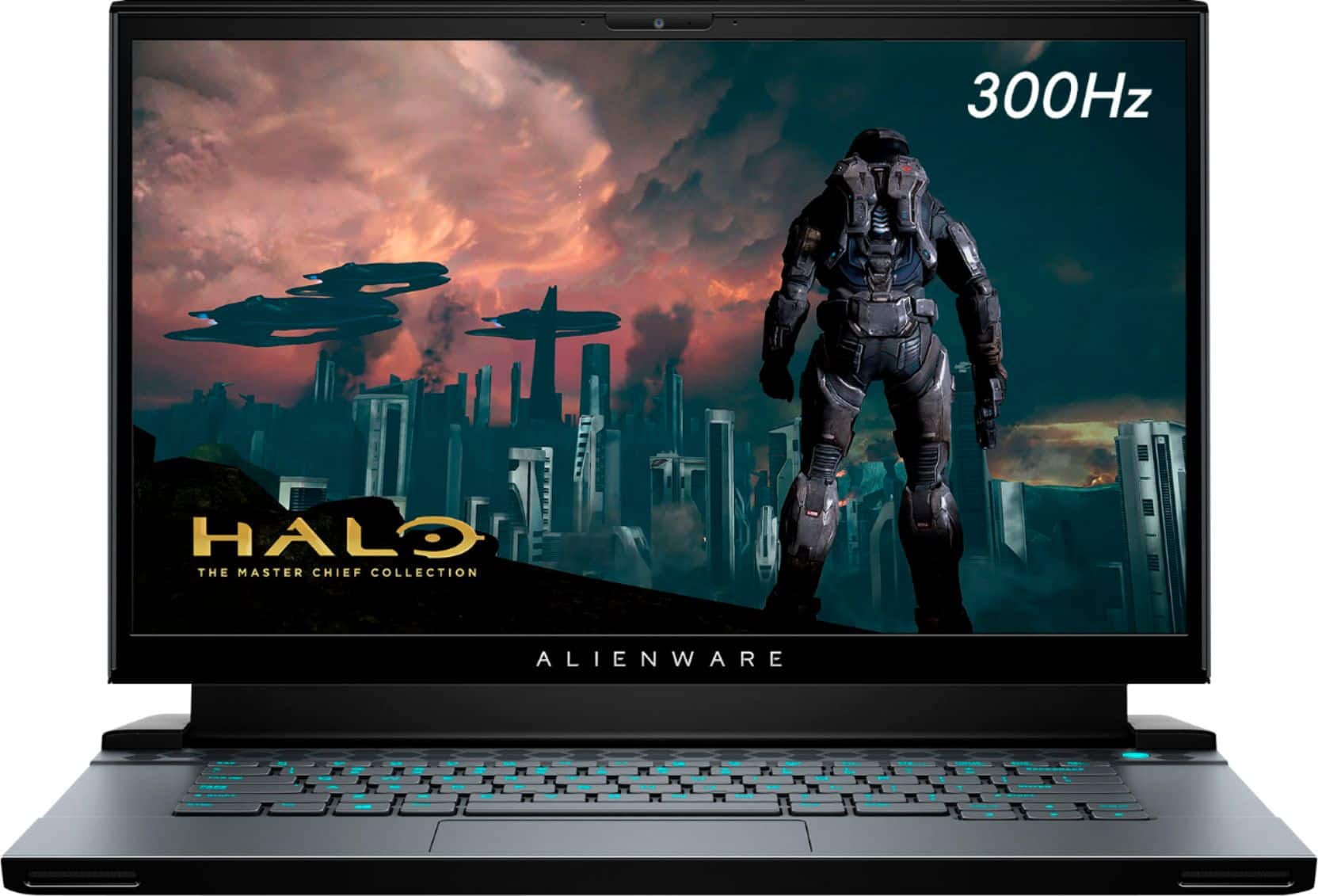

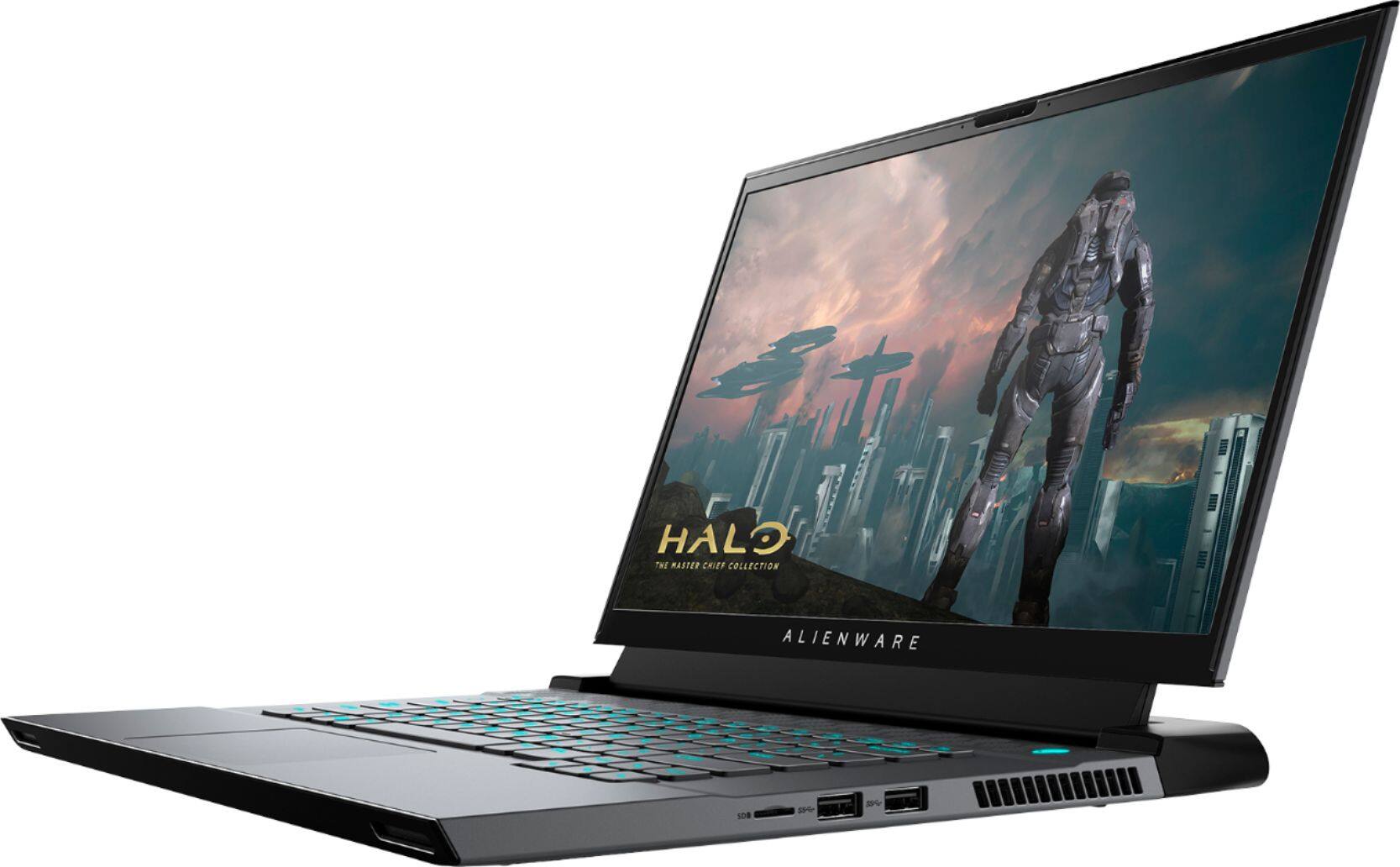
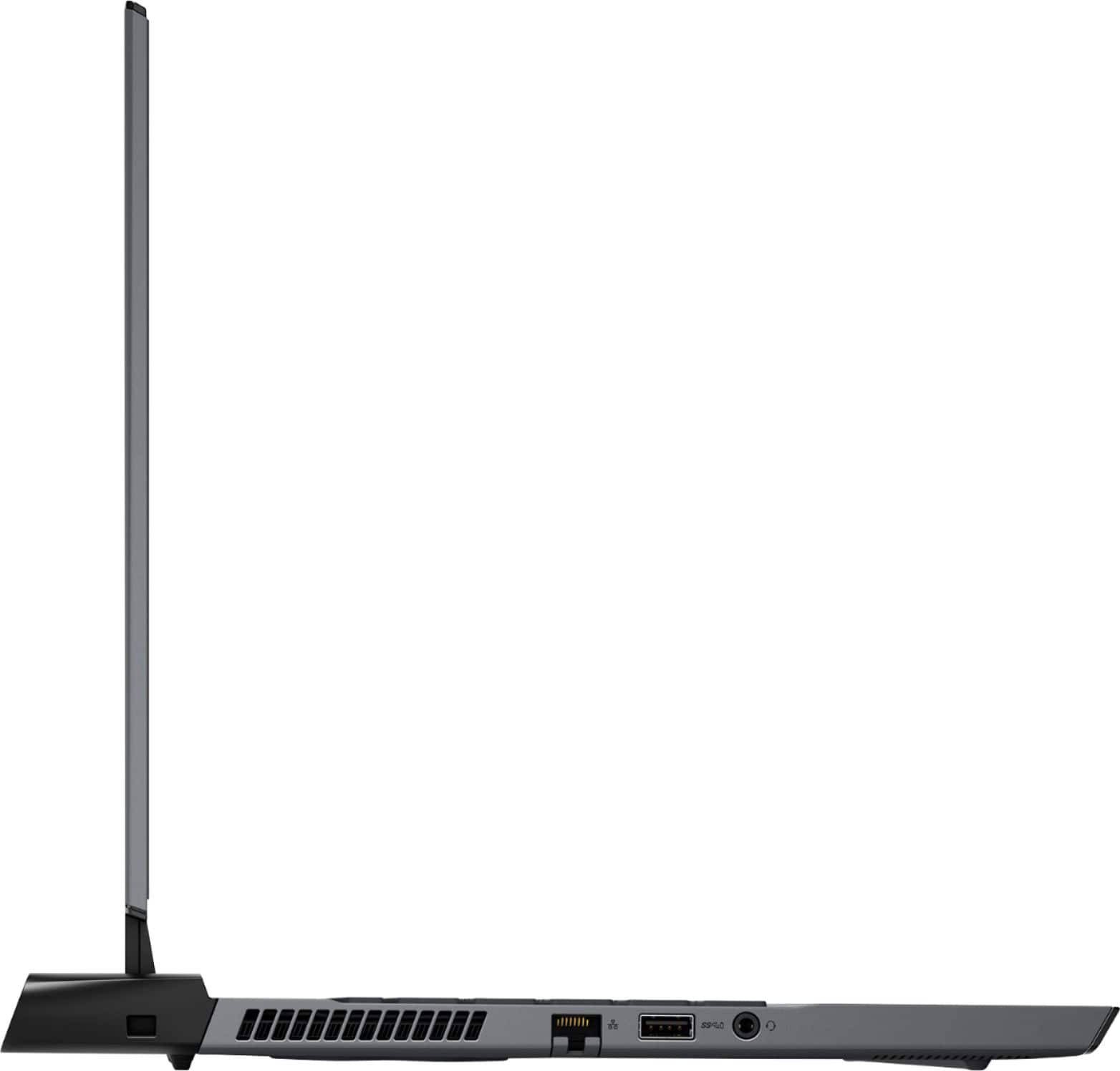
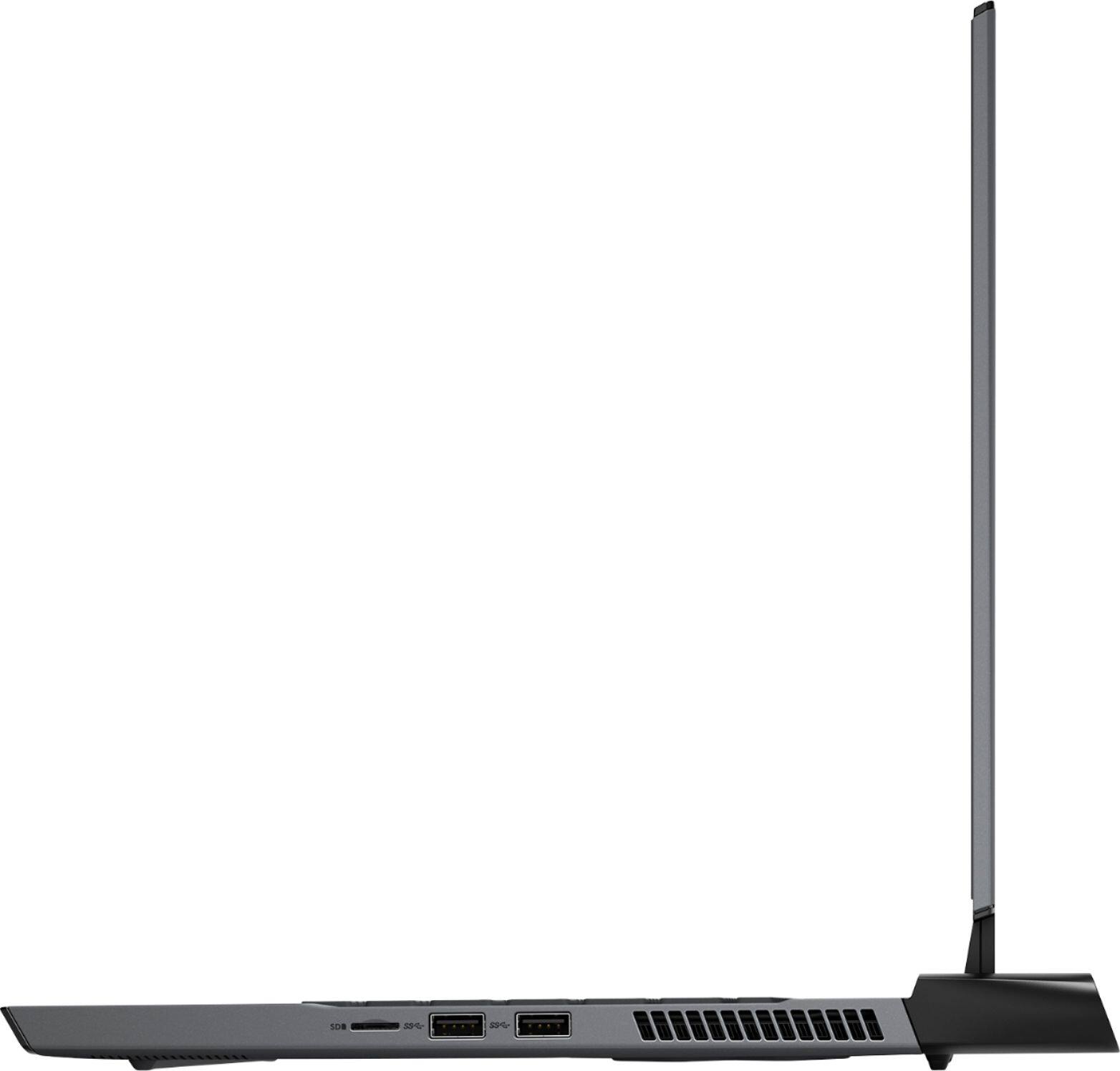
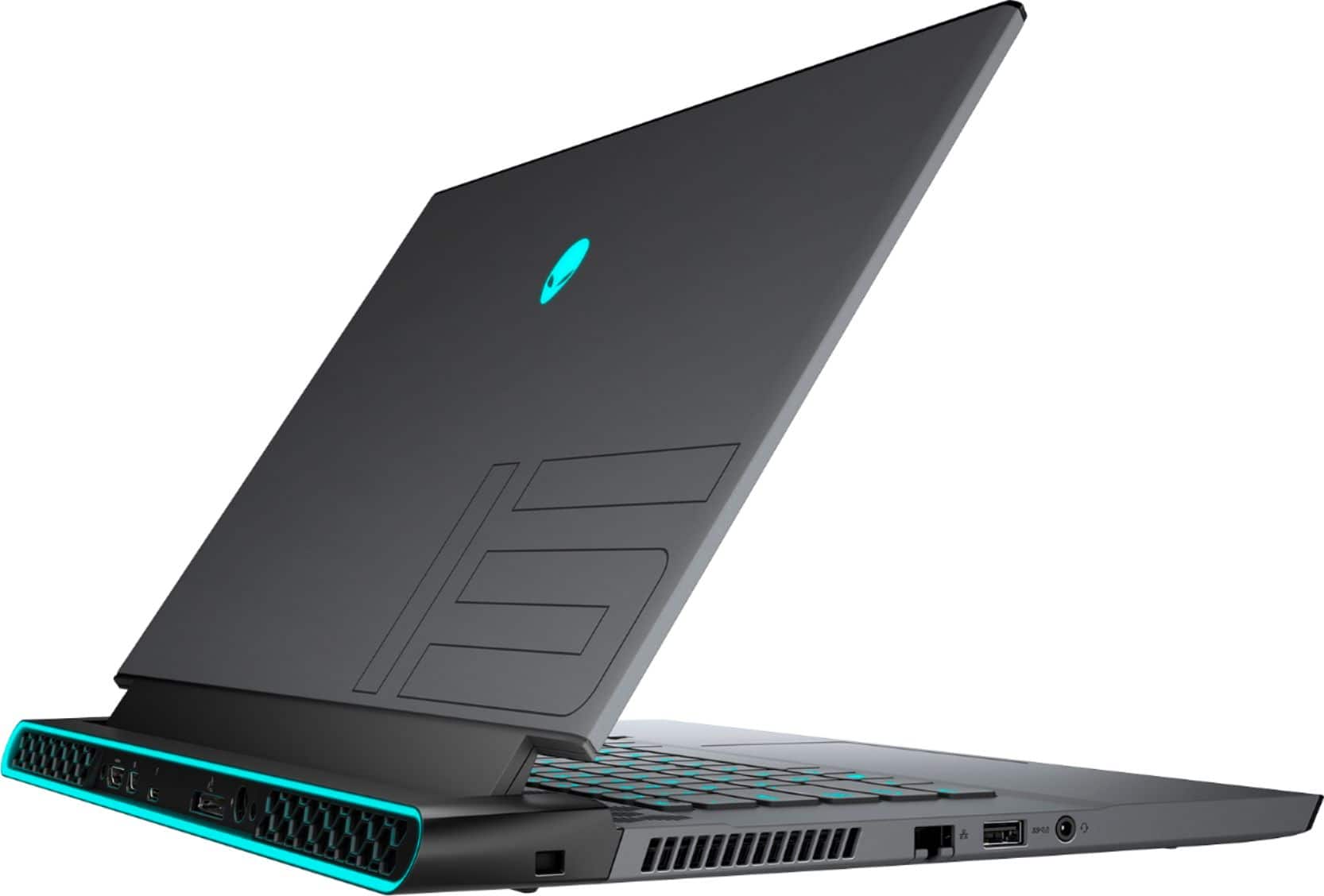
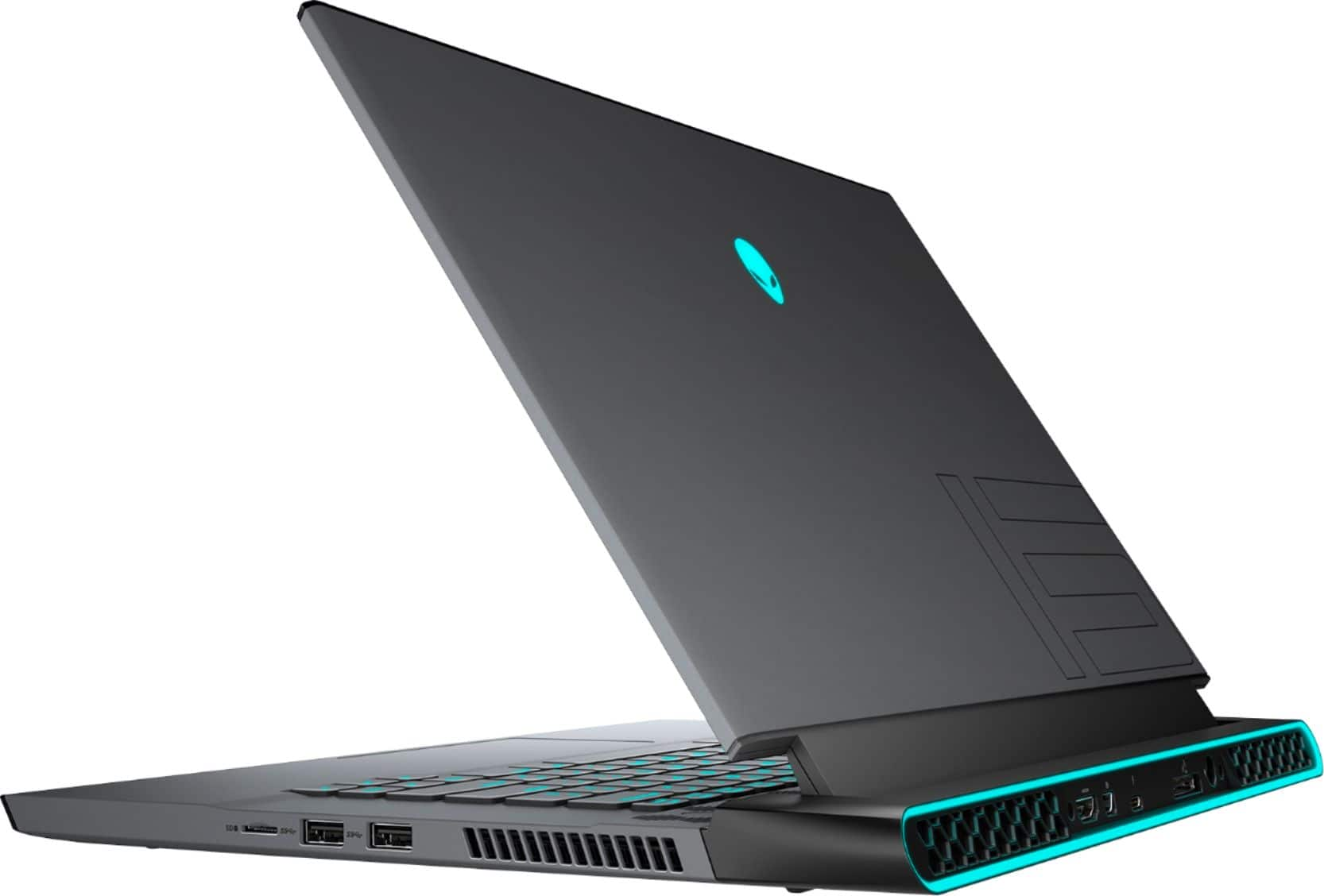
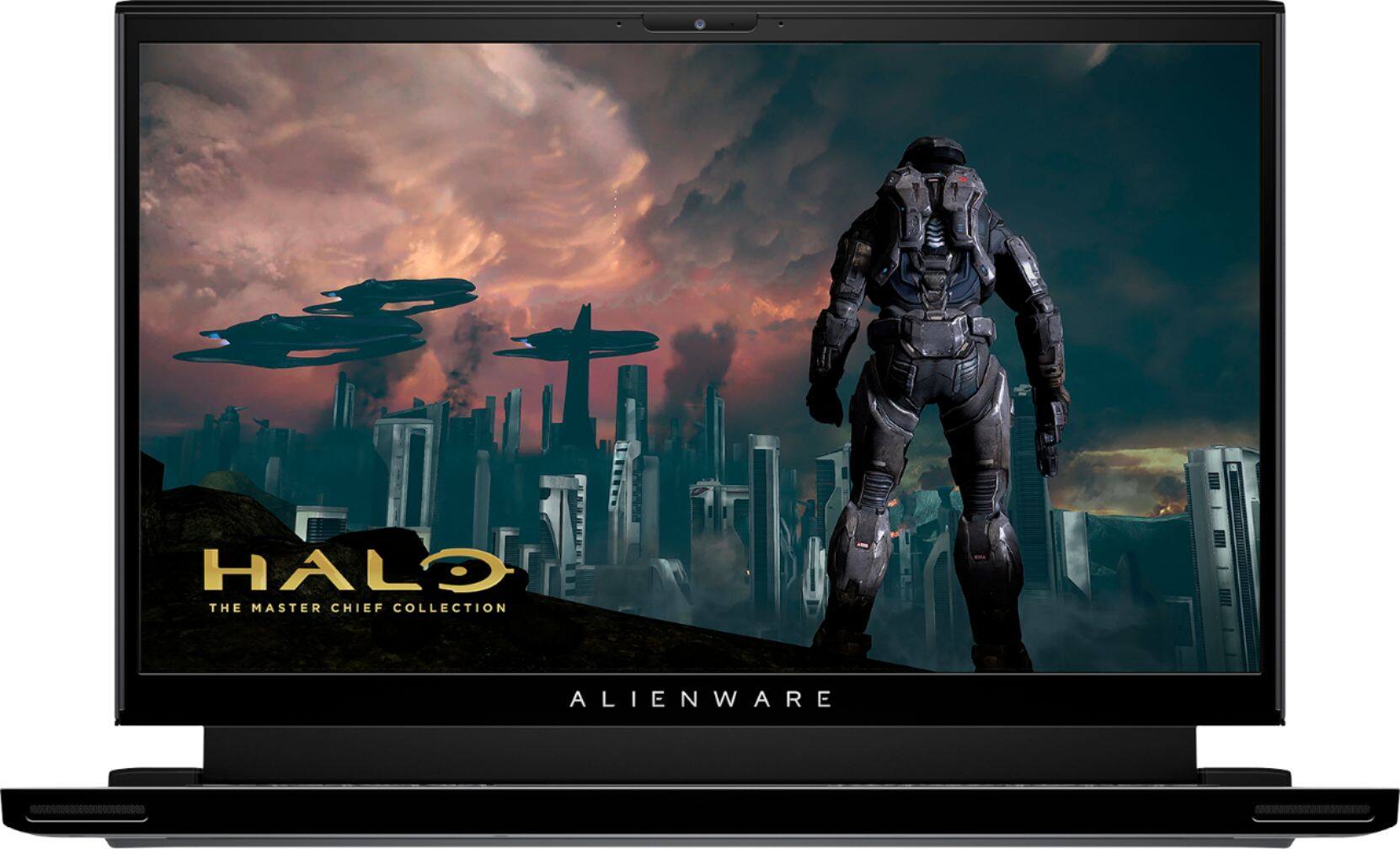
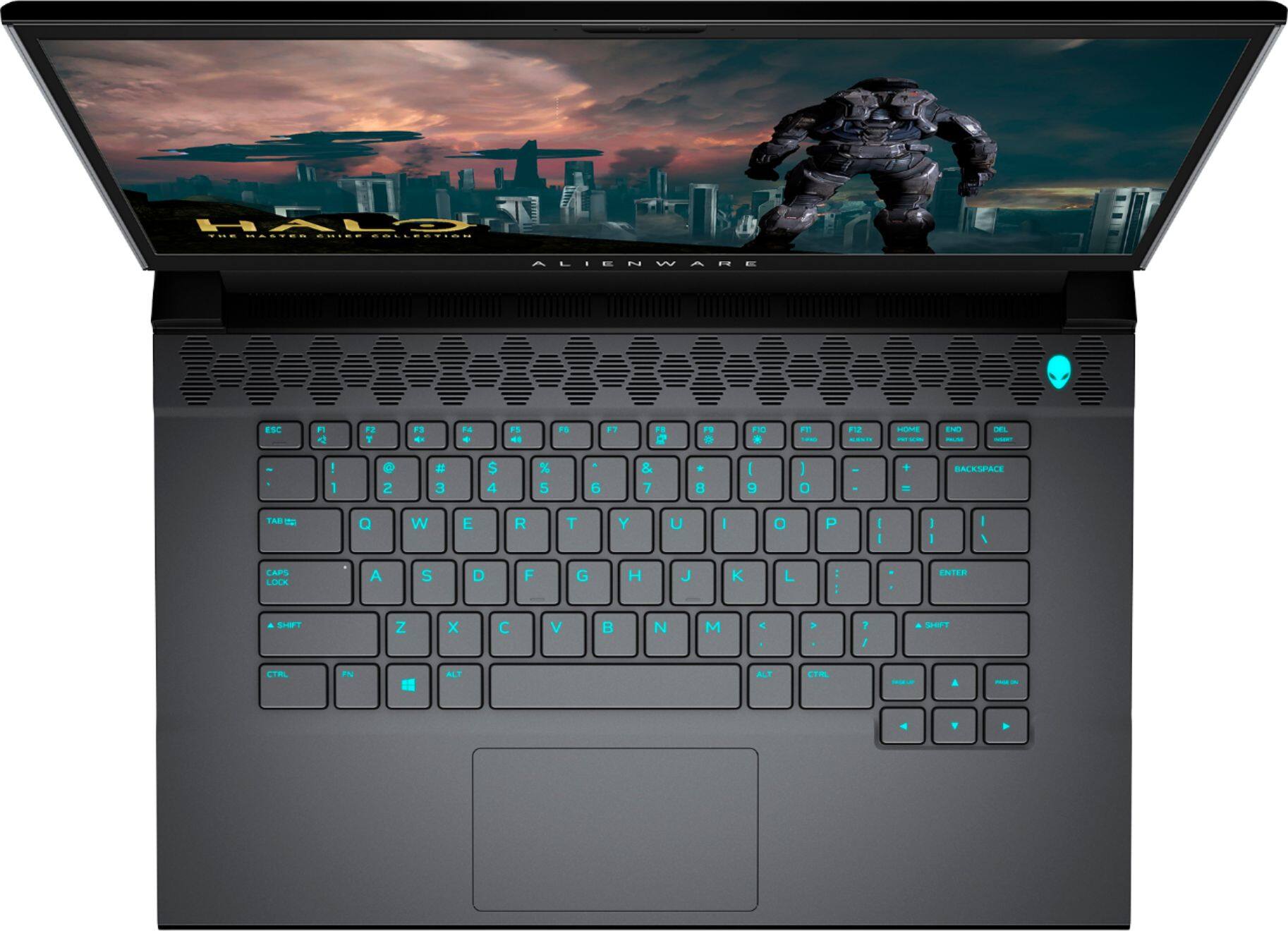




- Model:
- AWM15-7593BLK-PUS
- SKU:
- 6409409
Rating by feature
- Battery Life
Rating 3.2 out of 5 stars
- Speed
Rating 4.7 out of 5 stars
- Display
Rating 4.7 out of 5 stars
Customers are saying
Customers express satisfaction with the m15 R3's performance, graphics capabilities, build quality, refresh rate, and screen quality. However, negative feedback frequently centers on the battery life, heat generation, and the inability to upgrade the RAM. The loud fan noise during operation is also a recurring concern for some users. While some users note high temperatures, others find the overall gaming experience positive despite this.
This summary was generated by AI based on customer reviews.
- Pros mentioned:Performance
Powerful device but defectice.
||Posted .This reviewer received promo considerations or sweepstakes entry for writing a review.My experience with these laptops have been really bad. I have had 3 of them so far and 2 of them came with issues while my 3rd one needed repairs within less than a year. It's a powerful machine but it's problem prone. Do not buy this.
No, I would not recommend this to a friendBrand response from YourDellTeam
Posted .Hello Ramona,
Thank you for you review. We are sorry your m15 has not met your needs. We would love to assist you with any troubleshooting needs but would need a little more information. Please feel free to visit the Support Page of your product for further assistance.
Best regards,
Wendy C.
For further assistance, you can contact Dell directly with the information below Chat or Call:
https://bit.ly/DellSupportTeam.
Phone number to Dell: 1-800-264-9896.
Great price, speaker Issue,
||Posted .This reviewer received promo considerations or sweepstakes entry for writing a review.Great laptop for the 1k5 deal. Everything is great until I hear the Buzzing sound from the right speaker. It is an annoying sound that happends every single time I start/stop the music. It also happens when I get a new notification, so i will return it tmr. So sad! I loved it.
No, I would not recommend this to a friendBrand response from YourDellTeam
Posted .NinjaDonkey,
Thanks for your review and we're sorry to hear about the noise that you're hearing in your speakers. There is an urgent BIOS update that was released for your computer recently and we would recommend that you download this as well as any other updates that your computer needs in order to see if it helps the noise stop for you: https://dell.to/2WVAlvI.
Best,
Bryan
1-800-624-9896
Bad GPU from Factory
||Posted .This reviewer received promo considerations or sweepstakes entry for writing a review.Shipped with a failed GPU. No inventory to return and swap, so I'm stuck waiting for Dell to shipna replacement motherboard so the tech can come on site and swap it. Disappointing for a premium laptop.
No, I would not recommend this to a friendBrand response from YourDellTeam
Posted .NeilB,
We're sorry to hear about the performance issues that you've had with your new computer so far. If you have any technical questions once you get your computer back you can check our Product Support Page here: https://dell.to/33GVeQx.
Best,
Bryan
1-800-624-9896
International warranty is a joke
||Posted . Owned for 2 months when reviewed.This reviewer received promo considerations or sweepstakes entry for writing a review.I got this laptop as a gift for someone in india. Laptop had motherboard and heatsync issues shortly after the purchase. Before buying the laptop I called Dell and made sure the international warranty still works upon asset ownership transfer. Dell inida technicians asked for extra money to fix the laptop. It has not even been two months since the purchase of the product. I wouldn’t recommend anyone to buy any dell products in the US to gift to anyone in india as they are wont care to fix the product if there are any issues. Such a frustrating experience.
No, I would not recommend this to a friendBrand response from YourDellTeam
Posted .Hello Prashanth,
Thank you for your review. We apologize for the issues you have come across with using your warranty internationally. We really do appreciate your feedback. We strongly encourage you to visit the Dell Ownership Transfer Page to explore coverage options: https://dell.to/33vyUrF.
If you come across any further questions, issues, or concerns, please visit the Support Page of your product.
Best regards,
Wendy C.
For further assistance, you can contact Dell directly with the information below Chat or Call:
https://bit.ly/DellSupportTeam.
Phone number to Dell: 1-800-264-9896.
- Cons mentioned:Heat
Runs so hot that the keyboard cannot be used!
||Posted . Owned for 1 month when reviewed.This reviewer received promo considerations or sweepstakes entry for writing a review.Overheating and blue-screen problems, open box Dell warranty was registered under someone else, no support from Dell. Return back to bestbuy
No, I would not recommend this to a friendBrand response from YourDellTeam
Posted .Emanuel,
Thanks for your review and we're sorry to hear about the overheating that you're experiencing with your gaming laptop. There is a BIOS update and some troubleshooting steps that you can find on the following site: https://dell.to/3jgQlm6. We hope that these updates help your computer perform the way you intended it to.
Best,
Bryan
1-800-624-9896
Disappointed
||Posted . Owned for 6 months when reviewed.This reviewer received promo considerations or sweepstakes entry for writing a review.I had gotten this laptop because I love to play games and I have heard many good things about Alienware and this laptop. Shortly after I started using it I noticed it was very fragile and not durable at all. Just from opening and closing it more then one screw came out and the laptop screen would fall down I would have to hold it up or put it against something. Luckily I was able to get a replacement. Long story short the replacement did the same thing.
No, I would not recommend this to a friend- Pros mentioned:Build quality, Performance, Refresh rateCons mentioned:Battery life, Fan noise, Heat
Good laptop, but with flaws
Posted .This reviewer received promo considerations or sweepstakes entry for writing a review.Overall it’s a pretty well made laptop. Touch pad is pretty small, and very “clicky” feeling. Computer is fast, chassis is well made, and keyboard is second to none. This is a glorified desktop, as you won’t see more than 1.5 hours on battery, dimmest screen nightmares, balanced fan mode, and balanced power mode with all RGB lights off. This is due to the fact that The RTX 2070 is not an optimus GPU. This, pairs with a 300hz screen means that the internal GPU cannot power the screen by itself, so your 2079 super chip is sucking all your battery life so that you can watch YouTube and google “why my Alienware laptop battery sucks”. I feel like most people would have preferred a lower wattage GPU in lieu of a fairly useless laptop. If you can’t be away from an outlet for more than 1.5 hours, then you are far better off getting a desktop. It’ll run cooler, and it won’t sound like your wife is blow drying her hair in the seat next to you. Bottom of the line, very nice laptop, awesome build quality and performance, but I needed a better all-around use laptop that can still handle a few games every once and awhile, so I went back to Razer blade
No, I would not recommend this to a friend Buggy
||Posted . Owned for 1 month when reviewed.This reviewer received promo considerations or sweepstakes entry for writing a review.The thunderbolt port stopped working! Otherwise the rest seems pretty solid. Hopefully Dell will find a solution.
No, I would not recommend this to a friendBrand response from YourDellTeam
Posted .JonR,
Thanks for your review and we're sorry to hear about the Thunderbolt port issue that you're having. Please follow up with Dell Support directly for help troubleshooting your concern: http://dell.to/2sH7Qlm.
Here are the terms of Dell's One Year Limited Warranty so you can see if your computer would qualify: https://dell.to/39iwZuX.
Best,
Bryan
1-800-624-9896
- Cons mentioned:Thermals
Very hot
||Posted . Owned for less than 1 week when reviewed.This reviewer received promo considerations or sweepstakes entry for writing a review.Thermals are very hot. Thermal throttled out of the box doing normal tasks
No, I would not recommend this to a friendBrand response from YourDellTeam
Posted .Hello bucmow,
We are sorry to hear that your m15 did not quite meet expectations. Your feedback is sincerely appreciated. It's likely that the temperature tables of your system are out of date. We suggest updating your BIOS using the Alienware Update application that came pre-installed with your system. Likewise, if system thermals are of concern, you can prioritize cooling by opening the Alienware Command Center application that came pre-installed with your device and select the 'Cool' thermal profile. You can view the full article here - https://dell.to/2XAULtU.
Keep in mind that our m15 follows Intel performance design guidelines, which can lead CPU temperatures to reach 100°C to output top in-game performance. We fully warrant the product under these conditions. If you see CPU temperatures rising beyond 100°C on Alienware Command Center, please contact Dell support for further assistance.
If you come across any further questions, issues or concerns, feel free to contact Dell Support at 1-800-264-9896.
Best regards,
Wendy C.
Horrible Store
||Posted . Owned for 3 weeks when reviewed.This reviewer received promo considerations or sweepstakes entry for writing a review.Terrible. Came messed up. Took it to get fixed. They said they would do everything they could. They lied. Called me back the next day saying they could not do anything and i could not return it.
No, I would not recommend this to a friendBrand response from YourDellTeam
Posted .Hello,
Thank you for your review. We apologize for the issues you have come across with your Alienware. We would love to assist you with any troubleshooting needs but would need a little more information. Please, use the information below to contact Dell Support at your earliest convenience.
Best regards,
Wendy C.
For further assistance, you can contact Dell directly with the information below Chat or Call:
https://bit.ly/DellSupportTeam.
Phone number to Dell: 1-800-264-9896.
Alienware m15 r3
||Posted . Owned for 3 months when reviewed.This reviewer received promo considerations or sweepstakes entry for writing a review.I never going to buy something Alienware again in my life. The keyboard was damaged, dell send me a “technician” to my house and he fix the keyboard but damaged ever Else on the computer, this products are not good at all. Is better if you go with asus or others brands cheapest and better.
I would recommend this to a friendBrand response from YourDellTeam
Posted .Hello Pedro,
Thank you for your review. We apologize for the issues you have encountered with your defective product and would love to help in getting this resolved as soon as possible. Please, use the information below to contact Dell Support at your earliest convenience.
Best regards,
Wendy C.
For further assistance, you can contact Dell directly with the information below Chat or Call:
https://bit.ly/DellSupportTeam.
Phone number to Dell: 1-800-264-9896.
DON'T BUY DELL OR BEST BUY WILL NOT STAND BEHIND
||Posted . Owned for 1 month when reviewed.This reviewer received promo considerations or sweepstakes entry for writing a review.Just bought this computer on 8/12 and it is 10/5 and the keyboard went out and Best Buy or Dell will not do anything to fix the product Not even 60 days computer breaks and companies will not replace. How unethical DO NOT BUY!
No, I would not recommend this to a friendBrand response from YourDellTeam
Posted .3453fret,
Thanks for your review and we're sorry to hear about the issues that you're having with your computer's keyboard. Please read Dell's One Year Limited Warranty policy here to see if your computer qualifies: http://dell.to/2tNsVOs.
Please feel free to reach out to Dell Support for additional assistance: http://dell.to/2sH7Qlm.
Best,
Bryan
1-800-624-9896
Excellent hardware, Buggy Software
||Posted .This reviewer received promo considerations or sweepstakes entry for writing a review.out the box the software is extremely buggy the support assistant cant seem to download and install updates like the BIOS, and Alienware Command Center never loads so you cant change any of the lightning on the laptop. Should've went with another brand
No, I would not recommend this to a friendBrand response from YourDellTeam
Posted .Jose,
Thanks for your review and we're sorry to hear about the setup issues that you're having with your new gaming laptop. We'd recommend that you follow up with Dell's Technical Support Team for additional help setting up your computer and updating your BIOS and drivers: http://dell.to/2sH7Qlm.
Best,
Bryan
1-800-624-9896
Had a static sound and overheated extremely easily
||Posted . Owned for 1 week when reviewed.This reviewer received promo considerations or sweepstakes entry for writing a review.I literally got blue screened on day 1 of owning the laptop and to put the cherry on top there was an annoying static sound coming from it
No, I would not recommend this to a friendBrand response from YourDellTeam
Posted .Shadow,
We're sorry to hear about the issues that you're having with your computer. If you'd like to diagnose the Blue Screen Error you can follow these steps:
1. At the desktop, click the Search the web and Windows box and type "problem reports".
2. Select View all problem reports to view a list of errors that have occurred on your computer and possible solutions for them, such as updating drivers, flashing your system BIOS, or checking for updates to the software.
3. Under the Source column, look for Windows and under Summary, look for Shut down unexpectedly.
4. Right-click the line item and select Check for a solution.
We'd also suggest checking to make sure that your software and drivers are up to date on Dell's Product Page - https://dell.to/2WVAlvI.
You can read the full article here - http://dell.to/2u98Cct.
Best,
Bryan
1-800-624-9896
Would not recommand
||Posted . Owned for less than 1 week when reviewed.This reviewer received promo considerations or sweepstakes entry for writing a review.2 different units and both have dead/stuck pixels... going to try one more time. hopefully just a bad batch.
No, I would not recommend this to a friendBrand response from YourDellTeam
Posted .dotgoose,
Thanks for your review. We're sorry to hear about the dead pixels that you've experienced on your new laptop. Here's a link to Dell's Pixel Guidelines for you to familiarize yourself with: https://dell.to/2lCLW0I.
Best,
Bryan
1-800-624-9896
- Pros mentioned:Performance, Speed
Best gaming laptop
Posted .This reviewer received promo considerations or sweepstakes entry for writing a review.Great quality laptop, that has managed to last years and still runs great. Can run just about any game and has amazing speed.
I would recommend this to a friend Breaking apart
||Posted . Owned for 1 year when reviewed.This reviewer received promo considerations or sweepstakes entry for writing a review.Garbage. Its literally falling apart after a year.
No, I would not recommend this to a friendWorst laptop
||Posted . Owned for 3 weeks when reviewed.This reviewer received promo considerations or sweepstakes entry for writing a review.I gifted this laptop to my friend in India, The motherboard was gone within 2 days.
No, I would not recommend this to a friendBrand response from YourDellTeam
Posted .Nikki,
Thanks for your review. We're sorry to hear about the motherboard on this computer. Please take a moment to read the terms of Dell's One Year Limited Warranty here: http://dell.to/2tNsVOs.
Please reach out to Dell Support if you'd like to find out what your options are: http://dell.to/2sH7Qlm.
Best,
Bryan
1-800-624-9896
Not recommended
||Posted . Owned for 1 month when reviewed.This reviewer received promo considerations or sweepstakes entry for writing a review.The battery does not last at all, the equipment becomes very hot
No, I would not recommend this to a friendBrand response from YourDellTeam
Posted .Hello Peter,
Thank you for your review. We are sorry to hear that the battery life of your m15 is not quite meeting expectations. Below are some tips to make the most out of your battery.
1. On the notification area of the taskbar, right-click the Battery icon.
2. On the options list, click Power Options.
3. Select a power plan on the battery meter, such as Power Saver or Balanced. Windows 10 has a built in 'Battery Saver' mode that can be activated to extend your system's battery life. The Battery Saver mode will monitor and limit background activity and other features such as push notifications. You do have the option to enable or disable this mode within settings or within advanced Battery Saver settings, you can customize the mode to best suit your needs.
a) Click on the Action Center icon in the taskbar and select the tile for Battery Saver.
b) If running Cortana then type Battery Saver into the search box and select from the results.
Within the Battery Saver settings page, you will be able to turn on and off the feature and customize the feature to best meet your needs.
c) Turn Battery Saver On or Off.
d) Additional settings available via the Battery use and Battery saver settings links.
e) Battery use shows further info on apps and their power usage.
f) Battery Saver Settings screen allows you to customize further Battery Saver feature.
We hope this helps!
Best Regards,
Anthony P.
- Pros mentioned:Build quality, PerformanceCons mentioned:Heat
Better than the msi ge66 raider for less money...
Posted .This reviewer received promo considerations or sweepstakes entry for writing a review.5/5 because its fans haven't broken within the first day of use like the 3 MSI GE66 Raiders I went through last week. So far the fans work. The performance is pretty good too. biggest thing though, it was actually 600 off at my local bestbuy, def buy in store if you want this rn as of 11/19/20. Pretty sleek looking device too. Runs a a bit hot. can be solved by undervolting or fiddling with your powerplan. would def recommend this over any MSI product... Alienware aint what it use to be, but still it's better than most out there. Good performance, good build quality, good price. it's what cha need in a gaming laptop.
I would recommend this to a friend