Customer Ratings & Reviews





- Model:
- AWM15-7593BLK-PUS
- SKU:
- 6409409
Rating by feature
- Battery Life
Rating 3.2 out of 5 stars
- Speed
Rating 4.7 out of 5 stars
- Display
Rating 4.7 out of 5 stars
Customers are saying
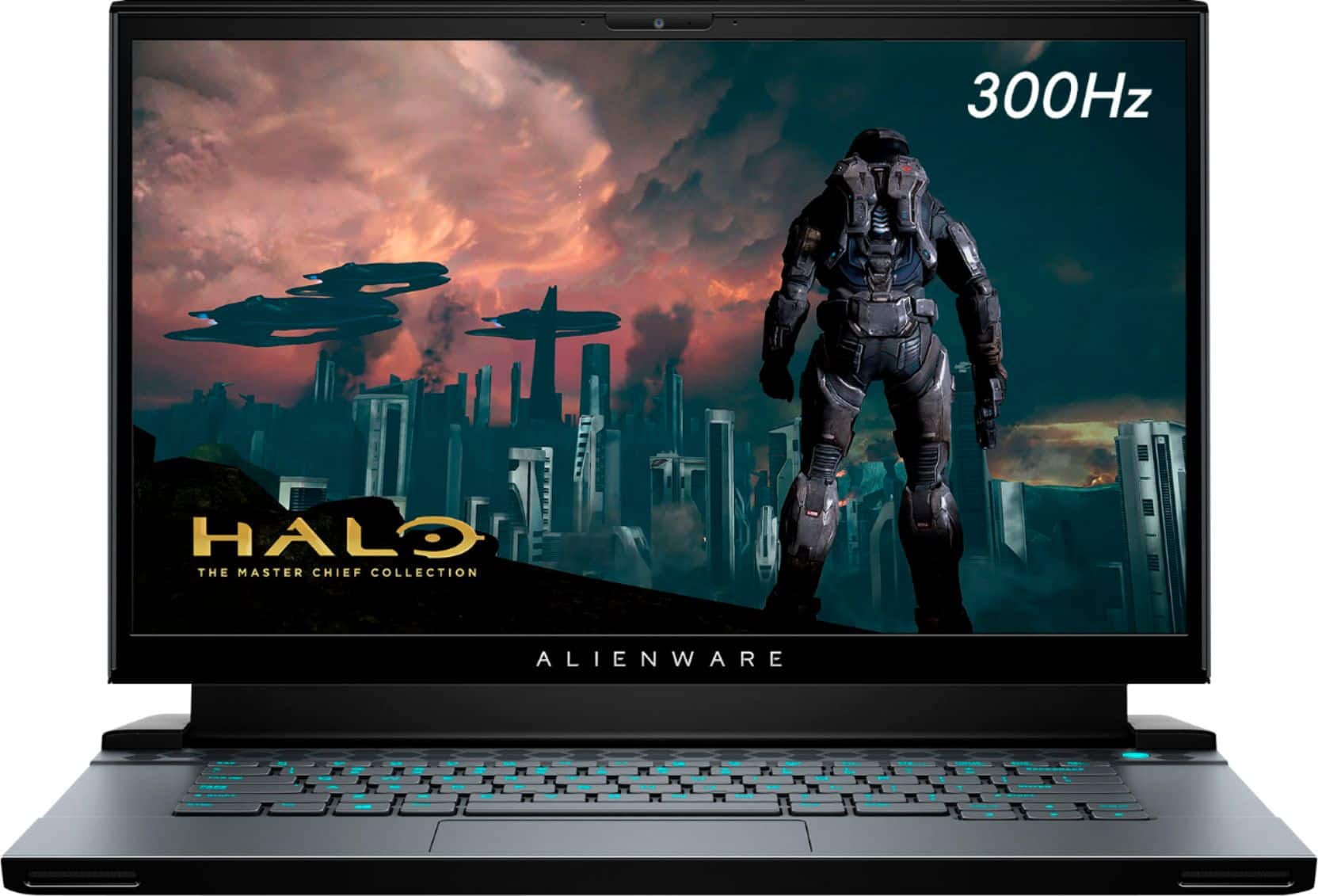
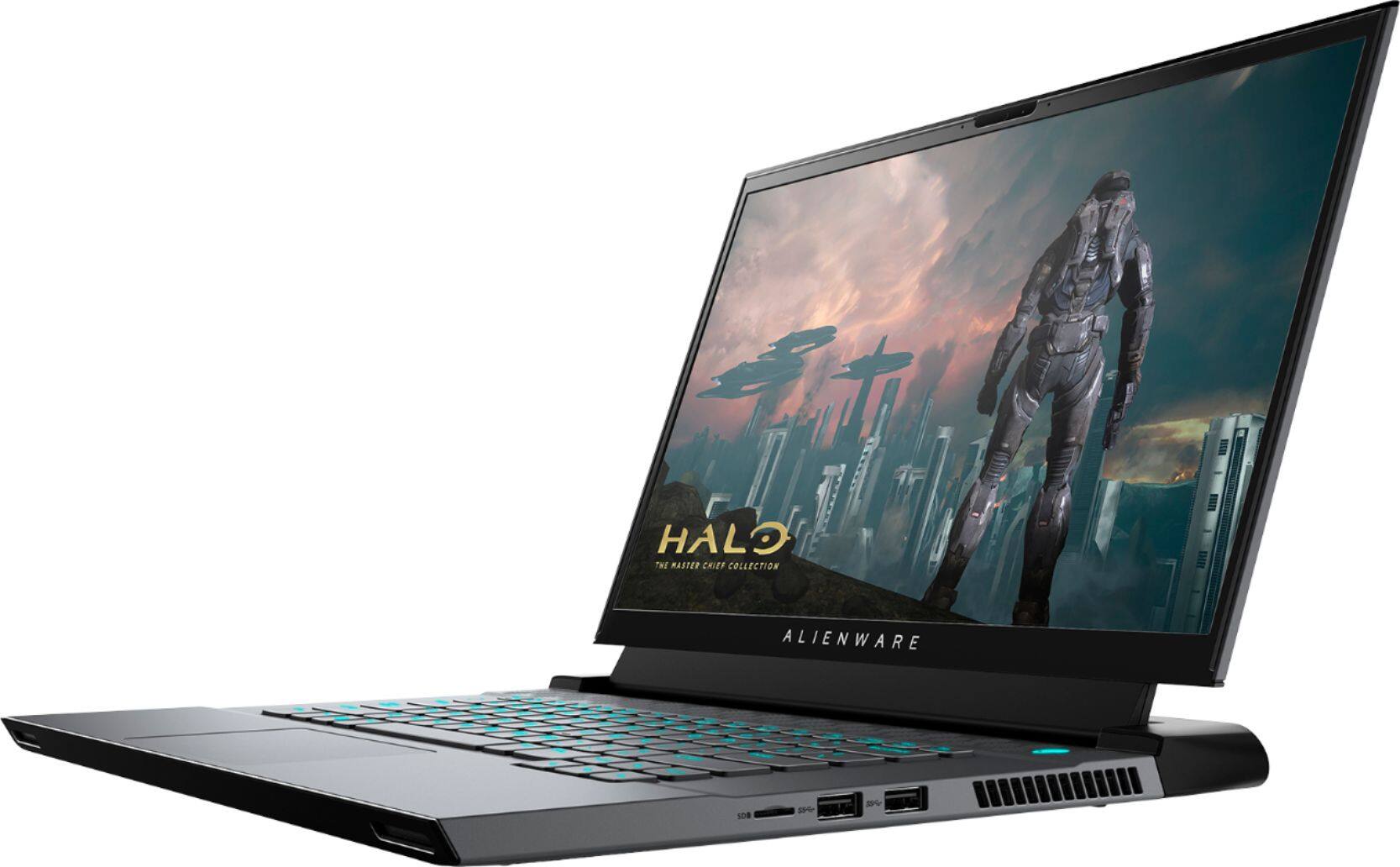
Customers express satisfaction with the m15 R3's performance, graphics capabilities, build quality, refresh rate, and screen quality. However, negative feedback frequently centers on the battery life, heat generation, and the inability to upgrade the RAM. The loud fan noise during operation is also a recurring concern for some users. While some users note high temperatures, others find the overall gaming experience positive despite this.
This summary was generated by AI based on customer reviews.
bad
||Posted .This reviewer received promo considerations or sweepstakes entry for writing a review.crack speaker some app unable to open like my thinkorswim
No, I would not recommend this to a friendBrand response from YourDellTeam
Posted .Hello philipz,
Thank you for your input and review. We apologize for the issues you have encountered with your audio input and issues with opening some apps. To make sure we can help in the future there are steps below that can be used to improve performance overall.
1. Restart your computer regularly
2. Run the automated tools provided in the SupportAssist tool
3. Run a complete hardware diagnostic test
4. Scan your computer for malware
5. Restore your Dell computer using Windows System Restore
6. Reinstall Microsoft Windows
7. Here is the link to the full article to assist with your performance issue: https://dell.to/32wo0Ss.
Lastly, we have provided steps you can use to troubleshoot your speaker issues: http://bit.ly/3gnBhT3.
Best regards,
Wendy C.
For further assistance, you can contact Dell directly with the information below Chat or Call:
https://bit.ly/DellSupportTeam.
Phone number to Dell: 1-800-264-9896.
- Cons mentioned:Battery life
Love my Alienware
Posted .This reviewer received promo considerations or sweepstakes entry for writing a review.Excellent laptop 4 years now, no issues, the battery is not the best but still working, run every game i install perfectly,
I would recommend this to a friend - Pros mentioned:Build quality, Performance
Awesome.....with caveats
Posted .This reviewer received promo considerations or sweepstakes entry for writing a review.First and foremost, this laptop is absolutely stunning and awesome. The build quality and overall aesthetics are on point without noticeable imperfections on its build. Unfortunately, the keyboard gets warm pretty easily and if you try to game on it for hours, your palms will sweat. I would recommend either using an external keyboard or a controller if you want to game comfortably. But if you want to preserve and maintain the overall performance of this beast, might as well learn how to optimize by means of underclocking or undervolting.
I would recommend this to a friend Alien is the way to go
Posted .This reviewer received promo considerations or sweepstakes entry for writing a review.Has been a awesome laptop I use it still to this day gaming
I would recommend this to a friendA good laptop if you can get on discount
Posted .This reviewer received promo considerations or sweepstakes entry for writing a review.Overall, pretty reliable laptop. Nothing to complain except the alienware center stopped working. Too lazy to fix.
I would recommend this to a friend- Cons mentioned:Heat
Heating issues
Posted .This reviewer received promo considerations or sweepstakes entry for writing a review.Worst laptop Ive ever owned. CONSTANTLY overheats despite having it set up for best airflow. 1st and last Alienware Ill ever buy. ASUS has been far superior
No, I would not recommend this to a friendBrand response from YourDellTeam
Posted .Hello,
Thank you for taking the time to share your experience. We apologize for the experience you have had with your laptop overheating. We can understand how frustrating this can be. Below are steps that can help with overheating.
• To tune your system, go to Alienware Command Center and select out of 4 different thermal profiles that will help you manage system temperatures as well as performance output to your preference. These include Cool, Quiet, Balanced, and Performance thermal profiles.
• Our Alienware m15 follows 8th and 9th generation Intel performance design guidelines, which can lead CPU temperatures to reach 100°C to output top in-game performance.
• We fully warrant the product under these conditions. If you see CPU temperatures rising beyond 100°C on Alienware Command Center, please contact support and they will take care of your issue - https://dell.to/2Inbc8F.
You can view additional information on this site: https://dell.to/2IIhqjJ. If your overheating issue persist, you can contact Dell directly with the information below via Chat or Call.
Best regards,
Wendy C.
https://bit.ly/DellSupportTeam.
Phone number to Dell: 1-800-264-9896.