Customer Ratings & Reviews
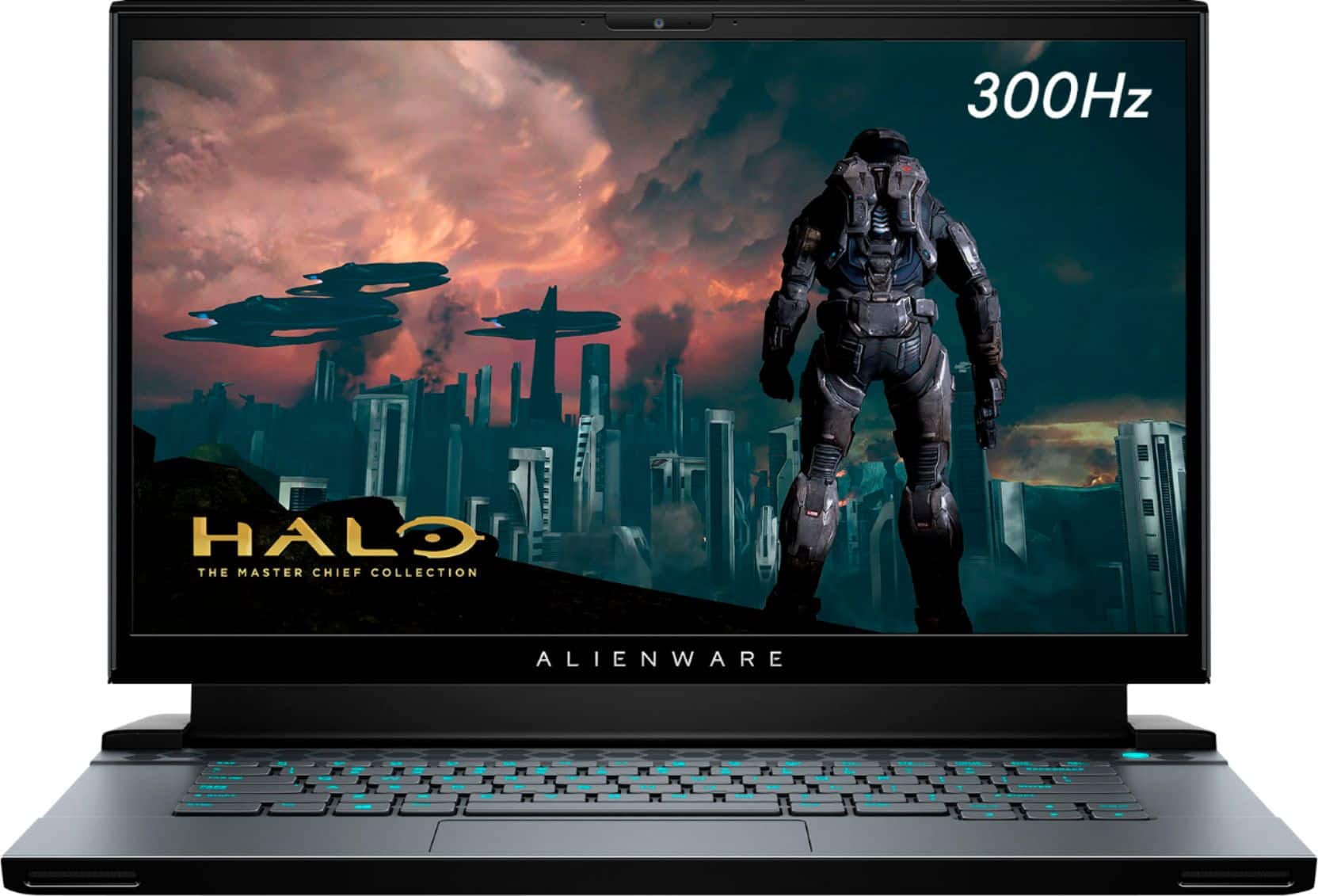

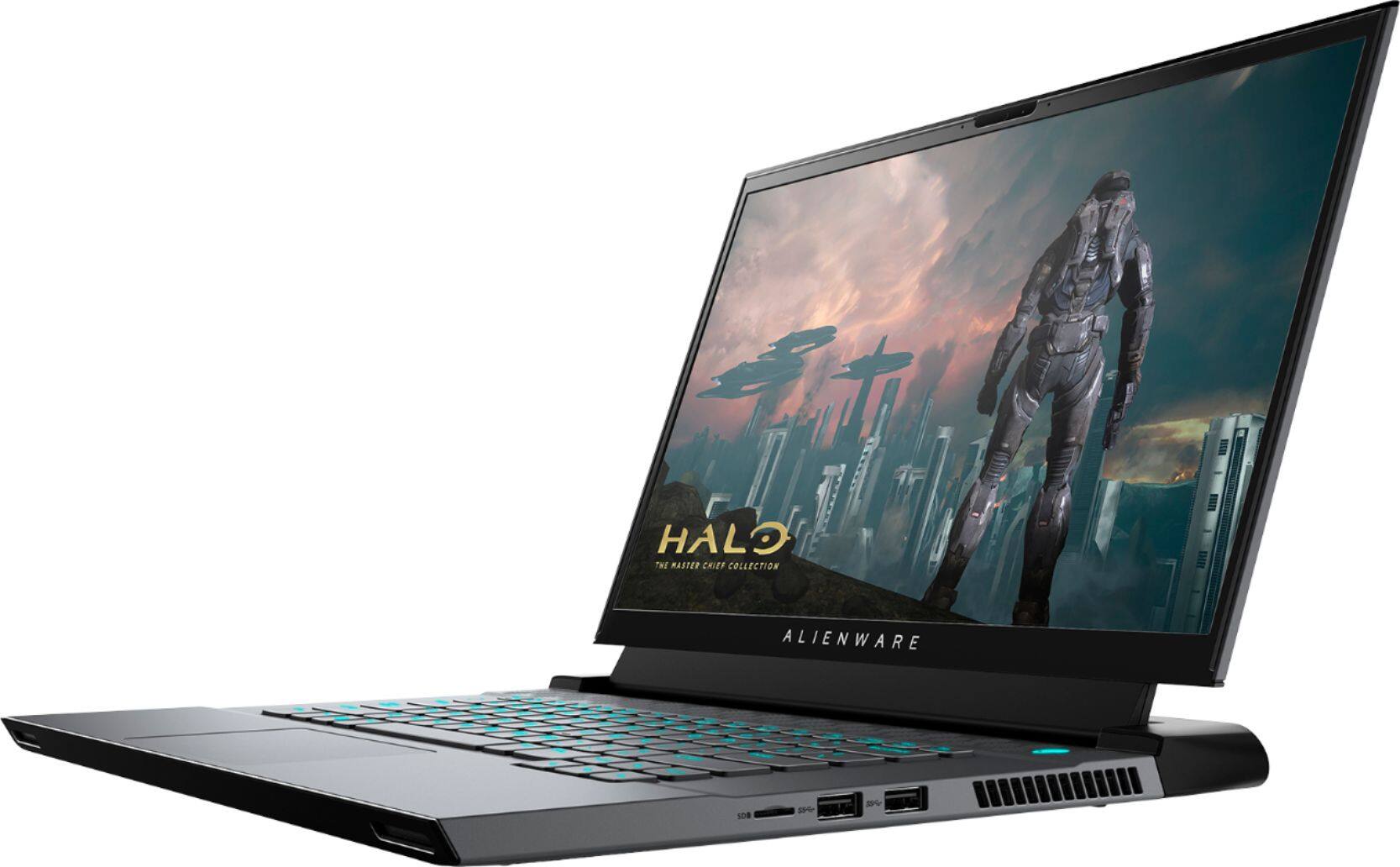
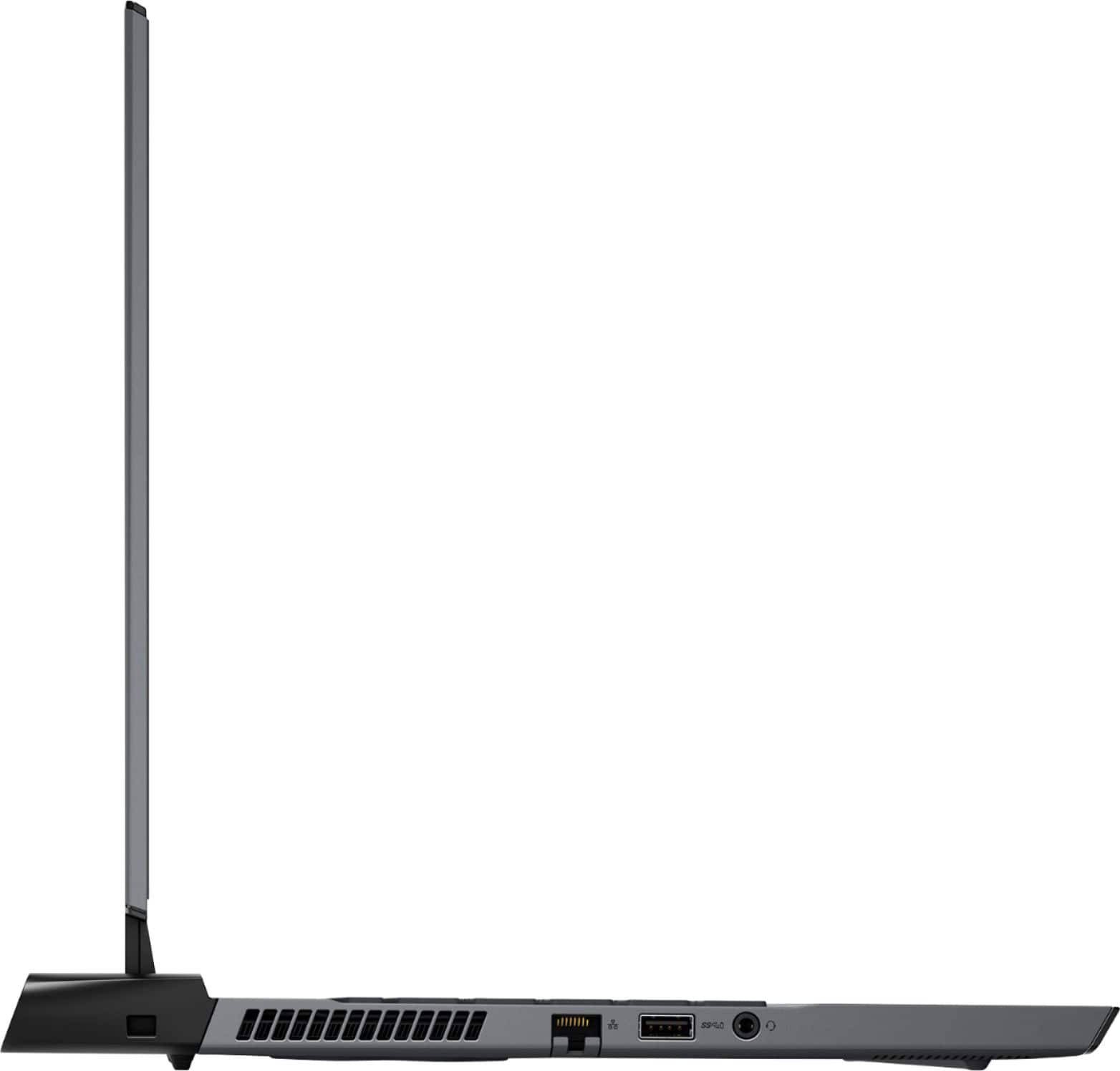
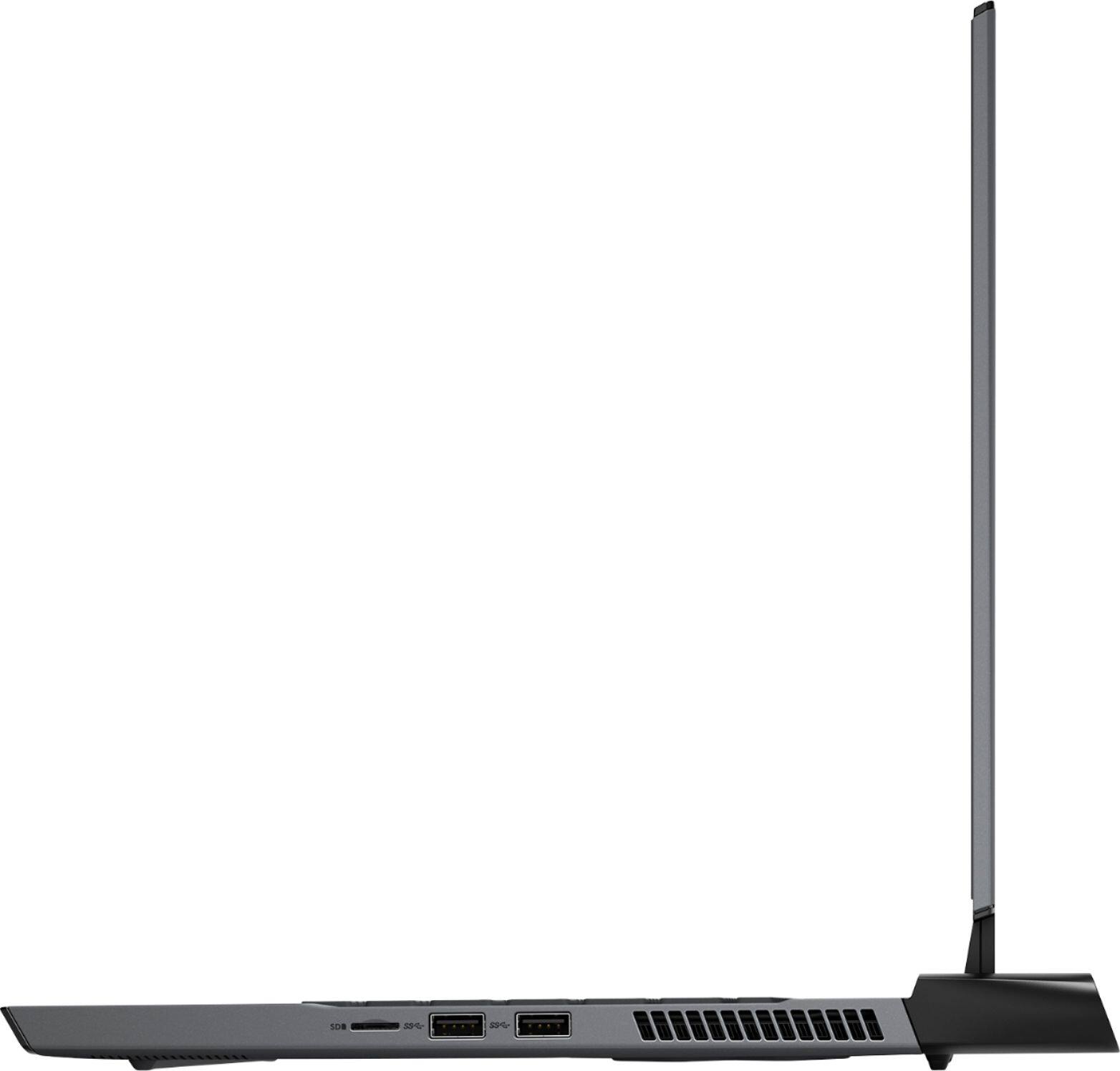
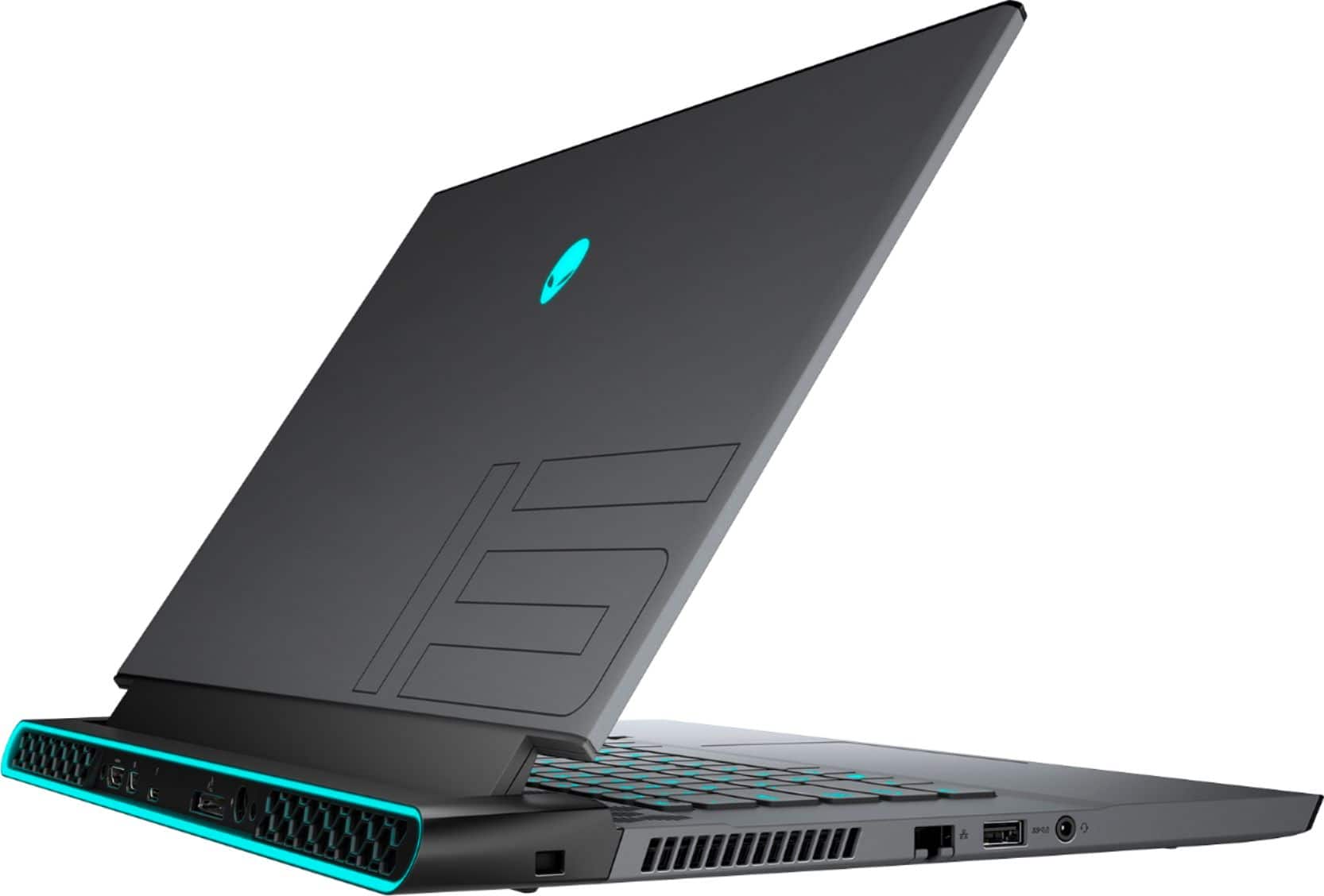
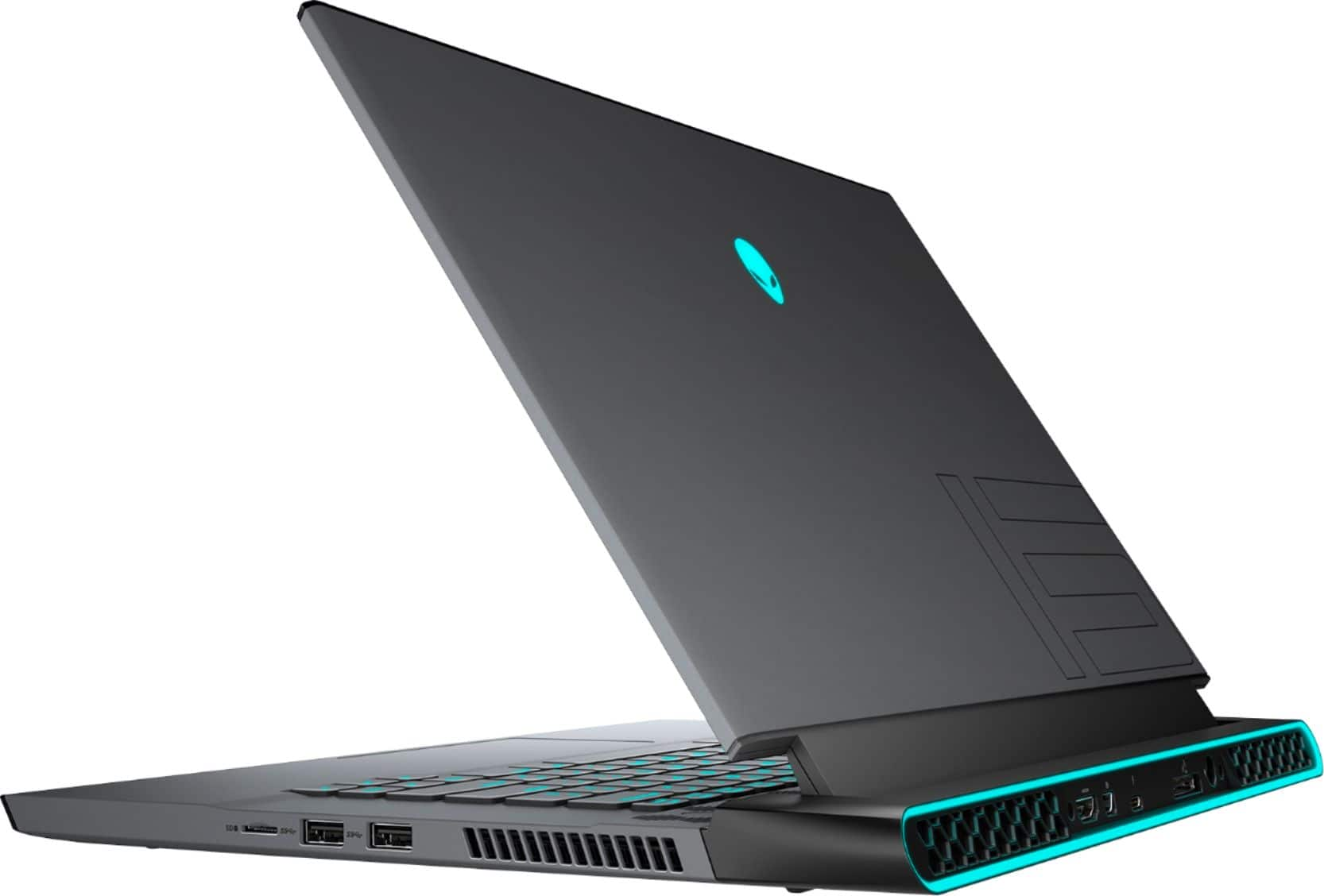
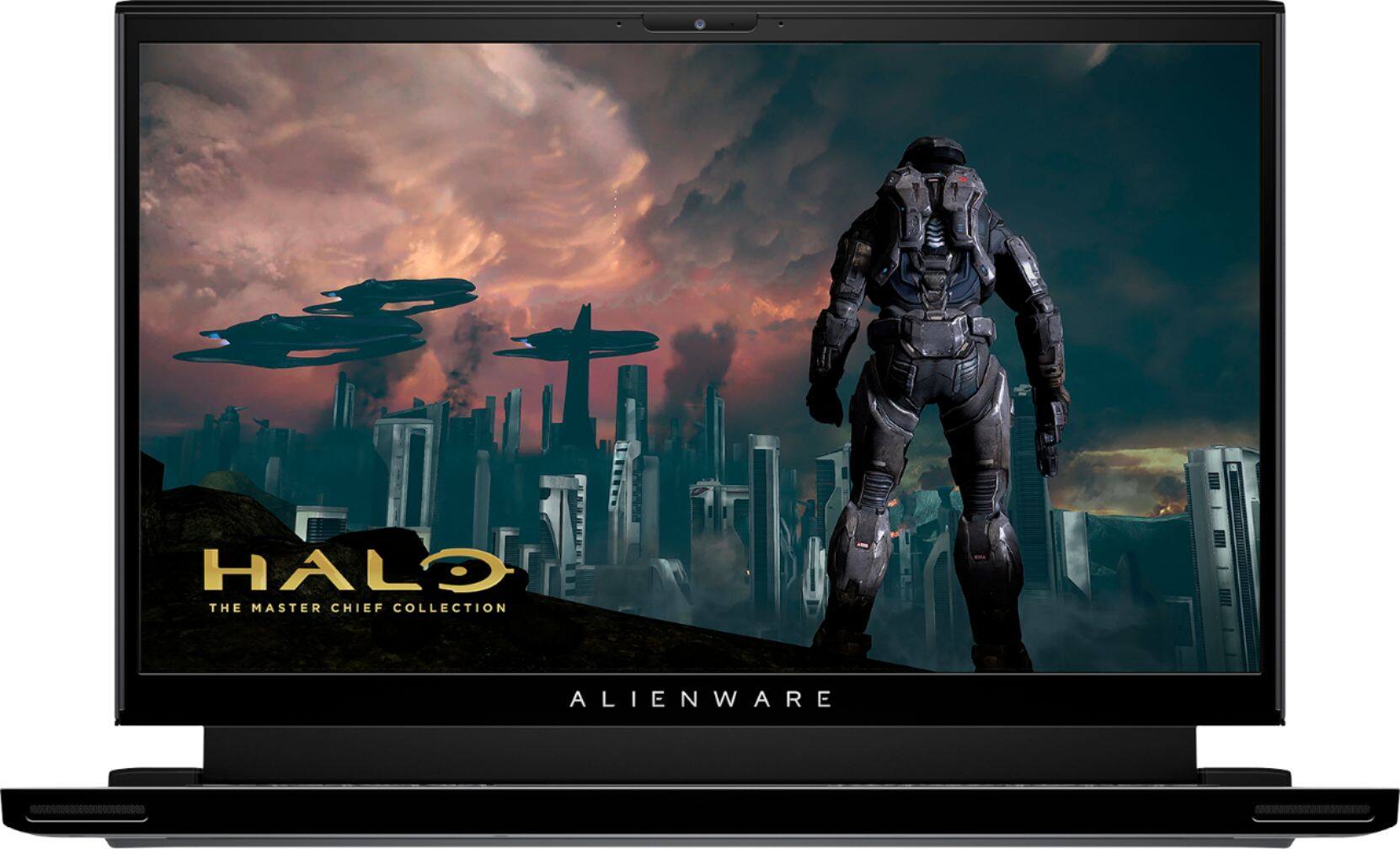
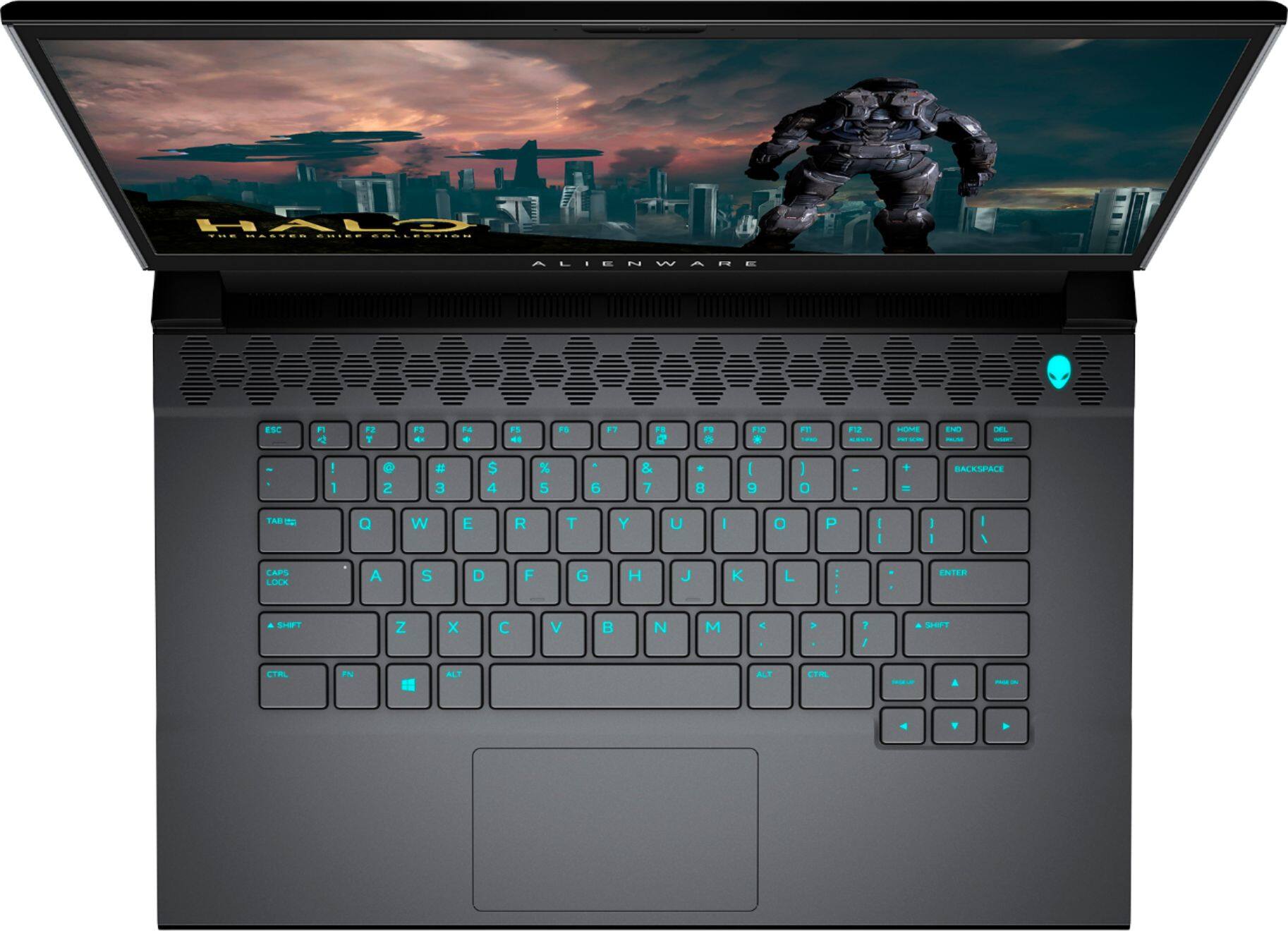




- Model:
- AWM15-7593BLK-PUS
- SKU:
- 6409409
Rating by feature
- Battery Life
Rating 3.2 out of 5 stars
- Speed
Rating 4.7 out of 5 stars
- Display
Rating 4.7 out of 5 stars
Customers are saying
Customers express satisfaction with the m15 R3's performance, graphics capabilities, build quality, refresh rate, and screen quality. However, negative feedback frequently centers on the battery life, heat generation, and the inability to upgrade the RAM. The loud fan noise during operation is also a recurring concern for some users. While some users note high temperatures, others find the overall gaming experience positive despite this.
This summary was generated by AI based on customer reviews.
- Pros mentioned:GraphicsCons mentioned:Battery life
My first gaming laptop and I love it
||Posted . Owned for 4 months when reviewed.This reviewer received promo considerations or sweepstakes entry for writing a review.I've always wanted an Alienware laptop since I was 13 (I'm an adult now). I'm glad I got mine in this era of technology because now the design is so sleek and slim. The lights on this laptop are beautiful and you can do some customizing with them. The graphics are amazing. I've played console my whole life but this laptop has pretty much changed that now. The battery life is really short tho, but the charging brick isn't bulky and huge so it makes it pretty easy for taking on the go if you need to. The fans are a bit loud also but I pretty much expected that on a strong gaming laptop. I may need more memory for games in the near future tho. But overall I'm very happy and amazed with this laptop.
I would recommend this to a friend - Pros mentioned:Graphics, Speed
Very nice laptop.
||Posted . Owned for 3 weeks when reviewed.This reviewer received promo considerations or sweepstakes entry for writing a review.This is a great laptop. The design of the body is very modern and nice. This runs smoothly and is quick. The graphics and screen are also great. And the speakers are better than on my previous gaming laptop.
I would recommend this to a friend - Pros mentioned:Build quality, Graphics
Using it as my daily workhorse, happily.
||Posted . Owned for 1 month when reviewed.This reviewer received promo considerations or sweepstakes entry for writing a review.Hands down a great little laptop! Everyone likes the adjustable lighting affects, which is definitely nice at nice with the lit up keys. Beautiful screen quality, 16 gigs is plenty of ram, and dell is great at keeping firmware up to date. I’m happy with it, and glad I went ahead and picked it up after looking at it a few times. Sturdy but light design, doesn’t seem flimsy or easily broken. You can view your phone and access messages and voice calls via the computer directly as well. However one irritating flaw is the camera lacks integration with windows hello, and won’t unlock or lock based On your presence. Windows hello works well so it’s a little disappointing but not a deal breaker.
I would recommend this to a friend - Cons mentioned:Heat, Ram
Incredible Value with few flaws
||Posted . Owned for 5 months when reviewed.This reviewer received promo considerations or sweepstakes entry for writing a review.As far as gaming goes and smooth operation, this laptop is phenomenal. Comes with *almost* all you need. The soldered on ram is a big bummer. As well as not being able to charge it via USB-C (even though there is a charging symbol on the thunderbolt slot), and the 240w power supply that is required for it to charge/run efficiently, isn’t always compatible with certain places when traveling. It also can run extremely hot if you play for even more than 30+ minutes
I would recommend this to a friend Absolute gaming machine!!
||Posted . Owned for less than 1 week when reviewed.This reviewer received promo considerations or sweepstakes entry for writing a review.I got this the other day and no joke its amazing it has a lightening fast screen which is a different world of smoothness it does 100 fps in call of duty modern warfare with max graphics and I haven't even over clocked it. But I just realized on my screen that there is a tiny bit of back light bleed. I don't care as it's just at the top right of the screen. And from what I've see is the laptop doesn't always come out perfectly. But never the less I would get one and if you are worried about having a problem I would go for the used certified because they have checked them. Also the one thing about this laptop is they don't make it so user friendly because in the alienware control center they make it confusing for pc beginners and even me.
I would recommend this to a friend- Pros mentioned:PerformanceCons mentioned:Battery life, Heat
Beast
||Posted . Owned for 8 months when reviewed.This reviewer received promo considerations or sweepstakes entry for writing a review.This is a desktop with wheels temps did get bbq hot but I disabled turbo with throttle stop and now it’s much much much better battery is trash the rest is amazing that’s all
I would recommend this to a friend - Pros mentioned:Build qualityCons mentioned:Thermals
Amazing laptop for serious gamers.
||Posted .This reviewer received promo considerations or sweepstakes entry for writing a review.I'll make it short. Laptop build quality is absolutely amazing, lights 10/10, and screen quality 10/10. I'm running heavy games on this such as; Destiny 2, CoD MW, and RDR2. No hiccups at all! MAX settings and still shooting high frame rates. I even have a 1440p monitor at home (main PC is waiting for a 3080ti/3090) that I play my games on and its still going well above 90+ FPS. The one thing to take into consideration is the thermals on this Laptop. It is thin so you will have to do some tweaks like undervolting and repasting. A laptop cooler can help but I never had the need to really use one while gaming. Other than that, this is a great laptop for both gaming and heavy productivity! Good job, Alienware.
I would recommend this to a friend - Pros mentioned:Build quality, SpeedCons mentioned:Battery life
Fast
||Posted . Owned for 3 weeks when reviewed.This reviewer received promo considerations or sweepstakes entry for writing a review.it is very fast, very very fast. The screen looks very good, the keyboard looks great at night, the battery doesn't last long but it's fine for its speed. excellent buy
I would recommend this to a friend - Pros mentioned:Build quality
Right choice IF on sale
||Posted . Owned for less than 1 week when reviewed.This reviewer received promo considerations or sweepstakes entry for writing a review.If you’re buying this laptop I assume you’re using it for some gaming purposes and as far as a laptop goes this thing is a beast. You will run Valorant at 220+ FPS, Shadow of the tomb raider at 90+, Apex Legends at 160+, CSGO 240+, RDR2 at 80+, all at Max settings. They keyboard is pretty solid for on the go use and the track pad is decent would still recommend a mouse. The display is obviously extremely responsive and has some above average color accuracy. Overall this is a great laptop and can handle basically anything you through at it. BUT with that being said wait for this laptop to go on sale, it seems to be on sale often. If you’re desperate then go ahead and pickup at the $1900 asking price but when on sale you can get it for $1600 and the open box options will go as Excellent condition - $1300 Satisfactory - $1200 Fair - $1100 I got mine as “satisfactory” and the only “problem” with it was the power brick (to charge it) had 2 little white scuffs on it. So in conclusion this laptop is a beast but it’s only worth it if you get it on sale, the value isn’t there at the $1900 price point.
I would recommend this to a friend - Cons mentioned:Fan noise
Not perfect but close! Great bang for your buck.
||Posted . Owned for 2 weeks when reviewed.This reviewer received promo considerations or sweepstakes entry for writing a review.Great laptop for what you pay. I see a lot of new gaming laptops coming out with a 3060 GPU, but the 2070 super is still a great piece of hardware. The benefit of getting something like this is the product engineering. I could tell that the engineering on this laptop is a lot different than that of an Asus or something. The screen is gorgeous. i got about average 120 FPS on ultra settings, which is great for a laptop. It definitely isn't light as far as weight and can get quite noisy with the fans, but all in all, a great laptop for the price.
I would recommend this to a friend - Pros mentioned:PerformanceCons mentioned:Battery life, Heat
Great performance / Terrible battery life period
||Posted . Owned for less than 1 week when reviewed.This reviewer received promo considerations or sweepstakes entry for writing a review.Pros: Wonderful Performance Can play the newest game titles at or near MAX settings Has the ability to run 2 M.2 drive in RAID 0 Cons: Terrible battery, only about 1.5 hours of web browsing, no ability to use an iGPU Thermals; needs to be elevated to keep the temps less than 100 degrees C
No, I would not recommend this to a friendBrand response from YourDellTeam
Posted .Hello Shaun,
Thank you for your feedback and review. We really do appreciate your feedback. We are sorry you're having issues with your battery life and thermals. Below are steps that can assist with maximizing and troubleshooting any possible issues with your battery.
1. Press the Windows key + R on the keyboard.
2. In the Run dialog box, type Control and press the Enter key on the keyboard.
3. On the top-right corner, in the Search box of Control Panel, type Troubleshooter and then click Troubleshooting.
4. Under System and Security item, click Power.
5. If you still have issues with your battery life this link can be used to help with power: http://dell.to/34UUp6t.
Lastly, this article contains further details that can help with your overheating: https://dell.to/2IIhqjJ.
Best regards,
Wendy C.
For further assistance, you can contact Dell directly with the information below Chat or Call:
https://bit.ly/DellSupportTeam.
Phone number to Dell: 1-800-264-9896.
- Pros mentioned:GraphicsCons mentioned:Battery life
Power but no battery life
||Posted .This reviewer received promo considerations or sweepstakes entry for writing a review.This is a great laptop, can handle MS flight simulator at 1080p high level setting with 40 fps. Most AAA titles would not be a problem for this laptop. Downside is the battery life. The 2070 super is the only option for image processing. The device will not run on the intel GPU even it has one. Max battery is 2 hours regardless of the workload.
I would recommend this to a friend - Pros mentioned:Refresh rateCons mentioned:Battery life
It’s fast!!!
||Posted . Owned for 3 weeks when reviewed.This reviewer received promo considerations or sweepstakes entry for writing a review.This is the fastest laptop I’ve ever had! This thing with its refresh rate on the screen is INSANE! The mouse moves like butter with this thing and you will see a noticeable difference compared to any i5 laptop or computer. The only thing I hate is the low battery life. I always keep my laptop plugged in either way but it is annoying if your a person who takes things places for homework or stuff. Otherwise I won’t be needing another laptop for a few years it seems like! Love it 10/10
I would recommend this to a friend - Pros mentioned:PerformanceCons mentioned:Battery life
A great gaming Laptop!!!
||Posted . Owned for 1 month when reviewed.This reviewer received promo considerations or sweepstakes entry for writing a review.Ive had a couple of other gaming laptops, which my two daughters have appropriated from me. Lol. This one they will not get! It does everything i need, gaming wise and work wise. It boots up quickly and windows updates, which im used to taking hours to install, install in a couple of minutes. Only issue is it sucks down the battery quickly, but i guess that can be expected all things considered. Overall I would Highly recommend this gaming laptop. It has run everything I’ve thrown at it so far!
I would recommend this to a friend great machine, bad qa
||Posted . Owned for less than 1 week when reviewed.This reviewer received promo considerations or sweepstakes entry for writing a review.i had to return and exchange this machine 3 times. The first machine kept stuttering and nothing would play smooth, i updated everything, drivers, system, bios, spoke with dell support, they had me do a clean install, open the computer, reset it, take out the battery. i shouldn't have done any of that on a 2k machine. I exchanged that one the very next day. 2nd one ran a heck of a lot smoother, but the panel had WAY too much backlight bleed, to the point where even a lighter desktop still showed the white lights everywhere through the screen. This computer shouldnt have left the line. 3rd one the screen had like a ghosting doubling effect on it (not normal) it was extremely hard to read text. I exchanged that 3rd one for the larger m17 r3 and i am extremely happy with this machine. If it was not for the screen issues on this model, i would have loved staying with it.
I would recommend this to a friend- Pros mentioned:PerformanceCons mentioned:Ram
Solid portable gaming rig
||Posted . Owned for 1 month when reviewed.This reviewer received promo considerations or sweepstakes entry for writing a review.A very good gaming laptop only issue was the thermals on the cpu hitting 100 degrees celsius while gaming but after tweaking some power settings it never goes above 71 now. Display is colorful and rgb lighting is nice for late night sessions. It can most run most of my games at max settings except for cyberpunk. Overall very pleased.
I would recommend this to a friend - Pros mentioned:PerformanceCons mentioned:Heat
Great for demanding games
||Posted . Owned for 3 weeks when reviewed.This reviewer received promo considerations or sweepstakes entry for writing a review.I got this to play some games on the go. I didn’t think it would run as good as my custom built pc. But it actually can run some insanely demanding games and software some of witch have been known as laptop killers. Also if you are looking for a laptop that works good with Oculus Quest 2 this one is great. However do not set flat on a table it will not vent properly and get VERY HOT!!!
I would recommend this to a friend - Pros mentioned:PerformanceCons mentioned:Ram
I don't trust Dell/Alienware
||Posted . Owned for less than 1 week when reviewed.This reviewer received promo considerations or sweepstakes entry for writing a review.This laptop in my opinion is a piece of garbage. I work in the IT industry, and I support a use base of almost 2,000 users (by myself). I know how to benchmark, and I know what I am looking for when picking a laptop. This laptop is VERY powerful. However, the temps on the CPU are insane. Just running Unigine Heaven... the CPU temp went to 100C in seconds, but the GPU never went above 71C (the CPU temp is the problem). Funny thing is... this is not the first time I have seen this on a Dell/Alienware product. Dell/Alienware products run HOT. I work for the government and all the 2,000+ laptops I support all run hot (please note that the laptops I support are all dell laptops that aren't gaming laptops). The point I'm trying to make is Dell/Alienware like to run things at very high performance levels, but at the cost of heat. I don't trust Dell/Alienware (personally), because of all their overheating issues. However, if you want high performance (just be ready for 100C on the CPU). I had this laptop for less then 24hrs before I returned it. Please note that you can fix the temps if you simply disable turbo boost), but at that point... it's stupid to buy this laptop (in my opinion). If you disable turbo boost in the BIOS, or ThrottleStop... the CPU doesn't get above 80. I'm not trying to hate on Dell/Alienware, but I have owned the following laptops, and they ALL RUN AT 100C. Dell G7 (2020), Dell G5 2019, Dell 7577, Alienware 17 R1, Alienware 17 R2, and Alienware 15 R3 (all have had i7 CPUs). They have all been either returned or sold. I have always been disappointed in the temps from Dell/Alienware. I did own the older Alienware laptop (the thicker one) with an 7th Gen i7-7700HQ and a GTX 1070 and those temps were awesome. However, ever since they went thin and light... Dell/Alienware temps are HORRIBLE. I currently own the Asus ROG m15 with the GTX 1660ti. It's currently on sale at Best Buy for $999.99... and the temps are amazing!
No, I would not recommend this to a friendBrand response from YourDellTeam
Posted .DanMikhail89,
Thanks for your review and for your support of Dell computers in your workspace. It's important to note that the Alienware Command Center allows users to choose the right thermal profile that works for their usage. In the future if you need to make adjustments to an Alienware device because of overheating you can follow these steps:
• To tune your system, go to Alienware Command Center and select out of 4 different thermal profiles that will help you manage system temperatures as well as performance output to your preference. These include Cool, Quiet, Balanced, and Performance thermal profiles.
• Our Alienware m15 follows 8th and 9th generation Intel performance design guidelines, which can lead CPU temperatures to reach 100°C to output top in-game performance.
• We fully warrant the product under these conditions. If you see CPU temperatures rising beyond 100°C on Alienware Command Center, please contact support and they will take care of your issue - https://dell.to/2Inbc8F.
You can view additional information on this site: https://dell.to/2IIhqjJ.
Best,
Bryan
1-800-624-9896
- Pros mentioned:Build qualityCons mentioned:Battery life
Great laptop with Poor Battery life
||Posted .This reviewer received promo considerations or sweepstakes entry for writing a review.Got an Open-Box Excellent - Certified one. On-time delivery - Excellent experience with BB I own this item for a few days. Performance is great. The keyboard and touchpad are better than I thought. Nice carrying size and weight. Good gaming experience with 300 MHZ.. The specs are great. I liked the laptop except for the following. Battery - After a first full charge of 100% on a battery save mode (no gameplay), the battery time shows 2 hours 30 mins. When I started browsing, the battery drains crazy. Within 15 mins, it says 1 hour 15 mins remaining, I turned off led lights and tried running diagnostics. Ran several tests using DELL diagnostics tools. No errors except one time. Basically, it lasts less than an hour for only web browsing. BB doesn't support replacing this unit with another certified one. Return is the only option which I do not like to do. But, I have to.
No, I would not recommend this to a friendBrand response from YourDellTeam
Posted .Rbsn,
We're sorry that your computer's battery is not running as well as you'd like it to. We'd recommend checking our drivers and software page to make sure that everything is up to date: https://dell.to/2WVAlvI.
Here are a few additional tips to help extend the life of your computer's battery:
Change the Power Plan:
1. On the notification area of the taskbar, right-click the Battery icon.
2. On the options list, click Power Options.
3. Select a power plan on the battery meter, such as Power Saver or Balanced. Windows 10 has a built in 'Battery Saver' mode that can be activated to extend your system's battery life. The Battery Saver mode will monitor and limit background activity and other features such as push notifications. You do have the option to enable or disable this mode within settings or within advanced Battery Saver settings, you can customize the mode to best suit your needs.
a) Click on the Action Center icon in the taskbar and select the tile for Battery Saver.
b) If running Cortana then type Battery Saver into the search box and select from the results.
Within the Battery Saver settings page, you will be able to turn on and off the feature and customize the feature to best meet your needs.
c) Turn Battery Saver On or Off.
d) Additional settings available via the Battery use and Battery saver settings links.
e) Battery use shows further info on apps and their power usage.
f) Battery Saver Settings screen allows you to customize further Battery Saver feature.
You can read the full article here - http://dell.to/2vfXWf4.
Best,
Bryan
1-800-624-9896
- Pros mentioned:GraphicsCons mentioned:Thermals
Handles it all
||Posted . Owned for 1 week when reviewed.This reviewer received promo considerations or sweepstakes entry for writing a review.Great gaming computer with the full mobile RTX 2070 Super which can handle demanding games at high settings with ease. I threw all I could at it and could not make it choke. It runs hot under a load, as all gaming computers do, but it can be managed in the settings if you do a little digging. Only thing I hate that it has a soldiered 16GB of memory which takes away any future proofing since you cannot upgrade the memory but it still games like the best of them.
I would recommend this to a friend