Customer Ratings & Reviews
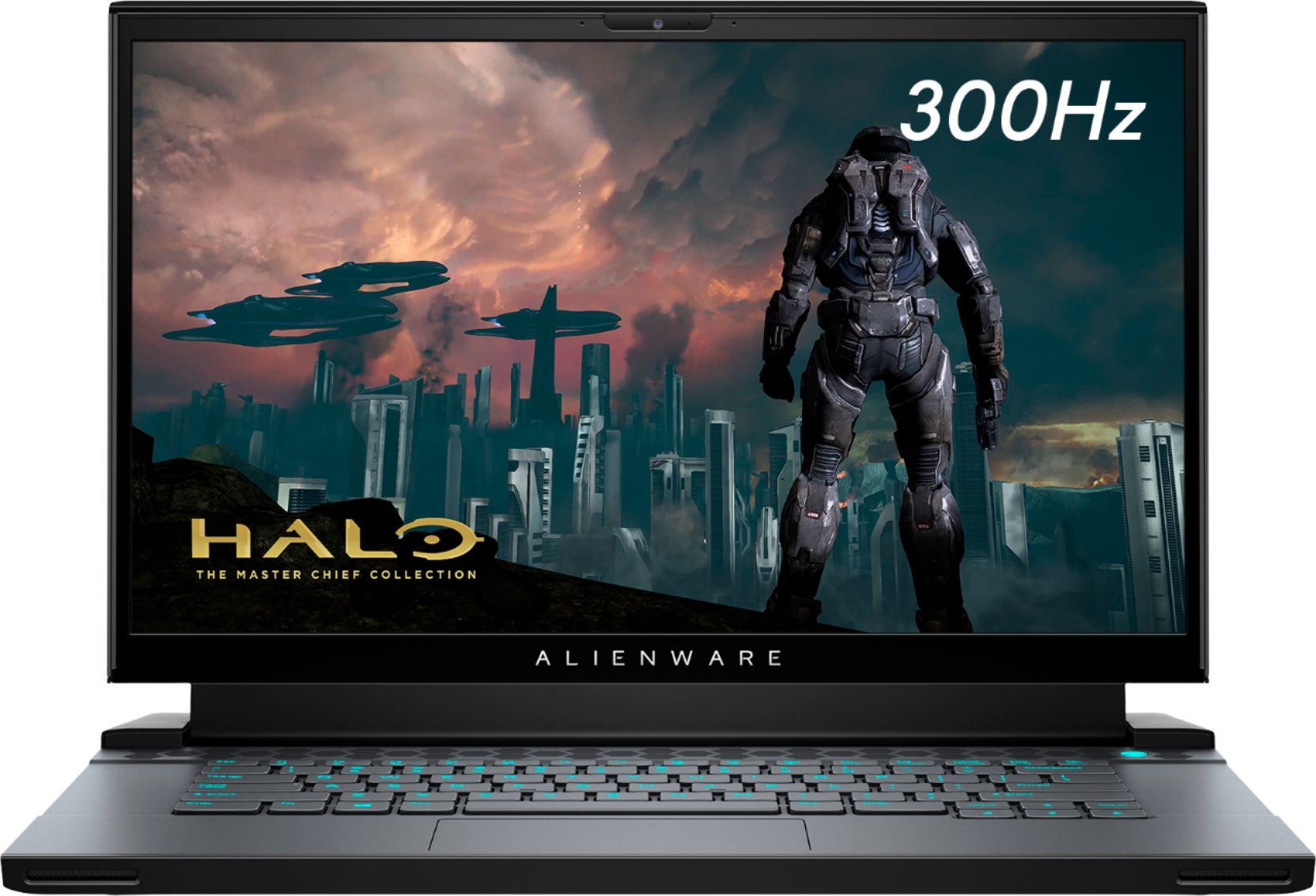
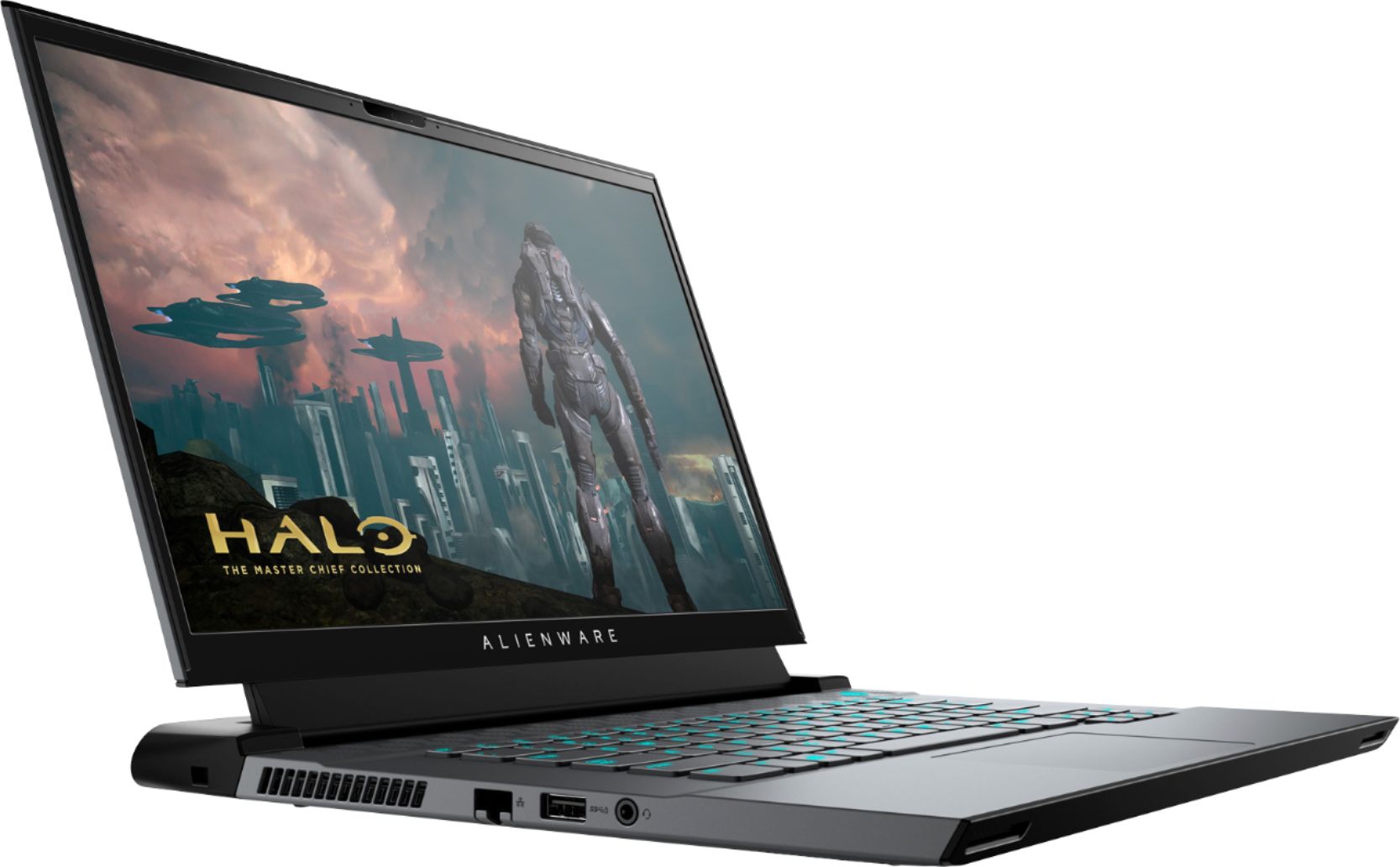
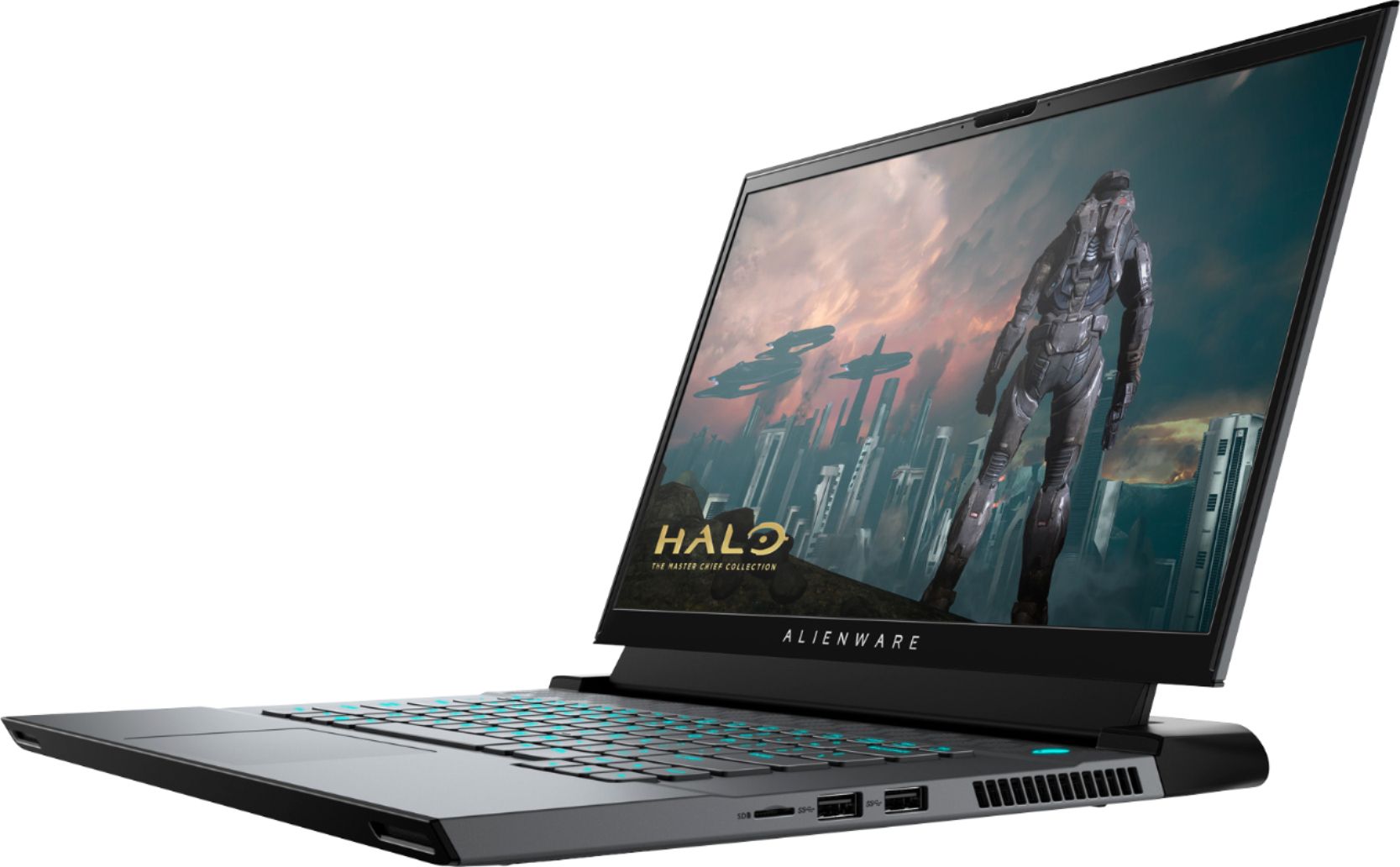
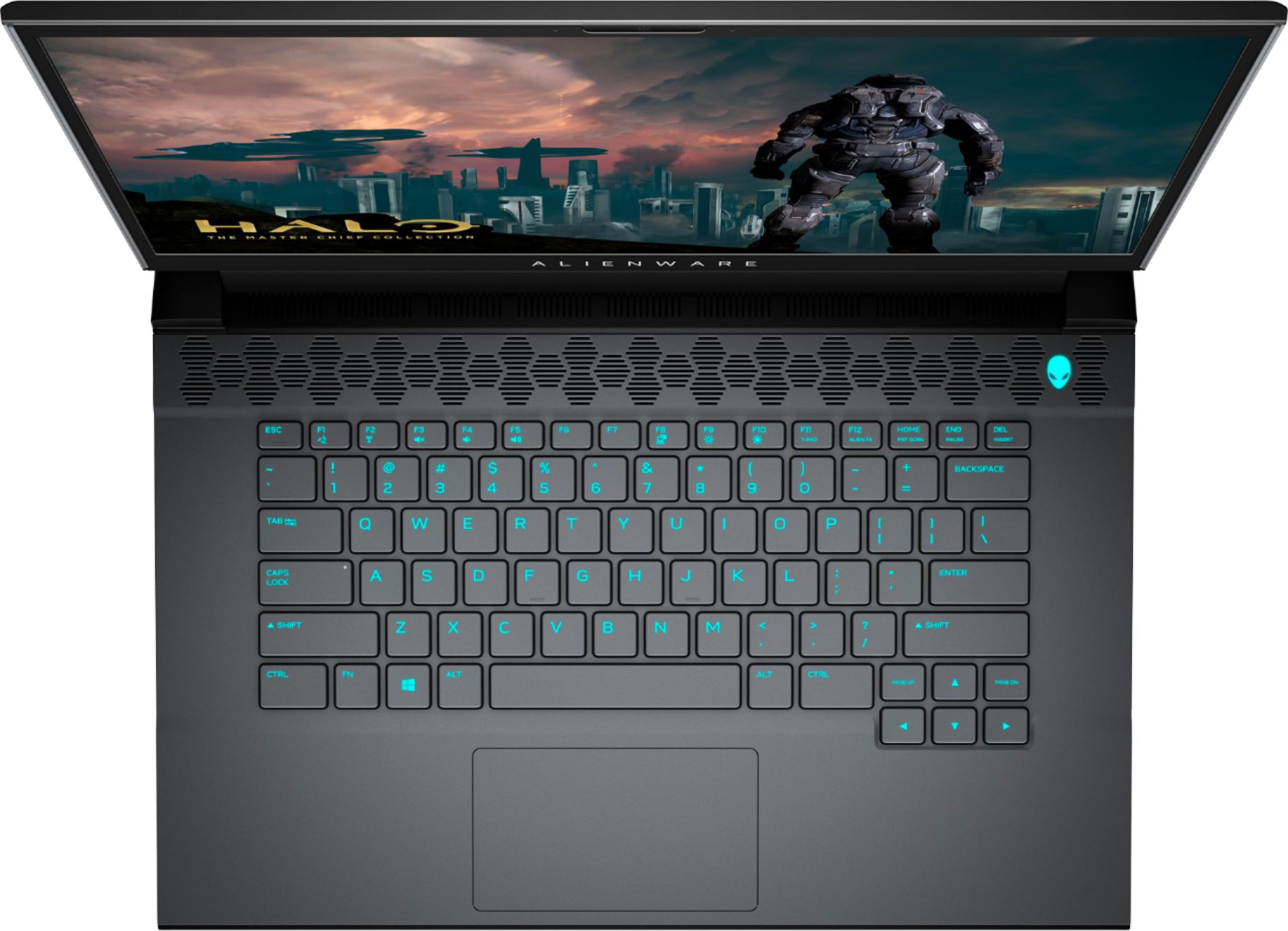


- Model:
- AWM15R4-7726BLK-PUS
- SKU:
- 6453648
Rating by feature
- Battery Life
Rating 3.6 out of 5 stars
- Speed
Rating 4.7 out of 5 stars
- Display
Rating 4.7 out of 5 stars
Customers are saying
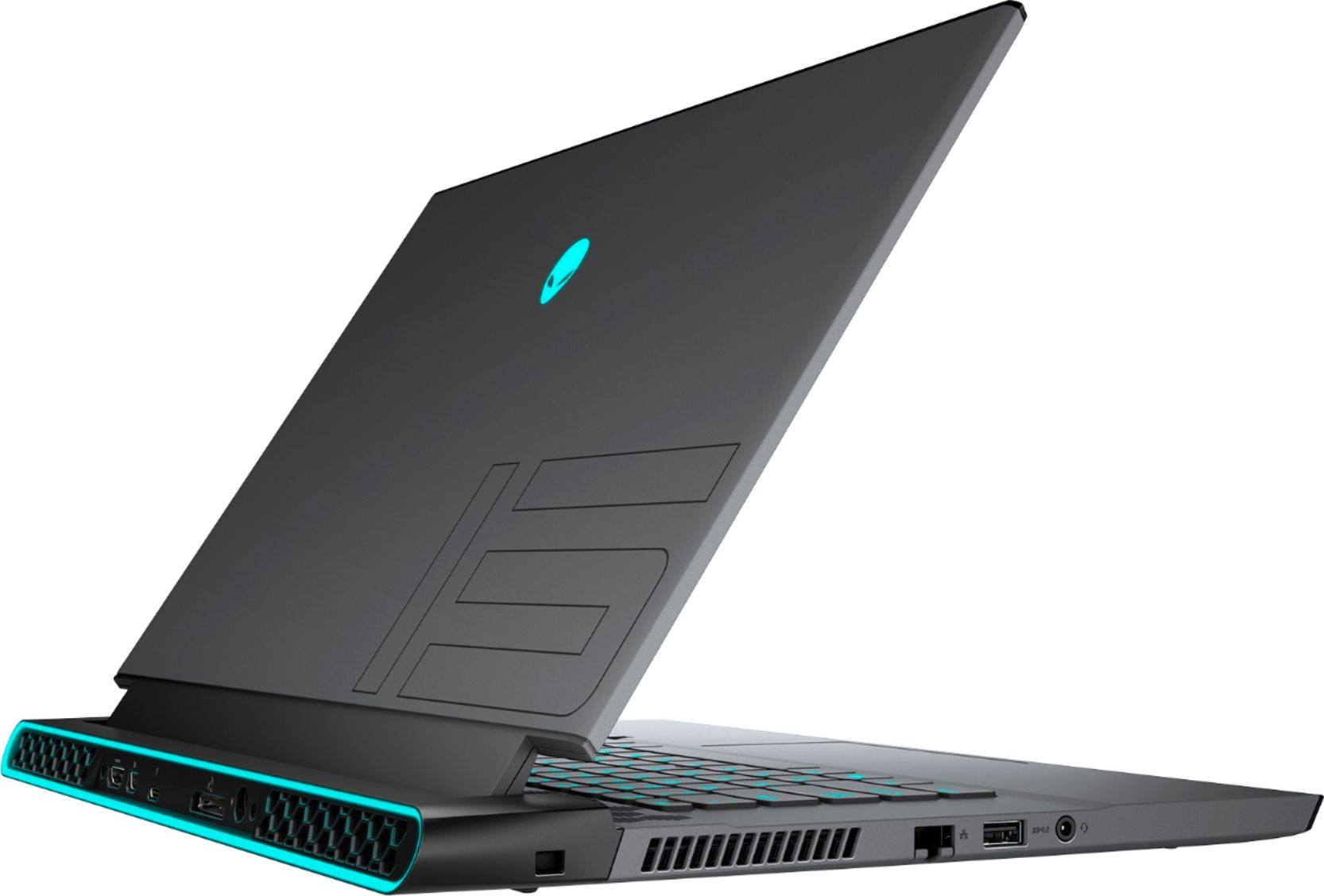
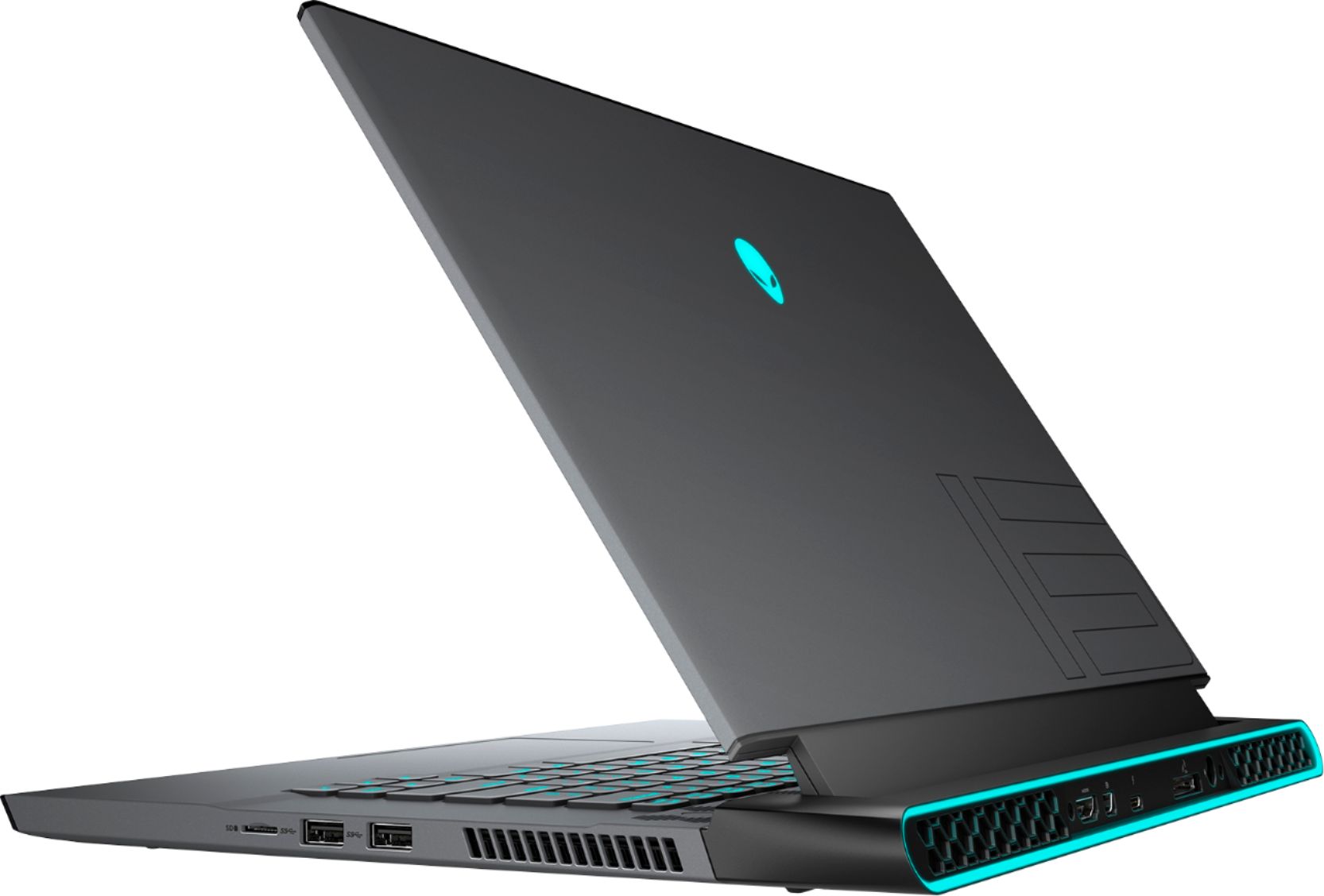
Customers commend the m15 R4 laptop's high performance, powerful GPU ideal for gaming and 3D modeling, and sharp, high refresh rate screen. Positive feedback also highlights the keyboard quality and sleek design. However, some users point to significant drawbacks regarding battery life, overheating issues, and loud fan noise. The soldered RAM was also a point of concern for some customers.
This summary was generated by AI based on customer reviews.
Great gaming machine!!!
||Posted . Owned for 1 week when reviewed.This reviewer received promo considerations or sweepstakes entry for writing a review.Pricey but worth it... Small, surprisingly good cooling when gaming at MAX..
I would recommend this to a friendGreat gaming laptop.
||Posted .This reviewer received promo considerations or sweepstakes entry for writing a review.Excellent laptop. Run all my PC games smoothly and it is still portable.
I would recommend this to a friendBest ever laptop ever made!
||Posted . Owned for 6 months when reviewed.This reviewer received promo considerations or sweepstakes entry for writing a review.A perfect laptop for a perfect price, durable, and powerfull
I would recommend this to a friendAlienware
||Posted . Owned for 3 weeks when reviewed.This reviewer received promo considerations or sweepstakes entry for writing a review.I love my laptop, it's better than i thought it would be
I would recommend this to a friendGreat!
||Posted . Owned for 1 week when reviewed.This reviewer received promo considerations or sweepstakes entry for writing a review.Great laptop, purchased for my child! Also got the matching mouse
I would recommend this to a friendGreat product
||Posted . Owned for 3 weeks when reviewed.This reviewer received promo considerations or sweepstakes entry for writing a review.I love this computer. Fast ,powerful and light, great for gaming
I would recommend this to a friendGreat gaming pc
||Posted . Owned for 1 week when reviewed.This reviewer received promo considerations or sweepstakes entry for writing a review.Great for gaming Good with discord, does not come with a mouse
I would recommend this to a friendUgly, unreliable, powerhouse
||Posted . Owned for 1 week when reviewed.This reviewer received promo considerations or sweepstakes entry for writing a review.Crashes, keyboard stops working randomly, trackpad stops working randomly (the function + tpad button didn't help). Only way to continue is doing a hard system off. Also, it's extremely garish and in my opinion, ugly. You'd be better off waiting for the new 11th gen Intels or a Ryzen system from a manufacturer that cares about quality. When it works right, it's a high performing, 140 watt 3070 laptop, but it's just ugly as sin. Returning this later this week and then I'm going to get a new Omen or the new Zephyrus when it comes out.
No, I would not recommend this to a friendBrand response from YourDellTeam
Posted .Hello Stewbot,
Thank you for your review. We're sorry about the trouble you have encountered with the performance of your PC. Your feedback is sincerely appreciated. To make sure we can help there are steps below that can be used to improve performance overall. This process will not only perform diagnostics to determine what may be causing the crashes, keyboard, and trackpad issues but also install the latest updates and drivers. This ensures you have the best experience to date.
1. Restart your computer regularly
2. Run the automated tools provided in the SupportAssist tool
3. Run a complete hardware diagnostic test
4. Scan your computer for malware
5. Restore your Dell computer using Windows System Restore
6. Reinstall Microsoft Windows
Here is the link to the full article to assist with your performance issue: https://dell.to/32wo0Ss.
Best regards,
Wendy C.
For further assistance, you can contact Dell directly with the information below Chat or Call:
https://bit.ly/DellSupportTeam.
Phone number to Dell: 1-800-264-9896.
- Pros mentioned:Keyboard, Screen qualityCons mentioned:Ram

Nice Gaming Laptop with a Major Concern
|Posted .This reviewer received promo considerations or sweepstakes entry for writing a review.This is the second Alienware gaming laptop that I have owned. I really liked my past laptop but the new graphics card was too good to pass up. Here are my impressions after playing games for roughly 5 hours on the laptop. First, the laptop is beautiful and the screen is really sharp. The black with the lit up Alien head looks great. The keyboard feels nice. I don’t like the clicking mechanism of the track pad but it’s nothing major. As mentioned, the images on the screen were absolutely beautiful and the HD looked great. The is the sharpest looking monitor on a laptop that I owned. Now the not so good and the MAJOR concern. The not so good is the soldered RAM. Sorry you’re stuck at 16GB. You cannot upgrade in the future. Now you may not need 32 GB RAM but it would be nice to able to make that upgrade. My big concern is the laptop’s temperature while playing. I was playing Destiny 2 with running about 150 FPS and the CPU’s operating temperature hit 94 Celsius which can damage the laptop. I capped the frames at 100 and continued to play but the CPU’s temp was still hovering around 90 Celsius. The max you should be at is 80 so this is really bad. I had to put the laptop on a cooling pad to bring the temps to mid 70 Celsius. Using a cooling pad is not a big problem unless you wanna travel and play. You then run the risk of ruining a $2100 laptop. I don’t know if I received a faulty laptop but my other Alienware laptop with an older graphics card could handle my games and playing time fine. If you’re gonna be stationary most of the time and can play with a cooling pad then this laptop will work for you. Otherwise I’d look elsewhere.
No, I would not recommend this to a friendBrand response from YourDellTeam
Posted .Hello Cooper25,
Thanks for your review. We are sorry to hear that your Aurora did not quite meet expectations. Your feedback is sincerely appreciated. It's likely that the temperature tables of your system are out of date. We suggest updating your BIOS using the Alienware Update application that came pre-installed with your system. Likewise, if system thermals are of concern, you can prioritize cooling by opening the Alienware Command Center application that came pre-installed with your device and select the 'Cool' thermal profile. You can view the full article here - https://dell.to/2XAULtU.
Keep in mind that our Aurora follows Intel performance design guidelines, which can lead CPU temperatures to reach 100°C to output top in-game performance. We fully warrant the product under these conditions. If you see CPU temperatures rising beyond 100°C on Alienware Command Center, please contact Dell support for further assistance.
Best regards,
Wendy C.
For further assistance, you can contact Dell directly with the information below Chat or Call:
https://bit.ly/DellSupportTeam.
Phone number to Dell: 1-800-264-9896.
Alienware m15 R4
||Posted . Owned for 1 month when reviewed.This reviewer received promo considerations or sweepstakes entry for writing a review.Overall rating: Excellent Quality rating 5. Excellent
I would recommend this to a friendAwesome
||Posted . Owned for 1 week when reviewed.This reviewer received promo considerations or sweepstakes entry for writing a review.This is the one and only Gaming PC anyone would ever need.
I would recommend this to a friendGood product
||Posted . Owned for 1 week when reviewed.This reviewer received promo considerations or sweepstakes entry for writing a review.This is a good computer for what it was purchased for.
I would recommend this to a friendBetter Graphics card for less
||Posted . Owned for 1 week when reviewed.This reviewer received promo considerations or sweepstakes entry for writing a review.Works pretty well, no complaints about the size either.
I would recommend this to a friendPC
||Posted . Owned for 1 week when reviewed.This reviewer received promo considerations or sweepstakes entry for writing a review.Great PC and runs smooth..........................
I would recommend this to a friendHello
||Posted . Owned for 1 week when reviewed.This reviewer received promo considerations or sweepstakes entry for writing a review.Twas good. I have fallen in love with a technology
I would recommend this to a friendOkay
||Posted . Owned for 1.5 years when reviewed.This reviewer received promo considerations or sweepstakes entry for writing a review.Pretty good definitely do enjoy and hopefully last a long time for long time use got a little too hot honestly
I would recommend this to a friend- Cons mentioned:Heat
Cooling issue
||Posted . Owned for 1 month when reviewed.This reviewer received promo considerations or sweepstakes entry for writing a review.This product has some serious cooling issue with a 10th intel that does not allow undervolting. Do no recommend.
No, I would not recommend this to a friendBrand response from YourDellTeam
Posted .Hello,
Thank you for sharing your review. We apologize for the cooling issue you came across with your m15. Below are steps that can help with the overheating issue.
• To tune your system, go to Alienware Command Center and select out of 4 different thermal profiles that will help you manage system temperatures as well as performance output to your preference. These include Cool, Quiet, Balanced, and Performance thermal profiles.
• Our Alienware m15 follows 8th and 9th generation Intel performance design guidelines, which can lead CPU temperatures to reach 100°C to output top in-game performance.
• We fully warrant the product under these conditions. If you see CPU temperatures rising beyond 100°C on Alienware Command Center, please contact support and they will take care of your issue - https://dell.to/2Inbc8F.
You can view additional information on this site: https://dell.to/2IIhqjJ.
Best regards,
Wendy C.
If your cooling issue continues, you can contact Dell directly with the information below via Chat or Call:
https://bit.ly/DellSupportTeam.
Phone number to Dell: 1-800-264-9896.
Speaker issues (hardware error)
||Posted .This reviewer received promo considerations or sweepstakes entry for writing a review.Nice screen. The RTX 3070 honestly feels no different than a 2070. Synthetic benchmarks are one thing but real life feels about the same. The main problem is that the left speaker crackles constantly with ANY sort of sound. It is very annoying and SHOULD NOT happen on a $2000+ machine. This is a hardware fault and not software related. Disappointed and will be returning.
No, I would not recommend this to a friendBrand response from YourDellTeam
Posted .Hello TechFreak,
We are sorry to hear that your speaker is not quite meeting expectations. Based on what you described, the easiest solution would be to review your settings within the Sound Control Panel in Windows and troubleshoot for sound problems. If the issue persists, you are more than welcome to contact Dell Support for further assistance.
Best regards,
Wendy C.
For further assistance, you can contact Dell directly with the information below Chat or Call:
https://bit.ly/DellSupportTeam.
Phone number to Dell: 1-800-264-9896.
Beware of dead pixels
||Posted .This reviewer received promo considerations or sweepstakes entry for writing a review.Great computer but after one month i notice dead pixel lines on my screen.
No, I would not recommend this to a friendBrand response from YourDellTeam
Posted .Hi JD746,
We appreciate your valued feedback. We sincerely apologize for the problems you have had with the display of your Alienware M15 R4. Below I have provided steps to 1 method to run a hardware diagnostic. I have also provided 2 links to help troubleshoot and resolve this issue further if needed.
Method 1
1. Power off the Dell Laptop PC.
2. Disconnect any peripherals that are connected to the PC, and connect the AC Adapter (charger) to the PC.
3. Make sure that the LCD screen is clean (no dust particles are on the surface of the screen).
4. Press and hold D key and power on the PC to enter LCD built-in self test (BIST) mode.
Continue to hold the D key until you see the entire screen change colors.
5. The screen changes colors to black, white, red, green, and blue.
6. Carefully inspect the screen for abnormalities.
7. Press Esc key to exit.
Display Pixel Guidelines: https://dell.to/3bfpvd2
Troubleshoot Display Issues: https://dell.to/38hE51M
After utilizing the troubleshooting options provided, if the issue persists, please reach out to our support team here: 1-800-624-9896.
If you require further assistance, you can contact Dell directly with the information below.
Chat or call: https://bit.ly/DellSupportTeam
Phone number to Dell 1-800-624-9896
Best,
Ashley@Dell
- Cons mentioned:Heat
Dell, try again.
||Posted . Owned for 3 months when reviewed.This reviewer received promo considerations or sweepstakes entry for writing a review.Stay away. Hot, loud. Dell will use every marketing description in the book to convince you notebook gaming is a reality. It might be. This is not it, however. Save your money. Invest in your own parts and build your own PC.
No, I would not recommend this to a friendBrand response from YourDellTeam
Posted .reylo,
Thanks for your review and we're sorry to hear that your new Alienware computer is operating hotter than you hoped it would. We'd recommend reading the tips on this page so that your computer can perform better for you: https://dell.to/2L8yNct.
Best,
Bryan@Dell
If you require further assistance, you can contact Dell directly with the information below
Chat or Call:
https://bit.ly/DellSupportTeam
Phone number to Dell: 1-800-624-9896