Customer Ratings & Reviews
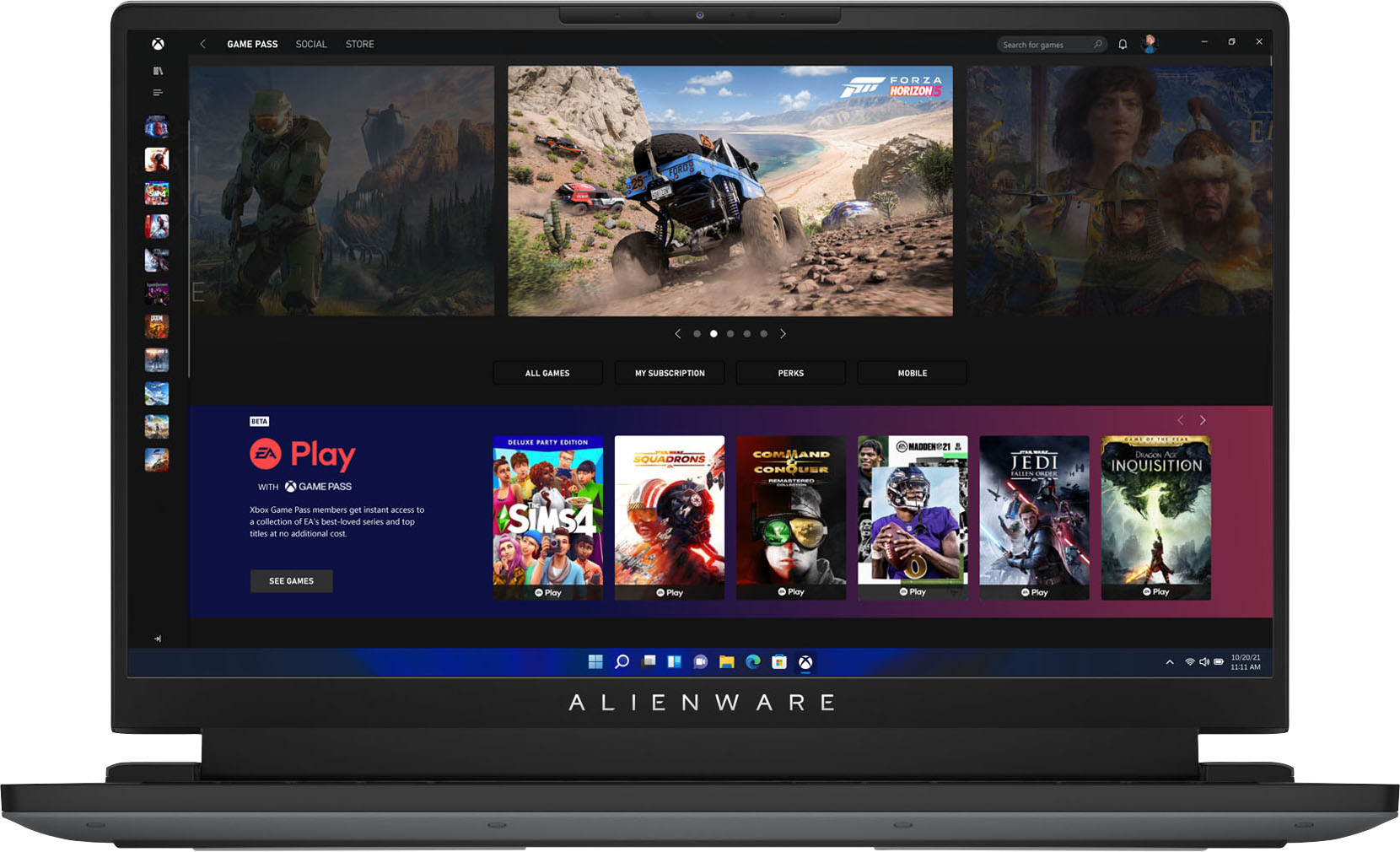
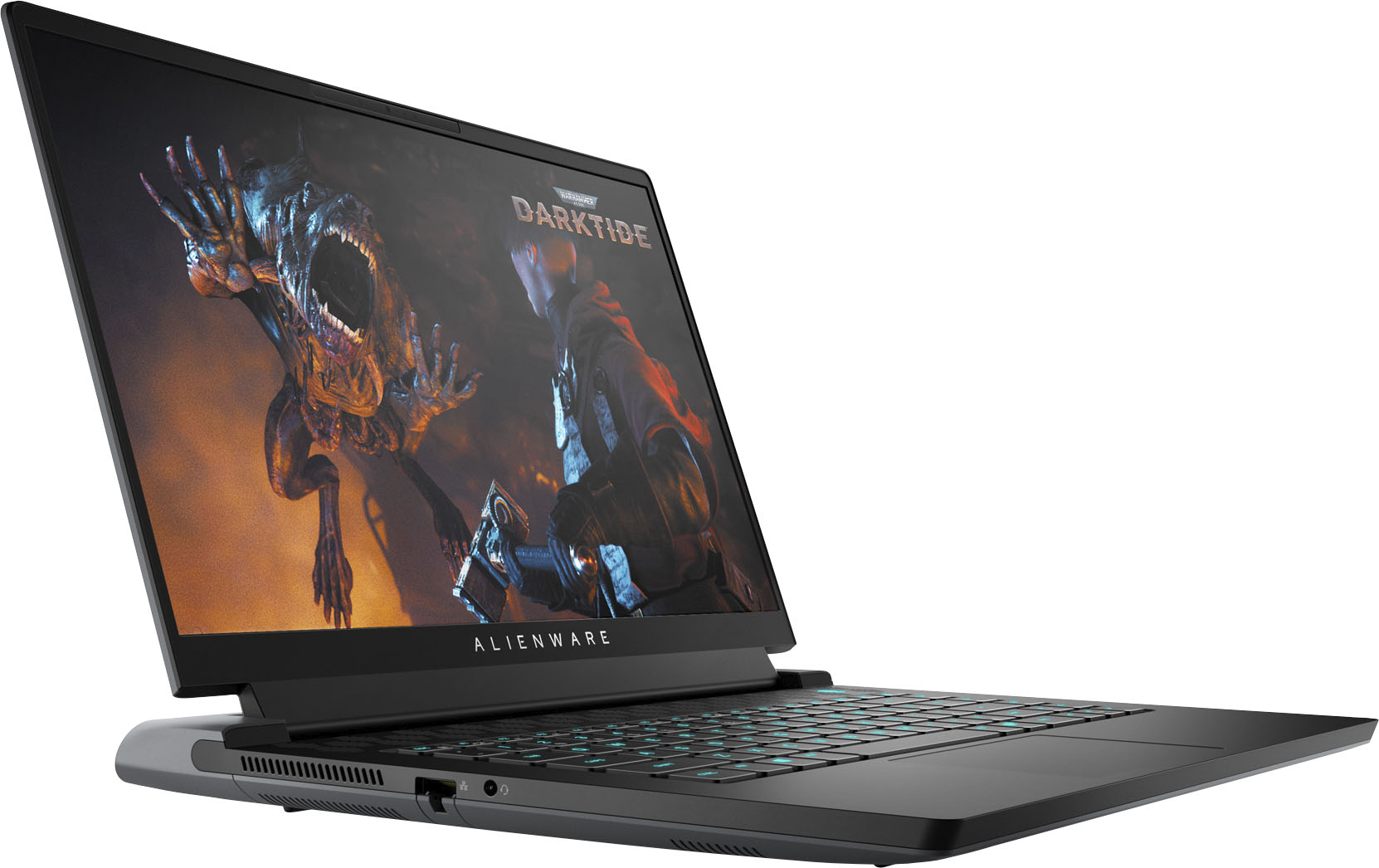
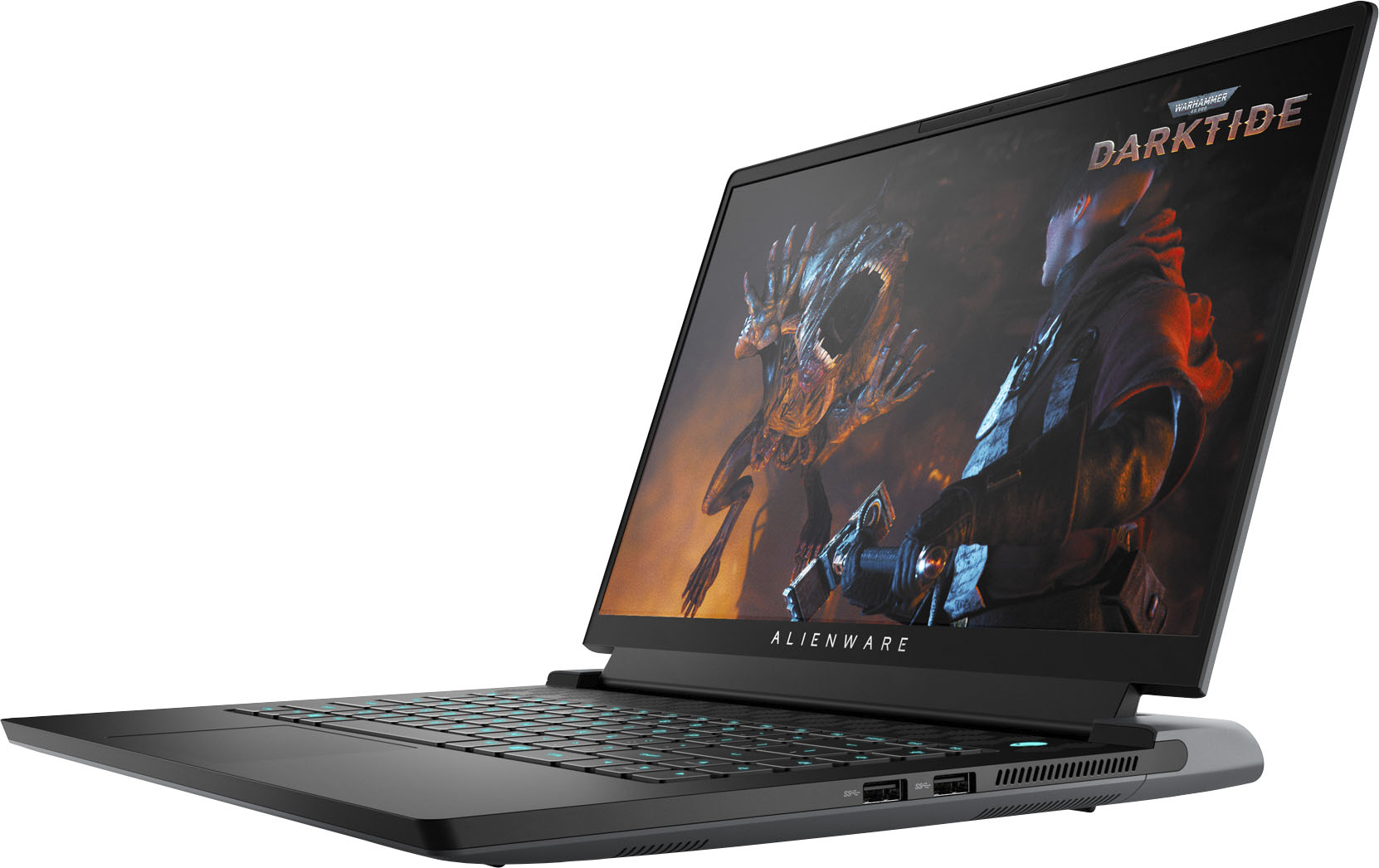
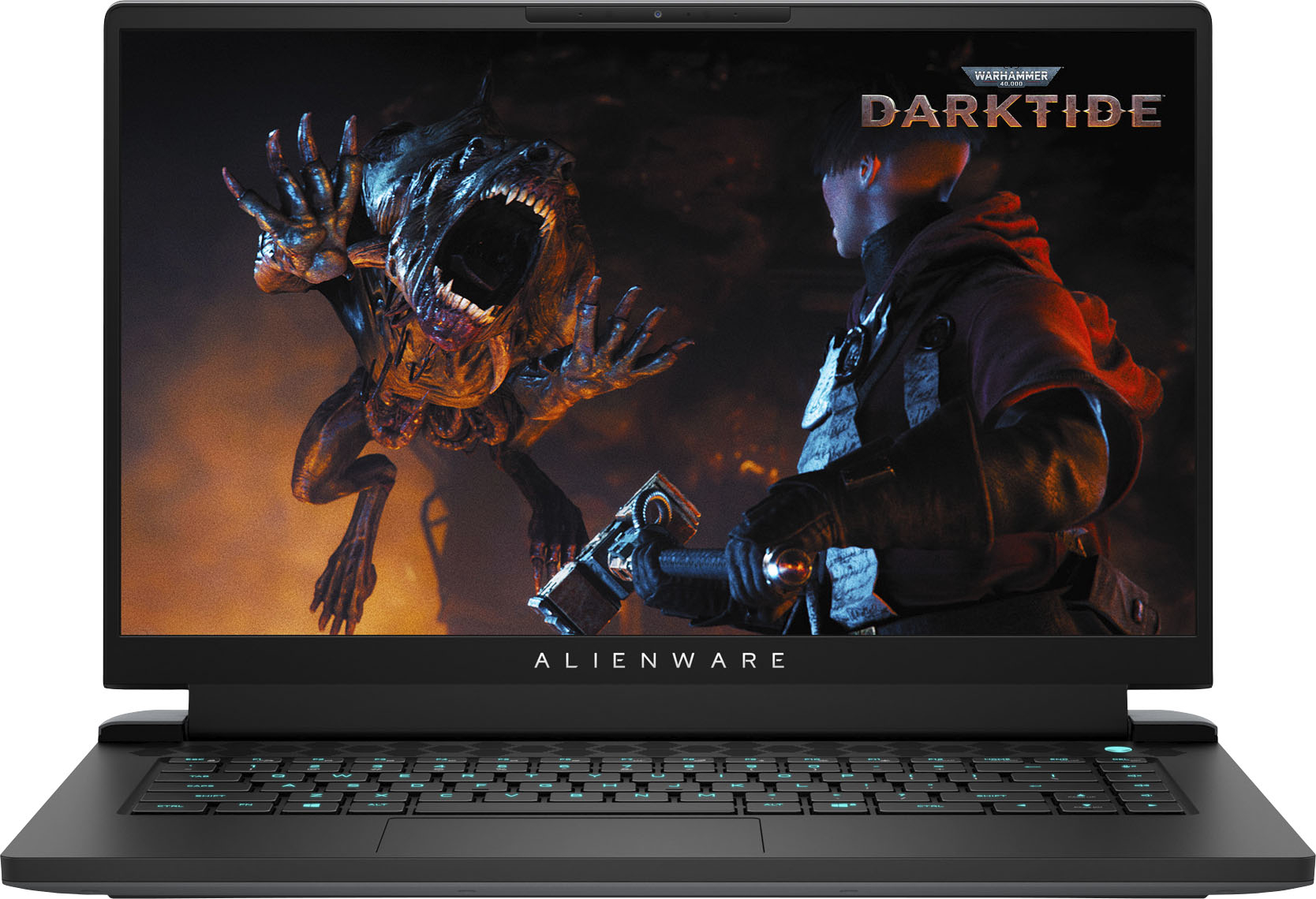
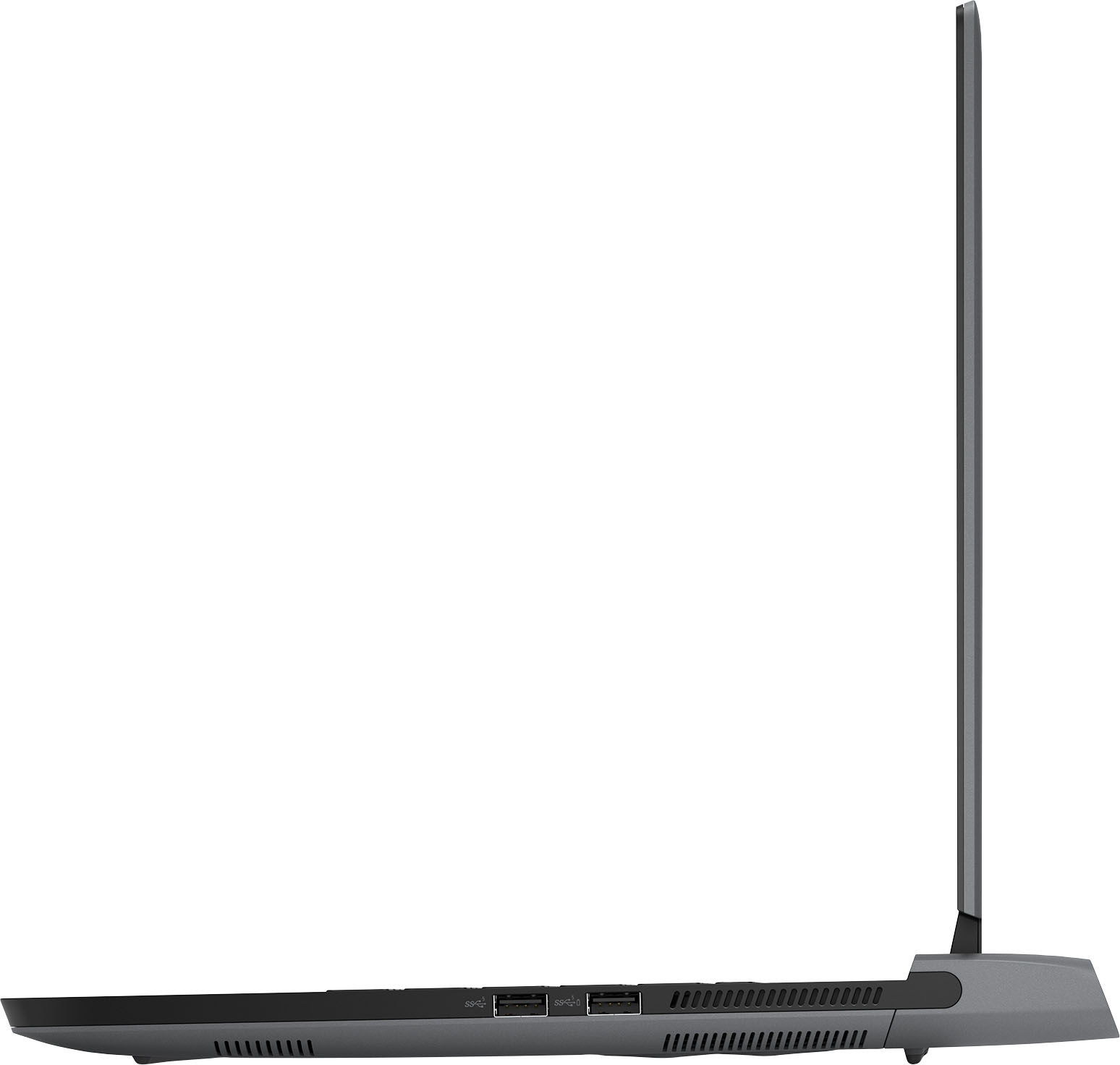

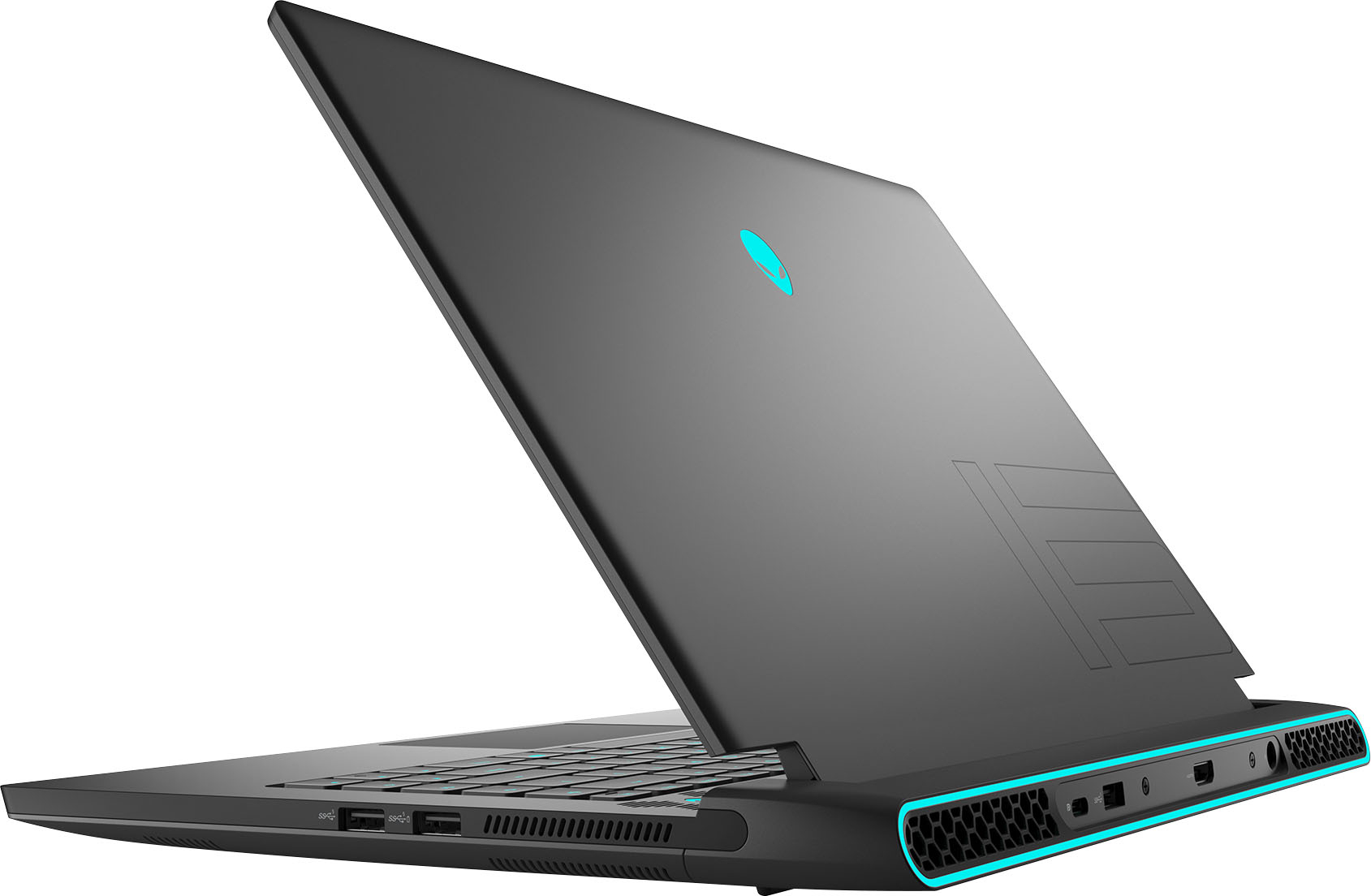

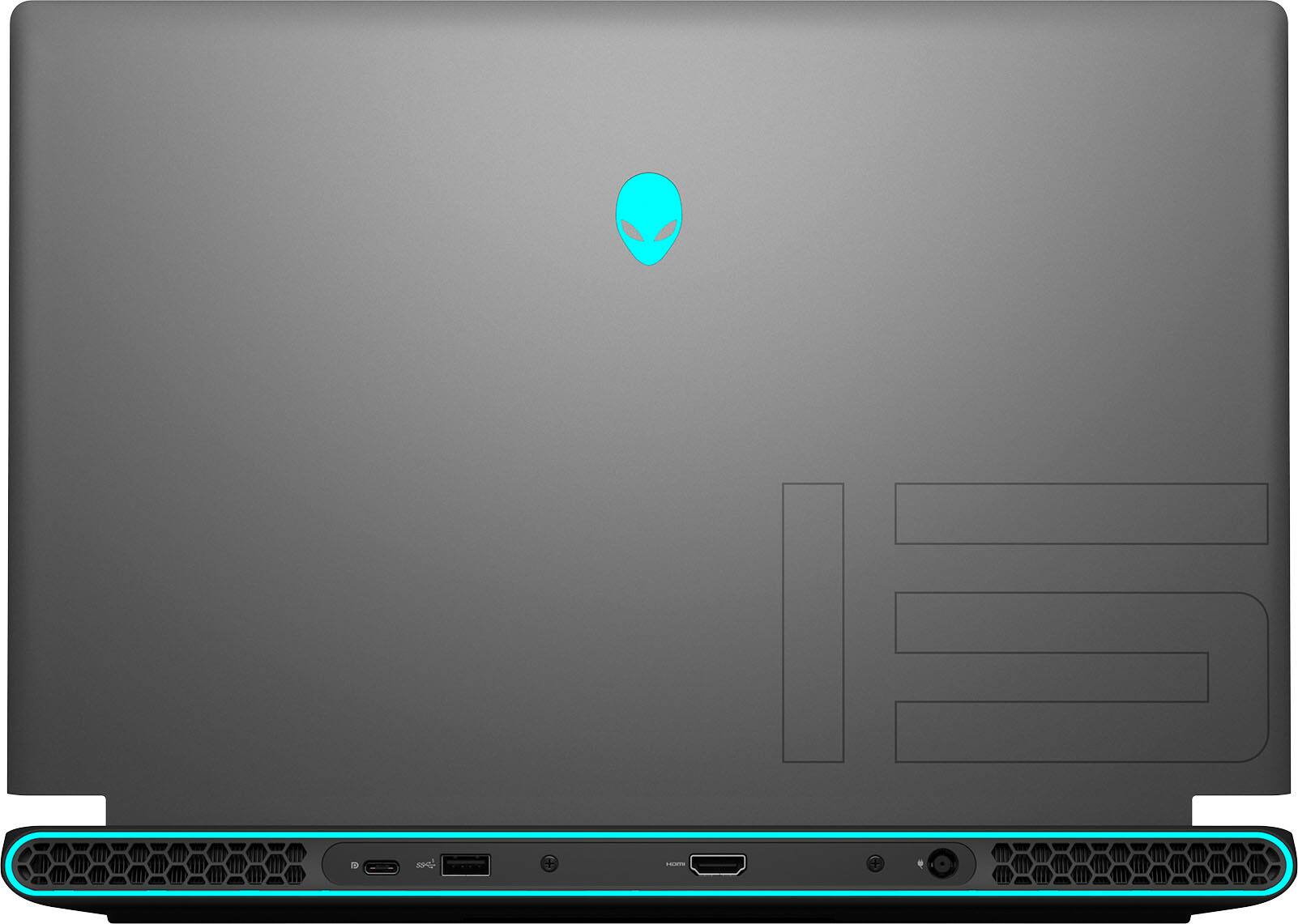
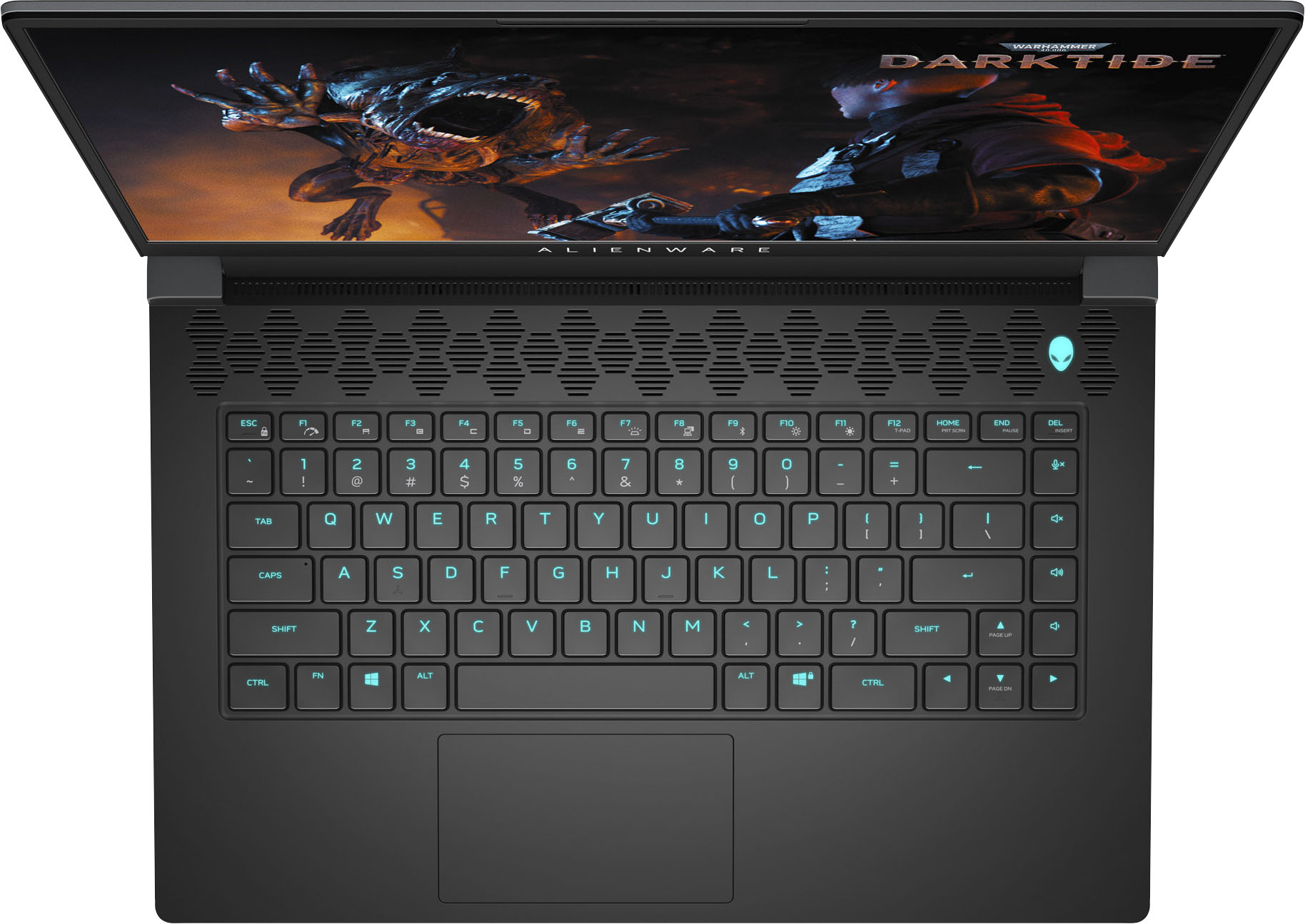

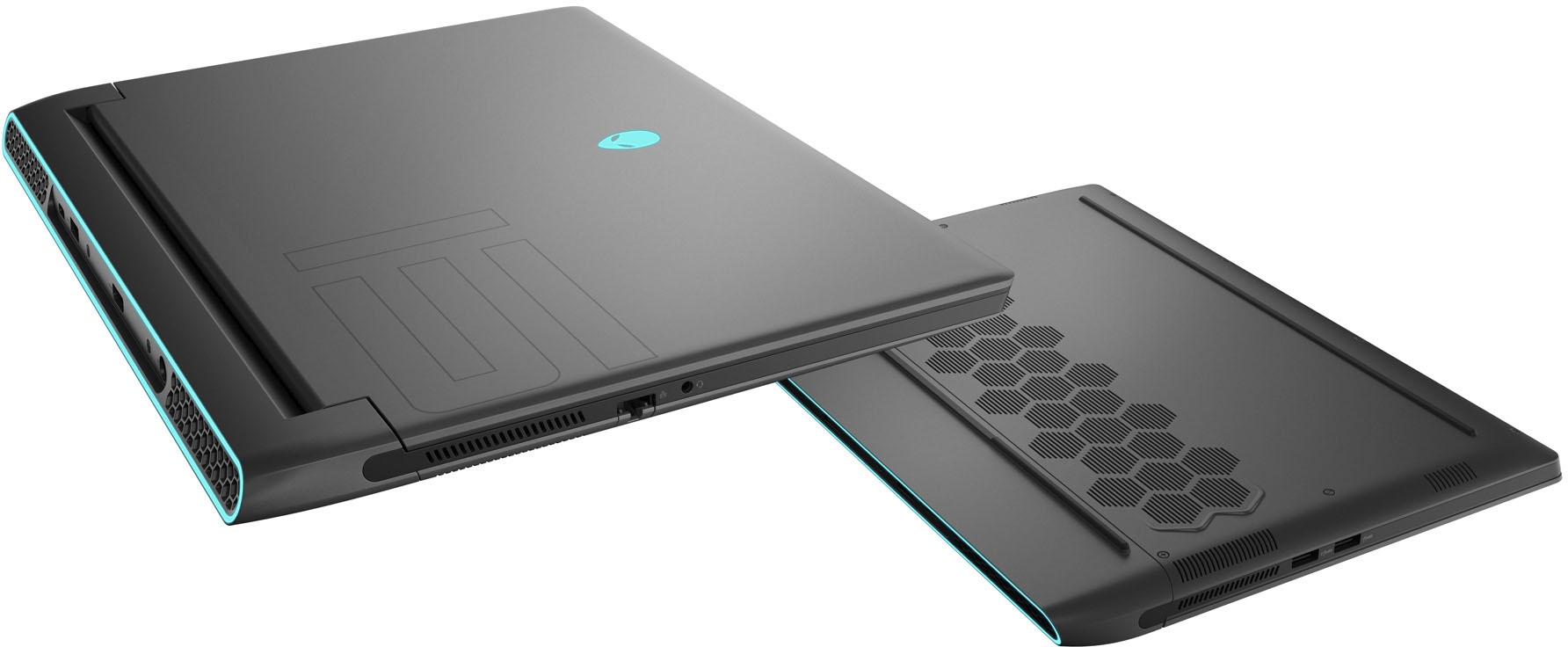



- Model:
- AWM15R5-A610BLK-PUS
- SKU:
- 6468117
Rating by feature
- Battery Life
Rating 3.9 out of 5 stars
- Speed
Rating 4.7 out of 5 stars
- Display
Rating 4.6 out of 5 stars
Customers are saying
Customers praise the m15 R5 laptop's performance, graphics, and high refresh rate display, highlighting its smooth gameplay and visually stunning experience. However, some users report issues with heat generation, battery life, and occasional fan noise. The price point is also mentioned as a potential drawback for some buyers.
This summary was generated by AI based on customer reviews.
Hot Laptop
||Posted . Owned for 7 months when reviewed.This reviewer received promo considerations or sweepstakes entry for writing a review.Overheats a lot, only 1080p gaming. Not a ton of storage and had to go out of my way to download the legit Alienware app to control fans speeds so I didn’t melt my desk.
No, I would not recommend this to a friend- Pros mentioned:Performance
Good product
||Posted . Owned for 8 months when reviewed.This reviewer received promo considerations or sweepstakes entry for writing a review.Great product really recommend best laptop out there
I would recommend this to a friend - Cons mentioned:Heat
Great buy
||Posted .This reviewer received promo considerations or sweepstakes entry for writing a review.A great laptop runs a little hot. I would recommend
I would recommend this to a friend - Cons mentioned:Fan noise
Powerful but loud.
||Posted . Owned for 2 weeks when reviewed.This reviewer received promo considerations or sweepstakes entry for writing a review.The system runs great but when the fans throttle up, it sounds like a jet trying to take off. Highly recommend a cooling pad to keep the temps lower.
I would recommend this to a friendBrand response from YourDellTeam
Posted .Hi RobertL,
We appreciate you taking the time to leave us your review. We are glad your Alienware m15 R5 gaming laptop is running great but we are sorry to hear that it is overheating and fans are loud.
Below I have provided troubleshooting tips with the full article that can help resolve the overheating issue:
1. Make sure the system is in a well-ventilated area.
2. Use laptops on flat surfaces to improve airflow. Hard table tops are recommended and avoid using any type of cloth or any other soft material under the laptop.
3. For desktop systems make sure there is enough clearance around the system to allow the air to flow. If the system is in an enclosure try to move it to a more ventilated area for testing.
4. Check that the air vents are clean and that there is nothing obstructing them.
5. Update your system BIOS to the latest available in Dell Support Site.
6. You can reset your BIOS settings to undo any changes that could be causing the system to overheat.
7. Disable NVIDIA G SYNC and run a stress test using SupportAssist.
8. Navigate to the Thermal Controls in the Alienware Command Center, which is found under the Fusion tab. There you can adjust the thermal control of system fans and change the status of active venting. This link is for the Alienware Command Center Quick Guide, where you can find a video to explain how to use the Manual Mode for the Thermal Controls: https://dell.to/3nZtYDm.
Alienware System Overheats or Shuts Down: https://dell.to/3nmRfiZ
To help with fan noise issue, we recommend the following steps to run a pre-boot diagnostic test that can help.
1. Restart your Dell PC.
2. When the Dell logo appears, press the F12 key to enter the One-time Boot Menu.
3. Use the arrow keys to select Diagnostics and press Enter key on the keyboard.
4. Follow the on-screen prompts and respond appropriately to complete the diagnostics.
5. If the test fails, ensure to write down the error code and validation code.
If your issue with fan noise continues these articles can be used to further assist:
How to Troubleshoot Fan Issues: http://dell.to/38XbfCV
How to identify and resolve Noise Issues on your Dell System: https://dell.to/3IAIsoO
If the issues with your gaming laptop are still not resolved after utilizing the troubleshooting options above, please contact the Dell Support Team at 1-800-624-9896 for further guidance.
Best,
Katarina@Dell
Should you need further assistance, you can contact Dell directly with the information below.
Chat or call: https://bit.ly/DellSupportTeam
Phone number to Dell: 1-800-624-9896
- Cons mentioned:Heat
Good pc
||Posted . Owned for 2 weeks when reviewed.This reviewer received promo considerations or sweepstakes entry for writing a review.Really good laptop, good for games and it doesnt overheat
I would recommend this to a friend - Pros mentioned:Performance
Alienware
||Posted . Owned for 3 weeks when reviewed.This reviewer received promo considerations or sweepstakes entry for writing a review.Love it, my last Alienware was dying, got this one and it works great!!
I would recommend this to a friend - Pros mentioned:Performance
Love it
||Posted . Owned for 1 month when reviewed.This reviewer received promo considerations or sweepstakes entry for writing a review.Makes gaming so much easier and advance to higher levels.
I would recommend this to a friend - Pros mentioned:Graphics
Alienware m15
||Posted .This reviewer received promo considerations or sweepstakes entry for writing a review.Such a great laptop! Beautiful design, great for gamer, My son love it!!
I would recommend this to a friend - Pros mentioned:Performance
Pleased
||Posted .This reviewer received promo considerations or sweepstakes entry for writing a review.Good computer that can handle heavy renders considerably well
I would recommend this to a friend - Cons mentioned:Fan noise, Heat, Price
Alienware
||Posted . Owned for less than 1 week when reviewed.This reviewer received promo considerations or sweepstakes entry for writing a review.A bit too pricey for these specs. Very loud when the fans are going. Gets very hot.
No, I would not recommend this to a friendBrand response from YourDellTeam
Posted .Hi kstar249,
We want to thank you for your valued feedback. We sincerely apologize for the fan noise you are experiencing with your Alienware m15 R5. Below are steps to run a pre-boot diagnostic test that can help.
1. Restart your Dell PC.
2. When the Dell logo appears, press F12 key to enter One-time Boot Menu.
3. Use the arrow keys to select Diagnostics and press Enter key on the keyboard.
4. Follow the on-screen prompts and respond appropriately to complete the diagnostics.
5. If the test fails, ensure to write down the error code and validation code.
6. Drivers and Downloads Page: https://dell.to/3z64tY1.
If your issue with fan noise continues this article can be used to further assist: http://dell.to/38XbfCV
After utilizing the troubleshooting options provided, if the problem persists, please feel free to contact our support team here: https://bit.ly/DellSupportTeam.
If you require further assistance, you can contact Dell directly with the information below.
Chat or call: https://bit.ly/DellSupportTeam
Phone number to Dell 1-800-624-9896
Best,
Wendy@Dell
- Pros mentioned:Performance
Alienware
||Posted . Owned for 3 weeks when reviewed.This reviewer received promo considerations or sweepstakes entry for writing a review.The computer is very reliable, runs well, and looks great.
I would recommend this to a friend Not quality
||Posted . Owned for more than 2 years when reviewed.This reviewer received promo considerations or sweepstakes entry for writing a review.Since day one ive had issues with this computer. Keyboard doesnt light up sometimes, screen dances and pixelates. Had some recovery key thing i had to figure out so i could use the thing. Ill never but this brand again!!
No, I would not recommend this to a friend- Cons mentioned:Battery life
Good
||Posted . Owned for 1 month when reviewed.This reviewer received promo considerations or sweepstakes entry for writing a review.Doing great performance only problem is so low battery
I would recommend this to a friend - Pros mentioned:SpeedCons mentioned:Battery life
Poor purchase decision
||Posted . Owned for 1 month when reviewed.This reviewer received promo considerations or sweepstakes entry for writing a review.Gets extremely hot and battery life is wack although it’s a fast laptop
No, I would not recommend this to a friendBrand response from YourDellTeam
Posted .Dear Ivankim,
Thank you for your valued feedback. We sincerely apologize for the overheating and battery problems you are having with your Alienware M15 R5. To help with the overheating issue, I have provided some troubleshooting steps, along with a link to the full article, should you need further information. As for the battery life trouble, I have given you the steps to change the Power Plan of your system, along with a link to that full article as well.
Troubleshooting Steps:
1. First verify using the ePSA diagnostics that the computer has an overheating issue.
2. Set the test environment and plug the AC adapter to the test unit.
3. Change operating thermal mode to Performance Speed/Cool Mode in Alienware Command Center.
a. Launch Alienware Command Center.
b. Click HOME tab.
c. Click Thermal icon, select the proper operating mode.
4. Use Dell SupportAssist to stress the CPU.
a. Launch My Alienware.
b. Click SUPPORT.
c. Click Troubleshooting tab.
d. Click I want to troubleshoot my PC.
e. Click I want to check a specific piece of hardware.
f. Click CPU.
g. Select CPU Stress Test.
h. Click Run Test button.
Full article: https://dell.to/3G7onVW
Change the Power Plan:
1. On the notification area of the taskbar, right-click the Battery icon.
2. On the options list, click Power Options.
3. Select a power plan on the battery meter, such as Power Saver or Balanced. Windows 10 has a built in 'Battery Saver' mode that can be activated to extend your system's battery life. The Battery Saver mode will monitor and limit background activity and other features such as push notifications. You do have the option to enable or disable this mode within settings or within advanced Battery Saver settings, you can customize the mode to best suit your needs.
a) Click on the Action Center icon in the taskbar and select the tile for Battery Saver.
b) If running Cortana then type Battery Saver into the search box and select from the results.
Within the Battery Saver settings page, you will be able to turn on and off the feature and customize the feature to best meet your needs.
c) Turn Battery Saver On or Off.
d) Additional settings available via the Battery use and Battery saver settings links.
e) Battery use shows further info on apps and their power usage.
f) Battery Saver Settings screen allows you to customize further Battery Saver feature.
You can read the full article here - http://dell.to/2vfXWf4.
If you still encounter these issues after you have finished troubleshooting your PC, please feel free to contact our support team here: 1-800-624-9896.
Should you need further assistance, you can contact Dell directly with the information below.
Chat or call: https://bit.ly/DellSupportTeam
Phone number to Dell 1-800-624-9896
Best,
Ashley@Dell
- Pros mentioned:Performance
The best laptop
||Posted . Owned for 3 weeks when reviewed.This reviewer received promo considerations or sweepstakes entry for writing a review.Best laptop for gamers. Super good cooling and performance.
I would recommend this to a friend - Pros mentioned:Performance
Powerful but expensive.
||Posted . Owned for 3 weeks when reviewed.This reviewer received promo considerations or sweepstakes entry for writing a review.Great powerful laptop that can play all the games.
I would recommend this to a friend Could have been a great laptop for me but....
||Posted . Owned for 1 month when reviewed.This reviewer received promo considerations or sweepstakes entry for writing a review.Could have been a great laptop except that it doesn't play well with linux. Linux is my daily driver and as I found out after purchasing it, drivers for linux are not readily available from Dell. I didn't want to spend a lot of time hacking in order to get this laptop working the way I needed it to. I returned it and purchased an Asus ROG Zephyrus G14 instead. Works great with linux and it took very little time to get it working in a dual boot configuration with Windows and Linux Mint.
I would recommend this to a friendBrand response from YourDellTeam
Posted .Dear Penguin,
We appreciate you taking the time to leave us your review. We are sorry to hear you experienced issues with your Dell Alienware m15 R5 gaming laptop and that you have ultimately decided to return this system. This is certainly not what we like to hear from our loyal customers. We will share your comments with our quality team so improvements can be made now and in the future. In the future, we would love the opportunity to help troubleshoot any problems you may be facing.
If you come across any questions or have concerns about Dell products, please don’t hesitate to contact Dell Support Team at the information provided below.
Best,
Katarina@Dell
Should you need further assistance, you can contact Dell directly with the information below.
Chat or call: https://bit.ly/DellSupportTeam
Phone number to Dell: 1-800-624-9896
Awesome gaming computer, and the sale price good
||Posted . Owned for 2 months when reviewed.This reviewer received promo considerations or sweepstakes entry for writing a review.I love it! I play Dungeons and Dragons online using Roll20 and I also design my own Dungeons and Dragons games for use on Roll20 using Inkarnate and WorldAnvil and I also use DnDBeyond. This laptop has the power to let me do all the designing I need to do. It truly was a laptop replacement for a gamer.
I would recommend this to a friendGood laptop
||Posted . Owned for 1 month when reviewed.This reviewer received promo considerations or sweepstakes entry for writing a review.I bought this for my son and he is so far enjoying it, he got it for his birthday and from christmas, since it was a bit expensive its like he got two presents.
I would recommend this to a friend- Cons mentioned:Price
Over priced
||Posted . Owned for 7 months when reviewed.This reviewer received promo considerations or sweepstakes entry for writing a review.Way Overpriced, keep going to blue screen. Return to store
No, I would not recommend this to a friend