Customer Ratings & Reviews
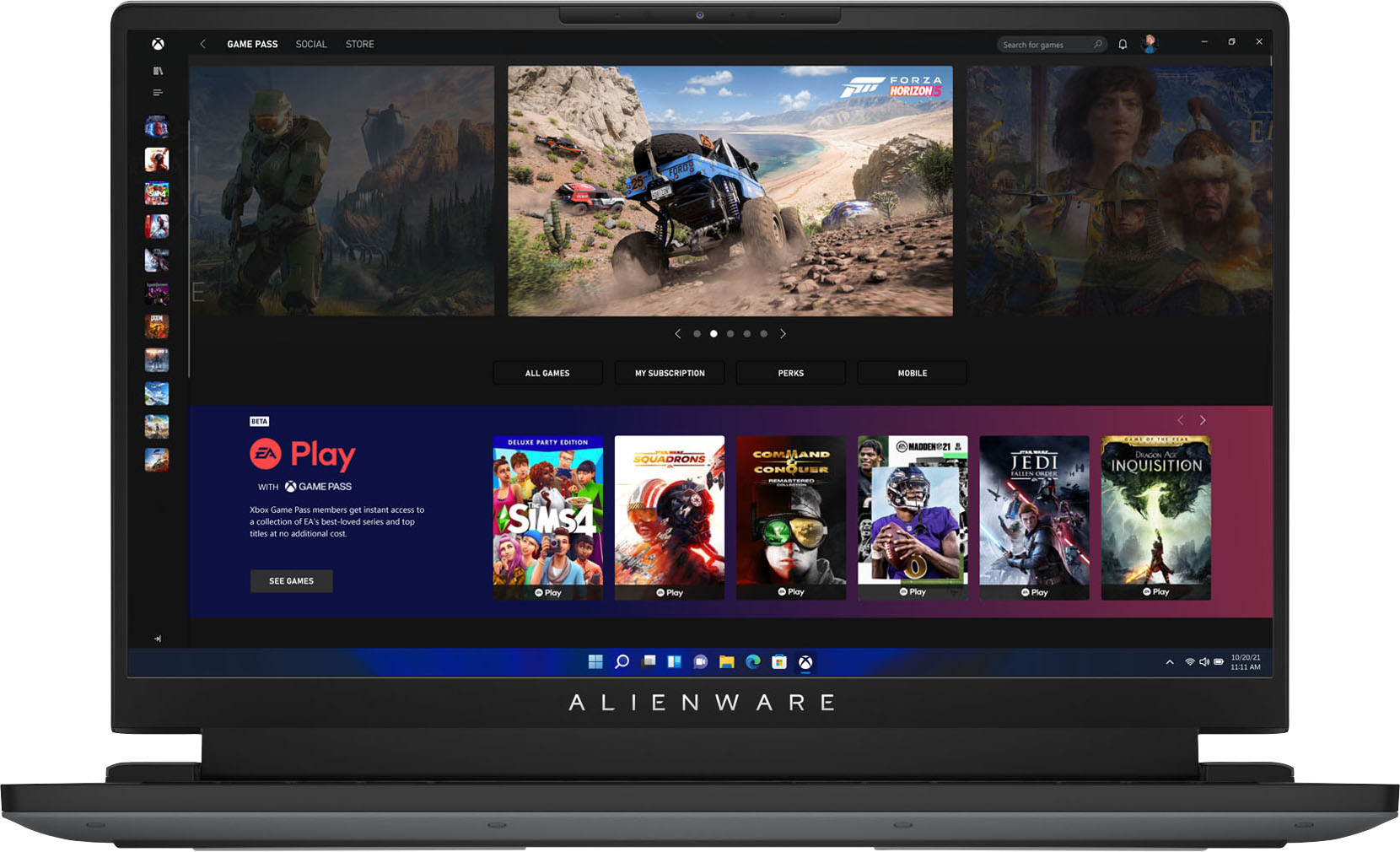
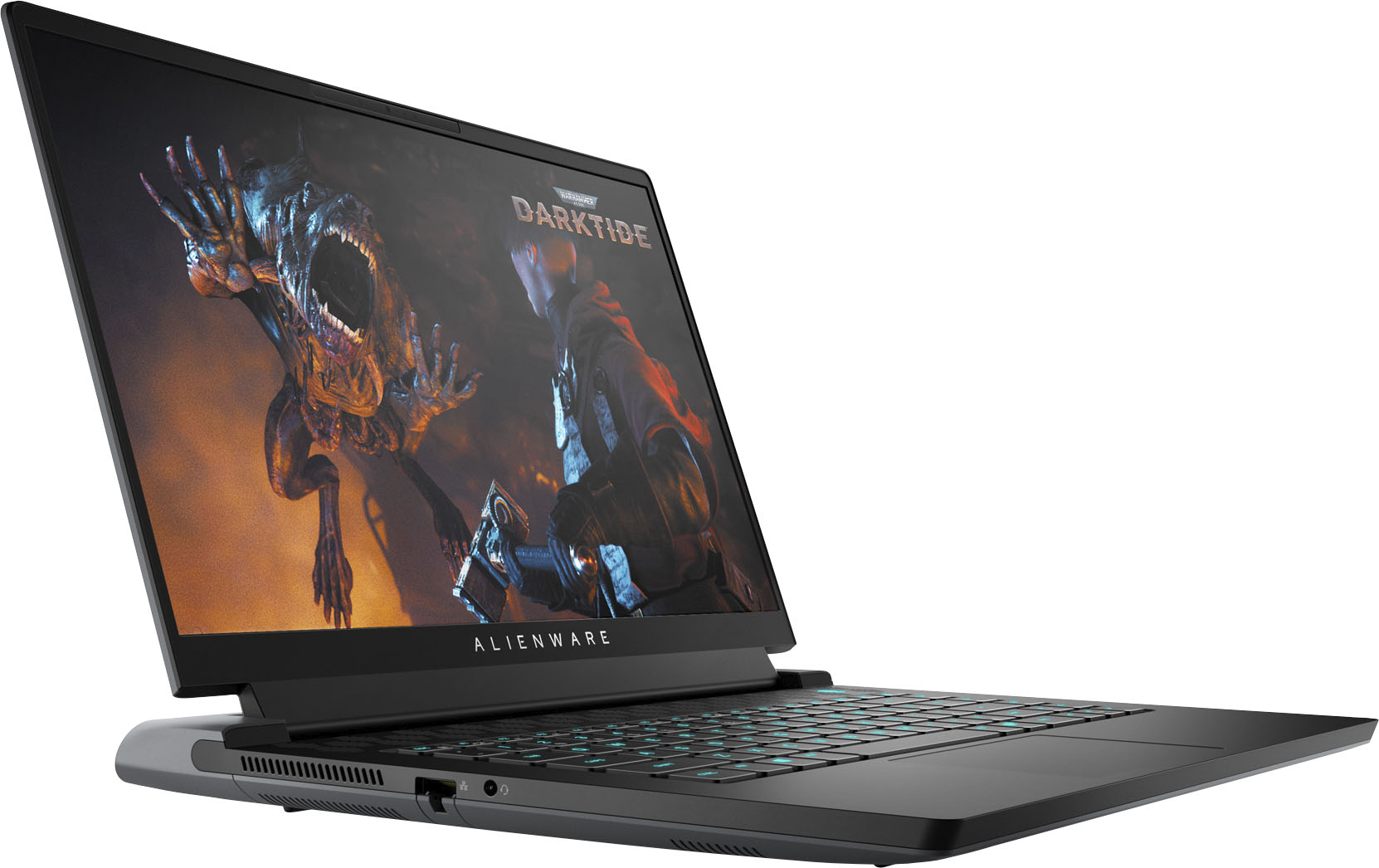
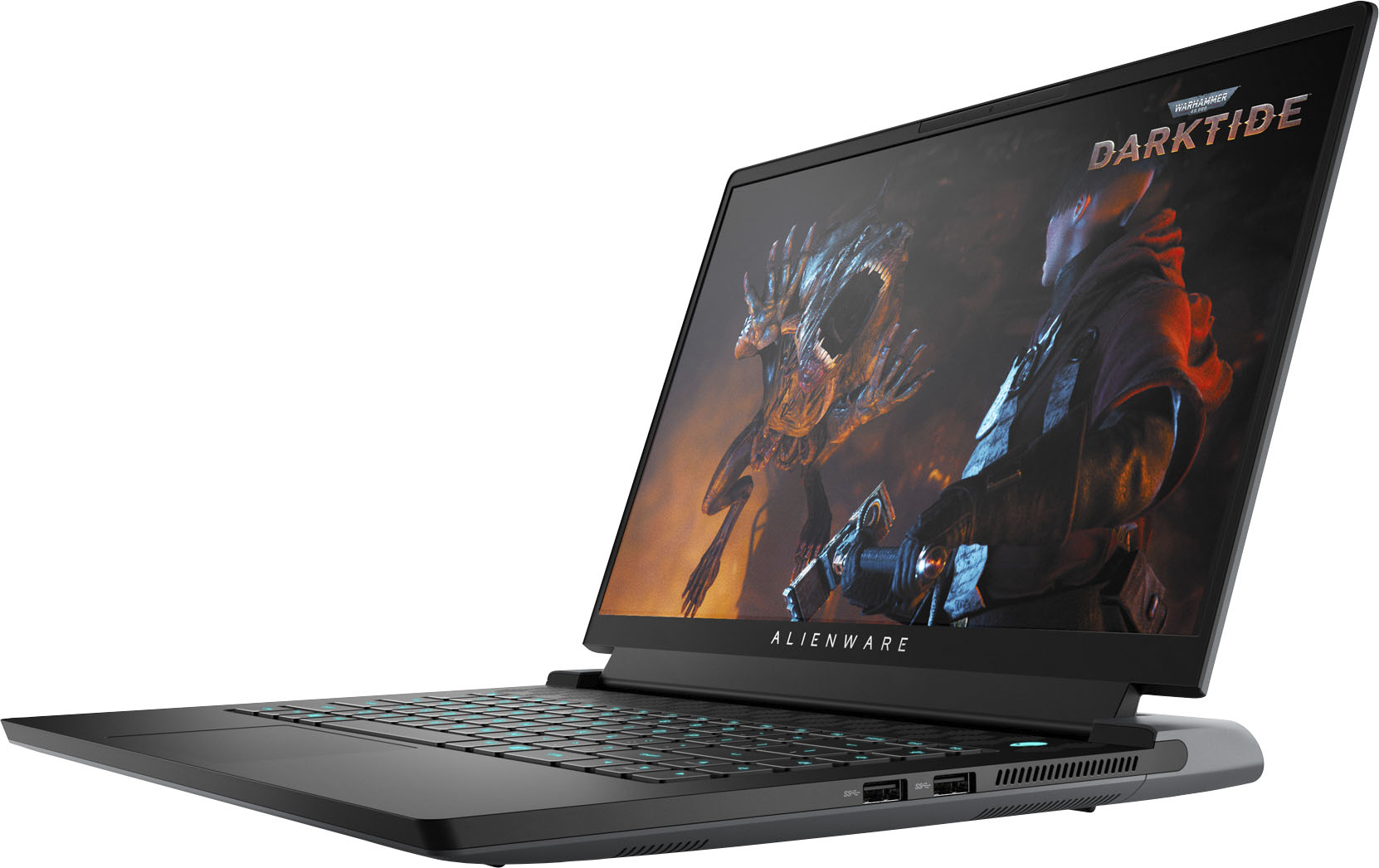
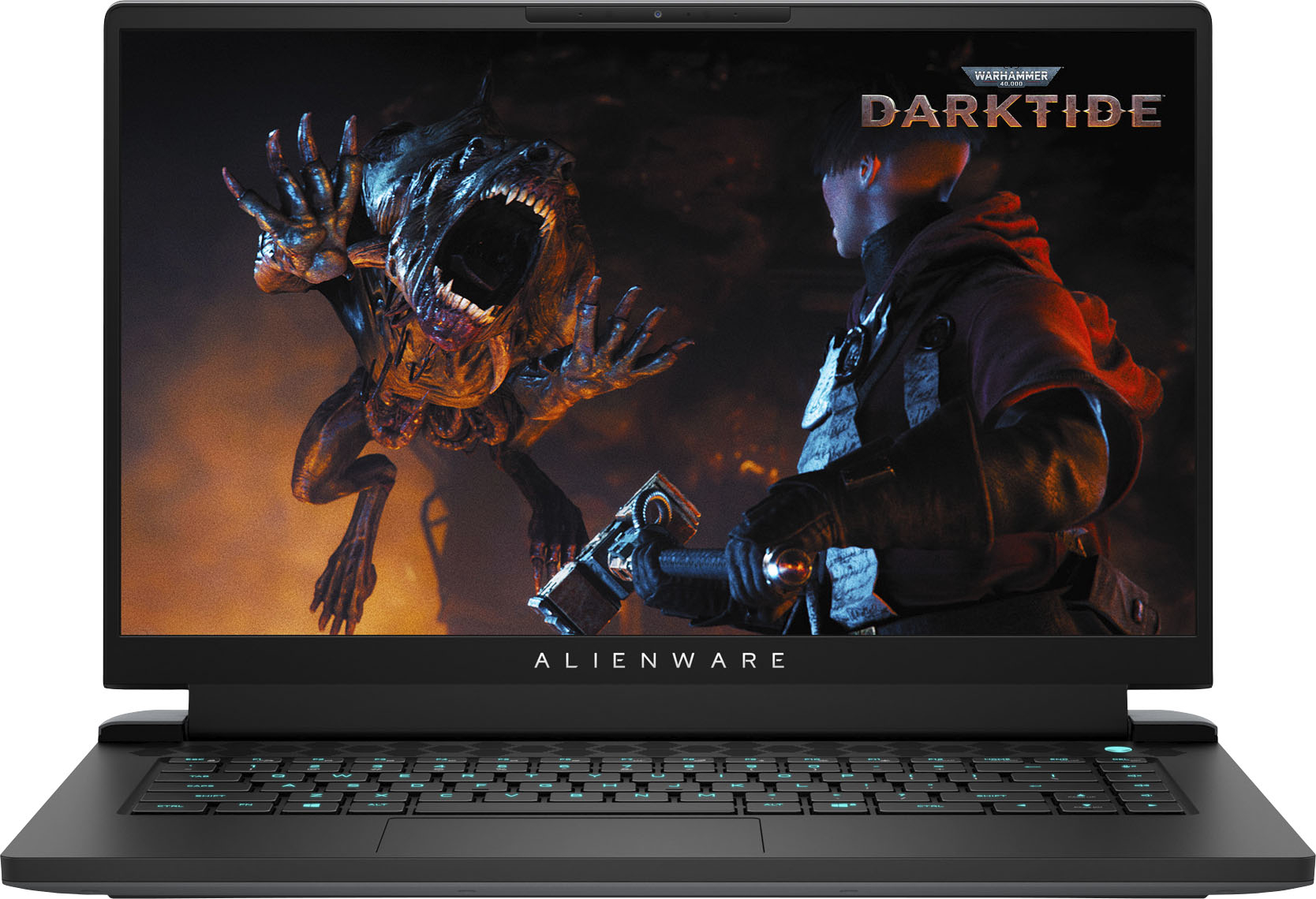






- Model:
- AWM15R5-A610BLK-PUS
- SKU:
- 6468117
Rating by feature
- Battery Life
Rating 3.9 out of 5 stars
- Speed
Rating 4.7 out of 5 stars
- Display
Rating 4.6 out of 5 stars
Customers are saying
Customers praise the m15 R5 laptop's performance, graphics, and high refresh rate display, highlighting its smooth gameplay and visually stunning experience. However, some users report issues with heat generation, battery life, and occasional fan noise. The price point is also mentioned as a potential drawback for some buyers.
This summary was generated by AI based on customer reviews.
Great Laptop!!!
||Posted . Owned for 3 weeks when reviewed.This reviewer received promo considerations or sweepstakes entry for writing a review.Great product!!!! Son absolutely loves it!!!!! Highly recommend!!!
I would recommend this to a friendGaming Laptop
||Posted . Owned for 3 weeks when reviewed.This reviewer received promo considerations or sweepstakes entry for writing a review.Perfect for gaming, graphic quality is great, perfect size.
I would recommend this to a friendKeyboard lightning
||Posted . Owned for less than 1 week when reviewed.This reviewer received promo considerations or sweepstakes entry for writing a review.I just buy this laptop and my keyboard lingtning not working . I need help, thank !
I would recommend this to a friendBrand response from YourDellTeam
Posted .Dear QuangL,
We want to thank you for taking the time to leave us a review of your Alienware M15 Gaming Laptop. We are sorry to hear that you are experiencing an issue with your keyboard lighting. That is not the type of feedback we like to hear from our customers. Below I have provided a link to assist you in resolving your issue and also a link that will take you to the Alienware Command Center if needed.
Keyboard Troubleshooting Link: https://dell.to/3uaamlv
You can download the Alienware Command Center Application through this link: https://dell.to/3NSIvyb
Should you need further assistance; we recommend that you contact Dell directly with the information below.
Chat or call: https://bit.ly/DellSupportTeam
Phone number to Dell: 1-800-624-9896.
Best,
Summer@Dell
Great laptop
||Posted . Owned for 1 month when reviewed.This reviewer received promo considerations or sweepstakes entry for writing a review.Great laptop! Overall great performance and meets my needs
I would recommend this to a friendGaming
||Posted . Owned for 3 weeks when reviewed.This reviewer received promo considerations or sweepstakes entry for writing a review.Love it so much !l it does exactly what i wanted it to.
I would recommend this to a friendGaming laptop
||Posted . Owned for 1 month when reviewed.This reviewer received promo considerations or sweepstakes entry for writing a review.Great gaming laptop and great for on the road trip
I would recommend this to a friendDanielle
||Posted . Owned for 3 months when reviewed.This reviewer received promo considerations or sweepstakes entry for writing a review.I love this and I use all the time. Never stop use it.
I would recommend this to a friendAlienware 15 inch
||Posted . Owned for 1 month when reviewed.This reviewer received promo considerations or sweepstakes entry for writing a review.Excellent gaming laptop. Good thermals and battery life.
I would recommend this to a friendGood deal
||Posted . Owned for 3 weeks when reviewed.This reviewer received promo considerations or sweepstakes entry for writing a review.Works great! Hubby loves it would definitely recommend
I would recommend this to a friendGreat laptop
||Posted . Owned for less than 1 week when reviewed.This reviewer received promo considerations or sweepstakes entry for writing a review.What a beast of a laptop cant believe how much fps i get
I would recommend this to a friendLaptop purchase
||Posted . Owned for 3 weeks when reviewed.This reviewer received promo considerations or sweepstakes entry for writing a review.Just what I wanted and did not disappoint. Good value.
I would recommend this to a friendSweet computer
||Posted .This reviewer received promo considerations or sweepstakes entry for writing a review.Awesome computer --even though I'm not much of a gamer
I would recommend this to a friend- Cons mentioned:Heat
Bad gaming laptop get the asus g15 same specs
||Posted . Owned for less than 1 week when reviewed.This reviewer received promo considerations or sweepstakes entry for writing a review.I have never been so disappointed in a gaming laptop. While inwas setting this up and installing my programs this thing hit 101 degrees Celsius and thay was with a very aggressive fan curve. It was thermal throttling so bad. Never even playing games on it yet. Then it got so hot it killed the comouter and stopped working never get this unit.
No, I would not recommend this to a friendBrand response from YourDellTeam
Posted .Dear Adam,
Thank you for taking the time to leave us your review. We sincerely apologize for the overheating issues you have encountered with your Alienware M15 R5. Feedback like yours helps improve current and future products. To help with resolving the overheating problem, we recommend making sure your BIOS is up to date on your system. I have provided a link to the Drivers and Downloads Page for your system, where you can find the latest BIOS updates, along with other applicable updates. We also suggest enabling the TCC offset option in BIOS Setup Menu. I have provided the steps to do that below as well. As for the PC not working, I have provided a link to an article to help troubleshoot.
Drivers and Downloads Page: https://dell.to/3Gx5F9N
How to adjust TCC Offset Slider
1. Press F2 during computer POST.
2. Click Performance page.
3. Find TCC offset Options.
4. Choose the value of TCC Activation Offset (0-15).
5. Click APPLY CHANGES to save your setting.
6. Click EXIT to reboot the system.
Resolve boot up issues: https://dell.to/3sdfce6
If you still experience these problems after troubleshooting your system, please reach out to our support team at your earliest convenience here: 1-800-624-9896.
Should you require further assistance, you can contact Dell directly with the information below.
Chat or call: https://bit.ly/DellSupportTeam
Phone number to Dell 1-800-624-9896
Best,
Ashley@Dell
- Cons mentioned:Fan noise
Open box
||Posted .This reviewer received promo considerations or sweepstakes entry for writing a review.I bought this as an “excellent open box” after a 3 hour drive to and from St Matthews Best Buy, get home, unbox and turn it on, the fans kicked on high and it booted straight into windows with an account already on it. Tried to do a system restore and “there was a problem resetting your pc.” Stay away from open box electrics.
No, I would not recommend this to a friend - Cons mentioned:Battery life
Not good
||Posted . Owned for 1 month when reviewed.This reviewer received promo considerations or sweepstakes entry for writing a review.I purchased an open box and the battery life is bad so imma return/exchange it.
No, I would not recommend this to a friend Too bad
||Posted . Owned for 4 months when reviewed.This reviewer received promo considerations or sweepstakes entry for writing a review.To many technical issues. Did not do what it was supposed to do
No, I would not recommend this to a friendBrand response from YourDellTeam
Posted .Greetings Panthers,
We value your feedback and want to thank you for taking the time to leave a review of your Alienware M15 gaming laptop. We are sorry to hear that your product did not meet your expectations. That is not the type of feedback we like to hear from our customers, or the type of product Dell intends to deliver. We have noted the details of your statement and will use them to improve current and future products.
We recommend that you contact Dell directly with the information below if you need further assistance.
Chat or call: https://bit.ly/DellSupportTeam
Phone number to Dell: 1-800-624-9896.
Best,
Summer@Dell
- Cons mentioned:Heat
Get the R6 version instead
||Posted . Owned for 1 month when reviewed.This reviewer received promo considerations or sweepstakes entry for writing a review.Great laptop, horrible cooling. Processor failure within a few hours
No, I would not recommend this to a friendBrand response from YourDellTeam
Posted .Dear Sadface,
Thank you for taking the time to leave us your valued feedback. We are sorry to hear you are having cooling issues with your Alienware M15 R5. Below I have provided the steps to help troubleshoot this issue. We do recommend making sure the BIOS is up to date on your PC. I have given you a link to the Drivers and Downloads Page for your system so you can check for and do any applicable updates. As for the processor failure, we suggest running a full diagnostic test on your system, which you can do from the link I have provided below for the diagnosis page for your PC.
High CPU temperature troubleshooting steps
1. First verify using the ePSA diagnostics that the computer has an overheating issue.
2. Set the test environment and plug the AC adapter to the test unit.
3. Change operating thermal mode to Performance Speed/Cool Mode in Alienware Command Center.
a. Launch Alienware Command Center.
b. Click HOME tab.
c. Click Thermal icon, select the proper operating mode.
4. Use Dell SupportAssist to stress the CPU.
a. Launch My Alienware.
b. Click SUPPORT.
c. Click Troubleshooting tab.
d. Click I want to troubleshoot my PC.
e. Click I want to check a specific piece of hardware.
f. Click CPU.
g. Select CPU Stress Test.
h. Click Run Test button.
5. Select the FUSION Page to monitor the CPU Frequency and CPU temperature.
Drivers and Downloads Page: https://dell.to/3ys4PH1
Diagnosis Page: https://dell.to/3EEkTbs
If you still experience this issue after you have finished troubleshooting your system, please contact our support team here: 1-800-624-9896.
Should you require further assistance, you can contact Dell directly with the information below.
Chat or call: https://bit.ly/DellSupportTeam
Phone number to Dell 1-800-624-9896
Best,
Ashley@Dell
Dead pixel
||Posted . Owned for 5 months when reviewed.This reviewer received promo considerations or sweepstakes entry for writing a review.Good laptop but my screen has a dead pixel, so im hoping geek squad can help me out.
I would recommend this to a friendBrand response from YourDellTeam
Posted .Hi DJOkul,
We would like to thank you for taking the time to provide us with your feedback. We are sorry to hear about all the issues you have come across with your Alienware m15 R5 gaming desktop because of the dead pixels.
To help with the screen issues, we recommend making sure, that all drivers are current and up to date. I have provided a link to the Drivers and Downloads Page for your Inspiron laptop where you can check for any applicable updates.
Drivers and Downloads Page: https://dell.to/3aRewIX
We also recommend following these troubleshooting tips:
1. Run the automated tools in SupportAssist to ensure that the drivers and BIOS are up to date and your computer is optimized
2. Verify display or video issue on an external monitor
3. Check for physical damage on the LCD screen
4. Run hardware diagnostics on the LCD screen
5. Verify the display or video issue in Windows Safe Mode
6. Download and install Microsoft Windows Updates
7. Change the video or display settings, and adjust the brightness
8. Touch screen troubleshooting
9. Run a Video Stress Test using Dell SupportAssist
10. Perform a Windows System Restore
11. Restore the computer to factory defaults
The whole article on this subject can be found here:
How to Troubleshoot Display or Video Issues on a Dell Laptop: https://dell.to/3pE7wm4
If the issues with your computer are still not resolved after utilizing the troubleshooting options above, please contact the Dell Support Team at 1-800-624-9896 for further guidance.
Best,
Katarina@Dell
Should you need further assistance, you can contact Dell directly with the information below.
Chat or call: https://bit.ly/DellSupportTeam
Phone number to Dell: 1-800-624-9896
Not bad
||Posted .This reviewer received promo considerations or sweepstakes entry for writing a review.The processor reach 101 c that makes the performance so bad
No, I would not recommend this to a friendBrand response from YourDellTeam
Posted .Greetings MostafaM ,
We want to thank you for taking the time to leave us a review of your Alienware M15. We are sorry to hear that you are experiencing an issue with the performance of your device. That is not the type of feedback we like to hear from our customers. Below I have provided troubleshooting steps to help resolve your issue.
It's important for us to hear about inconsistencies in our products for consideration of future development. Below I have provided steps with the full article that can help you with slow performance issues with your laptop.
Here are the steps to help you with slow performance issues:
1. Run the automated tools in SupportAssist to ensure that the drivers are up to date and your computer is optimized.
2. Restart the computer
3. Run a hardware diagnostic test
4. Scan your computer for malware
5. Restore the computer using Windows System Restore
6. Restore the computer to factory default settings
You can read the article that can help you with slow performance issues here: https://dell.to/3yqre8r
Should you need further assistance; we recommend that you contact Dell directly with the information below.
Chat or call: https://bit.ly/DellSupportTeam
Phone number to Dell: 1-800-624-9896.
Best,
Summer@Dell
Worst gaming laptop!
||Posted . Owned for less than 1 week when reviewed.This reviewer received promo considerations or sweepstakes entry for writing a review.This was by far the worst gaming laptop I ever used. After purchasing it and attempting to set it up on the first day, the Alienware Command Center wouldn’t load up. I’ve updated it the laptop, uninstalled and reinstalled the Alienware Command Center and tried to run it, but it still wouldn’t load. I couldn’t turn the display brightness down, I couldn’t turn off the RGB lights, and the laptop ran way too hot as well. I attempted to see why the laptop was so hot when I didn’t have anything open. I returned the laptop and decided to stick with MSI instead.
No, I would not recommend this to a friendBrand response from YourDellTeam
Posted .Hello Explorer,
Thank you very much for your valued feedback. We are sorry to hear about the issues with the initial setup and overheating you have experienced with your new Alienware m15 R5 gaming laptop and that you have ultimately decided to return the system. We will share your comment with our quality team, so future improvements can be made. In the future, we would love the opportunity to help troubleshoot any problems you may be facing.
If you come across any questions about the Dell products, please don’t hesitate to contact Dell Support Team at the information provided below.
Best,
Katarina@Dell
Should you need further assistance, you can contact Dell directly with the information below.
Chat or call: https://bit.ly/DellSupportTeam
Phone number to Dell 1-800-624-9896