Customer Ratings & Reviews

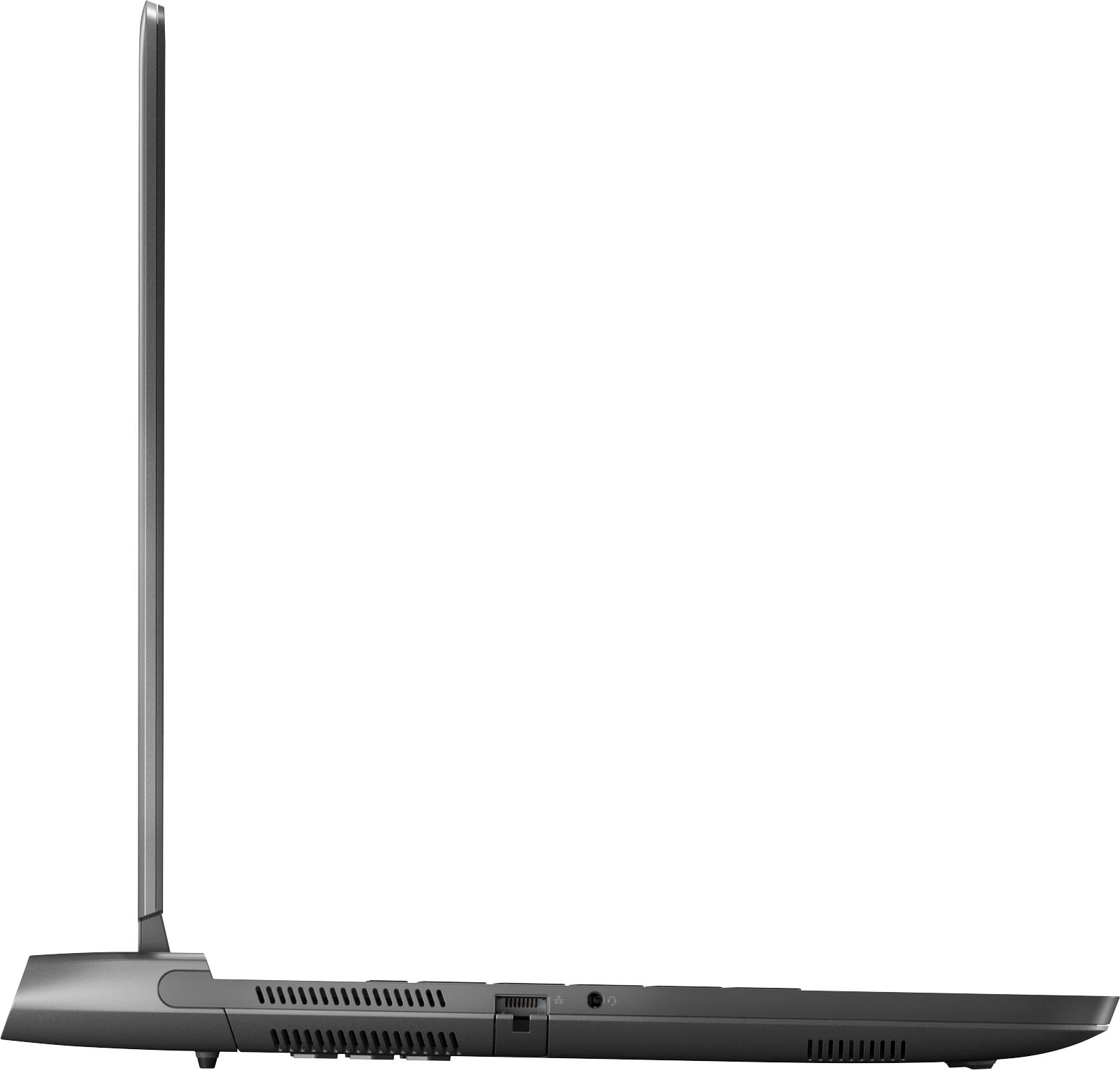
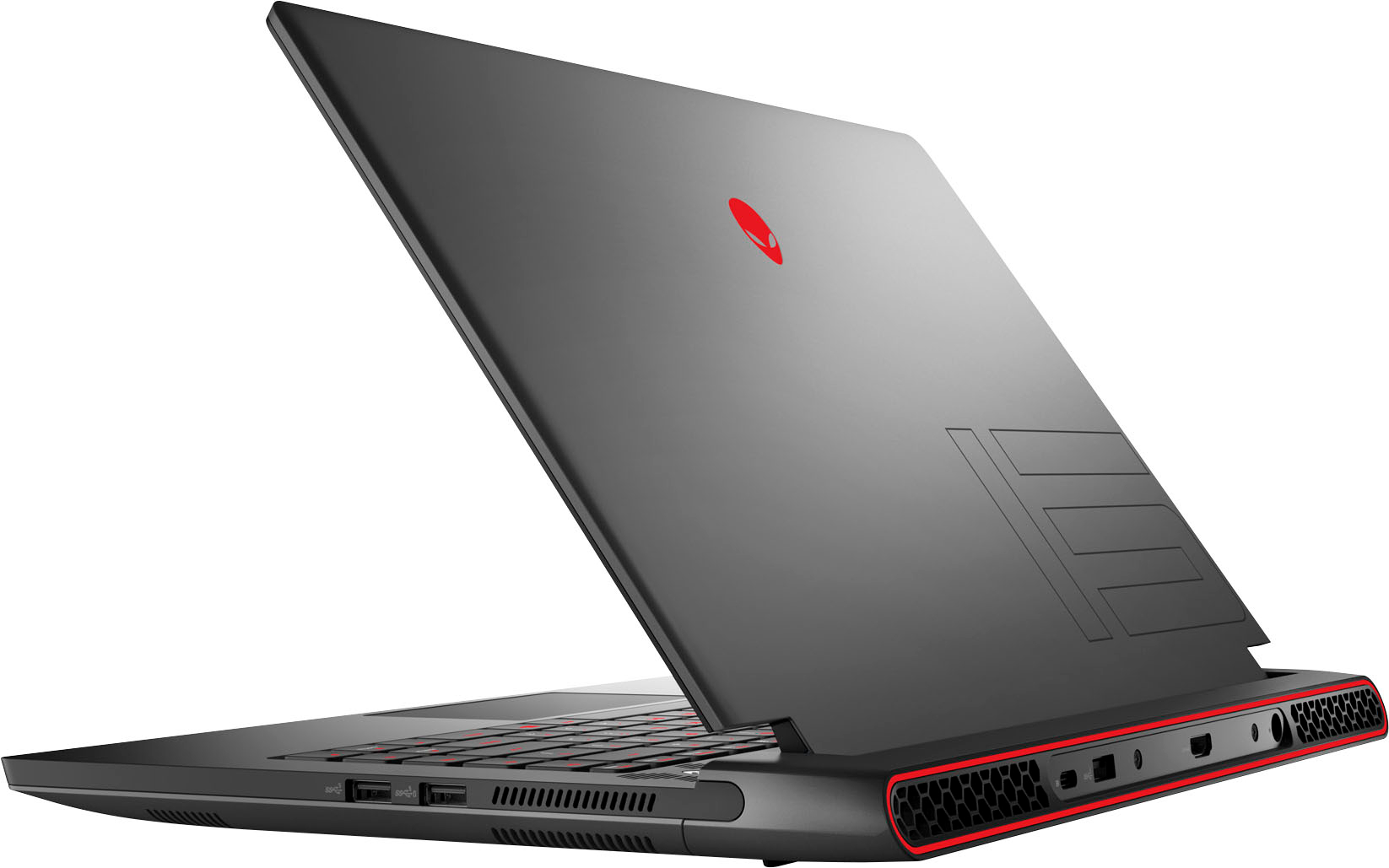


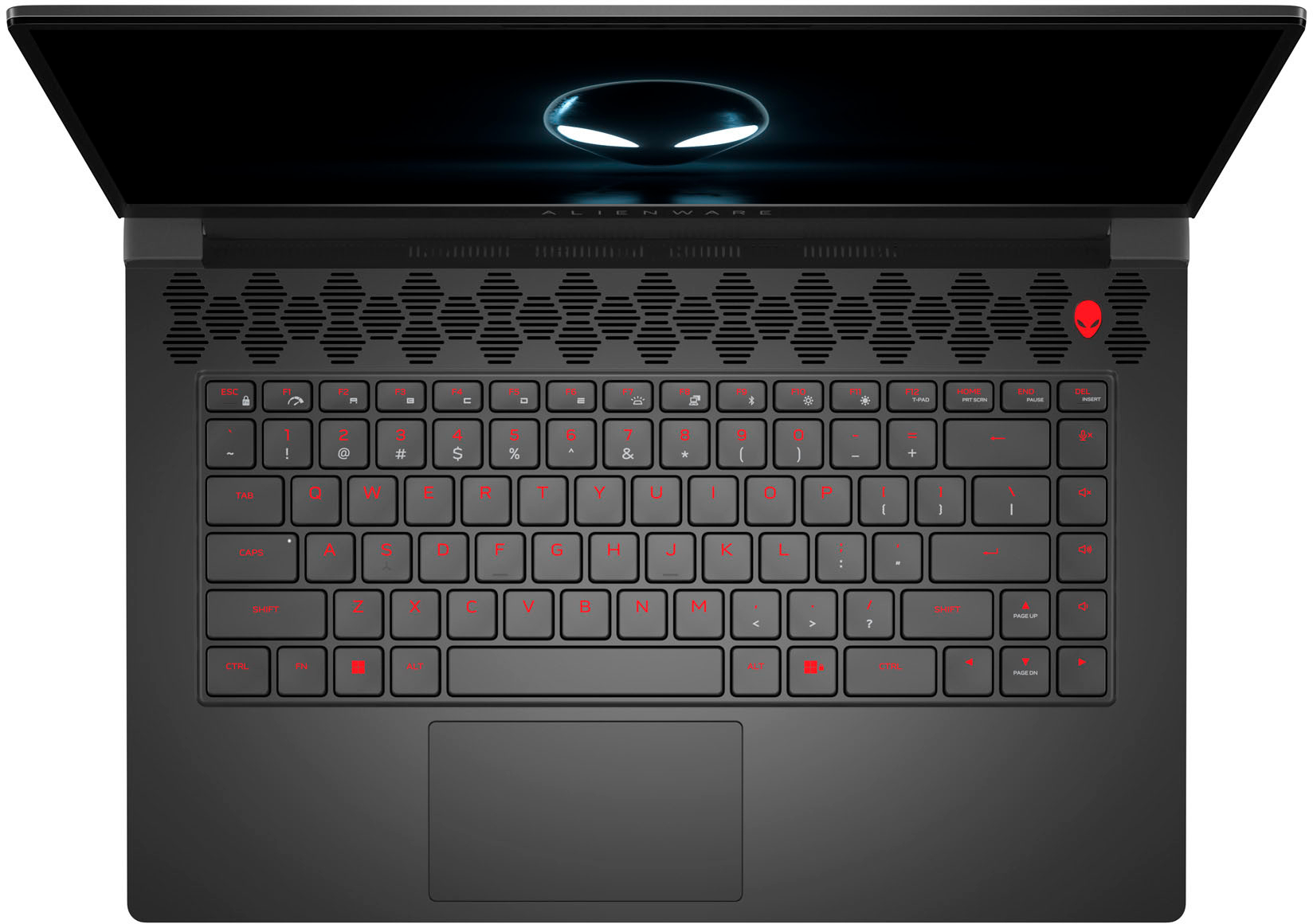

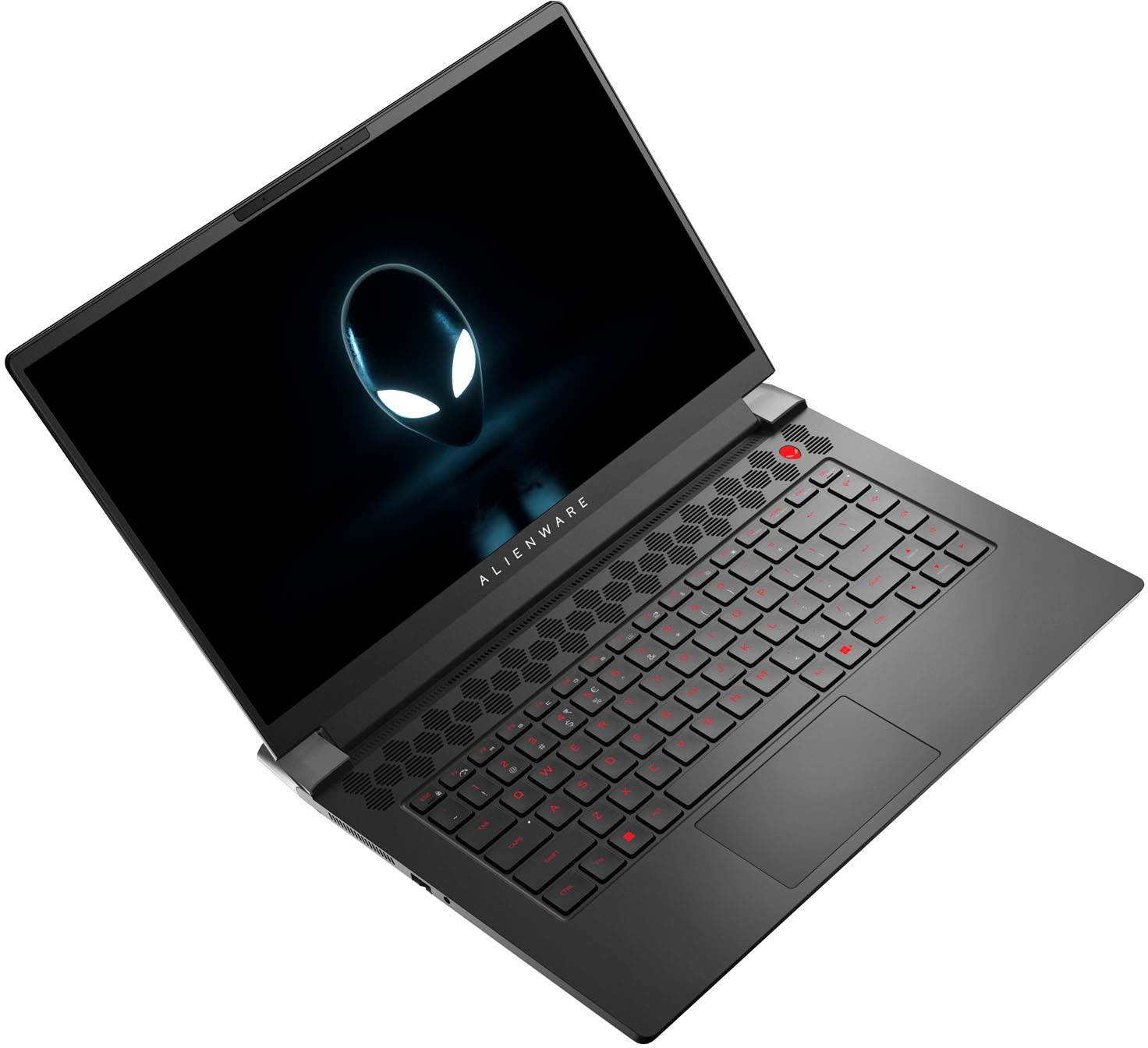



- Model:
- AWM15R7-A317BLK-PUS
- SKU:
- 6510330
Rating by feature
- Battery Life
Rating 3.7 out of 5 stars
- Speed
Rating 4.5 out of 5 stars
- Display
Rating 4.5 out of 5 stars
Customers are saying
Customers regard the m15 R7 gaming laptop's performance and display as exceptional, with many praising its ability to handle demanding games and its vibrant, high-refresh-rate screen. However, some users noted concerns about the battery life and fan noise, particularly during gaming sessions. The laptop's weight was also mentioned as a potential drawback for some. While some users found the speakers acceptable, others reported minor audio issues.
This summary was generated by AI based on customer reviews.
- Pros mentioned:Speed
Awesome gaming laptop
||Posted . Owned for 1 month when reviewed.This reviewer received promo considerations or sweepstakes entry for writing a review.Wonderful graphics and reliable operating system. Super fast and plays games with demanding graphics with ease.
I would recommend this to a friend - Pros mentioned:Gaming
Best
||Posted . Owned for 2 months when reviewed.This reviewer received promo considerations or sweepstakes entry for writing a review.Best gaming laptop. I play games every day and have no issues. I played variety of games and the quality is fantastic. Would buy again.
I would recommend this to a friend Powerful
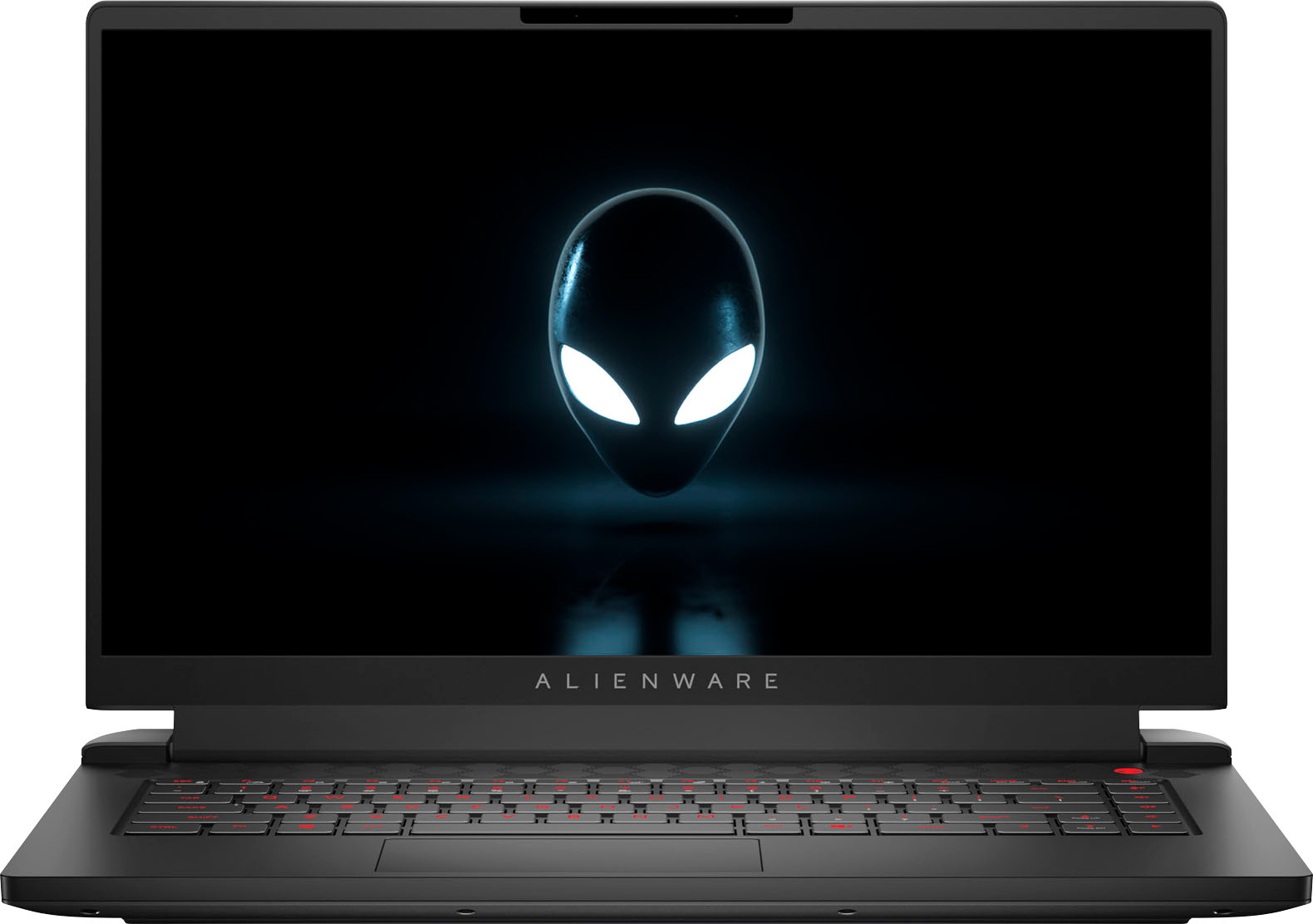
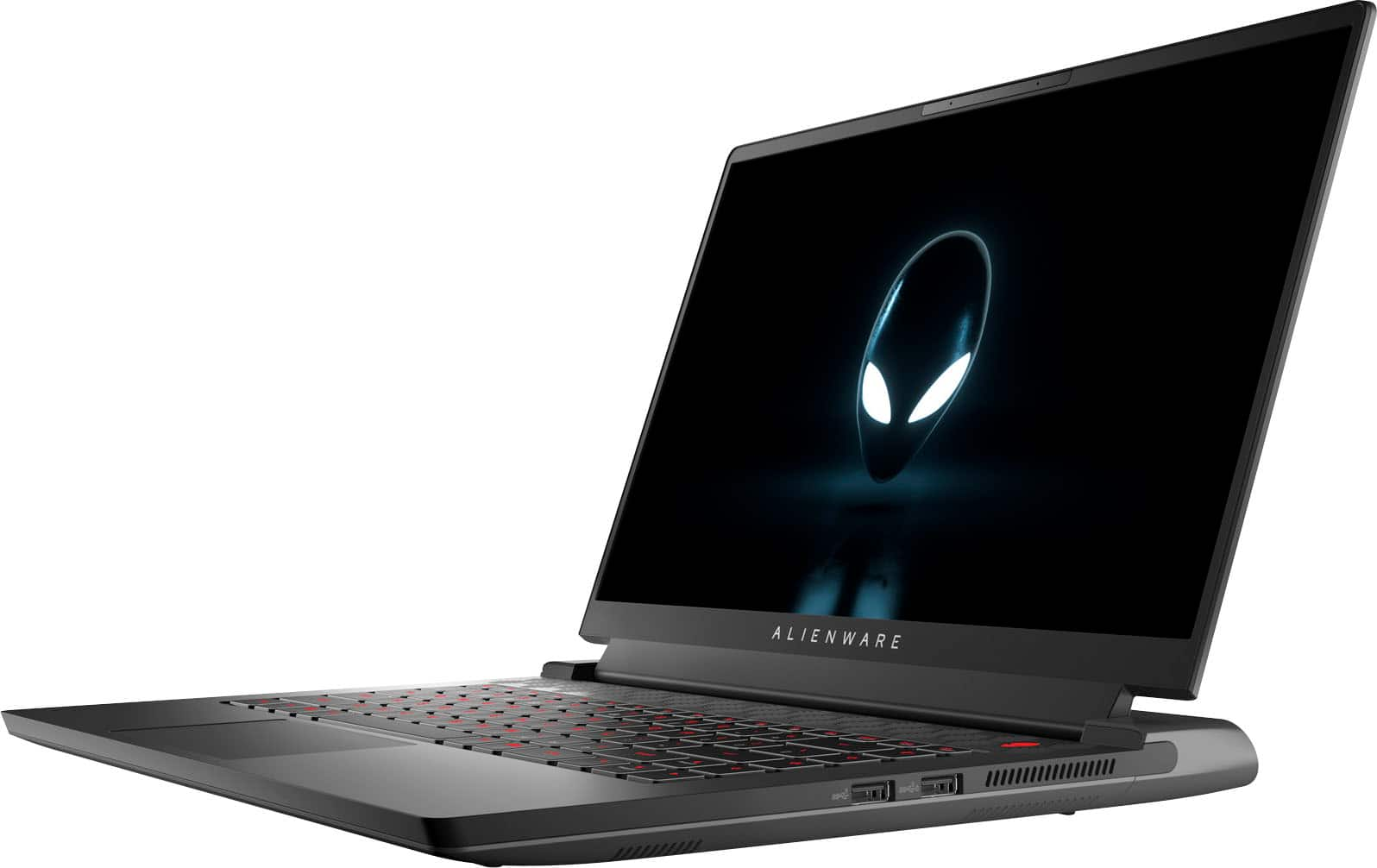
||Posted . Owned for 2 weeks when reviewed.This reviewer received promo considerations or sweepstakes entry for writing a review.Runs Starfield no problem. The laptop itself is a little on the heavy side (6lbs), and the big charger isnt great for transportation either, but if that doesnt bother you then this is a no brainer buy especially if you get it below $1500. I would recommend upgrading the storage as it only comes with 512GB. The screen is beautiful at 250hz QHD, and the battery life is average at about 5-6hrs depending on tasks. Overall great specs for the money.
I would recommend this to a friend- Pros mentioned:Performance
Amazing performance, and beautiful design laptop
||Posted . Owned for 3 weeks when reviewed.This reviewer received promo considerations or sweepstakes entry for writing a review.What can I say? The performance is unbeatable and exceeded mu expectations.
I would recommend this to a friend - Cons mentioned:Battery life
Disappointing
||Posted . Owned for 2 months when reviewed.This reviewer received promo considerations or sweepstakes entry for writing a review.Beautiful machine but terrible battery life. Lasted 1.5 hours on battery with settings turned down to the lowest setting and not even using the dedicated graphics card. Also, Dell will not support a dock.
No, I would not recommend this to a friendBrand response from YourDellTeam
Posted .Dear Mnguy,
Thank you for taking the time to leave a review. We apologize for the battery performance issues you are experiencing with your Alienware m15 gaming laptop. It's important for us to hear about inconsistencies in our products for consideration of future development. Below I have provided steps with the full articles that can help you improve the battery performance of your laptop.
Here are the steps to help improve the battery performance of your laptop:
1. On the notification area of the taskbar, right-click the Battery icon.
2. On the options list, click Power Options.
3. Select a power plan on the battery meter, such as Power Saver or Balanced. Windows 10 has a built-in 'Battery Saver' mode that can be activated to extend your system's battery life. The Battery Saver mode will monitor and limit background activity and other features such as push notifications. You do have the option to enable or disable this mode within settings or within advanced Battery Saver settings, you can customize the mode to best suit your needs.
a) Click on the Action Center icon in the taskbar and select the tile for Battery Saver.
b) If running Cortana, type Battery Saver into the search box and select from the results.
Within the Battery Saver settings page, you will be able to turn on and off the feature and customize the feature to best meet your needs.
c) Turn the Battery Saver On or Off.
d) Additional settings are available via the Battery use and Battery saver settings links.
e) Battery use shows further info on apps and their power usage.
f) Battery Saver Settings screen allows you to customize further the Battery Saver feature.
How to Improve the Performance of a Dell Laptop Battery: http://dell.to/2vfXWf4
If you still experience any issues after you have finished troubleshooting your laptop using the steps above, please reach out to us at: https://bit.ly/DellSupportTeam
Should you need further assistance; we recommend that you contact Dell directly with the information below.
Chat or call: https://bit.ly/DellSupportTeam
Phone number to Dell: 1-800-624-9896.
Best,
Summer@Dell
- Pros mentioned:Gaming
Loved it!!
||Posted . Owned for 2 months when reviewed.This reviewer received promo considerations or sweepstakes entry for writing a review.Best budget laptop that you can get right now. It plays all the games on max settings with ease.
I would recommend this to a friend Distractingly loud fan.
||Posted . Owned for 1 month when reviewed.This reviewer received promo considerations or sweepstakes entry for writing a review.It’s nice but the fan is super loud when trying to play games and the RGB software on the unit I got would stop functioning when I connected an external display. Other than that it is very nice and I liked the keyboard.
I would recommend this to a friend- Pros mentioned:Speed
Aleinware
||Posted . Owned for 4 months when reviewed.This reviewer received promo considerations or sweepstakes entry for writing a review.I absolutely love this laptop. Runs really fast and smooth. Definitely recommend it.
I would recommend this to a friend - Pros mentioned:Performance
Nice computer
||Posted . Owned for 1 month when reviewed.This reviewer received promo considerations or sweepstakes entry for writing a review.It works very well in games like heroes of the storm but you have to get all updates available
I would recommend this to a friend - Pros mentioned:Performance
Perfect for me
||Posted . Owned for 3 months when reviewed.This reviewer received promo considerations or sweepstakes entry for writing a review.Perfect laptop for gaming use, runs everything i could want and more.
I would recommend this to a friend - Pros mentioned:Performance
Perfect gaming laptop
||Posted . Owned for 1 week when reviewed.This reviewer received promo considerations or sweepstakes entry for writing a review.Great laptop! Amazing screen and powerful for gaming! Highly recommended!
I would recommend this to a friend Nice!
||Posted . Owned for 3 weeks when reviewed.This reviewer received promo considerations or sweepstakes entry for writing a review.Nice computer and specs and nice price. My son is very very happy.
I would recommend this to a friendCpu comparison
||Posted . Owned for 1 week when reviewed.This reviewer received promo considerations or sweepstakes entry for writing a review.Alienware has a smooth CPU in comparison with the intel core. AMD allows you to overclock with great management of temps. It can handle my crazy antics on roller coaster tycoon!!
I would recommend this to a friend- Cons mentioned:Fan noise
Annoying fans
||Posted . Owned for 1 week when reviewed.This reviewer received promo considerations or sweepstakes entry for writing a review.Fan speed controls were very outdated. Laptop was constantly sub 40 degrees and fans would still kick on and off, alienware's fan control did nothing to adjust the levels. When charging the fans would also constantly turn on and off every few minutes which meant I had to turn off the laptop to charge or else I couldn't sleep.
No, I would not recommend this to a friendBrand response from YourDellTeam
Posted .Dear JoshA,
Thank you for taking the time to leave us your review. We apologize for the fan noise issues that you are experiencing with your Alienware m15 gaming laptop. It's important for us to hear about discrepancies in our products for consideration of future development. Below I have provided troubleshooting instructions with the full article that can help resolve this issue.
Here are the steps to help resolve your fan noise issue:
1. Check and clean air vents.
2. Provide proper ventilation.
3. Run a hardware diagnostic test.
4. Update the BIOS and device drivers.
5. Download and install Microsoft Windows Updates.
6. Run optimize my computer using Dell Support Assist.
7. Limit startup programs.
8. Scan your computer for malware.
How to Troubleshoot Fan Issues: https://dell.to/33NYLLE
We look forward to making this right for you!
If you continue to experience issues, please reach out to Dell Support directly by using the information provided below.
Chat or call: https://bit.ly/DellSupportTeam
Phone number to Dell: 1-800-624-9896
Best,
Summer@Dell
- Pros mentioned:Performance
Excellent Gaming Option
||Posted . Owned for 1 week when reviewed.This reviewer received promo considerations or sweepstakes entry for writing a review.Very good option for gamings, its an excellent option for gaming.
I would recommend this to a friend - Pros mentioned:Performance
Great Gaming Laptop
||Posted . Owned for 1 week when reviewed.This reviewer received promo considerations or sweepstakes entry for writing a review.Exactly what I was looking for! The computer runs great!
I would recommend this to a friend - Pros mentioned:Performance
Laptop
||Posted . Owned for less than 1 week when reviewed.This reviewer received promo considerations or sweepstakes entry for writing a review.Great. I love this computer. Does everything I need it to do
I would recommend this to a friend - Pros mentioned:Performance
Loved it
||Posted . Owned for 4 months when reviewed.This reviewer received promo considerations or sweepstakes entry for writing a review.I loved it, it played any of the games i wanted pretty good
I would recommend this to a friend Good to have super cool
||Posted . Owned for 1 month when reviewed.This reviewer received promo considerations or sweepstakes entry for writing a review.I got the open box but returned due to damaged item received. The laptop looks so cool and love the lighting system, just little over priced because the brand named Laptop.
I would recommend this to a friend- Pros mentioned:Performance
My computer
||Posted . Owned for 3 weeks when reviewed.This reviewer received promo considerations or sweepstakes entry for writing a review.It works good for games like overwatch and Valorany
I would recommend this to a friend