Customer Ratings & Reviews








- Model:
- AWM16-A138BLK-PUS
- SKU:
- 6543536
Rating by feature
- Battery Life
Rating 3.3 out of 5 stars
- Speed
Rating 4.6 out of 5 stars
- Display
Rating 4.4 out of 5 stars
Customers are saying
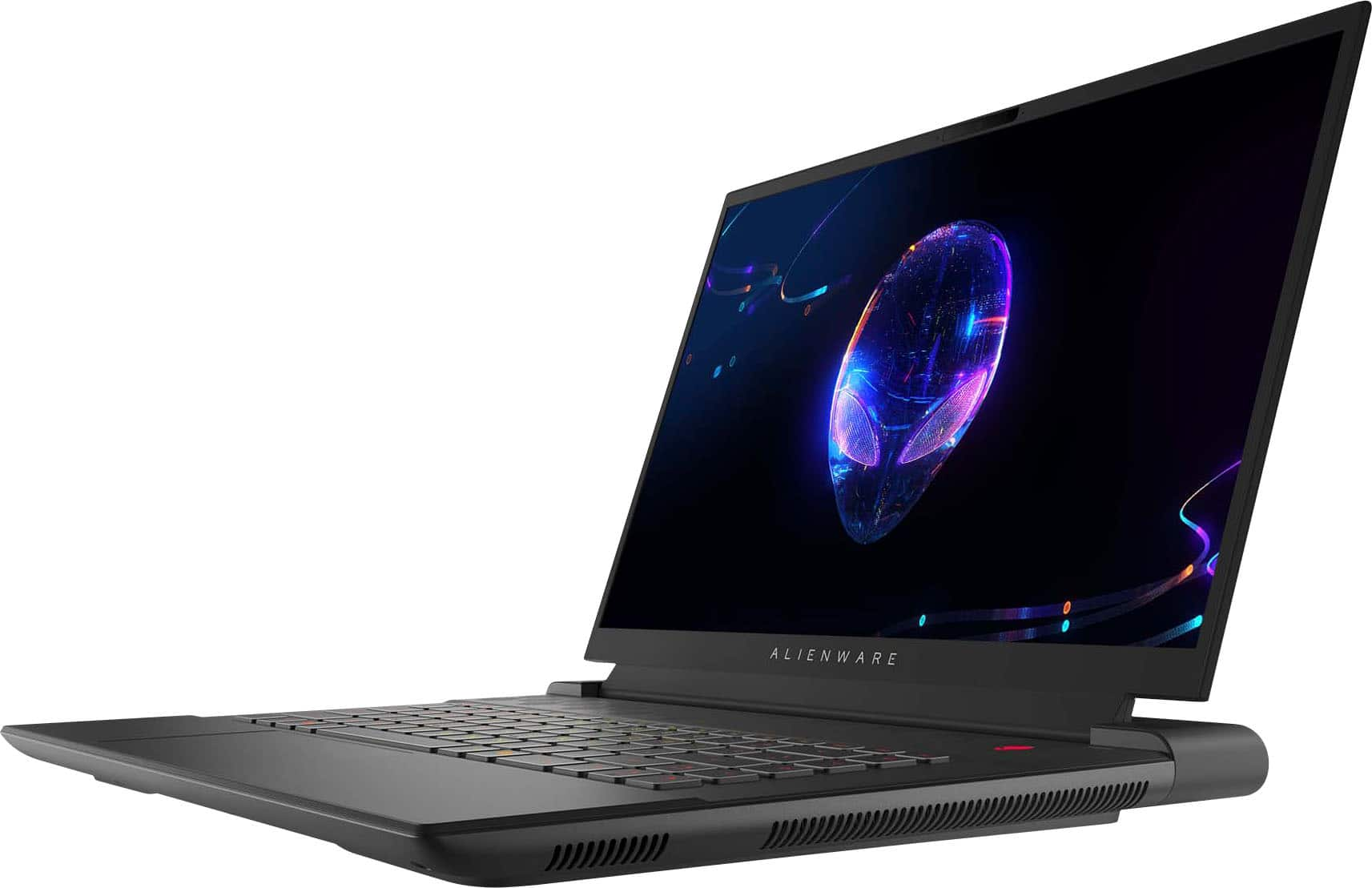
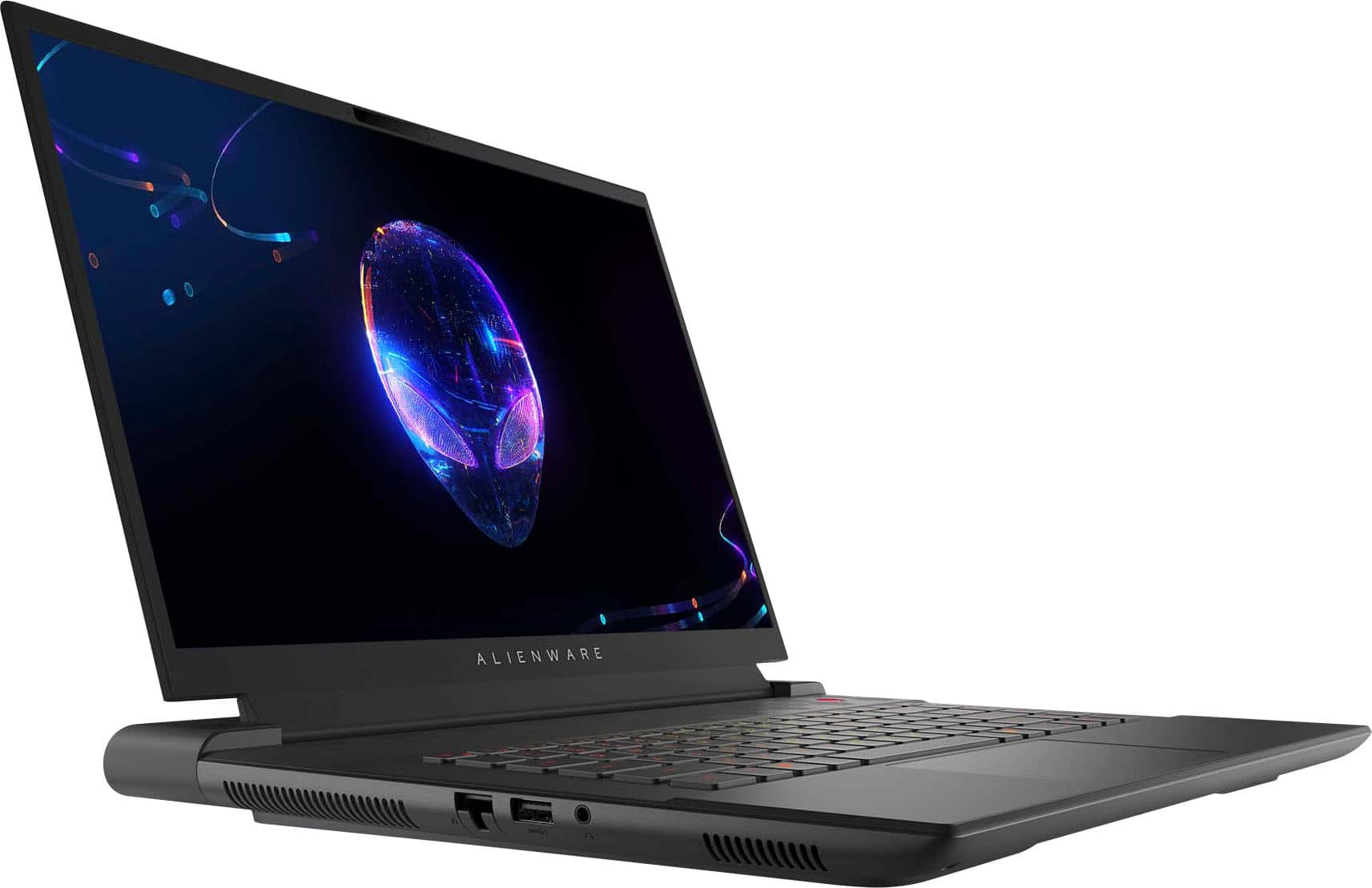
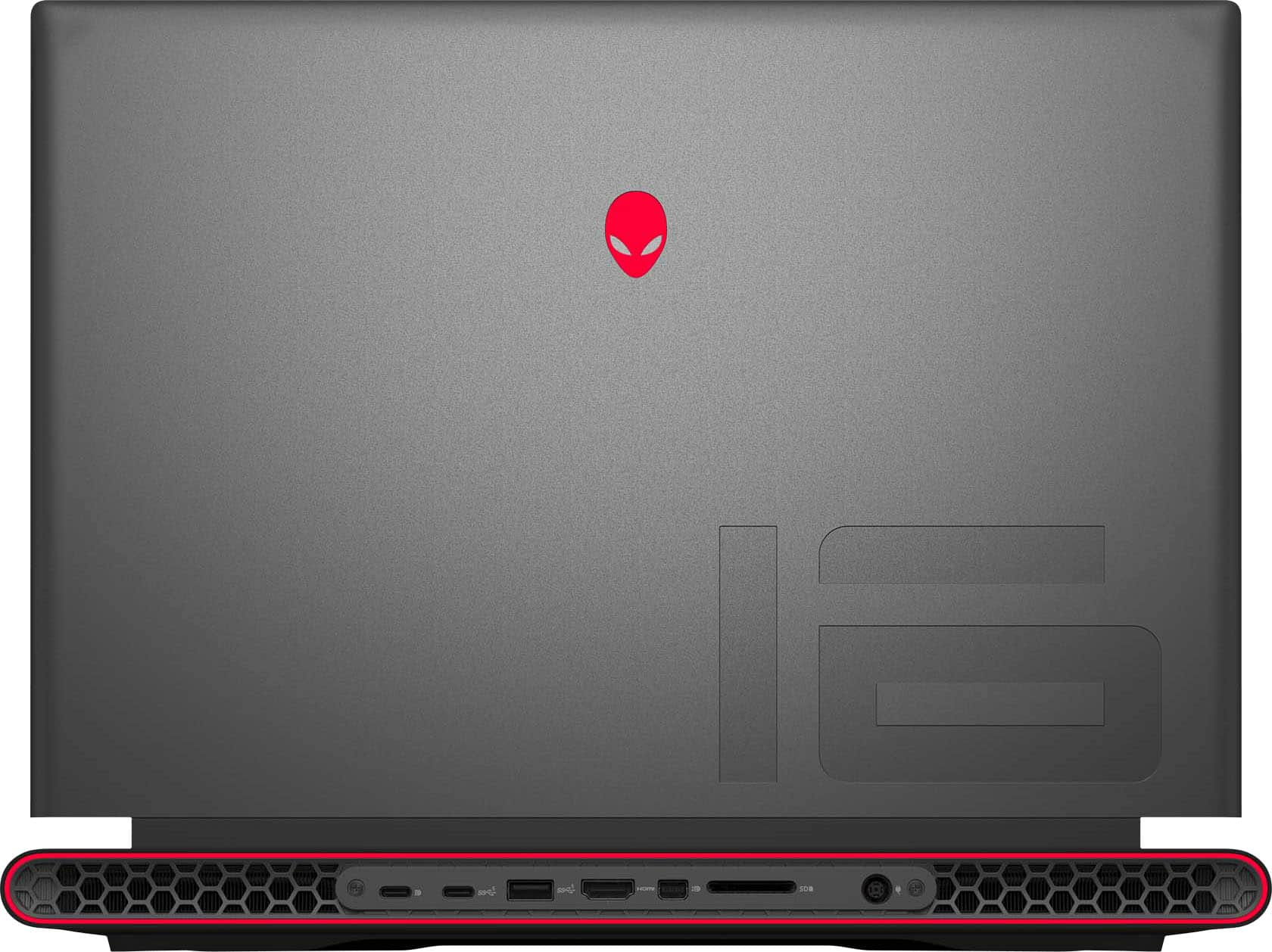
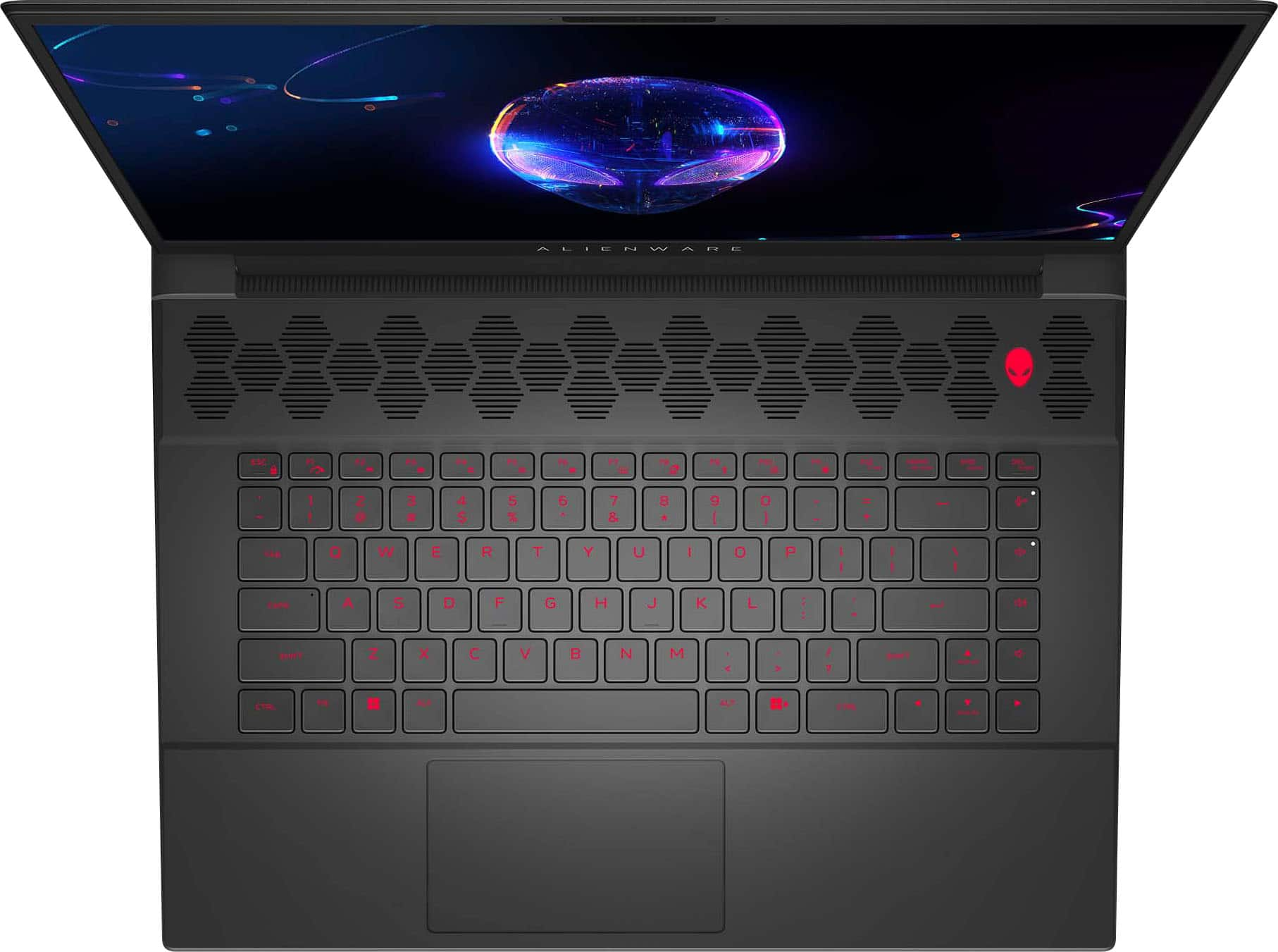
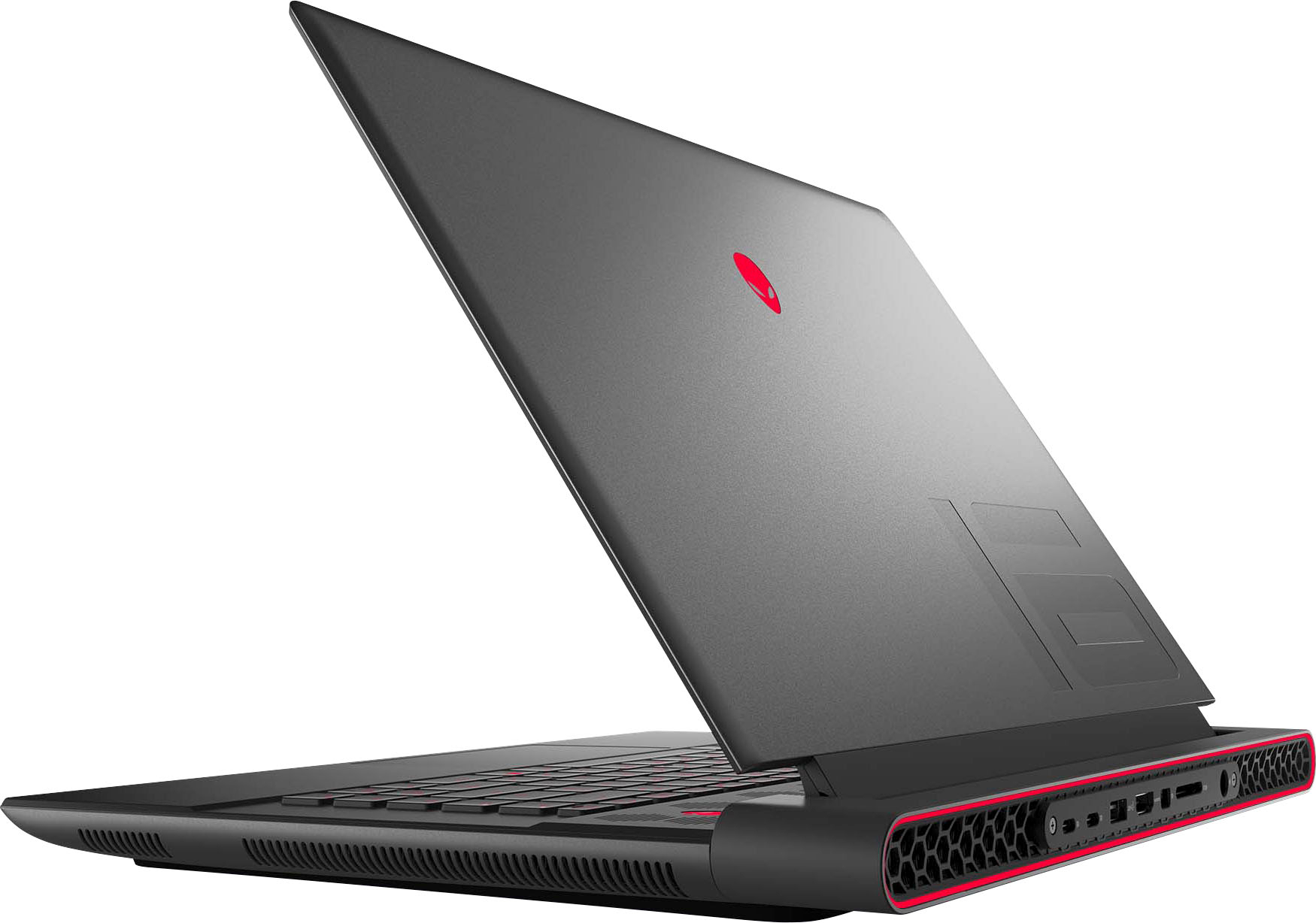
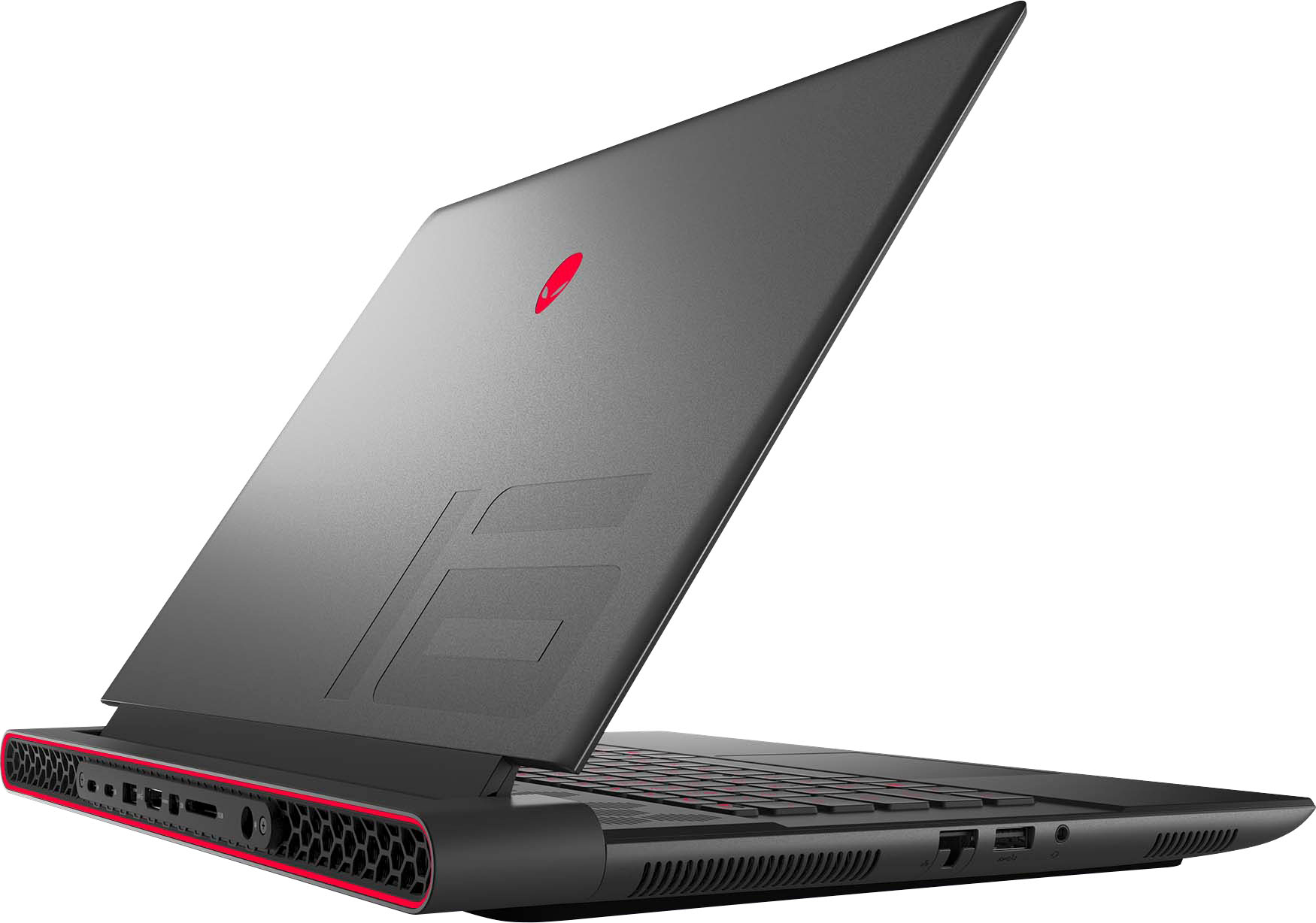
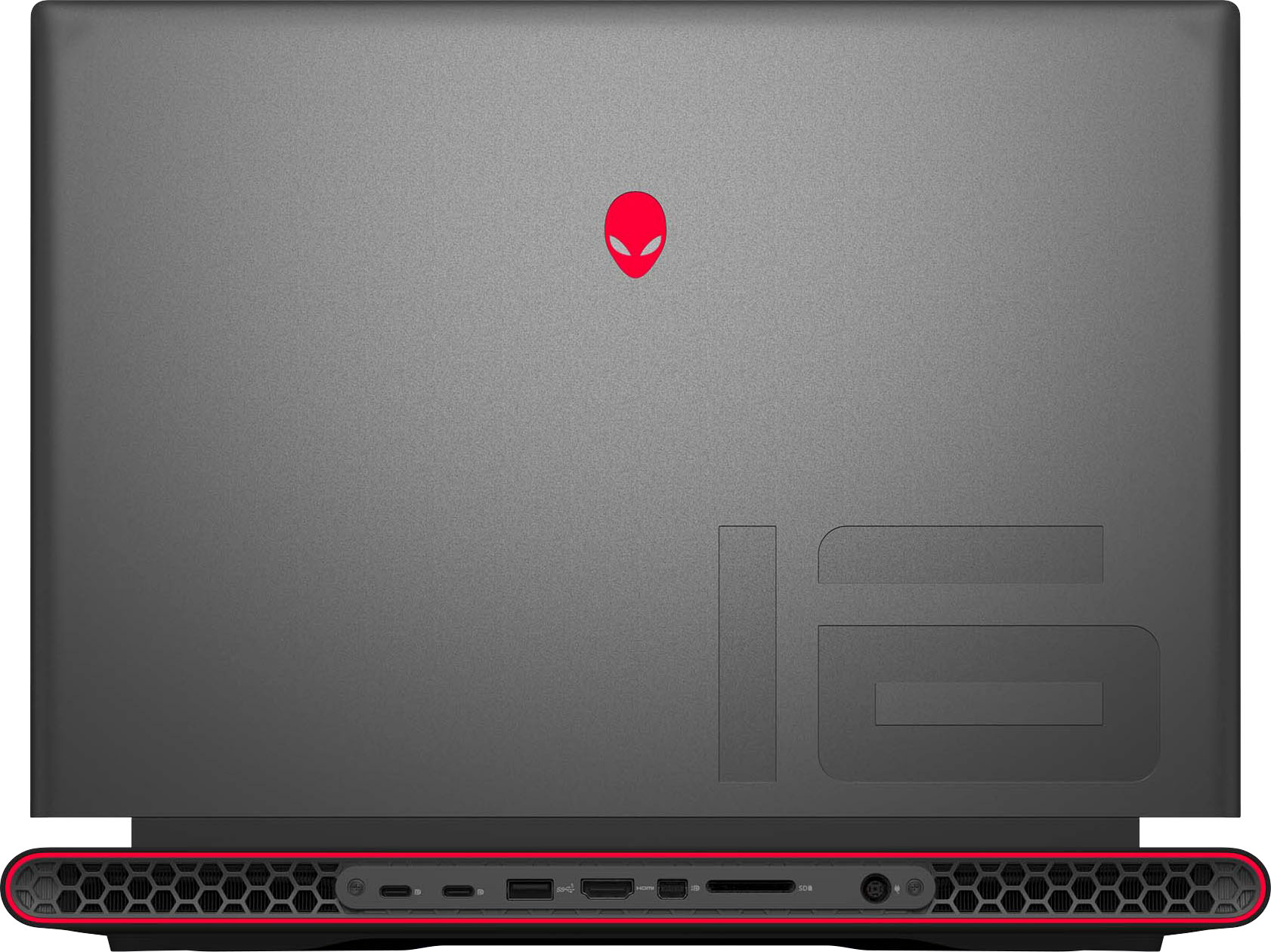
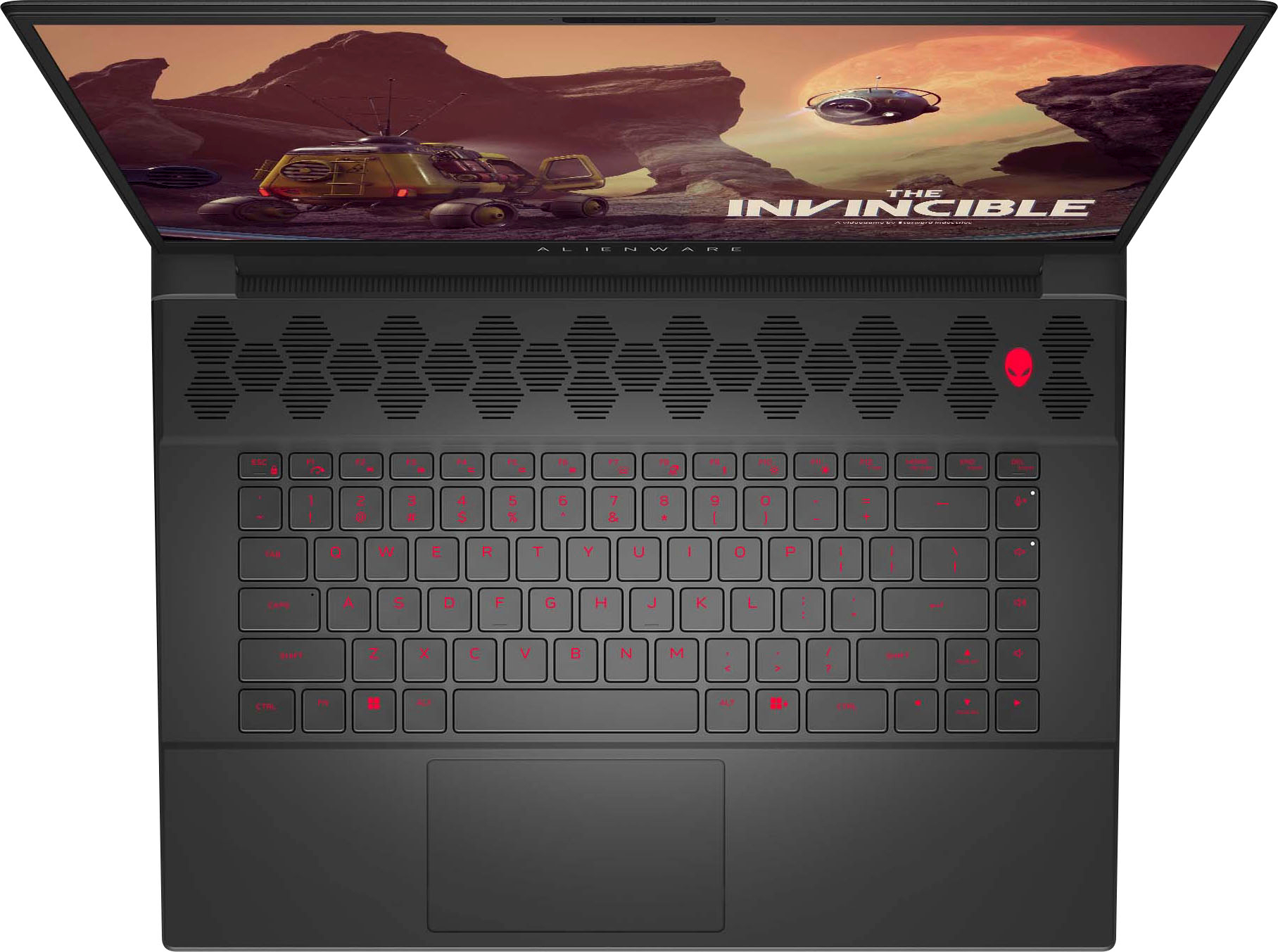
Customers have good things to say about the m16 16" 240Hz Gaming Laptop's performance, build quality, and graphics capabilities, frequently praising its speed and the quality of the keyboard. However, some users reported issues with battery life, high temperatures during use, and occasional screen problems. The laptop's fan noise and weight were also cited as potential drawbacks by some customers.
This summary was generated by AI based on customer reviews.
- Pros mentioned:Build quality, Ram
Absolute Beast!
||Posted . Owned for 1 month when reviewed.This reviewer received promo considerations or sweepstakes entry for writing a review.Amazing out of the box. I went with an open-box version, and it's working great. Awesome build quality, easily upgradeable (upgraded to 32gb RAM), and is aesthetically pleasing. Temps are normal, no coil wine, and easily get 165+fps on extreme settings for MWIII. Best gaming rig ive ever owned. The only negative is I'm not the biggest fan of the Alienware Command Center (AWCC). Feels half the time, and slow. Other than that, the machine and its performance are spectacular. Also: Charging brick is big, but not as bad as everyone makes it out to be. Dell/AW has a smaller one that can be purchased from their website or Amazon if it's a dealbreaker.
I would recommend this to a friend - Cons mentioned:Temperature
how many FPS? 4080 of em
||Posted . Owned for less than 1 week when reviewed.This reviewer received promo considerations or sweepstakes entry for writing a review.great processor, runs HOT...but all within spec. super duper with the video games it does all the frames...literally all of em. It can make a high refresh monitor tearing frames. so many FPS i turned off my laptop about 7 minutes ago and I'm still getting frames on my external screen. I think I have some of your frames...you can have them back I don't need them.
I would recommend this to a friend - Pros mentioned:Build quality, Performance
Solid Machine, Good Performance
||Posted . Owned for 1 month when reviewed.This reviewer received promo considerations or sweepstakes entry for writing a review.Fast machine with good performance. Seems to be well built and sturdy. Its bulky. I think it should have come with more RAM at this price point. Easy enough to add RAM and another M.2 drive.
I would recommend this to a friend - Cons mentioned:Battery life, Screen
It's acceptable, mostly good experience.
||Posted . Owned for less than 1 week when reviewed.This reviewer received promo considerations or sweepstakes entry for writing a review.Pros: It's a good gaming laptop. According to the benchmarks I did, it's apparently better than my gaming desktop (Ryzen 9 3950X, RTX 3080). High screen refresh rate, and I like the Alienware build, and the weight feels good. Cons: The screen brightness nits could be a little higher. There's no other colors in this model, you would have to get the X version which has the annoying soldered on RAM. Battery life is around 2.5 hrs (balance mode, non-gaming), and sometimes the Alienware Command Center program does not respond. I took 1 star off for the non-responsive Alienware Command center.
I would recommend this to a friend - Cons mentioned:Screen
Excessive light bleed!
Posted .This reviewer received promo considerations or sweepstakes entry for writing a review.I’m on my second pc because the first had 6 spots that light bleed was very visible. When rhe screen was displaying lighter colors it was alright, but any black screen images made it very cleary visible. I returned it and the second unit has light bleed spots also. I checked online and many people have had the same issue. I’ll most likely return this one. If the last one does it, I wont buy another.
No, I would not recommend this to a friendBrand response from YourDellTeam
Posted .Dear HuskerBluejay,
We value your feedback and want to thank you for taking the time to leave a review of your Alienware m16 QHD+ 240Hz Gaming Laptop. We sincerely apologize for the display issues you have encountered with your laptops. This is not the type of feedback we like to hear from our customers, or the type of product Dell intends to deliver. Feedback like yours helps us improve our current and future products.
We would love the opportunity to help you but will need a little more information. Please take a moment to call or chat to speak with a Dell representative at your earliest convenience using the information provided below so that we can help you resolve the issue to your satisfaction.
Chat or call: https://bit.ly/DellSupportTeam
Phone number to Dell, 1-800-624-9896
We look forward to making this right for you!
Best,
Minhaj@Dell
- Pros mentioned:PerformanceCons mentioned:Temperature
Powerful with major issues
||Posted . Owned for 2 weeks when reviewed.This reviewer received promo considerations or sweepstakes entry for writing a review.Out the box I had issues with this machine. Alienware control center software needs a complete overhaul, random throttling, and crazy temps 99 degrees. When it works it's performance is amazing, but it will be a constant headache to sustain.
No, I would not recommend this to a friendBrand response from YourDellTeam
Posted .Hey There Sovy,
Your feedback is valuable to us at Dell. We are sorry to hear that your Alienware m16 Gaming Laptop is running warmer than you expected. It's important for us to hear about inconsistencies in our products for consideration of future development. To help you with the heating issues that you are having, I have provided troubleshooting steps with the full article below that can resolve the issue.
Here are the steps to troubleshoot your heating issue:
1. Update the system BIOS.
2. Configure Alienware Command Center.
• Open Alienware Command Center
• Set the Active System Theme - Thermal as Performance Mode
3. When the system boots up, using the preinstalled software Dell SupportAssist run the stress test.
• Dell SupportAssist > Hardware Checkup > CPU > CPU stress test
4. Launch the Alienware Command Center, go to Fusion, and monitor the CPU frequency.
• The CPU peak temperature should be less than or equal to (≤) 100 ℃
• When under high stress, the system average temperature can be expected to be less than (≤) 100 ℃
• Note: The CPU average temperature can be expected to reach 95 ℃ under cool mode for the Alienware m15, m17, and x17 systems
Resolving a high temperature or overheating issue: https://dell.to/3F25rqN
If you still experience any issues after you have finished troubleshooting your laptop using the steps above, please reach out to us at: https://bit.ly/DellSupportTeam
If you continue to experience issues, please reach out to Dell Support directly by using the toll-free number or chat link provided below.
Chat or call: https://bit.ly/DellSupportTeam
Phone number to Dell: 1-800-624-9896
Best,
Summer@Dell
- Pros mentioned:PerformanceCons mentioned:Battery life
Awesome build, but ehhh on the little quirks
||Posted . Owned for 8 months when reviewed.This reviewer received promo considerations or sweepstakes entry for writing a review.I love the equipment in this computer but it just always has small issues. Like when I’m gaming it will open up a window on its own. It will sometimes if in sleep mode won’t unlock and I have to restart it. Battery life sucks but that’s a given considering it’s a power house of a machine. It can run anything but it can be a bit buggy for the price I would probably shoot for something else if it’s on sale maybe it’s worth it!
I would recommend this to a friend - Cons mentioned:Battery life, Weight
Terrible battery life, Bad Design, Heavy
||Posted . Owned for 1 week when reviewed.This reviewer received promo considerations or sweepstakes entry for writing a review.Decent on a sale, but the device has POOOOOOOR battery life. We are talking 4 hours on 60hz battery saver mode and DGPU disabled. and if you dare run it on 120Hz on battery you might if you're lucky get an hour running youtube, probably less. The charger weighs more than my entire backpack and everything in it, probably 5-10 pounds, and I basically can't carry this thing around in any sort of backpack if I want to transport it due to the painful amount of weight. If you plan on using this as a portable desktop then it's alright, but if portability of any kind is your idea, then forget it. The design is unfortunately pretty hideous. Maybe as a 13 year old this would appeal to you, but as a grown adult RGBs, sharp edges and gamery crap is pretty unappealing and I can't possibly use this in any student or office setting without people getting the impression that I live in my moms basement and only drink monster energy.
No, I would not recommend this to a friendBrand response from YourDellTeam
Posted .Hello There Y2K350,
Thank you for taking the time to us your review. We are sorry you are having issues with the battery performance of your Alienware m16 gaming laptop. It's important for us to hear about inconsistencies in our products for consideration of future development. Battery operating time varies depending on operating conditions and can significantly reduce under certain power-intensive conditions. Below I have provided steps with the full article that can help you improve the battery performance of your laptop.
Here's the steps to help improve the battery performance of your laptop:
1. On the notification area of the taskbar, right-click the Battery icon.
2. On the options list, click Power Options.
3. Select a power plan on the battery meter, such as Power Saver or Balanced. Windows 11 has a built in 'Battery Saver' mode that can be activated to extend your system's battery life. The Battery Saver mode will monitor and limit background activity and other features such as push notifications. You do have the option to enable or disable this mode within settings or within advanced Battery Saver settings, you can customize the mode to best suit your needs.
a) Click on the Action Center icon in the taskbar and select the tile for Battery Saver.
b) If running Cortana then type Battery Saver into the search box and select from the results.
Within the Battery Saver settings page, you will be able to turn on and off the feature and customize the feature to best meet your needs.
c) Turn Battery Saver On or Off.
d) Additional settings available via the Battery use and Battery saver settings links.
e) Battery use shows further info on apps and their power usage.
f) Battery Saver Settings screen allows you to customize further Battery Saver feature.
How to Improve the Performance of a Dell Laptop Battery: http://dell.to/2vfXWf4
If you still experience any issues after you have finished troubleshooting your laptop using the steps above, please reach out to us at: https://bit.ly/DellSupportTeam
Chat or call: https://bit.ly/DellSupportTeam
Phone number to Dell: 1-800-624-9896
Best,
Summer@Dell
- Pros mentioned:Graphics, RamCons mentioned:Battery life
Great Laptop
||Posted . Owned for 1 month when reviewed.This reviewer received promo considerations or sweepstakes entry for writing a review.This is my second alienware the first lasted roughly 10 years an is still going strong just had to upgrade for the newer graphics card. So far no problems at all runs amazing. As some have stated the battery life isnt the greatest but i didnt buy it for the battery. Also caught it on sale so definitely can not complain. Love the ability to add more storage an better Ram.
I would recommend this to a friend - Pros mentioned:Performance
Good with hiccups
||Posted . Owned for 1 week when reviewed.This reviewer received promo considerations or sweepstakes entry for writing a review.Computer was purchased open box. I have enjoyed the performance so far ,but have had screen freezing and a couple of blue screen of death issues. Apparently, the drivers were faulty and BestBuy geek squad resolved the issue. I hope everything is now fixed. PHENOMENAL gaming performance, but definitely too bulky for most students to carry around daily.
I would recommend this to a friend - Pros mentioned:Performance, Speed
Great Laptop with Some Minor Issues
||Posted . Owned for 1 month when reviewed.This reviewer received promo considerations or sweepstakes entry for writing a review.This is a great laptop but has some minor bugs. When the device is working as it should, it is perfect! Great performance, speed, and a nice keyboard. However, I do experience the occasional crash, restart, and keyboard glitch. In addition, the charging cable comes out very easy and I tend to have audio issues occasionally.
I would recommend this to a friend - Cons mentioned:Screen, Temperature
Great desktop replacement that tends to run hot
||Posted . Owned for 1 month when reviewed.This reviewer received promo considerations or sweepstakes entry for writing a review.As title suggests, this is a beast of a laptop. Ryzen 9 combined with 4080gpu at 175W means this has been able to handle everything I’ve thrown at it. The ac adapter is a literal brick, the screen is not as bright as you need it to be, and my biggest issue is it runs super hot. At minor loads the cpu hits 100c, and it’s throttled under load a couple of times for me because of the temperature.
No, I would not recommend this to a friend - Pros mentioned:PerformanceCons mentioned:Temperature
Very beefy, just watch the temps
||Posted . Owned for 4 months when reviewed.This reviewer received promo considerations or sweepstakes entry for writing a review.Very beefy laptop, can handle absolutely anything u throw at it with ease, but because of that you have to be mindful of the temperature. If u throw a AAA game with maxed out settings then better watch those temps go up into the 90s. So if u plan on making it endure heavy loads for long periods invest in a cooling pad. If ur conscientious about it then lower the settings a smidge the laptop will have no trouble.
I would recommend this to a friend - Cons mentioned:Fan noise
Good computer some issues
||Posted . Owned for 1 week when reviewed.This reviewer received promo considerations or sweepstakes entry for writing a review.The laptop itself is a good computer. However when under a load the fans are fairly loud. The speakers in the system will have a strange audio effect as if it’s beyond what the speaker can handle where their will be a couple of seconds where the audio is completely distorted. This laptop also uses the old style charging brick which takes up a lot of space and is not very portable. My biggest issue is the laptop plugs in in the back of the computer. If your trying to use it in your lap and move slightly it will disconnect also the plug doesn’t sit flush with the computer leaving much to be desired. If the charger came with an angled adapter it would be easier to keep it connected. Their is also issues with the bios that keep shutting down the rgb lighting on different parts of the computer. After restart it will function again. This is with the latest firmware and drivers installed. For the price of the computer it’s disappointing.
No, I would not recommend this to a friendBrand response from YourDellTeam
Posted .Dear SamuelE,
Thank you for taking the time to leave us your review. We apologize for the fan noise issues that you are experiencing with your Alienware m16 gaming laptop. It's important for us to hear about discrepancies in our products for consideration of future development. Below I have provided troubleshooting instructions with the full article that can help resolve this issue.
Here are the steps to help resolve your fan noise issue:
1. Check and clean air vents.
2. Provide proper ventilation.
3. Run a hardware diagnostic test.
4. Update the BIOS and device drivers.
5. Download and install Microsoft Windows Updates.
6. Run optimize my computer using Dell Support Assist.
7. Limit startup programs.
8. Scan your computer for malware.
How to Troubleshoot Fan Issues: https://dell.to/33NYLLE
If you continue to experience issues, please reach out to Dell Support directly by using the information provided below.
Chat or call: https://bit.ly/DellSupportTeam
Phone number to Dell: 1-800-624-9896
Best,
Summer@Dell
- Pros mentioned:Build quality, Performance
Great buy
||Posted . Owned for 1 week when reviewed.This reviewer received promo considerations or sweepstakes entry for writing a review.Bought an open box and it was flawless. Runs great, temps low 80s on high load. Runs all games I play at max and still pushes 140+ fps.
I would recommend this to a friend - Cons mentioned:Battery life, Screen
Nice in the beginning, failure in the end.
||Posted . Owned for 1.5 years when reviewed.This reviewer received promo considerations or sweepstakes entry for writing a review.I have had my computer now since August 2023 and I am writing this in March 2025. I have had 2 battery outages and 1 physical screen outage meaning not the software. In the first 6 months I had both a battery outage where when it doesnt sense the battery you just can use wall power. Then, I had a screen malfunction so when I bent it at all and sometimes not at all it would strobe and flash like a 70s box tv. So glad my 2023 Alienware could bring me back to the 'good old days.' Now, I finally have pulled the trigger on writing a review for this in 2025, because my battery has had its second outage. I bought this computer because it was supposed to be good for everything. As a student the weight got in the way so I got a thinner laptop for light school use- this would be for video editing, gaming, anything that needed ram. However, I can't even trust this laptop to run anymore with all these issues. It was nice in the beginning, but a laptop shouldn't be at this stage less than 2 years into its lifespan. That is an average of an issue with it every 6 months- and that isn't including the issues I have chose to live with such as stuttering in the whole system when in the alienware software the mode shifts, or the screen randomly flickering still being completely a software issue, etc. Overall this computer was nice in the beginning- but fails the moment you need it.
No, I would not recommend this to a friend - Pros mentioned:Graphics, Speed
Alienware
||Posted . Owned for 2 months when reviewed.This reviewer received promo considerations or sweepstakes entry for writing a review.Best graphics and processor for under $2000.00, best storage, speed and it really has dual graphics, onboard amd graphics and nvidia 4080.
I would recommend this to a friend - Cons mentioned:Temperature
Loud until you activate quiet mode
||Posted . Owned for less than 1 week when reviewed.This reviewer received promo considerations or sweepstakes entry for writing a review.I was getting ready to return this today because when you boot up a game it sounds like an XF-84H taking off! Luckily I did a quick google search and found that the laptop should have but didn't have the Alienware Command Center installed. I installed it and I forced quiet mode for all applications and now I'm running Baldur's Gate 3 at 100fps on High with 0 Issues. The rest of the computer feels very sturdy and I don't fear it breaking in my bag if it's dropped or stepped on. The bottom of the unit and the top are metal, the interior looks and feels like a tough plastic with some sort of coating on it and the keyboard. The speakers are goofily placed on the sides which if you are in a cubicle I suppose it would work but my desk is in the open so the sound shoots off to the walls that are 5 feet away so it's less than desirable. Other than that the screen is vibrant, the colors on and around the unit are vivid and customizable. She looks and feels premium and I am now happy with my purchase after making the fans settle down a bit.
I would recommend this to a friend - Pros mentioned:Performance
Alienware M16 R1 AMD
||Posted . Owned for 3 months when reviewed.This reviewer received promo considerations or sweepstakes entry for writing a review.Excellent gaming laptop, can play any game on ultra settings and not lag, easy to use and has a good feature with Alienware for updating the drivers, checking system diagnostics for any defects or problems, and checking system use and temperatures. Definitely recommend for anyone wanting a high end gaming laptop with almost the highest components you can get in a laptop at a decent price.
I would recommend this to a friend - Cons mentioned:Fan noise
Alienware m16
||Posted . Owned for 1 week when reviewed.This reviewer received promo considerations or sweepstakes entry for writing a review.Still in the early phases of using it, but it's been as advertised. Played a couple games and have not observed any issues. At first I was worried due to temps of the CPU running high, but after review of the product and others, it appears this is normal and it's designed to run at those temps (90-100C) when playing games. Note depending on your settings, the fans will be running and can be heard easily during gaming so I'd suggest using a headset. When I wore mine, I couldn't hear them at all so it's not that loud, but they gotta run to keep a good card like a 4080 running smoothly. Overall it's been all that I could ask for. I'm not a huge computer geek so I don't know all the ins and outs but for gaming purposes I've had no issues whatsoever at this point in time. I will note that one con I did find was the alienware command center wouldn't boot properly. You'll need to ensure you've updated all drivers including the BiOS. Along with following their onsite instructions to uninstall and reinstall it. The most likely reason is compatibility issues with Windows 11 but I'm not 100% sure, but saw it was a very common issue among all alienware products.
I would recommend this to a friend