Customer Ratings & Reviews
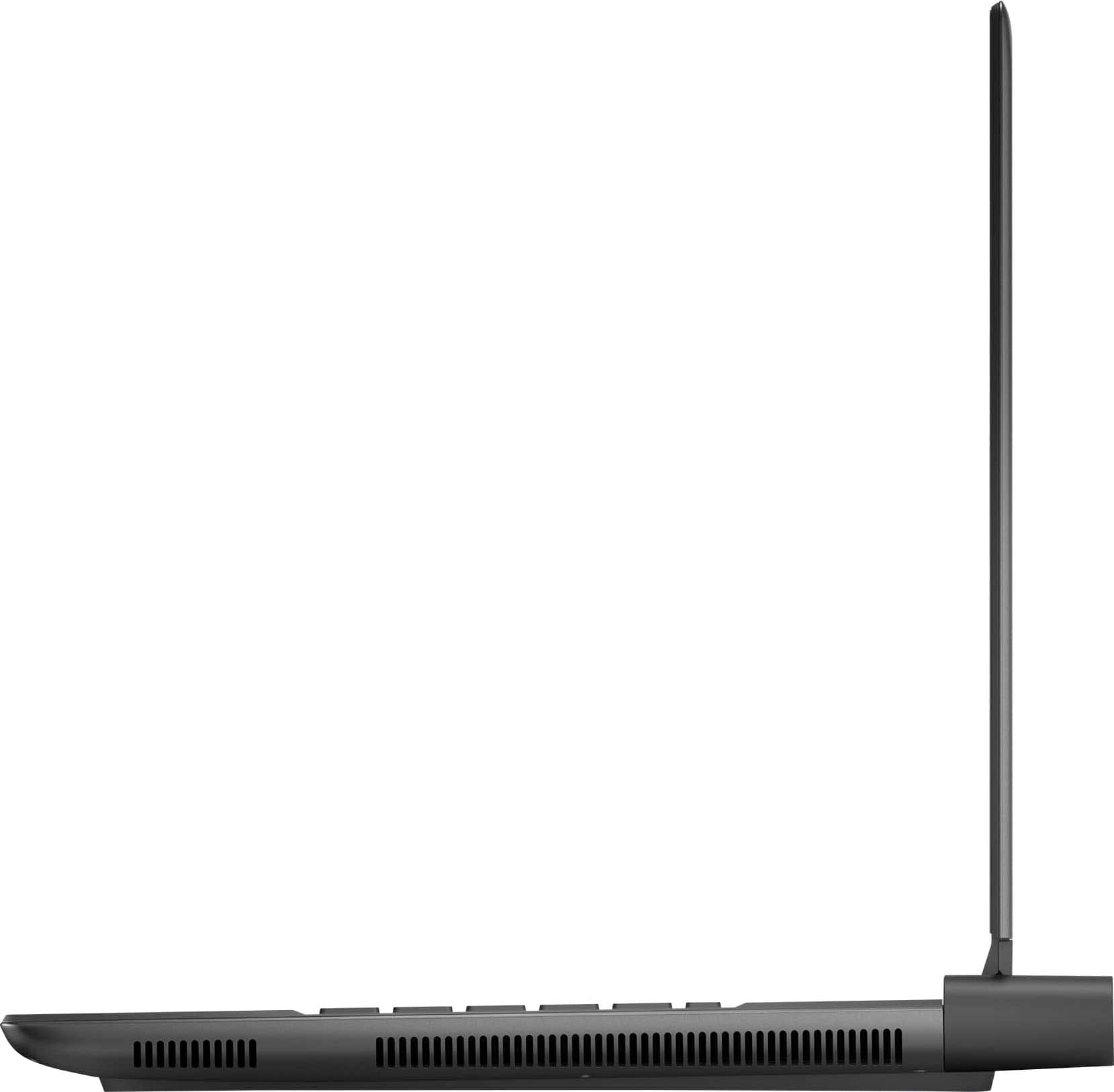
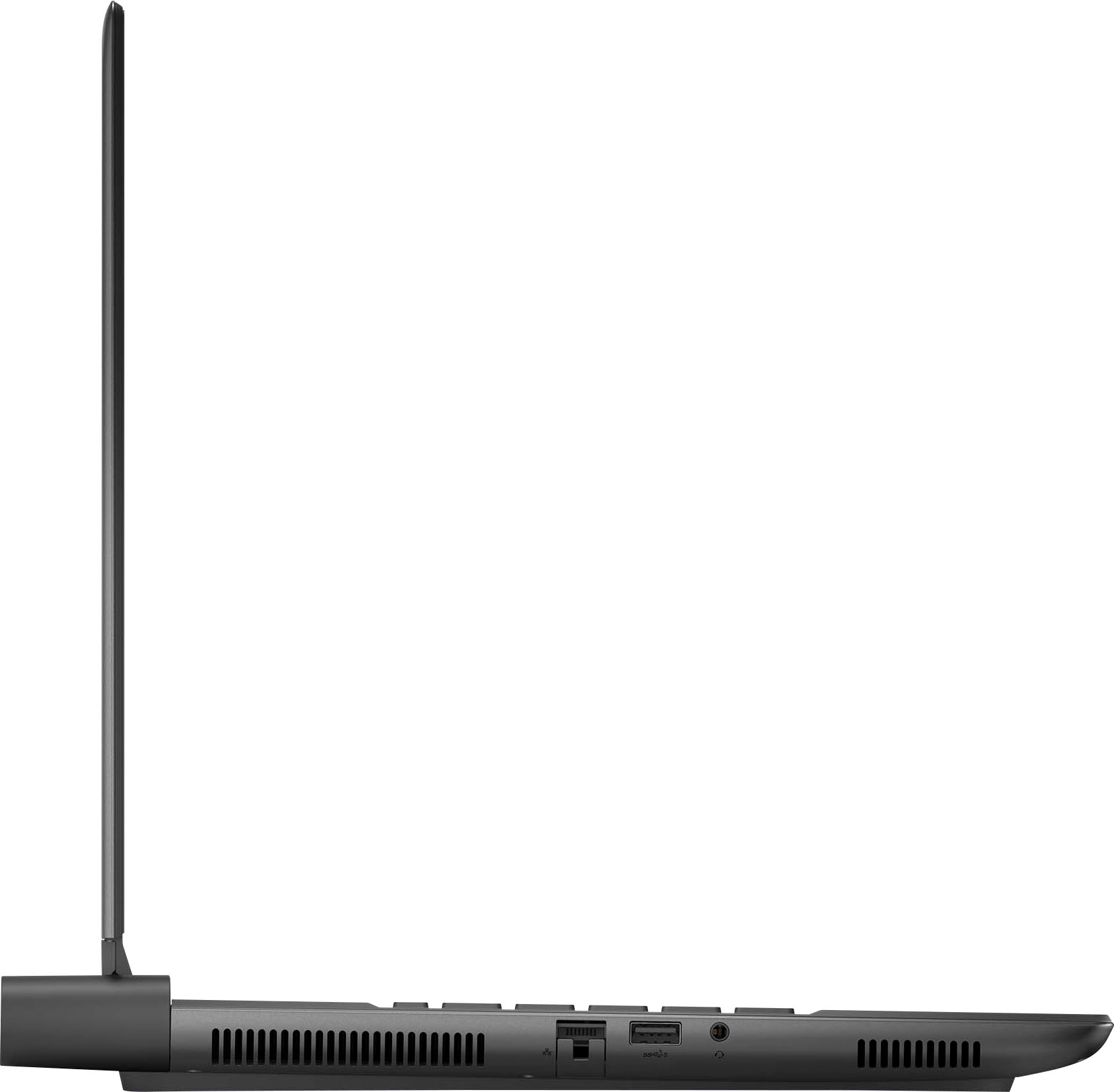
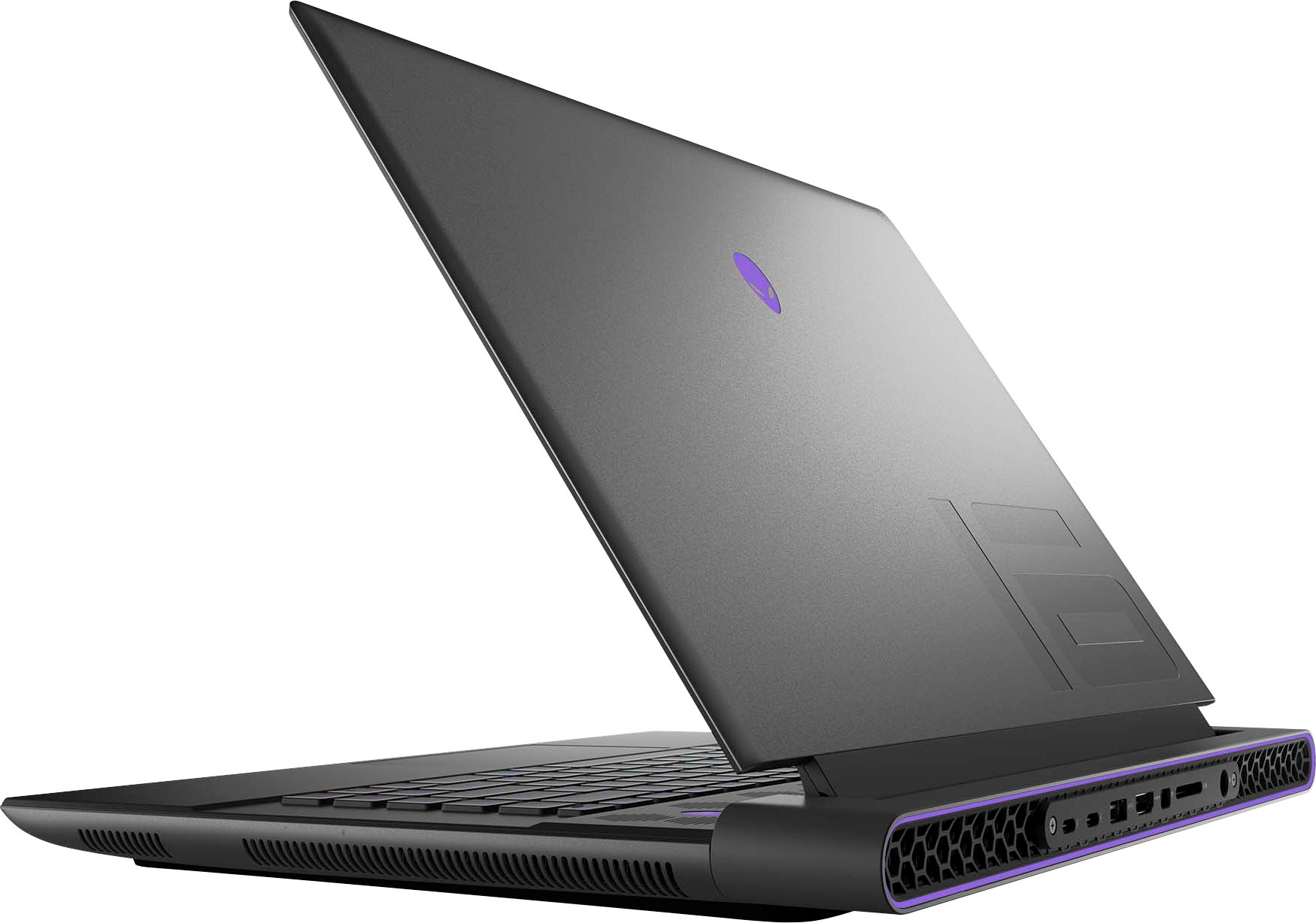
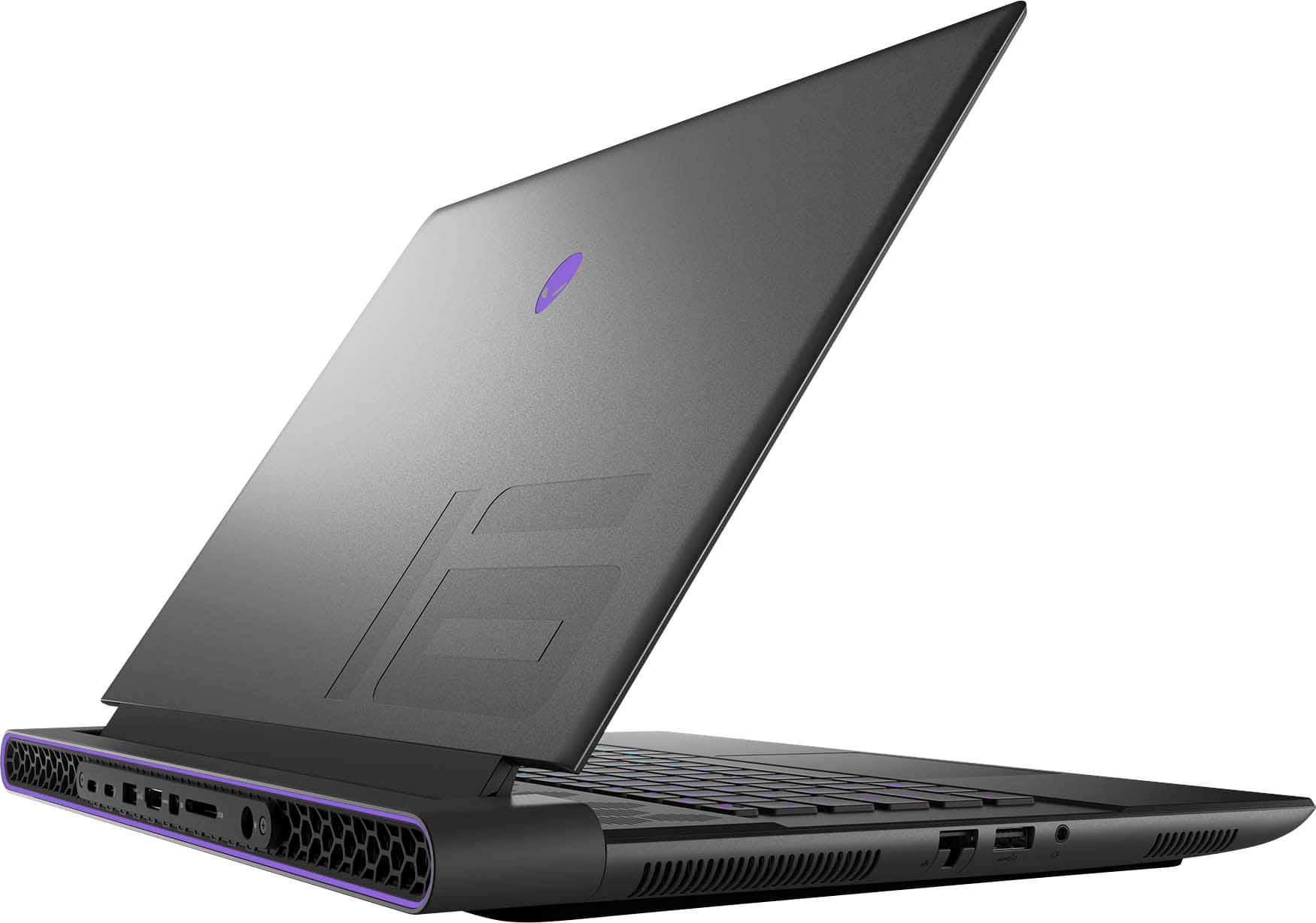









- Model:
- AWM16-9272BLK-PUS
- SKU:
- 6530923
Rating by feature
- Battery Life
Rating 3.5 out of 5 stars
- Speed
Rating 4.7 out of 5 stars
- Display
Rating 4.5 out of 5 stars
Customers are saying
Customers often highlight the exceptional performance, excellent build quality, and impressive graphics processing unit (GPU) of the m16 QHD+ 240Hz Gaming Laptop. Many also praise the bright screen and the relatively easy upgradability of the RAM and storage. However, some users cite the battery life and the laptop's weight as significant drawbacks. Concerns were also raised regarding the included software and power adapter.
This summary was generated by AI based on customer reviews.
Nice
||Posted . Owned for 3 weeks when reviewed.This reviewer received promo considerations or sweepstakes entry for writing a review.I loved it my laptop It was what I needed !!!!!!!!
I would recommend this to a friendGood service
||Posted . Owned for 1 week when reviewed.This reviewer received promo considerations or sweepstakes entry for writing a review.A very fast and compact machine, durable and highly recommended
I would recommend this to a friendLike it
||Posted . Owned for 2 weeks when reviewed.This reviewer received promo considerations or sweepstakes entry for writing a review.So far it seems really good, fast and powerful, real sturdy sleek gunmetal chasis
I would recommend this to a friend1
||Posted . Owned for 2 weeks when reviewed.This reviewer received promo considerations or sweepstakes entry for writing a review.very good 1234778919282828273737373737272872727282828
I would recommend this to a friendGreat laptop
||Posted . Owned for less than 1 week when reviewed.This reviewer received promo considerations or sweepstakes entry for writing a review.My second alienware laptop and last one lasted me 10 years
I would recommend this to a friendNot bad
||Posted . Owned for 1 week when reviewed.This reviewer received promo considerations or sweepstakes entry for writing a review.I really like that laptop. For this price it's perfect
I would recommend this to a friendwonders
||Posted . Owned for 1 month when reviewed.This reviewer received promo considerations or sweepstakes entry for writing a review.goooooooooooooooooooooooooooooooooooooooooooooooooooooood
I would recommend this to a friendNot a best choice
||Posted . Owned for 2 weeks when reviewed.This reviewer received promo considerations or sweepstakes entry for writing a review.This computer crashed a lot during normal usage. Also, the charger is not the premium GaN charger like X17 or many ROG laptops.
No, I would not recommend this to a friendBrand response from YourDellTeam
Posted .Dear WenqingL,
We appreciate you taking the time to leave us your review. We sincerely apologize for the crashing issues that you are experiencing with your Alienware M16 Gaming Laptop. It's important for us to hear about inconsistencies in our products for consideration of future development. Below I have provided troubleshooting instructions with the full article that can help resolve this issue.
Here are the steps to help resolve your crashing issue:
1. At the desktop, click the Search the web and Windows box and type "problem reports".
2. Select View all problem reports viewing a list of errors that have occurred on your computer and possible solutions for them, such as updating drivers, flashing your system BIOS, or checking for updates to the software.
3. Under the Source column, look for Windows and under Summary, look for Shut down unexpectedly.
4. Right-click the line item and select Check for a solution.
We'd also suggest checking to make sure that your software and drivers are up to date on Dell's Product Page here: https://dell.to/3khR75H
You can read the full article on solving PC crashing issues here: http://dell.to/2u98Cct
If you still experience any issues after you have finished troubleshooting your device using the steps above, please reach out to us at: https://bit.ly/DellSupportTeam.
We recommend that you contact Dell directly with the information below if you need further assistance.
Chat or call: https://bit.ly/DellSupportTeam
Phone number to Dell: 1-800-624-9896.
Best,
Summer@Dell
Can do better with the ports
||Posted . Owned for 1 month when reviewed.This reviewer received promo considerations or sweepstakes entry for writing a review.The fan sound and the # of USB ports kinda disappointed me.
I would recommend this to a friendBrand response from YourDellTeam
Posted .Hello AsteR,
Thank you for taking the time to leave us your review. We apologize for the fan noise issues that you are experiencing with your Alienware M16. It's important for us to hear about discrepancies in our products for consideration of future development. Below I have provided troubleshooting instructions with the full article that can help resolve this issue.
Here are the steps to help resolve your fan noise issue:
1. Check and clean air vents.
2. Provide proper ventilation.
3. Run a hardware diagnostic test.
4. Update the BIOS and device drivers.
5. Download and install Microsoft Windows Updates.
6. Run optimize my computer using Dell Support Assist.
7. Limit startup programs.
8. Scan your computer for malware.
How to Troubleshoot Fan Issues: https://dell.to/33NYLLE
If you continue to experience issues, please reach out to Dell Support directly by using the information provided below.
If you need further assistance, please reach out to Dell Support directly by using the information provided below.
Chat or call: https://bit.ly/DellSupportTeam
Phone number to Dell: 1-800-624-9896
Best,
Summer@Dell
Disappointed
||Posted . Owned for 1 month when reviewed.This reviewer received promo considerations or sweepstakes entry for writing a review.The power supply is about the same size as a Xbox series s. I did a performance check on this computer and the video card came back as a 29th percentile…. I was very disappointed with it have a 4080 and getting such a low score. In performance mode it sounded like an airplane taking off it is extremely loud.
No, I would not recommend this to a friendBrand response from YourDellTeam
Posted .Hey There SimonIE,
Thank you for taking the time to leave us your review. We apologize for the fan noise issues that you are experiencing with your Alienware M16 gaming laptop. It's important for us to hear about discrepancies in our products for consideration of future development. Below I have provided troubleshooting instructions with the full article that can help resolve this issue.
Here are the steps to help resolve your fan noise issue:
1. Check and clean air vents.
2. Provide proper ventilation.
3. Run a hardware diagnostic test.
4. Update the BIOS and device drivers.
5. Download and install Microsoft Windows Updates.
6. Run optimize my computer using Dell Support Assist.
7. Limit startup programs.
8. Scan your computer for malware.
How to Troubleshoot Fan Issues: https://dell.to/33NYLLE
If you continue to experience issues, please reach out to Dell Support directly by using the information provided below.
We recommend that you contact Dell directly with the information below if you need further assistance.
Chat or call: https://bit.ly/DellSupportTeam
Phone number to Dell: 1-800-624-9896.
Best,
Summer@Dell
Not that expensive for a reason
||Posted . Owned for 3 months when reviewed.This reviewer received promo considerations or sweepstakes entry for writing a review.I bought this laptop around 3 month ago and I really regret it Get super warm even when you don’t play a game It crash or lags without reason and the ctrl on the keyboard broke. I wish I could give it back
No, I would not recommend this to a friendBrand response from YourDellTeam
Posted .Hi ArnaudQ,
We appreciate you taking the time to leave us your review. Your feedback is valuable to us at Dell. We are sorry to hear that your Alienware m16 Gaming Laptop is running warmer than you expected. It's important for us to hear about inconsistencies in our products for consideration of future development. To help you with the heating issues that you are having, I have provided troubleshooting steps with the full article below that can resolve the issue.
Here are the steps to troubleshoot your heating issue:
1. Update the system BIOS.
2. Configure Alienware Command Center.
• Open Alienware Command Center
• Set the Active System Theme - Thermal as Performance Mode
3. When the system boots up, using the preinstalled software Dell SupportAssist run the stress test.
• Dell SupportAssist > Hardware Checkup > CPU > CPU stress test
4. Launch the Alienware Command Center, go to Fusion, and monitor the CPU frequency.
• The CPU peak temperature should be less than or equal to (≤) 100 ℃
• When under high stress, the system average temperature can be expected to be less than (≤) 100 ℃
• Note: The CPU average temperature can be expected to reach 95 ℃ under cool mode for the Alienware m15, m17, and x17 systems
Resolving a high temperature or overheating issue: https://dell.to/3F25rqN
If you still experience any issues after you have finished troubleshooting your laptop using the steps above, please reach out to us at: https://bit.ly/DellSupportTeam
Chat or call: https://bit.ly/DellSupportTeam
Phone number to Dell: 1-800-624-9896
Best,
Summer@Dell
Junk pc
||Posted . Owned for 1 month when reviewed.This reviewer received promo considerations or sweepstakes entry for writing a review.This pc is junk i just playing music and pc was freezing up.
No, I would not recommend this to a friendBrand response from YourDellTeam
Posted .Dear RobertW,
Thank you for taking the time to leave a review and for your feedback. We are sorry to hear that you are experiencing freezing issues with your Alienware M16 Gaming Laptop. It's important for us to hear about inconsistencies in our products for consideration of future development. Below I have provided troubleshooting instructions with the full article that can help resolve this issue.
Here are the steps to help resolve your freezing issue:
1. Search for Windows Error Codes.
2. Run a Computer Diagnostic.
3. Run Routine System Maintenance.
4. Update Drivers and BIOS.
5. Check Air Vents.
6. Check Safe Mode Symptoms.
7. Update Windows.
8. Uninstall, Reinstall and Update Software.
9. Look for Multiple Anti-Virus Programs.
10. Check for Malware.
11. Use System Restore.
12. Factory Install or Reinstall Microsoft Windows.
You can read the full article on solving freezing issues here: https://dell.to/33Y2KFn
I have also added a video link for additional troubleshooting: https://bit.ly/3qzpXZg
We recommend that you contact Dell directly with the information below if you need further assistance.
Chat or call: https://bit.ly/DellSupportTeam
Phone number to Dell: 1-800-624-9896.
Best,
Summer@Dell
Defective
||Posted . Owned for less than 1 week when reviewed.This reviewer received promo considerations or sweepstakes entry for writing a review.The laptop battery didn’t work. Games constantly crashed on normal graphics and the mouse pad stopped working. Also can’t update the bios. Definitely a waste of money. The only pro was the graphics being pretty good and high fps until the random crashes start.
No, I would not recommend this to a friendBrand response from YourDellTeam
Posted .Hello DevinnJ,
We appreciate you taking the time to leave us your review. We sincerely apologize for the crashing issues that you are experiencing with your Alienware m16. It's important for us to hear about inconsistencies in our products for consideration of future development. Below I have provided troubleshooting instructions with the full article that can help resolve this issue.
Here are the steps to help resolve your crashing issue:
1. At the desktop, click the Search the web and Windows box and type "problem reports".
2. Select View all problem reports viewing a list of errors that have occurred on your computer and possible solutions for them, such as updating drivers, flashing your system BIOS, or checking for updates to the software.
3. Under the Source column, look for Windows and under Summary, look for Shut down unexpectedly.
4. Right-click the line item and select Check for a solution.
We'd also suggest checking to make sure that your software and drivers are up to date on Dell's Product Page here: https://dell.to/3khR75H
You can read the full article on solving PC crashing issues here: http://dell.to/2u98Cct
If you still experience any issues after you have finished troubleshooting your laptop using the steps above, please reach out to us at: https://bit.ly/DellSupportTeam
Chat or call: https://bit.ly/DellSupportTeam
Phone number to Dell: 1-800-624-9896
Best,
Summer@Dell
Product defective
||Posted . Owned for 1 week when reviewed.This reviewer received promo considerations or sweepstakes entry for writing a review.Product came defective. This was an open box purchase that was verified. Was able to get this right before deployment to find out it does not work. Absolutely ridiculous this happens with Best Buy Q&A
No, I would not recommend this to a friendWifi card is trash
||Posted . Owned for 1 week when reviewed.This reviewer received promo considerations or sweepstakes entry for writing a review.The item was premium but the connectivity of the device was terrible i blame killer wifi os. Even after removal it was bad. Ended up returning it and sticking to asus rog best decision.
No, I would not recommend this to a friendBrand response from YourDellTeam
Posted .Hello SaulImmortal,
Thank you for taking the time to leave us your review. We are sorry to hear that your experience with the Alienware m16 QHD+ 240Hz Gaming Laptop was not completely satisfactory owing to a wireless connectivity fault, and you decided to return it. We can assure you that Dell takes pride in manufacturing quality products. This is certainly not the experience we like to hear from our valued customers.
Feedback like yours helps us improve our current and future products. Even if this product did not fulfil your expectations, we hope that you will consider Dell in the future when you make your next purchase.
If you are experiencing any issues or have any concerns or questions, please do not hesitate to get in touch with Dell using the information provided below so that we can help to your satisfaction.
Chat or call: https://bit.ly/DellSupportTeam
Phone number to Dell: 1-800-624-9896
Best,
Minhaj@Dell
Windows is not installed properly
||Posted . Owned for 1 month when reviewed.This reviewer received promo considerations or sweepstakes entry for writing a review.Windows is not installed properly. It keeps getting error and restarts.
No, I would not recommend this to a friendBrand response from YourDellTeam
Posted .Hey MohanP,
We want to thank you for taking the time to leave a review of your Alienware m16 gaming laptop. Your feedback is important to us. It helps us improve inconsistencies with your products. We are sorry to hear that you are experiencing an issue with Windows on your device. That is not the type of product Dell intends to deliver or the type of feedback we like to hear from our customers. We have noted the details of your statement and will use them for improvements on current and future products. We would love to help you at your convenience. Below I have provided the toll-free number and chat link for our Dell Support Team.
If you continue to experience issues, please reach out to Dell Support directly by using the information provided below.
Chat or call: https://bit.ly/DellSupportTeam
Phone number to Dell: 1-800-624-9896
Best,
Summer@Dell
Arrived DOA.
||Posted . Owned for 2 weeks when reviewed.This reviewer received promo considerations or sweepstakes entry for writing a review.Arrived DOA. Instantly booted into bluescreen. Best buy, check your returns before you call them open box items.
No, I would not recommend this to a friend- Pros mentioned:Build quality, Cooling, Performance
Excellent 4080 laptop with nearly no flaws
Posted .This reviewer received promo considerations or sweepstakes entry for writing a review.Overall this was a great laptop, fast, efficient, etc. The screen is crisp, not the brightest but good enough. The only issue I had was a few minor crashes, which is likely due to software updates/drivers since this came out recently. I’d definitely recommend this model over other 4080 laptops, as it runs noticeably cooler due to 4 fans/integrated heat pipes.
I would recommend this to a friend No Regret
Posted .This reviewer received promo considerations or sweepstakes entry for writing a review.This is a really solid laptop (Literally). Build quality is excellent, no flexing when you pick it up from a corner to move it off your lap (for instance). The 4080 was a good choice because Im happy with games maxed out and a solid 60FPS. With DLSS 3 (Frame Generation) it pushes everything (Cyberpunk etc…) beyond that without reaching 80c on the gpu at 175w. (Time Spy: Total: 18000 +. Graphics: 18000+ CPU unlocked 16000+). PROBLEM; The CPU is locked down to 55w TDP which is very weak, but you can one click auto overclock it in the BIOS. Or download Intel’s own XTU OC software. I just used the BIOS. Continually press F2 on boot up and that’ll get you in. I docked Dell a star because their software: Alien Command Center, is only ok, it doesn’t include anything for cpu tuning. The whole suite is janky and has been the last 2 years but it does do some stuff well. The fans get loud but I’ve always liked how Aloenware’s sounds, its like an air stream instead of just blowers. You will have to turn up the volume when AAA gaming. Speaking of volume, the SOUND is excellent, the spatial audio from Atmos works really well. And the volume will climb higher than the loudest of the fan modes and stay concise and tight (Sorry to anyone in the room haha). Some decent noise cancellation ear buds or over ear headphones negate the issue all together. The screen is nice. I only have OLED tv’s in my house to state my bias, but it is nice and you do get some decent blacks out of it with no ghosting, but would really like to get my next AWare with an OLED screen.
I would recommend this to a friend- Pros mentioned:Performance
Great Buy
Posted .This reviewer received promo considerations or sweepstakes entry for writing a review.I have had the laptop for over a month now and I am in love with it. Amazing quality and fantastic gaming computer.
I would recommend this to a friend