Customer Ratings & Reviews

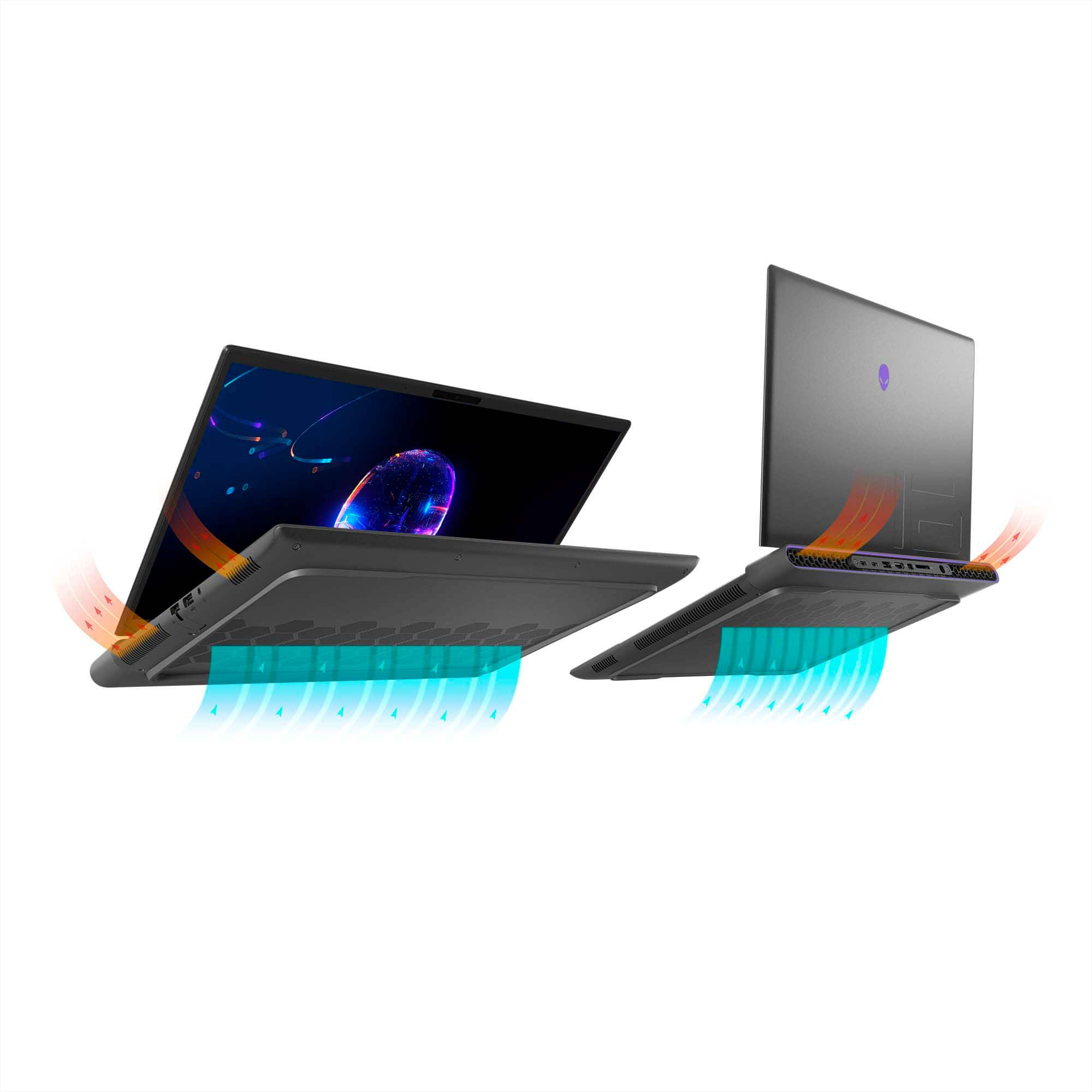
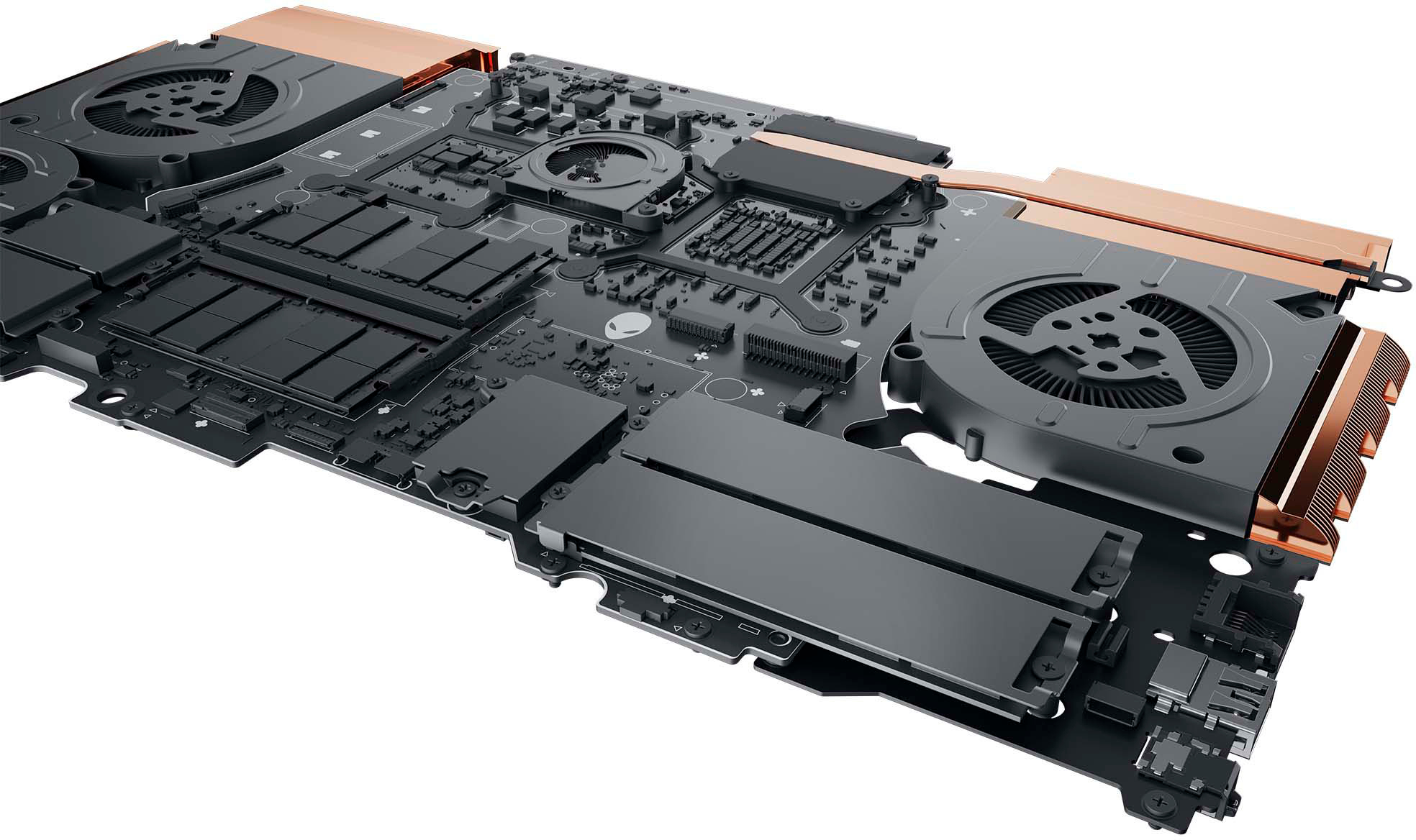








- Model:
- AWM16-9272BLK-PUS
- SKU:
- 6530923
Rating by feature
- Battery Life
Rating 3.5 out of 5 stars
- Speed
Rating 4.7 out of 5 stars
- Display
Rating 4.5 out of 5 stars
Customers are saying
Customers often highlight the exceptional performance, excellent build quality, and impressive graphics processing unit (GPU) of the m16 QHD+ 240Hz Gaming Laptop. Many also praise the bright screen and the relatively easy upgradability of the RAM and storage. However, some users cite the battery life and the laptop's weight as significant drawbacks. Concerns were also raised regarding the included software and power adapter.
This summary was generated by AI based on customer reviews.
Good but not great
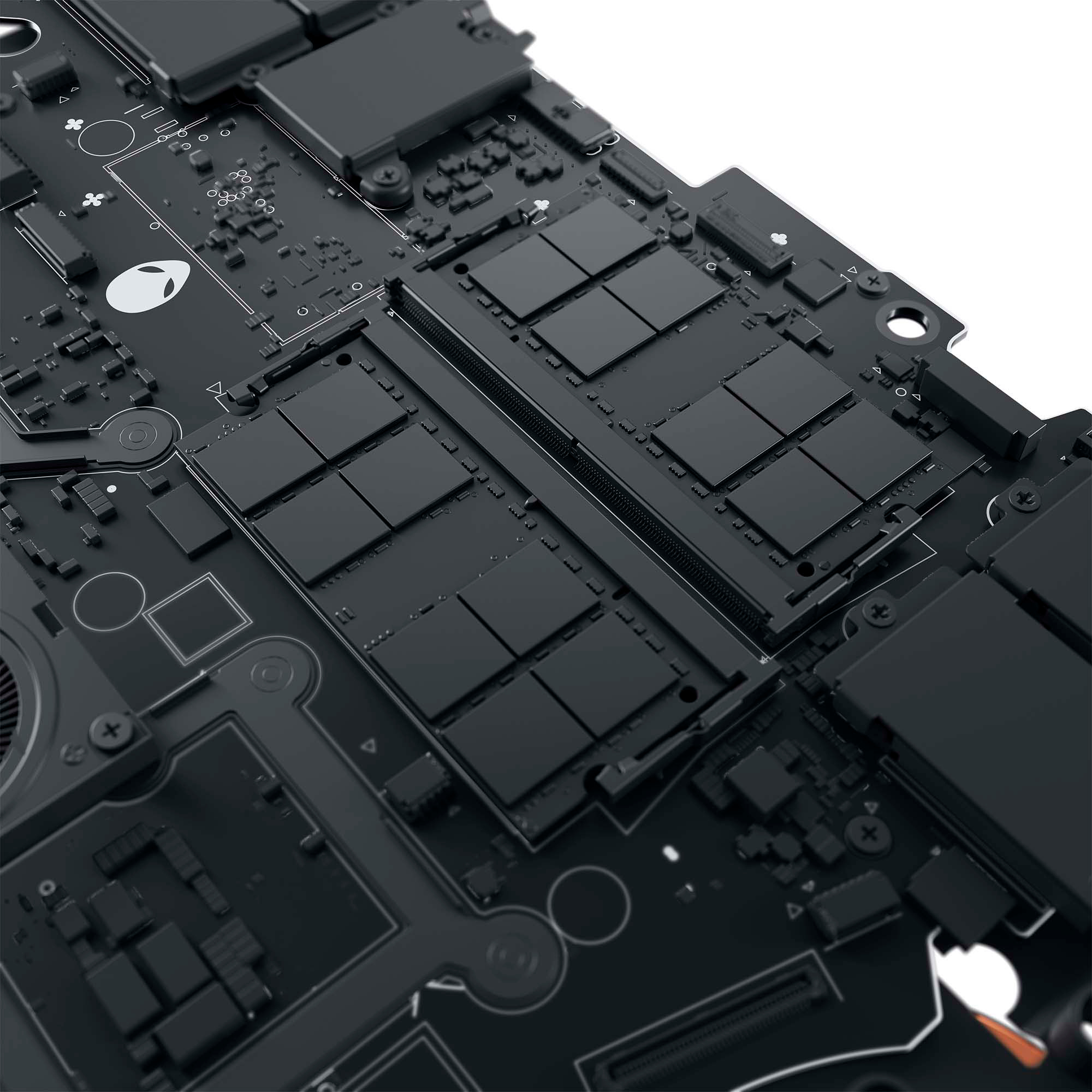
||Posted . Owned for 1 week when reviewed.This reviewer received promo considerations or sweepstakes entry for writing a review.Tried to ipgrade to 32gb of ram using the crucial 32 gb ram kit ddr5-5600 CL46 and the bios saw ot as only 4800 not the 5600, contacted dell about this and was told it could not run at 5600 unless bought and configured that way though them. Am returning the laptop
No, I would not recommend this to a friendBrand response from YourDellTeam
Posted .Hey There Eldrion,
Thank you for taking the time to leave a review of your Alienware m16 gaming laptop. We are sorry to hear that you are not completely satisfied with your device and made the decision to return it. That is not the type of feedback we like to hear from our customers, or the type of product Dell intends to deliver. We have noted the details of your statement and will use them to improve current and future products.
If you continue to experience issues, please reach out to Dell Support directly by using the information provided below.
Chat or call: https://bit.ly/DellSupportTeam
Phone number to Dell: 1-800-624-9896
Best,
Summer@Dell
Good
||Posted . Owned for 1 week when reviewed.This reviewer received promo considerations or sweepstakes entry for writing a review.Other than there being 1 dead pixel the product is great
I would recommend this to a friendRuns to Hot
||Posted . Owned for 3 months when reviewed.This reviewer received promo considerations or sweepstakes entry for writing a review.Runs To Hot during hame play. The heat on the keys was frustarting and it got so hot it could met a candy bar.. Returned the Laptop after three days of ownership.
No, I would not recommend this to a friendBrand response from YourDellTeam
Posted .Greetings blk2253,
We value your feedback and want to thank you for taking the time to leave a review of your Alienware m16 Gaming Laptop. We are sorry to hear that you were experiencing an issue with your system temperature and made the decision to return the device. That is not the type of feedback we like to hear from our customers, or the type of product Dell intends to deliver. We have noted the details of your statement and will use them to improve current and future products.
If you need further assistance, please reach out to Dell Support directly by using the information provided below.
Chat or call: https://bit.ly/DellSupportTeam
Phone number to Dell: 1-800-624-9896
Best,
Summer@Dell
- Cons mentioned:Weight
Didnt open, was super heavy for what it offered
||Posted . Owned for 2 weeks when reviewed.This reviewer received promo considerations or sweepstakes entry for writing a review.I didnt even open it. After watching many vids/reviews on youtube I decided to return this heavy brick and get a Lenovo Legion 7i instead. So glad I did as this thing was a heavy brick in the box and I travel a lot!
No, I would not recommend this to a friendBrand response from YourDellTeam
Posted .Hello Anonymous,
We value your feedback and want to thank you for taking the time to leave a review of your Alienware M16 gaming laptop. We are sorry to hear that you were not satisfied with your device and made the decision to return it. That is not the type of feedback we like to hear from our customers, or the type of product Dell intends to deliver. We have noted the details of your statement and will escalate them to our quality team for improvements on current and future products.
If you continue to experience issues, please reach out to Dell Support directly by using the information provided below.
We recommend that you contact Dell directly with the information below if you need further assistance.
Chat or call: https://bit.ly/DellSupportTeam
Phone number to Dell: 1-800-624-9896
Best,
Summer@Dell
Best Purchase
||Posted . Owned for 3 weeks when reviewed.This reviewer received promo considerations or sweepstakes entry for writing a review.I highly recommend the Alienware. My son said it was the best present.
I would recommend this to a friendNot worth the price
||Posted . Owned for less than 1 week when reviewed.This reviewer received promo considerations or sweepstakes entry for writing a review.An expensive overheating paperweight. Lucky I have a cooling pad that keeps it under temp. If you plan on gaming on the go - this isnt it. If this is on sale, AND you plan to put a cooling fanm with A LOT of fans, this can work.
No, I would not recommend this to a friendBrand response from YourDellTeam
Posted .Hello There carlitosChinitos,
We appreciate you taking the time to leave us your review. Your feedback is valuable to us at Dell. We are sorry to hear that your Alienware m16 is running warmer than you expected. It's important for us to hear about inconsistencies in our products for consideration of future development. To help you with the heating issues that you are having, I have provided troubleshooting steps with the full article below that can resolve the issue.
Here are the steps to troubleshoot your heating issue:
1. Update the system BIOS.
2. Configure Alienware Command Center.
• Open Alienware Command Center
• Set the Active System Theme - Thermal as Performance Mode
3. When the system boots up, using the preinstalled software Dell SupportAssist run the stress test.
• Dell SupportAssist > Hardware Checkup > CPU > CPU stress test
4. Launch the Alienware Command Center, go to Fusion, and monitor the CPU frequency.
• The CPU peak temperature should be less than or equal to (≤) 100 ℃
• When under high stress, the system average temperature can be expected to be less than (≤) 100 ℃
• Note: The CPU average temperature can be expected to reach 95 ℃ under cool mode for the Alienware m15, m17, and x17 systems
Resolving a high temperature or overheating issue: https://dell.to/3F25rqN
If you still experience any issues after you have finished troubleshooting your laptop using the steps above, please reach out to us at: https://bit.ly/DellSupportTeam
Chat or call: https://bit.ly/DellSupportTeam
Phone number to Dell: 1-800-624-9896
Best,
Summer@Dell
Best 40 series laptop for the money
||Posted . Owned for 2 months when reviewed.This reviewer received promo considerations or sweepstakes entry for writing a review.Best laptop they offer with 40th series gpu for the money they ask. So far no issues
I would recommend this to a friendGreat laptop
||Posted . Owned for 3 weeks when reviewed.This reviewer received promo considerations or sweepstakes entry for writing a review.Amazing laptop. Definitely has some down sides but is very powerful and upgradeable.
I would recommend this to a friendRunning cool
||Posted . Owned for 1 week when reviewed.This reviewer received promo considerations or sweepstakes entry for writing a review.best laptop for the price. The cooling system actually keeps the powerful i9 and 4080 combination in a good temperature range.
I would recommend this to a friendGood one
||Posted . Owned for 1 month when reviewed.This reviewer received promo considerations or sweepstakes entry for writing a review.All Works perfect, good price to efficiency, also nice design -no numpad
I would recommend this to a friendAlienware
||Posted . Owned for 4 months when reviewed.This reviewer received promo considerations or sweepstakes entry for writing a review.Amazing laptop super fast can’t go wrong with it best for gaming
I would recommend this to a friendNice laptop
||Posted . Owned for 1 month when reviewed.This reviewer received promo considerations or sweepstakes entry for writing a review.Great loptip. Runs a bit hot. Gtrat for playing most games.
I would recommend this to a friendGreat
||Posted . Owned for 3 weeks when reviewed.This reviewer received promo considerations or sweepstakes entry for writing a review.Very fast and efficient product. High quality video.
I would recommend this to a friendGet It!
||Posted . Owned for 3 weeks when reviewed.This reviewer received promo considerations or sweepstakes entry for writing a review.Very, very good gaming laptop, highly recommended!!
I would recommend this to a friendBest laptop value and speed
||Posted . Owned for 1 month when reviewed.This reviewer received promo considerations or sweepstakes entry for writing a review.Almost as fast as my desktop 4 38080 TI. Excellent machine. Stays cool.
I would recommend this to a friendHorrible company and Tech support/Best Buy great!
||Posted . Owned for less than 1 week when reviewed.This reviewer received promo considerations or sweepstakes entry for writing a review.Specs are good BUT... India based tech support is like beating head on wall, its like they have never used computer before! Had 2 of them hang up on me! Unit runs very hot and throttles @ 100C. NO OC options in BIOS except 2 preset options which are mild and CPU CORE LOCKED! No offset voltage or multiplier adjustments. I used to repair computers and consider myself above average knowledgeable. This is why I called them. Re-flashed BIOS, set Alienware control center to balanced and set defaults to user/factory default/ and many other configs with no luck! I can change overclocking tick mark but it gives no extra things! Being CPU runs hot I just want to under Volt offset and question if the thermal paste was applied properly. Good luck explaining this to Alienware tech support and getting help believe me I tried almost 20 hours on phone in a week!! Returning unit along with Alienware QD OLED monitor. DONE WITH ALIENWARE!!!!!!!
No, I would not recommend this to a friendBrand response from YourDellTeam
Posted .Hello HoboJoe,
We appreciate you taking the time to leave us your review. Your feedback is valuable to us at Dell. We are sorry to hear that your Alienware m16 Gaming Laptop is running warmer than you expected. It's important for us to hear about inconsistencies in our products for consideration of future development. To help you with the heating issues that you are having, I have provided troubleshooting steps with the full article below that can resolve the issue.
Here are the steps to troubleshoot your heating issue:
1. Update the system BIOS.
2. Configure Alienware Command Center.
• Open Alienware Command Center
• Set the Active System Theme - Thermal as Performance Mode
3. When the system boots up, using the preinstalled software Dell SupportAssist run the stress test.
• Dell SupportAssist > Hardware Checkup > CPU > CPU stress test
4. Launch the Alienware Command Center, go to Fusion, and monitor the CPU frequency.
• The CPU peak temperature should be less than or equal to (≤) 100 ℃
• When under high stress, the system average temperature can be expected to be less than (≤) 100 ℃
• Note: The CPU average temperature can be expected to reach 95 ℃ under cool mode for the Alienware m15, m17, and x17 systems
Resolving a high temperature or overheating issue: https://dell.to/3F25rqN
If you still experience any issues after you have finished troubleshooting your laptop using the steps above, please reach out to us at: https://bit.ly/DellSupportTeam
If you need further assistance, please reach out to Dell Support directly by using the information provided below.
Chat or call: https://bit.ly/DellSupportTeam
Phone number to Dell: 1-800-624-9896
Best,
Summer@Dell
Great Choice
||Posted . Owned for 1 week when reviewed.This reviewer received promo considerations or sweepstakes entry for writing a review.Good laptop and could be a great solid one if you really want to do multiple work
I would recommend this to a friendStop giving companies your money
||Posted . Owned for 2 weeks when reviewed.This reviewer received promo considerations or sweepstakes entry for writing a review.Laptop sucks. I will never order from Bestbuy again. Most places give you a 30 day return and they gave me a 15 day. I hadn't had a chance to open or use the laptop due to being busy at work. The laptop doesn't work. It's broken. I spent $2000 on a lemon. I'm disgusted.
No, I would not recommend this to a friendBrand response from YourDellTeam
Posted .Hi AnaBan,
Thank you for your review. We are sorry for the issues you are having with your Alienware - m16 QHD+ 240Hz Gaming Laptop and for your disappointment with the return policy. In order to help you with our issues, we would need more information. Please contact Dell Support below so they can help you with your concerns.
Chat or call: https://bit.ly/DellSupportTeam
Phone number to Dell: 1-800-624-9896
Alienware M16 R1 Insane laptop!
||Posted . Owned for 1 week when reviewed.This reviewer received promo considerations or sweepstakes entry for writing a review.This computer is well worth the money. Insane graphics, audio quality, and speed.
I would recommend this to a friendAlienware Performs as Expected
||Posted . Owned for 3 weeks when reviewed.This reviewer received promo considerations or sweepstakes entry for writing a review.My Alienware M16 performs exactly how I expected it to.
I would recommend this to a friend