Customer Ratings & Reviews



- Model:
- AWm17-7616WHT-PUS
- SKU:
- 6409415
Rating by feature
- Battery Life
Rating 3.2 out of 5 stars
- Speed
Rating 4.5 out of 5 stars
- Display
Rating 4.6 out of 5 stars
Customers are saying
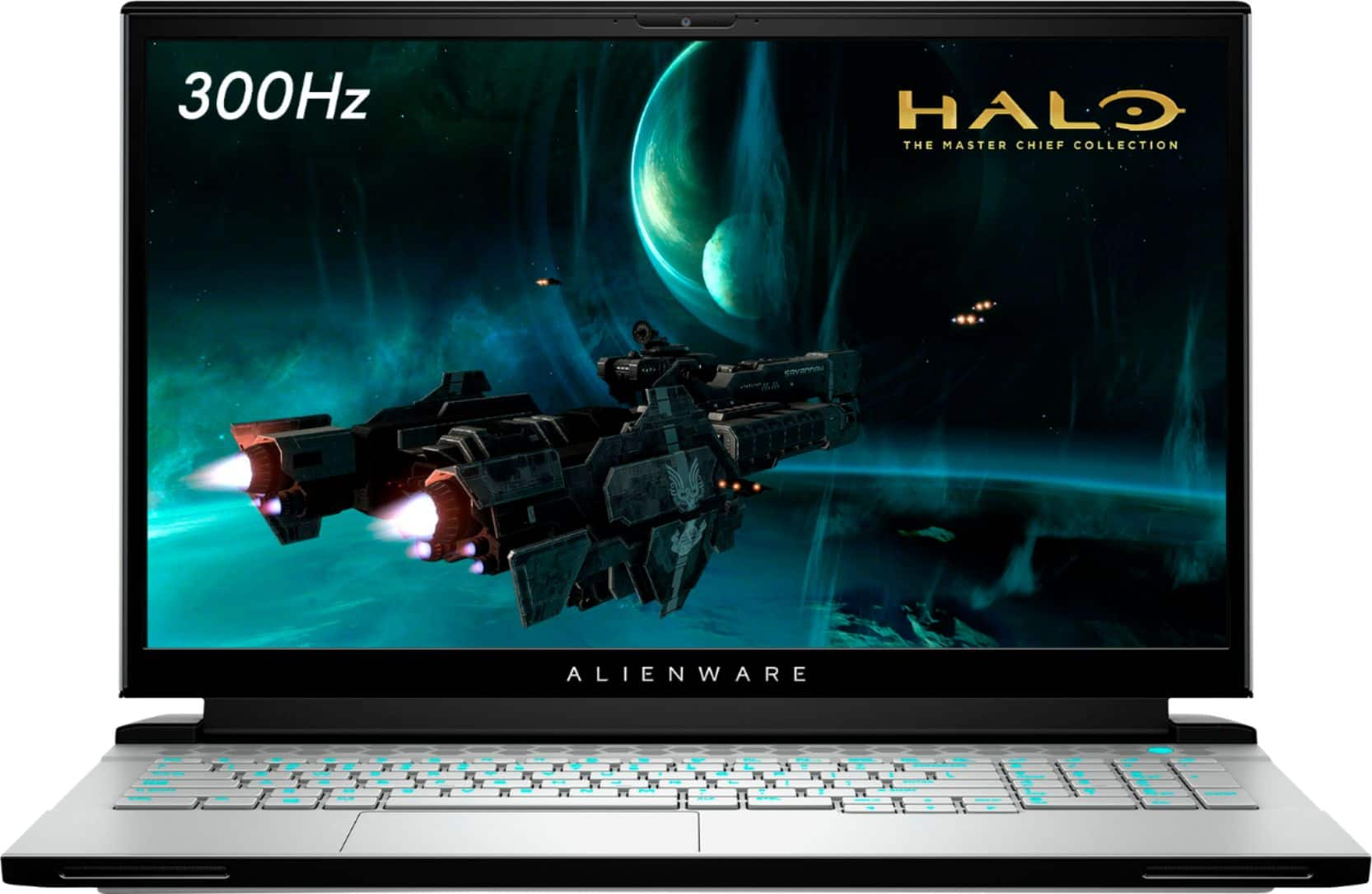
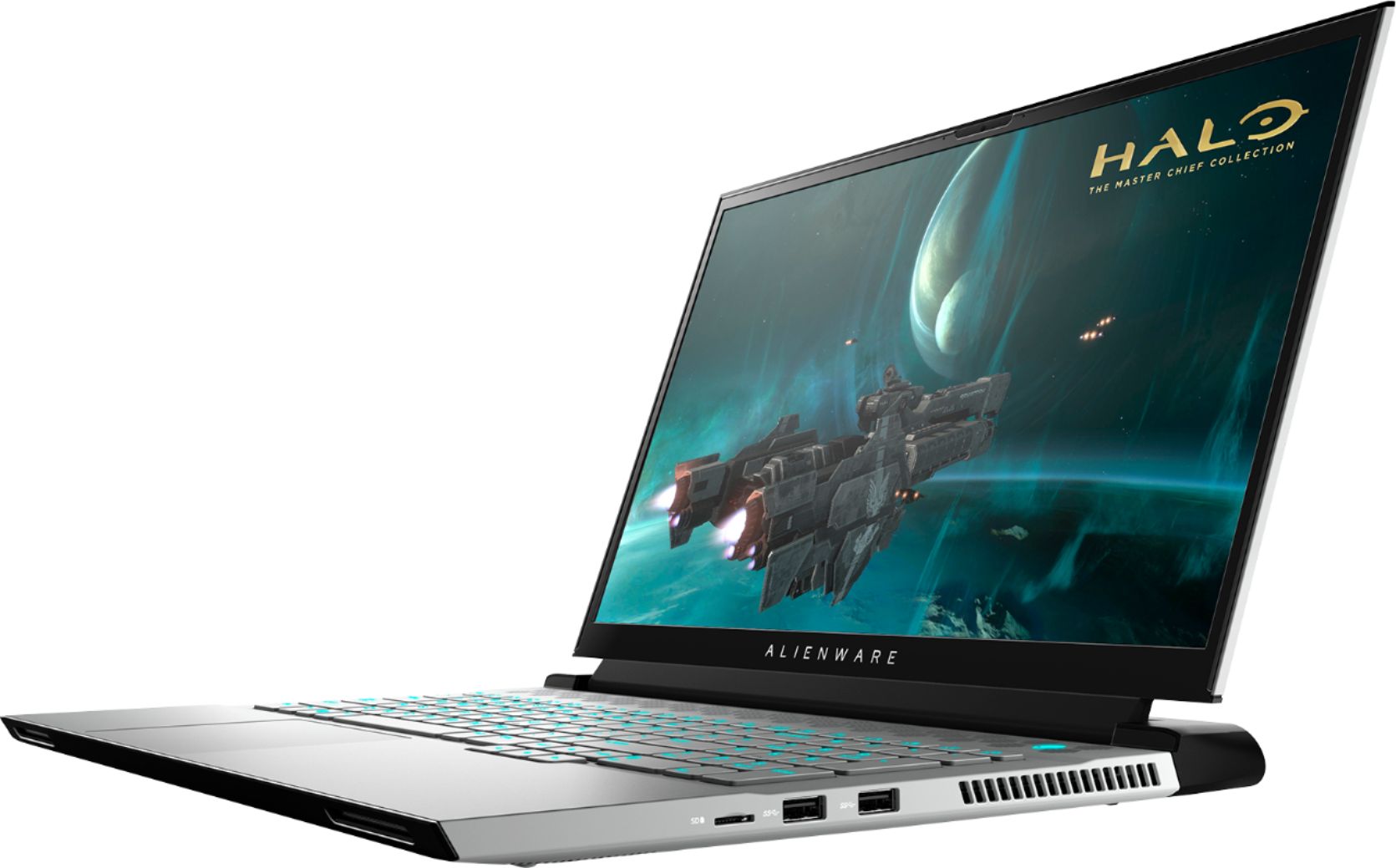
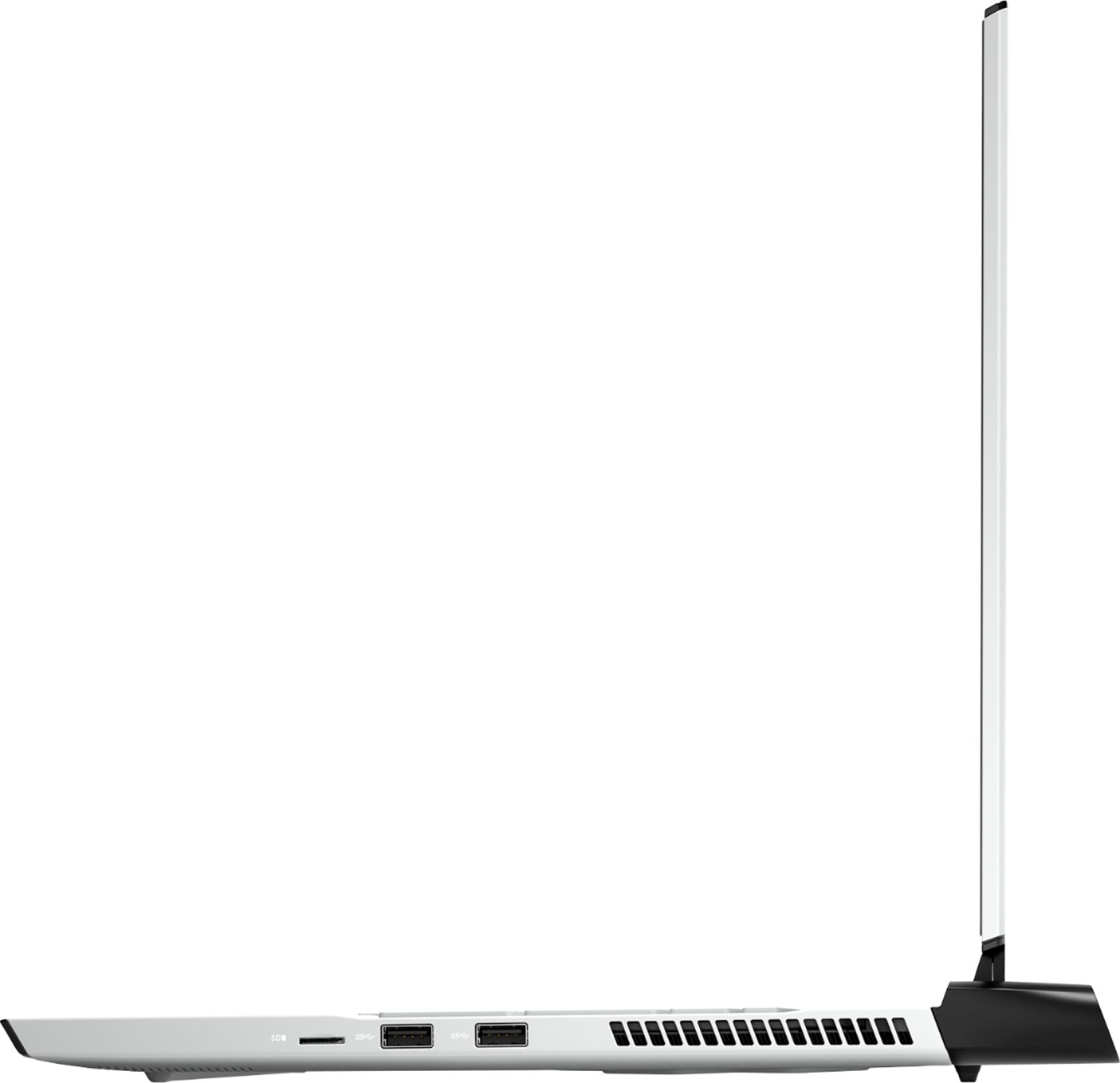
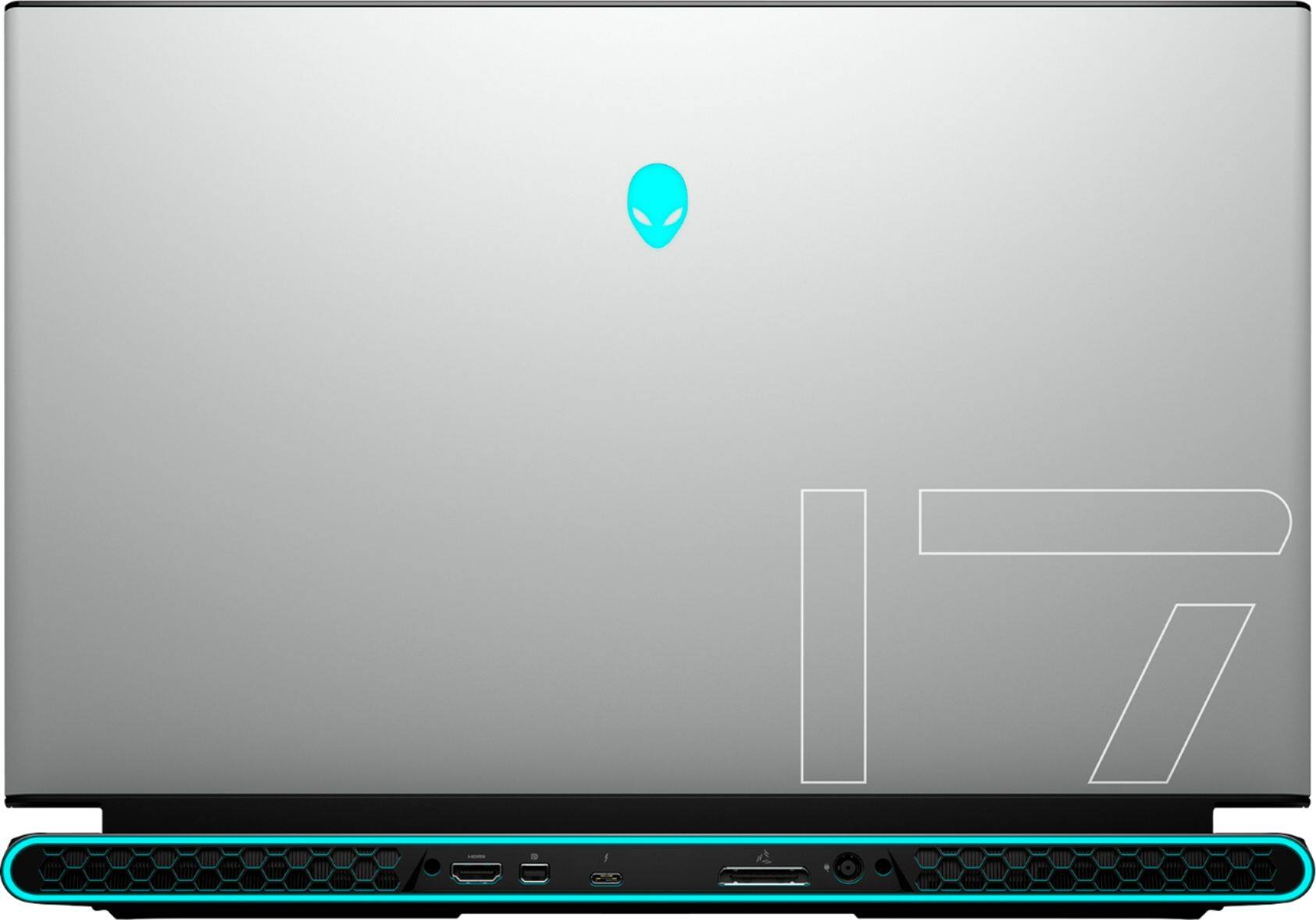
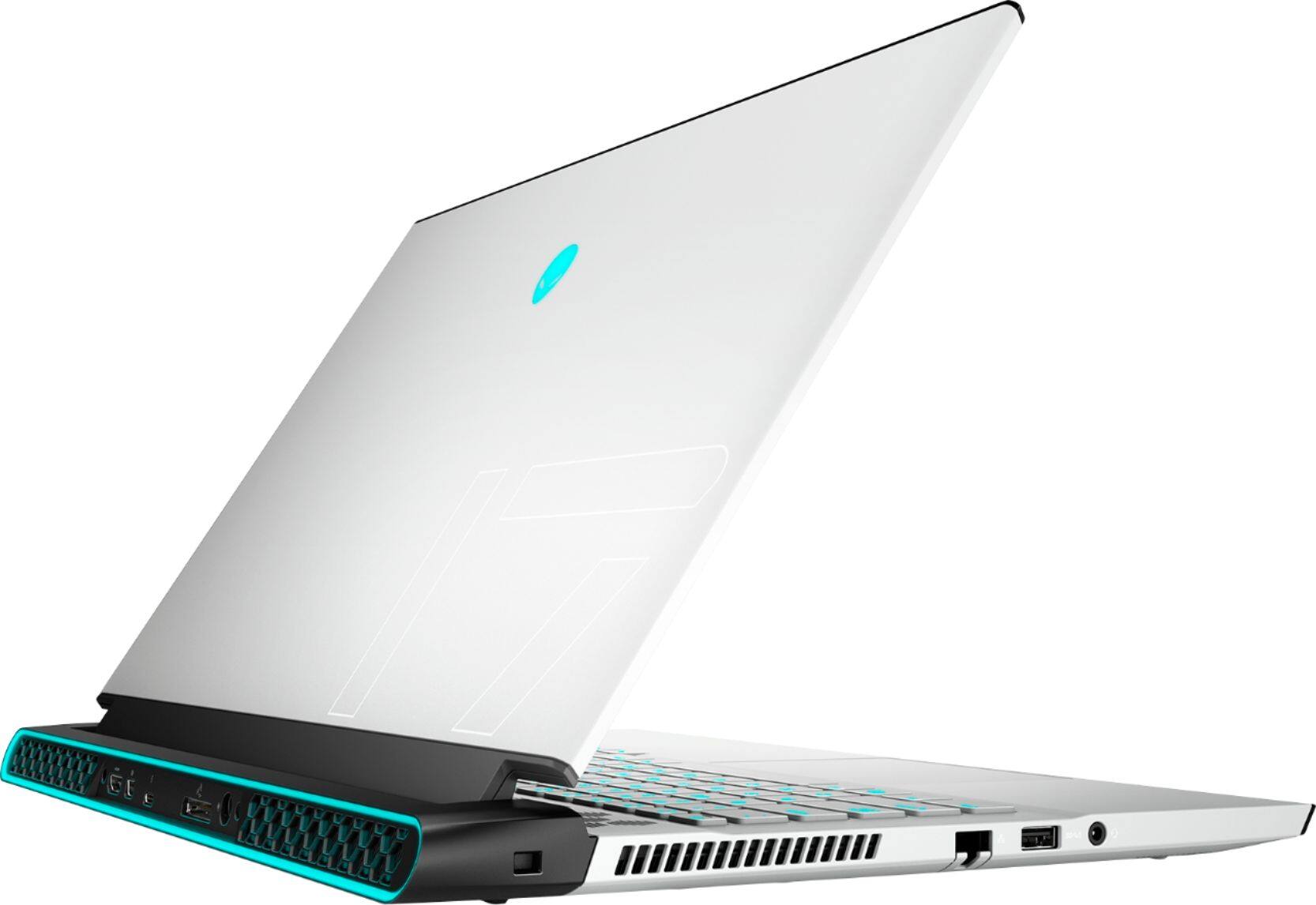
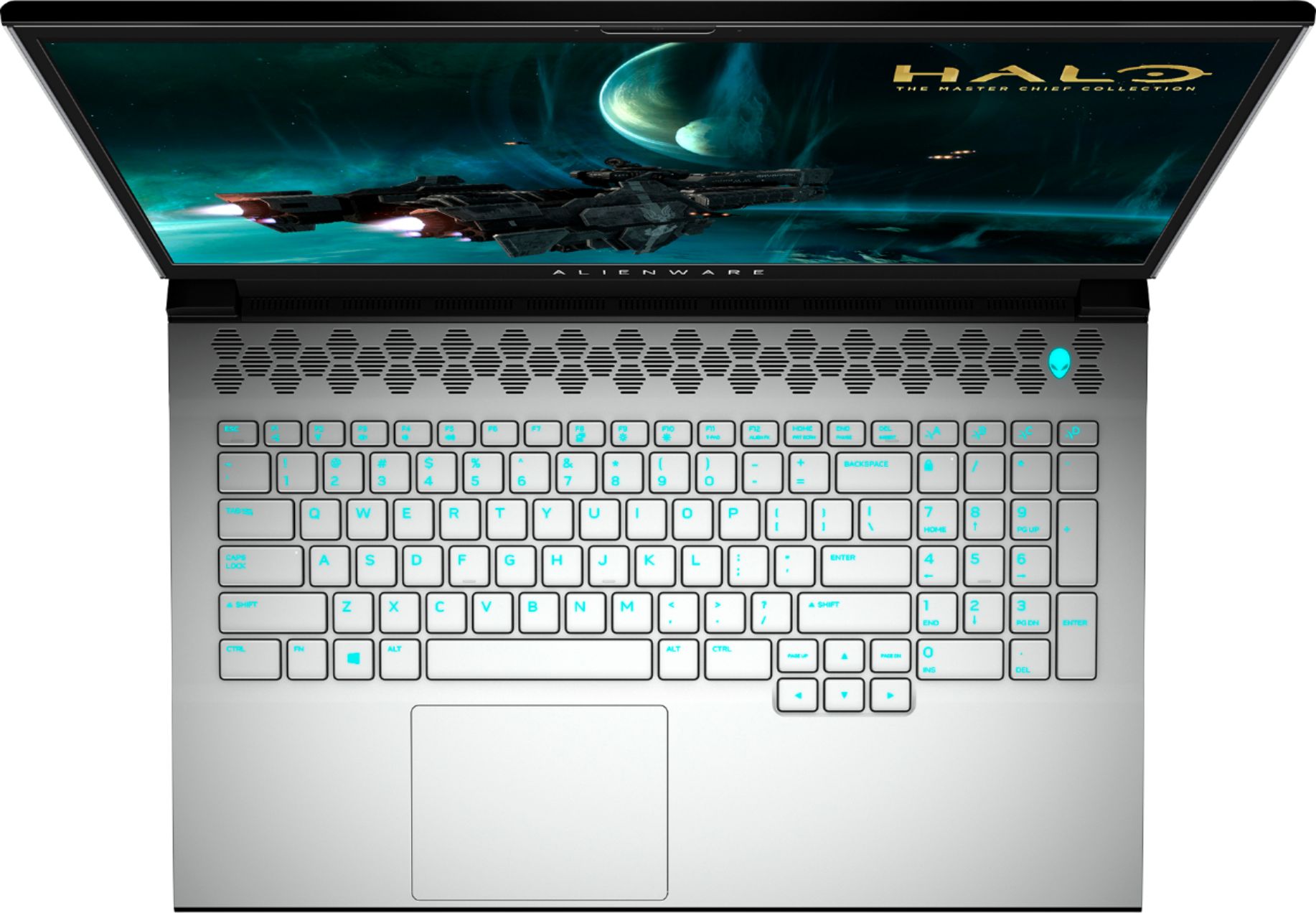
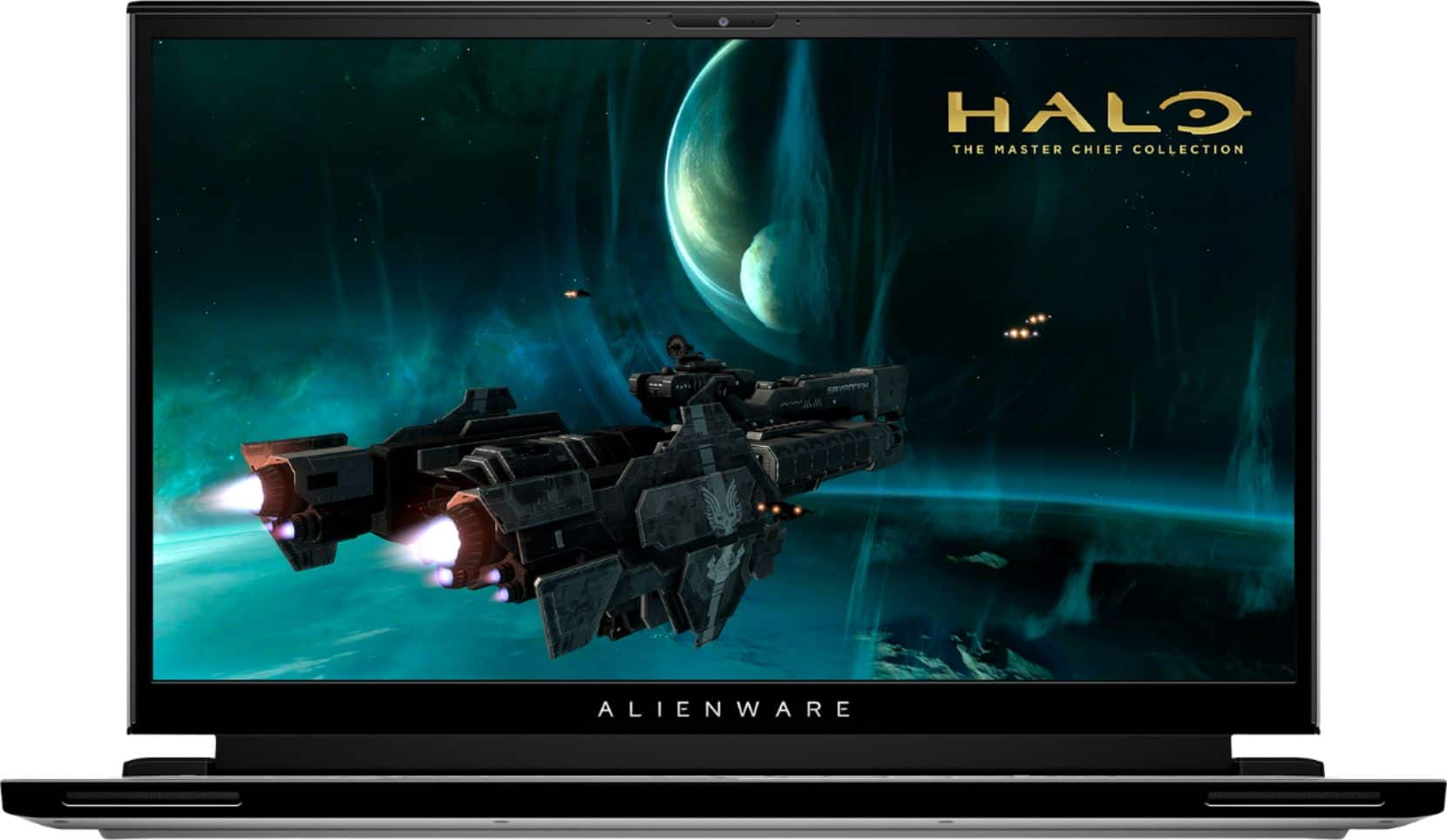
Customers enjoy the high performance, excellent graphics, and large screen size of the m17 R3 gaming laptop. Many appreciate the lightweight design and high refresh rate, contributing to a positive gaming experience. However, some users point to the battery life and heat generation as significant drawbacks. Concerns were also raised regarding the fan noise and the inability to upgrade the RAM.
This summary was generated by AI based on customer reviews.
- Pros mentioned:Speed
Christmas Gift
||Posted . Owned for 3 weeks when reviewed.This reviewer received promo considerations or sweepstakes entry for writing a review.Great Christmas Gift arrived quickly son will be pleased.
I would recommend this to a friend - Pros mentioned:Performance
Alienware
||Posted . Owned for 3 weeks when reviewed.This reviewer received promo considerations or sweepstakes entry for writing a review.excellent gaming machine, I added a second 1 tb ssd.
I would recommend this to a friend - Pros mentioned:Speed
Solid alienware
||Posted . Owned for 1 month when reviewed.This reviewer received promo considerations or sweepstakes entry for writing a review.Super fast , easy to set up and it runs quiet and cool
I would recommend this to a friend - Cons mentioned:Heat
Beast!
||Posted . Owned for less than 1 week when reviewed.This reviewer received promo considerations or sweepstakes entry for writing a review.Play anything on high res with this laptop! Doesnt overheat
I would recommend this to a friend - Pros mentioned:Performance
10/10
||Posted . Owned for less than 1 week when reviewed.This reviewer received promo considerations or sweepstakes entry for writing a review.Awesome computer use it everyday! With 0 complaints!!!
I would recommend this to a friend - Pros mentioned:Screen size
Super fast
||Posted . Owned for 1 week when reviewed.This reviewer received promo considerations or sweepstakes entry for writing a review.Awesome computer within a small package. Very thin for 17”
I would recommend this to a friend - Cons mentioned:Ram
great computer
||Posted . Owned for 1 month when reviewed.This reviewer received promo considerations or sweepstakes entry for writing a review.Great computer...dumb no space to add extra RAM though
I would recommend this to a friend - Pros mentioned:Performance
Alienware M17
||Posted . Owned for 3 weeks when reviewed.This reviewer received promo considerations or sweepstakes entry for writing a review.Excellent product. What a beast, totally recommend it
I would recommend this to a friend - Pros mentioned:Performance
Great computer
||Posted . Owned for 2 weeks when reviewed.This reviewer received promo considerations or sweepstakes entry for writing a review.Very fast for gaming and good for navigating on internet
I would recommend this to a friend - Pros mentioned:Performance
Fantastic gaming and overall computer!
||Posted . Owned for 1 week when reviewed.This reviewer received promo considerations or sweepstakes entry for writing a review.Clarity, speed and overall performance is fantastic!
I would recommend this to a friend One of the best laptops
||Posted . Owned for 1 month when reviewed.This reviewer received promo considerations or sweepstakes entry for writing a review.I am loving my new laptop. It runs great! Any game that I have thrown at it, has been performing like a champ. Awesome device, I also use it business as well. I only wish the battery can run longer in-between charges, but considering the amount of power this baby pushing out, I can't complain one bit
I would recommend this to a friend- Cons mentioned:Battery life, Heat
Terrible
||Posted .This reviewer received promo considerations or sweepstakes entry for writing a review.Alienware is indeed a shadow of its former self. STAY AWAY. This machine is packed with a lot of good components, but the end result of every play session was overheating. The laptop cannot handle being plugged into the power adapter and doing any considerable task in tandem. It shoots the temps to over 100 C. Unplugged the machine works like a dream, but it has a battery life of less than an hour and takes two hours to charge. You see how quickly this becomes infuriating.
No, I would not recommend this to a friendBrand response from YourDellTeam
Posted .H275,
We are sorry to hear about the overheating that you're experiencing with your new Alienware computer. Here are some tips that we would recommend to keep your computer operating at a cooler temperature:
1. Update your computer BIOS to the latest version available
• Browse to the Dell Drivers & Downloads page:
• Ensure you have selected the correct Operating System
• Under Category, choose BIOS
• Locate the latest System BIOS
• Click Download and save the file to your PC
• Open File Explorer and browse to the location where you saved the downloaded file
• Double-click the BIOS setup file and follow the on-screen instructions to complete the installation process
2. Open Alienware Command Center
3. Click Thermal at the Active Default Theme and set it to Performance
4. Restart the computer
5. Once the computer boots into Windows open SupportAssist
6. Go to the Troubleshooting tab and click on I want to check a specific piece of hardware
7. Click CPU under CPU Devices
8. Select CPU Stress Test and click Run Test
9. Open the Alienware Command Center and go to the Fusion tab
• The CPU peak temperature should be less than or equal to (≤) 100 ℃
• When under high stress, the computer's average temperature can be expected to be less than (≤) 100 ℃.
Best,
Bryan@Dell
If you require further assistance, you can contact Dell directly with the information below
Chat or Call:
https://bit.ly/DellSupportTeam
Phone number to Dell: 1-800-624-9896
Amazing Laptop!!
||Posted . Owned for 1 week when reviewed.This reviewer received promo considerations or sweepstakes entry for writing a review.Setup was extremely fast... had it fully operational for work... Office etc in less than an hour. Processing speed is phenomenal... was running 5-6 applications at once with several of them web based open in multiple tabs with no problem... can’t wait to game on this thing... hopefully soon!
I would recommend this to a friend- Cons mentioned:Memory
Bad upgradeable laptop
||Posted . Owned for 3 weeks when reviewed.This reviewer received promo considerations or sweepstakes entry for writing a review.I was told it is upgradeable. It is not. The memory is sodier onto the board. And it won't find a new hdd. Very dissapointed in this laptop. But for what it came from with factory its good.
No, I would not recommend this to a friendBrand response from YourDellTeam
Posted .Hello Badlaptop,
Thank you for your review and feedback. We are sorry to learn that your Alienware didn't meet expectations. Your feedback is sincerely appreciated and will surely be taken into consideration when designing future products. If you come across any further questions, issues, or concerns, please visit the Support Page of the product.
Best regards,
Wendy C.
For further assistance, you can contact Dell directly with the information below Chat or Call:
https://bit.ly/DellSupportTeam.
Phone number to Dell: 1-800-264-9896.
- Cons mentioned:Heat
Great gaming laptop but gets very hot.
||Posted . Owned for 1 month when reviewed.This reviewer received promo considerations or sweepstakes entry for writing a review.I bought this system and to my surprise it gets quite hot. So hot that the bottom portion of laptop gave my fiancé a burn Mark on a part of her arm when it came into contact with it. User beware.
No, I would not recommend this to a friendBrand response from YourDellTeam
Posted .GJdaDJ,
Thanks for your review and we're very sorry to hear about how hot your new Alienware computer is getting. We're extremely sorry to hear about your Fiancé's arm and we hope that it is feeling better soon. Here are some tips for keeping your Alienware computer running at a cooler temperature:
• To tune your system, go to Alienware Command Center and select out of 4 different thermal profiles that will help you manage system temperatures as well as performance output to your preference. These include Cool, Quiet, Balanced, and Performance thermal profiles.
• Our Alienware m17 follows 8th and 9th generation Intel performance design guidelines, which can lead CPU temperatures to reach 100°C to output top in-game performance.
• We fully warrant the product under these conditions. If you see CPU temperatures rising beyond 100°C on Alienware Command Center, please contact support and they will take care of your issue - https://dell.to/2Inbc8F.
Best,
Bryan
1-800-624-9896
Great
||Posted . Owned for 2 months when reviewed.This reviewer received promo considerations or sweepstakes entry for writing a review.I had a really bad hp laptop that I would occasionally use for gaming, but when I wanted to start gaming more I went for this one and I’m so happy I did. It has great graphics, my pings in game are always super low and great throughout each game I play. 10/10
I would recommend this to a friendPerfect laptop with high perf specs
||Posted . Owned for 1 week when reviewed.This reviewer received promo considerations or sweepstakes entry for writing a review.Loving everything about this laptop from the lighting and the customization options for overclocking and usage. So far no problems and hoping to never have one along the way. Cooling is decent, not perfect. This is a gaming laptop so don’t expect ultimate quiet and cooling.
I would recommend this to a friendGreat for those mobile gamers out there!
||Posted . Owned for 3 weeks when reviewed.This reviewer received promo considerations or sweepstakes entry for writing a review.Bought this for my husband when i started working from home and took over the desktop so he could still have a computer use. Overall her loves it!! Runs great, easy to set up. Still figuring out all of the settings but otherwise extremely happy with our purchase!
I would recommend this to a friend- Cons mentioned:Fan noise, Heat
DOA for me
||Posted . Owned for less than 1 week when reviewed.This reviewer received promo considerations or sweepstakes entry for writing a review.Laptop arrived and wouldn't post. After messing around with it, we got it to post by repeatedly holding down the power button for 4 seconds. Once running, it ran so hot that you couldn't touch the top left for more than a second without burning yourself. It sounded like a vacuum cleaner. It repeatedly would BSOD. It would just freeze up and require a hard reboot. I guess we got a lemon, but how this one passed QC is a mystery to me.
No, I would not recommend this to a friendBrand response from YourDellTeam
Posted .Dommer,
Thanks for your review and we're sorry to hear about the issues that you've had with your computer so far. Here are some tips to help diagnose any Blue Screen Errors that you experience:
1. At the desktop, click the Search the web and Windows box and type "problem reports".
2. Select View all problem reports to view a list of errors that have occurred on your computer and possible solutions for them, such as updating drivers, flashing your system BIOS, or checking for updates to the software.
3. Under the Source column, look for Windows and under Summary, look for Shut down unexpectedly.
4. Right-click the line item and select Check for a solution.
We'd also suggest checking to make sure that your software and drivers are up to date on Dell's Product Page - https://dell.to/2qp5dbT.
You can read the full article here - http://dell.to/2u98Cct.
If you'd like your computer to run at a cooler temperature, here are some tips:
• To tune your system, go to Alienware Command Center and select out of 4 different thermal profiles that will help you manage system temperatures as well as performance output to your preference. These include Cool, Quiet, Balanced, and Performance thermal profiles.
• Our Alienware m17 follows 8th and 9th generation Intel performance design guidelines, which can lead CPU temperatures to reach 100°C to output top in-game performance.
• We fully warrant the product under these conditions. If you see CPU temperatures rising beyond 100°C on Alienware Command Center, please contact support and they will take care of your issue - https://dell.to/2Inbc8F.
Best,
Bryan
1-800-624-9896
Keeps up
||Posted . Owned for 2 months when reviewed.This reviewer received promo considerations or sweepstakes entry for writing a review.Bought this for my younger brother as a graduation gift. It's been keeping up with all of the new games coming out. The only complaint I have about this product is the battery life, but what gaming notebook is expected to have a long lifeline? 5/5 stars.
I would recommend this to a friend