Customer Ratings & Reviews

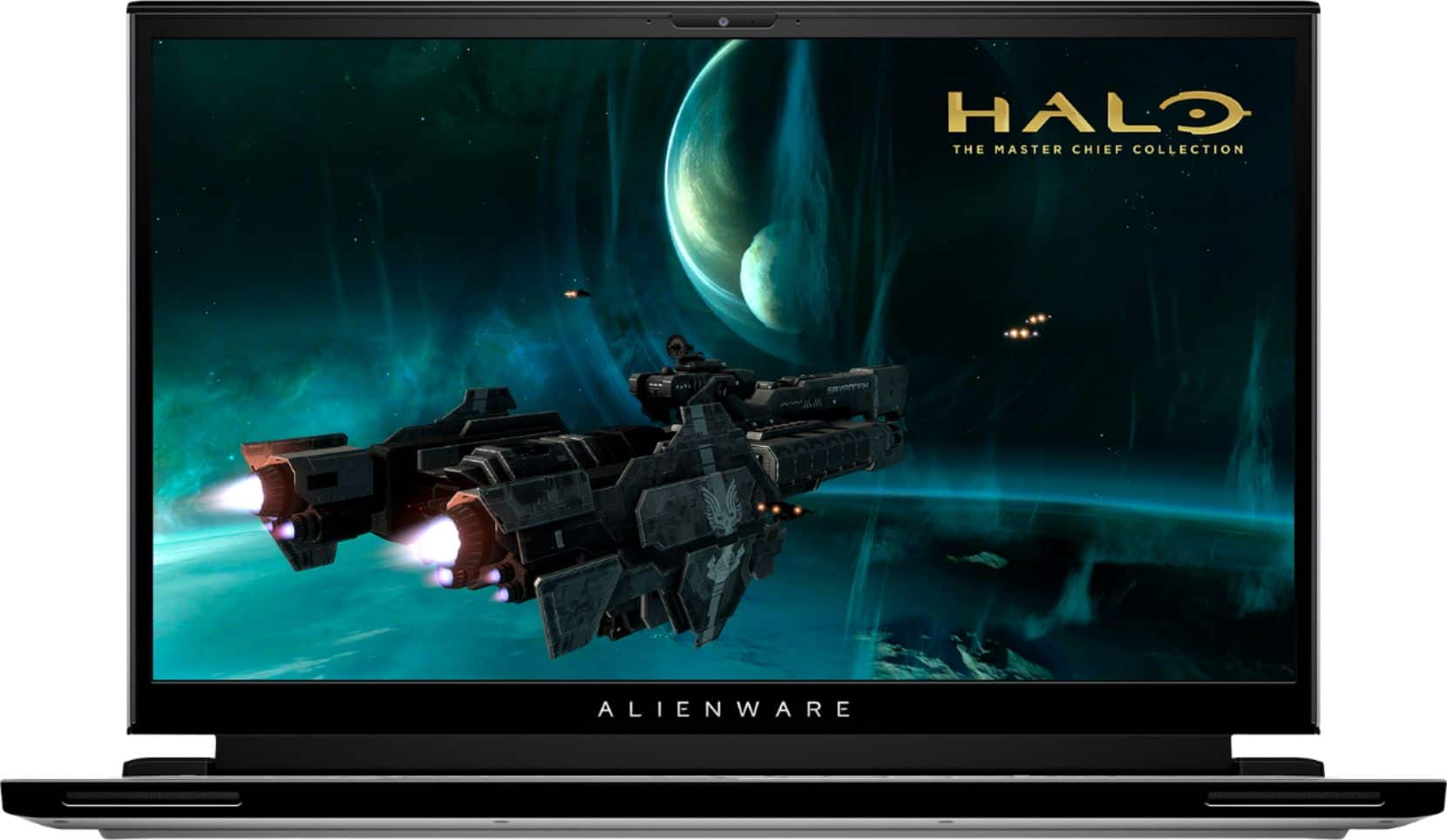


- Model:
- AWm17-7616WHT-PUS
- SKU:
- 6409415
Rating by feature
- Battery Life
Rating 3.2 out of 5 stars
- Speed
Rating 4.5 out of 5 stars
- Display
Rating 4.6 out of 5 stars
Customers are saying
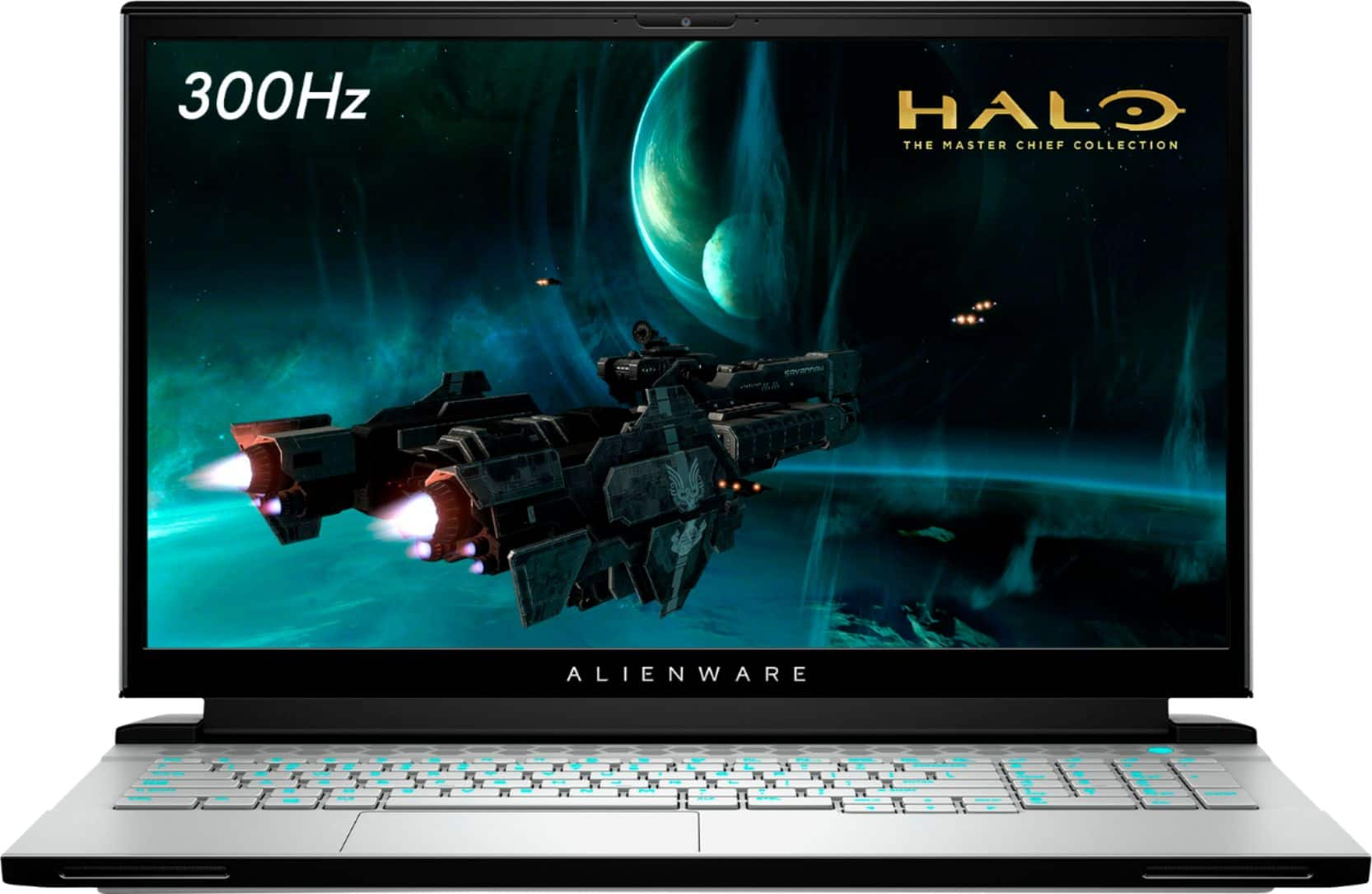
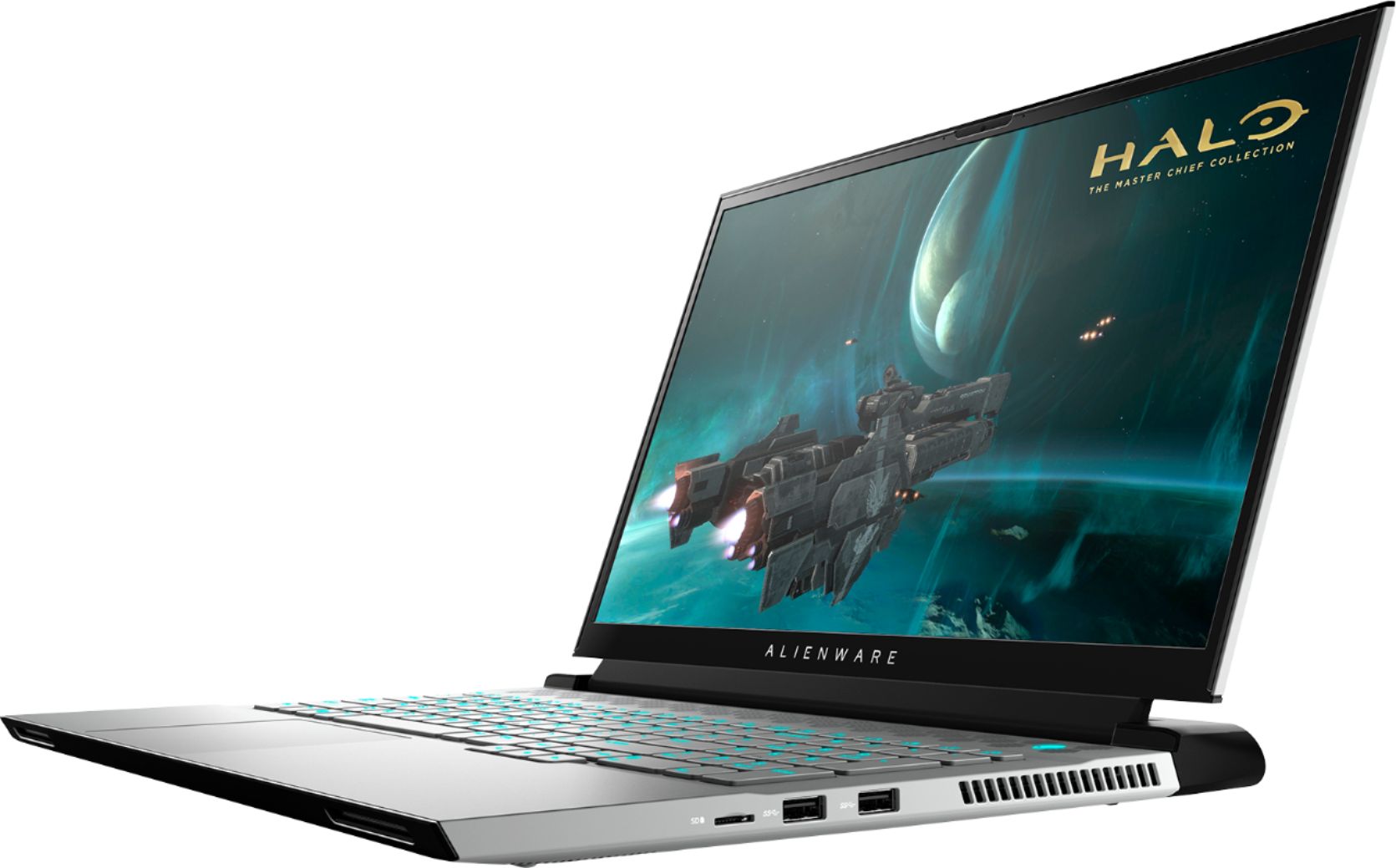
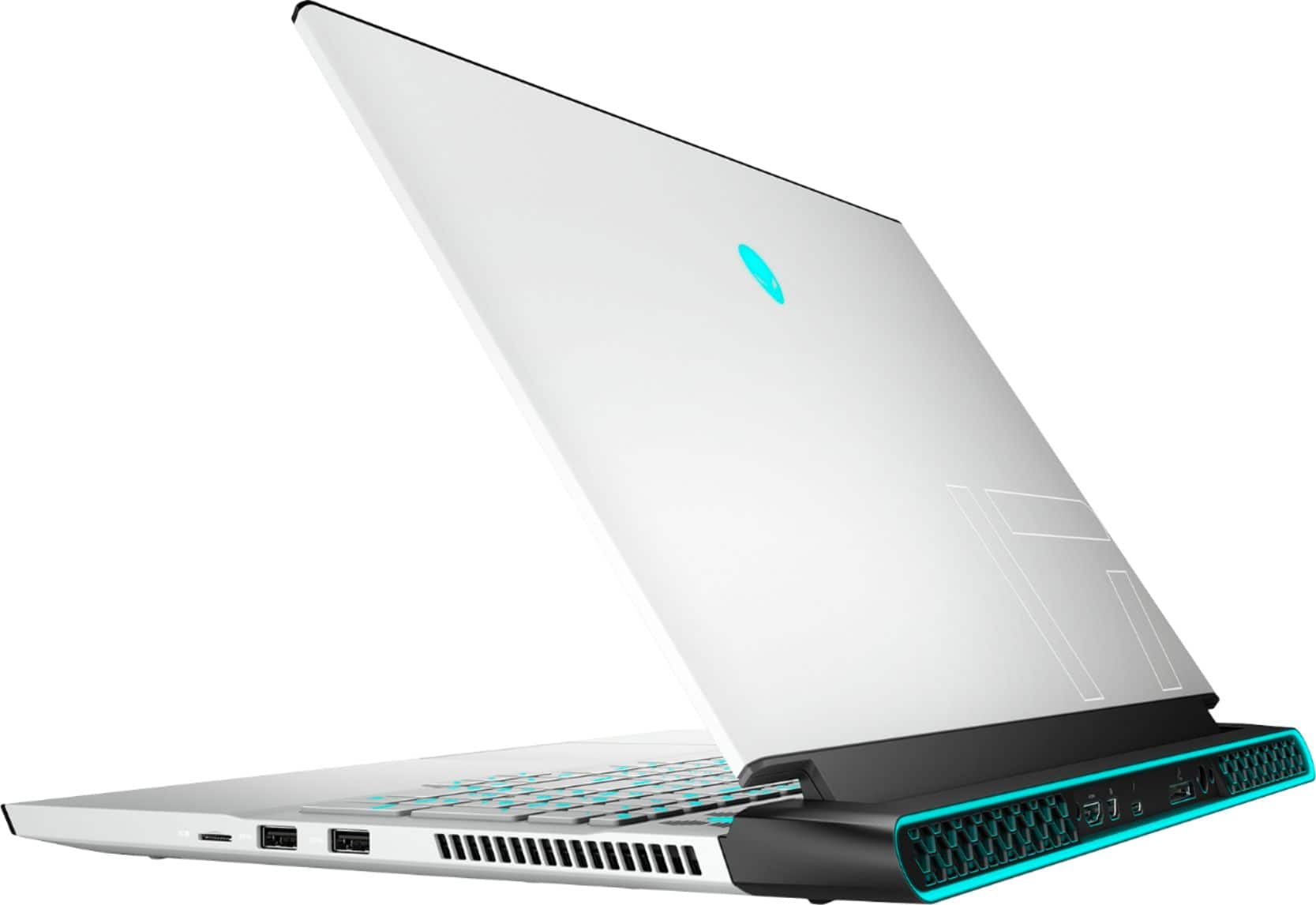
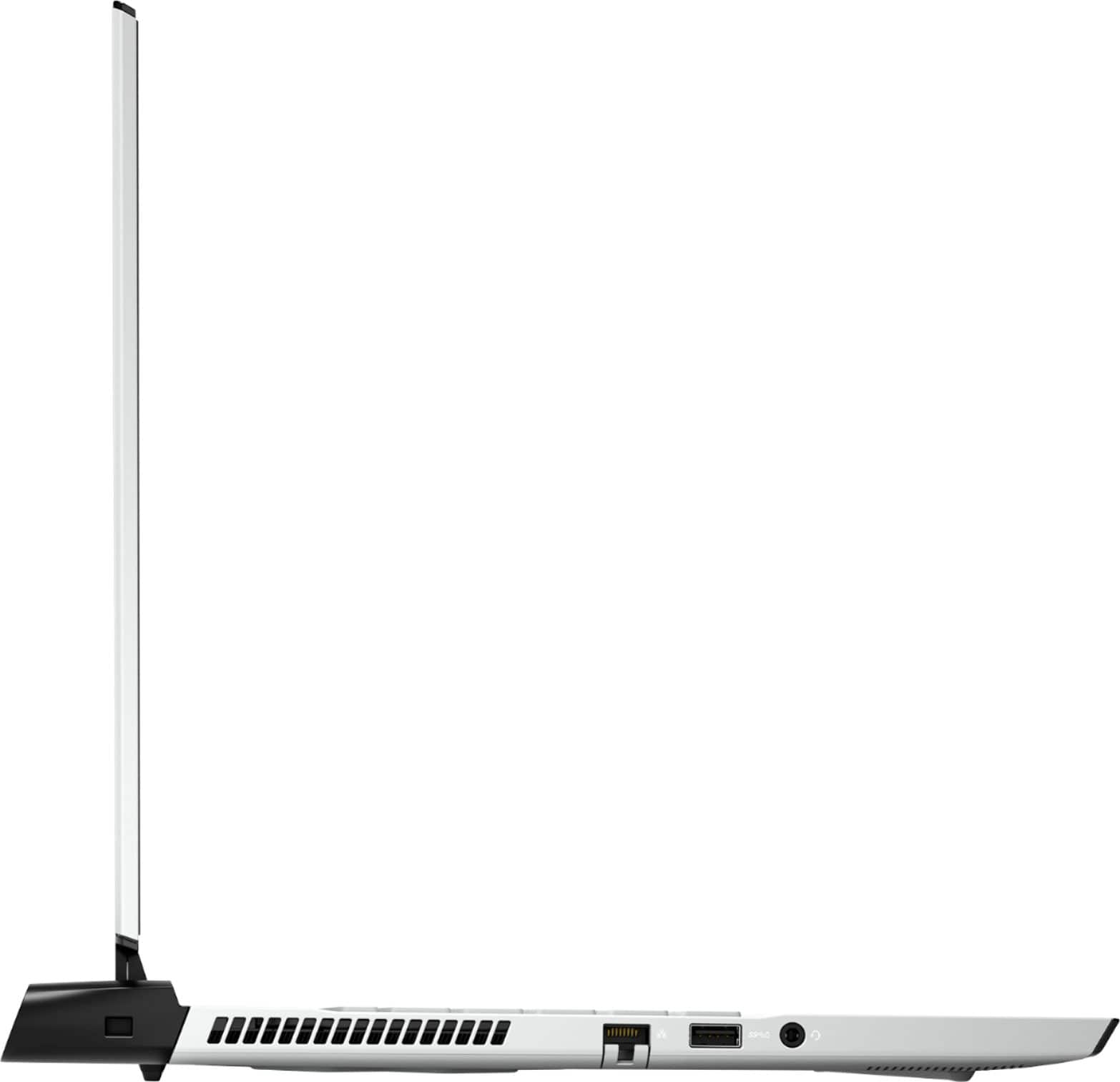
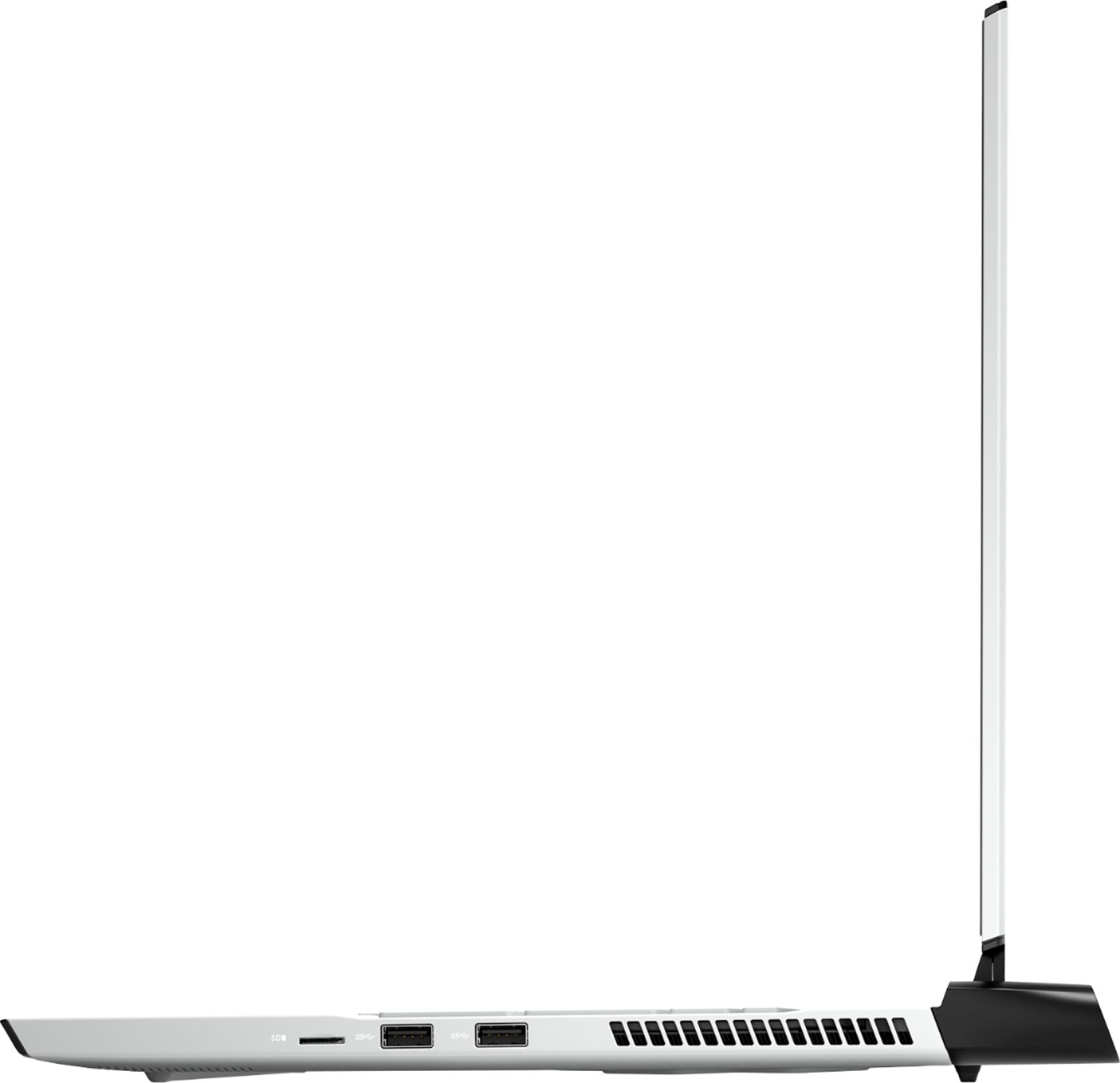
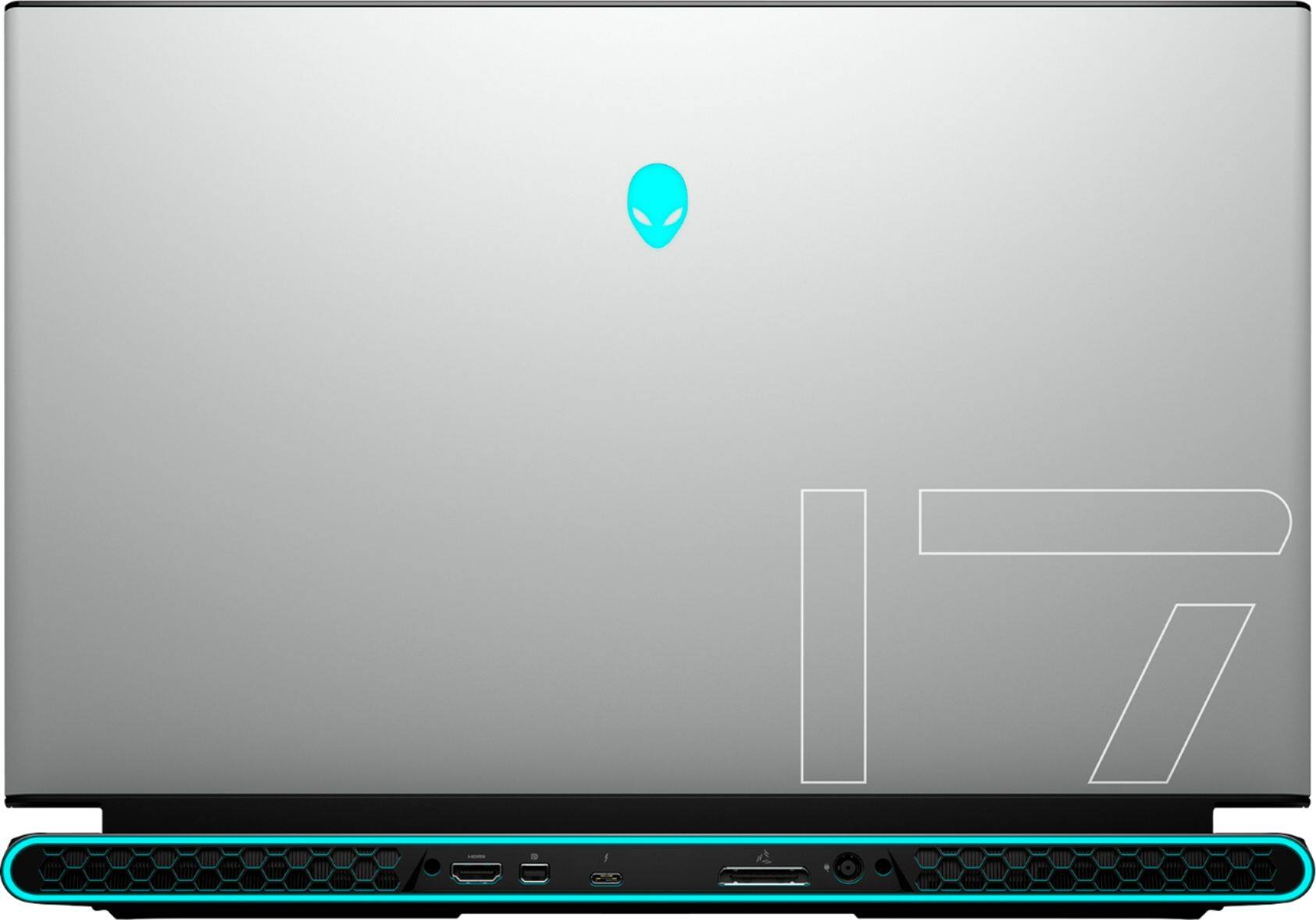
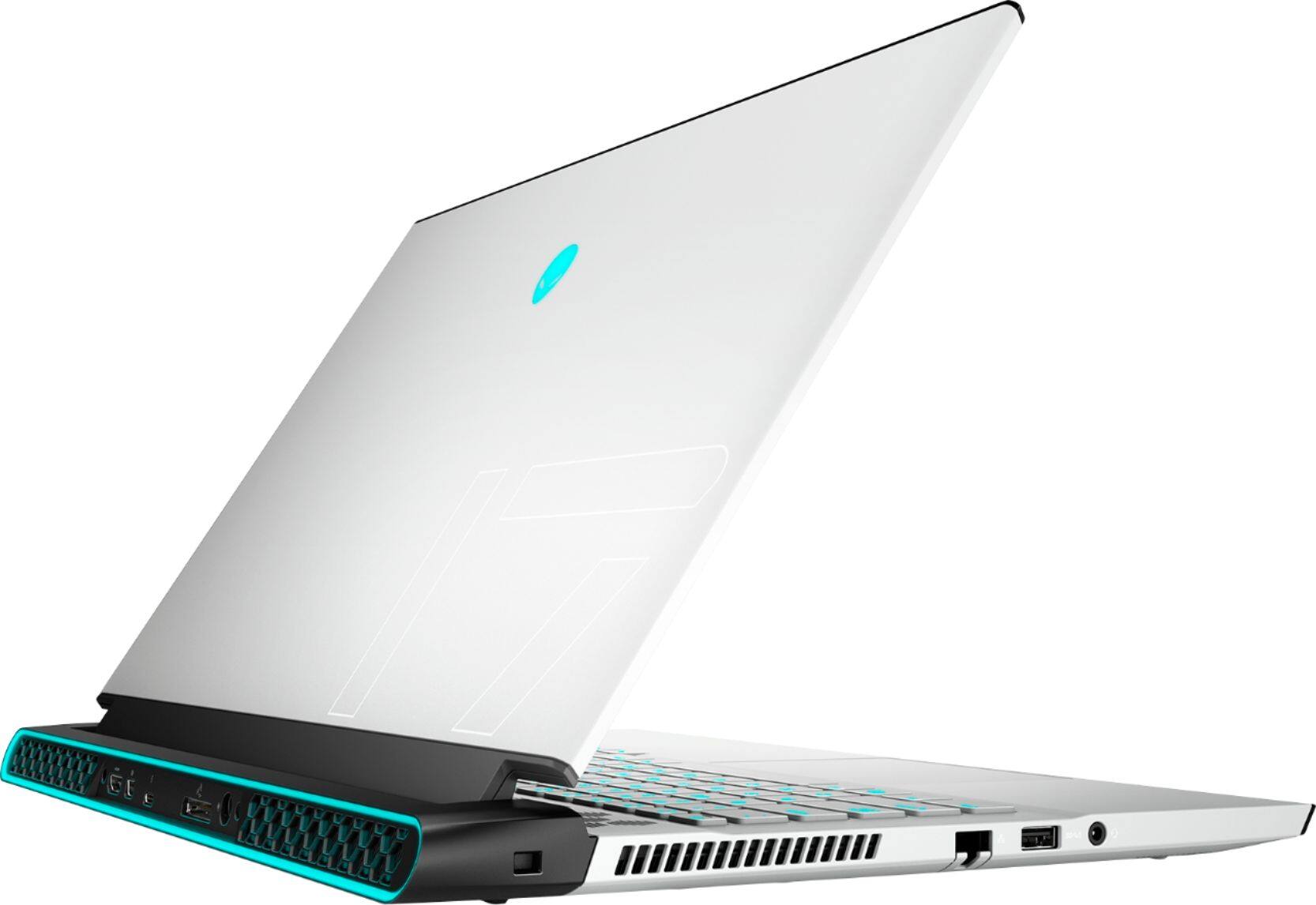
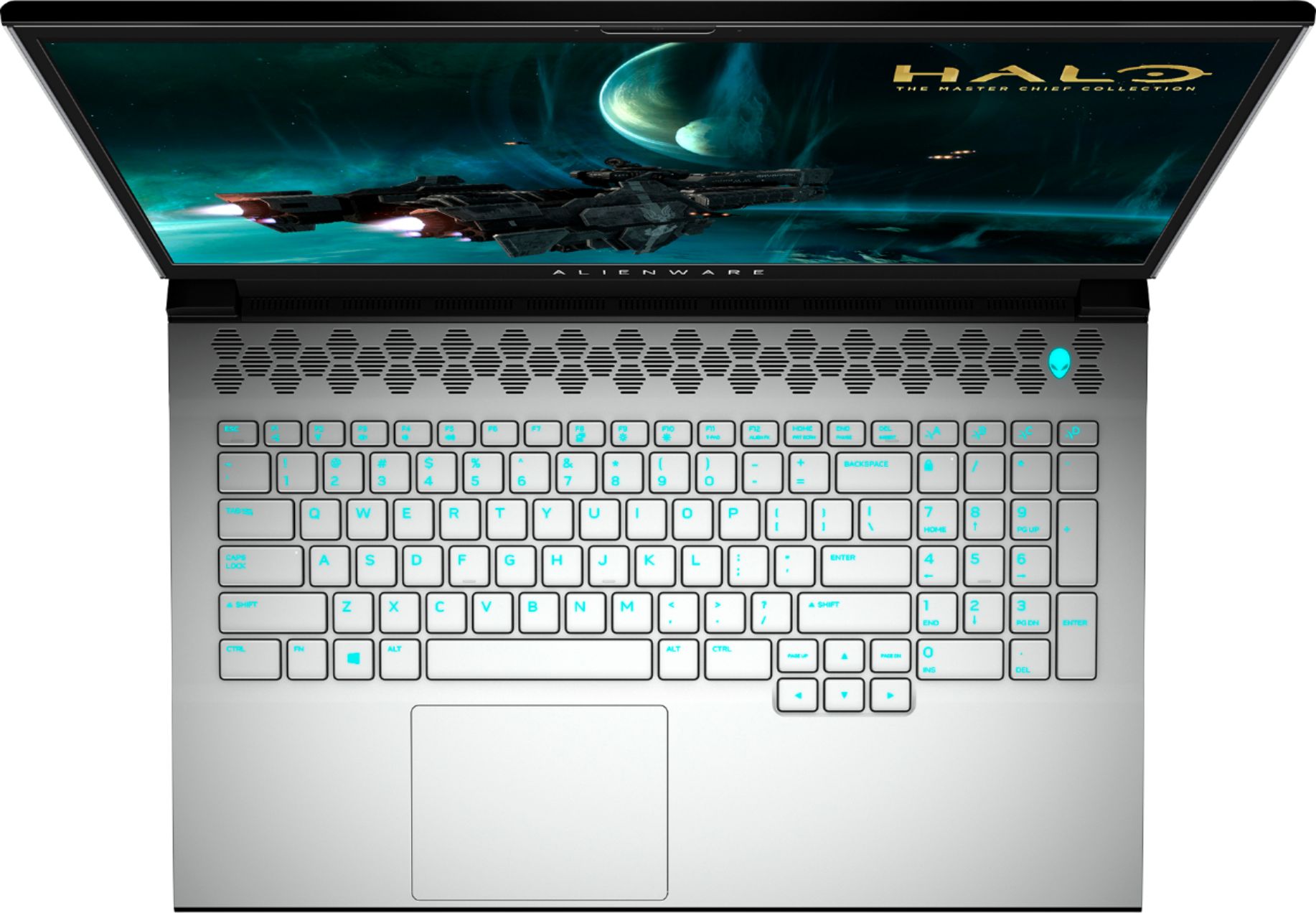
Customers enjoy the high performance, excellent graphics, and large screen size of the m17 R3 gaming laptop. Many appreciate the lightweight design and high refresh rate, contributing to a positive gaming experience. However, some users point to the battery life and heat generation as significant drawbacks. Concerns were also raised regarding the fan noise and the inability to upgrade the RAM.
This summary was generated by AI based on customer reviews.
Gaming Laptop
||Posted . Owned for 3 weeks when reviewed.This reviewer received promo considerations or sweepstakes entry for writing a review.Excellent gaming laptop. Thank you so much for this
I would recommend this to a friendExpectations exceeded
||Posted . Owned for 1 month when reviewed.This reviewer received promo considerations or sweepstakes entry for writing a review.Device is powerful and exceeds operatiinal needs. Happy.
I would recommend this to a friendXnnxmx
||Posted . Owned for 11 months when reviewed.This reviewer received promo considerations or sweepstakes entry for writing a review.Ending c formed F. Whsnsmzlxkxk m Manx xbxnxnx xnxn
I would recommend this to a friendGreat laptop!
||Posted . Owned for 2 weeks when reviewed.This reviewer received promo considerations or sweepstakes entry for writing a review.My son got this laptop for college & gaming - and he loves it!
I would recommend this to a friendA Wonderful Computer
||Posted . Owned for 1 month when reviewed.This reviewer received promo considerations or sweepstakes entry for writing a review.I LOVE this laptop! It is so easy to use with a clear screen.
I would recommend this to a friendAwesome
||Posted . Owned for 1 week when reviewed.This reviewer received promo considerations or sweepstakes entry for writing a review.Love the power and screen quality Outstanding operating system
I would recommend this to a friendLoved it!!!!!
||Posted .This reviewer received promo considerations or sweepstakes entry for writing a review.Awesome purchased ....super worth it. Excellent for gaming.
I would recommend this to a friendNew apple computer
||Posted . Owned for 1 month when reviewed.This reviewer received promo considerations or sweepstakes entry for writing a review.Hard to learn as a lot is different but I will conquer
I would recommend this to a friendGreat Gaming laptop!
||Posted . Owned for 3 weeks when reviewed.This reviewer received promo considerations or sweepstakes entry for writing a review.It’s actually my daughter’s, and she says it’s great!
I would recommend this to a friendAwesome laptop for gaming.
||Posted . Owned for 1 week when reviewed.This reviewer received promo considerations or sweepstakes entry for writing a review.Alienware is by far the best computer that I have ever had.
I would recommend this to a friendWhat’s not to love!
||Posted . Owned for 2 weeks when reviewed.This reviewer received promo considerations or sweepstakes entry for writing a review.Come on... it’s an Alienware! Love, love, love it!
I would recommend this to a friendPc
||Posted . Owned for 1 week when reviewed.This reviewer received promo considerations or sweepstakes entry for writing a review.Works great, no issues at all. Easy to use reliable.
I would recommend this to a friendSo far so good
||Posted . Owned for 1 week when reviewed.This reviewer received promo considerations or sweepstakes entry for writing a review.Nice machine that works as expected. Very pleased so far.
I would recommend this to a friendLaptop
||Posted . Owned for 1 month when reviewed.This reviewer received promo considerations or sweepstakes entry for writing a review.Excellent laptop. Highly recommend it. Love it dearly
I would recommend this to a friendGreat gaming laptop
||Posted .This reviewer received promo considerations or sweepstakes entry for writing a review.Best gaming laptop I've purchased well worth the $$
I would recommend this to a friend- Cons mentioned:Heat
Great but over heats
||Posted . Owned for 1 month when reviewed.This reviewer received promo considerations or sweepstakes entry for writing a review.Great gaming device when it works. The device keeps over heating and shutting down after about an hour of game play
No, I would not recommend this to a friendBrand response from YourDellTeam
Posted .Hello Will,
Thank you for taking the time to share your experience. We are sorry to hear about the overheating and crashing issues you're having with your m17. We would love to help as soon as possible. We recommend ensuring that your m15 is running the latest software and drivers. There was an update recently released for this series. You can download it here: https://dell.to/3g7agV7. This will ensure you have the best experience your system offers to date. After updating the BIOS, here are some tips that can help you keep the temperature as low as possible.
• To tune your system, go to Alienware Command Center and select out of 4 different thermal profiles that will help you manage system temperatures as well as performance output to your preference. These include Cool, Quiet, Balanced, and Performance thermal profiles.
• Our Alienware m17 follows 8th and 9th generation Intel performance design guidelines, which can lead CPU temperatures to reach 100°C to output top in-game performance.
• We fully warrant the product under these conditions. If you see CPU temperatures rising beyond 100°C on Alienware Command Center, please contact support and they will take care of your issue - https://dell.to/2Inbc8F. If you still run into thermals and crashing issues after the recommended steps, please contact Dell Support at your earliest convenience at 1-800-264-9896.
Best regards,
Wendy C.
https://bit.ly/DellSupportTeam.
Phone number to Dell: 1-800-264-9896.
Great Computer
||Posted . Owned for 1 week when reviewed.This reviewer received promo considerations or sweepstakes entry for writing a review.The computer wasn’t functioning correctly. Also the computer was in someone else’s name. I had to contact Dell to do a factory reset, & fix corrupt files, & put it in my name.
No, I would not recommend this to a friendBrand response from YourDellTeam
Posted .Nate23,
We're sorry to hear about the issues that you're having with your new Alienware computer. Please visit our Product Support Page for help troubleshooting the issues that you're having: https://dell.to/2DjJ8yx.
Best,
Bryan
1-800-624-9896
Poor Quality
||Posted . Owned for 4 months when reviewed.This reviewer received promo considerations or sweepstakes entry for writing a review.It’s a great laptop to play game with, though it comes with so much problems. I already had to replace the motherboard because it got fried playing normally, and just today, the power jack on the laptop stopped working and isn’t able to charge at all. Very poor quality from Dell/Alienware
No, I would not recommend this to a friendBrand response from YourDellTeam
Posted .Hello Paul,
Thank you for your review. We apologize for the issues you have come across with your product. We really do appreciate your feedback and will use it to help improve our current and future products. Provided the issue is hardware related, it may be repaired/replaced if covered under its limited warranty. We recommend contacting Dell Support at your earliest convenience.
Best regards,
Wendy C.
For further assistance, you can contact Dell directly with the information below Chat or Call:
https://bit.ly/DellSupportTeam.
Phone number to Dell: 1-800-264-9896.
DONT BUY
||Posted . Owned for 1.5 years when reviewed.This reviewer received promo considerations or sweepstakes entry for writing a review.Wifi drivers suck, gets really hot , screen always glitchs
No, I would not recommend this to a friendProbably one of the worst purchases ever made.
||Posted . Owned for 2 months when reviewed.This reviewer received promo considerations or sweepstakes entry for writing a review.Worst purchase I have ever made. The computer has had issues since I first turned it on. Very first time I turned it on I received an error saying the Hard Drive is not installed. Restarted it and it then turned on but for the last two months, the computer restarts on its own, gives me a blue screen error and will continue to restart. Have contacted Dell 4 times so far and they have not been able to fix the issue. When running diagnostics, it says the computer passes all tests but something is obviously wrong. Have given videos of the event happening several times to dell support but still no fix. Still currently having issues when writing this review. Do not buy alienware for the price. Way better computers for less money.
No, I would not recommend this to a friendBrand response from YourDellTeam
Posted .Hello Kixare4kids,
Thank you for your feedback and response. We really do appreciate your feedback. We apologize for your experience and have provided steps below that can assist with your blue screen and startup issues if needed in the future.
1. At the desktop, click the Search the web and Windows box and type ""problem reports"".
2. Select View all problem reports to view a list of errors that have occurred on your computer and possible solutions for them, such as updating drivers, flashing your system BIOS, or checking for updates to the software.
3. Under the Source column, look for Windows and under Summary, look for Shut down unexpectedly.
4. Right-click the line item and select Check for a solution.
We'd also suggest checking to make sure that your software and drivers are up to date on Dell's Product Page - http://dell.to/3hmUpRy
This article contains more detail in regard to blue screen and performance issues - http://dell.to/2u98Cct.
Best regards,
Wendy C.
For further assistance, you can contact Dell directly with the information below Chat or Call:
https://bit.ly/DellSupportTeam.
Phone number to Dell: 1-800-264-9896.