Customer Ratings & Reviews
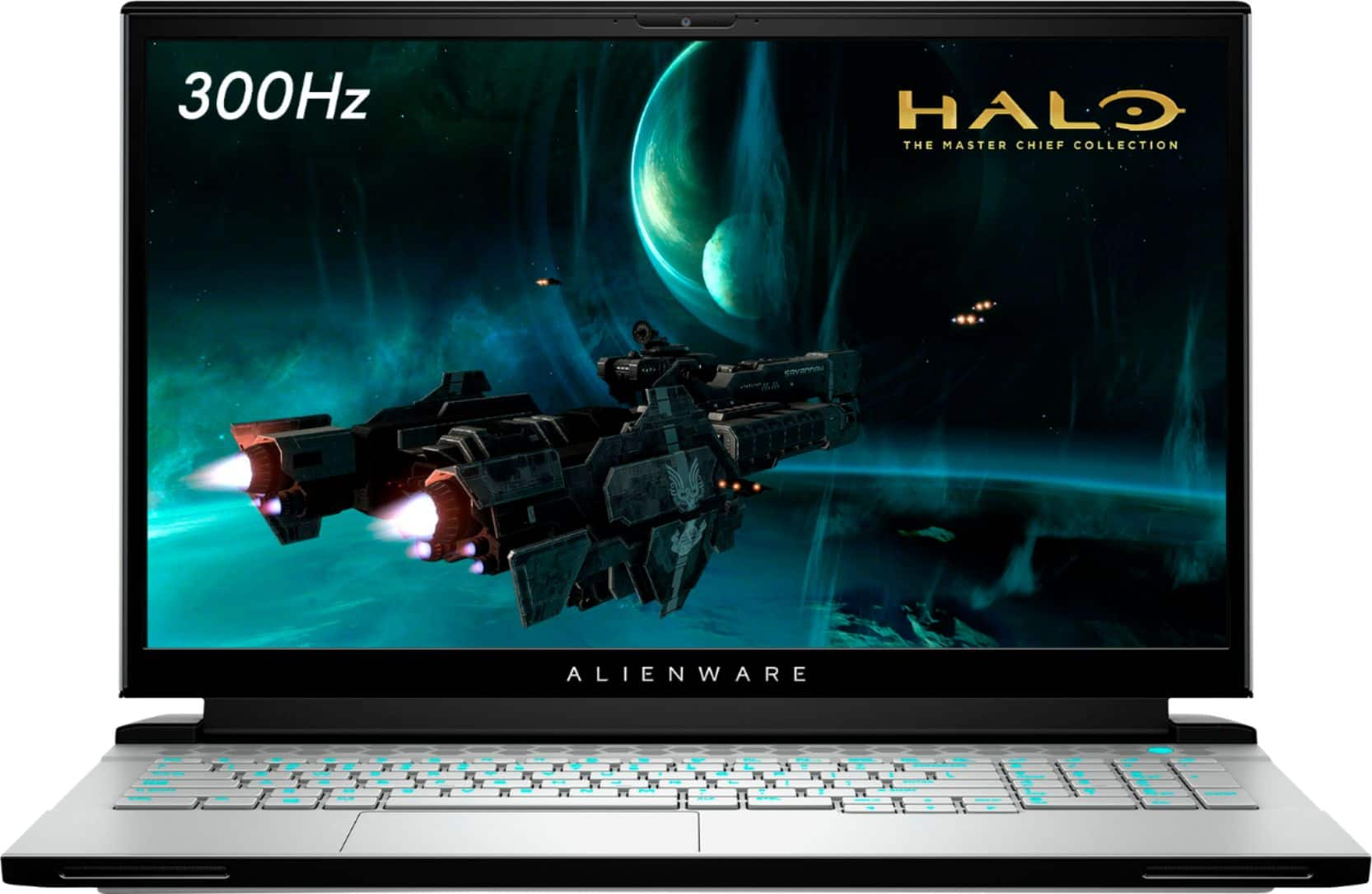

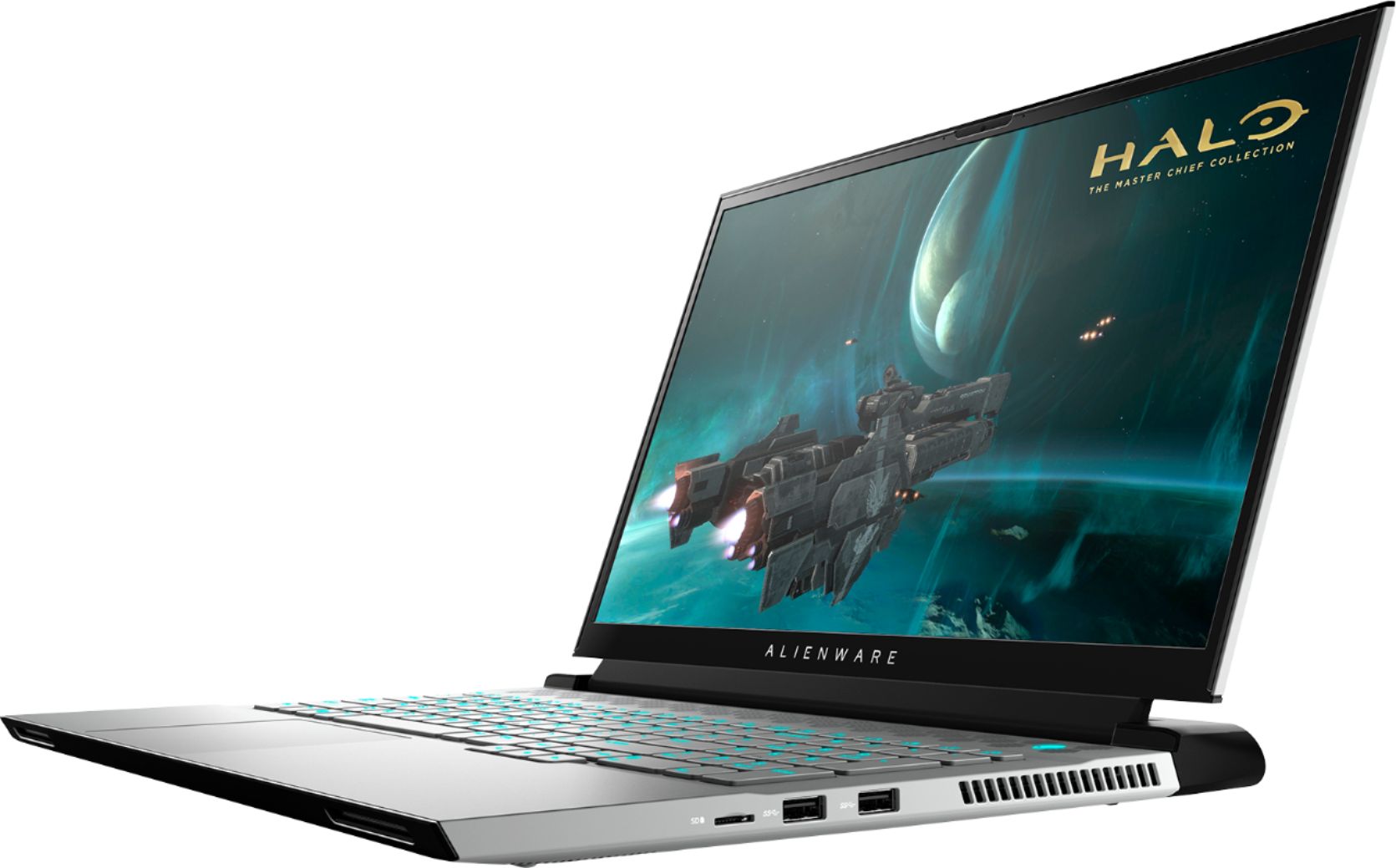
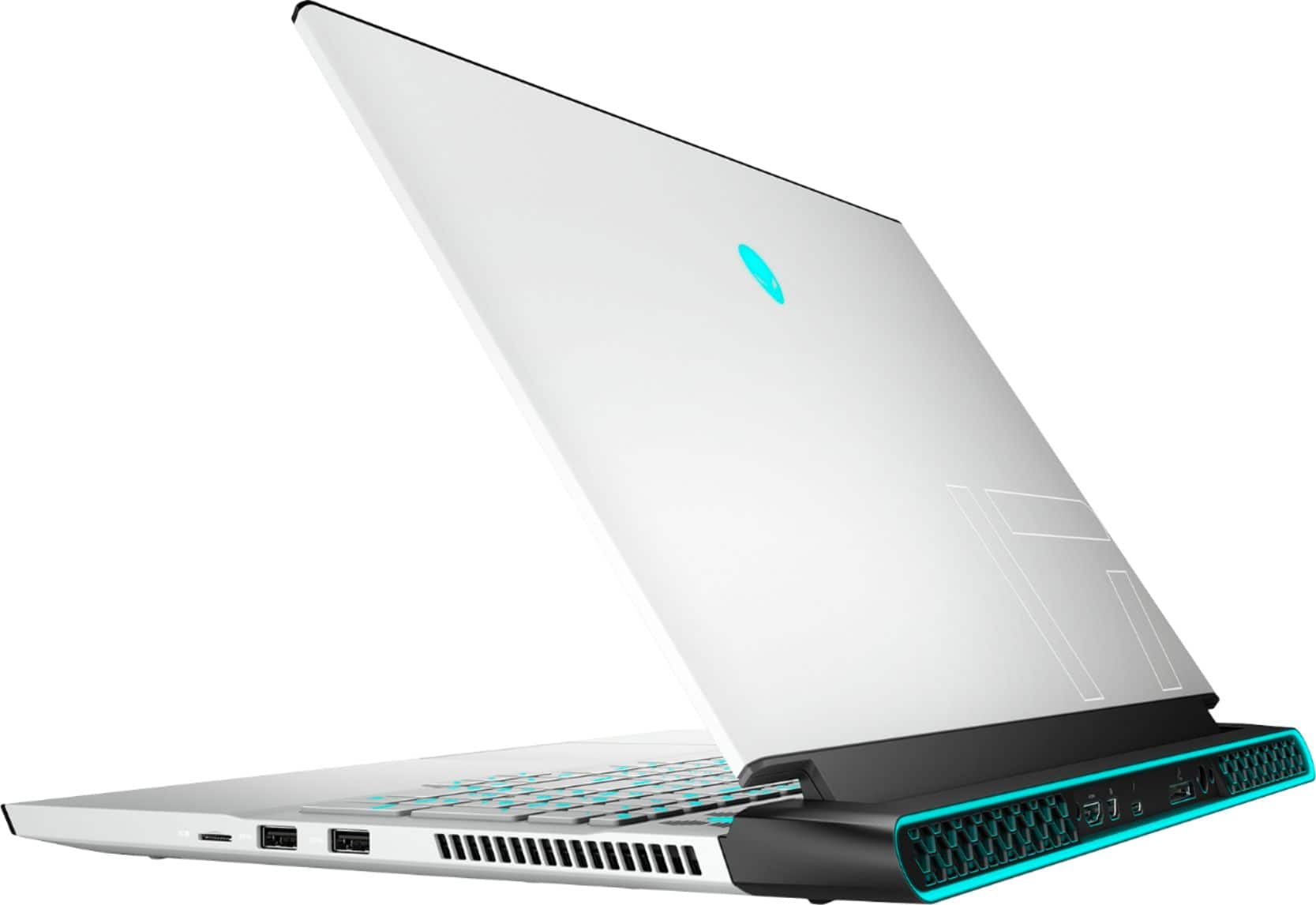
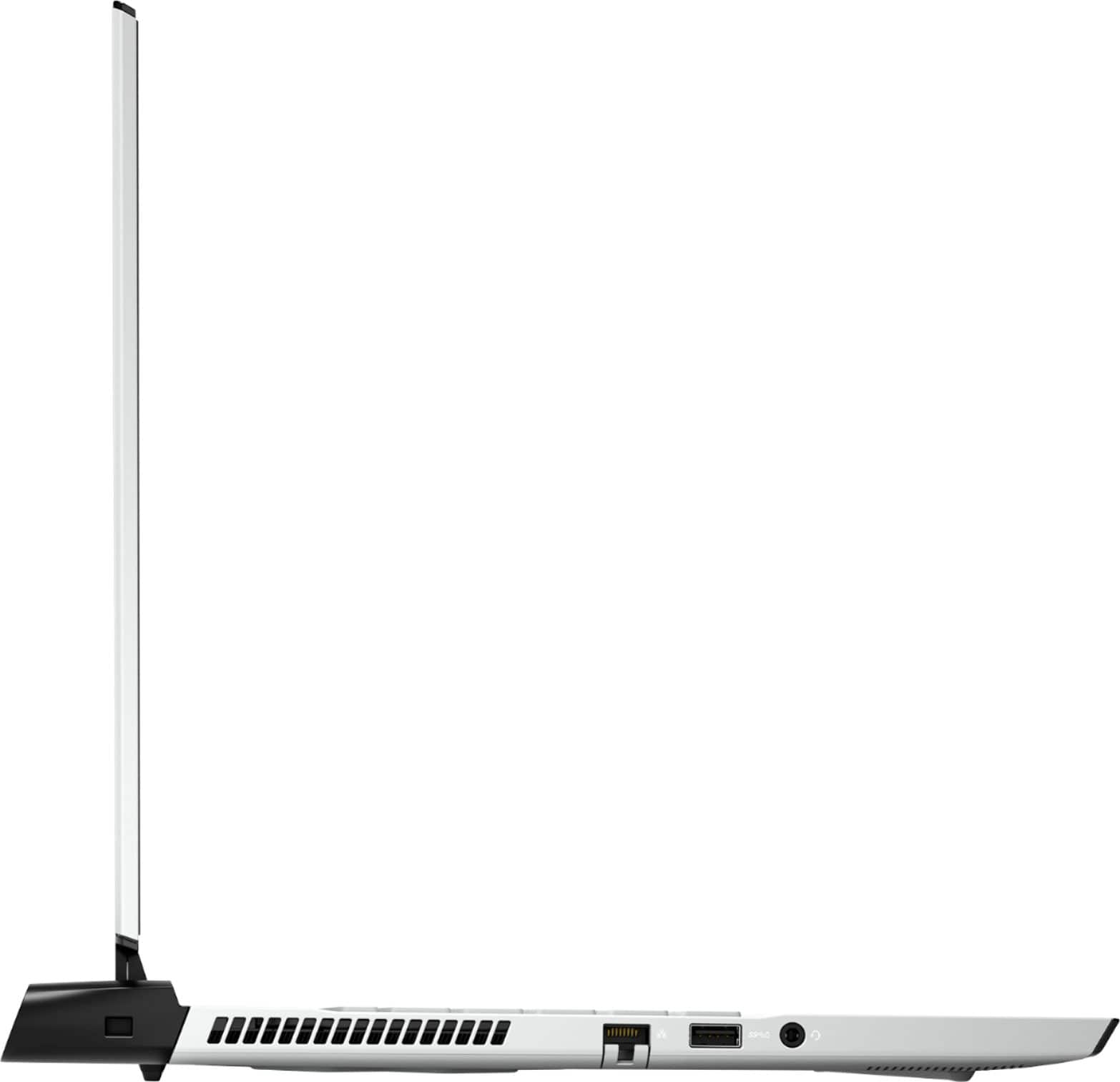
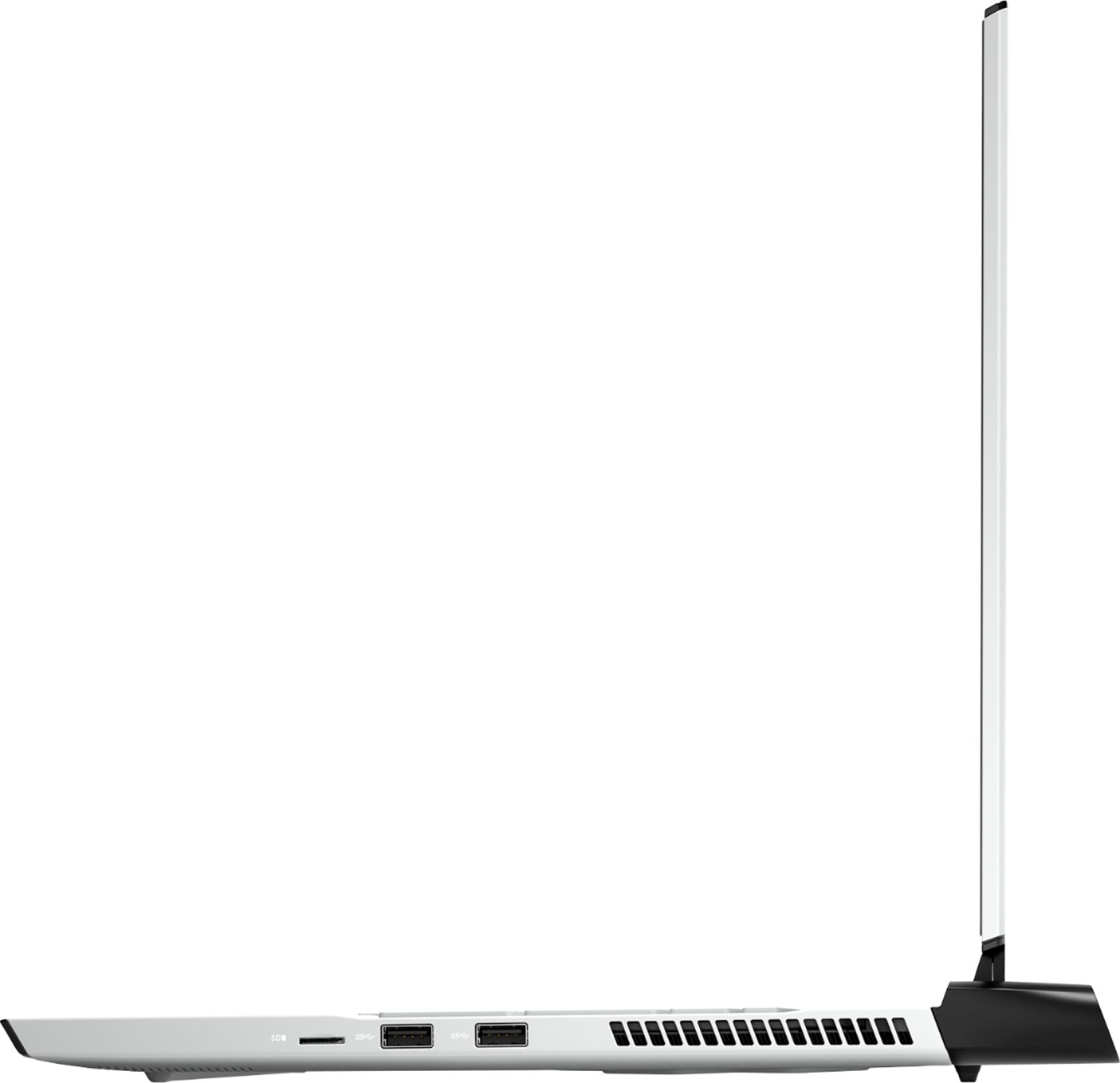
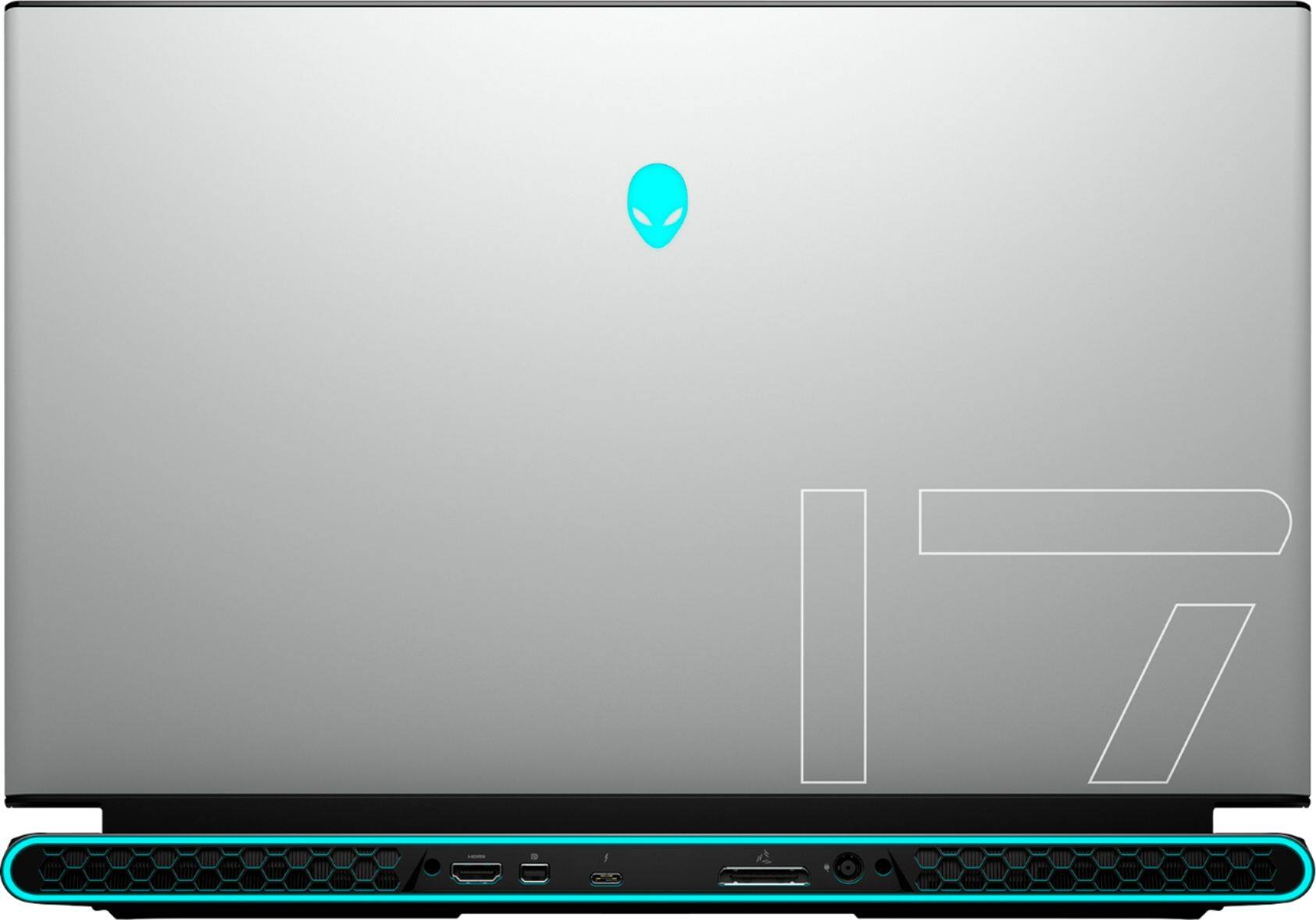
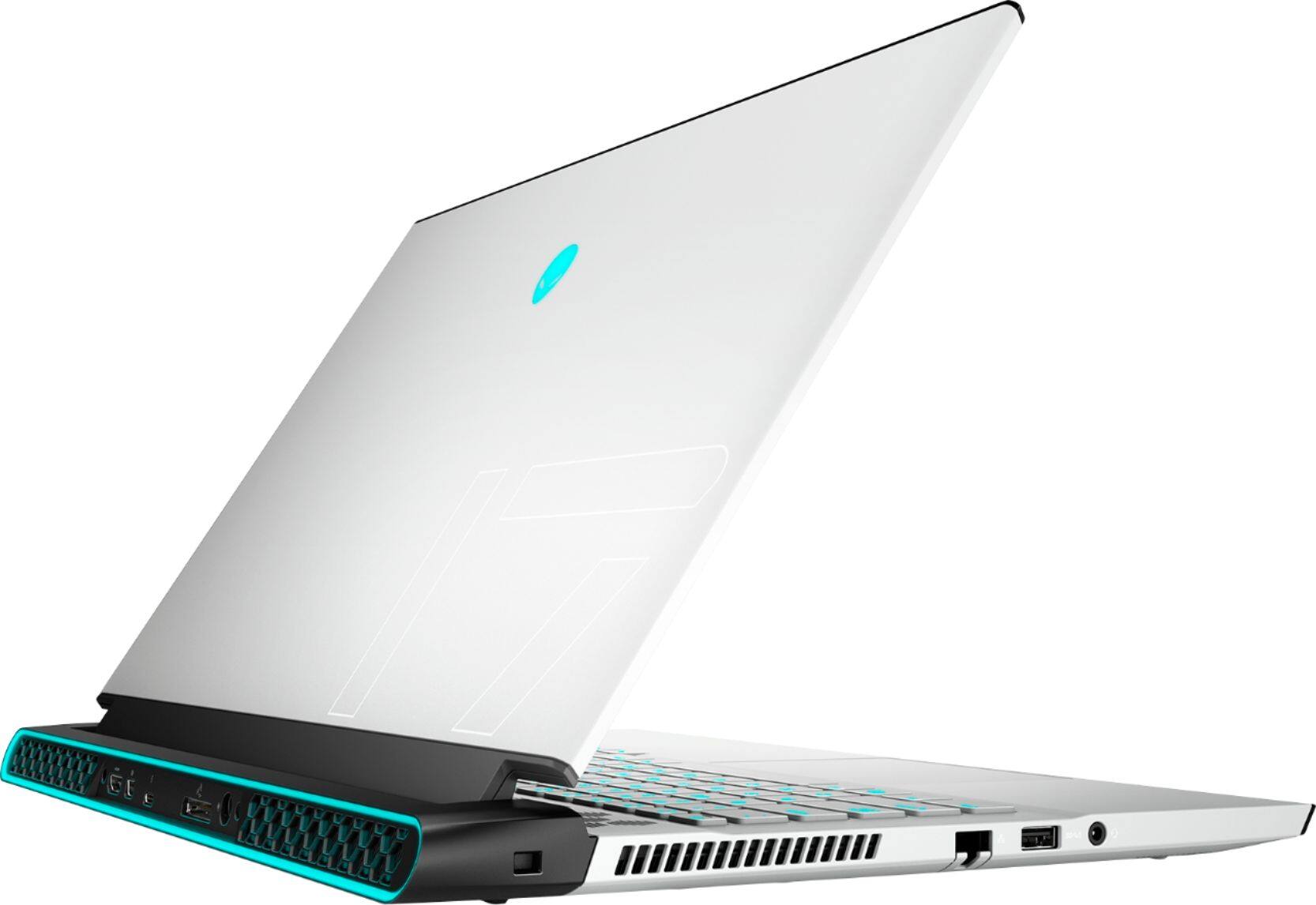
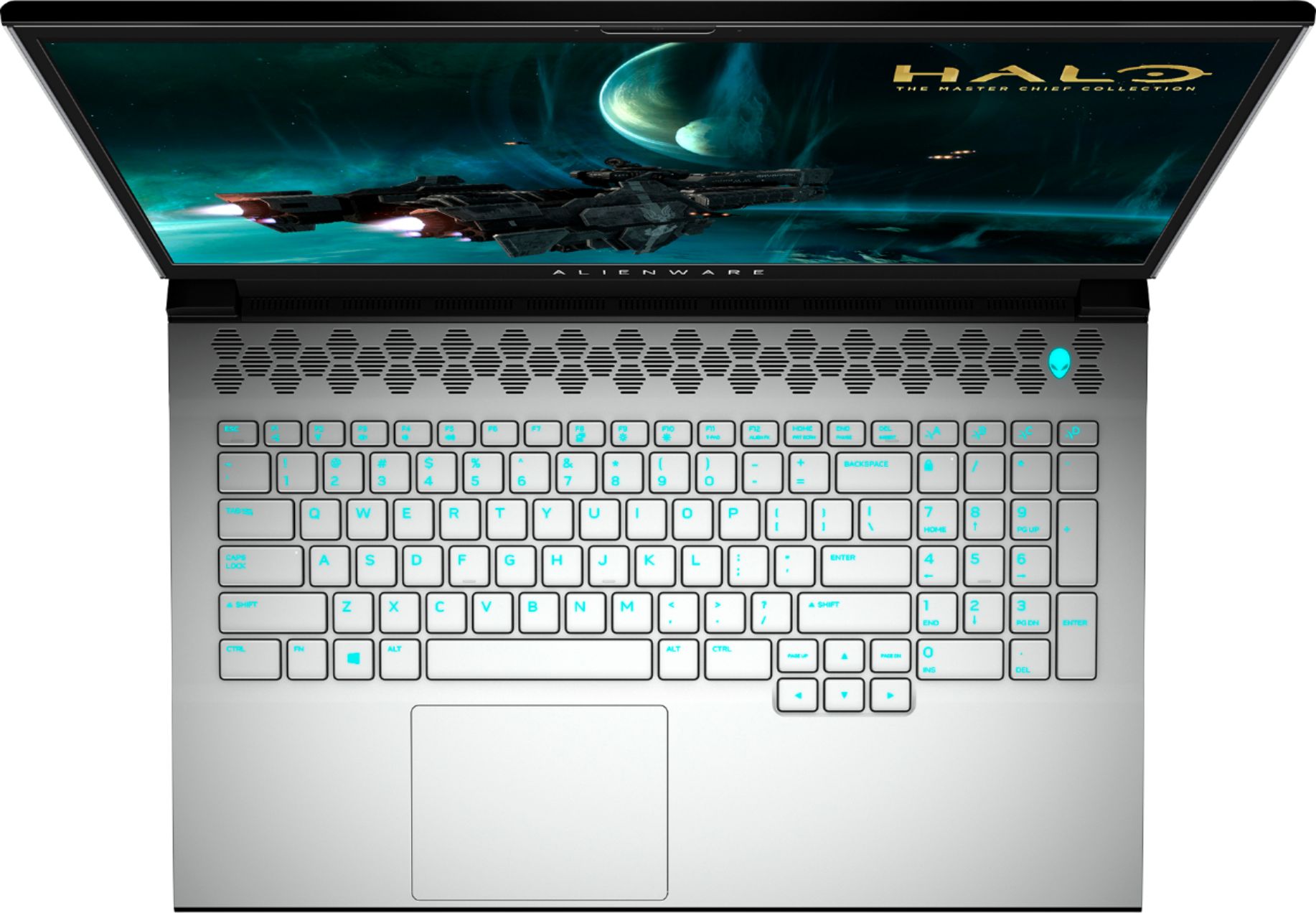


- Model:
- AWm17-7616WHT-PUS
- SKU:
- 6409415
Rating by feature
- Battery Life
Rating 3.2 out of 5 stars
- Speed
Rating 4.5 out of 5 stars
- Display
Rating 4.6 out of 5 stars
Customers are saying
Customers enjoy the high performance, excellent graphics, and large screen size of the m17 R3 gaming laptop. Many appreciate the lightweight design and high refresh rate, contributing to a positive gaming experience. However, some users point to the battery life and heat generation as significant drawbacks. Concerns were also raised regarding the fan noise and the inability to upgrade the RAM.
This summary was generated by AI based on customer reviews.
Never
||Posted .This reviewer received promo considerations or sweepstakes entry for writing a review.Never buy an open box item. Computer manager told me that the laptop is in perfect condition. But since beginning i have been experiencing black screen problem on high gpu load as previous owner. I contacted with Dell and learned that previous owner also faced with this problem and ac adapter was replaced. But replacing adapter had no solution to the problem. I tried many things such as unistall all drivers and install all drivers manually, format pc, reinstallnwindows, tried other power cords, other sockets however problem still exists and now the laptop is a thrash. Its very disappointing for such a brand new expensive laptop. Im trying to refund the product.
No, I would not recommend this to a friendEH
||Posted . Owned for 2 months when reviewed.This reviewer received promo considerations or sweepstakes entry for writing a review.This was great, but not to much arm space so I had to return it
I would recommend this to a friendHard drive
||Posted . Owned for less than 1 week when reviewed.This reviewer received promo considerations or sweepstakes entry for writing a review.The first lap top had a hard drive issue and didn't allow me to sign on, on the third day. Best buy replaced it. Three computers purchased from best buy in the past have had this problem.
No, I would not recommend this to a friendBrand response from YourDellTeam
Posted .Vicky,
We're sorry to hear about the issues that you've had with your computers. We hope that your new Alienware gaming computer is now working the way that it is meant to. If you have any questions about your computer you can always check out our Product Support Page here: https://dell.to/3jSlfRE.
Best,
Bryan
1-800-624-9896
NEGATIVE
||Posted . Owned for 4 months when reviewed.This reviewer received promo considerations or sweepstakes entry for writing a review.Horrible I purchased this laptop on November 2020 and one keyboard piece fell off the keyboard on February 2021. I took it to GSP as I had a protection plan and I was told that it wasn't repairable. On the other hand, I have had my Mac Book Pro since 2013 and have not had any keyboard pieces missing! Thats the annoying part, this computer did not even last compared to my Apple laptop!
No, I would not recommend this to a friendBrand response from YourDellTeam
Posted .Hello CrossPuzzle,
We are sorry to hear that your m17 has been damaged and apologize for the inconvenience. If you would like further assistance, Dell Support is available to help. You are more than welcome to give them a call at 1-800-624-9896.
Best Regards,
Anthony P.
- Cons mentioned:Battery life
Battery life
||Posted . Owned for 1 month when reviewed.This reviewer received promo considerations or sweepstakes entry for writing a review.Battery doesn’t last long, with less than hour of usage the laptop is already at 76%.
No, I would not recommend this to a friendBrand response from YourDellTeam
Posted .Karle,
Thanks for your review. We're sorry to hear that your laptop's battery is not lasting as long as you hoped it would. Here are some tips to help conserve your computer's battery life:
Change the Power Plan:
1. On the notification area of the taskbar, right-click the Battery icon.
2. On the options list, click Power Options.
3. Select a power plan on the battery meter, such as Power Saver or Balanced. Windows 10 has a built in 'Battery Saver' mode that can be activated to extend your system's battery life. The Battery Saver mode will monitor and limit background activity and other features such as push notifications. You do have the option to enable or disable this mode within settings or within advanced Battery Saver settings, you can customize the mode to best suit your needs.
a) Click on the Action Center icon in the taskbar and select the tile for Battery Saver.
b) If running Cortana then type Battery Saver into the search box and select from the results.
Within the Battery Saver settings page, you will be able to turn on and off the feature and customize the feature to best meet your needs.
c) Turn Battery Saver On or Off.
d) Additional settings available via the Battery use and Battery saver settings links.
e) Battery use shows further info on apps and their power usage.
f) Battery Saver Settings screen allows you to customize further Battery Saver feature.
You can read the full article here - http://dell.to/2vfXWf4.
Best,
Bryan
1-800-624-9896
- Cons mentioned:Battery life
Battery is garbage
||Posted . Owned for 3 weeks when reviewed.This reviewer received promo considerations or sweepstakes entry for writing a review.Battery lays 7 minutes with full charge I am very disappointed
No, I would not recommend this to a friendBrand response from YourDellTeam
Posted .Hello NixFix,
Thank you for your feedback and review. We are sorry you're having issues with your battery life. Below are steps that can assist with maximizing and troubleshooting any possible issues with your battery.
1. On the notification area of the taskbar, right-click the Battery icon.
2. On the options list, click Power Options.
3. Select a power plan on the battery meter, such as Power Saver or Balanced. Windows 10 has a built in 'Battery Saver' mode that can be activated to extend your system's battery life. The Battery Saver mode will monitor and limit background activity and other features such as push notifications. You do have the option to enable or disable this mode within settings or within advanced Battery Saver settings, you can customize the mode to best suit your needs.
a) Click on the Action Center icon in the taskbar and select the tile for Battery Saver.
b) If running Cortana then type Battery Saver into the search box and select from the results.
Within the Battery Saver settings page, you will be able to turn on and off the feature and customize the feature to best meet your needs.
c) Turn Battery Saver On or Off.
d) Additional settings available via the Battery use and Battery saver settings links.
e) Battery use shows further info on apps and their power usage.
f) Battery Saver Settings screen allows you to customize further Battery Saver feature.
You can read the full article here - http://dell.to/2vfXWf4.
Best regards,
Wendy C.
For further assistance, you can contact Dell directly with the information below Chat or Call:
https://bit.ly/DellSupportTeam.
Phone number to Dell: 1-800-264-9896.
Great laptop for gaming but....
||Posted . Owned for 1 week when reviewed.This reviewer received promo considerations or sweepstakes entry for writing a review....it was defective. I never could get the Wi-Fi to work correctly, so I traded it in for the 15in model.
No, I would not recommend this to a friendwatch out for open box
||Posted .This reviewer received promo considerations or sweepstakes entry for writing a review.very disapointed with best buy this is my 2nd alienware i buy from them and they both have screen problems i dont know why they sell difective items,decided to call dell and thank god warranty will repair it but best buy didnt even give me money back for there defective laptop bad custumer service i rather buy some where else
No, I would not recommend this to a friendkeep looking
||Posted . Owned for 8 months when reviewed.This reviewer received promo considerations or sweepstakes entry for writing a review.it was open box item ,but after a day the GPU fan i think burned up
No, I would not recommend this to a friendNot an enjoyable experience
||Posted . Owned for 3 weeks when reviewed.This reviewer received promo considerations or sweepstakes entry for writing a review.I spent more time with tech support than enjoying the laptop. I’ve had an MSI gaming laptop for years and have never had a single issue. This was not what I would have expected from the company that claims to make the best gaming machines on the planet.
No, I would not recommend this to a friendBrand response from YourDellTeam
Posted .Mrjam27,
We're sorry to hear about the technical issues that you've had with your new Alienware computer. We'd recommend checking the Product Support Page for additional help with your computer in the future: https://dell.to/3jSlfRE.
Best,
Bryan
1-800-624-9896
Not a good buy
||Posted . Owned for 1 month when reviewed.This reviewer received promo considerations or sweepstakes entry for writing a review.This laptop would not produce more then 60fps on any game. I returned it bought the Asus Rog Zephyrus g14 it is almost half the cost and smokes this thing in performance.
No, I would not recommend this to a friendTerrible, keeps crashing, returning it
||Posted . Owned for 1 week when reviewed.This reviewer received promo considerations or sweepstakes entry for writing a review.Crashes with every program. This is second one I purchased; first one keyboard didn't work
No, I would not recommend this to a friendBrand response from YourDellTeam
Posted .Dear Valued Customer,
We're sorry to hear about the crashes that you're experiencing with your new computer. We'd recommend the following steps to diagnose the crashes:
1. At the desktop, click the Search the web and Windows box and type "problem reports".
2. Select View all problem reports to view a list of errors that have occurred on your computer and possible solutions for them, such as updating drivers, flashing your system BIOS, or checking for updates to the software.
3. Under the Source column, look for Windows and under Summary, look for Shut down unexpectedly.
4. Right-click the line item and select Check for a solution.
We'd also suggest checking to make sure that your software and drivers are up to date on Dell's Product Page - https://dell.to/2qp5dbT
You can read the full article here - http://dell.to/2u98Cct.
We'd also recommend checking the game settings as well as your settings in the Alienware Command Center to make sure that they are properly aligned for the performance that you're looking for. If you need to reach out to the Alienware Support Team for additional help you can reach them here: https://dell.to/2Inbc8F.
Best,
Bryan
1-800-624-9896
Froze couple of times
||Posted . Owned for 1 week when reviewed.This reviewer received promo considerations or sweepstakes entry for writing a review.Beautiful laptop but would freeze quite a bit. Was not able to play league successfully.
No, I would not recommend this to a friendBrand response from YourDellTeam
Posted .Anilee,
Thanks for your review and we're sorry to hear about the freezes that your computer is experiencing. Here are some steps to diagnose the freezes:
1. Run a Computer Diagnostic. To determine if your computer is experiencing a hardware problem, run the Dell Preboot System Assessment (PSA) Diagnostics. For information on how to run Diagnostics, and to determine the issue, refer to Dell Knowledge Base Article: http://dell.to/2iaiujA.
2. Check Safe Mode for Symptoms. To boot into safe mode, please follow the instructions below:
a) Start the computer.
b) Tap 'F8' on the keyboard immediately and every one second until the Dell logo screen disappears. From there you will see the Windows Advanced Options Menu on the screen. (If the Windows Advanced Options Menu does not appear, restart the system and try again.)
c) Select Safe mode with Networking and press Enter.
d) Log on as the administrator or as a user with administrative access.
e) Open applications and test the computer in safe mode. If the symptoms exist in safe mode, please continue the troubleshooting steps in this article. If the symptoms do not exist in safe mode, the issue is likely related to a driver or software and you may wish to complete step 3 to see if you are able to resolve the lockups or freezing.
3. Check for Malware. Malware (Virus, Spyware, etc.) can definitely cause a Windows system to lock up or appear to hang. To check for malware on your system and to ensure that your computer is up to date on security software, visit Dell Knowledge Base Article: http://dell.to/2wWP1zI.
You can read the full article here - http://dell.to/2tW5m33.
Best,
Bryan
1-800-624-9896
- Cons mentioned:Battery life
Excellent
Posted .This reviewer received promo considerations or sweepstakes entry for writing a review.Excellent laptop, still going strong with no issues, other then battery life.
I would recommend this to a friend - Pros mentioned:Performance
Fortnite
Posted .This reviewer received promo considerations or sweepstakes entry for writing a review.Good tha it’s excelente for play video games especially fort Fortnite
I would recommend this to a friend - Pros mentioned:Graphics, Performance
Amazing Gaming Laptop!
Posted .This reviewer received promo considerations or sweepstakes entry for writing a review.I bought the m17 R3 a couple weeks ago from Best Buy, and so far, I love it! The specs in the laptop are good, with an RTX card and a 2070 super + the 300hz monitor it all goes well together! It makes your work more efficient, it can play all the newest games at some of the best graphics a good amount over 60 frames if your plying on 1080p. This is the perfect laptop for high performance tasks, and I highly recommend this product !
I would recommend this to a friend Overall Food Laptop
Posted .This reviewer received promo considerations or sweepstakes entry for writing a review.I use this laptop in my video and media production suite and I have to say that it has handled a lot. Although I do my best to save my video files on a seperate hardrive, things happen and even though i periodically have to move files from the internal harddrive, the machine never skips a beat.
I would recommend this to a friendLaptop broke. Got in store credit
Posted .This reviewer received promo considerations or sweepstakes entry for writing a review.Got exactly what I wanted out of my visit. Waited a little longer than expected, but once I was helped it went quick.
I would recommend this to a friendAwesome
Posted .This reviewer received promo considerations or sweepstakes entry for writing a review.This laptop was a great purchase still holds up after 3 years.
I would recommend this to a friendPowerful Laptop, Warm display color?!
Posted .This reviewer received promo considerations or sweepstakes entry for writing a review.I bought this laptop 3 days ago, from the first start I noticed the screen display is warm colored. (Night Light is OFF!) I searched around the website and it could be Eyesafe tech put on the display. Compared to my other Asus laptop this screen is way too warm for my liking. White colors a yellowish, but Eyesafe it is supposed to be only on the 144Hz display, and this is a 300Hz. Weird? So very sadly I'll have to return this product, I can't get off the yellowish colors from the white color. Also color settings are correct and by default I everything looks normal. A dell tech already check it via remote assist.
No, I would not recommend this to a friend