Customer Ratings & Reviews
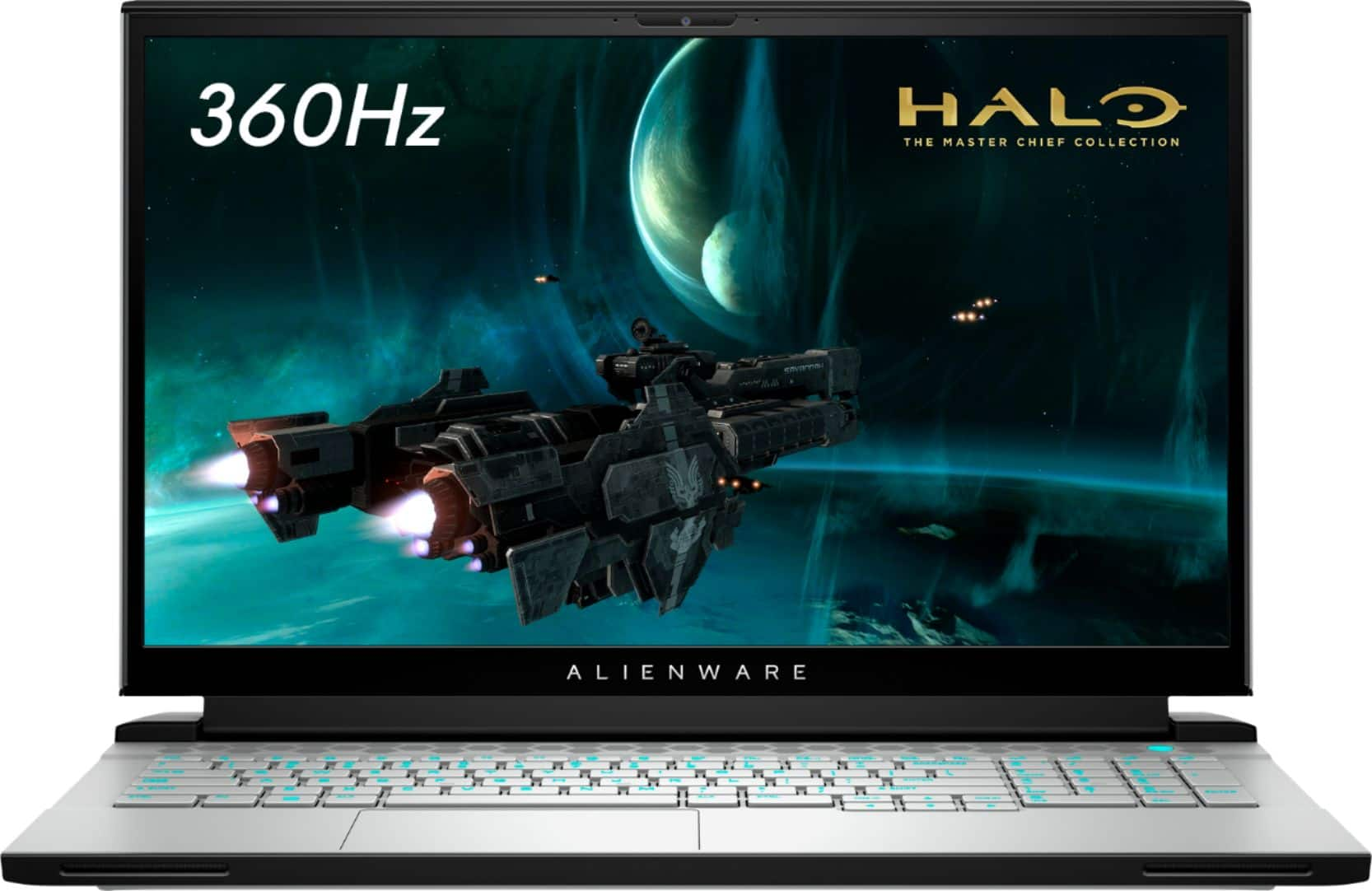
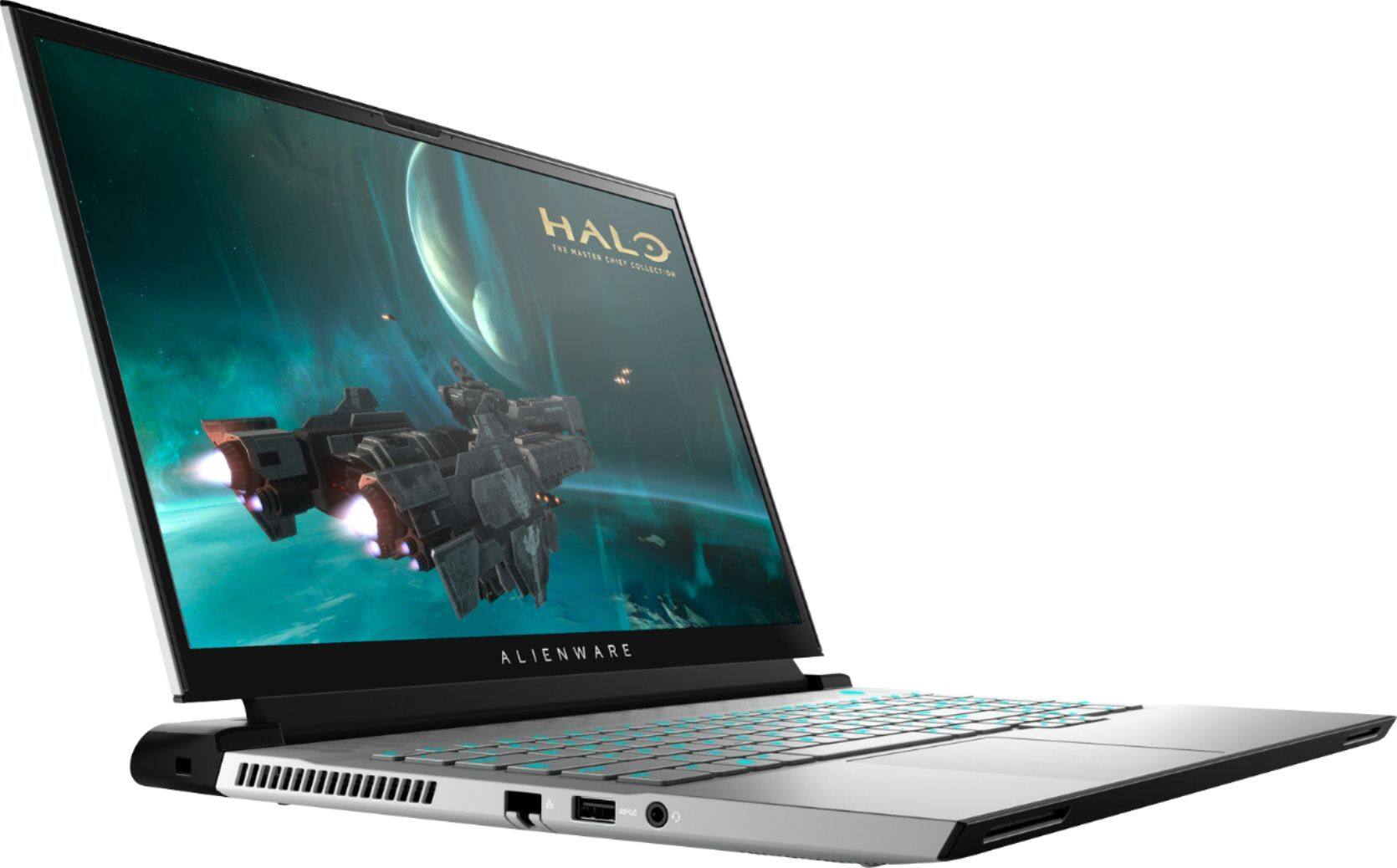
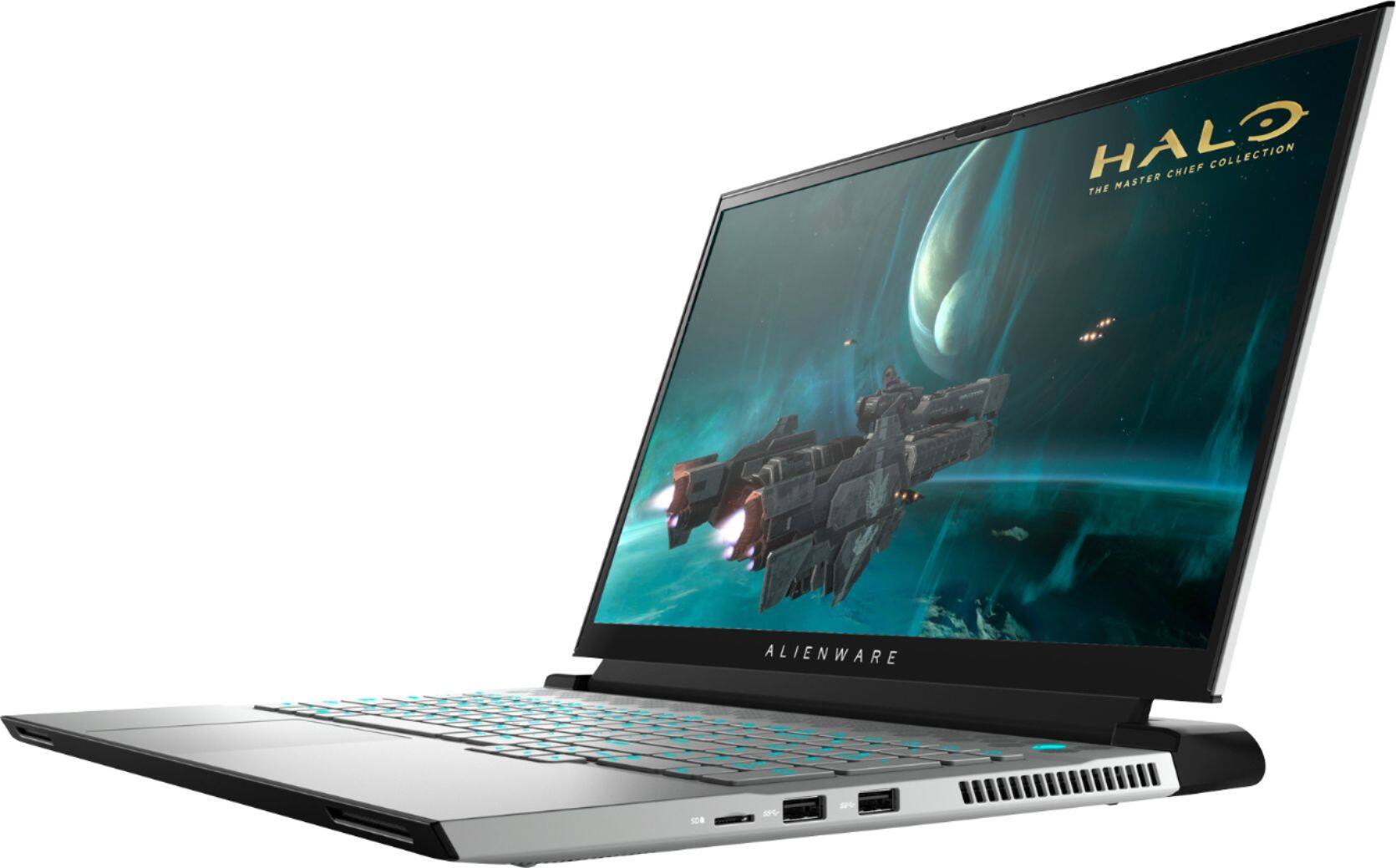
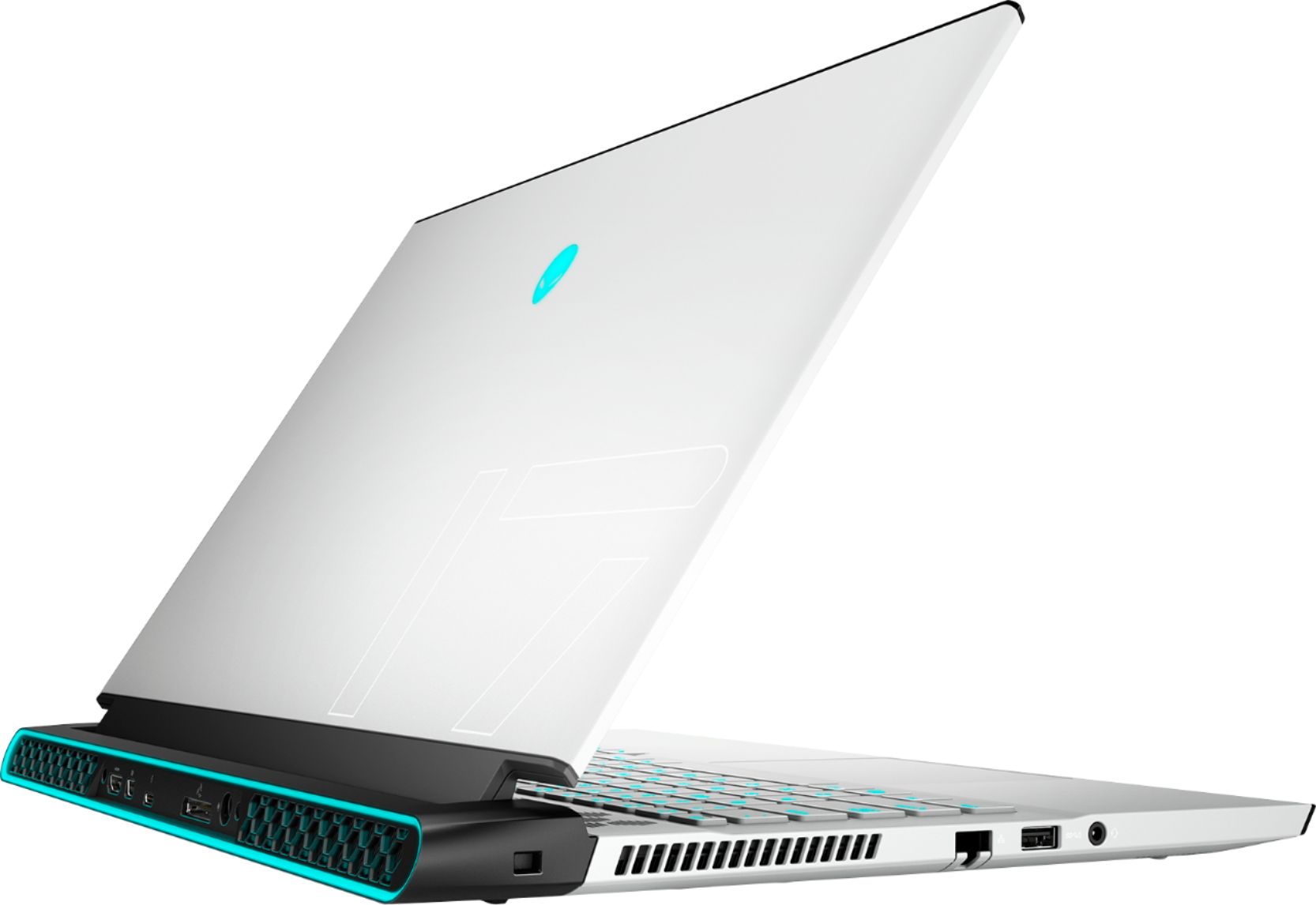
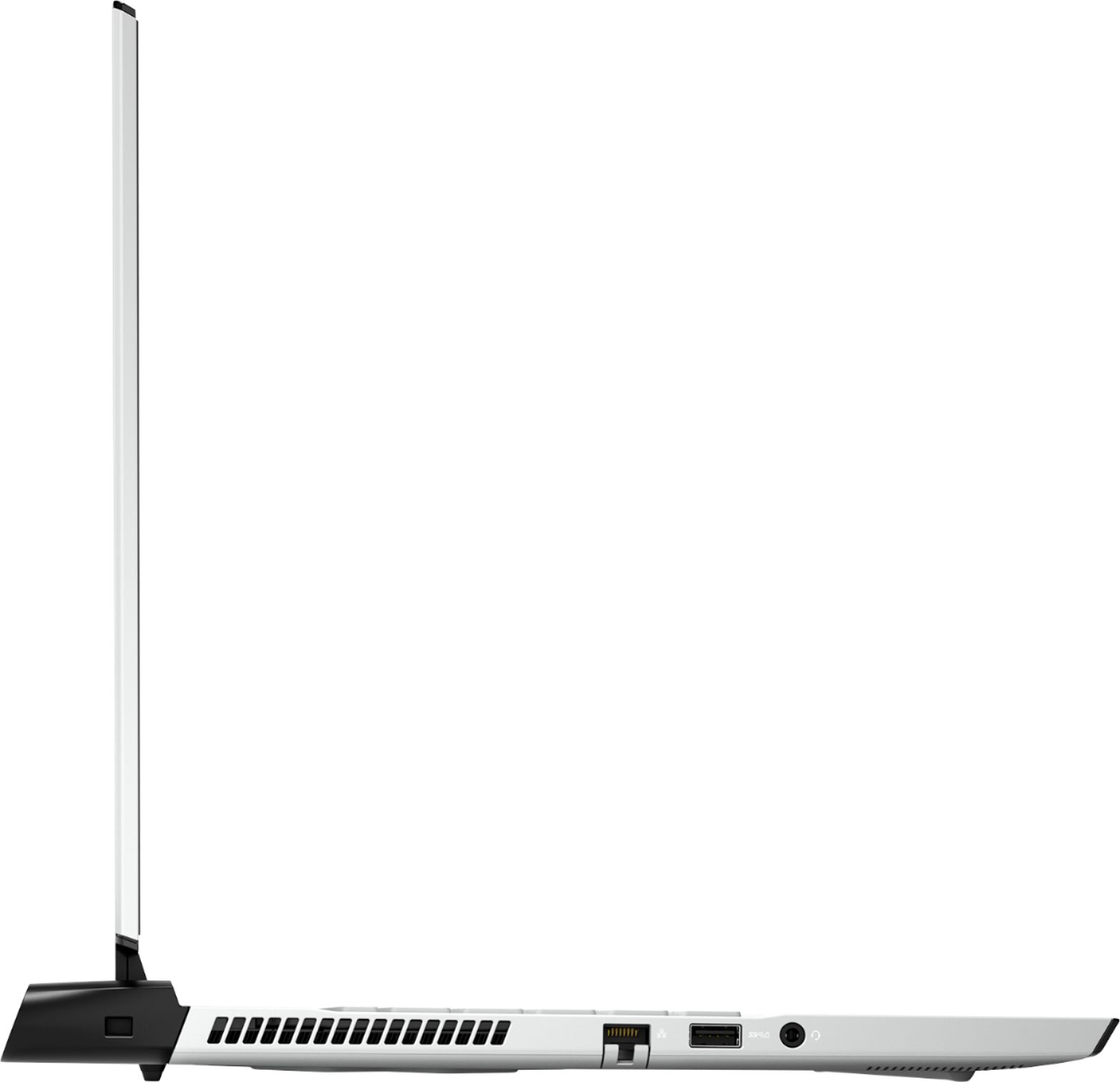
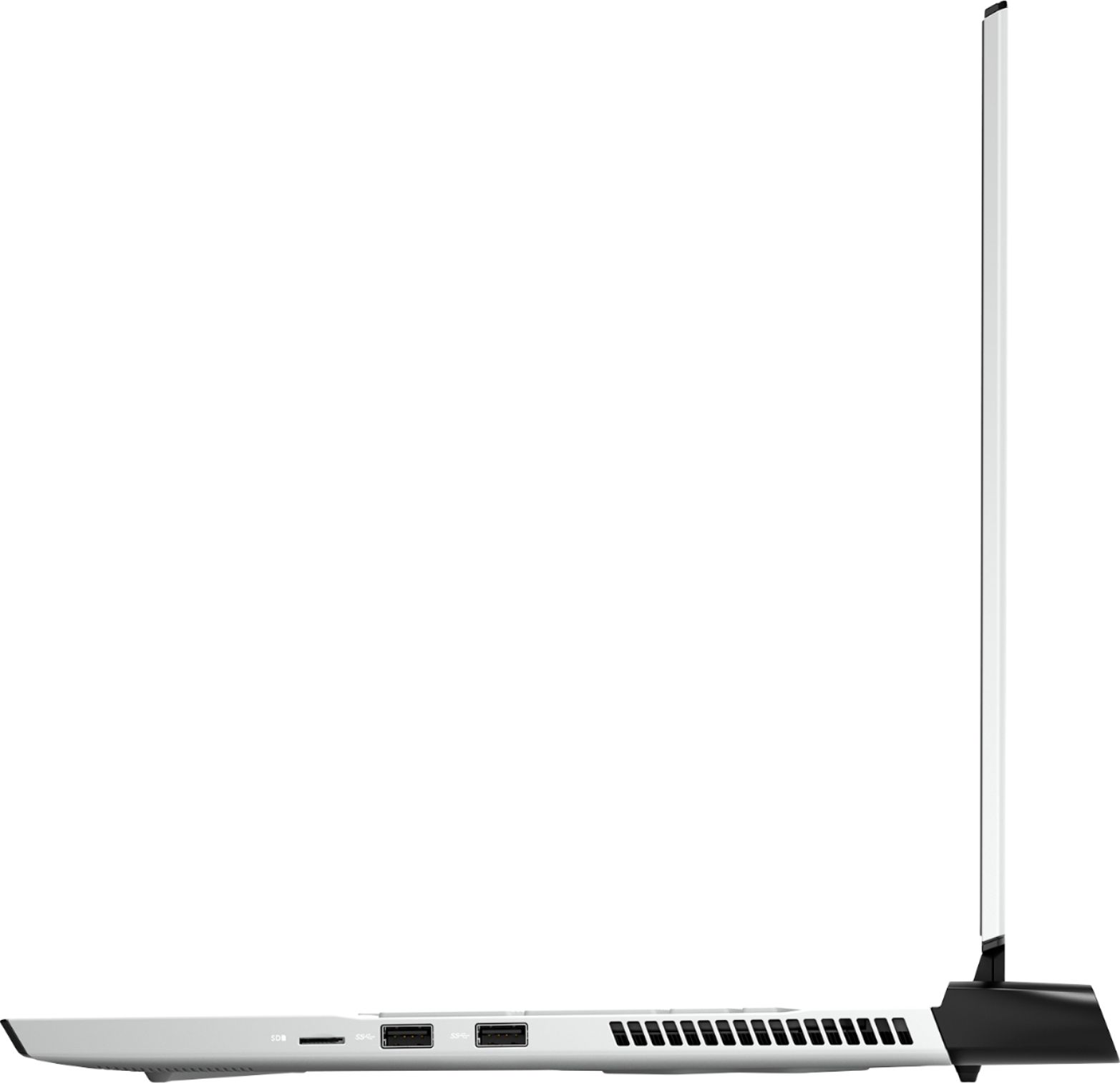

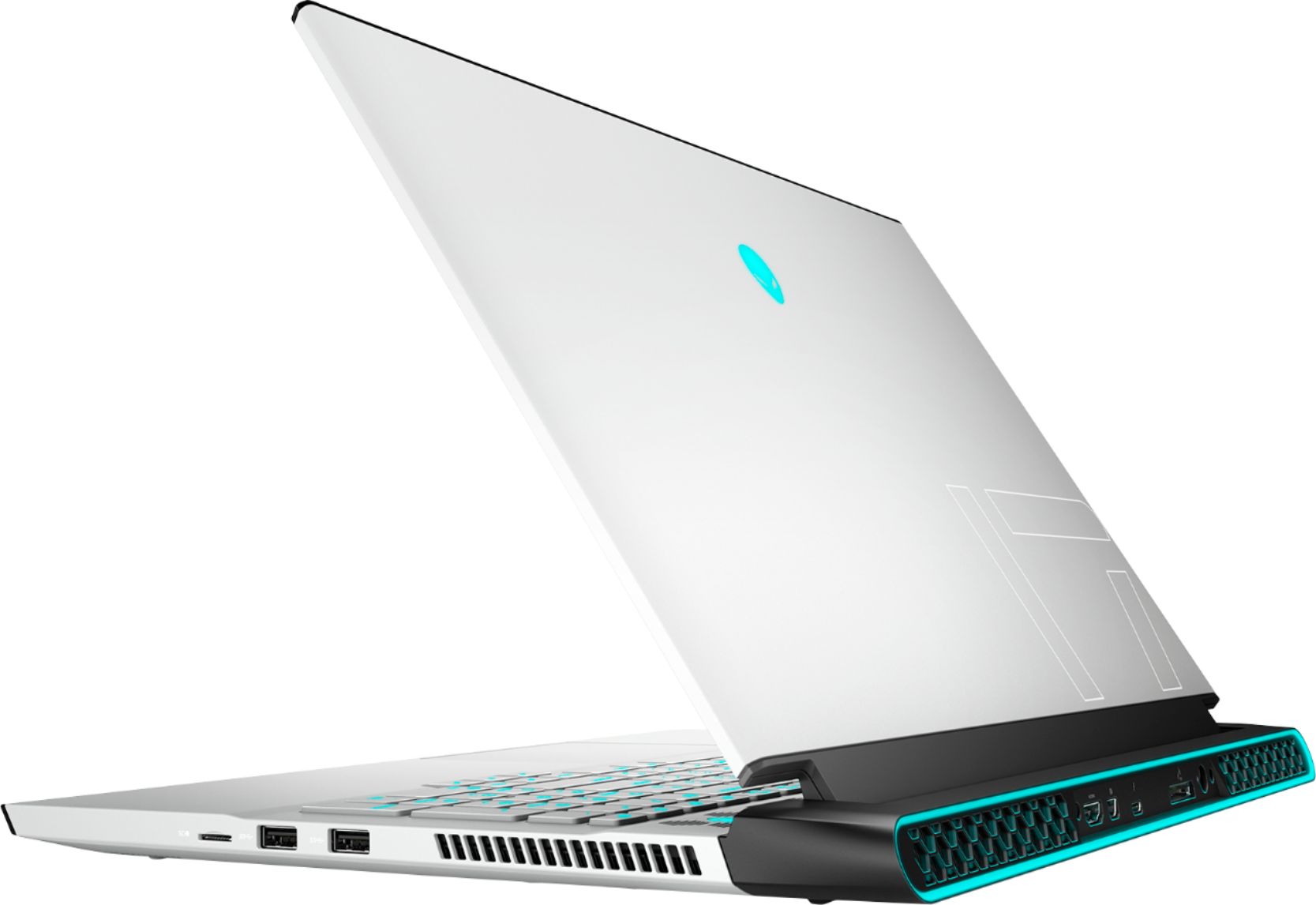
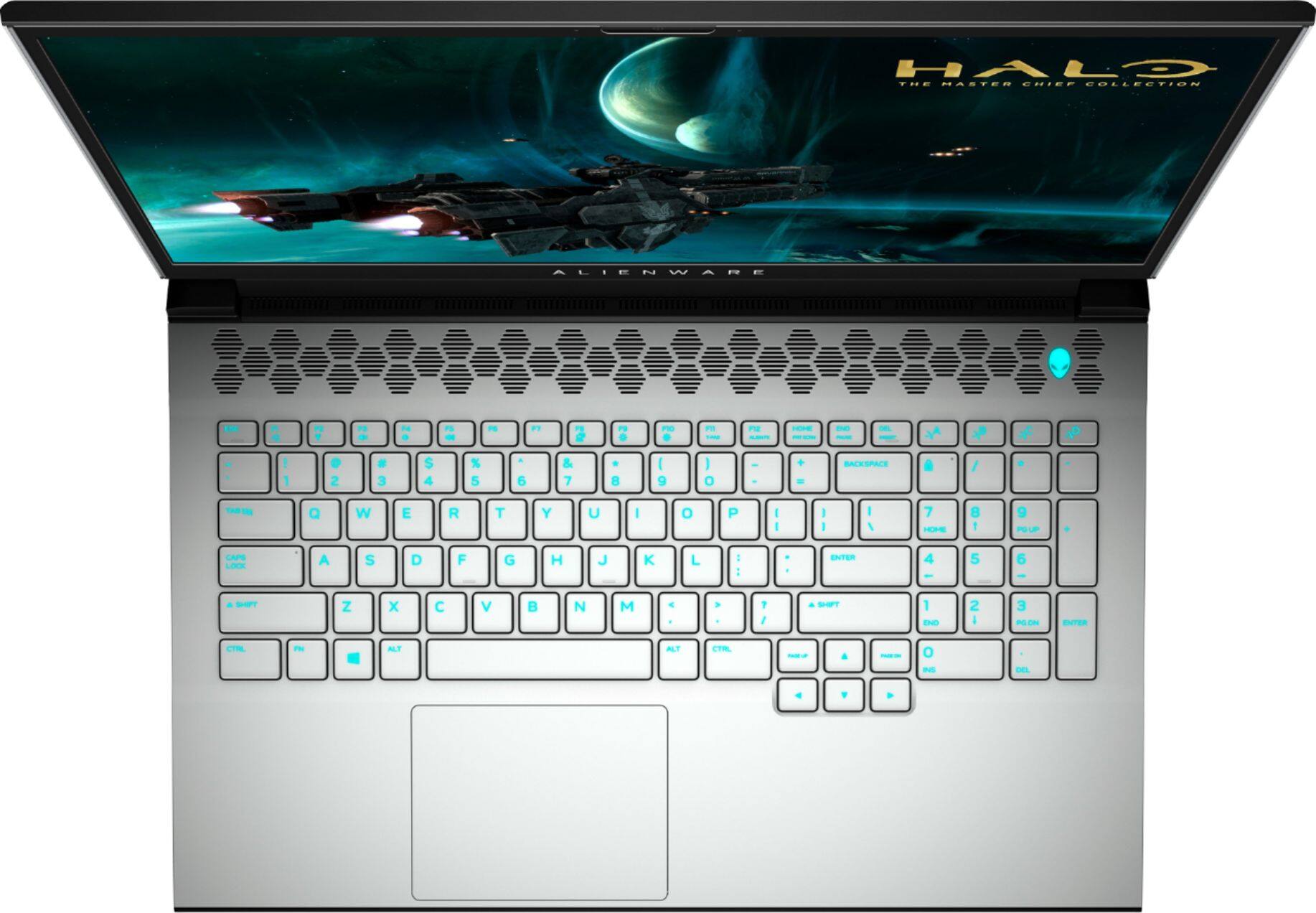
- Model:
- AWM17R4-7696WHT-PUS
- SKU:
- 6453650
Rating by feature
- Battery Life
Rating 3.5 out of 5 stars
- Speed
Rating 4.7 out of 5 stars
- Display
Rating 4.6 out of 5 stars
Customers are saying
Customers often highlight the excellent performance and impressive graphics capabilities of the m17 R4 gaming laptop, along with its positive build quality and screen size. However, many reviews cite concerns regarding battery life, heat generation, and fan noise. Some users also mention limitations related to RAM upgradability and the high price point.
This summary was generated by AI based on customer reviews.
Awesome
||Posted . Owned for 1 week when reviewed.This reviewer received promo considerations or sweepstakes entry for writing a review.Great gaming computer! Gaming experience is smooth.
I would recommend this to a friendGreat laptop, but my screen was defective.
||Posted . Owned for 3 weeks when reviewed.This reviewer received promo considerations or sweepstakes entry for writing a review.Everything about this laptop is fantastic, however I had a defective unit that had screen flickering. For this kind of money, I expect better quality control.
No, I would not recommend this to a friendBrand response from YourDellTeam
Posted .Hello Reviewer,
Thank you for your feedback and review. We apologize for the issues you have come across with your screen. We have provided steps that can be used to run a Self-Test on the monitor to help diagnose the issue.
1. Power off the Dell laptop.
2. Disconnect any external devices that are connected to the computer.
3. Connect the AC adapter (charger) to the computer.
4. Make sure that the LCD (screen) is clean (no dust particles on the surface of the screen).
5. Press and hold the D key and power on the computer to enter LCD built-in self-test (BIST) mode.
6. Continue to hold the D key, until you see color bars on the LCD (screen).
-The screen displays multiple color bars and change colors to black, white, red, green, and blue.
-Carefully inspect the screen for abnormalities.
If your monitor still remains black, this link can be used to help run further steps and provide more in-depth information: http://dell.to/2XeDTdr.
Best regards,
Wendy C.
For further assistance, you can contact Dell directly with the information below Chat or Call:
https://bit.ly/DellSupportTeam.
Phone number to Dell: 1-800-264-9896.
- Cons mentioned:Fan noise
Heavy Gaming = Damage
||Posted . Owned for 10 months when reviewed.This reviewer received promo considerations or sweepstakes entry for writing a review.So, I've bought 3 of these so far from Best Buy. 2 of them are working well but they're not used much. 1 is used a lot and after some time the lower left part of the screen peeled up. I had the full geek squad warranty thing, and BB eventually replaced the laptop. On the new replacement, after some gaming for a couple months, the right fan bearing (it has two giant cooling fans) is wobbling and screeching. Back to BB, again, for repairs/replacement. I can't endorse this model for heavy gaming.
No, I would not recommend this to a friend Its a Ok gaming Laptop
||Posted . Owned for 1 week when reviewed.This reviewer received promo considerations or sweepstakes entry for writing a review.Everyone knows is Dell, its over rated cause Alienware, the GPU vram is horrible slow, i really couldnt stand it, its has a 3070 RTX but nothing special cause i have a 2070 super and it was not that difference cor 2300 plus taxes.
No, I would not recommend this to a friendBrand response from YourDellTeam
Posted .Hello SuperPRman,
Thank you for your review. We're sorry about the trouble you have encountered with the performance of your laptop. To make sure we can help in the future there are steps below that can be used to improve performance overall.
1. Restart your computer regularly
2. Run the automated tools provided in the SupportAssist tool
3. Run a complete hardware diagnostic test
4. Scan your computer for malware
5. Restore your Dell computer using Windows System Restore
6. Reinstall Microsoft Windows
Here is the link to the full article to assist with your performance issue: https://dell.to/32wo0Ss.
Best regards,
Wendy C.
For further assistance, you can contact Dell directly with the information below Chat or Call:
https://bit.ly/DellSupportTeam.
Phone number to Dell: 1-800-264-9896.
Would not pay full price.
||Posted . Owned for 3 months when reviewed.This reviewer received promo considerations or sweepstakes entry for writing a review.Ran well and looks nice. It has a good feel to it. Mine was a return and the ethernet connection kept loosing signal so I returned it. I would not pay full price for the laptop.
No, I would not recommend this to a friendLaptop
||Posted . Owned for 8 months when reviewed.This reviewer received promo considerations or sweepstakes entry for writing a review.Was okay- returned- was not as fast as we had hoped with games
No, I would not recommend this to a friendnot getting the speeds I expected
||Posted . Owned for less than 1 week when reviewed.This reviewer received promo considerations or sweepstakes entry for writing a review.I bought this laptop a few days ago/ I have an acer predator helios 300ph51/ with a 1060 6gb. I had geek squad online telling me something is wrong with the wifi card as they remote assisted me as I watched. Why is it a newer laptop cant get better than 25mbps download and 0.3 upload. But yet my older laptop can get 200down and up easily. I thought it was my wifi so i reset the velops which took 2 5 hr days on top of down time. As well the purchase locked up my bank card. I read reviews on killer wifi fixs. Now the laptop is at geek squad and they said theyd run a diagnoses tool. If they cant fix the issue its either return the laptop or get wifi 6 nodes seems or run a 300ft cable through the house so dogs and business parties kind of see the wire.
No, I would not recommend this to a friendBrand response from YourDellTeam
Posted .Hello TylerDavis89,
Thank you for your review. We apologize for the issues you have come across with your Alienware. We really do appreciate your feedback and glad to learn that you're being taken care of by the Geek Squad. If you come across any further questions, issues or concerns, please use the information below to contact Dell Support at your earliest convenience.
Best regards,
Wendy C.
For further assistance, you can contact Dell directly with the information below Chat or Call:
https://bit.ly/DellSupportTeam.
Phone number to Dell: 1-800-264-9896.
SLOWWW
||Posted . Owned for less than 1 week when reviewed.This reviewer received promo considerations or sweepstakes entry for writing a review.It’s slow. And it’s Biege. Any dirt on ur hands will show up! Did I mention it’s slow.took forever to set up. I got tired of waiting and went out to eat. Unfortunately it was still there on my return. Returning it. Get me a Ryzen 9 or a 7 pnext time. These intels r low.
No, I would not recommend this to a friendBrand response from YourDellTeam
Posted .Hello Djwink,
There are a number of ways to help improve the performance of your Alienware if it is running slower than you expected it to. We'd recommend the following steps to help improve your computer's overall performance and speed:
1. Restart your computer regularly.
2. Run the automated tools provided in the SupportAssist Tool.
3. Run a complete hardware diagnostic test.
4. Scan your computer for malware.
5. Restore your Dell computer using Windows System Restore.
6. Reinstall Microsoft Windows.
You can read the full steps associated with each of these recommendations here: https://dell.to/3n29QjE.
Best regards,
Wendy C.
For further assistance, you can contact Dell directly with the information below Chat or Call:
https://bit.ly/DellSupportTeam.
Phone number to Dell: 1-800-264-9896.
The dream dasher
||Posted . Owned for less than 1 week when reviewed.This reviewer received promo considerations or sweepstakes entry for writing a review.I thought today was going to be great, but my dreams were dashed. I ordered my M17 R4 online and happily found it available at a store nearby. I quickly arrived at the location and extracted my new precious and hurridly traveled home with the excitement of a teenager on his first date. I tore through the packaging like I was freeing some sort of genie in a bottle, plugged it in and started it up. Instead of freeing a geenie I found a devil staring me in my face mocking me and my short lived happiness. It was right there in the middle of the screen; the deadest of dead pixles. Just one.
No, I would not recommend this to a friendBrand response from YourDellTeam
Posted .Hello,
Thank you for taking the time to share your feedback and response. We are sorry to hear your monitor had a dead pixel when first unboxed it and we would like to apologize for the inconvenience. Your feedback is incredibly valuable as we build current and future products. We would like to assist you as soon as possible and we have provided a link to an article that can help with this issue pixel issue if needed in the future: https://dell.to/2ZY4BLJ.
If you come across any questions, issues, or concerns, please contact our support team here: https://bit.ly/DellSupportTeam.
Best,
Wendy C.
https://bit.ly/DellSupportTeam.
Phone number to Dell: 1-800-264-9896.
Nothing but issues
||Posted .This reviewer received promo considerations or sweepstakes entry for writing a review.I've had nothing but issues with this laptop since two weeks in. I've had several crashes now and have had to force restart my computer many times because of lock ups. My usbs also constantly disconnect and reconnect. I've tried everything to fix it from using only 1 usb port at a time to reinstalling drivers and even changing power to performance. Ive tried several things to fix these issues and nothing works.
No, I would not recommend this to a friendBrand response from YourDellTeam
Posted .Hello,
Thank you for your review. We are sorry to hear about your m17 crashing and locking up. We understand how frustrating that can be and would love to help right away. We recommend you perform system diagnostics to identify any errors that may be causing the issue. This will not only run diagnostics to determine if your device is experiencing errors and update your system to ensure you have the best performance possible.
1. Restart your computer regularly
2. Run the automated tools provided in the SupportAssist tool
3. Run a complete hardware diagnostic test
4. Scan your computer for malware
5. Restore your Dell computer using Windows System Restore
6. Reinstall Microsoft Windows
7. We'd also suggest checking to make sure that your software and drivers are up to date - https://dell.to/36xQ4GS
7. Here is the link to the full article to assist with your performance issue: https://dell.to/32wo0Ss
Best regards,
Wendy C.
If the issue persists, you can contact Dell directly with the information below via Chat or Call:
https://bit.ly/DellSupportTeam.
Phone number to Dell: 1-800-264-9896.
- Cons mentioned:Heat
360hz laptop
||Posted . Owned for 1 week when reviewed.This reviewer received promo considerations or sweepstakes entry for writing a review.Its nice have had issues crashing. Gets really hot unpleasant thinking it will burn internals.
No, I would not recommend this to a friendBrand response from YourDellTeam
Posted .Hello Mateo,
We are sorry to hear that your Alienware did not quite meet expectations. Your feedback is sincerely appreciated. It's likely that the temperature tables of your system are out of date. We suggest updating your BIOS using the Alienware Update application that came pre-installed with your system. Likewise, if system thermals are of concern, you can prioritize cooling by opening the Alienware Command Center application that came pre-installed with your device and select the 'Cool' thermal profile. You can view the full article here - https://dell.to/2XAULtU.
Keep in mind that our Alienware follows Intel performance design guidelines, which can lead CPU temperatures to reach 100°C to output top in-game performance. We fully warrant the product under these conditions. If you see CPU temperatures rising beyond 100°C on Alienware Command Center, please contact Dell support for further assistance.
Best Regards,
Wendy C.
For further assistance, you can contact Dell directly with the information below Chat or Call:
https://bit.ly/DellSupportTeam.
Phone number to Dell: 1-800-264-9896.
- Cons mentioned:Price
Alienware
||Posted . Owned for 3 weeks when reviewed.This reviewer received promo considerations or sweepstakes entry for writing a review.This laptop is too high and not worth the price looks good
No, I would not recommend this to a friendBrand response from YourDellTeam
Posted .Hi Heather,
We appreciate you taking the time to leave us your review. We are sorry to hear you are not completely happy with your Alienware M17 R4. We want to help with any issues you may be facing. The best way for us to help would be to reach out to our support team at your earliest convenience.
You can contact Dell directly with the information below.
Chat or call: https://bit.ly/DellSupportTeam
Phone number to Dell 1-800-624-9896
Best,
Ashley@Dell
Not reliable.
||Posted . Owned for 2 months when reviewed.This reviewer received promo considerations or sweepstakes entry for writing a review.Not a reliable laptop no more than 2 months old and already giving problems. Turns out a lot of people is having the same problem.
No, I would not recommend this to a friendGarbage
||Posted . Owned for 8 months when reviewed.This reviewer received promo considerations or sweepstakes entry for writing a review.Screen died in less then a month. Only good thing is I was able to return. Not worth the price
No, I would not recommend this to a friend- Pros mentioned:Graphics, PerformanceCons mentioned:Battery life
If you can afford
Posted .This reviewer received promo considerations or sweepstakes entry for writing a review.3DMark time spy scored over 11k on balance, 10k on silent. Runs warm but not overly hot. Design is great with rgb customization. Battery life drains fast but expected on a high performing laptop. Can play almost all games on ultra with good fps. I'm having fun in war zone and outbreak.
I would recommend this to a friend Supposed to be a gaming laptop
||Posted . Owned for 1 month when reviewed.This reviewer received promo considerations or sweepstakes entry for writing a review.This is supposed to be a gaming laptop but the screen constantly goes black while I'm playing ruining my progress.
No, I would not recommend this to a friendBrand response from YourDellTeam
Posted .Hello Tabitha,
Thank you for taking the time to share your review and input. We apologize for the black screen issue you have come across with your laptop and have provided steps below that may help with fixing your issue. The details include how to perform a hard reset along with expelling and lingering power.
Here are the recommended steps for troubleshooting your issue:
1. Disconnect all external devices or peripherals (such as a printer, Bluetooth, or USB devices).
2. Power off your laptop by pressing the Power button for about 10 to 20 seconds.
3. Disconnect the AC adapter and remove the battery intact.
4. Drain the remaining battery by holding onto the power button for approximately 60 seconds.
5. Place the battery back in and plug in the charger.
6. Press the Power button to turn on your laptop.
7. This link can be used to help run further steps and provide more in-depth information: https://dell.to/2Vbngl5.
We recommend following the steps above to resolve this issue. If the issue persists, please contact Dell Support at your earliest convenience at 1-800-264-9896.
Best regards,
Wendy C.
https://bit.ly/DellSupportTeam.
Phone number to Dell: 1-800-264-9896.
Screen dead in 6 hrs.
||Posted .This reviewer received promo considerations or sweepstakes entry for writing a review.6 hrs of owning and the screens dead…. Backlight just stopped working. Lol this much money for this…..
No, I would not recommend this to a friendBrand response from YourDellTeam
Posted .Hi Ceeb,
Thank you for taking the time to leave us your review. We sincerely apologize for the problems you have with the display of your Alienware M17 R4. I have provided a list of troubleshooting resolutions below, along with the full article link, which has more information if it is needed.
*Ensure that the display is connected to the correct port and powered on.
*Ensure that the display data cable is not damaged and replace if necessary.
*Ensure that the correct Input Source on the display is correctly selected.
*Remove the data cable from the system. A Self-Test box should appear on the display.
*If the Self-Test box does not appear on the display, replace the display with a verified working unit.
*If there is still no display showing, check if video was shown during the POST routine.
*If video was shown during POST, the display or graphics driver could be the cause.
*Restart the system into Safe Mode. To load Safe Mode, press and hold the F8 key as your system restarts.
*This loads the Advanced Boot Menu. Select Safe Mode. Install the current versions of the display and graphics card drivers. Restart the system, and check for video.
*If available, replace the graphics card with a verified working card.
*If both graphics card and monitor work ok on another PC, then contact technical support to resolve the problem.
No video issue: https://dell.to/3sdfce6
After utilizing the troubleshooting steps above, if the problem is not resolved, please feel free to reach out to our support team here: https://bit.ly/DellSupportTeam.
If you require further assistance, you can contact Dell directly with the information below.
Chat or call: https://bit.ly/DellSupportTeam
Phone number to Dell 1-800-624-9896
Best,
Ashley@Dell
blue screen
||Posted . Owned for 3 weeks when reviewed.This reviewer received promo considerations or sweepstakes entry for writing a review.Every time the computer went to sleep it crashed when you woke it up
No, I would not recommend this to a friendGreat Computer
Posted .This reviewer received promo considerations or sweepstakes entry for writing a review.Great computer, have had it for 3 years and the thing is still crushing it.
I would recommend this to a friendButtery Beast
Posted .This reviewer received promo considerations or sweepstakes entry for writing a review."Best in Class", "Beast", "Powerhouse" all perfect terms for this beautiful piece of hardware. My only complaint is the 16gb of RAM. 32gb and it'd be 5 star. Weighty, but for good reason. Temps stay reasonable. Loud, but for good reason, I don't know any gaming laptop that isn't loud, at least if you want it to be cool. 360hz, more than needed but far superior to the 75hz I was playing on before. Keyboard is smooth and "per key" rgb is fantastic. Again, this thing is as perfect as it gets for a gaming laptop these days, other than the wimpy 16gb ram as stated before. Only thing is it's pricey, but if you buy, you'll find out why.
I would recommend this to a friend