Customer Ratings & Reviews

- Model:
- AWM17R4-7696WHT-PUS
- SKU:
- 6453650
Rating by feature
- Battery Life
Rating 3.5 out of 5 stars
- Speed
Rating 4.7 out of 5 stars
- Display
Rating 4.6 out of 5 stars
Customers are saying
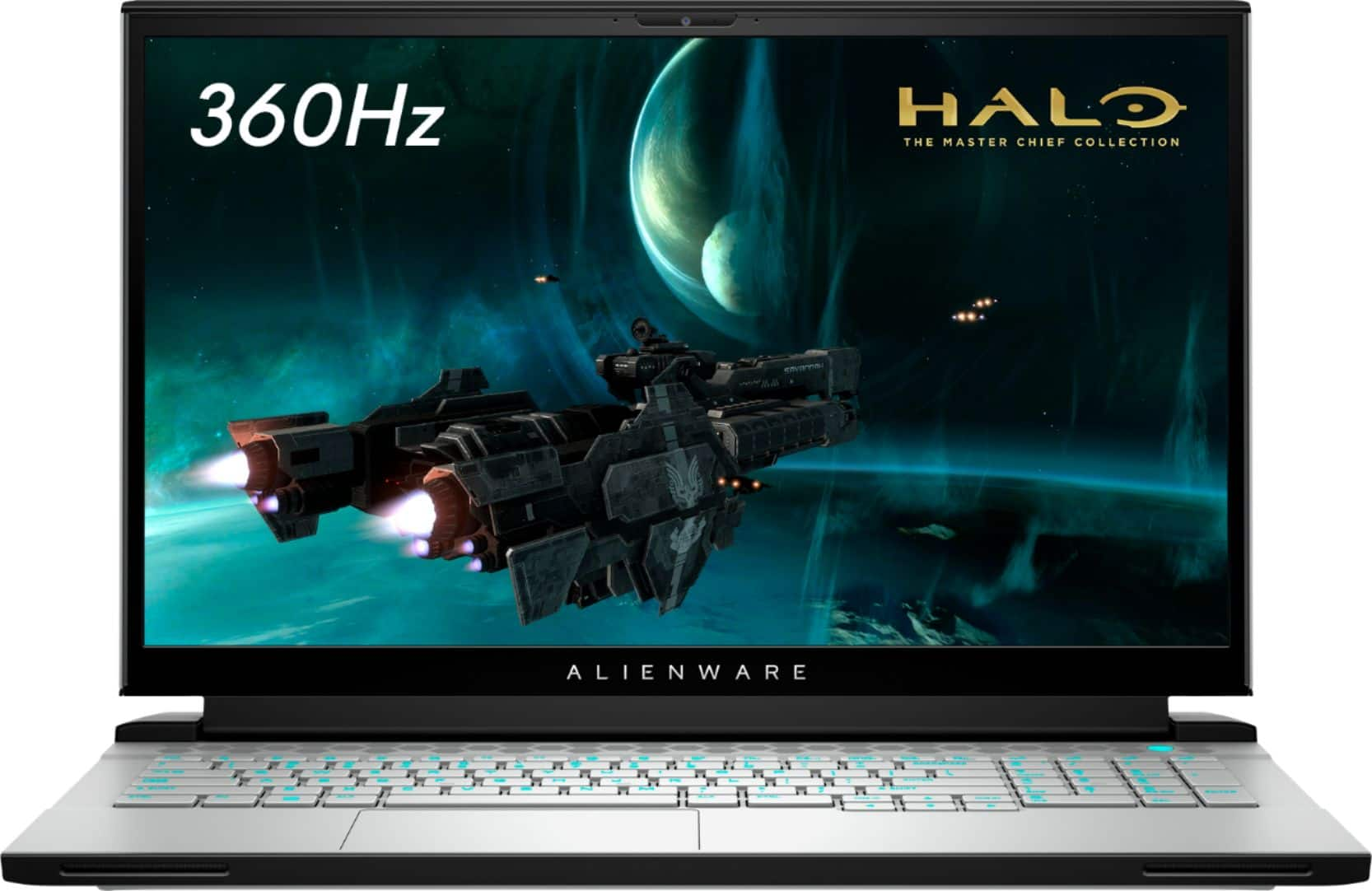
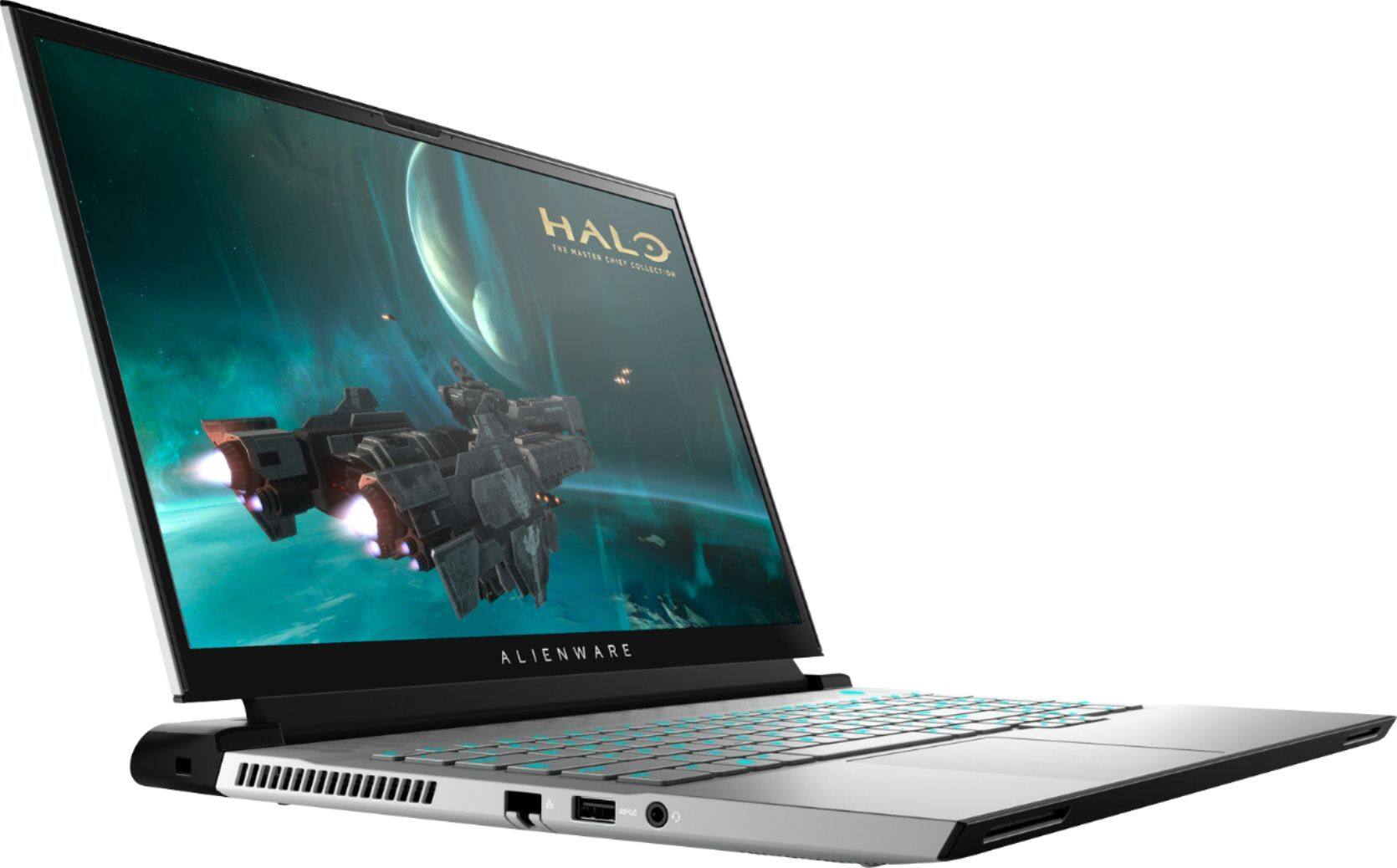
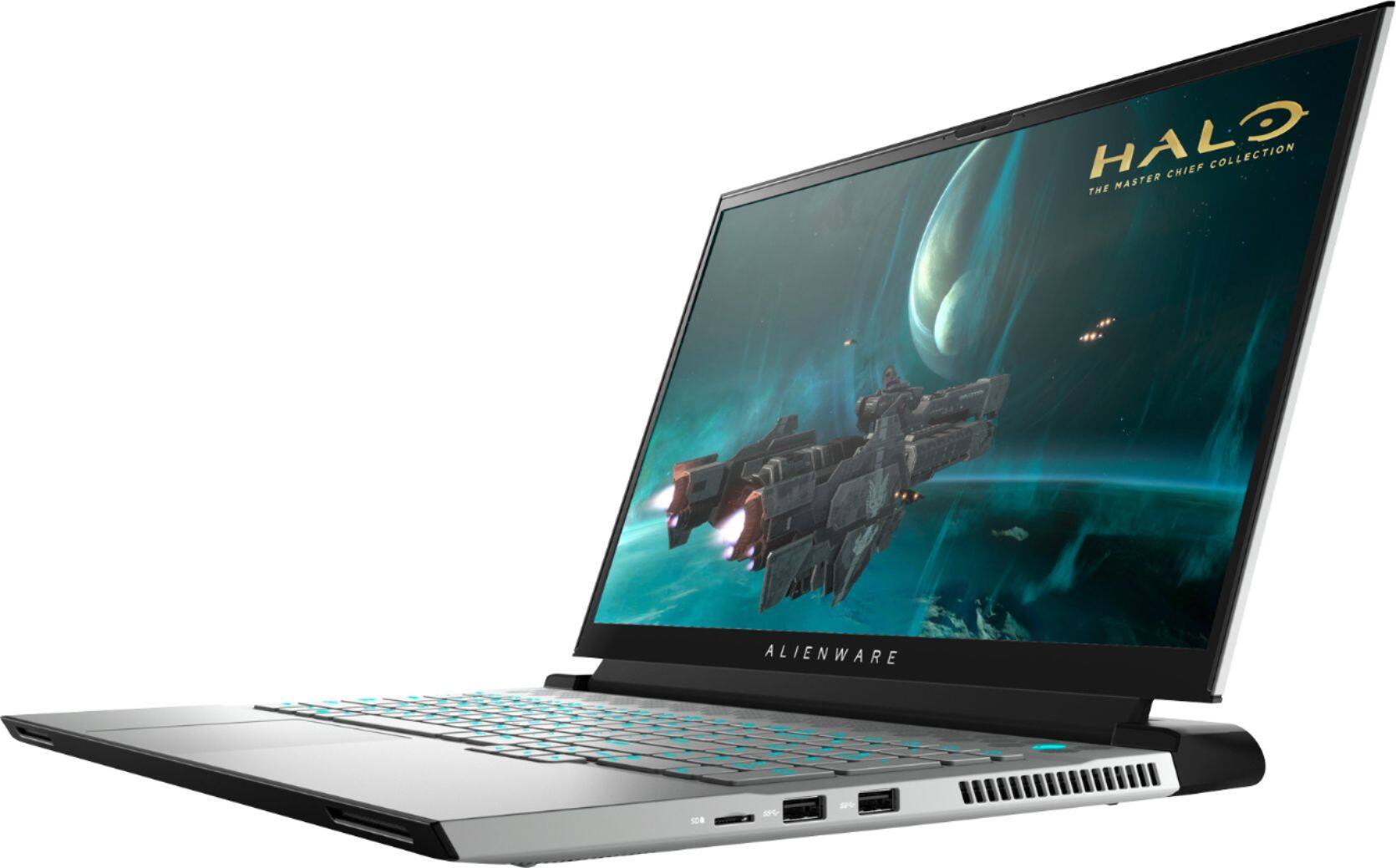
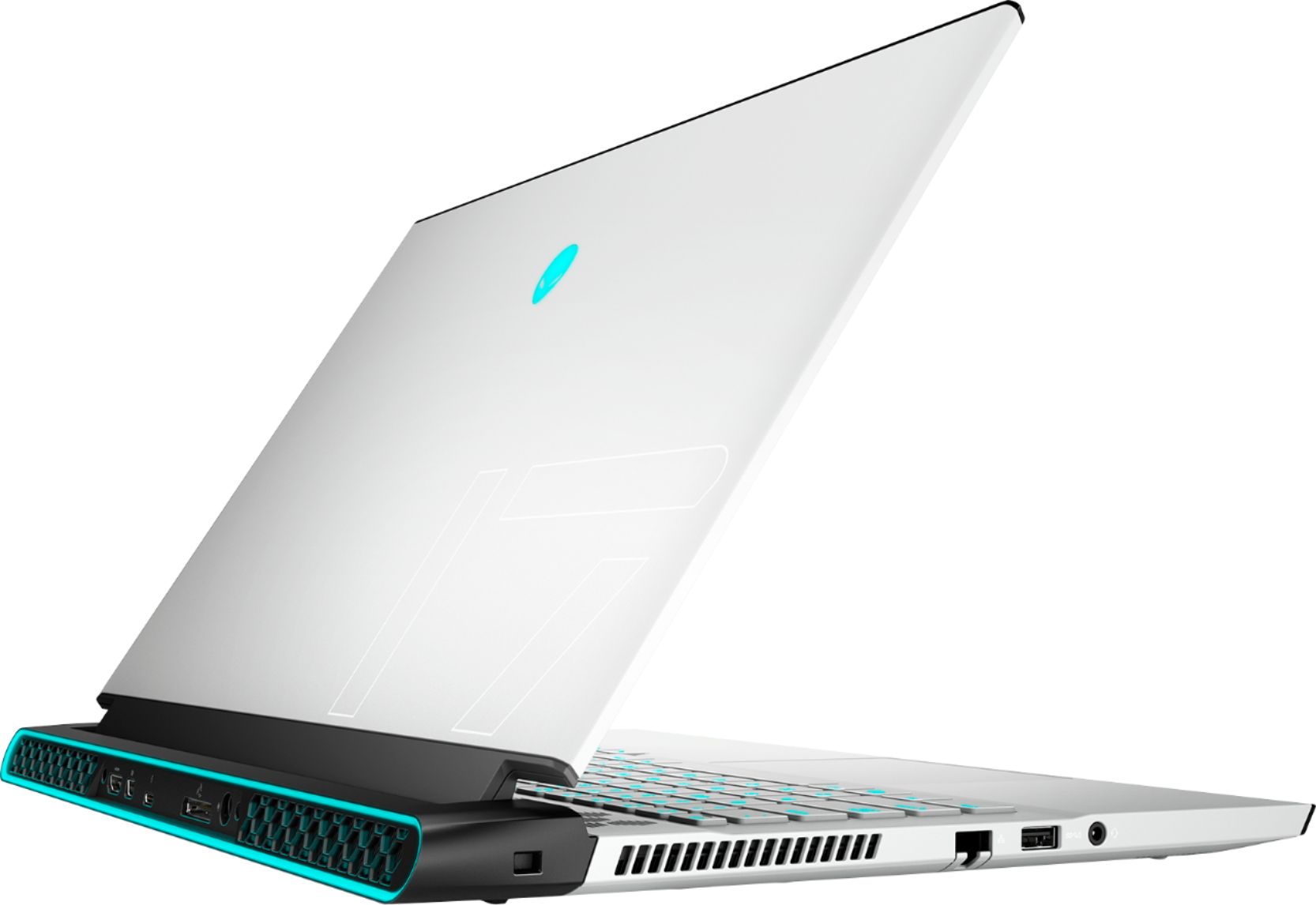
Customers often highlight the excellent performance and impressive graphics capabilities of the m17 R4 gaming laptop, along with its positive build quality and screen size. However, many reviews cite concerns regarding battery life, heat generation, and fan noise. Some users also mention limitations related to RAM upgradability and the high price point.
This summary was generated by AI based on customer reviews.
- Pros mentioned:Graphics
The best
Posted .This reviewer received promo considerations or sweepstakes entry for writing a review.M17 is the best of the best in its category, and the fact that it has a 3000 series gpu
I would recommend this to a friend Problems with mother board
Posted .This reviewer received promo considerations or sweepstakes entry for writing a review.At first I was completely satisfied with every aspect of this computer. I am not a gamer, but I love the speed and clarity of the display. At approximately the 4th month it lost access to the hard drive. BestBuy trouble shot and said one of four ports was bad. They reconnected to another port. Three months later, same issue. Now it looks like hard drive failing, second port connection failing, and motherboard failing. Just when I need it the most, off the repair center with 3-6 week estimate. I am not a happy camper
No, I would not recommend this to a friendBrand response from YourDellTeam
Posted .JimB,
Thanks for your review and we're sorry that your computer is not performing the way that it should be. If you have additional questions about your computer you can check our Product Support Page here: https://dell.to/2DjJ8yx.
Best,
Bryan@Dell
If you require further assistance, you can contact Dell directly with the information below
Chat or Call:
https://bit.ly/DellSupportTeam
Phone number to Dell: 1-800-624-9896
- Cons mentioned:Battery life
BATTERY LIFE
Posted .This reviewer received promo considerations or sweepstakes entry for writing a review.I just got this laptop yesterday and I’m already ha I got issues with battery ! It was charged at 100% and with in 30mins of me using it it was at 20% and dying I’m returning this in the morning .. because ain’t no way a spent $2700 + on a laptop that has a horrible battery life span! ( keep In mind that this is supposed to last up to 4hrs with gaming )
No, I would not recommend this to a friendBrand response from YourDellTeam
Posted .Hello Paris,
Thank you for sharing your review. We are sorry you're having issues with your battery runtime. We understand how upsetting this can be. Below are steps that can assist with maximizing and troubleshooting any possible issues with your battery if needed in the future.
1. Press the Windows key + R on the keyboard.
2. In the Run dialog box, type Control and press the Enter key on the keyboard.
3. On the top-right corner, in the Search box of Control Panel, type Troubleshooter and then click Troubleshooting.
4. Under System and Security item, click Power.
If you still have issues with your battery life this link can be used to help with power: http://dell.to/34UUp6t. If you come across any questions, issues, or concerns, please visit the Support Page of your Alienware.
Best regards,
Wendy C.
https://bit.ly/DellSupportTeam.
Phone number to Dell: 1-800-264-9896.
Good while it last
Posted .This reviewer received promo considerations or sweepstakes entry for writing a review.Bought this computer from best buy during Christmas and heavily discounted. Loved it until it wouldn't charge. No matter what, it would not charge. Tried another charge, same issue. I reset the computer, and the issue magically disappeared, until a few months later and it started again. Each time I have to reset the computer which is puzzling. Something within the software causes this but dell nor best buy can not figure it out.
No, I would not recommend this to a friendBrand response from YourDellTeam
Posted .Hello,
Thank you for your feedback and review. We are sorry you're having issues with your battery not charging. We would love to assist you as soon as possible. Here is a link that can assist with maximizing and troubleshooting any possible issues with your battery: https://dell.to/2W8Yl1S. If the issue persists, please feel free to contact Dell Support at your earliest convenience at 1-800-264-9896.
Best,
Wendy C.
https://bit.ly/DellSupportTeam.
Phone number to Dell: 1-800-264-9896.