Customer Ratings & Reviews


- Model:
- BBY-HY267FX
- SKU:
- 6524524
to a friend
Customers are saying
Customers commend the m17 R5 AMD Advantage laptop's sharp, clear, and smooth graphics, along with its effective cooling system that keeps the machine from overheating, even during extended use. Positive feedback also highlights the respectable battery life and sufficient RAM for various applications. However, some users express concerns about the keyboard's design and limited number of USB-C ports.
This summary was generated by AI based on customer reviews.
- Pros mentioned:Battery life, Gpu, Ram

Practically Perfect Desktop Replacement Laptop
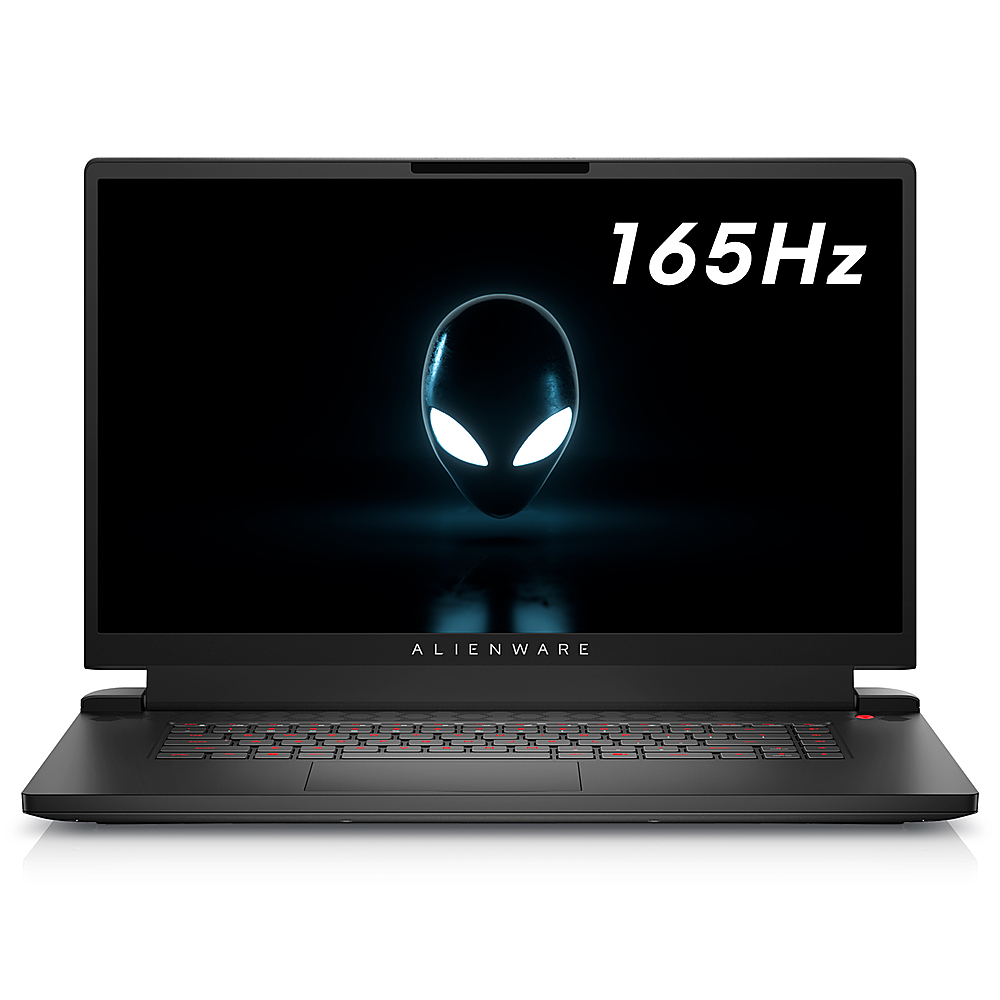
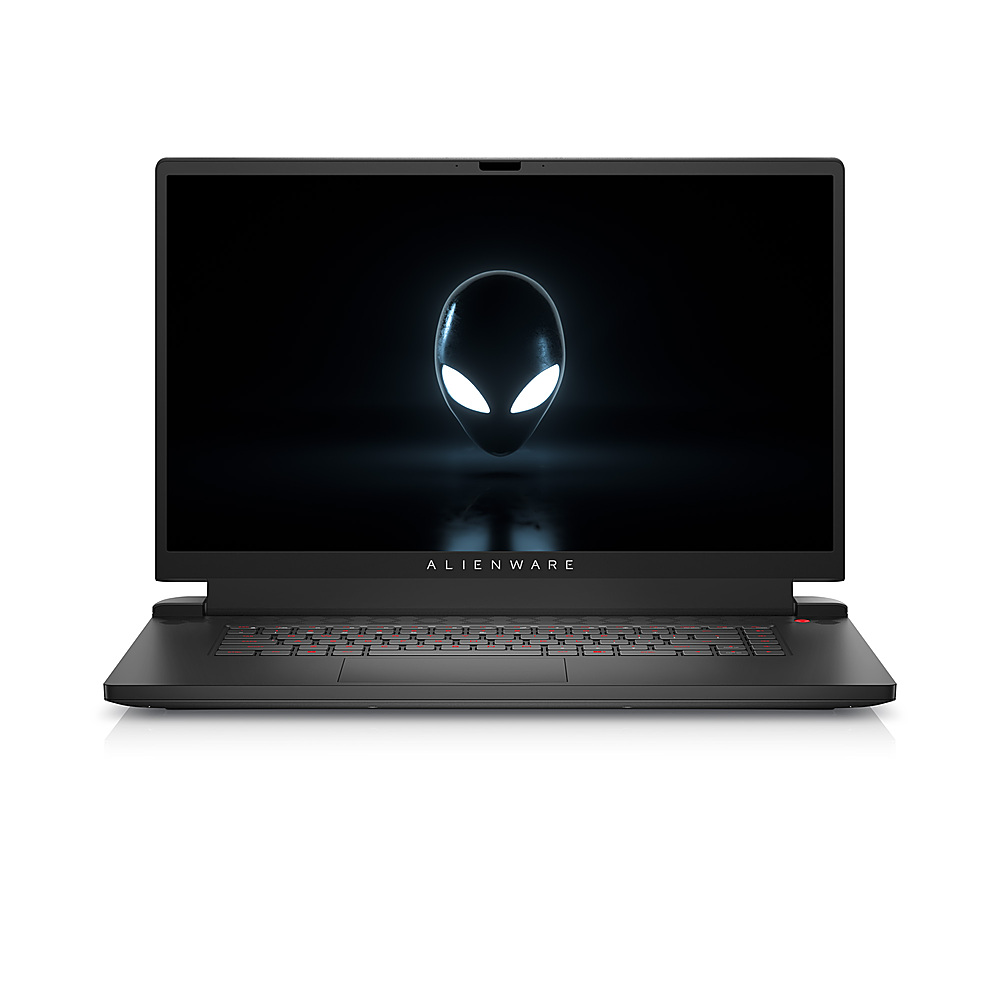
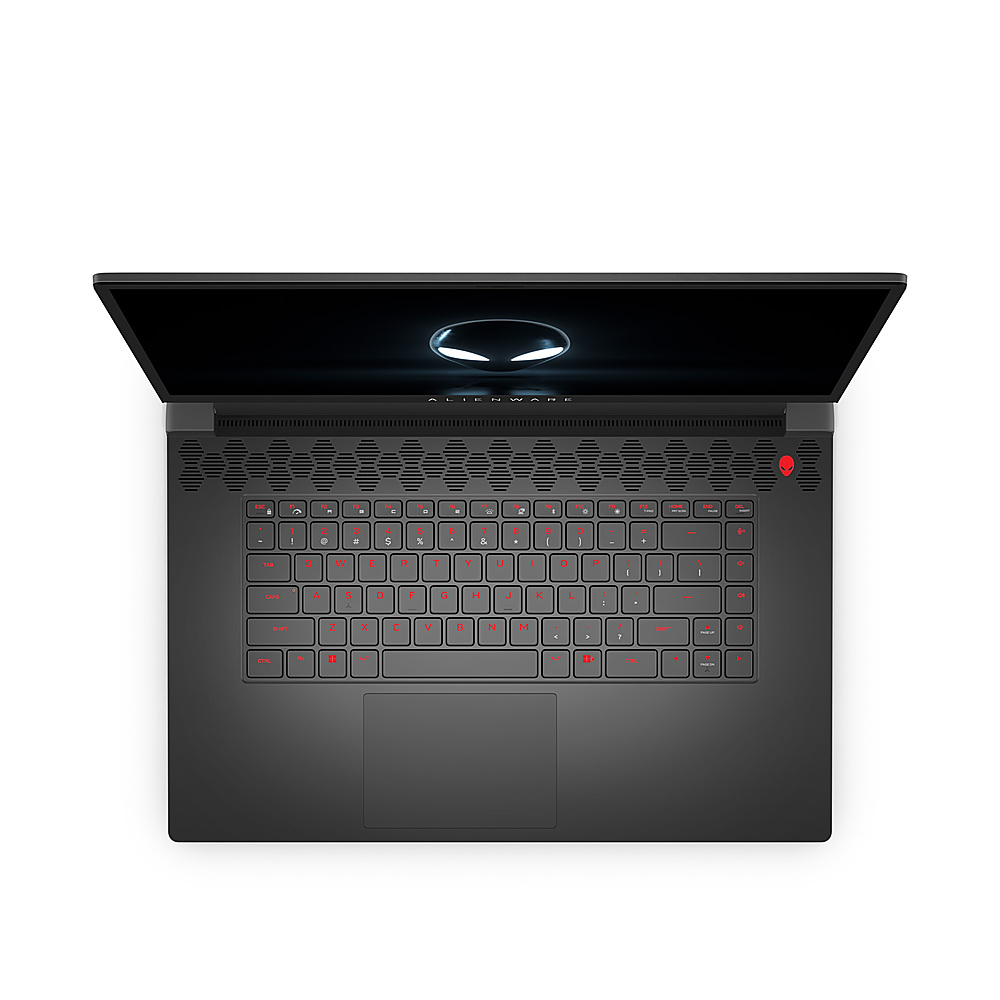
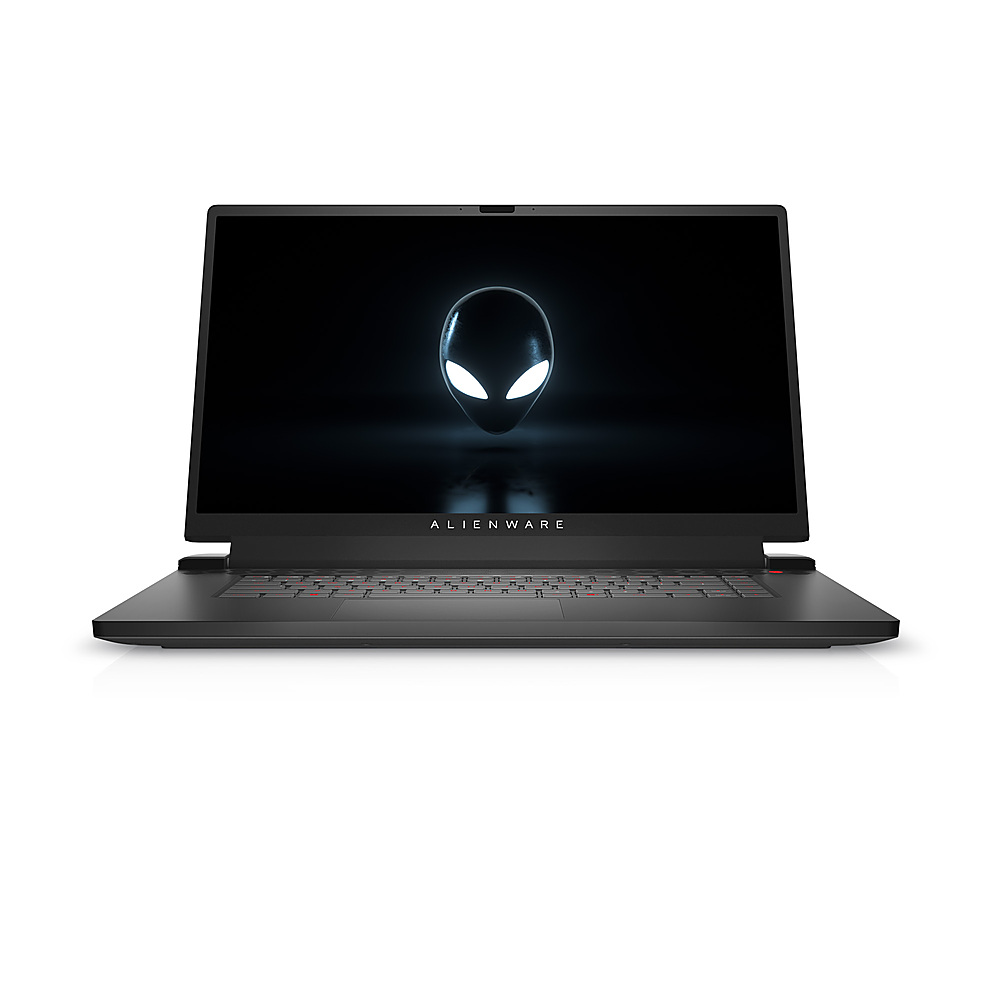
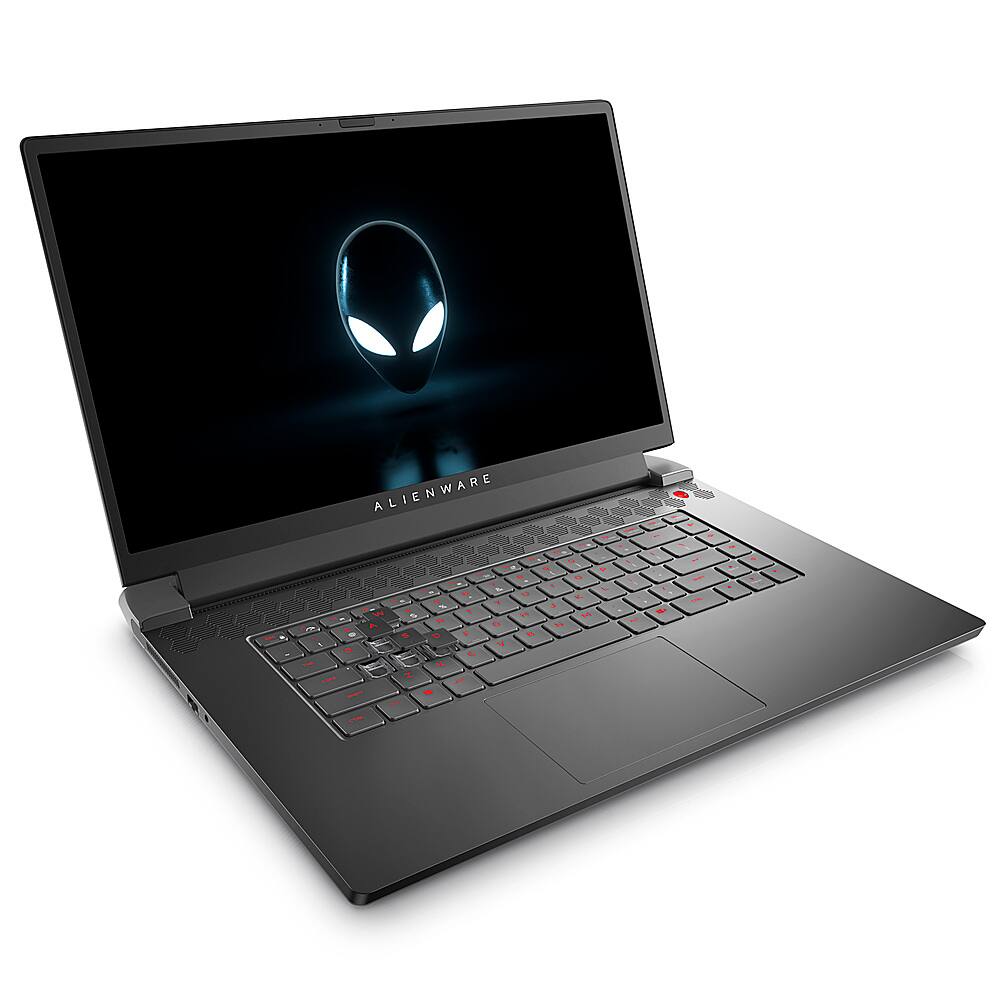
|Posted .This reviewer received promo considerations or sweepstakes entry for writing a review.At about 17.3 inches and a substantial 7.3 pounds, the Alienware m17 R5 AMD Advantage laptop is probably more suited as a desktop replacement than as an everyday travel laptop. Along with a rather large 240 Watt power adapter, it’s not something that I would want to carry in a backpack everyday. I found the Alienware to be an aesthetically very attractive and stylish looking laptop with excellent build quality. The chassis felt solid with very little or no flex. The IPS 1080p 165 Hz screen produces bright vibrant colors along with sharp text. In my short time with the laptop, the display has been excellent for playing games, general media consumption, productivity and software development work. While lacking a little in bass and fullness, the built-in speakers are able to produce loud and clear sound. My system was configured with the following components: AMD Ryzen 7 6800H with Radeon Graphics AMD Radeon RX 6700M with 10 GB GDDR6 Samsung DDR5-4800 16 GB Memory SK Hynix PC801 Gen4 NVMe 512 GB SSD (7000 MB/s read and 6500 MB/s write) MediaTek MT17921 Wi-Fi 6 Wireless adapter Realtek Gaming 2.5 GbE The components are all first rate. While I generally prefer Intel based wireless adapters, the MediaTek MT17921 wireless adapter works well with my Arris Wi-Fi 6 SURFBoard mAX router and is able to achieve a solid link speed of 1201/1201 Mbps. I am able to transfer files at the full speed of my NAS and streaming videos has been flawless. Reinstalling and downloading Resident Evil 2 from Steam gave about 85 MB/sec which is at the maximum speed of my internet plan. The SK Hynix PC801 Gen4 NVMe has been blazing fast with impressive game and application install speeds. A full install of the community edition of Visual Studio 2022 (about 38 GB) from an external SSD took only 21 minutes. When using Handbrake with the AMD VCN H.265 1080p hardware encoder preset, the Alienware m17 R5 achieved a jaw dropping peak 1250 fps with an average of 850 fps. This is about the same level of performance I saw with an Intel i7 12700F and an Nvidia RTX 3070 based desktop. The laptop has been super fast at everything I’ve thrown at it. And it is extremely quiet for most activities. The only time I hear the fan rev up is when I’m playing a graphically intensive game using the Radeon RX 6700M discrete graphics card. When I’m using the integrated Radeon Graphics chip to play a game, the fan noise is usually not noticeable to me. Overall, it’s been a very quiet laptop with good thermal performance. I think it’s really nifty having two GPUs in a laptop and being able to switch between them. If you want to play a less graphically intense game, generate lower noise and temps and have longer battery life you can use the integrated Radeon Graphics chip. And if you have access to wall power and need a more powerful GPU, you can use the discrete Radeon RX 6700M. The integrated Radeon Graphics chip is also no slouch when it comes to gaming performance. Many times, I couldn’t really tell the difference between the two unless I had a visible frame counter display which showed the Radeon RX 6700M generating much faster fps. But from a playability standpoint, many games were quite playable using the integrated Radeon Graphics. Sometimes, it’s a bit tricky to determine which GPU a game is using. On some games, you can set which GPU to use (choosing either High Performance or Power Saving mode) from within Windows. But some games weren’t detected by Windows and you have to set which GPU to use from within the game itself. And sometimes, I couldn’t figure out a way to choose which GPU to use. Marvel’s Midnight Suns is the game I am currently playing the most. At 1080p, the integrated Radeon Graphics gives about 30 to 50 fps. Using the discrete Radeon RX 6700M gives 70 to 140 fps at the cost of increased fan noise. When using the integrated Radeon Graphics, I didn’t really notice any fan noise so that’s what I actually prefer using when playing this game. Resident Evil 2 at 1080p with ray tracing enabled, gave about 78 fps running on the Radeon RX 6700M. Ray tracing was not available using the integrated Radeon Graphics. However, the integrated Radeon Graphics still ran the game beautifully at 1080p at about 66 fps. There was noticeable fan noise in both cases but the fan noise was a little louder running with the Radeon RX 6700M. The Radeon RX 6700M was able to run the Cyberpunk 2077 benchmark at 1080p with ray tracing enabled at an average 38 fps (the minimum was 27 fps and the maximum was 50 fps). For actual game play, it felt very playable to me. I’m not one to really care about actual frame rates as long as the game feels smooth to me. Overall, I’ve been very impressed with the gaming capabilities of this laptop. It’s just amazing to me that we now have laptops that are able to handle games with ray tracing at a playable frame rate. During my time with this laptop, it has been rock solid and stable. I never experienced any crashes. There was practically no software bloat and I found the Alienware Command Center to be very intuitive to use. You can control the RGB colors of each individual key. The keyboard and large trackpad felt nice but I was mostly using an external USB keyboard and mouse during my test. Temperatures have been good (both the CPU and GPU are hovering at 37 and 35 degrees Celsius as I write this review) and the laptop is usually silent for most activities. Only when running graphically intensive games does the fan noise sometimes become noticeable. I am also extremely impressed with the ease of upgrading the laptop’s memory and SSD. I haven’t actually done this yet (I am waiting for later in the year when there is less static electricity before adding an extra SSD to my laptop) but I’ve seen videos where it’s as easy as removing a few screws and popping off the bottom for easy access to the internals. All the screws are easily accessible and not hidden beneath any rubber feet. It’s probably the easiest laptop to upgrade that I’ve ever owned. For anyone looking for a desktop replacement gaming laptop, I can easily recommend the Alienware m17 R5 AMD Advantage laptop.
I would recommend this to a friend - Pros mentioned:Battery life, GpuCons mentioned:Keyboard quality, Usb-c
Impressive Gaming Laptop
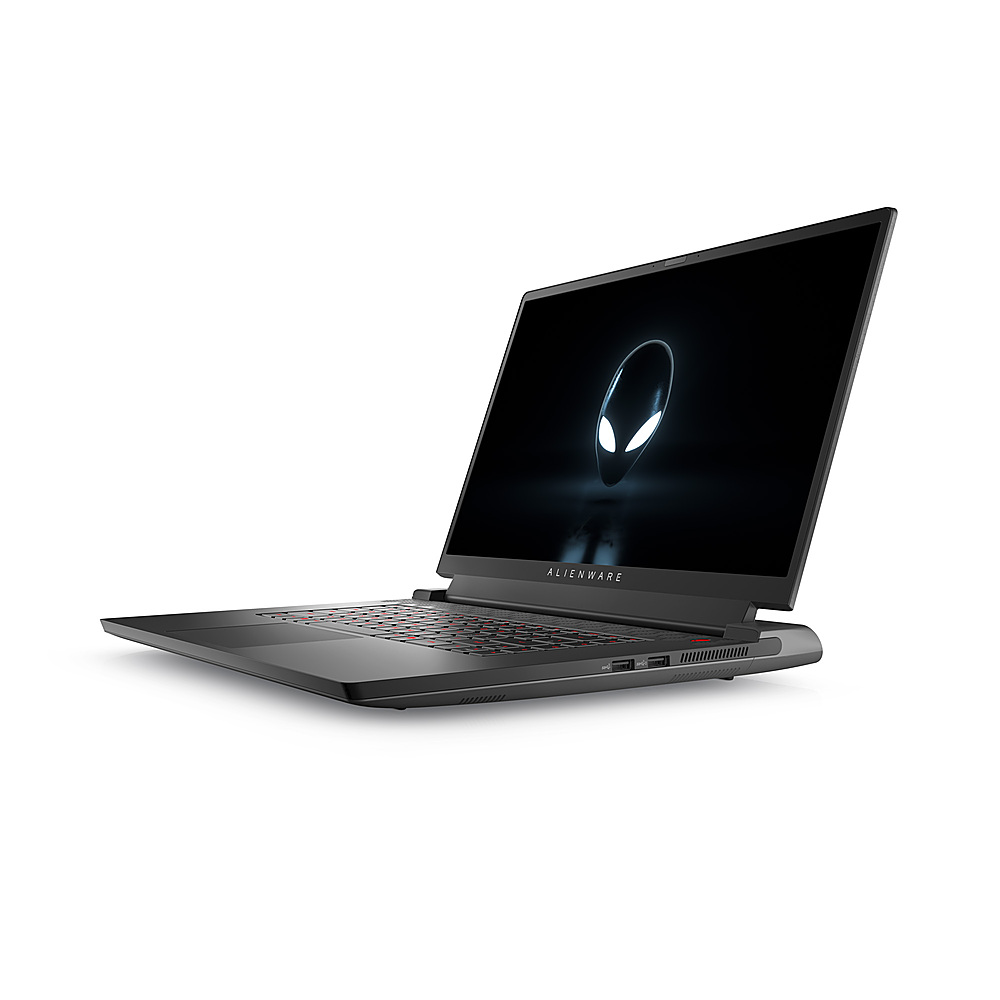
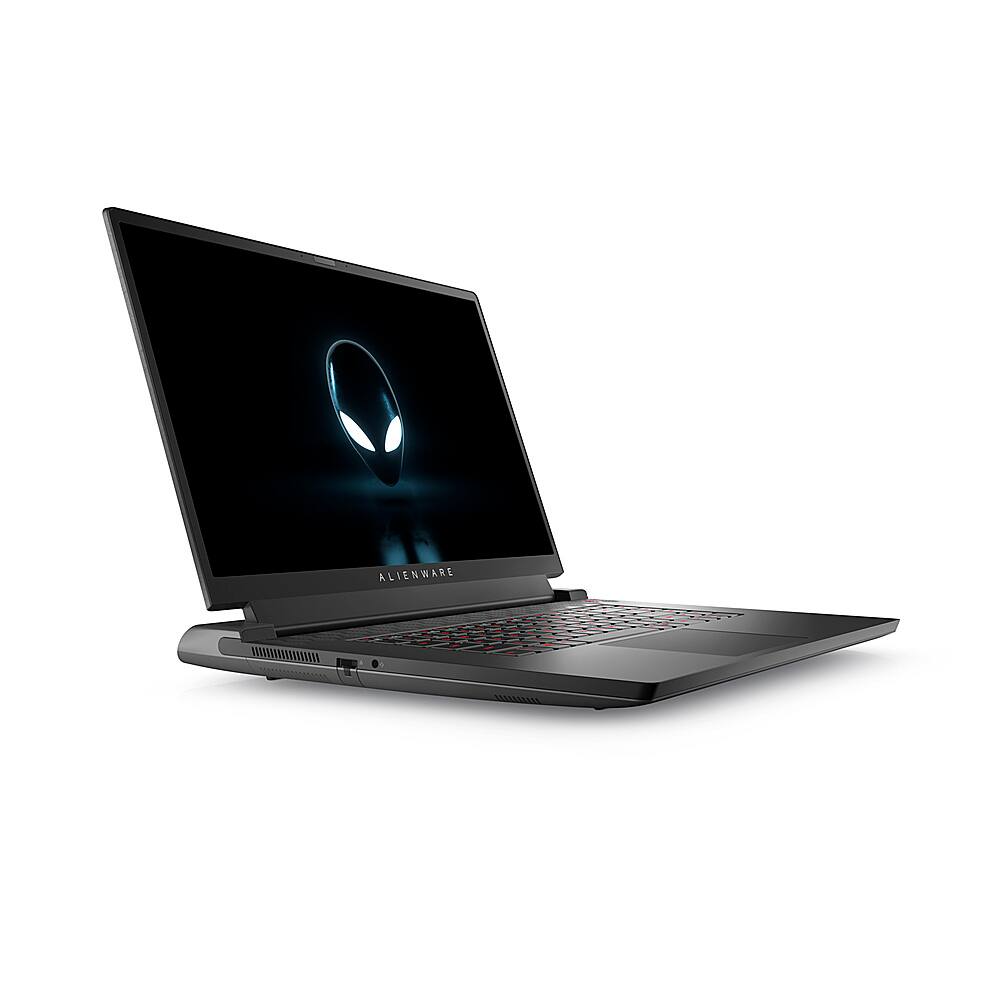
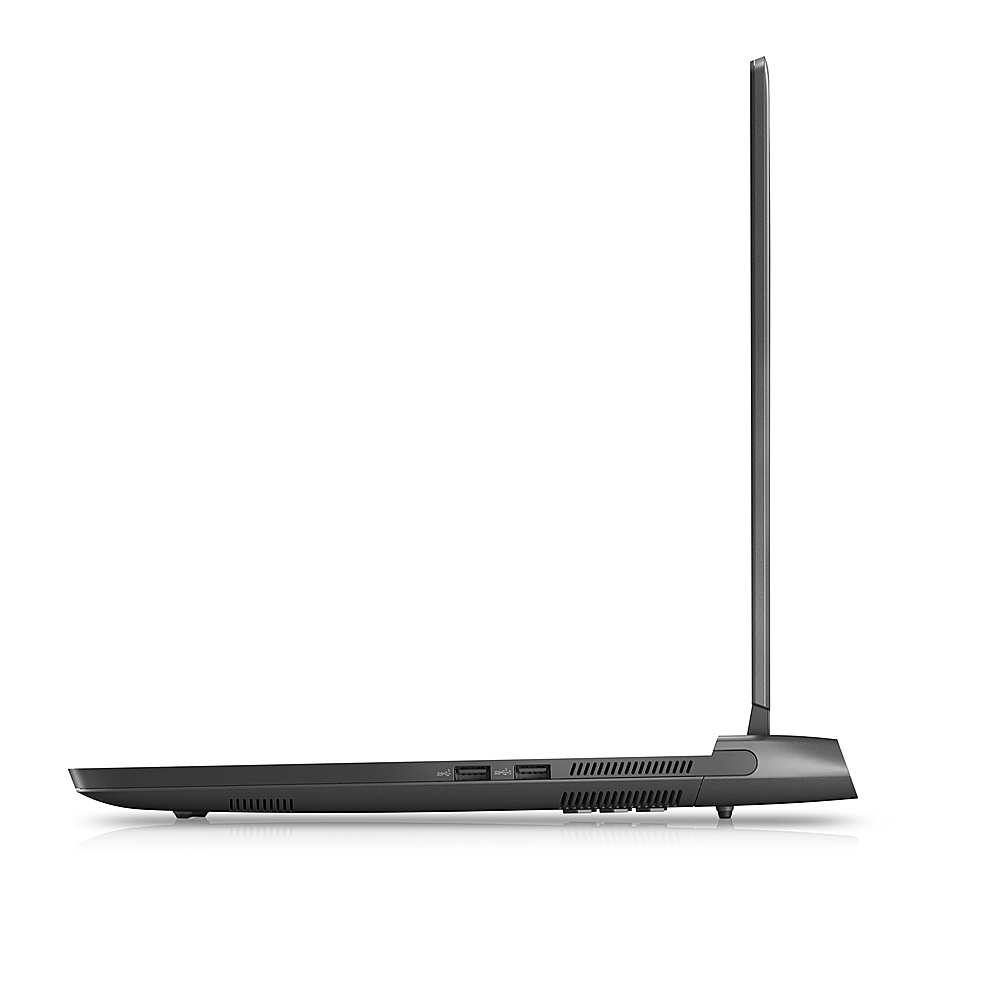
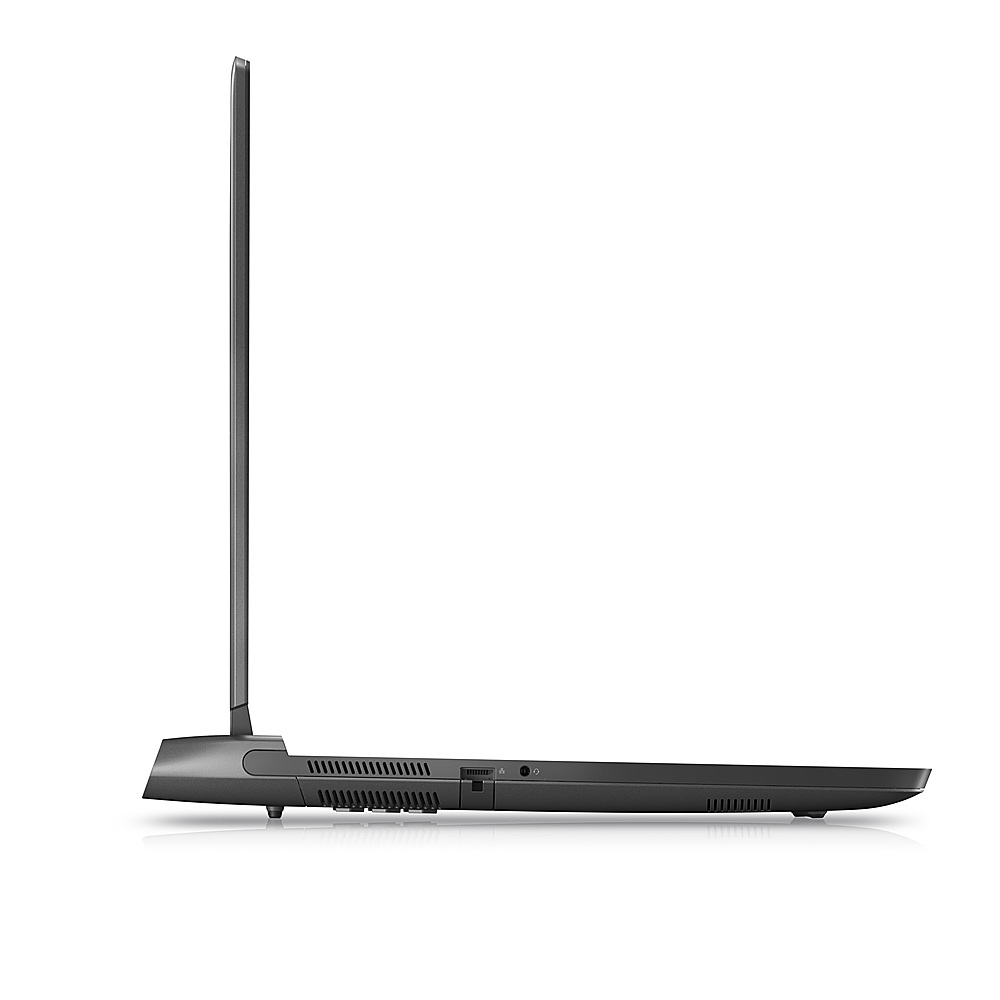
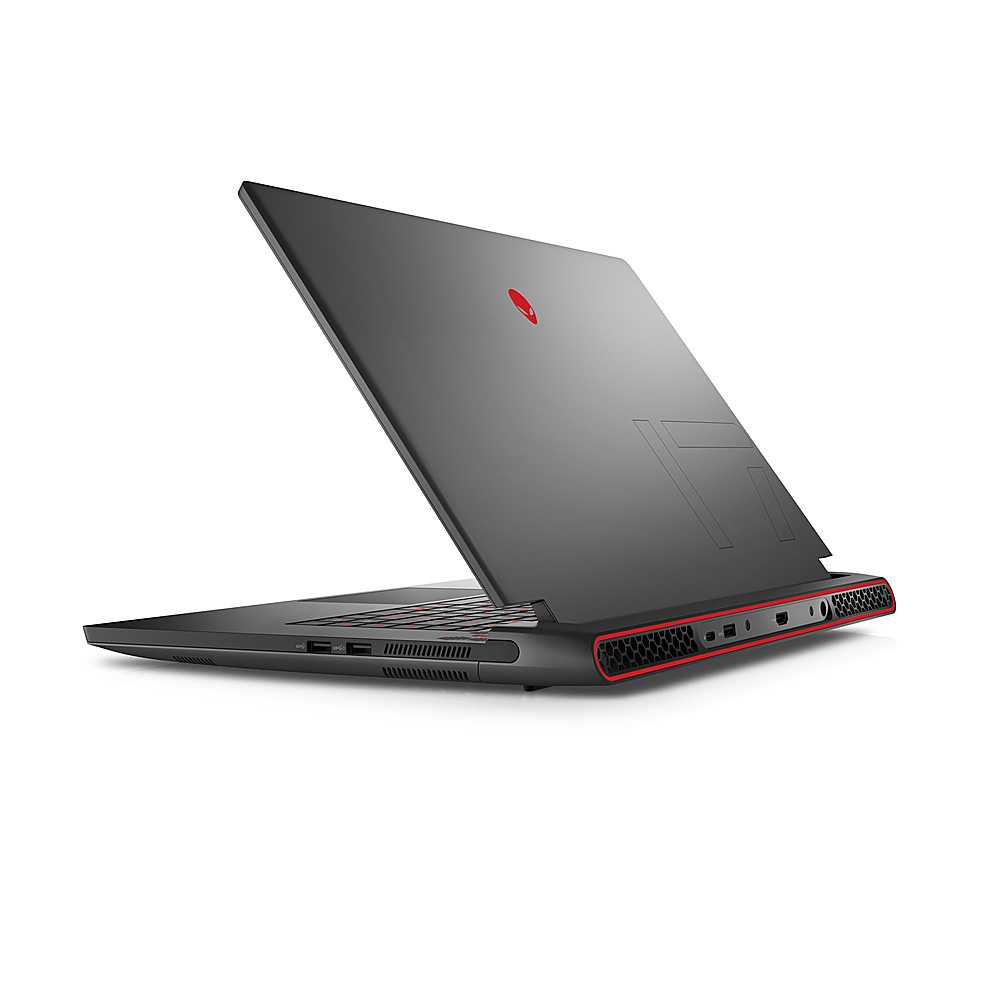
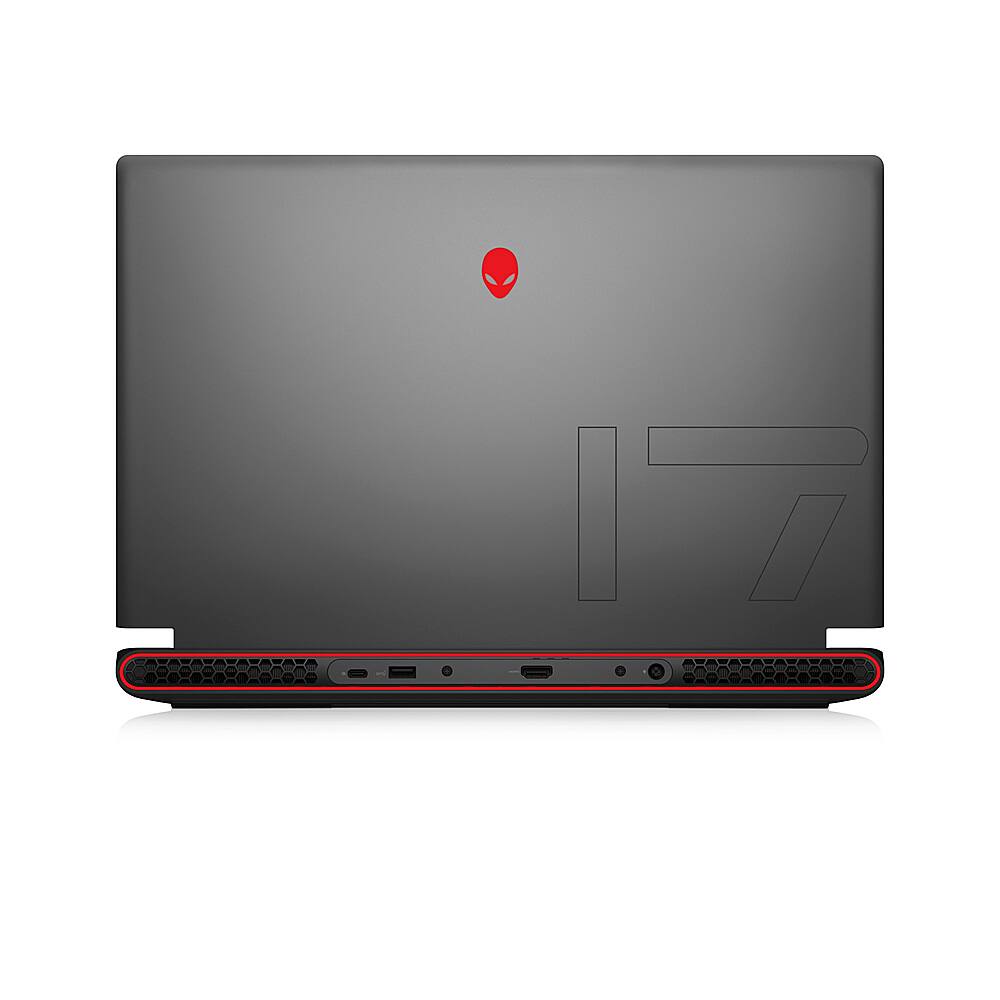
|Posted .This reviewer received promo considerations or sweepstakes entry for writing a review.The Alienware m17 R5 AMD (made by Dell) is a hefty beast. It has a bright 17 inch 1920x1080 HD display and did well in benchmark tests. It comes with a whopping 240 W laptop power supply. First thing I noticed when I powered it up is the impressive light show. As the system is booting, a rainbow of lights sweep across the keyboard. Nice touch. The system has three Type A USB ports, only one USB-C, audio port, HDMI port and RealTek 2.5GbE (Ethernet) port, AMD Radeon RX 6700M graphics, and and 8 core AMD Ryzen 7 6800H CPU. The system booted into Windows 11 Home with some Alienware customizations, like a custom desktop wallpaper and an Alienware configuration/update application. When I launched the Alienware updater it updated drivers and the bios. Using PassMark Benchmarking software to test, out of the box, the laptop scored very well on the CPU, Disk and 3D Graphics tests, all in the 99th percentile. Memory was not as impressive coming in at the 66th percentile. This configuration only has 16G of RAM. That’s really a bare minimum for a gaming system. (I’d recommend bumping up to more RAM.) Battery life is respectable for a laptop with a 17 inch display and set up for gaming / performance. While I normally plug it in for gaming, it seems to last more than 4 hours on battery alone. Changing the power settings should result in much longer battery life if desired. To put the laptop through its paces I loaded up a flight simulator with high-res graphics. The system recognized my Flight Stick and soon I was flying over the U.S. and Canada. The system responded well with the load. No problems. I also loaded up a couple of Steam games that are graphics intensive. The system was responsive and gameplay was smooth. Overall, this is a very respectable gaming laptop with only a few shortcomings. There is no numeric keypad. Keyboard mappers will note this as a big shortcoming. It only has one USB-C port and no memory card slot. This configuration only has 16 Gb of RAM, but it is available with more. The pros outweigh the cons in my opinion. The AMD Radeon RX 6700M graphics, RealTek 2.5GbE for gamers who prefer a physical connection, and overall performance make this a solid gaming system. In summary, I highly recommend the Alienware m17 R5 AMD for gaming. Just go ahead and get it with more RAM if your budget allows.
I would recommend this to a friend - Pros mentioned:Battery life, Cooling
Crazy power in a convenient package!
|Posted .This reviewer received promo considerations or sweepstakes entry for writing a review.The M17 R5 is an incredible machine, with a MASSIVE 17” 1080p 165Hz IPS monitor, speedy performance and surprisingly good battery life when using the machine for non-gaming tasks. Once booted up, updated, and set up appropriately, I installed a variety of games from both Game Pass and from my Steam library, including Forza Horizon 5, Portal, Madden 22, and No Man’s Sky. I decided first to see how well this thing would handle the beautiful cars and landscapes of Forza Horizon 5. Unwisely, I didn’t adjust the game recommended graphics settings when it said it could handle the ‘EXTREME!!!’ setting. And so, once it finally loaded, I made it about two yards driving my totally radical Mitsubishi Lancer before I was told the system resources were low. A quick reboot of the game with ‘Ultra’ graphics enabled yielded much better performance, with quite frankly no discernible difference in the game’s overall appearance- my Mitsubishi Lancer remained just as radical. I’m sure if you’re really pixel peeping you could see a modest reduction in reflections, shadows, and maybe how quickly it’s rendering some objects way out in the distance, but you’d have to really be looking for it. The fact that this thing in a laptop form factor can run that game at nearly the most maxed out settings is in and of itself incredible! None of the other games I tested were nearly as demanding from a graphics standpoint. That said, every game was enhanced by how dang smooth everything appears when you’re playing because of the 165Hz refresh rate of the monitor. I mean, the quality of this IPS monitor even at 1080p is just great. You’re not going to have a bad time playing on the go with this machine, I mean it’s huge at 17”. It’s incredible to have a screen this size and with this refresh rate when you’re traveling and still want to game. I haven’t had an issue with cooling on this thing, which isn’t surprising because it’s ventilated like crazy. You’ll hear the fans running when it starts getting warm, but that comes with the territory. They aren’t loud at all, and this machine never gets too hot even with so much power in such a dense package. I’ll be honest, I haven’t really gamed away from an outlet since they’re usually available to me anyway. But I did unplug to use this thing for standard office/home use and was getting battery estimates of about 8 hours or so. After about 3 hours of total use away from the plug, that estimate seemed to be accurate as I’m sure I could have gotten another 5 hours of non-gaming use. There are only a few knocks on this thing that I have. The first is that when I tried using the webcam during my initial setup to scan a login QR code, the webcam on my unit appears to be broken. It is completely out of focus and there’s no way to adjust it. But honestly, I don’t know that I’d be using the webcam on this thing hardly ever anyway, especially since it’s apparently only 720p and 0.92 megapixels. The second knock is that even if the camera were working, it’s not Windows Hello compatible meaning it can’t unlock the laptop with a simple biometric face scan. In fact, there’s no biometric unlocking on this unit which is a little bit of a disappointment, but not unbearable. Lastly, I expected more out of the speakers, especially since I know Dell has some nice speakers in some of their XPS line of laptops. These are okay, but not my favorite. Overall, I think that what you get for the money on this unit is incredible. This is probably some of the best performance you can get for under $2k, and for a package you can take with you on vacation. This will be my travel Xbox Game Pass Ultimate machine for the foreseeable future.
I would recommend this to a friendBrand response from YourDellTeam
Posted .Dear Valued Customer
Thank you very much for taking the time to leave us your review. We apologize for the webcam issues you are experiencing with your Alienware M17 R5 Gaming Laptop. We will share your feedback with our quality team so we can continue to grow and do better. Below I have provided a link that can help you test your webcam, fix the camera and webcam problems. I have also added a secondary video link for additional troubleshooting.
Using, Troubleshooting and Resolving Driver Issues on your Dell Webcam: http://dell.to/3m00ioA
Troubleshoot Webcam Issues – Alienware: https://bit.ly/3E7ootu
Should you need further assistance we recommend that you contact Dell directly with the information below.
Chat or call: https://bit.ly/DellSupportTeam
Phone number to Dell: 1-800-624-9896.
Sincerely,
Jay@Dell