Customer Ratings & Reviews


- Model:
- BBY-HY267FX
- SKU:
- 6524524
to a friend
Customers are saying
Customers commend the m17 R5 AMD Advantage laptop's sharp, clear, and smooth graphics, along with its effective cooling system that keeps the machine from overheating, even during extended use. Positive feedback also highlights the respectable battery life and sufficient RAM for various applications. However, some users express concerns about the keyboard's design and limited number of USB-C ports.
This summary was generated by AI based on customer reviews.
Computer review
||Posted . Owned for 1 week when reviewed.This reviewer received promo considerations or sweepstakes entry for writing a review.The computer is excellent based on the input from by son. Set up was easy and it operates as desired.
I would recommend this to a friendAlienware
||Posted . Owned for 1 week when reviewed.This reviewer received promo considerations or sweepstakes entry for writing a review.Love this laptop! Curious why it's on clearance, picture quality is amazing
I would recommend this to a friendNice
||Posted . Owned for 1 week when reviewed.This reviewer received promo considerations or sweepstakes entry for writing a review.Battery charger cable sometime losing power bu I like the laptop
I would recommend this to a friendAll around great
||Posted . Owned for 5 months when reviewed.This reviewer received promo considerations or sweepstakes entry for writing a review.Works great, use it for causal gaming and college work
I would recommend this to a friend- Pros mentioned:Battery life, Cooling

Crazy power in a convenient package!
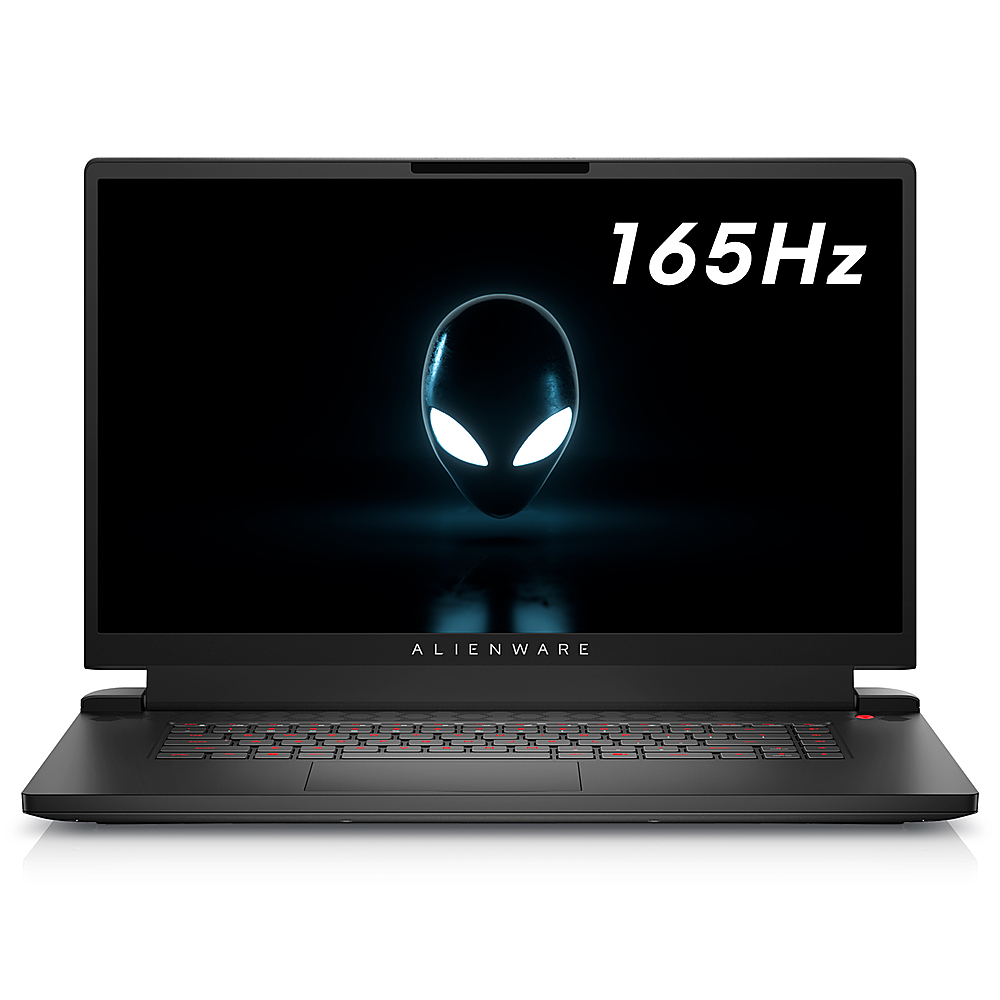
|Posted .This reviewer received promo considerations or sweepstakes entry for writing a review.The M17 R5 is an incredible machine, with a MASSIVE 17” 1080p 165Hz IPS monitor, speedy performance and surprisingly good battery life when using the machine for non-gaming tasks. Once booted up, updated, and set up appropriately, I installed a variety of games from both Game Pass and from my Steam library, including Forza Horizon 5, Portal, Madden 22, and No Man’s Sky. I decided first to see how well this thing would handle the beautiful cars and landscapes of Forza Horizon 5. Unwisely, I didn’t adjust the game recommended graphics settings when it said it could handle the ‘EXTREME!!!’ setting. And so, once it finally loaded, I made it about two yards driving my totally radical Mitsubishi Lancer before I was told the system resources were low. A quick reboot of the game with ‘Ultra’ graphics enabled yielded much better performance, with quite frankly no discernible difference in the game’s overall appearance- my Mitsubishi Lancer remained just as radical. I’m sure if you’re really pixel peeping you could see a modest reduction in reflections, shadows, and maybe how quickly it’s rendering some objects way out in the distance, but you’d have to really be looking for it. The fact that this thing in a laptop form factor can run that game at nearly the most maxed out settings is in and of itself incredible! None of the other games I tested were nearly as demanding from a graphics standpoint. That said, every game was enhanced by how dang smooth everything appears when you’re playing because of the 165Hz refresh rate of the monitor. I mean, the quality of this IPS monitor even at 1080p is just great. You’re not going to have a bad time playing on the go with this machine, I mean it’s huge at 17”. It’s incredible to have a screen this size and with this refresh rate when you’re traveling and still want to game. I haven’t had an issue with cooling on this thing, which isn’t surprising because it’s ventilated like crazy. You’ll hear the fans running when it starts getting warm, but that comes with the territory. They aren’t loud at all, and this machine never gets too hot even with so much power in such a dense package. I’ll be honest, I haven’t really gamed away from an outlet since they’re usually available to me anyway. But I did unplug to use this thing for standard office/home use and was getting battery estimates of about 8 hours or so. After about 3 hours of total use away from the plug, that estimate seemed to be accurate as I’m sure I could have gotten another 5 hours of non-gaming use. There are only a few knocks on this thing that I have. The first is that when I tried using the webcam during my initial setup to scan a login QR code, the webcam on my unit appears to be broken. It is completely out of focus and there’s no way to adjust it. But honestly, I don’t know that I’d be using the webcam on this thing hardly ever anyway, especially since it’s apparently only 720p and 0.92 megapixels. The second knock is that even if the camera were working, it’s not Windows Hello compatible meaning it can’t unlock the laptop with a simple biometric face scan. In fact, there’s no biometric unlocking on this unit which is a little bit of a disappointment, but not unbearable. Lastly, I expected more out of the speakers, especially since I know Dell has some nice speakers in some of their XPS line of laptops. These are okay, but not my favorite. Overall, I think that what you get for the money on this unit is incredible. This is probably some of the best performance you can get for under $2k, and for a package you can take with you on vacation. This will be my travel Xbox Game Pass Ultimate machine for the foreseeable future.
I would recommend this to a friendBrand response from YourDellTeam
Posted .Dear Valued Customer
Thank you very much for taking the time to leave us your review. We apologize for the webcam issues you are experiencing with your Alienware M17 R5 Gaming Laptop. We will share your feedback with our quality team so we can continue to grow and do better. Below I have provided a link that can help you test your webcam, fix the camera and webcam problems. I have also added a secondary video link for additional troubleshooting.
Using, Troubleshooting and Resolving Driver Issues on your Dell Webcam: http://dell.to/3m00ioA
Troubleshoot Webcam Issues – Alienware: https://bit.ly/3E7ootu
Should you need further assistance we recommend that you contact Dell directly with the information below.
Chat or call: https://bit.ly/DellSupportTeam
Phone number to Dell: 1-800-624-9896.
Sincerely,
Jay@Dell
Dead out of the box
||Posted . Owned for 2 weeks when reviewed.This reviewer received promo considerations or sweepstakes entry for writing a review.Wanted to like this one - but it arrived dead out of the box. The keyboard would light up and I would hear the fans spool up and then it would just do nothing. I thought maybe the battery was dead, but hours of charging resulted in the same behavior. I ended opening the laptop and pulling the battery and replugging it and that appeared to get it working, but at that point I was kind of done and wasn't willing to risk it crashing on me again. The 1080P display is terrible on a 17" device.
No, I would not recommend this to a friendBrand response from YourDellTeam
Posted .Dear ZooZooChaCHa,
Thank you for taking the time to leave a review of your Alienware M17. We are sorry to hear that you were experiencing an issue with your device upon arrival but are happy to hear that your device is working now. We have noted the details of your statement and will escalate them to our quality team for improvements on current and future products.
We recommend that you contact Dell directly with the information below if you need further assistance.
Chat or call: https://bit.ly/DellSupportTeam
Phone number to Dell: 1-800-624-9896.
Best,
Summer@Dell
Alienware
||Posted . Owned for 2 weeks when reviewed.This reviewer received promo considerations or sweepstakes entry for writing a review.Less than a month old and the screen glitches. Not very happy.
No, I would not recommend this to a friendBrand response from YourDellTeam
Posted .Dear MargE,
We value your feedback and appreciate you taking the time to leave a review of your Alienware M17 gaming laptop. We are sorry to hear that you are experiencing an issue with your screen flickering. That is not the type of feedback we like to hear from our customers, or the type of product Dell intends to deliver. Below I have provided a troubleshooting link to help resolve your issue.
How to troubleshoot display issues: https://rb.gy/25p46
If you continue to experience touchpad issues, please reach out to Dell Support directly by using the information provided below.
We recommend that you contact Dell directly with the information below if you need further assistance.
Chat or call: https://bit.ly/DellSupportTeam
Phone number to Dell: 1-800-624-9896.
Best,
Summer@Dell
- Pros mentioned:Processor speedCons mentioned:Keyboard quality
Screaming fast laptop that's good for game use
|Posted .This reviewer received promo considerations or sweepstakes entry for writing a review.This computer is extremely fast, and worked perfectly with a number of games we tested. Windows 11 is still fairly new to me, so I won't mention anything that might have been OS specific. First game: Microsoft Flight Simulator X. This game is almost 20 years old, but still makes a computer work, especially the graphics. The game did not recognize the screen resolution, so I had to set it manually to 1920x1080. I also turned every graphic setting as high as it would go. In this game, if the framerate is 15 fps or better the play is generally quite smooth. The game reported framerates between 30-40, with no pauses or hiccups in playback. Frankly, I'm not certain any computer would see much higher of a framerate, as I think that's the upper limit of the game itself. Using my yoke and rudder pedals allowed very smooth flying. This version of the game does not offer a photo-realistic world, but the imagery it does provide still requires a powerful computer to run it at full tilt. The remaining games were tested by my daughter, who is a much better gamer than I ever tried to be. First she played Destiny 2, with the screen set to 1920x1080, FXAA anti alias and highest textures. When the game first loaded the cooling fan kicked into high gear, and while noticeable was not objectionable. The fan slowed once the map was completely rendered. The framerate was outstanding in combat play, and the sound was solid for small laptop speakers. The action on-screen was perfectly smooth, with no dropped frames or other visible issues. She mentioned the low profile keyboard on the laptop can be challenging with some shooter games, but said she would use her own keyboard for any serious gameplay. Next game was SMITE. She had to manually adjust the video settings, as the game did not auto-detect accurately. She set all video settings on high, and found the game version responsive, no input lag, and a high video framerate. Again, all on-screen action was fluid with no hiccups. Finally, we Civilization 4, to use the game's video testing benchmarks. Again with all settings as high as they could go, the benchmark testing showed the framerate anywhere between 80-120 fps. Again, anything beyond 20 fps is going to generally look quite good. In conclusion, the only thing that a serious gamer might need is to use an external keyboard. I was a bit surprised to not see a numerical keyboard on this laptop, but I understand that gamers don't always find it necessary and instead prefer the space used for a larger keyboard.
I would recommend this to a friendBrand response from YourDellTeam
Posted .Dear Valued Customer,
Thank you very much for taking the time to leave us your review. We sincerely apologize for the keyboard issues you are having with your Alienware M17 R5 Gaming Laptop. This is certainly not what we like to hear from our loyal customers. We will share your comments with our quality team to help make improvements to current and future products so we can continue to grow and do better. When your keyboard is nonfunctional, you may have several options below.
Run the Keyboard Troubleshooter in Windows 11 or Windows 10.
• Press and hold the Windows (Windows) key, and then press the i key.
• Select Update and Security.
• Select Troubleshoot from the left panel.
• Look for Keyboard in the Find and fix other problems section and run the Troubleshooter.
Connect an external keyboard from another computer, when available and browse to the Online Keyboard Diagnostics page.
Notes:
• The test starts automatically.
• You may be prompted to install or update the SupportAssist program, if so, follow the prompts.
•The keyboard test is an interactive test, and you must press every key to test your keyboard thoroughly.
• Ensure to perform the test on the keyboard that is having the issue.
Keyboard Usage and Troubleshooting Guide: https://dell.to/3huBztr
Should you need further assistance we recommend that you contact Dell directly with the information below.
Chat or call: https://bit.ly/DellSupportTeam
Phone number to Dell: 1-800-624-9896.
Sincerely,
Jay@Dell
- Pros mentioned:Cooling
A really good gaming laptop, however...
|Posted .This reviewer received promo considerations or sweepstakes entry for writing a review.A quick summery: Do I like this laptop? Yes, the hardware is incredible. Does it have issues? Yes, there are issues that made it only 4 stars. For the details: If you want a beefy gaming laptop that is a desktop replacement, I think this will serve you well. Even though the screen is awesome, you will not want to carry this thing around. It is heavy, but a good heavy. I had it set up in a dual screen set up where I have my tv for the things I don't need a high refresh rate on and could still game without the fan going to 100%. There is lots of cooling and airflow in the design. There is lighting of course, but you're not buying this for the lighting. You also are not buying this for the Alienware software. I found it to be a little buggy and maybe isn't optimized for Windows 11 as it seemed awkward to use. I setup lighting themes and next restart, they reverted back to static blue. Not a game changing thing, but I spend 20 minutes fighting with those settings, I think they should work when I expect them to. Now for the parts that really lowered the rating. The camera is not good enough. I've had super cheap laptops that have a Windows Hello compatible camera. This laptop doesn't. Those same cheap laptops squeezed in a fingerprint reader. Missing in action here. Finally, and a bit nitpicky, the lid is hard to open one-handed. Overall, good laptop. Buy it for the screen and the power, don't buy it for the lighting or software.
I would recommend this to a friend Top Tier Gaming laptop
|Posted .This reviewer received promo considerations or sweepstakes entry for writing a review.The outstanding Alienware m17 R5 is an incredible gaming laptop that will impress most users. It is a heavier laptop than expected at 7.3 pounds but after using the machine I realized that the weight was appropriate for producing top notch speeds. The processor needs a good cooling system which the manufacturer provided to tweak out the best results for the gaming laptop. I started getting used to the extra weight while playing games while laying down with the laptop sitting on top of me but was really happy that it did not get too hot like my prior laptop. I do have to say that I caught my self touching the screen too often out of habit from using too many touch screen laptops. I understand it is not needed in gaming due to using the keyboard or controllers. I plugged in my new gaming controller that I purchased to get the most out of the setup on the Alienware laptop and it has been a great experience overall. I like being able to use my existing gaming accounts to download and play games on the laptop but was a little surprised that the download speed was not as fast as expected since I have Gigabyte fiber internet service and the laptop took longer than expected to download a GTA game just under 1 GB in size. I am on the second floor with my router being on the first floor which could be the main reason that it is not super fast like my other devices. Overall, between the beautiful laptop design with the Alienware logo and RGB lighting, good sound from the speakers and fast response time, I think this is a great setup for most gamers.
I would recommend this to a friendA great desktop alternative
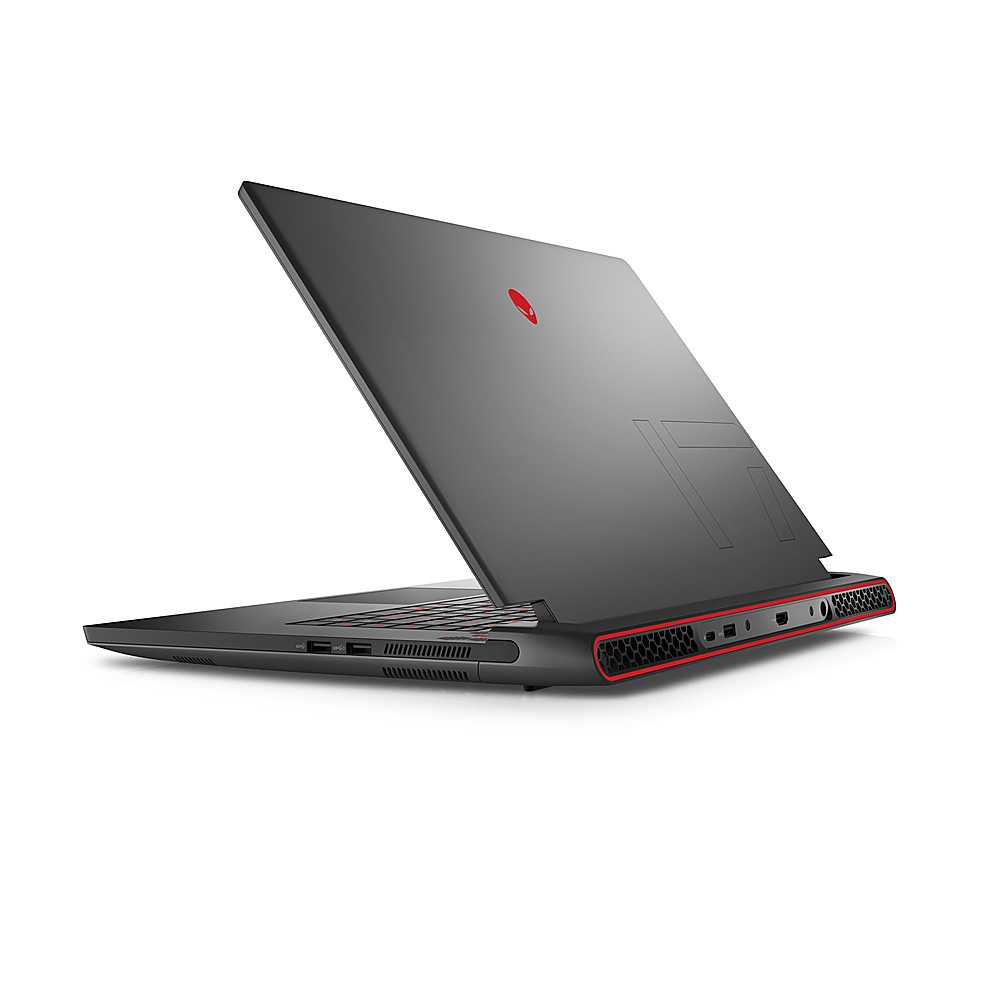
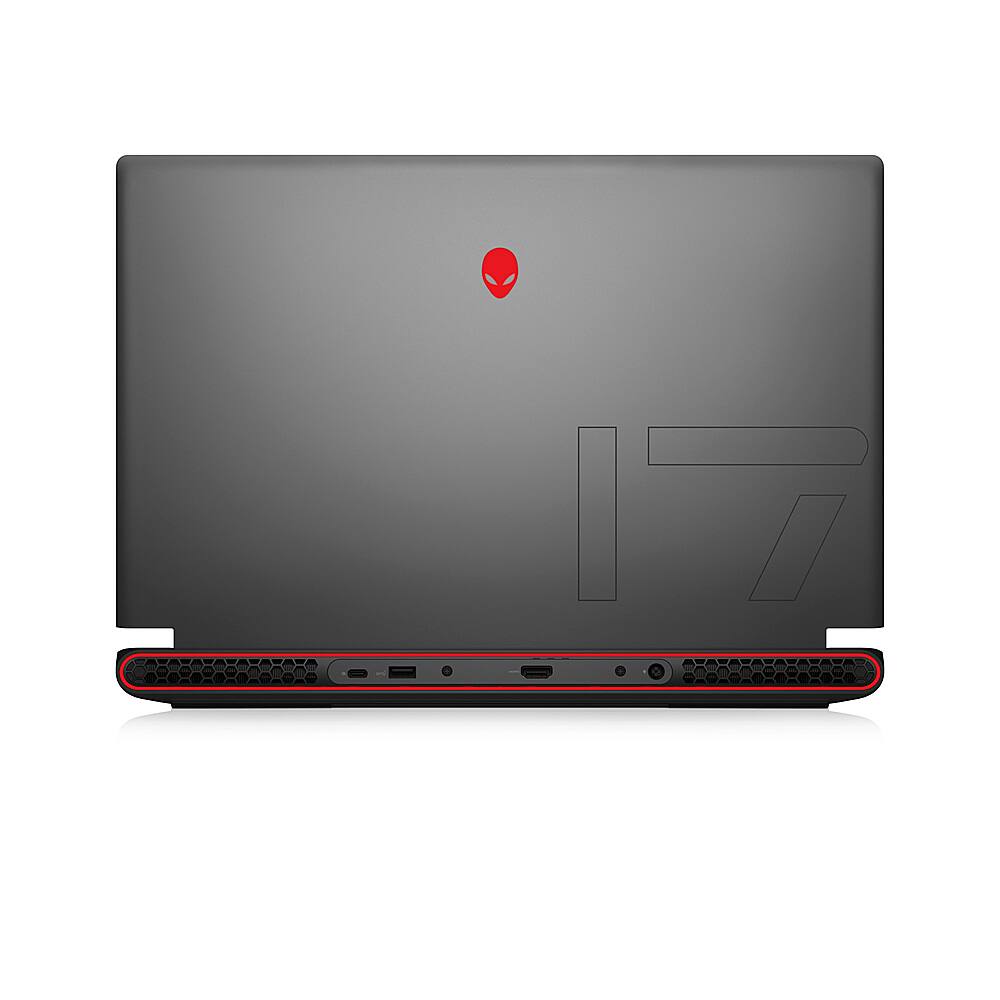
|Posted .This reviewer received promo considerations or sweepstakes entry for writing a review.Okay, let’s go through a quick tech specs run down: 17.3” screen (which is large on a laptop, typically you’ll see 15” as the most common, and even 13” or 14” are more common for those that want a laptop for portability), 16 GB memory (this is perfect), 512 GB SSD (should be the minimum nowadays; there is room for one more M.2 slot for another SSD which I strongly recommend), Wow. All I can say is this is a really great laptop. In the past, I’ve always thought that 15” screens were the perfect sweet spot for laptops. Small enough to carry around easily (and really, that’s how you convince your parents or grandparents to help pay for schooling), but large enough of a screen to still be productive and be used for media consumption. Now that I’ve moved on from college, I think this is perfect for being able to game and occasionally carry around. It’s a nice desktop alternative. Now, I’m not saying that you can’t use this as your laptop for college. But it isn’t exactly small or light. My 15” Gateway (before they died and were revived under another company) that I had for my first 4 years of my undergraduate years was around 7 lbs, close to 10 years ago. I carried that thing in a separate laptop bag and lugged it and all of my other college textbooks across campus. The Alienware m17 R5 laptop weighs almost the same. I’m not saying it’s hard to carry, but when you pick up other laptops, I’m blown away by how small and light they can be. Of course, those light laptops don’t hold a candle to the performance of this monster of a machine. The large gorgeous 17.3” screen size you can comfortably watch movies and tv shows — I mean, lectures — while at home, in the dorm, or in the library. It has a 3.5 mm headphone jack on the left (don’t be one of those people that play music or videos out loud in public) for your media consumption. It supports up to 165 Mhz screen which is perfect for any competitive gaming. The keyboard feels quite nice and I don’t feel an immediate need to plug in my mechanical keyboard like I did for my previous gaming laptops. I will say that for a 17” laptop, I expected a numpad though. I still use mine quite frequently for productivity and miss not having it. To get the full experience with some MMOs, you’ll want as many free buttons as possible and having a numpad helps. The touchpad is serviceable, but I plugged in my Logitech G602 to use instead. The processor is fast and able to handle whatever tasks I’ve thrown at it. I have Chrome and Edge running in the background with multiple tabs, discord, and Word open, all while playing Overwatch, CS: GO, or another game. I don’t play Fortnite or Apex Legends, but gaming reviews videos show that the RX 6700M can handle them with no problem. Even Cyberpunk 2077 can run respectably on high settings (not ultra) averaging close to 70 fps. The large chassis design expels heat quickly and efficiently. I only hear the fans when I’m in really intense gaming sessions. My wife installed Sims 4 and whereas the previous laptop would blast the fans, this laptop has been completely silent. Can I also just say that with the larger form factor, the placement of the USB slots is really appreciated. They’re spaced out far enough from each other that there isn’t a struggle to plug in cables. There’s no need for a USB hub or dock because things of the spacing. There’s three USB A slots (3.2) and one USB C slot (4.0). The HDMI slot sits at the back, as do most of the heating vents. The chassis of the laptop does have the big old Alienware alien on it. I’m trying to get away from the “gamer” vibe that their past products gave off, so it’s nice that I can disable the logo light (and other lighting) as well. Of course, if you want to rock out in RGB, go ahead, the world is yours! The software allows for changing the logo on the back, the power button, and the keyboard. There’s a number of preset modes available, such as rainbow, static (no changes), custom settings, and more. You could slap a big sticker on the back to hide the logo, but at that point, it’s like you’re trying too hard to hide it. The solid black color is still business friendly. The back does jut out quite a bit, but that helps with pushing out the heat away from the machine. The sound is fine. There are way worse speakers out there and not too many laptops that have great sound. The built-in webcam and mic are bad. I’d recommend you use up one of the three USB A slots for a dedicated device. Your phone likely has better video quality calling capabilities. If you want something that can handle your competitive games while still being somewhat portable, I’d say that this is it. As an aside, I saw one of the marketing promos of this laptop included in Dell’s pamphlet. It has this person with this laptop on a tiny little table at a coffee shop looking enthusiastically at whatever research she’s doing. I laughed my a-- off. That is exactly NOT the place to use this laptop. It can do in a pinch, but you’re going to use up all the table or college desk space with this.
Solid gaming choice
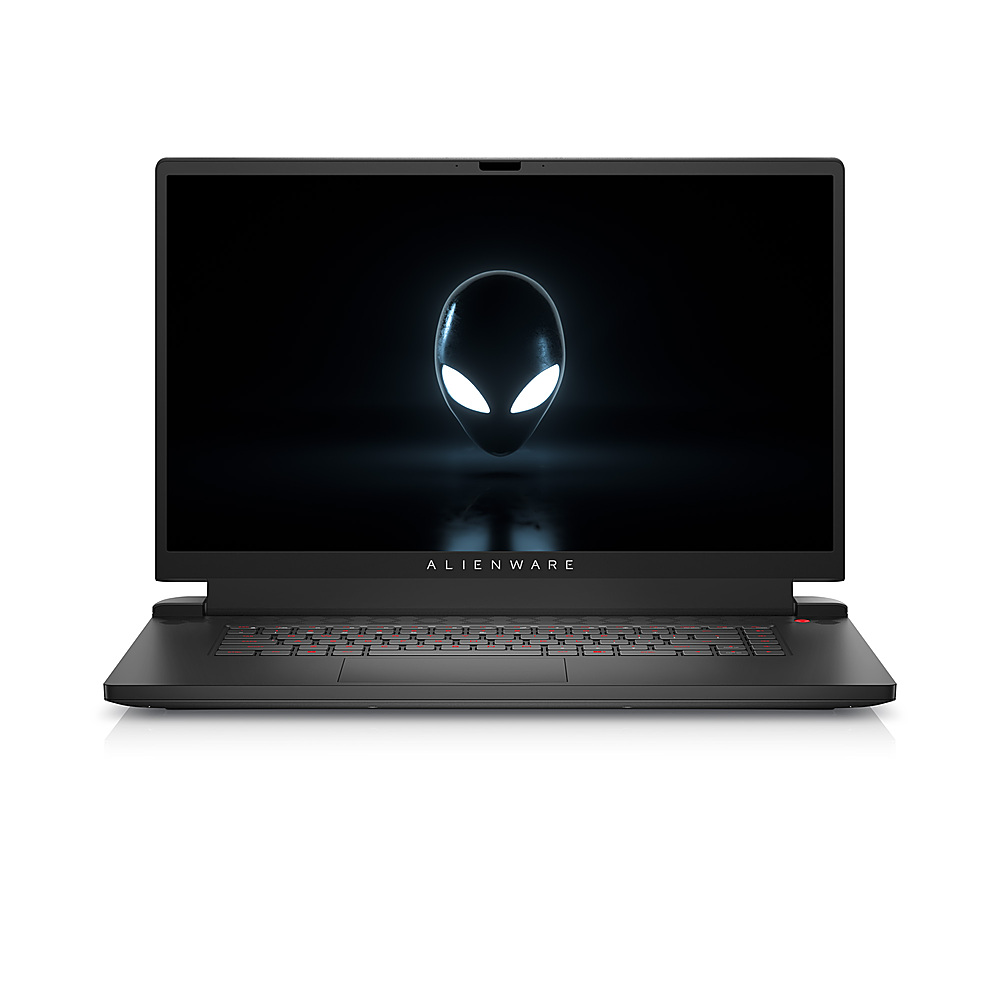
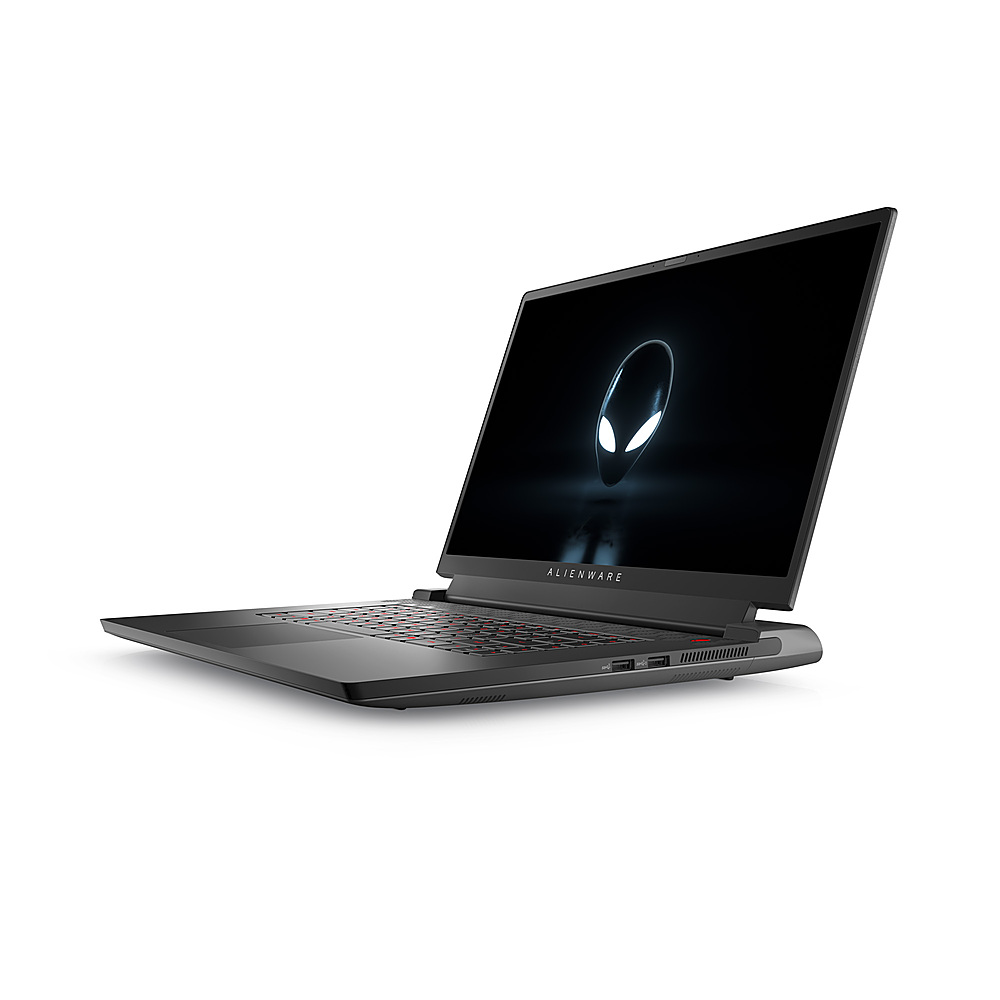
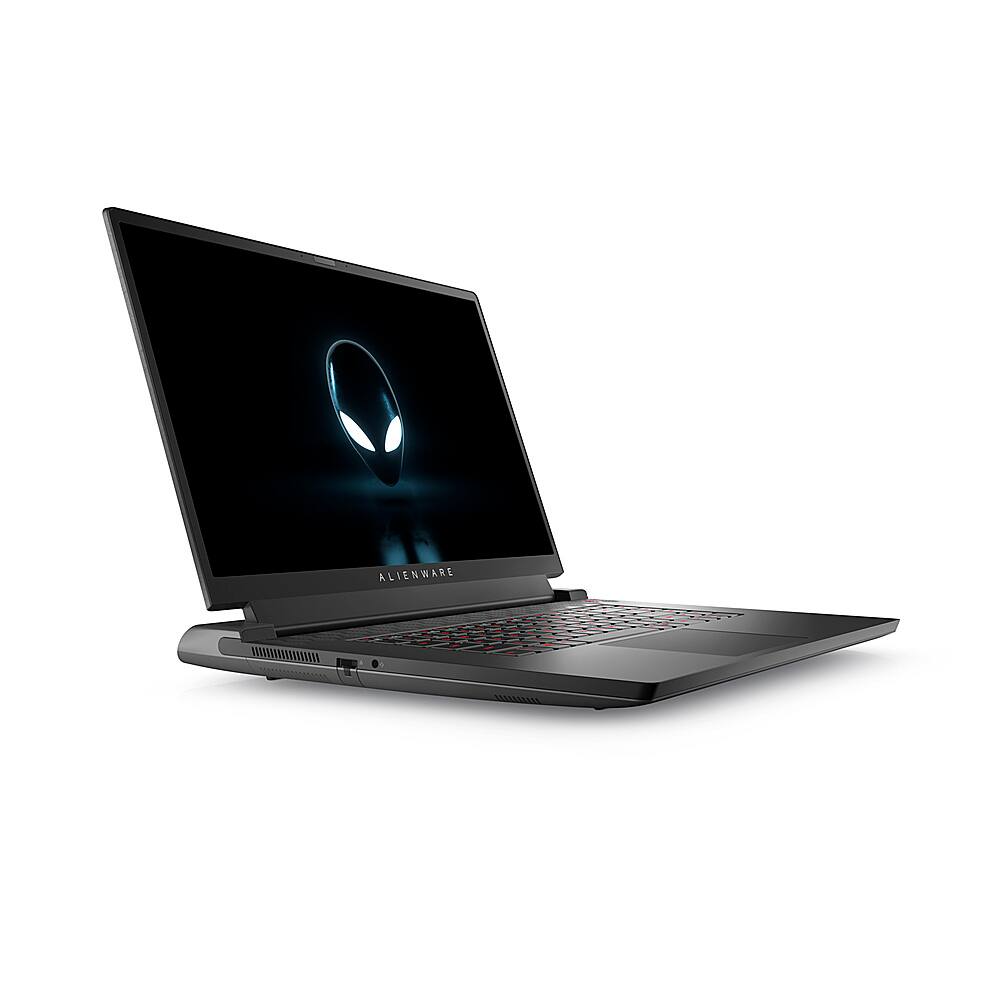
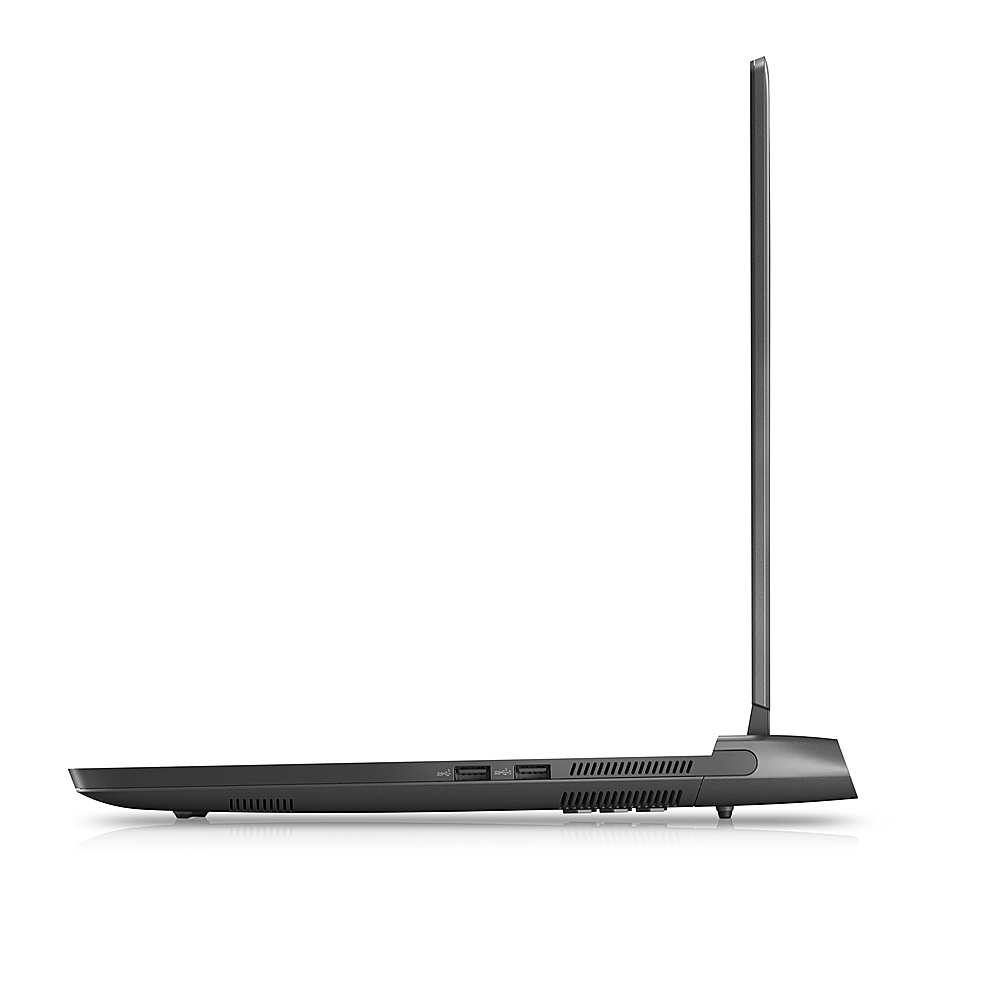
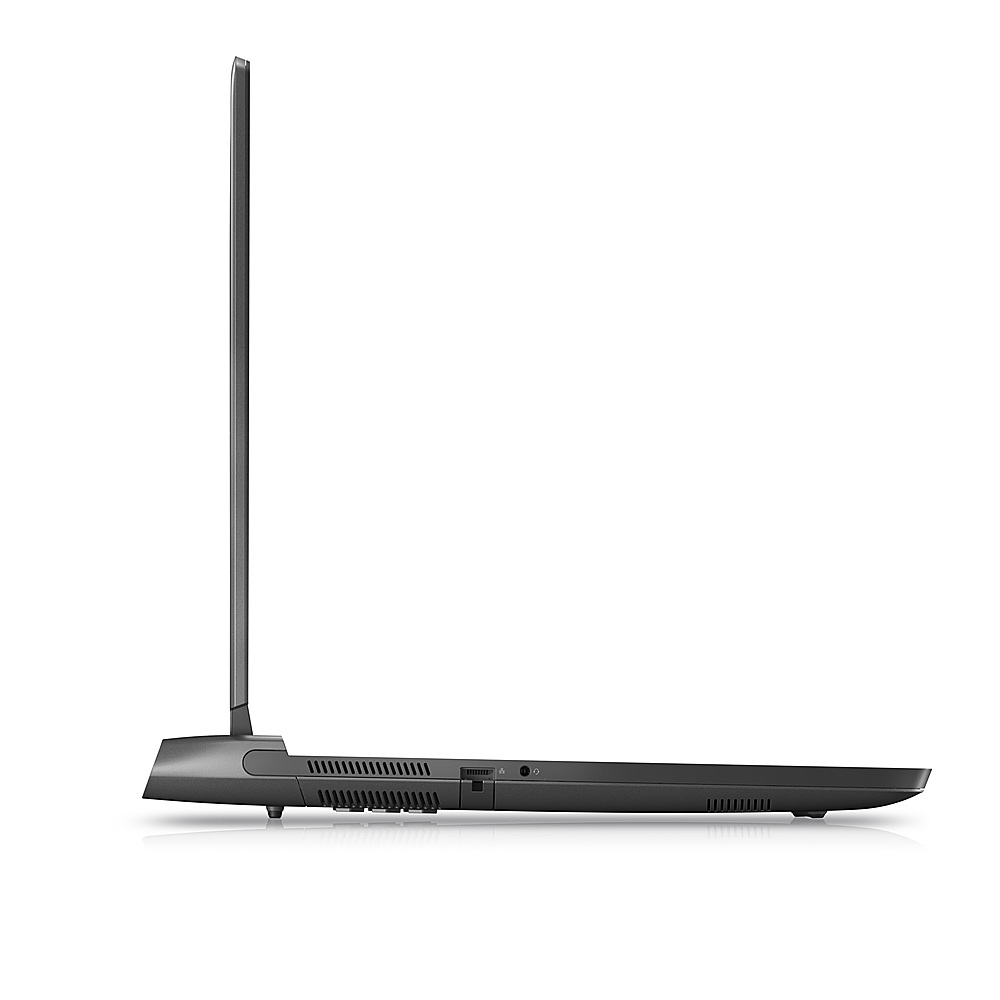
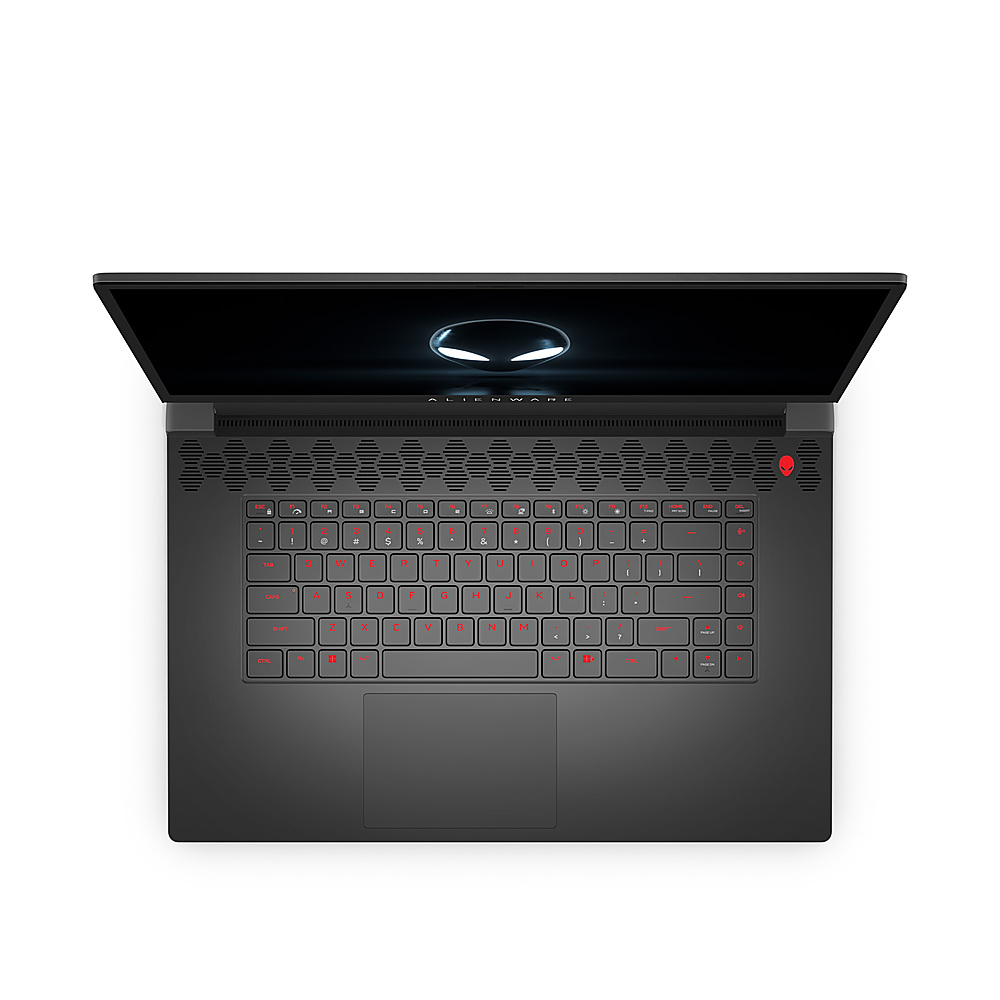
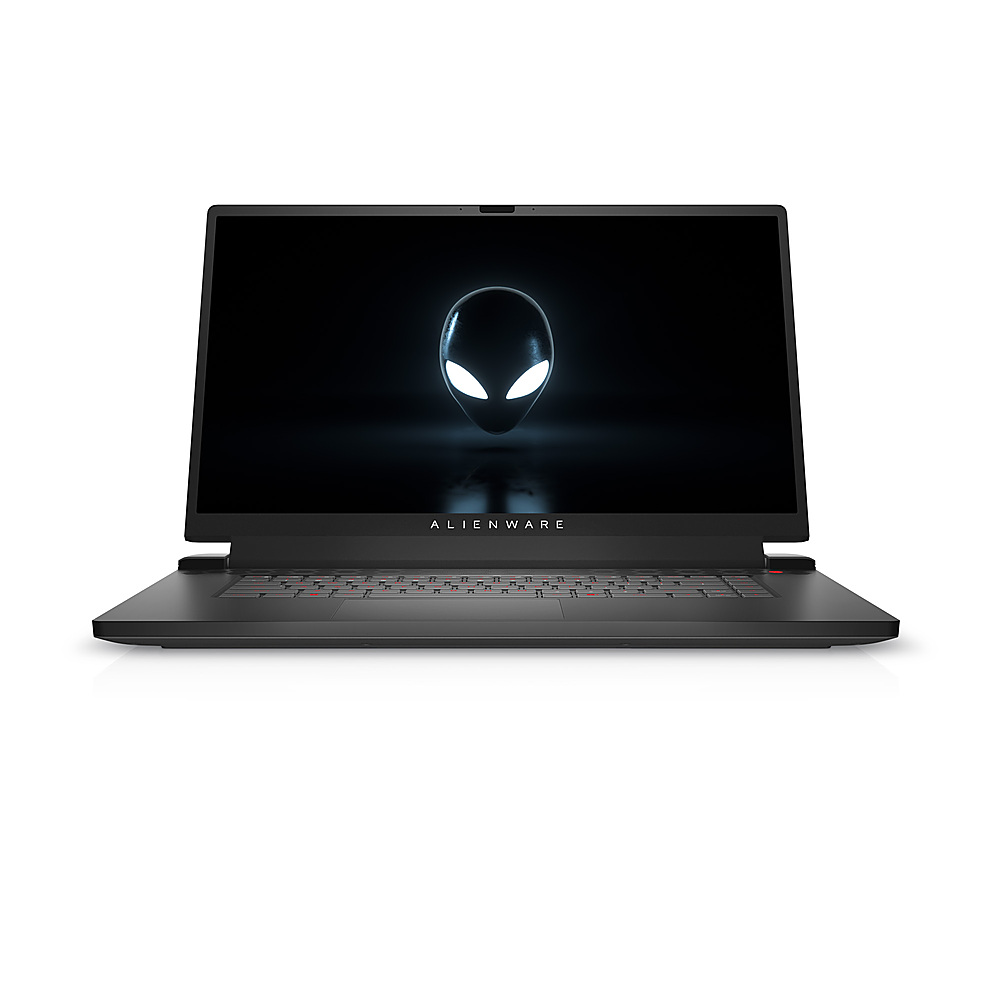
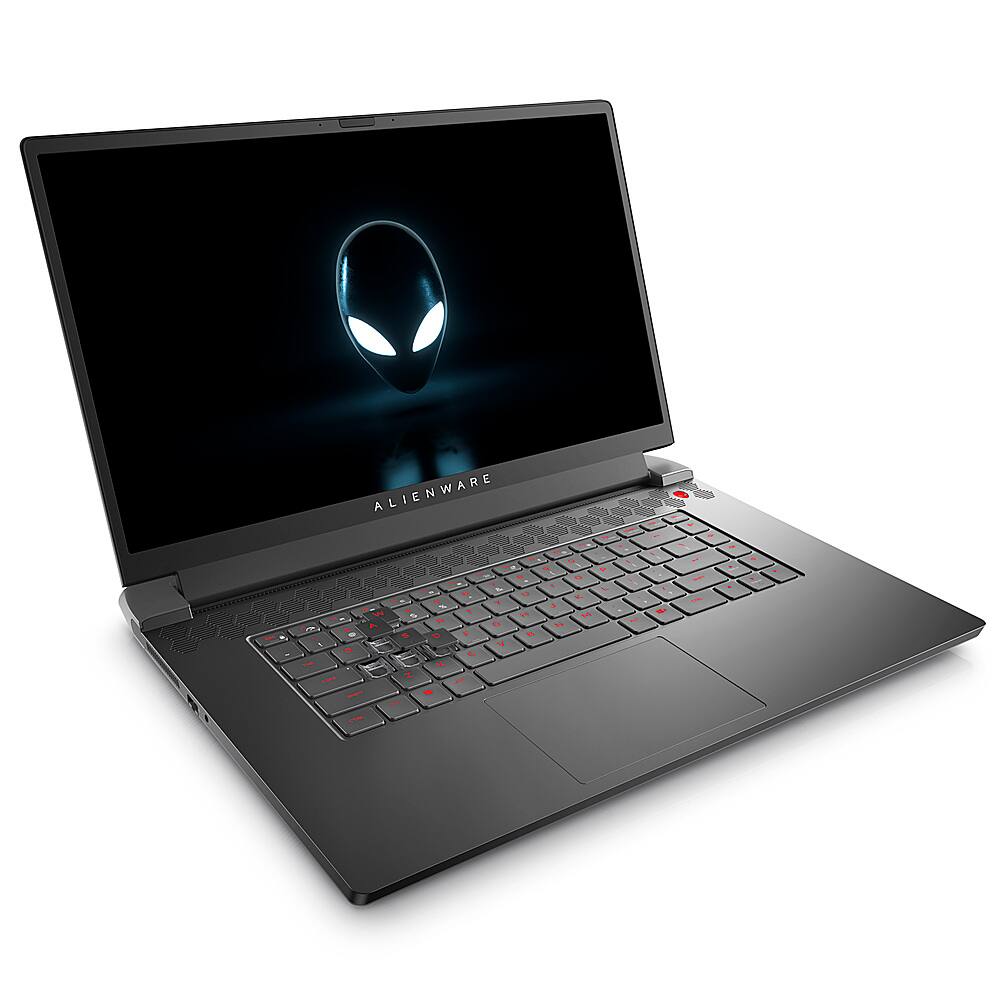
|Posted .This reviewer received promo considerations or sweepstakes entry for writing a review.The Alienware M17 R5 is a solid choice for a gaming laptop that is at the high end of the price point for the AMD processor and video card included. It isn't like I'm a big fan of Intel or Nvidia, but AMD is on a slightly lesser tier when it comes to gaming performance and user experience. But if you're going to choose an AMD processor then the correct choice for a video card is AMD, as they will work well together. Here are some of the details of my laptop: Processor - AMD Ryzen 7 6800H Video Card - AMD Radeon RX 6700M 10GB GDDR6 Display - 17.3" FHD display, non-touch Memory - 16GB DDR5 RAM Hard Drive - 512 GB SSD Color - Dark Side of the Moon Out of the box, the laptop feels very solid and has the heft that is typical for a gaming laptop at about 7.5 pounds. It stands just over 1 inch tall, is 15.6 inches wide, and is 11.75 inches deep. The dark gray to black Dark Side of the Moon color scheme is aesthetically pleasing and maintains the same scheme from years past. The power cord has good length and the battery pack is a brick style. When you open the laptop, which does take two hands, the power button is located to the upper right of the keyboard beside a row of hexagons that stretch the width of the unit and includes the speakers. This is a gaming laptop so there is programmable RGB lighting through Alienware software. The keyboard lights are bright although it should be noted that the RGB does not light up the entire key so secondary key functions can be hard to find in the dark. The 17.3 non-touch screen provides a noticeably bigger viewing area over 15" laptop screens, and provided a bright crisp image. I do not believe the screen is IPS so the preferred viewing angle is pretty straight on. There is a 720p/30fps webcam/mic included over the top of the screen. The ports are as follows: Right side: 1 Type-A USB 3.2 Gen 1 Port 1 Type-A USB 3.2 Gen 1 Port with PowerShare Back side: 1 Type-A USB 3.2 Gen 1 Port 1 Type-C Port (Includes USB 3.2 Gen 2, Display Port 1.4 and Power Delivery (5V/3A) capabilities) 1 HDMI 2.1 Output Port 1 Power adapter port Left: 1 Ethernet port 1 Headphone and microphone combo port When I booted it up for the first time, it took about an hour for Windows to fully update, and afterwards I updated the Alienware Command Center and the AMD driver software. The Alienware Command Center I usually don't mess around with except to tweak the RGB, but a user can get very specific with profiles for certain situations if desired. The AMD driver software is not user friendly compared to the Nvidia Experience software. After all updates were complete, I downloaded the Steam client and the Epic Games Launcher, as well as some games. I tried Destiny 2 first and the laptop worked flawlessly. Gameplay was smooth on Ultra settings and I was very impressed with how the game looked on a big screen. I then tried Fortnite and the computer had big issues. It would keep crashing to a blue screen saying that Windows failed to load. I'm not exactly sure what that was about, as Fortnite is a much less demanding game than Destiny 2. The laptop was very cool while playing all games, and all updates were complete. I would have to restart the device. Again, the AMD user interface for their graphics drivers and auto-settings is not easy to use. It seemed to recognize that I had installed both Destiny 2 and Fortnite, but I could not tell what settings it was recommending as the best to use and if it was applying those settings. I also downloaded the Netflix client and played some shows. They looked great and sounded great with headphones. The speakers, like most speakers on laptops, were not the best. I'm still trying other games and haven't run into any issues like the blue screen crash that only happened while playing Fortnite, so other than that the laptop has run very smoothly and the keyboard has stayed remarkably cool under all usage. It works well with non-gaming usage too. From a distance, and with the RGB tuned as such, it isn't obviously a gaming laptop, but anyone looking up close would know from the Alienware style and scheme. I would recommend this for any gamer looking for a solid option and a big screen. The processor and graphics card aren't top of the line but will work well for any game in the near future. Alienware does build a solid laptop and offers a good warranty with assistance available if needed.
I would recommend this to a friendFantastic laptop - Won't disappoint
|Posted .This reviewer received promo considerations or sweepstakes entry for writing a review.Super cool looking, the unboxing of it alone was nice. Alienware has always just screamed high quality and this is no exception. Super fast initial set up and after a few updates from Windows it was ready to go. My main game currently is Microsoft Flight Simulator and this runs it very well with the 2nd highest settings. With it only coming with 16 gigs of ram, an upgrade is in order. Looks like easy access to the slots to turn this into even more of a power horse. Battery life is average when not gaming but if you really want to game with this, you should be plugging it in anyway. I got about an hour or so before it was showing low battery life while flying around in a helicopter with Flight Sim and the fan was screaming. Thought I was hearing a heavy rainstorm outside. This is quite a heavy laptop, probably the heaviest laptop I’ve ever had. Comes in at 7.3 pounds. And the power supply brick is quite large as well. Love the RGB keyboard and the ability to change the logo colors on the front and back. And what they call the Stadium, which is a cool oval ring on the back that runs the length of the laptop. All of it is RGB so it’s fun to try new colors and effects. Ran 3DMark Timespy on my older desktop that’s pretty powerful in itself and this compares quite nicely. While the graphics didn’t score as high, the CPU test blew my Intel I-7 9700 out of the water. Well done AMD Surprised it only has 1 USB-C port but I can make dues with it. But it does have 3 USB-A ports, an audio out port, an HDMI out, and a wired Ethernet port if you want it hardwired. The keyboard doesn’t have a numeric keypad so numbers are a bit of an issue if you’re used to and proficient using a numeric keypad on a typical keyboard. Other than that, it’s comfortable to type on and I love the color changeability. Only downside is only the main letters / numbers light up, so none of the secondary commands on the keys are visible in the dark. One annoyance was Bitlocker came up after an Alienware update – huge pain in the butt. Never even heard of it before until I got locked out on startup. Was easier once I figured out what was going on and how to get my authentication code. Just glad I wasn’t in a rush to use when this popped up. Overall, this is a great laptop. Alienware hits a home run with this one. Highly recommended
I would recommend this to a friend