Customer Ratings & Reviews




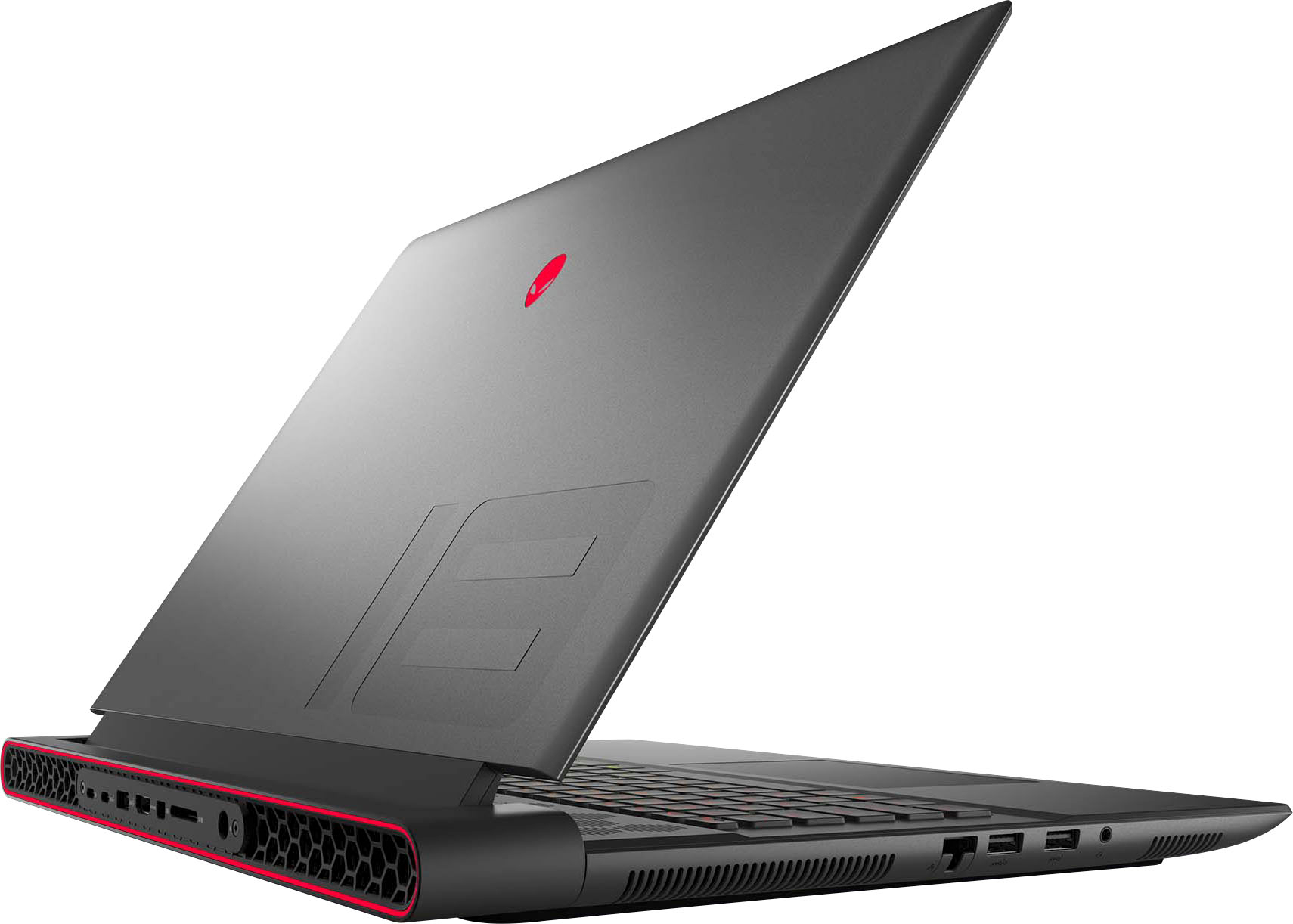
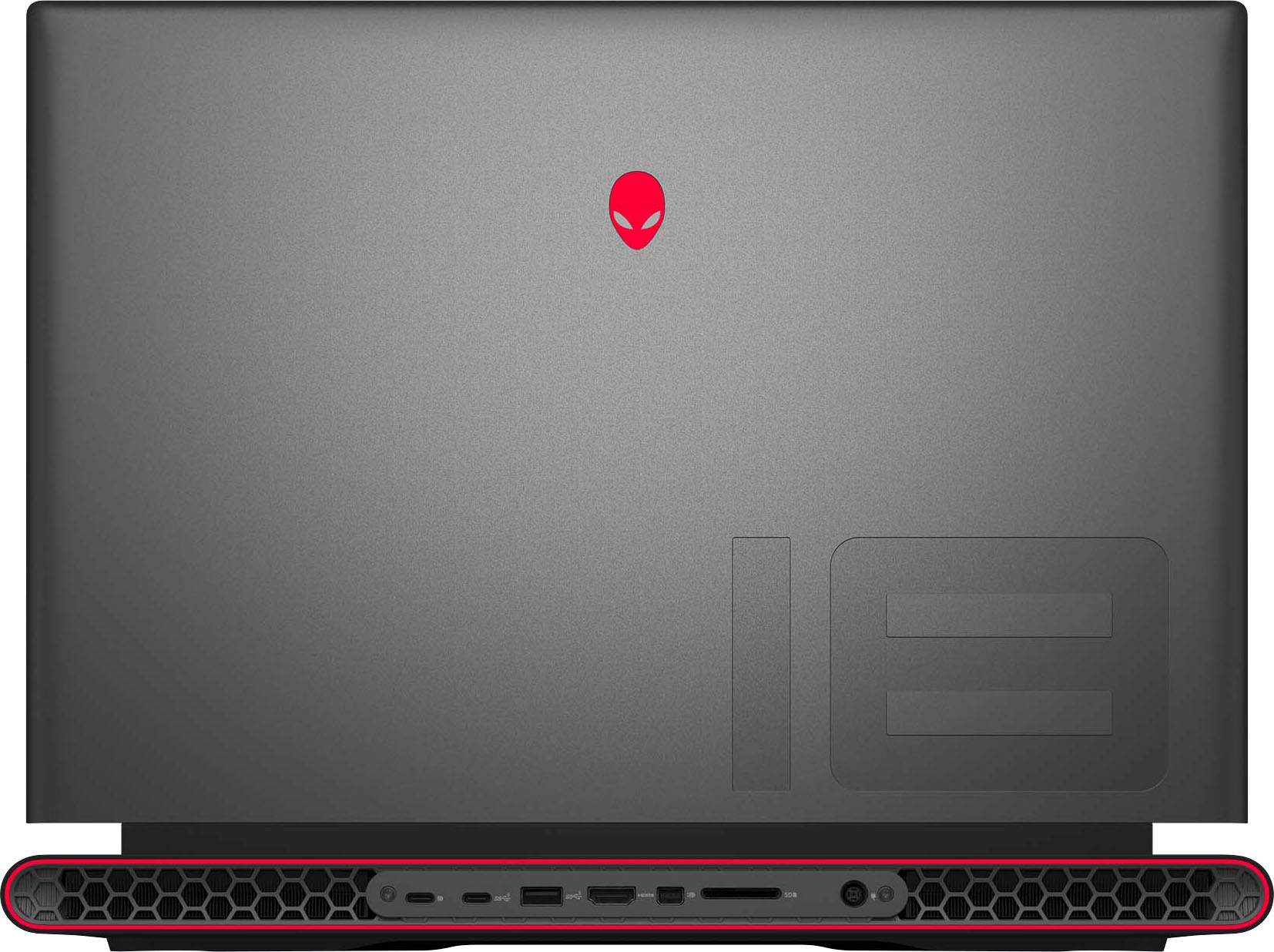
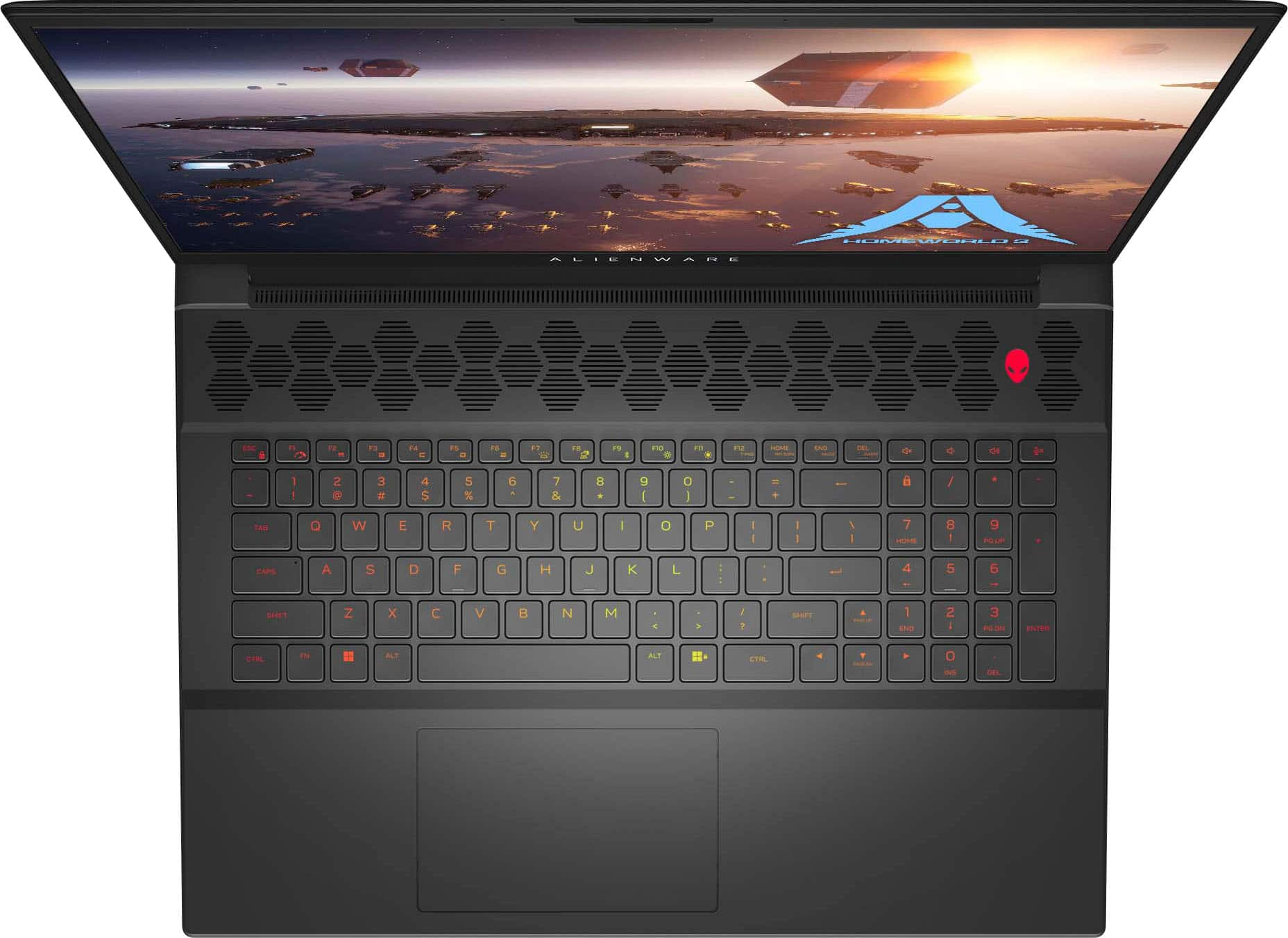
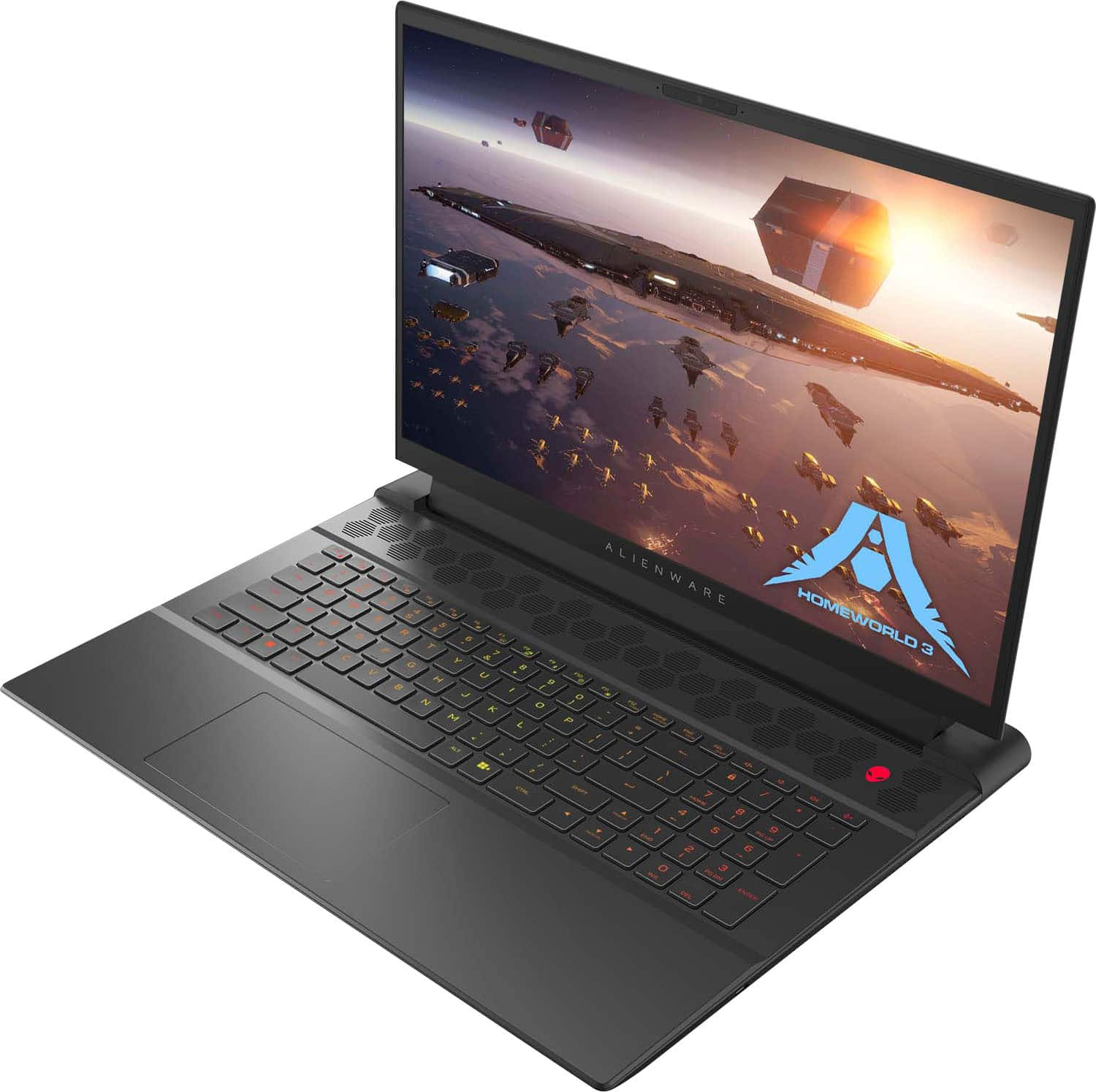








- Model:
- AWM18-A145BLK-PUS
- SKU:
- 6543535
Rating by feature
- Battery Life
Rating 3.8 out of 5 stars
- Speed
Rating 4.6 out of 5 stars
- Display
Rating 4.5 out of 5 stars
Customers are saying
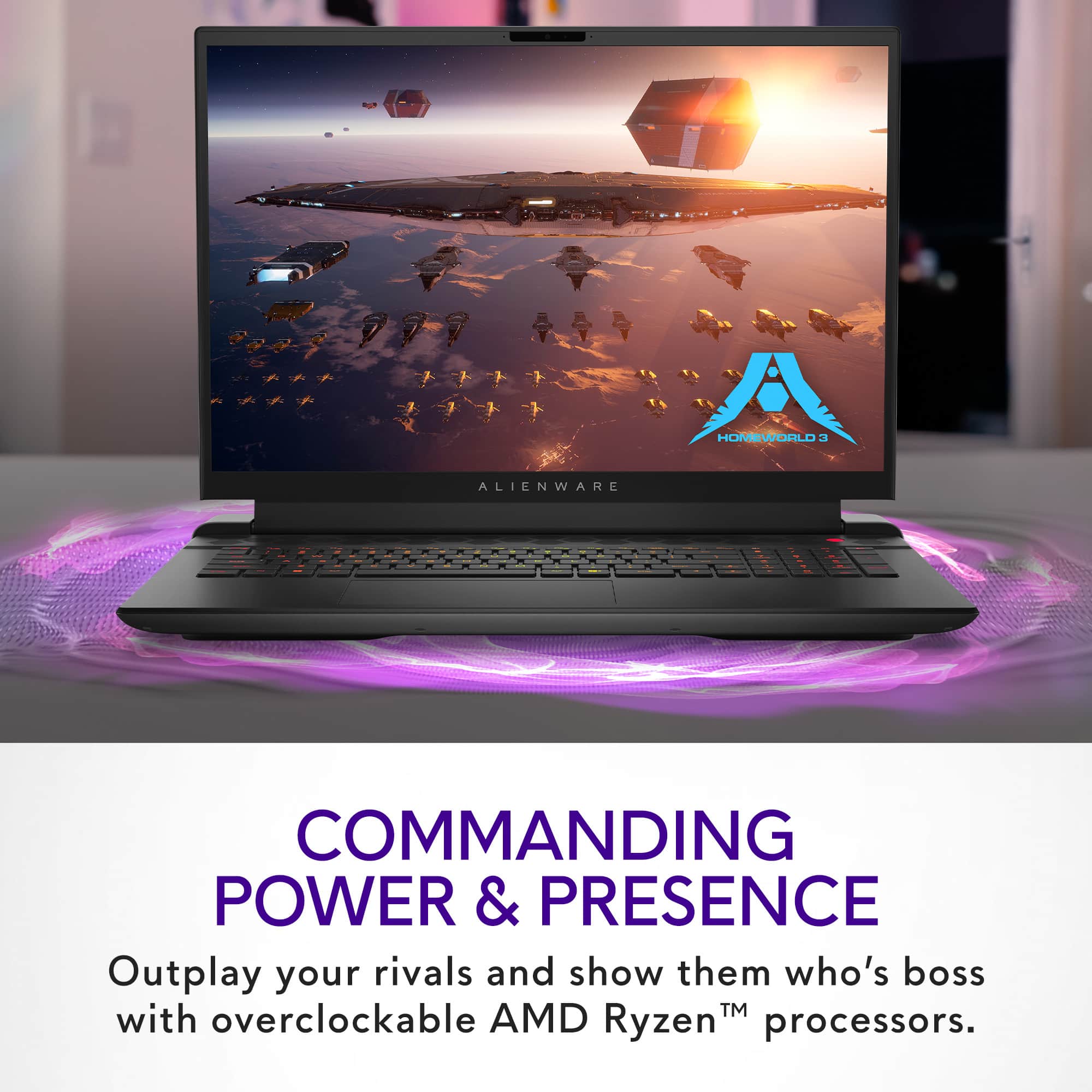
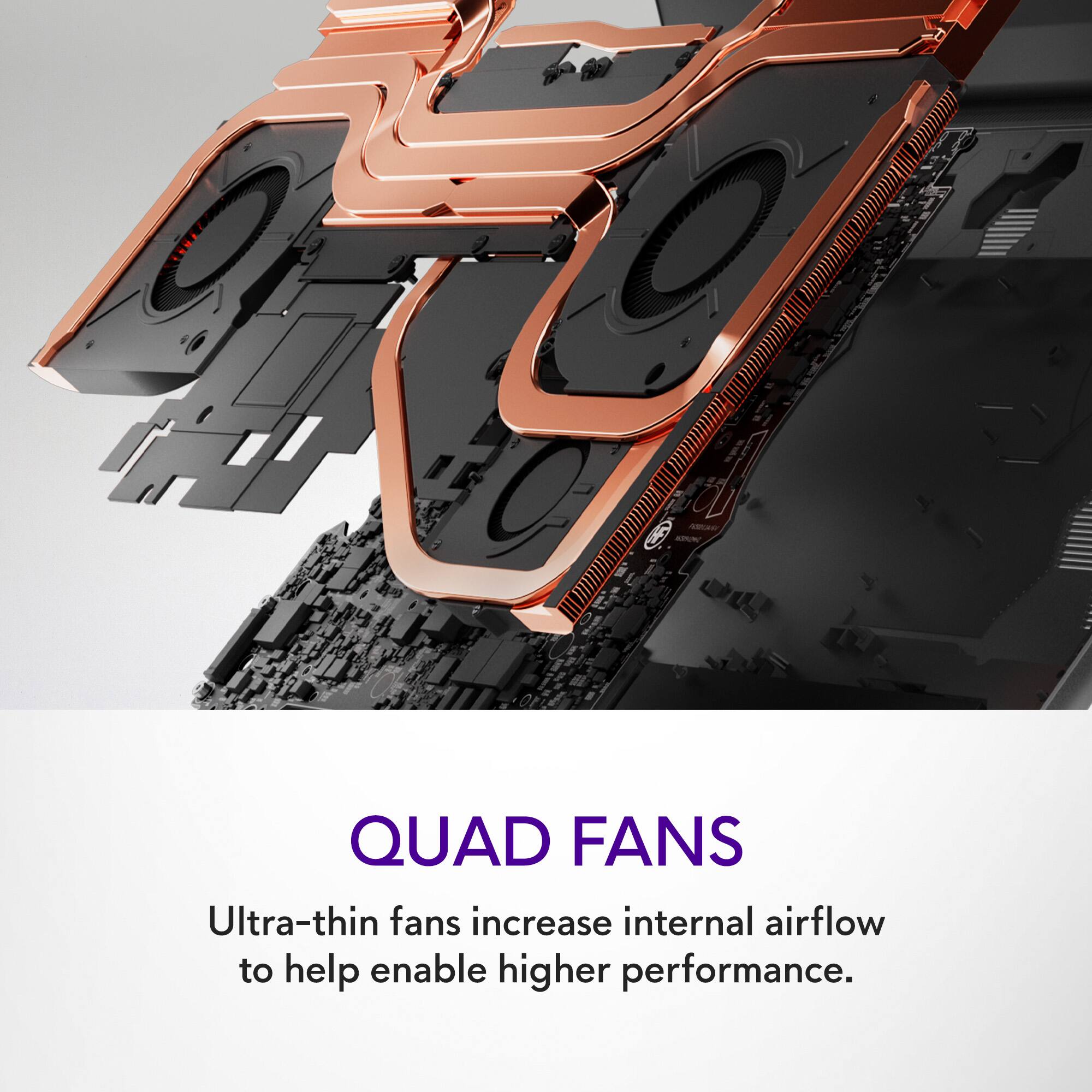
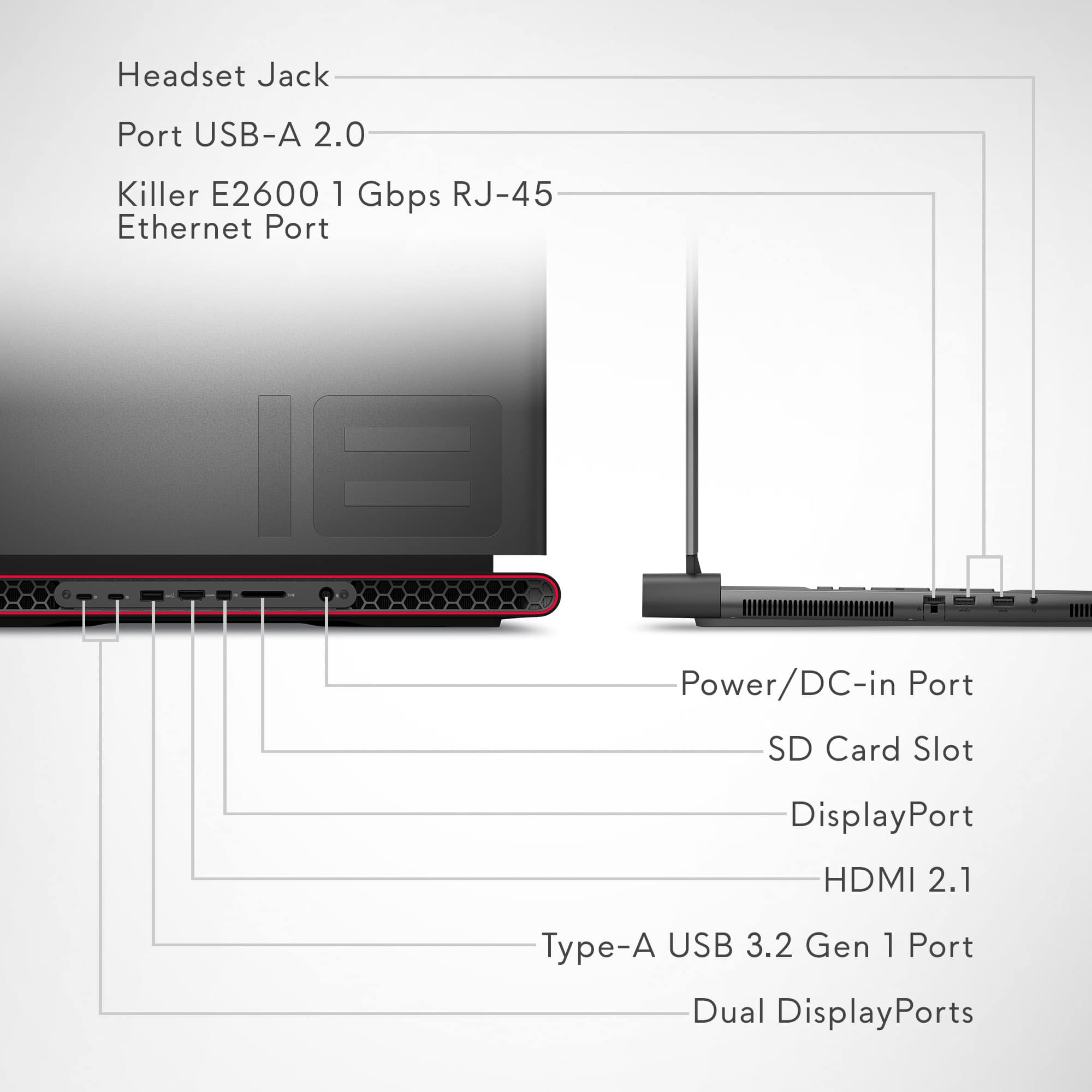
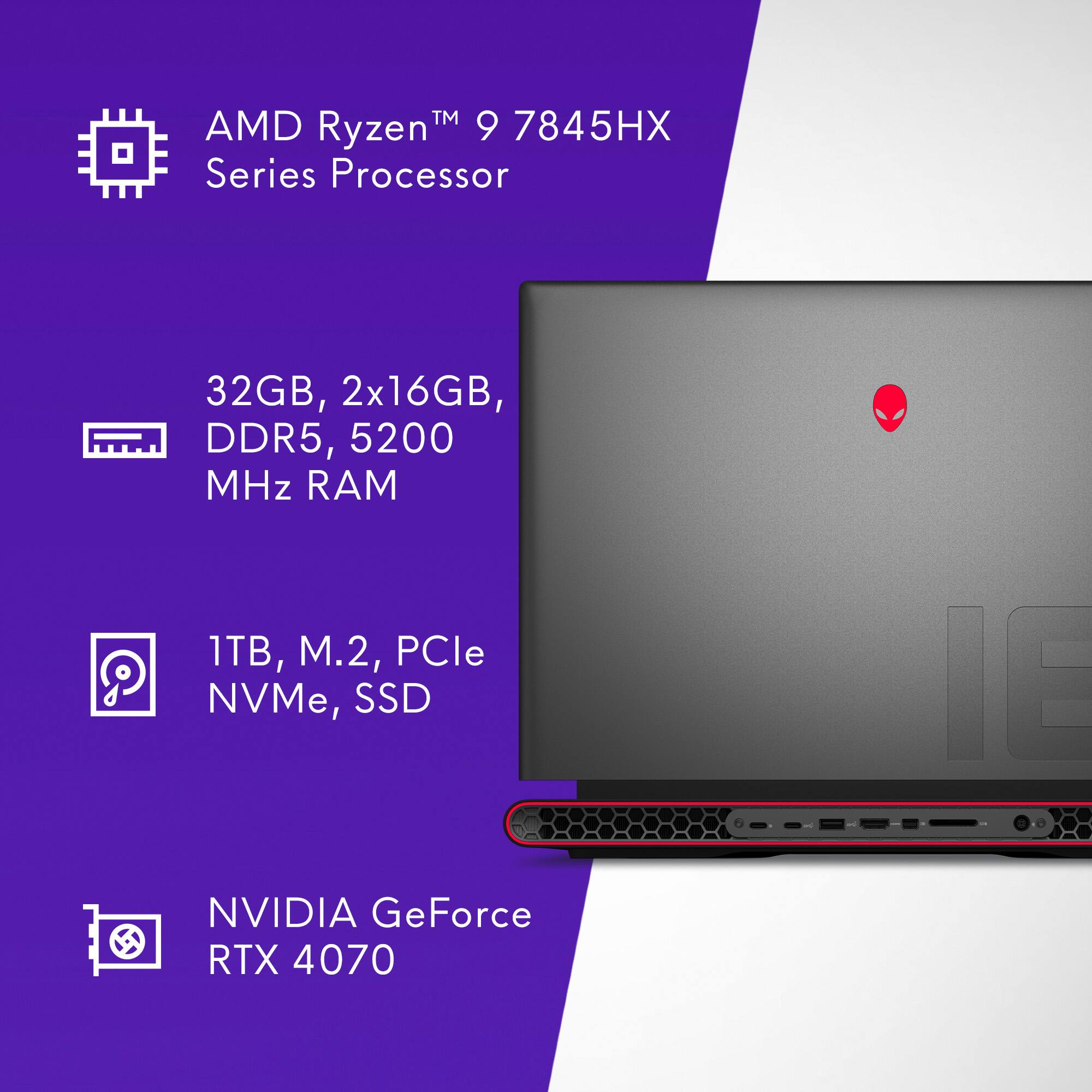
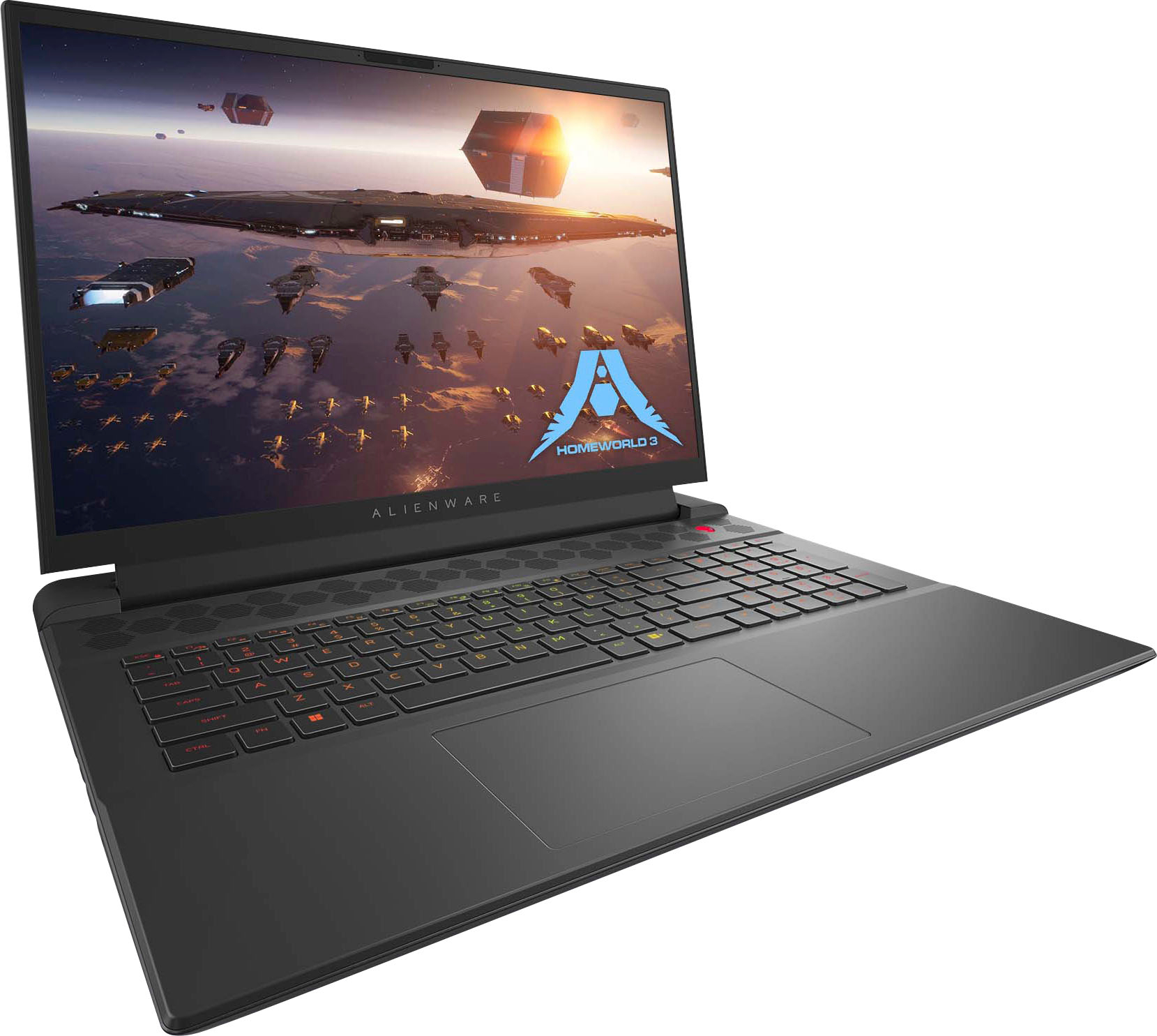
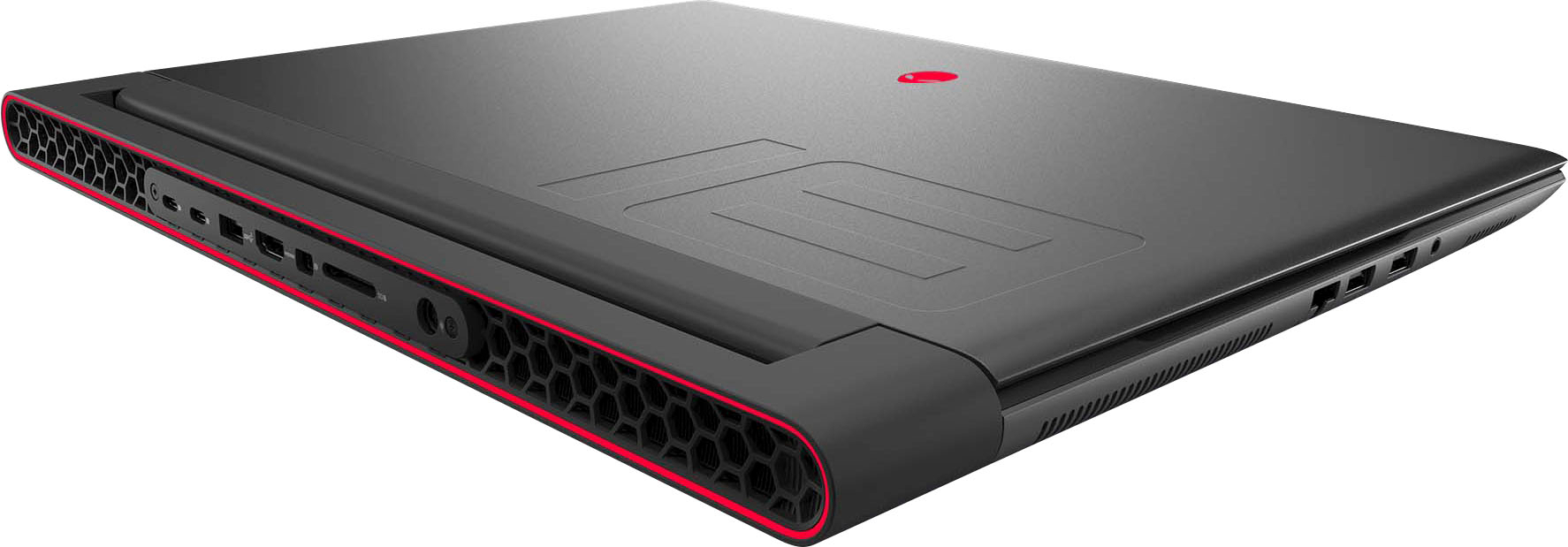
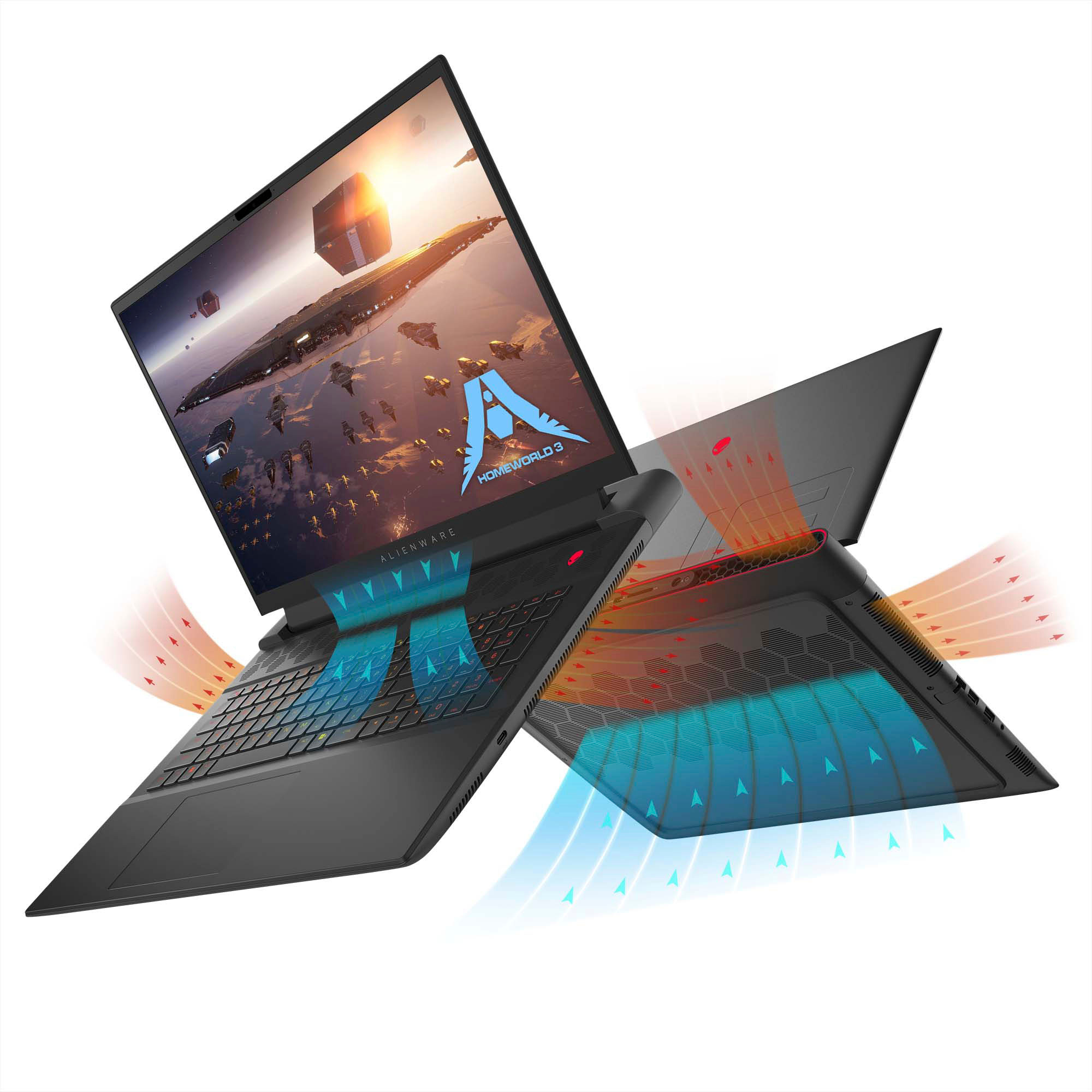
Customers are impressed with the m18 18" 480Hz Gaming Laptop's performance, large screen size, and ample RAM, frequently praising its smooth visuals and impressive graphics capabilities. However, some users have reported issues with battery life, weight, and cooling, while others have noted concerns about the speakers and motherboard reliability. The build quality and port selection received positive feedback.
This summary was generated by AI based on customer reviews.
Powerhouse of a laptop
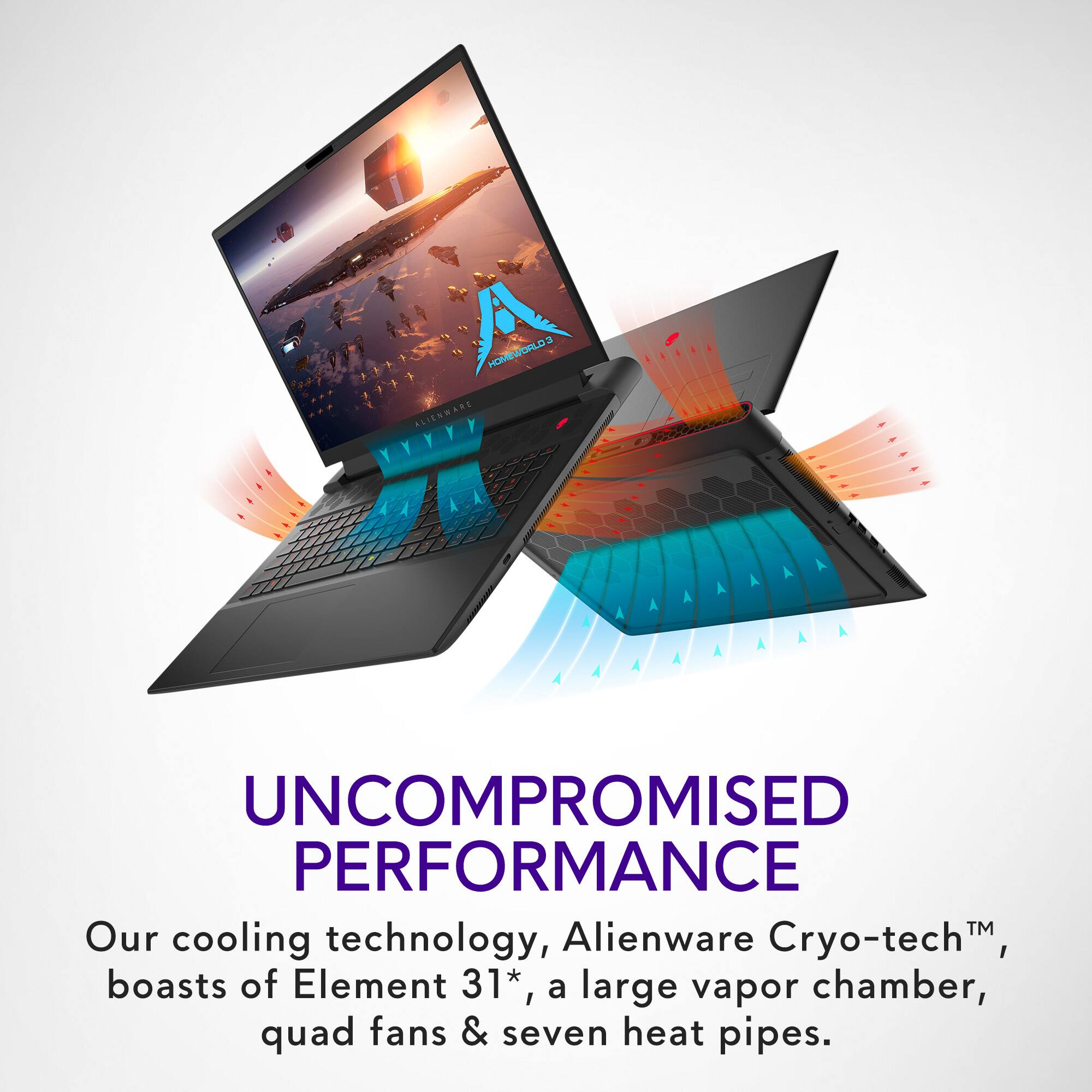
||Posted . Owned for 2 months when reviewed.This reviewer received promo considerations or sweepstakes entry for writing a review.Great laptop with unparalleled cooling system. It will do anything you need it to gaming wise and look pretty cool doing it.
I would recommend this to a friendI increased my accuracy and efficiency
||Posted . Owned for 2 weeks when reviewed.This reviewer received promo considerations or sweepstakes entry for writing a review.fast and fun, I am enjoying this thoroughly. I'm glad I upgraded. Fantastic processing speed everything im doing is smoother and my accuracy is 4xbetter.
I would recommend this to a friendHappy camper
||Posted . Owned for 2 weeks when reviewed.This reviewer received promo considerations or sweepstakes entry for writing a review.Awesome purchase. Would recommend. Excellent service
I would recommend this to a friendBest gaming laptop
||Posted . Owned for 2 weeks when reviewed.This reviewer received promo considerations or sweepstakes entry for writing a review.Very gast service was here in the next couple days and computer works fantastic
I would recommend this to a friendVery nice very nice
||Posted . Owned for 1 month when reviewed.This reviewer received promo considerations or sweepstakes entry for writing a review.Love this laptop, clean and very nice gameplay. I can run play world on it :)
I would recommend this to a friendDon’t buy
||Posted . Owned for 2 weeks when reviewed.This reviewer received promo considerations or sweepstakes entry for writing a review.So I love the computer when it works. But… I have had to return one cuz it bricked itself while sleeping and would never start up. This was two weeks into purchase. I was able to just exchange it, but the one I have has been a pain. It often forgets or just won’t connect to a network when waking up from sleep. Requires a restart. Recently the whole option to find/change a WiFi network disappeared and I had to restart. Had same issue with first one before it had the hardware failure.
No, I would not recommend this to a friendBrand response from YourDellTeam
Posted .Greetings JohnK,
We appreciate you for taking the time to leave us your review. We apologize for the Wi-Fi connection issues you are experiencing with your Alienware m18 gaming laptop. Your feedback about discrepancies in our products helps us improve with future developments. Below I have provided troubleshooting instructions with the full article that can help resolve this issue.
Here are the steps to help resolve your wifi connection issue:
1. Download and install the latest Wireless Card driver. After updating the driver, re-establish the connection with the Wireless Access Point and check the wireless performance.
2. If the issue persists, proceed to step 3.
3. Power-cycle the local network. Shut down the Dell system, the Wireless Access Point/Router, and the Modem. Wait a minimum of 60 seconds before powering up the components in the following order:
4. Power ON the Modem, and wait for it to boot fully.
5. Power ON the Wireless Access Point/Router, and wait for it to boot fully.
6. Power ON the Dell system.
7. Open Network and Sharing Center
8. In the left-side navigation pane, click on Change Adapter Settings
9. Right-click on the wireless connection icon and select Properties followed by the Configure button
10. Under Wireless Options, select the Wireless N mode.
11. For Windows 8 or later systems click the Advanced tab and look for 802.11n Mode on the right you will be given the option to Enable or Disable. If the mode is not visible you may need to update your drivers and firmware.
12. From the drop-down menu, choose Disable followed by Ok
13. This should restore the wireless download and upload speed. Internet speed can be tested at http://speedtest.net.
Wireless Networking Usage and Troubleshooting Guide: https://dell.to/2RefLVN
If you continue to experience issues, please reach out to Dell Support directly by using the information provided below.
Chat or call: https://bit.ly/DellSupportTeam
Phone number to Dell: 1-800-624-9896
Best,
Summer@Dell
Great
||Posted . Owned for 1 week when reviewed.This reviewer received promo considerations or sweepstakes entry for writing a review.Price for good quality . Very stylish. Feels great feel’s smooth l would recommend this labtop to someone best its worth buying it
I would recommend this to a friendBang for your buck
||Posted . Owned for 3 weeks when reviewed.This reviewer received promo considerations or sweepstakes entry for writing a review.A great deal on this laptop. With a 18" screen and up to date technology this product was worth every cent.
I would recommend this to a friendAlienware
||Posted . Owned for 4 months when reviewed.This reviewer received promo considerations or sweepstakes entry for writing a review.This is a fantastic laptop. I went in, told the gentleman the specs I wanted and needed he immediately took me to this laptop.
I would recommend this to a friendGreat laptop with the whole package
||Posted . Owned for 1 week when reviewed.This reviewer received promo considerations or sweepstakes entry for writing a review.Great laptop, reliable as usual. Overprice? Maybe a little bit, but paying for worry free. It’ll be a great buy when on sale.
I would recommend this to a friendGreat Option
||Posted . Owned for 2 weeks when reviewed.This reviewer received promo considerations or sweepstakes entry for writing a review.Great option for a take home design computer! Makes transitioning back and forth to the office great!
I would recommend this to a friend- Cons mentioned:Cooling
Good stats but heating is a issue!
||Posted . Owned for 1 month when reviewed.This reviewer received promo considerations or sweepstakes entry for writing a review.Bigtime heating issues if playing intensive graphics games. Made graphics pixelate at times. Would be a great laptop if had better cooling.
No, I would not recommend this to a friendBrand response from YourDellTeam
Posted .Dear RyanD,
We appreciate you taking the time to leave us your review. Your feedback is valuable to us at Dell. We are sorry to hear that your Alienware m18 Gaming Laptop is running warmer than you expected. It's important for us to hear about inconsistencies in our products for consideration of future development. To help you with the heating issues that you are having, I have provided troubleshooting steps with the full article below that can resolve the issue.
Here are the steps to troubleshoot your heating issue:
1. Update the system BIOS.
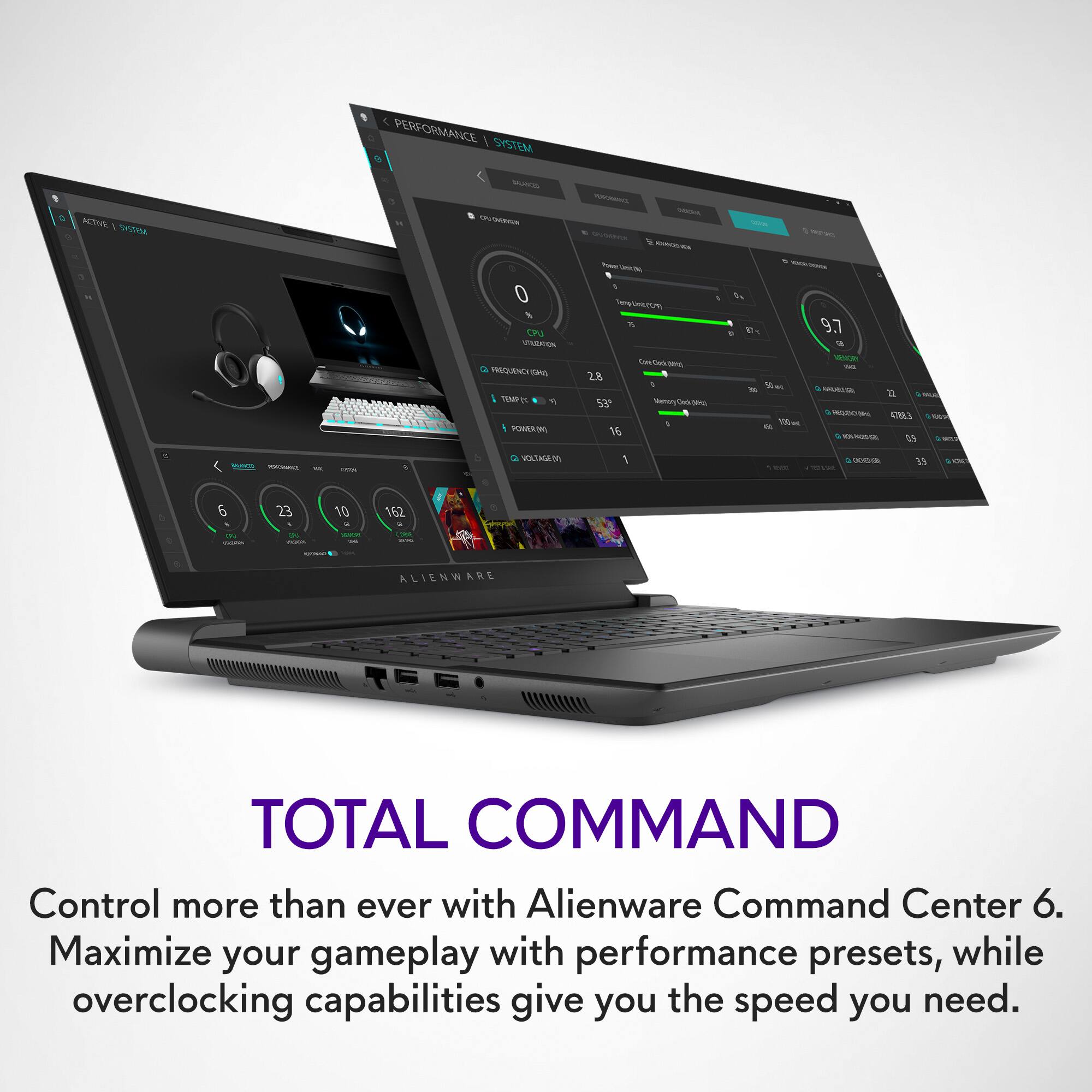
2. Configure Alienware Command Center.
• Open Alienware Command Center
• Set the Active System Theme - Thermal as Performance Mode
3. When the system boots up, using the preinstalled software Dell SupportAssist run the stress test.
• Dell SupportAssist > Hardware Checkup > CPU > CPU stress test
4. Launch the Alienware Command Center, go to Fusion, and monitor the CPU frequency.
• The CPU peak temperature should be less than or equal to (≤) 100 ℃
• When under high stress, the system average temperature can be expected to be less than (≤) 100 ℃
• Note: The CPU average temperature can be expected to reach 95 ℃ under cool mode for the Alienware m15, m17, and x17 systems
Resolving a high temperature or overheating issue: https://dell.to/3F25rqN
If you still experience any issues after you have finished troubleshooting your laptop using the steps above, please reach out to us at: https://bit.ly/DellSupportTeam
Should you need further assistance, you can contact Dell directly with the information below.
Chat or call: https://bit.ly/DellSupportTeam
Phone number to Dell: 1-800-624-9896
Best,
Summer@Dell
Alienware
||Posted . Owned for 1 year when reviewed.This reviewer received promo considerations or sweepstakes entry for writing a review.Fast prompt response. Clear organization of files. Clear screen.
I would recommend this to a friendYes
||Posted . Owned for 3 weeks when reviewed.This reviewer received promo considerations or sweepstakes entry for writing a review.The battery life is what you’d expect from a laptop with this capability. But all in all I highly recommend this.
I would recommend this to a friendOpen box excellent for $1,500 tough to beat
||Posted . Owned for 1 week when reviewed.This reviewer received promo considerations or sweepstakes entry for writing a review.Excellent machine, definitely keep it cool and have all updates so it isn’t jittery. There is a lot under the hood.
I would recommend this to a friendPC
||Posted . Owned for 1 year when reviewed.This reviewer received promo considerations or sweepstakes entry for writing a review.Amazing it was cool Loved it so much yeeeeeeeeeeeww
I would recommend this to a friendDidn't work
||Posted . Owned for 7 months when reviewed.This reviewer received promo considerations or sweepstakes entry for writing a review.The computer was damaged which was a real shame for such a price.
No, I would not recommend this to a friendDisappointed
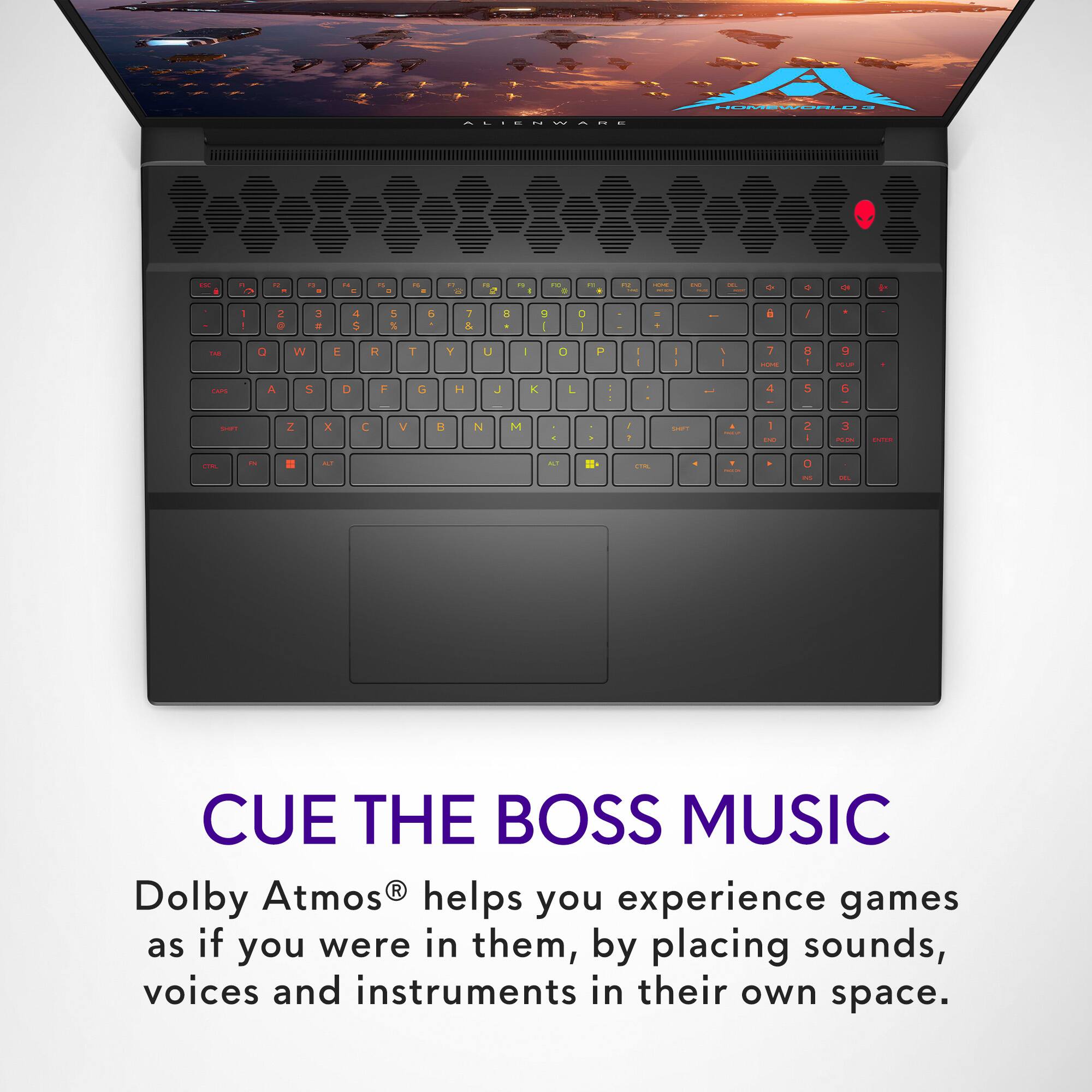
||Posted . Owned for 1 month when reviewed.This reviewer received promo considerations or sweepstakes entry for writing a review.For the amount of money I just spent on this you would think it would run a little better after just a month. Constant issues with updates, RGB keyboard does not want to stay at the correct settings and is frequently jumping to different defaults (I'll be doing one thing and it will change to a game preset when the mouse sleeps). Just started crashing for no reason during games. Pretty disappointed so far, and Dell customer service is the worst.
No, I would not recommend this to a friendBrand response from YourDellTeam
Posted .Hi LeviB,
We appreciate you taking the time to leave us your review. We sincerely apologize for the crashing issues that you are experiencing with your Alienware m18. It's important for us to hear about inconsistencies in our products for consideration of future development. Below I have provided troubleshooting instructions with the full article that can help resolve this issue.
Here are the steps to help resolve your crashing issue:
1. At the desktop, click the Search the web and Windows box and type "problem reports".
2. Select View all problem reports viewing a list of errors that have occurred on your computer and possible solutions for them, such as updating drivers, flashing your system BIOS, or checking for updates to the software.
3. Under the Source column, look for Windows and under Summary, look for Shut down unexpectedly.
4. Right-click the line item and select Check for a solution.
We'd also suggest checking to make sure that your software and drivers are up to date on Dell's Product Page here: https://dell.to/3khR75H
You can read the full article on solving PC crashing issues here: http://dell.to/2u98Cct
If you still experience any issues after you have finished troubleshooting your device using the steps above, please reach out to us at: https://bit.ly/DellSupportTeam.
Chat or call: https://bit.ly/DellSupportTeam
Phone number to Dell: 1-800-624-9896
Best,
Summer@Dell
Alienware
||Posted . Owned for 1 year when reviewed.This reviewer received promo considerations or sweepstakes entry for writing a review.Exellent Laptop, with all the lights that also change colors
I would recommend this to a friendPowerhouse
||Posted . Owned for 3 weeks when reviewed.This reviewer received promo considerations or sweepstakes entry for writing a review.First laptop and wasnt disappointed at all, highly recommend. Works great for doubling as console to play on TV
I would recommend this to a friend