Customer Ratings & Reviews







- Model:
- AWX14R1-7679WHT-PUS
- SKU:
- 6502624
Rating by feature
- Battery Life
Rating 3.9 out of 5 stars
- Speed
Rating 4.7 out of 5 stars
- Display
Rating 4.7 out of 5 stars
Customers are saying
Customers love the x14 R1's performance, build quality, and compact size, frequently praising its portability and comfortable keyboard. However, some users express concerns regarding battery life, fan noise, and the device's tendency to get warm. The small SSD storage capacity and high price point are also mentioned as drawbacks. Overall, the positive feedback on performance and design is balanced by negative comments about certain aspects of the user experience.
This summary was generated by AI based on customer reviews.
- Pros mentioned:Build quality, PerformanceCons mentioned:Battery life, Ports

Sleek, Thin and Powerful Doesn’t Come Cheap
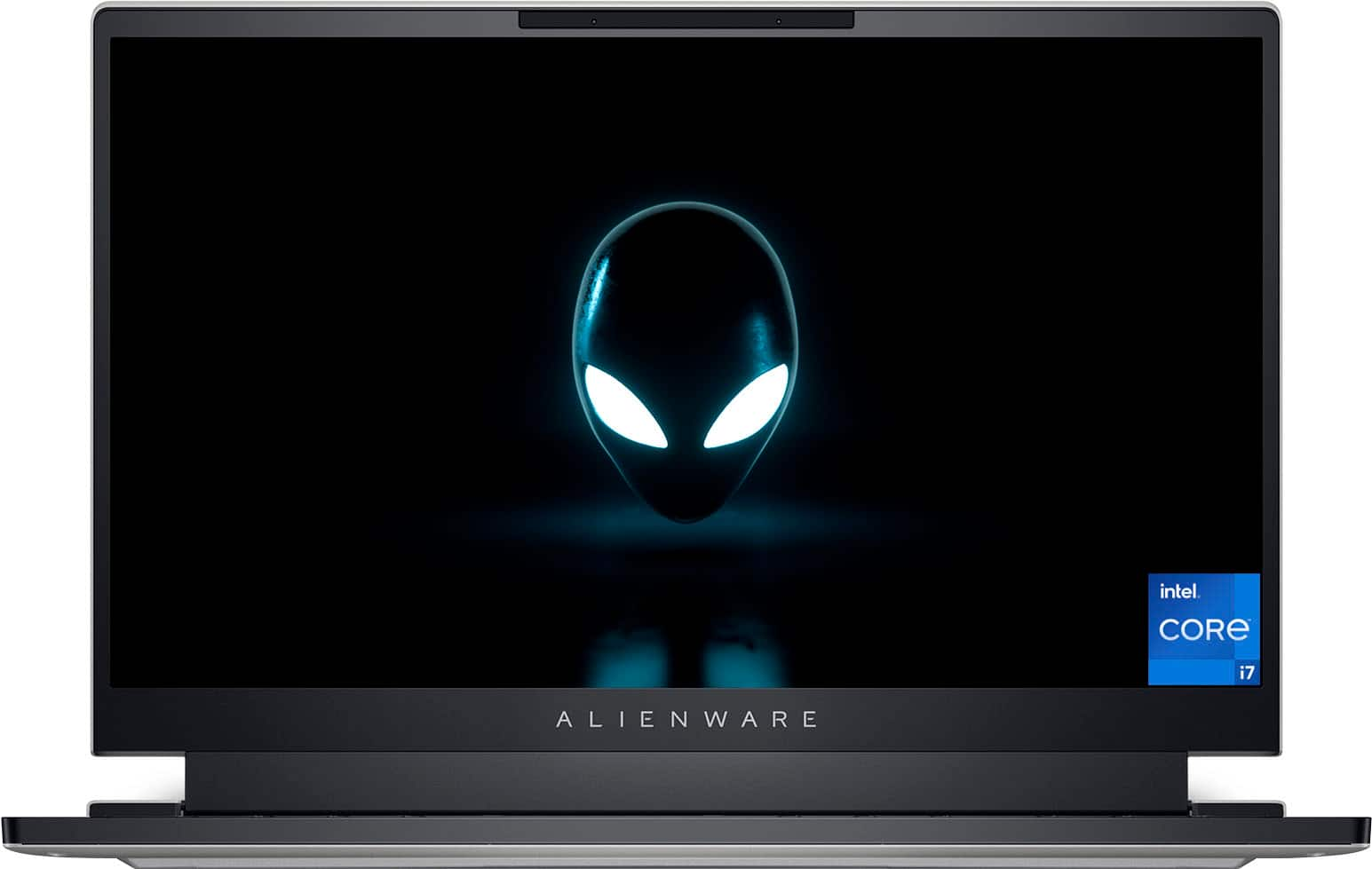
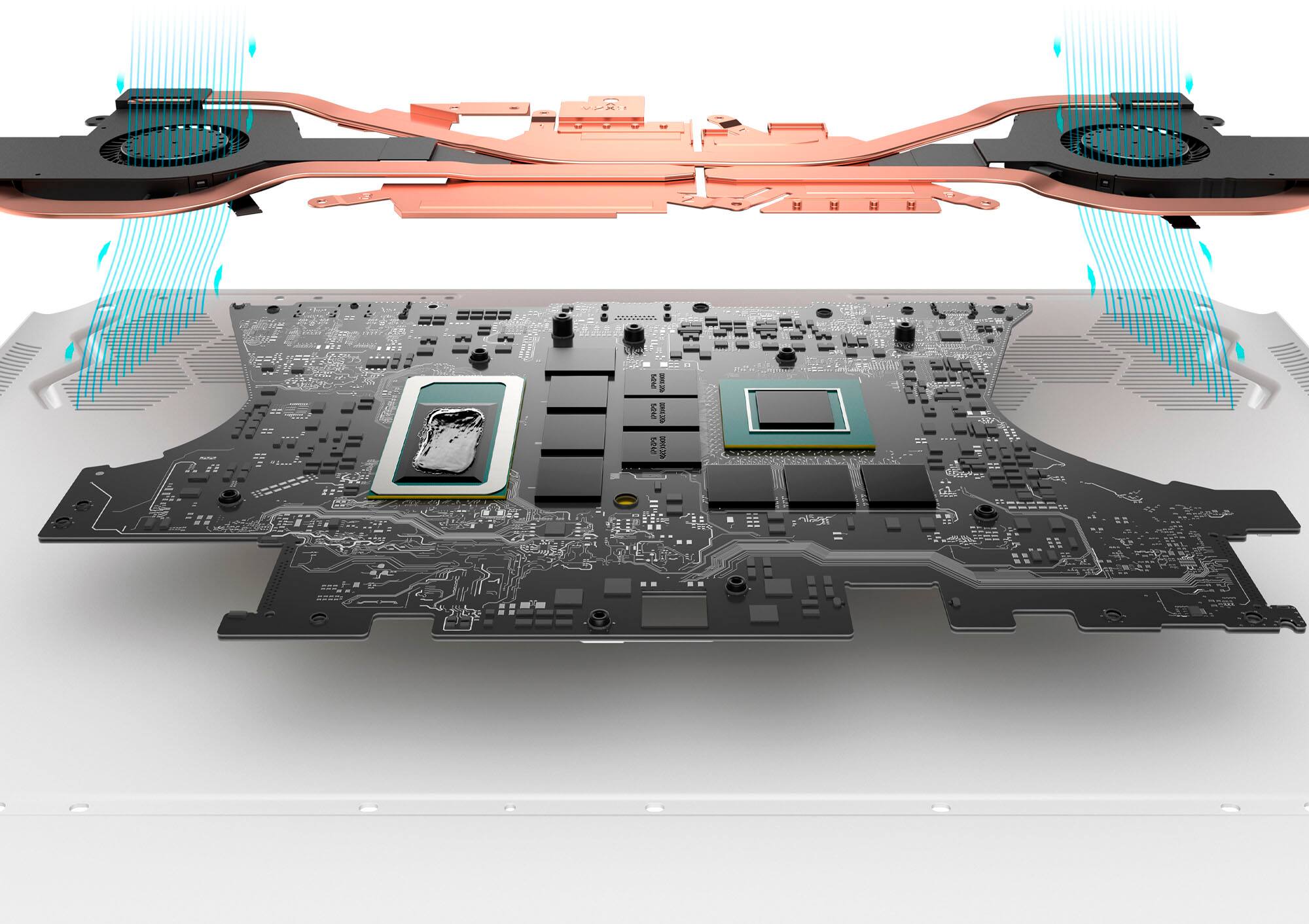
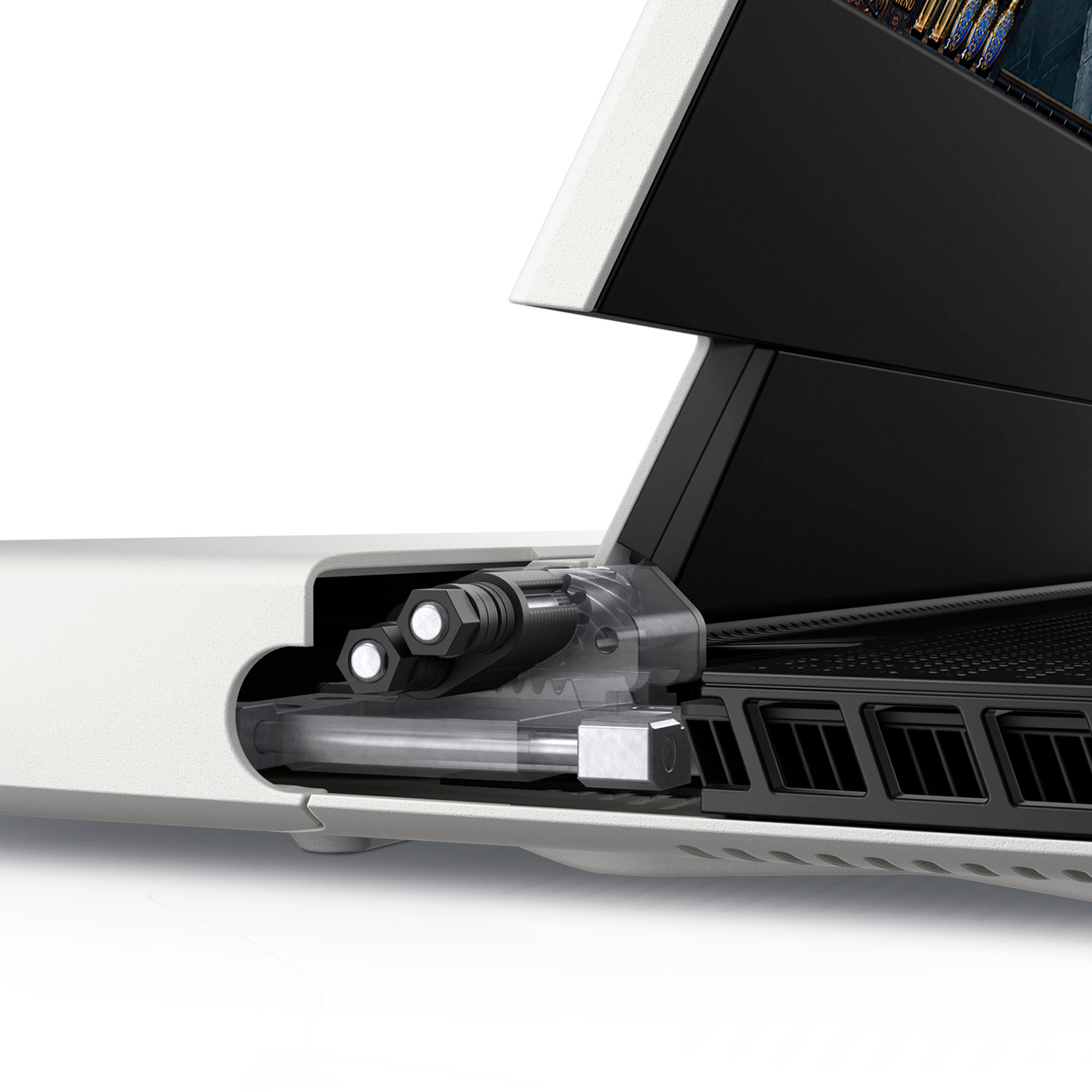
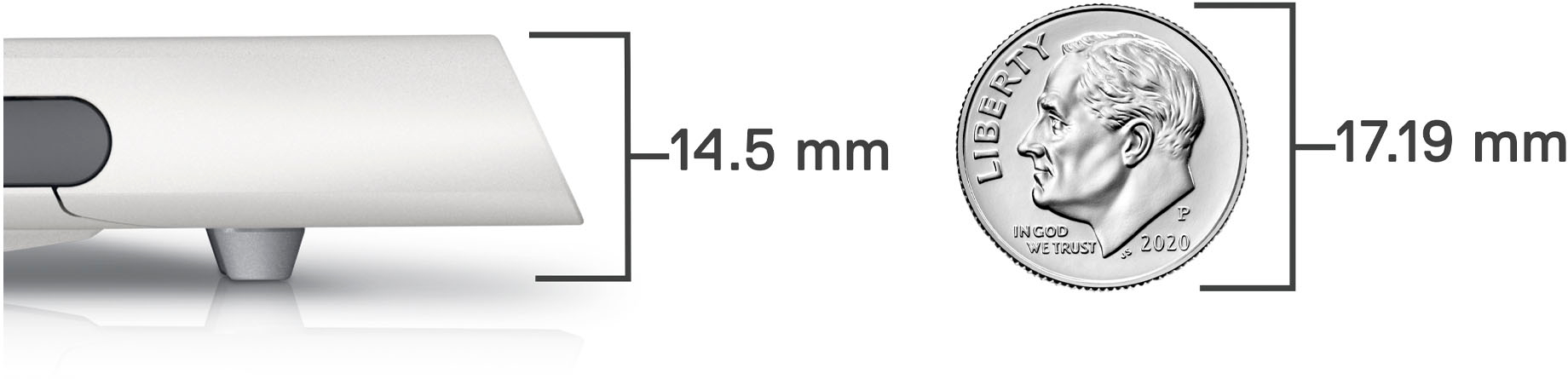
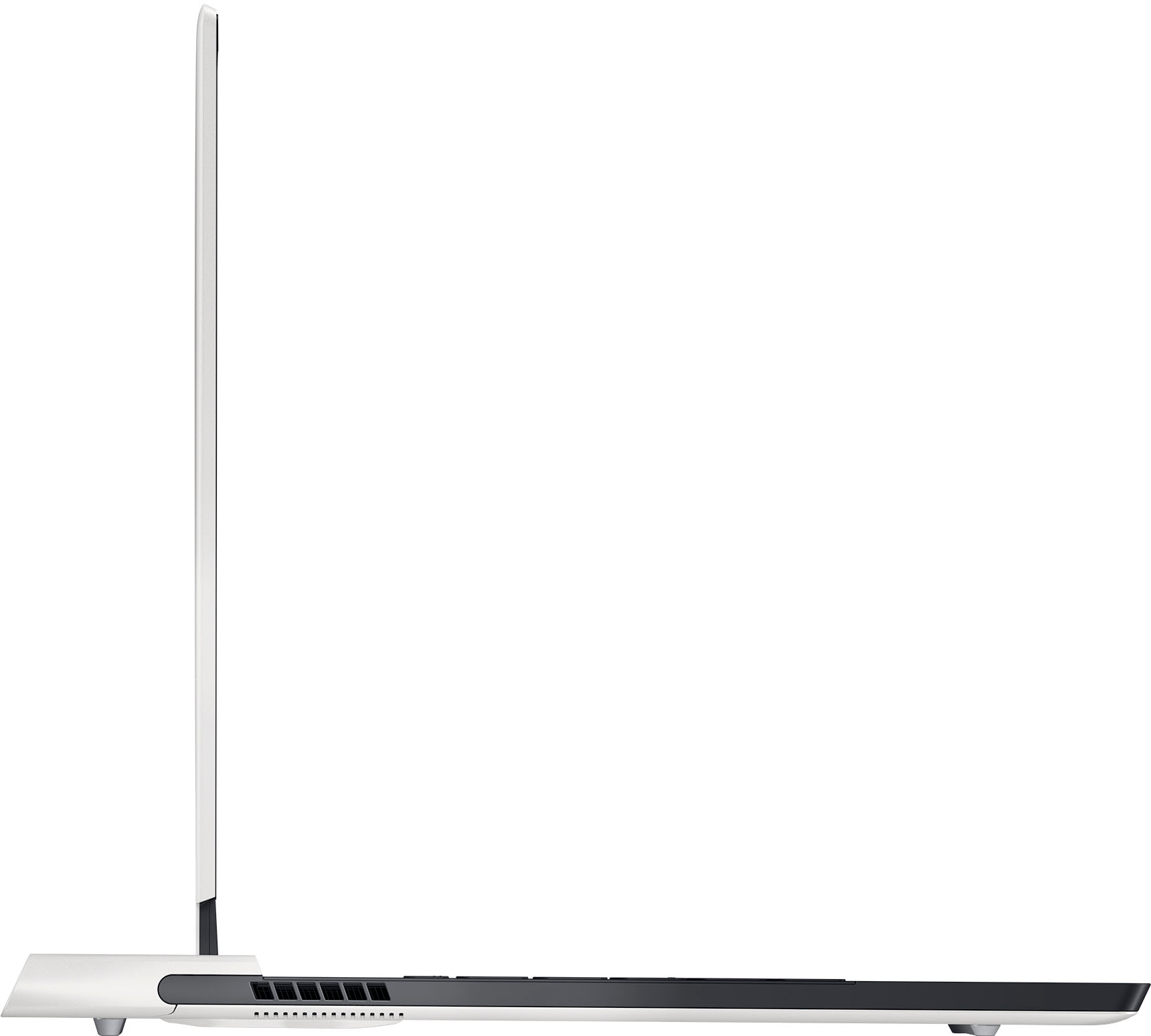
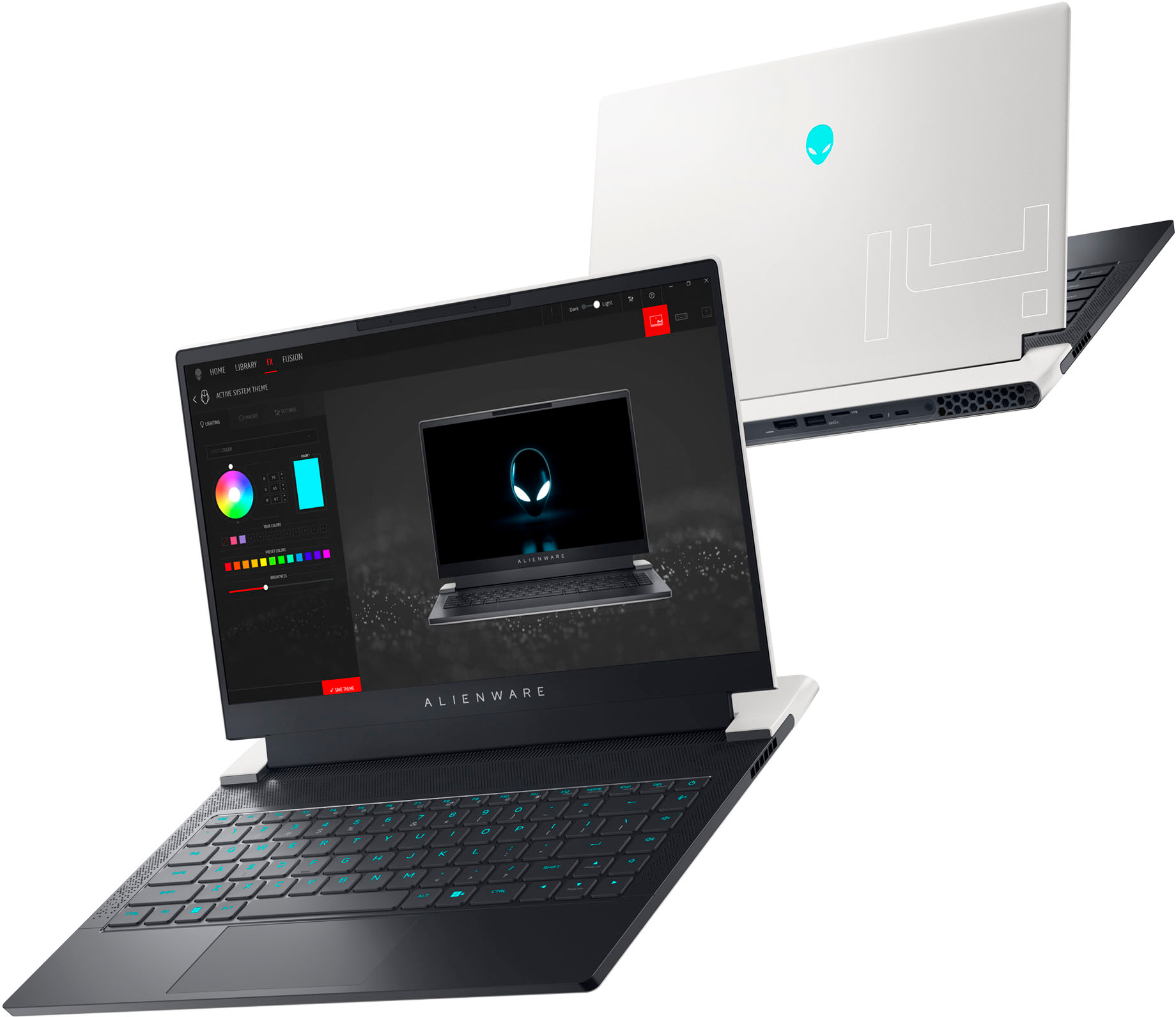
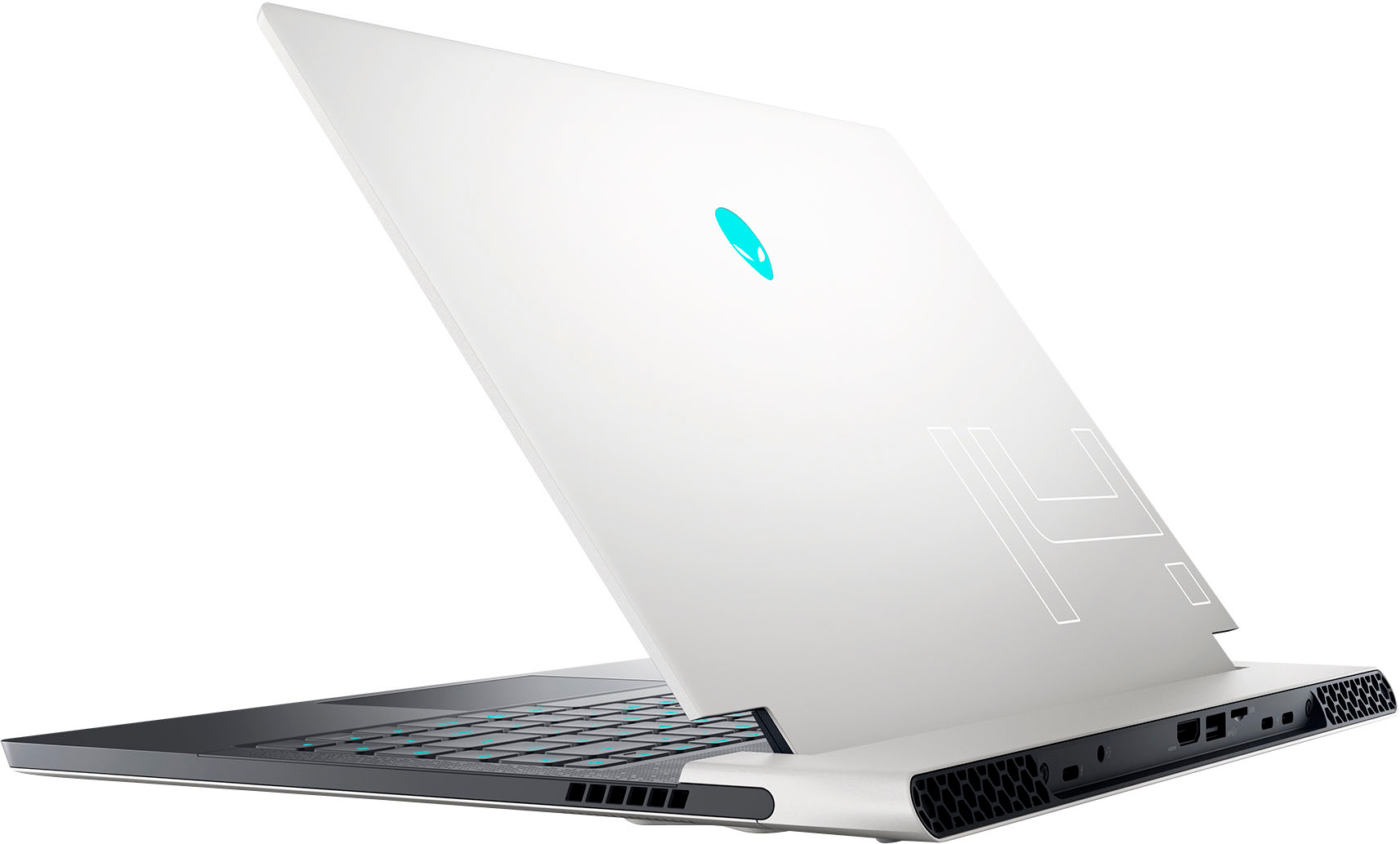
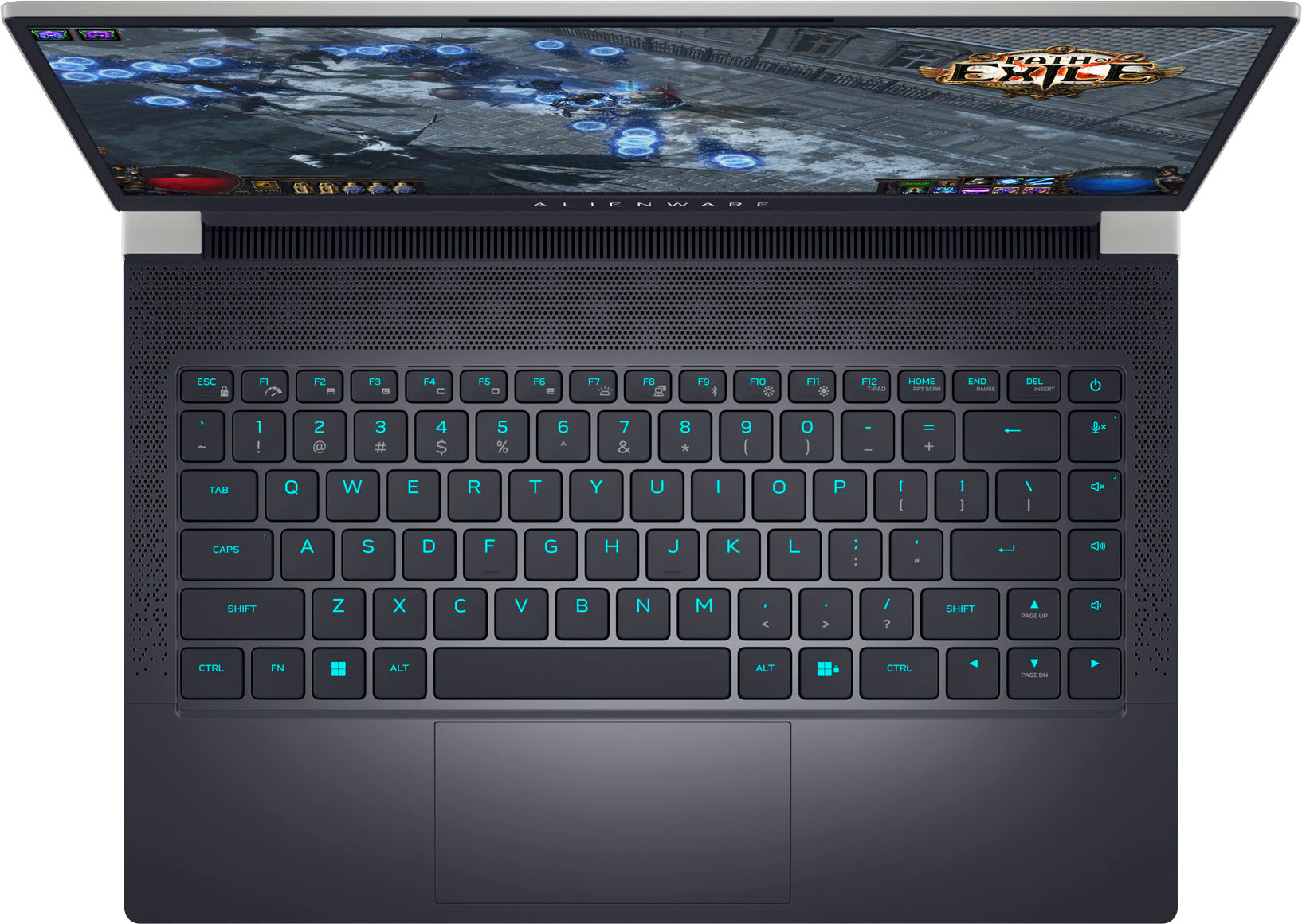
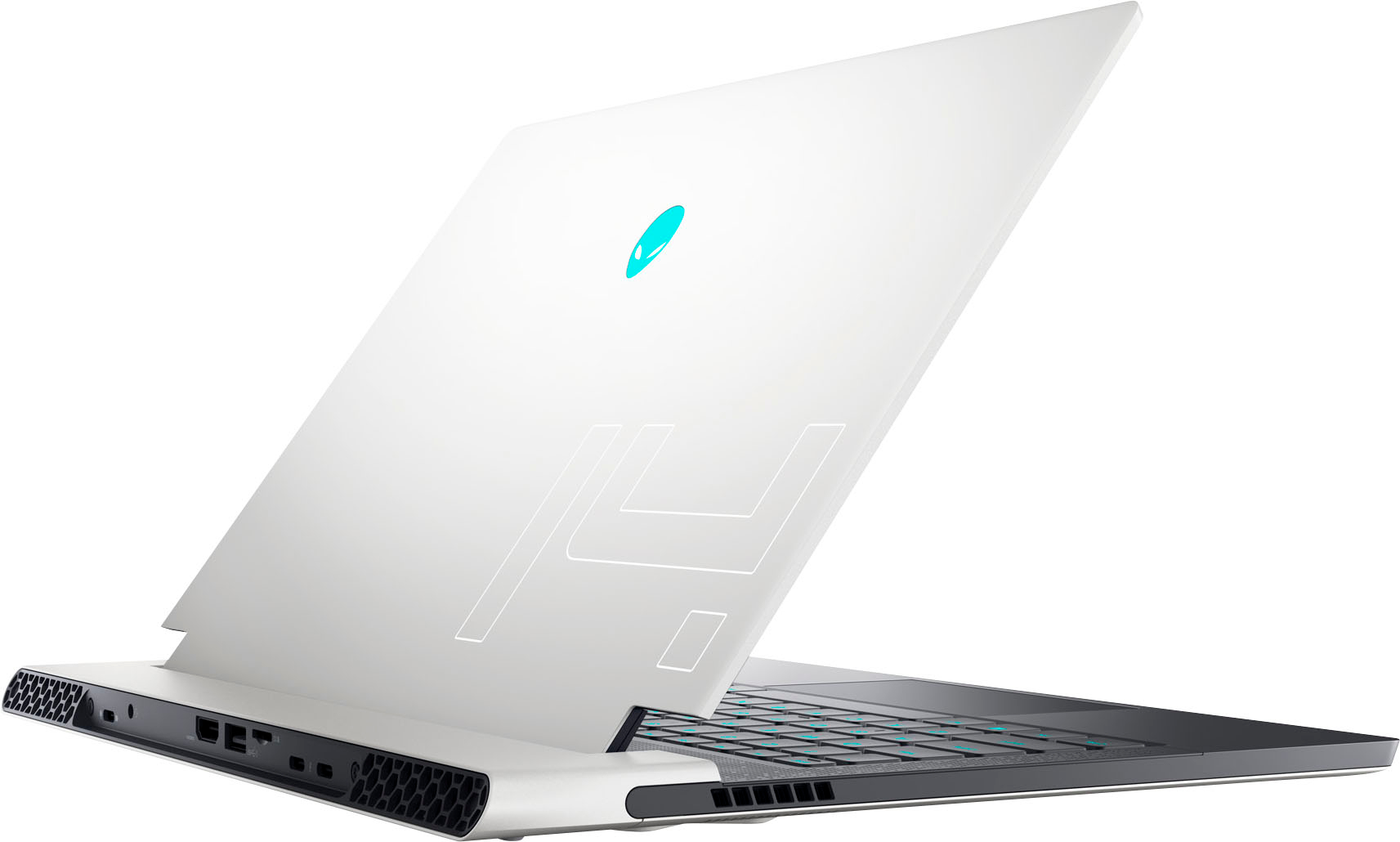
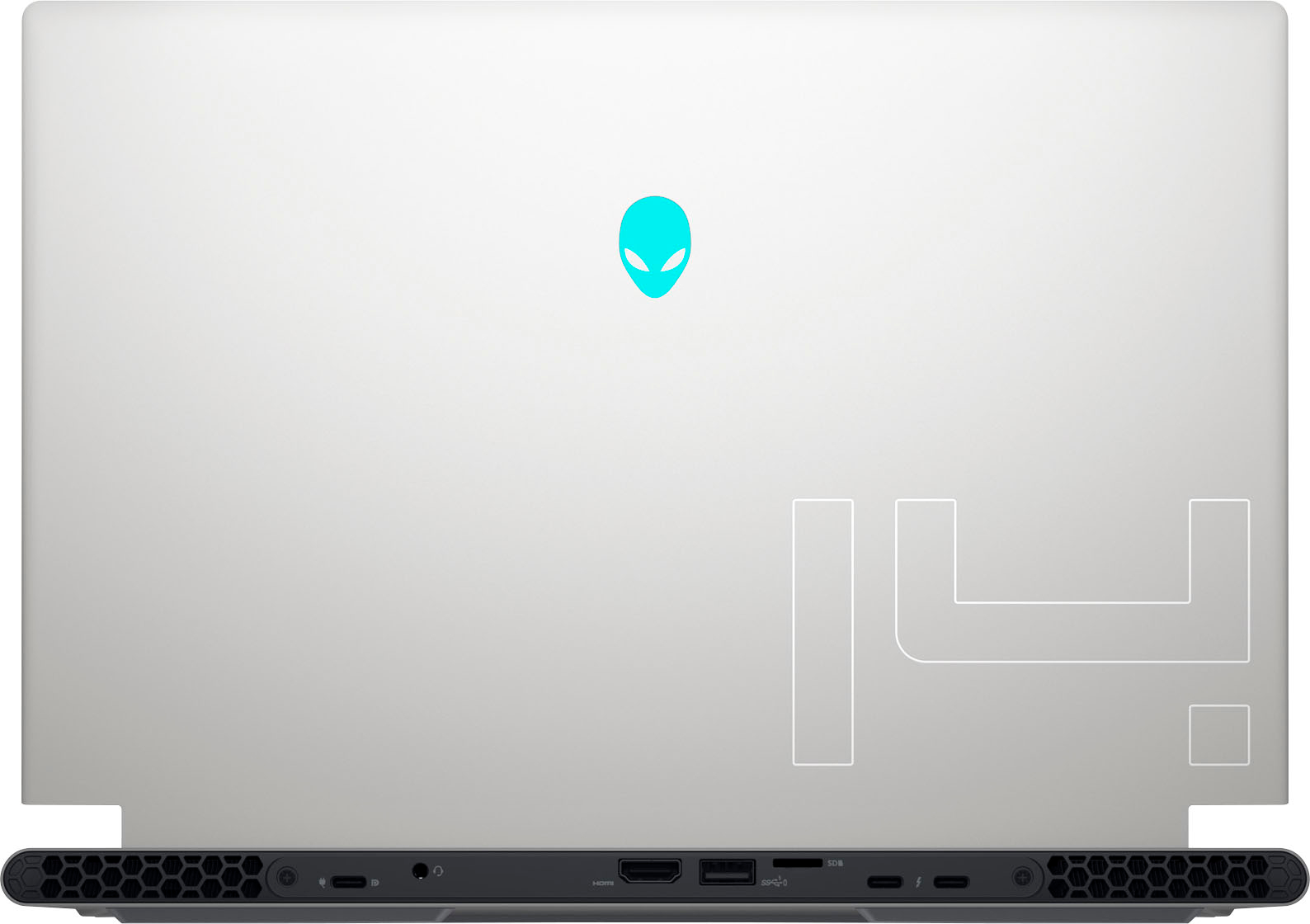
|Posted .This reviewer received promo considerations or sweepstakes entry for writing a review.INTRO: For years, gaming laptops have been getting larger and larger to pack more performance in larger thermal envelopes, but in more recent years, we’ve seen gaming laptops getting smaller, thinner and sleeker while still packing a ton of power. For me, I have had plenty of experience with 15”, 16” and 17” gaming laptops, but this Alienware x14 R1 is the first 14” gaming laptop I’ve had. And thus far, I absolutely see the appeal. BUILD QUALITY: The Alienware x14 R1 has one of the best builds I’ve experienced in a gaming laptop. It uses a metal chassis, and it looks even more fantastic in person compared to the pictures online. It’s incredibly slim and lightweight. However, because of its hinge design, it has a longer chassis, so it might not work well with tighter-tolerance laptop cases. Open the lid of the x14 and you’re greeted with a matte, soft semi-rubbery texture for the palm rest. Unlike the exterior, the interior is plastic, but they’re using a good plastic that is rigid and doesn’t cause keyboard deck flex. EXPANSION & UPGRADES: The Alienware x14 R1 is pretty limited in terms of upgradability. All RAM is soldered, so it cannot be replaced by the average person. However, you can upgrade the storage—although it only has a single m.2 NVMe slot with support for up to a 2280 form factor SSD. Additionally, you can also upgrade the WiFi/Bluetooth chip on this unit, as it is a socket-removable chip. But at the time of writing, it comes with the very recent Intel AX211 module which supports 802.11ax WiFi 6E and Bluetooth 5.2, so you won’t have any issues with wireless connectivity on this laptop. PORTS: All the ports on the x14 are on the rear of the laptop. Some might not like this, but I personally do. On the back, you’ll find a USB 3.2 gen 2 Type-C port that also supports DisplayPort output, a 3.5mm headphone/combo jack, an HDMI 2.1 output, a USB 3.2 gen 1 Type-A port, a microSD card slot, and 2x Thunderbolt 4 ports with Power Delivery and DisplayPort. I think it might have been nice to see an additional USB Type-A port on the rear as some folks may use a 2.4GHz wireless mouse and wireless gaming headset on the go. So those who are reliant on two ports for those peripherals may need to rely on a USB-C dongle to gain some additional USB Type-A ports. Personally, I would have rather had the additional USB-A port over the microSD card slot, but I can also see how some folks might want to use the microSD card for storing games or documents as opposed to the time it would take to clone and upgrade the SSD to a higher capacity drive. DISPLAY: The display on my x14 is the Sharp LQ140M1. It’s a 1080p@144Hz IPS display with fast response times and a decent brightness of around 400 nits. While I don’t have all the tools to measure accuracy, other outlets have reported that it has quite good accuracy out of the box, but can be further calibrated should someone be interested in video/photo editing on the go. One odd thing I noticed out of the box was that there was some adaptive screen brightening based on the content being displayed. This meant that content that was meant to be dark ended up being brightened up. After some digging around, I determined that you can fix this by visiting the Intel Graphics Command Center app and going to System > Power and disabling “Display Power Savings”. The description seems counter-intuitive, but this change let me be in control of my display’s brightness again. I do feel as though it would have been nice to see a 16:10 aspect ratio display on the x14, and perhaps the display could have been more pixel dense, as I’ve actually reduced the windows UI scaling from the default 150% to 125% so I can fit more elements on the screen. And a higher resolution display would allow text to shrink smaller while remaining crisp. Other 14” gaming laptops are doing it, so Dell should consider doing it, as well. WEBCAM & MICROPHONE: On a good starting note, the x14 sports the IR sensors needed for Windows Hello facial recognition which makes it fast and easy to login to your Windows account. That being said, the webcam and microphone on the x14 are pretty mediocre, overall. I think it’s basically expected these days that most laptops have poor webcams, and Dell isn’t out to change that notion on this Alienware laptop. For the best quality microphone audio, my recommendation is to (1) adjust the microphone volume so it’s not clipping, (2) disable the intelliGo Neptune app’s AI noise reduction and (3) install and use NVIDIA Broadcast for noise reduction. Additionally, should you decide to use the webcam, NVIDIA Broadcast can also add a decent background blur, do background replacement or perform noise removal on your webcam. There may be some minor gaming performance loss when using this app, but it can make a bad webcam look a bit better when you have reasonable lighting conditions. SPEAKERS & HEADPHONE: The speakers are nothing special on the x14. They’re pretty tinny overall and don’t pack much bass character to them. You can use the Dolby Access app to customize how they sound, but this seems to also have an impact on the headphone jack, which I didn’t find to be preferable as I prefer a neutral experience without effects applied for my headphone output. The headphone jack is certainly serviceable. For music, I set my Dolby settings to “custom” and disabled the surround virtualizer and volume leveler. Volume was quite loud for my Sennheiser HD 560S, Focal Clear and LCD2 Classic. This headphone jack is best used with lower impedance headphones, but will work for audiophiles in a pinch. KEYBOARD: The keyboard deck on the x14 has a rigid construction and each key has good key travel in my experience. Coming from the MacBook Pro as my daily work machine, I’m fairly happy with the typing experience on the x14. But because the palmrest is smaller, it does cause your lower palms to sit on the edges, but it helps that they’re not sharp, so I don’t really have too much to complain about for general mixed usage. But if you’re gaming on this keyboard, I do think a plush palm rest could be a good addition for longer gaming sessions. Additionally, you can configure macros and the RGB for the keyboard and/or power button within the Alienware Command Center app. PERFORMANCE: Performance of the x14 is pretty impressive for such a slim form factor. While there are other 14” laptops out in the market that are throwing down some big performance numbers, none are quite as thin as the x14, and Alienware’s thermal design is remarkably good to be able to cool an Intel Core i7-12700H with 6 performance cores (12 threads) and 8 efficiency cores for a total of 20 threads. Not only that, but this SKU sports the 60W RTX 3060 which can dynamically boost up to 85W. Since the x14 is limited to the 130W from the AC adapter, the CPU and GPU have to share power accordingly. Games that are more GPU-intensive and lighter on CPU might be able to pull more power towards the GPU, while games that are more CPU-intensive like real time strategy games may demand more from the CPU. You can view my 3D Mark Time Spy run using stock settings here: https://www.3dmark.com/spy/29744353 I also played Control with DLSS on the integrated display at 1080p with DLSS and everything maxed out and yielded a smooth 60fps gameplay experience. I also played a mixture of other games like The Ascent, The Escape Academy and Embr and found that I was happy with the gaming experience I was getting for a 1080p display. The x14 can stretch its legs a bit further to 1440p, but your mileage will certainly vary more depending on settings. In terms of thermal performance, most non-benchmark workloads never went past 70C for the CPU. For the GPU, I usually saw averages below 80C in more demanding titles, and in other titles, even lower than 70C which was pretty incredible. Even so, it’s important to note that fan noise gets decently loud, so I’d keep it under the balanced thermal profile. Honestly, the Alienware x14 is the kind of laptop for someone who wants a thinner, sleeker computer that can not only play games on the go, but also get some serious work done. With 20 logical threads, I could undoubtedly be running Docker containers and running a full stack web development workspace with the most limiting factor being the 16GB of RAM. Additionally, the storage, while only 512GB in this model, does use a Samsung PM9A1 PCIe 4.0 drive to deliver strong performance with sequential speeds of 6769R / 4984W in CrystalDiskMark 8. BATTERY: For battery performance, I would say it’s mostly average or even less. Somewhere around 6-7 hours if you go out of your way to use the battery saver mode. For better or for worse, these Intel chips draw more power and put out more heat. It’s certainly disappointing considering that they put an 80.5 Whr battery into the x14. Even during basic operations while on battery, the CPU is pulling a good bit of power. I would like to see the option for more aggressive power saving during battery operations, as I’m sure there will be folks who want their x14 to behave more like an ultrabook during portable use. CONCLUSION: Overall, I do feel as though Alienware has something unique here. They have an interesting aesthetic, sturdy construction, a very slim (albeit long) chassis, and a great thermal solution that yields great performance for how thin the chassis is. I do think there may be potential for power-related improvements for longer usage on battery, as this may be a dealbreaker for some. The real kicker here is that the competition for 14” gaming laptops is better than ever, but to deliver a premium 14” this slim is a feat. If you’re enamored by how thin and sleek the x14 is, just remember that it still might not fit into your bag because of its length. But if you’re looking for the best 14” with excellent price-to-performance, I do think there are better options that should be considered first.
I would recommend this to a friend Great option for gaming, but don’t pay full price
||Posted . Owned for 3 months when reviewed.This reviewer received promo considerations or sweepstakes entry for writing a review.I really love the look, and especially packaging of this PC. I only play Sims 4 and Skyrim: SE mainly, but this runs them both near effortlessly with an embarassing number of mods, ENB, GShade, etc. My only complaints would echo other reviews: Sometimes the computer runs into recovery issues, but its a level 0 issue usually; and the amount of disc space that comes is almost abysmal. Definitely would recommend this 100% times over on sale. Wouldn’t get it full price, though.
I would recommend this to a friend- Pros mentioned:Performance
Alien invasion
||Posted . Owned for 1.5 years when reviewed.This reviewer received promo considerations or sweepstakes entry for writing a review.My son loves it Super fast I make is homework there and play a lot
I would recommend this to a friend - Pros mentioned:Performance
Excelent
||Posted . Owned for 1 month when reviewed.This reviewer received promo considerations or sweepstakes entry for writing a review.Excellent equipment and great performance, better than I expected despite not being an ultra-high-end computer. It's a great entry-level computer.
I would recommend this to a friend - Pros mentioned:Build quality, Performance, Speed
There is nothing like Alienware in computer world
||Posted . Owned for 2 weeks when reviewed.This reviewer received promo considerations or sweepstakes entry for writing a review.The speed, the performance, the build of the products. Everything on the mark.
I would recommend this to a friend - Pros mentioned:Performance
Great Starter Gaming Laptop
||Posted . Owned for 1 month when reviewed.This reviewer received promo considerations or sweepstakes entry for writing a review.purchased to play some old videos games that still require decent settings. Runs awesome!
I would recommend this to a friend - Pros mentioned:Performance, Portability, Size
X14 Alienware
||Posted . Owned for 1 month when reviewed.This reviewer received promo considerations or sweepstakes entry for writing a review.Small and Compact.. Easy to carry and Very Powerful
I would recommend this to a friend X14
||Posted . Owned for 1.5 years when reviewed.This reviewer received promo considerations or sweepstakes entry for writing a review.Apart from a few minor hiccups, its a good laptop. Its just the small bugs which can be a problem like sudden high fan speed apparently for no reason, delay a keyboard lighting, windows button not working sometimes. Solid performer though.
I would recommend this to a friendI Expected a Lot from the X14-R1 was Disappointed
||Posted . Owned for 2 weeks when reviewed.This reviewer received promo considerations or sweepstakes entry for writing a review.I really liked this PC. The small form factor was great, the construction appeared flawless, wasn't sure about a white PC, but this one looked great. The inputs in the back worked well and the weight was perfect. I liked everything about it but think the simple version of Witcher 3 was more than it could handle with the RTX3060. This and the multiple problems in a short time frame killed the deal. I decided to reset for the last time and return it. I gave every chance I could. Issues started at day 2. Windows 11 became stuck in what the web called a "Retry Loop". There was no way out of this. "Retry" and tries to reinstall and the next opportunity. I called Geek Squad after trying the Windows troubleshooter multiple times. The Agent tried the same thing a few times. He had no better luck than I did and suggested to to return. Since I had to reset to return anyway, I decided to go ahead and start over myself, since I wanted to keep this PC. When I restored the PC, the Retry issue was gone and it installed the KB4023057 update that kept failing before. One day later, while updating, I found I could not install the Alienware Support Assist software. This is what us used to analyze the PC and check for all updates. It failed every time I tried. I chatted with Dell support and the agent logged in and corrected the problem. Their agent was smart, pleasant and professional. He found the problem and fixed it in a few minutes. At this point, I am hoping for the best thinking finally, I could enjoy using it. The PC display is not as good as expected with what I call white screen washout, but knew I could likely fix the problem with calibration tweaks. I never got the chance because the next issue was the end for me. I was playing Witcher 3 (original, not enhanced version) and suddenly the game froze and the PC began buzzing loudly. I managed to get it shut down. It rebooted slowly but did allow me to reset / restore again. At this point, I was finished with it and did a return.
No, I would not recommend this to a friendBrand response from YourDellTeam
Posted .Greetings 08SHBY,
We want to thank you for taking the time to leave a review of your Alienware X14. We are sorry to hear that you were experiencing issues with your device and made the decision to return your device. That is not the type of feedback we like to hear from our customers, or the type of product Dell intends to deliver. We have noted the details of your statement and will escalate them to our quality team to improve current and future products. If you need further assistance we recommend reaching out to a member of our support team with the toll-free number and chat link below.
Should you need further assistance; we recommend that you contact Dell directly with the information below.
Chat or call: https://bit.ly/DellSupportTeam
Phone number to Dell: 1-800-624-9896.
Best,
Summer@Dell
- Pros mentioned:Performance
Alienware is king!
||Posted . Owned for 4 months when reviewed.This reviewer received promo considerations or sweepstakes entry for writing a review.Am incredibly powerful extremely thin gaming laptop with evening you love from Alienware!
I would recommend this to a friend - Pros mentioned:Performance
Really good labtop
||Posted . Owned for 10 months when reviewed.This reviewer received promo considerations or sweepstakes entry for writing a review.Good price,fast and high definition display.I love it
I would recommend this to a friend LOVE IT
||Posted . Owned for 2 weeks when reviewed.This reviewer received promo considerations or sweepstakes entry for writing a review.Absolutely love this laptop. After years of dealing with sun-minimum performance I finally found the right fit for me. Highly recommend this laptop and make sure u get a laptop cooling pad as well. Fans are loud when gaming but the graphic capability is insane.
I would recommend this to a friend- Cons mentioned:Fan noise
Alienware
||Posted . Owned for 3 weeks when reviewed.This reviewer received promo considerations or sweepstakes entry for writing a review.Nice laptop just noisy fans when playing games cool
I would recommend this to a friend Open Box Success
||Posted . Owned for 1 month when reviewed.This reviewer received promo considerations or sweepstakes entry for writing a review.This was the perfect first gaming laptop option for my son and after finding it at a steal of a price due to “Open Box-Excellent Condition” I just couldn’t look anywhere else. It’s only been a day but so far so good.
I would recommend this to a friend- Pros mentioned:Size, SpeedCons mentioned:Battery life, Ssd
Excellent machine with a few drawbacks...
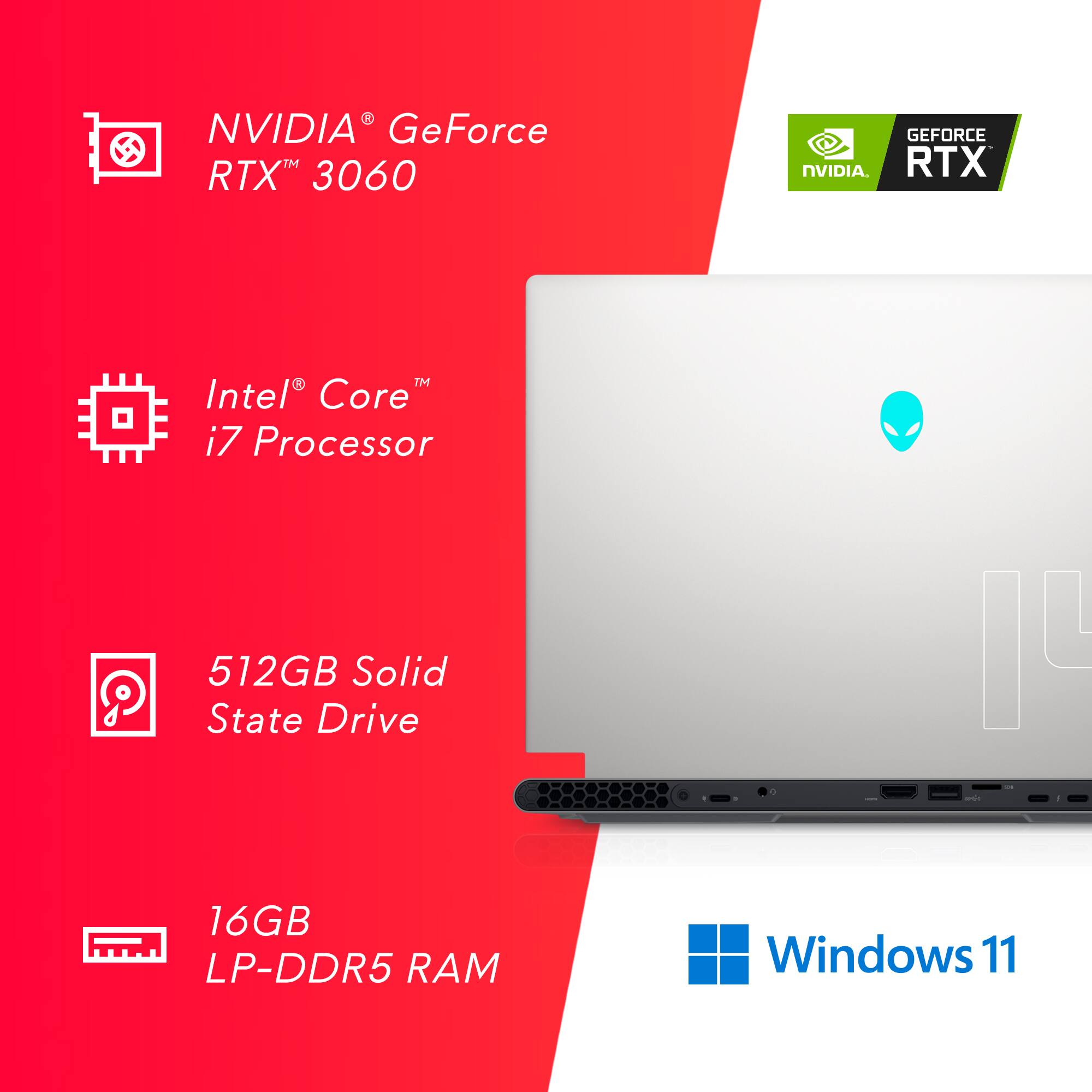
|Posted .This reviewer received promo considerations or sweepstakes entry for writing a review.This arrived securely boxed with an outer box, and another box inside with folding "wings" that housed the computer. Got it out, charged and did setup, updates, etc. There are numerous ports - including a micro SD slot - all in the back of the laptop. The laptop is awesome - screams through everyday tasks, and also is an excellent gaming machine. All the specs are available here, so I will only mention a few highlights. First, 12th generation I7 core processor is sporting 14 cores up to 4.7GHz. Along with the 16Gb ram, makes quick work of multiple daily tasks. The 1920 X 1080 FHD narrow bezel display has great colors and contrast. And the 144Hz refresh rate makes streaming movies or videos look fantastic. The 6Gb NVIDIA GeForce RTX 3060 is capable of playing games at high / ultra settings. I ran Doom Ultimate, all settings high / ultra, and FPS went from 144, to a low of just under 100FPS. Detail was excellent, and game was extremely smooth. However, the palm rests got quite warm while gaming, but not to the point of being uncomfortable - and this is with it on a cooler with fans running. The computer also has customizable lighting - independent for keyboard, power button,and Alienware icon. Can be set for solid, breathing etc. And there are provisions for overclocking, monitoring processor, ram, and GPU under the Alienware Command Center. Battery life while playing Doom, was only about 1 hour, but would think 4 / 5 hours surfing and email should be easy to achieve. Keyboard feel was good, with reasonable travel. However, there is one strange thing I did notice about the keyboard. It is backlit, but on keys with upper and lower characters, the upper is lit, and the lower is not. Example: the number 4 is lit, but the $ sign is not. Have not found an answer - I did post a pic of this. But all is not perfect with this machine. First it is extremely thin, but the design results in a laptop that is nearly 1.5 inches deeper than many other 14 laptops. The palm rest and touch pad are quite narrow. The headphone jack is located in the back - would have been more convenient to locate on the side. And, as a gaming machine, would have liked to see a 1Tb SSD - the 512Gb will limit game storage. Overall, still a powerful and very capable machine, with only a few negatives - recommended.
I would recommend this to a friend - Pros mentioned:Portability
Not good from the start…
||Posted . Owned for less than 1 week when reviewed.This reviewer received promo considerations or sweepstakes entry for writing a review.Purchased this Alienware x14 Certified Open Box, after booting up the device for the first time it was plagued with problems (i.e. errors, blue screens, and restarts). Updated the drivers and reinstalled OS and errors were still present…returned it. On a positive side, it felt premium, very portable, and power adapter was smaller than most gaming laptops…
No, I would not recommend this to a friendBrand response from YourDellTeam
Posted .Greetings Nick,
We value your feedback and want to thank you for taking the time to leave a review of your Alienware X14. We are sorry to hear that you were experiencing an issue with the performance of your device, blue screen crashes, and restarts and made the decision to return it. That is not the type of product Dell intends to deliver to our customers, or the type of feedback we like to hear. We have noted the details of your statement and will escalate them to our quality team for improvements in current and future products.
We recommend that you contact Dell directly with the information below if you need further assistance.
Chat or call: https://bit.ly/DellSupportTeam
Phone number to Dell: 1-800-624-9896.
Best Regards,
Summer@Dell
Cute & compact Monster
||Posted . Owned for 2 weeks when reviewed.This reviewer received promo considerations or sweepstakes entry for writing a review.I got this product for good deal and upgraded the storage my self. It is one good compact all rounder i would say, because i am going to use for development and light video editing
I would recommend this to a friend- Pros mentioned:PerformanceCons mentioned:Ports
Powerful Gaming Laptop, Perfect Travel Size
|Posted .This reviewer received promo considerations or sweepstakes entry for writing a review.This is a premium quality laptop with a premium price. But I wouldn’t expect anything else from Alienware. Their machines are well designed, made from quality parts, aesthetically pleasing, and provide powerful performance. The combination 12th generation i9 processor and strong RTX 3060 graphics card provide a good balance of performance and battery life. In terms of gaming, the laptop is strong enough to play most current games using the High quality preset levels. At the High/Very High preset levels, you can get playable 60 plus fps (frames per second) for racing and RPG (roll playing games), and easily up to 120 plus fps for first-person shooters. To achieve the strongest graphics and the best fps possible, you’ll need to run the laptop using the Full Speed thermal mode within Alienware’s Command Center software. Doing so allows the fans to run at maximum speed. I tested this laptop by playing one of the higher graphic intensive racing games available today, Forza Horizon 5. I was able to play using the Ultra graphics setting with ray tracing on high and was averaging 71 fps (see pics). To stress the system a little further, I connected the laptop to an external display via HDMI with a higher resolution of 2560 x 1400. With the same Ultra settings and ray tracing set to high, the laptop was easily averaging a playable 63 fps (see pics). When testing a first-person shooter, I choose Fortnite. The laptop easily achieved 120 fps under the Epic quality setting. Finally, I used Unigine’s Superposition benchmarking software to obtain baseline scores. The laptop performed well in the medium (104 fps) to high quality (75 fps) preset settings (see pics). Overall, I’m satisfied with this laptop and would recommend it to someone looking for a travel size high quality laptop with strong gaming performance. Pros Dolby Atmos Vision and Sound 144Hz Display Quiet fans HDMI 2.1 144Hz display G Sync Full size keyboard USB C charger Cons Only offered in 1080p screen resolution All ports are on the back Fixed memory of 16GB Extremely sensitive touchpad, needs better palm detection Note: If connecting to an external display, in order to use a DisplayPort connection, you may need a Thunderbolt 3/4 USB C to DisplayPort cable. An HDMI connection is another option, but DisplayPort provides a better gaming experience.
I would recommend this to a friend Alien ware
||Posted . Owned for 1 month when reviewed.This reviewer received promo considerations or sweepstakes entry for writing a review.This laptop has better components and works better than most pcs
I would recommend this to a friend- Cons mentioned:Ssd
It would be perfect if the harddrive weren't limit
||Posted . Owned for 1 month when reviewed.This reviewer received promo considerations or sweepstakes entry for writing a review.I really like the laptop.... However, I wish the hardrive were not so small. I am a Game Pass Ultimate subscriber and bare minimum you will need a Terabyte for storage.... and external drives don't seem to cut it on the laptop....
I would recommend this to a friend