Customer Ratings & Reviews






- Model:
- AWX15R2-7662WHT-PUS
- SKU:
- 6512742
Rating by feature
- Battery Life
Rating 3.8 out of 5 stars
- Speed
Rating 4.7 out of 5 stars
- Display
Rating 4.6 out of 5 stars
Customers are saying
Customers appreciate the x15 R2's performance, comfortable keyboard, and robust build quality. Many also praise its fast SSD, high refresh rate display, and relatively light weight for a gaming laptop. However, some users point to the shorter battery life and tendency for the device to become warm during extended use as significant drawbacks. The display quality also receives positive feedback.
This summary was generated by AI based on customer reviews.

Cool looking laptop and excellent performance
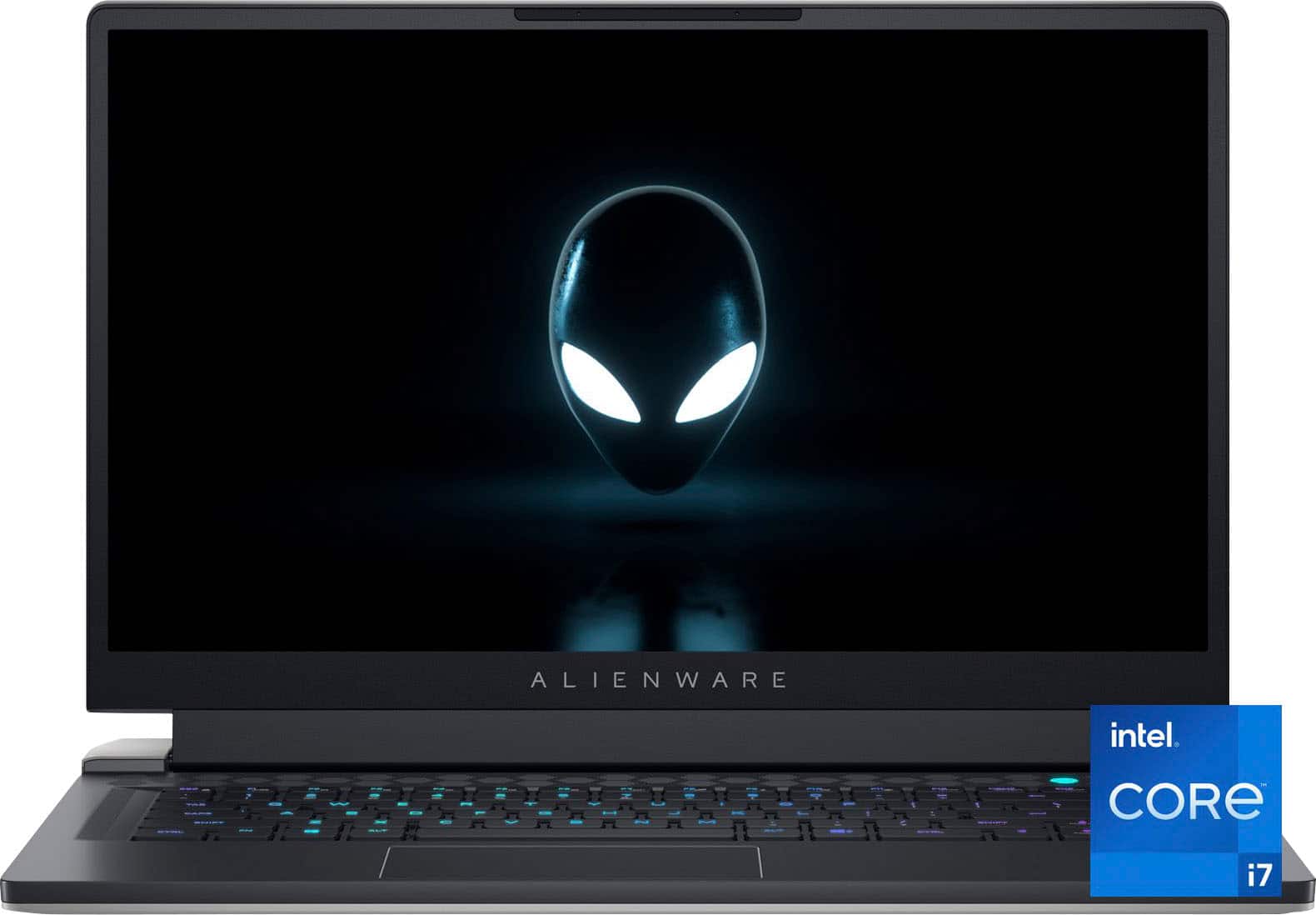
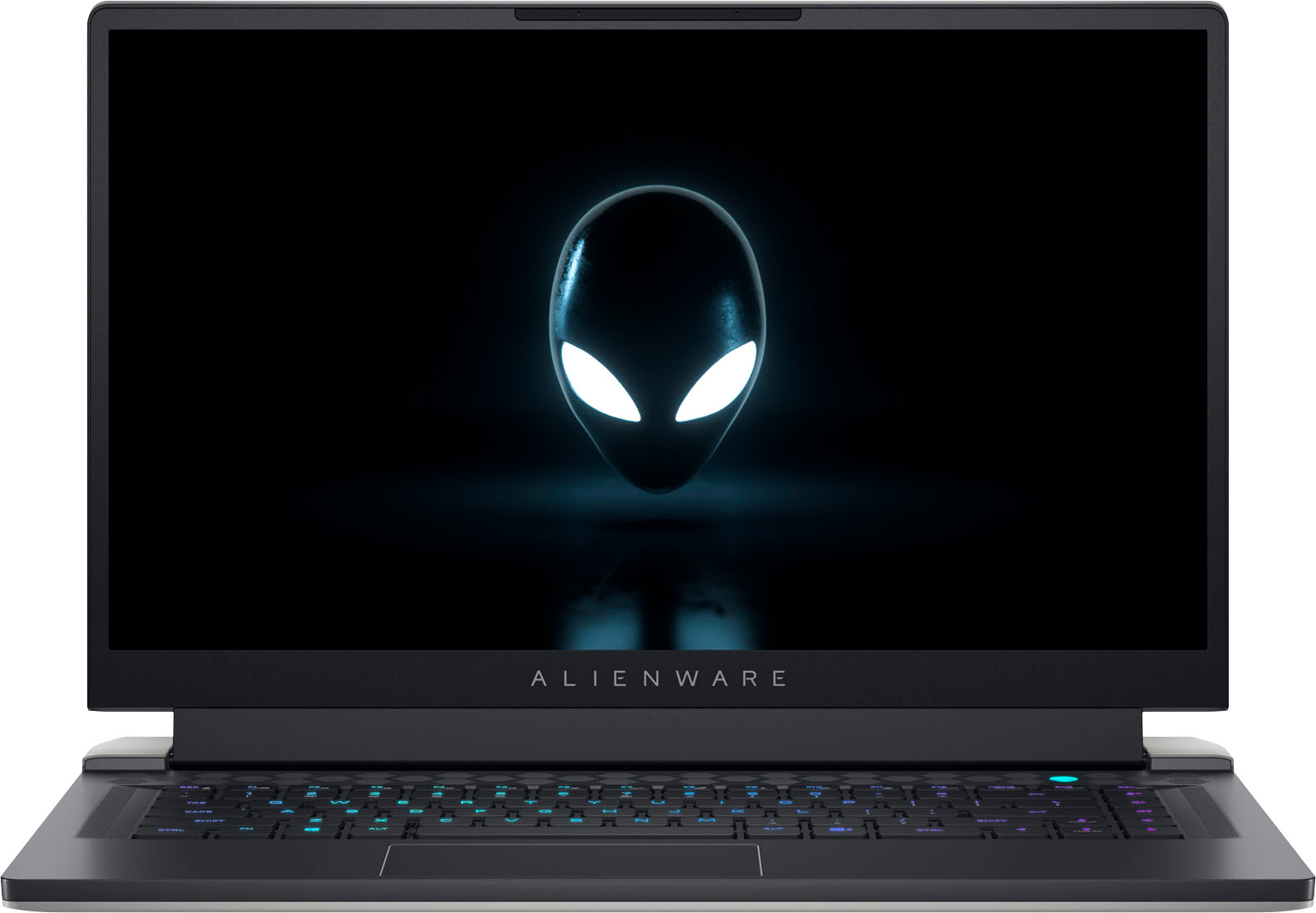
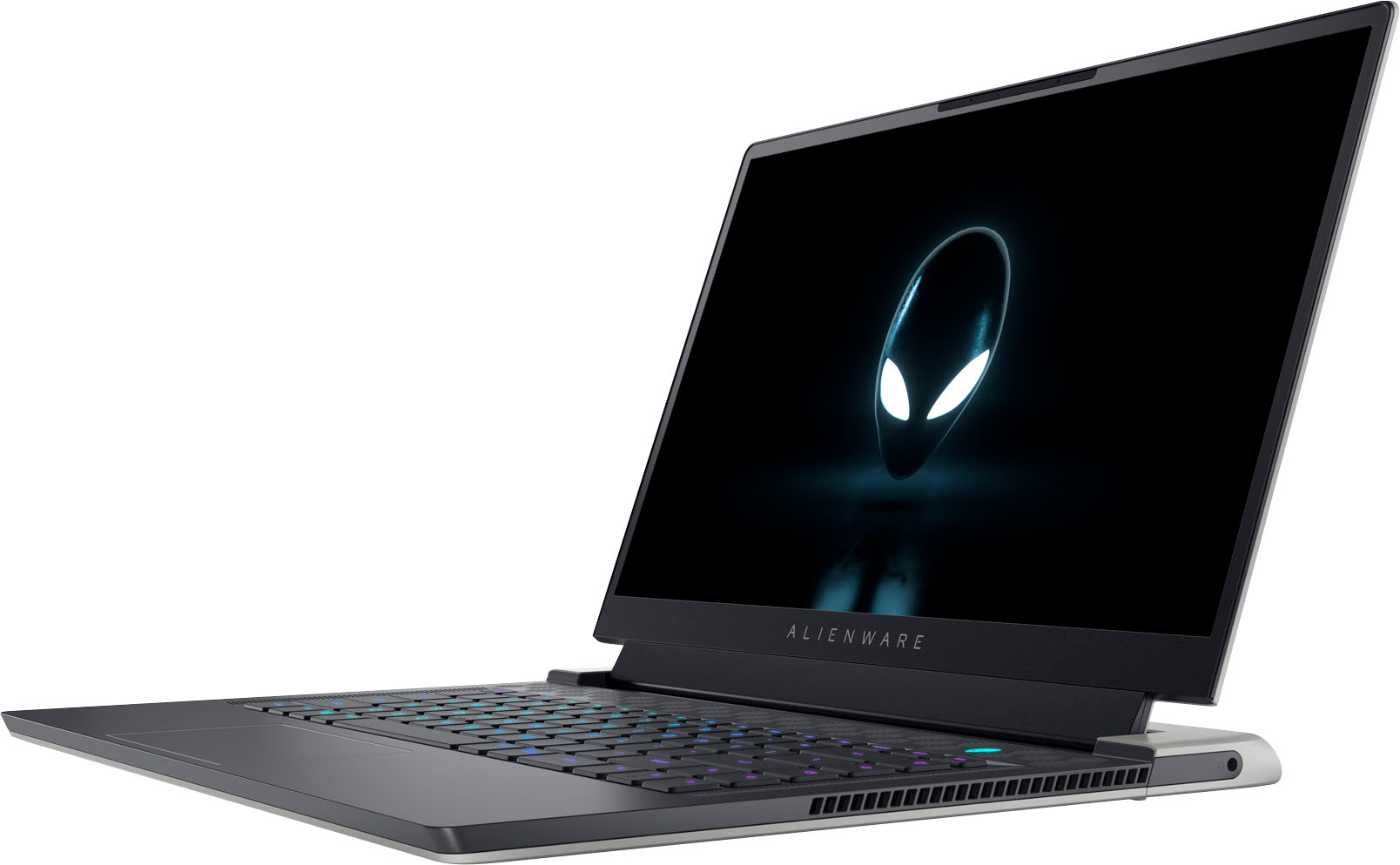
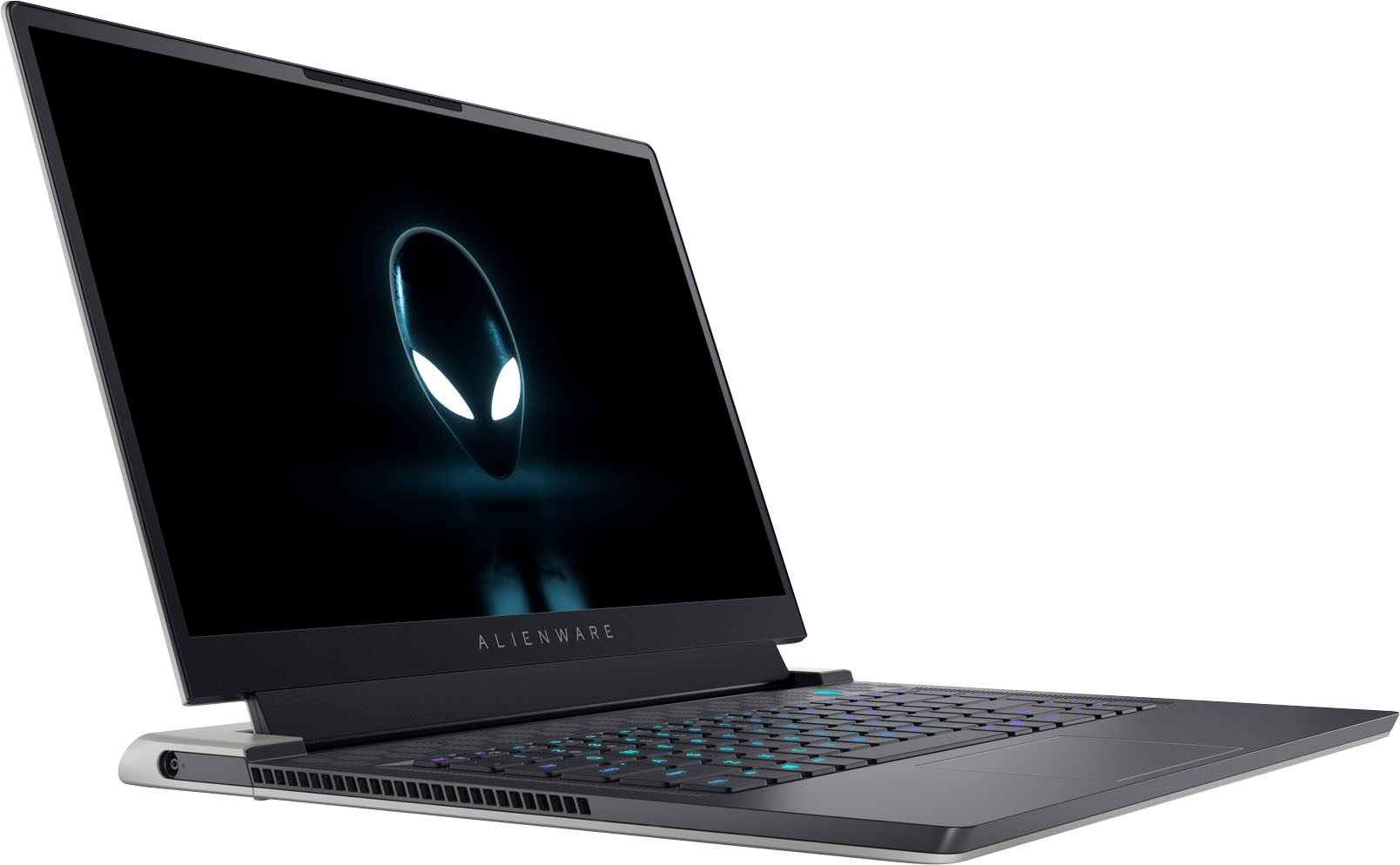
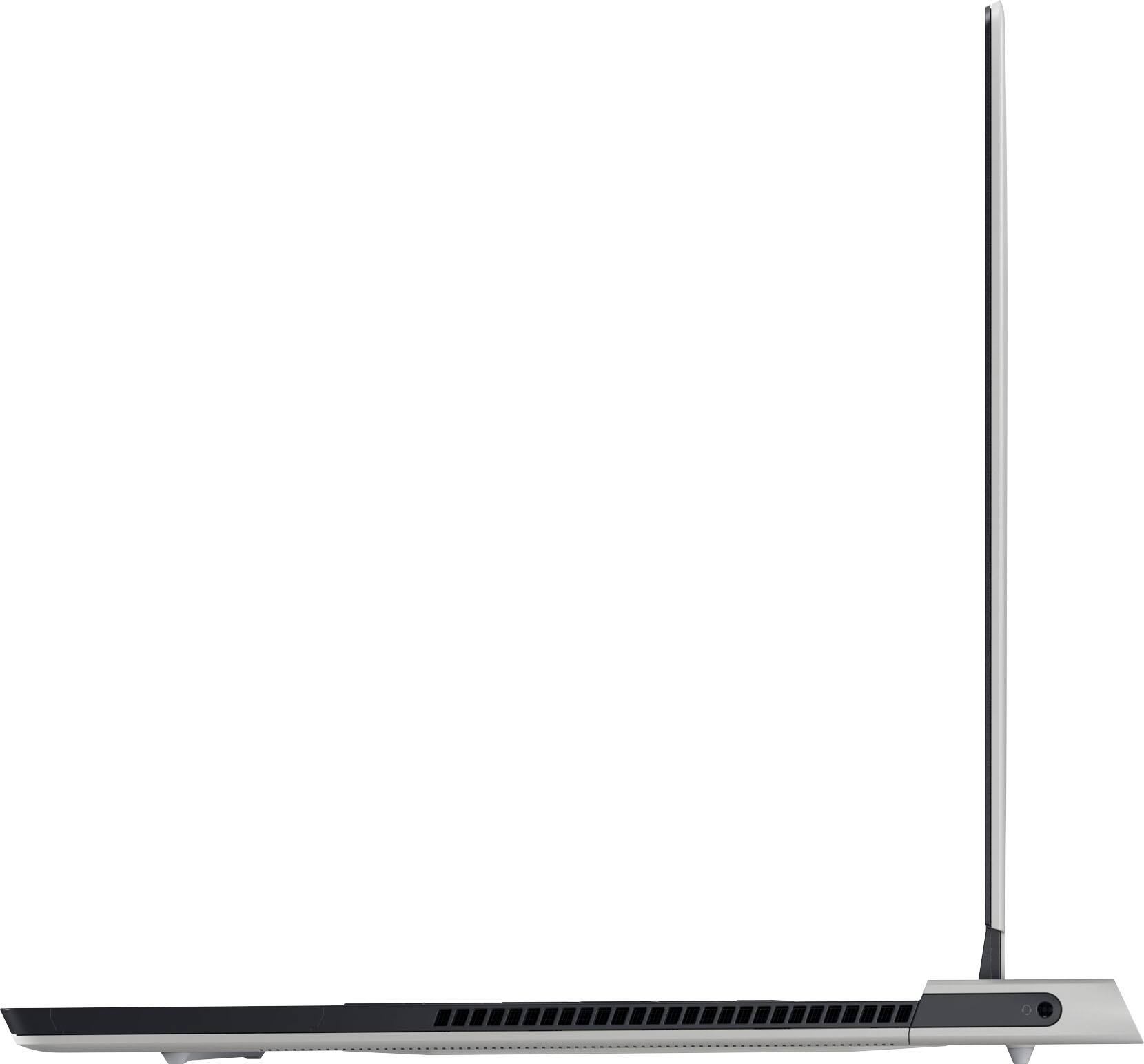
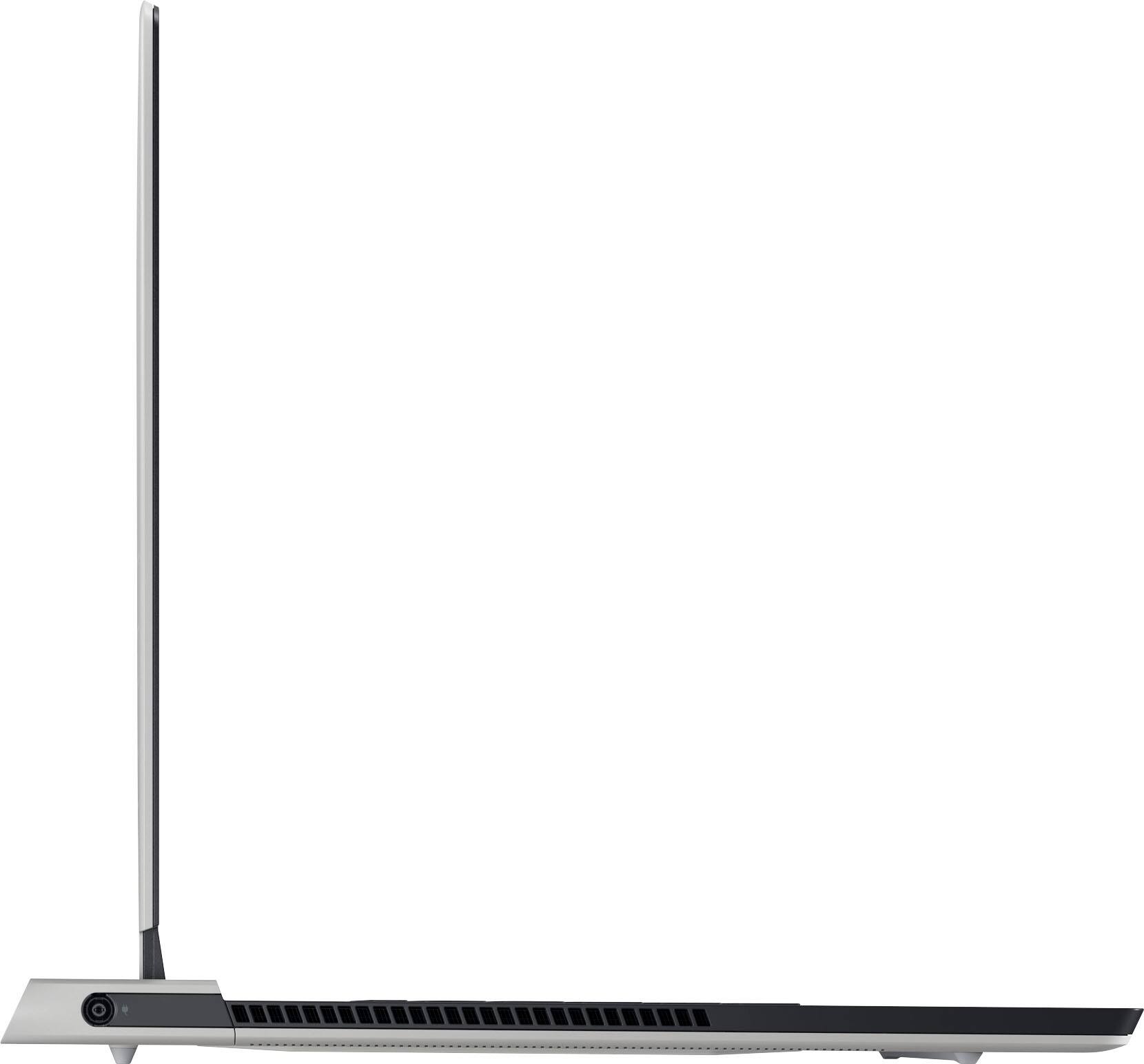
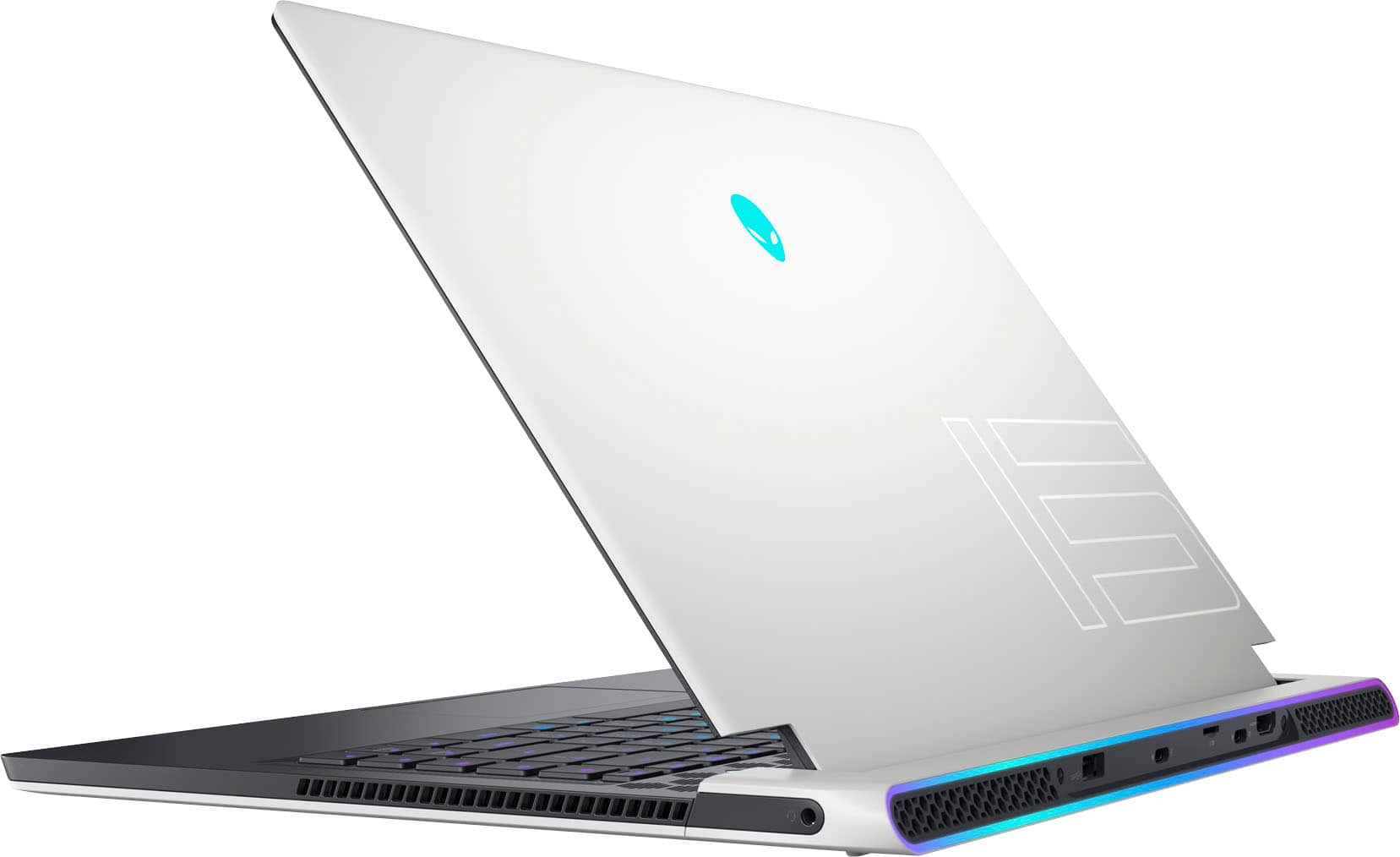
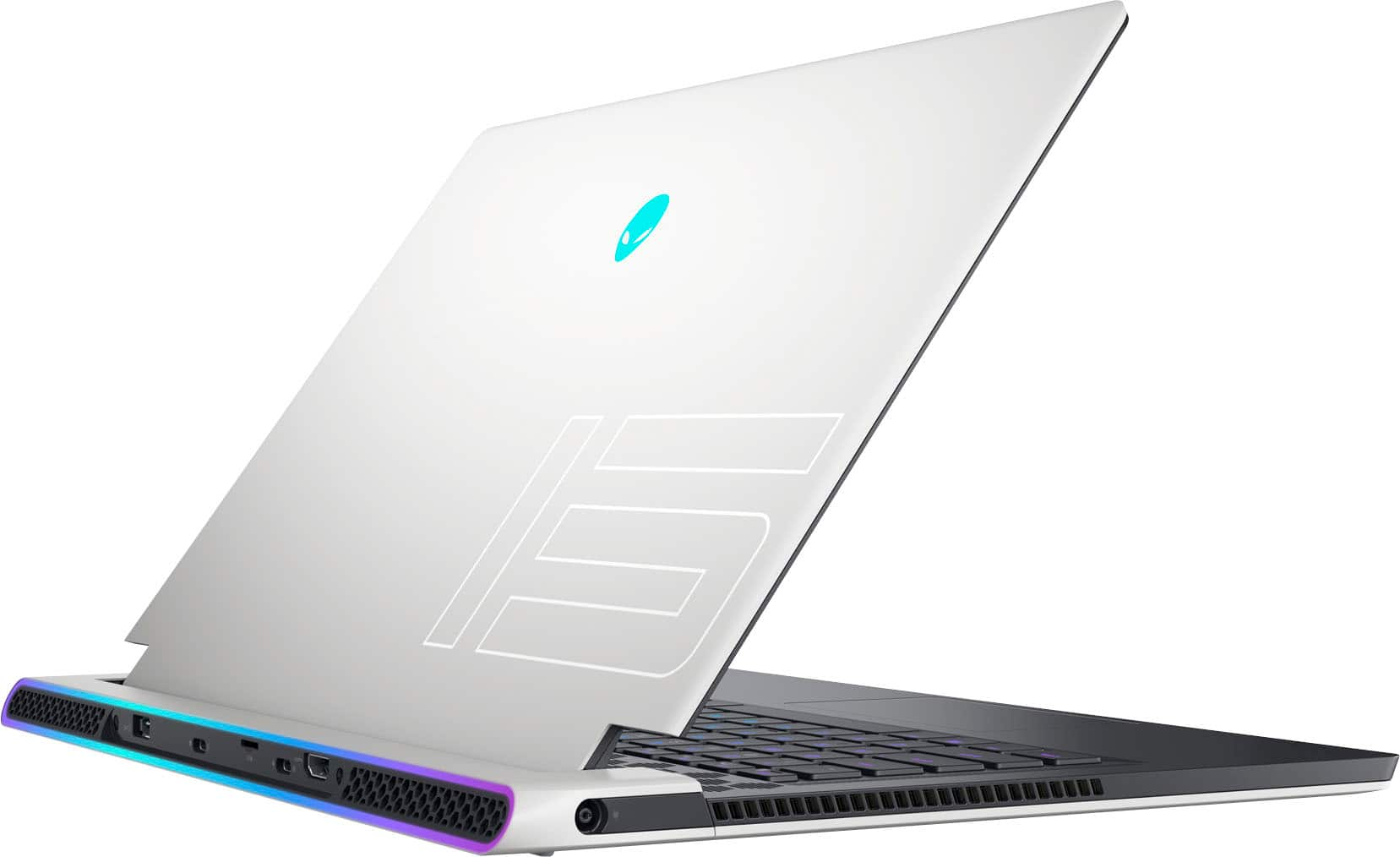
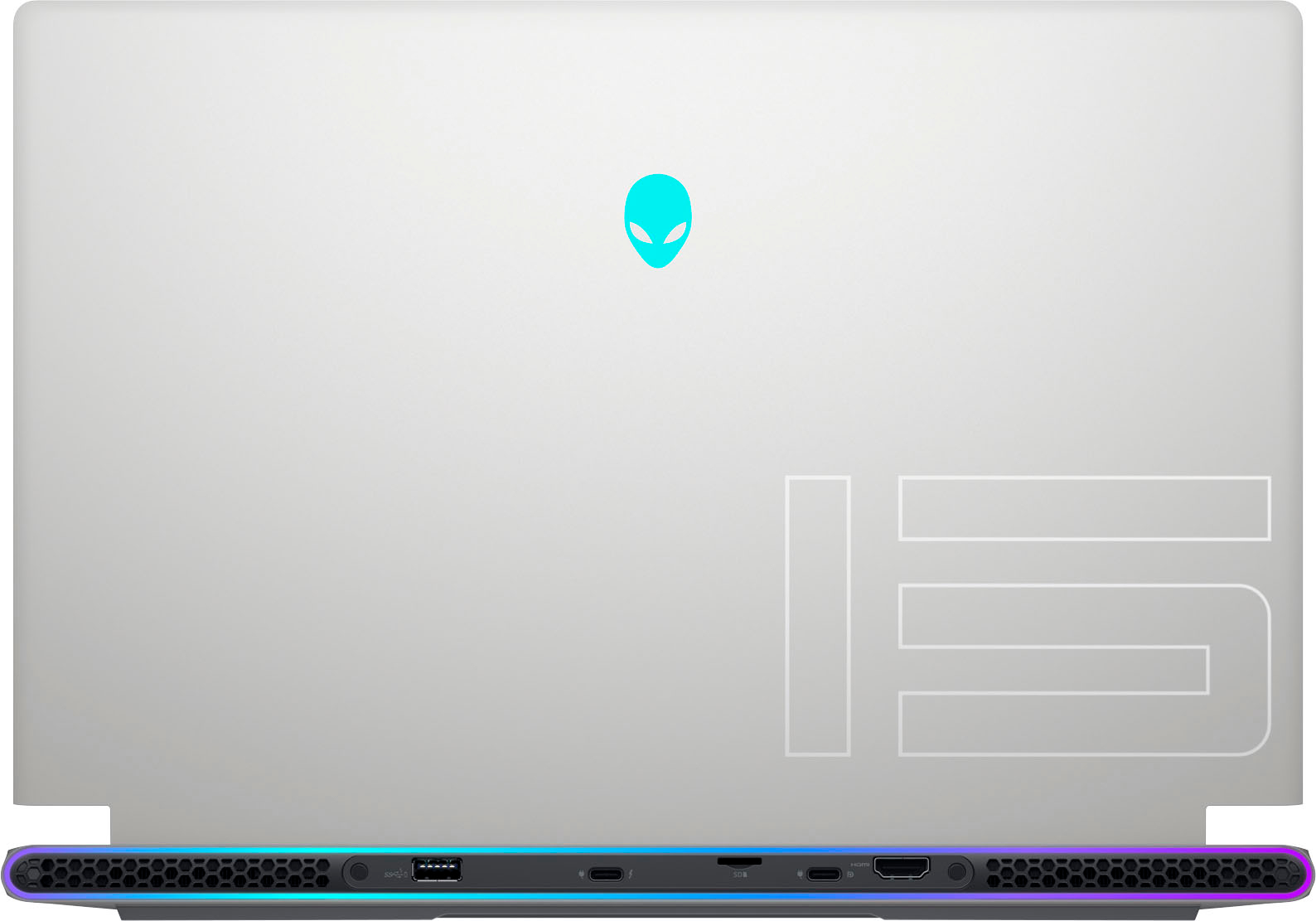
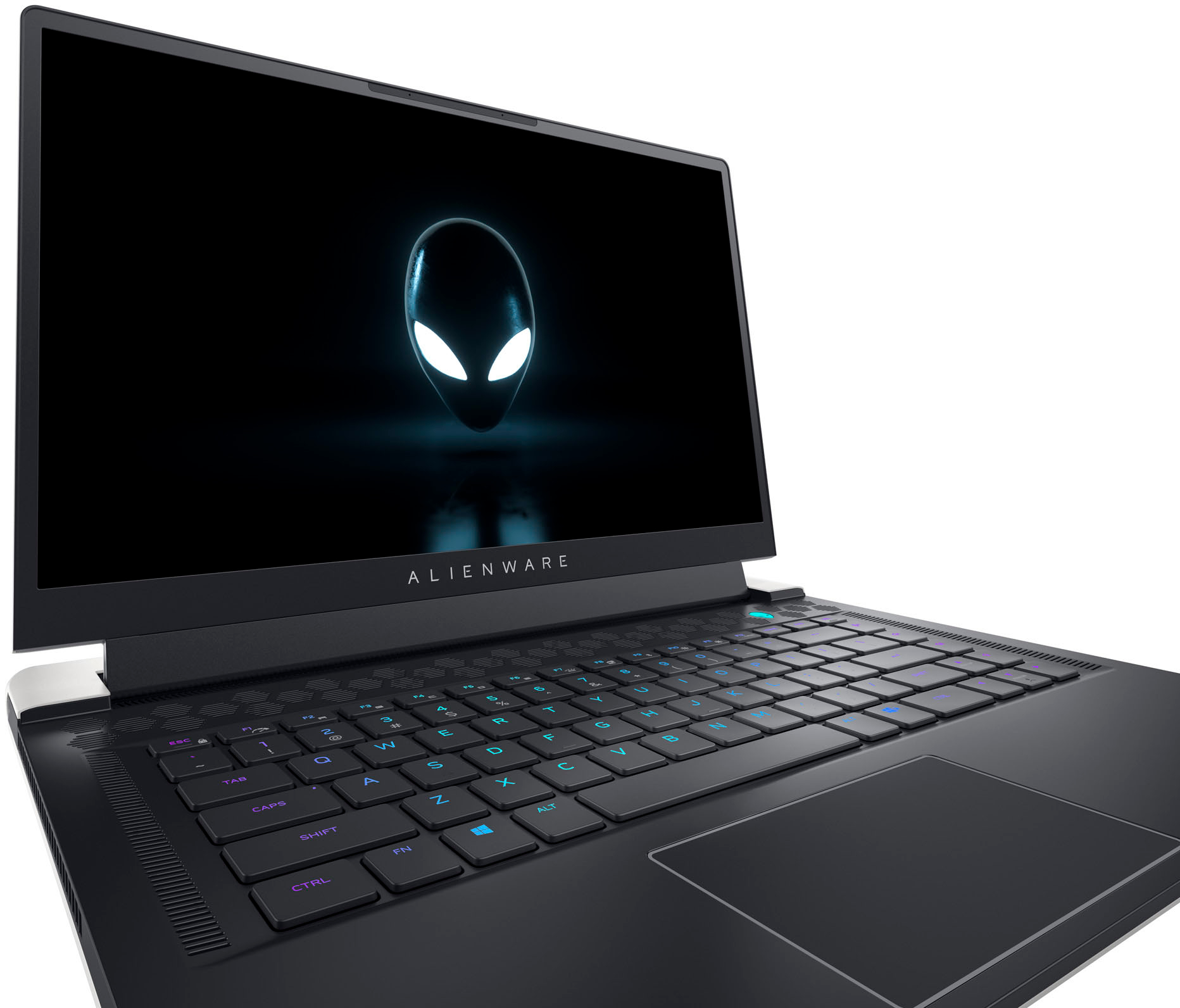
|Posted .This reviewer received promo considerations or sweepstakes entry for writing a review.First off, I'd like to mention that I think the pictures of this laptop don't really do it justice. It looks so cool in person. It's not a typical "gamer"-looking laptop. While it's targeted to gamers, it's sleek appearance would likely appeal to people who don't typically care for laptops that are designed specifically for gamers. The white finish is also very nice looking. I REALLY like the way this laptop looks. The lighting on the keyboard, Alienware logo, and the rear ring light around the back of the laptop (Alienware refers to it as "Stadium" lighting), is super cool. It can be subtle or turned off entirely. It just aesthetically looks nice with the design of the laptop itself. Again, I really like the design of this laptop. Now, on to performance. I've thrown a few games at the laptop and it easily handled them. The 12th gen i7 paired with the 3070ti is very capable. Especially if you're running at the screen's native resolution of 1080p. I was getting 90+ FPS in Gears 5 at Ultra quality, and 80-90 FPS in Forza Horizon 5 at Extreme settings. I'm mentioning those two games specifically, since I have attached screen shots of their included benchmarks. They both ran buttery smooth. While it may seem like an odd choice to use 1080p for this screen, if you drop the detail levels a bit, you can push this to go up to 360 FPS, which is insane, especially for a laptop. One thing that was odd in my personal experience though, is that Nvidia's battery limiter was turned on by default. So that meant every game I tested was capped at 30 FPS. Good for battery life, but it took me a little bit to figure out why I wasn't getting higher frame rates. So, if you run across the same issue, may want to start there! The screen quality itself is excellent too. It looks very good. Another thing that was very surprising to me was the audio quality. The sound is very impressive when the laptop is in your lap. The Alienware software is also pretty well designed. It's similar to other software packages that allow modification of lighting, there are a few animation presets for the lighting as well. I like the "Knight Rider" style on that goes side to side. I do wish there were a few more presets to start with, but that's a super minor thing. Finally, the only real complaint I may have with this laptop is the battery life. While shorter life with higher performance is to be expected, it's not quite as good as I'd expect. I am probably averaging about 3 hours of battery life. Again, not totally unexpected, but it seems like it could/should be a little better. Overall, this is an excellent looking and performing laptop. You may just need to keep the power brick nearby. Pros: Excellent looking design, cool RGB setup (especially the back "stadium" area), great performance, great sounding audio Cons: Short battery life
I would recommend this to a friend- Cons mentioned:Battery life, Cooling
Open-boxed Buy
||Posted . Owned for 4 months when reviewed.This reviewer received promo considerations or sweepstakes entry for writing a review.I bought this open-boxed in excellent condition. The battery drains quickly but I keep mine plugged in when using it. It also heats up quickly so I recommend a cooling pad or base.
I would recommend this to a friend - Pros mentioned:PerformanceCons mentioned:Cooling
Small but quick
||Posted . Owned for 5 months when reviewed.This reviewer received promo considerations or sweepstakes entry for writing a review.Very portable and powerful, but it overheats quickly and isn’t as powerful as competitors
I would recommend this to a friendBrand response from YourDellTeam
Posted .Dear Mike,
We appreciate you taking the time to leave us your review. We are sorry to hear that you are encountering overheating issues with your Alienware x15 gaming laptop. Feedback like yours helps us improve our future products and services. Below I have provided troubleshooting instructions with the full article that can help resolve this issue.
Here are the steps to help resolve your overheating issue:
1. Inspect and clean the air vents and fans.
2. Restart the computer.
3. Update the BIOS and Chipset driver.
4. Download and install Microsoft Windows updates.
5. Run a hardware diagnostic test.
6. Use Dell Power Manager to manage thermal performance.
7. Improve efficiency to reduce heat.
8. Perform a Windows System Restore.
9. Restore the computer to factory settings.
How to Troubleshoot Overheating, Shutdown, or Thermal Issue on a Dell Computer: https://dell.to/3oAEYsV
If you continue to experience issues, please reach out to Dell Support directly by using the information provided below.
If you continue to experience issues, please reach out to Dell Support directly by using the information provided below.
Chat or call: https://bit.ly/DellSupportTeam
Phone number to Dell: 1-800-624-9896
Best,
Summer@Dell
- Pros mentioned:PerformanceCons mentioned:Battery life
Very Happy W It
||Posted . Owned for 3 months when reviewed.This reviewer received promo considerations or sweepstakes entry for writing a review.Nothing to complain about. Runs fast and smooth. Cool added features such as the colorful backlit keyboard and boarder lights. Battery life is the only thing I wish were better.
I would recommend this to a friend - Cons mentioned:Cooling
Powerful little machine
||Posted . Owned for 2 weeks when reviewed.This reviewer received promo considerations or sweepstakes entry for writing a review.Powerful. Runs a bit hot. Keeps up or outperforms 4070 laptops.
I would recommend this to a friend - Pros mentioned:Performance
Happy customer
||Posted . Owned for 1 week when reviewed.This reviewer received promo considerations or sweepstakes entry for writing a review.Excellent laptop. Performs well with no issues. Battery is good but stays plugged in, performance is good, display is good as well.
I would recommend this to a friend - Pros mentioned:Keyboard, Performance
Great desktop replacement.
||Posted . Owned for 9 months when reviewed.This reviewer received promo considerations or sweepstakes entry for writing a review.Performs better than hoped. The best cooling I’ve ever experienced in a laptop. Overall premium feel. The keyboard is so good I stopped carrying a backup. Three stars comes from both speakers going out and then a single speaker going out in less than a year.
I would recommend this to a friendBrand response from YourDellTeam
Posted .Dear WholeEgg,
We appreciate you taking the time to leave us your review of your Alienware x15 R2 Gaming Laptop. We are sorry to hear that you are having issues with your audio quality in regards to your headset/microphone. It's important for us to hear about any inconsistencies in our products for consideration of future development. Below, I have provided troubleshooting instructions with the full article that can help you troubleshoot and resolve this issue.
Here are the steps to help resolve your audio issue:
1. Check the audio ports for damage and clean ports.
2. Restart your computer.
3. Check the microphone connection. (external microphone only)
4. Set the default recording device and check the microphone volume.
5. Check the settings in voice communication apps.
6. Run Microsoft Sound Troubleshooter.
7. Troubleshoot Bluetooth devices. (Bluetooth speakers or headphones)
8. Reinstall or Update the chipset driver, audio driver, and BIOS.
9. Run a hardware diagnostic test.
10. Download and install Microsoft Windows updates.
11. Perform Windows System Restore.
12. Restore your computer to factory defaults.
How to Troubleshoot Audio or Sound Recording Issues: https://dell.to/3p73Us3
If you continue to experience issues, please reach out to Dell Support directly by using the information provided below.
If you continue to experience issues, please reach out to Dell Support directly by using the information provided below.
Chat or call: https://bit.ly/DellSupportTeam
Phone number to Dell: 1-800-624-9896
Best,
Summer@Dell
- Pros mentioned:Performance
Gaming Laptop
||Posted . Owned for 1 month when reviewed.This reviewer received promo considerations or sweepstakes entry for writing a review.Excellent gaming laptop. Lightweight and powerful.
I would recommend this to a friend - Cons mentioned:Cooling
Great machine, runs a little warm
||Posted . Owned for 1 year when reviewed.This reviewer received promo considerations or sweepstakes entry for writing a review.Overall super powerful gaming laptop. The biggest issue is this thing runs hot, likely really warm. I needed a decent fan setup to make it cooler and it almost has to be on a surface other than your lap.
I would recommend this to a friend - Pros mentioned:Build quality
Awesome thin and light gaming laptop.
||Posted . Owned for 1 month when reviewed.This reviewer received promo considerations or sweepstakes entry for writing a review.Thin, premium materials and fantastic build quality. The laptop feels so dense! You can tell some nice engineering went into it. Im getting 12k+ on Timespy which is nothing to scoff at given how thin it is. No backlight bleeding whatsoever on the FHD option that i had. My only gripe is the soldered on RAM
I would recommend this to a friend It's an Alienware!
||Posted . Owned for 3 months when reviewed.This reviewer received promo considerations or sweepstakes entry for writing a review.Not much of a change from the X15 R1. Very powerful and very loud. Only complaint which doesn't effect everyone is all the ports are on the back. Great for desktop replacements somewhat annoying otherwise. Screen is very bright and machine is light especially when combined with the light charger.
I would recommend this to a friend- Cons mentioned:Battery life
Reviews
||Posted . Owned for 1 week when reviewed.This reviewer received promo considerations or sweepstakes entry for writing a review.Great for gaming, but battery life is not that impressive compared to other
I would recommend this to a friend - Pros mentioned:Performance
Great
||Posted . Owned for 9 months when reviewed.This reviewer received promo considerations or sweepstakes entry for writing a review.This machine is a good one, i haven't really had any problems with it and i am happy with it!
I would recommend this to a friend - Pros mentioned:Performance
Alienware
||Posted . Owned for 1 week when reviewed.This reviewer received promo considerations or sweepstakes entry for writing a review.The gaming computer is a beast when it comes to gaming and editing. It’s so powerful. Highly recommended.
I would recommend this to a friend - Pros mentioned:Performance
Engineer
||Posted . Owned for 3 weeks when reviewed.This reviewer received promo considerations or sweepstakes entry for writing a review.Great! Happy with it so far, haven't pushed its limits yet but I think it can handle it.
I would recommend this to a friend Beast of a Machine
||Posted . Owned for 1 week when reviewed.This reviewer received promo considerations or sweepstakes entry for writing a review.Excellent Product. Was worth what getting an open box though I was initially skeptical about it. There were only 2 or 3 tiny black marks on the laptop with some bits of dust in the vents. The store executives helped clean the scuffs that were easily gone, and I got rid of the dust with an air spray. Overall, the product works just like it's supposed to. Great discount, beautiful machine, and in the end i get to experience the laptop I've always dreamed of!
I would recommend this to a friend- Cons mentioned:Battery life
Beware
||Posted . Owned for 4 months when reviewed.This reviewer received promo considerations or sweepstakes entry for writing a review.I liked it but battery sucks. Also didn’t come with a charger and even after buying a real charger I get a error sometimes. Not sure what’s going on but I spent too much for a not perfect laptop
No, I would not recommend this to a friendBrand response from YourDellTeam
Posted .Dear Marwan,
Thank you for taking the time to leave a review. We apologize for the battery performance issues you are experiencing with your Alienware x15 gaming laptop. It's important for us to hear about inconsistencies in our products for consideration of future development. Below I have provided steps with the full articles that can help you improve the battery performance of your laptop.
Here are the steps to help improve the battery performance of your laptop:
1. On the notification area of the taskbar, right-click the Battery icon.
2. On the options list, click Power Options.
3. Select a power plan on the battery meter, such as Power Saver or Balanced. Windows 10 has a built-in 'Battery Saver' mode that can be activated to extend your system's battery life. The Battery Saver mode will monitor and limit background activity and other features such as push notifications. You do have the option to enable or disable this mode within settings or within advanced Battery Saver settings, you can customize the mode to best suit your needs.
a) Click on the Action Center icon in the taskbar and select the tile for Battery Saver.
b) If running Cortana, type Battery Saver into the search box and select from the results.
Within the Battery Saver settings page, you will be able to turn on and off the feature and customize the feature to best meet your needs.
c) Turn the Battery Saver On or Off.
d) Additional settings are available via the Battery use and Battery saver settings links.
e) Battery use shows further info on apps and their power usage.
f) Battery Saver Settings screen allows you to customize further the Battery Saver feature.
How to Improve the Performance of a Dell Laptop Battery: http://dell.to/2vfXWf4
If you still experience any issues after you have finished troubleshooting your laptop using the steps above, please reach out to us at: https://bit.ly/DellSupportTeam
Should you need further assistance, please reach out to Dell Support directly by using the information provided below.
Chat or call: https://bit.ly/DellSupportTeam
Phone number to Dell: 1-800-624-9896
Best,
Summer@Dell
- Cons mentioned:Battery life
Super thin, poor battery life.
||Posted . Owned for 2 weeks when reviewed.This reviewer received promo considerations or sweepstakes entry for writing a review.Super thin design! But there is no usb A or C ports on both sides, only back. I know that's a gaming laptop. But the battery life still really short comparing to other brands.
I would recommend this to a friendBrand response from YourDellTeam
Posted .Hi Well,
Thank you for taking the time to leave a review. We apologize for the battery performance issues you are experiencing with your Alienware x15 Gaming Laptop. It's important for us to hear about inconsistencies in our products for consideration of future development. Below I have provided steps with the full article that can help you improve the battery performance of your laptop.
Here's the steps to help improve the battery performance of your laptop:
1. On the notification area of the taskbar, right-click the Battery icon.
2. On the options list, click Power Options.
3. Select a power plan on the battery meter, such as Power Saver or Balanced. Windows 11 has a built in 'Battery Saver' mode that can be activated to extend your system's battery life. The Battery Saver mode will monitor and limit background activity and other features such as push notifications. You do have the option to enable or disable this mode within settings or within advanced Battery Saver settings, you can customize the mode to best suit your needs.
a) Click on the Action Center icon in the taskbar and select the tile for Battery Saver.
b) If running Cortana then type Battery Saver into the search box and select from the results.
Within the Battery Saver settings page, you will be able to turn on and off the feature and customize the feature to best meet your needs.
c) Turn Battery Saver On or Off.
d) Additional settings available via the Battery use and Battery saver settings links.
e) Battery use shows further info on apps and their power usage.
f) Battery Saver Settings screen allows you to customize further Battery Saver feature.
How to Improve the Performance of a Dell Laptop Battery: http://dell.to/2vfXWf4
If you still experience any issues after you have finished troubleshooting your laptop using the steps above, please reach out to us at: https://bit.ly/DellSupportTeam
Chat or call: https://bit.ly/DellSupportTeam
Phone number to Dell: 1-800-624-9896
Best,
Jay@Dell
Good laptop but not for the price
||Posted . Owned for 8 months when reviewed.This reviewer received promo considerations or sweepstakes entry for writing a review.The Laptop is great and powerful. But it gets hot quicky when you play video games and randomly turn off. I did buy extra fan underneath and look like it did fix the problem. Battery life if you bring it out door remember to bring your charger.
I would recommend this to a friendGood Good like it
||Posted . Owned for 1 week when reviewed.This reviewer received promo considerations or sweepstakes entry for writing a review.All in all, it's good. The only problem is the keyboard. The keyboard function keys work, the only ones that don't work are the main area keys including the volume buttons. But then I fixed it myself, poor quality issue.
I would recommend this to a friend