Customer Ratings & Reviews






- Model:
- AWX15R2-7662WHT-PUS
- SKU:
- 6512742
Rating by feature
- Battery Life
Rating 3.8 out of 5 stars
- Speed
Rating 4.7 out of 5 stars
- Display
Rating 4.6 out of 5 stars
Customers are saying
Customers appreciate the x15 R2's performance, comfortable keyboard, and robust build quality. Many also praise its fast SSD, high refresh rate display, and relatively light weight for a gaming laptop. However, some users point to the shorter battery life and tendency for the device to become warm during extended use as significant drawbacks. The display quality also receives positive feedback.
This summary was generated by AI based on customer reviews.
Does what it’s supposed to do
||Posted . Owned for 1 week when reviewed.This reviewer received promo considerations or sweepstakes entry for writing a review.Saw a few inconsistencies early on just in terms of the laptop responding when coming back from rest. Hopefully that’s not a sign of things to come. It responds well otherwise though so I’m only slightly worried.
I would recommend this to a friendGreat laptop
||Posted . Owned for more than 2 years when reviewed.This reviewer received promo considerations or sweepstakes entry for writing a review.The laptop works great. Easy to use. Dose everything I want it to do. Great price and Everyone was a big help picking it out and getting it set up . Thank you William.
I would recommend this to a friendThin - yes | Light - no
||Posted . Owned for less than 1 week when reviewed.This reviewer received promo considerations or sweepstakes entry for writing a review.I only briefly tried this laptop and although it feels super premium there were two things I couldn't get past... The screen - a 1080p screen on a laptop this expensive is pretty lame in this day and you end up getting bottle-necked by the CPU in most games. on Top of that it just looked washed out IMO but maybe I am spoiled by OLED. The weight - The laptop is super thin but this thing weighs quite a bit and is extra long making it annoying to carry in a backpack. Ultimately I know this laptop has some great build quality but the screen and weight ruined it for me.
No, I would not recommend this to a friendBrand response from YourDellTeam
Posted .Hello Caleb,
Thank you for taking the time to leave us your review. We are sorry to hear that you are not 100% satisfied with your Alienware m15 Ryzen Edition x15 R2 Gaming Laptop because you are experiencing display issues, and you also feel like this laptop is too heavy. It's important for us to hear about discrepancies in our products for consideration of future development.
To help with the screen issues you are experiencing, I have provided troubleshooting steps with the full article that can resolve these issues:
1. Verify display or video issues on an external monitor.
2. Check for physical damage on the LCD screen.
3. Run hardware diagnostics on the LCD screen.
4. Verify the display or video issue in Windows Safe Mode.
5. Update the video card (GPU) driver, monitor driver, chipset driver, and BIOS.
6. Download and install Microsoft Windows Updates.
7. Change the video or display settings, and adjust the brightness.
8. Touch screen troubleshooting.
9. Run a Video Stress Test using Dell SupportAssist.
10. Perform a Windows System Restore.
11. Restore the computer to factory defaults.
You can read the full article on solving display issues here: https://dell.to/2Sx1VkZ
If you continue to experience issues, please reach out to Dell Support directly by using the information provided below.
Chat or call: https://bit.ly/DellSupportTeam
Phone number to Dell: 1-800-624-9896
Best,
Katarina@Dell
- Pros mentioned:Keyboard, Refresh rate, SsdCons mentioned:Cooling

Performance to spare with the latest features
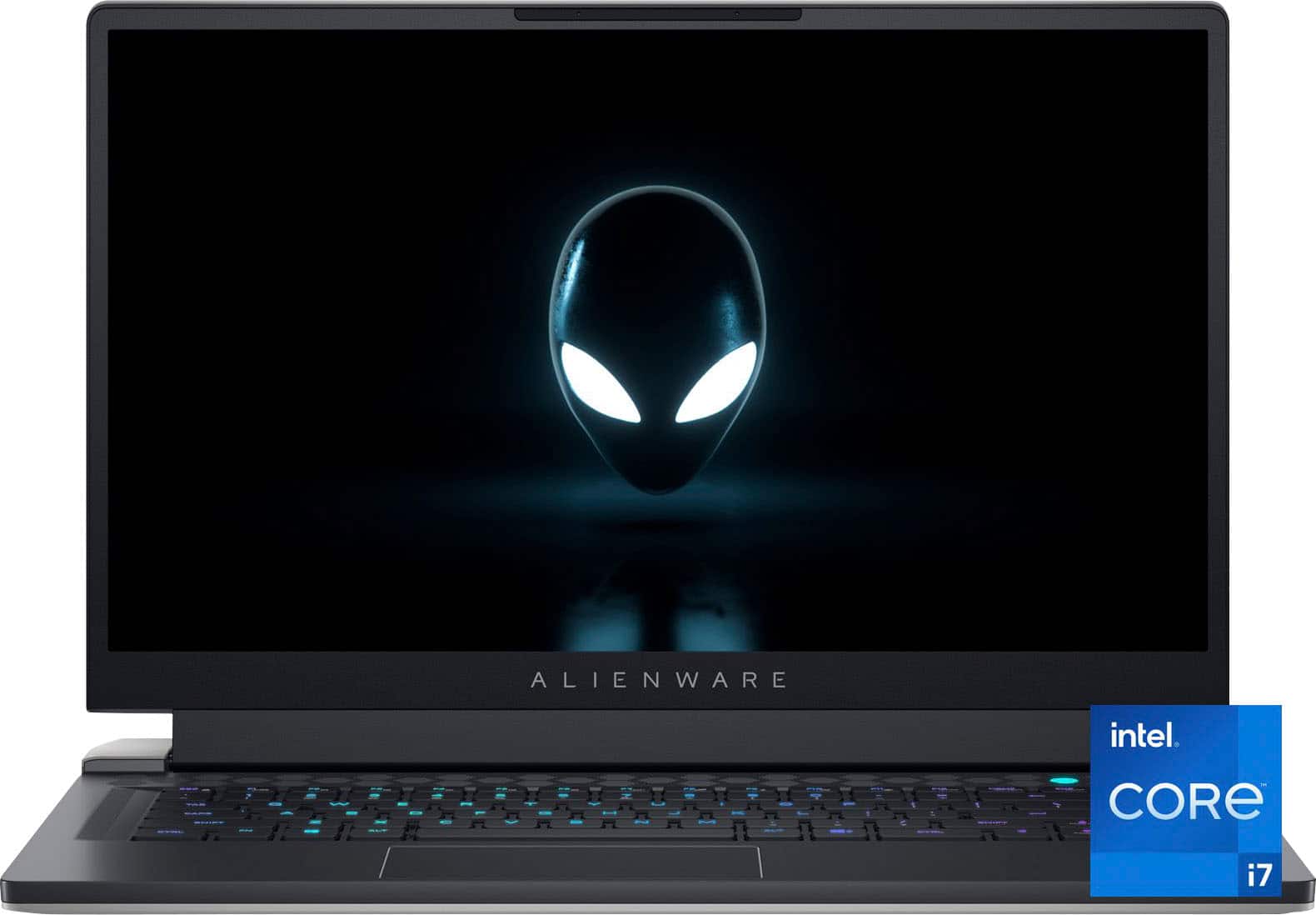
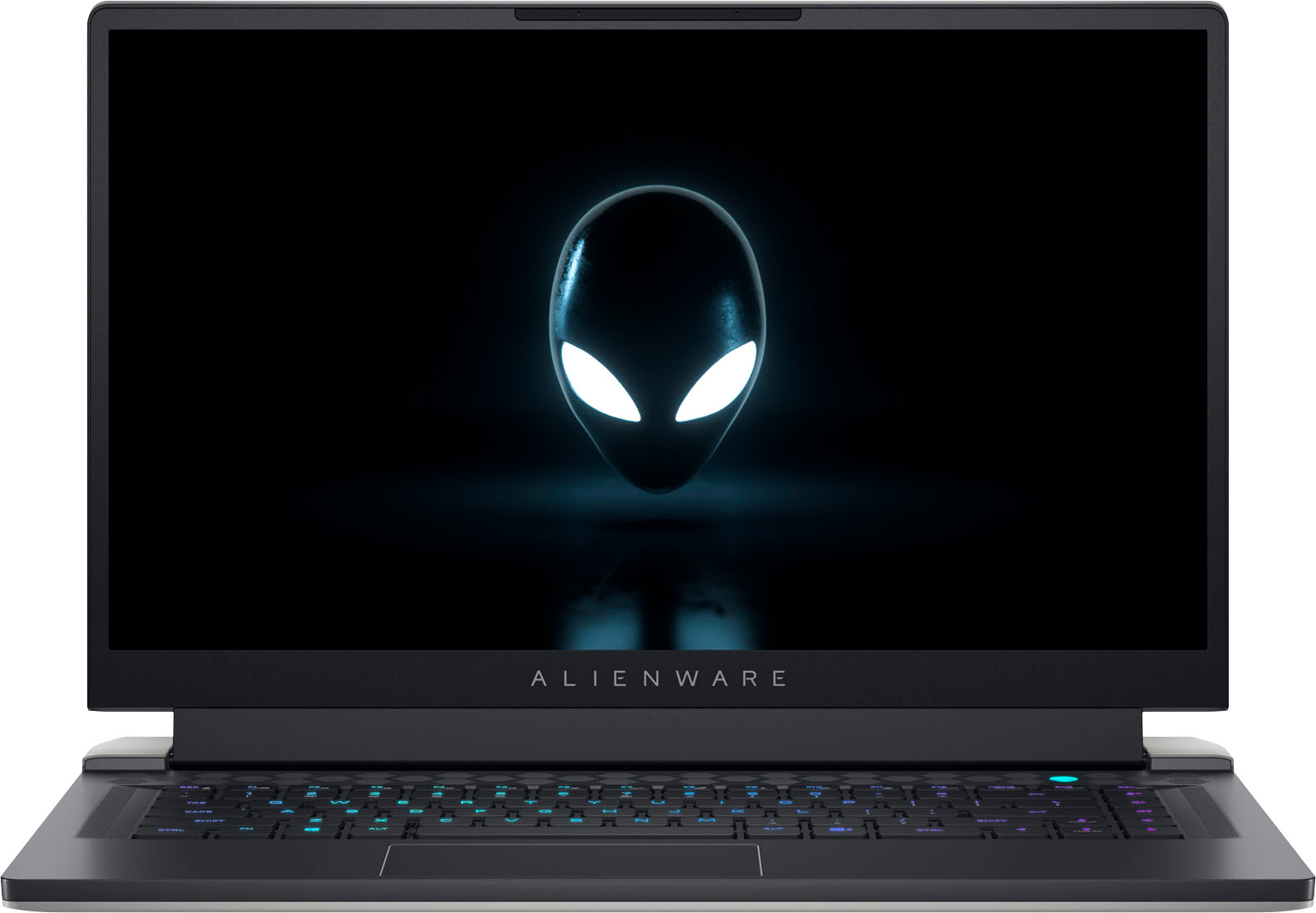
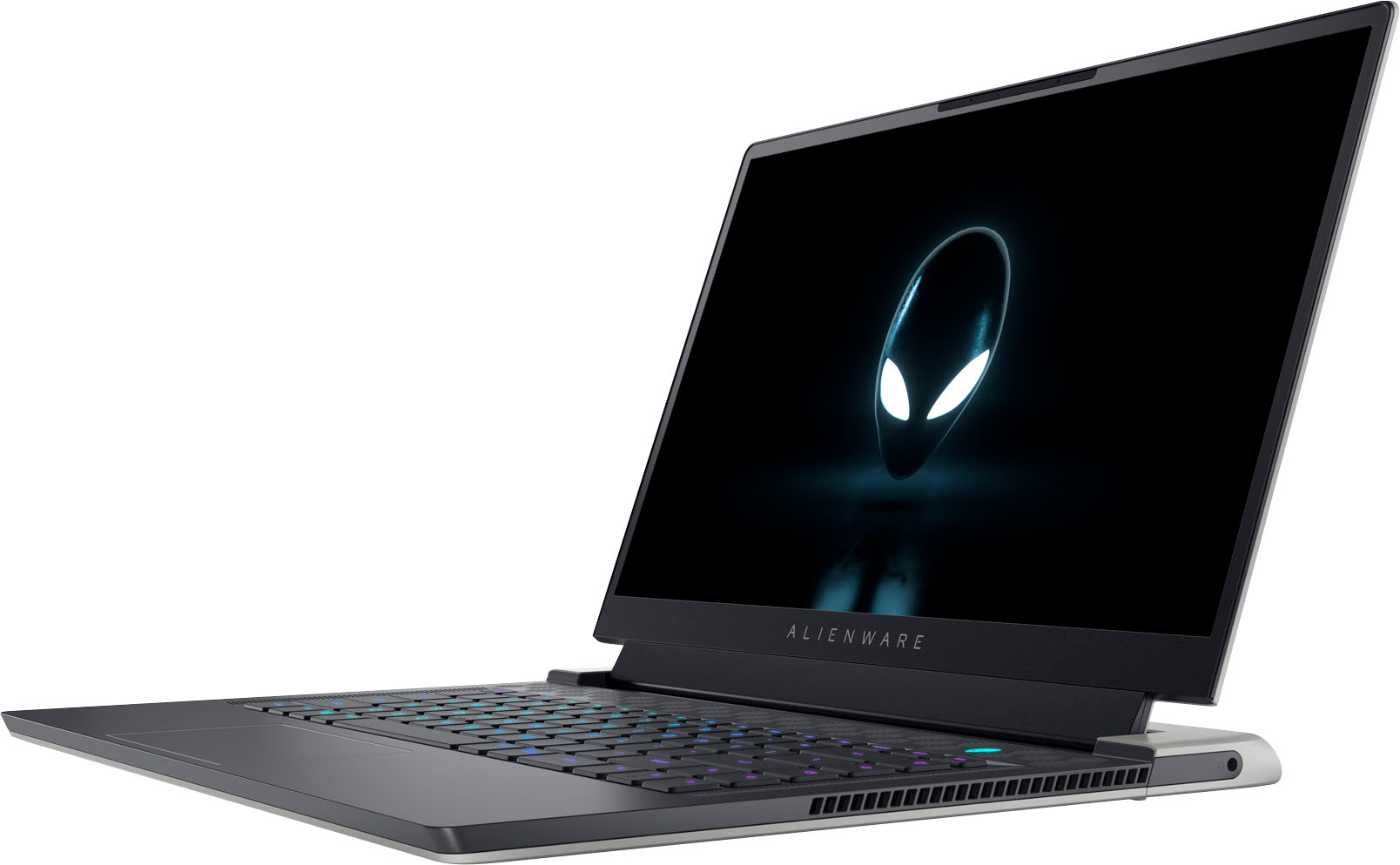
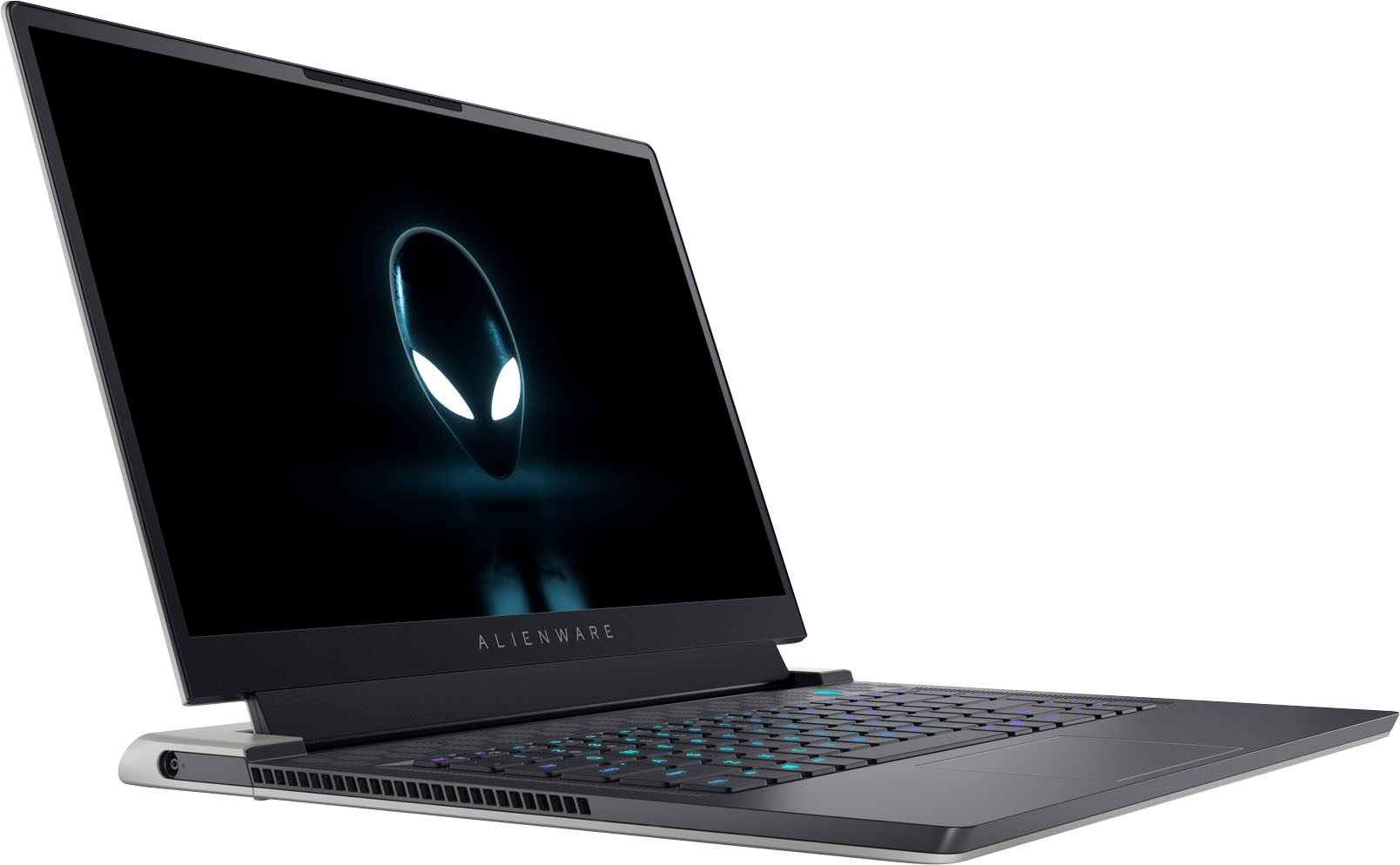
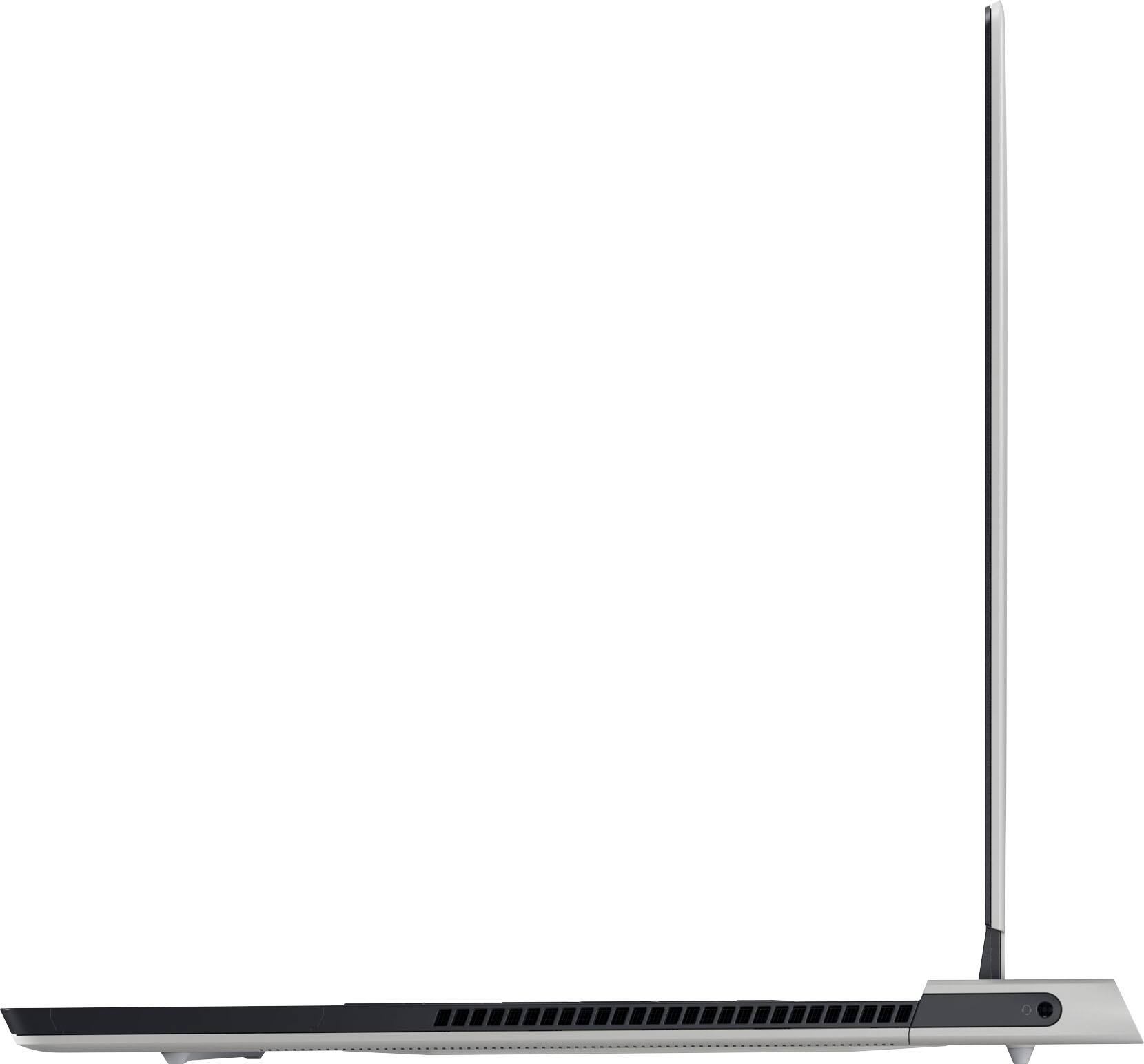
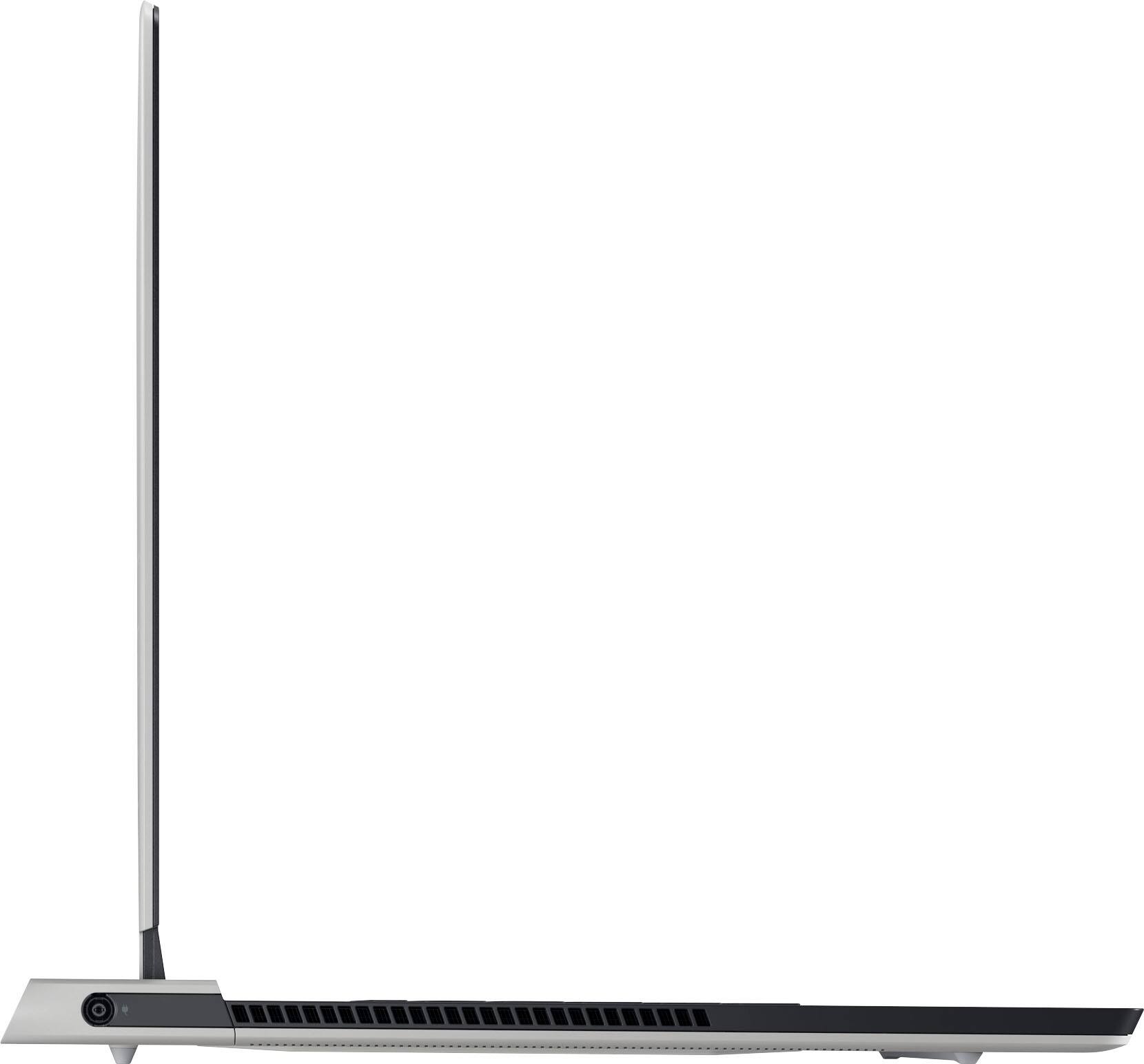
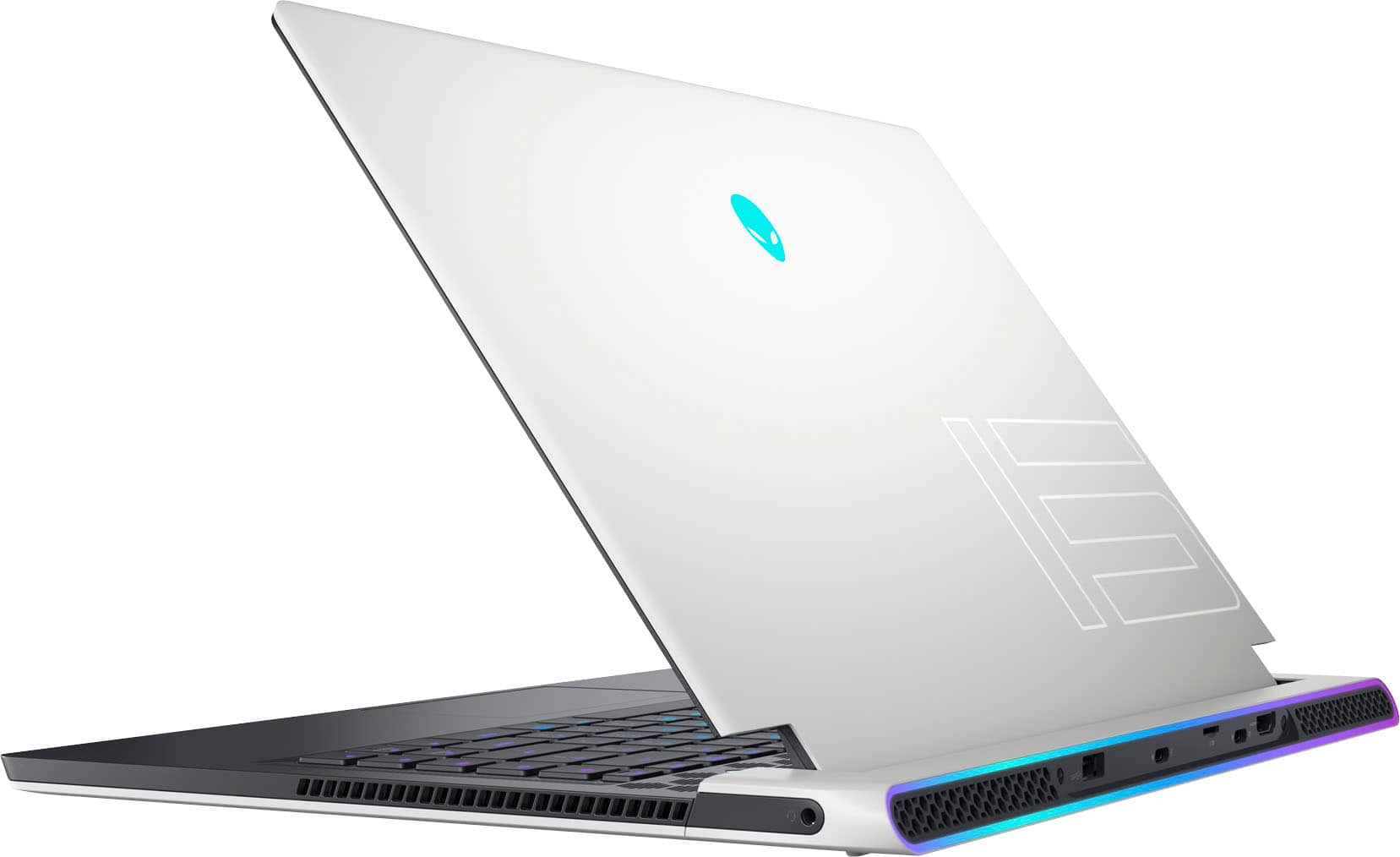
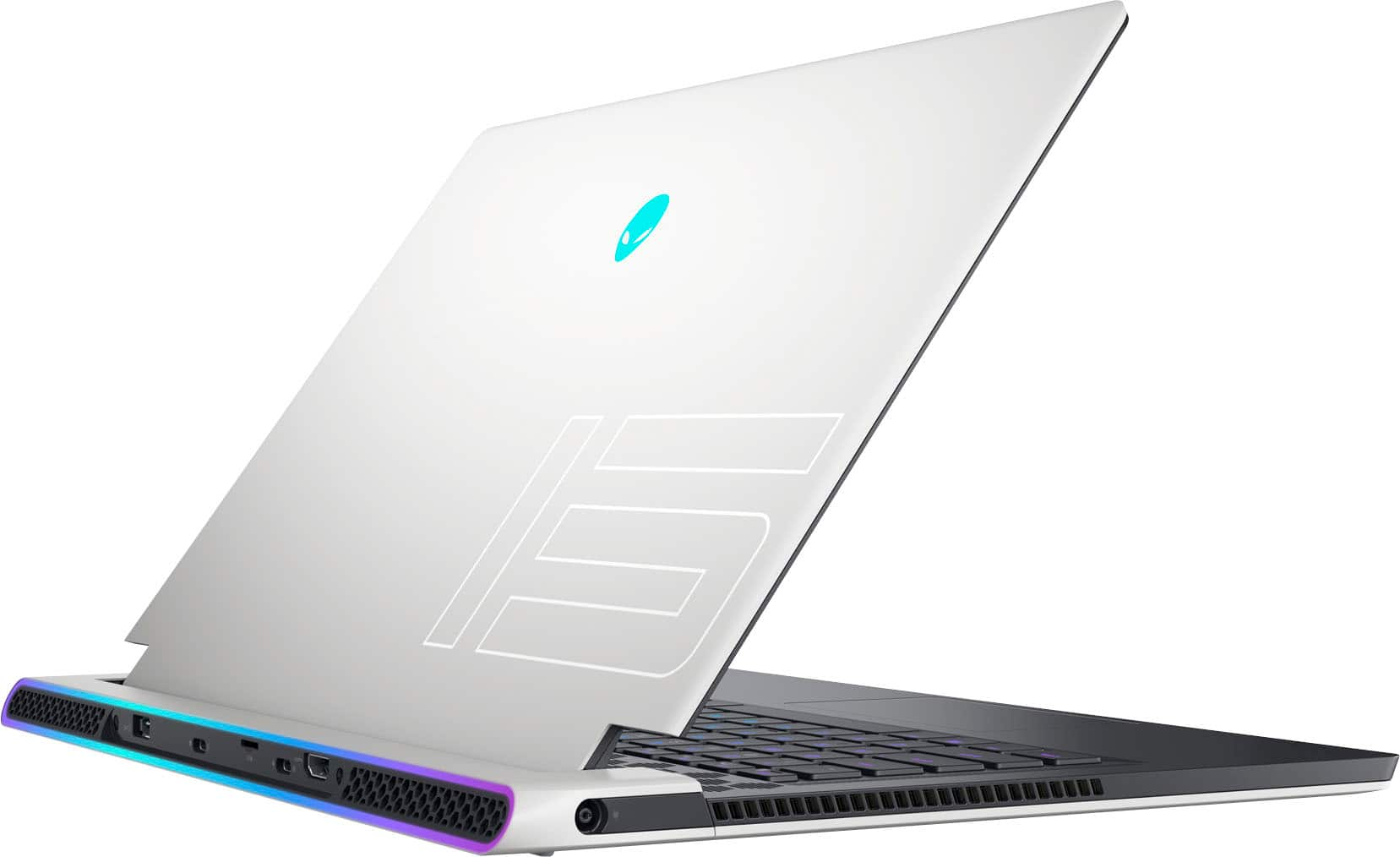
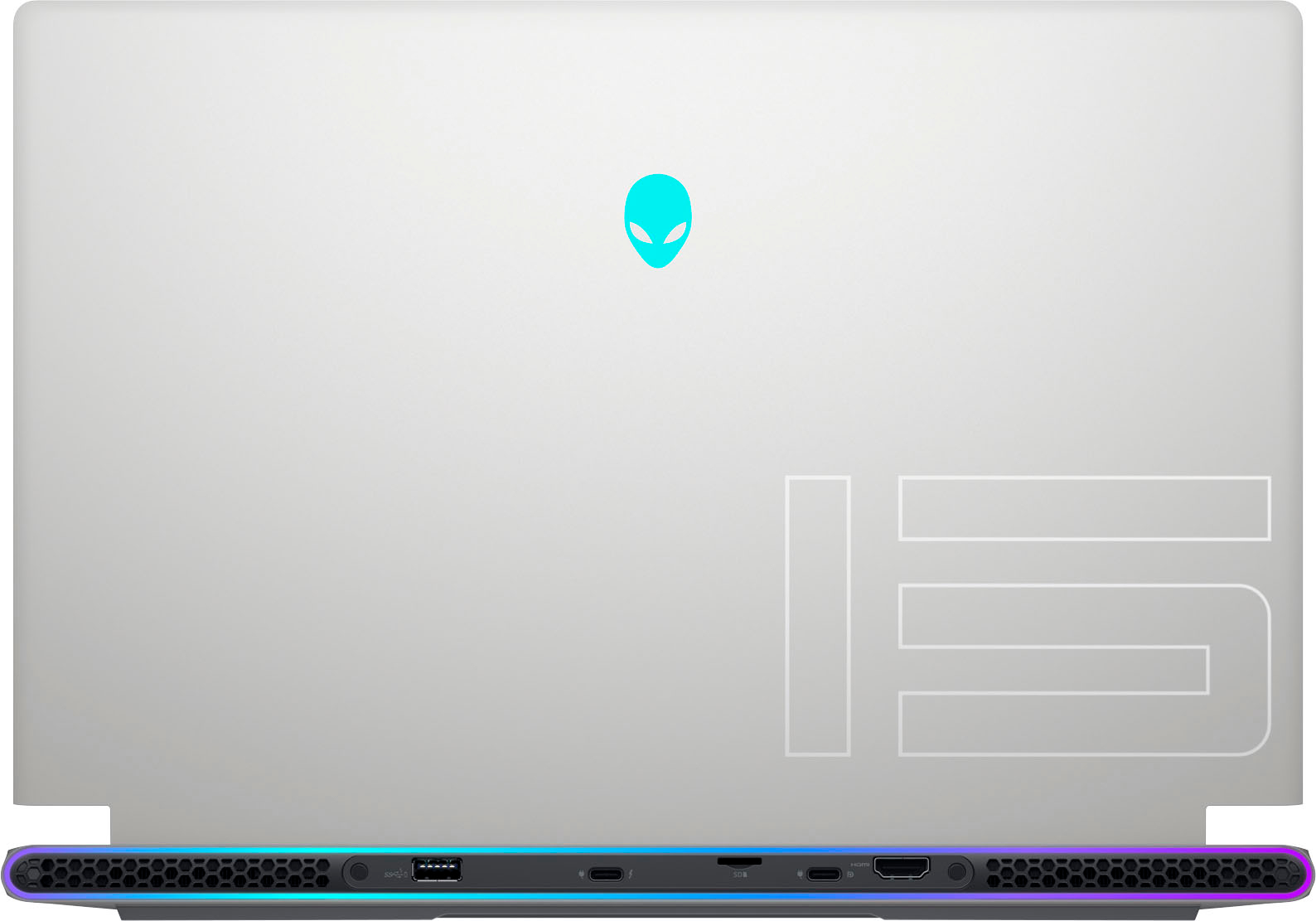
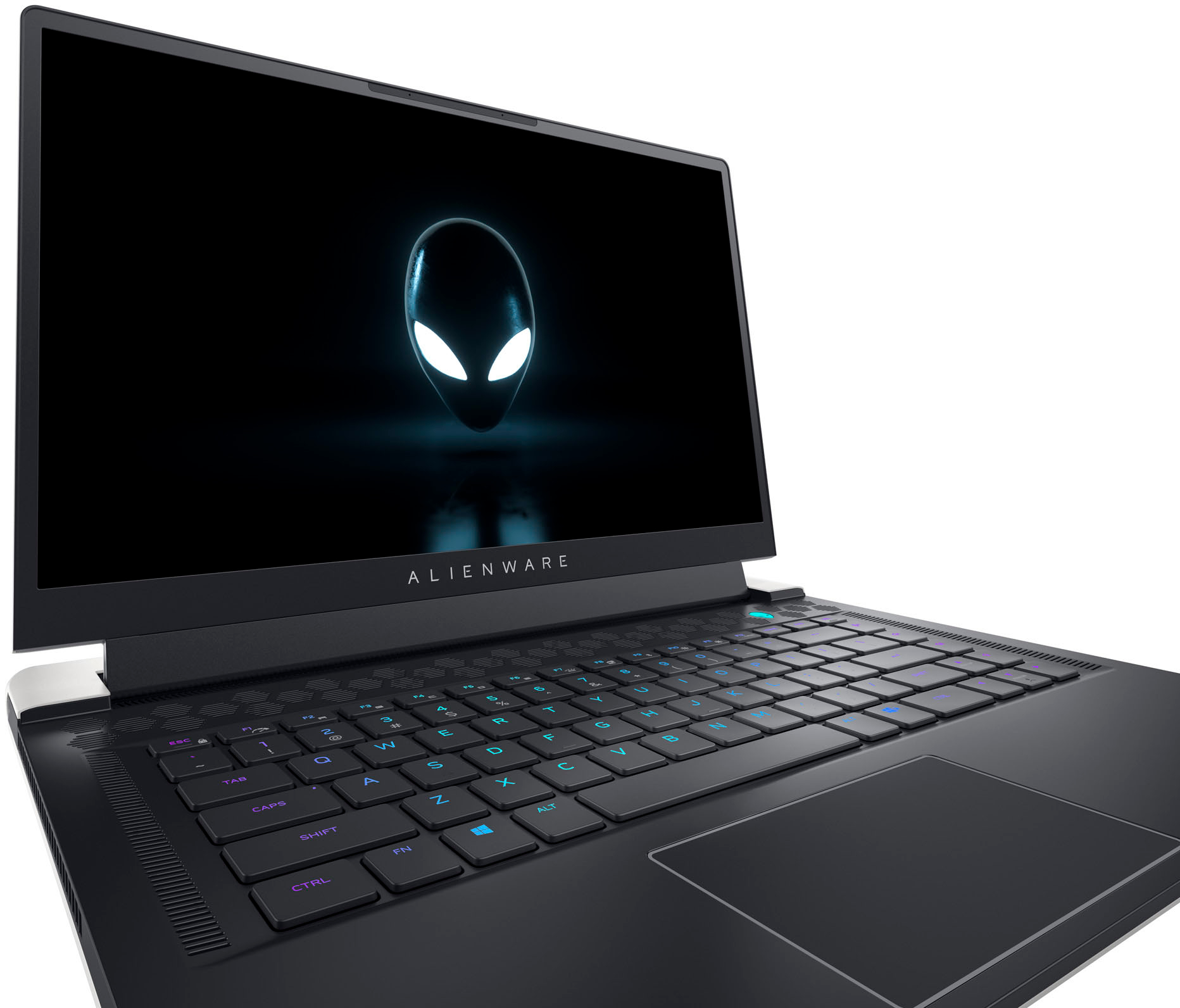
|Posted .This reviewer received promo considerations or sweepstakes entry for writing a review.This laptop has the latest 12th generation Intel Alder Lake i7-12700H CPU with 14-cores and 20-threads. It is fast! The only faster locked laptop CPU right now is the I9-12700, and it’s just a little bit faster. As I write this, the specs on BestBuy state this laptop includes 16GB of DDR4 DRAM, but the Dell site lists this model as having 16 GB of the latest LPDDR5, 5200 MHz RAM. I believe the Dell site is correct. Unfortunately, the RAM is soldered to the mainboard and there is no DIMM slot to add more RAM. This laptop is forever locked in at 16GB. If you believe you might need more RAM, there is 32-GB on some models. The Nvidia 3070ti is near the top of the heap with 8GB of GDDR dedicated video RAM. It does not disappoint. There are two M.2 2230/2280 slots, one with a 1TB M.2 SSD drive card for fast storage. The second M.2 slot is empty for more storage when/if needed. Halo Infinite, Forza 5, and other games I tried briefly all played perfectly with not a single glitch. The Alienware keyboard is the best I’ve used on a laptop. The lighting is very even and legible. Unfortunately, the secondary Shift function on such key caps such as Function and number keys with a second character are not lit. Only the primary character is lit. The Trackpad is very responsive, but smaller compared to others. If you had a laptop with a larger Trackpad, it will be an adjustment. The Dolby Vision-certified display is a Full High Definition (FHD) 1920 x 1080 and gorgeous. The colors are brilliant, consistent, and bright with the screen having a rating of 300 nits. There is no ghosting or trails, not that I really expected any with a 320ms refresh rate. The sound is above average for a laptop with small speakers. This is no doubt in large part to the Dolby Atmos-certified audio. Even without headphones the small speakers create an impressive sound stage. At one point in Halo, I heard someone coming up on my right fast, which seemed so real it freaked me out for a moment. Listening to music the bass was lacking with a muffled quality, but this is to be expected with small speakers. I found the voices and vocals in songs super clear. Headphones or a connection to larger speakers are the way to go for serious music. The camera above the screen supports both infrared Windows Hello facial recognition and a 720k camera for video conferencing, video and photos. The Windows facial recognition works well, extremely fast, better than any other laptop I used so far. Networking is also top of the line. The Wi-Fi is 6e, the latest and fastest there is with speeds up to 2400 Mbps. A USB-C dongle is included which allows up to a 2.5GB Ethernet connections. Bluetooth is also the latest at version 5.2. The USB Ports have a mix of features, but there are only 3 of them. Two USB-C ports with a mix of support for USB4, DisplayPort 1.4, and Thunderbolt 4.0 with power delivery data transfer speeds up to 40 Gbps. Thunderbolt 4 can support two 4K displays or one 8K display. A USB Type-C to DisplayPort adapter is needed to connect a DisplayPort device, but it is not included. The other is a USB 3.2 Gen 2 Type-C port with DisplayPort 1.4 and Power Delivery. There is also one USB 3.2 Gen 1 port that can reach data transfer speeds up to 5 Gbps and can also charge your USB devices when your computer is off. Fortunately, there are USB hubs and docks to easily multiply the ports if needed. An HDMI 2.1 port and microSD-card slot are also included on the back with headphone jack on the right and the power port on the left side. The 87 Wh battery lasted me 2- 3.5 hours depending on use. The 240W AC Adapter charged the laptop fully in about three hours. Alienware Cryo-tech cooling system with a quad-fan design works well. Users can choose from among Full Speed (maximum power), Performance Mode (graphics priority), Balanced Mode, Battery Saver Mode, and Quiet Mode (acoustics priority) power states. When running in balanced mode It gets very warm on the lap. Performance Mode and above are not comfortable, you need something like a Lap Desk between the laptop and you. The laptop is also a bit heavy for prolonged use on a bare lap. The magnesium alloy construction makes for a stiff stable laptop with no discernible flex. The design, fit and finish are top notch. Overall, this is extremely high performing laptop that has the power to play demanding games with ease and style. The only disappointment is that the RAM is stuck at 16GB and cannot be expanded in the future.
I would recommend this to a friend Not sure
||Posted . Owned for 2 weeks when reviewed.This reviewer received promo considerations or sweepstakes entry for writing a review.I am not sure what to think. The first one I got started freezing up immediately. When I took it to best buy they dismissed it at first. Then I asked to get on their wifi and show them and right away within 60 seconds it froze. The new one is okay. I have major lag on the one game I have on it still. I bought a 38 inch alienware monitor to match and the lag is horrible. What is going on. I changed settings. Im sad but tired of returns and all this. ITS VERY LOUD AND GETS VERY HOT.
No, I would not recommend this to a friendBrand response from YourDellTeam
Posted .Hello DanielaA,
We appreciate you taking the time to leave us your review. Your feedback is valuable to us at Dell. We are sorry to hear that your Alienware x15 R2 Gaming Laptop is running warmer than you expected. It's important for us to hear about inconsistencies in our products for consideration of future development. To help you with the heating issues that you are having, I have provided troubleshooting steps with the full article below that can resolve the issue.
Here are the steps to troubleshoot your heating issue:
1. Update the system BIOS.
2. Configure Alienware Command Center.
• Open Alienware Command Center
• Set the Active System Theme - Thermal as Performance Mode
3. When the system boots up, using the preinstalled software Dell SupportAssist run the stress test.
• Dell SupportAssist > Hardware Checkup > CPU > CPU stress test
4. Launch the Alienware Command Center, go to Fusion, and monitor the CPU frequency.
• The CPU peak temperature should be less than or equal to (≤) 100 ℃
• When under high stress, the system average temperature can be expected to be less than (≤) 100 ℃
• Note: The CPU average temperature can be expected to reach 95 ℃ under cool mode for the Alienware m15, m17, and x17 systems
Resolving a high temperature or overheating issue: https://dell.to/3F25rqN
If you still experience any issues after you have finished troubleshooting your laptop using the steps above, please reach out to us at: https://bit.ly/DellSupportTeam
If you continue to experience issues, please reach out to Dell Support directly by using the information provided below.
Chat or call: https://bit.ly/DellSupportTeam
Phone number to Dell: 1-800-624-9896
Best,
Summer@Dell

Alienware Gaming Laptop
|Posted . Owned for 2 weeks when reviewed.This reviewer received promo considerations or sweepstakes entry for writing a review.[Employee of bestbuy] Great high level gaming laptop, can play at medium settings with no problem and the display is perfect for fps games and much more
I would recommend this to a friendGreat product!
||Posted . Owned for 2 weeks when reviewed.This reviewer received promo considerations or sweepstakes entry for writing a review.Haven't has this laptop long but man is it great! Fast processing speed, beautiful display, and cooling system is phenomenal. For being a laptop this is a great gaming package for anyone that is interested.
I would recommend this to a friend- Pros mentioned:Build quality, Keyboard, SsdCons mentioned:Battery life, Cooling
If performance is your most important requirement
|Posted .This reviewer received promo considerations or sweepstakes entry for writing a review.The quick review: This laptop performs phenomenally. It well outperformed my beefed up (but aging) gaming Desktop when playing Elden Ring, which is notorious (and the most intensive test I could throw at it) for its performance on PC. Downsides are - single USB port. If you want to use multiple wired gaming accessories, plan on buying an adaptor. I don't know what battery life expectations are on average nowadays, but even with the lighting effects turned off, I was just getting over an hour of battery (you could almost watch the % drop by the minute). Good cont'd: Built in sound is good enough you won't need another solution. Keyboard is good enough you don't need to use an external one. The inclusion of a wired Ethernet adaptor shows someone is thinking like a gamer, although when you put that together with the lack of USB ports - that's a mismatch. The screen while not large looks great and I didn't see any artifacts/tearing with anything I played. IMO the terabyte of space is plenty, even if you're not that conservative with your HDD space. The Alienware specific software gives you lots of options to customize the look of the rig. You can almost light up a room with this rig if you want. Other laptop specific things: -Power cord is standard; chunky block but not unexpected; length is fine -Laptop is very thin -Laptop screen hinge is not right on the edge -Weight seems reasonable Laptop came packaged in mostly recyclable materials. Downsides cont'd: Though the keyboard works, there were times that the left side heated up under my wrist, almost to the point of being uncomfortable. The interesting thing was that was not necessarily tied to me pushing the limits of what the machine could handle. Standard latest Windows build (not really a downside), but once while sitting idle, post all Windows and Alienware updates, the rig BSOD'd. It only happened the one time, and a regular reboot seemed to resolve, but I also have not had the rig for very long.
I would recommend this to a friend Worth every penny
||Posted . Owned for 3 weeks when reviewed.This reviewer received promo considerations or sweepstakes entry for writing a review.Worth it for my needs. Mostly use it for work, but i have gamed on it and its met my expectations. I usually game on my desktop or ps5 but this works just as well. But cad and inventor run flawlessly. Read the specs and you'll know.
I would recommend this to a friendX15 R2 15.6 FHD
||Posted . Owned for 3 weeks when reviewed.This reviewer received promo considerations or sweepstakes entry for writing a review.the best laptop money can buy. i totally recommend it! hands down. Im bought for school. let me just tell you it takes almost every game at good 60 framepersecond or higher with no lags. perfect for video editing and video editing animations. I love it.
I would recommend this to a friendAlianware laptop has nice appearance
||Posted . Owned for 1 month when reviewed.This reviewer received promo considerations or sweepstakes entry for writing a review.The Alienware laptop has a great appearance. The sleek design and the light up keys make it stand out. Thevkey board layout is designed nice, easy to use. The delivery was right on time as promised.
I would recommend this to a friend- Pros mentioned:Performance
Extremely hot, loud and crashes daily.
||Posted . Owned for 5 months when reviewed.This reviewer received promo considerations or sweepstakes entry for writing a review.Super loud and hot, even with a fan unit underneath, you will not have this on your lap. When it works, it is a great machine and still performs at the highest level a year after purchase... but does crash daily and take a lot of time to get going again. This will be my last alienware purchase.
No, I would not recommend this to a friendBrand response from YourDellTeam
Posted .Hello Boryan,
Thank you for taking the time to leave us your review. We apologize for the fan noise, overheating and crashing issue that you are experiencing with your Alienware x15 R2 Gaming Laptop. It's important for us to hear about discrepancies in our products for consideration of future development. Below I have provided troubleshooting instructions with the full article that can help resolve this issue and two additional links to help resolve the overheating and system crashing.
Here are the steps to help resolve your fan noise issue:
1. Check and clean air vents.
2. Provide proper ventilation.
3. Run a hardware diagnostic test.
4. Update the BIOS and device drivers.
5. Download and install Microsoft Windows Updates.
6. Run optimize my computer using Dell Support Assist.
7. Limit startup programs.
8. Scan your computer for malware.
How to Troubleshoot Fan Issues: https://dell.to/33NYLLE
Resolving a high temperature or overheating issue: https://dell.to/3F25rqN
Here I have provided Drivers and Downloads link: https://rb.gy/yuxo0w
If you continue to experience issues, please reach out to Dell Support directly by using the information provided below.
If you continue to experience issues, please reach out to our Support Team by using the information provided below.
Chat or call: https://bit.ly/DellSupportTeam
Phone number to Dell: 1-800-624-9896
Best,
Summer@Dell
- Pros mentioned:Keyboard, Performance, SsdCons mentioned:Battery life, Cooling
Sleek and portable gaming laptop
|Posted .This reviewer received promo considerations or sweepstakes entry for writing a review.Gaming laptops have come a long way since their inception. One of the first gaming laptops that I owned was far from portable because it felt like you were lugging around a cinderblock in your backpack however Alienware has done an excellent job designing a thin and sleek gaming laptop. The Alienware x15 R2 comes beautifully packaged in nice and sleek packaging that exudes quality. Initial setup of the laptop is quite simple by following the prompts in Windows 11. You have the option of setting up the laptop as a new device or restoring it from a previous device if you have a previous windows device. Even though the device is fairly thin and light for a gaming laptop it is no slouch when it comes to performance. It features a 12th generation I7 processor and 16 gb of DDR4 ram. TheNVIDIA GeForce RTX 3070Ti graphics has 8GB of GDDR6 dedicated video memory so you don't see any lag when playing the most intense games. The 1 TB SSD drive ensures quick start ups and drive access so you can access your games and data without waiting. The laptop also does feature Dolby atmos sound that can further enrich your overall gaming experience. While playing Forza Horizon 5 and Rainbow Six Siege I didn't miss my desktop gaming setup much. The keyboard layout is quite nice and this is where many gaming laptops have failed in the past. Placing the USB ports and HDMI port on the rear of the laptop was a great idea so you don't have multiple cables coming out of the side of the laptop. One thing that I did not enjoy was while gaming the laptop does get quite hot causing the fans to kick in and they are quite loud. Even basic work caused the laptop to get quite hot but it can be expected with so much computing power in a thin and sleek body. Battery life while gaming was about 3 hrs but I honestly was not expecting much more. One awesome surprise was that a usb c to ethernet dongle is included in the box so I was able to use my gigabit internet speeds without having to worry about wifi performance. Overall I was quite impressed that the Alienware X15 R2 was able to keep up with my desktop gaming setup with ease. Its awesome that you can now confidently taking your gaming setup on the road with you without giving up much and you can get some work done in between your gaming sessions. As long as you keep up with all of your updates you should not have any issues with the laptop. Alienware support is also readily available and with my past experience any issues are taken care of immediately without any headache.
I would recommend this to a friend Good looking laptop
||Posted . Owned for 6 months when reviewed.This reviewer received promo considerations or sweepstakes entry for writing a review.Good battery life, looks nice, small charger. You can buy faster laptops but alienware makes convenient products.
I would recommend this to a friend- Cons mentioned:Battery life
I thought bluescreens where a thing of the past!
||Posted . Owned for 1 month when reviewed.This reviewer received promo considerations or sweepstakes entry for writing a review.Purchased Dec 29th and since January 11th - I've been dealing with multiple blue screens daily on a $3K laptop. Each appears to be associated with ACC (Alienware Command Center) which is absolutely nuts beacues that would mean Alienware support is causing the Alienware laptop to crash?!?!?! And before anyone thinks or suggests contacting Dell support I did : Ticket #1 - Service Request: 1122416948, Ticket #2 - Case Number 161912926, Ticket #3 - Case Number 160050776. Their suggestion after uninstalling and update various drivers was a complete OS reinstall. Reluctantly, I did and guess what three more blue screens today. :*) The system is quick and response WHEN IT WORKS but dealing with 3-4 blue screens a day is not acceptable.
No, I would not recommend this to a friendBrand response from YourDellTeam
Posted .Greetings VinoBlack,
We want to thank you for taking the time to leave a review and provide feedback on your XPS 15 Gaming Laptop. We are sorry to hear that you are experiencing issue with blue screen crashes. That is not the type of feedback we like to hear, or the type of product Dell intends to deliver. Below I have provided troubleshooting steps to help resolve your issue.
Here are the steps to help resolve your issue:
1. At the desktop, click the Search the web and Windows box and type "problem reports".
2. Select View all problem reports viewing a list of errors that have occurred on your computer and possible solutions for them, such as updating drivers, flashing your system BIOS, or checking for updates to the software.
3. Under the Source column, look for Windows and under Summary, look for Shut down unexpectedly.
4. Right-click the line item and select Check for a solution.
We'd also suggest checking to make sure that your software and drivers are up to date on Dell's Product Page here: https://dell.to/3xcCmaM
You can read the full article on solving PC blue screen issues here: http://dell.to/2u98Cct
Should you need further assistance; we recommend that you contact Dell directly with the information below.
Chat or call: https://bit.ly/DellSupportTeam
Phone number to Dell: 1-800-624-9896.
Best,
Summer@Dell
16 GB is not enough for heavy games.
||Posted . Owned for less than 1 week when reviewed.This reviewer received promo considerations or sweepstakes entry for writing a review.Would be 5 stars but 16gb is not enough to play my favorite game. Keep getting an error message that memory is low
I would recommend this to a friendGOOD FOR THE PRICE
||Posted . Owned for 4 months when reviewed.This reviewer received promo considerations or sweepstakes entry for writing a review.it is not bad for the price i bought it for 1000 dollars it was a open box
I would recommend this to a friend- Pros mentioned:Build quality
It's not me it's you...
||Posted . Owned for 1 month when reviewed.This reviewer received promo considerations or sweepstakes entry for writing a review.Great build quality as usual. I really like Alienware laptops because of that and reliability. Problem I had with it was the price. I bought it at 2699$ and got a case of buyers remorse. I picked up and MSI Raider with better specs and a higher power limit for less money. Wish it had worked out with the Alienware though its a nicer lappy.
I would recommend this to a friend Worst every penny.
||Posted . Owned for 5 months when reviewed.This reviewer received promo considerations or sweepstakes entry for writing a review.My best purchase in Best Buy. I was in college and I purchased this laptop which best suited my college needs.
I would recommend this to a friendGood but a bit over priced for the specs.
||Posted . Owned for 2 months when reviewed.This reviewer received promo considerations or sweepstakes entry for writing a review.Good but you can get the i9 version with 32GB of Ram for a few more bucks. The screen is nice and having advanced Optimus makes it better. This will run anything you can throw at it and is very portable. I Would just wait until the better spec'd unit goes on sale since the Ram isn't upgradeable.
I would recommend this to a friend