Customer Ratings & Reviews



- Model:
- AWX17R2-9318WHT-PUS
- SKU:
- 6516093
Rating by feature
- Battery Life
Rating 3.5 out of 5 stars
- Speed
Rating 4.7 out of 5 stars
- Display
Rating 4.7 out of 5 stars
Customers are saying
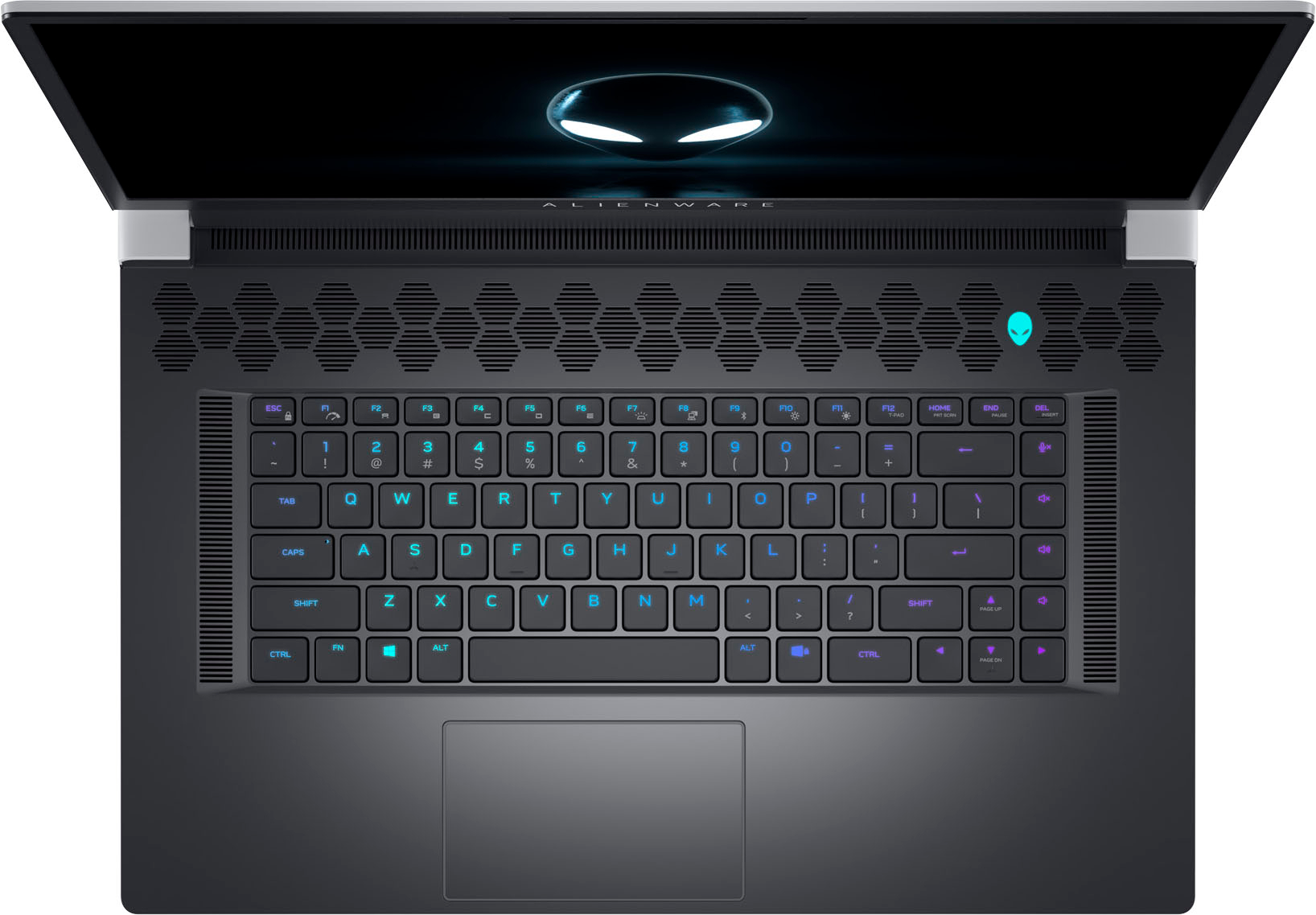
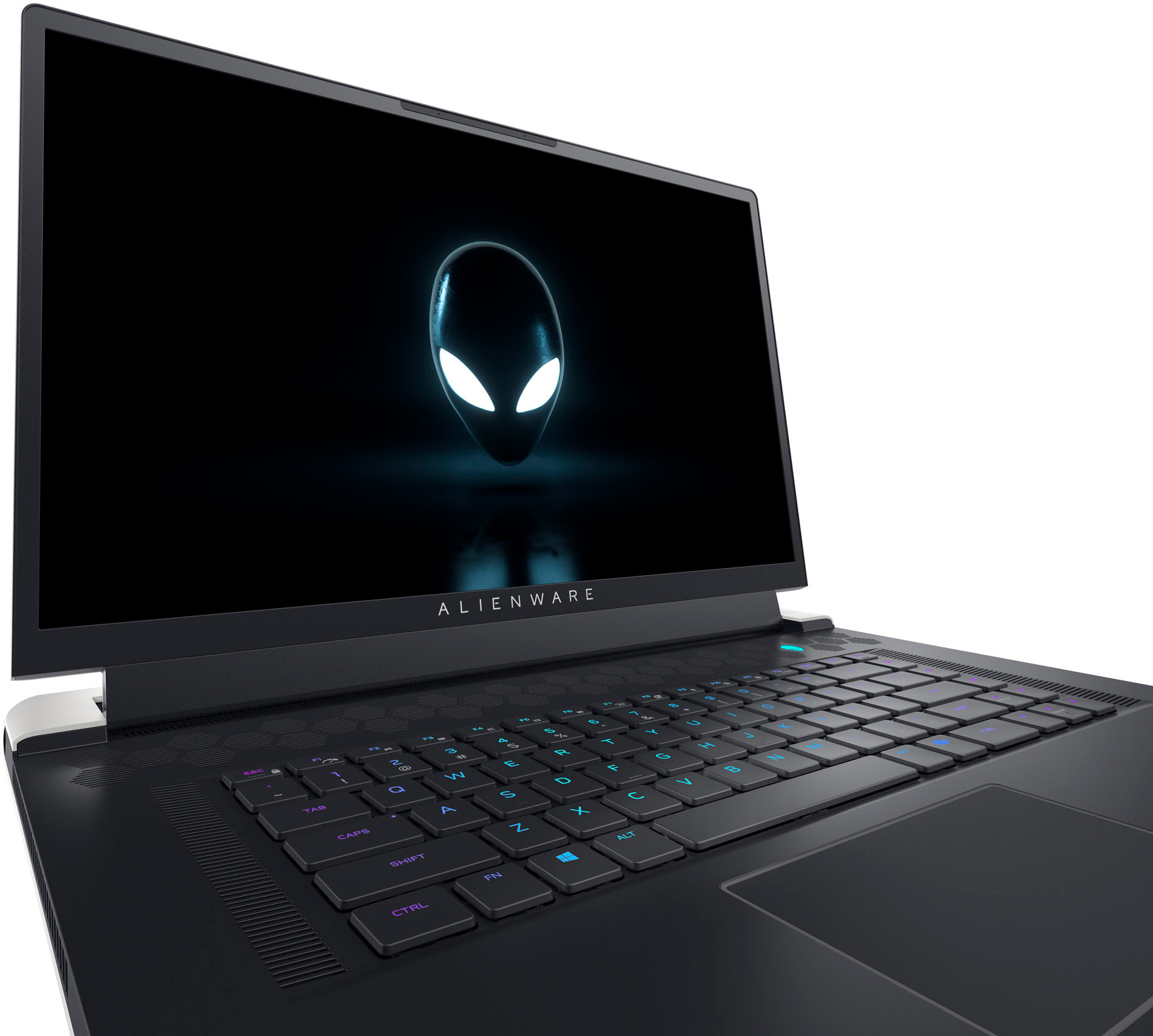
Customers consistently note the excellent performance and stunning 4K display of the x17 R2 laptop, making it ideal for gaming and demanding applications. However, some users experienced issues with the keyboard's reliability and reported shorter than expected battery life. Concerns were also raised regarding the system's heat generation and the relatively high price point.
This summary was generated by AI based on customer reviews.
- Pros mentioned:Performance
Travel gaming
||Posted . Owned for 1 week when reviewed.This reviewer received promo considerations or sweepstakes entry for writing a review.I have been struggling with low end laptops for a while, this piece of artwork responds brilliantly and I couldn't ask for better. I haven't explored everything or benchmarked it yet, but I have no doubts about it doing absolutely everything I expect it to do with little to no issues.
I would recommend this to a friend - Cons mentioned:Heat
Could be better.
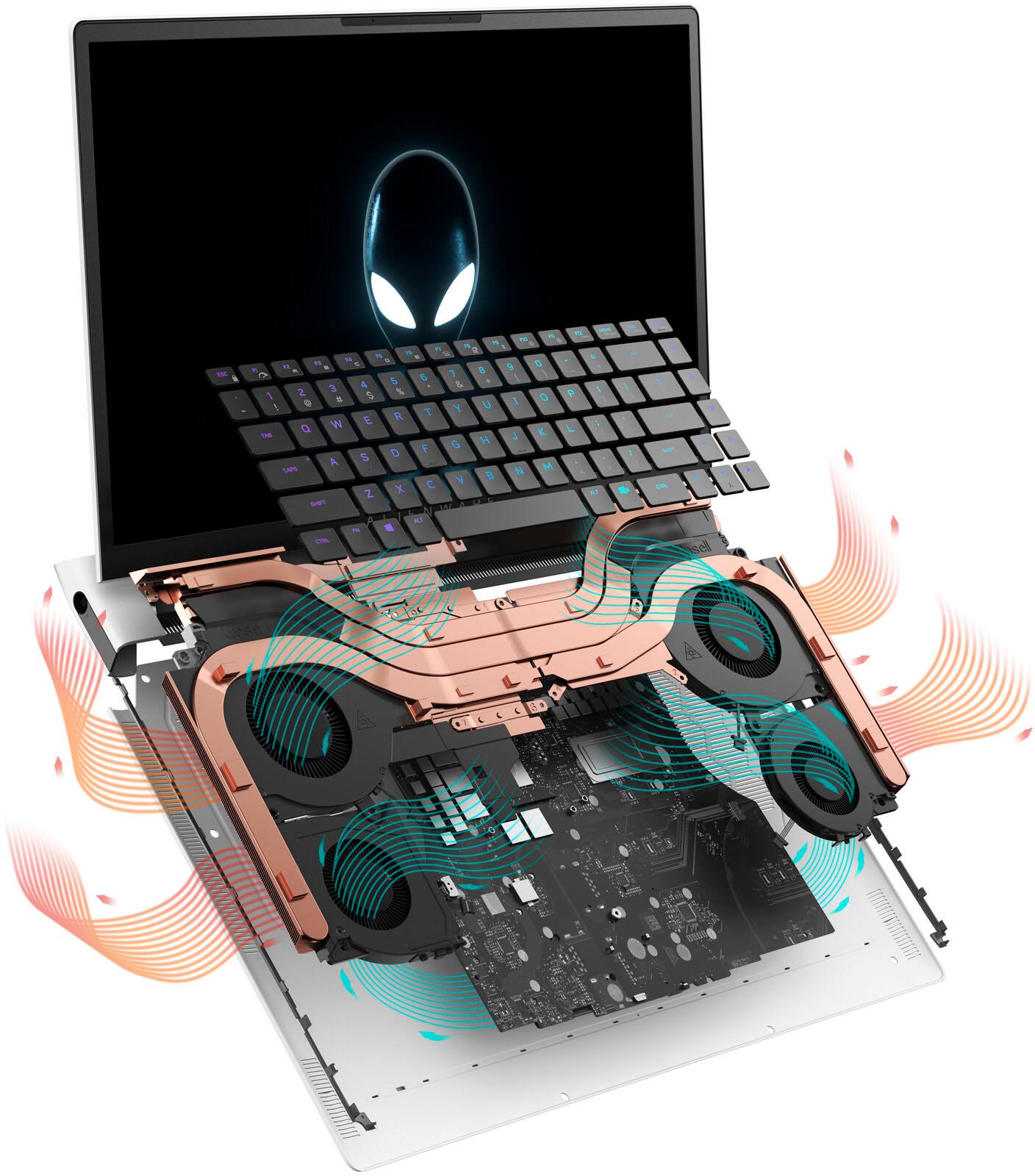
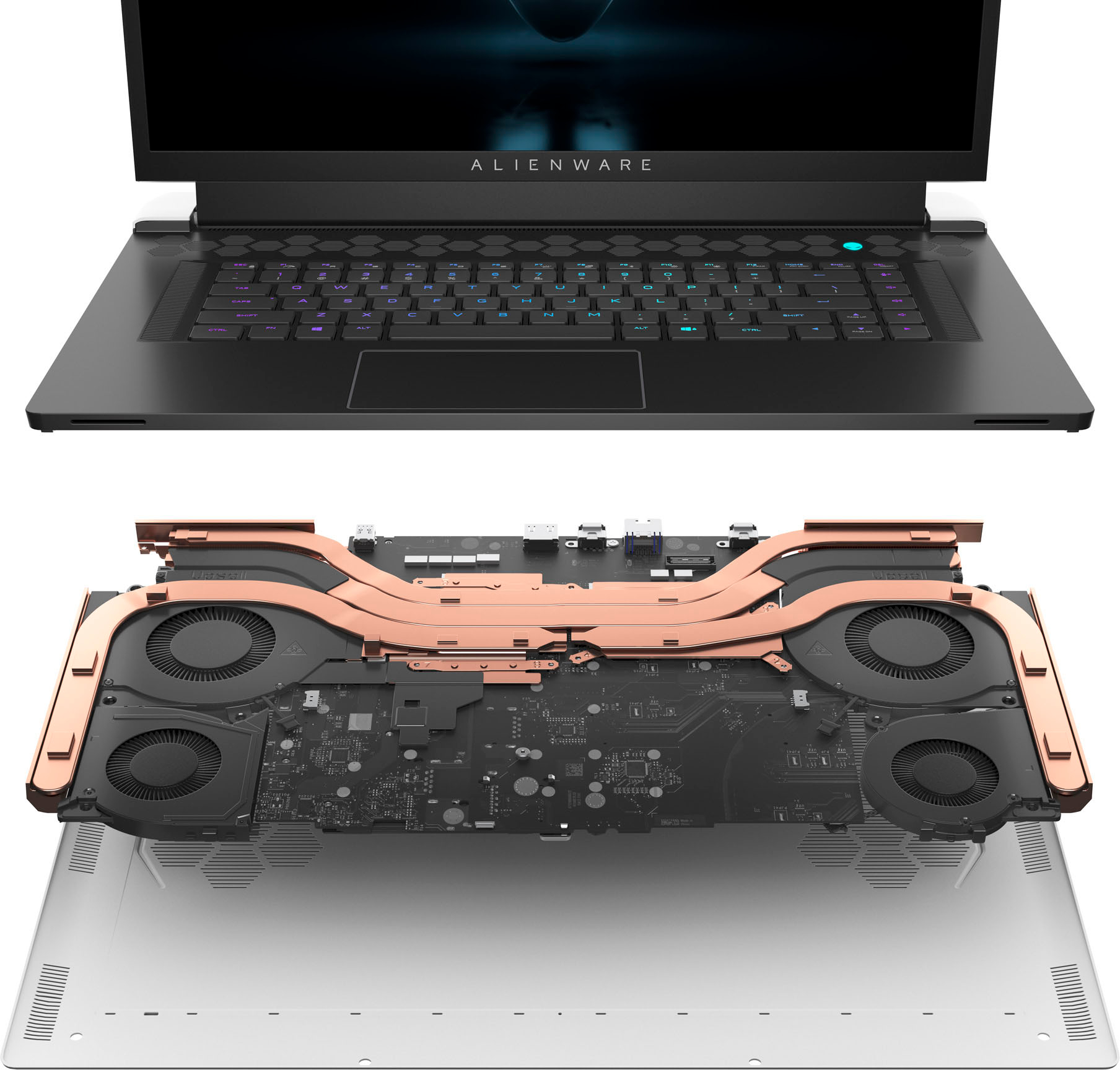
||Posted . Owned for 1 month when reviewed.This reviewer received promo considerations or sweepstakes entry for writing a review.Solid laptop but runs a bit hot. If this i9 variant supported undervolting, then it would have gotten an additional star. Also the lunar light paint finish seems to be more on the delicate side so it scuffs and chips easily. For the price, even on clearance, it should be lower.
No, I would not recommend this to a friendBrand response from YourDellTeam
Posted .Hi YoshiS,
We appreciate you taking the time to leave us your review. Your feedback is valuable to us at Dell. We are sorry to hear that your Alienware x17 R2 Gaming Laptop is running warmer than you expected. It's important for us to hear about inconsistencies in our products for consideration of future development. To help you with the heating issues that you are having, I have provided troubleshooting steps with the full article below that can resolve the issue.
Here are the steps to troubleshoot your heating issue:
1. Update the system BIOS.
2. Configure Alienware Command Center.
• Open Alienware Command Center
• Set the Active System Theme - Thermal as Performance Mode
3. When the system boots up, using the preinstalled software Dell SupportAssist run the stress test.
• Dell SupportAssist > Hardware Checkup > CPU > CPU stress test
4. Launch the Alienware Command Center, go to Fusion, and monitor the CPU frequency.
• The CPU peak temperature should be less than or equal to (≤) 100 ℃
• When under high stress, the system average temperature can be expected to be less than (≤) 100 ℃
• Note: The CPU average temperature can be expected to reach 95 ℃ under cool mode for the Alienware m15, m17, and x17 systems
Resolving a high temperature or overheating issue: https://dell.to/3F25rqN
If you still experience any issues after you have finished troubleshooting your laptop using the steps above, please reach out to us at: https://bit.ly/DellSupportTeam
Chat or call: https://bit.ly/DellSupportTeam
Phone number to Dell: 1-800-624-9896
Best,
Summer@Dell
- Pros mentioned:Performance
open box item
||Posted . Owned for 1.5 years when reviewed.This reviewer received promo considerations or sweepstakes entry for writing a review.i bought few month ago still working great, no issue with open box item
I would recommend this to a friend - Pros mentioned:Performance
Its a beast!
||Posted . Owned for 2 weeks when reviewed.This reviewer received promo considerations or sweepstakes entry for writing a review.This laptop is a beast, extremely powerful and can handle whatever you throw at it. It does run very hot so make sure you have a mat or make sure it is elevated, by the way get ready for the brick of a power supply.
I would recommend this to a friend FX doesn’t work…
||Posted . Owned for 9 months when reviewed.This reviewer received promo considerations or sweepstakes entry for writing a review.The laptop in general is pretty good, the only issue I got since day 1 is the Fx for the “alien head”, “stadium” and ON/OFF “alien head” doesn’t work, I reinstalled 3 times the command center following step by step the instructions but never worked, I really like to get that issue fixed…
I would recommend this to a friend- Cons mentioned:Price
Very good gaming laptop
||Posted . Owned for 1 month when reviewed.This reviewer received promo considerations or sweepstakes entry for writing a review.Definitely a solid laptop if you can find it open box. The price is definitely too high for it only being a 3080, but everything else is top notch. Was able to run every game in 2k resolution with highest settings.
I would recommend this to a friend Broken RGB OOB
||Posted . Owned for 3 weeks when reviewed.This reviewer received promo considerations or sweepstakes entry for writing a review.Amazing laptop but for the price i wish it didnt have so many software issues. Since day one i opened it up and the RGB on keyboard and trackpad never worked. Issue was identified by dell to be the alienware control center however after 15 reinstall sith multiple versions it still broke. Ive read online as well alot of customers have had this experience as well.
No, I would not recommend this to a friendBrand response from YourDellTeam
Posted .Hello TylerJ,
We would like to thank you for taking the time to provide us with your feedback. We apologize for the software issues you have come across with your Alienware x17 R1 gaming laptop. This is certainly not the experience that we like to hear from our customers. We appreciate your feedback and will use it to help improve our current and future products.
We recommend making sure drivers for this product are updated. I have provided a link to the drivers and downloads page where you can check for any applicable updates.
Drivers and Downloads page: https://dell.to/3xSTjHC
If the issue with your gaming laptop is still not resolved after utilizing the troubleshooting options above, please contact the Dell Support Team at 1-800-624-9896 for further guidance.
Best,
Katarina@Dell
Should you need further assistance, you can contact Dell directly with the information below.
Chat or call: https://bit.ly/DellSupportTeam
Phone number to Dell: 1-800-624-9896
- Cons mentioned:Heat
Alienware Review
||Posted . Owned for 1.5 years when reviewed.This reviewer received promo considerations or sweepstakes entry for writing a review.Great Gaming Laptop, graphics at times didn’t seem to be 4K resolution even at max settings and 4K display. Overheated often
I would recommend this to a friend - Cons mentioned:Heat
Do not buy
||Posted . Owned for 1 month when reviewed.This reviewer received promo considerations or sweepstakes entry for writing a review.Do not buy this laptop. My speakers sound horrible, there is a vibrating sound coming out of the left speaker and it gets hot very fast! I contacted Dell support and they said they would be able to help me with no problems. It has been 1.5 months, way past when I could return it to Best Buy, and it is still not fixed. They also said they will not offer me a replacement. So I am stuck with an extremely expensive piece of junk.
No, I would not recommend this to a friendBrand response from YourDellTeam
Posted .Hi There KristineW,
Thank you for taking the time to leave us your review. We are sorry to hear you are having overheating issues with your Alienware X17 Gaming Desktop. It's important for us to hear about discrepancies in our products for consideration of future development. Below I have provided troubleshooting instructions with the full article that can help you resolve this issue.
Here are the steps to help resolve your heating issue:
1. Make sure the system is in a well-ventilated area.
2. Use laptops on flat surfaces to improve airflow. Hard table tops are recommended and avoid using any type of cloth or any other soft material under the laptop.
3. For desktop systems make sure there is enough clearance around the system to allow the air to flow. If the system is in an enclosure try to move it to a more ventilated area for testing.
4. Check that the air vents are clean and that nothing is obstructing them.
5. Update your system BIOS to the latest available on the Dell Support Site.
6. You can reset your BIOS settings to undo any changes that could be causing the system to overheat.
7. Disable NVIDIA G SYNC and run a stress test using Support Assist.
8. Navigate to the Thermal Controls in the Alienware Command Center, which is found under the Fusion tab. There you can adjust the thermal control of system fans and change the status of active venting. This link is for the Alienware Command Center Quick Guide, where you can find a video to explain how to use the Manual Mode for the Thermal Controls: https://dell.to/3nZtYDm.
Alienware System Overheats or Shuts Down: https://dell.to/3nmRfiZ
If you continue to experience issues, please reach out to Dell Support directly by using the information provided below.
We recommend that you contact Dell directly with the information below if you need further assistance.
Chat or call: https://bit.ly/DellSupportTeam
Phone number to Dell: 1-800-624-9896.
Best,
Summer@Dell
- Cons mentioned:Keyboard
Hardware & bios issues out of the box. Don't buy!
||Posted . Owned for less than 1 week when reviewed.This reviewer received promo considerations or sweepstakes entry for writing a review.Couldn't even set up the computer because the entire keyboard was inoperable out of the box. Was able to plug in a USB mechanical keyboard. Did every update, windows, dell, alienware, drivers... everything. Did a factory reset and tried everything. Even contacted alienware. Their response "we know this is an issue. We expect to have a bios update in 10 days". Absolutely no way a computer that sells for $4k after tax and everything should perform. I'll be returning it.
No, I would not recommend this to a friendBrand response from YourDellTeam
Posted .Dear Cwebster,
We appreciate you taking the time to leave us your review. We are sorry to hear you are having problems with the BIOS on your Alienware x17 R1 gaming laptop and that it came with nonfunctional keyboard. This is certainly not the experience that we like to hear from our customers. We appreciate your feedback and will use it to help improve our current and future products.
We suggest doing the BIOS update from the Drivers and Downloads page for your PC on our website. I have provided that link below:
Drivers and Downloads page: https://dell.to/3xSTjHC
To help with the broken keyboard, please take a moment to contact Dell Support Team at the information provided below at your earliest convenience so we can help you to resolve this issue to your satisfaction.
Best,
Katarina@Dell
Should you need further assistance, you can contact Dell directly with the information below.
Chat or call: https://bit.ly/DellSupportTeam
Phone number to Dell: 1-800-624-9896
- Cons mentioned:Fan noise
Gaming laptop
||Posted . Owned for 1 week when reviewed.This reviewer received promo considerations or sweepstakes entry for writing a review.The laptop is great at gaming. The only thing is the fans have to be operating at 90% to give you the performance, which makes it loud when gaming. Other than that great laptop.
No, I would not recommend this to a friendBrand response from YourDellTeam
Posted .Hello Iphone,
Thank you for taking the time to leave us your review. We apologize for the fan noise issues that you are experiencing with your Alienware X17. It's important for us to hear about discrepancies in our products for consideration of future development. Below I have provided troubleshooting instructions with the full article that can help resolve this issue.
Here are the steps to help resolve your fan noise issue:
1. Check and clean air vents.
2. Provide proper ventilation.
3. Run a hardware diagnostic test.
4. Update the BIOS and device drivers.
5. Download and install Microsoft Windows Updates.
6. Run optimize my computer using Dell Support Assist.
7. Limit startup programs.
8. Scan your computer for malware.
How to Troubleshoot Fan Issues: https://dell.to/33NYLLE
If you continue to experience issues, please reach out to Dell Support directly by using the information provided below.
We recommend that you contact Dell directly with the information below if you need further assistance.
Chat or call: https://bit.ly/DellSupportTeam
Phone number to Dell: 1-800-624-9896.
Best,
Summer@Dell
GREAT
||Posted . Owned for 9 months when reviewed.This reviewer received promo considerations or sweepstakes entry for writing a review.It works great and the design is cutting edge, the only problem is that the keyboard gets a little hot.
I would recommend this to a friendWorks great but horrible speakers
||Posted . Owned for 2 months when reviewed.This reviewer received promo considerations or sweepstakes entry for writing a review.Hardware seems to be working fine, alienware software is buggy/crashes. Speakers are HORRIBLE rattles and squeeks. Feels sturdy and power supply is smaller than most
I would recommend this to a friendBrand response from YourDellTeam
Posted .Greetings WillK,
We appreciate you taking the time to leave a review of your Alienware X17 Gaming Laptop. We are sorry you are experiencing an issue with the speaker quality and audio issues on your device. That is not the type of feedback we like to hear from our customers, or the type of product Dell intends to deliver. Below I have provided troubleshooting steps to help resolve your issue.
Here are the steps to help resolve your audio issue:
1. Check the audio ports for damage and clean ports.
2. Restart your computer.
3. Check the microphone connection. (external microphone only)
4. Set the default recording device and check the microphone volume.
5. Check the settings in voice communication apps.
6. Run Microsoft Sound Troubleshooter.
7. Troubleshoot Bluetooth devices. (Bluetooth speakers or headphones)
8. Reinstall or Update the chipset driver, audio driver, and BIOS.
9. Run a hardware diagnostic test.
10. Download and install Microsoft Windows updates.
11. Perform Windows System Restore.
12. Restore your computer to factory defaults.
How to Troubleshoot Audio or Sound Recording Issues: https://dell.to/3p73Us3
Should you need further assistance; we recommend that you contact Dell directly with the information below.
Chat or call: https://bit.ly/DellSupportTeam
Phone number to Dell: 1-800-624-9896.
Regards,
Summer@Dell
Great Work & Play Laptop
||Posted . Owned for 6 months when reviewed.This reviewer received promo considerations or sweepstakes entry for writing a review.Used for traveling. It is a really good laptop to take on the go. Does everything I need it to do (work and play). My only two gripes are to be expected with a beast like this. It is hot and loud when gaming. Also, the battery life is pretty short. Again, this is to be expected when you are gaming for sure. Overall, this is a great beast for on the go, as long as you have somewhere you can plug it in. You might also want to be using noise cancelling headphones while gaming.
I would recommend this to a friend- Pros mentioned:Display
Great
||Posted . Owned for 5 months when reviewed.This reviewer received promo considerations or sweepstakes entry for writing a review.Perfect. Absolute perfect. I got it for 1000 less for out of box but it came in a box so perfect
I would recommend this to a friend - Cons mentioned:Keyboard
Careful with open box
||Posted . Owned for 2 weeks when reviewed.This reviewer received promo considerations or sweepstakes entry for writing a review.Open box certified, had a chocolate mark on keyboard, and was dirty. However unit works and was discounted heavily.
No, I would not recommend this to a friend - Pros mentioned:Performance
Best gaming laptop!!
||Posted . Owned for 8 months when reviewed.This reviewer received promo considerations or sweepstakes entry for writing a review.This laptop is simply breathtaking. My boyfriend loved it. He said this laptop is a beast.
I would recommend this to a friend incredible
||Posted . Owned for 3 months when reviewed.This reviewer received promo considerations or sweepstakes entry for writing a review.great laptop no problems was a good deal, speakers are ok but you can just use bluetooth speaker
I would recommend this to a friend- Cons mentioned:Keyboard
"Hot" Unit - Good at Gaming - Keyboard not great.
||Posted . Owned for 3 weeks when reviewed.This reviewer received promo considerations or sweepstakes entry for writing a review.Worked well out of the box and continues to do so. However, if you ask it to do anything challenging, the fans will come on (not overly loud) and it will get warm to hot. The biggest issue I have is that the secondary keys that are not caps are not lit up. It is VERY had to find something like the underscore unless light is shining on the keyboard even during the day. I am getting an external keyboard for it.
I would recommend this to a friend Good Purchase - Best Buy is great
||Posted . Owned for 1 week when reviewed.This reviewer received promo considerations or sweepstakes entry for writing a review.It is everything as promised. It replaced an older Alienware which had a audio hardware problem after over two years use. It was covered by our Best Buy warranty and we got full credit. We upgraded to this new model. My Autistic son uses it many hours a day. Best Buy downloaded the information from the old one and nothing was lost. Best Buy has been excellent and the staff was very helpful.
I would recommend this to a friend