Customer Ratings & Reviews

- Model:
- B0DC91H3JK
- SKU:
- 11358825
Rating by feature
- Value
Rating 4.5 out of 5 stars
- Quality
Rating 4.7 out of 5 stars
- Ease of Use
Rating 4.6 out of 5 stars
Alexa
||Posted . Owned for 1 month when reviewed.This reviewer received promo considerations or sweepstakes entry for writing a review.Good service and merchandise. I like to buy another one to give away.
I would recommend this to a friendVery useful
||Posted .This reviewer received promo considerations or sweepstakes entry for writing a review.Excellent, Agile, easy to install, Pretty. Buy it, you won't regret it, it will be a great help
I would recommend this to a friendPersonal assistant
||Posted . Owned for less than 1 week when reviewed.This reviewer received promo considerations or sweepstakes entry for writing a review.In love with the Alexa and the new system is amazing
I would recommend this to a friendEcho is great
||Posted . Owned for 1 month when reviewed.This reviewer received promo considerations or sweepstakes entry for writing a review.Love this product even better than its previous generation
I would recommend this to a friendAlexa device
||Posted . Owned for 1 month when reviewed.This reviewer received promo considerations or sweepstakes entry for writing a review.Amazing product compatible with other devices easy to work with.
I would recommend this to a friendEcho deano
||Posted . Owned for 1 month when reviewed.This reviewer received promo considerations or sweepstakes entry for writing a review.Excellent product everything I expected from the new echo love ot
I would recommend this to a friendPerfect
||Posted . Owned for 1 month when reviewed.This reviewer received promo considerations or sweepstakes entry for writing a review.Works perfect. My brothers wife and kids loves it a
I would recommend this to a friendProduct
||Posted . Owned for 2 weeks when reviewed.This reviewer received promo considerations or sweepstakes entry for writing a review.Very good product my wife is enjoying it. Thank you very much.
I would recommend this to a friendALEXA
||Posted . Owned for 2 weeks when reviewed.This reviewer received promo considerations or sweepstakes entry for writing a review.Excellent equipment, and it's also very complete for the home
I would recommend this to a friendAI Upgrade
||Posted .This reviewer received promo considerations or sweepstakes entry for writing a review.Really enjoy the new interactions and capabilities.
I would recommend this to a friendLove the product
||Posted .This reviewer received promo considerations or sweepstakes entry for writing a review.Works great interect is alot better with alexa plus
I would recommend this to a friendGlitchy
||Posted . Owned for 1 month when reviewed.This reviewer received promo considerations or sweepstakes entry for writing a review.Something's wrong with this device. It continues to show a half screen when it's on idle. I have to turn the screen off and turn it back on to get back to a full screen. Maybe an update will fix this.
No, I would not recommend this to a friendBrand response from Amazon Devices Customer Support
Posted .Hi sonnyboy,
Thank you for bringing this to our attention. I understand how frustrating it must be to have your Echo Show 11 display only showing a half screen when idle, requiring you to turn the screen off and back on to restore the full view. This definitely shouldn't be happening with your new device.
Here are a few troubleshooting steps that may help resolve this issue:
Restart your device: Unplug the Echo Show 11 from power, wait 30 seconds, then plug it back in. This can often resolve temporary software glitches.
Check for software updates: Say "Alexa, check for software updates" or go to Settings > Device Options > Check for Software Updates. As you mentioned, an update may indeed fix this issue.
Adjust display settings: Go to Settings > Display > Adaptive Content and ensure your display settings are configured properly.
Factory reset (if the issue persists): Settings > Device Options > Reset to Factory Defaults. Note that this will erase your settings, so you'll need to set up the device again.
If these steps don't resolve the half-screen issue, please contact us at 1-888-280-4331 so we can arrange a replacement or further assistance. Your device should provide a seamless full-screen experience, and we want to make sure you get that.
We appreciate your feedback and patience as we work to improve your experience.
Freezing
||Posted . Owned for 2 months when reviewed.This reviewer received promo considerations or sweepstakes entry for writing a review.Freezes after a few hours of use. Needs to be unplugged to reset.
I would recommend this to a friendBrand response from Amazon Devices Customer Support
Posted .Hello EddieF. I'm sorry to hear about the freezing issue with your Echo Show 11—it's frustrating when a device needs to be constantly unplugged and reset after just a few hours of use. Here are some troubleshooting steps you can try: make sure your Echo Show 11 has the latest software updates by going to Settings > Device Options > Check for Software Updates, check your Wi-Fi connection strength as a weak or unstable connection can cause freezing issues, try moving the device closer to your router or reducing interference from other electronics, ensure the device isn't overheating by making sure it has proper ventilation and isn't placed near heat sources, and disable any skills or features you're not using that might be running in the background. We appreciate you taking the time to share this feedback and want to make sure you have a fully functional Echo Show 11 that works reliably.
Device Operation
||Posted .This reviewer received promo considerations or sweepstakes entry for writing a review.Good but still buggy at times I thing about returning but a lot of updates Been dropping sense I purchased it and it has improved!
I would recommend this to a friendAlexa show
||Posted .This reviewer received promo considerations or sweepstakes entry for writing a review.Good sound material and construction but the touchscreen bad
No, I would not recommend this to a friendBrand response from Amazon Devices Customer Support
Posted .Hello JoseR! Thank you for your feedback on the Amazon Echo Show 11. I'm sorry to hear you're experiencing touchscreen issues despite appreciating the sound quality and construction. Touchscreen problems can often be resolved by cleaning the screen, restarting the device by unplugging it for 30 seconds, or checking for software updates in Settings. If these steps don't improve performance, there may be a hardware issue with your unit. I appreciate you sharing your experience with the device's build quality and audio performance!
Still like it
||Posted .This reviewer received promo considerations or sweepstakes entry for writing a review.Wouldn't play song requested unless purchase Amazon Music.
I would recommend this to a friendBrand response from Amazon Devices Customer Support
Posted .Hello Hunnieb! Thank you for your feedback on the Echo Show 11. I understand your frustration about not being able to play requested songs without purchasing Amazon Music.
The Echo Show 11 is designed to work with Alexa and can play music from various sources. While Amazon Music is the primary integrated service, you have several options to enjoy music on your Echo Show 11 without purchasing an Amazon Music subscription:
Free Music Options:
Amazon Music Free: You can access a free, ad-supported tier of Amazon Music that includes thousands of stations and top playlists without a subscription
Spotify: Link your free or premium Spotify account through the Alexa app and ask Alexa to play music from Spotify
Apple Music: Connect your Apple Music subscription if you have one
Pandora: Link your Pandora account (free or premium) for streaming
iHeartRadio: Access free radio stations through iHeartRadio
TuneIn: Listen to live radio stations and podcasts
To Link Music Services:
Open the Alexa app on your mobile device
Go to More and select Settings
Select Music & Podcasts
Select Link New Service and choose your preferred music service
Follow the on-screen instructions to link your account
Set your default music service if desired
Once linked, you can say "Alexa, play [song/artist] on Spotify" or whichever service you've connected. You can also set a default service so you don't have to specify it each time.
If you continue to experience issues accessing music services you've already linked, you can reach Amazon Customer Support 24/7 at 1-888-280-4331 for additional assistance.
I hope this information helps you enjoy music on your Echo Show 11. Thank you for your feedback!
BUYERS BEWARE - price match is a LIE!
||Posted .This reviewer received promo considerations or sweepstakes entry for writing a review.This review IS about Best Buy and their price match LIE!!!! THIS item is on sale. I am within the “price match guarantee” time frame. I used Best Buy bucks and THEY REFUSE TO PRICE MATCH!! SHAME ON YOU BEST BUY!! Maybe next time…I’ll rethink where I buy!!
No, I would not recommend this to a friendsmart display
Posted .This reviewer received promo considerations or sweepstakes entry for writing a review.One drawback I’ve noticed is that the touchscreen can have a delay or slow to respond, which makes navigating menus or tapping options a little frustrating. It would also be nice if the device came with a simple remote control for volume and power, especially when using it across the room or when hands are messy while cooking. most controls are through voice commands, side buttons, or the touchscreen, which works fine.
I would recommend this to a friendBrand response from Amazon Devices Customer Support
Posted .Hello, Maggie. Thank you for your feedback on the Echo Show 11. We appreciate you sharing your experience with the touchscreen responsiveness and your suggestion about a remote control. If you're experiencing slow or delayed touch responses, here are a few troubleshooting steps that may help: 1. Restart your Echo Show 11 by unplugging it from power, waiting 30 seconds, and plugging it back in. 2. Ensure your device software is up to date by going to Settings → Device Options → Check for Software Updates. 3. Check that your Wi-Fi connection is strong, as a weak connection can cause lag when loading content or navigating menus. 4. Verify that Voice View (the built-in screen reader) has not been accidentally enabled, as this accessibility feature changes how the touchscreen responds to gestures — you can disable it by going to Settings → Accessibility → Voice View. Regarding your suggestion for a remote control, the Echo Show 11 is primarily designed for hands-free voice control through Alexa, which works great when your hands are busy — for example, while cooking, you can simply say "Alexa, volume up" or "Alexa, turn off" without needing to touch the device. The device also has physical volume buttons on the side for quick adjustments. Additionally, you can use the Alexa app on your smartphone as a convenient way to control your Echo Show 11 from across the room.
If the touchscreen delay persists after trying these steps, Amazon Customer Support is available 24/7 for further assistance at 1-888-280-4331. Thank you for your feedback, and we hope this information helps!
Echo Show 11
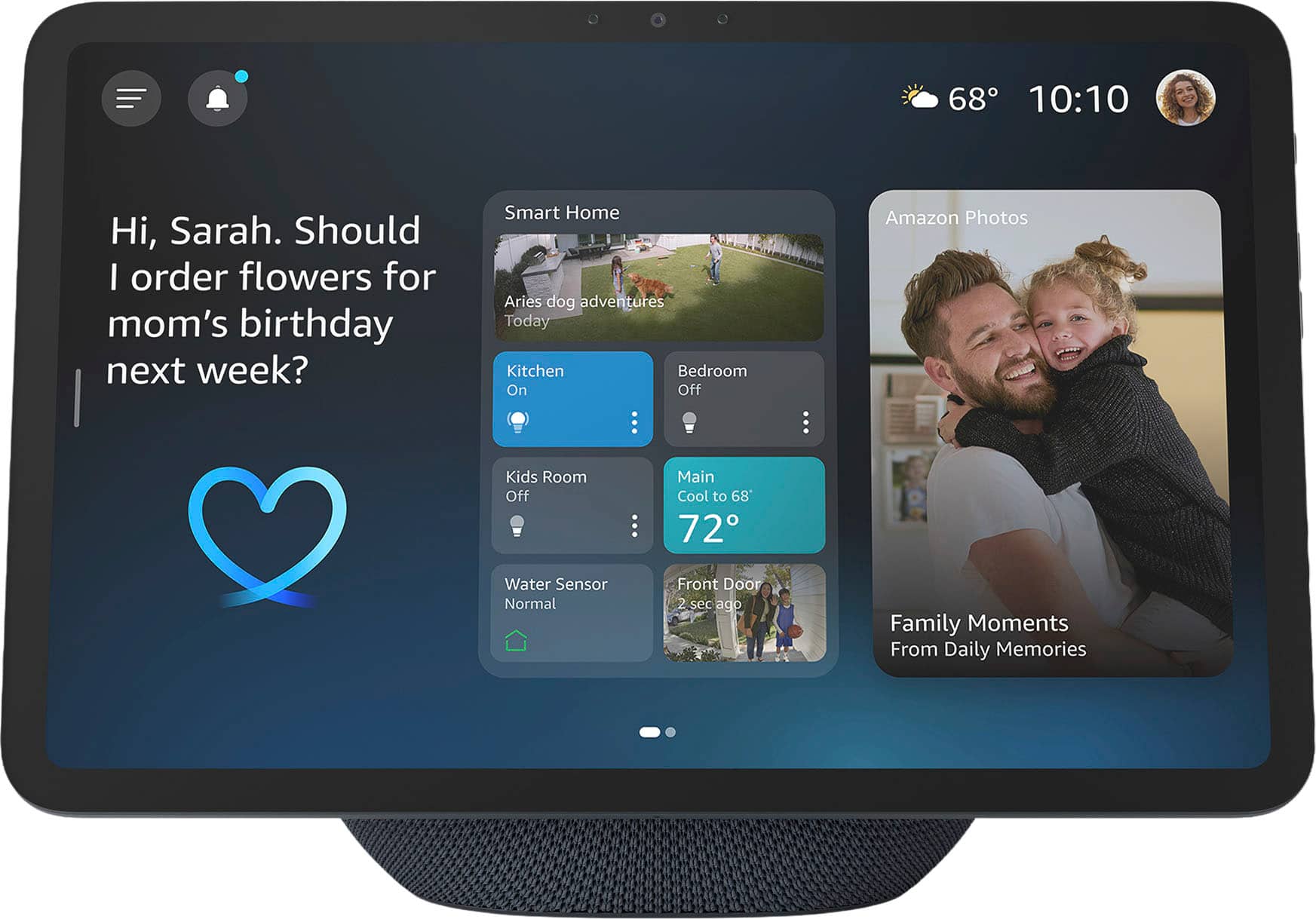
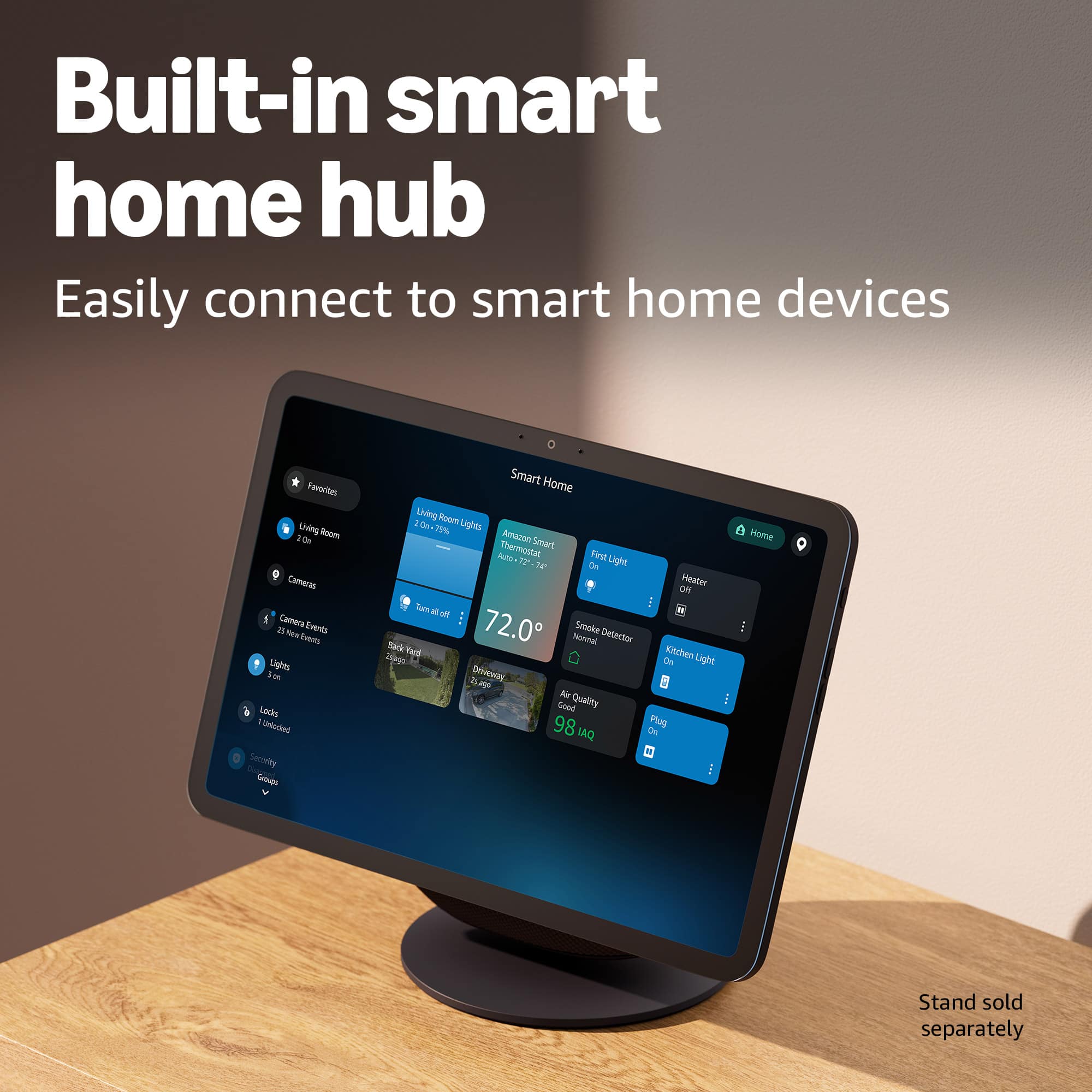
Posted .This reviewer received promo considerations or sweepstakes entry for writing a review.I love being able to have everything at connected to just one. We use it as a digital picture frame as well.
I would recommend this to a friendExcellent upgrade
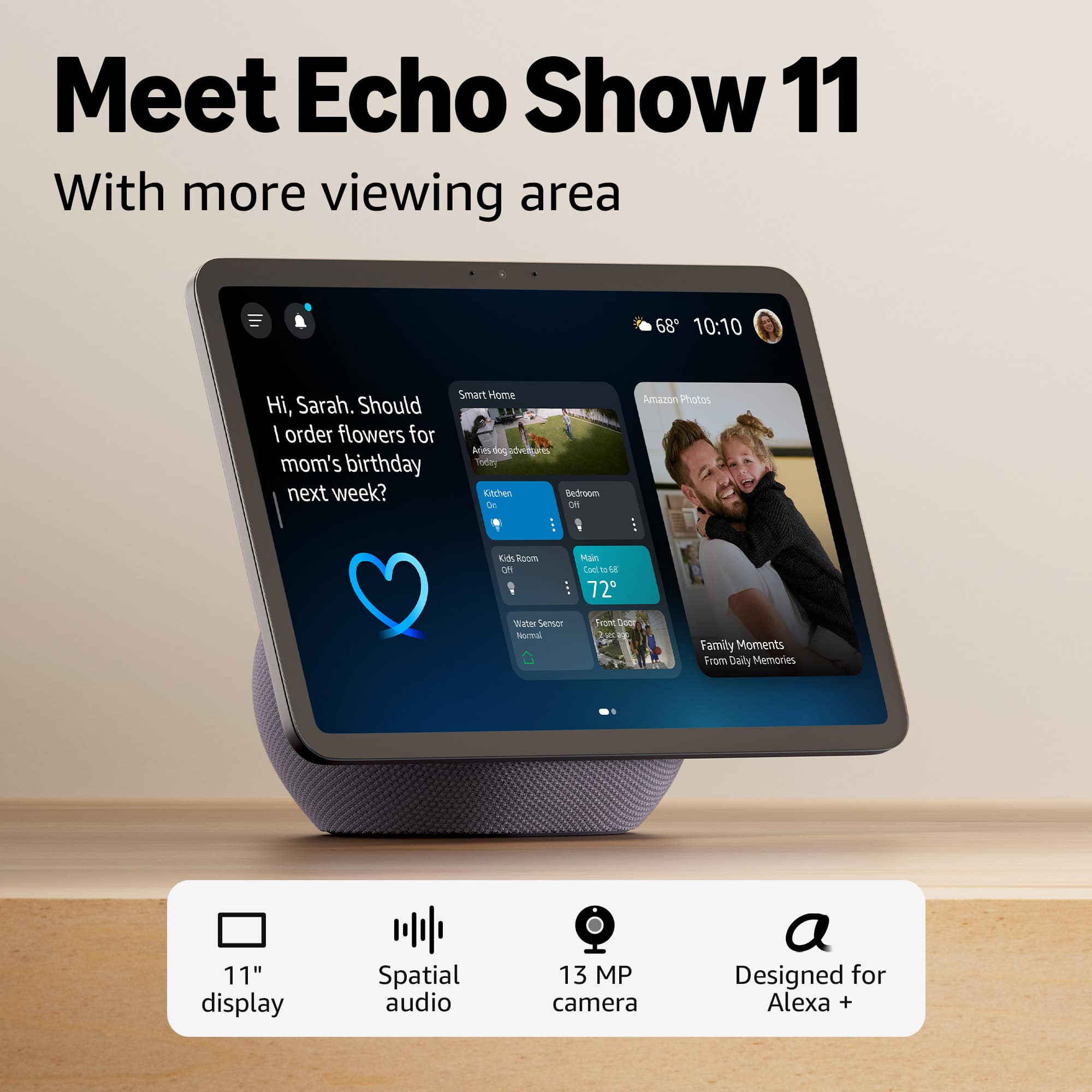
Posted .This reviewer received promo considerations or sweepstakes entry for writing a review.Upgraded from the original echo sho. We couldn’t stop noticing at how great of a screen this one has and how much better of a sound system this one has.
I would recommend this to a friend