Customer Ratings & Reviews

- Model:
- B09BZZ3MM7
- SKU:
- 6522377
Rating by feature
- Value
Rating 4.6 out of 5 stars
- Quality
Rating 4.7 out of 5 stars
- Ease of Use
Rating 4.7 out of 5 stars
Customers are saying
Customers consistently note the Fire TV Cube's overall performance, ease of use, and speed as significant advantages, making it a substantial upgrade over previous streaming devices. Many appreciate the voice control functionality and flawless streaming capabilities. While the device is praised for its features, some customers have expressed concerns regarding the price and remote control durability.
This summary was generated by AI based on customer reviews.
Excellent
||Posted . Owned for 1 month when reviewed.This reviewer received promo considerations or sweepstakes entry for writing a review.Excellent like it so much good price glad it was on sale
I would recommend this to a friendNice
||Posted . Owned for 3 weeks when reviewed.This reviewer received promo considerations or sweepstakes entry for writing a review.Easy to set up no problem wish I bought it sooner.
I would recommend this to a friendCube
||Posted . Owned for 2 months when reviewed.This reviewer received promo considerations or sweepstakes entry for writing a review.Great experience overall. And outstanding products
I would recommend this to a friendYep
||Posted . Owned for 1 month when reviewed.This reviewer received promo considerations or sweepstakes entry for writing a review.Great product. Idle for area in my home to entertain.
I would recommend this to a friendBuy this now
||Posted . Owned for 2 months when reviewed.This reviewer received promo considerations or sweepstakes entry for writing a review.You just can't go wrong with an Amazon Fire product!
I would recommend this to a friendA hard pass.
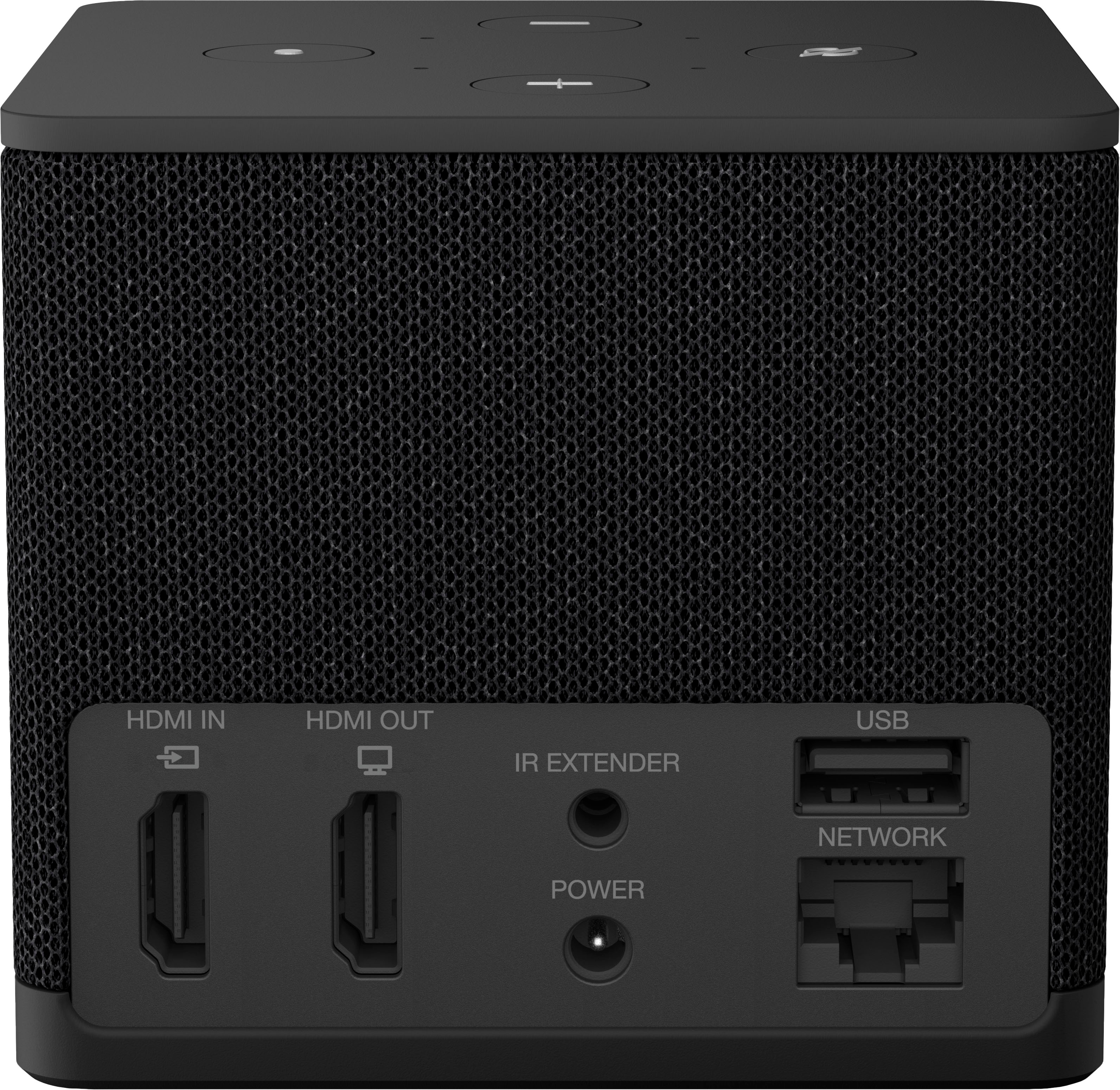
||Posted . Owned for 3 weeks when reviewed.This reviewer received promo considerations or sweepstakes entry for writing a review.Awfully slow interface now as it is more GoogleTV centric. I can forgive it on a firetv stick but the Cube just is garbage. The Ethernet jack is only 100 Meg, which makes zero sense (but it is built in so that is a step up from the previous editions external dongle). It is still running a marginally improved same CPU from the last generation firetv cube, has 2 Meg of ram, which is just abysmal (same as it’s predecessor) and 16 Meg of storage. The Bluetooth is 5.2 opposed to 5.0 which is not game changing by any means and nothing has changed compared to the prior gen in terms of format support (2160p, atmos, hdr10+, all your common formats). There is an hdmi in port now. I cannot find any specifics as to it being hdmi 2.0 vs 2.1 but nothing here shouts 2.1. You can potentially control a third party device with Alexa if that’s your thing but with HDMI-CEC,it doesn’t make much sense. All in all, this is a bust in my opinion. They have also locked down some of if not all of the ability to install your own APK files so you are locked to the App Store of Amazon. Fire OS is actually Android 9, so enjoy those feature, security and cve updates from Android TV 11+, it is also purely 32 bit but since it does not support modern apps or apks outside of Amazon’s store that won’t impact you. You can do your own homework on the cpu but in the end the chip is an Amlogic POP1-G under clocked and the mali gpu is embedded. Wifi6e is great on paper but not many of us nor is there a great deal of certified routers or even network cards in deployment. The storage is god awful slow emmc. In the end, I cannot recommend this device as there isn’t more than some codec licensing which will only apply to corner cases. The device is slow and it’s underpowered compared to the latest AppleTV which can do all the same but at a lower price point (Wi-Fi model). Also, there are alternatives that do almost all of this and will work equally well at a cheaper price point.
No, I would not recommend this to a friendGreat buy
||Posted . Owned for 1 week when reviewed.This reviewer received promo considerations or sweepstakes entry for writing a review.Great upgrade for whoever has had any Amazon product
I would recommend this to a friendStreaming
||Posted . Owned for 2 months when reviewed.This reviewer received promo considerations or sweepstakes entry for writing a review.Fast reliable. No lag or buffering while streaming
I would recommend this to a friendNice Cube
||Posted . Owned for 3 weeks when reviewed.This reviewer received promo considerations or sweepstakes entry for writing a review.Better than older one this has more update sofeware
I would recommend this to a friendAmazon
||Posted .This reviewer received promo considerations or sweepstakes entry for writing a review.Great item pretty much what I was looking for………..
I would recommend this to a friendFirestick
||Posted . Owned for 2 weeks when reviewed.This reviewer received promo considerations or sweepstakes entry for writing a review.Good stuff don’t know what else to say are u happy?
I would recommend this to a friendFire Cube
||Posted . Owned for 1 month when reviewed.This reviewer received promo considerations or sweepstakes entry for writing a review.Simple to set up but not sure that i am understanding how to use to the best of my knowledge.
I would recommend this to a friend
Not bad for the price but could be better
|Posted . Owned for 3 months when reviewed.This reviewer received promo considerations or sweepstakes entry for writing a review.[Employee of bestbuy] It does not have upscale or doesn’t do it as good as a nvidia shield, the sound is also not as good as the shield, I would expect this device to have better performance that a three year old device. Not a bad product though, it can control your tv using Alexa.
I would recommend this to a friendGreat overall streaming device.
||Posted .This reviewer received promo considerations or sweepstakes entry for writing a review.Great streaming device. Would be better if Amazon would have updated the wifi chip to the latest one.
I would recommend this to a friendGood Enough
||Posted . Owned for 1 month when reviewed.This reviewer received promo considerations or sweepstakes entry for writing a review.Served its Purpose, purpose, purpose, purpose, purpose
I would recommend this to a friend- Pros mentioned:Overall performance
HDMI switching almost there
||Posted . Owned for 1 month when reviewed.This reviewer received promo considerations or sweepstakes entry for writing a review.Tv picture and streaming is great. HDMI switching however is a struggle with multiple components. I ended up returning. Would work if better probably with a simple tv, set top box and sound bar set up.
No, I would not recommend this to a friend Same as others
||Posted . Owned for 1 month when reviewed.This reviewer received promo considerations or sweepstakes entry for writing a review.Same as other brand. Easy to navigate. But sometimes you have to reset coz the voice command doesn't work.
I would recommend this to a friendFire cube
||Posted . Owned for 1 month when reviewed.This reviewer received promo considerations or sweepstakes entry for writing a review.So far its doing well. We just bought it so cant give a long term review on it.
I would recommend this to a friend- Pros mentioned:Voice control
Cube streaming combo
||Posted . Owned for 1 month when reviewed.This reviewer received promo considerations or sweepstakes entry for writing a review.Started trying streaming devices just recently. The cube feels so far like a good combo of a well rounded smart streaming device with a HDMI input that turns it into a sort of receiver. Talking to Alexa through the cube is a fun addon.
I would recommend this to a friend Alexa
||Posted . Owned for 3 weeks when reviewed.This reviewer received promo considerations or sweepstakes entry for writing a review.This works awesome, kids love it, I like coming in from work and Alexa doing all the work
I would recommend this to a friend