Customer Ratings & Reviews
to a friend
Firestick
||Posted . Owned for 1 month when reviewed.This reviewer received promo considerations or sweepstakes entry for writing a review.I like the simplistic set up. Anyone set it up. No directions needed.
I would recommend this to a friendFirestick
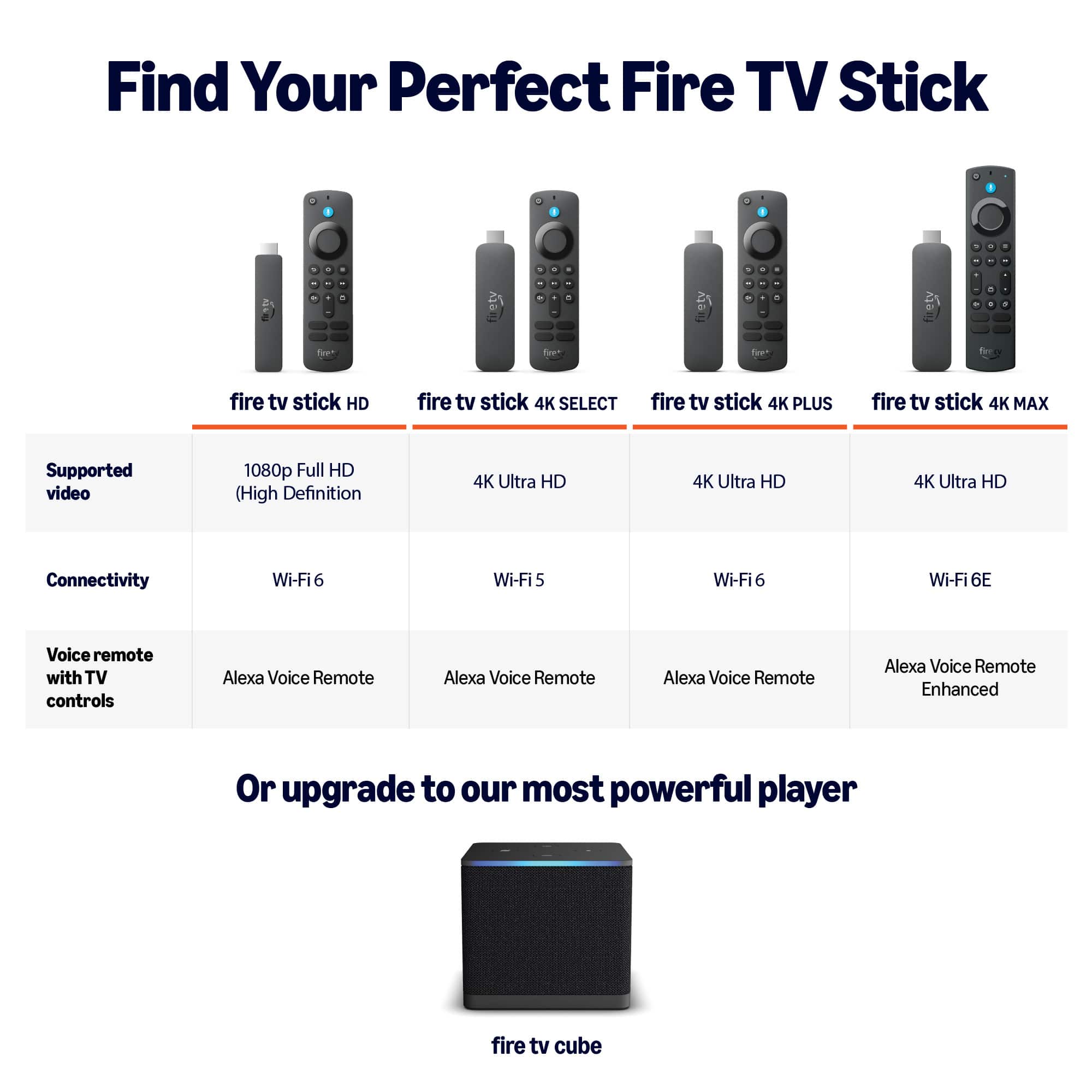
||Posted . Owned for 1 week when reviewed.This reviewer received promo considerations or sweepstakes entry for writing a review.Good product and price. I would have gotten the plus if I'd known the product has changed.
No, I would not recommend this to a friend14 day returns?
||Posted . Owned for 1 month when reviewed.This reviewer received promo considerations or sweepstakes entry for writing a review.I bought this online to pick up in store. When I got there, they said I have wait for it to get shipped. So I bought the better version in store. Wanted to bring the other one back, but I had it more than 14 days Best Buy won’t take it. Had a Best Buy credit card for almost 20 years. Loyal customer. by almost all my electronics from Best Buy and they only have a 14 day return window for an unopened device. What a joke. Then they want to sell me a $30 membership to return an $18 item. Seriously?
No, I would not recommend this to a friendAmazon fire
||Posted . Owned for 2 weeks when reviewed.This reviewer received promo considerations or sweepstakes entry for writing a review.Love it the best item i chosed this year i love it
I would recommend this to a friendGreat ! My mom is very happy with this product!
||Posted . Owned for 1 month when reviewed.This reviewer received promo considerations or sweepstakes entry for writing a review.It's practical and now she can watch her favorite tv shows
I would recommend this to a friendMistake
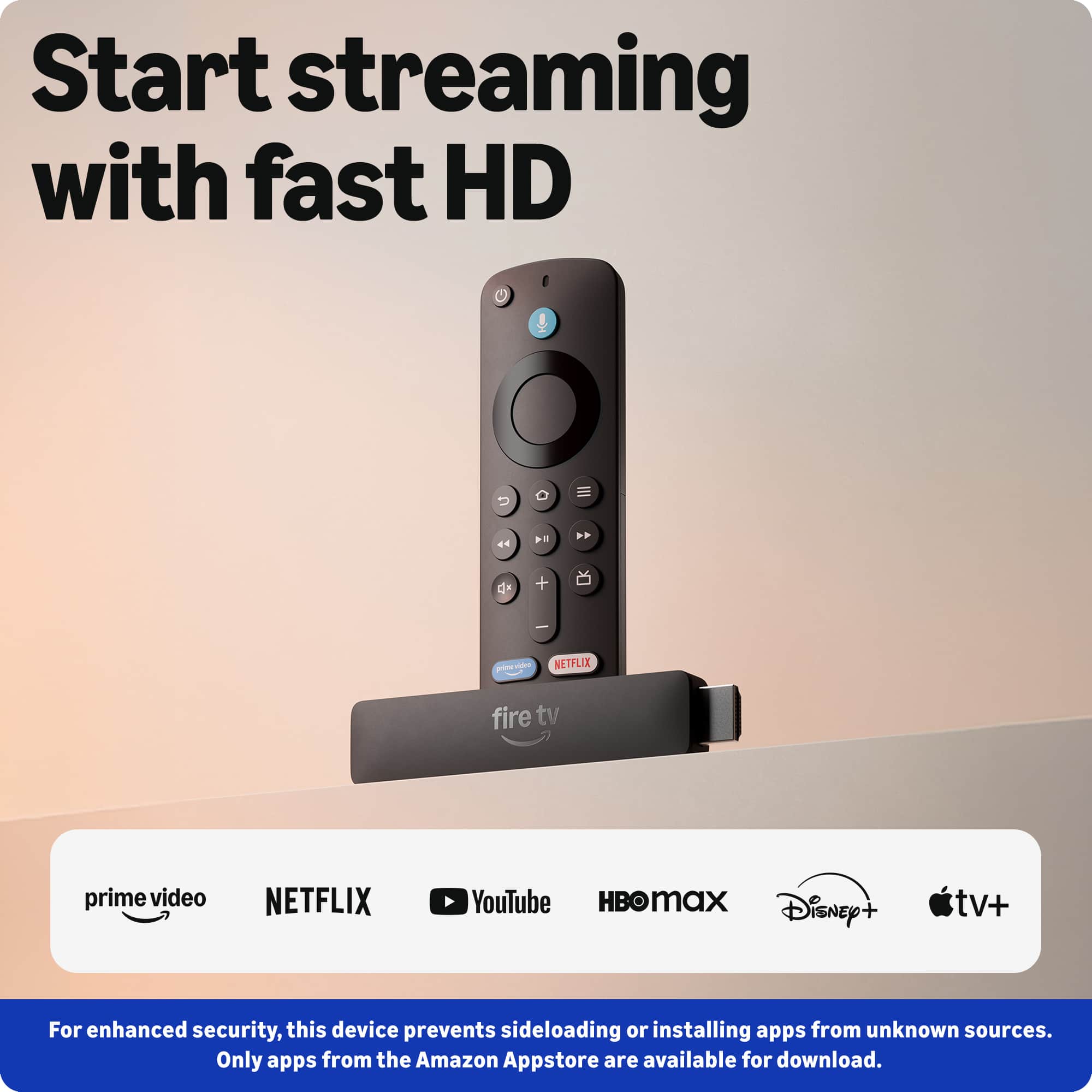
||Posted . Owned for 1 month when reviewed.This reviewer received promo considerations or sweepstakes entry for writing a review.I am currently wondering why I made this purchase.im not a fan of this particular version because it doesn't allow you to side load apps and APK.i didn't realize that till a couple days ago and tried to return it to the store but sadly,it was too late and now I'm stuck with this device.im sure it's an awesome device but it simply is not the purchase I thought it was for me personally.sorry
No, I would not recommend this to a friendBrand response from Amazon Devices Customer Support
Posted .Hello Marshall
Thank you for taking the time to share your honest feedback on the Fire TV Stick HD. We're sorry to hear that the device didn't meet your expectations and that you weren't able to return it within the return window.
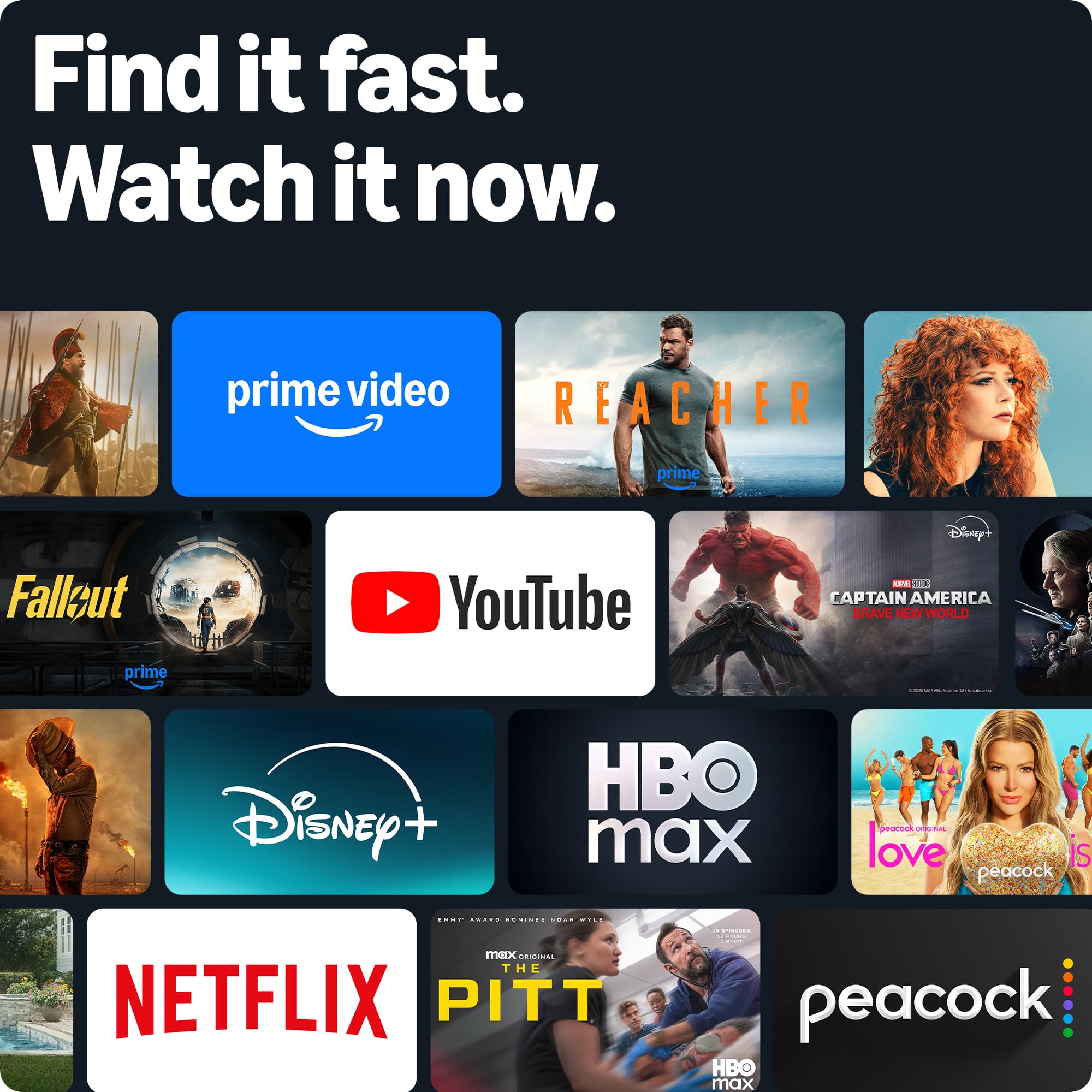
The Fire TV Stick HD is designed to provide a streamlined streaming experience with access to thousands of apps available through the Amazon Appstore, including popular services like Netflix, Hulu, Disney+, YouTube, and many more. It also supports Alexa voice control for hands-free navigation, live TV with compatible subscriptions, and features like Picture-in-Picture mode for multitasking between apps. The device delivers 1080p Full HD streaming with HDR support, providing a quality viewing experience across all your favorite content.
We understand that every customer has unique needs, and this particular device may not have aligned with what you were looking for. We appreciate your feedback. Have a great day.
Misled "came with 3parts only?
||Posted . Owned for 3 weeks when reviewed.This reviewer received promo considerations or sweepstakes entry for writing a review.Misleading, didn't what you paid for? Supposed to come with a wall charger and a long cord
No, I would not recommend this to a friendBrand response from Amazon Devices Customer Support
Posted .Hello ALEXANDERL. Thank you for your feedback on the Fire TV Stick HD. I understand the frustration of opening a product and not finding the components you expected based on previous Fire TV Stick models.
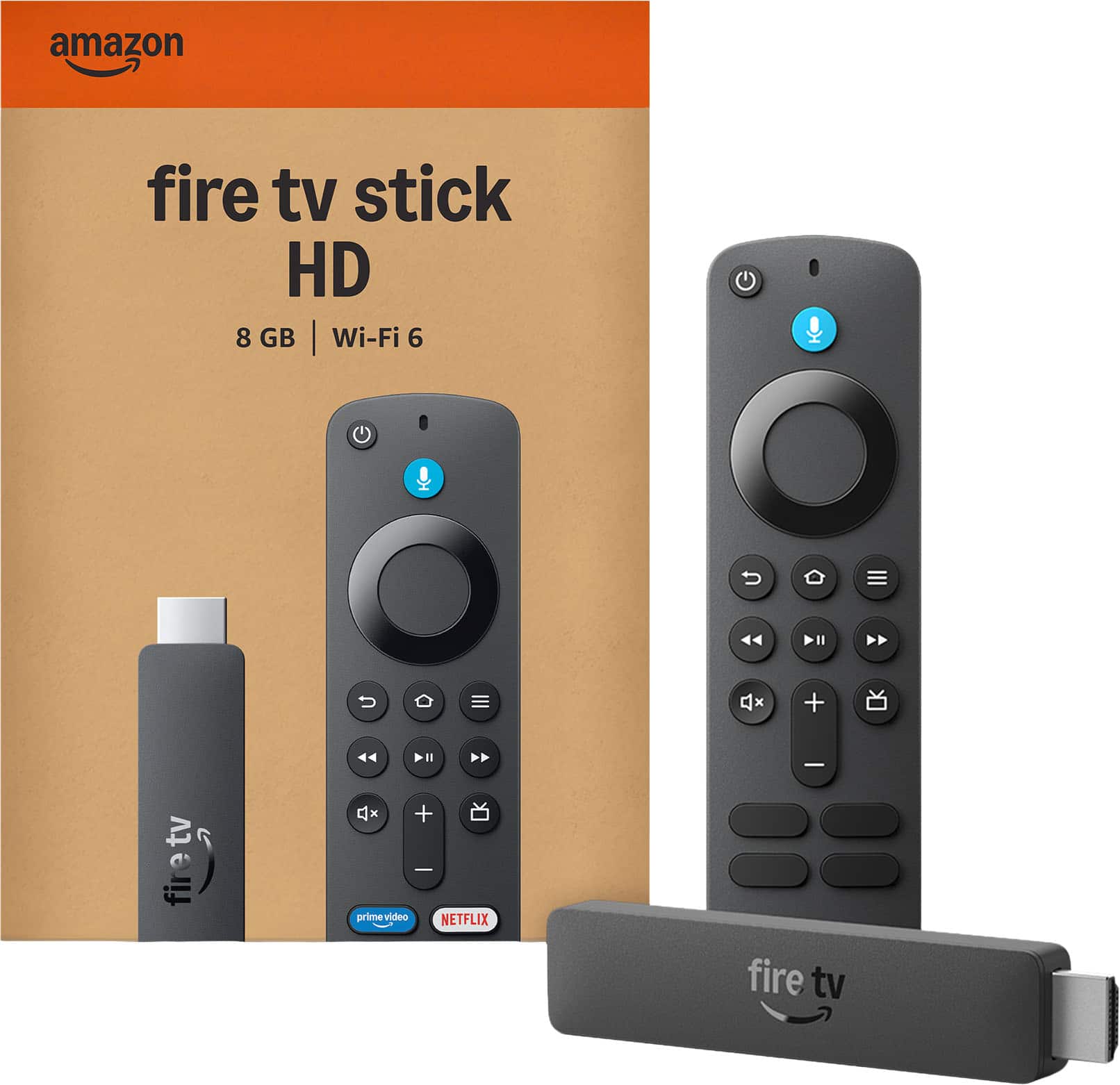
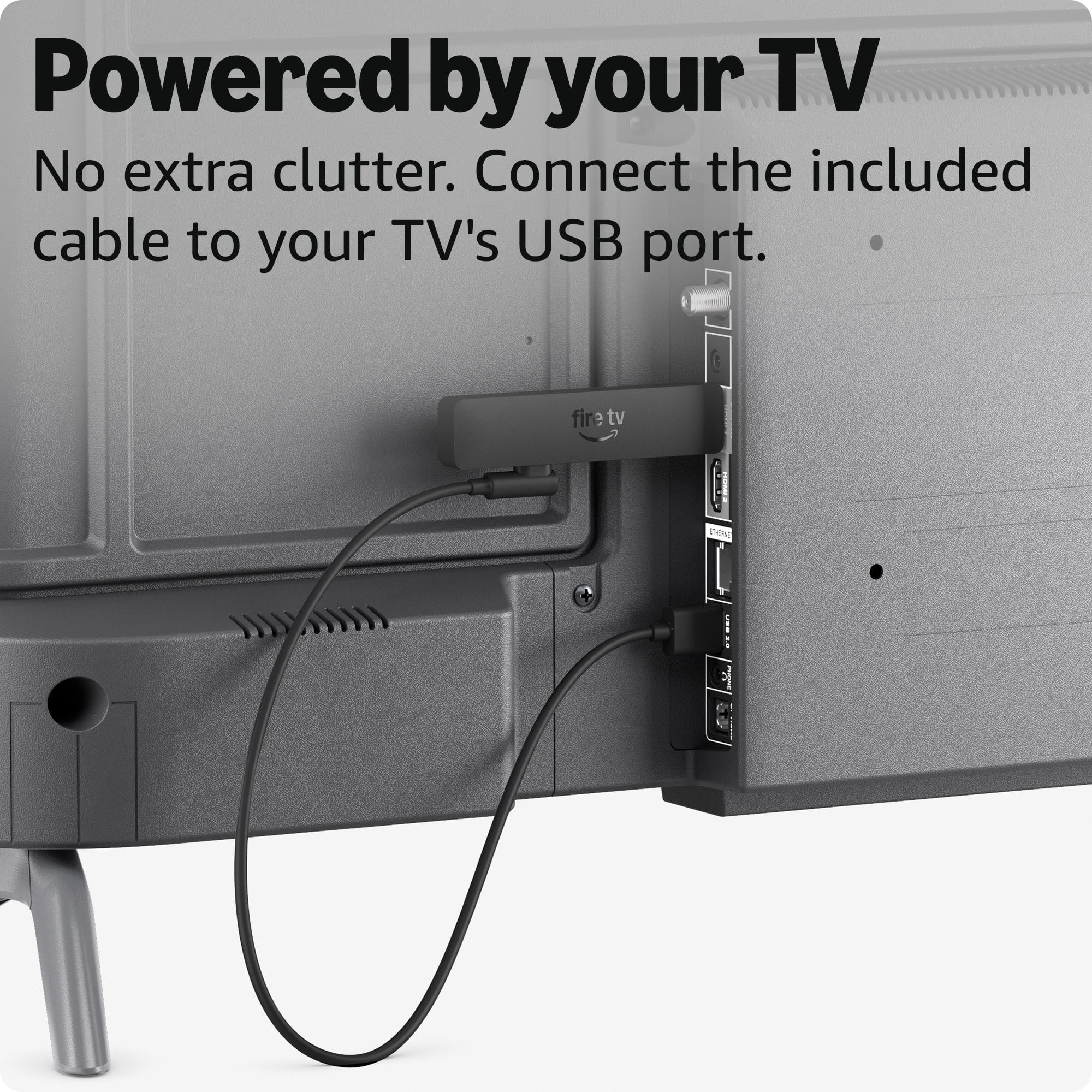
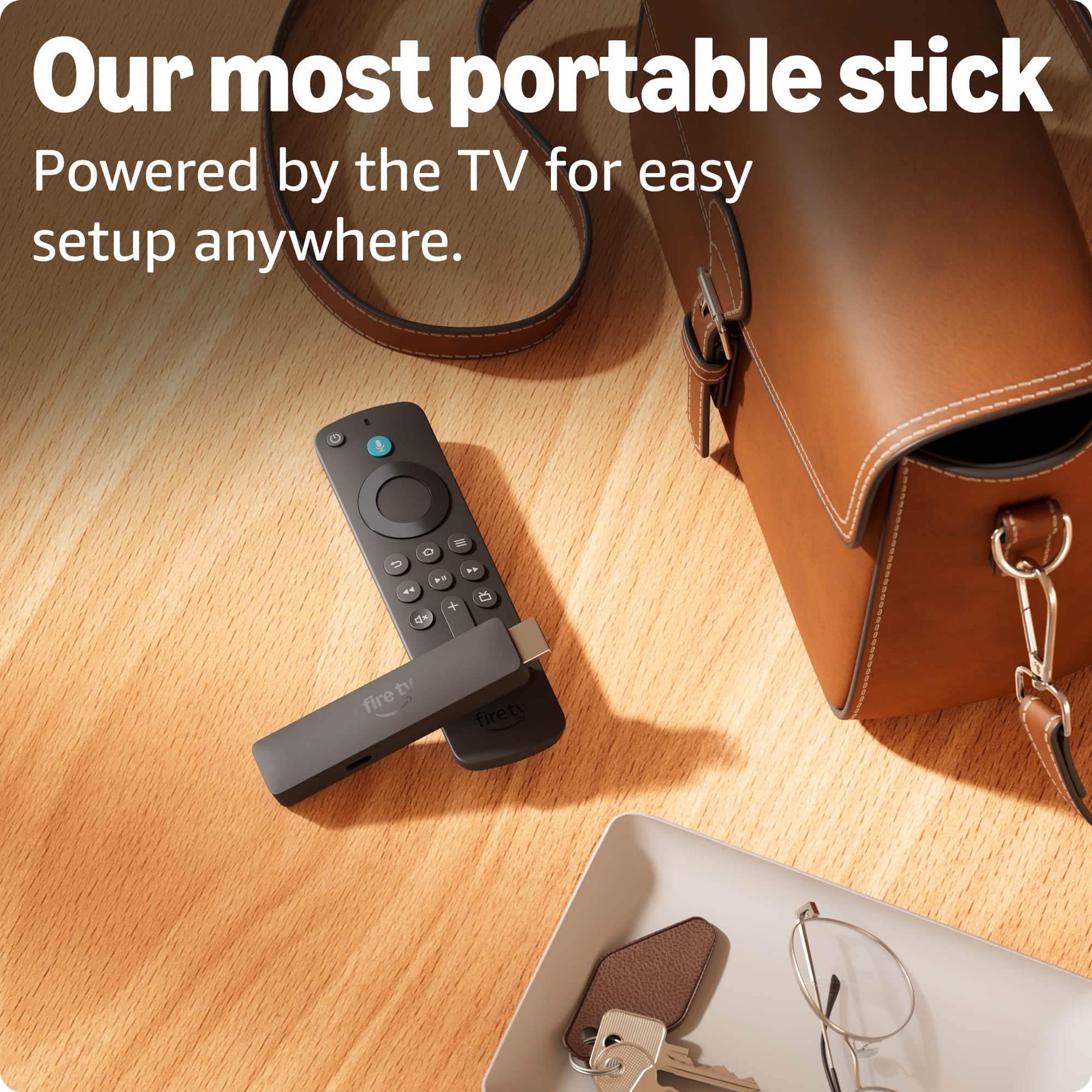
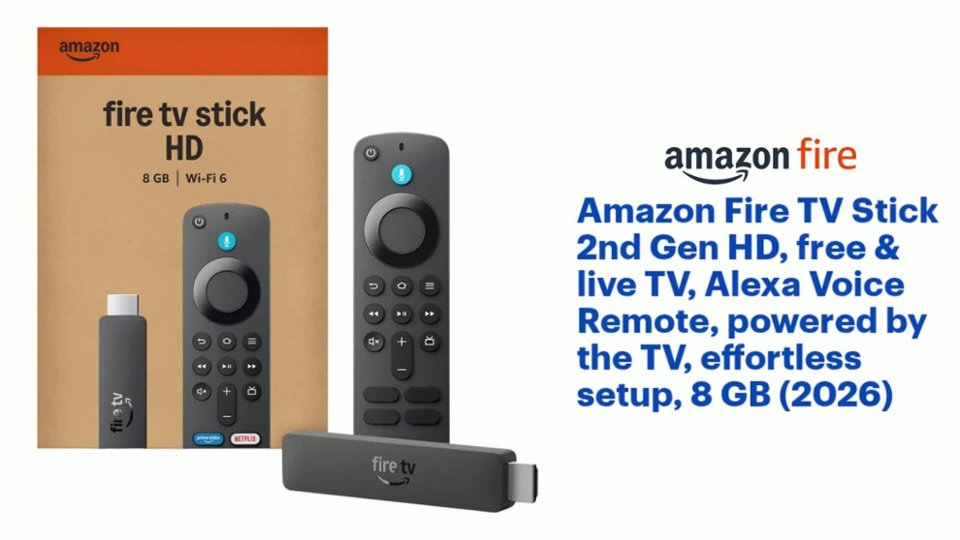
The 2026 Fire TV Stick HD (2nd Gen) features a new "Direct Power" design — it is specifically engineered to be powered directly by your TV's USB port, eliminating the need for a separate wall charger and long power cord that came with older Fire TV Stick models. This is why the box includes only three items: the Fire TV Stick itself, a short USB-C cable to connect to your TV's USB port, and the Alexa Voice Remote with batteries.
This design change was made to reduce cable clutter behind your TV and free up a wall outlet. The product listing on BestBuy.com does note that it is "powered by the TV" with "effortless setup," reflecting this updated design.
To set up your device:
Plug the Fire TV Stick into an available HDMI port on your TV.
Connect the included USB-C cable from the Fire TV Stick to an available USB-A port on your TV.
Turn on your TV and select the correct HDMI input.
Follow the on-screen setup instructions.
If your TV's USB port does not provide enough power:
Some older TVs may have USB ports that don't supply sufficient power to run the Fire TV Stick reliably. If you experience issues like the device restarting or not turning on, a USB power adapter (sold separately) can be purchased to plug the device into a wall outlet instead. Amazon also offers a Made for Amazon USB Power Cable bundle that includes a compatible adapter for this purpose.
I hope this clears up the confusion about the box contents. If you have any further questions or need assistance with setup, Amazon Customer Service is available 24/7 at 1-888-280-4331.
Thank you again for your feedback, and I hope you enjoy your Fire TV Stick HD.
No downloader app available
||Posted . Owned for 1 month when reviewed.This reviewer received promo considerations or sweepstakes entry for writing a review.It doesn’t work as it used to, new fire stick missing downloader app. You cannot download and have third party app install.
No, I would not recommend this to a friendI will be returning the remote back
||Posted . Owned for 3 weeks when reviewed.This reviewer received promo considerations or sweepstakes entry for writing a review.I couldn't connect it to no wifi on any of my TV's nor on the ipad in my vehicle
No, I would not recommend this to a friendBrand response from Amazon Devices Customer Support
Posted .Hello Anitrag,
Thank you for your feedback on the Fire TV Stick 2nd Gen HD. I'm sorry to hear you've been unable to connect the device to Wi-Fi on any of your TVs or your vehicle's iPad.
Here are some troubleshooting steps that may help resolve the connectivity issue: First, ensure the Fire TV Stick is receiving adequate power — use the power adapter that came with the device rather than powering it through a TV USB port, as insufficient power is a common cause of Wi-Fi connection failures. During setup, confirm you're selecting the correct Wi-Fi network and entering the password accurately, keeping in mind that passwords are case-sensitive. Try restarting both the Fire TV Stick and your router, then attempt the connection again. If the device can detect your network but won't connect, move the Fire TV Stick closer to your router to rule out signal strength issues.
Regarding use in your vehicle with an iPad — the Fire TV Stick is designed to connect to standard home Wi-Fi networks and requires a stable, consistent internet connection. Mobile hotspots or vehicle Wi-Fi systems sometimes have connection protocols that differ from home networks, which can prevent the Fire TV Stick from connecting. If you're trying to use a mobile hotspot, ensure it's set to a 2.4GHz band, as this tends to be more compatible.
I hope this information helps. Have a great day!
Nice just not for me
||Posted . Owned for 1 month when reviewed.This reviewer received promo considerations or sweepstakes entry for writing a review.Don't connect for me.. But good for other.. Great value
I would recommend this to a friendBrand response from Amazon Devices Customer Support
Posted .Dear LATONYAS,
Thank you for your review of the Fire TV Stick HD, and we appreciate you recognizing the great value it offers! We're sorry to hear you're having trouble getting it connected, though — let's see if we can help get that sorted out for you.
Here are a few things to try:
Check your HDMI connection — make sure the Fire TV Stick is plugged firmly into an HDMI port on your TV. If your TV has multiple HDMI ports, try a different one.
Use the included power adapter — the Fire TV Stick needs to be powered through the USB cable and wall adapter that came in the box. Plugging into your TV's USB port may not provide enough power.
Restart your Wi-Fi router — unplug your router for about 30 seconds, plug it back in, and wait for it to fully restart before trying to connect again.
Move closer to your router during setup — once the initial setup is complete, you can move the TV back to its usual spot.
Make sure your Wi-Fi password is entered correctly — it's case-sensitive, so double-check for any uppercase letters or special characters.
If you're still having trouble after trying these steps, our support team would be happy to walk you through it. You can reach us at 1-888-280-4331 — they'll get you connected in no time.
Thank you again for your patience and kind words about the product. We'd love to help you get the most out of it!
Fire stick
||Posted . Owned for 1 month when reviewed.This reviewer received promo considerations or sweepstakes entry for writing a review.Product is not is not what I expected. I ordered the wrong item. It's my fault.
No, I would not recommend this to a friendAMAZON FIRESTICK
||Posted . Owned for 2 weeks when reviewed.This reviewer received promo considerations or sweepstakes entry for writing a review.It didn't serve the purpose l bought it for so l have to return
No, I would not recommend this to a friend