Customer Ratings & Reviews
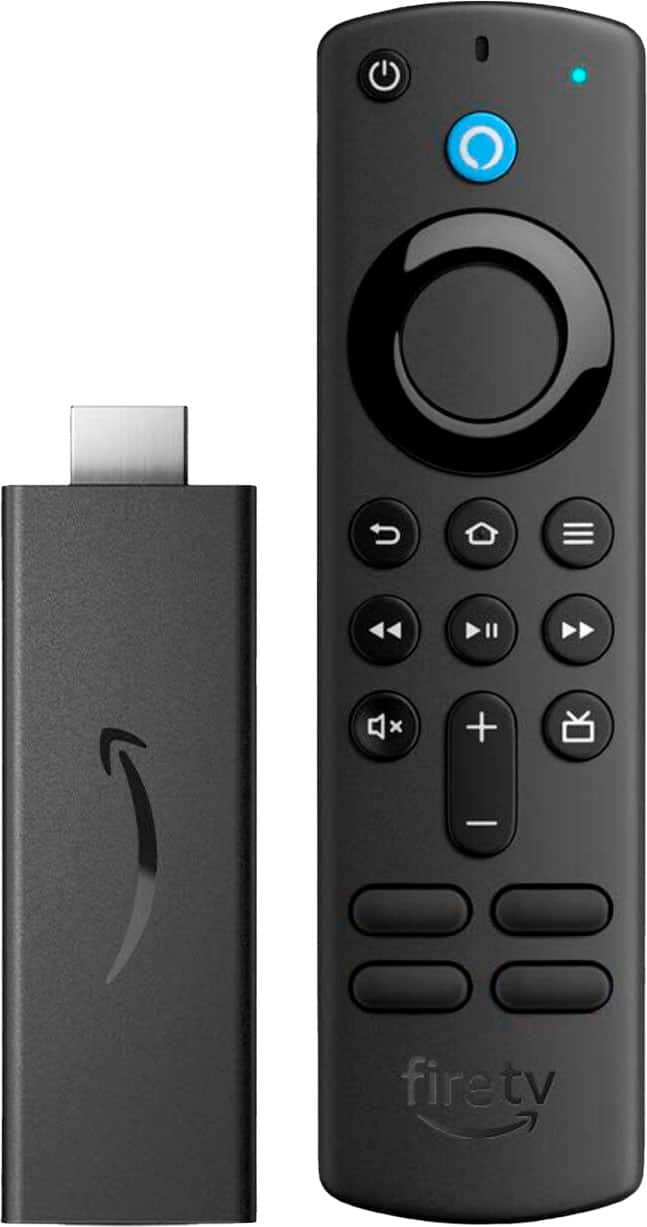
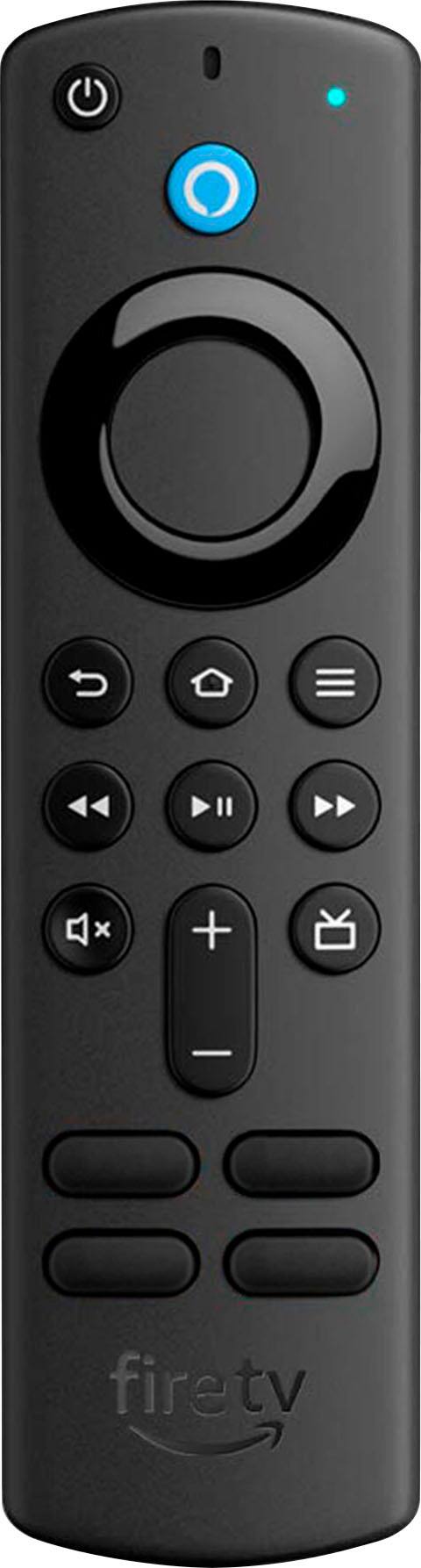

- Model:
- B08C1W5N87
- SKU:
- 12007051
Rating by feature
- Value
Rating 4.8 out of 5 stars
- Quality
Rating 4.8 out of 5 stars
- Ease of Use
Rating 4.8 out of 5 stars
to a friend
cheap streaming solution
||Posted .This reviewer received promo considerations or sweepstakes entry for writing a review.got this for my mother because I wasn't sure if she'd get into the streaming services. The quality is fine but the menu operation leaves more to be desired.
I would recommend this to a friendFireStick remote
||Posted . Owned for 3 weeks when reviewed.This reviewer received promo considerations or sweepstakes entry for writing a review.Need to change batteries in remote Daily! You can watch an hour to all day but need to change batteries the next days Stick seems to he working fine.
No, I would not recommend this to a friendFirestick 4k
||Posted . Owned for 9 months when reviewed.This reviewer received promo considerations or sweepstakes entry for writing a review.Firestick 4k is fast But way too many ads I switch to apple tv 4k its more expensive But its a better user experience.
I would recommend this to a friendNo You Tube Library!
||Posted . Owned for 3 weeks when reviewed.This reviewer received promo considerations or sweepstakes entry for writing a review.Works fine on older tv. Was disappointed that I couldn't access my YouTube library. That was the main reason I got it.
I would recommend this to a friendPrice variation
||Posted . Owned for 3 weeks when reviewed.This reviewer received promo considerations or sweepstakes entry for writing a review.Ok. But price was previously 40$ but now its 22$ which is bad on best buys part.
No, I would not recommend this to a friendService from Brest Buy Is terrible.
||Posted .This reviewer received promo considerations or sweepstakes entry for writing a review.I think the fire stick is fine. The Best Buy support has been non existent. I’ve tried to call for support and can’t get someone who speaks English very well and can’t be understood.
No, I would not recommend this to a friendHonest Review
||Posted . Owned for 5 months when reviewed.This reviewer received promo considerations or sweepstakes entry for writing a review.Use this daily and its made life so much easier. It is very slow sometimes
I would recommend this to a friendBrand response from Amazon Devices Customer Support
Posted .Hello, JoeE! I'm sorry to hear that your Fire TV Stick is being slow at times. I recommend clearing the app data and cache. To do this:
1. Go to Settings on your Fire TV.
2. Select Applications.
3. In Manage Installed Applications, select the app you're having trouble with.
4. Select Clear Cache, and then Clear Data.
I hope this helps with the issue, but if it doesn't improve your speed, I recommend contacting Amazon Customer Support at 888.280.4331 for further troubleshooting. Thanks again for your feedback, and have a great day!
Amazon Firestick
||Posted . Owned for 1 year when reviewed.This reviewer received promo considerations or sweepstakes entry for writing a review.Froze often, glitchy. Not a fan. Prefer the Roku stick.
No, I would not recommend this to a friendBrand response from Amazon Devices Customer Support
Posted .Hello Carm! I am so terribly sorry to hear that you are having such a bad experience with your Fire Stick. My best immediate recommendation would be to do the following: Go to Settings>Network>(Select Your Wi-Fi)>Run Speed Test. This will help give you options to diagnose if you are having a network related issue. Next I would go to Settings>Device and Software> About>Check for Updates. This will help see if your device is running the latest software version. If neither of these help in solving your problem, I would recommend contacting Amazon Customer Support at 888.280.4331 to troubleshoot further and explore what options are available to you. I do hope this helps improve your experience with your Fire Stick some and that you have a fantastic day!
Good But...
||Posted . Owned for 1 month when reviewed.This reviewer received promo considerations or sweepstakes entry for writing a review.Purchased this for my home office. There is a delay when selecting something to watch and when the show is actually recognized and selected.
I would recommend this to a friendFire stick
||Posted . Owned for 1.5 years when reviewed.This reviewer received promo considerations or sweepstakes entry for writing a review.Great product only bad thing is after a year it starts to break down
I would recommend this to a friendBrand response from Amazon Devices Customer Support
Posted .Hi FrankA,
Fire TV Stick is built to last. If you notice a lag in picture or buffering, this may be due to wifi connectivity in your home. You can also verify your televisions hdmi port is functioning properly. The Fire TV Stick may also have a software update that needs installed. You can check for this in settings, and then tap software. Follow the onscreen prompts if needed.
Hope that helps!
It crashes often
||Posted . Owned for more than 2 years when reviewed.This reviewer received promo considerations or sweepstakes entry for writing a review.I bought two of these. If you visit two or three different sites in Silk, it crashes. I guess, there is little memory and has poor memory management software. I would not buy this model. Perhaps, the other models would work better, but I am not going to waste more money.
No, I would not recommend this to a friendBrand response from Amazon Devices Customer Support
Posted .Hello, SiaM. Thank you for the feedback and I am sorry that you are experiencing an issue with the Fire TV Stick. If you are having problems with the Silk browser, I recommend clearing the App Data and Cache. You can do this by 1. Going into settings and selecting applications 2. Select Manage Installed Applications 3. Scroll through the list until you see the Silk browser and select. 4. Select Clear Cache and then Clear Data. If these steps do not help, and you still have functionality issues you can call Amazon customer service, available 24/7 for assistance on the device. You can reach them at 1-888-280-4331. I hope this information is helpful, thank you!
Fire Stick
||Posted . Owned for 3 weeks when reviewed.This reviewer received promo considerations or sweepstakes entry for writing a review.I was very disappointed that you were out of the cheaper stick. It works fine, but the cheaper one works every bit as well. Marcia Hodges
No, I would not recommend this to a friendA+ - great deal on all Amazon Firesticks
||Posted . Owned for 3 weeks when reviewed.This reviewer received promo considerations or sweepstakes entry for writing a review.Best Buy is currently running a sale through the holidays that gives you the Amazon Firesticks at 50% off the regular price. Definitely take advantage of this deal while yoy can. I bought extras as stocking stuffers!
I would recommend this to a friendGood for ols tv not required for new tvs
||Posted . Owned for 1 month when reviewed.This reviewer received promo considerations or sweepstakes entry for writing a review.Not worth now a days as all the ott arr coming inbuilt on tv
No, I would not recommend this to a friendNot good in the long run
||Posted . Owned for 4 months when reviewed.This reviewer received promo considerations or sweepstakes entry for writing a review.Only giving it an average rating because I have bought these a couple of times but every time they stop performing after a little while
No, I would not recommend this to a friendHa3
||Posted . Owned for 3 weeks when reviewed.This reviewer received promo considerations or sweepstakes entry for writing a review.Was extremely difficult to get set up and working. Thought the instructions for starting were very confusing.
No, I would not recommend this to a friendFirestick
||Posted . Owned for 1 month when reviewed.This reviewer received promo considerations or sweepstakes entry for writing a review.looked to be bit slower than older version. Maybe it takes the speed of the TV. I was thinking that it was of cheaper price than old one.
No, I would not recommend this to a friendstick
||Posted . Owned for 1 month when reviewed.This reviewer received promo considerations or sweepstakes entry for writing a review.I have not used it.I t took me a long time to set it up. I'm going to use it when I sign up for the nfl package This fall
I would recommend this to a friendProductreview
||Posted . Owned for 2 months when reviewed.This reviewer received promo considerations or sweepstakes entry for writing a review.Fire stick control goes thru batteries really fast Unable to exchange because purchase date exceeded 30 days guarantee
No, I would not recommend this to a friendFire stick
||Posted . Owned for more than 2 years when reviewed.This reviewer received promo considerations or sweepstakes entry for writing a review.Poor signal at times, which causes movies and play time to lapse
No, I would not recommend this to a friend