Customer Ratings & Reviews
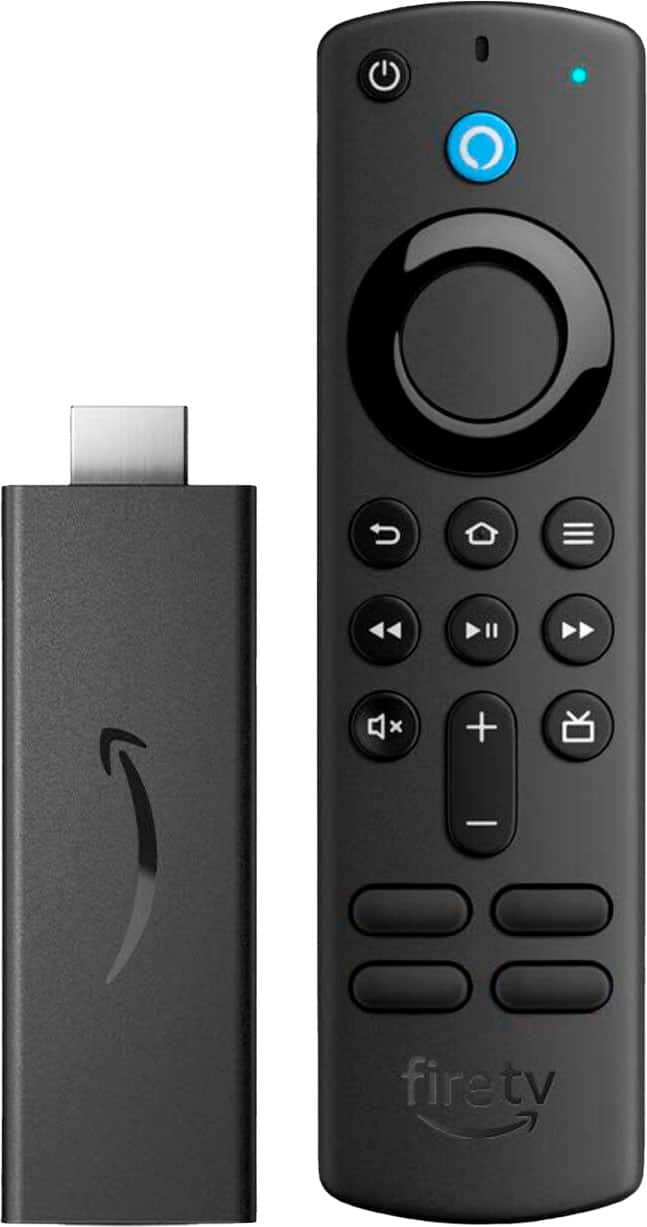
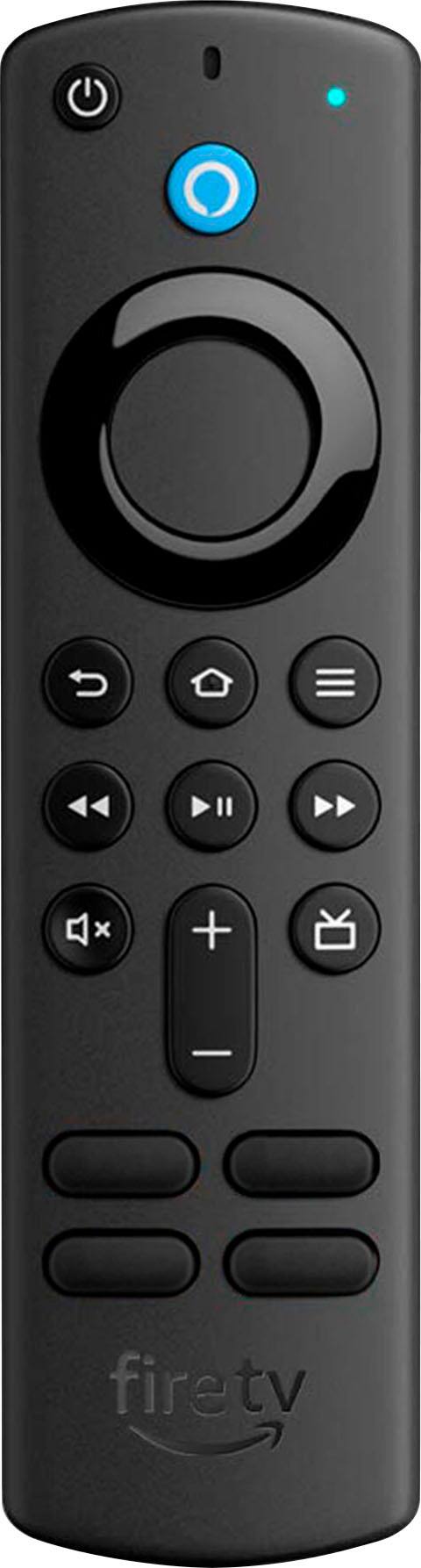
- Model:
- B08C1W5N87
- SKU:
- 6457959
Rating by feature
- Value
Rating 4.8 out of 5 stars
- Quality
Rating 4.8 out of 5 stars
- Ease of Use
Rating 4.8 out of 5 stars
Customers are saying
Customers frequently mention the ease of use, affordability, and excellent streaming capabilities of the Fire TV Stick (3rd Gen). Many appreciate the performance and the included remote control, which offers convenient TV controls. While some users noted the remote's battery life could be improved, and others wished for more storage, the positive feedback on ease of use and streaming quality outweighs these concerns. Overall, the device is praised for its ability to upgrade non-smart TVs and provide a smooth streaming experience.
This summary was generated by AI based on customer reviews.
tv products
||Posted . Owned for 1 month when reviewed.This reviewer received promo considerations or sweepstakes entry for writing a review.Seems to be working fine. I needed some better instructions on how to get it all set up though
I would recommend this to a friendWill do in a pinch
||Posted . Owned for 1 month when reviewed.This reviewer received promo considerations or sweepstakes entry for writing a review.The fire stick does the job. It has a tendency to lock up and need to be restarted. I prefer the Roku.
No, I would not recommend this to a friendMakes an old TV more useful
||Posted . Owned for 3 weeks when reviewed.This reviewer received promo considerations or sweepstakes entry for writing a review.Added the fire stick to an older RCA TV. I had one question during installation but Best Buy walked me though it and then I was good to go. It works fine and very similar to TVs that don't require it.
I would recommend this to a friendDump Cable and Live Stream
||Posted . Owned for 1 year when reviewed.This reviewer received promo considerations or sweepstakes entry for writing a review.This works fine as long as you have Hi Speed internet from a local source
I would recommend this to a friendAnnnnmm !!!
||Posted . Owned for 1 month when reviewed.This reviewer received promo considerations or sweepstakes entry for writing a review.I've jady share of problems with it !!! Still using it and hoping it doesn't fail completely ..
No, I would not recommend this to a friendNice have
||Posted . Owned for 4 months when reviewed.This reviewer received promo considerations or sweepstakes entry for writing a review.It has its bad and good. I would like the remote to have more buttons for the apps but it’s not bad.
I would recommend this to a friendAmazon Fire TV Stick 3rd Gen
||Posted . Owned for 2 weeks when reviewed.This reviewer received promo considerations or sweepstakes entry for writing a review.This was purchased as a gift, and my parents are loving the versatility of using it. There was a slight learning curve, but once they got the hang of it, it's been fairly hard to keep the TV off ;0).
I would recommend this to a friendMr Aubrey
||Posted . Owned for 2 weeks when reviewed.This reviewer received promo considerations or sweepstakes entry for writing a review.Good product but the price keeps going up even on the old ones that you carry as well
I would recommend this to a friendIts ok i guess, cheappppp
||Posted . Owned for 2 months when reviewed.This reviewer received promo considerations or sweepstakes entry for writing a review.Cheap plastic definitely it feels super cheap. It works though, i have to restart it every few days, which is why. Igave it 3 stars.
I would recommend this to a friendTV Chhannels
||Posted . Owned for 1 month when reviewed.This reviewer received promo considerations or sweepstakes entry for writing a review.It wasnt what i thought it was. I thought it really had tv channels buttons.
No, I would not recommend this to a friendOnly works on one of my tvs.
||Posted . Owned for 1 month when reviewed.This reviewer received promo considerations or sweepstakes entry for writing a review.Only works on one of my tvs. The HDMI cable doesn't seem to plug into the HDMI input soundly.
No, I would not recommend this to a friendRemote
||Posted . Owned for 3 weeks when reviewed.This reviewer received promo considerations or sweepstakes entry for writing a review.It is a good product but didn't like how it differ from my previous fire stick.
I would recommend this to a friend- Pros mentioned:Performance
Firestick
||Posted .This reviewer received promo considerations or sweepstakes entry for writing a review.Works Well and as advertised. Good solution to ditch cable box
I would recommend this to a friend Ok
||Posted . Owned for 3 months when reviewed.This reviewer received promo considerations or sweepstakes entry for writing a review.Remote works but can't control volume nor power off or on
I would recommend this to a friendOk
||Posted . Owned for 1 month when reviewed.This reviewer received promo considerations or sweepstakes entry for writing a review.Was working great but now the volume button won’t work
No, I would not recommend this to a friend- Pros mentioned:Ease of use
Great Quality
||Posted . Owned for 3 weeks when reviewed.This reviewer received promo considerations or sweepstakes entry for writing a review.Very easy to Use and a friendly alternative to watch videos.
I would recommend this to a friend Remote
||Posted . Owned for 3 weeks when reviewed.This reviewer received promo considerations or sweepstakes entry for writing a review.It works. Had a little trouble with the remote. The programming.
I would recommend this to a friendAccessing streaming sites other than Prime
||Posted . Owned for 1 month when reviewed.This reviewer received promo considerations or sweepstakes entry for writing a review.The fire stick has a preference for Prime. Accessing other streaming sites is not easy (as it was in older fire sticks). I wish I had bought Roku instead.
No, I would not recommend this to a friendBrand response from Amazon Devices Customer Support
Posted .Hi StephenR, thank you for providing feedback on your experience with the Fire TV Stick. I apologize for the frustration you are facing with accessing other streaming apps on the device. I do want to share with you some steps that may help in customizing your home screen with your favorite apps. 1. Use your remote to highlight the app you want to move. (You can select the Applications icon to view all of your apps. It's located on the right end of the navigation bar on the home screen.) 2. Press the Menu button on your remote. 3. Select Move and then move the app to where you want it. I hope you find this tip to be helpful. Should you need any further assistance, Amazon Customer service is available 24/7 for assistance on the device. You can reach them at 1-888-280-4331. Thank you again and have a wonderful day!

Fire Stick
||Posted . Owned for 8 months when reviewed.This reviewer received promo considerations or sweepstakes entry for writing a review.This is my 2nd Fire Stick. However I have already had to replace it.
No, I would not recommend this to a friendFire Stick
||Posted . Owned for 3 weeks when reviewed.This reviewer received promo considerations or sweepstakes entry for writing a review.It is an ok product! A little confusing to use for some apps
I would recommend this to a friend