Customer Ratings & Reviews
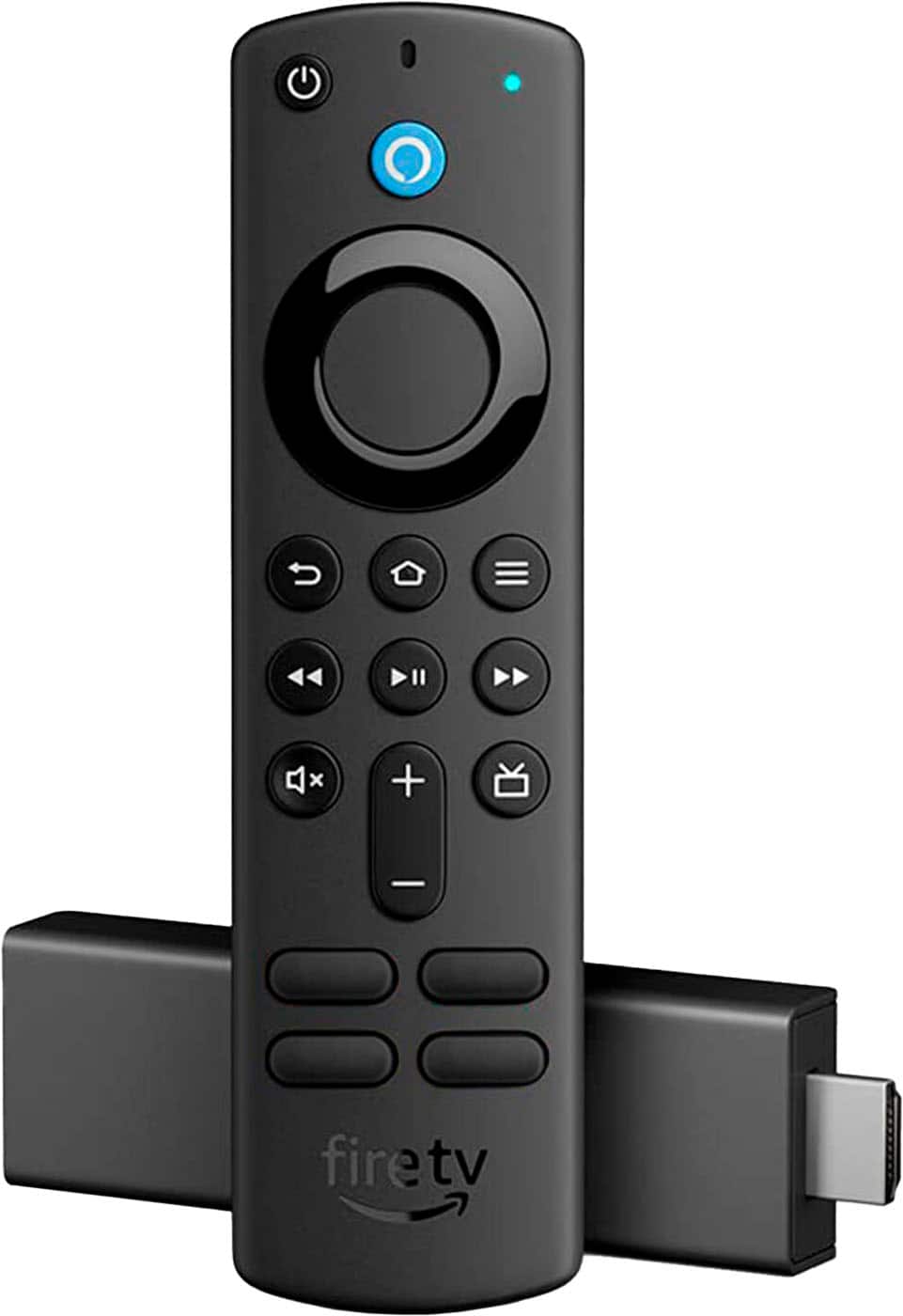
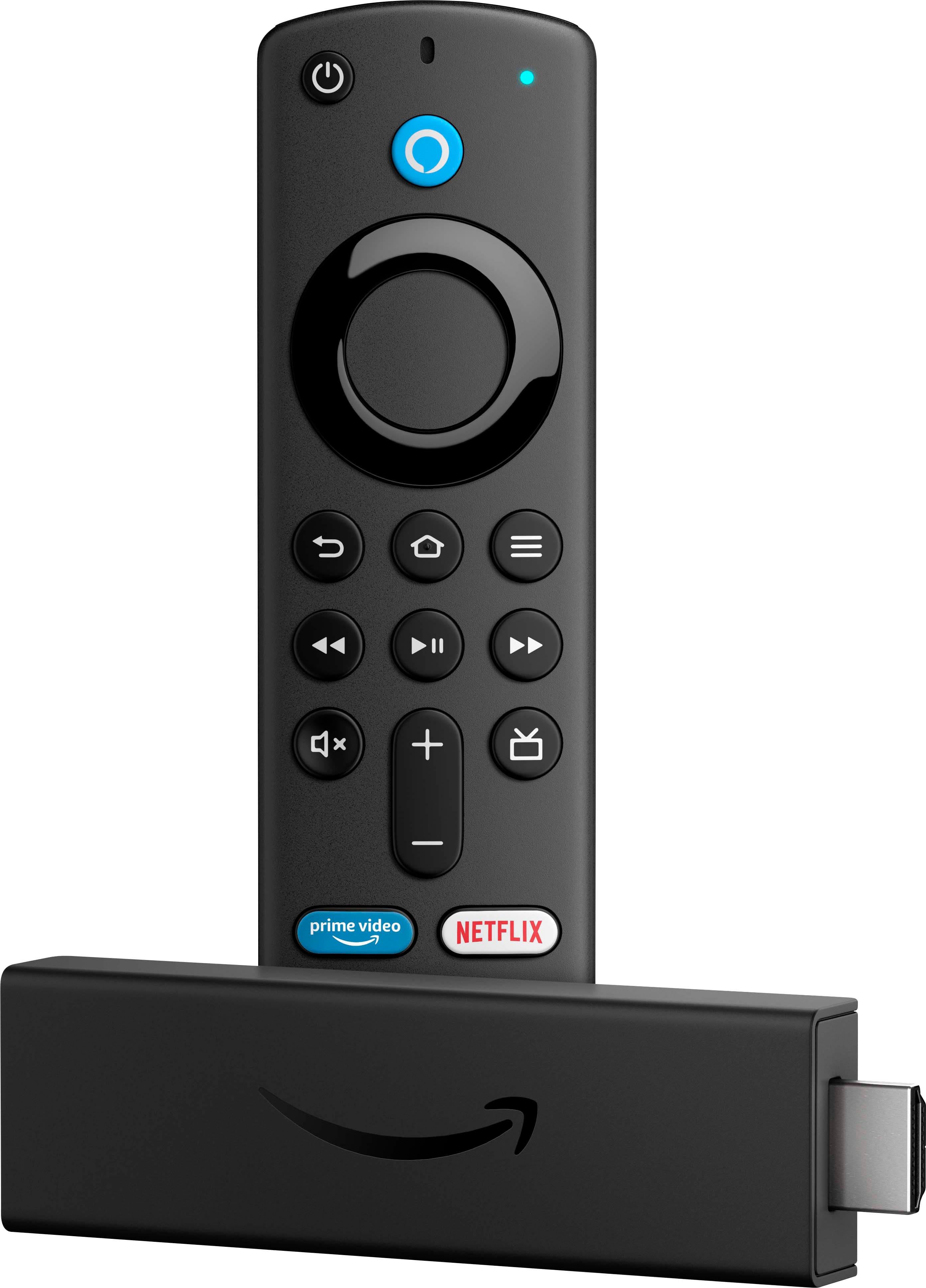
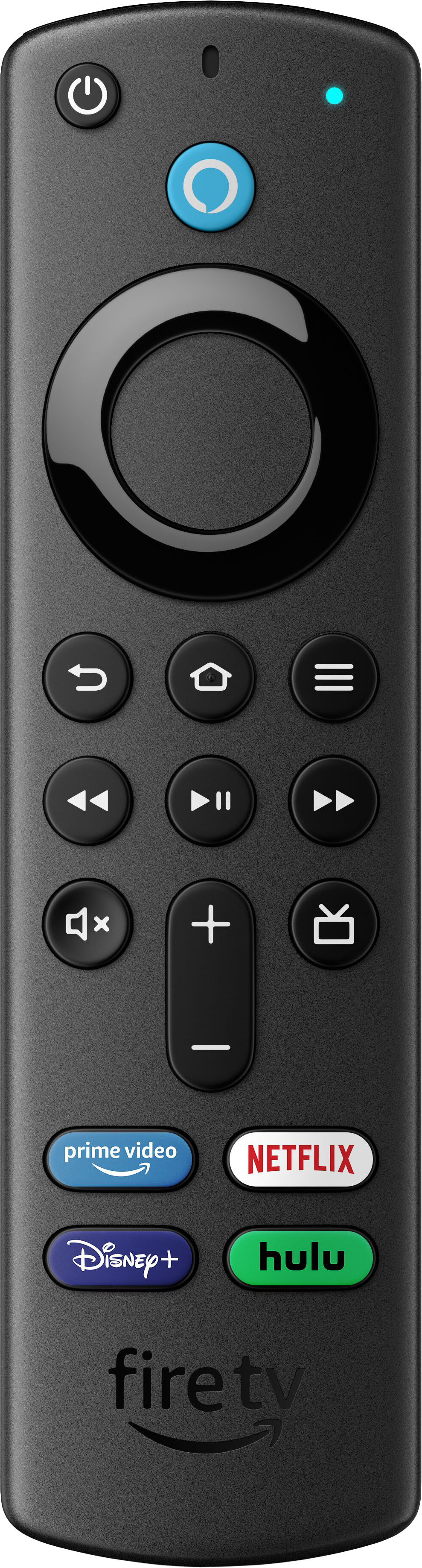
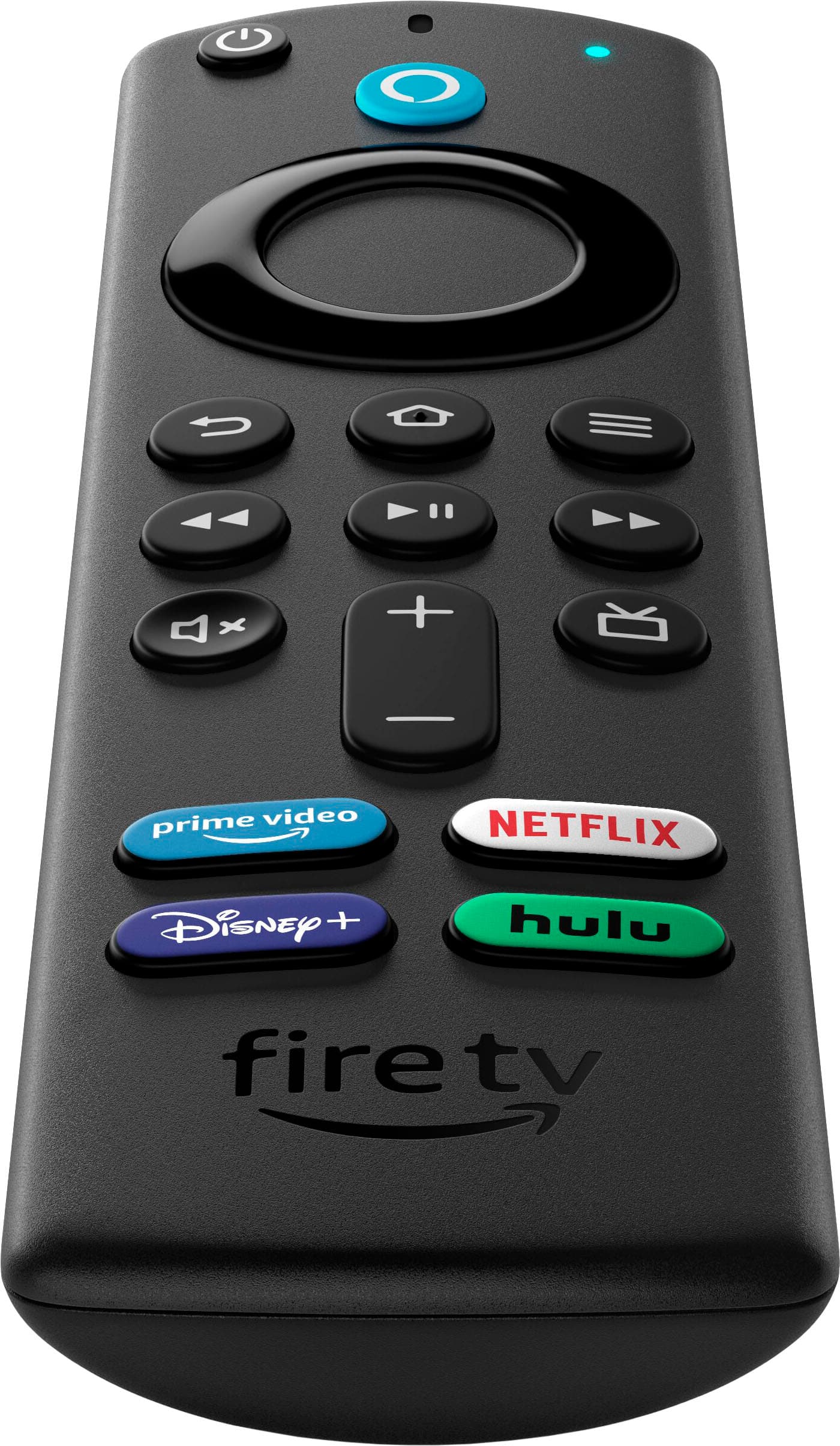
- Model:
- B08XVYZ1Y5
- SKU:
- 6480937
Rating by feature
- Value
Rating 4.8 out of 5 stars
- Quality
Rating 4.8 out of 5 stars
- Ease of Use
Rating 4.8 out of 5 stars
Customers are saying
Customers are positive about the Fire TV Stick 4K, frequently praising its ease of use, picture quality, and streaming capabilities. Many also appreciate the remote control and the device's 4K performance. However, some customers expressed concerns regarding the limited memory and storage, and a few mentioned issues with the interface. Overall, the positive feedback significantly outweighs the negative.
This summary was generated by AI based on customer reviews.
Worst
||Posted . Owned for less than 1 week when reviewed.This reviewer received promo considerations or sweepstakes entry for writing a review.Got an old firestick tv which was not in the US region. Going to return it back
No, I would not recommend this to a friendNot Good for my area...
||Posted . Owned for 3 weeks when reviewed.This reviewer received promo considerations or sweepstakes entry for writing a review.Really not good in my area. I guess our internet is not fast enough to make it work.. We tried several times to follow their instructions to make it work but, it never would work here in our area..
No, I would not recommend this to a friendJunk fire stick
||Posted . Owned for 2 months when reviewed.This reviewer received promo considerations or sweepstakes entry for writing a review.My remote only lasted 3 months and I’m not very happy about it. My fire stick comes on but I can’t move the cursor in any direction. Now I’m stuck purchasing another remote in hopes it DONT mess up in 90 days
No, I would not recommend this to a friendRemote dies rendering entire thing useless
||Posted . Owned for 4 months when reviewed.This reviewer received promo considerations or sweepstakes entry for writing a review.DO NOT BUY. Purchased in June 2020. Used about 10 times. It’s 5 months later and the remote is completely dead. Same as MANY reviews state. If the remote doesn’t work this entire product doesn’t work.
No, I would not recommend this to a friendLaggy voice and poor remote build
||Posted . Owned for 3 weeks when reviewed.This reviewer received promo considerations or sweepstakes entry for writing a review.Laggy unsynced voice when watching movies, remote batteries latch is not tight so the cover constantly clicks and moves.
No, I would not recommend this to a friendApathetic response from staff
||Posted . Owned for 1 year when reviewed.This reviewer received promo considerations or sweepstakes entry for writing a review.Haven't been able to use yet. Missing items. I have not been able to use for seven weeks. I've spent hours between Morse Road Best buy and national trying to correct the problem. Staff apathy
No, I would not recommend this to a friendRemote glitching
||Posted . Owned for 3 weeks when reviewed.This reviewer received promo considerations or sweepstakes entry for writing a review.When you turn the tv on the sound and power button doesn't work after we reset it and fix it it keeps going back to not working. There is something wrong with it.
No, I would not recommend this to a friendNot recommended for purchase!
||Posted . Owned for 8 months when reviewed.This reviewer received promo considerations or sweepstakes entry for writing a review.First of all I bought this very expensive and whenever I use this in my Tv in the usb jack it’s makes my Tv to surge lights like it’s gonna blow up my Tv . I don’t know what’s wrong with this !
No, I would not recommend this to a friendFire tv stick not working
||Posted .This reviewer received promo considerations or sweepstakes entry for writing a review.It keeps messing up. Just quits working after 45 minutes. You tube app on fire tv just stops working too. I have uninstalled and reinstalled. Still not working right. aggravating...annoying.
No, I would not recommend this to a friendWaste of money
||Posted . Owned for 11 months when reviewed.This reviewer received promo considerations or sweepstakes entry for writing a review.Worked for 2 months and now won’t load anything past “fire” Cannot even get into setting or anything!
No, I would not recommend this to a friendBrand response from Amazon Devices Customer Support
Posted .Hello Smarti. Thank you for your feedback on the Fire TV Stick 4K. I am sorry to hear of the issues you are having with your Fire TV Stick 4K stuck on the Fire screen. Here are a few troubleshooting tips for you to try to resolve the issue: 1. Restart your Fire TV Stick. 2.Use the power cord or adapter included with your device to plug the Fire TV device. This ensures Fire TV has access to enough power. 3. Unplug your Fire TV Stick and plug it back. 4. Let the device sit for 25 min (turned on) or until the screen changes. 5. If possible, try with and without an HDMI adapter or extender. 6. Make sure that you're using a high-speed HDMI cable. 7. Try using a different HDMI port. 8. For HDMI hubs, try plugging the Fire TV device directly into the TV. 9. Confirm that your TV is HDCP-compliant. Review the video-cable section of the TV owner's manual. 10. If possible try using a different TV. 11. Try using fresh batteries on your Fire TV Remote. 12. Press and hold the home button on the remote for 10 seconds. If these steps do not help and you are still experiencing issues, you can reach out to Amazon Customer Support 24/7 at 1-888-280-4331. I hope this information helps get your Fire TV Stick 4K working properly for you. Thank you!

Does not work at all
||Posted . Owned for 3 weeks when reviewed.This reviewer received promo considerations or sweepstakes entry for writing a review.Very disappointed in this product. I have purchased a few of these directly from Amazon with no issues but this one does not work and requires restarting the entire process to install every time I try to watch TV.
No, I would not recommend this to a friendImpossible to program
||Posted . Owned for 2 weeks when reviewed.This reviewer received promo considerations or sweepstakes entry for writing a review.Impossible to set up. Requires information I do not have. Who remembers the manufacturer of their soundbar? Are you kidding. And instructions are a complete joke.
No, I would not recommend this to a friendbad
||Posted . Owned for 9 months when reviewed.This reviewer received promo considerations or sweepstakes entry for writing a review.do not care for these things have three and wish i had the since to get the fire tv first. they go in and out all the time and pause.
No, I would not recommend this to a friendFirestick
||Posted . Owned for 1 year when reviewed.This reviewer received promo considerations or sweepstakes entry for writing a review.Not really sure why I got this. Don’t even know what it does. My tv has all the apps.
No, I would not recommend this to a friendBrand response from Amazon Devices Customer Support
Posted .Hello Ronald, with the Amazon Fire TV Stick 4K with Alexa Remote, Dolby Vision, HD Streaming Media Player (includes TV controls) you are able to do more than use the streaming apps. You are to use 1000s of games available in the Amazon app stores, able to control your smart home devices with Alexa built in and many more additional features you can explore. Hope this will help with what to use your Amazon Fire TV Stick 4K with Alexa Remote, Dolby Vision, HD Streaming Media Player (includes TV controls). Have an amazing day!
its ok, always turn black screen
||Posted . Owned for 1 year when reviewed.This reviewer received promo considerations or sweepstakes entry for writing a review.its ok, its always go into black screeen when not using, not like roku.
No, I would not recommend this to a friendBrand response from Amazon Devices Customer Support
Posted .Hello SuvSmiley! Thank you so much for your valued feedback on your Fire Stick 4K! This device has a low power mode that it goes into in order to save on power, be eco friendly, and to save wear and tear on your TV screen which is why it goes to a black low power screen when not in use. The latest 2 models of Fire TV device (Fire Stick 4K Max and Fire Cube) have an added Ambient Mode that allows you to set a screen of artwork, photos, graphics, etc that you can have running when in standby instead but this device is not currently equipped with that feature. I thank you again for your time and hope that you have a tremendous day!
Firestick is now dead.
||Posted . Owned for 3 months when reviewed.This reviewer received promo considerations or sweepstakes entry for writing a review.I had this firestick for about 3 months and the firetv logo went into boot loop. I tried to correct it but nothing would work. Very disappointing.
No, I would not recommend this to a friend4K Fire Stick
||Posted . Owned for 1 week when reviewed.This reviewer received promo considerations or sweepstakes entry for writing a review.Only gave one star because it was a mistake purchase. It is for a 4K television & didn’t realize it wouldn’t work on my TV. Make sure your TV is 4K otherwise it won’t work
I would recommend this to a friendDelayed Shipment
||Posted . Owned for 3 weeks when reviewed.This reviewer received promo considerations or sweepstakes entry for writing a review.The product itself was fine and just as advertised. The shipping indicated I would receive it the next day. Nine days later was when I received my shipment. Terrible service!
I would recommend this to a friendGlitches
||Posted . Owned for 1 month when reviewed.This reviewer received promo considerations or sweepstakes entry for writing a review.This fire stick gave me a black screen on two different TVs. Turn it on turn it off and unplug it. Not the way I wanna watch TV. Lotta reviews show lots of bugs. I do not recommend
No, I would not recommend this to a friendAngry
||Posted . Owned for less than 1 week when reviewed.This reviewer received promo considerations or sweepstakes entry for writing a review.This one didn't work for me had to be replaced & returned i did that with no problem and the one is perfect
I would recommend this to a friend