Customer Ratings & Reviews


- Model:
- B0BP9SNVH9
- SKU:
- 10890387
Rating by feature
- Value
Rating 4.8 out of 5 stars
- Quality
Rating 4.8 out of 5 stars
- Ease of Use
Rating 4.8 out of 5 stars
Customer Service
||Posted . Owned for 1 week when reviewed.This reviewer received promo considerations or sweepstakes entry for writing a review.I always receive good customer service at Best Buy!
I would recommend this to a friendOwner
||Posted . Owned for 1 month when reviewed.This reviewer received promo considerations or sweepstakes entry for writing a review.It is wonderful i use this to watch variety of shows
I would recommend this to a friend4K Max Second Gen
||Posted . Owned for 1 week when reviewed.This reviewer received promo considerations or sweepstakes entry for writing a review.The response on this seems to be slower than the original 4k max, maybe they are still working out some bugs. Still think it is the best streaming stick on the market.
I would recommend this to a friendFireStick
||Posted . Owned for 2 weeks when reviewed.This reviewer received promo considerations or sweepstakes entry for writing a review.Thank you for all your amazing teamwork, Everybody!
I would recommend this to a friendMax stick
||Posted . Owned for 3 weeks when reviewed.This reviewer received promo considerations or sweepstakes entry for writing a review.The 4K fire stick works best with a 4K TV so you can get the maximum resolution. I am satisfied with the results. You can also take it wherever you go.
I would recommend this to a friendLove it
||Posted . Owned for 1 month when reviewed.This reviewer received promo considerations or sweepstakes entry for writing a review.I absolutely love this product. the feature I like BEST is that it turns the tv off if left on over a period of time. Kudos!!!
I would recommend this to a friendFire stick
||Posted . Owned for 3 weeks when reviewed.This reviewer received promo considerations or sweepstakes entry for writing a review.Fire sticks has more options that are easy to control. It seems that they updated from the old version of the firestick.
I would recommend this to a friendFirestick
||Posted . Owned for 1 month when reviewed.This reviewer received promo considerations or sweepstakes entry for writing a review.The price was reasonable and it's very easy to use and I will recommend it to someone
I would recommend this to a friendDooh… I got a new one cause the other quit working
||Posted . Owned for 3 weeks when reviewed.This reviewer received promo considerations or sweepstakes entry for writing a review.I have this a three because I followed the quick instructions and I could only turn the TV on or off… I have to use a second remote to scroll..I haven’t figured out how to get all the functions in one remote….
No, I would not recommend this to a friendBrand response from Amazon Devices Customer Support
Posted .Hello Jmarquez56! Thank you so much for your time and feedback! You can reset your Fire TV remote by pressing and holding simultaneously the Home button, the Go Back button, and Left on the directional pad for a full 30-60 seconds. This will reset it and you can then try to use it again. You may need to unplug power to your Fire Stick for 30 seconds and plug it back to restart it as well. I do hope this fixes your issue so you can go back to using one remote and that you have a fantastic day!

Make the remote larger
||Posted . Owned for 3 weeks when reviewed.This reviewer received promo considerations or sweepstakes entry for writing a review.It's ok, I only wish the remote was larger. It is not user friendly for anyone with arthritis.
I would recommend this to a friendSlightly Disappointed
||Posted . Owned for 1 week when reviewed.This reviewer received promo considerations or sweepstakes entry for writing a review.This is the second one I received after the first stopped working. It worked well for a few day but the on off feature stopped working on this one!@ I can turn the set on/off using the Alexa voice feature and decided to use it this way instead of having to return and get yet another one.
No, I would not recommend this to a friendBrand response from Amazon Devices Customer Support
Posted .Hello! I'm sorry to hear about the experience you are having with the Fire TV Stick 4K Max. It sounds like you may need to reset your Fire TV Stick 4K Max remote. 1. Unplug your Fire TV from the power supply and HDMI input, then wait 60 seconds. 2. Press and hold the Left button, Menu button, and Back button at the same time. Hold them for 12 seconds. 3. Release the buttons and wait 5 seconds. 4. Remove the batteries from your remote. 5. Plug in your Fire TV and wait until you see the screen that says that the remote can’t be detected. 6. Put the batteries back in your remote. 6. Press the Home button. When the LED indicator blinks blue, your remote is paired successfully. If it's not paired, press the Home button for 10 seconds. If these steps do not help, and you are still having functionality issues you can call Amazon customer service, available 24/7 for assistance on the device. You can reach them at 1-888-280-4331. I hope this information is helpful, thank you!
Do not want captions
||Posted . Owned for 1 month when reviewed.This reviewer received promo considerations or sweepstakes entry for writing a review.Works good but I cannot get rid of the subtitles/closed captions , no matter what I try.
I would recommend this to a friendAmazon Fire Stick 4K
||Posted . Owned for 1 month when reviewed.This reviewer received promo considerations or sweepstakes entry for writing a review.Good purchase a fair price. Still learning how to use the device to its full potential.
I would recommend this to a friendOk
||Posted . Owned for 3 weeks when reviewed.This reviewer received promo considerations or sweepstakes entry for writing a review.Is worth it for the 30($) I paid. Isn’t as fast other devices I have at home but works good
I would recommend this to a friendFirestick
||Posted . Owned for 2 weeks when reviewed.This reviewer received promo considerations or sweepstakes entry for writing a review.Does what it says it does! Functions properly. Good buy.
I would recommend this to a friendMy new firestck 4k max
||Posted . Owned for 3 weeks when reviewed.This reviewer received promo considerations or sweepstakes entry for writing a review.Good product works very well.i bought it to replace an older one Much faster and much more memory. Somewhat harder to setup.
I would recommend this to a friendFire Stick
||Posted . Owned for 1 month when reviewed.This reviewer received promo considerations or sweepstakes entry for writing a review.This firestick does not work and I don’t recommend anyone buy this and you can’t return it because they have a 14 day return policy in small print that is not helpful I strongly suggest against buying firesticks here
No, I would not recommend this to a friendBrand response from Amazon Devices Customer Support
Posted .Hello DanielleW
Thank you for your feedback on the Fire TV Stick 4K Max. I'm sorry to hear about the frustrating experience you've had with the device not working as expected.
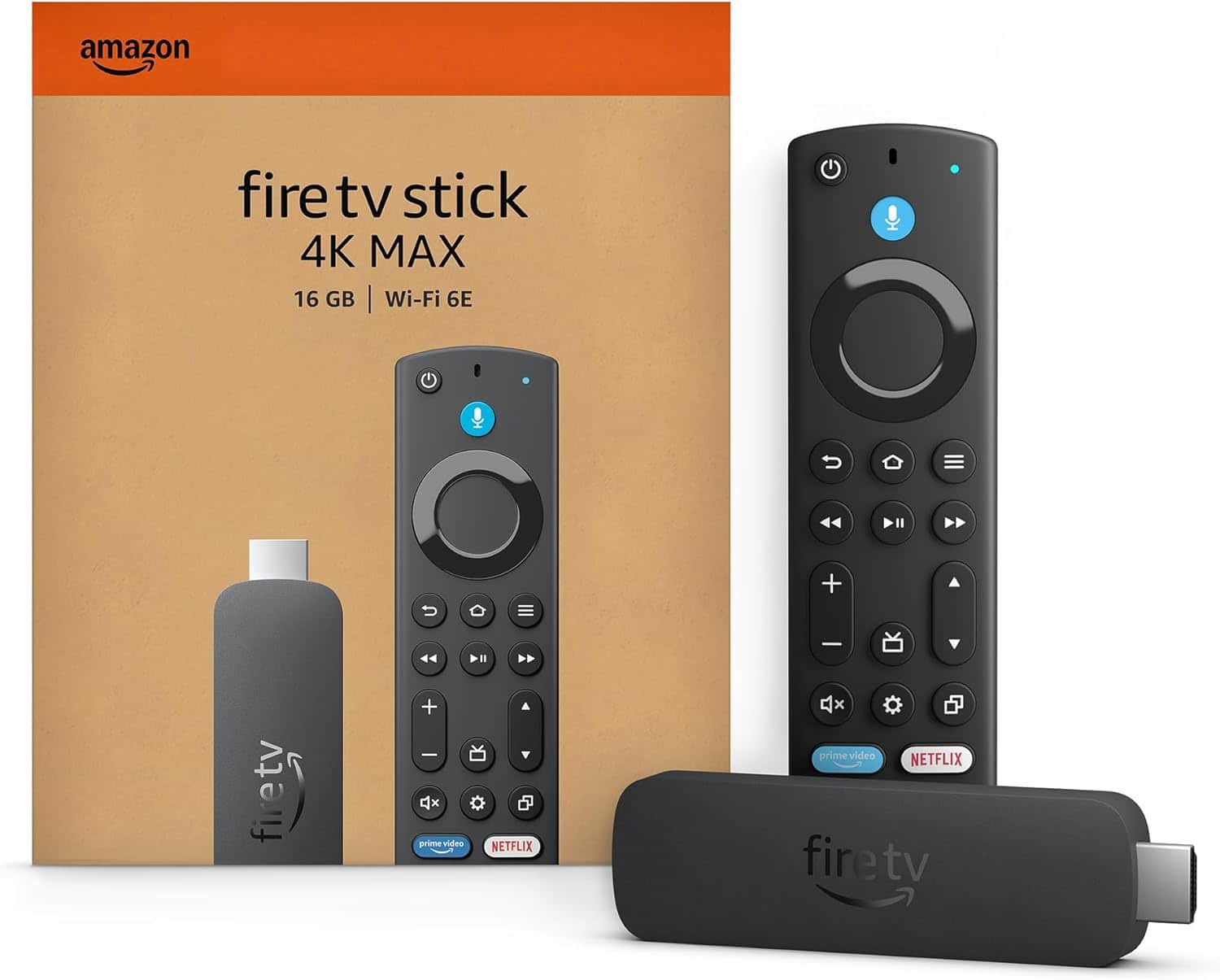
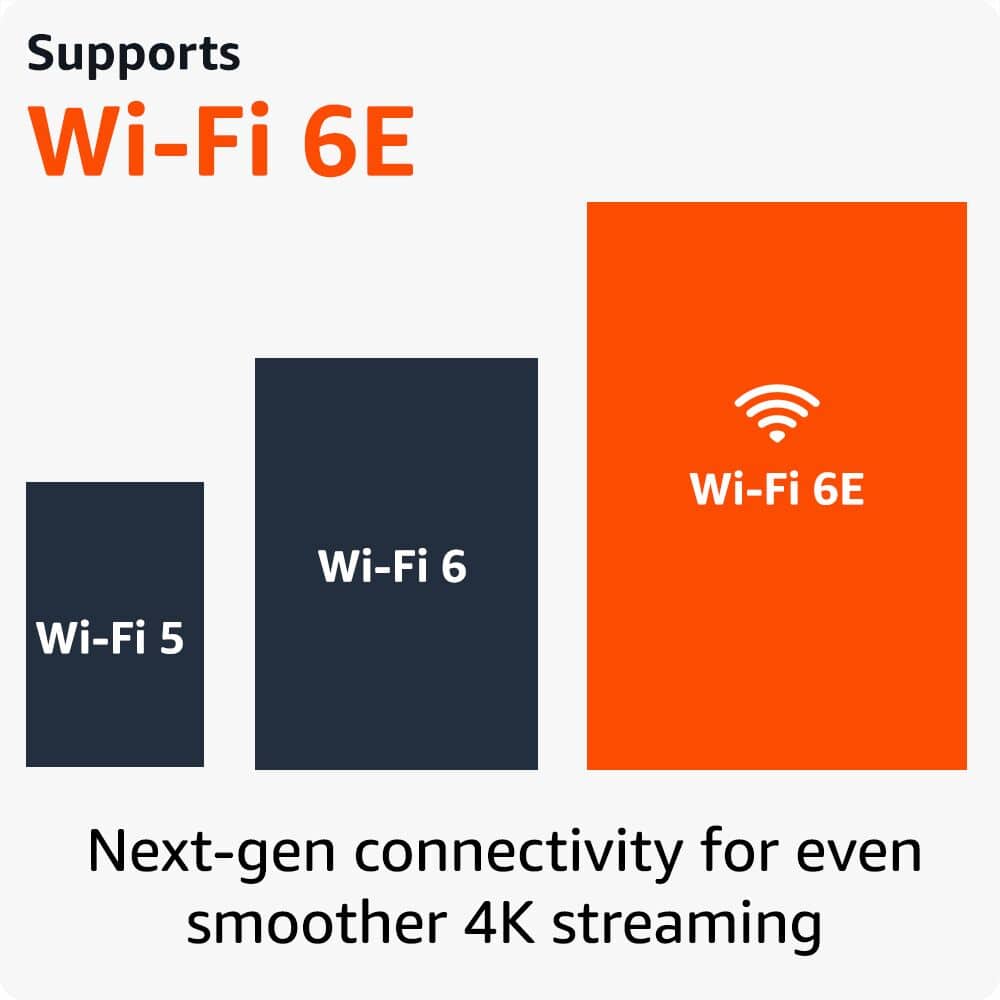
The Fire TV Stick 4K Max is designed to deliver a powerful streaming experience with Wi-Fi 6E support, fast app starts, and fluid navigation. When a device isn't functioning properly, there are several troubleshooting steps that can often resolve the issue
-Restart your device — Unplug the Fire TV Stick 4K Max from power, wait 30 seconds, and then plug it back in. This clears temporary issues and refreshes the connection.
-Check your internet connection — Ensure your Wi-Fi network is stable and that the device is within range of your router. A weak or intermittent connection can cause performance problems.
-Update the software — Go to Settings > My Fire TV > About > Check for Updates. Running the latest software version ensures you have the most recent bug fixes and performance improvements.
-Factory reset — If the above steps don't help, you can perform a factory reset by going to Settings > My Fire TV > Reset to Factory Defaults. This restores the device to its original settings and can resolve persistent issues.
Your satisfaction matters, and I hope these steps help get your Fire TV Stick 4K Max working properly. Thank you for taking the time to share your experience. Have a great day!
Love it
||Posted . Owned for 6 months when reviewed.This reviewer received promo considerations or sweepstakes entry for writing a review.It’s amazing, although it freezes sometimes and has to be restarted
I would recommend this to a friendFire stick
||Posted . Owned for 1 month when reviewed.This reviewer received promo considerations or sweepstakes entry for writing a review.It is helpful but not always easy to use. It has different controls than my other TV controllers.
I would recommend this to a friendGreat product
||Posted . Owned for 1 month when reviewed.This reviewer received promo considerations or sweepstakes entry for writing a review.Works good and reasonable cost! Defiantly worth buying and trying better than Roku
I would recommend this to a friend