Customer Ratings & Reviews
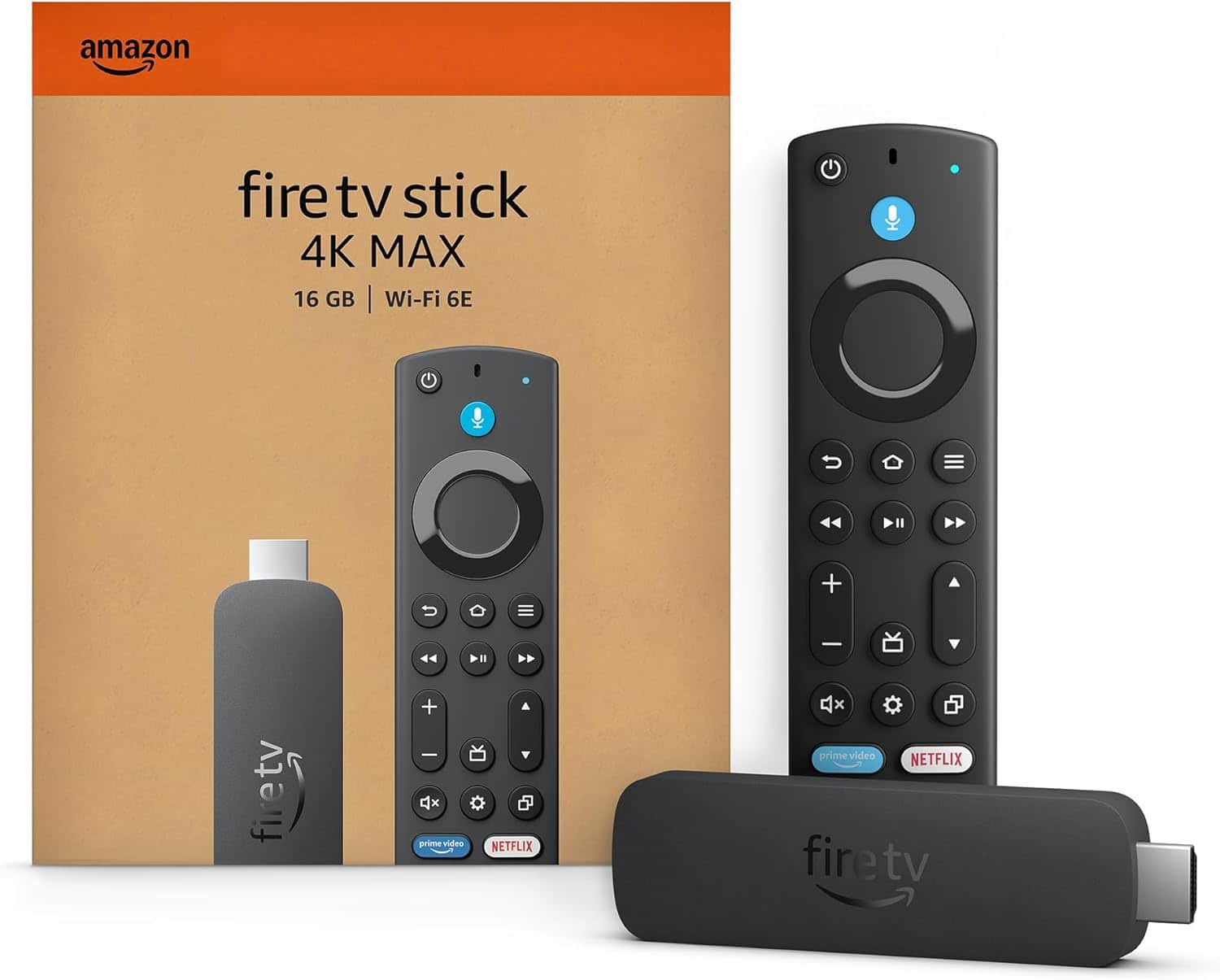
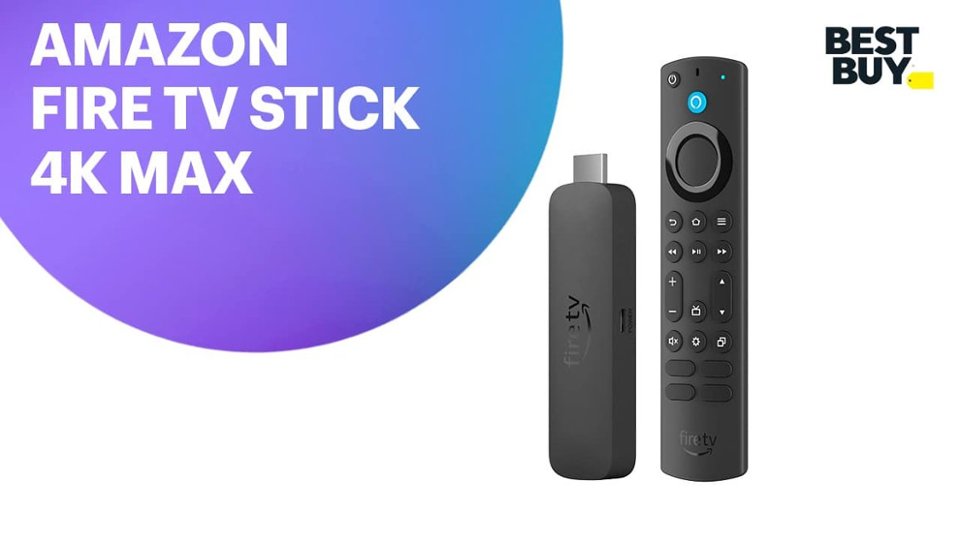

- Model:
- B0BP9SNVH9
- SKU:
- 10890387
Rating by feature
- Value
Rating 4.8 out of 5 stars
- Quality
Rating 4.8 out of 5 stars
- Ease of Use
Rating 4.8 out of 5 stars
to a friend
Frequent disconnects, Returned
||Posted . Owned for 1 week when reviewed.This reviewer received promo considerations or sweepstakes entry for writing a review.Have had similar prime devices in the past which work well. This one was in a room next door to the router and the long range WiFi repeatedly lost connection.
No, I would not recommend this to a friendBrand response from Amazon Devices Customer Support
Posted .Hello! I'm sorry to hear you're experiencing repeated Wi-Fi disconnection issues with your Fire TV Stick 4K Max, especially when it's located so close to the router. Let me walk you through some targeted steps to address this connectivity issue.
1. Check for Wi-Fi Interference Even being in the next room, walls and other electronic devices can cause interference. Try the following:
Make sure your Fire TV Stick 4K Max is connected to the 5GHz band of your router (rather than 2.4GHz), as it offers faster speeds and less congestion — especially important for 4K streaming.
Alternatively, if walls are causing signal degradation, try switching to the 2.4GHz band, which has better range and wall penetration, even if slightly slower.
2. Use the HDMI Extender Cable The Fire TV Stick 4K Max comes with an HDMI extender cable in the box. Using it moves the device away from the back of the TV, which can significantly reduce interference from the TV itself and improve Wi-Fi reception.
3. Restart Your Router and Fire TV Stick
Unplug your router, wait 30 seconds, and plug it back in.
Then go to Settings > My Fire TV > Restart on your Fire TV Stick 4K Max.
4. Forget and Reconnect to Wi-Fi
Go to Settings > Network
Select your Wi-Fi network and choose Forget This Network
Reconnect by selecting your network again and entering your password
5. Check Router Settings
Make sure your router's firmware is up to date.
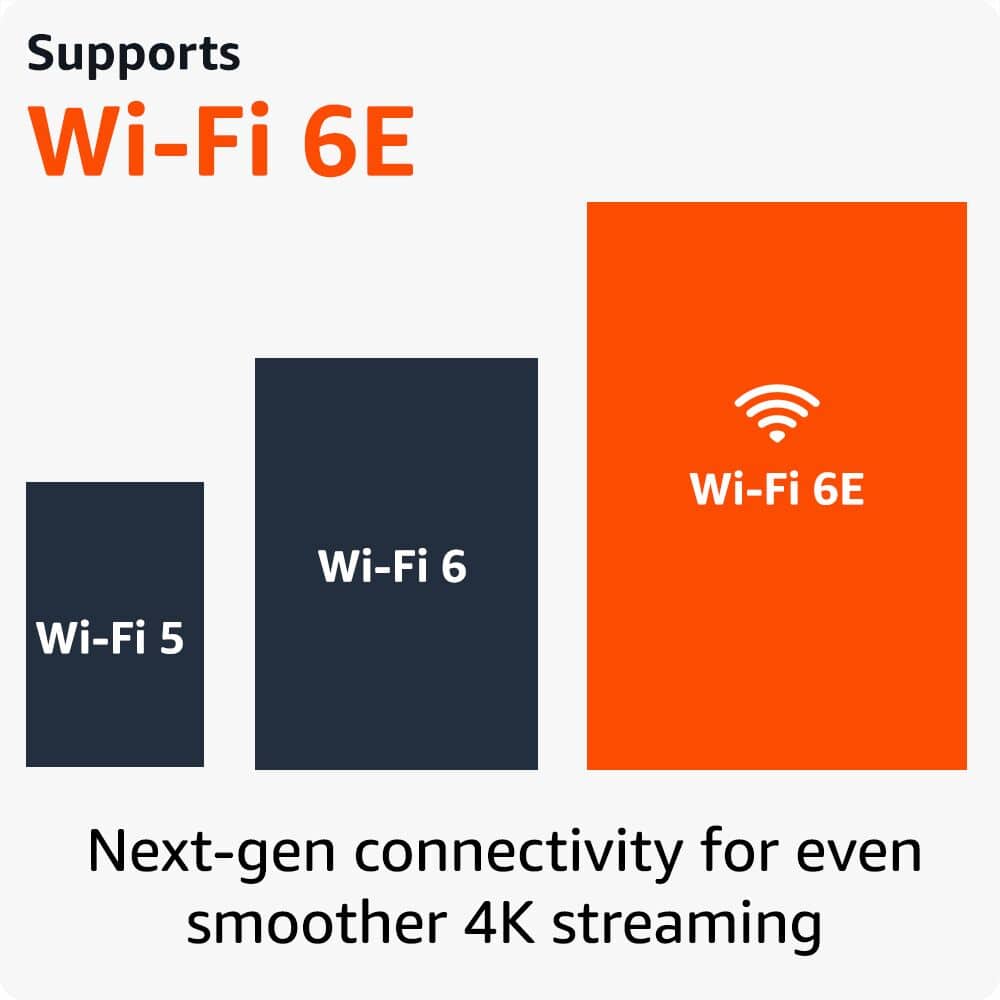
If your router supports Wi-Fi 6 (802.11ax), the Fire TV Stick 4K Max is Wi-Fi 6 compatible and should take full advantage of it — ensure Wi-Fi 6 is enabled on your router.
Check if your router has any band steering or device prioritization settings that may be causing the Fire TV Stick to drop connection.
6. Check for Software Updates Outdated firmware on the Fire TV Stick can sometimes cause connectivity instability:
Go to Settings > My Fire TV > About > Check for Updates
7. Factory Reset (Last Resort) If all else fails, a factory reset can resolve persistent connectivity issues:
Go to Settings > My Fire TV > Reset to Factory Defaults
If these steps do not resolve the repeated Wi-Fi disconnections, Amazon Customer Support is available 24/7 at 1-888-280-4331 and can provide further assistance.
Thank you for your feedback, and I hope we can get your Fire TV Stick 4K Max connecting reliably. Have a great day!
Fire stick Review
||Posted . Owned for 3 weeks when reviewed.This reviewer received promo considerations or sweepstakes entry for writing a review.Ok , kinda slow, too many ads. Would choose another next time
I would recommend this to a friendBrand response from Amazon Devices Customer Support
Posted .Hi MarkS, thank you for providing feedback on the Fire TV Stick 4K Max. I'm sorry to see you have had performance issues with the device. Ensure the Fire TV Stick device is connected to steady Internet/Wi-Fi setup. Try a different internet connection to check if issue persists.
Restart your device along with your network hardware (like a modem and router).
-Unplug your device or the power adapter from the power outlet.
-Unplug the Wi-Fi modem and router. Wait for one minute.
-Plug in the router. Once router in back on plug in the device.
Make sure your Fire TV is running latest software updates:
Go to Settings on your Fire TV. >
Select My Fire TV. >
Select About. >
Select Check for System Update.
Additionally: Clear the app data and cache.
Go to Settings on your Fire TV. >
2. Select Applications. >
In Manage Installed Applications, select the app you are having trouble with. >
Select Clear Cache, and then Clear Data. Hopefully this helps. Thanks again and Happy Holidays!
Amazon Firestick
||Posted . Owned for 4 months when reviewed.This reviewer received promo considerations or sweepstakes entry for writing a review.Had to replace due to fire stick kept buffering and wouldn’t work well
No, I would not recommend this to a friendLOTS OF LIMITATIONS
||Posted . Owned for 2 weeks when reviewed.This reviewer received promo considerations or sweepstakes entry for writing a review.Bought it by mistake, thinking I would get extra features, which I already have witn my Goggle TV, pre -installed in my Sony Bravia 3 TV
No, I would not recommend this to a friendBrand response from Amazon Devices Customer Support
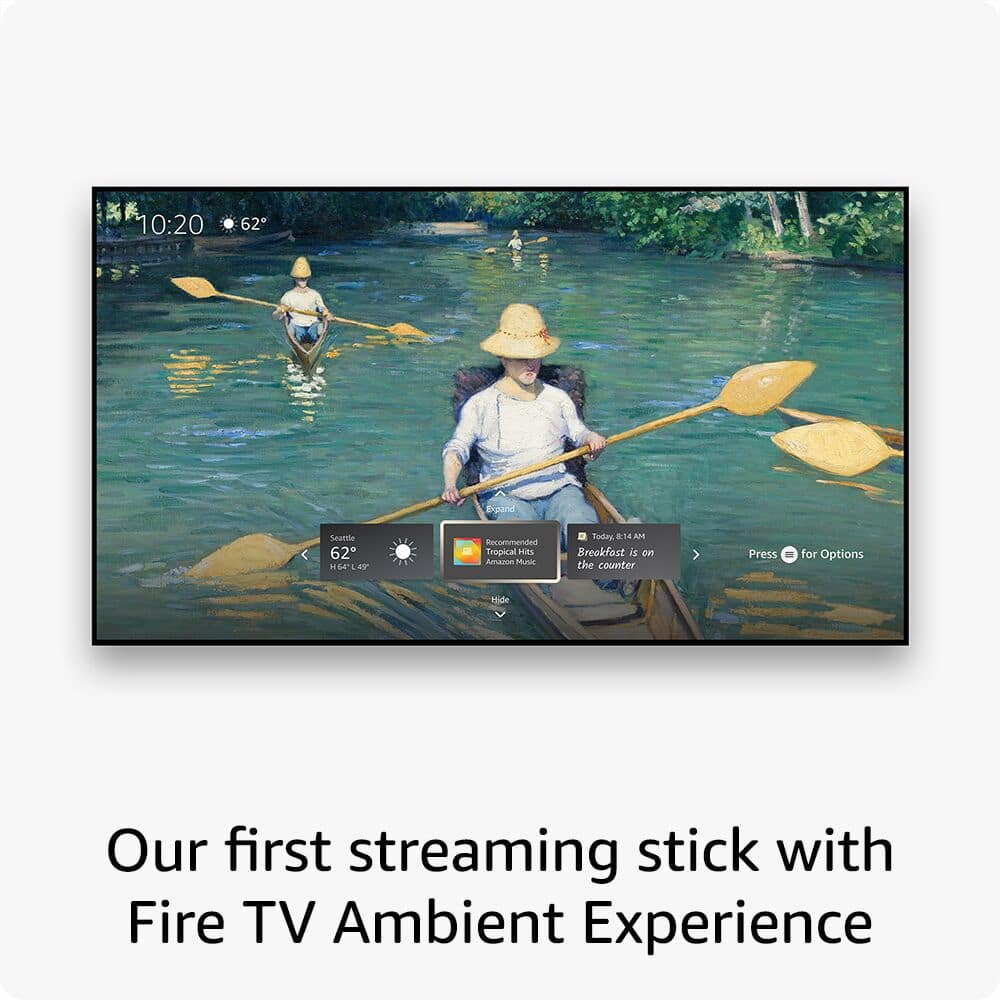
Posted .Hello starlightrusty! Thank you for your feedback on the Amazon Fire TV Stick 4K Max — we appreciate you sharing your experience, and we completely understand the frustration of purchasing a device that duplicates features you already enjoy. The Fire TV Stick 4K Max is a powerful standalone streaming device that brings Alexa voice control, Wi-Fi 6E connectivity, an Ambient Experience, and access to a wide range of streaming apps. Thank you again for your feedback!
Works great.
||Posted . Owned for 3 weeks when reviewed.This reviewer received promo considerations or sweepstakes entry for writing a review.I returned it. The Fire Stick works fine I am just used to Apple Box and its faster but, it does cost a lot more. JMO
I would recommend this to a friendFire TV restart
||Posted . Owned for 1 month when reviewed.This reviewer received promo considerations or sweepstakes entry for writing a review.I have to often restart the Fire TV Stick else it has issues with getting mute on its own, if hibernated for long hours.
I would recommend this to a friendOK but NOT great
||Posted . Owned for 1 month when reviewed.This reviewer received promo considerations or sweepstakes entry for writing a review.Better than Fire Stick 4 K but has some connective issues. 4 K Max is best if you do not have or experienced 4 K
I would recommend this to a friendToo Bad
||Posted . Owned for 3 weeks when reviewed.This reviewer received promo considerations or sweepstakes entry for writing a review.I bought it cause of the double capacity as my current fire stick. Doesn't work with my streaming service. But I will keep it since I got a free month of another streaming service. The streaming service costs more than the stick. So I got my moneys worth even though it isn't compatible with my current service.
I would recommend this to a friendNot reliable
||Posted . Owned for 1 month when reviewed.This reviewer received promo considerations or sweepstakes entry for writing a review.Keeps crashing every few hours, tried everything to fix it to no avail
No, I would not recommend this to a friendBrand response from Amazon Devices Customer Support
Posted .Hi MickeyC,
Thank you for sharing your feedback on the Fire TV Stick 4K Max. We're truly sorry to hear that you're experiencing frequent crashes every few hours, and we understand how frustrating it is when you've already tried troubleshooting steps without success. A device at this performance level should provide reliable, stable streaming, and what you're experiencing is not acceptable.
Persistent crashing issues like this can sometimes be caused by factors such as overheating (especially if the device doesn't have adequate ventilation), power supply problems (using the included Amazon power adapter and cable is important), corrupted software that may require a factory reset, or in some cases, a hardware defect. However, since you've already tried multiple troubleshooting approaches without resolution, we'd strongly encourage you to contact our support team directly.
Our Fire TV support specialists can help diagnose the specific cause of the crashes, walk through advanced troubleshooting steps, or arrange a replacement if the device is defective. You can reach them at 1-888-280-4331 or through the Fire TV settings menu under Help & Feedback. They have tools to analyze your device remotely and can often identify issues that aren't immediately obvious.
We appreciate you taking the time to share your experience, as feedback like yours helps us identify and address product issues.
Works just frustrating
||Posted . Owned for 3 weeks when reviewed.This reviewer received promo considerations or sweepstakes entry for writing a review.Have to switch to hdmi evry time we use this remote, also tried to connect to our tv upstairs instead of downstairs. Annoying!
No, I would not recommend this to a friendFirestick
||Posted . Owned for 2 weeks when reviewed.This reviewer received promo considerations or sweepstakes entry for writing a review.Very confusing to install not happy with directions
No, I would not recommend this to a friendBrand response from Amazon Devices Customer Support
Posted .Hello Joey! I am terribly sorry that you had issues with the instructions for your Fire Stick. We appreciate any and all feedback as we are always trying to improve upon our products so that customers have the best experience possible with our products. If you have any further issues that you need assistance with in your set up, I would recommend you contact Amazon Customer Support at 888.280.4331. Thanks again for your time and feedback and I hope you have a terrific day!
NONWORK DEVICE
||Posted .This reviewer received promo considerations or sweepstakes entry for writing a review.It did not work when I received it. When connect to the tv, the device never open so that I could do anything. The device would not even pass the welcome screen.
No, I would not recommend this to a friendBrand response from Amazon Devices Customer Support
Posted .Hi CordariusJ,
For any support on a defective unit, you can go directly in store at the customer support counter and get a replacement unit for a defective unit.
Past 30 days please reach out directly to Amazon customer service support to get a repair or replacement device.
Hope this helps, Have a great day!
Issues
||Posted . Owned for 2 weeks when reviewed.This reviewer received promo considerations or sweepstakes entry for writing a review.This device has a ton of lag. HBO max would take 5 minutes to even open. Would press buttons and nothing would happen for 30 seconds to a minute at a time. I ended up returning and getting my money back. Honestly was a waste of time
No, I would not recommend this to a friendTerrible lag and very glitchy
||Posted . Owned for 2 weeks when reviewed.This reviewer received promo considerations or sweepstakes entry for writing a review.It’s ok but lags too much and is extremely slow. If I could I would give this no stars. This is not what you look for in a streaming device. It should not load up so slow like it does. This is the worse streaming device ever not even the Roku stick loads up this bad.
No, I would not recommend this to a friendBrand response from Amazon Devices Customer Support
Posted .Hello, fredreed. I am sorry to hear about the experience you are having with the Fire TV Stick 4K Max. I recommend clearing the app data and cache to the app that is opening slow. To do this:
1. Go to Settings on your Fire TV.
2. Select Applications.
3. In Manage Installed Applications, select the app you're having trouble with.
4. Select Clear Cache, and then Clear Data.
I hope this helps with the issue, but if it doesn't improve your speed, I recommend contacting Amazon Customer Support at 888.280.4331 for further troubleshooting. Thanks again for your feedback, and have a great day!
4kMax Just Under 1 year Ago
||Posted . Owned for 3 weeks when reviewed.This reviewer received promo considerations or sweepstakes entry for writing a review.I Bought This In Replacement for The 4k max i bought my husband just a few days shy of one year some reaso. It completely stopped working.yes i had i surance on it and yes i got it cheaper gor black friday .that didnt matter i still. Had to pay out of pocket nice ? Yup just so everyone knows
I would recommend this to a friendBrand response from Amazon Devices Customer Support
Posted .Hello Candylin, sorry to hear about your frustration with the Amazon Fire TV Stick 4K Max. Amazon stands by their products and offers limited one year warranty at not cost to you. If you still have the Amazon Fire TV Stick 4K Max call the customer service number at 888-216-1072 for assistance. Hope this has address your concern. Have an amazing day!
A work in progress
||Posted . Owned for 3 weeks when reviewed.This reviewer received promo considerations or sweepstakes entry for writing a review.Still learning how to work it. Haven't seen a NBA game yet. Li've. Or a n f l game live.
I would recommend this to a friendMy New 4k Max
||Posted . Owned for 3 weeks when reviewed.This reviewer received promo considerations or sweepstakes entry for writing a review.I like that it has more storage space but it has a few bugs that needs to be addressed.
I would recommend this to a friendNo remote. Didn't work.
||Posted . Owned for 1 month when reviewed.This reviewer received promo considerations or sweepstakes entry for writing a review.Came with no remote. A friend wasn't using theirs anymore and have me their remote. However, when i plugged it into the tv it wouldn't wouldn't get past the fire tv screen. I let it sit for roughly 45 minutes thinking maybe it was an update. Nothing happened. I then tried different HDMI ports and even a different tv. Nothing worked. It's getting returned and I'll try one more time.
No, I would not recommend this to a friendBrand response from Amazon Devices Customer Support
Posted .Good morning WilliamW -
Thanks for the feedback on the Amazon Fire TV Stick 4K Max. I am sorry to hear you had problems with the first stick and are happy you are willing to give us another try! If you have any questions or need support with the new stick, Amazon Customer service is available 24/7 to help. You can reach them at 1-888-280-4331. I hope this information helps, have a great day!
Horrible Product
||Posted . Owned for less than 1 week when reviewed.This reviewer received promo considerations or sweepstakes entry for writing a review.Product defective, I was able to pair with my TV and it worked for one night the next day it would not work at all. I was on the phone with an Amazon CS member for over 2 hours. They determined the Product was defective and sent out a replacement.
No, I would not recommend this to a friendDisappointed
||Posted . Owned for 1 month when reviewed.This reviewer received promo considerations or sweepstakes entry for writing a review.The setup stinks for my Roku tv. Not as easy as directions say.
No, I would not recommend this to a friend