Customer Ratings & Reviews


- Model:
- B0F7Z4QZTT
- SKU:
- 12181886
Rating by feature
- Value
Rating 4.8 out of 5 stars
- Quality
Rating 4.8 out of 5 stars
- Ease of Use
Rating 4.8 out of 5 stars
Replacement
||Posted . Owned for 1 week when reviewed.This reviewer received promo considerations or sweepstakes entry for writing a review.This was not the remote I needed for my television. My tv already had a fire tv built in. I needed a replacement remote.
I would recommend this to a friendNot watmm
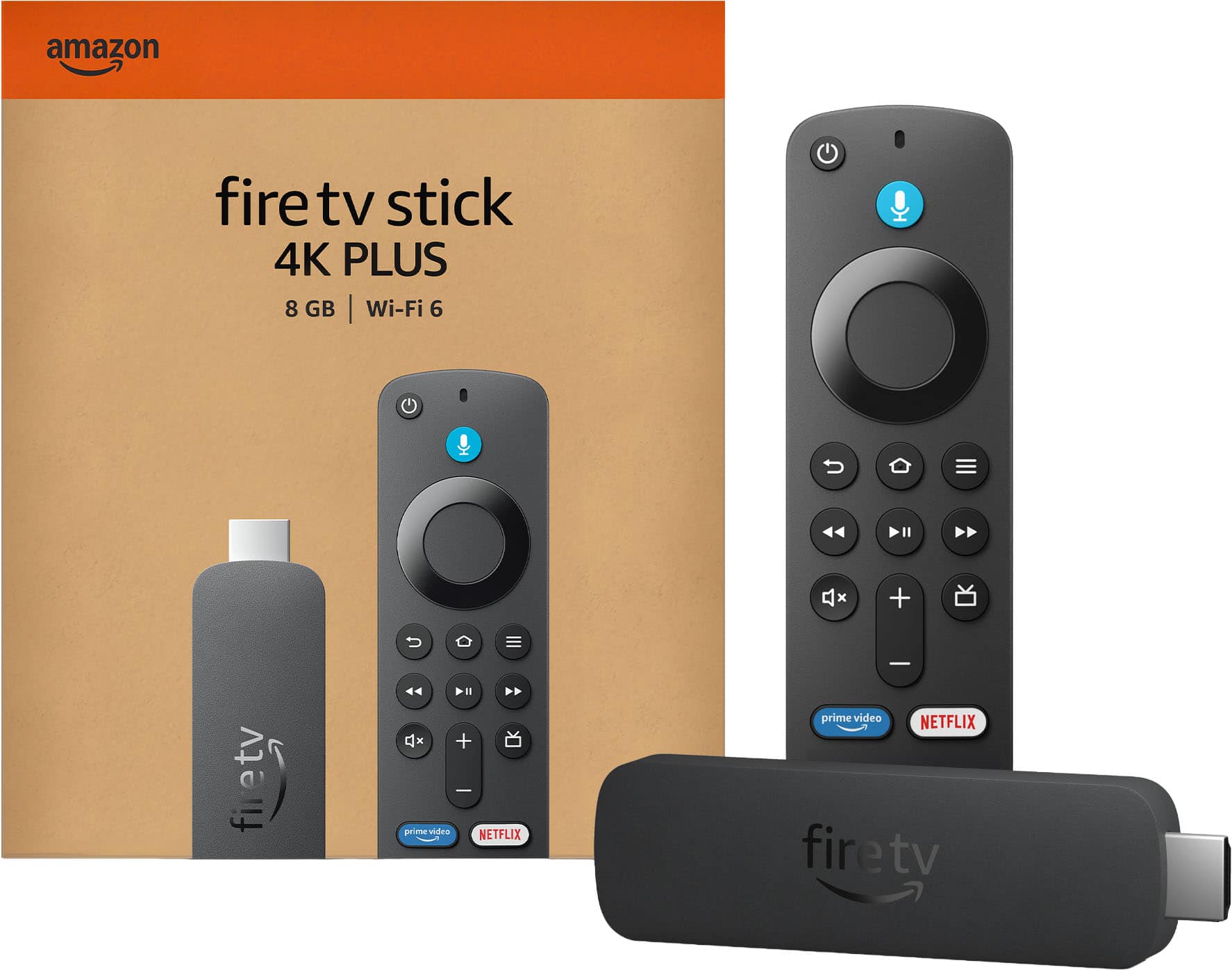
||Posted .This reviewer received promo considerations or sweepstakes entry for writing a review.I thought it had the,alexa button it didnt only had a .microphone button it doesn't work with my echo show 8
I would recommend this to a friendBrand response from Amazon Devices Customer Support
Posted .Hello, LucyR. Thank you for taking the time to leave a review on the Fire TV Stick 4K. I am sorry to hear about the issue you are experiencing with the device. While the Fire TV Stick 4K remote shows a microphone instead of the Alexa icon, the device still uses Alexa. If you have any questions or need further assistance with the device, I recommend contacting Amazon Customer Support at 888-280-4331. Thank you again, have a great day!

Meh
||Posted . Owned for 3 weeks when reviewed.This reviewer received promo considerations or sweepstakes entry for writing a review.Marginally better than the early edition Fire Stick 4k that it replaced. Remote would not control TV volume however, the TV remote easily controls the Fire Stick.
I would recommend this to a friendBrand response from Amazon Devices Customer Support
Posted .Hello, Arby. Thank you for taking the time to leave a review, and I am sorry to hear about the issues you are having with the Fire TV Stick 4K remote. I have some recommendations to try and solve your issue. First, I would check the TV settings within the Fire TV Stick 4K. You can do this by going to Settings, Equipment Control, and selecting Manage Equipment. Select "Change TV" and choose the TV manufacturer to ensure the correct IR codes are being sent. If that does not work, I recommend repairing the remote. Go to Settings, Controllers and Bluetooth Devices, and select Amazon Fire TV Remotes. Select the remote and follow the on-screen prompts. If these steps do not help, and you are still having functionality issues, you can call Amazon customer service, available 24/7 for assistance with the device. You can reach them at 1-888-280-4331. I hope this information is helpful. Thank you!
Fire Stick
||Posted . Owned for 1 month when reviewed.This reviewer received promo considerations or sweepstakes entry for writing a review.Simply instilation not glitches to usb port on tv and power outlet
I would recommend this to a friendFire stick
||Posted . Owned for 1 month when reviewed.This reviewer received promo considerations or sweepstakes entry for writing a review.Its an okay item ,but it tends to freeze at moments
I would recommend this to a friendBrand response from Amazon Devices Customer Support
Posted .Hello, NormaP. Thank you for taking the time to leave a review of the Fire TV Stick 4K. If you are experiencing the device freezing in a certain application, I recommend clearing the data and cache. To do this:
- Go to Settings on your Fire TV Stick.
- Select Applications.
- In Manage Installed Applications, select the app that you are experiencing freezing with.
- Select Clear Cache, and then Clear Data.
If these steps do not help and you are still experiencing this issue, I recommend reaching out to Amazon Customer Support 24/7 at 1-888-280-4331. We appreciate your feedback and hope these steps are helpful. Have a great day!
Smart device
||Posted . Owned for 3 weeks when reviewed.This reviewer received promo considerations or sweepstakes entry for writing a review.Its very good if yiu sont have smart tv. With that you can play different app.
I would recommend this to a friendGood unless you are using Disney Plus
||Posted . Owned for 3 months when reviewed.This reviewer received promo considerations or sweepstakes entry for writing a review.I like the fire TV platform. The only downside is they still have not fixed the Dolby Atmos sound issue in Disney+ app if you go to watch anything that is in Dolby Atmos on Disney+ app you cannot hear the audio.
I would recommend this to a friendBrand response from Amazon Devices Customer Support
Posted .Hello Phil! Thank you so much for providing feedback on your experience with your Fire Stick. We have communicated this feedback up internally and recommend that you contact Disney Plus regarding this because it is only happening with their software and no one else's. There are constant updates to our system to improve stability and customer experience as well as from 3rd party developers for their apps. You can also contact Amazon Customer Support at 888.280.4331 for further troubleshooting. Thank you again for your time and feedback and I hope you have a terrific day!
Good product
||Posted . Owned for 3 weeks when reviewed.This reviewer received promo considerations or sweepstakes entry for writing a review.Value for the money we paid for the device. I would recommend to others
I would recommend this to a friendMr.
||Posted . Owned for 1 month when reviewed.This reviewer received promo considerations or sweepstakes entry for writing a review.Has minimal short comings, but overall the device is appropriate for normal usage
I would recommend this to a friendFirestick
||Posted . Owned for 1 month when reviewed.This reviewer received promo considerations or sweepstakes entry for writing a review.Overall a good product, it has access to a lot of features and viewing options.
I would recommend this to a friendHave to use my warrent already
||Posted . Owned for 3 weeks when reviewed.This reviewer received promo considerations or sweepstakes entry for writing a review.I use this one on the 75in Sharp tv after 3weeks it went out
No, I would not recommend this to a friendGreat buy
||Posted . Owned for 3 weeks when reviewed.This reviewer received promo considerations or sweepstakes entry for writing a review.A good buy and the space upgrades was needed also think it could be a bit more user friendly
I would recommend this to a friendAmazon Fire Stick
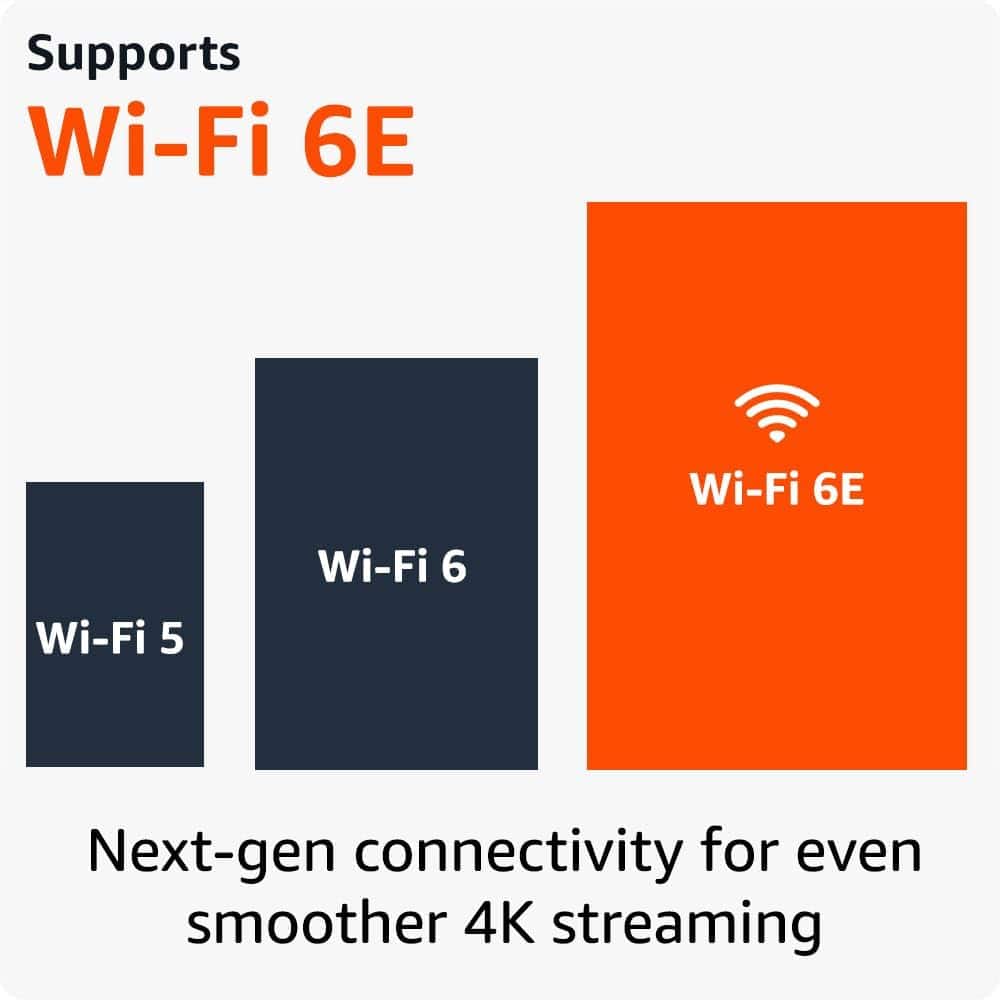
||Posted . Owned for 3 weeks when reviewed.This reviewer received promo considerations or sweepstakes entry for writing a review.Improved wifi connectivity, and less buffering. Doesn't lock up like the older fire stick.
I would recommend this to a friendGreat !
||Posted . Owned for 2 weeks when reviewed.This reviewer received promo considerations or sweepstakes entry for writing a review.I received the package early. It was wrapped professionally.
I would recommend this to a friendIt works
||Posted . Owned for 2 weeks when reviewed.This reviewer received promo considerations or sweepstakes entry for writing a review.It works as intended when I bought it for myself!!
No, I would not recommend this to a friendWorks
||Posted . Owned for 1 month when reviewed.This reviewer received promo considerations or sweepstakes entry for writing a review.Decent works well, would like usb port to be in s angle
I would recommend this to a friendGood
||Posted . Owned for 1 month when reviewed.This reviewer received promo considerations or sweepstakes entry for writing a review.It's works well so far. I use it for traveling and it connects easily with the hotel wifi.
I would recommend this to a friendHome page doesnt stay on, will turn into black
||Posted . Owned for 1 month when reviewed.This reviewer received promo considerations or sweepstakes entry for writing a review.the home page won't stay on, it will auto-turn off into a black screen if not used, I have called Amazon, and they aren't listening to what I asked for. I want that screen to stay on, not turn into a black screen when not used. it's not the same as Roku which always stays on the home page on TV.
No, I would not recommend this to a friendBrand response from Amazon Devices Customer Support
Posted .Hi SuvSmiley, thank you for taking time to provide feedback on the Fire TV Stick 4K. I can definitely understand your frustration with this. It sounds like the device is going into sleep mode due to inactivity. Currently, the Fire TV Stick doesn't support a native setting to turn off the sleep mode. This feature is in place to prevent potential "screen burn-in." If you'd like to provide additional feedback, you can reach out to Amazon Customer Support 24/7 at 1-888-280-4331. Thank you again for your feedback, hope you have a great day!
Firestick
||Posted . Owned for 3 weeks when reviewed.This reviewer received promo considerations or sweepstakes entry for writing a review.The firestick works great it only buffer a couple two time
I would recommend this to a friendJt
||Posted . Owned for 3 weeks when reviewed.This reviewer received promo considerations or sweepstakes entry for writing a review.The 4K is a good stick but i still woukd recommend the 4K max for the added storage.
I would recommend this to a friend