Customer Ratings & Reviews

- Model:
- B0C6W3D4RM
- |
- SKU:
- 6644637
Customer reviews
Rating 4.4 out of 5 stars with 434 reviews
(434 customer reviews)Rating by feature
- Value4.5
Rating 4.5 out of 5 stars
- Quality4.5
Rating 4.5 out of 5 stars
- Ease of Use4.5
Rating 4.5 out of 5 stars
Customers are saying
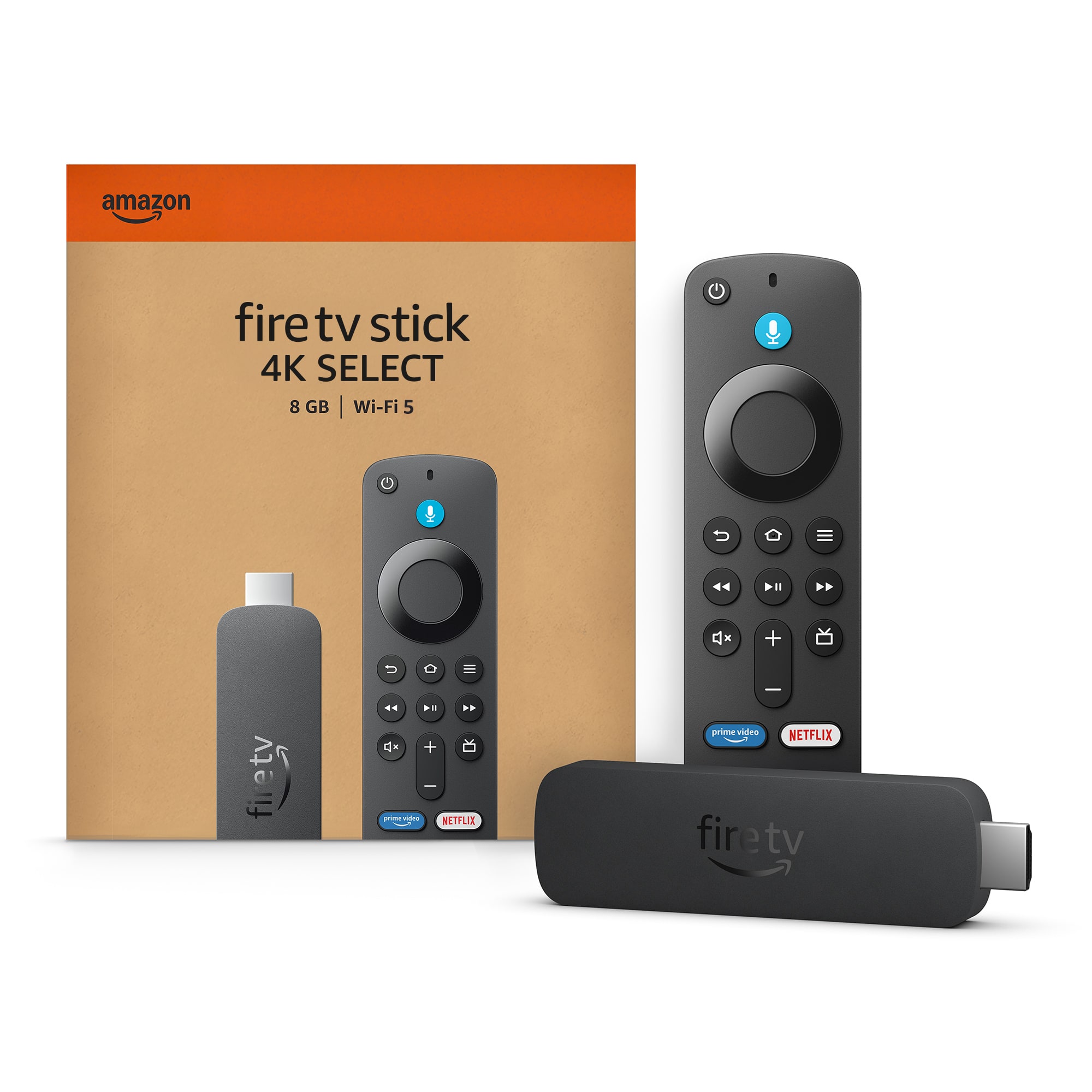
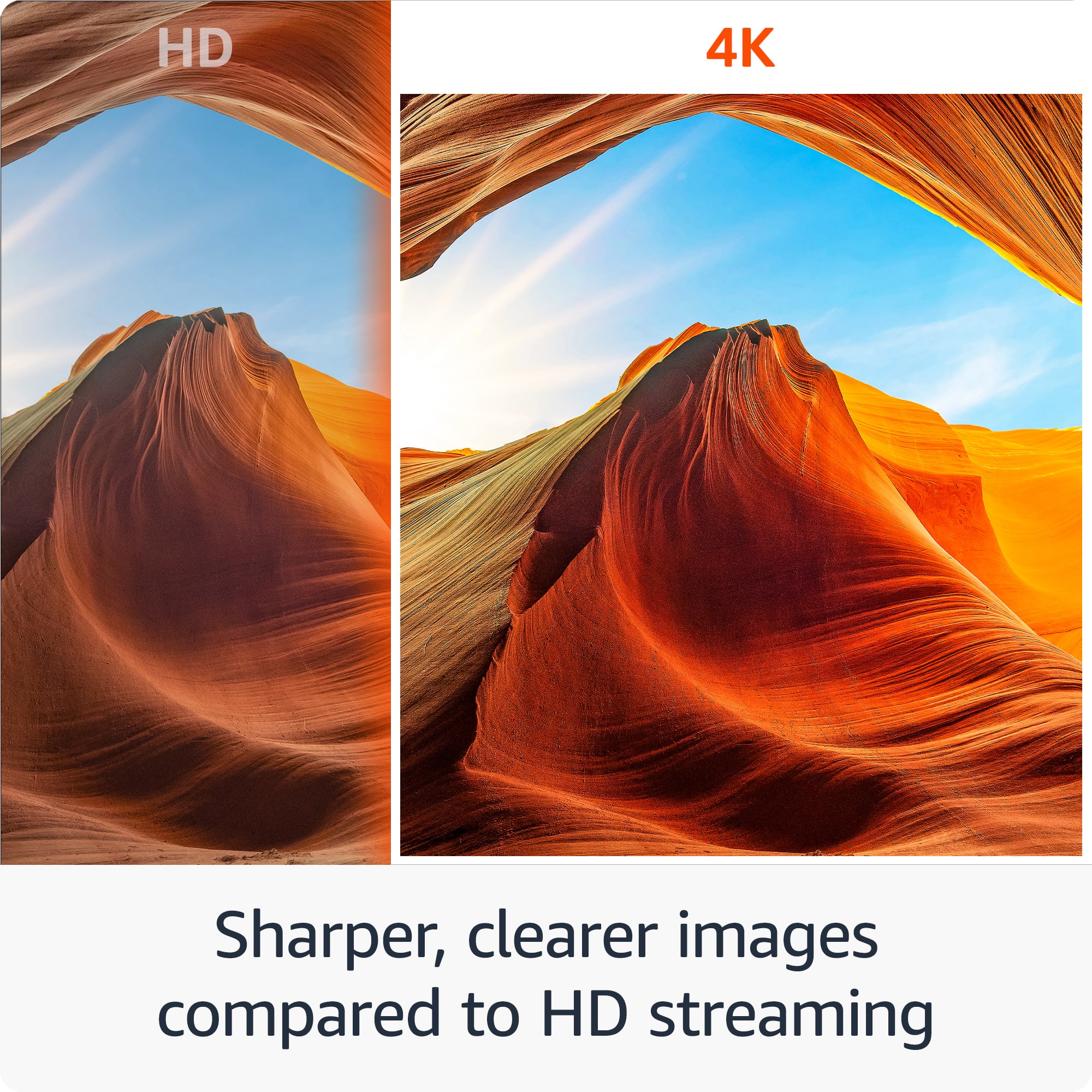
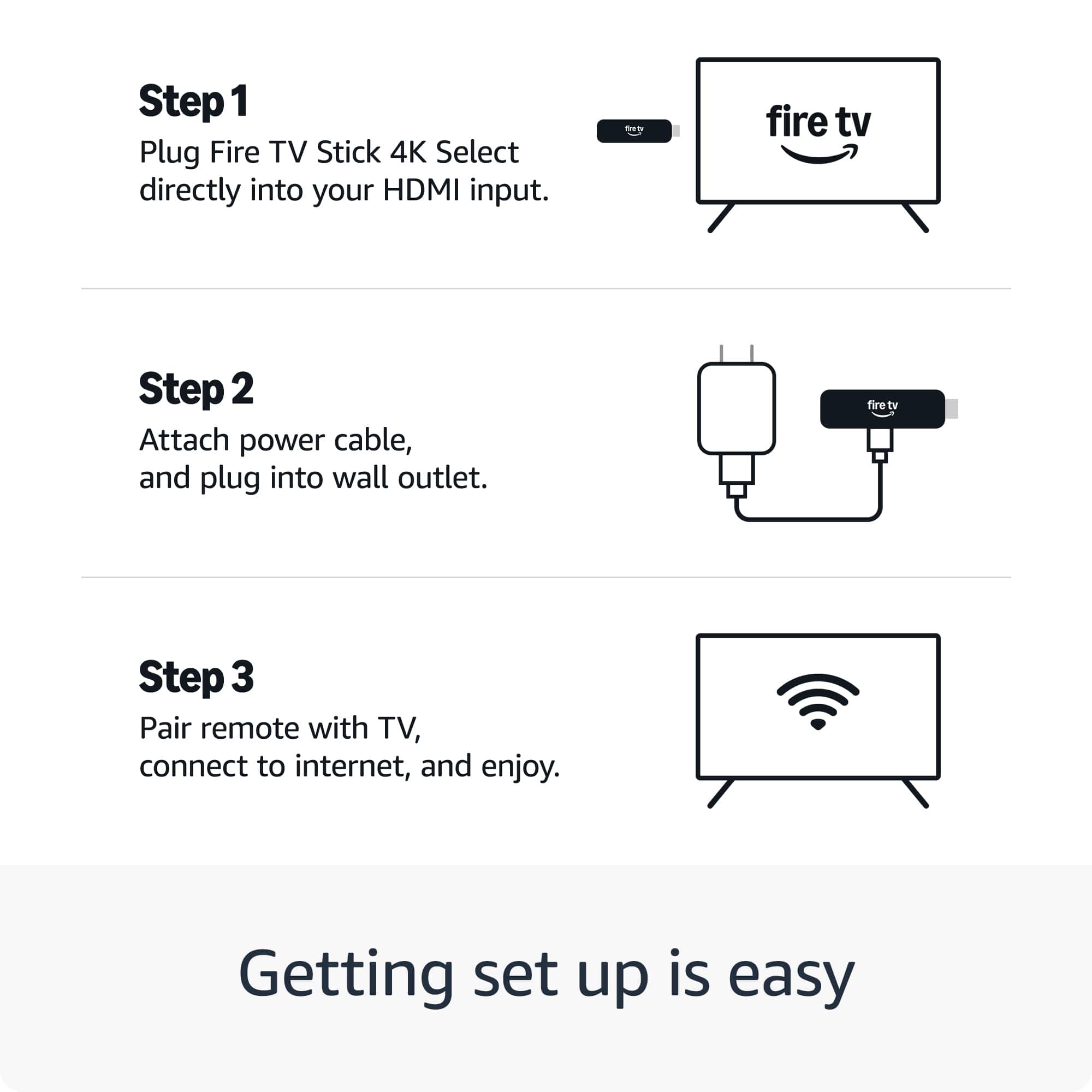
Customers enjoy the Fire TV Stick 4K Select for its overall performance, including its great picture quality. Customers also appreciate the device's ease of use, noting that it is very easy to set up. There were no negative aspects mentioned about the product.
This summary was generated by AI based on customer reviews.
Rated 5 out of 5 stars
Family Movie Night Ready
||Posted . Owned for 1 month when reviewed.This reviewer received promo considerations or sweepstakes entry for writing a review.Fire stick for family to be able to watch movies and preferred television shows
I would recommend this to a friend- Pros mentioned:Overall performance
Rated 5 out of 5 stars
Over all
||Posted .This reviewer received promo considerations or sweepstakes entry for writing a review.Great product would purchase this again best buy has great quality items
I would recommend this to a friend - Pros mentioned:Overall performance
Rated 5 out of 5 stars
Fire stick
||Posted . Owned for 1 month when reviewed.This reviewer received promo considerations or sweepstakes entry for writing a review.Works well for what I need it to do. It took a while to figur out how to program it.
I would recommend this to a friend - Pros mentioned:Overall performance
Rated 5 out of 5 stars
One in every room
||Posted .This reviewer received promo considerations or sweepstakes entry for writing a review.Works amazing have one in each bed room for guest to watch
I would recommend this to a friend Rated 5 out of 5 stars
Great product
||Posted . Owned for 1 month when reviewed.This reviewer received promo considerations or sweepstakes entry for writing a review.Good deal it was on sale .Easy to set up. This is the newer model.
I would recommend this to a friendRated 5 out of 5 stars
Superior
||Posted . Owned for 3 weeks when reviewed.This reviewer received promo considerations or sweepstakes entry for writing a review.Superior product. Excellent quality. Well known branding. I use this product because it is the leader (by a large gap) amongst the brands you can purchase
I would recommend this to a friendRated 4 out of 5 stars
Good one
||Posted . Owned for 2 weeks when reviewed.This reviewer received promo considerations or sweepstakes entry for writing a review.It all basic things it has to do. One thing missing in it is it doesn't allow to enable developer option to enable download from other sources.
I would recommend this to a friend- Pros mentioned:Overall performance
Rated 5 out of 5 stars
Fire Stick
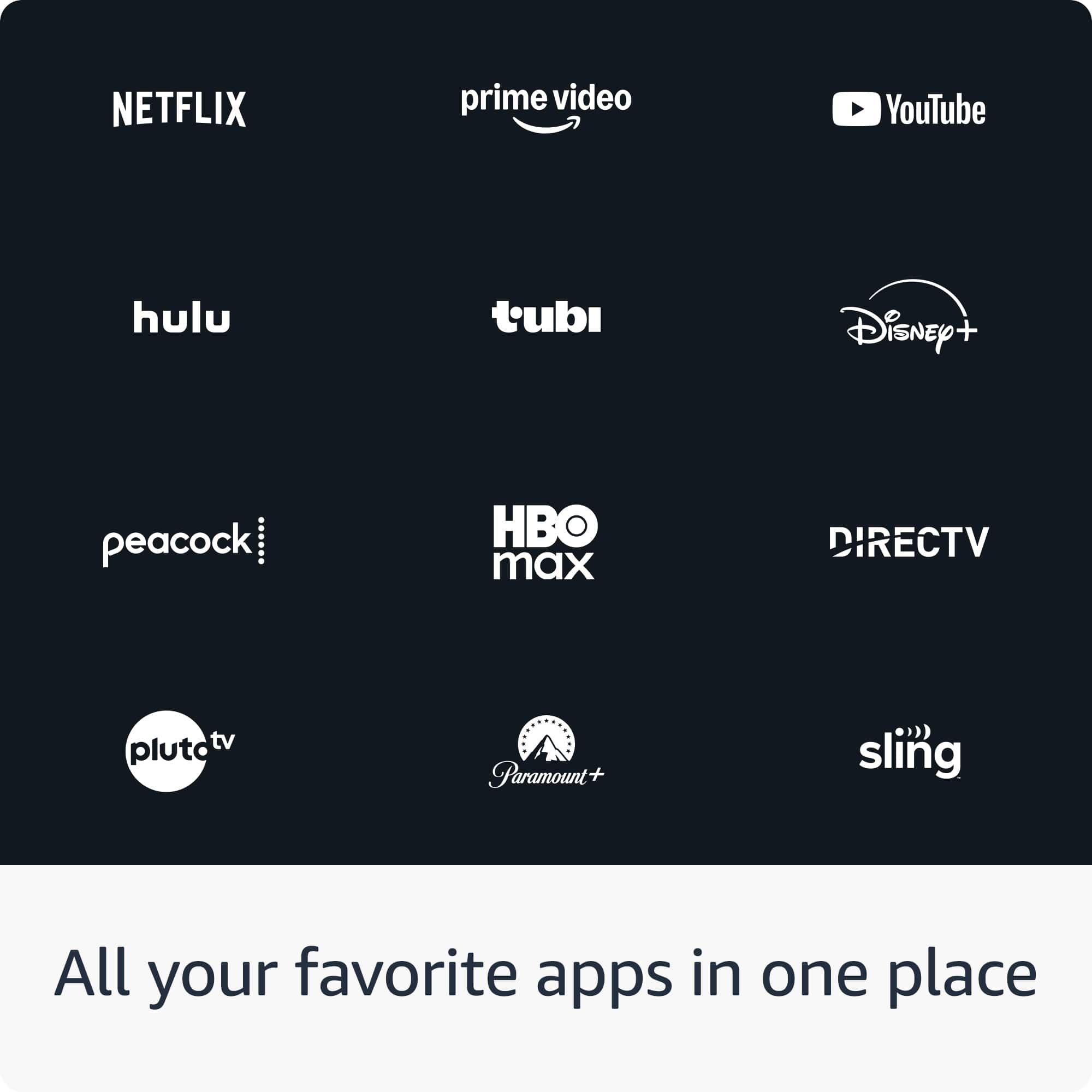
||Posted .This reviewer received promo considerations or sweepstakes entry for writing a review.Great product simplifies the use of our smart devices with all our apps in one place.
I would recommend this to a friend Rated 5 out of 5 stars
Fire stick
||Posted . Owned for 1 month when reviewed.This reviewer received promo considerations or sweepstakes entry for writing a review.Turned my basic office tv into a smart tv and I love it
I would recommend this to a friendRated 5 out of 5 stars
Great buy
||Posted . Owned for 1 month when reviewed.This reviewer received promo considerations or sweepstakes entry for writing a review.Easy to set up, but I don’t think my older tv can keep up with the 4k
I would recommend this to a friend- Pros mentioned:Overall performance
Rated 5 out of 5 stars
Great Item
||Posted . Owned for 2 weeks when reviewed.This reviewer received promo considerations or sweepstakes entry for writing a review.Great Item, perfect for my needs , I will buy it again
I would recommend this to a friend Rated 5 out of 5 stars
4K Select Fire Stick
||Posted . Owned for 3 weeks when reviewed.This reviewer received promo considerations or sweepstakes entry for writing a review.I love the 4K Select Fire Stick. The picture is EXTREMELY clear, scrolling and loading is so MUCH FASTER. Firestick has out done themselves at this point
I would recommend this to a friend- Pros mentioned:Overall performance
Rated 5 out of 5 stars
Fire stick 4K
||Posted . Owned for 3 weeks when reviewed.This reviewer received promo considerations or sweepstakes entry for writing a review.Works very well. Easy to hook up and install. Lots of channels to choose from. Only downside is no MeTV
I would recommend this to a friend - Pros mentioned:Overall performance
Rated 5 out of 5 stars
Fire stick
||Posted .This reviewer received promo considerations or sweepstakes entry for writing a review.Works great with a good price. Easy to install and use for out tv set
I would recommend this to a friend - Pros mentioned:Overall performance
Rated 4 out of 5 stars
Nice Buy
||Posted . Owned for 2 weeks when reviewed.This reviewer received promo considerations or sweepstakes entry for writing a review.Good stick if this is the route you would like take for viewing pleasure.
I would recommend this to a friend - Pros mentioned:Overall performance
Rated 5 out of 5 stars
Newest Version
||Posted .This reviewer received promo considerations or sweepstakes entry for writing a review.Very good, I love this upgrade. A good electronic to own.
I would recommend this to a friend - Pros mentioned:Overall performance
Rated 5 out of 5 stars
Works like a charm
||Posted . Owned for 2 weeks when reviewed.This reviewer received promo considerations or sweepstakes entry for writing a review.Bought it to make a fireplace and it works great. Also got it at a great price!
I would recommend this to a friend - Pros mentioned:Overall performance
Rated 5 out of 5 stars
Fire stick
||Posted .This reviewer received promo considerations or sweepstakes entry for writing a review.It is a great product thinking about upgrading all my other firestick for the newer one.
I would recommend this to a friend - Pros mentioned:Overall performance
Rated 5 out of 5 stars
Quality
||Posted .This reviewer received promo considerations or sweepstakes entry for writing a review.Nice people i love my firestick best purchase i made in 2025.
I would recommend this to a friend - Pros mentioned:Overall performance
Rated 5 out of 5 stars
Love it
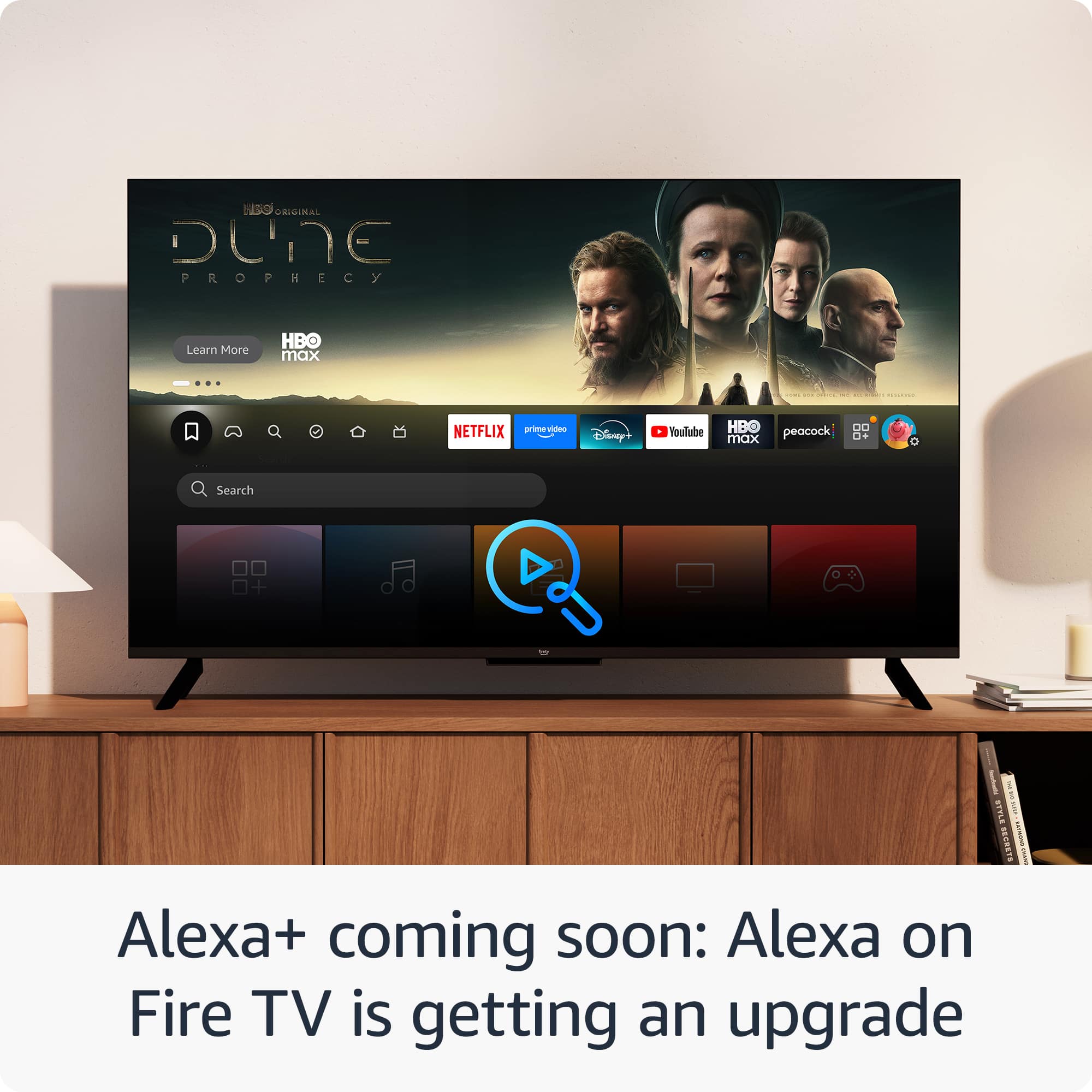
||Posted . Owned for 3 weeks when reviewed.This reviewer received promo considerations or sweepstakes entry for writing a review.Easy setup, friendly menu, great performance and a great variety of apps available.
I would recommend this to a friend